Customer Ratings & Reviews





- Model:
- i5415-A315BLK-PUS
- SKU:
- 6537436
Rating by feature
- Value
Rating 4.6 out of 5 stars
- Quality
Rating 4.6 out of 5 stars
- Ease of Use
Rating 4.6 out of 5 stars
Customers are saying
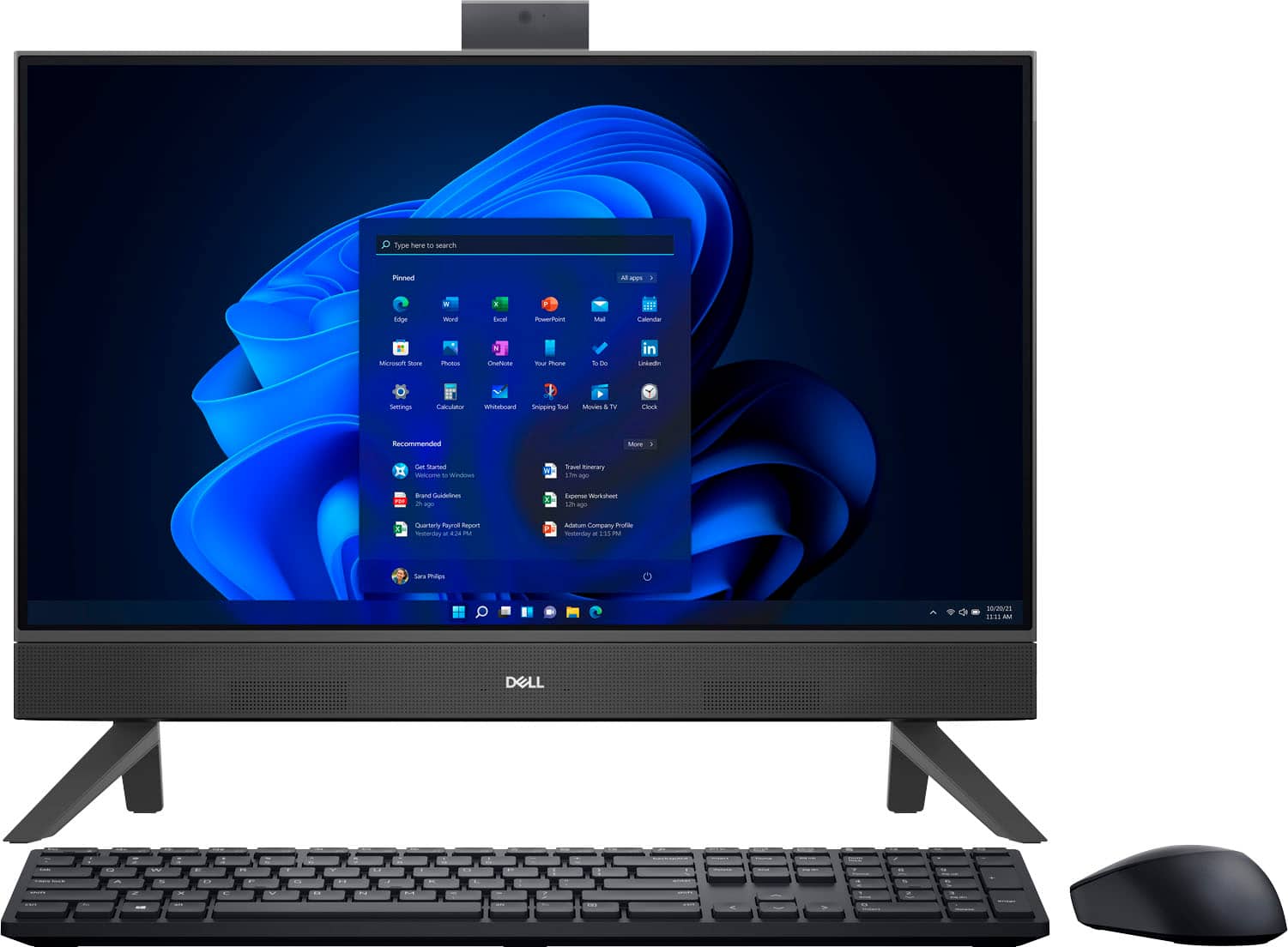
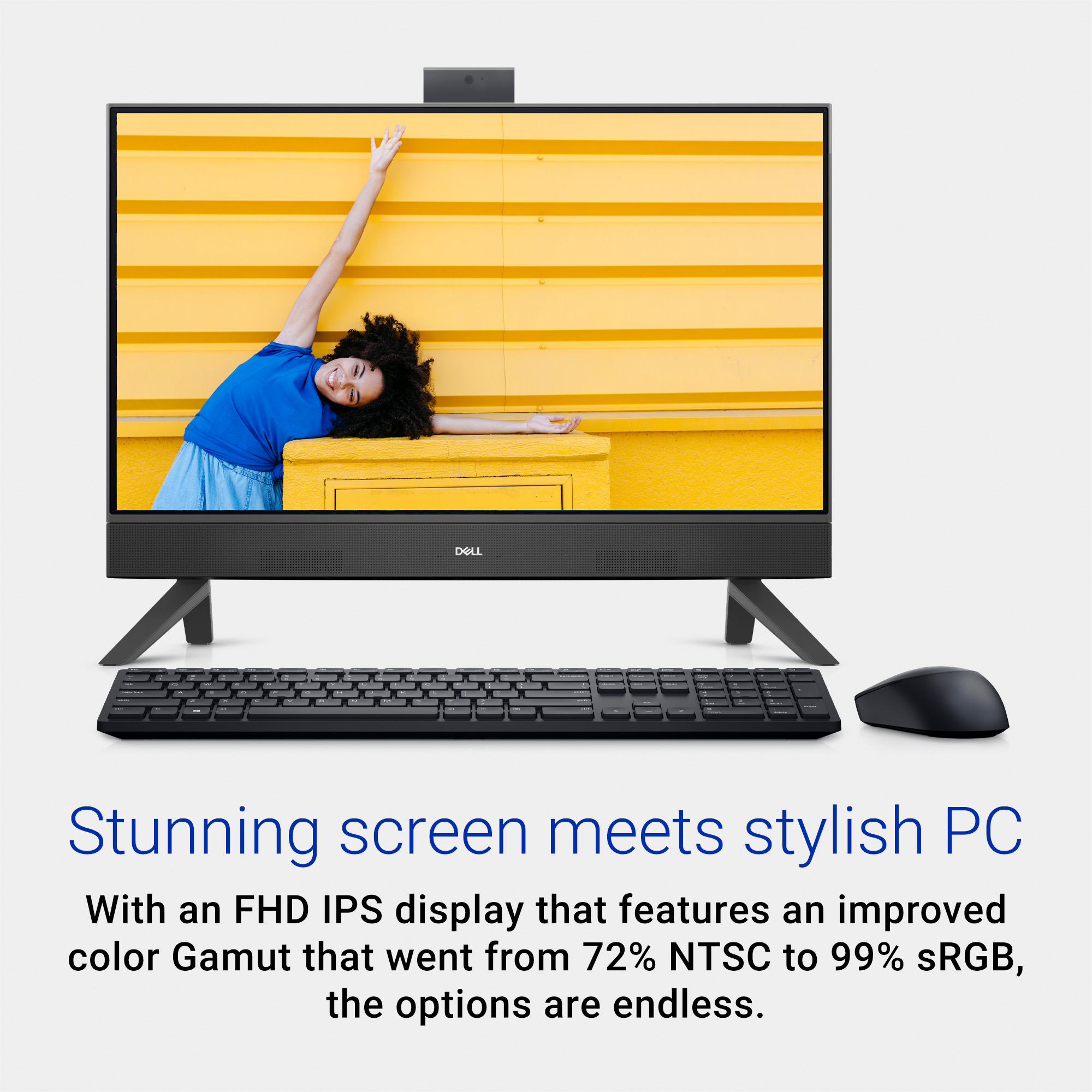
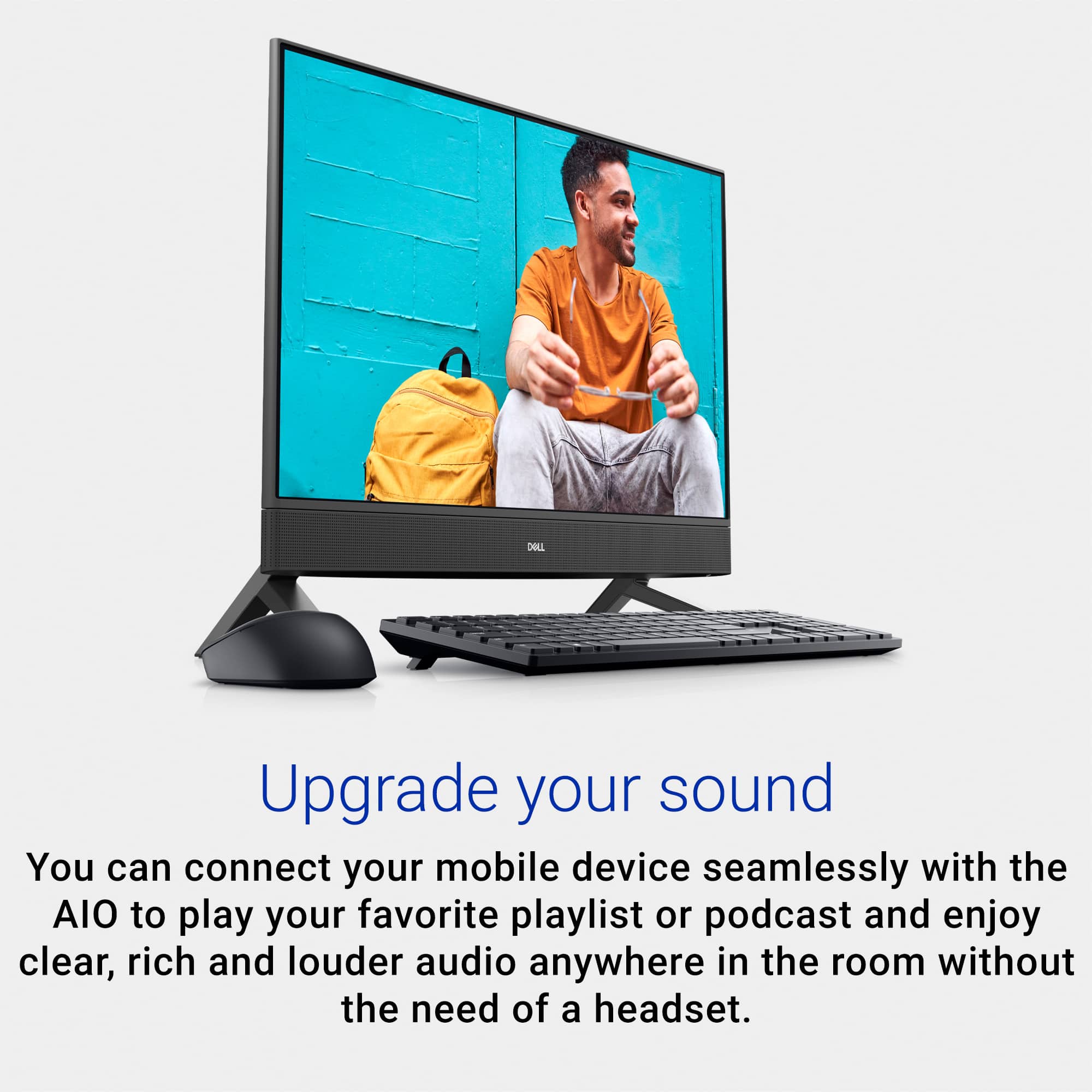
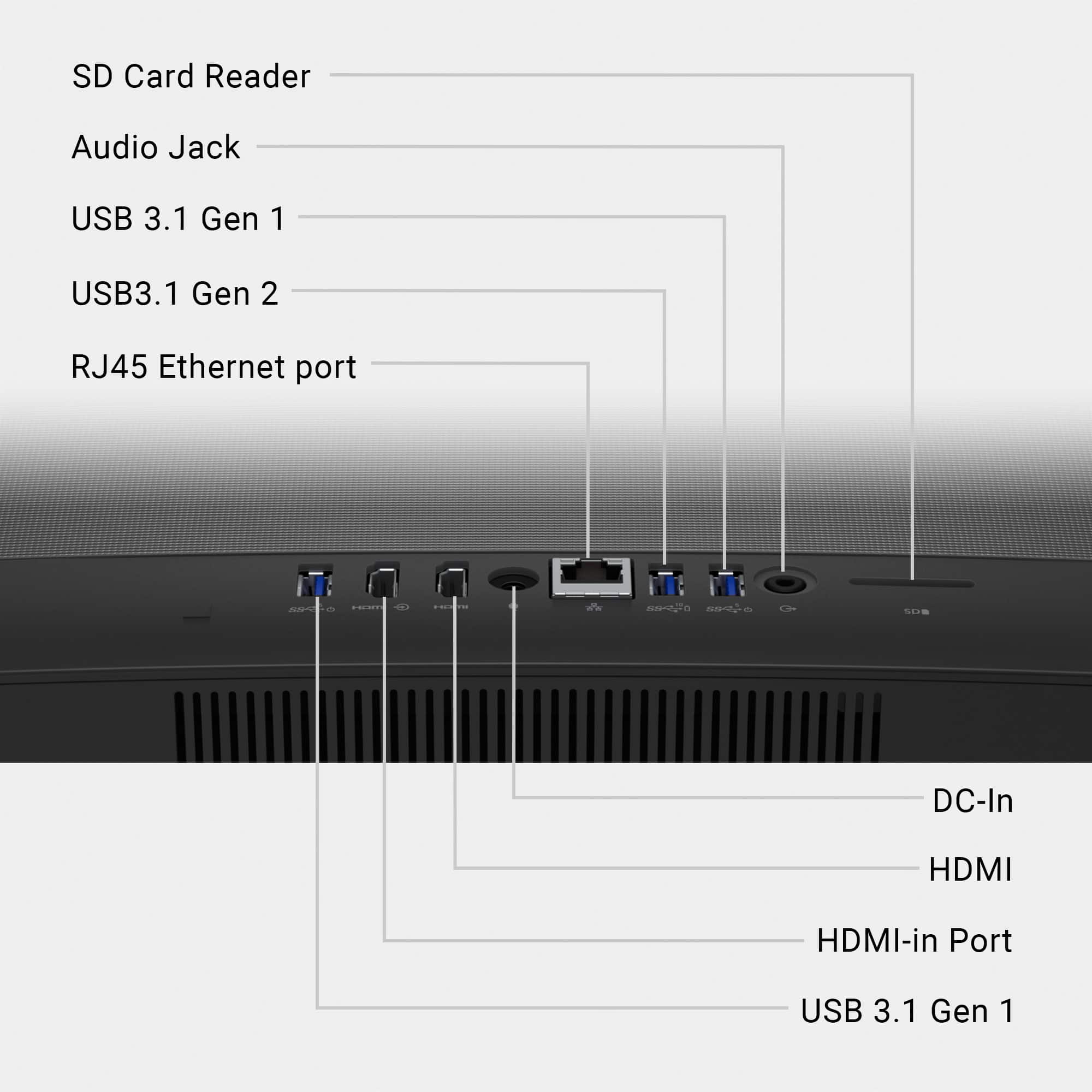
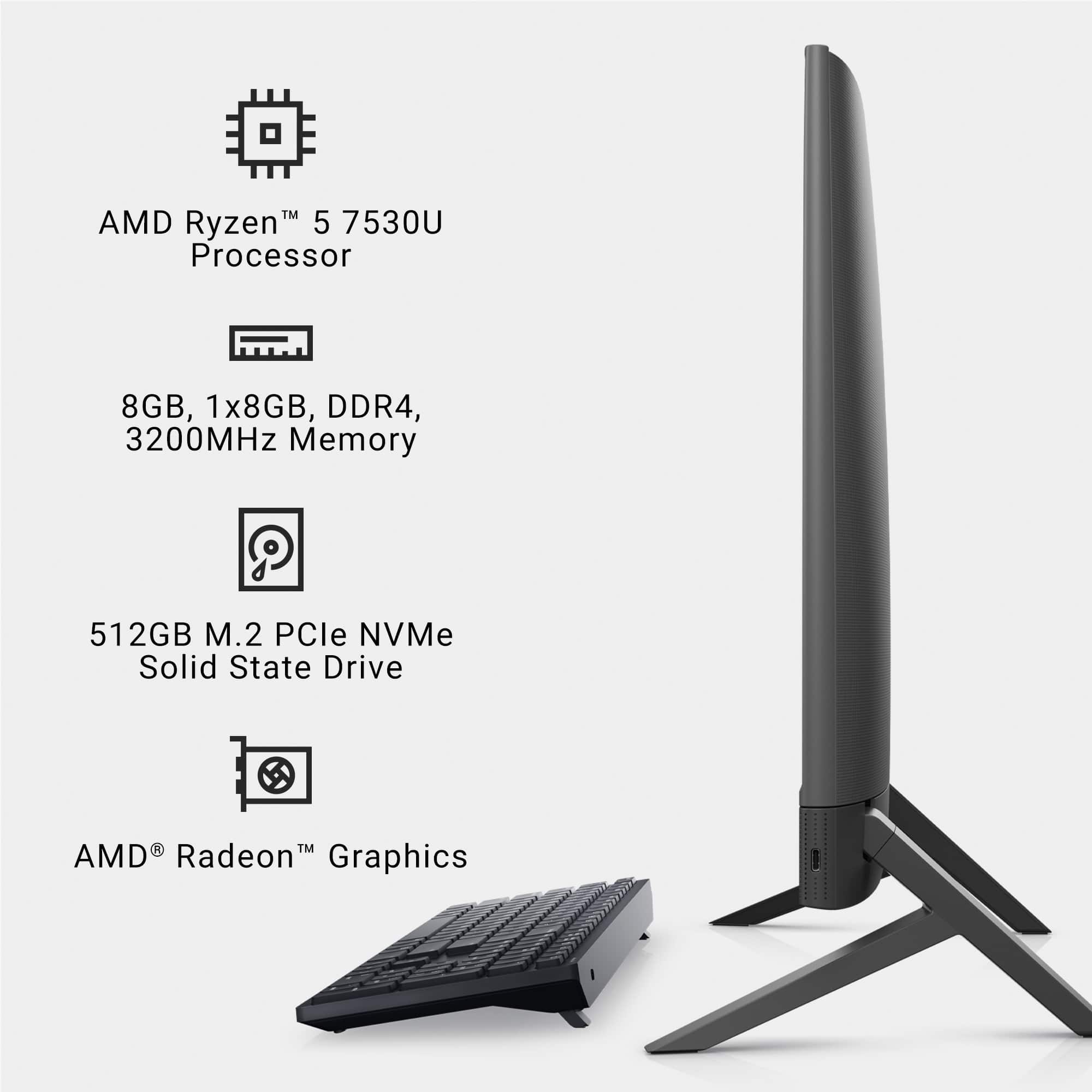
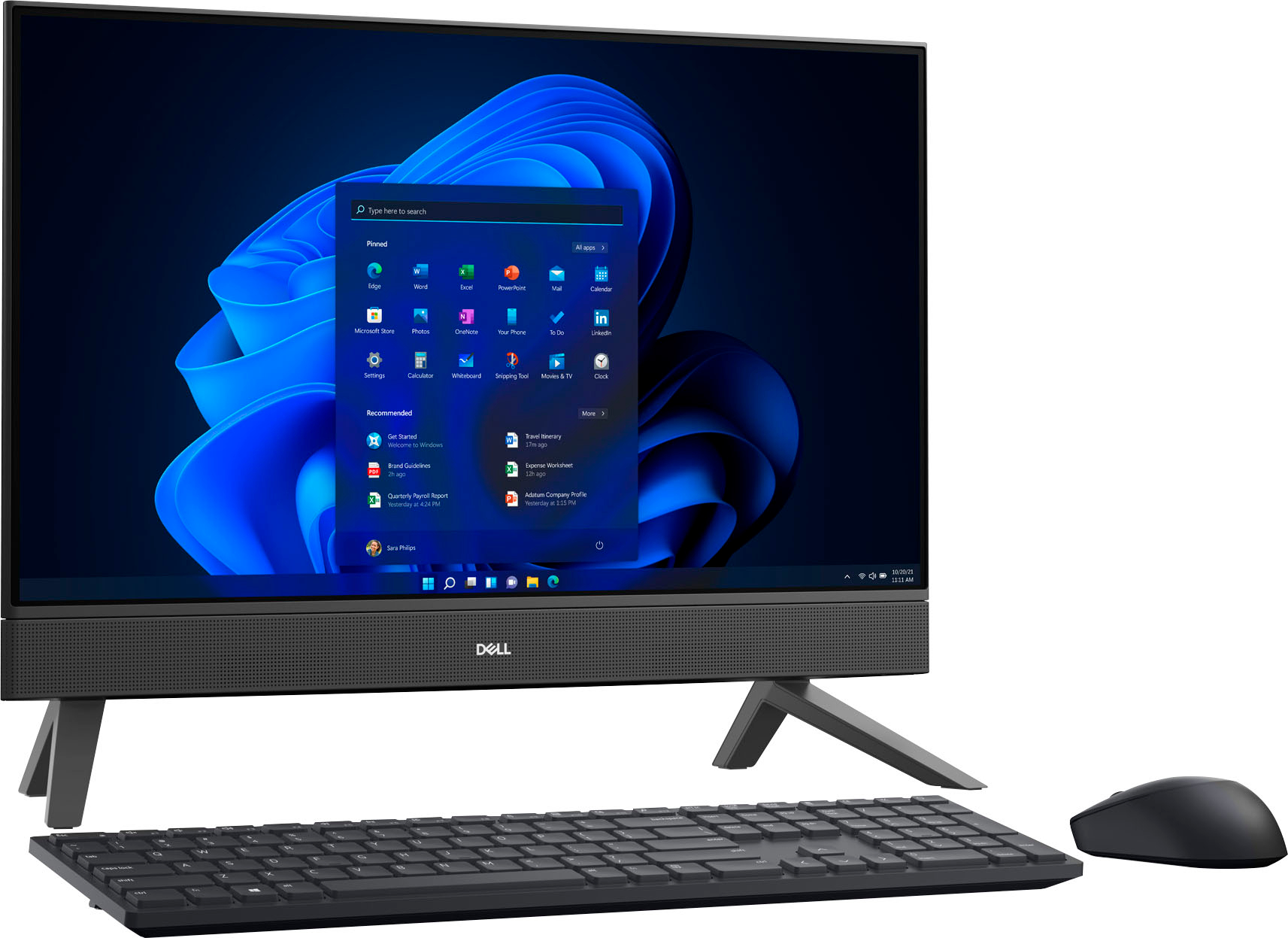
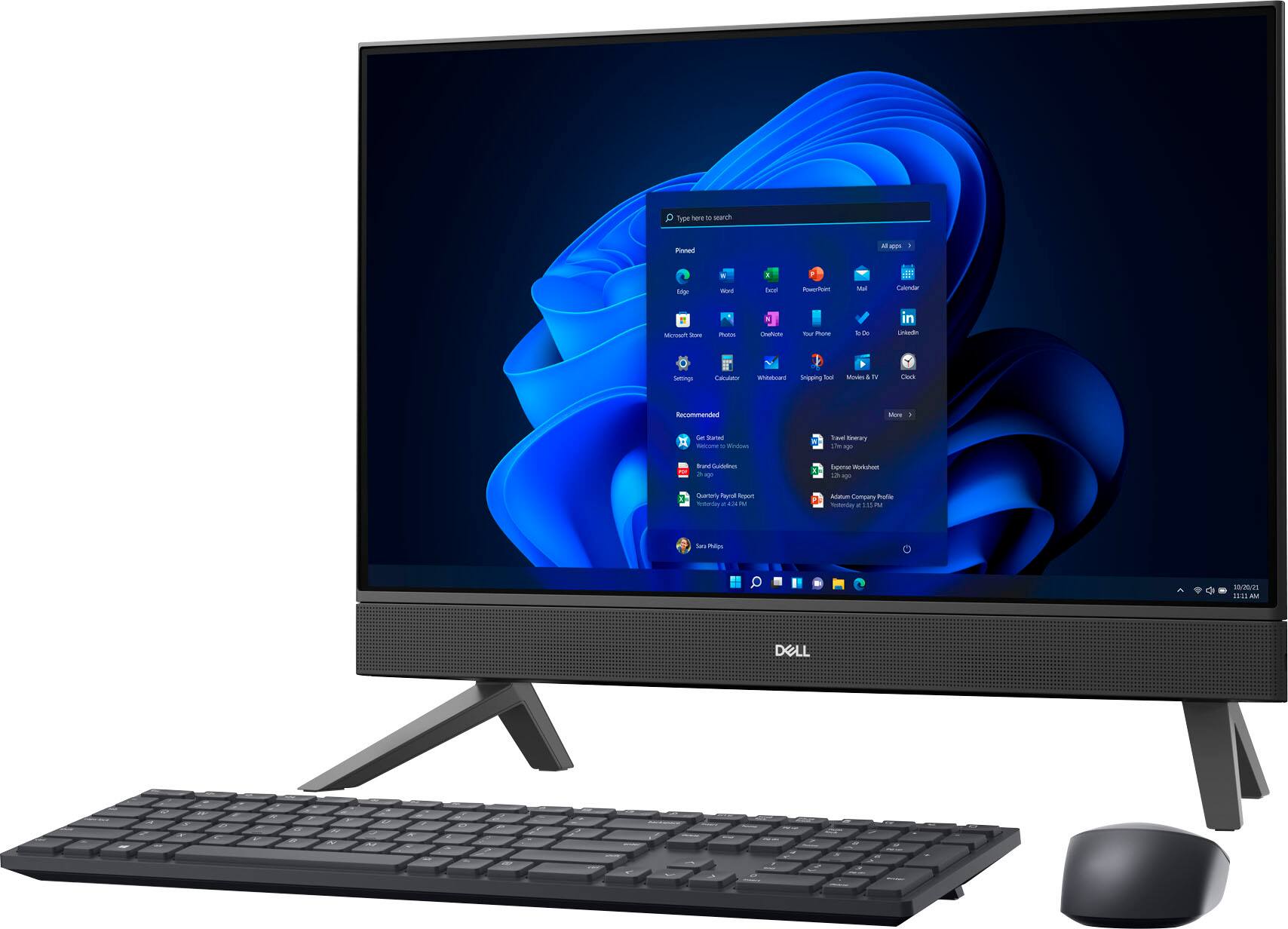
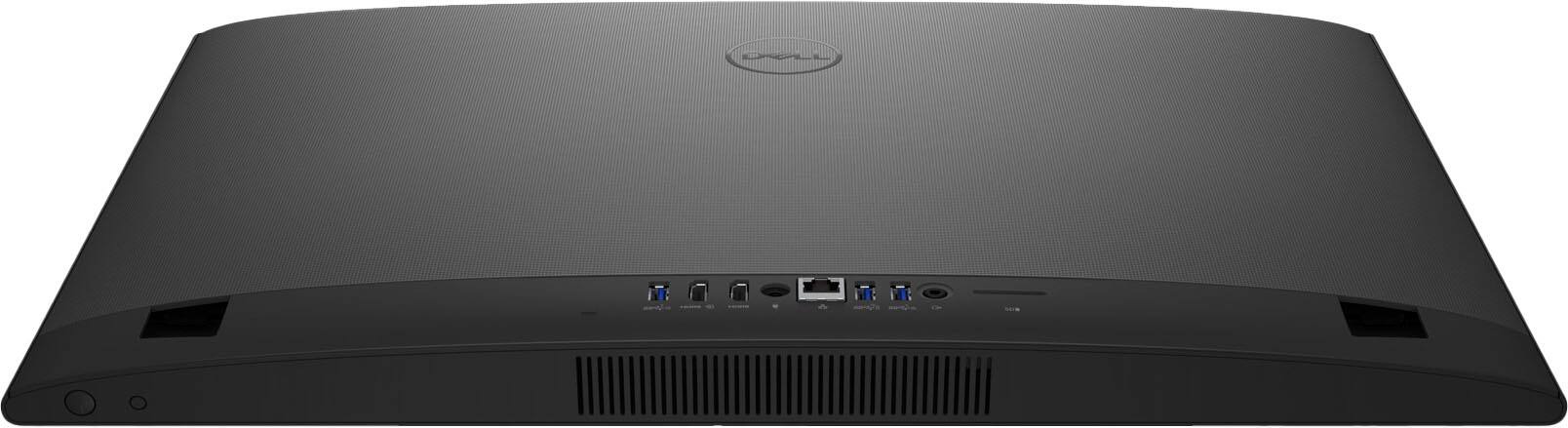
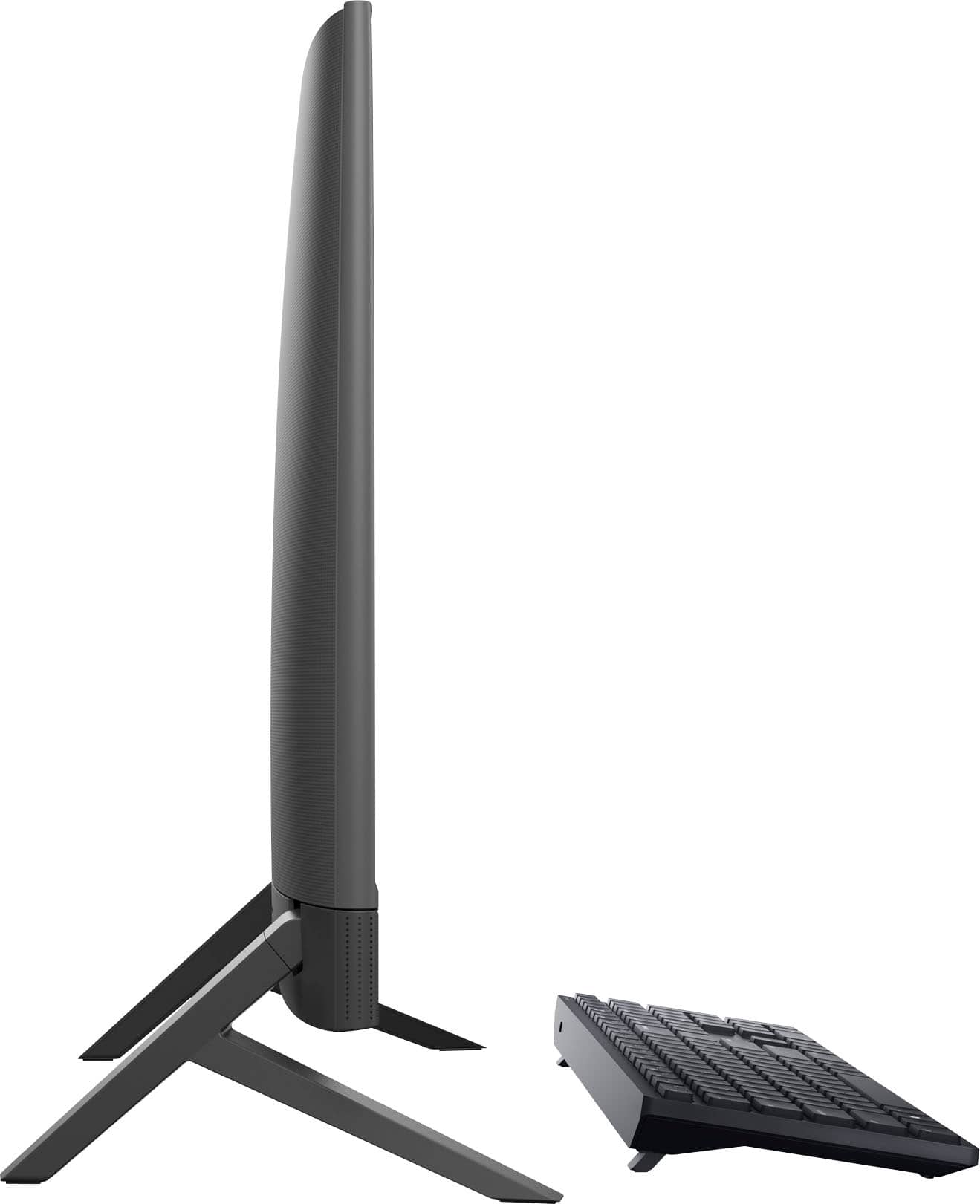
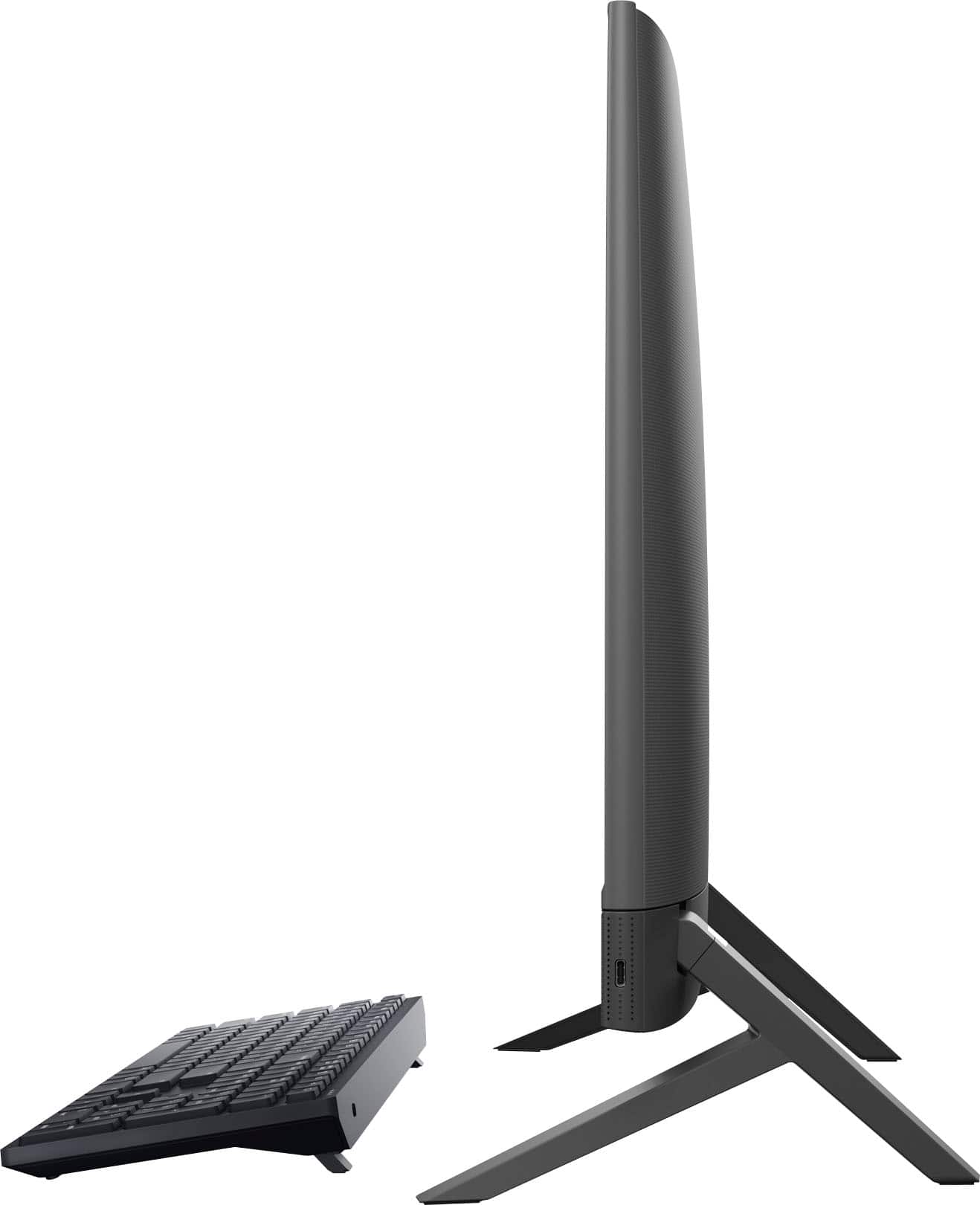
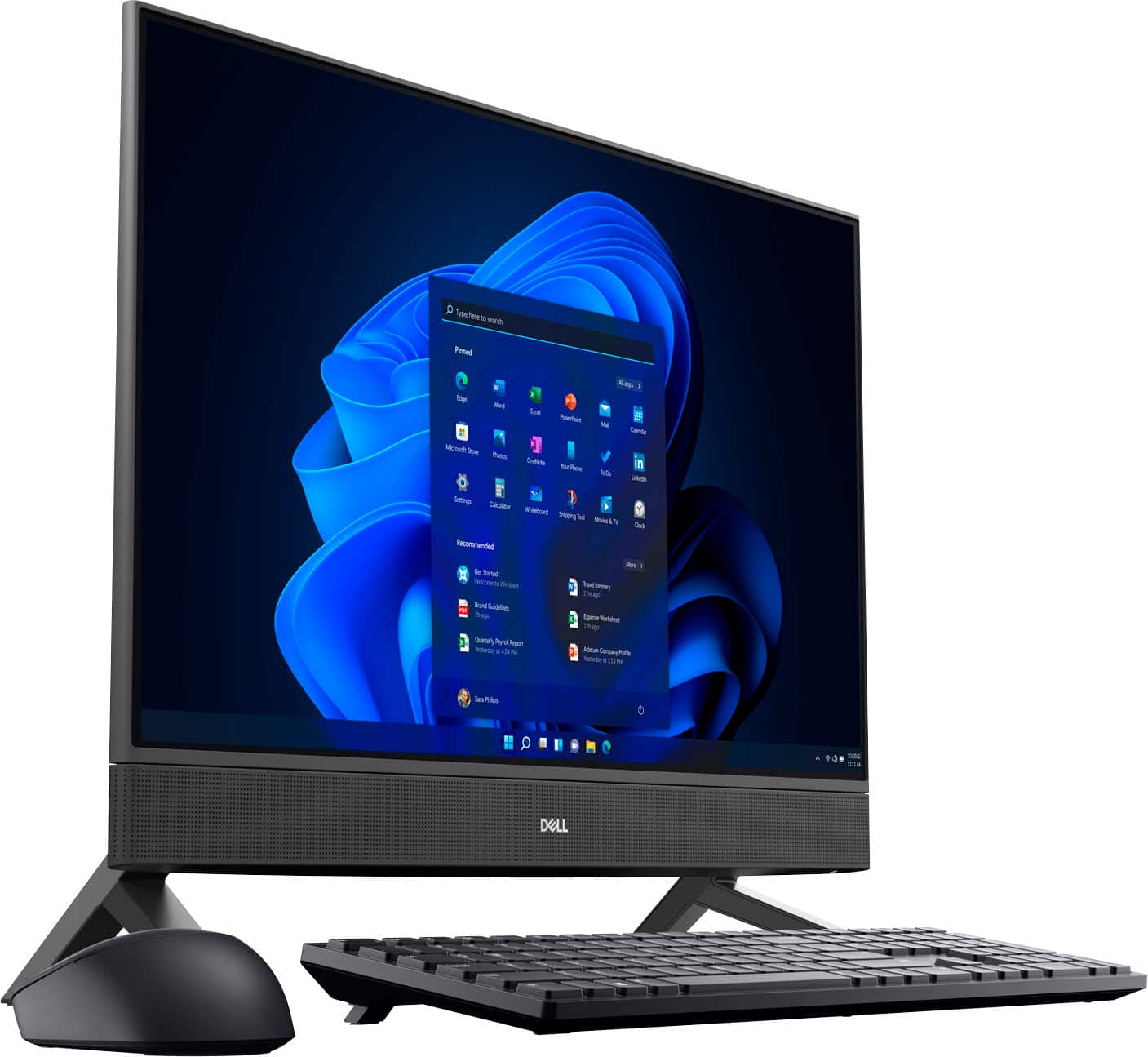
Customers admire the Inspiron 24" All-in-One's ease of use, responsive touch screen, and overall performance. Many appreciate its compact size and sleek design, finding it ideal for various spaces. While some users noted minor issues with the camera quality and number of USB ports, the positive feedback on ease of use and performance outweighs these concerns. The price point also received favorable comments.
This summary was generated by AI based on customer reviews.
Acer computer
Posted .This reviewer received promo considerations or sweepstakes entry for writing a review.It turns on by itself and had other user , it disconnected from WiFi for no reason once
No, I would not recommend this to a friendBrand response from YourDellTeam
Posted .Hi SergioB,
We appreciate you for taking the time to leave us your review. We apologize for the Wi-Fi connection issues you are experiencing with your Inspiron 24” touch screen all-in-one. Your feedback about discrepancies in our products helps us improve with future developments. Below I have provided troubleshooting instructions with the full article that can help resolve this issue.
Here are the steps to help resolve your wifi connection issue:
1. Download and install the latest Wireless Card driver. After updating the driver, re-establish the connection with the Wireless Access Point and check the wireless performance.
2. If the issue persists, proceed to step 3.
3. Power-cycle the local network. Shut down the Dell system, the Wireless Access Point/Router, and the Modem. Wait a minimum of 60 seconds before powering up the components in the following order:
4. Power ON the Modem, and wait for it to boot fully.
5. Power ON the Wireless Access Point/Router, and wait for it to boot fully.
6. Power ON the Dell system.
7. Open Network and Sharing Center
8. In the left-side navigation pane, click on Change Adapter Settings
9. Right-click on the wireless connection icon and select Properties followed by the Configure button
10. Under Wireless Options, select the Wireless N mode.
11. For Windows 8 or later systems click the Advanced tab and look for 802.11n Mode on the right you will be given the option to Enable or Disable. If the mode is not visible you may need to update your drivers and firmware.
12. From the drop-down menu, choose Disable followed by Ok
13. This should restore the wireless download and upload speed. Internet speed can be tested at http://speedtest.net.
Wireless Networking Usage and Troubleshooting Guide: https://dell.to/2RefLVN
If you continue to experience issues, please reach out to Dell Support directly by using the information provided below.
If you continue to experience issues, please reach out to Dell Support directly by using the information provided below.
Chat or call: https://bit.ly/DellSupportTeam
Phone number to Dell: 1-800-624-9896
Best,
Summer@Dell
Waste of money.
Posted .This reviewer received promo considerations or sweepstakes entry for writing a review.I know HP is garbage, but I thought Dell still made a decent product -- wrong. This is a piece of garbage. One week out of the box already freezing up, crashing, and being generally slow loading pages like, I dunno, GOOGLE.
No, I would not recommend this to a friendBrand response from YourDellTeam
Posted .Greetings DonaldC,
We appreciate you taking the time to leave us your review. We sincerely apologize for the crashing issues that you are experiencing with your Inspiron 24” touch screen all-in-one. It's important for us to hear about inconsistencies in our products for consideration of future development. Below I have provided troubleshooting instructions with the full article that can help resolve this issue.
Here are the steps to help resolve your crashing issue:
1. At the desktop, click the Search the web and Windows box and type "problem reports".
2. Select View all problem reports viewing a list of errors that have occurred on your computer and possible solutions for them, such as updating drivers, flashing your system BIOS, or checking for updates to the software.
3. Under the Source column, look for Windows and under Summary, look for Shut down unexpectedly.
4. Right-click the line item and select Check for a solution.
We'd also suggest checking to make sure that your software and drivers are up to date on Dell's Product Page here: https://dell.to/3khR75H
You can read the full article on solving PC crashing issues here: http://dell.to/2u98Cct
If you still experience any issues after you have finished troubleshooting your device using the steps above, please reach out to us at: https://bit.ly/DellSupportTeam.
If you need further assistance, please reach out to Dell Support directly by using the information provided below.
Chat or call: https://bit.ly/DellSupportTeam
Phone number to Dell: 1-800-624-9896
Best,
Summer@Dell
Stay away slow and always lags
Posted .This reviewer received promo considerations or sweepstakes entry for writing a review.Slowest computer I've ever owned. Unlikely to use permanently. Lags all the time so the mouse freezes up. Bad choice by me not open sooner so I could return it
No, I would not recommend this to a friendBrand response from YourDellTeam
Posted .Hi Orange,
Thank you for taking the time to leave us your review. We are sorry you are experiencing slow performance with your Inspiron 24 Touch screen All-In-One. It's important for us to hear about inconsistencies in our products for consideration of future development. Below I have provided steps with the full article that can help you with slow performance issues with your laptop.
Here's the steps to help you with slow performance issues:
1. Run the automated tools in SupportAssist to ensure that the drivers are up to date and your computer is optimized.
2. Restart the computer
3. Run a hardware diagnostic test
4. Scan your computer for malware
5. Restore the computer using Windows System Restore
6. Restore the computer to factory default settings
You can read the article that can help you with slow performance issues here: https://dell.to/3yqre8r
If you continue to experience issues, please reach out to Dell Support directly by using the toll-free number or chat link provided below.
Chat or call: https://bit.ly/DellSupportTeam
Phone number to Dell: 1-800-624-9896
Best,
Jay@Dell