Customer Ratings & Reviews
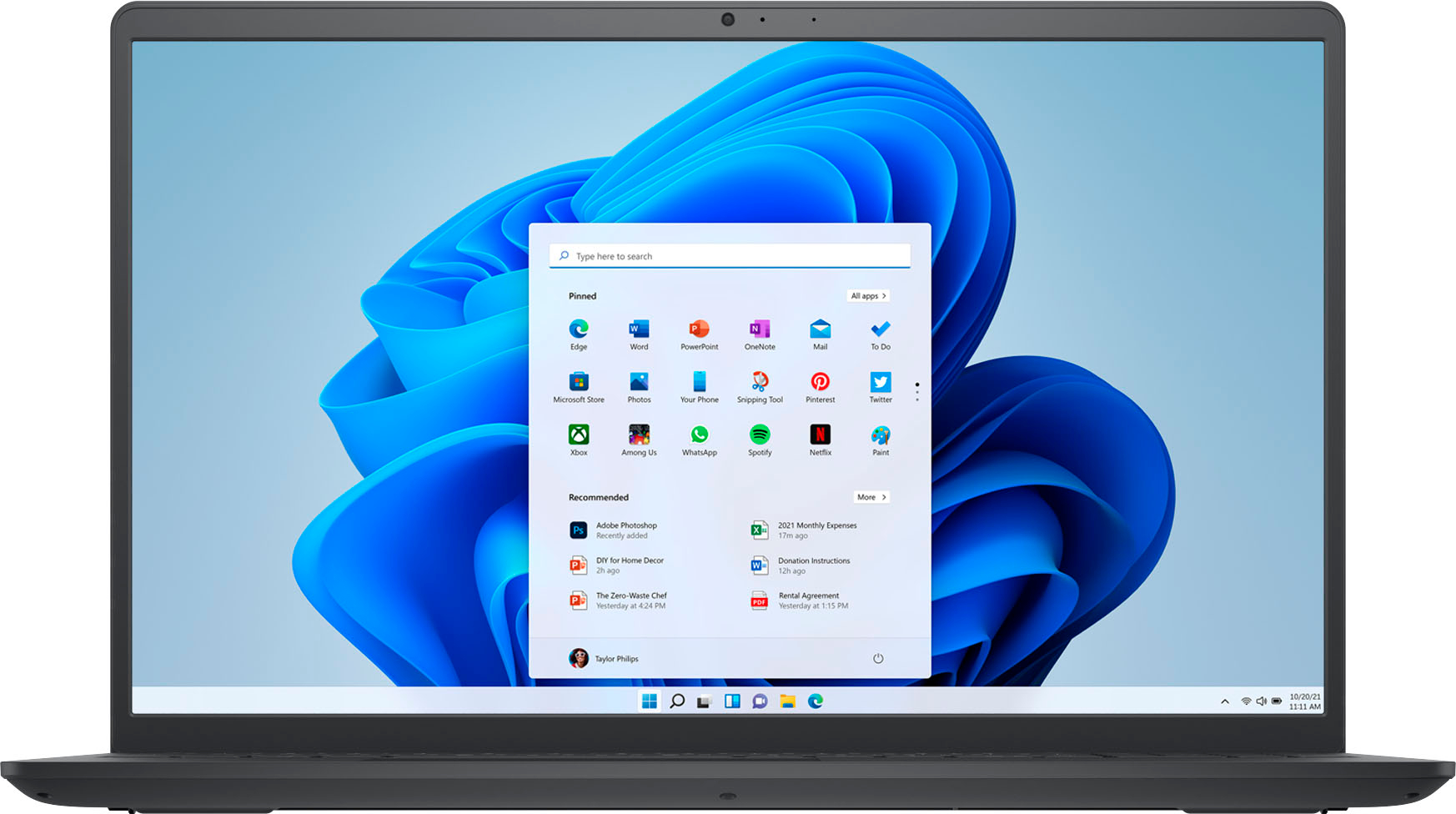
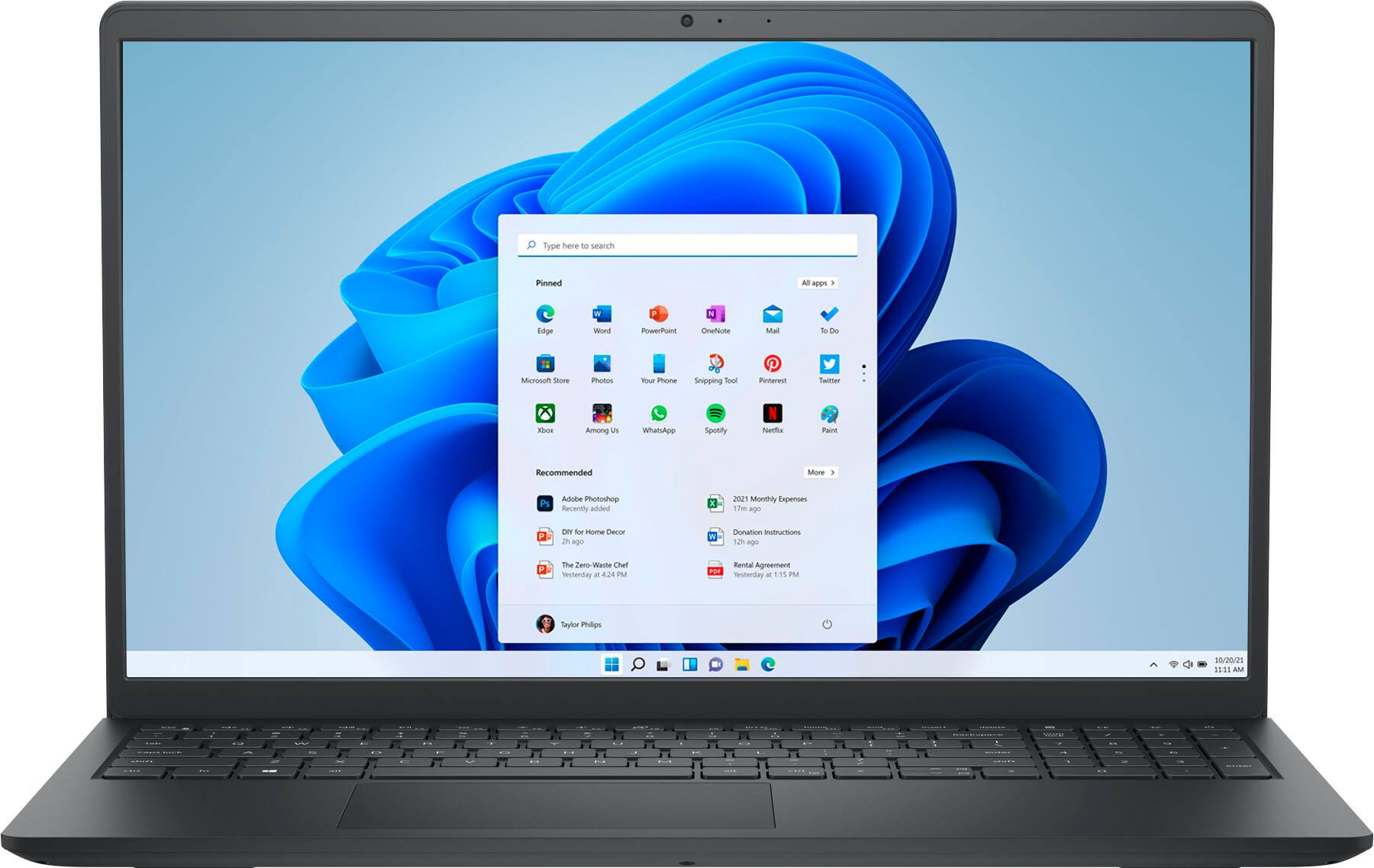

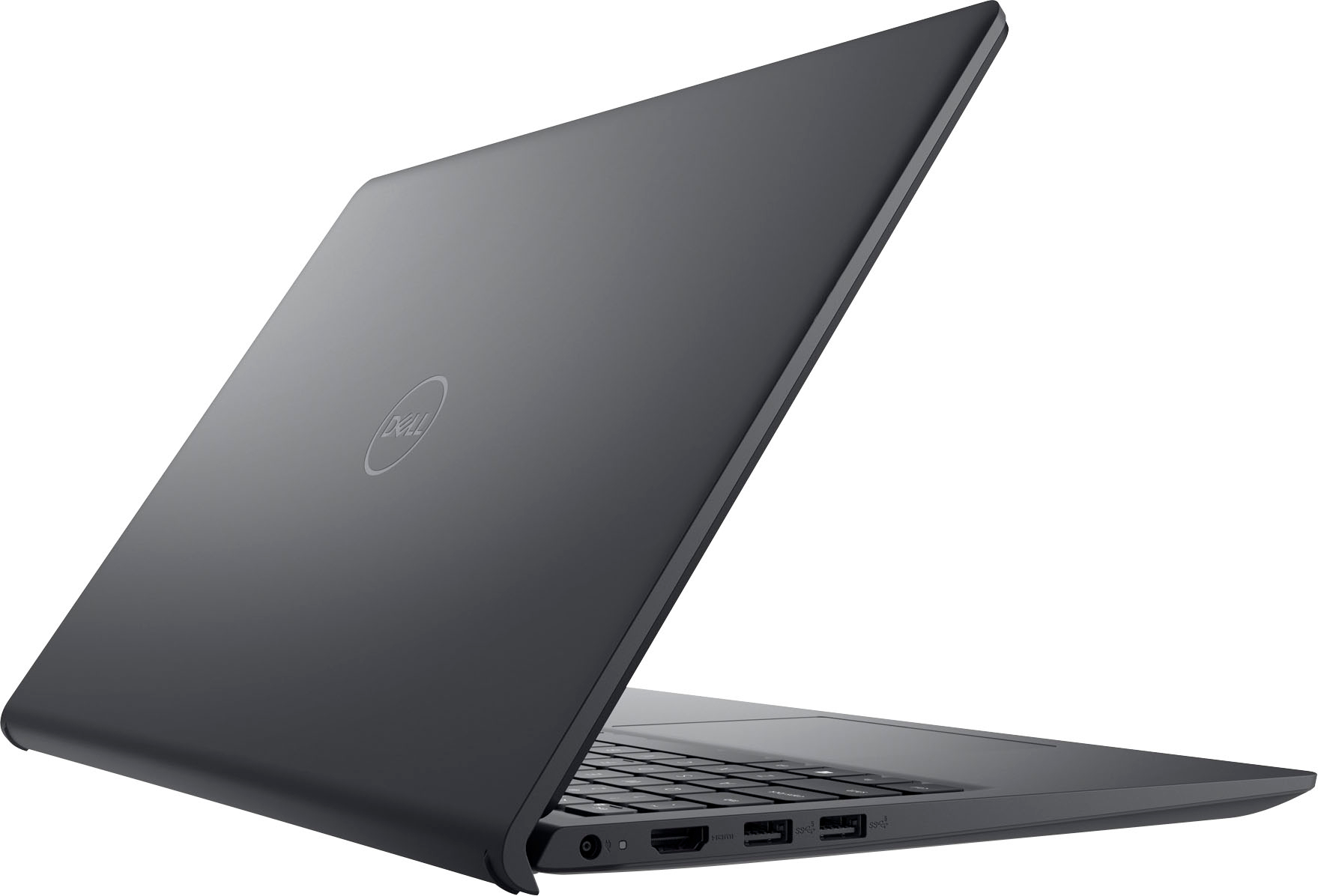

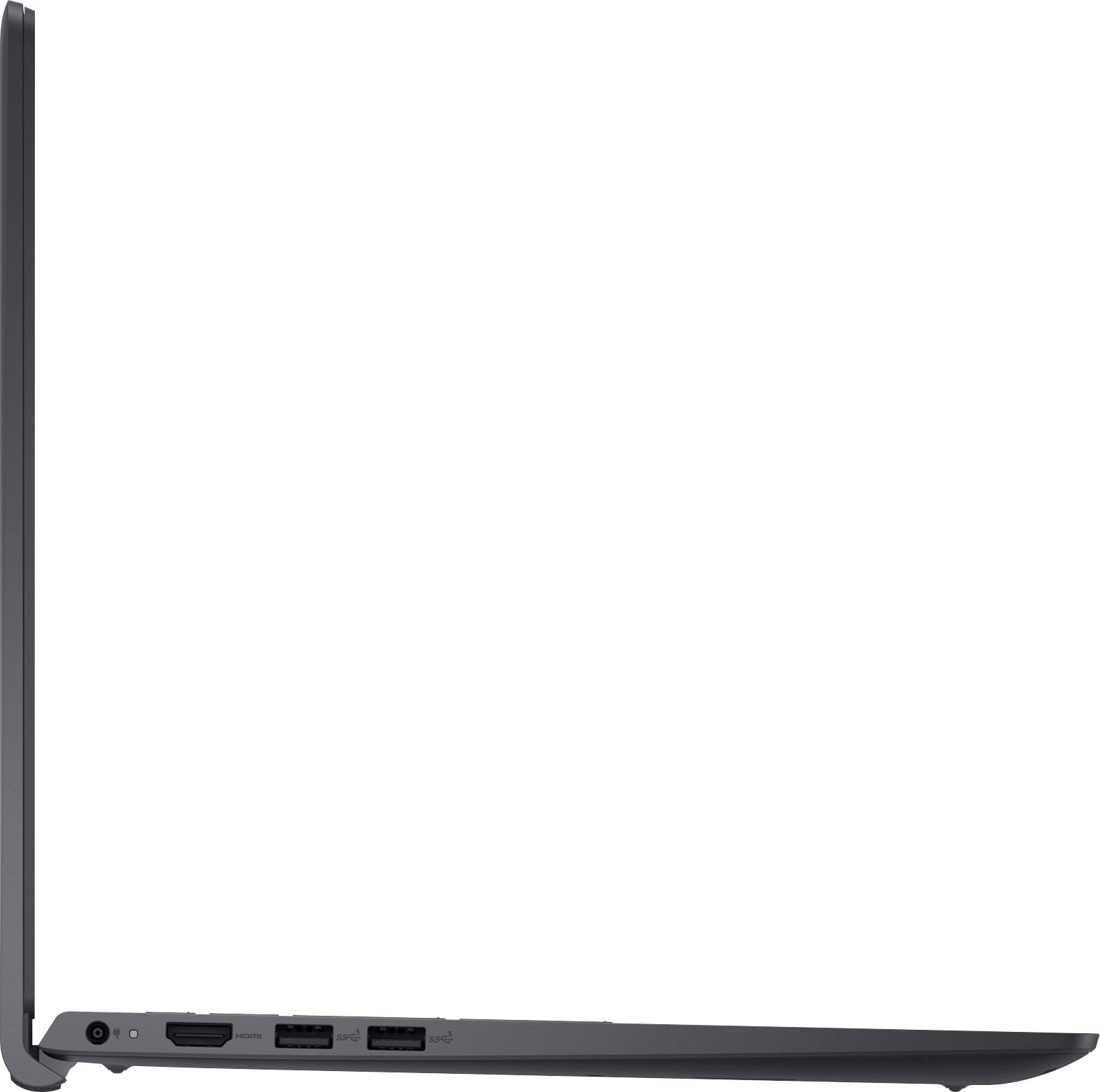
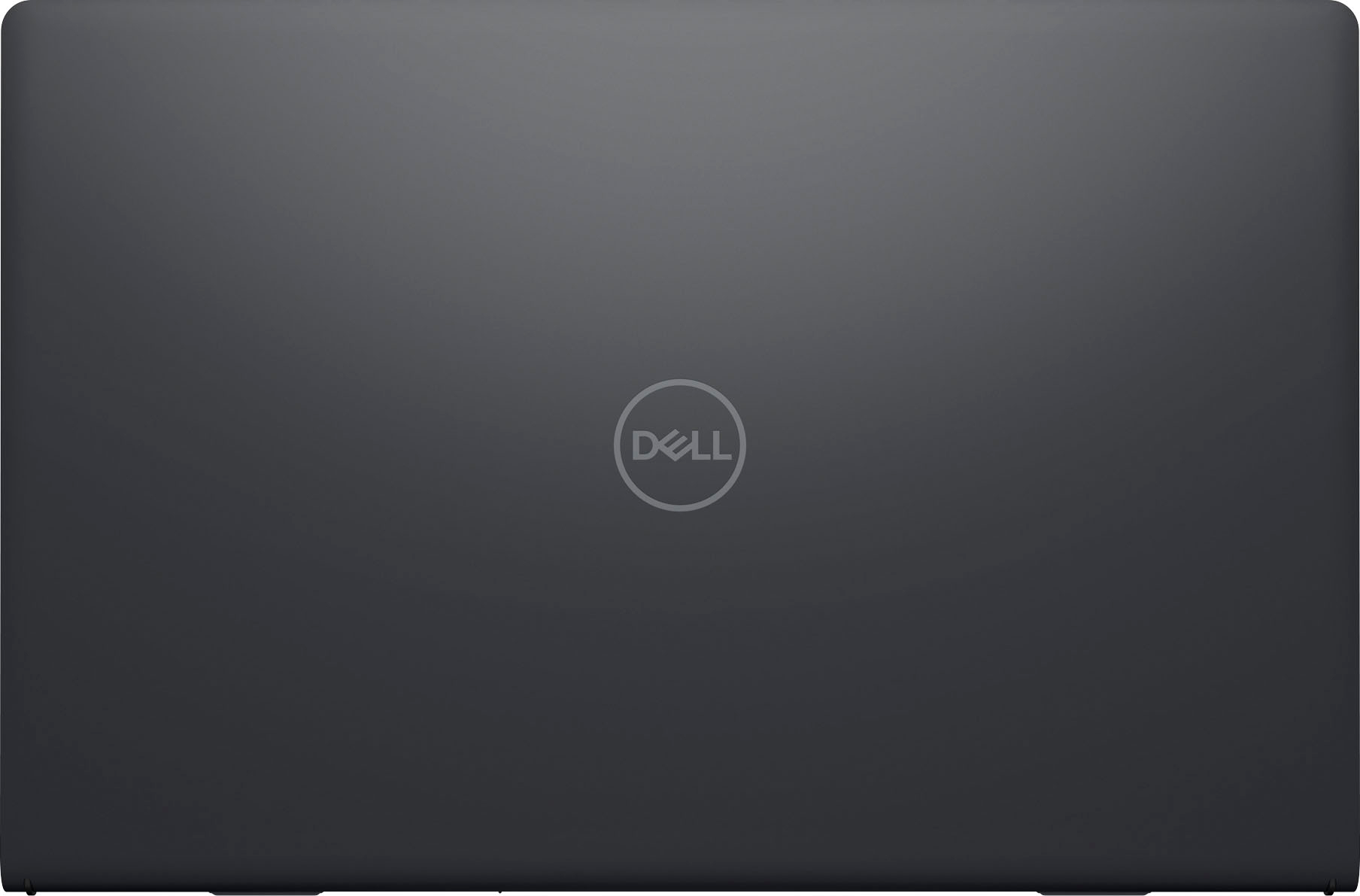


- Model:
- i3511-5829BLK-PUS
- SKU:
- 6511315
Rating by feature
- Battery Life
Rating 4.4 out of 5 stars
- Speed
Rating 4.5 out of 5 stars
- Display
Rating 4.5 out of 5 stars
Customers are saying
Customers are enthusiastic about the Inspiron 3511's touchscreen, ease of use, performance, and price. Many appreciate its lightweight design and the speed provided by the solid-state drive. However, some users have noted that the battery life could be improved, and a few have reported issues with the hinge. Concerns were also raised regarding the operating system by a small number of customers.
This summary was generated by AI based on customer reviews.
New Dell Computer
||Posted . Owned for 3 weeks when reviewed.This reviewer received promo considerations or sweepstakes entry for writing a review.Took awhile to get going on the new Windows 11 Dell. Got it going now. The only thing I do not care is all the Ads that pop up when on my personal sites. The one good thing is that since my old computer was a Dell all my information was automatically transferred to new Dell computer.
I would recommend this to a friend- Cons mentioned:Battery life
Ok for the pice
||Posted . Owned for 1 month when reviewed.This reviewer received promo considerations or sweepstakes entry for writing a review.Battery life isn’t good. Battery dies even when shut down. Needs to be charged constantly. Maybe there is a problem, it was a gift but it was brand new.
I would recommend this to a friendBrand response from YourDellTeam
Posted .Hi Morlie,
We thank you for taking the time to leave a review of your Inspiron 3511. We are sorry to hear that you are experiencing an issue with the performance of your battery. I have provided troubleshooting steps below to help resolve your issue.
Here are the steps to help improve the battery performance of your laptop:
1. On the notification area of the taskbar, right-click the Battery icon.
2. On the options list, click Power Options.
3. Select a power plan on the battery meter, such as Power Saver or Balanced. Windows 10 has a built-in 'Battery Saver' mode that can be activated to extend your system's battery life. The Battery Saver mode will monitor and limit background activity and other features such as push notifications. You do have the option to enable or disable this mode within settings or within advanced Battery Saver settings, you can customize the mode to best suit your needs.
a) Click on the Action Center icon in the taskbar and select the tile for Battery Saver.
b) If running Cortana, type Battery Saver into the search box and select from the results.
Within the Battery Saver settings page, you will be able to turn on and off the feature and customize the feature to best meet your needs.
c) Turn the Battery Saver On or Off.
d) Additional settings are available via the Battery use and Battery saver settings links.
e) Battery use shows further info on apps and their power usage.
f) Battery Saver Settings screen allows you to customize further the Battery Saver feature.
How to Improve the Performance of a Dell Laptop Battery: http://dell.to/2vfXWf4
Should you need further assistance; we recommend that you contact Dell directly with the information below.
Chat or call: https://bit.ly/DellSupportTeam
Phone number to Dell: 1-800-624-9896.
Best,
Summer@Dell
- Pros mentioned:Speed
Good value purchase
||Posted . Owned for 3 weeks when reviewed.This reviewer received promo considerations or sweepstakes entry for writing a review.Really like the computer. Going to take time getting used to the new windows. Had trouble downloading Zoom and another app onto it. I turned off app security protocols and still wouldn't let me because the 2 apps weren't in the Microsoft app store. Called geek squad online support. They logged onto my computer remotely and turned off the Safe mode which i thought i was doing turning off the app security protocols. Works great now. Quick and smooth operator. Price was good with the $200 off on black friday as well.
I would recommend this to a friend Charging port malfunction
||Posted .This reviewer received promo considerations or sweepstakes entry for writing a review.Computer works great but the charging port works when it wants to ! I bought 2 chargers thinking that was the issue but the same thing happens I have to finagle the cord to get it to charge. Very frustrating when your trying to work
No, I would not recommend this to a friend- Pros mentioned:Ease of use, Speed
Love, Love, Love this laptop
||Posted . Owned for 1 month when reviewed.This reviewer received promo considerations or sweepstakes entry for writing a review.I Love this laptop. This is the best laptop I have ever owned. You can't go wrong with this one. I am so amazed at how quickly it responds to my searches and it's so easy to use.
I would recommend this to a friend - Pros mentioned:Ease of use, Touch screen
Ideal laptop
||Posted . Owned for less than 1 week when reviewed.This reviewer received promo considerations or sweepstakes entry for writing a review.I purchase for my daughter. Easy to set up . Touch screen dell laptop really works for her. The laptop. Really worth the cost. No regret in buying at all and urge buyers to buy.
I would recommend this to a friend Enjoying this upgrade
||Posted . Owned for 1 month when reviewed.This reviewer received promo considerations or sweepstakes entry for writing a review.I have been using this laptop for a little over a week now, as an upgrade from the Acer chrome book. I am absolutely loving it! The set up process was very easy and not as time consuming as I imagined it would be.
I would recommend this to a friend- Cons mentioned:Hinge
Buyer beware
||Posted . Owned for 10 months when reviewed.This reviewer received promo considerations or sweepstakes entry for writing a review.Wish this would have lasted longer. The hinge is faulty and now the plastic is prying away from screen.
No, I would not recommend this to a friendBrand response from YourDellTeam
Posted .Hello TommaB,
Thank you for taking the time to leave a review of your Inspiron 3511. We are sorry to hear that you are experiencing an issue with your hinges. That is not the type of product Dell intends to deliver or the type of feedback we like to hear from our customers. We have noted the details of your statement and will use them to improve current and future products. If you need further assistance we recommend using the toll-free number or chat link below to reach a member of our support team.
If you continue to experience issues, please reach out to Dell Support directly by using the information provided below.
Chat or call: https://bit.ly/DellSupportTeam
Phone number to Dell: 1-800-624-9896
Best,
Summer@Dell
Great school work laptop
||Posted . Owned for 1 year when reviewed.This reviewer received promo considerations or sweepstakes entry for writing a review.So far so great. I've had the laptop for a while and I still love it. No problems whatsoever. Great for school work which is my main reason of purchase. Can't go wrong with a dell
I would recommend this to a friendGreat for college
||Posted . Owned for 9 months when reviewed.This reviewer received promo considerations or sweepstakes entry for writing a review.This laptop has really helped me with college such as using Microsoft Word, Excel, PowerPoint and more. This is a neat laptop but don't expect it to run games smoothly, but when it comes to basic apps it does really well.
I would recommend this to a friendNot Bad
||Posted . Owned for 1 week when reviewed.This reviewer received promo considerations or sweepstakes entry for writing a review.Overall satisfied, however, beware of the Office 365 that comes with this Laptop. I believed there was supposed to be at least a free 30-day trial, however, when I tried to use it it said I had less than a week. So, if you don't need the bells and whistles, then, use the FREE online version. I would also suggest upgrading the RAM to 16gb and replacing the SSD to 512gb. I am fortunate that I had a spare 500gb external drive that I can use to store my files. Great laptop for a Student or someone who doesn't need anything fancy.
I would recommend this to a friendCurbside Laptop Pick-up made easy
||Posted . Owned for 1 week when reviewed.This reviewer received promo considerations or sweepstakes entry for writing a review.This was a curbside pickup, and it literally was the easiest purchase I ever made. I even added geek squad service so all I have to do is call when I needed help. They make it so easy for you and I would highly recommend using Best Buy for any computer purchases. The only thing I will tell you is to NOT buy Norton for protection. Usually there are already program protection installed already. I found that Norton caused more issues and I was actually not impressed with that protection service I chose. Please inquire before purchasing any protection software.
I would recommend this to a friendI'm A Fan!
||Posted . Owned for 6 months when reviewed.This reviewer received promo considerations or sweepstakes entry for writing a review.I thoroughly enjoy this laptop! I don't save a lot to my internal hard drive but this has been a great personal computer with no issues. I could have done without the touch screen and updated Windows program but overall, I am a fan.
I would recommend this to a friend- Pros mentioned:Speed
Great Budget Laptop!!
||Posted . Owned for 3 weeks when reviewed.This reviewer received promo considerations or sweepstakes entry for writing a review.Looking for a great budget laptop with good specs, this is it! Intel i5, 8 GB, 256GB SSD, Windows 11 already installed. Bought it for my wife and she loves it.
I would recommend this to a friend - Cons mentioned:Operating system
Okay okay laptop if bought at discounted price
||Posted . Owned for 1 month when reviewed.This reviewer received promo considerations or sweepstakes entry for writing a review.This isn’t the best of the breed for its config. Even though it’s 8gb ram and i5 processor it was slow even for updates first time. Not sure if it was due to windows 11.
I would recommend this to a friendBrand response from YourDellTeam
Posted .Greetings bhavik,
Thank you for taking the time to leave a review of your Inspiron 3511. We are sorry to hear that you are experiencing an issue with the performance of your device. That is not the type of feedback we like to hear from our customers. Below I have provided troubleshooting steps to help resolve your issue.
Here are the steps to help you with slow performance issues:
1. Run the automated tools in SupportAssist to ensure that the drivers are up to date and your computer is optimized.
2. Restart the computer
3. Run a hardware diagnostic test
4. Scan your computer for malware
5. Restore the computer using Windows System Restore
6. Restore the computer to factory default settings
You can read the article that can help you with slow performance issues here: https://dell.to/3yqre8r
Should you need further assistance; we recommend that you contact Dell directly with the information below.
Chat or call: https://bit.ly/DellSupportTeam
Phone number to Dell: 1-800-624-9896.
Sincerely,
Summer@Dell
- Cons mentioned:Battery life
Shirleyb
||Posted . Owned for 1 week when reviewed.This reviewer received promo considerations or sweepstakes entry for writing a review.Very nice laptop light weight. Battery life doesn't last as long as i would like
I would recommend this to a friend - Pros mentioned:Ease of use
Perfect
||Posted . Owned for 2 weeks when reviewed.This reviewer received promo considerations or sweepstakes entry for writing a review.A very easy to use laptop. It's used for everyday purposes and some gaming - it works great for that. It's also very light so perefect for taking around.
I would recommend this to a friend Excellent Laptop
||Posted . Owned for 1.5 years when reviewed.This reviewer received promo considerations or sweepstakes entry for writing a review.Excellent Laptop and works very well We have purchased and working fine since from one year No issues so far Touch is so user friendly
I would recommend this to a friendDad loves it
||Posted . Owned for 1 year when reviewed.This reviewer received promo considerations or sweepstakes entry for writing a review.Bought this for my dad for Christmas and he loves it. Uses it all the time and he's not very tech savvy. It was the perfect user friendly laptop for him
I would recommend this to a friendDell laptop good looking
||Posted . Owned for 1.5 years when reviewed.This reviewer received promo considerations or sweepstakes entry for writing a review.Was not bad decent looking window was difficult to run for my kids
I would recommend this to a friend