Customer Ratings & Reviews
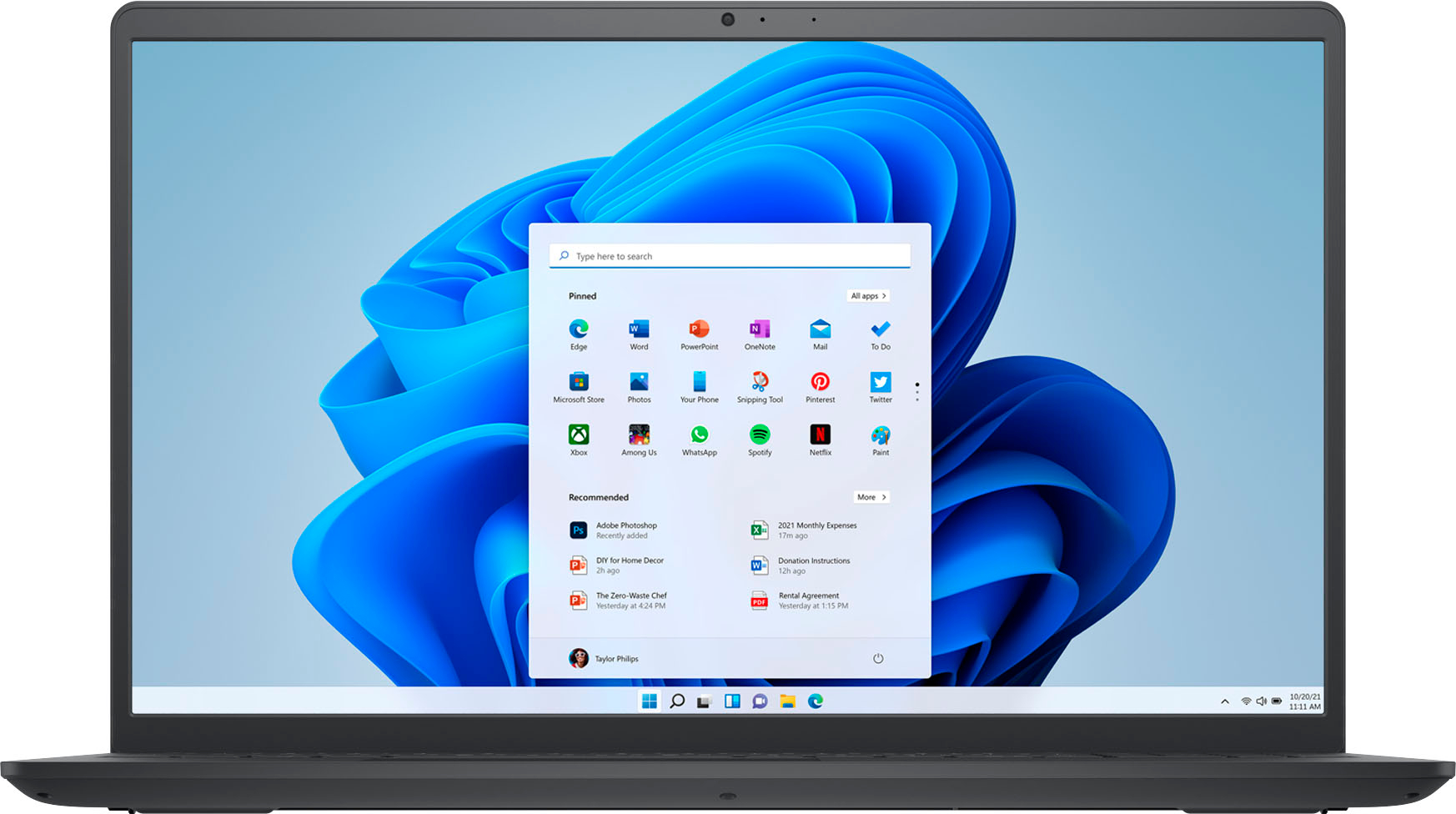
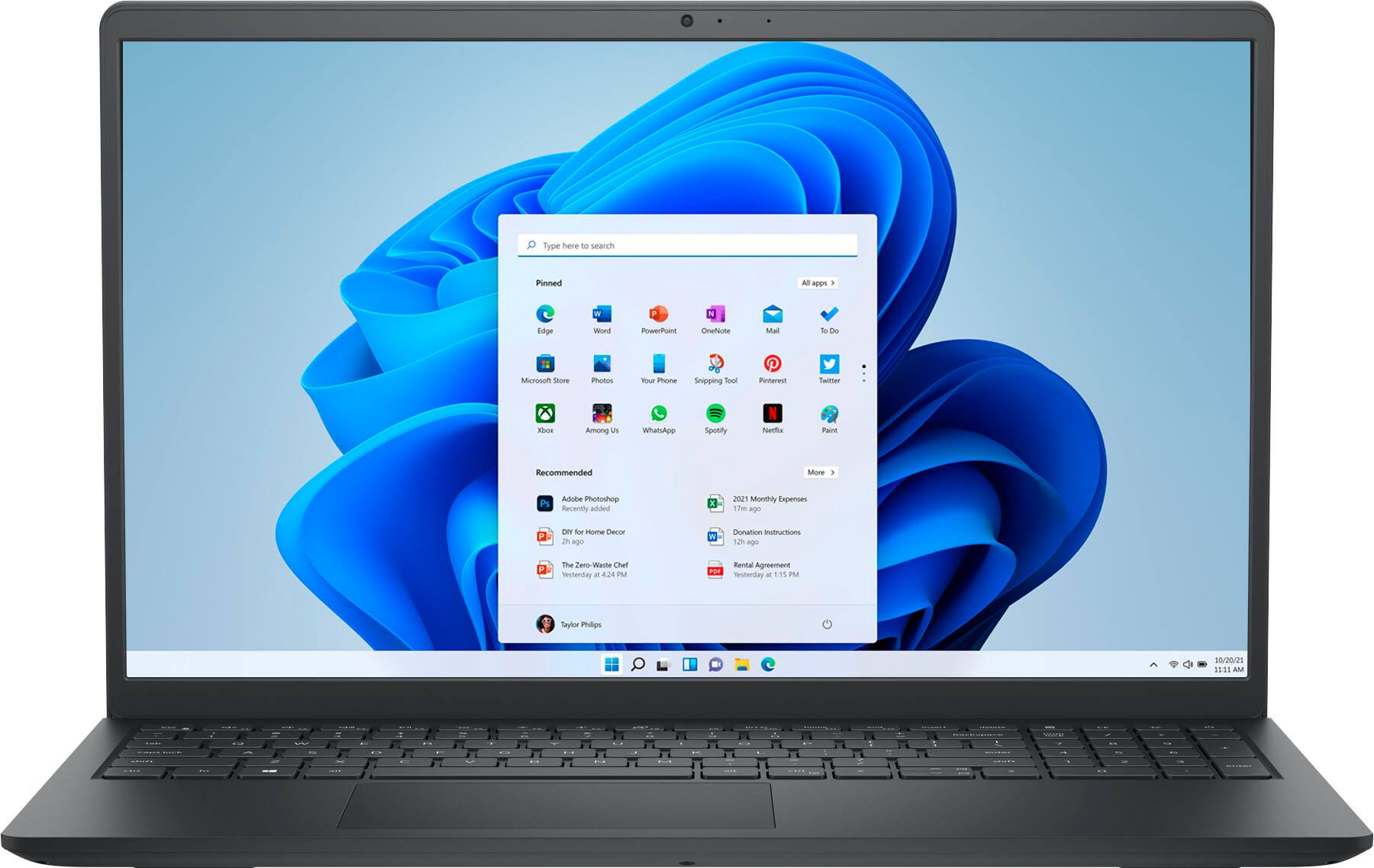

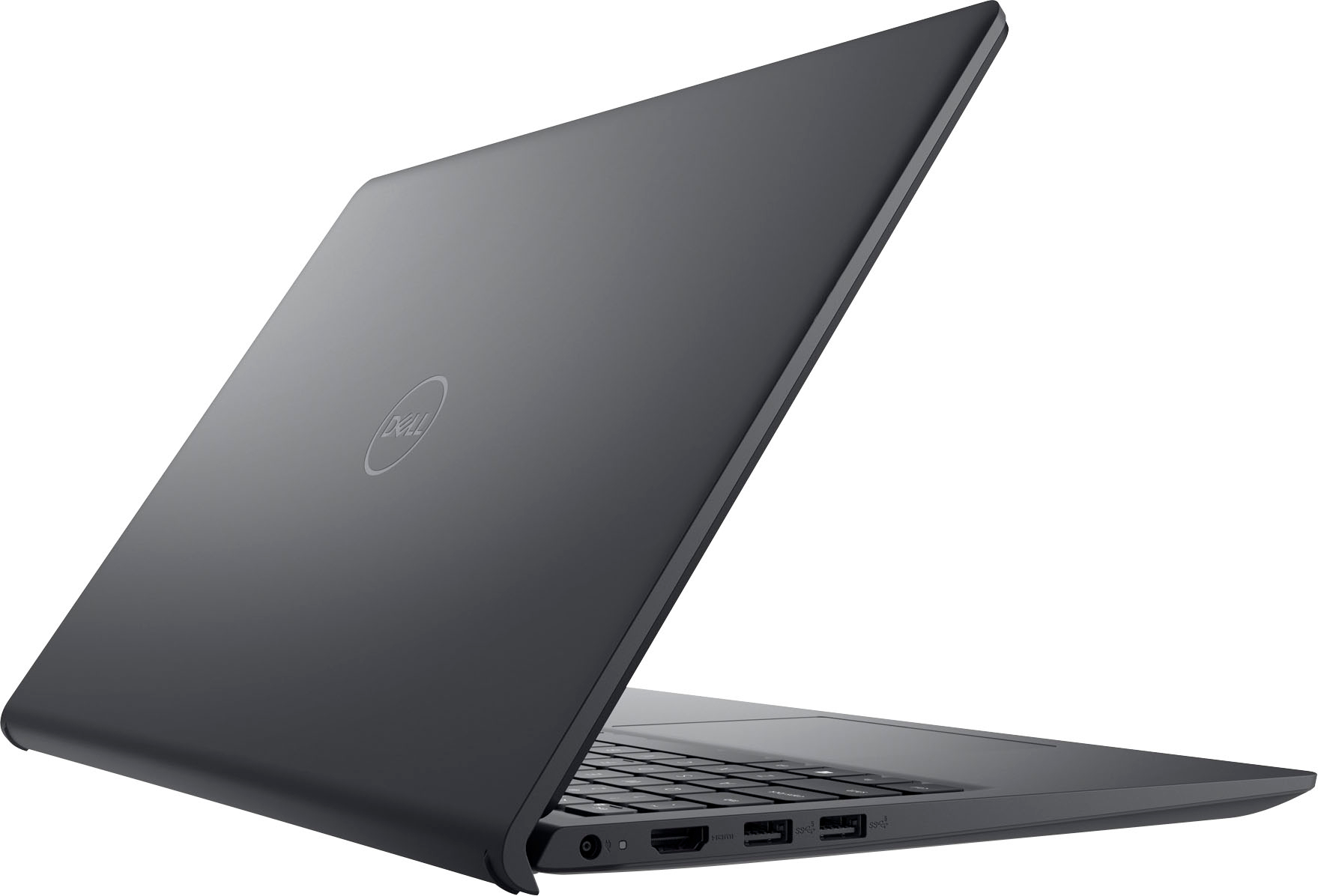

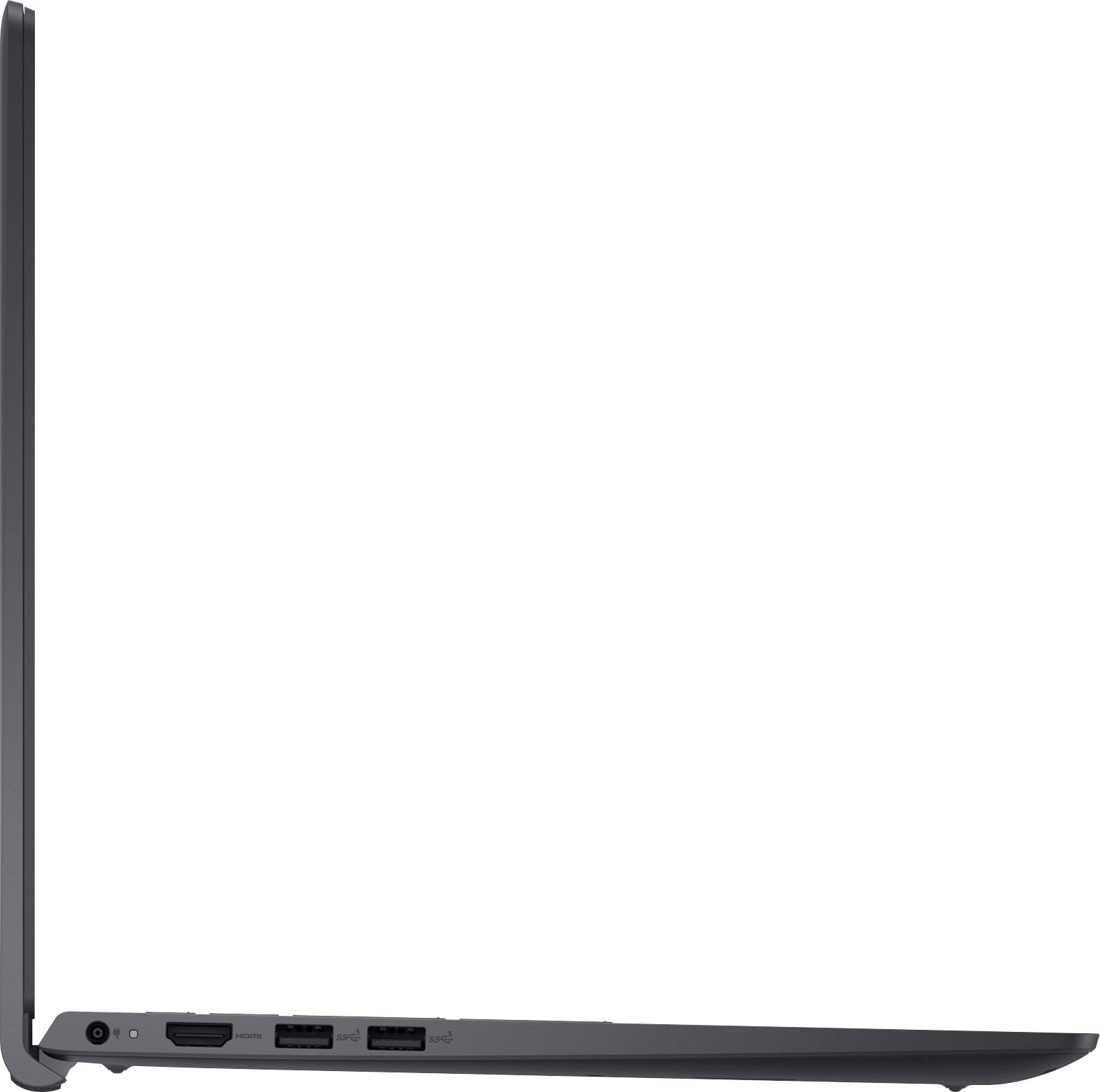


- Model:
- i3511-5829BLK-PUS
- SKU:
- 6511315
Rating by feature
- Battery Life
Rating 4.4 out of 5 stars
- Speed
Rating 4.5 out of 5 stars
- Display
Rating 4.5 out of 5 stars
Customers are saying
Customers are enthusiastic about the Inspiron 3511's touchscreen, ease of use, performance, and price. Many appreciate its lightweight design and the speed provided by the solid-state drive. However, some users have noted that the battery life could be improved, and a few have reported issues with the hinge. Concerns were also raised regarding the operating system by a small number of customers.
This summary was generated by AI based on customer reviews.
not user freindly
||Posted . Owned for less than 1 week when reviewed.This reviewer received promo considerations or sweepstakes entry for writing a review.miss my tower.. very difficult to use .. good it is only for short term... every time turn it off has to do updates from microscoft etc .. cant load trend security to it so not sure if secure make noise when running
No, I would not recommend this to a friendBrand response from YourDellTeam
Posted .Dear MonicaD,
We want to thank you for taking the time to leave a review of your Inspiron 3511. We are sorry to hear that you are not completely satisfied with your device and are experiencing an issue with system noise. That is not the type of feedback we like to hear from our customers. Below I have provided troubleshooting steps to help resolve your issue with system noise.
Below are steps to run a pre-boot diagnostic test that can help.
1. Restart your Dell PC.
2. When the Dell logo appears, press F12 key to enter One-time Boot Menu.
3. Use the arrow keys to select Diagnostics and press Enter key on the keyboard.
4. Follow the on-screen prompts and respond appropriately to complete the diagnostics.
5. If the test fails, ensure to write down the error code and validation code.
If your issue with fan noise continues this article can be used to further assist: http://dell.to/38XbfCV
Should you need further assistance; we recommend that you contact Dell directly with the information below.
Chat or call: https://bit.ly/DellSupportTeam
Phone number to Dell: 1-800-624-9896.
Best,
Summer@Dell
Dell Laptop 3511
||Posted . Owned for 3 weeks when reviewed.This reviewer received promo considerations or sweepstakes entry for writing a review.The Dell 3511 replaced an older Dell inspirion computer of 15 years ago. The keyboard gives a good response to touch when typing. Great screen and easy navigation of all the latest features. Excellent value.
I would recommend this to a friendGood machine
||Posted . Owned for 1 month when reviewed.This reviewer received promo considerations or sweepstakes entry for writing a review.Great for what I'm using it. I didn't realize that this was a Qualcomm Snapdraggon when I bought it, and it is running Windows 11 in S mode. I could take it out of S mode, but that is irreversible, and it's wiring fine for my needs.
I would recommend this to a friendPretty Good
||Posted . Owned for 1 month when reviewed.This reviewer received promo considerations or sweepstakes entry for writing a review.It's a good little starter laptop. I'm using it for school but I've also been able to play games on it at a decent frame rate. I'll have to upgrade the storage but it's an affordable start.
I would recommend this to a friendDell
||Posted . Owned for 2 weeks when reviewed.This reviewer received promo considerations or sweepstakes entry for writing a review.my 1st laptop was damaged during delivery ... however best buy customer services were excellent .. they sent me the new replacement laptop without any extra charges.. So far I found laptop working well ...
I would recommend this to a friendGreat buy!
||Posted . Owned for 3 weeks when reviewed.This reviewer received promo considerations or sweepstakes entry for writing a review.Perfect for what I needed! The sales men didn’t oversell. I just needed it for a work program to work on HVAC equipment.
I would recommend this to a friend- Cons mentioned:Battery life
Battery is worst
||Posted . Owned for 1 month when reviewed.This reviewer received promo considerations or sweepstakes entry for writing a review.Laptop is good, battery life is worst and charging is getting drained within 2 hours.
No, I would not recommend this to a friendBrand response from YourDellTeam
Posted .Hi There UlagamuthuE,
Thank you for your review of your Inspiron 3511. We are sorry to hear that you are experiencing an issue with the performance of your battery. We have noted the details of your statement and will use them to improve current and future products. Below I have provided troubleshooting steps to help resolve your issue.
Here are the steps to help improve the battery performance of your laptop:
1. On the notification area of the taskbar, right-click the Battery icon.
2. On the options list, click Power Options.
3. Select a power plan on the battery meter, such as Power Saver or Balanced. Windows 10 has a built-in 'Battery Saver' mode that can be activated to extend your system's battery life. The Battery Saver mode will monitor and limit background activity and other features such as push notifications. You do have the option to enable or disable this mode within settings or within advanced Battery Saver settings, you can customize the mode to best suit your needs.
a) Click on the Action Center icon in the taskbar and select the tile for Battery Saver.
b) If running Cortana, type Battery Saver into the search box and select from the results.
Within the Battery Saver settings page, you will be able to turn on and off the feature and customize the feature to best meet your needs.
c) Turn the Battery Saver On or Off.
d) Additional settings are available via the Battery use and Battery saver settings links.
e) Battery use shows further info on apps and their power usage.
f) Battery Saver Settings screen allows you to customize further the Battery Saver feature.
How to Improve the Performance of a Dell Laptop Battery: http://dell.to/2vfXWf4
Should you need further assistance; we recommend that you contact Dell directly with the information below.
Chat or call: https://bit.ly/DellSupportTeam
Phone number to Dell: 1-800-624-9896.
Regards,
Summer@Dell
Quality Issue with sound
||Posted . Owned for 5 months when reviewed.This reviewer received promo considerations or sweepstakes entry for writing a review.Headphone Jack isn’t working properly (sound quality) . I cannot plug my headphones in
No, I would not recommend this to a friendBrand response from YourDellTeam
Posted .Hey There Anon,
We appreciate you taking the time to leave a review of your Inspiron 3511. We are sorry to hear that you are experiencing an issue with your audio jack not functioning properly. That is not the type of feedback we like to hear from our customers, or the type of product Dell intends to deliver. We have noted the details of your statement and will use them to improve current and future products. Below I have provided troubleshooting steps to help resolve your issue.
Here's the steps to help resolve your issue:
1. Check the audio ports for damage and clean ports.
2. Restart your computer.
3. Check the microphone connection. (External microphone only)
4. Set default recording device and check the microphone volume.
5. Check the settings in voice communication apps.
6. Run Microsoft Sound Troubleshooter.
7. Troubleshoot Bluetooth devices. (Bluetooth speakers or headphones)
8. Reinstall or Update chipset driver, audio driver, and BIOS.
9. Run a hardware diagnostic test.
10. Download and install Microsoft Windows updates.
11. Perform Windows System Restore.
12. Restore your computer to factory defaults.
How to Troubleshoot Audio or Sound Recording Issues: https://dell.to/3p73Us3
If you continue to experience issues, please reach out to Dell Support directly by using the information provided below.
Should you need further assistance, you can contact Dell directly with the information below.
Chat or call: https://bit.ly/DellSupportTeam
Phone number to Dell: 1-800-624-9896
Best,
Summer@Dell
Aunt Robin is finally happy!
||Posted . Owned for 3 weeks when reviewed.This reviewer received promo considerations or sweepstakes entry for writing a review.Purchased this for my aunt so she can check her emails and surf the net checking out all her ailments...create spreadsheets and stream her soap operas. She is very happy, so far!
I would recommend this to a friendThird one
||Posted . Owned for less than 1 week when reviewed.This reviewer received promo considerations or sweepstakes entry for writing a review.This is the third one I’ve bought. Bought one for myself. Liked it so much that I bought 2 more for my twins who are high school seniors. Will be a great laptop for college.
I would recommend this to a friendDark keypad
||Posted . Owned for 3 weeks when reviewed.This reviewer received promo considerations or sweepstakes entry for writing a review.I love the computer except the keyboard. It is black on black and very hard to see the keys. I’m over 50 and it’s not the easiest on my old eyes.
No, I would not recommend this to a friend- Cons mentioned:Battery life
Dell
||Posted . Owned for 1 month when reviewed.This reviewer received promo considerations or sweepstakes entry for writing a review.Very poor and slow. Not happy with battery as well. Speakers look bad. Takes a lot of time to start.
No, I would not recommend this to a friendBrand response from YourDellTeam
Posted .Hey There DheerajN,
We thank you for taking the time to leave a review and provide feedback on your Inspiron 3511. We are sorry to hear that you are experiencing an issue with the performance of your device and the battery life. That is not the type of feedback we like to hear from our customers. We have noted the details of your statement and will use them to improve current and future products. Below I have provided troubleshooting steps to help with the performance of your device and a link to help utilize your batteries performance.
Here are the steps to help you with slow performance issues:
1. Run the automated tools in SupportAssist to ensure that the drivers are up to date and your computer is optimized.
2. Restart the computer
3. Run a hardware diagnostic test
4. Scan your computer for malware
5. Restore the computer using Windows System Restore
6. Restore the computer to factory default settings
You can read the article that can help you with slow performance issues here: https://dell.to/3yqre8r
How to Improve the Performance of a Dell Laptop Battery: http://dell.to/2vfXWf4
Should you need further assistance; we recommend that you contact Dell directly with the information below.
Chat or call: https://bit.ly/DellSupportTeam
Phone number to Dell: 1-800-624-9896.
Best Regards,
Summer@Dell
Meh
||Posted . Owned for 1 year when reviewed.This reviewer received promo considerations or sweepstakes entry for writing a review.It took Less than a year and the screen already went out
No, I would not recommend this to a friendBrand response from YourDellTeam
Posted .Hi Dustin,
Thank you for taking the time to leave us your review. We are sorry to hear that you are experiencing display issues with your Inspiron 3511 15.6 Touch Laptop. It's important for us to hear about discrepancies in our products for consideration of future development. Below I have provided troubleshooting steps with the full article that can help resolve this issue
Here's the steps to help resolve your issue:
1. Verify display or video issues on an external monitor.
2. Check for physical damage on the LCD screen.
3. Run hardware diagnostics on the LCD screen.
4. Verify the display or video issue in Windows Safe Mode.
5. Update the video card (GPU) driver, monitor driver, chipset driver, and BIOS.
6. Download and install Microsoft Windows Updates.
7. Change the video or display settings, and adjust the brightness.
8. Touch screen troubleshooting.
9. Run a Video Stress Test using Dell SupportAssist.
10. Perform a Windows System Restore.
11. Restore the computer to factory defaults.
You can read the full article on solving display issues here: https://dell.to/2Sx1VkZ
Should you need further assistance, please reach out to Dell Support directly by using the information provided below.
Chat or call: https://bit.ly/DellSupportTeam
Phone number to Dell: 1-800-624-9896
Best,
Jay@Dell
- Cons mentioned:Battery life
Dead in less then 3 months
||Posted . Owned for 1 month when reviewed.This reviewer received promo considerations or sweepstakes entry for writing a review.black screen and wont power up just completely dead for no reason less then 3 months after buying
No, I would not recommend this to a friendBrand response from YourDellTeam
Posted .Hi DebW,
Thank you for taking the time to leave a review of your Inspiron 3511. We are sorry to hear that you are experiencing an issue with your screen going black. That is not the type of feedback we like to hear from our customers. Below I have provided a troubleshooting link to help resolve your issue.
How to resolve monitor or laptop display issues: https://dell.to/3Hgv5vb
Should you need further assistance; we recommend that you contact Dell directly with the information below.
Chat or call: https://bit.ly/DellSupportTeam
Phone number to Dell: 1-800-624-9896.
Regards,
Summer@Dell
Good laptop for the money.
||Posted . Owned for 3 weeks when reviewed.This reviewer received promo considerations or sweepstakes entry for writing a review.For the average computer user, this fits the bill. Might not be the fastest, or fanciest, but it certainly does everything I need it to.
I would recommend this to a friendDell Inspiron Laptop
||Posted . Owned for 1 month when reviewed.This reviewer received promo considerations or sweepstakes entry for writing a review.Good product. Staff was supportive but we had to work through the updates/upgrades on the laptop ourselves. Very time consuming
I would recommend this to a friendMy Dell laptop
||Posted . Owned for 2 weeks when reviewed.This reviewer received promo considerations or sweepstakes entry for writing a review.I have had excellent workmanship with this Inspiron 15 3000. I never have been a laptop guy but this seems to work for me. Thank you folks, Dan Pederson
I would recommend this to a friendThe best console sport game FIFA23
||Posted . Owned for 1 month when reviewed.This reviewer received promo considerations or sweepstakes entry for writing a review.This is a great game, I have fifa 19 and now I got the 23, totally different, this one has more options to play. I really liked, so I recommended it.
I would recommend this to a friendLenovo
||Posted . Owned for 2 weeks when reviewed.This reviewer received promo considerations or sweepstakes entry for writing a review.This is a great laptop for what it cost. It has all of the features I was looking for as well as a few I did not need.
I would recommend this to a friendDell computer
||Posted . Owned for 1 week when reviewed.This reviewer received promo considerations or sweepstakes entry for writing a review.This was a gift for my granddaughter she was sooo surprised and loving her computer. So she is happy with the gift.
I would recommend this to a friend