Customer Ratings & Reviews







- Model:
- i7506-7784BLK-PUS
- SKU:
- 6432554
Rating by feature
- Battery Life
Rating 4.2 out of 5 stars
- Speed
Rating 4.4 out of 5 stars
- Display
Rating 4.4 out of 5 stars
Customers are saying
Customers admire the Inspiron 7000 2-in-1 laptop for its touch screen, performance, pen, and affordable price. However, they have concerns about its battery life, overheating, fan noise, and occasional crashing issues.
This summary was generated by AI based on customer reviews.
- Pros mentioned:Performance
Good product overall
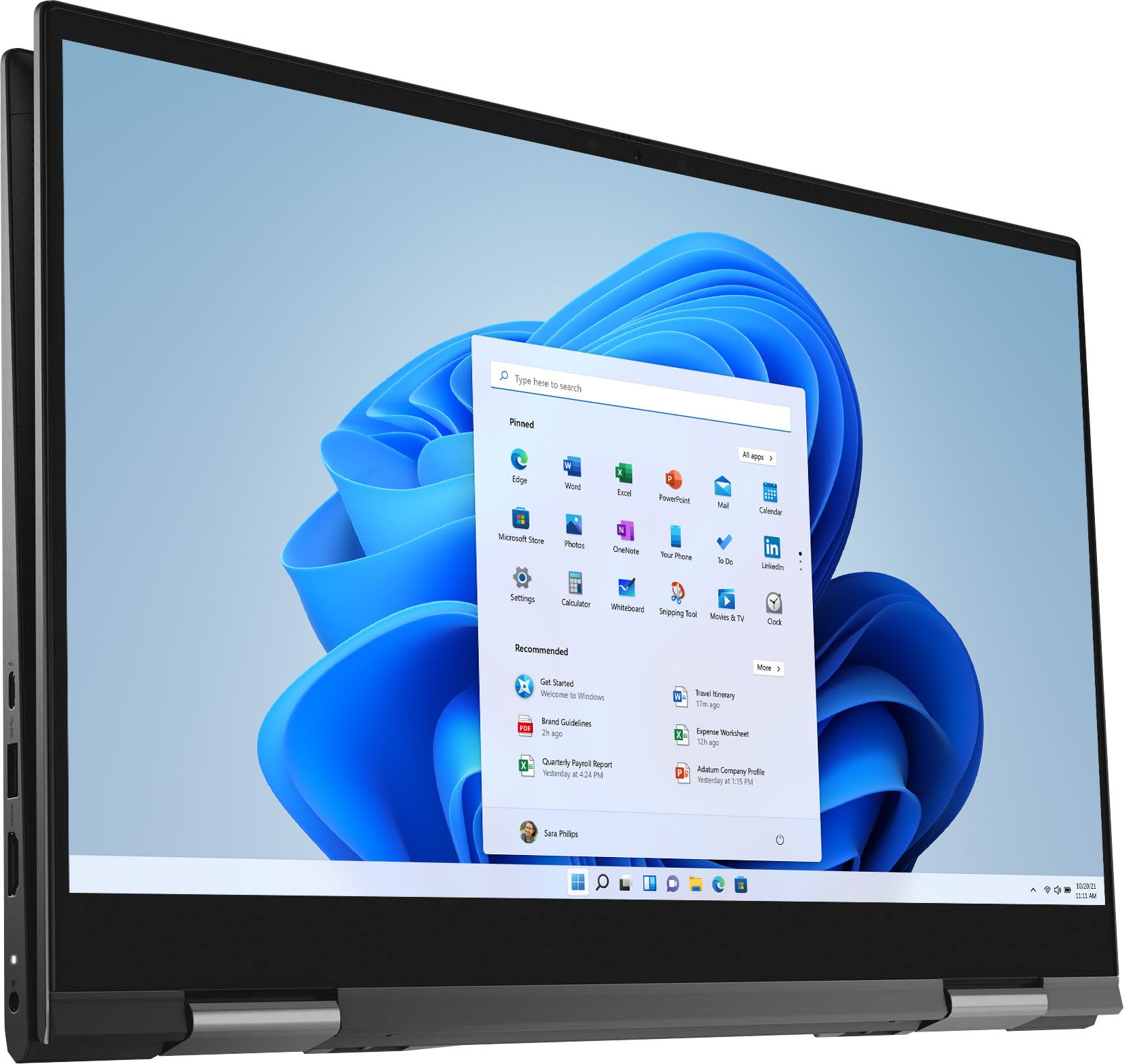
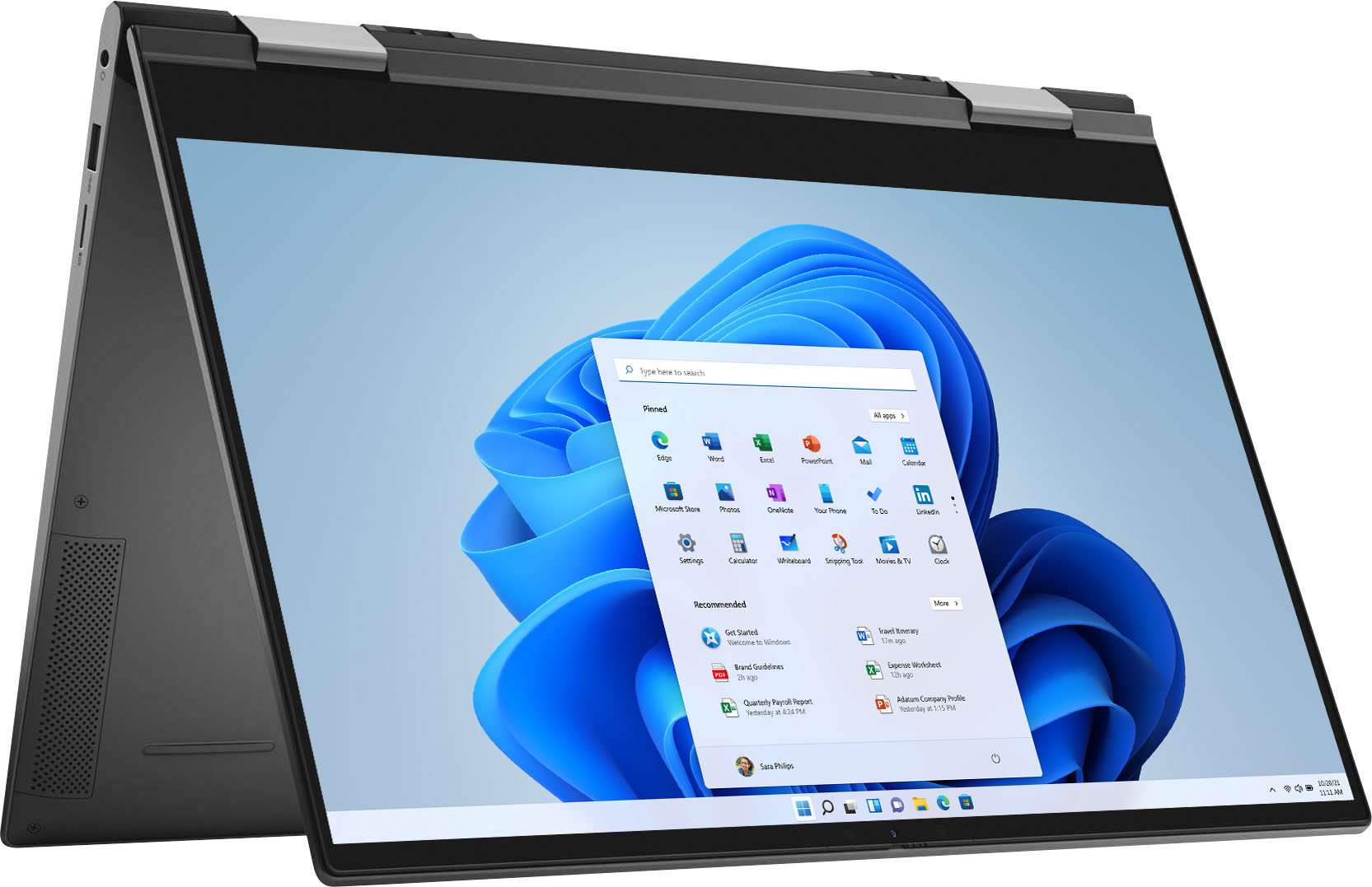
||Posted .This reviewer received promo considerations or sweepstakes entry for writing a review.So I found myself suddenly in need of a new laptop. I wasn't too sure if I wanted to pick up the new Inspiron 7000 (model 7506) since it had only just released a couple of weeks prior and there was still no professional reviews or benchmarks for it. But for some reason Best Buy had it on sale for $200 off so I figured I'd take the bait and give it a shot. Overall I am very pleased with it. It's fast and the battery life is decent (at least as far as 4K displays go, certainly a lot better than the measly 3 hours that I got with my previous UHD laptop). So far I haven't experienced any issues performance-wise with the machine or with Wi-fi like some of the user reviews have stated. Keyboard and trackpad are pretty good. Only minor complaint that I have is that you can't open the lid with one-hand (or at least it's incredibly difficult to do so). I'm not sure if it's the heft from the touchscreen or if it's a flaw in the design of the hinges, but I do have to use both hands to lift up the lid. Since there isn't much information available about the internals of the machine, I figured I would touch on that (and post a picture of the machine with its back plate removed to illustrate). After removing the back plate, I can see that it has a 1TB Intel Optane H10 SSD for storage and an Intel AX201 wireless adapter. I didn't see any RAM modules so I'm going to assume that the 16GB of RAM is soldered directly onto the motherboard. According to the BIOS the RAM is running in dual channel instead of single channel so that's a relief (it was a concern of mine as the Best Buy product page listed the RAM as only having 1 module). I didn't remove the various pieces of tape that was covering some parts of the motherboard as I was afraid that it might void the warranty. In terms of out-of-the-box experience, there was surprisingly few bloatware pre-installed. It was mostly just a bunch of Dell utilities and advertisements for McAfee. If you are like me and always ditch the pre-installed OS and instead install a clean copy Windows, just be sure that you download the "Intel Rapid Storage Technology Driver" and extract the "F6" drivers from that package because the Windows 10 installer will not recognize the Intel Optane SSD without it.
I would recommend this to a friend - Pros mentioned:Price, Touch screen
Love it!!!!
||Posted . Owned for less than 1 week when reviewed.This reviewer received promo considerations or sweepstakes entry for writing a review.This laptop is the best ive ever had to date. The build quality is very impressive,its a bit on the heavier side which i love. It boots up crazy fast and the display is beautiful. I watched some 4k videos and the colors sharpness and detail are great. On a side note,i ordered from another store and went to pick up at another when i got to the Ft Myers BestBuy they didnt have it. The staff did their best to find it but couldnt. The manager asked what features i was looking for i said 4k display. He did some looking and found me an open box deal. He had three of them and brought all of them for me to look at. The one i ended up with has no visual defects or any others for that matter exept the open box part. I got $615 dollars off. I am so pleased with my laptop and the staff at Ft Myers Bestbuy for VERY GOOD SERVICE!!!!!!!
I would recommend this to a friend Nevarez Loaders LLC
||Posted . Owned for 1.5 years when reviewed.This reviewer received promo considerations or sweepstakes entry for writing a review.I got this laptop for my daughter that handles all of my finances, and business finances. She does have trouble with chrome sometimes it doesn't always work. It has a small glitch it started two months after purchase and it passed the exchange date. Overall it works great.
I would recommend this to a friendIncomplete but hopefully helpful review.
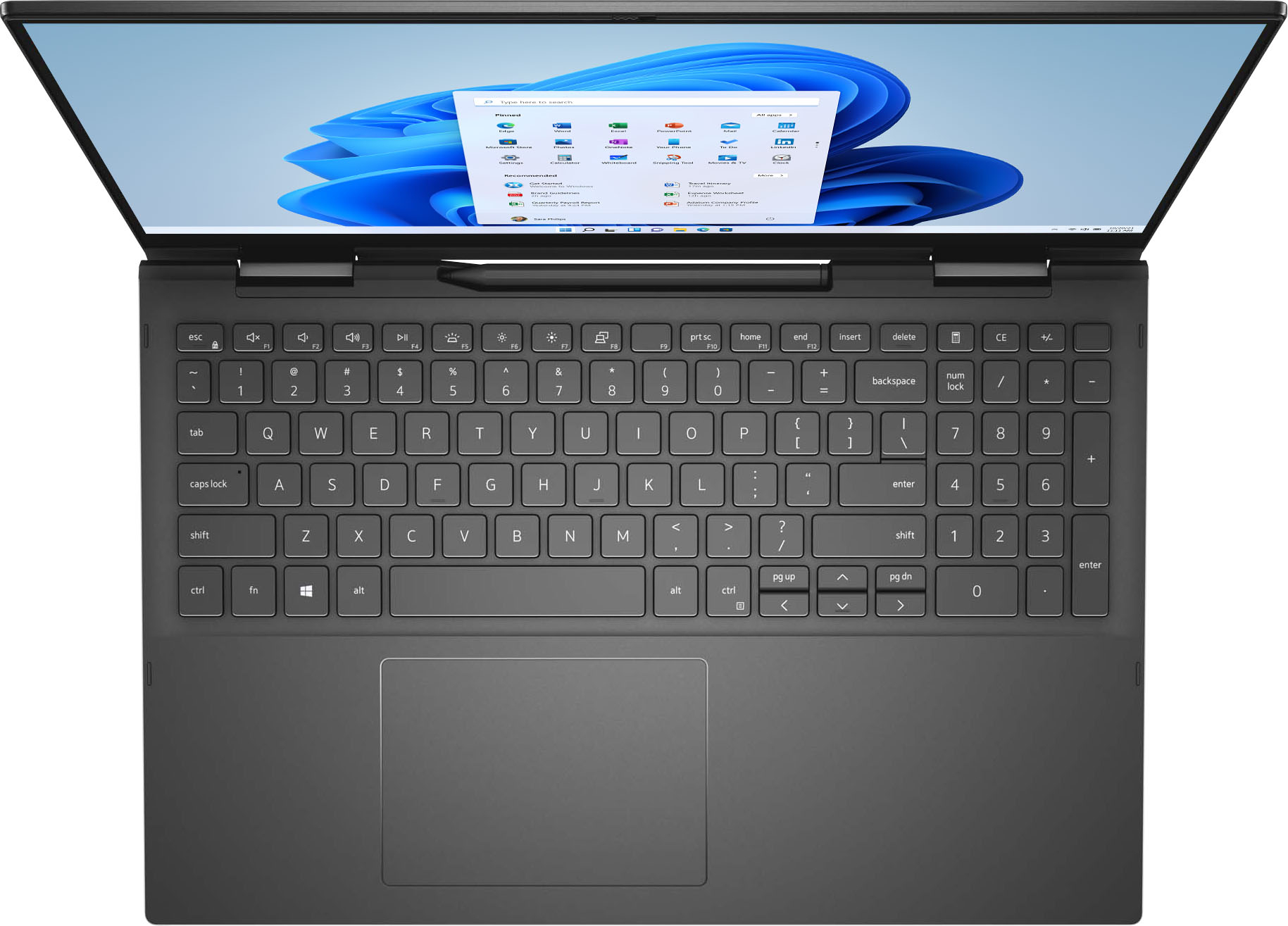
||Posted . Owned for 2 months when reviewed.This reviewer received promo considerations or sweepstakes entry for writing a review.I had to replace my previous HP Pavillion x360 because it just clonked out on me. I purchased this because it has more than one USB Port plus it's a 2 in 1. The finger print scanner is cool but I noticed if you cannot scan in 2x it'll ask you to switch to another login method. The face recognition is my preferred method of logging in as it works so quickly but when I wear my glasses or makeup I have to use the keypad as it does not pick up on my face. Not a deal breaker but it is something to think about. The 10-key is something to get used to but I actually like it. It's also one of the reason I chose this laptop. This is my first Dell so I'm still getting used to specs and the design. Did run into some issues with the brightness had to restart the laptop to fix the settings. I'm still unable to download the HULU App but it may be an issue on Hulu's end. The CAPTCHA is not popping up. Not sure what that's about but the website works fine. The number lock key doesn't have an on/off indicator light. Again nothing major but worth noting. The speaker is under the laptop so if you're in the bed with it on your lap/on top of covers, the sound may be a bit muffled. I haven't experienced it getting too hot like some have said. I was able to project my screen to my TV without any issues by clicking a button. Overall I like this laptop although I'm still getting used to it. There's a calculator button which helps tremendously when I'm doing my budget. Startup is fast and the display color is nice. Unfortunately, I haven't done any Zoom meetings yet so I can't speak on that aspect of the camera. Price did drop after my 14 day return period of course. $1900 is the most I've ever paid for a laptop but then again it does have 1TB of memory, with 3 different log in methods, camera shutter (great option), 10-Key, 2 USB ports, HDMI port and a micro sd card slot. I haven't tested the pen yet so I must say this review may be a bit incomplete but hopefully helpful to someone. I do not like that the screen sticks out when the laptop is open. (See pictures for reference)
I would recommend this to a friend- Cons mentioned:Customer service
Screen issues
||Posted . Owned for less than 1 week when reviewed.This reviewer received promo considerations or sweepstakes entry for writing a review.I'd love to give this a better review if this issue can be resolved. I bought the laptop Sunday 3/28 at Union Square location. After using it for basic Office programs (outlook, ppt, word) for a week, I noticed taht every once it had some sort of screen blitz thing (see photos) Sometimes just real quick, then a couple times it just stayed like that long enough that I was able to get the photo. Well that's not good. Happened just on the laptop, not my additional screen. And it happened on different programs, not just outlook. The other thing was on zoom, individual camera feed would do that same effect. I took back to Best Buy, they replaced the laptop but said the issue was really that I needed to run the latest Windows update. A bit bugged they would tell me I need to do an update on a brand new laptop, but ok. I set up this new laptop, and did all the latest updates for Windows. Now on day two of using this second laptop, the same issue is happening again. Love to say the computer is great but when you have a brand new laptop and the screen is doing this even for a second you wonder about long term. I tried to contact Best Buy support - for some reason after paying $400 for the protection package when i reached out they told me I didn't have Total Tech Support package and offered to sell it to me. Anyone from Dell or Best Buy is welcome to contact me directly ASAP
No, I would not recommend this to a friendBrand response from YourDellTeam
Posted .Hello JoelNYC,
Thank you for sharing your feedback. We apologize for the issues you have come across with your laptop. We would love to assist you with any troubleshooting needs but would need a little more information. If you have any other questions, feel free to use the information below to contact Dell support at your earliest convenience.
Best regards,
Wendy C.
For further assistance, you can contact Dell directly with the information below Chat or Call:
https://bit.ly/DellSupportTeam.
Phone number to Dell: 1-800-264-9896.
- Pros mentioned:Speed
Good deal
||Posted . Owned for 1 month when reviewed.This reviewer received promo considerations or sweepstakes entry for writing a review.Small, but but great resolution.. Easy to use as well as fast!
I would recommend this to a friend - Cons mentioned:Overheating
Dell Inspiron. It is nothing but an inspiration.
||Posted . Owned for 1 month when reviewed.This reviewer received promo considerations or sweepstakes entry for writing a review.Dell Inspiron 7506 2n1. Gorgeous. powerful. fast. but it's overheating so much that it's almost impossible to rest your hands on it to type some text for example. is there any kind of configuration for these overheating situations? especially on the left side, it gets very hot. I'm using an external usb keyboard because I can't rest my hands on the notebook because of the heat. I appreciate if you can help or guide me. detail: I live in Brazil.
No, I would not recommend this to a friendBrand response from YourDellTeam
Posted .Hello,
Thank you for taking the time to share your feedback and review. We are glad to hear that you're pleased with the performance of your Inspiron. We are sorry to hear that you're experiencing an overheating issue and understand how frustrating this can be. To make sure that we can help, we have provided steps below that can help with overheating.
Here are the recommended steps for troubleshooting overheating:
1. Dell does not recommend placing portable systems directly on your lap. Due to reductions in the thickness of modern portable systems, heat transfer can be an issue.
2. Using a portable system (Laptop) on a hard, flat, non-cloth surface will increase airflow and reduce heat from underneath and inside the system.
Using the portable system on a blanket, pillow, or other types of cloth will cover up the fan cause the computer to overheat and can cause permanent damage.
3. It is recommended to use the portable system in a Room temperature of 0°C to 35°C (32°F to 95°F) with a Humidity level no greater than 90%.
4. Use compressed air to clean the vents on a regular basis.
5. Using a cooling pad can decrease heat and increase performance.
6. If you want to know the temperature limitations for your system, go to the Dell Support Website, look up your system model then open the user guide under the manuals link.
7. This article contains further details that can help with your overheating: http://dell.to/2uJ8AdG.
We recommend following the steps above to resolve your issue. Since you live in Brazil and if the issue continues, please contact our Dell International Support here: https://dell.to/3nRrASS.
Best,
Wendy C.
https://bit.ly/DellSupportTeam.
Phone number to Dell: 1-800-264-9896.
- Pros mentioned:Touch screen
Downgraded to Win 10
||Posted . Owned for less than 1 week when reviewed.This reviewer received promo considerations or sweepstakes entry for writing a review.I was nervous after reading some reviews about blue screens but I didn't have any issues. It came with Win 11 and (since I use Adobe products) I downgraded to Windows 10. Let it work through all the updates before trying to do anything. Very speedy little machine and the stylus works great. The graphics and resolution are incredible. No complaints.
I would recommend this to a friend Blue Screen Keeps Happening. Brand new. Disappoint
||Posted . Owned for 1 month when reviewed.This reviewer received promo considerations or sweepstakes entry for writing a review.Bought at BestBuy rather than shopping from Dell hoping to avoid the “blue screen of death” I read about in other reviews for this product. Every other time I open it, it says it failed and needed to restart. I’ve got to make an appointment to come in and talk to GeekSquad to see if there can be a check on this.
No, I would not recommend this to a friendBrand response from YourDellTeam
Posted .Hello Newsmallbusiness,
Thank you for your feedback and response. We apologize for your experience and have provided steps below that can assist with your blue screen and startup issues if needed in the future.
1. At the desktop, click the Search the web and Windows box and type ""problem reports"".
2. Select View all problem reports to view a list of errors that have occurred on your computer and possible solutions for them, such as updating drivers, flashing your system BIOS, or checking for updates to the software.
3. Under the Source column, look for Windows and under Summary, look for Shut down unexpectedly.
4. Right-click the line item and select Check for a solution.
5. Check to make sure that your software and drivers are up to date on Dell's Product Page - http://dell.to/3hmUpRy.
This article contains more detail in regard to blue screen and performance issues - http://dell.to/2u98Cct.
Best regards,
Wendy C.
If the issue persists, you can contact Dell directly with the information below Chat or Call:
https://bit.ly/DellSupportTeam.
Phone number to Dell: 1-800-264-9896.
- Cons mentioned:Crashing
Not happy
||Posted . Owned for 3 weeks when reviewed.This reviewer received promo considerations or sweepstakes entry for writing a review.Seeing as I am not b8g on tech and do simple things, I don't understand why it crashes and is difficult to turn on at times. It serves it's purpose but I am seriously considering returning it after I worked so hard to find it since it was almost completely sold-out online and in stores.
No, I would not recommend this to a friendBrand response from YourDellTeam
Posted .Hello Unfortunate,
We are sorry to hear you are experiencing difficulties with your Inspiron and apologize for the inconvenience. To make sure we can help there are steps below that can be used to improve performance overall.
1. Restart your computer regularly
2. Run the automated tools provided in the SupportAssist tool
3. Run a complete hardware diagnostic test
4. Scan your computer for malware
5. Restore your Dell computer using Windows System Restore
6. Reinstall Microsoft Windows
Here is the link to the full article to assist with your performance issue: https://dell.to/32wo0Ss.
Best regards,
Wendy C.
For further assistance, you can contact Dell directly with the information below Chat or Call:
https://bit.ly/DellSupportTeam.
Phone number to Dell: 1-800-264-9896.
Creatives should avoid.
||Posted . Owned for less than 1 week when reviewed.This reviewer received promo considerations or sweepstakes entry for writing a review.When getting this laptop after my HP envy x360 (2018) was getting a bad battery, I expected this Dell Inspiron to be an upgrade. After all, it had promising specs that should have been suited for any creatives like me. I thought this laptop was worth the price it was given and that it would be a good investment in the long run. The pen was a nice gimmick but it didn't matter to me because I have my own drawing screen tablet. Anyway, after taking it home and having it update, I installed some of my desired programs like adobe creative suite, clip studio paint, chrome, and discord. One strange occurrence occurred where I just had Discord open and clicked on a message then all of a sudden the laptop freezes. It goes to black screen for a few seconds, then returns like everything is normal. The second strange occurrence was when I connected my drawing tablet through the HDMI port, I had chrome and clip studio open and I was on a discord call. On the Laptop's screen, every once in a while the chrome tab would stutter and glitch for no apparent reason. While it didn't freeze like before it was still very odd. The worst of this laptop however was when I opened Indesign for the first time. I only had Chrome and Discord open but when I booted up Indesign the laptop instantly crashed... what?? After the laptop had rebooted from the crash, I opened up indesign again and this time it functioned okay. There was a weird graphical glitch on the startup screen, however. Appearance-wise this laptop looks really beautiful, but performance-wise really terrible. Another con of this device is that it has a terrible cooling system where the keyboard can get so hot it hurts your fingers. While the specs on this laptop are great, for some reason, it cannot function like it's supposed to. Creatives should do their research to find a laptop that suits their needs but avoid this one at all costs.
No, I would not recommend this to a friendBrand response from YourDellTeam
Posted .Hello Teresa,
Thank you for taking the time to share your thorough feedback and review on your Inspiron. We're sorry about the trouble you have encountered with the performance of your laptop. To make sure we can help, there are steps below that can be used to improve performance overall.
Here are the recommended steps for troubleshooting freezing and crashing issues:
1. Restart your computer regularly
2. Run the automated tools provided in the SupportAssist tool
3. Run a complete hardware diagnostic test
4. Scan your computer for malware
5. Restore your Dell computer using Windows System Restore
6. Reinstall Microsoft Windows
7. Here is the link to the full article to assist with your performance issue: https://dell.to/32wo0Ss.
We recommend following the steps above to resolve your performance issue. If the issue persists, we invite you to get in contact the Support Team at your earliest convenience at 1-800-264-9896.
Best,
Wendy C.
https://bit.ly/DellSupportTeam.
Phone number to Dell: 1-800-264-9896.
Exceptional
||Posted . Owned for 1.5 years when reviewed.This reviewer received promo considerations or sweepstakes entry for writing a review.This laptop has been exceptional! One of the best products I’ve bought from BB!
I would recommend this to a friendNice laptop when it isn't shutting down randomly
||Posted . Owned for 3 months when reviewed.This reviewer received promo considerations or sweepstakes entry for writing a review.I really wanted to like this laptop. It worked fine for about 3 weeks and then I started getting the BSOD that others have talked about. I ran through all troubleshooting steps and nothing has fixed the issue. It just randomly shuts down about every other day. I even did a reset of the computer but still get the BSOD. I contacted Dell and while the man was very nice, he wasn't able to fix the issue. He ran through many different updates and tests but I got the BSOD again today. He also mentioned that if what he did does not fix the problem then I would have to pay for Dell Tech Support to figure out the issue. I just bought the computer in January and it has a 1 year warranty. However Dell says the warranty only covers hardware issues and because their tests don't indicate any hardware issues then it isn't covered. So buyer beware! I would not purchase this laptop until they can find a fix for the BSOD. At first I thought it was just my set up. But after do more research I found that many others are having the same issue. I did do some additional research today and it sounds like the issue is with the dedicated graphics card (which you pay extra for). Many users mention that disabling that has helped with their issues. So that is my next step. Otherwise I have a $1500+ paperweight sitting on my desk. :(
No, I would not recommend this to a friendBrand response from YourDellTeam
Posted .Hello Carrie,
Thank you for your review. We are sorry to hear you were experiencing difficulties with your Inspiron and apologize for the inconvenience. We would love to help right away! We suggest running the suite of tools found within the 'SupportAssist' application that comes pre-installed with every Inspiron. It will not only perform diagnostics to determine what may be causing errors but also install the latest updates and drivers. This will ensure you have the best experience to date.
Best regards,
Wendy C.
If the issue persists, you can contact Dell directly with the information below Chat or Call:
https://bit.ly/DellSupportTeam.
Phone number to Dell: 1-800-264-9896.
Very frustrated
||Posted . Owned for 1 year when reviewed.This reviewer received promo considerations or sweepstakes entry for writing a review.Not a good buy. Despite all of the great specs. This laptop is not a good buy. It continuously freezes up and you can’t do anything unless you shut it down. Very frustrating.
No, I would not recommend this to a friendHoping for better performance
||Posted . Owned for 3 weeks when reviewed.This reviewer received promo considerations or sweepstakes entry for writing a review.My experience with the salesman was positive. I bought a previously purchased unit that has been returned. I have had a couple of instances where the laptop shuts off for no reason. I've gone through all of the utilities in hopes of achieving consistent performance. Hopefully, the updated BIOS and other patches have resolved the problem. If my laptop performs in the future, I will raise my rating.
No, I would not recommend this to a friendBrand response from YourDellTeam
Posted .Hi Greg,
Thank you for your review. We're sorry about the trouble you have encountered with the performance of your PC. To make sure we can help in the future there are steps below that can be used to improve performance overall.
1. Restart your computer regularly
2. Run the automated tools provided in the SupportAssist tool
3. Run a complete hardware diagnostic test
4. Scan your computer for malware
5. Restore your Dell computer using Windows System Restore
6. Reinstall Microsoft Windows
Here is the link to the full article to assist with your performance issue: https://dell.to/32wo0Ss.
Best regards,
Wendy C.
Definitely an every day normal laptop. Fast.
||Posted . Owned for 1 week when reviewed.This reviewer received promo considerations or sweepstakes entry for writing a review.Overall this is an amazingly fast laptop. Not meant for gaming. Normal everyday life is what is for. Definitely should have purchase an underneath cooling fan of sorts. Computer fan helps the mother board on the sides but is difficult to cool the middle. After you purchase make sure to check your sleep settings at least what the previous generation of Dell Inspiron purchasers have advised. But I think that might just be a windows 10 thing. Not too bad though. Not too bad. The screen is flimsy so don’t drop it or hold it awkwardly. The active Dell pen is included which is what makes a 2-in-1! Who wants a 2-in-1 without it?! Came out at the beginning of November so reviews besides the previous gen.
I would recommend this to a friend- Pros mentioned:Touch screen
excellent laptop
||Posted . Owned for 1 month when reviewed.This reviewer received promo considerations or sweepstakes entry for writing a review.I made the best purchase, with the touch screen I can mix the mouse and the touch, at different times, it is very useful for my business. Excellent laptop.
I would recommend this to a friend - Cons mentioned:Overheating
Don't bother with this
||Posted . Owned for less than 1 week when reviewed.This reviewer received promo considerations or sweepstakes entry for writing a review.It came with Mcaffe antivirus wich takes a lot of resources, the bios has to be flashed as soon it is connected to the internet since it needs a lot of updates, heats a lot just at the first turn on, got the blue screen of death 3 times while updating, I have to returned the very next day after I bought it, awesome on paper, specifications and price, but horrible as soon you turn it on.
No, I would not recommend this to a friendBrand response from YourDellTeam
Posted .Hello AdrianTHdz,
Thank you for your review. We're sorry about the trouble you have encountered with the performance of your Inspiron. To make sure we can help in the future there are steps below that can be used to improve performance overall.
1. Restart your computer regularly
2. Run the automated tools provided in the SupportAssist tool
3. Run a complete hardware diagnostic test
4. Scan your computer for malware
5. Restore your Dell computer using Windows System Restore
6. Reinstall Microsoft Windows
Here is the link to the full article to assist with your performance issue: https://dell.to/32wo0Ss.
Best regards,
Wendy C.
For further assistance, you can contact Dell directly with the information below Chat or Call:
https://bit.ly/DellSupportTeam.
Phone number to Dell: 1-800-264-9896.
Loving It
||Posted . Owned for 1 month when reviewed.This reviewer received promo considerations or sweepstakes entry for writing a review.So far, I love my new laptop, Windows 11 seems great, still learning things. Used to have a tower & a laptop for when I went on vacation, now I use my laptop for both.
I would recommend this to a friend- Pros mentioned:Performance
Work note book
||Posted . Owned for 1 month when reviewed.This reviewer received promo considerations or sweepstakes entry for writing a review.This Dell note book work great! Working with medical records at remote location for my company. Highly recommend this product.
I would recommend this to a friend