Customer Ratings & Reviews
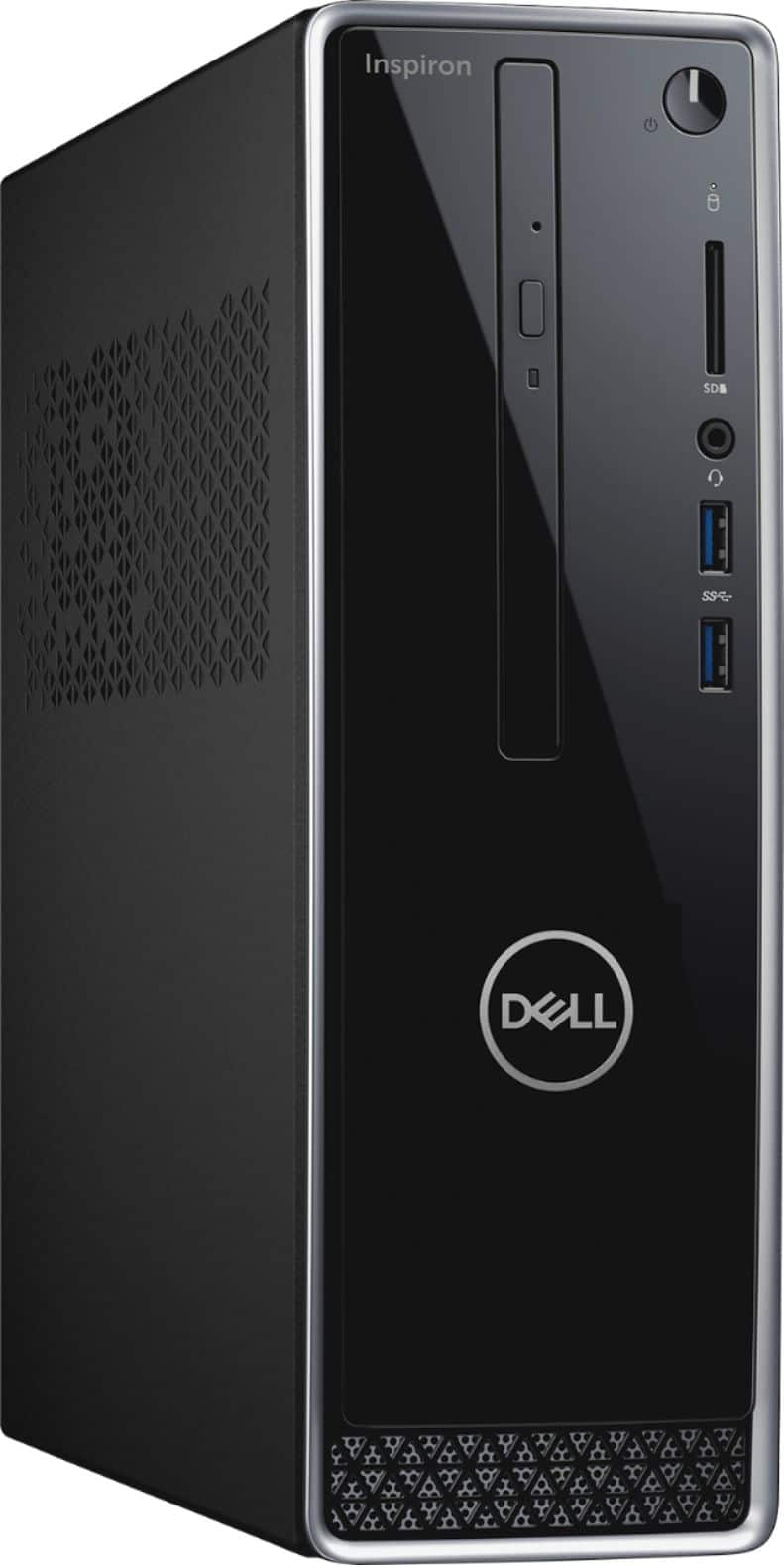
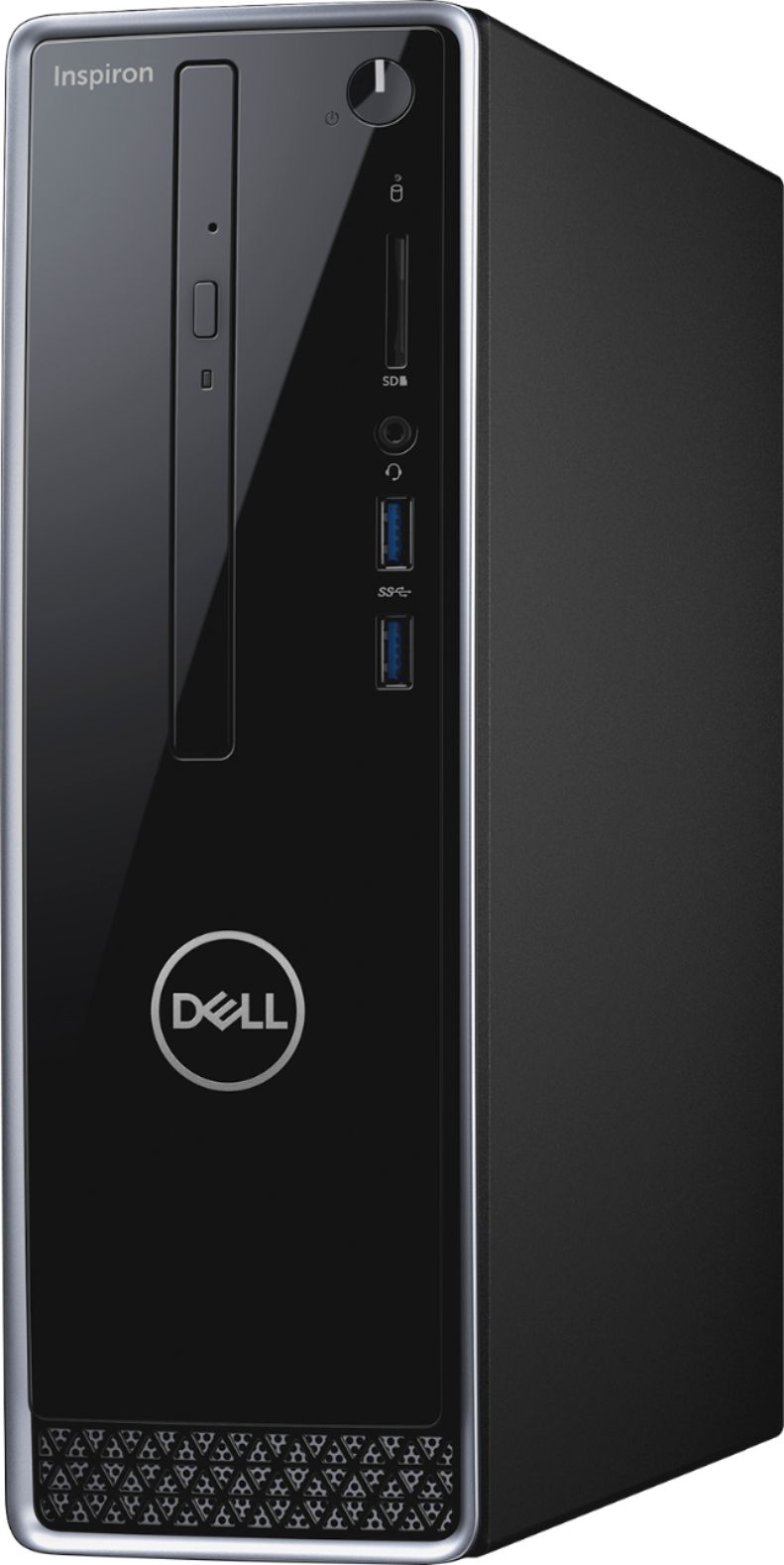
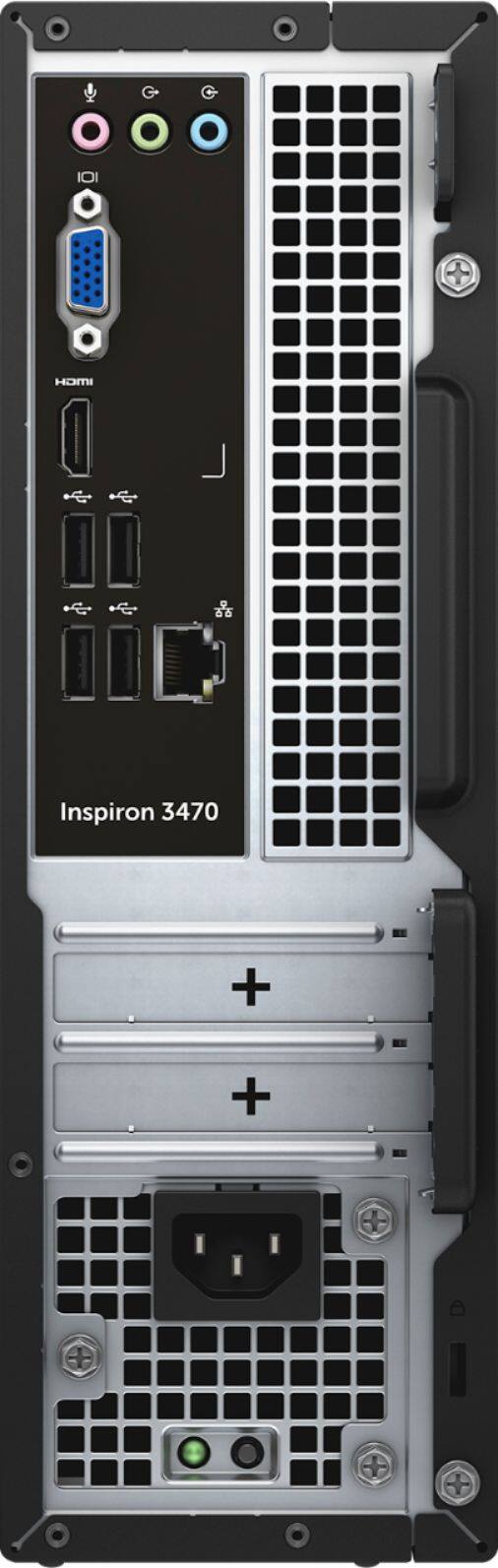
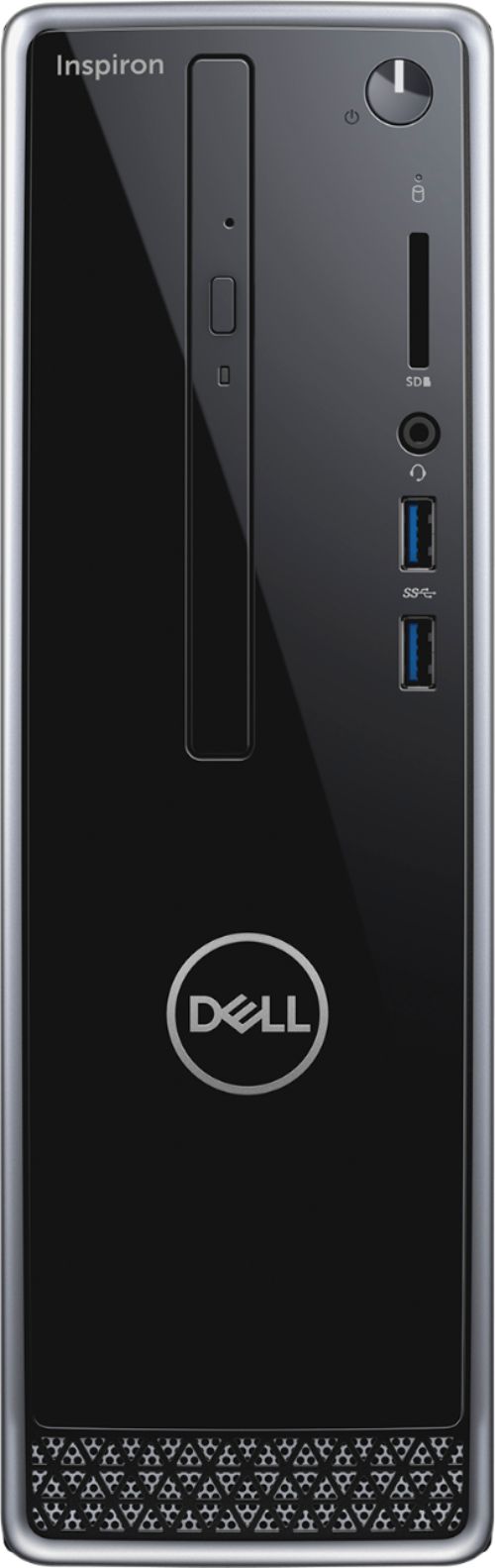
- Model:
- I3470-3903BLK-PUS
- SKU:
- 6228202
Rating by feature
- Value
Rating 4.5 out of 5 stars
- Quality
Rating 4.5 out of 5 stars
- Ease of Use
Rating 4.6 out of 5 stars
Customers are saying
Customers are delighted by the Inspiron Desktop's performance and ease of use, frequently praising its compact size and affordability. Many appreciate the ample storage and sufficient RAM for their needs, while some users noted the hard drive could be improved. Positive feedback also highlights the quiet operation and overall power of the machine. A few users mentioned pre-installed software as a minor drawback.
This summary was generated by AI based on customer reviews.
too slow
||Posted .This reviewer received promo considerations or sweepstakes entry for writing a review.I'm not a computer person but I know my old computer was way faster than this one. Also having problems with videos playing among other issues. Save your money.
No, I would not recommend this to a friendBrand response from YourDellTeam
Posted .annie,
We're sorry that your computer is not performing the way you expected it to. We'd recommend running the Windows Performance Troubleshooter:
1. Close all open windows.
2. Press the Windows logo key + X key on the keyboard.
3. Click Control Panel.
4. Click System and Security.
5. Under Security and Maintenance, select Troubleshoot common problems.
6. Under System and Security, click Run maintenance tasks.
7. Follow the on-screen instructions and prompts to complete the process.
8. Restart the PC.
You can read the full article here - http://dell.to/2tSulGV.
If you have additional questions about your computer you can check our Product Support Page here: https://dell.to/2NGSAih.
Best,
Bryan
1-800-624-9896
Not a good upgrade
||Posted .This reviewer received promo considerations or sweepstakes entry for writing a review.I purchased this desktop to replace an 8 year old desktop. It appears to run slower and was not much of an upgrade! The audio port in the back produces constant feedback through the speakers so I can only use the front port.
No, I would not recommend this to a friendTwo lemons in a row
||Posted .This reviewer received promo considerations or sweepstakes entry for writing a review.Bought this product after my previous pc tower was deemed inoperable. After connecting at home power button would stick, was not consistent, but off and on. Took back for exchange and the 2nd did the same thing. Had to send to manufacturer. Without a computer for two weeks/
No, I would not recommend this to a friendBrand response from YourDellTeam
Posted .Hi mrtweet,
We're happy to see that you were able to send your computer in for repairs. We're sorry to hear about the issues that you've been experiencing. If you have additional questions about your computer you can check our Product Support Page here: https://dell.to/2NGSAih.
Best,
Bryan
1-800-624-9896
Crap
||Posted . Owned for 1.5 years when reviewed.This reviewer received promo considerations or sweepstakes entry for writing a review.This desktop only lasted a year before a dell update crashed it. Never buy a dell again.
No, I would not recommend this to a friend- Cons mentioned:Hard drive
Great for the average user
Posted .This reviewer received promo considerations or sweepstakes entry for writing a review.This system is great for the average person that wants to perform every day tasks such as web browsing, typical office software, streaming videos, etc. The quad core CPU can handle extensive multi-tasking (the biggest selling point of this system), and the 8gb of RAM will suffice. Lastly, its small form factor will be convenient for setting the desktop on your desk. The integrated GPU can handle mild gaming, just expect to set your video quality to low/medium for a lot of games as it isn't the best. The only issues the average user may/will experience is the bloatware installed on the system that will slow down boot time/initial load time. This software may also take up some of the RAM which isn't top of the line anymore. Lastly, the hard drive pre-installed was low quality, and failed on me within a month. I had put an M.2 ssd in the system, so it wasn't a very pressing issue for me as I could just wait until my next paycheck to buy a new one for $40. I didn't want to use the warranty as it was not worth my time to save that money. Keep in mind, this is probably an isolated case where I received a bum part (which happens sometimes). Lastly, this computer is not for those who plan to add components at a later time. The power supply only has a 200w capacity, and is a low profile PSU. In addition, this system only has two PCIe slots (I think its a full sized x8, but don't quote me on that as dell isn't exactly specific, and the other is x1). The M.2 slot is a SATAIII M.2 slot, and does not support the NVMe standard, so such a drive would require an adapter. TL;DR. This system is great for most people, minus the bloatware and has a very small chance of drive failure. Don't expect to game, or perform more advanced video production tasks. If your intention is to do so, you may as well get yourself a bigger form factor system.
I would recommend this to a friend No support
||Posted .This reviewer received promo considerations or sweepstakes entry for writing a review.I am unable to open files on my computer. I chatted with Total Tech Support. They said I am not a member and refused to help. But I am a member.
No, I would not recommend this to a friendBrand response from YourDellTeam
Posted .BarryC,
Thanks for your review. We're sorry to hear about the troubles that you're having. We'd recommend reaching out to Dell's Technical Support Team here: http://dell.to/2sH7Qlm.
We hope that our team will help you identify what is happening with your computer.
Best,
Bryan
1-800-624-9896
This is the worst CPU
||Posted . Owned for 1 year when reviewed.This reviewer received promo considerations or sweepstakes entry for writing a review.Please never buy this CPU, because both the manufacturer (Dell) and the seller Best Buy knows that the product is bad after one year. They both put a warrant that will cover just one year, after that it is on you.
No, I would not recommend this to a friend- Cons mentioned:Hard drive
Excellent Media Center Desktop
Posted .This reviewer received promo considerations or sweepstakes entry for writing a review.First, I really want to give this desktop 4 1/2 stars, but half stars are not an option here. So now, a good word about Best Buy. After I purchased this desktop, I left it for set-up expecting it to be ready in about 24 hours (may seem long, but I personally was okay with it). Well, the first one was pulled from the shelf, and no matter what Geek Squad did and despite numerous attempts, the unit would just freeze. Best Buy was great about keeping me informed, telling me my options, and essentially just did an exchange for another unit. This was set up in about twelve hours. So, kudos to Best Buy for excellent customer service, and I was so relieved that the unit that kept freezing never left the store before it was caught and replaced. Now for the unit itself. I was looking for a media center desktop, and being on disability I am looking to condense everything I need. This unit is more than up to the task. It streams SiriusXM with no problem, as well as Hulu Live TV and other sports networks with no glitches and limited buffering.. This unit almost seems to be built for the purpose of a media center for someone's home, and if you are looking for a desktop for that purpose, this model is the best value I could find. Personally, I wish it came with an SSD instead of the hard drive it does, but there IS an M.2 slot available to allow you to add one if you so choose. Know that if you do, you will need to do a new set up, especially if you want to run your programs on the SSD and use the provided hard drive for all of your storage (1 TB is plenty of storage). The reason I would take off 1/2 a star is because in streaming Hulu live, or some of the sports networks I subscribe to, the picture quality could be just a little bit better. If I am am about 15-20 feet away from my tv, I can't really tell the difference, but in a small apartment like mine, it is noticeable if I try to get closer (which sometimes, there just isn't room), and streaming through my phone gives a little bit better picture. So, either a slightly better graphics card or video card (whichever is applicable) would make this the most awesome desktop available in terms of performance and value. It still is quite an awesome unit anyhow!
I would recommend this to a friend Poor!
||Posted .This reviewer received promo considerations or sweepstakes entry for writing a review.I don't like it. Wish there had more reviews about it It is no good.
No, I would not recommend this to a friendBrand response from YourDellTeam
Posted .Donnie,
We're sorry that you're unhappy with the performance of your Dell desktop. We'd recommend that you read our Product Support Page for answers to questions that you may have: https://dell.to/2NGSAih.
Best,
Bryan
1-800-624-9896
Awful
||Posted .This reviewer received promo considerations or sweepstakes entry for writing a review.Had to return because it wouldn’t even start. I don’t think I’ll ever buy a Dell again.
No, I would not recommend this to a friendBrand response from YourDellTeam
Posted .Hello Kmmom,
If you have a similar issue in the future with a computer that will not start, you can try these steps:
1. If the computer is displaying the Dell logo and does not move past that point, it has probably failed POST.
2. If the power indicator lights up and it is amber or orange, this is usually an indicator that it has failed POST.
3. If you see text on a black screen, the computer is currently performing the POST. If the computer stays in that condition and does not move past it, it has probably failed POST.
4. If the video screen displayed anything at all during the startup process but is now black, this probably indicates that the computer failed POST.
5. If the computer is beeping or if Caps/Num/Scroll Locks are flashing, note if there is a particular pattern in which it beeps or flashes.
6. If the computer is not beeping and caps/num/scroll locks are not flashing, unplug all connections and remove all media communication devices (e.g. external monitors); reconnect one at a time and check if the computer functions.
7. For a notebook, press and hold the Fn key and then press the power button. This starts the pre-boot testing and will launch ePSA. In case you have a Desktop at the Dell logo screen tap the F12 key to enter One Time Boot Menu and use the arrow keys to highlight Diagnostics and press enter.
You can read the full article here - http://dell.to/2uj1Sby.
Best,
Bryan
1-800-624-9896
Very slow computer
||Posted . Owned for 1 year when reviewed.This reviewer received promo considerations or sweepstakes entry for writing a review.We’ve never had a computer operate so slowly. We returned it to Dell twice and each time it was slower.
No, I would not recommend this to a friend- Pros mentioned:Performance, Size
Awesome little computer
Posted .This reviewer received promo considerations or sweepstakes entry for writing a review.My nine-year old all-in-one Windows 7 Gateway computer finally bit the dust, and after looking at the newer all-in-ones, realized the quality had taken a serious nose dive. Then I saw this mini tower Dell. I compared it with the similar size HP one, and at first purchased the HP... what a mistake! I returned it, bought this Dell instead, and WOW... love it! Quiet, fast, runs cool, great specs, looks great and fits anywhere. And I'm also very surprised with Windows 10, also a great upgrade from Windows 7. Don't hesitate to buy this slim line Dell. And make sure to get a 27 inch Dell Monitor to go with it, they work and look great together.
I would recommend this to a friend - Pros mentioned:Performance
Dell
Posted .This reviewer received promo considerations or sweepstakes entry for writing a review.Great PC. We had it since 2019. Very Powerful machine for daily use.
I would recommend this to a friend - Pros mentioned:Ease of use, Price, Size
Great small computer
Posted .This reviewer received promo considerations or sweepstakes entry for writing a review.Easy set up, didn't take long, just had to add my printer. Had dell for years, never had a problem. Excellent price. Like the small size, takes up less room. Highly recommended
I would recommend this to a friend - Pros mentioned:Performance, Speed
Perfect For My Needs
Posted .This reviewer received promo considerations or sweepstakes entry for writing a review.Our previous computer started life as a Windows 7, then I made the mistake of downloading Windows 10. The computer struggle and was slower than Dial-Up, if you remember about that. This computer is 1/3 the size and weight of the old computer, and 100 times faster. Admittedly, my needs are Basic, and it handles my needs without a hitch. For Web Surfing, Email, Banking, and Data Storage, this compute is Amazing!!!
I would recommend this to a friend - Pros mentioned:Ease of use, Price
No problems at all
Posted .This reviewer received promo considerations or sweepstakes entry for writing a review.Very easy set up, no problems with anything at all. I think I will like Windows 10 even better than Windows 8. Great computer great price.
I would recommend this to a friend - Cons mentioned:Hard drive
Slow and Repeated Crashes
Posted .This reviewer received promo considerations or sweepstakes entry for writing a review.Purchased in October, 2018, and opted for this pc, at a promotional price, over an HP with SSD. Since I am retired I thought I could live with a slower system, for the price, but the repeated crashes are becoming a nuisance. I do keep multiple tabs open and it will try to restore, but even that has created problems.. The blue screen message is Stop Code Faulty Hardware.
No, I would not recommend this to a friendBrand response from YourDellTeam
Posted .toma,
Thanks for your review. We're sorry to hear about the crashes that you're experiencing and we hope that by troubleshooting the issue that you will have a better experience with your computer:
1. At the desktop, click the Search the web and Windows box and type "problem reports".
2. Select View all problem reports to view a list of errors that have occurred on your computer and possible solutions for them, such as updating drivers, flashing your system BIOS, or checking for updates to the software.
3. Under the Source column, look for Windows and under Summary, look for Shut down unexpectedly.
4. Right-click the line item and select Check for a solution.
We'd also suggest checking to make sure that your software and drivers are up to date on Dell's Product Page - https://dell.to/2AEKhiZ.
You can read the full article here - http://dell.to/2u98Cct.
Best,
Bryan
1-800-624-9896
It IS slow!
Posted .This reviewer received promo considerations or sweepstakes entry for writing a review.These reviews were correct. I just hooked up my new computer and it is taking forever for it to do anything! Are there things that are running at start up and/or in the background that I can stop/delete? This is going to drive me nuts! And, yes, I tried what was mentioned before to do the maintenance. Did not help at all.
No, I would not recommend this to a friendBrand response from YourDellTeam
Posted .debi,
We're sorry that your computer is not running as fast as you hoped it would. We'd recommend looking at these programs and consider removing them if you do not plan to use them: https://dell.to/2JruiaG.
If there are other programs that you do not plan to use on your computer you can un-install them with these steps: Uninstalling or removing software or applications that you do not use or do not need from your PC can help speed up your PC. Applications may include background processes, system services, context menu entries and other things that can slow down your PC.
Uninstall applications you no longer need using Programs and Features (previously called Add/Remove Programs). Unnecessary applications occupy space on your hard disk drive.
1. Press the Windows logo key + R on the keyboard.
2. In the Run dialog box, type appwiz.cpl and press the Enter key.
3. In the list, select a program and click Uninstall.
You can read the full article here - http://dell.to/2tSulGV.
Best,
Bryan
1-800-624-9896
Just OK
Posted .This reviewer received promo considerations or sweepstakes entry for writing a review.This is a basic system that is ok for someone who just wants to get email and browse the internet. We are having issues with it now renadomly crashing and rebooting but are unsure the cause.
No, I would not recommend this to a friendBrand response from YourDellTeam
Posted .Trish,
Thanks for your review. If you'd like help diagnosing the crashes on your computer you can try these steps:
1. At the desktop, click the Search the web and Windows box and type "problem reports".
2. Select View all problem reports to view a list of errors that have occurred on your computer and possible solutions for them, such as updating drivers, flashing your system BIOS, or checking for updates to the software.
3. Under the Source column, look for Windows and under Summary, look for Shut down unexpectedly.
4. Right-click the line item and select Check for a solution.
We'd also suggest checking to make sure that your software and drivers are up to date on Dell's Product Page - https://dell.to/2AEKhiZ.
You can read the full article here - http://dell.to/2u98Cct.
Best,
Bryan
1-800-624-9896
New puter with old tech
Posted .This reviewer received promo considerations or sweepstakes entry for writing a review.Although this computer fits the needs of 70% of the users it does have an issue.. The SSD m-2 slot is old tech first generation and will not recognize NVME( the new gen3 very fast ssd's). Like the Crucial 510's that are 3 times faster. You bought the SSD's for speed booting and are shackled with this engineering mistake. a PCI NVME adapter will fix this issue but why?. Why Dell went old news I have no idea.. I returned mine and bought elsewhere.
No, I would not recommend this to a friend