Customer Ratings & Reviews
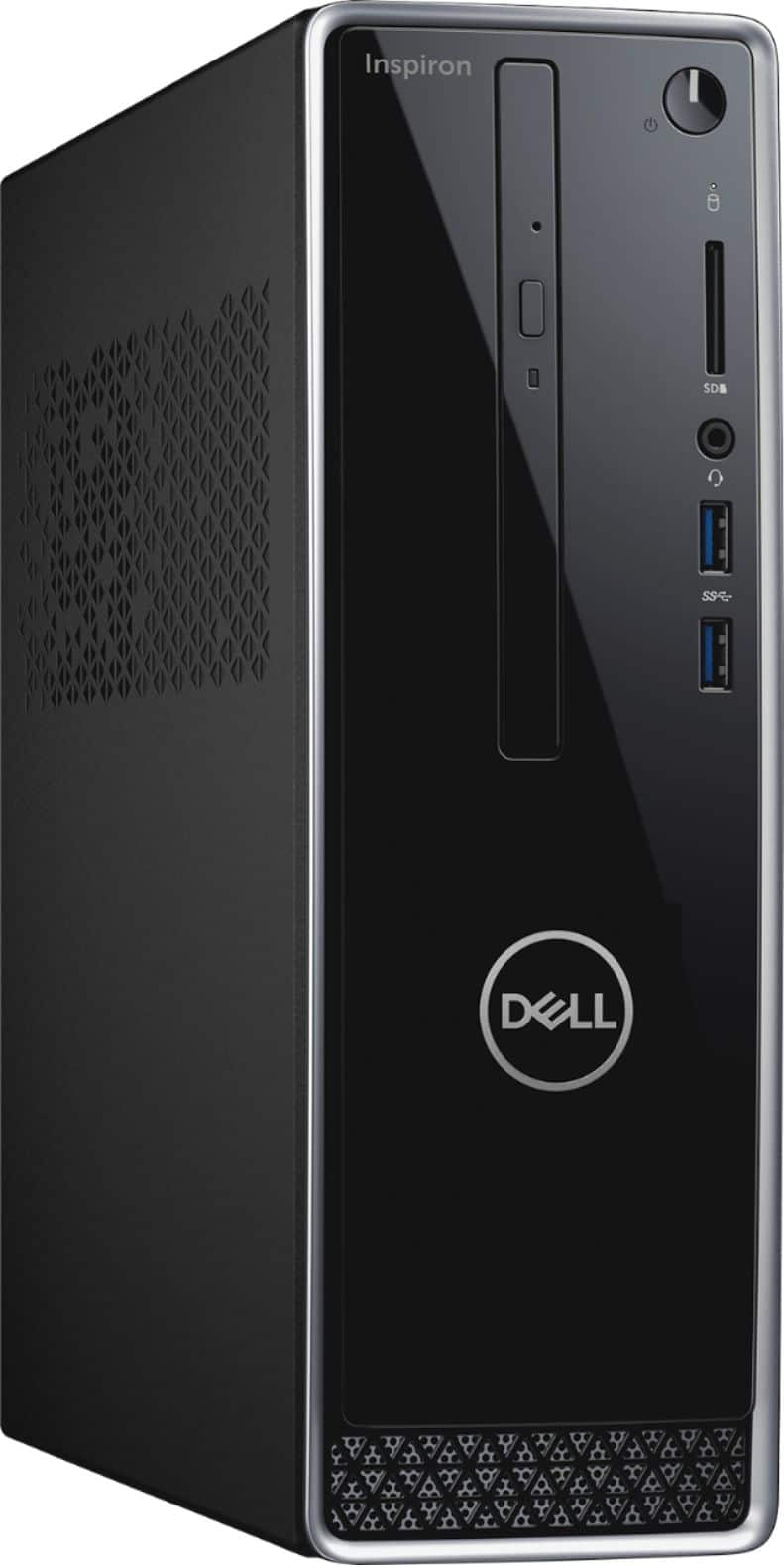
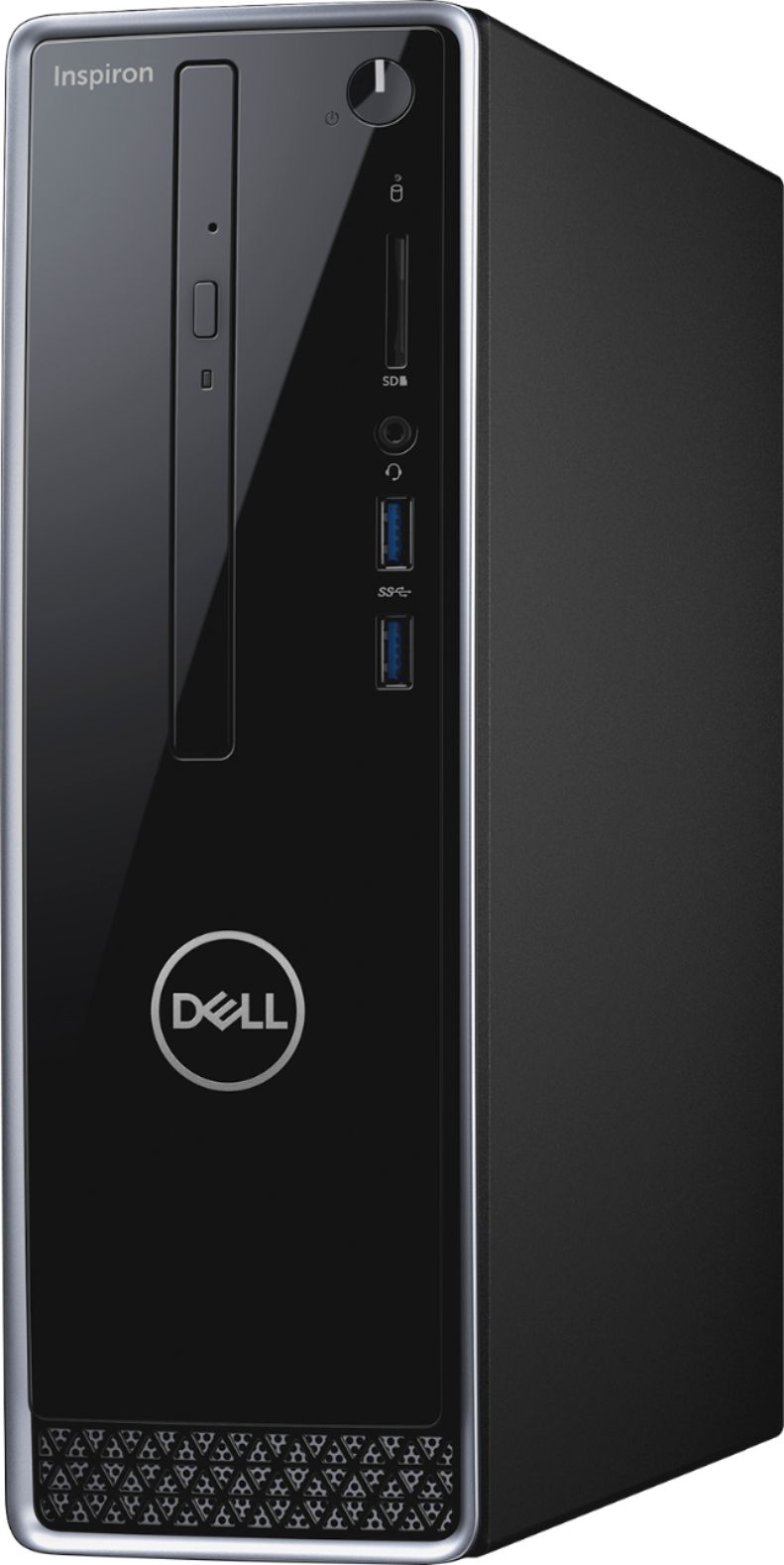
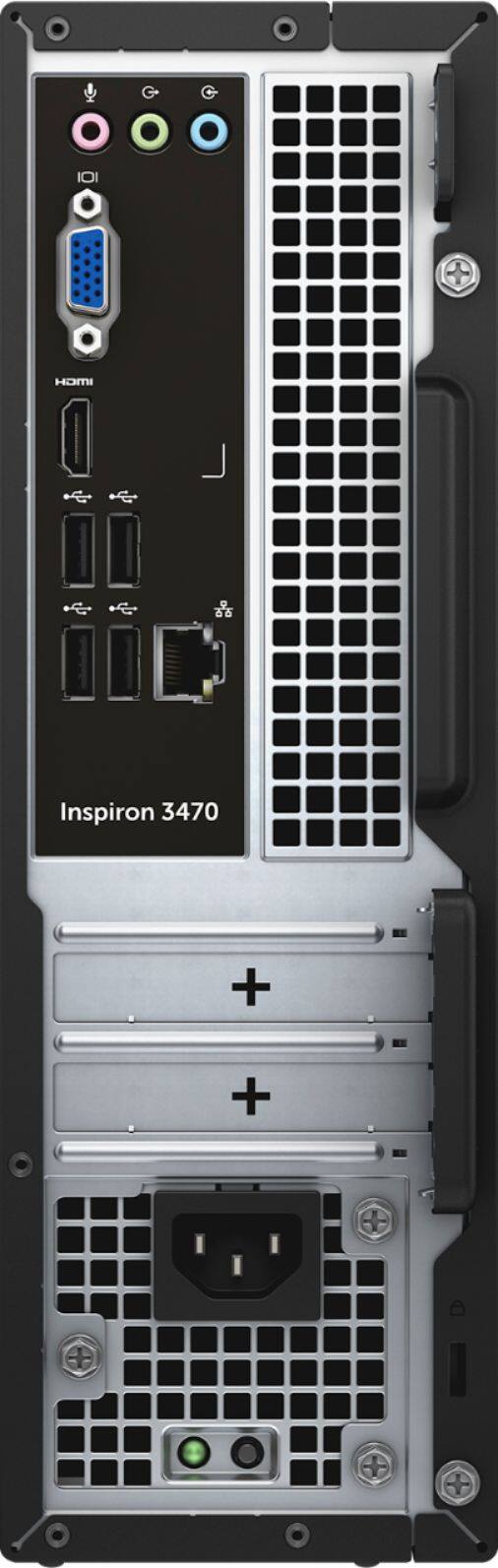
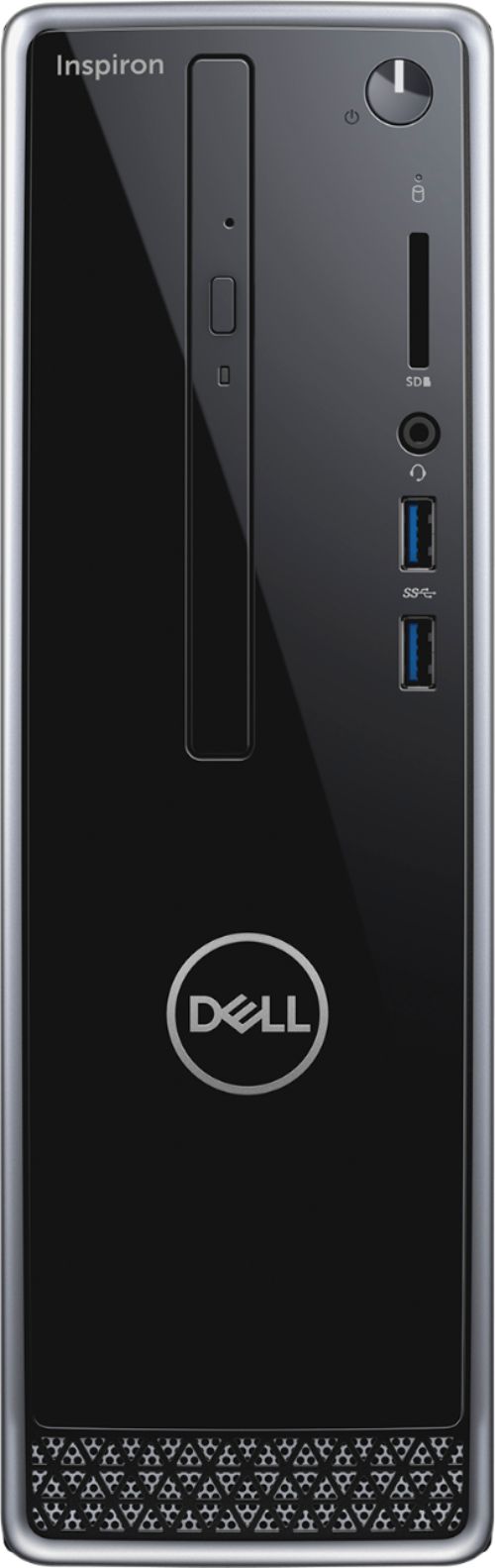
- Model:
- I3470-3903BLK-PUS
- SKU:
- 6228202
Rating by feature
- Value
Rating 4.5 out of 5 stars
- Quality
Rating 4.5 out of 5 stars
- Ease of Use
Rating 4.6 out of 5 stars
Customers are saying
Customers are delighted by the Inspiron Desktop's performance and ease of use, frequently praising its compact size and affordability. Many appreciate the ample storage and sufficient RAM for their needs, while some users noted the hard drive could be improved. Positive feedback also highlights the quiet operation and overall power of the machine. A few users mentioned pre-installed software as a minor drawback.
This summary was generated by AI based on customer reviews.
Cheap but not worth even the small price
Posted .This reviewer received promo considerations or sweepstakes entry for writing a review.This computer has been nothing but trouble. I just wanted a desktop to have at home, write a few reports, check emails, etc. However, this is very slow, no audio (my fault should have looked), and constantly needs to restart. For basic use it really is a poor performer,
No, I would not recommend this to a friendBrand response from YourDellTeam
Posted .Shaneandlaceysmom,
We're sorry that your new computer has given you so many problems. If you'd like to see if your computer can run faster you can run the Windows Performance Troubleshooter:
1. Close all open windows.
2. Press the Windows logo key + X key on the keyboard.
3. Click Control Panel.
4. Click System and Security.
5. Under Security and Maintenance, select Troubleshoot common problems.
6. Under System and Security, click Run maintenance tasks.
7. Follow the on-screen instructions and prompts to complete the process.
8. Restart the PC.
You can read the full article here - http://dell.to/2tSulGV.
If you have questions about your computer you can check our Product Support Page here: https://dell.to/2NGSAih.
Best,
Bryan
1-800-624-9896
Slow and Crashes
Posted .This reviewer received promo considerations or sweepstakes entry for writing a review.Over the years I have had Dell computers and have really liked them. This one is not the case. I purchased it to help with grad school. First off it is very slow. It usually takes about 5 minutes to start. It usually speeds up for a while and then it starts to slow down to the point that I am forced to do a restart. There are far better computers out there stay away from this one. I am not sure how it has had any positive reviews. Maybe I just got a lemon. Either way, this will be the last time I get a Dell. This dude will not be getting a dell, LOL.
No, I would not recommend this to a friendBrand response from YourDellTeam
Posted .MrJesse,
We're sorry to hear about your experience with your new Dell Desktop. Have you tried running the Windows Performance Troubleshooter yet? This may help you identify some ways to speed up your computer:
1. Close all open windows.
2. Press the Windows logo key + X key on the keyboard.
3. Click Control Panel.
4. Click System and Security.
5. Under Security and Maintenance, select Troubleshoot common problems.
6. Under System and Security, click Run maintenance tasks.
7. Follow the on-screen instructions and prompts to complete the process.
8. Restart the PC.
You can read the full article here - http://dell.to/2tSulGV.
We hope that your computer will begin working faster for you soon.
Best,
Bryan
1-800-624-9896
Slow Windows 10 software crashed system
Posted .This reviewer received promo considerations or sweepstakes entry for writing a review.Purchased this computer in September. Less than 2 months later it would not start. Brought it back for analysis and was told it was software problem so I would have to pay to have it repaired. It would appear this operating system does not work well with this model and I would not recommend it to anyone.
No, I would not recommend this to a friendBrand response from YourDellTeam
Posted .Pook1142,
We're sorry to hear about the issues that you've had with your Dell Desktop. If you are still having trouble starting your computer we'd recommend the following steps:
1. If the computer is displaying the Dell logo and does not move past that point, it has probably failed POST.
2. If the power indicator lights up and it is amber or orange, this is usually an indicator that it has failed POST.
3. If you see text on a black screen, the computer is currently performing the POST. If the computer stays in that condition and does not move past it, it has probably failed POST.
4. If the video screen displayed anything at all during the startup process but is now black, this probably indicates that the computer failed POST.
5. If the computer is beeping or if Caps/Num/Scroll Locks are flashing, note if there is a particular pattern in which it beeps or flashes.
6. If the computer is not beeping and caps/num/scroll locks are not flashing, unplug all connections and remove all media communication devices (e.g. external monitors); reconnect one at a time and check if the computer functions.
7. For a notebook, press and hold the Fn key and then press the power button. This starts the pre-boot testing and will launch ePSA. In case you have a Desktop at the Dell logo screen tap the F12 key to enter One Time Boot Menu and use the arrow keys to highlight Diagnostics and press enter.
You can read the full article here - http://dell.to/2uj1Sby.
Once your computer has started we'd recommend running the Dell Support Assist App on your computer which will ensure that you have all of the latest software and drivers. We hope that your computer will perform better for you soon.
Best,
Bryan
1-800-624-9896
Horrible!
Posted .This reviewer received promo considerations or sweepstakes entry for writing a review.This computer lags so often it honestly makes me feel like throwing it to the garbage! Had it for about 1.6 years and I am ready to buy another one, definitely NOT a dell. My experience with Dell has not been the best and after trying with this computer I am done with it! My husband has an old PC about 6 yo that works better than this one. I'm Done! if I could I will give i a big fat ZERO!
No, I would not recommend this to a friendBrand response from YourDellTeam
Posted .LauraS,
Thanks for your review and we're sorry that your computer is not working well for you. Have you tried running the Windows Performance Troubleshooter? Hopefully, you will find ways that your computer can run faster for you:
1. Close all open windows.
2. Press the Windows logo key + X key on the keyboard.
3. Click Control Panel.
4. Click System and Security.
5. Under Security and Maintenance, select Troubleshoot common problems.
6. Under System and Security, click Run maintenance tasks.
7. Follow the on-screen instructions and prompts to complete the process.
8. Restart the PC.
You can read the full article here - http://dell.to/2tSulGV.
Best,
Bryan
1-800-624-9896