Customer Ratings & Reviews

- Model:
- BBY-CFJ1VFX
- SKU:
- 6483862
Rating by feature
- Value
Rating 4.2 out of 5 stars
- Quality
Rating 4.2 out of 5 stars
- Ease of Use
Rating 4.2 out of 5 stars
Customers are saying
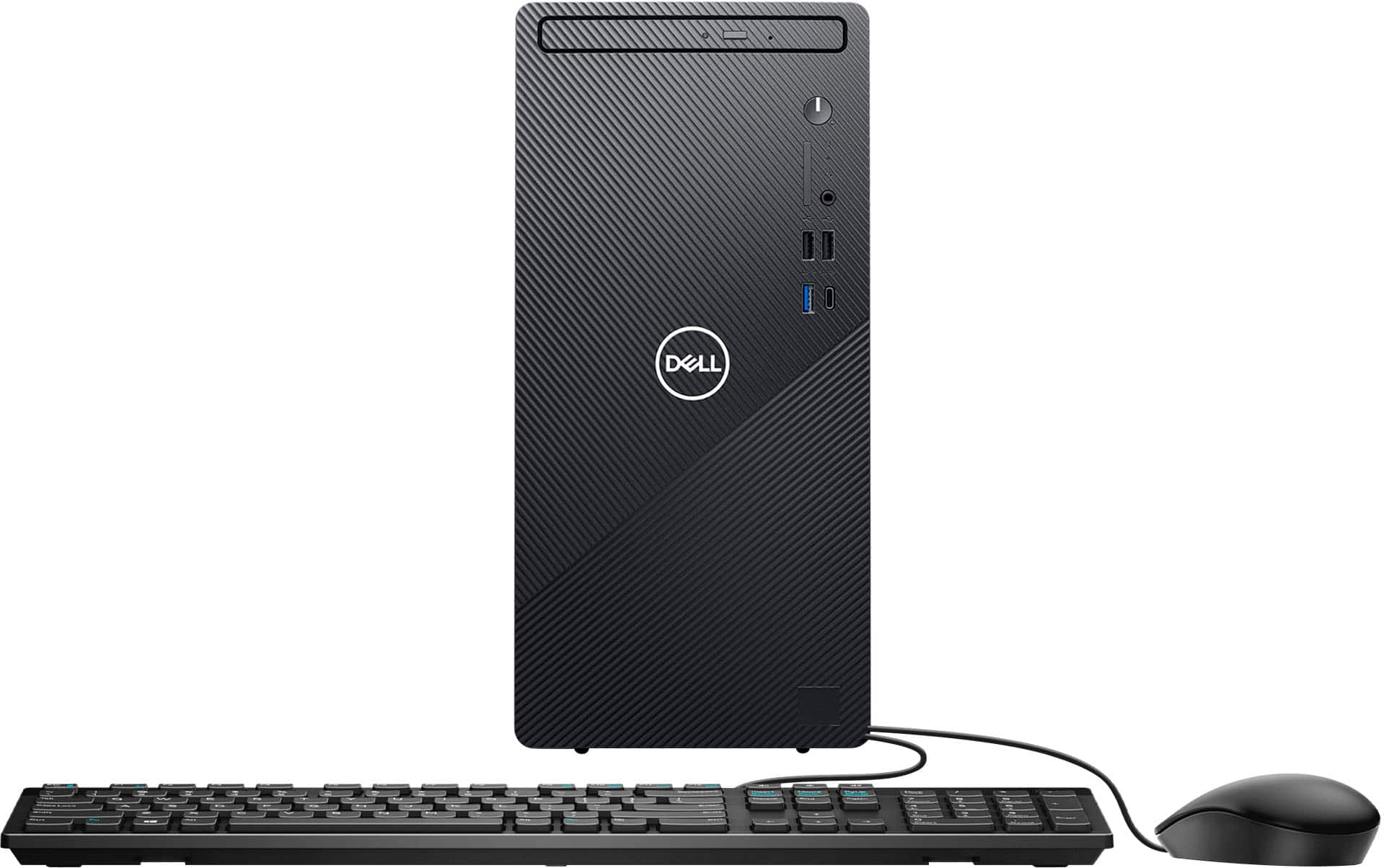
Customers enjoy the Inspiron Desktop's speed and ease of use, finding it easy to set up and use for everyday tasks. Many appreciate its compact size, included DVD drive, and good price point. While some users suggest upgrading the memory for more demanding applications, overall the system receives positive feedback for its performance and value.
This summary was generated by AI based on customer reviews.
Owner
||Posted . Owned for 1 week when reviewed.This reviewer received promo considerations or sweepstakes entry for writing a review.I returned this computer I do not recommend the speed was so slow I just didn't want to deal with it
No, I would not recommend this to a friendBrand response from YourDellTeam
Posted .Hello Valued Customer,
Thank you very much for your valued feedback. We apologize for the slow performance issues you had with your Inspiron desktop and ultimately decided to return the system. This is certainly not what we like to hear from our loyal customers. We will share your comments with our quality team so improvements can be made now and in the future. In the future, we would love the opportunity to help troubleshoot any problems you may be facing.
Best,
Katarina@Dell
Should you need further assistance, you can contact Dell directly with the information below.
Chat or call: https://bit.ly/DellSupportTeam
Phone number to Dell 1-800-624-9896
junk
||Posted . Owned for 3 weeks when reviewed.This reviewer received promo considerations or sweepstakes entry for writing a review.only worked for three weaks, then start up page stop working
No, I would not recommend this to a friendBrand response from YourDellTeam
Posted .Hi Tohard,
We would like to thank you for taking the time to provide us with your feedback. We are sorry to hear that your Inspiron desktop stopped working only after 3 weeks of use. This is certainly not what we like to hear from our valued customers.
Below I have provided a link to help resolve the issue with a startup. On that page, you can choose between, no power, no post, no boot, or no video. Once you choose you can find the options to help troubleshoot and resolve that issue. We would also suggest making sure all your drivers and downloads are up to date on your PC. I have also given you a link below to the Drivers and Downloads page for your computer.
Resolve No Power, No POST, No Boot Up Issues: https://dell.to/3sdfce6
Drivers and Downloads page: https://dell.to/3Mgzlvi
After utilizing the troubleshooting options provided, if the problem is not resolved, please contact our support team here: 1-800-624-9896.
Best,
Katarina@Dell
Should you need further assistance, you can contact Dell directly with the information below.
Chat or call: https://bit.ly/DellSupportTeam
Phone number to Dell 1-800-624-9896
- Pros mentioned:Speed

A Reliable Desktop PC
|Posted .This reviewer received promo considerations or sweepstakes entry for writing a review.As a person who owns several of Dell's products from small peripherals to laptops, this desktop is another added feature that definitely comes in handy. I like its size, speed, and capabilities. While it does have an i3 processor, it still gets the job done in a mighty way! I have used Intel's processors in the past; which has not ever disappointed. I am super glad to add this desktop PC to my collection!
- Pros mentioned:Speed
Good desktop computer for most tasks
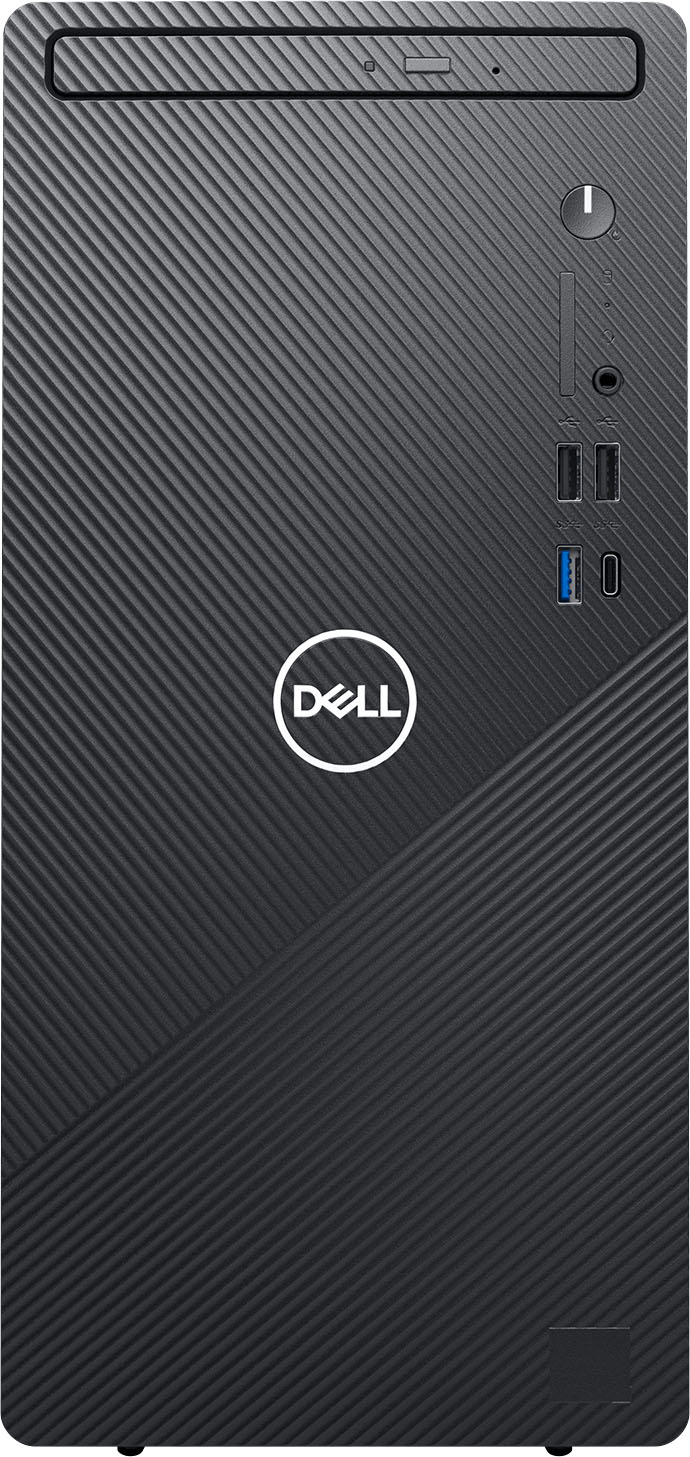
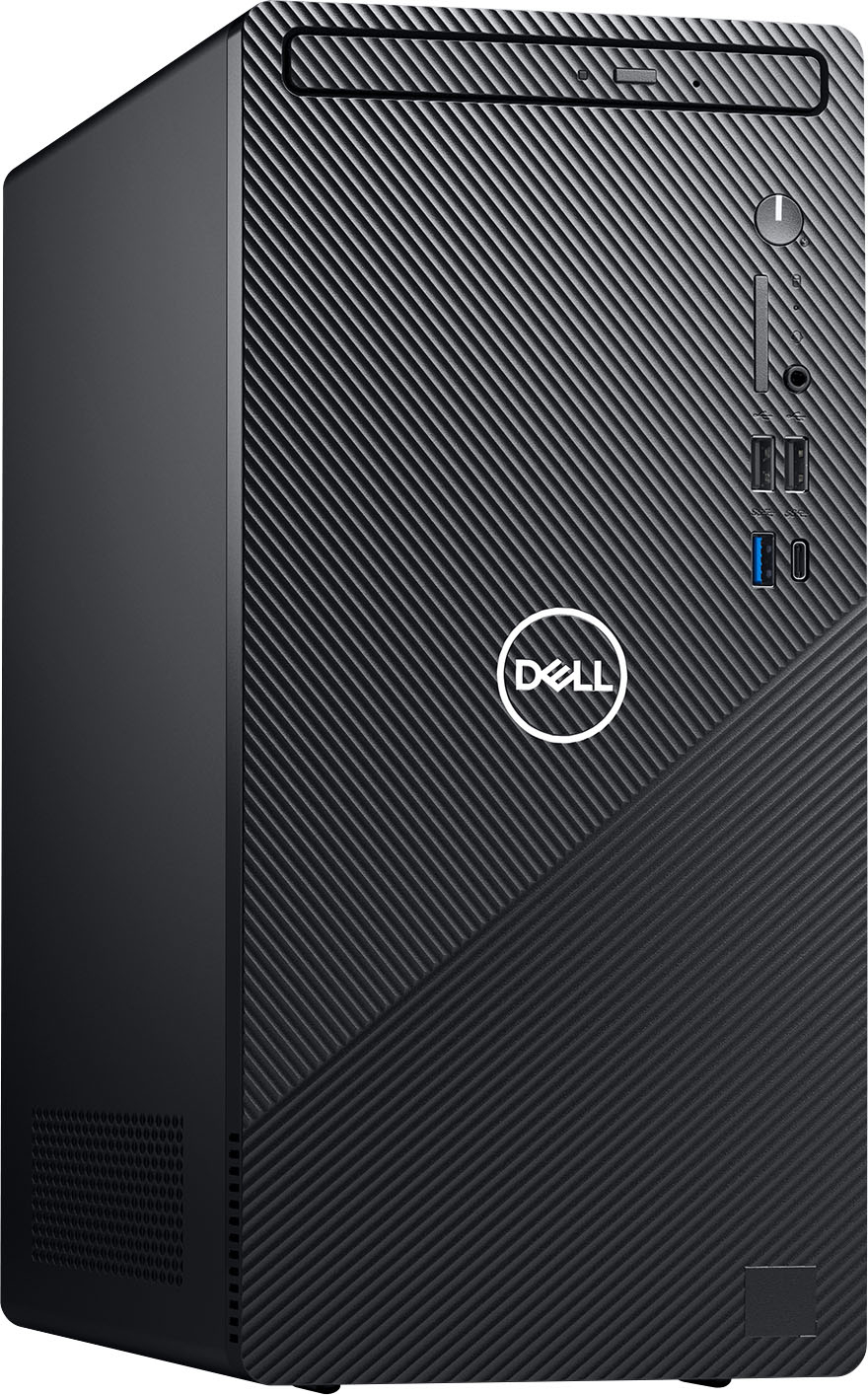
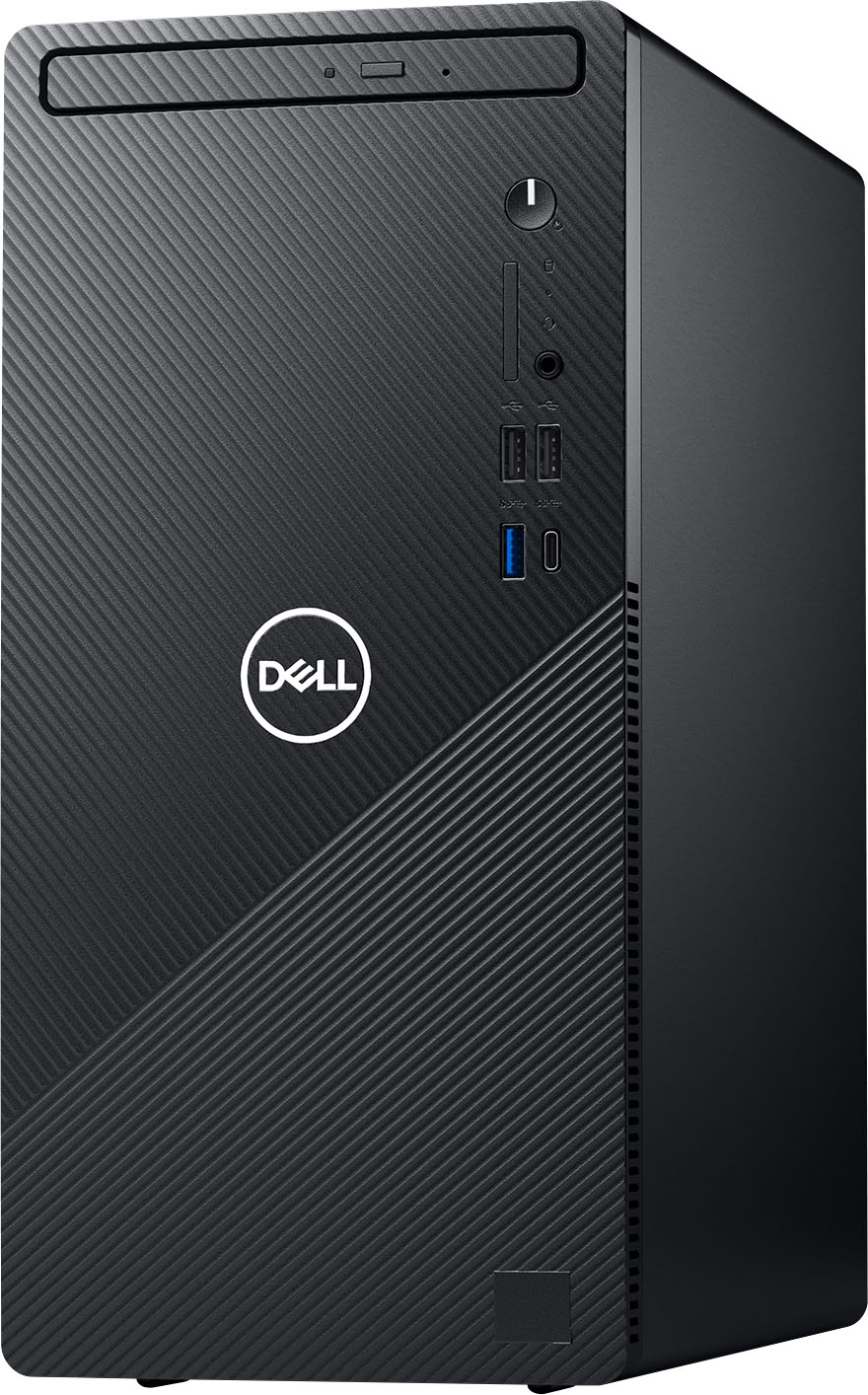
|Posted .This reviewer received promo considerations or sweepstakes entry for writing a review.The Dell Inspiron Desktop replaced our older desktop that was showing its age. This desktop was a nice replacement. We needed something for doing simple tasks like browsing the web, checking Email, and word documents. Setup was easy and straightforward. It has quite a few USB A ports in the front and rear of the unit, and one USB-C port on the front. It comes with a keyboard and mouse. The keys on the keyboard feel good to type on and are not as loud as the keyboard from my older desktop. The Dell has a spinning hard drive and not an SSD drive. Had it came with an SSD drive it would make the computer even faster. There are fans that run to keep it cool. With the unit being underneath the desk, it’s not as loud. This computer is good for simple everyday tasks, but I would not recommend it for gaming or apps that require a lot of speed and processing power.
I would recommend this to a friend Perfect for the price
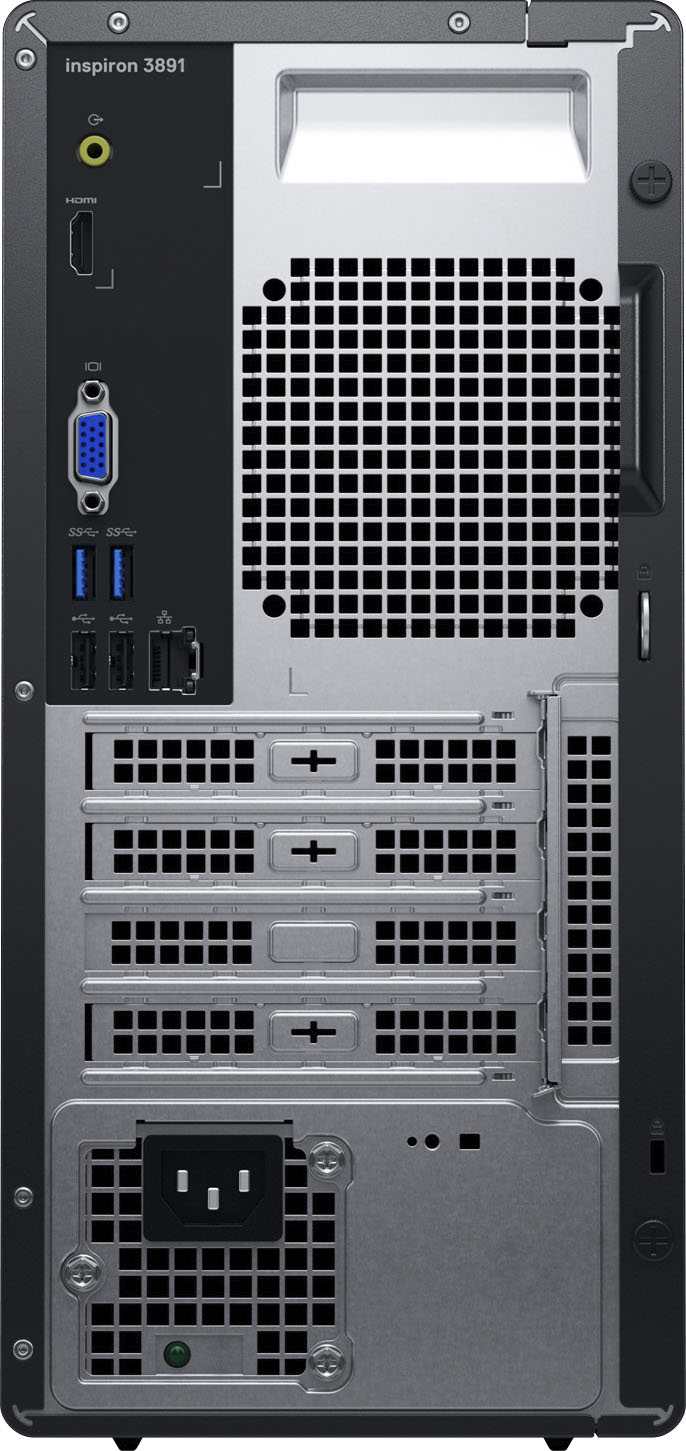
|Posted .This reviewer received promo considerations or sweepstakes entry for writing a review.Serving as a backup, this desktop is quite simply my tower back up for my needs. It's good to me. It does exactly what it's supposed to. I have it simply as a private network for my Plex app and it is very worthy. Doesn't have the fastest processor and doesn't do multiple applications but what it does one at a time. It does very well. Worth it for the money. Also, HDMI port and multiple USB ports make for wireless keyboard and mouse and direct connection to my TV. Easy and simple.
I would recommend this to a friendNot too shabby
|Posted .This reviewer received promo considerations or sweepstakes entry for writing a review.I wouldn’t necessarily call this thing a beast, but it certainly does what is expected — basic small office and web navigating. This Dell Inspiron seems to be a quality-built product. Also, having had prior experience, I can honestly state that Dell customer service, should you even need it, is second to none. They stand behind their product. If you’re looking for a fast gaming computer, or one that can help you with massive amounts of photo/video editing, you may want to look elsewhere (bare bones editing would be fine on this). But, if you’re looking for a good basic computer for everyday social or online navigation, this is a good choice. I’m dinging it one star for not having a SSD, which seems to be in everything nowadays.
I would recommend this to a friendGood Basic Spec Computer
|Posted .This reviewer received promo considerations or sweepstakes entry for writing a review.This desktop, in terms of specifications, is not the most powerful on the market. It's is not meant for gaming or video editing. For daily browsing, photo management, cloud applications, etc. it is a great desktop to use. It has a large 1TB drive and will run Windows 11 just fine. For basic work or school from home tasks, this computer will work fine.
I would recommend this to a friend- Pros mentioned:Speed
Surprisingly fast!
Posted .This reviewer received promo considerations or sweepstakes entry for writing a review.It took a few hours and a few reboots for this PC to fully sync up with the latest Windows 11 patches and Dell driver updates, but once all that was complete the system was very quick. There were points during this process were the PC claimed to be "up to date" but was painfully slow and buggy. That finally resolved, suggesting that the hardware is solid while reminding us that Windows 11 is still new.
I would recommend this to a friend Software issues right out of the box
|Posted .This reviewer received promo considerations or sweepstakes entry for writing a review.Overall, I am unsatisfied with this computer due to a software issue I experienced right out of the box. I initially got this computer for three simple things: internet browsing, image storage, and the occasional audio recording on Audacity. Out of the box, the computer’s browser was very slow. I was initially using Microsoft Edge, the included internet browser. My internet connection was not the issue, the browser itself was slow - slow to load, slow to open a new tab, typing would lag for 2-5 seconds at a time, etc. I was eventually able to download Google Chrome after a painstaking amount of time to get to the download page, but the issue persisted and Chrome was just as slow. I was able to talk to a couple of Dell support agents and they ran multiple tests on my new computer. They informed me that the limited warranty only covered Hardware Support, confirmed the hardware was completely fine, and that this was a software issue. Software Support costs extra. It’s very disappointing that I received a computer with a defect and immediately have to pay to get it looked at and fixed. I had high hopes for this computer because I knew I wouldn’t be pushing it to any limits and only performing minimal tasks. The browsers being slow caused such an unsatisfactory user experience that I was unable to write even one email, the keyboard lag was too frustrating. Not to mention I wouldn’t be able to manage files on my cloud storage at a normal pace. I didn’t have any keyboard lag outside of the internet browsers. Start up can be a bit slow, but I would put up with that if it was the only issue. I had no problems with image storage on the main drive and had no trouble recording on Audacity (audio recording program, although of course it took way too long to reach the download page). I liked the size of this tower and that it has a CD slot as I have a lot of CDs and DVDs. But if I can’t perform a basic task like browse the internet, then this is not the computer for me.
No, I would not recommend this to a friendBrand response from YourDellTeam
Posted .Dear Sophia,
We would like to thank you for taking the time to provide us with your feedback. We apologize for the performance issues you are experiencing with your new Inspiron desktop and that the Dell Support member wasn’t able to help you. I have provided steps to using the Windows Performance Troubleshooter which should help resolve the performance issue. I have also provided a link to the full article that has more options if needed. We would also suggest making sure all drivers and downloads are up to date on your PC. I have provided a link to the Drivers and Downloads page for our system below so you can check for and do any applicable updates.
Windows performance Troubleshooter:
1. Close all open windows.
2. Press the Windows logo key + X key on the keyboard.
3. Click Control Panel.
4. Click System and Security.
5. Under Security and Maintenance, select Troubleshoot common problems.
6. Under System and Security, click Run maintenance tasks.
7. Follow the on-screen instructions and prompts to complete the process.
8. Restart the PC.
You can read the full article here - http://dell.to/2tSulGV.
Drivers and Downloads page: https://dell.to/3Mgzlvi
If the issue with your computer is still not resolved after utilizing the troubleshooting options above, please contact the Dell Support Team at 1-800-624-9896 for further guidance.
Best,
Katarina@Dell
Should you need further assistance, you can contact Dell directly with the information below.
Chat or call: https://bit.ly/DellSupportTeam
Phone number to Dell 1-800-624-9896
Easy Set Up
Posted .This reviewer received promo considerations or sweepstakes entry for writing a review.I moved from WindowsXP to this Dell with Windows11 with little to no problem. set up was easy
I would recommend this to a friend- Pros mentioned:Speed
Good entry level machine
Posted .This reviewer received promo considerations or sweepstakes entry for writing a review.It has a m.2 slot on board and immediately swapped to a nvme before booting. The stock HDD probably hinders this machine's performance the most. Its very snappy for light duty computing after the hard drive swap.
I would recommend this to a friendBrand response from YourDellTeam
Posted .Dear Valued Customer,
We appreciate you taking the time to leave us your review. We are sorry to hear you have across some issues with your Inspiron Desktop that have made it less than enjoyable. If needed in the future, I have provided steps to using the Windows Performance Troubleshooter which should help resolve the performance issue. They have also provided a link to the full article that has more options if needed. We also suggest making sure all drivers and downloads are up to date on your PC. Dell has provided a link to the Drivers and Downloads page for your system so you can check for and do any applicable updates.
Windows performance Troubleshooter:
1. Close all open windows.
2. Press the Windows logo key + X key on the keyboard.
3. Click Control Panel.
4. Click System and Security.
5. Under Security and Maintenance, select Troubleshoot common problems.
6. Under System and Security, click Run maintenance tasks.
7. Follow the on-screen instructions and prompts to complete the process.
8. Restart the PC.
You can read the full article here - http://dell.to/2tSulGV.
Drivers and Downloads Page: https://dell.to/3ogHDbr.
If you still experience these issues after you have finished troubleshooting your PC, please reach out to our support team here: 1-800-624-9896.
If you require further assistance, you can contact Dell directly with the information below.
Chat or call: https://bit.ly/DellSupportTeam
Phone number to Dell 1-800-624-9896
Best,
Wendy@Dell
Bad preformance even for a budget pc
Posted .This reviewer received promo considerations or sweepstakes entry for writing a review.So to preface, im not a tech savy person at all, i was just looking for something to play older games (games like blood and doom, etc,) the first night i got it running it worked really nice, but after that first night it could barely run a single chrome tab. It doesnt seem like itd be worth upgrading, as the whole motherboard would have to be switched to allow you to install a new gpu, as the stock one is integrated into the board. So overall, save your money for something a little more powerful if youd like to vet anything of use done.
No, I would not recommend this to a friendBrand response from YourDellTeam
Posted .Hi Nolen,
Thank you for your valued feedback. We are sorry to hear you are experiencing problems with your Dell Inspiron desktop because it is not performing as you expected.
I have provided some steps you can take that should help with this issue.
There are several ways to help improve the performance of your computer if it is running slower than you expected it to. We'd recommend the following steps to help improve your computer's overall performance and speed:
1. Restart your computer regularly.
2. Run the automated tools provided in the SupportAssist Tool.
3. Run a complete hardware diagnostic test.
4. Scan your computer for malware.
5. Restore your Dell computer using Windows System Restore.
6. Reinstall Microsoft Windows.
You can read the full steps associated with each of these recommendations here: https://dell.to/3n29QjE.
If the issue with the performance is still not resolved after utilizing the troubleshooting options above, please contact the Dell Support Team at 1-800-624-9896 for further guidance.
Best,
Katarina@Dell
Should you need further assistance, you can contact Dell directly with the information below.
Chat or call: https://bit.ly/DellSupportTeam
Phone number to Dell 1-800-624-9896
Very disappointed!
Posted .This reviewer received promo considerations or sweepstakes entry for writing a review.So disappointed on this model. I could hardly do anything on it, even after I call tech support and went through the process of resetting the system. Don’t waste your money on this.
No, I would not recommend this to a friendBrand response from YourDellTeam
Posted .Hi Pedro,
We want to thank you for taking the time to leave us your review. We sincerely apologize for the problems you have had with your Inspiron Desktop. This is certainly not what we like to hear from our valued customers. We would love to assist you with any troubleshooting needs but would need a little more information. Please feel free to contact our support team here: 1-800-624-9896.
If you require further assistance, you can contact Dell directly with the information below.
Chat or call: https://bit.ly/DellSupportTeam
Phone number to Dell 1-800-624-9896
Best,
Wendy@Dell