Customer Ratings & Reviews



![esc F1 F2 F3 F4 F5 F6 F7 FB FS FI0 FT1 F12 delete - - 1 e 2 I 3 $ 4 % 5 A 6 & 7 * 8 I 9 I 0 - : + = backspace tab Q W E R T Y U | O P { [ } ] I / caps lock A S D F G H J K L : : . - enter shift Z X C V N M < 1 > - ? / shift ctrl fn alt alt / < P9 Pg >](https://pisces.bbystatic.com/image2/BestBuy_US/images/products/4060782d-324d-498c-8816-07c968b6f1aa.jpg)












- Model:
- XPS9350-7715BLK-PUS
- SKU:
- 12160269
Rating by feature
- Battery Life
Rating 4.6 out of 5 stars
- Speed
Rating 4.7 out of 5 stars
- Display
Rating 4.4 out of 5 stars
- Pros mentioned:Battery life
Light-weight and versatile!
||Posted . Owned for 3 weeks when reviewed.This reviewer received promo considerations or sweepstakes entry for writing a review.Loving this new computer- it is light-weight, has a long battery life, a small screen and lots of memory. I like Dell computers in general, and I really recommend this one!
I would recommend this to a friend - Pros mentioned:Portability, Processor speed, Screen qualityCons mentioned:Usb ports

Stylish, Sleek, & Smart Lightweight 13.4" Laptop
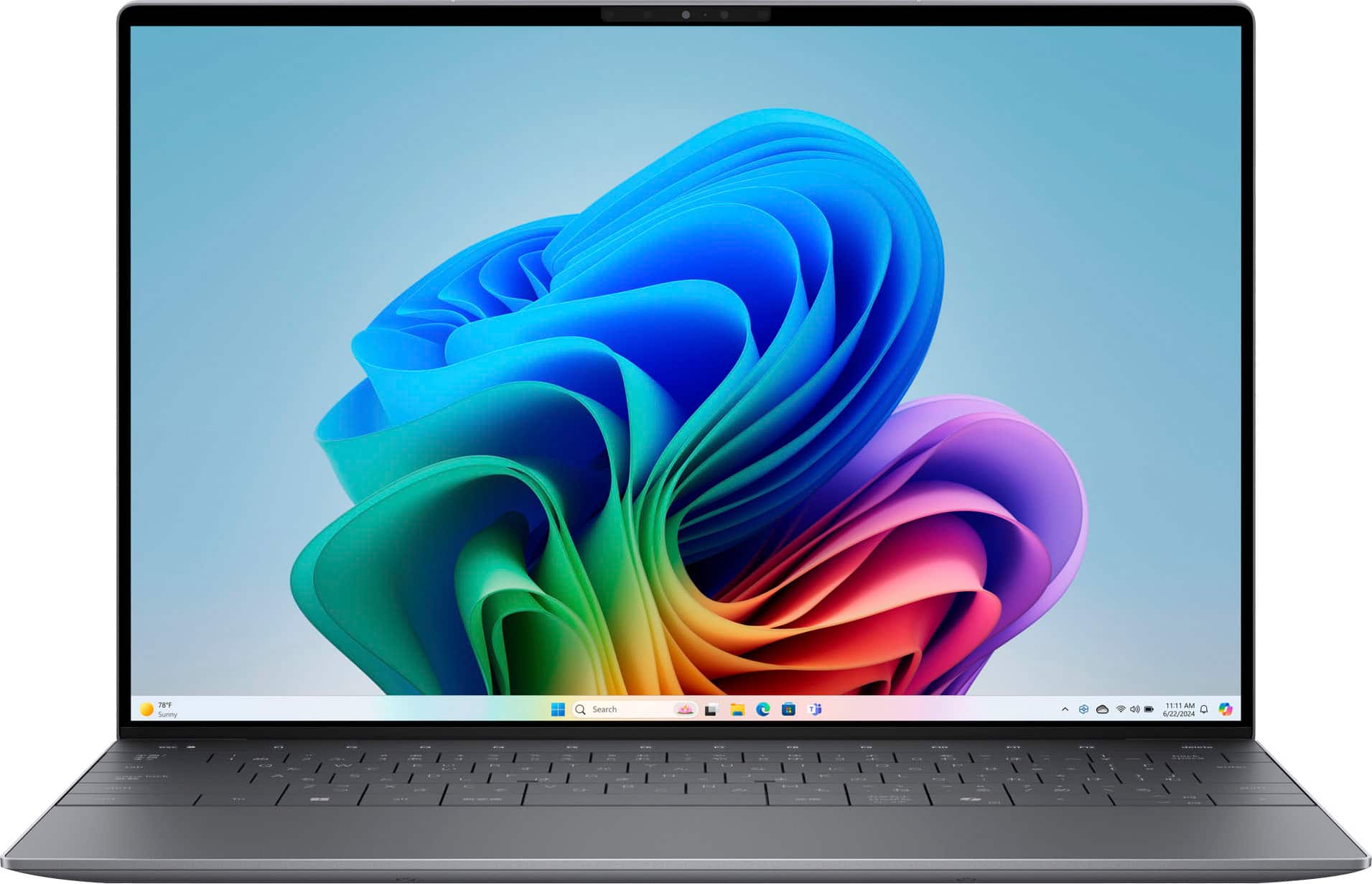
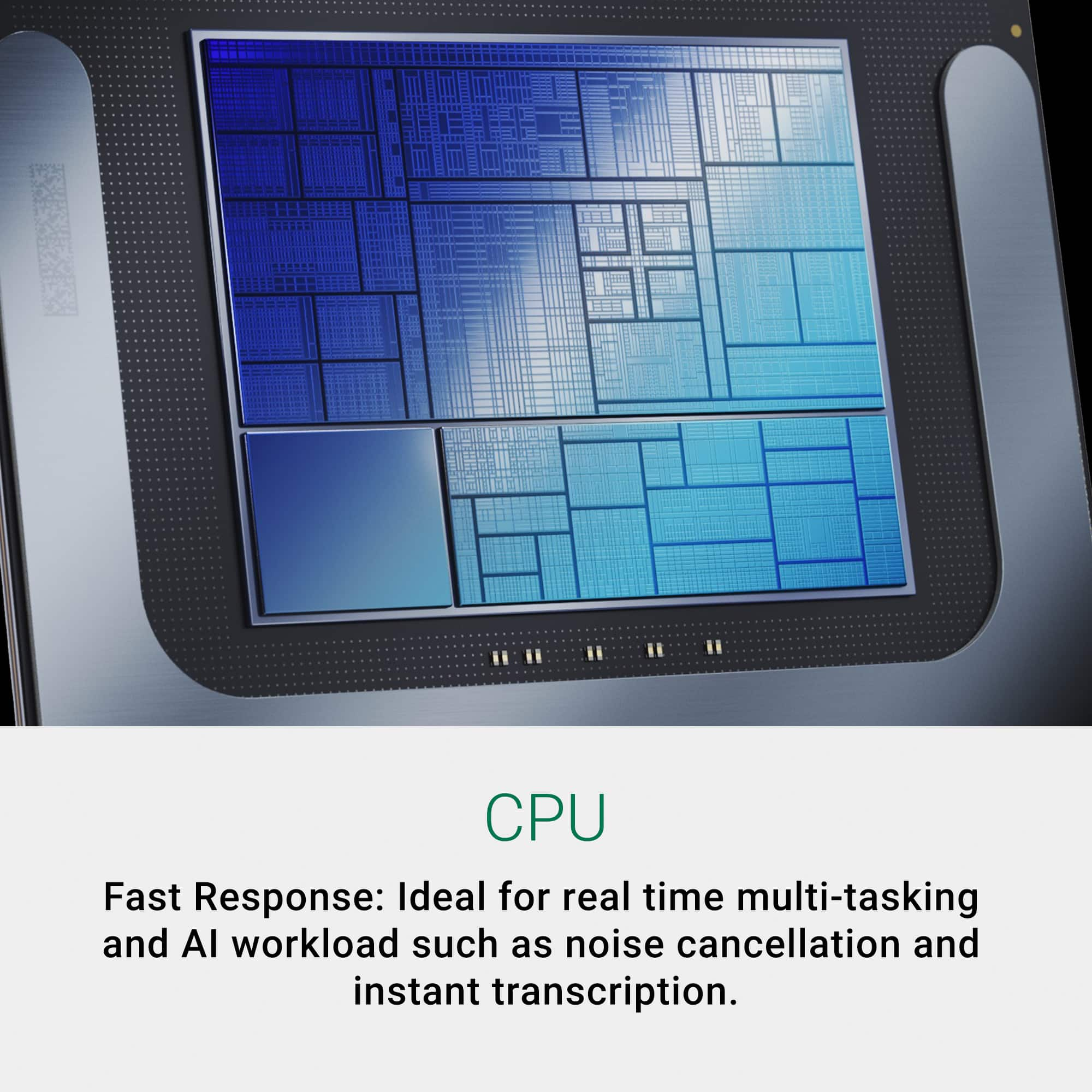
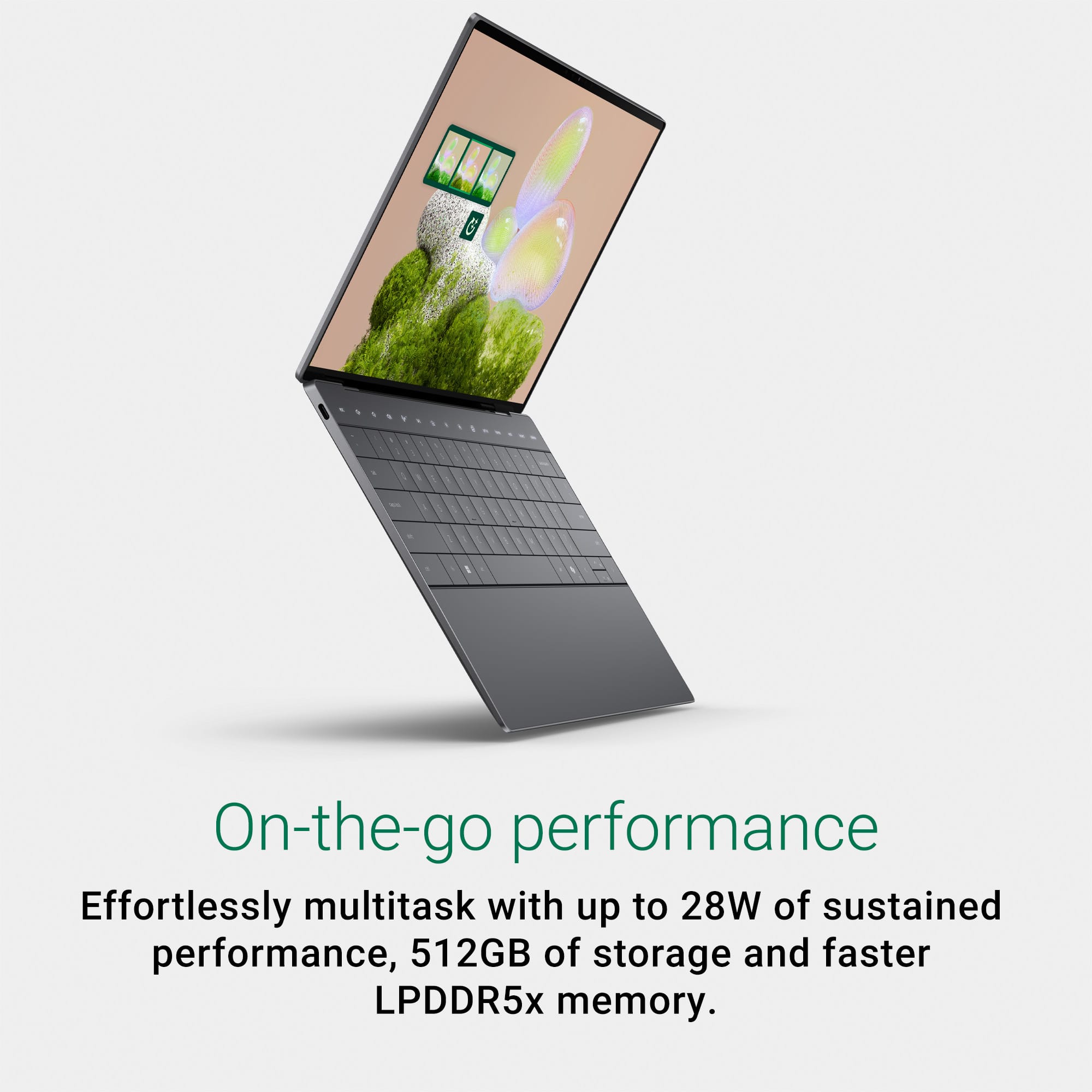
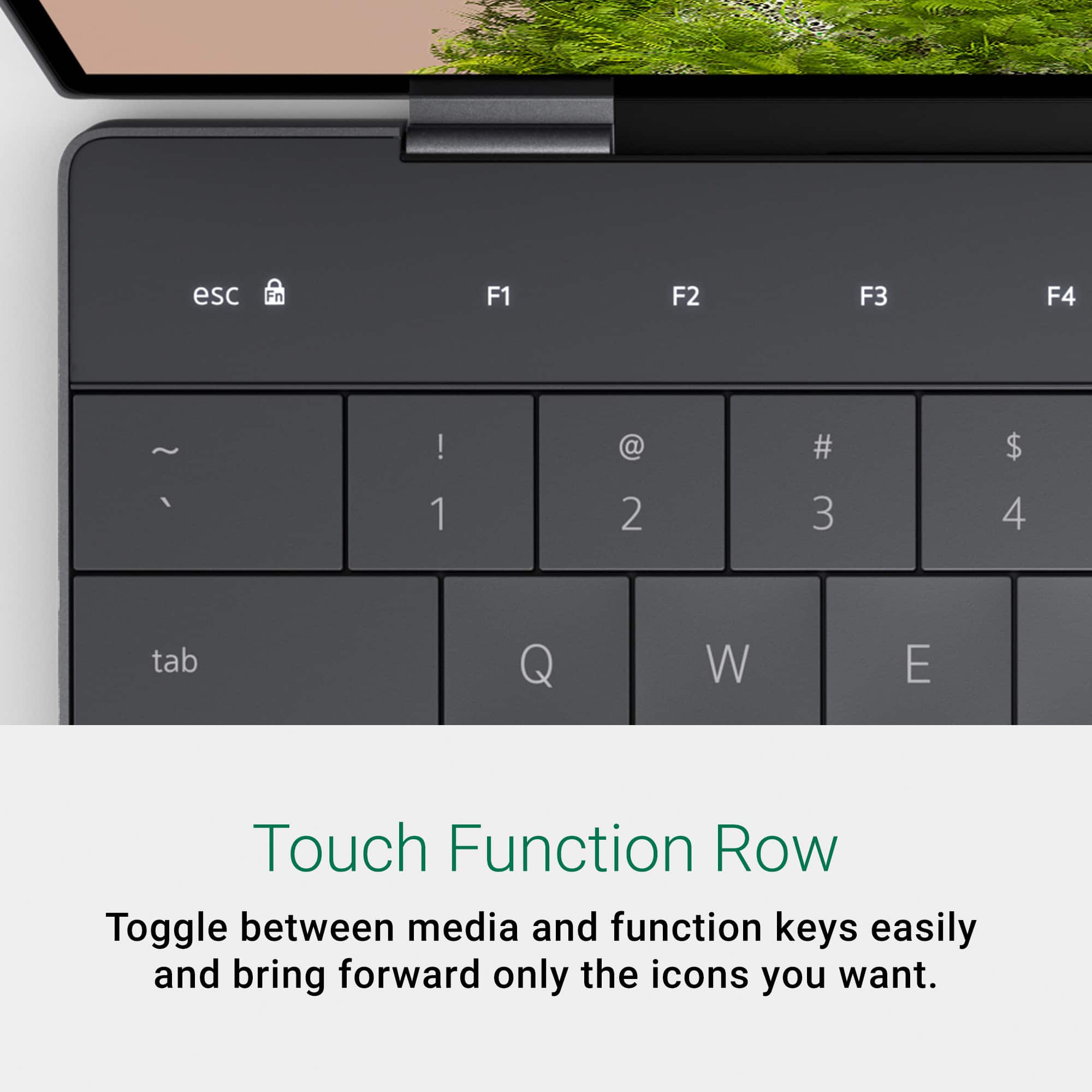
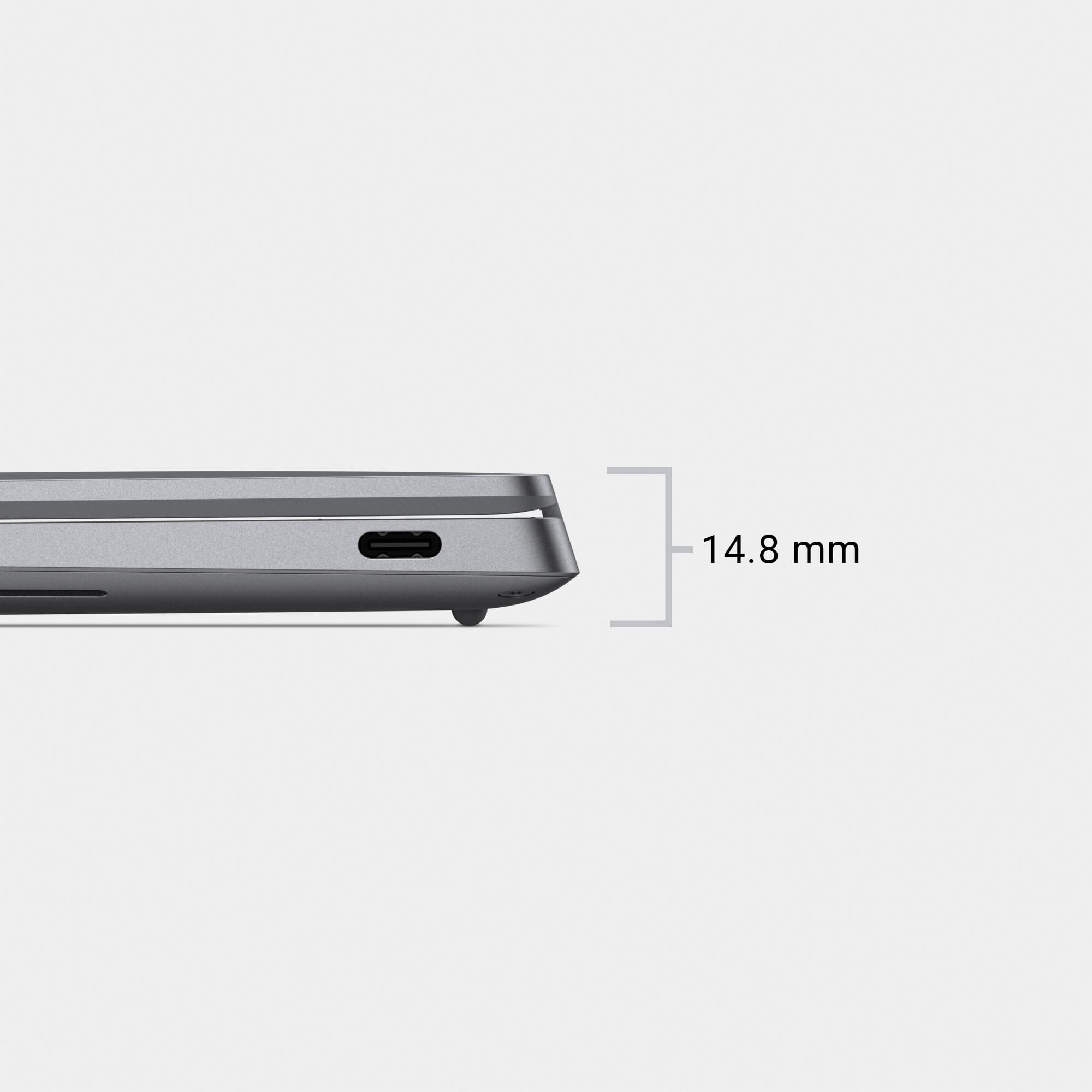
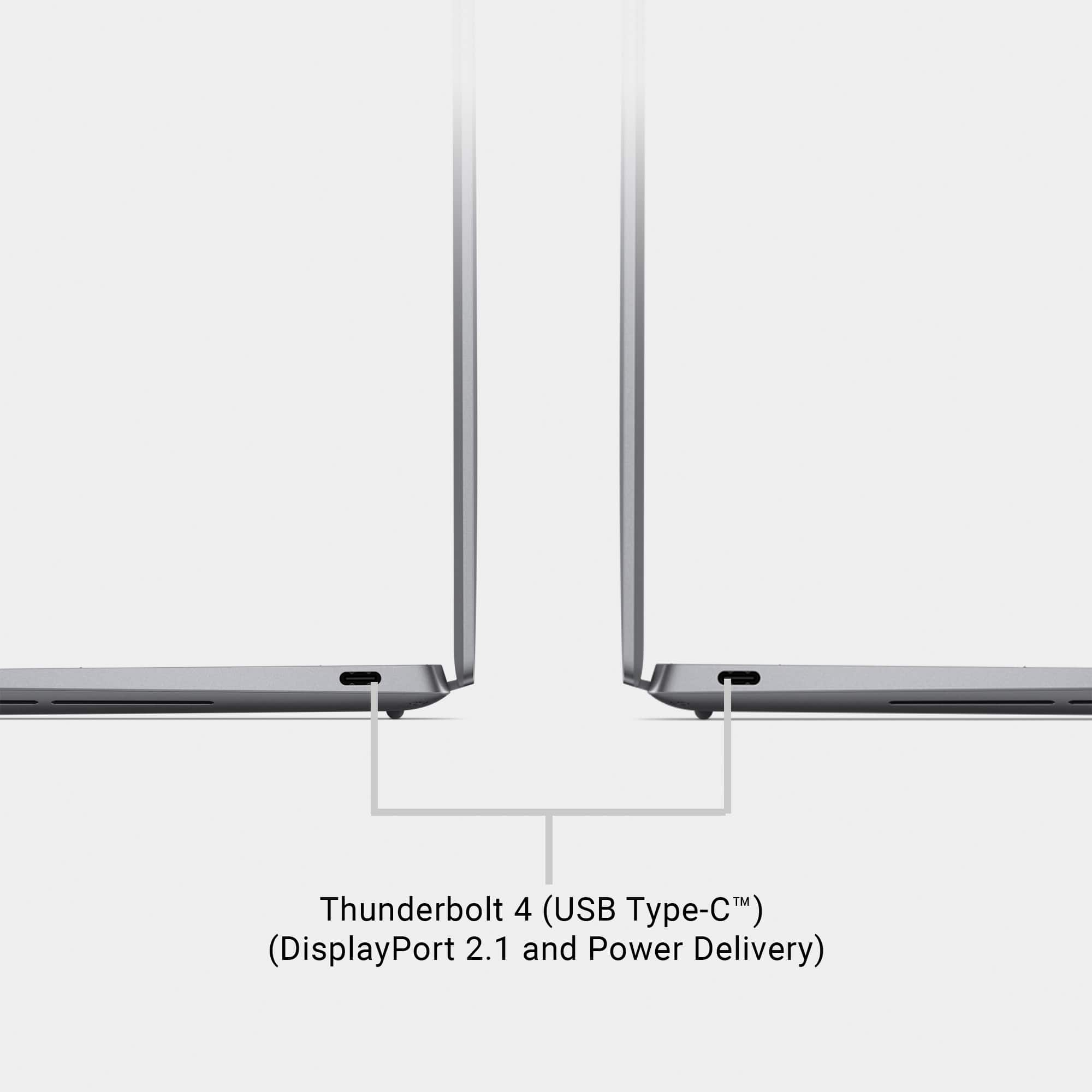
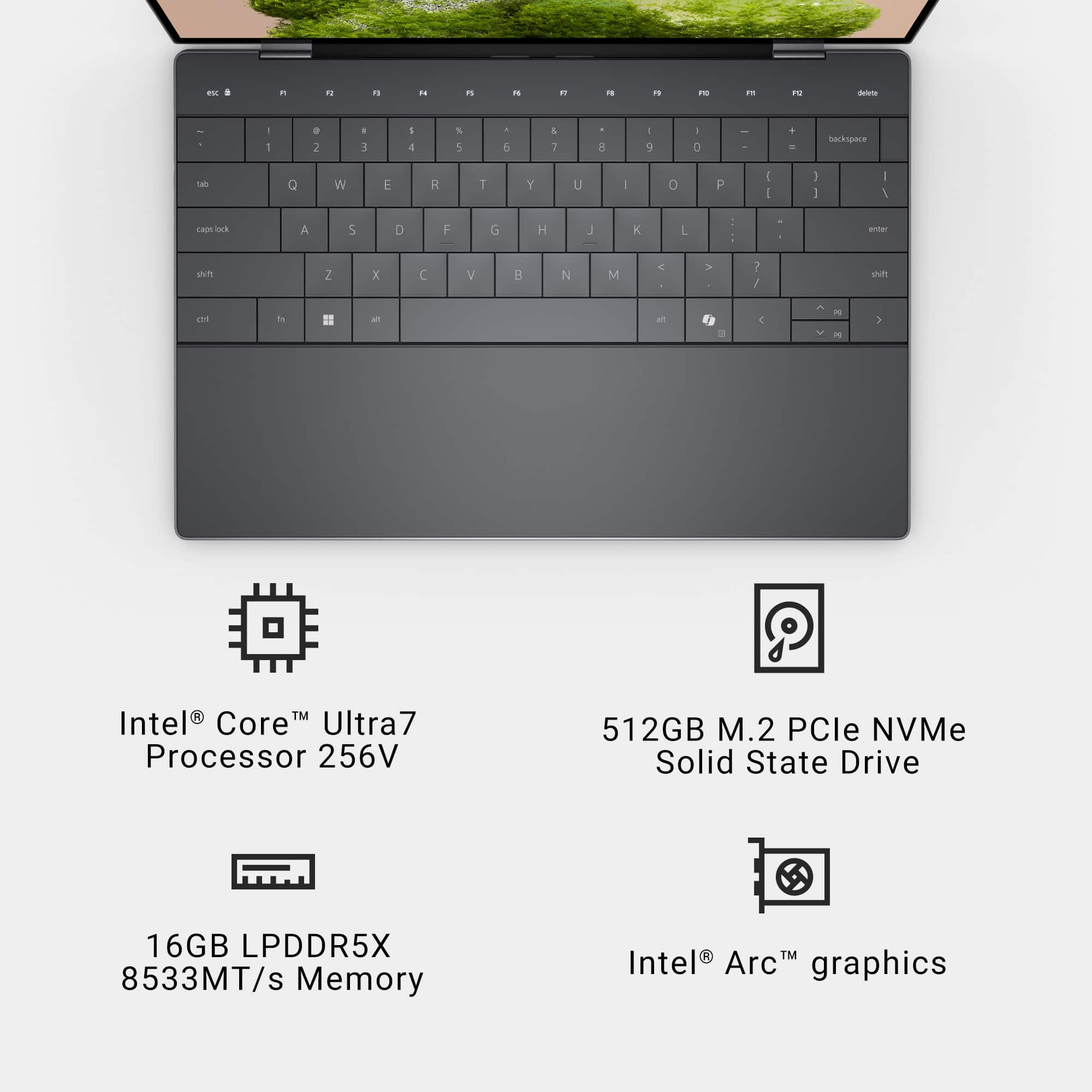
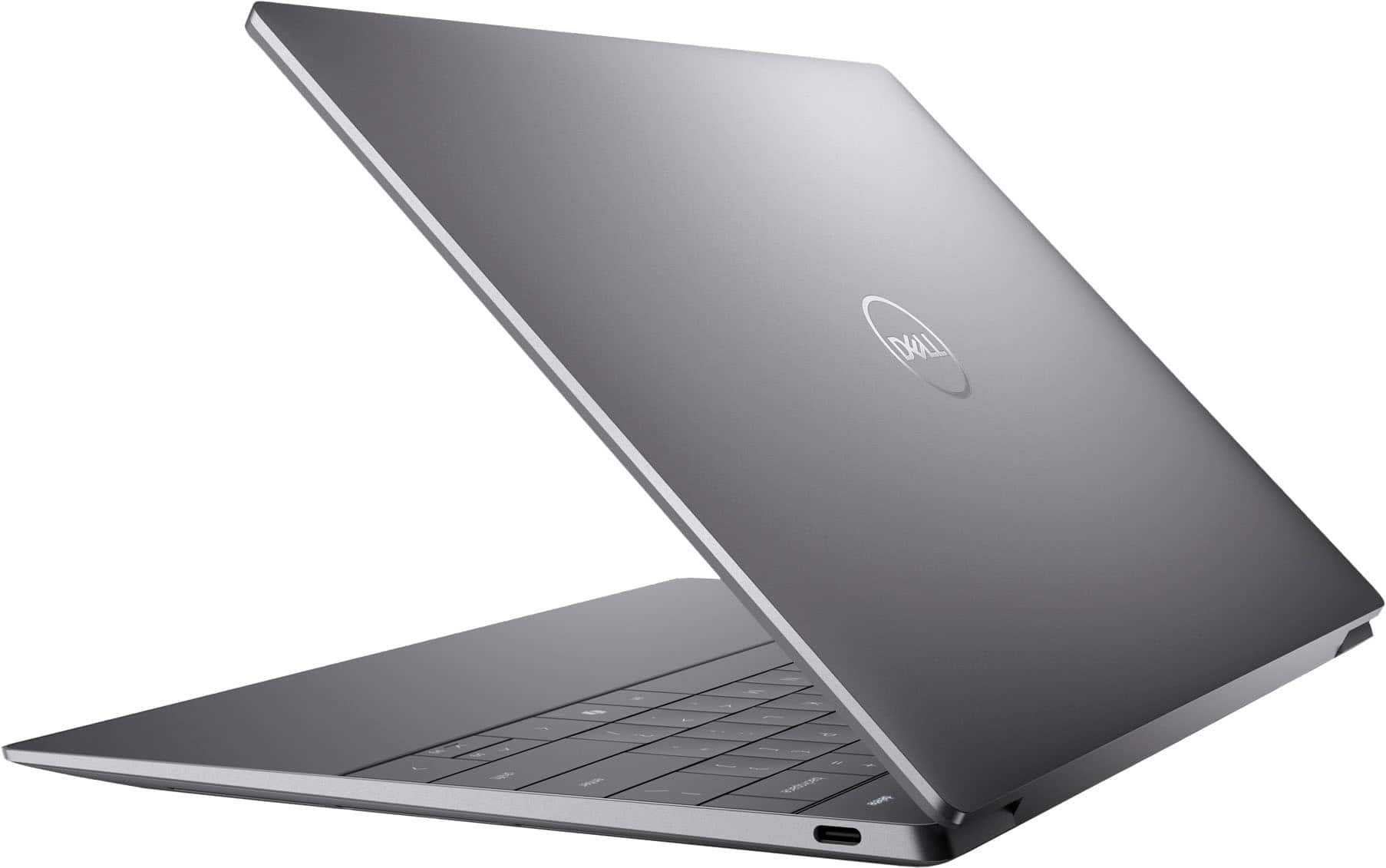
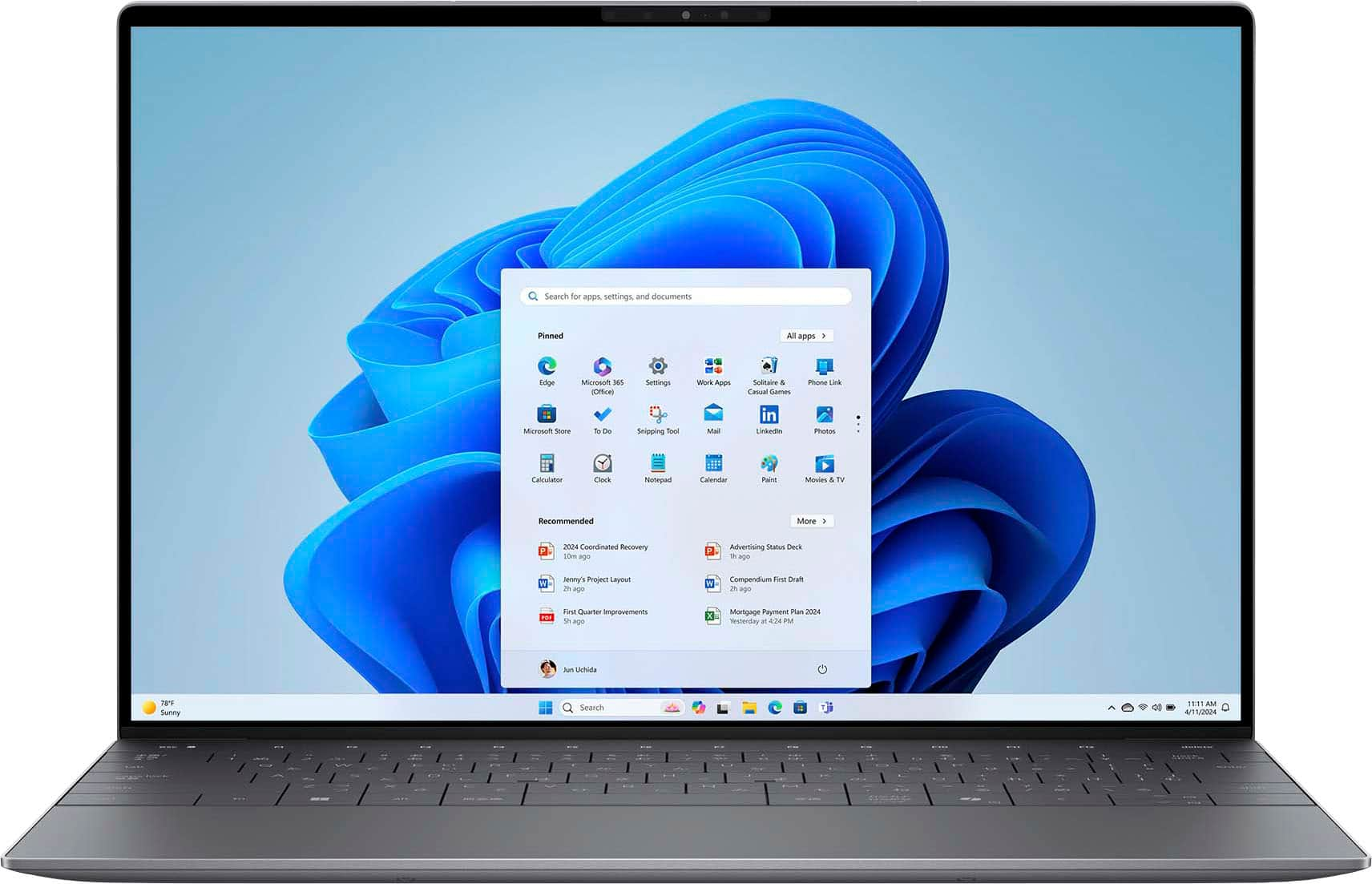
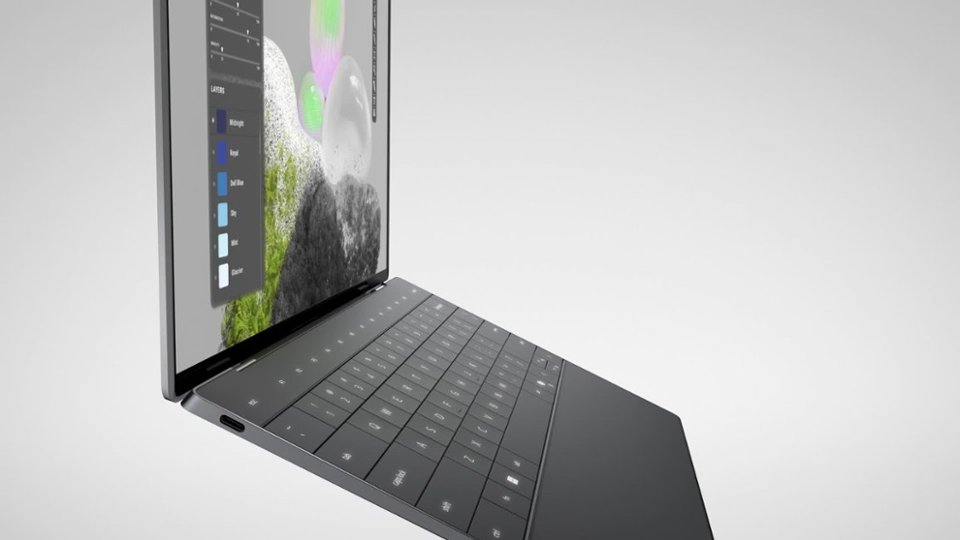
|Posted .This reviewer received promo considerations or sweepstakes entry for writing a review.The evolution of laptops from bulky, heavy, clunky and slow to this sleek, light, stylish and ThunderBolt 4 fast Dell XPS 13 9350 Laptop with smart Copilot Artificial Intelligence (AI) is truly amazing. This amazing transition of laptop design over time comes from extreme advances in processor design utilizing chip miniaturization and layering of multiple efficient & performance cores, component integration resulting in higher performance in an incredibly smaller package, low power utilization and low destructive heat generation. The Dell XPs 13 9350 is modeled around the new and exceptional Intel Core Ultra 7 Series 2 256V, 17W processor which, in my mind, takes this design to the next generation. Not only is this processor designed for extreme mobility in mind with a miniaturized processor with 8 cores and 8 threads that has 12 MB of cache onboard, an integrated Intel Arc Graphics Processing Unit with 8GB of GDDR graphic memory onboard, but also has the 16GB of system LPDDR5/x 7467 MT/s RAM onboard. In fact, this new processor design integrates the complete supporting chipset which used to be on a Mother Board, including the PCIe Bus, HD Audio and a newly integrated Neural Processing Unit (NPU) for AI support all on this one processor! The Dell XPS 13 9350 is one of the first laptops to feature this new advanced chip. The results are a high performing laptop weighing 2.62 lbs, with a thickness of 0.6" x 11.63" wide x 7.94" deep. I am a bit of a computer hardware geek and this new chip design sure sparks my geekiness. Now the processor chosen for this Dell XPS 9350 model is near the bottom of the new high-end Intel Ultra line, but that doesn't affect the performance and incredible capabilities of this chip, which will run at speeds up to 4.8GHz. And the choice of this model processor is reasonable for what most people would do with this powerful enough AI endowed, ultra light and mobile 13.4" laptop. It is more than sufficient and appropriate for school, home and work. The XPS 13 9350 model has a FHD+ (Full High Definition +) non-touch, 1920 x 1200 dpi, 30 to 120 Hz variable refresh rate, up to 500 NIT bright, 85 degree Wide Angle Viewing, Anti-Glare screen with an Infinity Edge (imperceptible bezel), and employs Eye-Safe (low blue light). It has 100% sRGB color space that is designed to ensure consistent and accurate color representation, but doesn't have the widest color gamut that you will find with Full RGB or Adobe RGB. Nevertheless, graphics look great on this screen. There are only (2) ports on this laptop, which I find a bit annoying. Both are Thunderbolt 4 with Power Delivery in a USB Type-C format. These ports support USB 4, DisplayPort 1.4, and Thunderbolt 4 with data transfer speeds up to 40 Gbps. Yes, these ports are backwards compatible with USB3.2 & 2.0, as well as Thunderbolt 3. They will support a connection to an external display, but only with an USB Type-C to DisplayPort adapter. Thunderbolt 4 will support (3) 4K monitors, or (1) 5K monitor, or (1) 8K monitor. If you need other ports or more displays, then you need to purchase an appropriate adaptor or a Docking Station. I personally do not like using the Cloud for storage. I have to use it for work on my work computer, but for home, I prefer my own storage. This Dell XPS 13 9350 model comes with a 512GB M.2 PCIe NVMc 2230 Solid State Drive (SSD). This is the only thing on this laptop that is upgradeable and will go to 2TB max. I am seriously debating this upgrade. As far as peripherals, this XPS 13 has a Realtek ALC1318 Audio Controller. It has a Quad Speaker system with (2) 2W apiece Woofers and (2) 2W apiece Tweeters for 8W's total. Since I usually use headphones, I can't really comment on the speakers. There are (2) dual array microphones. The unit comes with (2) cameras - (1) 15 fps Infrared for facial recognition and authentication, and (1) 75.8 degree angle, 30fps RGB camera for video chat, photo capture and even video recording. I can tell you that the IR camera does an excellent job recognizing my face and instantly allows me access to the computer. Choose this facial recognition option at setup. Other fun features include a backlit keyboard, which has an LED display of the alternate function keys (make sure to read the manual & look at my pictures); a FingerPrint Reader, which is on the unmarked Power Button (a bit disconcerting when you first open the computer); a Multi-Touch gesture-enabled precision Touchpad with integrated scrolling that is in an undelineated area (look at the pictures); and last but not least, Intel Wi-Fi 7 wireless card BE201 which supports 2.4GHz, 5GHz, & 6GHz transmission to 802.11 standards a/b/g/n/ac/ax/be (the latest) along with Bluetooth v5.4 (the latest). So, this sleek, petite Dell XPS 13 9350 Copilot Laptop is packed with a ton of cutting edge features and puts on a great performance. Just ask the Copilot AI & me. I found it intriguing and it just may be my new go-to for carry around and for travel.
I would recommend this to a friend - Pros mentioned:Battery life, Processor speed, Screen quality
Responsive and fun laptop!
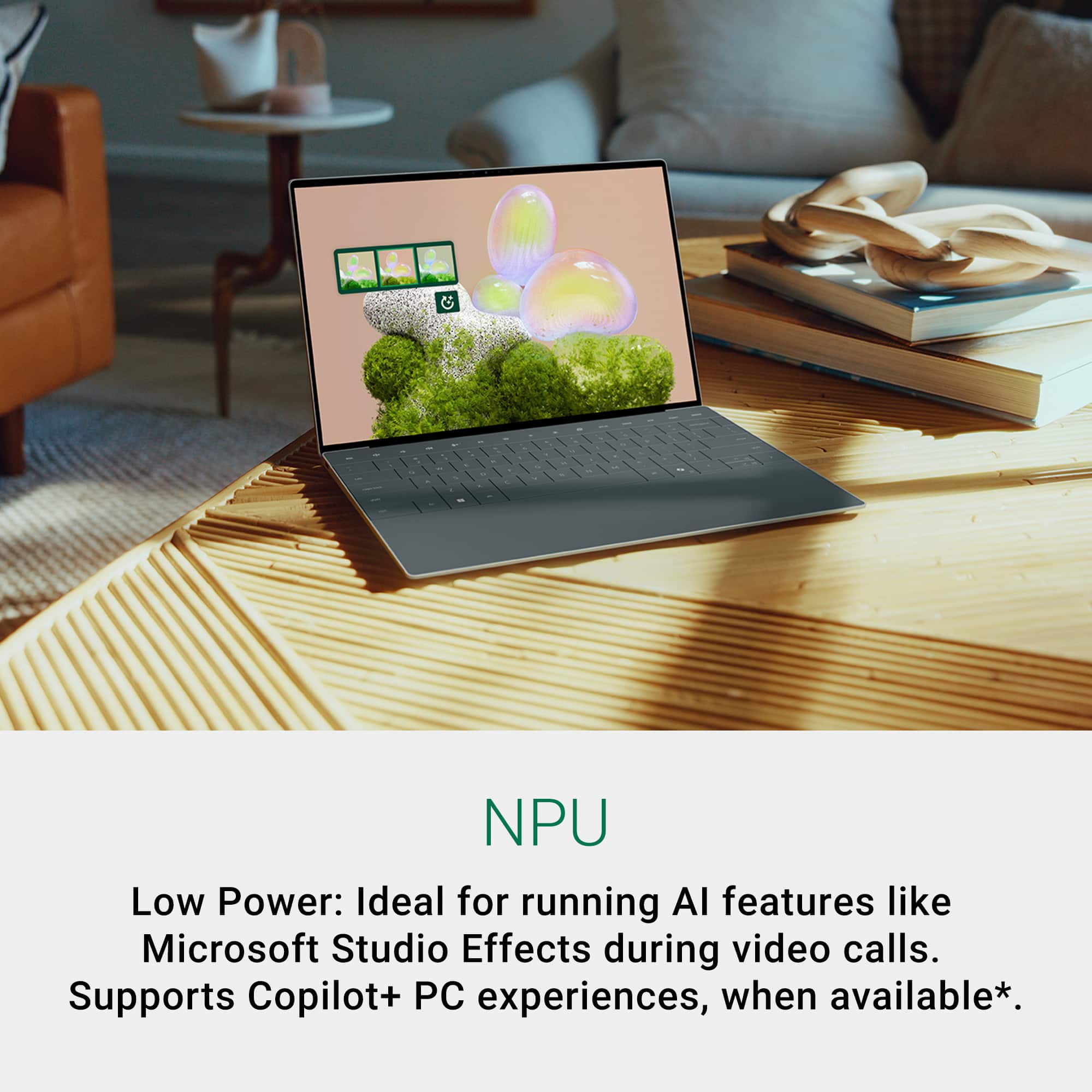
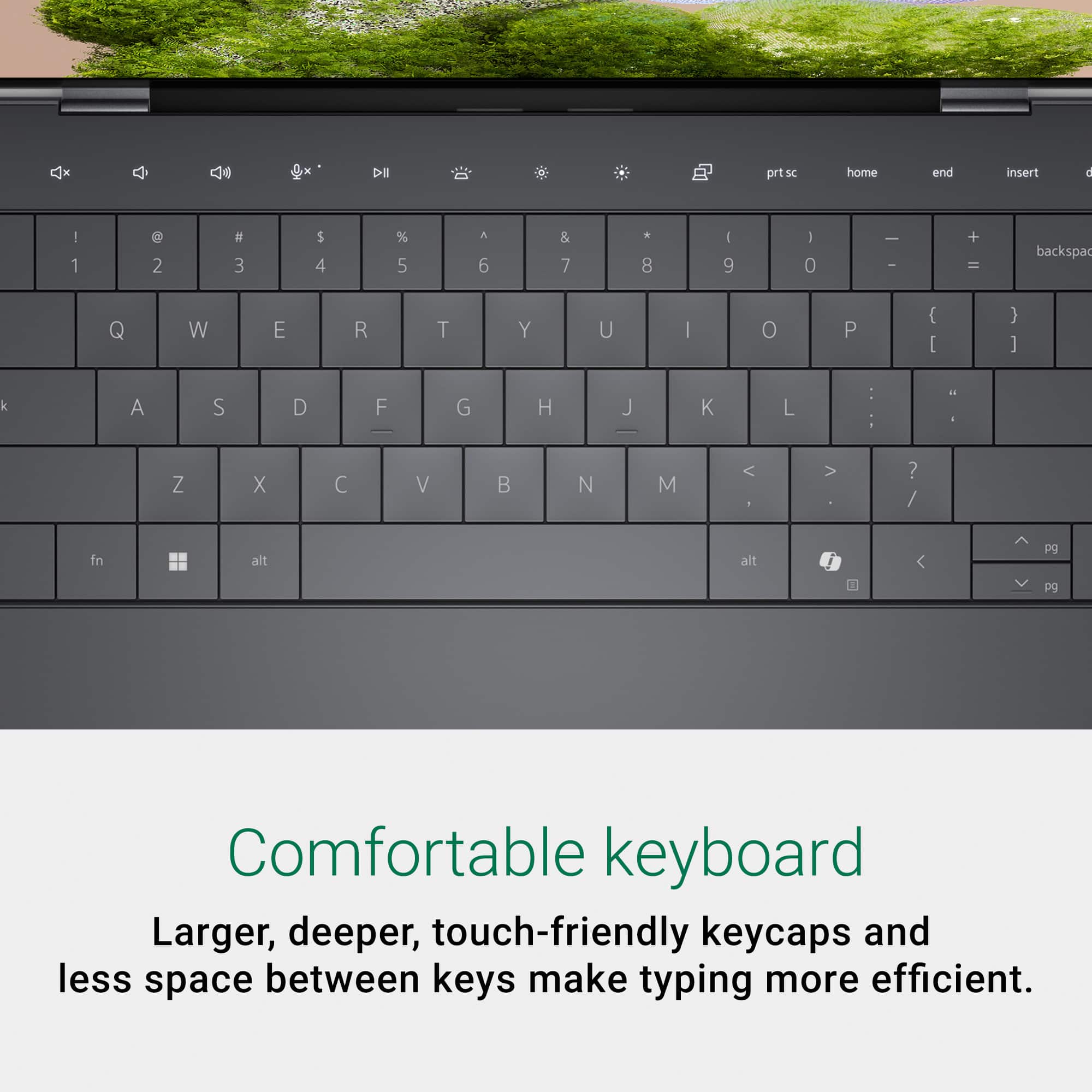
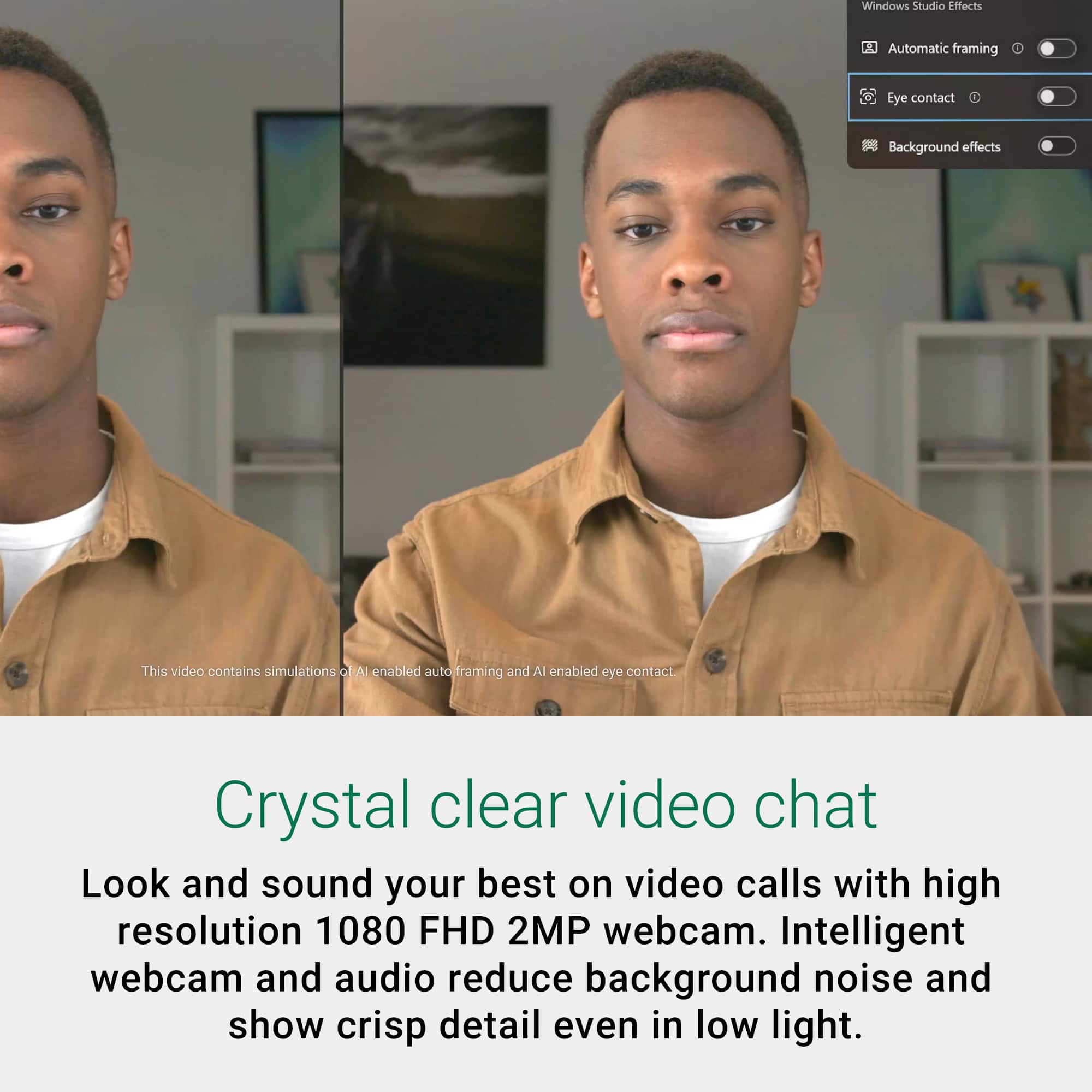
|Posted .This reviewer received promo considerations or sweepstakes entry for writing a review.I’m a bit excited to tell you about my first conversation with a laptop. Yup – just had a conversation with Copilot on my new Dell XPS 13 9350 AI + Copilot machine! It started innocently enough with the unboxing – see pictures. Once unboxed and powered on, I begin my new machine setup ritual and updates. After that completed, I launched Copilot to see what this machine could do. To my surprise, I had an interesting conversation with Copilot discussion new features like Windows Studio Effects and more. Yup – weird but interesting. In terms of external design, the XPS 13 AI+ Copilot continues the XPS series tradition of sleek and lightweight builds. Weighing just 2.6 pounds and being only 0.6 inches thick, it's incredibly portable, perfect for those who are constantly on the go. It has a modified keyboard with WIDER keys – which takes a bit of getting used to but works well. The function keys are touch-sensitive pads vs keys, and the moue pad is integrated into the wrist rest and basically invisible. Again this change takes some getting used to – but the overall feel of the keyboard and mouse is very nice! For the guts of the machine, a new Intel Core Ultra 7 Series 2 packs a punch and feels very responsive, 16GB RAM and a 512 GB NVMe, Intel Arc GPU and the Intel AI boost NPU rounds out the main components. See Passmark Performance Test results in pictures. The computer feels snappy and fun to use! This laptop has a Neural Processing Unit – or NPU. I took a screenshot of the activity in the NPU while using Copilot – so you can see that it is used. It will be interesting to see how this affects the daily use of AI within our lives. Windows Studio Effects is a new feature in Windows that takes advantage of the NPU. It will allow you to adjust lighting and apply creative filters for video calls, ensuring you always look your best in virtual meetings. This is perfect for professionals who spend a lot of time in online meetings and need to maintain a polished appearance. To use the feature, you need the latest windows build and HW that supports the features – then go to your camera and play with the settings! Another great feature of this laptop is the high quality display. The FHD+ screen really looks nice and crisp. Test is sharp, colors jump off the page and videos look great! Battery life is another area where the XPS 13 AI+ Copilot excels. Designed to keep you productive for longer periods, it reduces the need for frequent charging, making it ideal for long workdays or travel. Overall, the Dell XPS 13 AI+ Copilot laptop is a remarkable blend of performance, innovation, and portability. It’s a versatile device that caters to both work and play, making it an excellent choice for anyone in need of a reliable and high-performing laptop. I’ve very happy with this and currently in process of making this my main laptop!
I would recommend this to a friend - Pros mentioned:Portability, Processor speed, Screen quality
Dell hits a home run!
|Posted .This reviewer received promo considerations or sweepstakes entry for writing a review.Dell has been around for a long, long time and I have had the pleasure to own several laptops and desktops from this company. Some were good, some were great and one was an utter failure (it was dead within 6 months). The XPS series of laptops has been going for quite a while and usually, you get a pretty solid device. Let's see if this XPS 13 is the top of the crop or bottom of the barrel (and if you don't want to read the whole thing: it's excellent). The first feeling I had after unboxing it was how compact it was, while still offering very solid hardware. The entire design is quite amazing. From the softly back-lit keyboard to the "glass" buttons on the top and the "invisible" track-pad, you can tell Dell wanted to make this baby look good. My first thought actually was: "this is a PC masquerading as a chromebook". It comes with Windows 11 pre-installed, but be warned that the initial updates and the setup will take some time. Once this is out of the way, you're in for a treat. The CPU used in this laptop is one of the first of its kind, just now rolling out of Intel's factory. It packs a CPU, iGPU and a cluster of AI cores, working in concert with 16 gigs of LPDDR5 RAM (Samsung brand) and a swift - but somewhat small - SSD. Indeed, the SSD only offers 500 gigs which is really the bare minimum. The integrated GPU is Intel's very own Arc design. It won't shatter records but it's far better than the old UHD iGPUs. I think that even an etch-a-sketch is faster than the old Intel iGPUs. The screen is beautiful, the colors are vivid and bright, which I didn't expect from a laptop this size. This is usually where manufacturers cut some corners, but Dell seems to have wanted to do better than that and instead went with a better panel. The XPS 13 only has to 2 ports. I know. I was wondering what this was about as well. But considering the size of the machine and the type of USB Type C ports, a simple adapter will do the trick to add USB-A, HDMI and more to it. It's not a perfect solution, but it is in line with what this laptop's main purpose is. Dell seems to aim this laptop at content creators, office workers or students who wish to have a speedy, small form factor laptop that isn't a (gross) chromebook. Power and portability, a generous battery and smart design choices make this XPS 13 a winner. It's fast and responsive and offers some interesting options, such as Copilot+ which offers a simple path to AI generated content. You can play some low performance games rather well on it, too. It's a great companion to take along with you, as it's light and small enough to fit in a small sleeve. I recommend this laptop to anyone who wants a trusty companion to tag along on adventures or from office to office. I use it to view and edit drone footage, work on graphics and more. It's the perfect size and powerful enough to plow through everything I've thrown at it. Excellent laptop!
I would recommend this to a friend - Pros mentioned:Battery life, Processor speed, Screen quality
Sleek & Fast with Great Performance & Battery Life
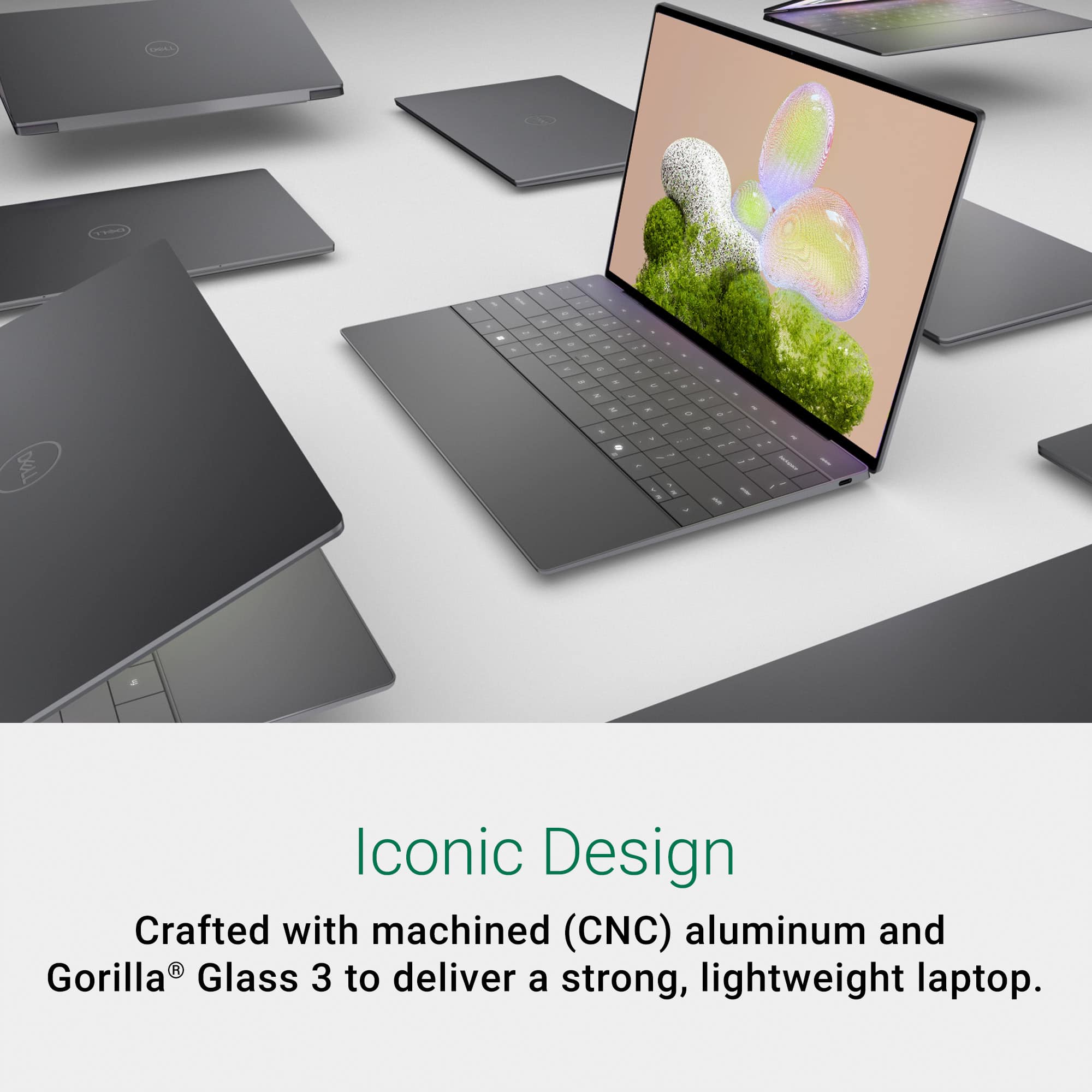
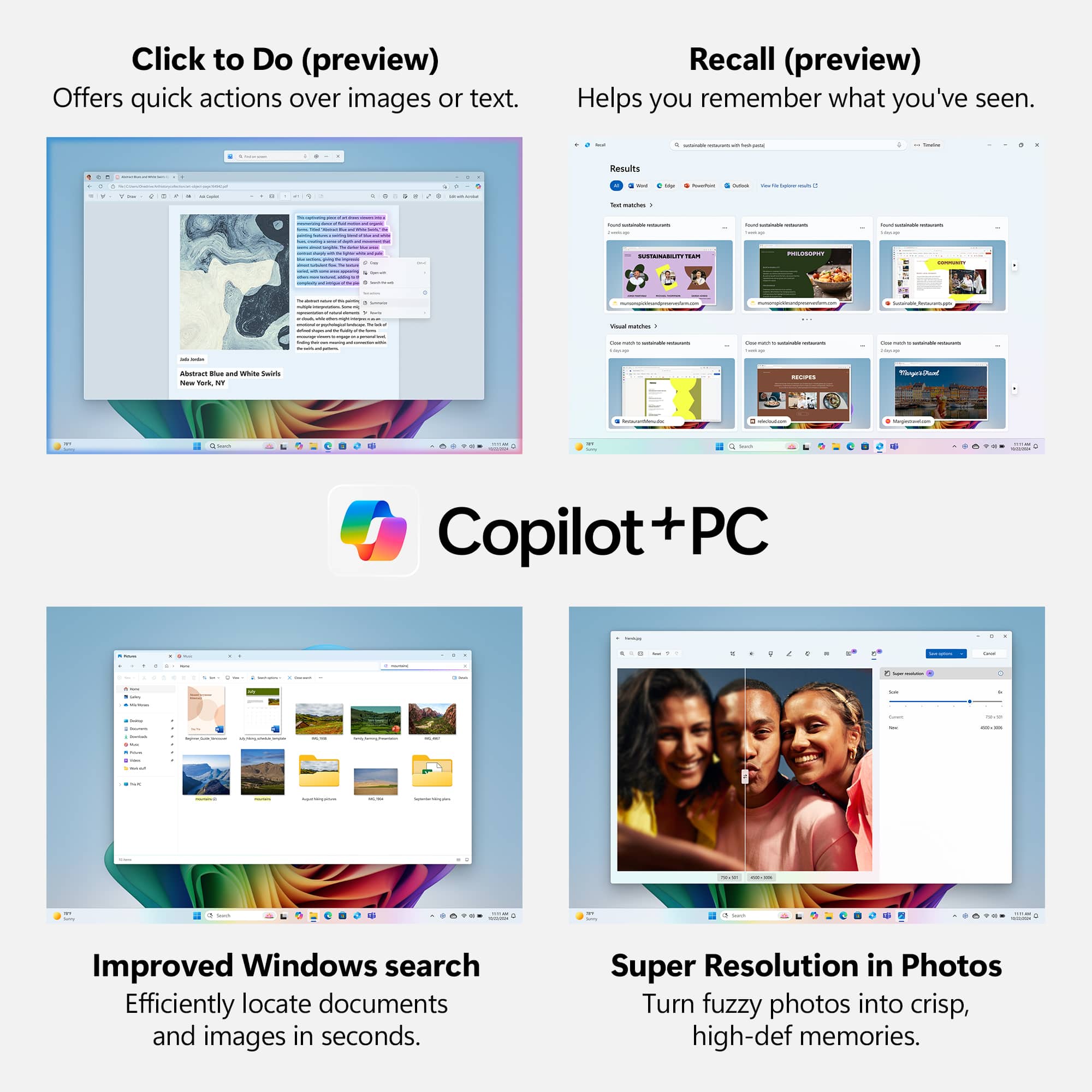
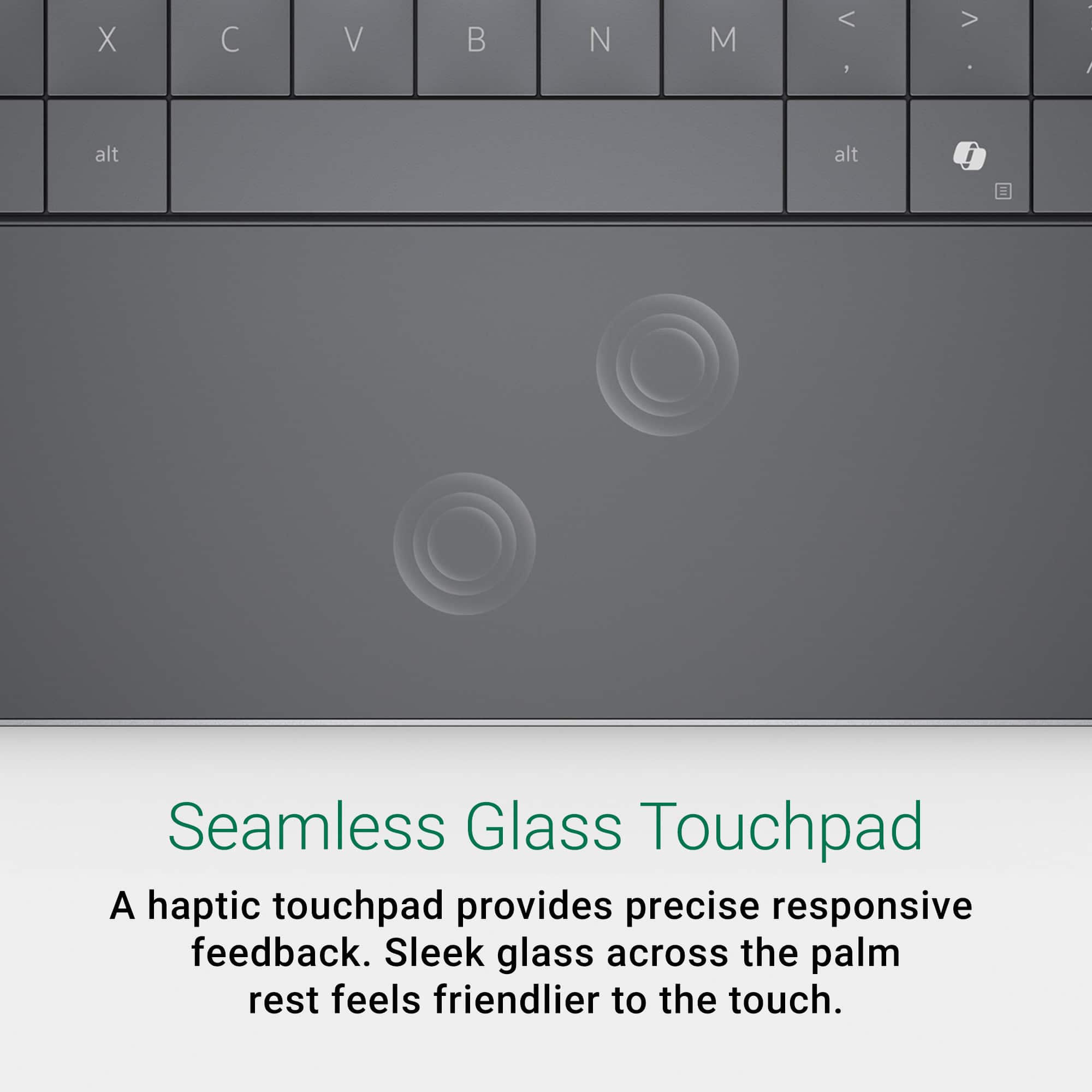
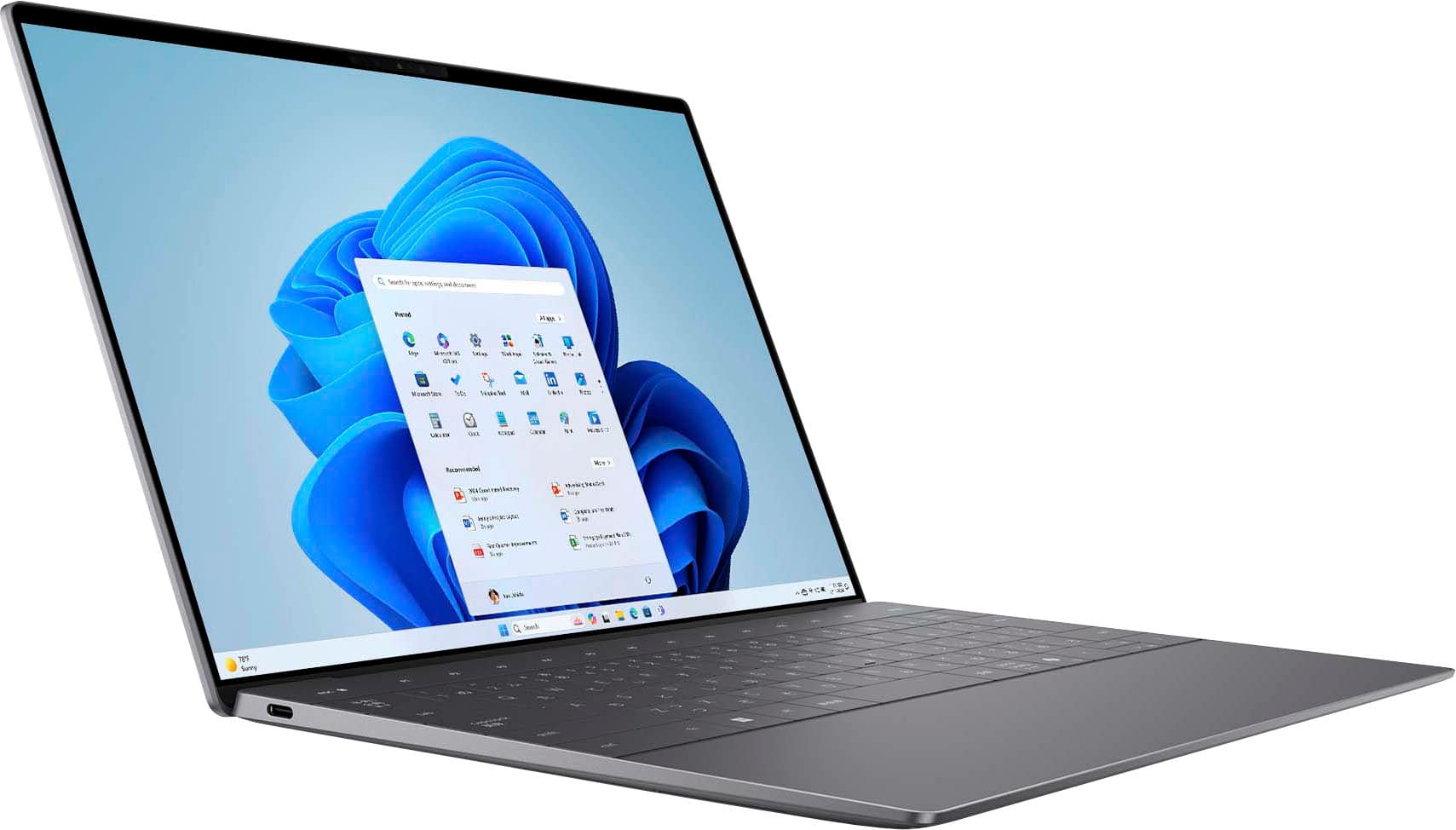
|Posted .This reviewer received promo considerations or sweepstakes entry for writing a review.The Dell XPS 13 Copilot+ PC is small and light with a very clean look - and it's fast! Design This thing is sleek, slim, and light! Dell really takes the clean look to the next level with no physical function keys and no frame around the touchpad. Until you turn it on, the function keys, above the number row, do not show up at all. When you turn it on, the places where those keys would be light up with the functions of each key. Press the <Fn> key and they all change to the function numbers like <F1>, <F2>, etc. You can use <Fn>-<ESC> to toggle the default. The touchpad works very well. I didn't have any issues with it working as expected and using it without a defined area wasn't a problem. The display is 1920x1200 resolution for a 19:10 aspect ratio and the screen is very bright with rich colors. The webcam is 1080p, great for video calls in general. I thought it did very well even in low light. The keyboard keys are very flat. They may be ever so slightly concave but the keyboard looks completely flat, though there are small slots between each key. The keys are not small at all but I think I prefer a little more separation between them. The travel is fine and I do feel like I can type pretty well on it. The arrow key layout uses the full size left and right with the half size up and down in the middle. I prefer an inverted T because for me it's an easier layout to work with while not looking. I may actually prefer the display function keys to regular keyboard keys just because it does work well and you always know what you are going to get, media or system function or <F1>-<F12>. One thing that comes along with a small form factor laptop is the fact that it usually don't have many ports. There are only two USB-C ports on this. There is no 1/8" stereo jack, no MicroSD card slot, and no charging port - so when you charge you will use one of the two USB-C ports for that. It did not include a USB-C to USB Type A adapter. It's powered by an Intel Core Ultra 7 256V CPU with ARC 140V integrated graphics and the an AI Boost NPU. I've included some pictures to show the size of the laptop with it sitting on an 8.5" x 11" piece of paper and with a quarter for comparison. I also have a picture of the power cord next to a quarter, I think the power brick is a great, small, size. I also like the way both cords that go to the power brick can be disconnected so they could be replaced without a new power brick, potentially. One other interesting note, you can control the response of the click on the touchpad or turn if off if you don't want it at all. It uses haptic feedback and there's a slider to adjust the feel. I like to feel the click and love that you can adjust this one. Also, the <Delete> key is unmarked and to the right of the <Insert> key when the function keys are showing the media buttons. It works on either mode - so even when you don't see the <Insert> key and you see the <F1>-<F12> it works. Ai This is one of the first Copilot+ PCs and uses the AI Boost NPU that's part of the Core Ultra 7 256V CPU. The NPU is rated for up to 47 TOPS (I believe over 40 TOPS is required to be a Copilot+ PC). I wasn't able to do a lot to test the NPU but I was able to see it being used when I enabled the new "Studio Effects" that are built into Windows 11, at least for CoPilot+. I have two screenshots that show the options that are provided. They seem to work anywhere you use your camera, or maybe any connected camera. They do things like blurring the background and making it look like you're making good eye contact when you may be looking at the screen instead of the camera, for instance. I think a good use case for local AI will be when you can run all sorts of AI jobs on data locally, on your computer, without uploading it to the internet first. It could be important for confidential data that you want to run AI against, weather that's text, images, or audio. I do some audio editing on a regular basis and I'm interested in finding a way to have AI do what is now a very manual job of cleaning up a poor quality recording and mainly giving different speakers consistent volume levels without making music too loud. For that I wouldn't mind uploading the content but it would be far more convenient to just do that locally. Performance Everything just feels fast! Booting Windows, installing updates and applications, installing games, downloads, and more. The integrated ARC 140V graphics really impressed me too! For such a small and light laptop, I thought it ran games very well! I tested it with a handful of games. Need For Speed Hot Pursuit Remastered ran excellent with "Low" settings and looked good, much better than I expected! Play and control was very smooth. I also tried Star Wars Battlefront II and couldn't believe how well it played! Settings were on "Auto" and it put them to medium but it looked good, again, much better than I expected, and other than when I first started playing and looking around and it loaded everything it needed I guess, it was very smooth and played well. Other games I tried first were less taxing and of course ran great. I also noticed that the WiFi in this laptop is excellent! I have roughtly 1GB up and down over fiber for my internet connection and, over WiFi, I actually got around 900Mbps down and up at different times in testing and downloading apps and games. The CPU has 8 physical cores, but no hyperthreading. It may seem like 8 CPU cores isn't a lot these days, but I don't think that many are really needed for what most people are doing, or even gaming since there are separate processors designed to handle graphics, which is a large part of the gaming workload. There are 4 low power cores and 4 performance cores and they seem to handle things well while giving excellent battery life. Battery Life The battery life is excellent, as far as I can tell. The display can get very bright and I don't run it high all the time, so that does help battery life, but man, it does great. Right now I've been typing for over 30 minutes with it unplugged, maybe more like an hour, I don't know that it was at 100% to start, and it's at 93% and showing over 10 hours left. I think that's on the low side based on how I've seen it go down. If you travel a lot and need great battery life on a small and light weight laptop that still has plenty of power! Summary I wish they would have found way to label the <Delete> key, but I'm glad there is one. Besides that, I think the design is very good. The keyboard is fine to type on. The performance and battery life are great! I was really impressed at how well this non-gaming laptop handled some games. If you want something for travel with plenty of power and battery life to, more than likely, get you through a day unplugged, or just something that's very convenient to carry around the house or throw in a bag to take along, the Dell XPS 13 Copilot+ PC is a great option!
I would recommend this to a friend - Pros mentioned:Screen quality
13 in Dell XPS Packed With Copilot AI !
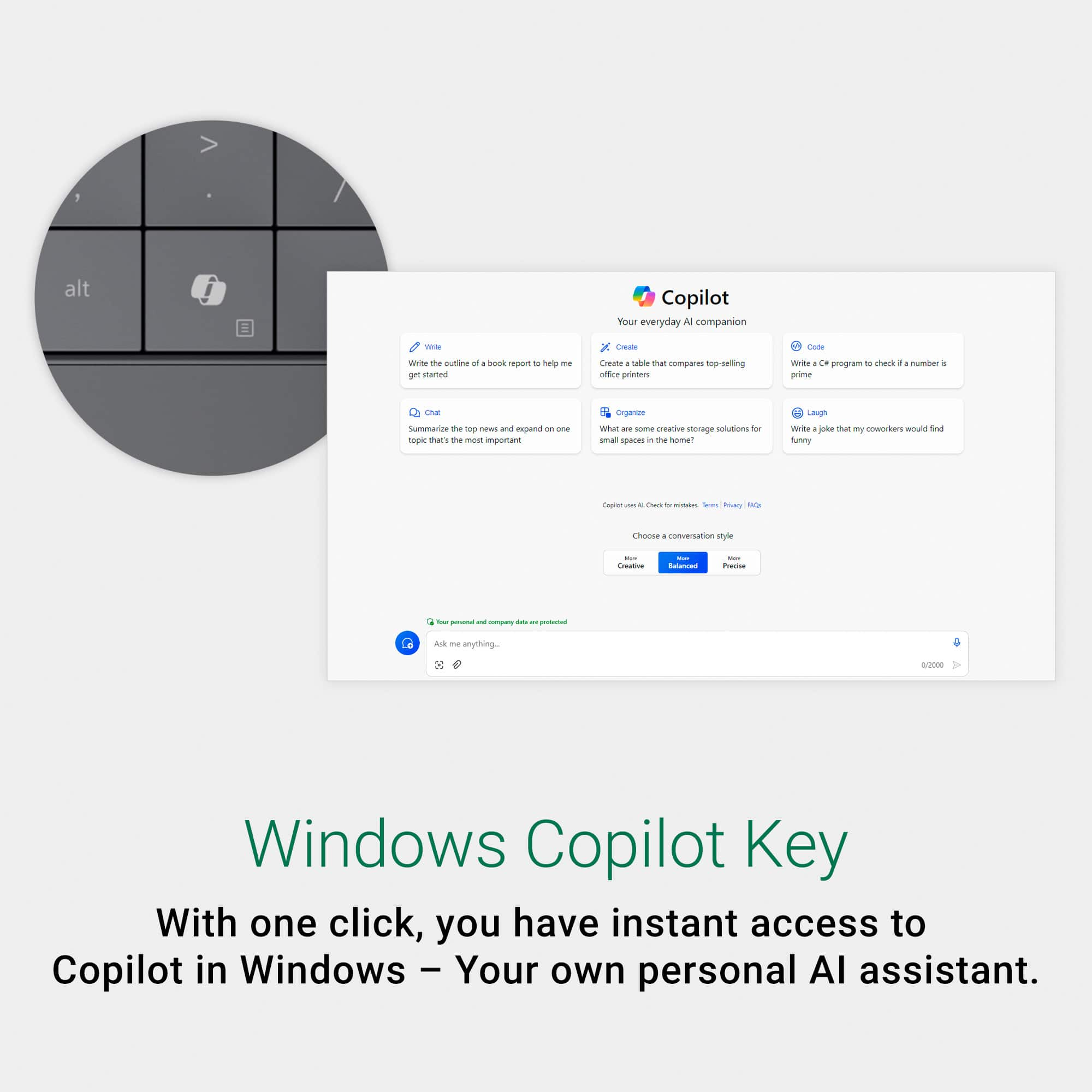
|Posted .This reviewer received promo considerations or sweepstakes entry for writing a review.I really love the look and feel of this new Dell XPS 13. It's light, easy to carry and just the right size to travel with. I would have preferred it to be a 2in1, I still like the ease and usability of this PC. At 2.7 lbs it's light and nice. On board it has 16 gigabytes of ram and A512 SSD really the basic minimum for what's needed today. At this price point I would have expected a little bit bigger SSD and at least upgradable ram, but it doesn't have that. The screen, while not OLED is full HD at 1920x1200 with a refresh rate of 120Hz with an Intel Arc GPU. The display is beautiful, and I have no complaints about it. It is not a touch screen and that is not a deal breaker but once you get used to pinching and zooming with your fingers on the screen, you do miss it. That said, another $100 for the OLED touch screen is money well spent in my opinion. To me, integration of Copilot into the daily functionality of these laptops is such a huge step forward. The use of Copilots AI Capabilities has turned this and these laptops into a new generation of technology usage. I have recently been doing a great deal of AI usage for work and I must say, we are entering a new realm of productivity. This XPS has the Copilot button for instant access, but the onboard GPU will help any user vastly accelerate digital content creation! The beautiful thing about being able to leverage this technology is that not only can Copilot be your personal assistant with email, research, etc., but also as a insightful trainer and personal developer. You can take any topic and with the right way of prompting, you can deep dive into any topic and gain weeks’ worth of knowledge in minutes/hours. The fact that this much power is available in such a beautiful compact little laptop is amazing to me. The keyboard layout is striking, nice wide keys, backlit and seamless finger pad that works amazingly well, function keys are touch sensitive and smooth. The camera is bright and perfect my zoom calls for classes I’m taking. As far as performance is concerned, I don’t pay much attention to benchmarks. I usually have two different browsers open with 5+ tabs each, MS Word and Excel, each open with 2-4 docs/sheets. I can seamlessly and quickly maneuver between them all with basically zero lag. The only lag occurs when writing back to Onedrive, but that is negligible. Overall, I really am happy with this laptop but there are only two stupidly small things driving me crazy. I don’t like the charging brick. I always get a nice Anker 100W with 2 USB C’s, so I can charge my phone as well. The 2nd thing is that this is the first laptop in any memory that does not have an LED beside either USB C charger port on either side, nor anywhere else! The only light is on the included charging brick! If you charge in any other way, the only way to know is to open up an log in to look at the battery, maddening! I would still recommend this laptop, it’s a great size, great weight, super powerful and AI fantastic!
I would recommend this to a friend - Pros mentioned:Battery life, Overall performance, Portability
perfect laptop
||Posted . Owned for 2 months when reviewed.This reviewer received promo considerations or sweepstakes entry for writing a review.This laptop meets nearly all of my expectations: it is lightweight, elegantly designed, features an eye-friendly display, and provides over six hours of battery life. I am very pleased with it. It would be even better if it included a USB port.
I would recommend this to a friend - Cons mentioned:Usb ports
Works great for games and business
|Posted .This reviewer received promo considerations or sweepstakes entry for writing a review.The Dell - X{S 13 -- Copilot+ PC came very well packaged with the laptop itself in it's own pouch. Other than the battery info and the specs, there was no other information, if you want the manual, you have to go to the Dell website. I would much prefer that there is something else, a quick-start guide, for example, to highlight any changes for those who may be using this for the first time. As an example, a picture of the keyboard pointing out the Copilot+ key for people whose brain automatically may see it and think Windows key (yes, that happened when setting this up but by a 24 year old so this wasn't an old lady problem). The set-up was easy, just as I've come to expect from Dell. I found that the specs are pretty spot on when describing the level each element takes on, yes, the graphics are good for beginning game play but wouldn't be great for some of the more graphic intense games. On the other hand, the downloading of a more graphic intense game was quick with no issues. There was also no issue with lag while playing the games. The sound quality is solid and the microphone worked well. Copilot was tried by a few people who have never used AI before and came away with a "I want this" rating. It is easy to use and easy to learn. We tested it against another info source and found the summation of articles to be accurate and written with understanding of the meaning of the articles. I didn't have it write anything as that's not what I want it for - I want a helper, not a creator. Even though I'm just getting started on it, It appears it will be able to be that helper, especially when I get those overly long emails which can be summarized in two sentences. I have two issues with this model. One, no headphone jack, though it does have bluetooth so can be paired. The second is what I'm beginning to see may be standard for laptops now - only 2 USB-C ports. It's easily fixed with adapters but it would be nice not to have to use them. I went and got an adapter so I can use all my old tech with it as well. As these are my own preferences, no stars were lost in the writing of this review. Overall, I would recommend this laptop across the board.
I would recommend this to a friend - Pros mentioned:Portability, Processor speed
Dell XPS 13 13.4” LCD FHD+ Laptop Review
||Posted .This reviewer received promo considerations or sweepstakes entry for writing a review.Dell XPS 13 13.4” LCD FHD+ Laptop Review The Dell XPS 13 with the Intel Core Ultra 7, 16GB Memory, and 512GB SSD is a laptop that offers exceptional performance and portability. If you’re looking for a device that can handle both work and play, the XPS 13 is a fantastic choice. Here’s a closer look at its features and performance: Design & Build Quality The XPS 13 continues Dell’s tradition of crafting ultra-premium laptops. The 13.4-inch screen is surrounded by ultra-thin bezels, giving it a near-borderless display that enhances the viewing experience. The Graphite finish looks sleek and professional, and the laptop’s build feels durable and solid. At just 2.6 pounds, it’s incredibly lightweight and easy to carry, making it perfect for on-the-go professionals and students. Display The FHD+ display (1920 x 1200 resolution) is one of the standout features of the XPS 13. Colors are vibrant and accurate, with excellent brightness for indoor and outdoor use. The IPS technology provides wide viewing angles, and the anti-reflective coating helps reduce glare. Whether you’re watching videos, working on graphics, or browsing the web, the display offers a clear, sharp, and immersive experience. Performance With the Intel Core Ultra 7 processor, the XPS 13 delivers top-tier performance that handles intensive tasks with ease. From running multiple apps simultaneously to video editing and light gaming, the Core Ultra 7 ensures that the laptop remains responsive without any noticeable lag. Coupled with 16GB of RAM and a 512GB SSD, you get fast boot times, quick file transfers, and smooth multitasking. Whether you're working with large spreadsheets, running virtual machines, or browsing the web with multiple tabs open, this laptop manages it all effortlessly. Keyboard & Trackpad The keyboard on the XPS 13 is comfortable to type on, with well-spaced keys and solid tactile feedback. The backlit keys are perfect for typing in low-light conditions, and the keyboard layout is well-optimized for productivity. The trackpad is responsive and accurate, offering smooth cursor movement and multi-touch gestures. Battery Life The battery life on the XPS 13 is impressive. With normal usage—browsing, media consumption, and light productivity—it can easily last a full workday (8-10 hours). Even with heavier tasks, you should get at least 6-7 hours of use on a single charge. The ExpressCharge technology also lets you quickly charge the laptop to 80% in just about an hour. Ports & Connectivity Despite its thin profile, the XPS 13 includes a solid selection of ports. You get two Thunderbolt 4 (USB-C) ports, a microSD card slot, and a 3.5mm headphone jack. For wireless connectivity, the laptop supports Wi-Fi 6 for faster and more reliable internet speeds, and Bluetooth 5.1 for connecting to peripherals and accessories. Audio & Webcam The stereo speakers deliver impressive sound quality for such a slim laptop, providing clear audio for video calls, movies, and music. The HD webcam offers decent video quality, though it's still best suited for professional meetings and casual video chats rather than high-end content creation. Windows 11 Pro The laptop comes pre-installed with Windows 11 Pro, which offers a sleek and modern interface, enhanced productivity features, and security updates. The integration of Microsoft 365 and OneDrive provides seamless collaboration and cloud storage. Final Verdict The Dell XPS 13 is a premium laptop that offers an unbeatable combination of design, performance, and battery life. Its Intel Core Ultra 7 processor and 16GB RAM ensure top-tier performance for both professional and personal use. The 13.4-inch FHD+ display is a joy to use, and the overall build quality feels durable and premium. With its lightweight design and impressive battery life, the XPS 13 is perfect for anyone looking for a high-performance, portable laptop. While it’s priced on the higher end, it’s a solid investment for users who need both power and portability. Pros: Sleek, premium build with a Graphite finish Stunning 13.4-inch FHD+ display with vibrant colors Fast performance with Intel Core Ultra 7 and 16GB RAM Excellent battery life (up to 10 hours of normal use) Compact, lightweight design for easy portability Quality keyboard and trackpad for comfortable typing and navigation Great Wi-Fi 6 and Bluetooth 5.1 connectivity Cons: Price may be high for some users Limited port selection (only two USB-C ports) If you’re willing to invest in a premium device, the Dell XPS 13 is a stellar option. It blends cutting-edge technology with a design that’s as functional as it is beautiful.
I would recommend this to a friend - Pros mentioned:Battery life, Overall performance
Fantastic Performance in a Sleek Design
||Posted . Owned for 5 months when reviewed.This reviewer received promo considerations or sweepstakes entry for writing a review.I’ve been using the Dell XPS 13 with the Intel Core Ultra 7 for a couple of months now and it’s honestly exceeded my expectations. As someone who juggles work, creative projects, and a lot of multitasking, this laptop handles everything effortlessly—with super-fast performance, a gorgeous display, and a sleek, lightweight design that’s perfect for on-the-go use. The 16GB of memory and 512GB SSD give me all the speed and storage I need without any lag, and the battery life easily gets me through a full day. It’s not just a tool—it’s become a reliable part of my daily routine, and I genuinely look forward to using it.
I would recommend this to a friend - Pros mentioned:Battery life, Overall performance, Screen quality
Software Developer
||Posted . Owned for 1 week when reviewed.This reviewer received promo considerations or sweepstakes entry for writing a review.A well-rounded laptop delivers solid performance, good display quality, reliable battery life, and practical design—making it ideal for everyday tasks like work, study, entertainment, and light creative use. With a comfortable keyboard, decent speakers, and a good mix of ports and connectivity options, it offers great value for money, it’s a dependable choice for most users.
I would recommend this to a friend - Pros mentioned:Processor speed, Screen quality
Powerful, Sleek, and Worth Every Penny
||Posted .This reviewer received promo considerations or sweepstakes entry for writing a review.I recently purchased the Dell XPS 13 with the Intel Core Ultra 7 Copilot+ processor, and I must say—this machine is a masterpiece of performance and design. From the moment I powered it on, I could feel the speed and responsiveness. The 2K display is stunningly crisp, making everything from creative work to video calls feel vibrant and immersive. With 16GB of memory and a 512GB SSD, multitasking is seamless, and storage is more than generous for my needs. The graphite finish gives it a premium, professional look that matches its capabilities. Whether I’m working remotely, managing volunteer efforts, or crafting spiritual content, this laptop keeps up without missing a beat. Setup was smooth, and the integration with Copilot+ features adds a layer of intelligent support that’s genuinely helpful. It’s like having a digital partner that understands what I need before I ask. Highly recommend this to anyone who values speed, style, and reliability. Dell nailed it with this one.
I would recommend this to a friend Small size and well though out
|Posted .This reviewer received promo considerations or sweepstakes entry for writing a review.The Dell - XPS 13 – Copilot+ PC – 13.4” FHD+ Laptop – Intel Core Ultra 7 is a "little" laptop, that performs big. If you are looking for a small laptop that performs bigger than its footprint, then give this Dell - XPS 13 – Copilot+ PC – 13.4” FHD+ Laptop – Intel Core Ultra 7 a try. It has 16gb of Ram and 512 SSD. Honestly, I didn't realize it was only 13.4". Keyboard layout and keys are spaced nicely and key pad actuation feels solid. The keys pad layout has a very clean look and feel. I like the minimalist feel, especially on the top row of function keys which are hidden until you hit the function key on the keypad. They toggle back and forth between laptop controls. Also, I did not notice at first, it has a stealth hepatic track pad, which makes for a clean look. It was just natural to assume the track pad was where it should be. The design is thoughtful, it has curved edges, which makes it easy to slip into a small laptop bag or backpack. It does have some heft to it for a small laptop, feels very solid. The only drawback, is it only has two USB-C ports one on each side. No USB and no ports for monitors. You can always get a USB-C adaptor for monitors or USB, Plus being a Dell, you can plug it into a Dell dock. The other issue is that it would have been nice for it to have a touch screen. Overall, this laptop is small, portable, powerful enough for daily use. It looks so clean and not have a busy looking key pad, with the stealth trackpad.
I would recommend this to a friend- Pros mentioned:Portability, Processor speed
Great compact laptop
||Posted . Owned for 1 month when reviewed.This reviewer received promo considerations or sweepstakes entry for writing a review.Great Design, portable, powerful graphics and processor.
I would recommend this to a friend - Pros mentioned:Overall performance, Portability
Great workhorse
||Posted .This reviewer received promo considerations or sweepstakes entry for writing a review.Great laptop. Works so much better than my prior Dell XPS from a few years ago. It is small and portable with wonderful screen.
I would recommend this to a friend - Pros mentioned:Overall performance, Screen quality
Laptop
||Posted . Owned for 1 month when reviewed.This reviewer received promo considerations or sweepstakes entry for writing a review.it’s a very good laptop, working very well screen is too good
I would recommend this to a friend - Pros mentioned:Overall performance, Portability
Great
||Posted . Owned for 9 months when reviewed.This reviewer received promo considerations or sweepstakes entry for writing a review.Great portable laptop. Fast and very good for school use
I would recommend this to a friend - Pros mentioned:Overall performance
My second Dell XPS does not disappoint
||Posted . Owned for 3 weeks when reviewed.This reviewer received promo considerations or sweepstakes entry for writing a review.This is my second Dell XPS. The first one gave me 7 years of trouble-free use, so when I needed a replacement, the decision was simple. Compared to my first XPS, which was fast, this laptop is lightning fast. The image resolution is crisp. This go around, I did not opt for a touchscreen - I found that I rarely used it on my first XPS. In all, if you are looking for a compact, fast and reliable laptop, this should suit your needs.
I would recommend this to a friend - Cons mentioned:Usb ports
Looks can be deceiving
||Posted . Owned for 3 weeks when reviewed.This reviewer received promo considerations or sweepstakes entry for writing a review.This is an amazing mini laptop that is more powerful than I thought. I was initially concerned that I didn't have a terabyte of storage space, but I was pleased to know that by placing things in the cloud, I could do anything with this computer. I wish it had more ports, but it connects easily to C ports and is super fast.
I would recommend this to a friend - Pros mentioned:Overall performance, Portability
.
||Posted . Owned for 1 month when reviewed.This reviewer received promo considerations or sweepstakes entry for writing a review.Product is good, lightweight and easy to carry. Speed and performance is good
I would recommend this to a friend