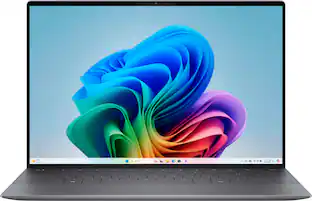
Dell - XPS 13 - 13.4” 2K Laptop - Intel Core Ultra 7 Series 2 256V 2024 - 16GB Memory - 512 GB Storage - Copilot+ PC - Graphite
More Buying Options from Best Buy and Marketplace sellers
Related Item

Highlights
- Key Specs
- Screen Type: WVA
- Screen Size: 13.4 inches (Size of the screen, measured diagonally from corner to corner.)
- Screen Resolution: 1920 x 1200 (Full HD+) (Screens come in a range of resolutions (measured in pixels, horizontal x vertical). The higher the resolution, the greater the picture quality.)
- Touch Screen: false (Touch-screen devices make navigating more intuitive. Using a touch-screen display, you can do things such as tap to select, hold and drag to move items, swipe to scroll, and pinch to zoom.)
- Refresh Rate: 120Hz (The number of frames per second the device can produce natively without enhancement. Higher rates help produce smooth, seamless pictures.)
- Brightness: 500 nits (A measure of the total light output.)
- Processor Model: Intel Core Ultra 7 Series 2 (Your computer's processor is like its brain. Working in combination with system memory, the power of the processor determines the complexity of software you can run, how many programs you can have open at the same time, and how fast those programs will run. Most computers feature an AMD, Intel or Snapdragon processor.)
- CPU Base Clock Frequency: 2.2 gigahertz (Actual central processing unit (CPU) speed may vary by device configuration and design. The average rate at which the processor is able to execute tasks under normal operating conditions as asserted by the manufacturer.)
- Storage Type: SSD
- Total Storage Capacity: 512 gigabytes
- System Memory (RAM): 16 gigabytes (Random-access memory (RAM) is a computing device's short-term data storage, which allows active information to be accessed quickly. The size and type of RAM determines how efficiently the device can handle large amounts of information at one time. For example, gaming or video editing requires more RAM for optimal performance.)
- Graphics: Intel Arc (Often referred to as a "graphics processing unit" (GPU), this device is responsible for displaying image content and decoding/encoding video content in programs and games.)
- Display Connector(s): Display connection via USB port (The number and type of connectors used to connect to an external display.)
- Battery Life (up to): 13 hours (Battery life will vary depending on the product configuration, product model, applications loaded on the product, power management setting of the product and the product features used by the customer. As with all batteries, the maximum capacity of this battery will decrease with time and usage.)
- Battery Chemistry: Lithium-ion
- 2-in-1 Design: false (A laptop and a tablet combined in one lightweight, portable device. Sometimes referred to as "convertible" or "hybrid" laptops, these devices deliver the processing power and keyboard of a laptop. When you're ready to play, either detach the screen or fold your 2-in-1 into tablet mode to comfortably watch movies, play games, read an e-book and more.)
- Backlit Keyboard: true (Integrated lights allow for visibility of the keys in low-light conditions.)
- General
- Brand: Dell
- Model Number: XPS9350-7715BLK-PUS
- Product Name: XPS 13 - 13.4” 2K Laptop - Intel Core Ultra 7 Series 2 256V 2024 - 16GB Memory - 512 GB Storage - Copilot+ PC
- Color: Graphite
- Year of Release: 2024
- Display
- Display Type: LCD
- Screen Type: WVA
- Screen Size: 13.4 inches (Size of the screen, measured diagonally from corner to corner.)
- Screen Resolution: 1920 x 1200 (Full HD+) (Screens come in a range of resolutions (measured in pixels, horizontal x vertical). The higher the resolution, the greater the picture quality.)
- Touch Screen: false (Touch-screen devices make navigating more intuitive. Using a touch-screen display, you can do things such as tap to select, hold and drag to move items, swipe to scroll, and pinch to zoom.)
- Refresh Rate: 120Hz (The number of frames per second the device can produce natively without enhancement. Higher rates help produce smooth, seamless pictures.)
- Synchronization Technology: Not Applicable (Generally, these technologies allow syncing between a computer/console game's frame rate and the device's refresh rate for a smoother display without tearing.)
- Brightness: 500 nits (A measure of the total light output.)
- Processor
- Processor Brand: Intel
- Processor Model: Intel Core Ultra 7 Series 2 (Your computer's processor is like its brain. Working in combination with system memory, the power of the processor determines the complexity of software you can run, how many programs you can have open at the same time, and how fast those programs will run. Most computers feature an AMD, Intel or Snapdragon processor.)
- Processor Model Number: 256V
- Processor Model Year of Release: 2024 (The year the processor model was initially available for sale or built into a computer.)
- CPU Base Clock Frequency: 2.2 gigahertz (Actual central processing unit (CPU) speed may vary by device configuration and design. The average rate at which the processor is able to execute tasks under normal operating conditions as asserted by the manufacturer.)
- Number of CPU Cores: 8-core (A core, or "brain" of a CPU, allows it to receive and execute instructions. Each core can work independently or together to perform parallel operations.)
- CPU Cache Memory Level: L2
- L2 Cache: 12 megabytes (Cache memory, also called CPU memory, is random-access memory (RAM) that a computer microprocessor can access more quickly than it can access regular RAM. This memory is typically integrated directly with the CPU chip or placed on a separate chip that has a separate bus interconnect with the CPU.)
- Neural Processing Unit (NPU): false (Whether the product comes with an integrated neural processing unit (NPU) that performs computations for AI (artificial intelligence) functions to increase proficiency of the CPU and reduce power consumption.)
- Storage
- Storage Type: SSD
- Total Storage Capacity: 512 gigabytes
- Solid State Drive Capacity: 512 gigabytes (The amount of data that can be stored on the device's solid state drive (SSD). SSD is a flash-based storage with faster speeds than a hard disk drive (HDD).)
- Solid State Drive Interface: PCIe (Connects the solid state drive to the host system. PCI and SATA interfaces are the most common; PCI interfaces are typically faster, but SATA interfaces are compatible with a wider range of systems.)
- Memory
- System Memory (RAM): 16 gigabytes (Random-access memory (RAM) is a computing device's short-term data storage, which allows active information to be accessed quickly. The size and type of RAM determines how efficiently the device can handle large amounts of information at one time. For example, gaming or video editing requires more RAM for optimal performance.)
- Type of Memory (RAM): LPDDR5X (Each type of RAM delivers a different level of speed, bandwidth, energy efficiency and performance.)
- Graphics
- Graphics Type: Integrated (Dedicated graphics uses a separate graphics card for processing video images. Because it does not use memory from the system's RAM, there is no extra burden on the CPU and graphics are processed more efficiently. Integrated graphics shares system RAM to process video images.)
- GPU Brand: Intel
- Graphics: Intel Arc (Often referred to as a "graphics processing unit" (GPU), this device is responsible for displaying image content and decoding/encoding video content in programs and games.)
- Compatibility
- Operating System: Windows 11 Home (The operating system manages all software and hardware, including files, memory and connected devices. Most importantly, it lets you interact with your device and your programs in a visual way; otherwise, you'd be typing computer code to get anything done.)
- Connectivity
- Display Connector(s): Display connection via USB port (The number and type of connectors used to connect to an external display.)
- USB Ports: 2 x USB-C (The number and type of USB ports the product has.)
- Number of USB Ports (Total): 2
- Headphone Jack: false (The device features an interface that allows for the connection of headphones.)
- Microphone Input: true (The device features an input for connecting an external microphone.)
- Wireless Connectivity: Bluetooth, Wi-Fi (The manner in which a device sends data to another device over a short distance without the use of wires or cables.)
- Network Connectivity: None (The manner in which a device sends data to another device over a long distance using a cellular network.)
- Power
- Battery Life (up to): 13 hours (Battery life will vary depending on the product configuration, product model, applications loaded on the product, power management setting of the product and the product features used by the customer. As with all batteries, the maximum capacity of this battery will decrease with time and usage.)
- Battery Cells: 3-cell
- Battery Chemistry: Lithium-ion
- Camera
- Front-Facing Camera: true
- Built-In Microphone: true
- Features
- 2-in-1 Design: false (A laptop and a tablet combined in one lightweight, portable device. Sometimes referred to as "convertible" or "hybrid" laptops, these devices deliver the processing power and keyboard of a laptop. When you're ready to play, either detach the screen or fold your 2-in-1 into tablet mode to comfortably watch movies, play games, read an e-book and more.)
- Backlit Keyboard: true (Integrated lights allow for visibility of the keys in low-light conditions.)
- GPS Enabled: false
- Touchpad Type: Haptic
- Media Card Reader: false (A hardware device that allows for access to data on a memory card and enables the transfer of its files to a computer. These devices may have one or multiple slots for various types of memory cards, and may be integrated into the computer or available as an external device.)
- Windows AI: Copilot+ PC
- Dimensions
- Product Height: 0.6 inches (The out of box height of the item. Height is measured as the vertical distance from the bottom of the item to the top as it would be primarily used or placed.)
- Product Width: 11.62 inches (The out of box width of the item. Width is measured as the horizontal distance from one side of the item to the other as it would be primarily used or placed.)
- Product Depth: 7.84 inches (The out of box depth of the item. Depth is measured as the distance from the front of the item to the back as it would be primarily used or placed.)
- Product Weight: 2.7 pounds (The out of box weight of the item.)
- Certifications Listings & Approvals
- ENERGY STAR Certified: true (Devices carrying the ENERGY STAR service mark, such as computer products and peripherals, kitchen appliances, and other products, generally use 20% to 30% less energy than required by federal standards.)
- EPEAT Qualified: true (The Electronic Product Environmental Assessment Tool (EPEAT) was designed to provide an environmental assessment tool for purchasers. In order to qualify for EPEAT, a product must meet all 23 required criteria.)
- EPEAT Level: Gold (The Electronic Product Environmental Assessment Tool (EPEAT) was designed to provide an environmental assessment tool for purchasers. In order to qualify for EPEAT, a product must meet all 23 required criteria. Products are rated Bronze, Silver or Gold based on how many of 28 optional criteria they meet (below 50%, 50%, 75%).)
- Included
- Optical Drive Type: None (An optical disk drive (ODD) uses a laser light to read data from or write data to an optical disc. These discs include CDs, DVDs, and Blu-ray Discs. This allows you to play music or watch movies using prerecorded discs.)
- Numeric Keypad: false
- Stylus Included: false
- Warranty
- Warranty - Parts: 1 Year Hardware Service with Onsite/In-Home Service After Remote Diagnosis
- Warranty - Labor: 1 Year Hardware Service with Onsite/In-Home Service After Remote Diagnosis
- Other
- UPC: 884116429715
The XPS 13 Laptop. Effortless Mobility. Powerful AI. Create and work anywhere with our thinnest XPS notebook. Powered by the Intel Core Ultra processors Series 2, with more powerful AI.
- Copilot+ PCs. A new AI era begins.*: Turn your ideas from text prompts into generated artwork. With Recall**, search across time to find the content you need. Understand new languages instantly with Live Captions. With Copilot+ PCs, you will be all set to transform the way you create, find and communicate.
- It's possible on your Intel AI PC: The latest Intel Core Ultra processors enable the AI experiences like productivity assistants, text and image creation and collaboration effects to make everything you do easier. Work, play and create with unmatched performance on hours of battery life and built-in security protections.
- Built for AI. Engineered to Do It All.: Intel Evo Edition laptops are co-engineered and verified to deliver superior performance and a fast-charging battery that lasts all day and is packed with the latest technologies, so you won’t have to sacrifice a thing.
- Iconic Design: Crafted with machined (CNC) aluminum and Gorilla Glass 3 to deliver a strong, lightweight laptop.
- GPU High Throughput: Ideal for AI-accelerated digital content creation and video editing with creation.
- CPU Fast Response: Ideal for real time multi-tasking and AI workload such as noise cancellation and instant transcription.
- Immersive visuals and audio: Enjoy 360-degree spatial sound with Dolby Atmos and Waves MaxxAudio. The 8W quad-speaker design is tuned by multi-Grammy Award-winning producer Jack Joseph Puig.
- Seamless glass touchpad: A haptic touchpad provides precise responsive feedback. Sleek glass across the palm rest feels friendlier to the touch.
- Windows Copilot Key: With one click, you have instant access to Copilot in Windows – Your own personal AI assistant. Get real answers, inspiration and solutions at your fingertips.
- Comfortable keyboard: Larger, deeper, touch-friendly keycaps and less space between keys make typing more efficient.
- New AI superpowers: Discover the power of Recall (preview), improved Windows search, and Click to Do (preview) on Copilot+ PCs. Effortlessly locate past content, perform natural searches, and interact with text and images – all while ensuring your data remains private and you stay productive*.
Whats Included
- Notebook
- Power Adapter
- Power Cord
- Documentation
Disclaimers
- *Copilot+ PC experiences vary by device and market and may require updates continuing to roll out through 2025; Recall and Click to Do will be coming to European Economic Area later in 2025; timing varies. See aka.ms/copilotpluspcs. By going to this site, you are entering a site hosted and operated by Microsoft. Please review their Privacy Policy. All personal information you provide is subject to that Privacy Policy. Different terms and conditions may apply.
- **Recall (in preview) is coming soon through a post-launch Windows Update. Optimized for select languages (English, Chinese (simplified), French, German, Japanese, and Spanish.) Content-based and storage limitations apply. See aka.ms/copilotpluspcs. By going to this site, you are entering a site hosted and operated by Microsoft. Please review their Privacy Policy. All personal information you provide is subject to that Privacy Policy. Different terms and conditions may apply.
- Intel, Pentium, Celeron, Core, Atom, Ultrabook, Intel Inside and the Inside logo are trademarks or registered trademarks of Intel Corporation or its subsidiaries in the United States and other countries
- This product does not include a built-in DVD/CD drive
Q: What is the storage capacity of this laptop?
A: This laptop has a total storage capacity of 512GB SSD.
Q: How long does the battery last on this Dell laptop?
A: This Dell laptop provides a battery life of up to 13 hours.
Q: What type of display does this laptop have?
A: This laptop features a 13.14-inch LCD FHD+ display.
Q: What kind of audio features does this laptop have?
A: The laptop is equipped with Dolby Atmos and Waves MaxxAudio for 360-degree spatial sound, and an 8W quad-speaker design tuned by Jack Joseph Puig.
Q: Does this laptop come with Windows Copilot?
A: Yes, this laptop comes with Windows Copilot, your personal AI assistant.
Q: Is this X86-64 architecture?
A: undefined
Q: Is it brand new or refurbished?
A: This is a brand new laptop.
A: Yes., the device includes 1 Year Hardware Service with Onsite/In-Home Service After Remote Diagnosis.
Compare similar products

The XPS 13 Laptop. Effortless Mobility. Powerful AI. Create and work anywhere with our thinnest XPS notebook. Powered by the Intel Core Ultra processors Series 2, with more powerful AI.
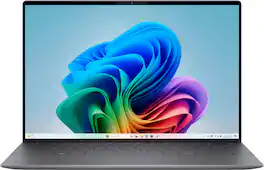
The first XPS CoPilot+ PC has powerful on-device AI that delivers cutting-edge responsiveness and unmatched speed for navigating demanding creative and multitasking workloads with efficiency.
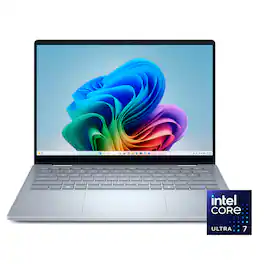
Sleek 14-inch 2-in-1 with on-device Copilot+ powered by Intel Core Ultra processors, with stunning performance that powers the newest AI experiences and incredible battery life for seamless on-the-go multitasking with versatile working modes.
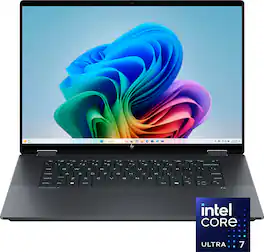
The future has arrived with HP OmniBook X Flip 16 Next Gen AI PC. Whether you want to be entertained or finish creative work, this AI-powered PC has the processor speed and performance to make it happen. Engineered with a dazzling 16" display and the ability to view it flat, folded, or flipped, you can enjoy vibrant, high-contrast colors in any angle that suits your mood. Made from sleek, recycled metal and designed with a backlit keyboard with large keycaps, your future PC is bright.
| Pros for Dell - XPS 13 - 13.4” 2K Laptop - Intel Core Ultra 7 Series 2 256V 2024 - 16GB Memory - 512 GB Storage - Copilot+ PC - Graphite | |||
|---|---|---|---|
| Overall Performance, Battery Life, Portability, Processor Speed, Screen Quality | Battery Life, Processor Speed, Portability, OLED Display, Build Quality | Overall Performance, Portability, Processor Speed, Battery Life, Touchscreen | Overall Performance, Portability, Battery Life, Speed, Screen Size |
| Cons for Dell - XPS 13 - 13.4” 2K Laptop - Intel Core Ultra 7 Series 2 256V 2024 - 16GB Memory - 512 GB Storage - Copilot+ PC - Graphite | |||
| USB Ports, RAM | USB Ports, Heat Dissipation, Connectivity | Heat Dissipation, Noise Level, Fingerprint Reader | Keyboard Layout, Weight |
Specs

- HP - 14" Chromebook - MediaTek Kompanio 540 - 4GB Memory - 64GB eMMC - Modern Gray$249.00The price was $349.00

Reviews
Rating 4.4 out of 5 stars with 99 reviews
- Overall Performance (29)
- Screen Quality (29)
- Battery Life (26)
- Portability (25)
- Processor Speed (22)
- USB Ports (9)
- RAM (3)
Customer Images
The vast majority of our reviews come from verified purchases. Reviews from customers may include My Best Buy members, employees, and Tech Insider Network members (as tagged). Select reviewers may receive discounted products, promotional considerations or entries into drawings for honest, helpful reviews.
Customers often buy these together
Office Software





Laptop Bags and Cases

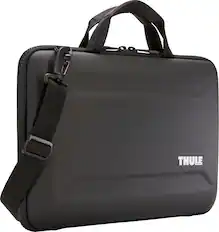
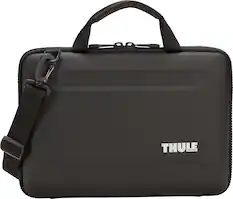
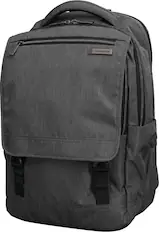
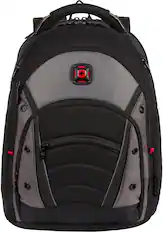
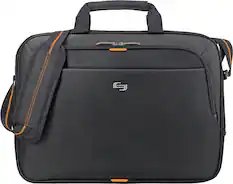
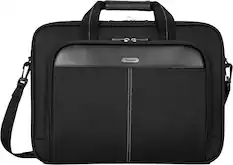
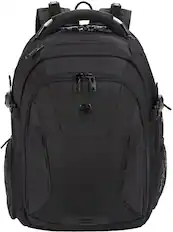
More recommended items
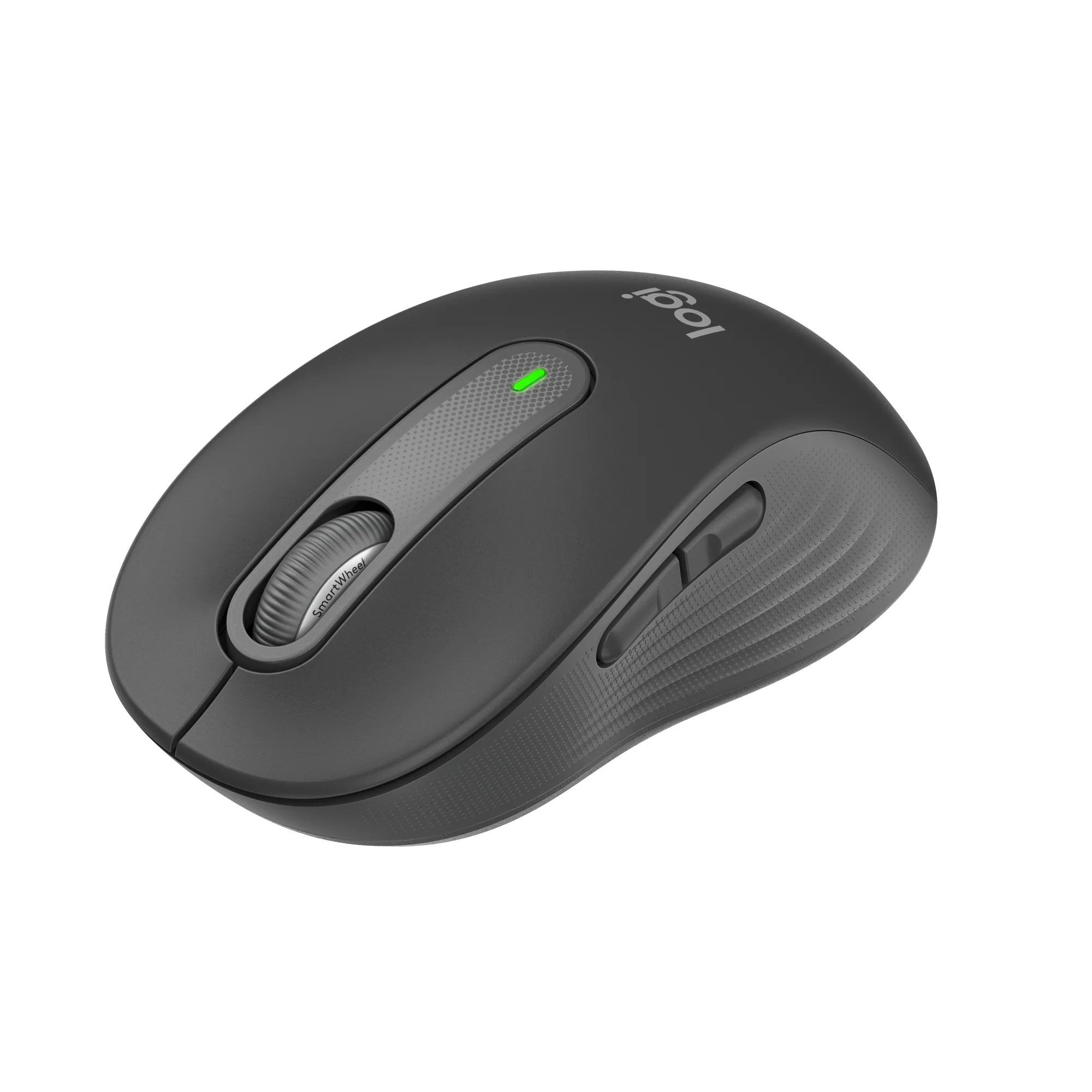 Mice
Mice Antivirus and Internet Security Software
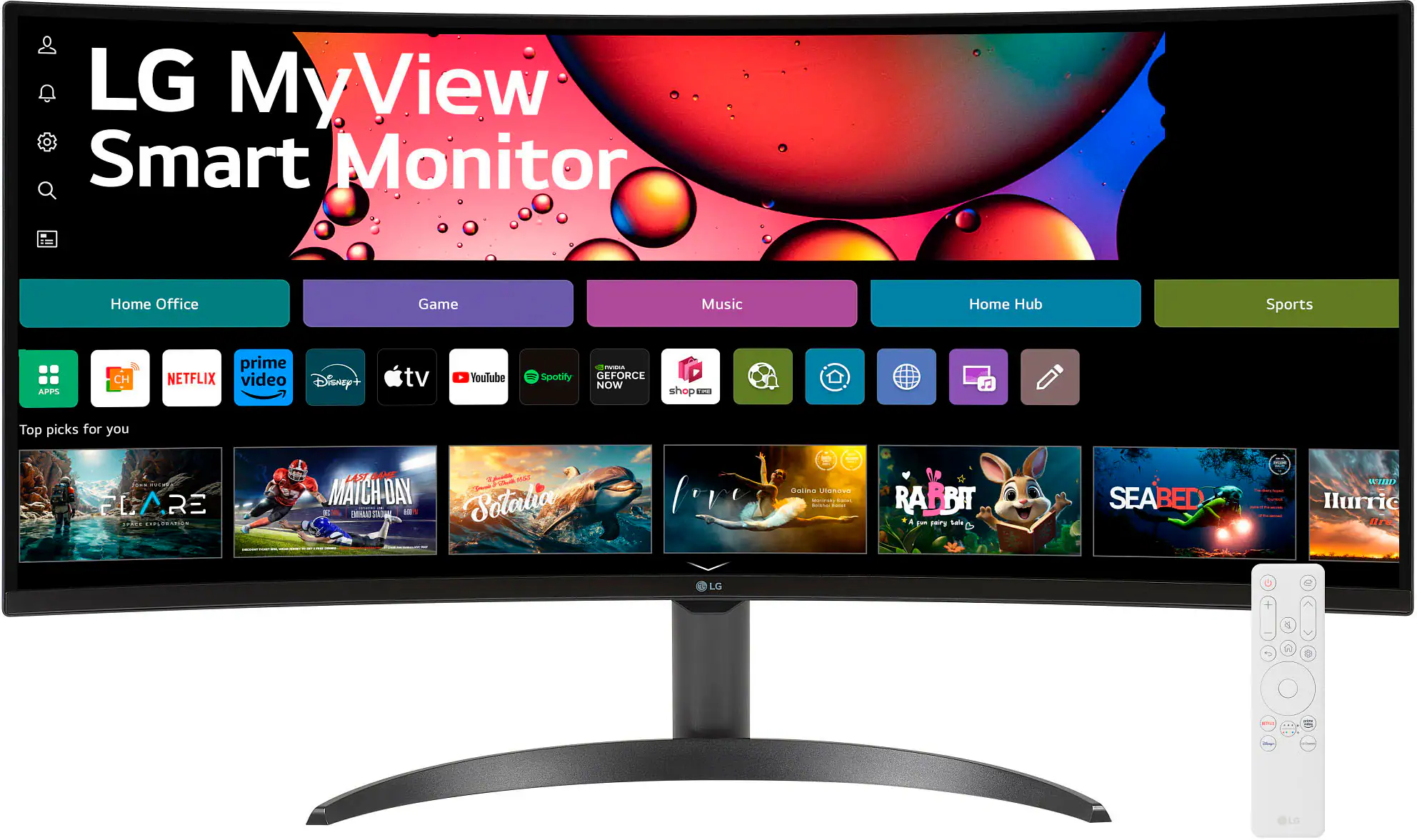 Monitors
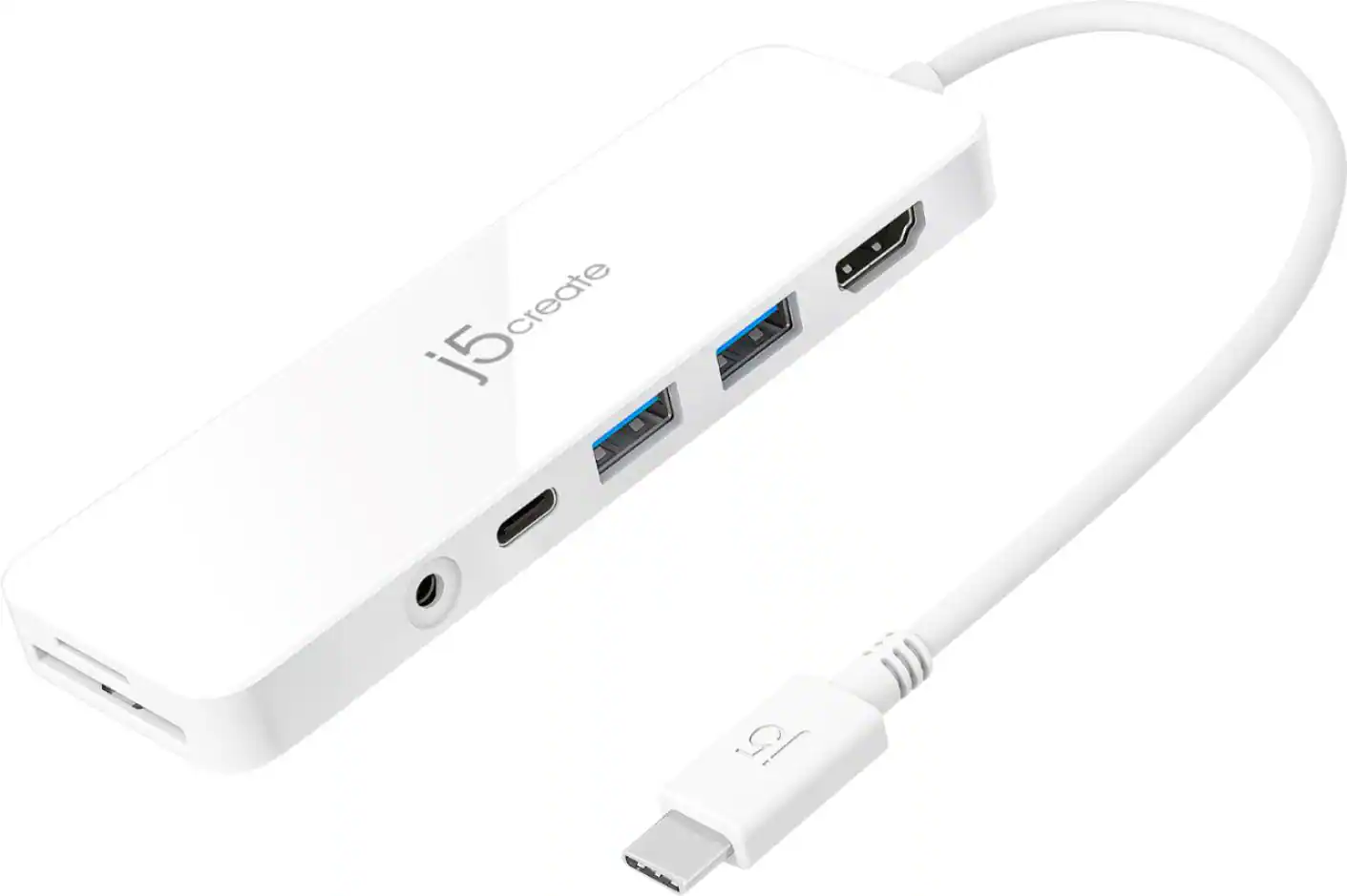 Laptop Docking Stations
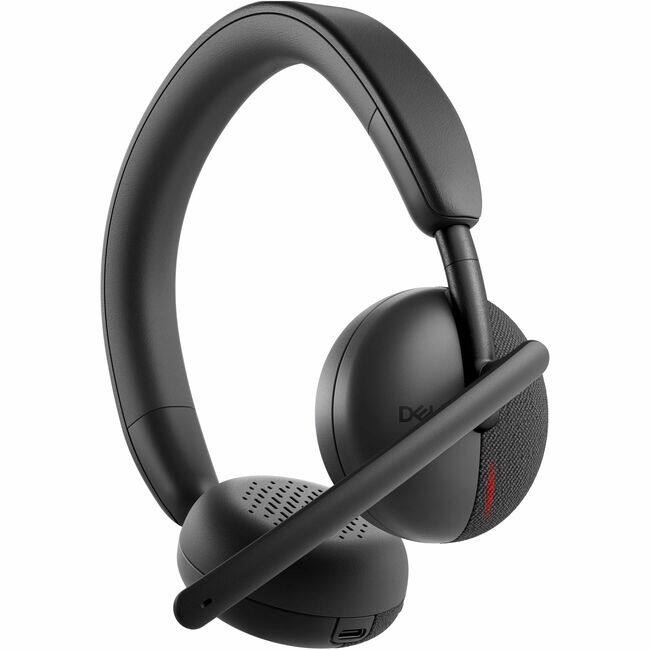 Headphones
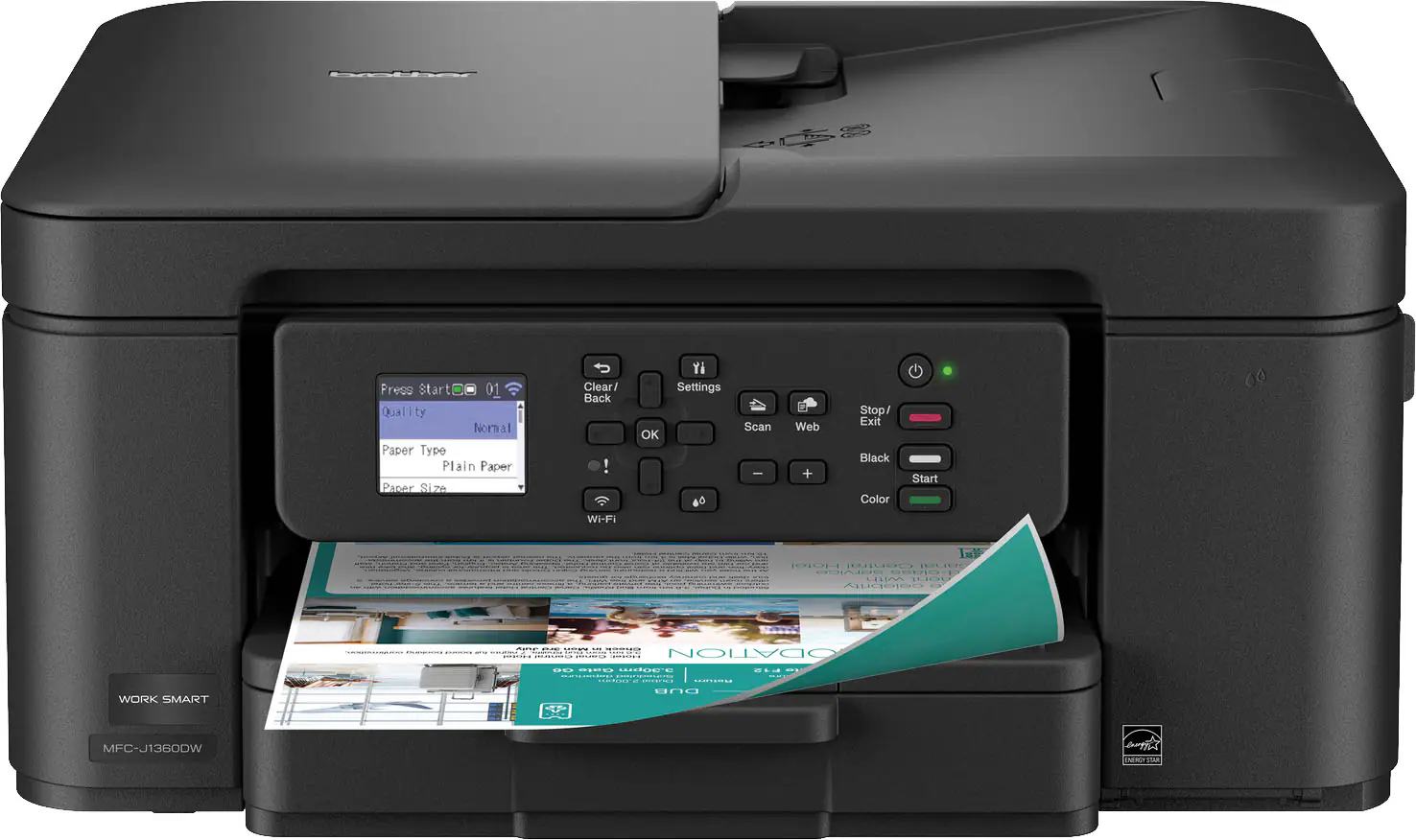 Inkjet Printers
More to consider
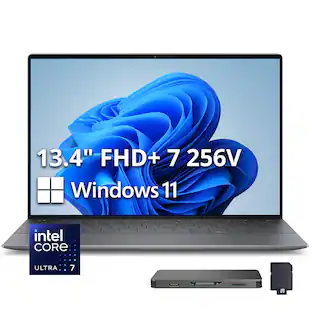
 $1,227.69The price was $1,499.99
 $1,054.00The price was $1,199.99
 $1,299.00The price was $1,469.00
 $889.00The price was $999.99
 $729.00The price was $1,099.99
 $1,299.00The price was $1,399.99
 $1,219.00The price was $1,379.99
 $1,019.00The price was $1,199.99
 $799.00The price was $949.99
 $1,149.99The price was $1,349.99

Explore tech essentials Sponsored
 Top Deal$549.99The price was $849.99
- $799.99The price was $1,099.99
Discover related products
 $1,679.99The price was $2,404.37
 $249.99The price was $279.99





Keep exploring
 $379.00The price was $413.00
 $1,149.99The price was $1,499.99
 $1,599.00The price was $2,149.00