Customer Ratings & Reviews







- Model:
- XPS9510-7309WHT-PUS
- SKU:
- 6468148
Rating by feature
- Battery Life
Rating 4.2 out of 5 stars
- Speed
Rating 4.7 out of 5 stars
- Display
Rating 4.8 out of 5 stars
Customers are saying
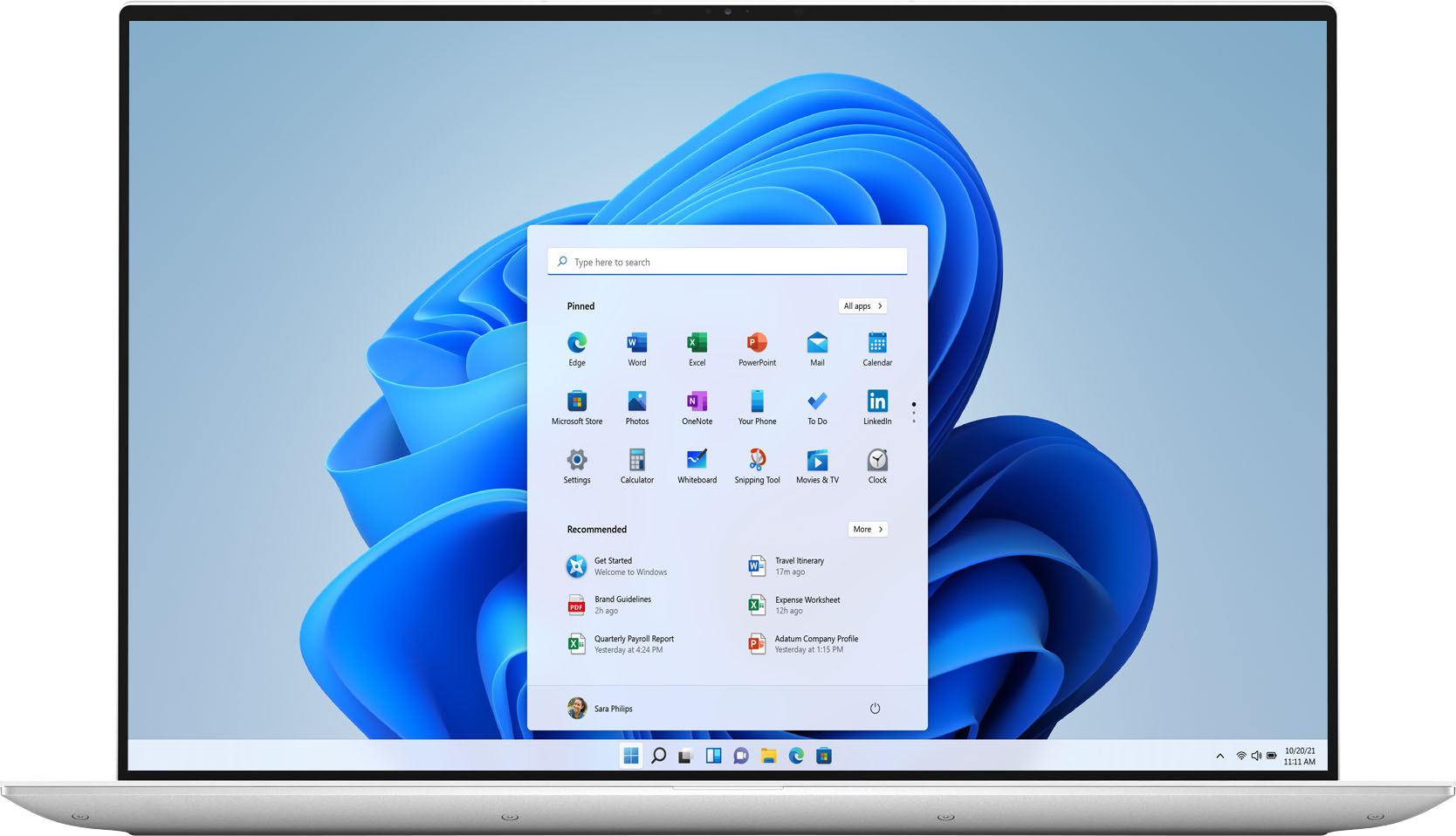
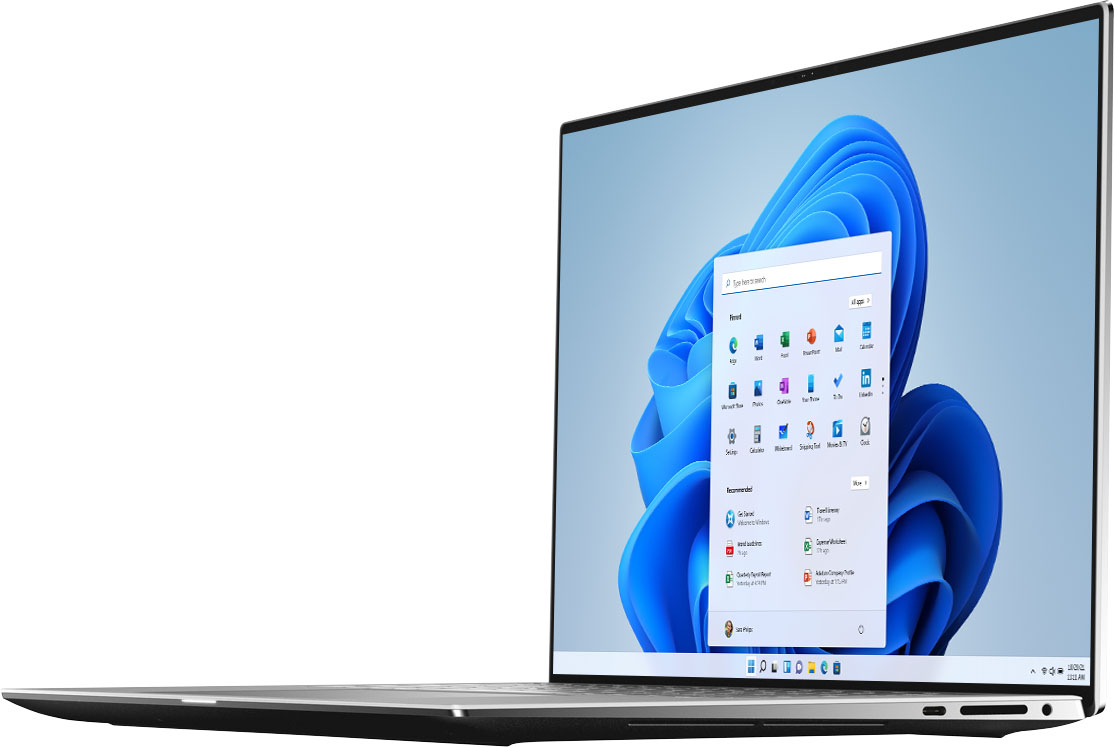
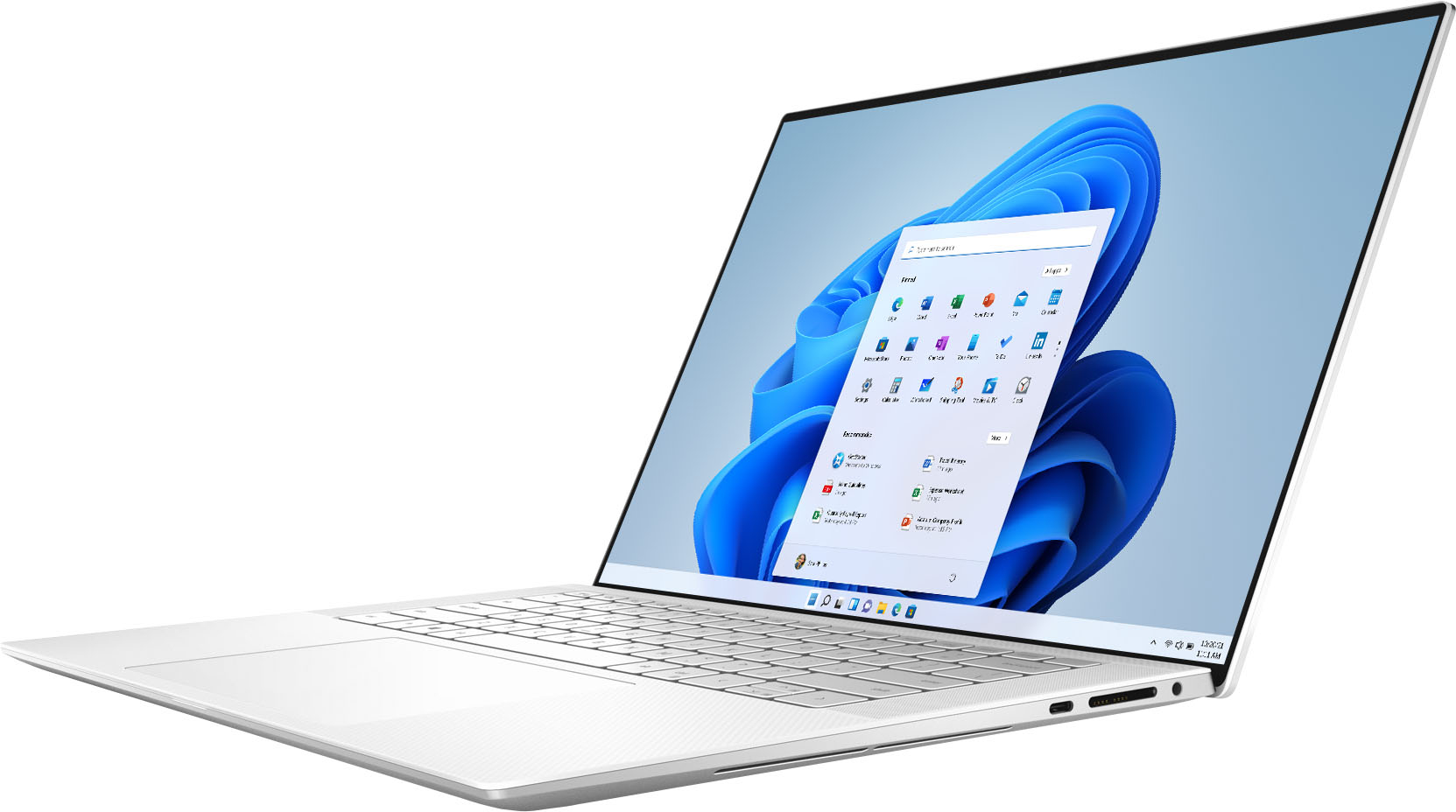
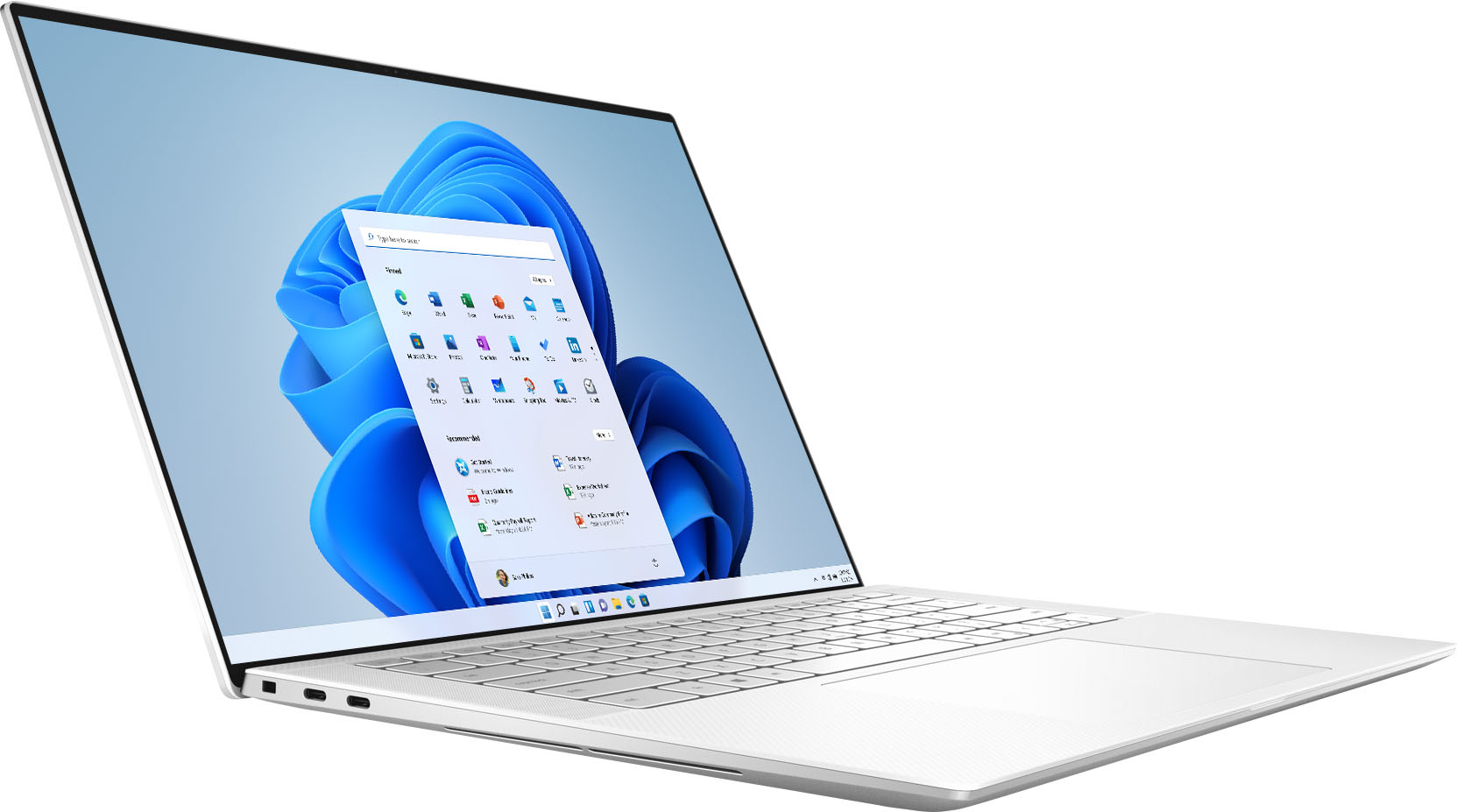
Customers highly value the XPS 15.6" OLED laptop for its stunning display, sleek design, and powerful performance. Many users rave about the exceptional visual experience provided by the OLED touchscreen, while others appreciate the laptop's clean and professional appearance. The laptop's performance is also highly praised, with users noting its ability to handle demanding tasks and run games smoothly. However, some customers have expressed concerns about the laptop's battery life, cooling issues, and high price.
This summary was generated by AI based on customer reviews.
- Cons mentioned:Battery life

Powerful but portable rig
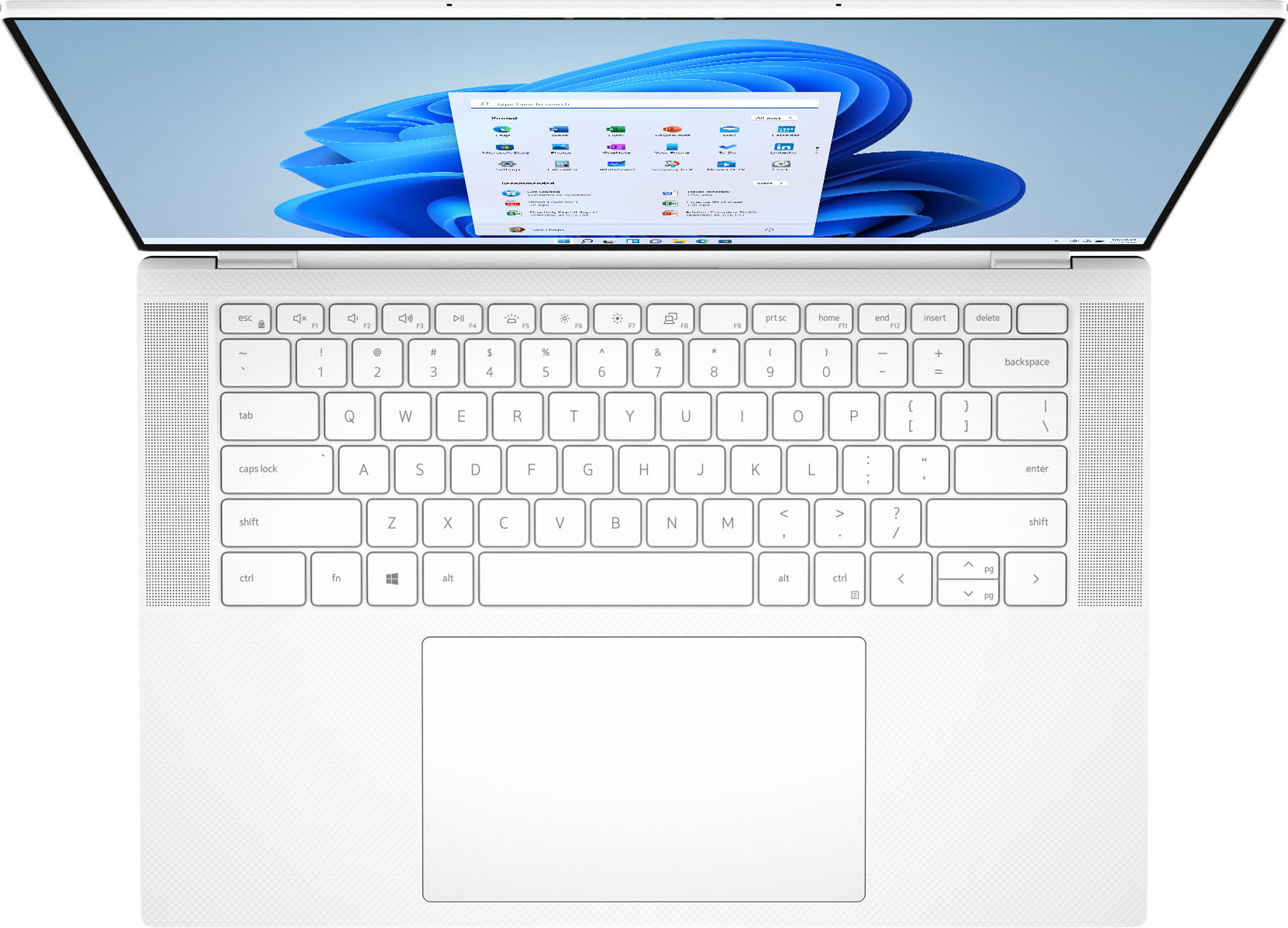
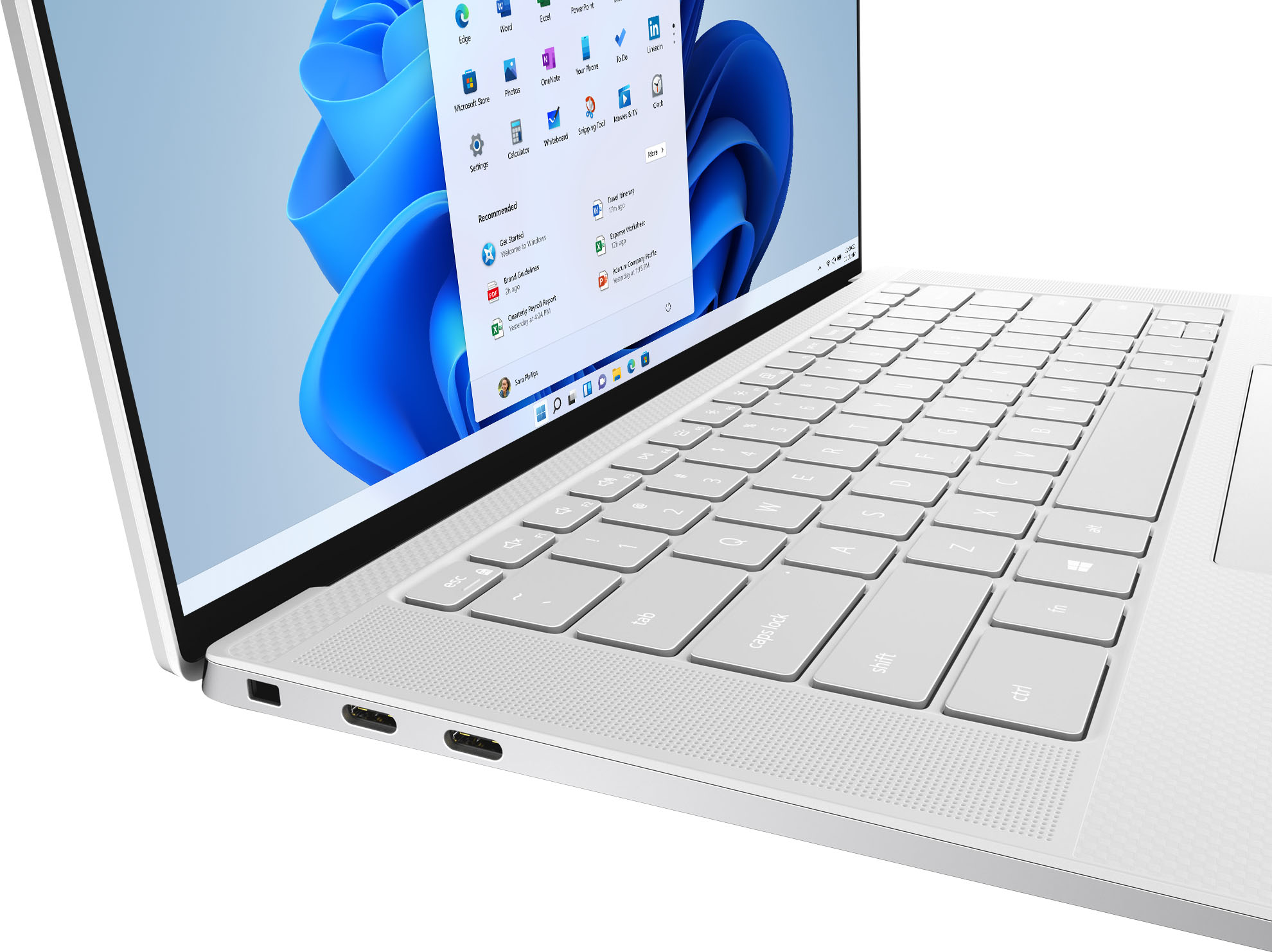
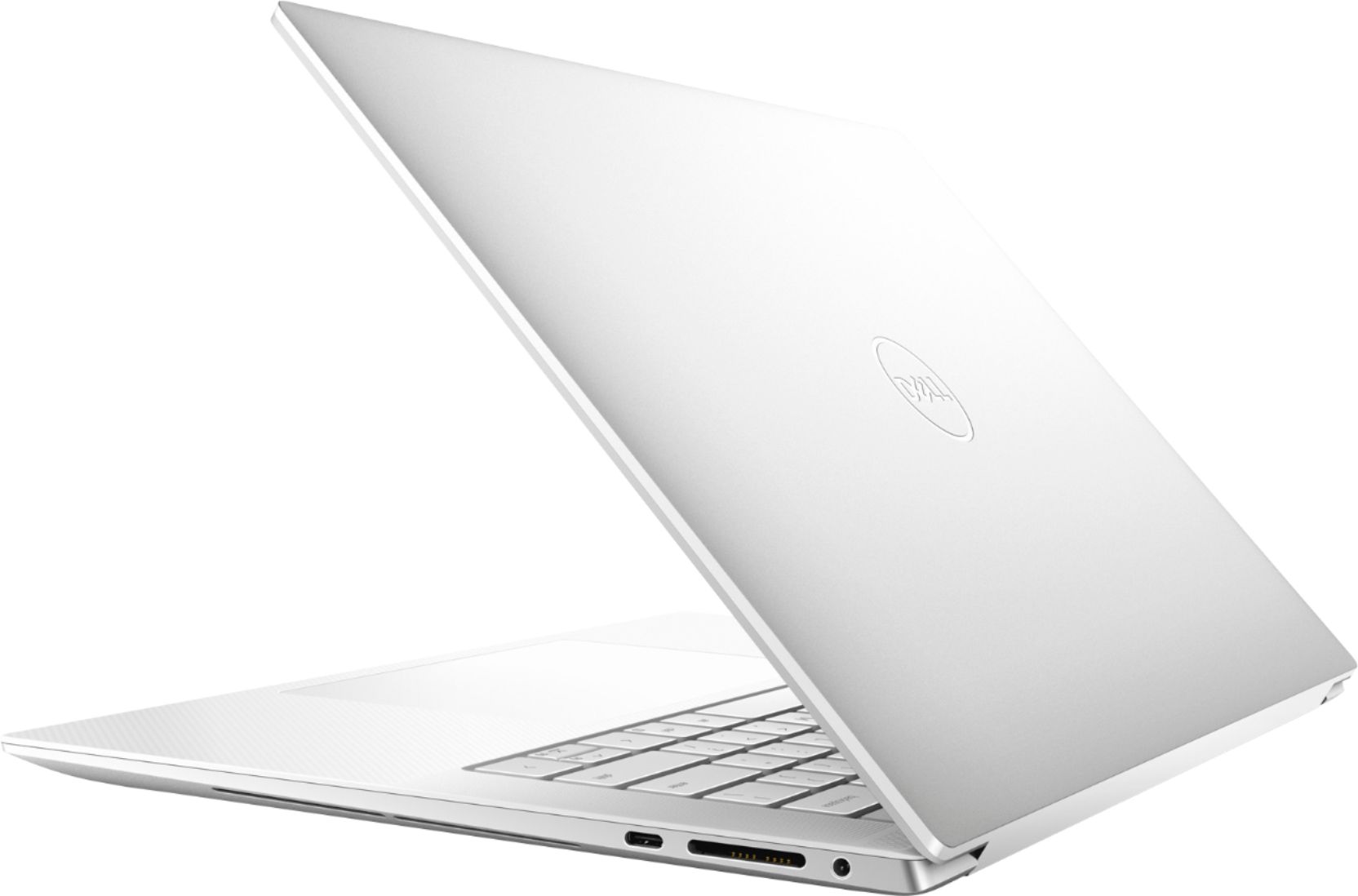
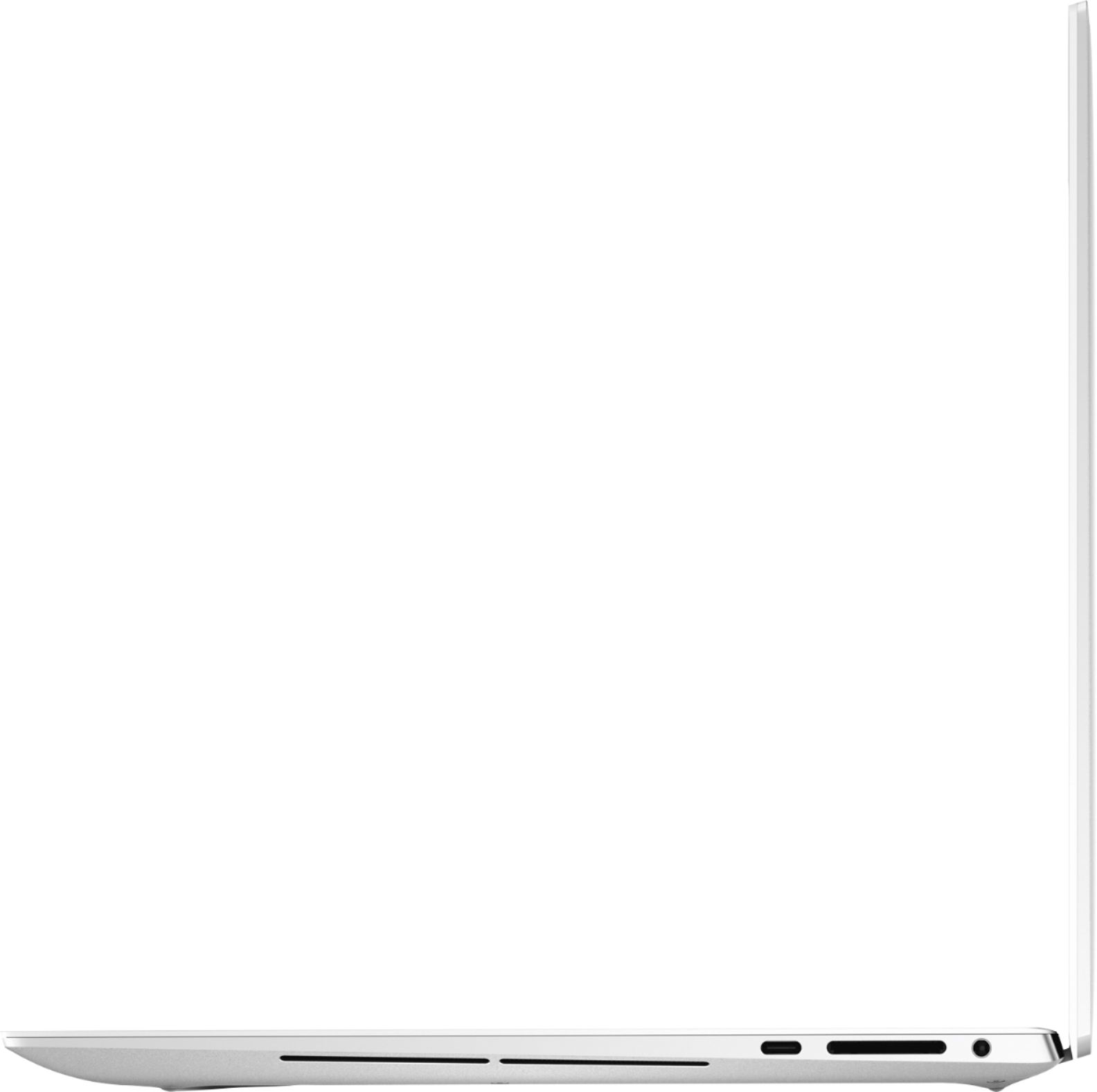
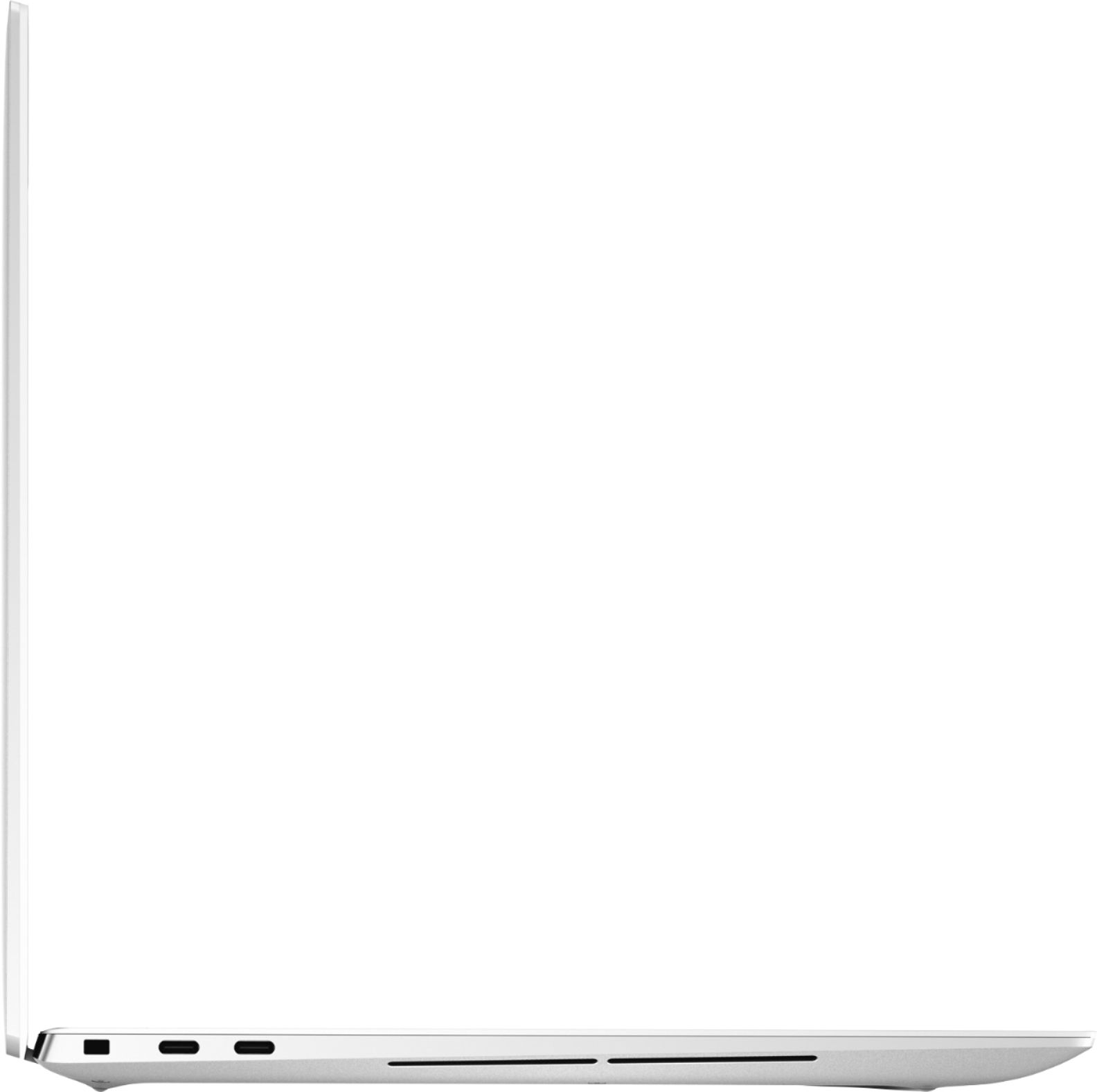
|Posted .This reviewer received promo considerations or sweepstakes entry for writing a review.Although much bigger than the 2-in-1 (13 Dell XPS) that this replaced, this unit is considerably more powerful. I had been having issues with my previous Dell laptop (random blue screens that I was unable to make go away on multiple attempts). Being that I use my personal laptop for work, I needed something that was powerful, but more importantly reliable. Visually, this laptop is beautiful. The large screen coupled with an infinity edge design makes for a large display that is also very bright and vibrant. The touchpad is easily double the surface area of any previous laptop I've owned/used which makes navigating a breeze. If there was any one gripe that I have with it, it's in the placement of the power button (which also doubles as a fingerprint reader), which is in the upper right of the keyboard, above the backspace key. On my previous laptop, this was the delete key, so I've accidentally hit this multiple times while adjusting. However, it's nice to be able to open the screen, push the button and with the almost zero startup time, be logged into Windows. I have yet to test the battery life as I've mostly left this plugged in while working from home, but it does seem to discharge faster than the ultra-portable it replaced. This is understanding given the faster processor and more demanding on-board graphics; a happy and welcome trade-off. With 2 Thunderbolt ports on the left and a USB-C on the right, there are plenty of connections available that work well with my existing ecosystem that consists of a Dell TB16 docking station that connects to my other peripherals and triple monitor display. Overall, I'm very pleased with this and expect it to give me years of worry-free performance.
I would recommend this to a friend - Cons mentioned:Cooling
Broken out of the box.
||Posted . Owned for less than 1 week when reviewed.This reviewer received promo considerations or sweepstakes entry for writing a review.Very poor Quality Control. Hinge was broken out of the box. Beyond that it would overheat and crash. If you get a good one I'm sure it's fine, but I didn't have time for that. Returned.
No, I would not recommend this to a friendBrand response from YourDellTeam
Posted .Hello,
Thank you for taking the time to share your experience. We are extremely sorry to hear that your hinge was broken out of the box, and the issues you have experienced your XPS crashing and overheating. We greatly appreciate your feedback and the contents of your review will be used to help improve now and future Dell products. If needed in the future, this article contains further details that can help with your overheating and crashing issues: http://dell.to/3tStRgX.
If you come across any questions, issues, or concerns, we invite you to review the product Support Page of your XPS.
Best,
Wendy C.
https://bit.ly/DellSupportTeam.
Phone number to Dell: 1-800-264-9896.
No effort
||Posted . Owned for 3 weeks when reviewed.This reviewer received promo considerations or sweepstakes entry for writing a review.Didnt even wrap the bubble around the laptop nicely…the charger was free to slide and rub againts the expensive laptop leaving more marks and scratches than expected for ab “excellent condition” open box. Disappointed
I would recommend this to a friend- Cons mentioned:Cooling
Disappointed
||Posted .This reviewer received promo considerations or sweepstakes entry for writing a review.Very disappointed from the purchase. The motherboard needed replacement after less than 3 months from purchase. It also runs very hot.
No, I would not recommend this to a friendBrand response from YourDellTeam
Posted .Hello,
Thank you for taking the time to share your response. We are extremely sorry to hear that the motherboard needed replacement. Provided the issue is hardware-related, it may be repaired/replaced if covered under its limited warranty. If needed in the future, we strongly encourage you to visit the Dell Limited Hardware Warranty page to explore coverage options: https://dell.to/39iwZuX.
Lastly, this article contains further details that can help with your overheating: http://dell.to/3tStRgX. We recommend accessing the links above to resolve your overheating and motherboard issues. If the issues continue, please contact our support team here: https://bit.ly/DellSupportTeam.
Best,
Wendy C.
https://bit.ly/DellSupportTeam.
Phone number to Dell: 1-800-264-9896.
Research before buying
||Posted .This reviewer received promo considerations or sweepstakes entry for writing a review.For the price, I expected much more of this laptop. Should have done further research on my part. 1. Unplug/plug in to powersource = Screen turns off and on. 2. Sleep mode to not sleep mode = Screen stays black (Need to hold power button) 3. Random moments of spazzing (mouse pointer blinks nonstop, apps start/close rapidly) 4. Internet browser just randomly stops working This isn't a Best Buy issue but a Dell problem. There are solutions out there for to address these issues however, if this is happening across a number of XPS, Dell QA needs to get their stuff together.
No, I would not recommend this to a friendBrand response from YourDellTeam
Posted .Hello Valued Customer,
We would like to thank you for taking the time to provide us with your feedback. We are sorry to hear that you are not too happy with your Dell XPS 9510 laptop because it is not quite as you expected. We will share your comments with our quality team, so future improvements can be made.
To help resolve these issues, we recommend that you have downloaded the latest system update for your XPS. I have provided a link to the Drivers and Downloads page below, where you can check for any applicable updates:
Drivers and Downloads Page: https://dell.to/3MM5vyg
Below I have provided the steps to run The Windows Power Troubleshooter which should help to solve sleep mode issues. I have also provided the full article link, which has more options if they are needed.
Run Windows Power Troubleshooter
1. Open the Power Troubleshooter
*Click on the Windows Start Button and type Troubleshoot, select the troubleshoot icon that appears to open the troubleshooter
2. Scroll down through the options and select power
3. Click on the Run the troubleshooter button
4. Follow the on-screen prompts and see if it resolves the issue
Troubleshooting Sleep and Hibernation Issues: https://dell.to/2Pvpzwp
To help with Wi-Fi issues, below I have provided steps to resolution. I have also included the full article link, which has more options if they are needed.
1. Download and install the latest Wireless Card driver. (https://dell.to/2th3Tpe) After updating the driver, re-establish the connection with the Wireless Access Point and check the wireless performance.
2. If the issue persists, proceed to step 3.
3. Power-cycle the local network. Shut down the Dell system, the Wireless Access Point/Router, and the Modem. Wait a minimum of 60 seconds before powering up the components in the following order:
4. Power ON the Modem and wait for it to boot fully.
5. Power ON the Wireless Access Point/Router and wait for it to boot fully.
6. Power ON the Dell system.
7. Open Network and Sharing Center
8. In the left-side navigation pane, click on Change Adapter Settings
9. Right-click on the wireless connection icon and select Properties followed by the Configure button
10. Under Wireless Options, select the Wireless N mode
11. For Windows 8 or later systems click the Advanced tab and look for 802.11n Mode on the right you will be given the option to Enable or Disable. If the mode is not visible you may need to update your drivers and firmware.
12. From the drop-down menu, choose Disable followed by Ok
13. This should restore the wireless download and upload speed. Internet speed can be tested at http://speedtest.net
Full article link: https://dell.to/2RefLVN
After utilizing the troubleshooting options provided, if the problems persists, please reach out to our support team for further guidance here: 1-800-624-9896.
Best,
Katarina@Dell
Should you need further assistance, you can contact Dell directly with the information below.
Chat or call: https://bit.ly/DellSupportTeam
Phone number to Dell: 1-800-624-9896
Does Not Wake Up
||Posted . Owned for less than 1 week when reviewed.This reviewer received promo considerations or sweepstakes entry for writing a review.This is a beautiful and well made laptop and really powerfull. however, starting from day 2 after i bought it , it refuses to wake up from sleep mode, i can see the keyboard backlit is on but the screen remains black no matter which key i press. The only way I have been able to turn this laptop on, was to hold the power button so long that the laptop turns off and turning it on again! This is an embarrassment for a brand new high end laptop and i'm totally disappointed by my purchase. I'm gonna return it and do not recommend it to anyone.
No, I would not recommend this to a friendBrand response from YourDellTeam
Posted .Hello Niloo,
Thank you for taking the time to leave us your review. We apologize for the sleep mode issues you have encountered with your XPS 9510. Below I have provided the steps to run The Windows Power Troubleshooter to help resolve this issue. I have also provided the full article link, which has more options if they are needed.
Run Windows Power Troubleshooter
1. Open the Power Troubleshooter
*Click on the Windows Start Button and type Troubleshoot, select the troubleshoot icon that appears to open the troubleshooter
2. Scroll down through the options and select power
3. Click on the Run the troubleshooter button
4. Follow the on-screen prompts and see if it resolves the issue
Troubleshooting sleep and hibernation issues: https://dell.to/2Pvpzwp
After utilizing the troubleshooting options provided, if the issue persists, please contact our support team here: https://bit.ly/DellSupportTeam.
If you require further assistance, you can contact Dell directly with the information below.
Chat or call: https://bit.ly/DellSupportTeam
Phone number to Dell 1-800-624-9896
Best,
Ashley@Dell
Worse Dell
||Posted . Owned for 4 months when reviewed.This reviewer received promo considerations or sweepstakes entry for writing a review.Worse Dell Ever!!! Purchased it in Aug, 2021 and since then I have had issues with it. and I missed the returned window by one day. The computer won't start up as it designed to do, I have to restarted it a couple of times for it load up. Once it goes to standby mode...forgetting it's a complete shutdown.........I have to restart it again since it will not load up from the " standby mode". - Waste of money and time.
No, I would not recommend this to a friendBrand response from YourDellTeam
Posted .Hello Famgzz,
We want to thank you for taking the time to leave us your review. We apologize for the issues you have had with your XPS 9510. To help with the boot up issues, I have provided a link to help resolve this issue. On that page, you can choose between, no power, no post not boot, or no video. Once you choose you can find the options to help troubleshoot and resolve that issue.
Resolve boot up issues: https://dell.to/3sdfce6
If you still experience these problems after you have finished troubleshooting your system, please feel free to reach out to our support team here: 1-800-624-9896.
Should you require further assistance, you can contact Dell directly with the information below.
Chat or call: https://bit.ly/DellSupportTeam
Phone number to Dell 1-800-624-9896
Best,
Ashley@Dell
- Pros mentioned:Display
Wow! What an Excellent Laptop!
|Posted .This reviewer received promo considerations or sweepstakes entry for writing a review.Incredibly easy setup once unpackaged. It boots faster than any PC that I have ever seen - desktops included. The touchscreen OLED display is super nice as is the face/fingerprint/pin Windows login (BTW, the upper right hand button on the keyboard is a dual purpose fingerprint scanner and power button). The full sized keyboard makes typing comfortable and easy and the huge touchpad makes mousing a snap should you prefer that to using the touchscreen. The stereo speakers produce pretty good sound with some bass - just don't expect too much. It has abundant RAM and storage. I've used quite a few really good laptops at work before but never one quite this nice - I'm really impressed.
I would recommend this to a friend Be cautious buyers
||Posted .This reviewer received promo considerations or sweepstakes entry for writing a review.Within one month of receiving my new very expensive laptop the RAM failed. Not impressed - would recommend buying either from Dell directly or go somewhere else. Just so happens that the Ram failed 3 days after my return period expired.
No, I would not recommend this to a friendBrand response from YourDellTeam
Posted .Thank you for taking the time to leave us your valued feedback. We apologize for the problems you have had with the RAM of your XPS 9510. I have provided a video below to help with troubleshooting memory errors on your system
Troubleshooting Memory Errors on Dell Laptops: https://bit.ly/3FQpMzY
If you still experience this issue after you are finished troubleshooting your PC, please contact our support team here: 1-800-624-9896.
If you require further assistance, you can contact Dell directly with the information below.
Chat or call: https://bit.ly/DellSupportTeam
Phone number to Dell 1-800-624-9897
Best,
Ashley@Dell
Terrible
||Posted . Owned for 1 month when reviewed.This reviewer received promo considerations or sweepstakes entry for writing a review.I have a long list of complaints with this model. Audio jack doesn’t work without the maxaudio running. Screen turns off and on when charger is plugged in.Tons of Dell bloatware. Funniest of all, doesn’t boot up after a reset.Terrible machine overall.
No, I would not recommend this to a friendBrand response from YourDellTeam
Posted .Hello Valued Customer,
We would like to thank you for taking the time to provide us with your feedback. We are sorry to hear about all the issues you have come across with your Dell XPS 9510 computer.
To help with audio jack issues, I have provided the steps to run the Microsoft Sound Troubleshooter. I have also included the full article link that has more options if they are needed. We also suggest making sure the audio drivers are up to date on your PC. I have given you a link to the Drivers and Downloads page for your computer below so you can check for and do any applicable updates.
How to run the Windows Sound Troubleshooter in Microsoft Windows 10
1. Click Start, and then select Settings (gear icon).
2. Click Update & Security and select Troubleshoot.
3. Click Playing Audio and then click Run the troubleshooter.
4. Follow the on-screen instructions to complete the troubleshooting process.
How to Troubleshoot Audio Issues or Sound Playback Issues: https://dell.to/3u4pzmX
Drivers and Downloads Page: https://dell.to/3PKmz9x
To help with bloatware, I have provided the steps to remove unwanted programs on your PC. I have also included the full article link if more information is needed.
Remove unwanted programs:
Uninstalling or removing software or applications that you do not use or do not need from your PC can help speed up your PC. Applications may include background processes, system services, context menu entries and other things that can slow down your PC.
Uninstall applications you no longer need using Programs and Features (previously called Add/Remove Programs). Unnecessary applications occupy space on your hard disk drive.
1. Press the Windows logo key + R on the keyboard.
2. In the Run dialog box, type appwiz.cpl and press the Enter key.
3. In the list, select a program and click Uninstall.
You can read the full article here - http://dell.to/2tSulGV
I have also included a link to help resolve the booting issue. On that page, you can choose between, no power, no post, no boot, or no video. Once you choose you can find the options to help troubleshoot and resolve that issue.
Resolve Boot Up Issues: https://dell.to/3sdfce6
We also advise using the original charger when charging your laptop. If you are using the original charger and are still experiencing issues with your screen turning off when plugged in, please contact Dell Support Team at 1-800-624-9896 for further guidance.
Best,
Katarina@Dell
Should you need further assistance, you can contact Dell directly with the information below.
Chat or call: https://bit.ly/DellSupportTeam
Phone number to Dell: 1-800-624-9896
- Pros mentioned:Display
Thumbs Up…
|Posted .This reviewer received promo considerations or sweepstakes entry for writing a review.I am currently using the Dell XPS 15 laptop as my day-to-day laptop. In the short time that I’ve had it, I’ve just been using it for web browsing, e-mail, zoom meetings, and video streaming. As a stand-alone laptop, it functions as expected. The positives are that it boots up quickly and the video graphics are really nice. I would have never guessed that an OLED display would make that much of a difference but my perception of the video quality is that OLED made viewing my streamed videos really stand out when watching it on the laptop. Although I am not an audiophile, the sound coming out of the speaker also seems to be really high quality and I didn’t ever feel like I needed to utilize external speakers to boost the audio. The only con that I have with the laptop is that it only comes with USB-C type ports due to its slim form factor. Connecting the laptop to a larger display or TV would require the use of the provided HDMI/USB-A dongle. It’s not that big of a deal but one would need to make sure to bring the dongle with you if you intent to connect anything that requires an HDMI or USB-A connector. A minor hassle that should not detract from the positives of the laptop.
I would recommend this to a friend The power starts failure.
||Posted . Owned for less than 1 week when reviewed.This reviewer received promo considerations or sweepstakes entry for writing a review.The power starts failure twice!!! I exchanged with the second one. Same issue!! I will return the second one!!! I am very disappointed with this product!! I have to rate 0, not 1.
No, I would not recommend this to a friendBrand response from YourDellTeam
Posted .Dear Agnes,
Thank you very much for your valued feedback. We are sorry to hear that you were not too happy with your Dell XPS 9510 because you have experienced an issue with the start-up. This is certainly not what we like to hear from our loyal customers. We will share your comments with our quality team so improvements can be made now and in the future.
I have provided a link to help resolve the booting issue. On that page, you can choose between, no power, no post, no boot, or no video. Once you choose you can find the options to help troubleshoot and resolve that issue. We would also suggest making sure all your drivers and downloads are up to date on your PC. I have also given you a link below to the Drivers and Downloads page for your computer.
Resolve Boot Up Issues: https://dell.to/3sdfce6
Drivers and Downloads page: https://dell.to/3tMxh7m
After utilizing the troubleshooting options provided, if the problem with your XPS is not resolved, please contact our support team here: 1-800-624-9896.
Best,
Katarina@Dell
Should you need further assistance, you can contact Dell directly with the information below.
Chat or call: https://bit.ly/DellSupportTeam
Phone number to Dell 1-800-624-9896
- Pros mentioned:Speed
Must BUY
|Posted .This reviewer received promo considerations or sweepstakes entry for writing a review.Excellent laptop!! Very fast, boots up almost immediately; very good battery life. My only complaint is the lack of ports on the machine itself -- the XPS15 comes with one mini-hub which allows for a USB-A port and an HDMI, which helps alot. But I had to buy another Dell hub to gain an ethernet port. The upside of the additional hub was I got another USB port along with the ethernet connection.
I would recommend this to a friend Open box was a display unit
||Posted . Owned for 1 month when reviewed.This reviewer received promo considerations or sweepstakes entry for writing a review.Ghosting trackpad and burn in on the Oled screen. It was an open box but it wasn’t something I felt comfortable keeping
No, I would not recommend this to a friendDon't buy the Dell XPS laptop
||Posted . Owned for 1 month when reviewed.This reviewer received promo considerations or sweepstakes entry for writing a review.AT first I liked the Dell XPS. But then the power failed and the geek squad said to return the defective computer.
No, I would not recommend this to a friendComputer Failure
||Posted . Owned for 1 week when reviewed.This reviewer received promo considerations or sweepstakes entry for writing a review.Had to return this computer twice. Stopped working within a few days of purchase - both times.
No, I would not recommend this to a friendBrand response from YourDellTeam
Posted .Hello,
Thank you for taking the time to share your review. We are extremely sorry to hear that your laptop had abruptly stopped working and we understand how frustrating this can be. If needed in the future, this link can be used to diagnose and troubleshoot this issue - http://dell.to/2uj1Sby.
If you come across any questions, issues, or concerns, please visit the Support Page of your Inspiron.
Respectfully,
Wendy C.
https://bit.ly/DellSupportTeam.
Phone number to Dell: 1-800-264-9896.
- Cons mentioned:Touchpad
Smooth Laptop with Glitches
|Posted .This reviewer received promo considerations or sweepstakes entry for writing a review.I chose white because I just don't like silver. I don't like white either though *insert face palm here*. Just give me black. Or some other color. So this is a smooth laptop. Setup is easy. It literally is what it is. Setup has always been what it is... for some years now. So it should go on without a hitch. 1st thing I noticed is the amazing display. That is actually the BEST thing about this laptop. Not that nothing else is good. But this display is a BEAST!! It is so vibrant. And so clear. Sheesh! The second best thing about this laptop, that I didn't even notice right away because it took me awhile to play videos/YouTube and such, is the sound. It's great. Thank you for putting the dang speakers ON the keyboard (vs. under the laptop << I just never understood that). Cons: -No number pad. They could have put one on. I really utilize the number pad. -No regular USB port. Although you get an adapter with a regular USB port and an HDMI, I would have preferred it to an SD card slot. I mean, really? People use those? SD card slots? Hmmm... ok. -This is the biggest con -- this HUGE touchpad. Sorry but it is just too big. It is so big that it gets particular about where my fingers are touching (or my wrist, by accident,... when I'm typing). It is too sensitive, while at the same time, not sensitive enough. I find myself double/multiple tapping for things that I only need to tap once for. Sometimes, I give up and just hit the click part towards the bottom. This is actually very frustrating. Other stuff: honestly, this works like any new laptop. Time will tell. It is fast. I can multitask just fine on it. Also, the bezels around the display are not too big. That's always a nice touch. The top line of the keyboard is typical and you will find the F5 key to light up your keyboard, which for some reason is lit as default. When it is under any type of light, you cannot see a thing with the keyboard light lit, although, this is not abnormal, so... Also, the keys type just fine. Something about it took me a while to get my fingers set properly without looking at the keyboard whenever I wanted to type. I think because it is perfectly centered. So that was annoying. But I can steadily feel myself getting more used to my fingers setting up on the right keys without me having to look. Yay. Of course you get a charging cable. It is white, at least if you get the white laptop, which by the way, is only white on the entire open part that has the keyboard and touchpad. The external color is still silver... booooo. I'd recommend it, so long as you are fine with the cons. Additional info (after 2 months): The touchpad is as annoying and frustrated as when I first tried out the laptop. The touchpad is far too particular about where your finger/hand/wrist is. Half the time it chooses things I am not trying to choose and the other half of the time, it doesn't respond. Many times the cursor disappears or doesn't move at all. The display and the sound are still great. I would explain the issues before recommending. Peace.
I would recommend this to a friendBrand response from YourDellTeam
Posted .Hello,
Thank you for taking the time to share your feedback and response. We are happy to hear that you're pleased with various aspects of your XPS. We greatly appreciate your feedback on the size and the responsiveness of the touchpad. The contents of your review will be used to help improve now and future Dell products. To make sure that we help with the touchpad issue, we would recommend checking to ensure that the latest BIOS is installed on your system. You can download the update here - https://dell.to/39uIyhm.
We recommend accessing the link above to resolve your touchpad issue. This will ensure that you have the most up-to-date experience. If you come across any questions, issues, or concerns, please contact Dell Support at your earliest convenience at 1-800-264-9896.
Best regards,
Wendy C.
https://bit.ly/DellSupportTeam.
Phone number to Dell: 1-800-264-9896.
- Pros mentioned:Display
OLED display is incredible!
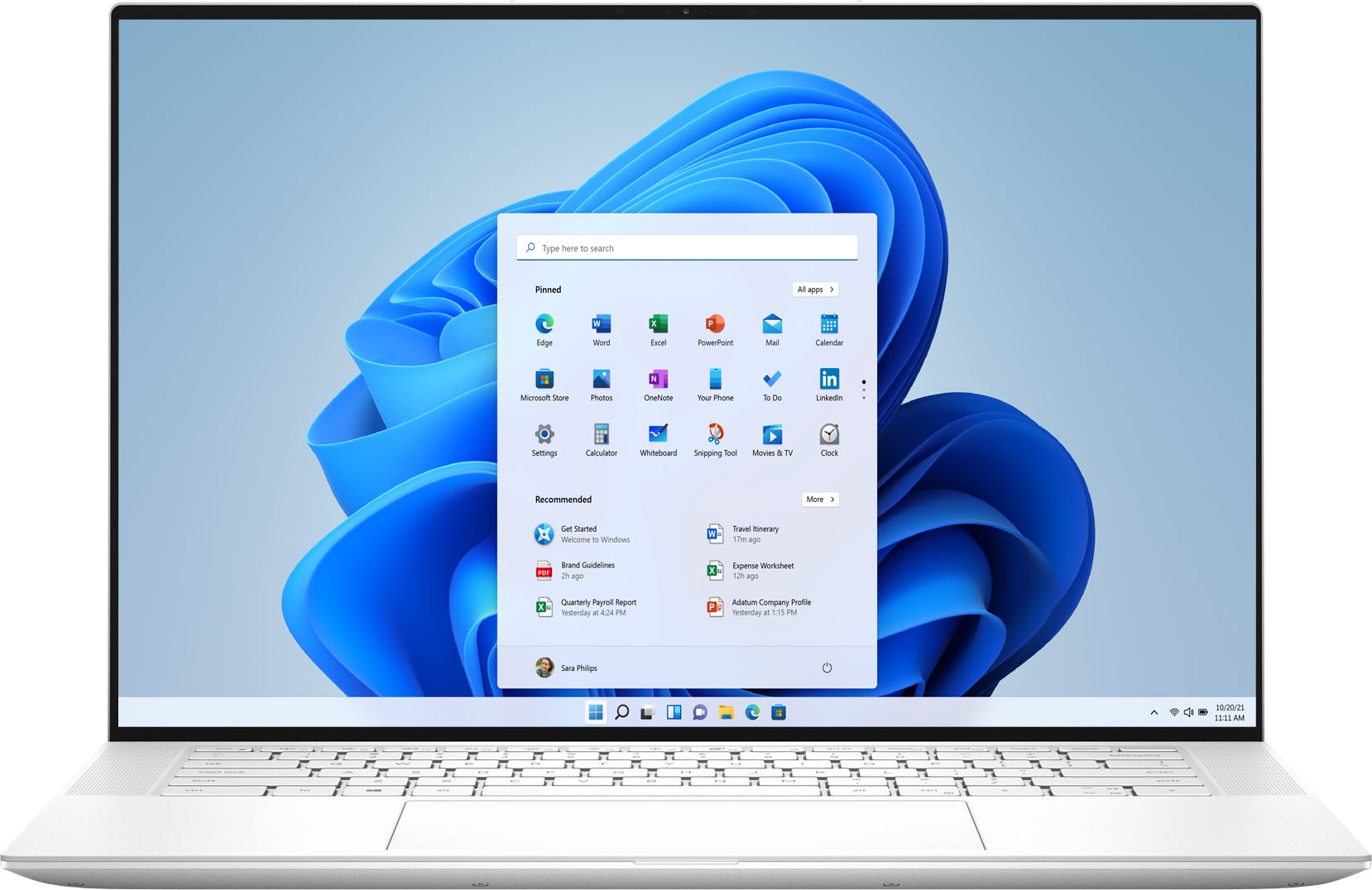
|Posted .This reviewer received promo considerations or sweepstakes entry for writing a review.OK, this is a high-spec laptop with a fast processor, fast discrete graphics, plenty of RAM, a big SSD, but oh, that display! It is gorgeous. 3456x2160 resolution is nuts - the pixels are invisibly small, and the self-illuminated OLED technology makes for cray high contrast and a hugely wide viewing angle. Best display I've seen on a laptop, ever. My only minor gripe is that if you need a USB 2 port or HDMI port then you have to plug the supplied dongle into one of the USB 3 ports on the laptop. Because the only USB ports on the laptop are USB C. It's not a big hassle but it's one more piece you have to carry around and possibly lose. Overall this laptop is a screaming performer with a stunning display. It's well-built and should last a long time. Also since it is an 11th-gen i7 CPU it will be compatible with Windows 11 when that is released.
I would recommend this to a friend Terrible quality control
||Posted .This reviewer received promo considerations or sweepstakes entry for writing a review.Terrible quality control. had to return 4 of them. Don't waste your time.
No, I would not recommend this to a friendBrand response from YourDellTeam
Posted .Hello Hamza,
Thank you for your input and review. We are sorry to hear that the quality of your XPS has not met your expectations. The contents of your review will be used to help improve now and future Dell products. If you come across any questions, issues, or concerns, please visit the Support Page your laptop.
Best regards,
Wendy C.
https://bit.ly/DellSupportTeam.
Phone number to Dell: 1-800-264-9896.
My new go-to laptop
|Posted .This reviewer received promo considerations or sweepstakes entry for writing a review.My new laptop is the new for 2021 Dell XPS 15 in Arctic White. I’ve only had it a short while, so I’m still acclimating to it. First, it is a bit weighty. It comes in at over 4 pounds, which is heavy in comparison to many newer laptops designed for easy transport. The XPS 15 has a marginally smaller screen than my older 16” unit. The keyboard – by contrast - is larger by over an inch. The slightly larger keyboard has caused me to misplace my hands on the keyboard when I start typing. Typically, your left index finger falls to the letter “F”, and right-index finger to the letter “J”. It must be me, but that is not where my hands are landing and continuously requires me to reposition my hands each time I type. Seriously, this is a non-issue that I’m sure will go away as I familiarize myself with the unit. I just never ran into this before. Be aware that this laptop is not a 2-in-1, meaning that you cannot rotate the display to the back to convert it to tablet mode. No loss for me since I only used tablet mode a couple of times, ever. My older 2-in-1 laptop was a magnet for BT mouse problems. The mouse would skip around, and then regularly lag behind where the pointer should be. I purchased several mice trying to resolve this problem, but it never improved, not even after updating the driver. And the speakers on my older laptop - they were the worst. I ended up buying a portable Bluetooth speaker to pair with the laptop whenever I needed sound. With the Dell XPS laptop, neither of these problems exist. In fact, the BT mouse I’m using on the Dell XPS is the same one I used on the old laptop. But on this laptop, there is no skipping and no lagging. And the speakers on this XPS are wonderful. For example, at half volume, my wife yells at me to lower the volume. Isn’t that great! Essentially, the XPS at 1/3 volume is louder than the loudest setting on my old laptop. Speaker location is no doubt important, and the speakers are positioned on both sides of the keyboard facing upward. This laptop’s display is equally outstanding. With a resolution of 3300 x 2200 – which is 4K Ultra HD and includes HD, Full HD and 4K Ultra HD - everything is crystal clear. I watched Avatar, one of my favorite movies, and it did not disappoint. The sound was excellent, as well. To transfer two movies to the Dell XPS, I installed the Samsung DEX app on the laptop and connected my Samsung S20 Ultra (where two videos were located) to the laptop by way of a USB type C cable. Both movies, each about a 1gb in size, transferred in their entirely in what seemed like one minute. Back to the laptop. Here are some characteristics of this laptop you might find useful: • Backlit keyboard • OLED 15.6” touch screen • Intel 11th Gen Core i7 processor • 8 cores • Headphone Jack • BT Enabled • USB 3.1 type C port • 2 Thunderbolt ports • Headphone jack port • Full size SD card reader • 1 TB Solid State disk storage • Fingerprint reader • 16GB Ram • Manufacturer's Warranty – Parts: 1 Year Hardware Service with Onsite/In-Home Service After Remote Diagnosis • Manufacturer's Warranty – Labor: 1 Year Hardware Service with Onsite/In-Home Service After Remote Diagnosis • Included is an external dongle that has one HDMI port and one USB port • And more It did take a fair amount of time getting this laptop ready for use. Besides having to initially charge the laptop, I spent an inordinate amount of time updating all out-of-date Windows apps. Really, this happened over the course of hours. Then I had to install all other application packages regularly use. It takes time, is my point. The backlit keys are an essential feature for me at night. I really like and rely on the illumination when typing. I found that on this Dell XPS, I generally turn this feature off during the day because the lettering on the keys gets a washed-out appearance when the backlit keys illuminate. In a darker environment, they are really helpful. Overall, this is an outstanding laptop. It has a beautiful display, the speakers are loud and crisp, there is a ton of disk space available, and it comes bundled with McAfee to protect us from the bad guys. The keyboard is very responsive, as is the processor itself. Oh, and it has a fingerprint sensor for easy authentication. It also was very easy to authenticate to my home network. As such, I’m giving this – my new go-to laptop – a 5-star review.
I would recommend this to a friend