Customer Ratings & Reviews







- Model:
- XPS9510-7309WHT-PUS
- SKU:
- 6468148
Rating by feature
- Battery Life
Rating 4.2 out of 5 stars
- Speed
Rating 4.7 out of 5 stars
- Display
Rating 4.8 out of 5 stars
Customers are saying
Customers highly value the XPS 15.6" OLED laptop for its stunning display, sleek design, and powerful performance. Many users rave about the exceptional visual experience provided by the OLED touchscreen, while others appreciate the laptop's clean and professional appearance. The laptop's performance is also highly praised, with users noting its ability to handle demanding tasks and run games smoothly. However, some customers have expressed concerns about the laptop's battery life, cooling issues, and high price.
This summary was generated by AI based on customer reviews.
Worst Experience
||Posted . Owned for 1 week when reviewed.This reviewer received promo considerations or sweepstakes entry for writing a review.Product was broken and Best buy was not able to resolve
No, I would not recommend this to a friendBrand response from YourDellTeam
Posted .Hello,
Thank you for your review and input. We apologize for the issues you have come across with your XPS. We are happy to help you troubleshoot this issue but would need more information. We invite you to contact Dell at your earliest convenience at 1-800-264-9896.
Best,
Wendy C.
https://bit.ly/DellSupportTeam.
Phone number to Dell: 1-800-264-9896.

Great Laptop for Students or Home Office!
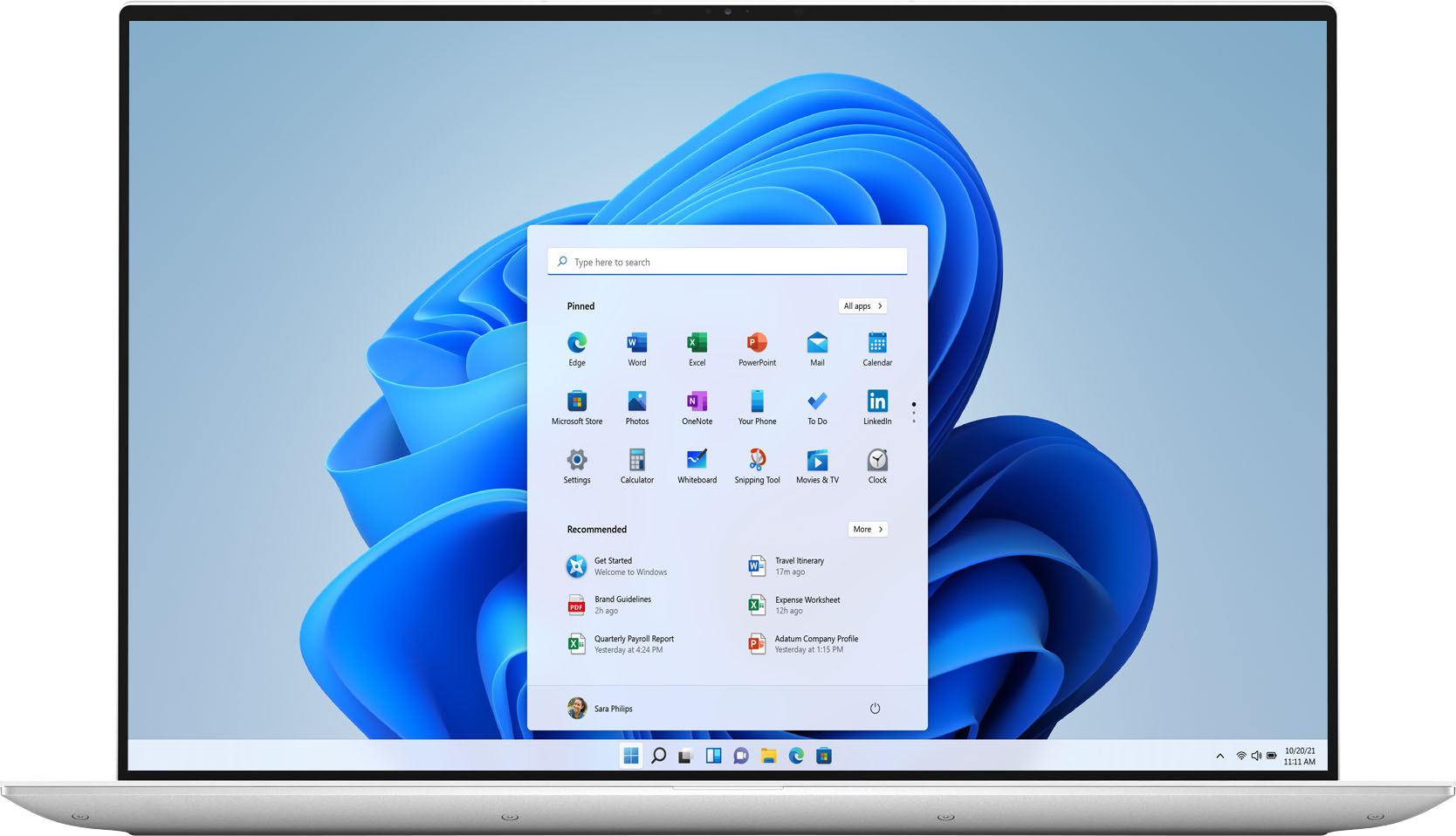
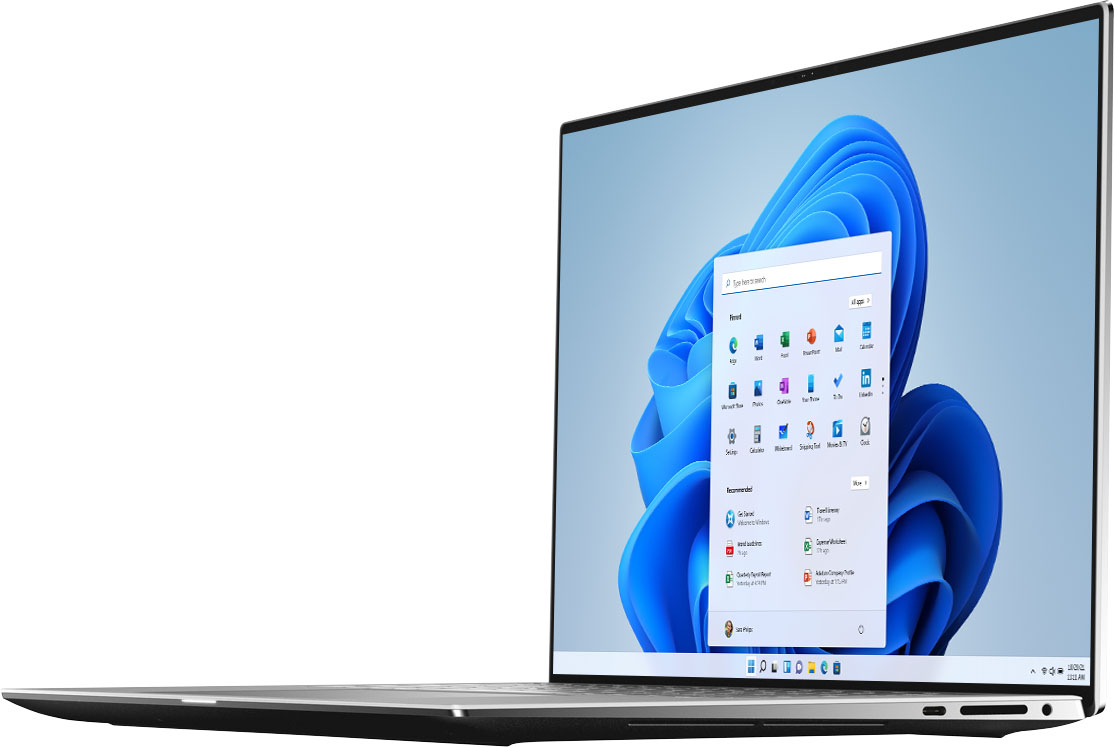
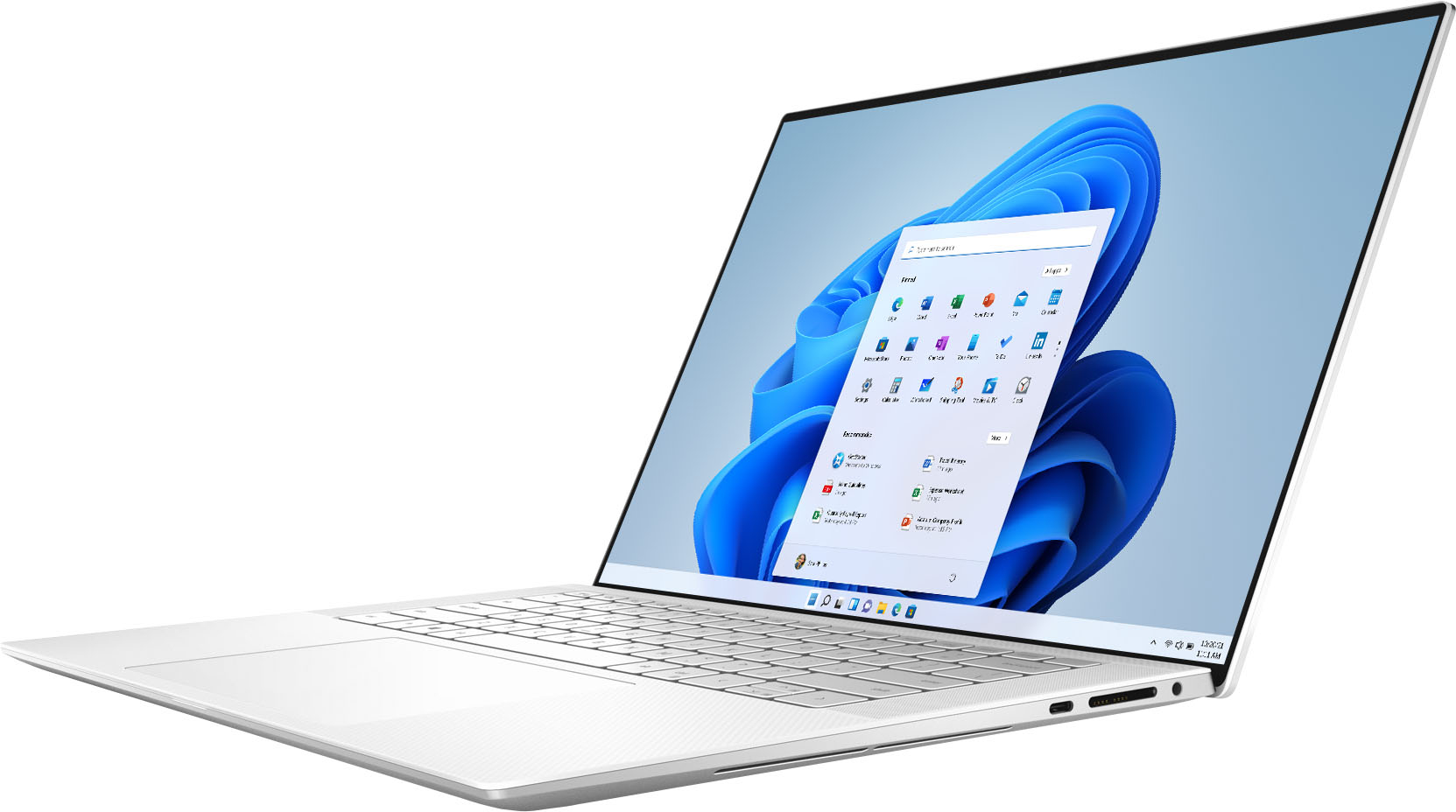
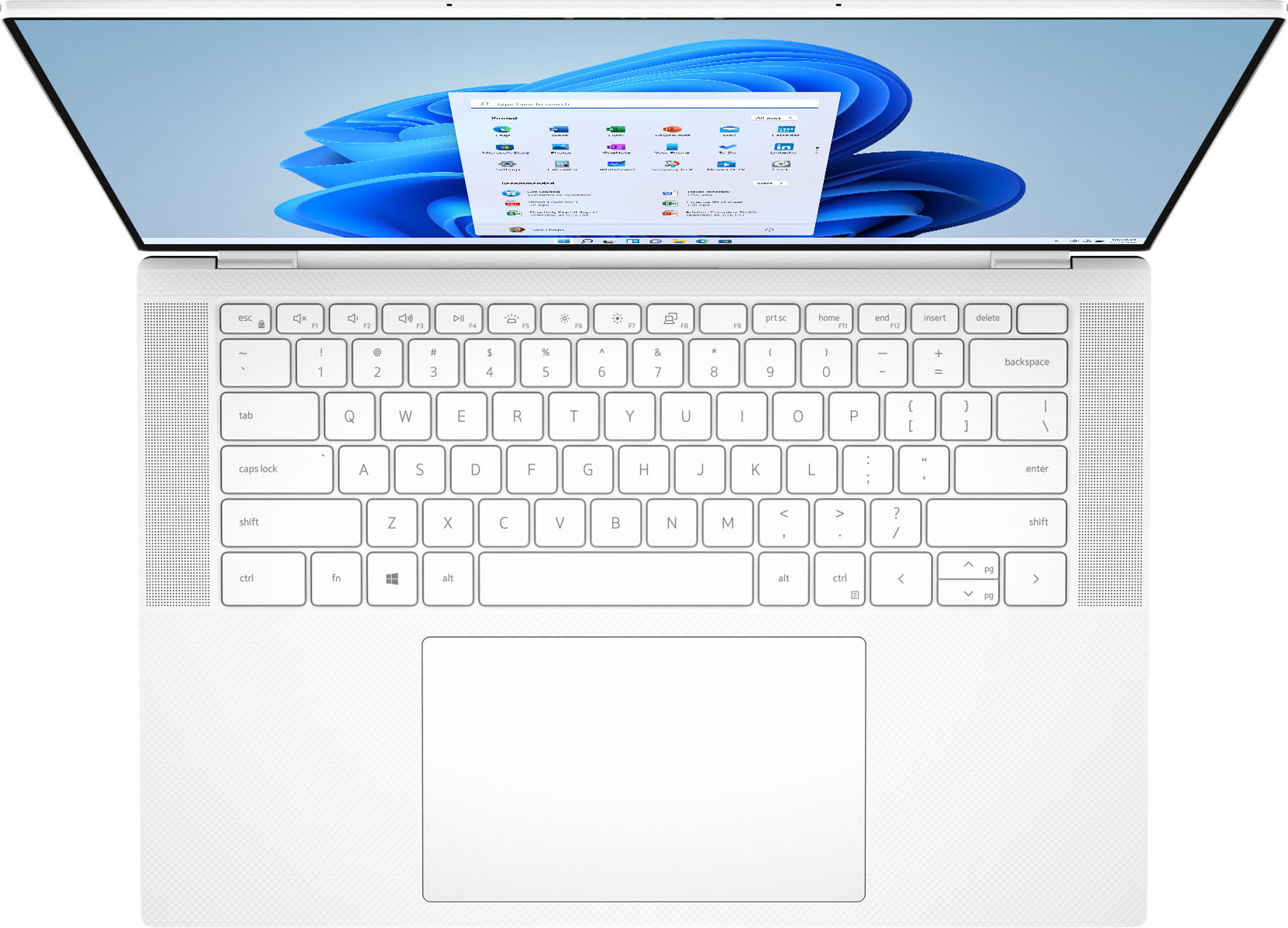
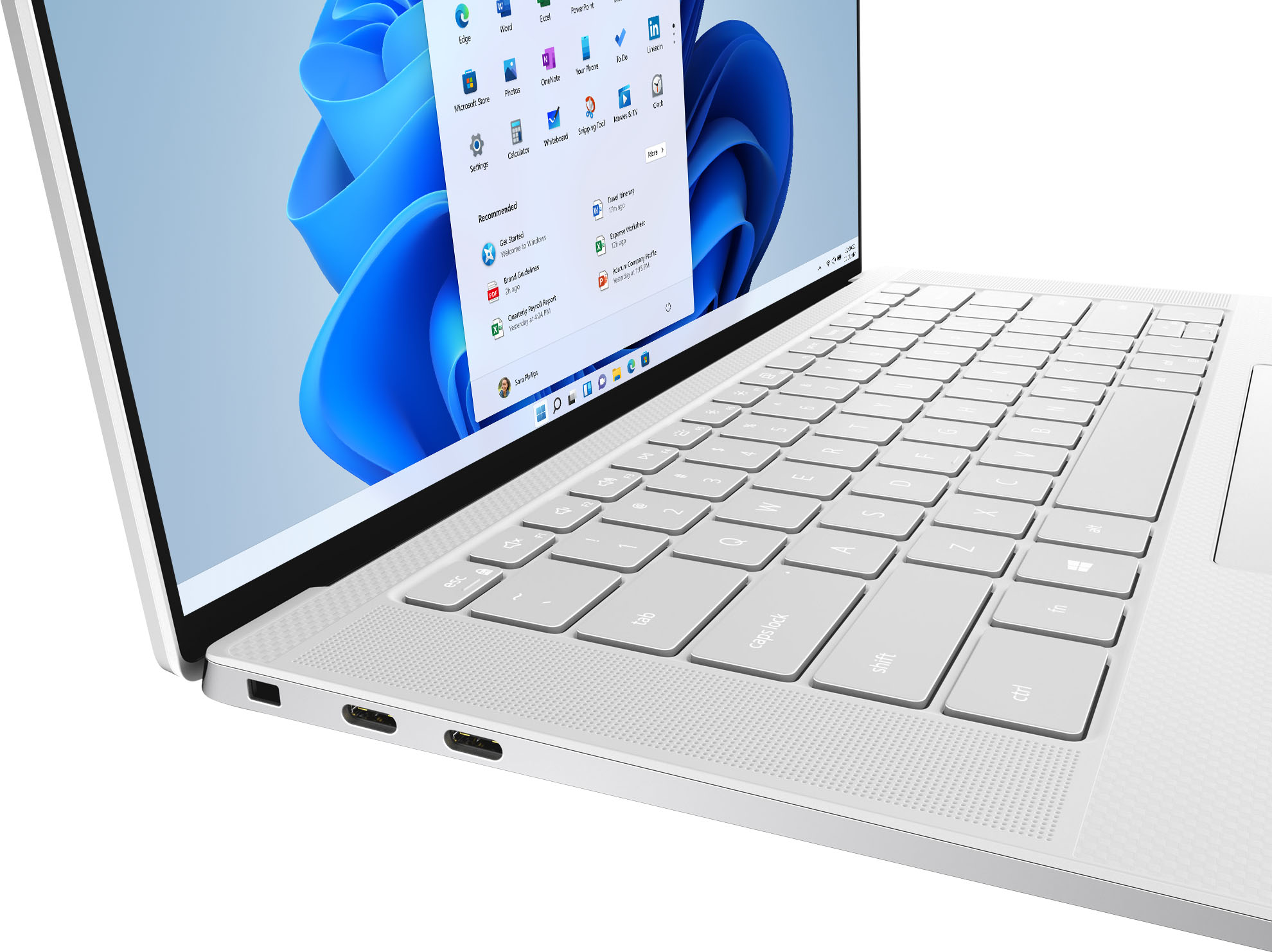
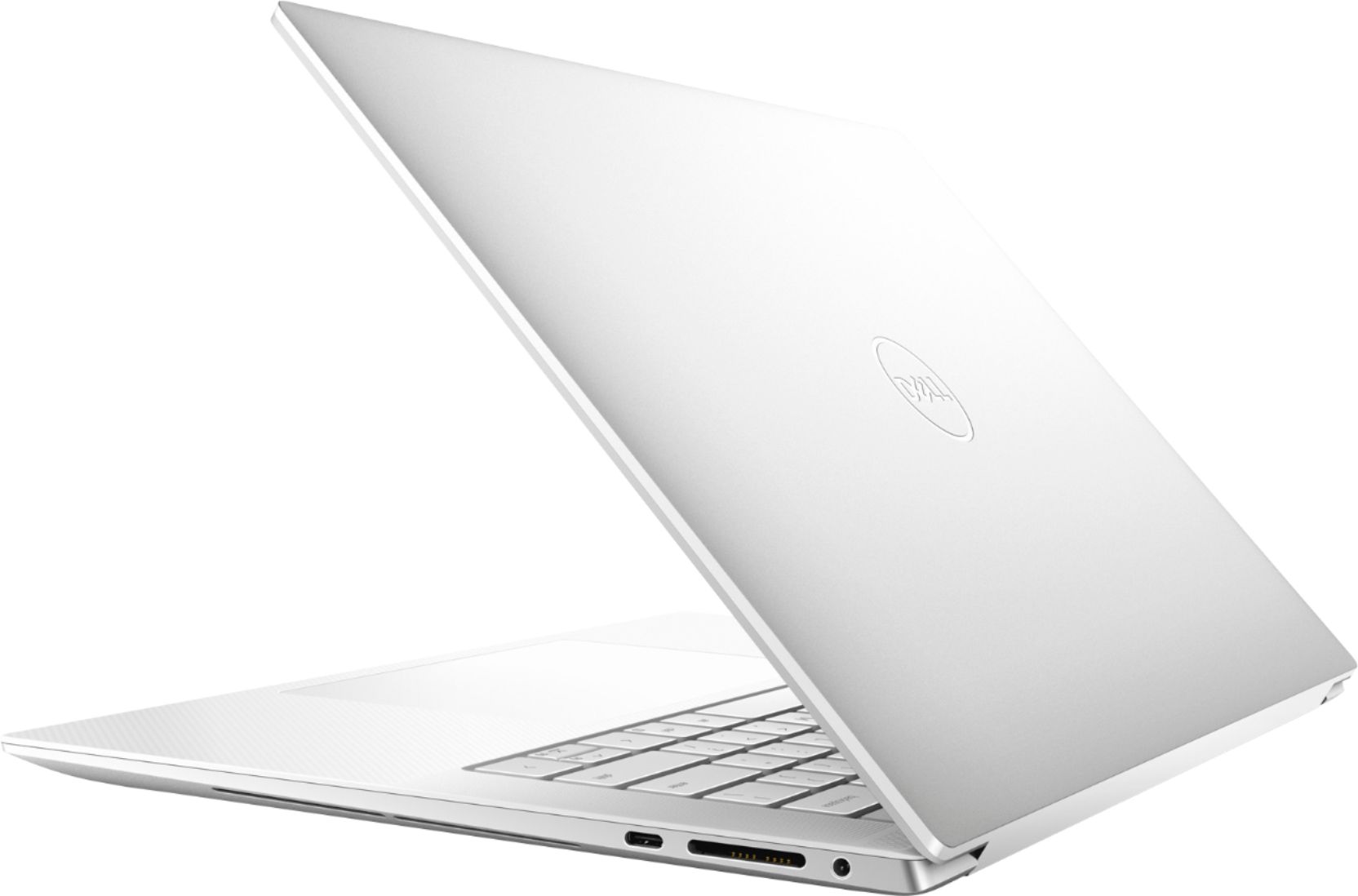
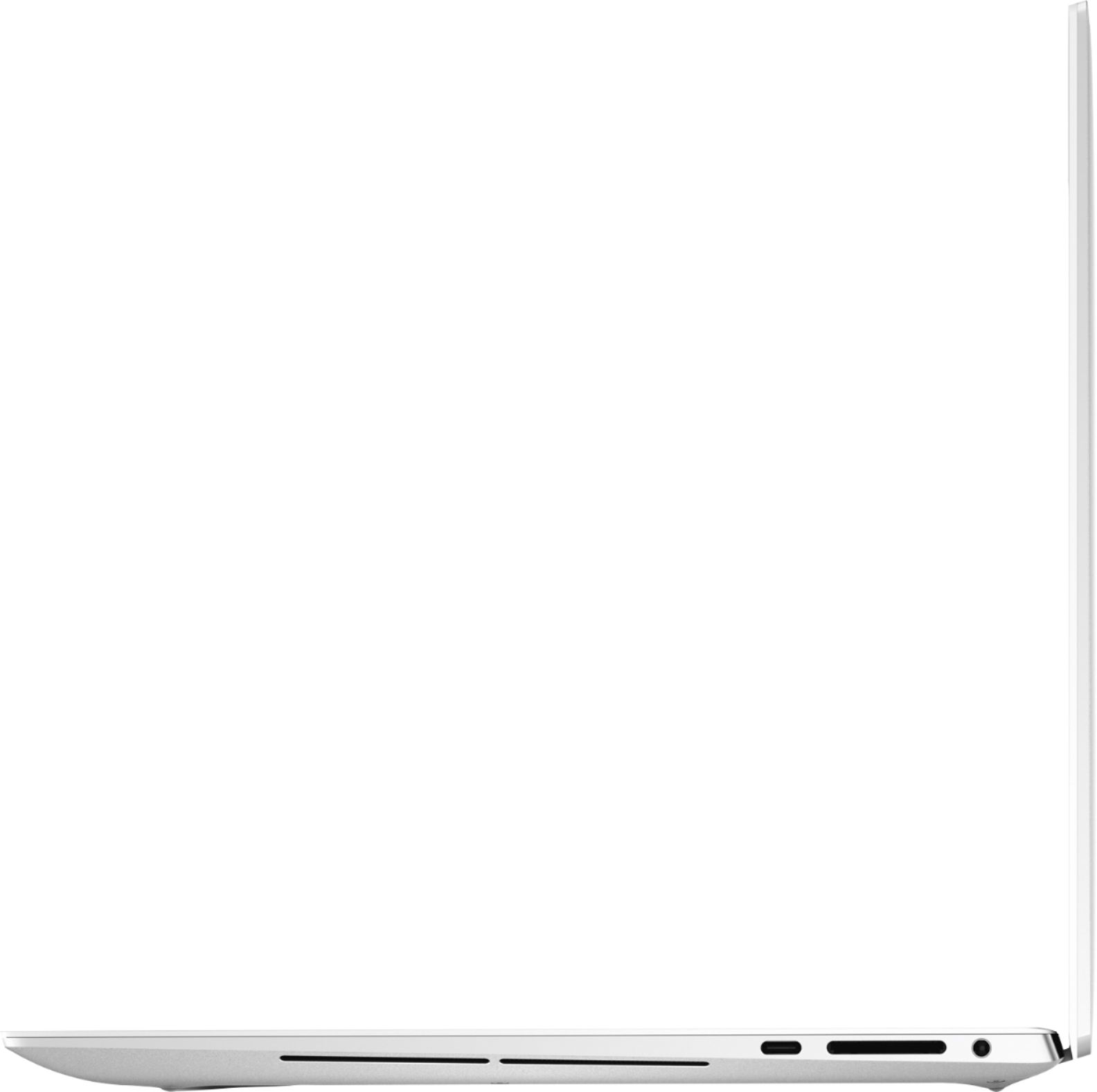
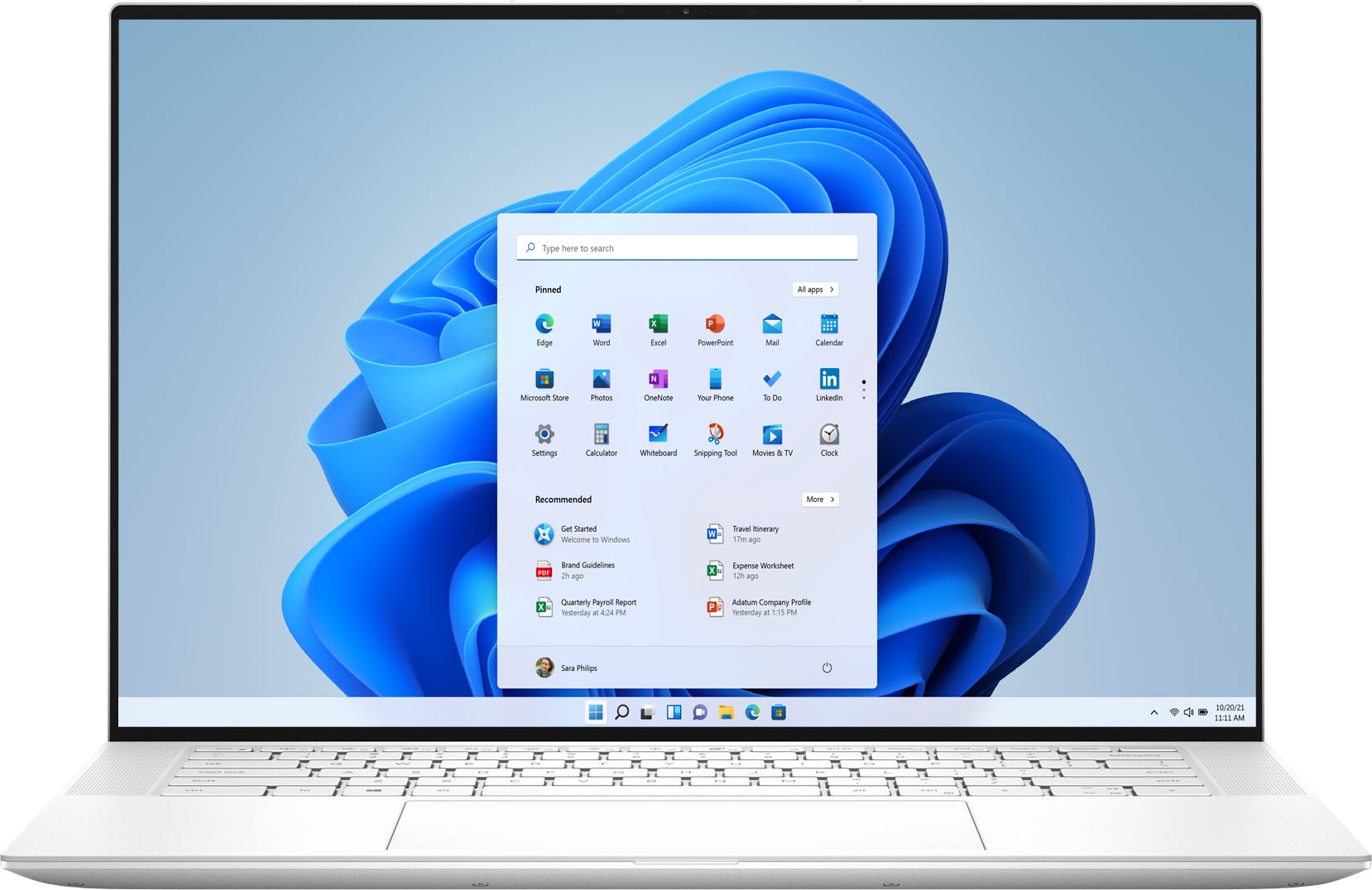
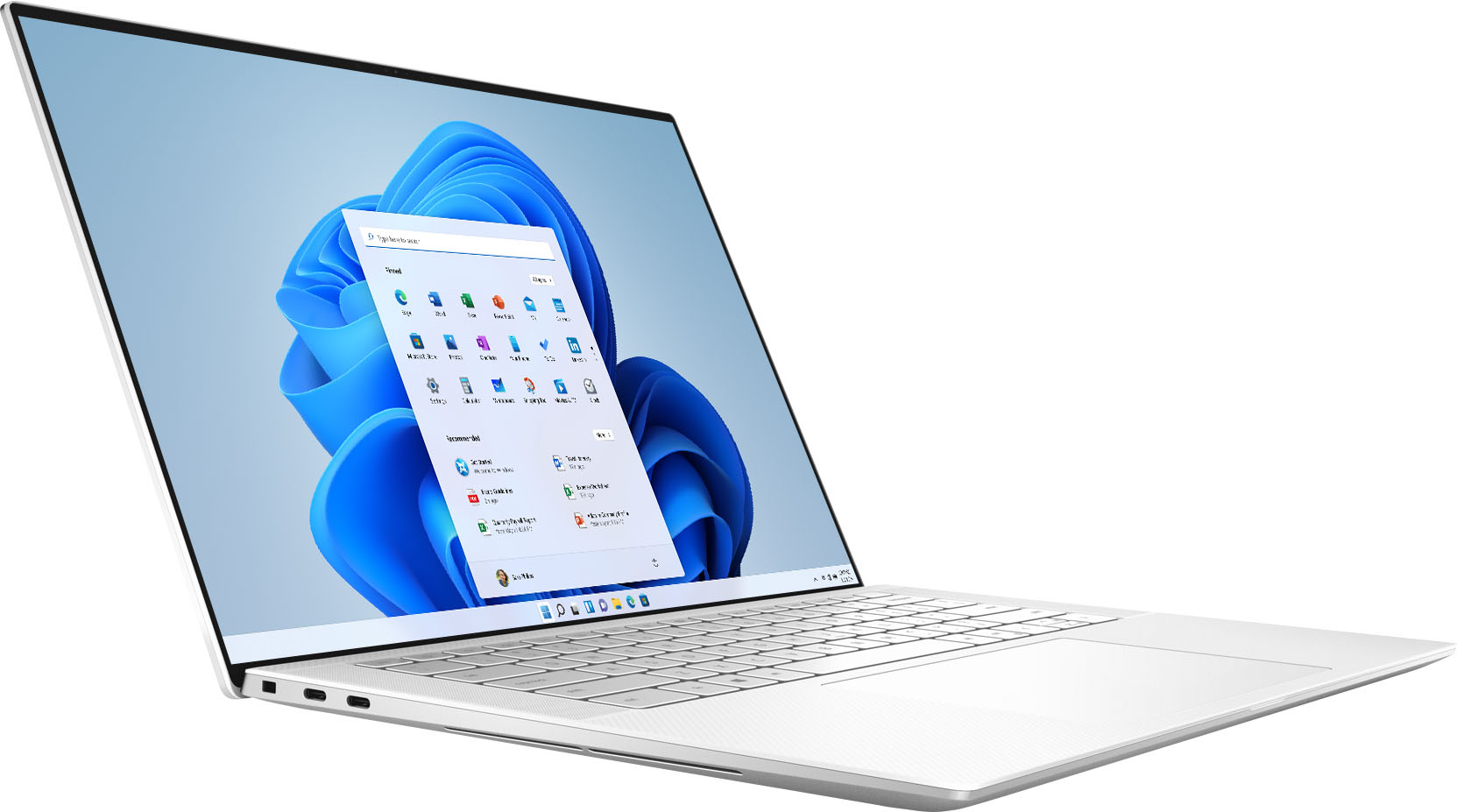
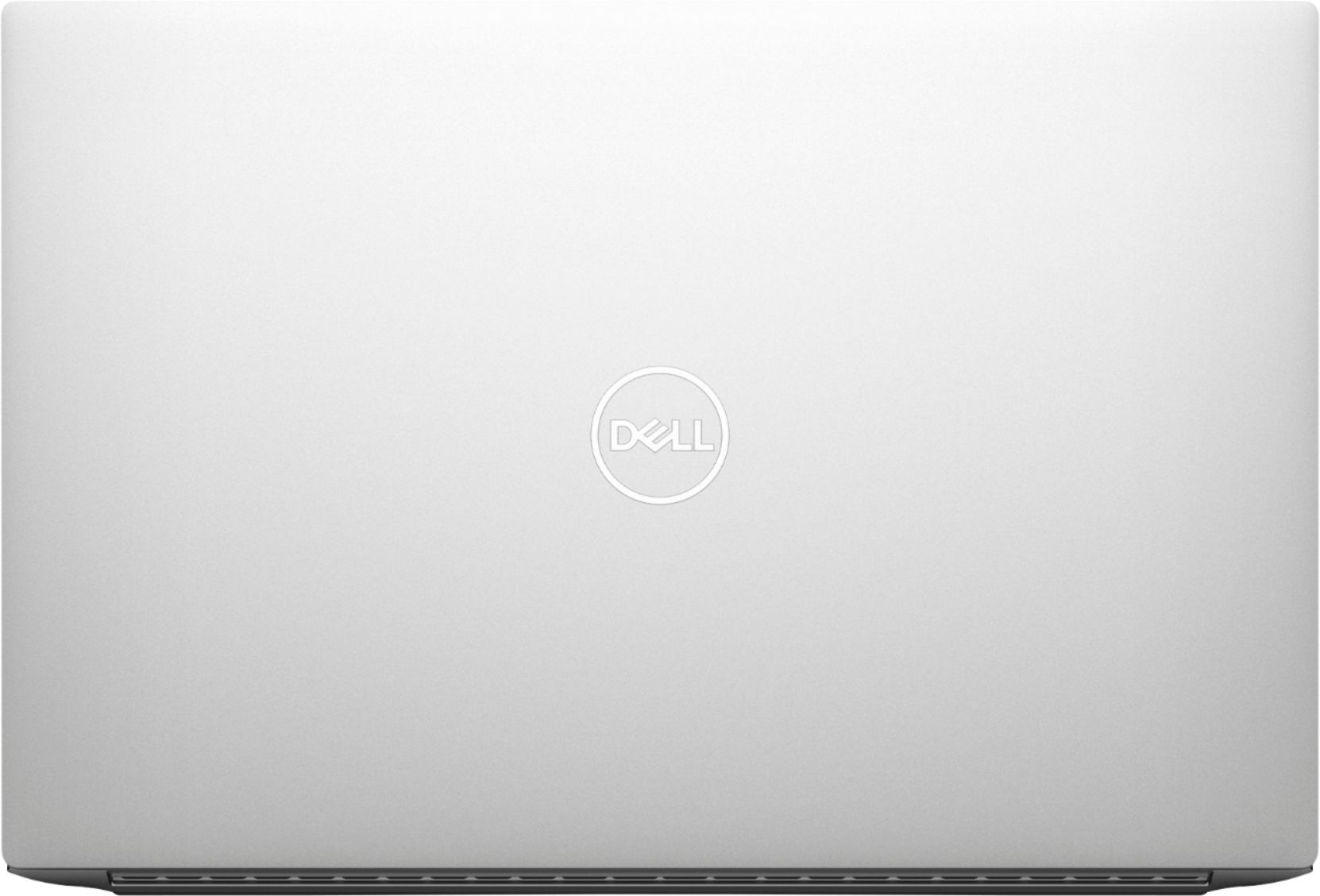
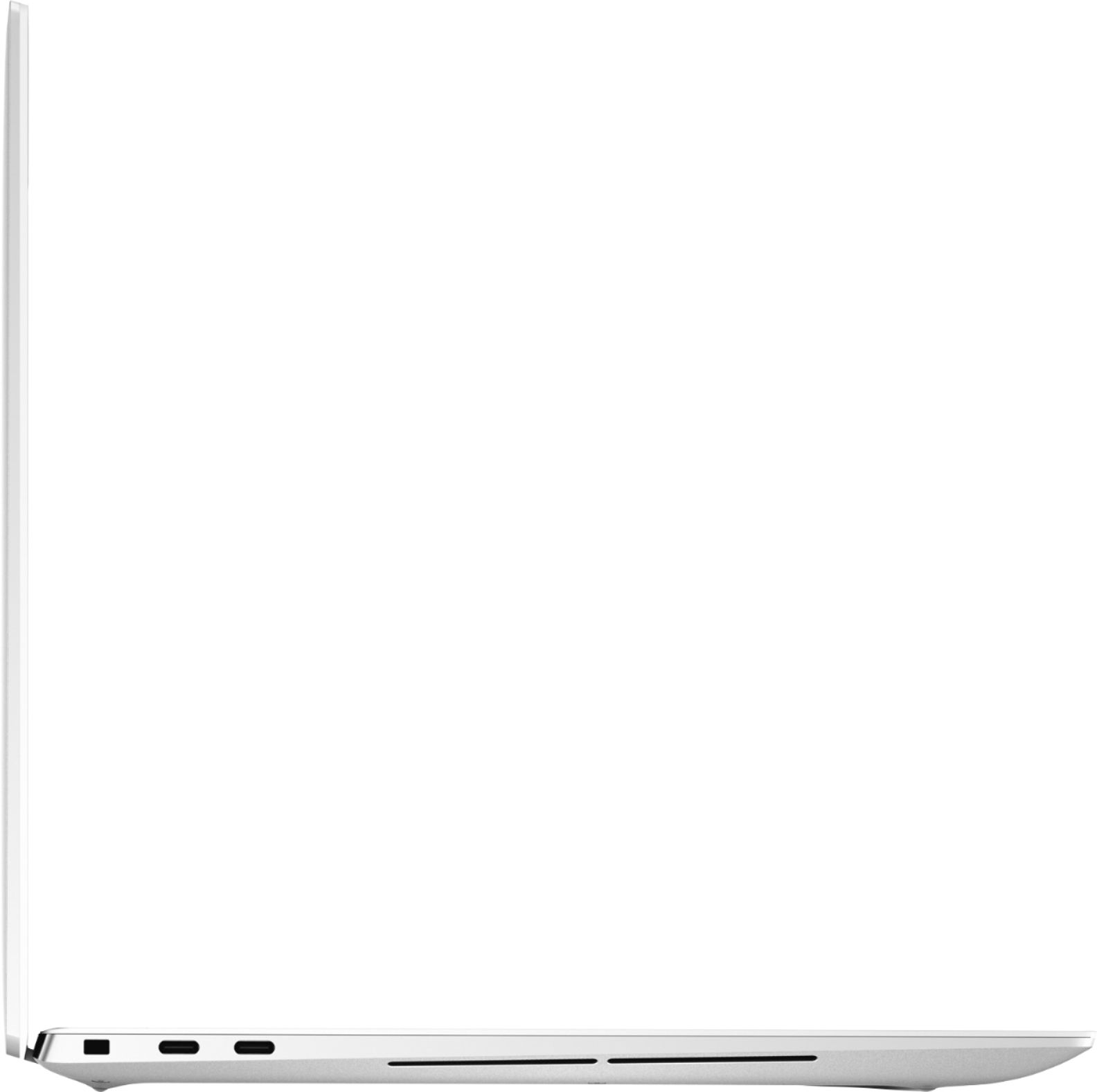
|Posted .This reviewer received promo considerations or sweepstakes entry for writing a review.This is my review of the Dell – XPS 15 – 15.6” OLED Touch-Screen Laptop Model-9510 in Frost White in which I give it a 5 out of 5 star review. Out of the box this Dell laptop is beautifully designed with its clean white and carbon fiber wrist-pad lending one to think this might be a MacBook. It’s non-labeled On/Off button on the top right portion of the keypad also doubles as the fingerprint reader. It wouldn't take much effort for Dell to add an On/Off label along with a fingerprint icon to aid first time users. On the left side of the chassis you will find two Thunderbolt 4 (USB4) USB-C ports with Power Delivery. On the right side of the chassis you will find one USB 3.2 Gen 2 (Type-C) port with Power Delivery/DisplayPort, one SD-card slot, and one headset (headphone and microphone combo) port. You may connect the AC power supply to any one of the three USB Type-C ports. In case you are in need, like I was, to add a mouse having a USB-A port, you are required to add the supplied USB-A/HDMI adapter and plug it into of the available USB-C ports. This was a bit of an inconvenience and wish Dell had a USB-A port built into its chassis so there goes its clean/modern appearance of the laptop. For those using this laptop with a docking station this will not be much of an inconvenience. The specifications of the laptop are very robust with a 15.6” OLED Touch-Screen Display with Webcam. Its performance is backed by an Intel Core i7-11800H Processor, running on 16GB Memory, a 1TB Solid-State Drive, a NVIDIA GeForce RTX 3050 Ti graphics card having 4GB memory. There are two top-firing speakers on each side of the keyboard along with a left and right woofer on the bottoms sides of the chassis. As for the initial performance, I tested the speakers by streaming some music via Spotify and found the audio crisp and clear but definitely lacking a bass punch as to think the two woofers didn’t even exist. This was not a set-back for me as this laptop was to be used for web-surfing and Excel spreadsheets. Due to its previous mention of specs this laptop performed beautifully and like the touch-screen ability at times when web-surfing to keep a hand on the keyboard while swiping on a graphic or text. The back-lit keyboard is cleanly laid out with three brightness settings that are good for dimly lit rooms. I see this laptop being a top-performer for students and home office environments without the need for gaming configurations.
I would recommend this to a friendI'd give it 6 stars if I could
|Posted .This reviewer received promo considerations or sweepstakes entry for writing a review.This is truly a winning design for Dell. While this is a high-performance laptop, it is small (for a 15" screen) and light. Sporting an Intel Core i7-11800H processor, 16GB of DDR4 memory, a 1TB NVMe SSD from WD, and an NVIDIA GeForce RTX 3050 Ti graphics solution, the performance is absolutely stellar for a laptop. The screen, a 15.6" 16:10 OLED touch screen providing 5 percent more area than others, is stunning - the clarity and brightness... well, you'd have to see it to appreciate it. If you need a capable, high-performance laptop minus the usual weight penalty associated with high-performance laptops, you should check out this option from Dell.
I would recommend this to a friendPerfect for WFH and gaming
|Posted .This reviewer received promo considerations or sweepstakes entry for writing a review.One of the newest graphics card so it looks clean and crisp. Doubles as a great work and gaming computer
I would recommend this to a friendGreat Hardware, Poor Software
Posted .This reviewer received promo considerations or sweepstakes entry for writing a review.I bought this laptop as a replacement for my Surface Book. The laptop itself seems great. The screen is crisp and clear and the keyboard and track pad feel great. That is about where the compliments end for my experience with the XPS 15. I then encountered several issues including the wrong version of windows being installed and an incredible amount of bloatware. I do not know why a company as large as dell would include so much horrendous software with their computers. The worst offender was the Killer Control app. I am a medical student and use my computer for video visits and for virtual classes. When I first booted up the system I couldn't connect to several webpages and my video calls and classes kept getting dropped. I had my partner's computer next to me the entire time and she was having none of the same connectivity issues. I then spent the entire day speaking with Dell and had several technicians remotely looking at my device - clearing chaches, winsock, and ip settings - all to no avail. I then found a thread which stated that it was probably the Killer software. It turns out that this software that comes preinstalled PURPOSEFULLY reduces the bandwidth for applications that are not for gaming purposes. As soon as I turned off the priority settings in the app all was back to normal. It is concerning that none of the technicians that I spoke with were aware of this software nor were the empathetic to what was happening. This kind of thing, paired with the incredible amount of other bloatware (who would allow McAfee on their computer), is what turns me away from this company.
No, I would not recommend this to a friendBrand response from YourDellTeam
Posted .Hello,
Thanks for taking the time to share your feedback and review. We are glad to hear that you're happy with various aspects of your XPS. The contents of your review will be used to help improve now and future Dell products. We would like to apologize for the issues you have come across with your laptop. Killer Control Center is an interface with features that enables users to review and manage the system networking performance. Meaning the Killer Control Center software allows you to set a speed limit to your connection. To make sure that we can help, we have provided steps below that can assist with managing the system networking performance:
Here are the recommended steps to change the speed limits:
1. Open the Killer Control Center.
2. Click Settings on the left menu.
3. Click Set Bandwidth Limits.
4. Set the upload and download speeds according to your connection then click Apply Settings.
If the problem persists, visit this article for additional troubleshooting steps: https://intel.ly/3lHgTR8.
Lastly, we would like to assist you with the version of windows currently installed on your laptop but we would need a little more information from you. Please feel free to reach out to Dell Support directly at 1-800-264-9896.
Best,
Wendy C.
https://bit.ly/DellSupportTeam.
Phone number to Dell: 1-800-264-9896.