Customer Ratings & Reviews







- Model:
- XPS9510-7309WHT-PUS
- SKU:
- 6468148
Rating by feature
- Battery Life
Rating 4.2 out of 5 stars
- Speed
Rating 4.7 out of 5 stars
- Display
Rating 4.8 out of 5 stars
Customers are saying
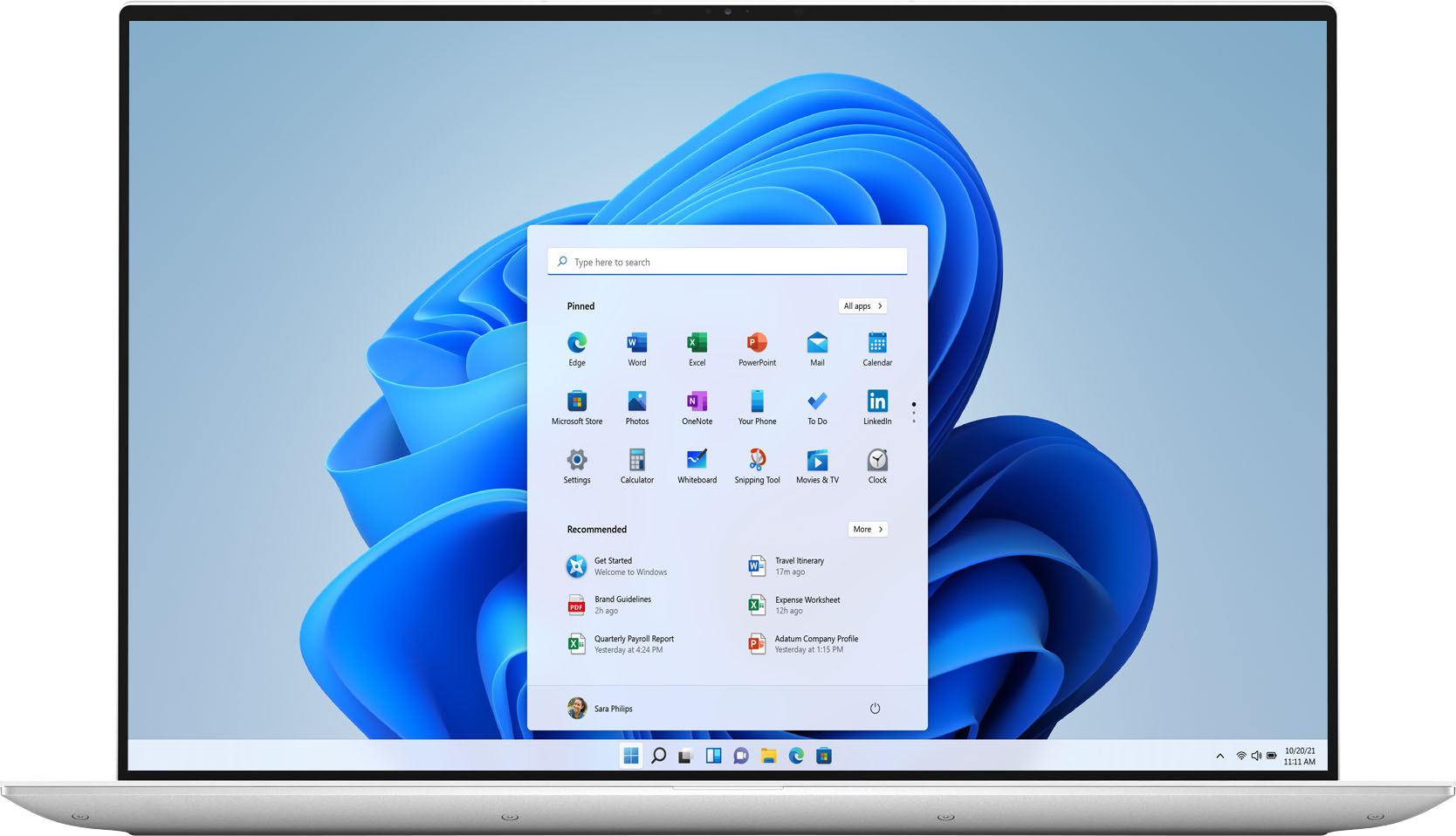
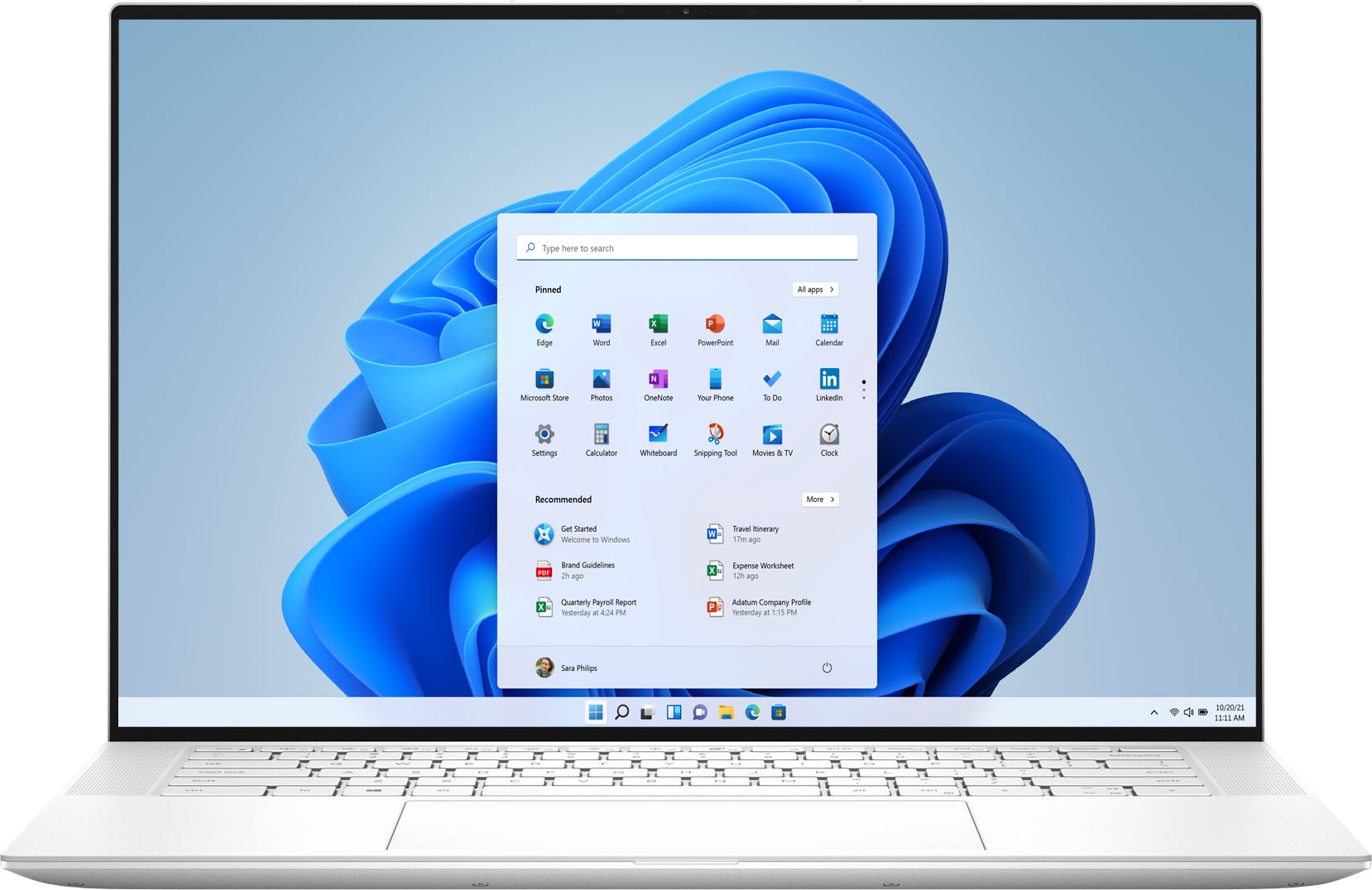
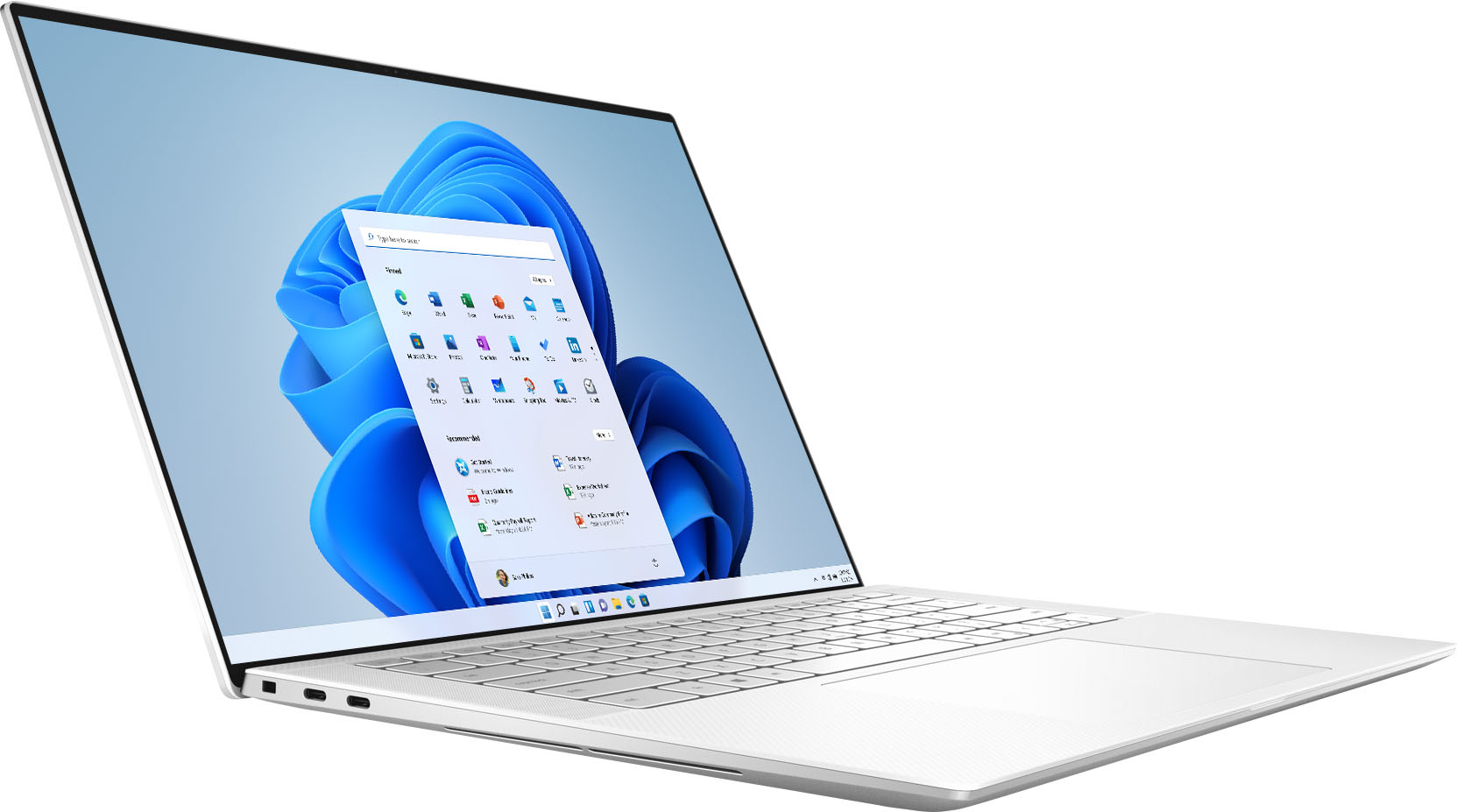
Customers highly value the XPS 15.6" OLED laptop for its stunning display, sleek design, and powerful performance. Many users rave about the exceptional visual experience provided by the OLED touchscreen, while others appreciate the laptop's clean and professional appearance. The laptop's performance is also highly praised, with users noting its ability to handle demanding tasks and run games smoothly. However, some customers have expressed concerns about the laptop's battery life, cooling issues, and high price.
This summary was generated by AI based on customer reviews.
Nice design, good weight and fast
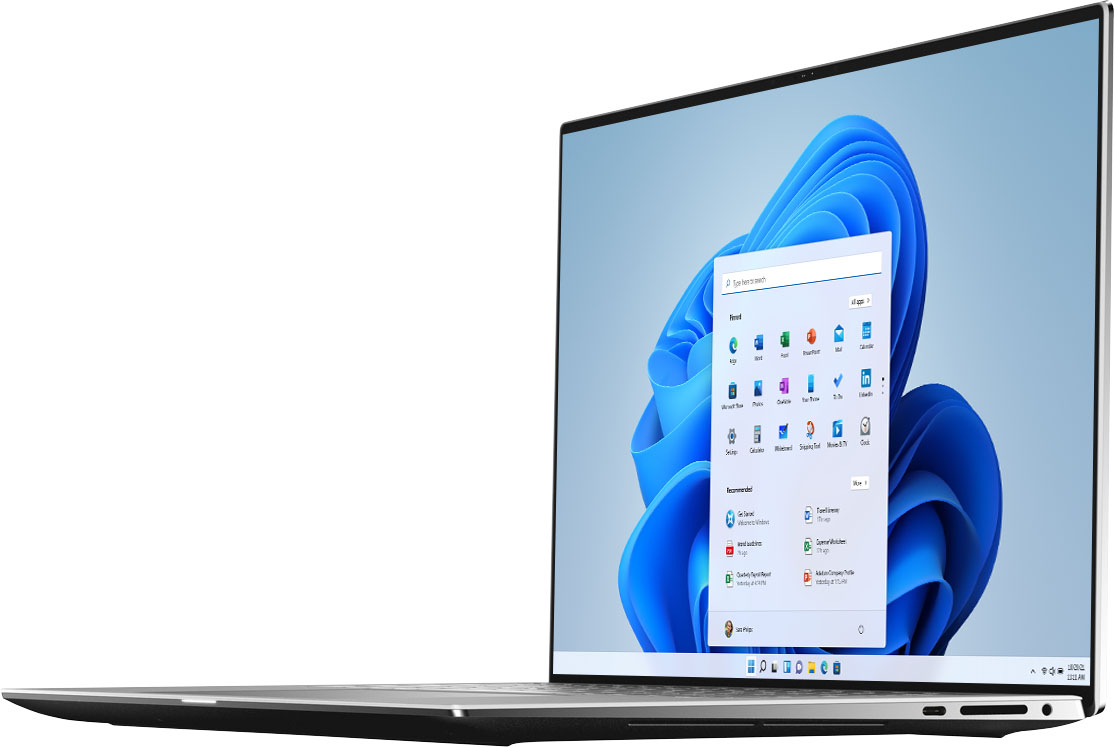
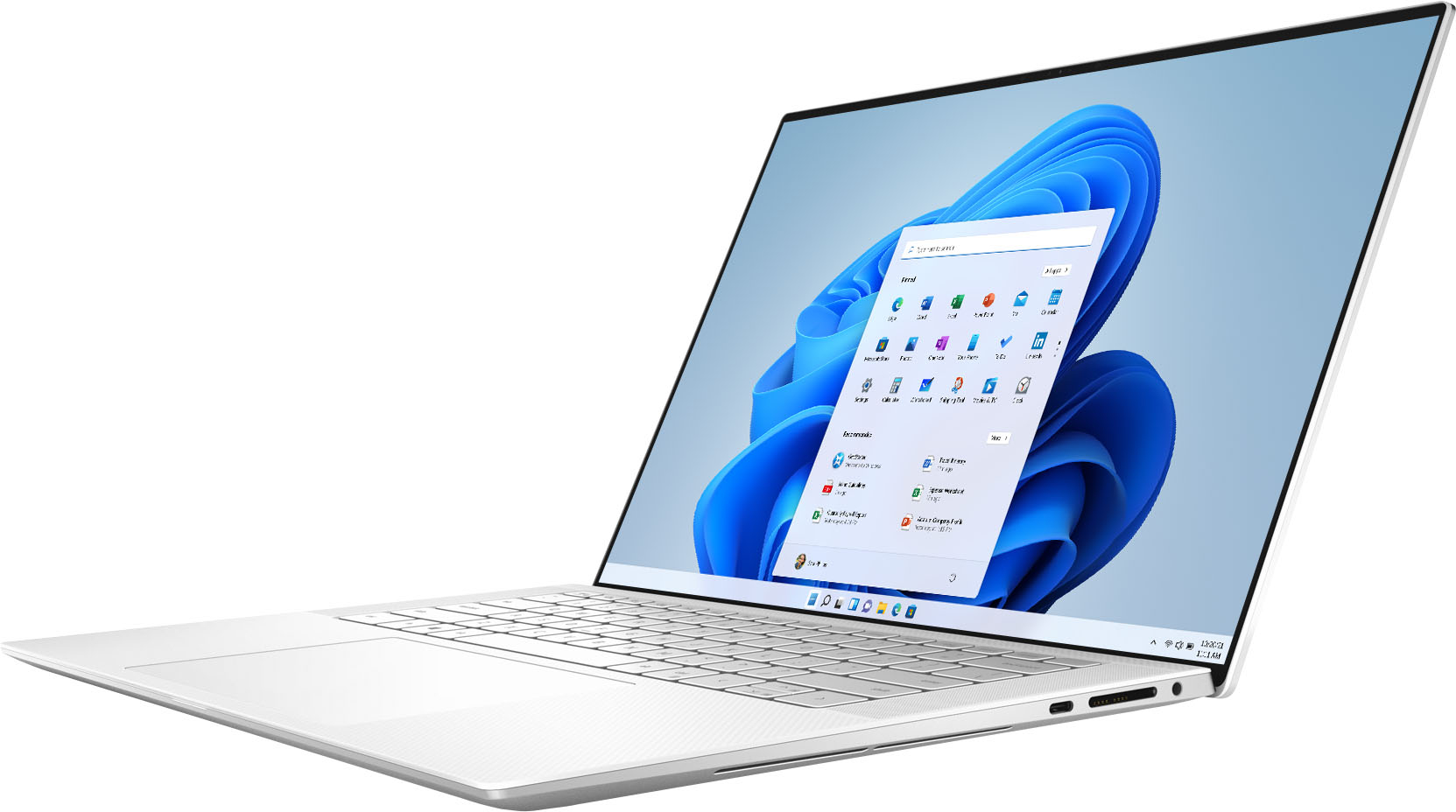
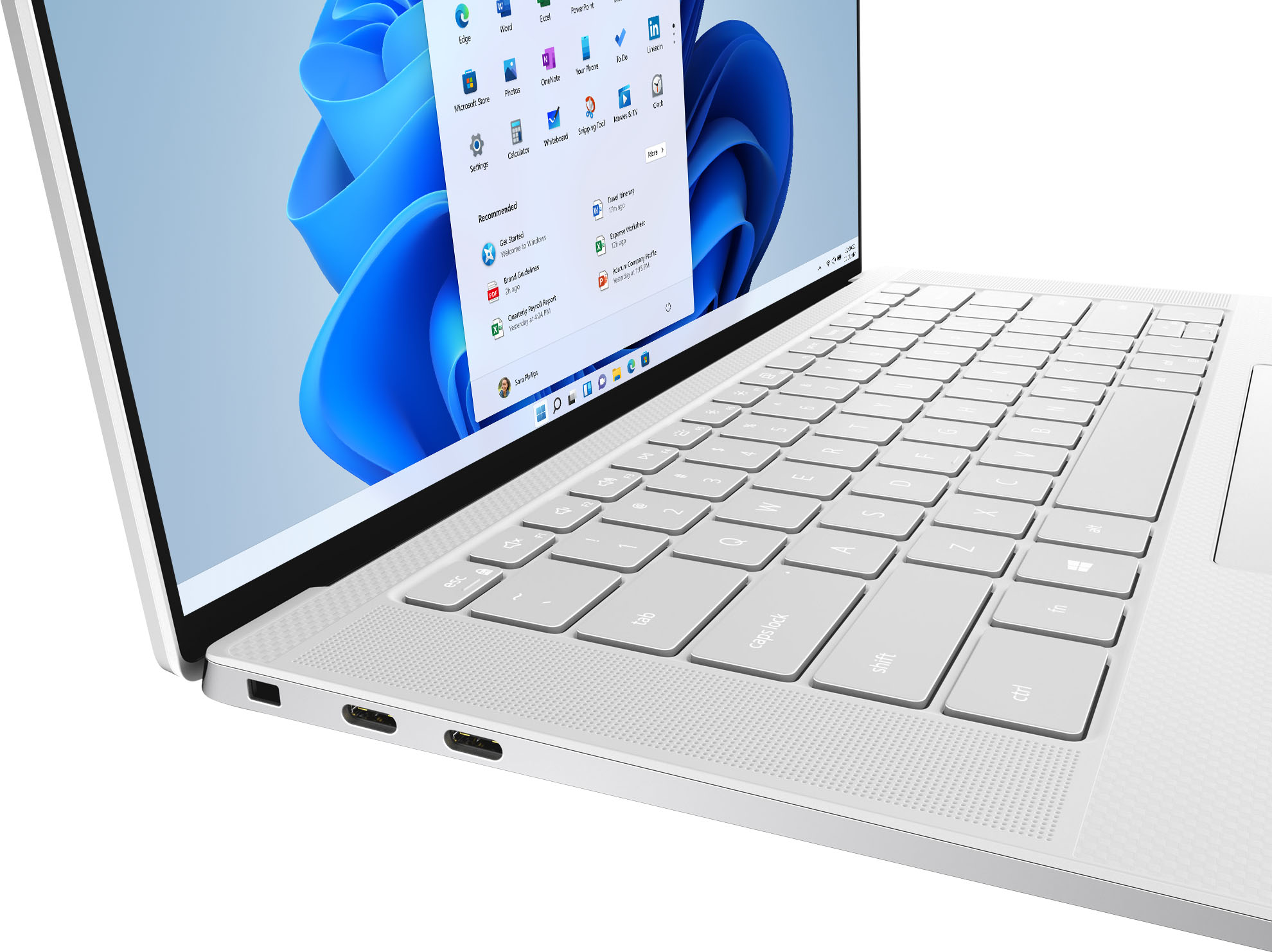
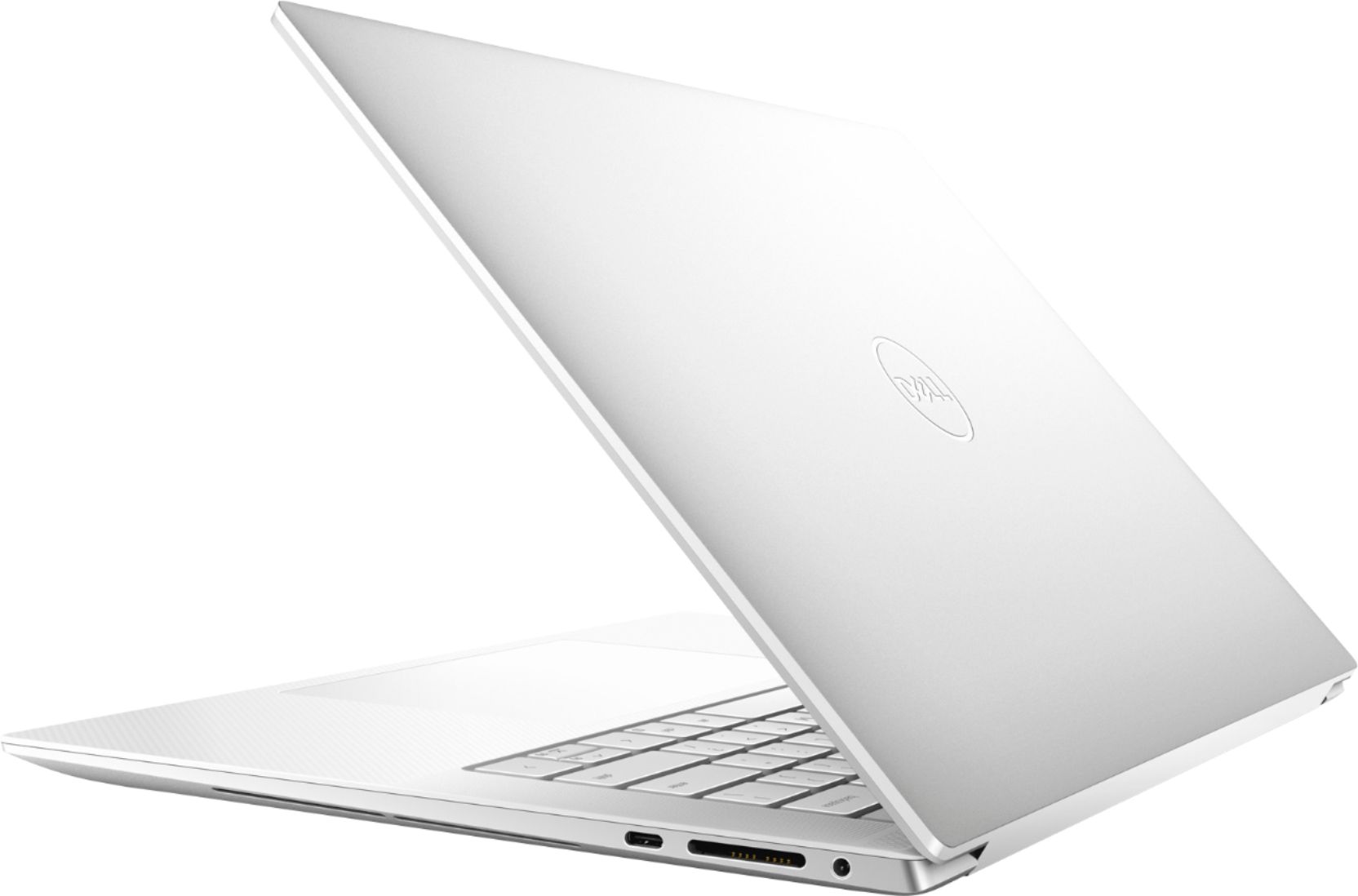
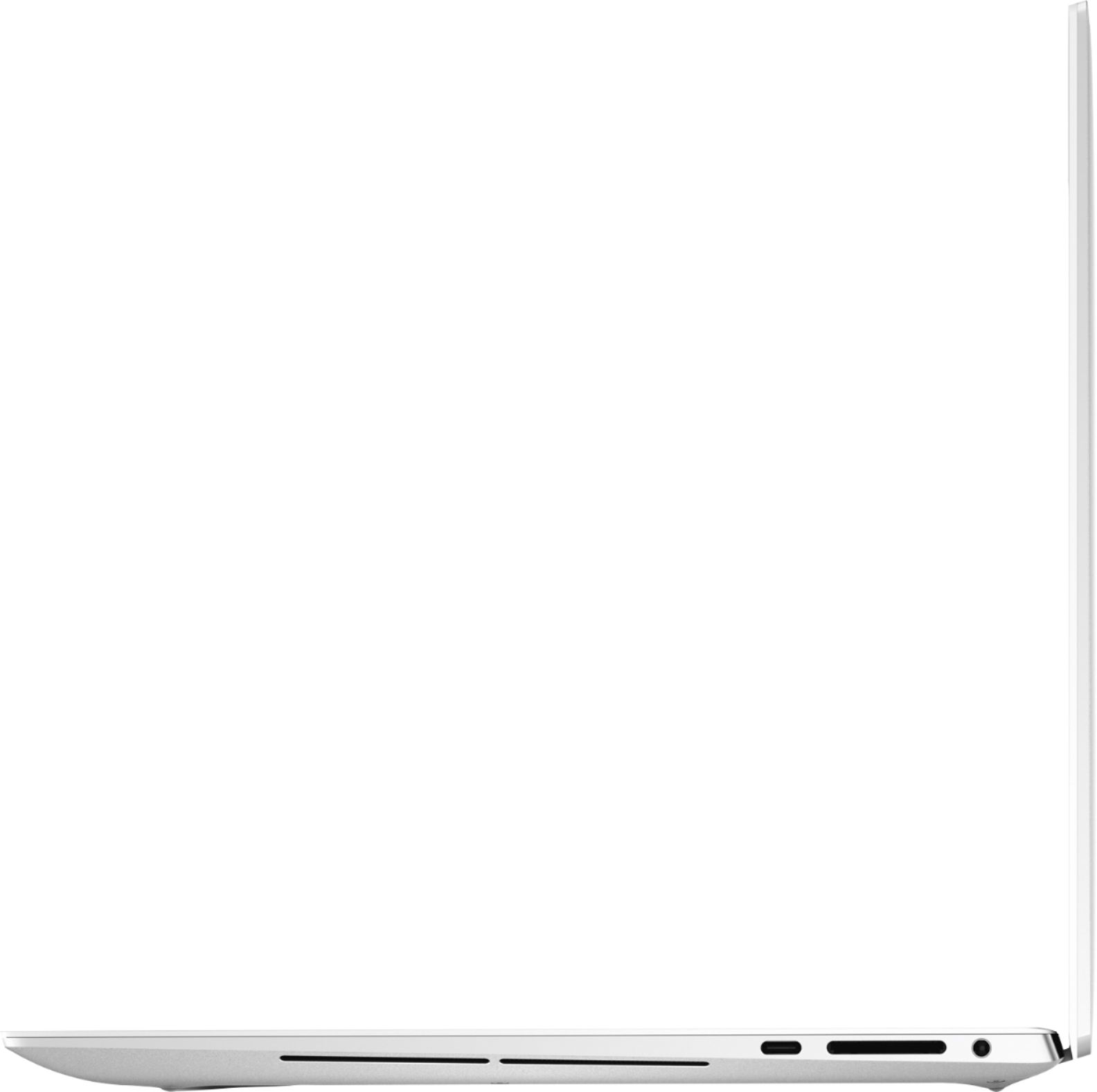
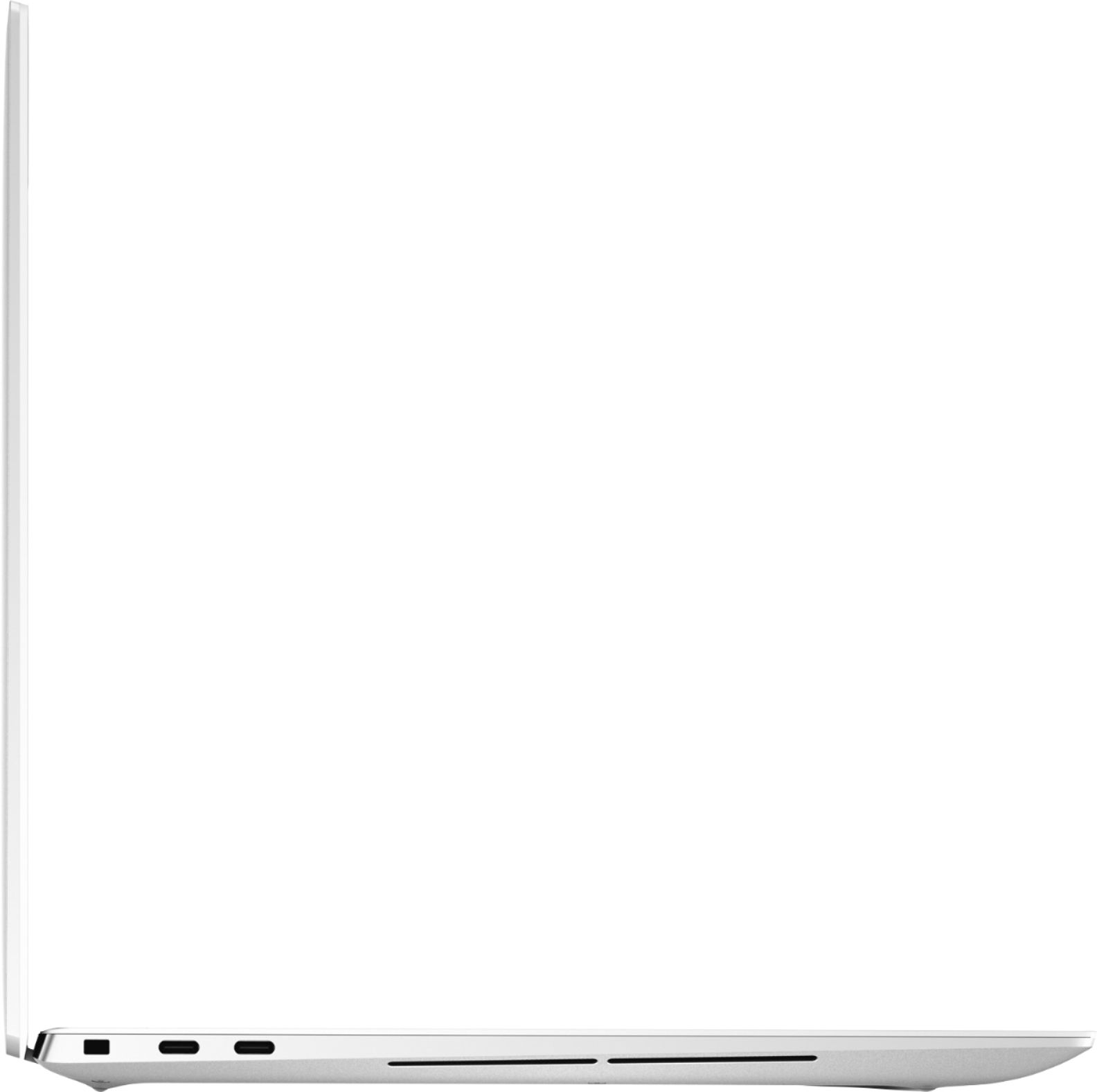
||Posted . Owned for 3 weeks when reviewed.This reviewer received promo considerations or sweepstakes entry for writing a review.Working with 4K video it's important to have a portable computer to use when unable to work at my office and this system is pretty quick for basic needs. It's quick to startup, nice screen and size is perfect for travel. Not a big fan of the USB C input in front to the SD card slot. I think it should be reversed.
I would recommend this to a friend- Pros mentioned:Display
Upgrade that feels like an upgrade
||Posted . Owned for 4 months when reviewed.This reviewer received promo considerations or sweepstakes entry for writing a review.High power pretty screens easy to set up. I love this computer
I would recommend this to a friend - Pros mentioned:Speed
Review
||Posted . Owned for 1 month when reviewed.This reviewer received promo considerations or sweepstakes entry for writing a review.Excellent product! Fast, reliable, and stylish white!
I would recommend this to a friend - Pros mentioned:Speed
Dell laptop
||Posted . Owned for 2 weeks when reviewed.This reviewer received promo considerations or sweepstakes entry for writing a review.Amazing, fast, easy to use, sleek, has an Alexa which is nice
I would recommend this to a friend elegant powerful laptop !
||Posted . Owned for 1 month when reviewed.This reviewer received promo considerations or sweepstakes entry for writing a review.this is a beautiful laptop simple and yet functional, speakers are really good, but can feel the vibrations on the deck, screen awesome perfect blacks and vibrant colors, this laptop can also be upgraded since it has removable memory and ssd !
I would recommend this to a friendIt is a beauty!
||Posted . Owned for 1 month when reviewed.This reviewer received promo considerations or sweepstakes entry for writing a review.I bought this because it was time for an upgrade from my Hp spectre and I haven’t been disappointed yet. I use mine for a variety of things. Coding, pictures and video editing, and the usual stuff and so far it’s been great. It was worth the investment.
I would recommend this to a friendGreat laptop, great price at Best Buys!!!
||Posted . Owned for 1 month when reviewed.This reviewer received promo considerations or sweepstakes entry for writing a review.Great Laptop, great price! Finally Dell knocks it out of the park for current laptops. Weather a student, or in a professional busines, this laptop has what it takes to get the job done. Thanks Dell BTW, only thing missing is a Dell external Blue-ray, dvd, cd player burner.
I would recommend this to a friendDon't buy if you have Astigmatism.
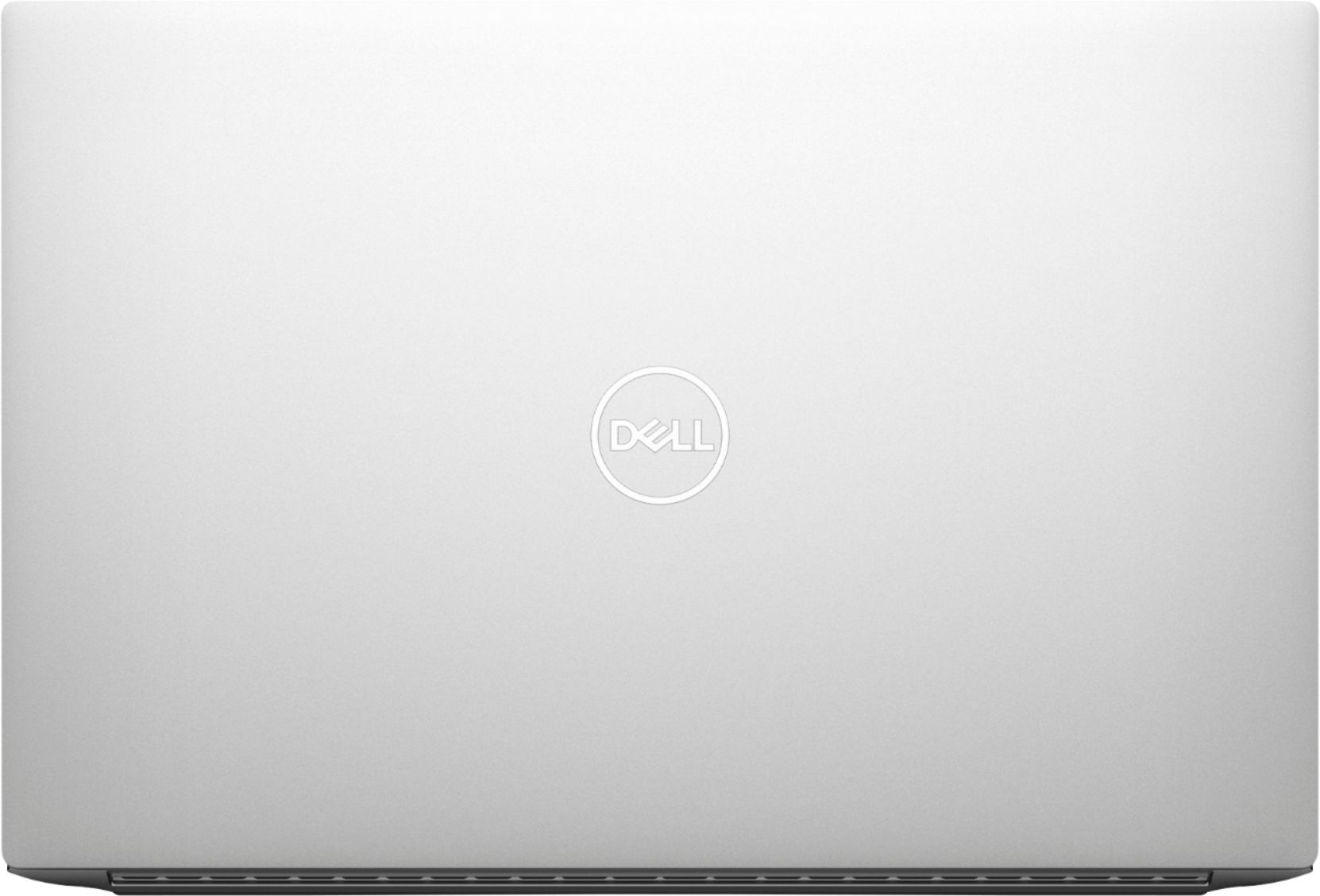
||Posted .This reviewer received promo considerations or sweepstakes entry for writing a review.This is an odd one, but I would strongly recommend you not to purchase this version of this laptop if you have Astigmatism. I've used a wide variety of laptops, including two other laptops with OLED displays, but this one in particular was unbearable to me. Something about the combination of this particular OLED panel, touch digitizer, and anti-glare coating causes a heavy 'dirty' look to the display, where the entire screen has visible diamond-shaped distortions along its surface. On top of that, the whole display has a 'dirty' look due to the subpixels of each pixel being strangely visible even from normal usage distances on white colors. From what I've read digging around, these are both dramatically more noticeable if you have Astigmatism, due to the light of the display hitting your eye differently. So, if you have Astigmatism, stay away! The rest of the laptop is honestly pretty nice. Dell's fixed the loose touchpad problems, so it's quite responsive. They keyboard's decent, the build quality is excellent, the internals are performant and reasonably cooled, and the battery life is OK -- around 6-7 hours at lower brightness. The white version in particular has a really nice finish. I would just heavily recommend getting a model without the OLED screen.
No, I would not recommend this to a friendBrand response from YourDellTeam
Posted .Dear BahaV,
We want to thank you for your valued feedback. We want to apologize for the display issues you have experienced with your XPS 9510. Below I have provided the steps to run a diagnostic test on the display and the full article link, which has more options if they are needed. We also suggest making sure all video drivers are up to date on your PC. I have given you a link to the Drivers and Downloads page for your computer below.
Method 1
1. Power off the Dell Laptop PC.
2. Disconnect any peripherals that are connected to the PC, and connect the AC Adapter (charger) to the PC.
3. Make sure that the LCD screen is clean (no dust particles are on the surface of the screen).
4. Press and hold D key and power on the PC to enter LCD built-in self test (BIST) mode.
Continue to hold the D key until you see the entire screen change colors.
5. The screen changes colors to black, white, red, green, and blue.
6. Carefully inspect the screen for abnormalities.
7. Press Esc key to exit.
How to troubleshoot display issues: https://dell.to/2O1UnnF
Drivers and Downloads page: https://dell.to/3fZYVGb
Please use the steps above to run a diagnostic test on the display of your PC, and if the problem persists, please contact our support team here: https://bit.ly/DellSupportTeam.
If you require further assistance, you can contact Dell directly with the information below.
Chat or call: https://bit.ly/DellSupportTeam
Phone number to Dell 1-800-624-9896
Best,
Ashley@Dell
Nervous!
||Posted . Owned for 3 weeks when reviewed.This reviewer received promo considerations or sweepstakes entry for writing a review.It arrived unscaved. I've heard of some horror stories but came in clean. Have to learn a bit, been away from a laptop for a few years. Thanks all of you, it paid off!
I would recommend this to a friendWorks great
||Posted . Owned for 3 weeks when reviewed.This reviewer received promo considerations or sweepstakes entry for writing a review.Amazing high end laptop. Love the dual m.2 and 64 gig max of ram. The only negatives would be the low res but typical 720p webcam and the fact Dell locks out some power management features of Windows that cause bluetooth mouse issues.
I would recommend this to a friendPerfect upgrade for my mother
||Posted . Owned for 1 month when reviewed.This reviewer received promo considerations or sweepstakes entry for writing a review.Bought this for my mother and she loves it. I would definitely purchase this again even for myself. Her only complaint was the arctic white color, but that was the only option and we bought what was in stock.
I would recommend this to a friendGreat little machine.
||Posted . Owned for 1 month when reviewed.This reviewer received promo considerations or sweepstakes entry for writing a review.Amazing deal to be had. Specially if you look for the open box deals! Gorgeous screen, one of the few machines that really lets you upgrade without breaking the bank. Dedicated 3050ti machine for under 1000? Count me in.
I would recommend this to a friendDefinitely will use Best Buy and the Dell brand in
||Posted . Owned for 1 month when reviewed.This reviewer received promo considerations or sweepstakes entry for writing a review.Fantastic quality, easy out-of-the-box set up. Also the Best Buy staff were very helpful in helping me pick this particular laptop out for my specific needs. Definitely five stars!
I would recommend this to a friendGreat Experience at Best Buy
||Posted . Owned for 3 weeks when reviewed.This reviewer received promo considerations or sweepstakes entry for writing a review.The product is great but the young man who helped me buy it was the star. I complimented him to his manager. Wish I had written his name down - maybe Grant? Had an incredible in-depth knowledge of all things 'computer'.
I would recommend this to a friendSuper machine!!!
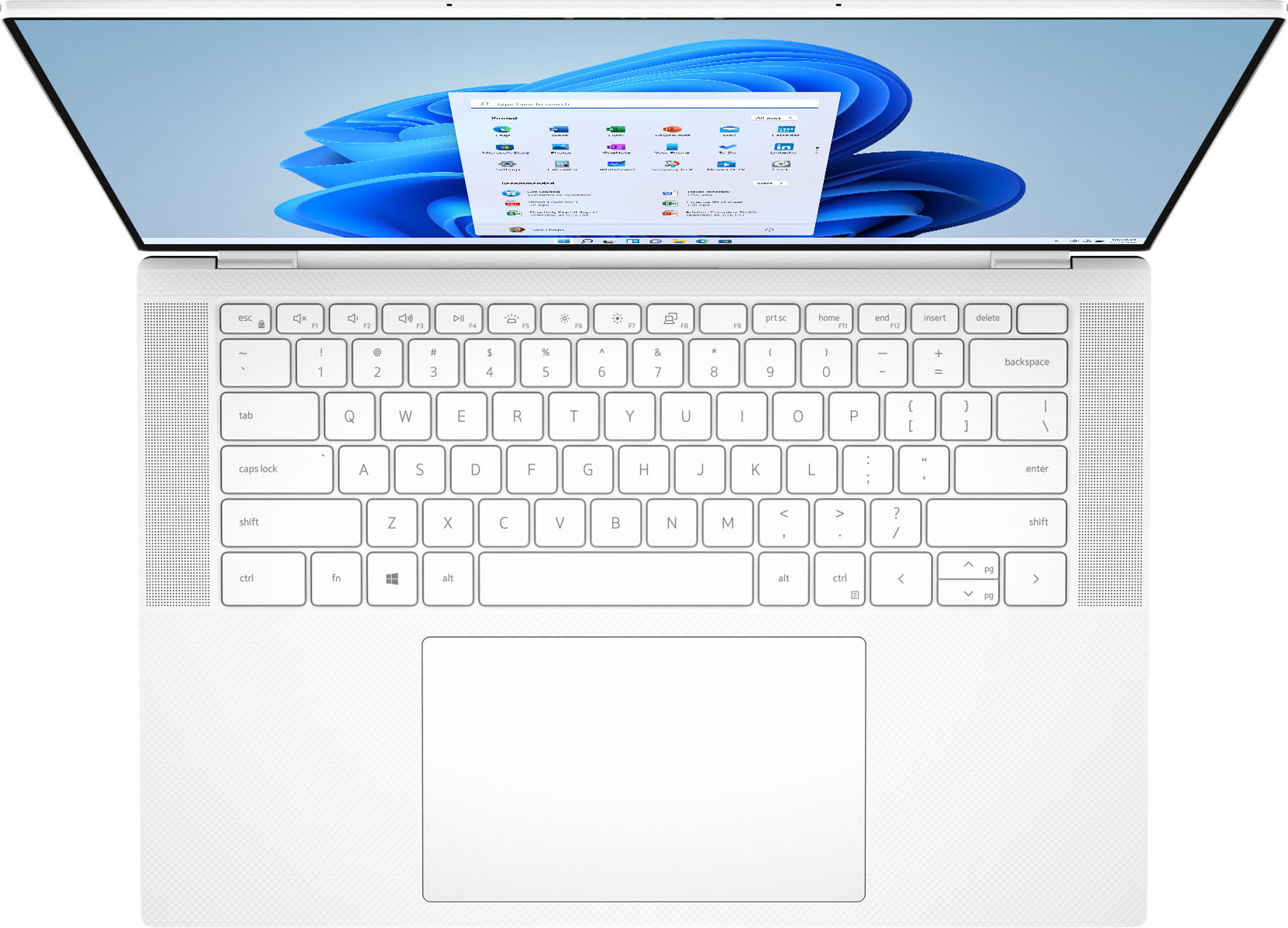
||Posted . Owned for 3 weeks when reviewed.This reviewer received promo considerations or sweepstakes entry for writing a review.Great equipment, next level of Laptop. The only issue is the keyboard white light when is on makes imperceptible the letters visibility, the rest is perfect!!!
I would recommend this to a friendGreat choice!
||Posted . Owned for 1 month when reviewed.This reviewer received promo considerations or sweepstakes entry for writing a review.Battery life is inconsistent. The computer estimates 4 hours left, then ten minutes later it says 2 hours left? Over all this is a solid choice for a laptop and as a student it hasn’t let me down.
I would recommend this to a friendGood but not so much for the Wifi and Bluetooth.
||Posted . Owned for 1 month when reviewed.This reviewer received promo considerations or sweepstakes entry for writing a review.Great stylish laptop. Love the OLED screen, trackpad, and keyboard layout. Unfortunately, Dell decided to go with a soldered on Intel Killer Wi-Fi chip AX1650 and it's useless. The wifi drops just feet away from the AP and the Blue Tooth chip AX203 has a range of 10'. I can literally cup my ears and block signal to my airpods sitting next to this laptop, that's how weak it is. I tried two brand new 9510 models and both had the same issue. Not a problem for my Macbook Pro or an older Lenovo. I would avoid the 9510.
No, I would not recommend this to a friendBrand response from YourDellTeam
Posted .Hello James,
We would like to thank you for taking the time to provide us with your feedback. We are glad you like some of the features of your XPS 9510 laptop but we are sorry to hear you are not too happy with its WIFI connection.
Below I have provided some resolutions to this issue. I have also provided the full article link, which has more options if they are needed. I have also included a link to the Drivers and Downloads page for your PC so you can check for applicable updates to the WIFI drivers.
1. Download and install the latest Wireless Card driver. (https://dell.to/2th3Tpe) After updating the driver, re-establish the connection with the Wireless Access Point and check the wireless performance.
2. If the issue persists, proceed to step 3.
3. Power-cycle the local network. Shut down the Dell system, the Wireless Access Point/Router, and the Modem. Wait a minimum of 60 seconds before powering up the components in the following order:
4. Power ON the Modem and wait for it to boot fully.
5. Power ON the Wireless Access Point/Router and wait for it to boot fully.
6. Power ON the Dell system.
7. Open Network and Sharing Center
8. In the left-side navigation pane, click on Change Adapter Settings
9. Right-click on the wireless connection icon and select Properties followed by the Configure button
10. Under Wireless Options, select the Wireless N mode
11. For Windows 8 or later systems click the Advanced tab and look for 802.11n Mode on the right you will be given the option to Enable or Disable. If the mode is not visible you may need to update your drivers and firmware.
12. From the drop-down menu, choose Disable followed by Ok
13. This should restore the wireless download and upload speed. Internet speed can be tested at http://speedtest.net
Full article link: https://dell.to/2RefLVN
Drivers and Downloads page: https://dell.to/3Fk01Xe
After utilizing the troubleshooting options provided, if the problem persists, please reach out to our support team for further guidance here: 1-800-624-9896.
Best,
Katarina@Dell
Should you need further assistance, you can contact Dell directly with the information below.
Chat or call: https://bit.ly/DellSupportTeam
Phone number to Dell 1-800-624-9896
100% Recommend
||Posted . Owned for 1 week when reviewed.This reviewer received promo considerations or sweepstakes entry for writing a review.Couldn't ask for a better purchase. The Dell XPS is more than anyone could hope for. Fast processing time, easy set up, and user friendly. I am not tech savvy but do many various tasks for work and keeps up with every one without crashing.
I would recommend this to a friend- Pros mentioned:Design
Beautiful laptop with quality control issues
||Posted . Owned for 3 weeks when reviewed.This reviewer received promo considerations or sweepstakes entry for writing a review.The design is beautiful, it has some quality control issues, trackpad was loose, and when reaching out to Dell support, service was sub standard.
No, I would not recommend this to a friendBrand response from YourDellTeam
Posted .Hello,
Thank you for taking the time to share your review. We are glad to hear that you're pleased with the design of your laptop. We are sorry to hear that your touchpad was loose and understand how upsetting that can be. We will forward this issue you stated onto our product team to improve ourselves for the future. We strongly encourage you to contact Dell Support at your earliest convenience at 1-800-264-9896.
Best,
Wendy C.
https://bit.ly/DellSupportTeam.
Phone number to Dell: 1-800-264-9896.
Dependable Dell Laptop
||Posted . Owned for 3 weeks when reviewed.This reviewer received promo considerations or sweepstakes entry for writing a review.I always buy Dell laptops and this one does not disappoint. It is dependable, easy to use and setup, and affordable. Purchasing this laptop is a no-brainer especially since it comes with the backing of Best Buy Geek Squad.
I would recommend this to a friend