Customer Ratings & Reviews







- Model:
- XPS9510-7309WHT-PUS
- SKU:
- 6468148
Rating by feature
- Battery Life
Rating 4.2 out of 5 stars
- Speed
Rating 4.7 out of 5 stars
- Display
Rating 4.8 out of 5 stars
Customers are saying
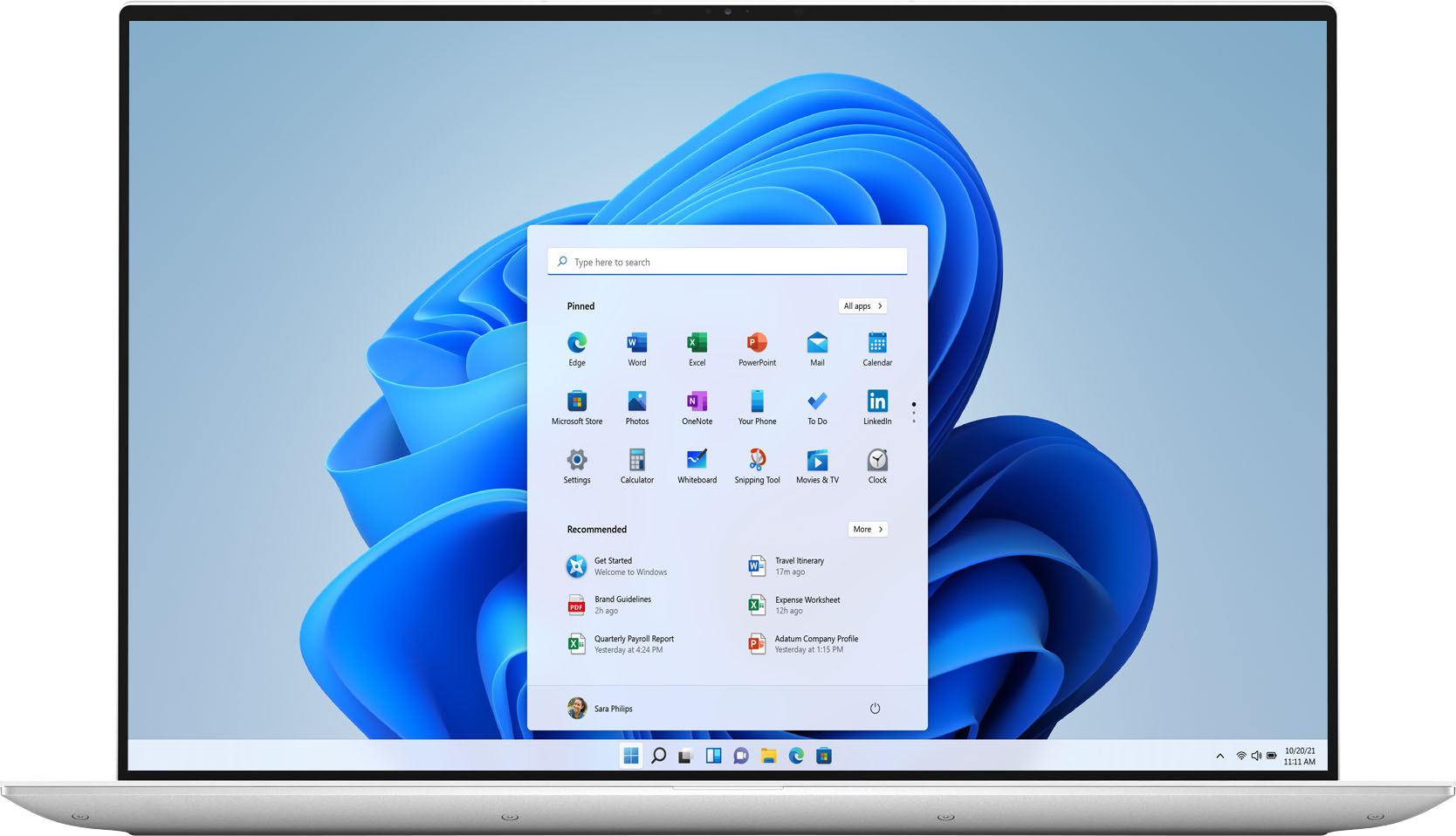
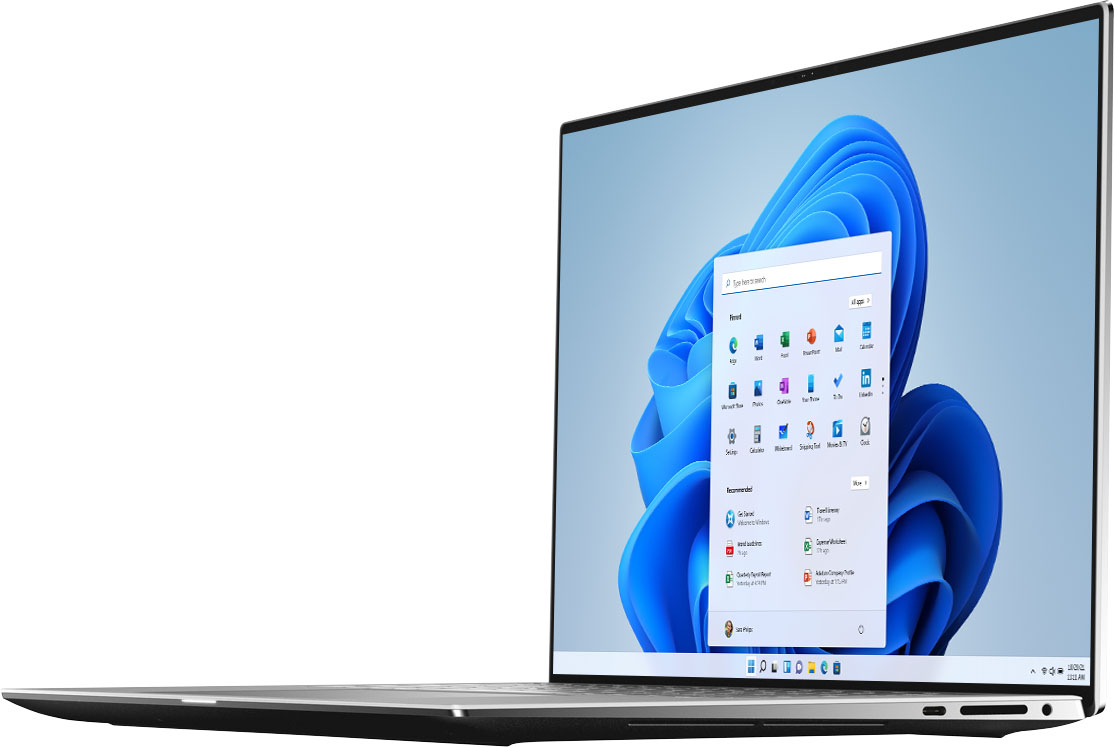
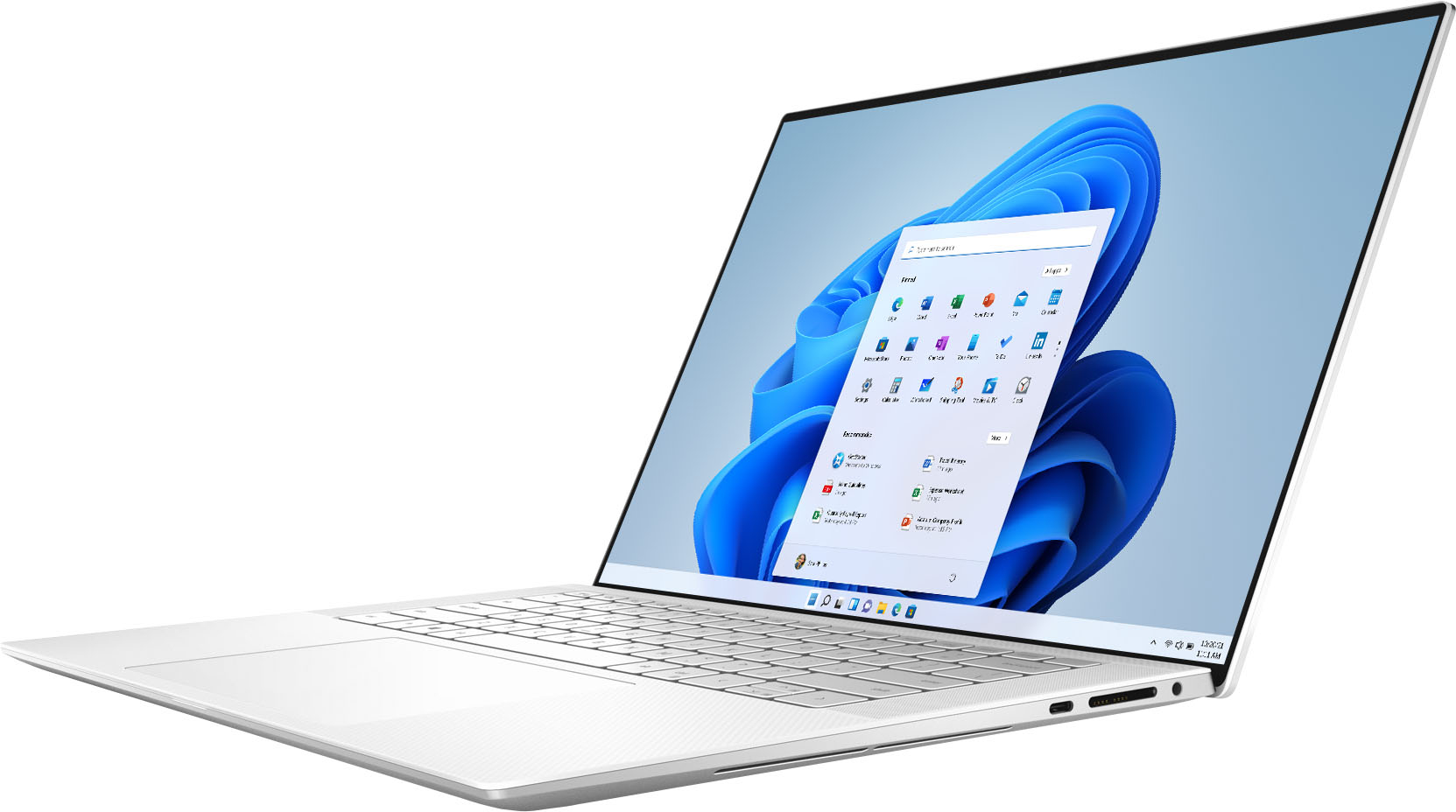
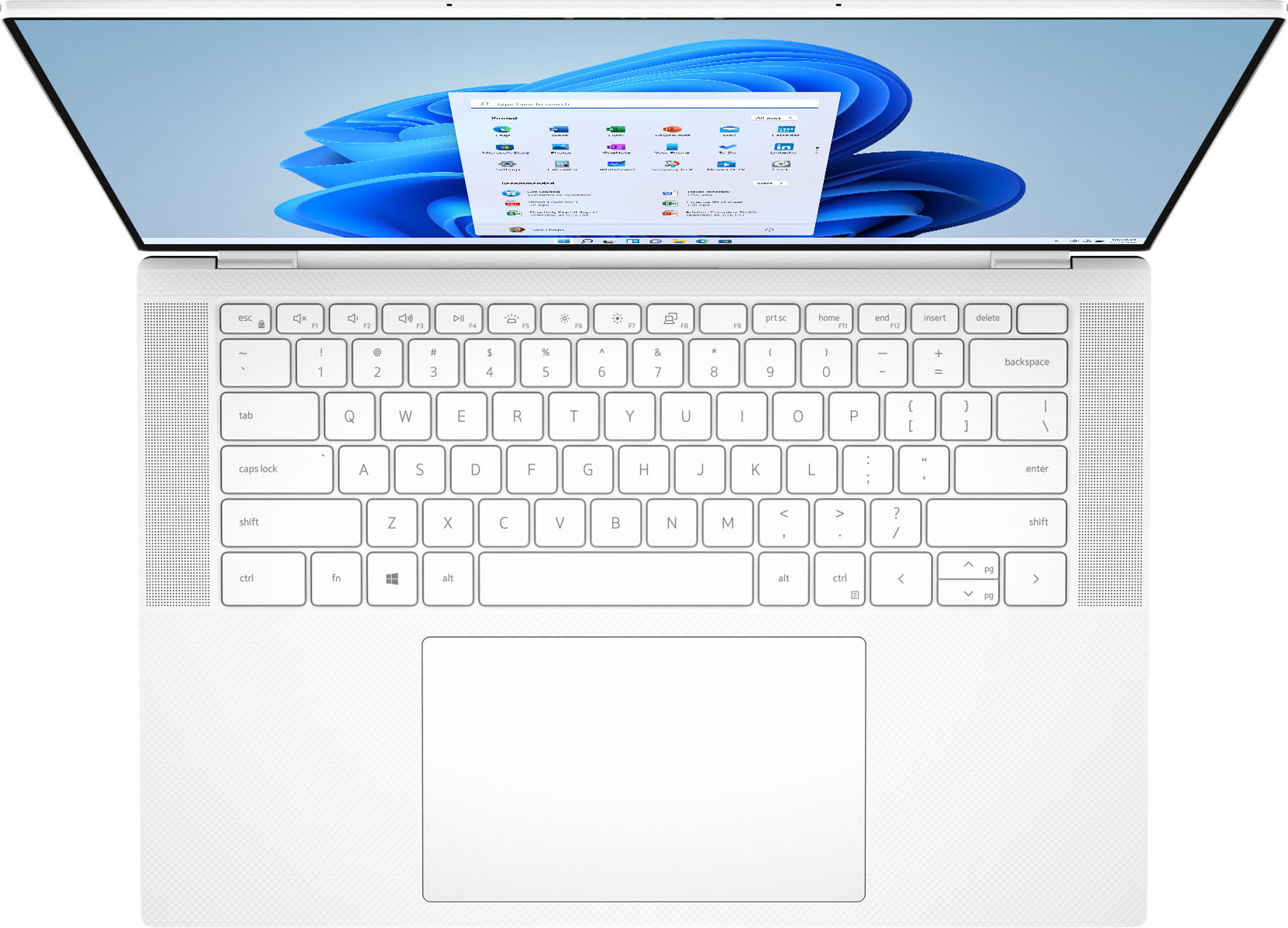
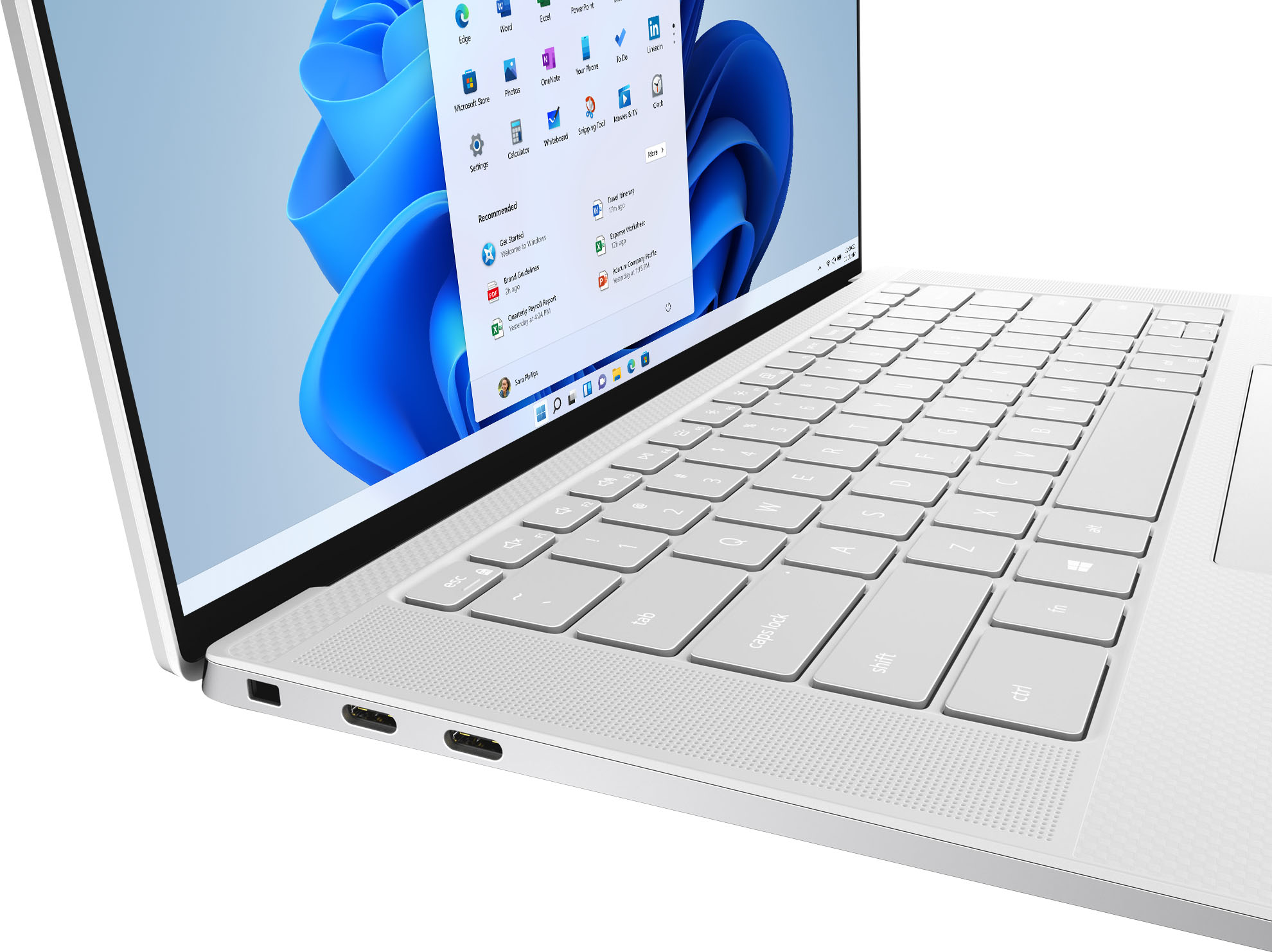
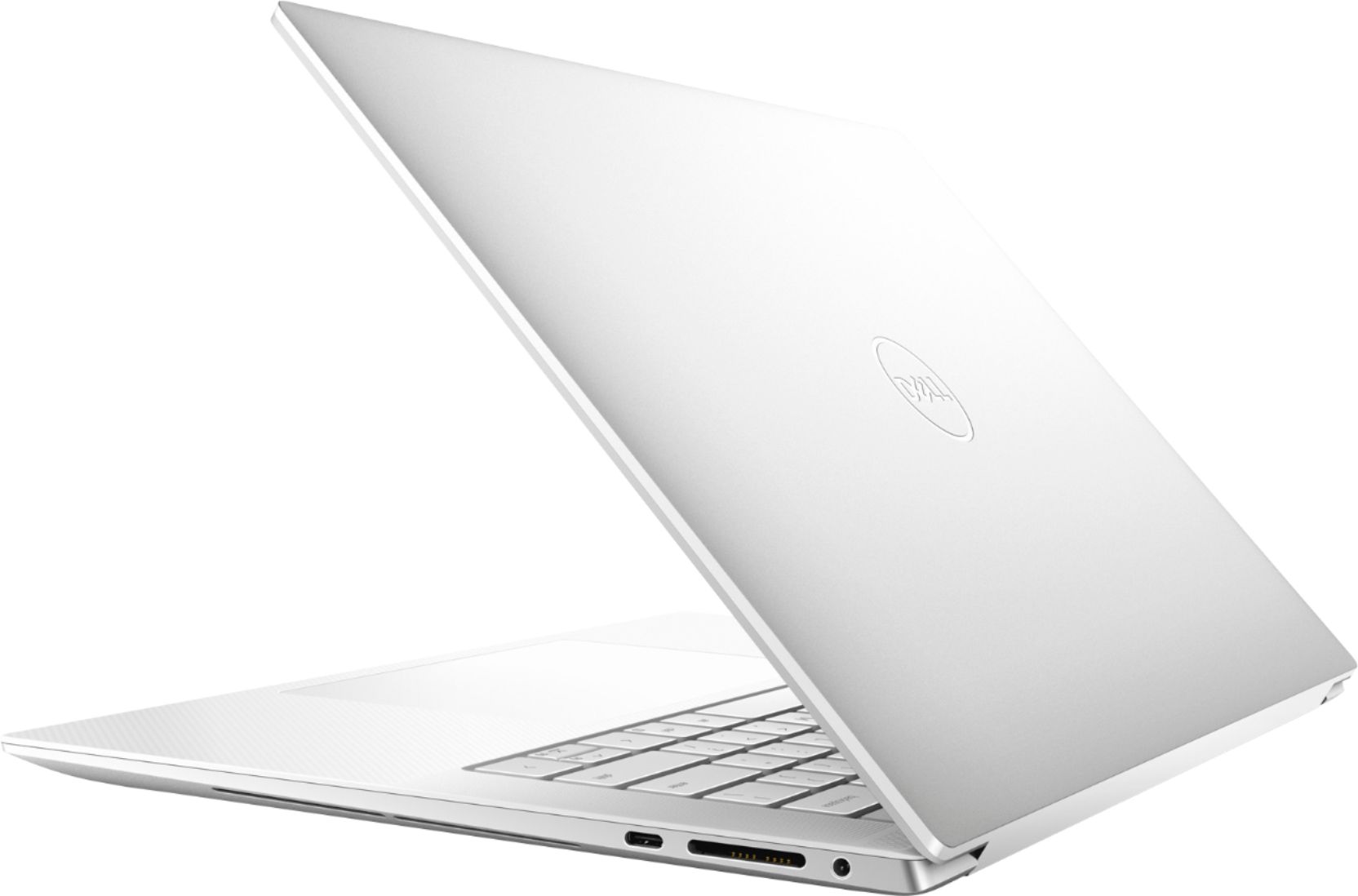
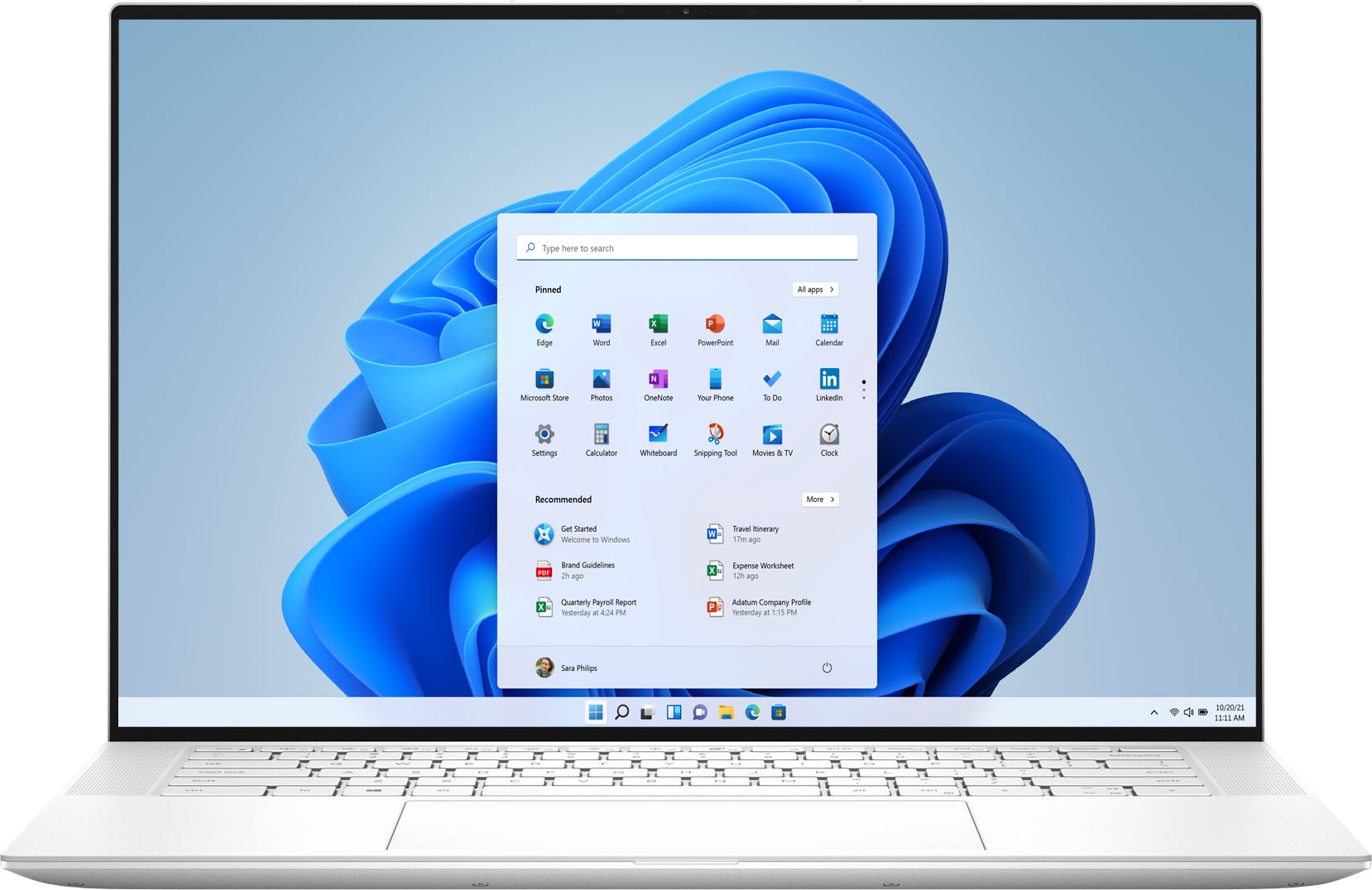
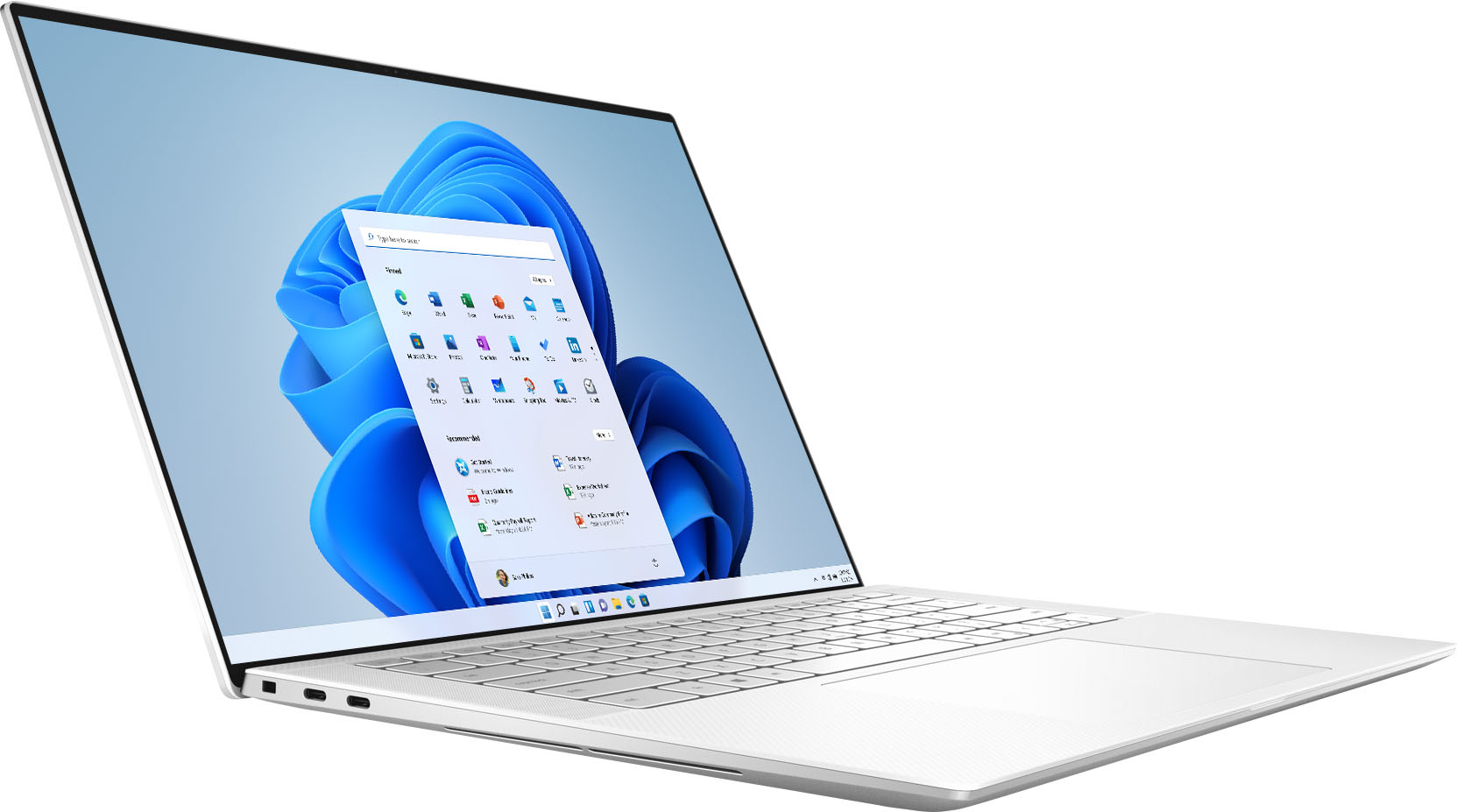
Customers highly value the XPS 15.6" OLED laptop for its stunning display, sleek design, and powerful performance. Many users rave about the exceptional visual experience provided by the OLED touchscreen, while others appreciate the laptop's clean and professional appearance. The laptop's performance is also highly praised, with users noting its ability to handle demanding tasks and run games smoothly. However, some customers have expressed concerns about the laptop's battery life, cooling issues, and high price.
This summary was generated by AI based on customer reviews.
Great high performance Arctic White Dell!
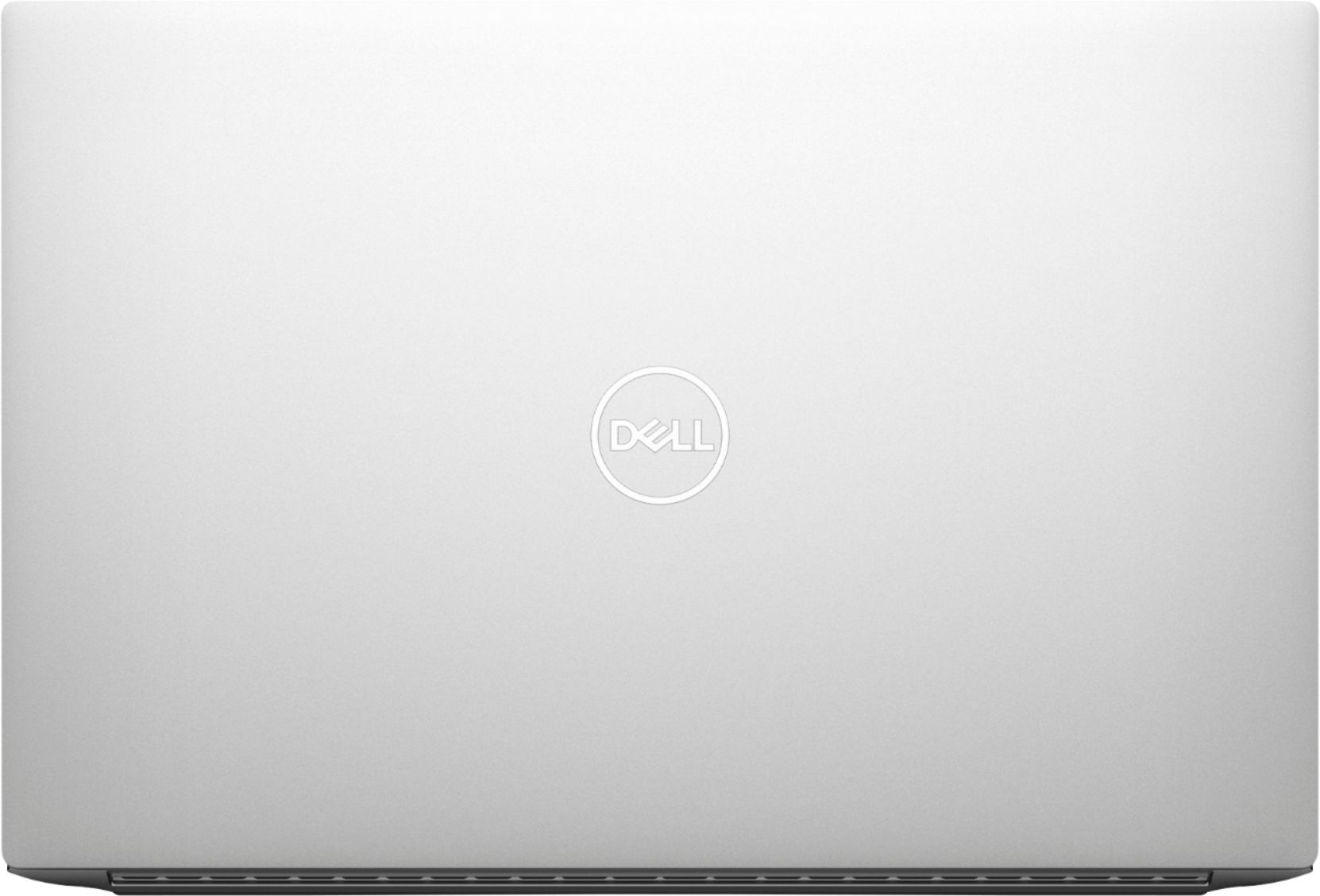
||Posted . Owned for 1 week when reviewed.This reviewer received promo considerations or sweepstakes entry for writing a review.I really love this new Dell. It is slim and attractive in Arctic white and more importantly has great performance. It came loaded with everything I needed with a 1/2 offer for MS 365 as well. Super pleased with this machine!
I would recommend this to a friendGreat Laptop
||Posted . Owned for 1 month when reviewed.This reviewer received promo considerations or sweepstakes entry for writing a review.Wife loves the size and speed of this laptop. The larger touchpad is a nice option. She likes the color and that the charger matches the laptop. USB C charger is nice. Can be used to charge a phone in a pinch.
I would recommend this to a friendPremium laptop with flaws
||Posted . Owned for less than 1 week when reviewed.This reviewer received promo considerations or sweepstakes entry for writing a review.One of the best display windows laptop. The oled screen is really beautiful and vibrant. But some people ( like me) may get eye strain looking into the oled display and hence i had to return the laptop. Also the unit i had was making a clicking sound when closing the lid. Sound from this laptop is amazing. This is the best sounding laptop i ever used. The performance was also good. The fingerprint reader was a tad slow compared to the ones found in samsung galaxy book laptops.
No, I would not recommend this to a friendBrand response from YourDellTeam
Posted .Hi Skynetrulz,
We appreciate your valued feedback. We apologize for the issues you came across with your XPS 9510 and ultimately decided to return the system. We will share your comments with our quality team so improvements can be made to current and future products.
If you should have any further questions or concerns please feel free to reach out to our support team here at your earliest convenience: https://bit.ly/DellSupportTeam.
Respectfully,
Ashley@Dell
Should you need further assistance, you can contact Dell directly with the information below.
Chat or call: https://bit.ly/DellSupportTeam
Phone number to Dell 1-800-624-9896
Not for gaming.. overpriced for anything else
||Posted . Owned for 10 months when reviewed.This reviewer received promo considerations or sweepstakes entry for writing a review.Okay the 3050ti in this thing is not as good as advertised. The XPS doesn't necessarily have the power to support it. It it not going to be great for gaming since it also has a low refresh screen. It is worth it for someone who might want the 3050ti for other graphic intensive work.
No, I would not recommend this to a friendBrand response from YourDellTeam
Posted .Hi Rajee,
We appreciate you taking the time to leave us your review. We are sorry to hear that you are not 100% satisfied with your Dell XPS 9510 laptop because it is not great for gaming. We will share your comment about this issue with our quality team, so future improvements can be made.
Please make sure you have downloaded the latest system update and that software you are using meets all system requirements. I have provided a link to the drivers and downloads page where you can check for any applicable updates.
Drivers and Downloads Page: https://dell.to/3PKmz9x
If you come across any questions or have concerns about this product, please don’t hesitate to contact Dell Support Team at the information provided below.
Best,
Katarina@Dell
Should you need further assistance, you can contact Dell directly with the information below.
Chat or call: https://bit.ly/DellSupportTeam
Phone number to Dell: 1-800-624-9896
Sleek, fast with gorgeous OLED screen
||Posted . Owned for 2 months when reviewed.This reviewer received promo considerations or sweepstakes entry for writing a review.Sleek, fast with gorgeous OLED screen. It has 2 M.2 slots for SSDs. So you can upgrade to a 980 pro while keeping the original SSD as secondary storage.
I would recommend this to a friendBest laptop I've ever had!
||Posted . Owned for 1 week when reviewed.This reviewer received promo considerations or sweepstakes entry for writing a review.I am impressed with my experience to date. It has a screen that is beautiful to look at, a hard drive that is super responsive and it boots in seconds not minutes. Truly a joy to work on.
I would recommend this to a friendA great product but went with a higher-end model
||Posted . Owned for 3 weeks when reviewed.This reviewer received promo considerations or sweepstakes entry for writing a review.Despite not keeping the product, I ended up going with a very reliable 32 GB RAM version of the same product and am incredibly happy with it. Highly recommend!
I would recommend this to a friendUnfortunately I'm plagued with touchpad issues
||Posted . Owned for 3 months when reviewed.This reviewer received promo considerations or sweepstakes entry for writing a review.I have to call back a third time now because the touchpad isn't responding. It appears the hardware removes the touchpad software. I have always had Dell computers but this will be my last. I've had some sort of serious issue upon purchase with everyone and I've finally learned my lesson. Dell, please figure your computers out.
No, I would not recommend this to a friendBrand response from YourDellTeam
Posted .Hi Michael,
Thank you very much for your valuable feedback. We apologize for the trouble you have come across with your Dell XPS 9510 laptop because its touchpad is not responding. We are sorry to hear that Dell support was not able to help with this issue.
Some Notebooks and Tablets with Keyboards have added gesture features to the touchpad hardware and drivers. A few of these features are two or three-finger scrolling, pinch zoom, circle zoom, rotation, and swiping. These new features may be the reason for the erratic cursor movement since most are turned on by default. You can disable or modify the way the features work in the touchpad driver properties. Here are some tips to modify these settings:
1. In the Search box, type main.cpl.
2. Touch or click main.cpl in the list of programs.
3. Touch or click the Dell Touchpad tab.
4. Touch or click on the picture on the touchpad.
5. Touch or click Gestures (depending on your computer there may not be a Gestures option).
6. Change the options as preferred.
7. Touch or click Save.
8. Touch or click the X in the upper-right corner to close the Dell Touchpad Utility.
9. Touch or click OK on the Mouse Properties window.
10. If the touchpad still does not work after following the preceding steps, refer to the Dell Knowledge Base article - http://dell.to/2iaiujA
You can read the full article here - http://dell.to/2tqmS02
If this issue with the touchpad is not resolved after applying the troubleshooting tips above, please call Dell directly at 1-800-624-9896 for additional support. We hope that the next representative you speak to will help you to resolve this issue.
Best,
Katarina@Dell
Should you need further assistance, you can contact Dell directly with the information below.
Chat or call: https://bit.ly/DellSupportTeam
Phone number to Dell: 1-800-624-9896
Good Buy
||Posted .This reviewer received promo considerations or sweepstakes entry for writing a review.Overall like the design of the laptop. Great screen size and great keyboard spacing. But the touch pad is larger than normal
I would recommend this to a friendI Love this Dell
||Posted . Owned for 2 months when reviewed.This reviewer received promo considerations or sweepstakes entry for writing a review.My only complaint is the refresh rate of the display. It makes it look cheap when it’s so beautifully built machine.
I would recommend this to a friend- Cons mentioned:Touchpad
Love the machine/ hate the quality issues.
||Posted . Owned for 2 weeks when reviewed.This reviewer received promo considerations or sweepstakes entry for writing a review.So the machine looks beautiful, but there is clear quality control issues that are still occurring in the XPS line, me and a friend at the same time purchased the two different models of this series and both had issues with touchpad and keyboard backlighting. As a whole the XPS Laptop is wonderful and if you get one without the quality control issues then its a win.
No, I would not recommend this to a friendBrand response from YourDellTeam
Posted .Hello,
Thank you for taking the time to share your feedback and review. We are sorry to hear you are experiencing issues with the keyboard lighting and touchpad.
To help with the keyboard lighting issue we suggest disabling the backlit keyboard when you are in lit areas. Below I have provided the steps to disable the backlighting and the full article link.
Backlit keyboard options in BIOS
1. Click the + sign next to System Configuration.
2. Click Keyboard Illumination.
3.* Disabled or Off - The keyboard illumination is off.
*Dim - The keyboard illumination is at half brightness.
*Bright - The keyboard illumination is at full brightness.
4. Click Apply, and then Exit.
5. How to turn off or on and troubleshoot backlit keyboard: https://dell.to/3tHbZ8X.
Lastly, I would like to inform you that some Notebooks and Tablets with Keyboards have added gesture features to the touchpad hardware and drivers. A few of these features are two or three finger scrolling, pinch zoom, circle zoom, rotate and swiping. These new features may be the reason for the erratic cursor movement since most are turned on by default. You can disable or modify the way the features work in the touchpad driver properties. I have provided some tips to modify these settings.
Here are the recommended steps for troubleshooting your touchpad issue:
1. In the Search box, type main.cpl.
2. Touch or click main.cpl in the list of programs.
3. Touch or click the Dell Touchpad tab.
4. Touch or click on the picture of the touchpad.
5. Touch or click Gestures (depending on your computer there may not be a Gestures option).
6. Change the options as preferred.
7. Touch or click Save.
8. Touch or click the X in the upper-right corner to close the Dell Touchpad Utility.
9. Touch or click OK on the Mouse Properties window.
10. If the touchpad still does not work after following the preceding steps, refer to Dell Knowledge Base article - http://dell.to/2iaiujA.
You can read the full article here - http://dell.to/2tqmS02. If you come across any questions, issues, or concerns after the recommended steps above, please contact Dell Support at your earliest convenience at 1-800-264-9896.
Best,
Wendy C.
https://bit.ly/DellSupportTeam.
Phone number to Dell: 1-800-264-9896.
Recommend!
||Posted . Owned for 2 months when reviewed.This reviewer received promo considerations or sweepstakes entry for writing a review.I bought this open box for less than 1,000 dollars some time ago. After using it, everything is very good. I feel that I found it cheap, LOL
I would recommend this to a friendIt’s Great
||Posted .This reviewer received promo considerations or sweepstakes entry for writing a review.Bought it for video editing and photo editing and this has been one of the best purchases I ever made. The OLED screen is truly something to behold.
I would recommend this to a friendNew computer in a hurry
||Posted . Owned for 3 weeks when reviewed.This reviewer received promo considerations or sweepstakes entry for writing a review.Excellent machine so far. Tech asdistance (Geek squad) did a fine job transferring data from the old machine.
I would recommend this to a friendA smooth transaction with an excellent outcome
||Posted . Owned for 3 weeks when reviewed.This reviewer received promo considerations or sweepstakes entry for writing a review.Meets my needs nicely. The salesperson was knowledgeable and helpful in my decision. I will use primarily for photography editing in the field.
I would recommend this to a friendGreat laptop
||Posted . Owned for 1 month when reviewed.This reviewer received promo considerations or sweepstakes entry for writing a review.So far so great. “Satisfactory” condition meant just no power cord or box. Purchased a new one and am very happy with the computer.
I would recommend this to a friendNice looking
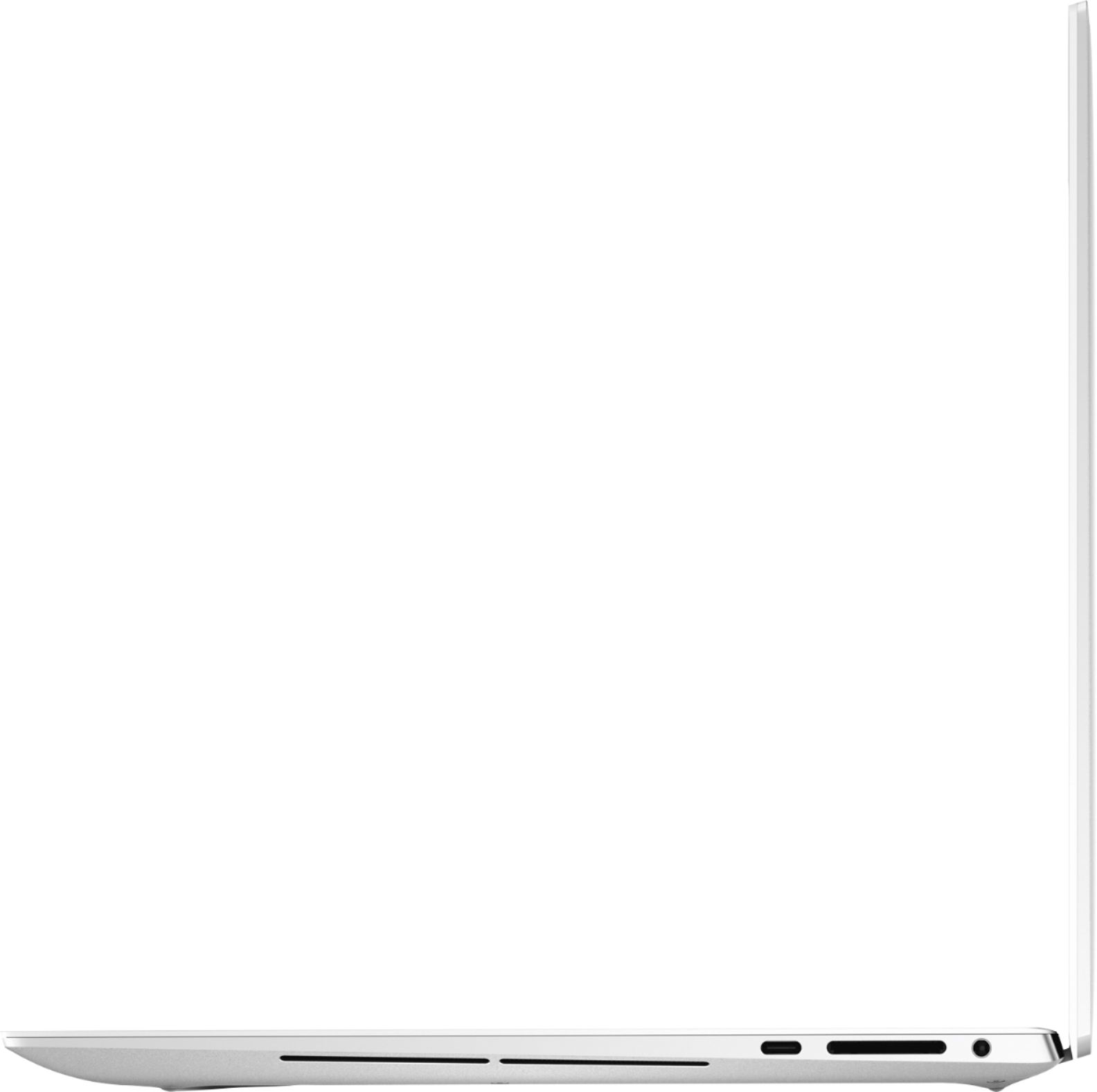
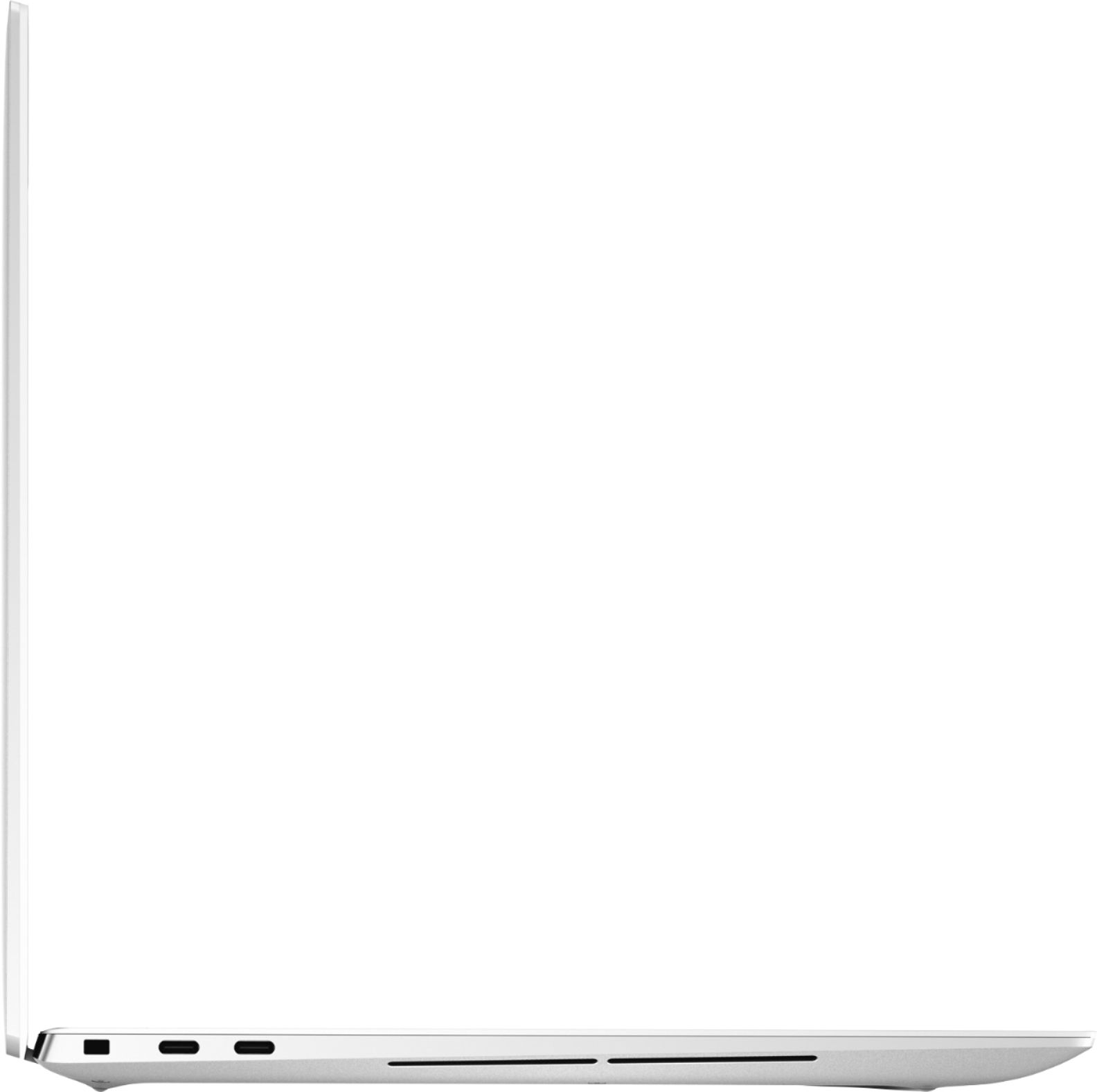
||Posted . Owned for 1 month when reviewed.This reviewer received promo considerations or sweepstakes entry for writing a review.very slick looking and light weight. it does not have USB port so you have to use extension or docking station for wireless mouse or key board.
I would recommend this to a friendPc virus removal and Data transfer
||Posted . Owned for 1 week when reviewed.This reviewer received promo considerations or sweepstakes entry for writing a review.Excellent service with the Geek squad as I required a complete virus cleaning with my old unit and the transfer of my existing PC data to the new unit.
I would recommend this to a friendGreat laptop!
||Posted . Owned for 1 month when reviewed.This reviewer received promo considerations or sweepstakes entry for writing a review.This is an awesome, lightweight, thin laptop that fits my needs perfectly. Plenty of power and storage, and great looking also!
I would recommend this to a friendNew lap top
||Posted . Owned for 1 week when reviewed.This reviewer received promo considerations or sweepstakes entry for writing a review.My first laptop was defective. I brought back to store and received my replacement. Everyone was respectful and handled the exchange in a professional manner
I would recommend this to a friend