Customer Ratings & Reviews


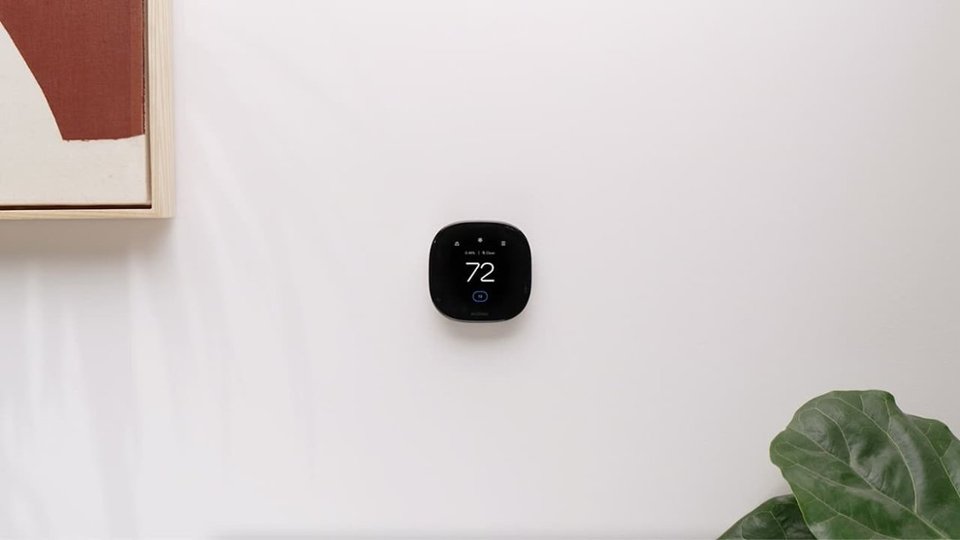


- Model:
- EB-STATE6-01
- SKU:
- 10115753
Rating by feature
- Value
Rating 4.5 out of 5 stars
- Quality
Rating 4.7 out of 5 stars
- Ease of Use
Rating 4.6 out of 5 stars
to a friend
Eco
||Posted . Owned for 3 weeks when reviewed.This reviewer received promo considerations or sweepstakes entry for writing a review.Very good………………………………………………………………………………………………………..
I would recommend this to a friendSet up was a……
||Posted . Owned for 2 weeks when reviewed.This reviewer received promo considerations or sweepstakes entry for writing a review.So the set up was a not so fun talk as i was replacing a system older than dirt…… but i was able to call and sit on hold for 2 hours while i YouTubed and figured out what i needed to do. Once installed it worked and i felt accomplished love the integration with my HomeKit being able to configure settings is fantastic
I would recommend this to a friendJunk, stay with Nest
||Posted . Owned for 1 week when reviewed.This reviewer received promo considerations or sweepstakes entry for writing a review.Verified all wiring was correct and this kept blowing a 3A fuse in my furnace. Customer service is non-existent. No response from chat support and no one answers the customer support phone. I switched from Nest and regret it so I am returning this to go back to Nest.
No, I would not recommend this to a friendBrand response from ecobee
Posted .That's not the experience we want you to have. Please contact us directly, here: http://ecobee.com/get-help

Bad bad bad customer service and product
||Posted . Owned for 9 months when reviewed.This reviewer received promo considerations or sweepstakes entry for writing a review.I have purchased two of these. Both died. Buyer beware. Customer service has only two solutions neither of which is a refund. Justin the customer service rep offered for me to climb into attic in 100 degree temperature to find a wire and get the voltage on it. Even though we already tested voltage. This was so he could prove whether the unit or voltage were bad. Your word will not be good enough. This recent ecobee upgrade I purchase in October of 2023. It did not last a year. Be careful purchasing these.
No, I would not recommend this to a friendBrand response from ecobee
Posted .I’m sorry to hear about your experience and the inconvenience caused. It’s disappointing that the units didn’t meet your expectations and that our solutions weren’t satisfactory. We appreciate your feedback and will take it into account as we work to improve our products and services.

The Best in (Nearly) Every Way
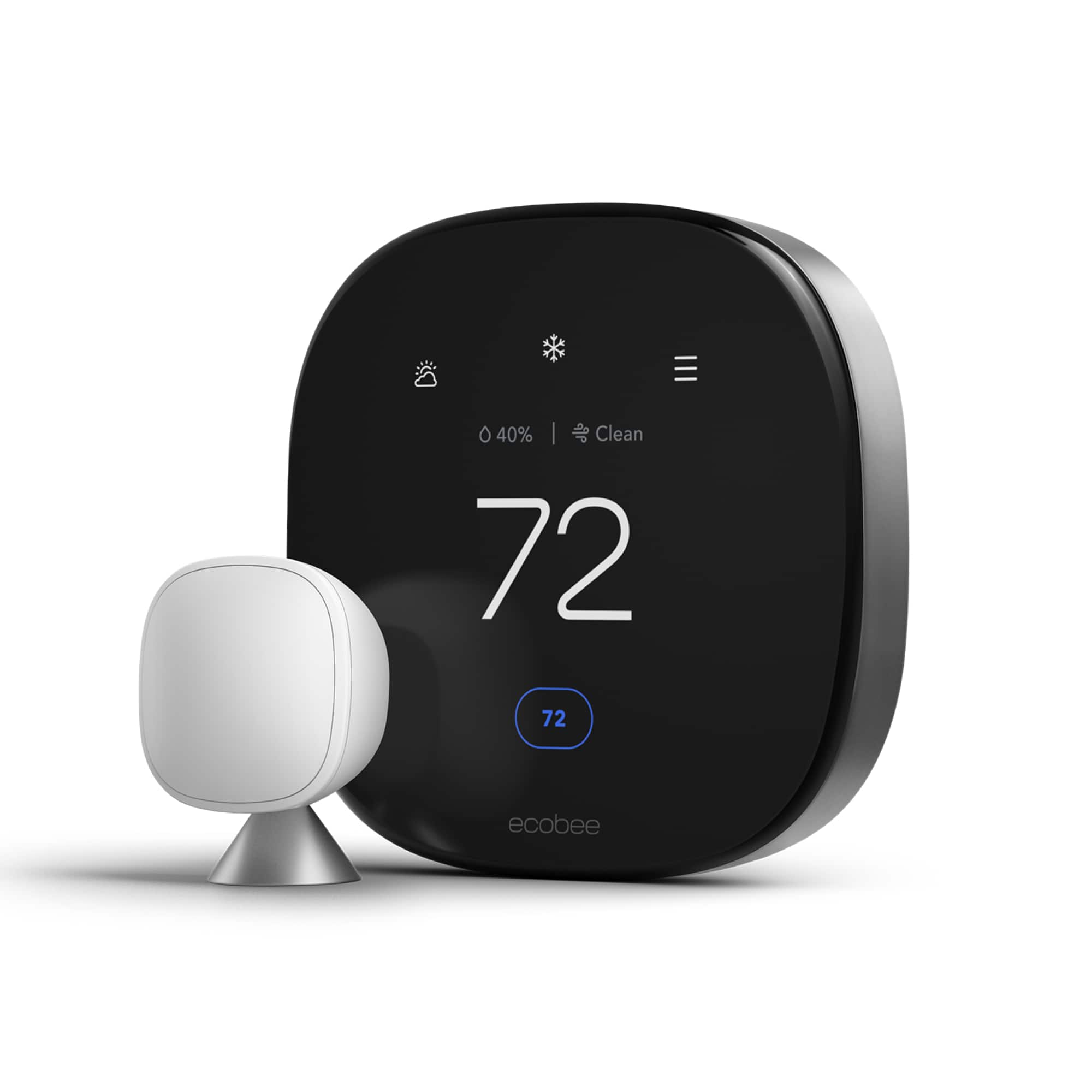
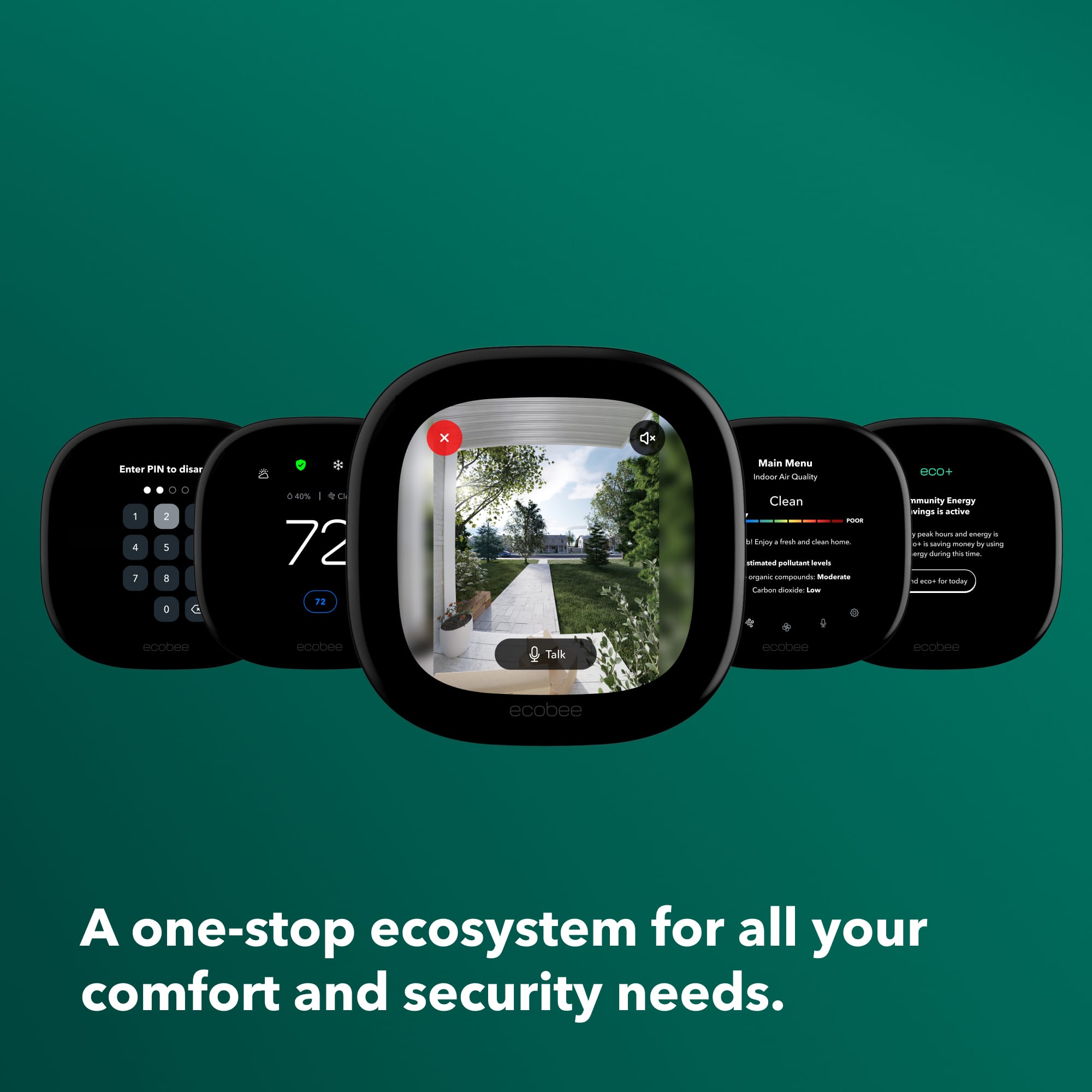
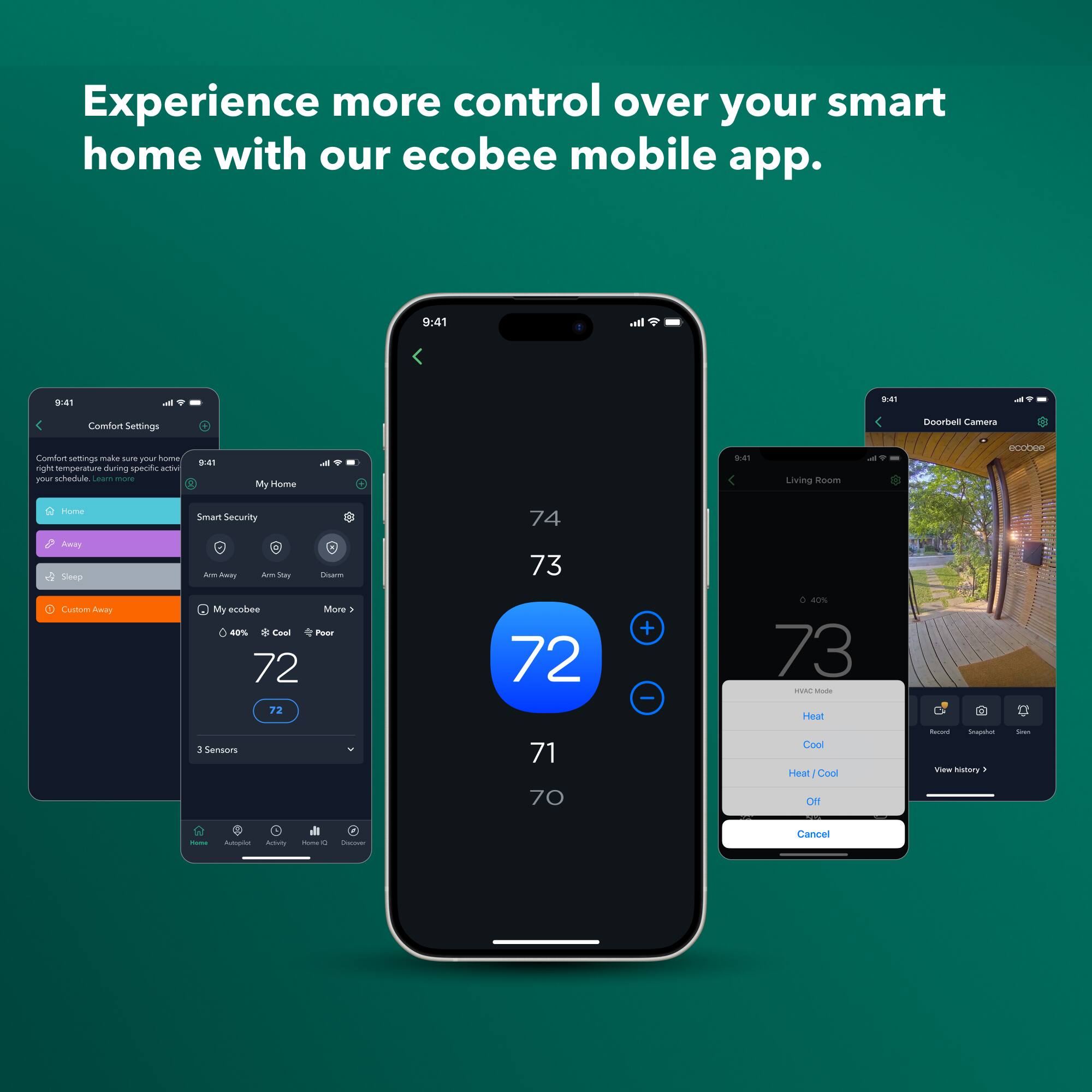
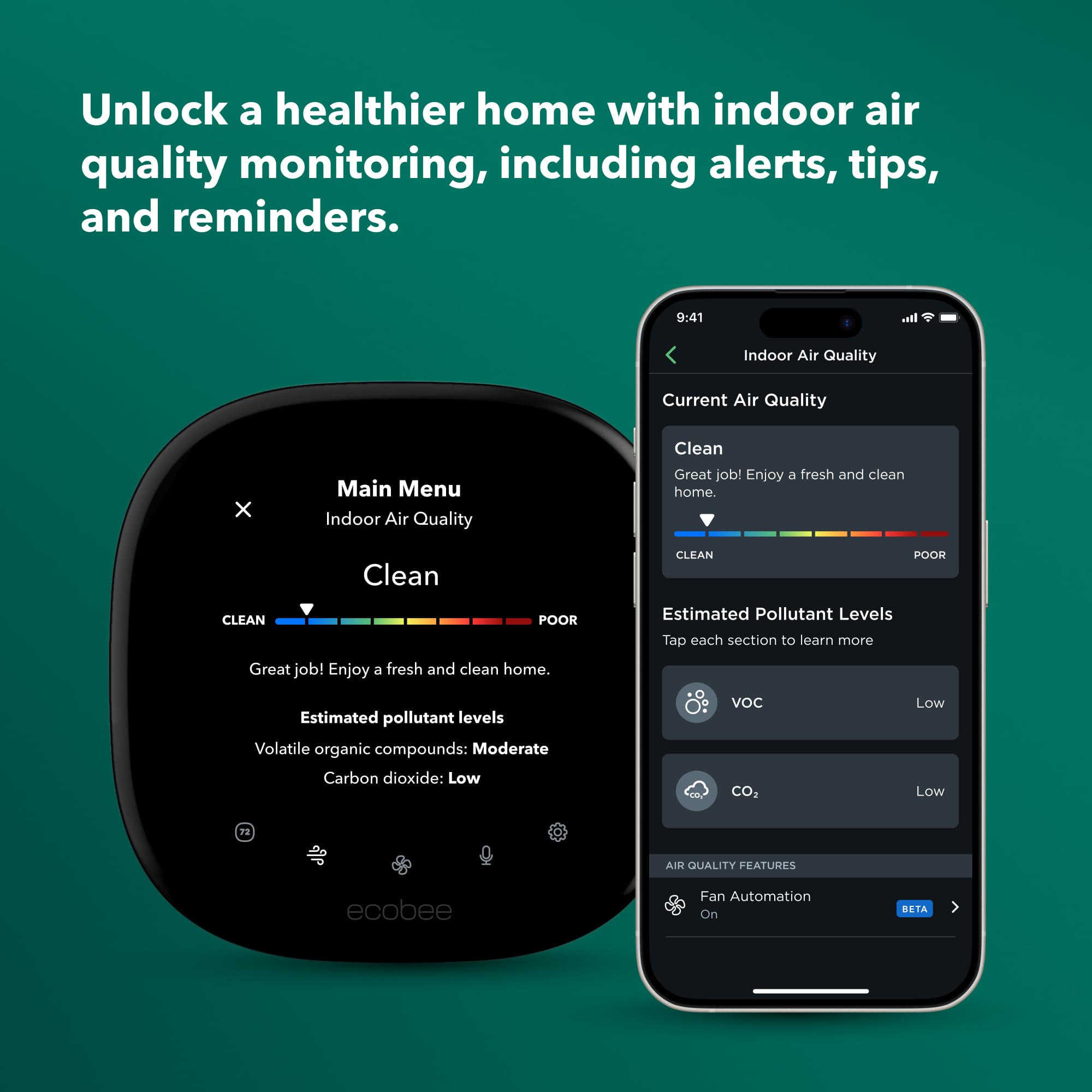
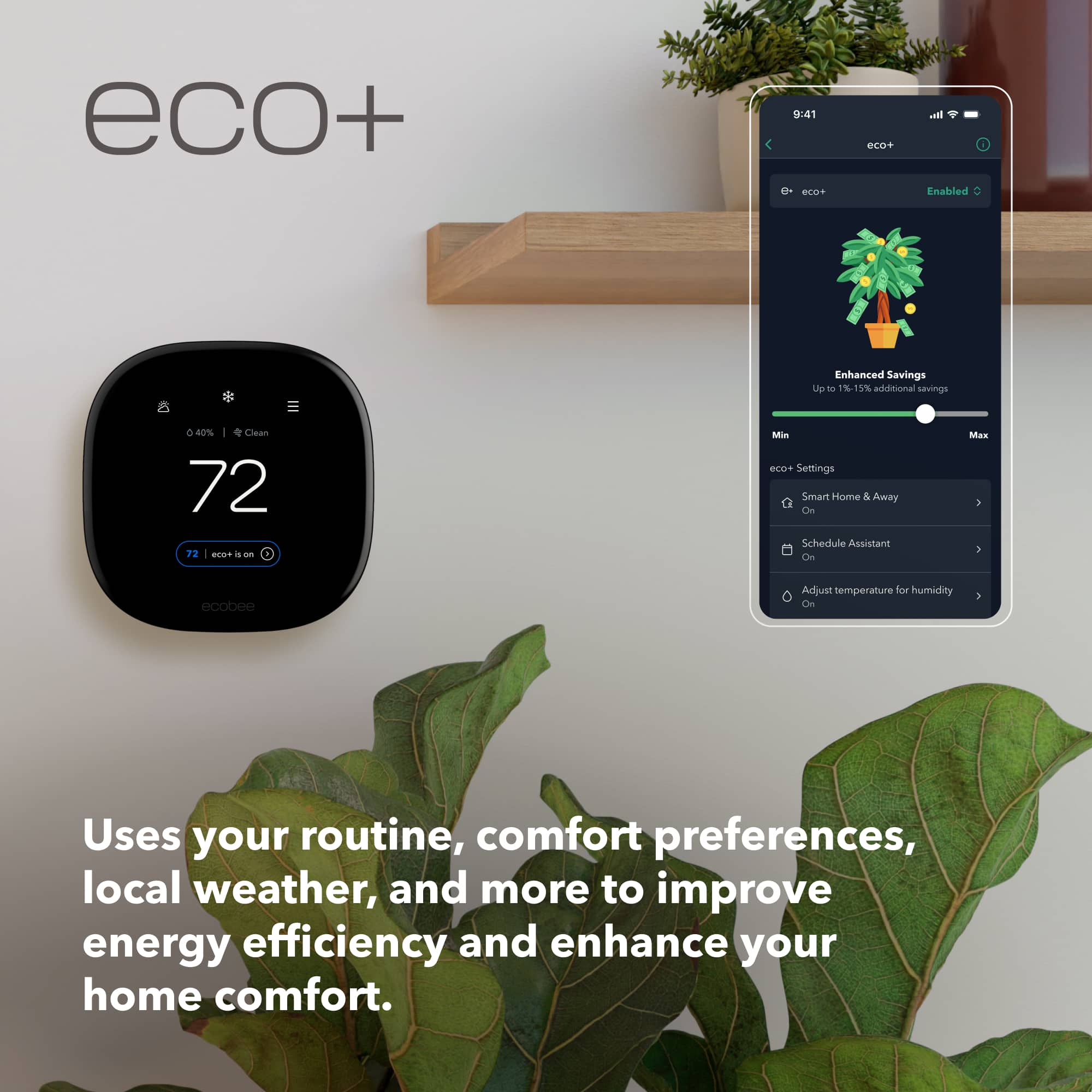
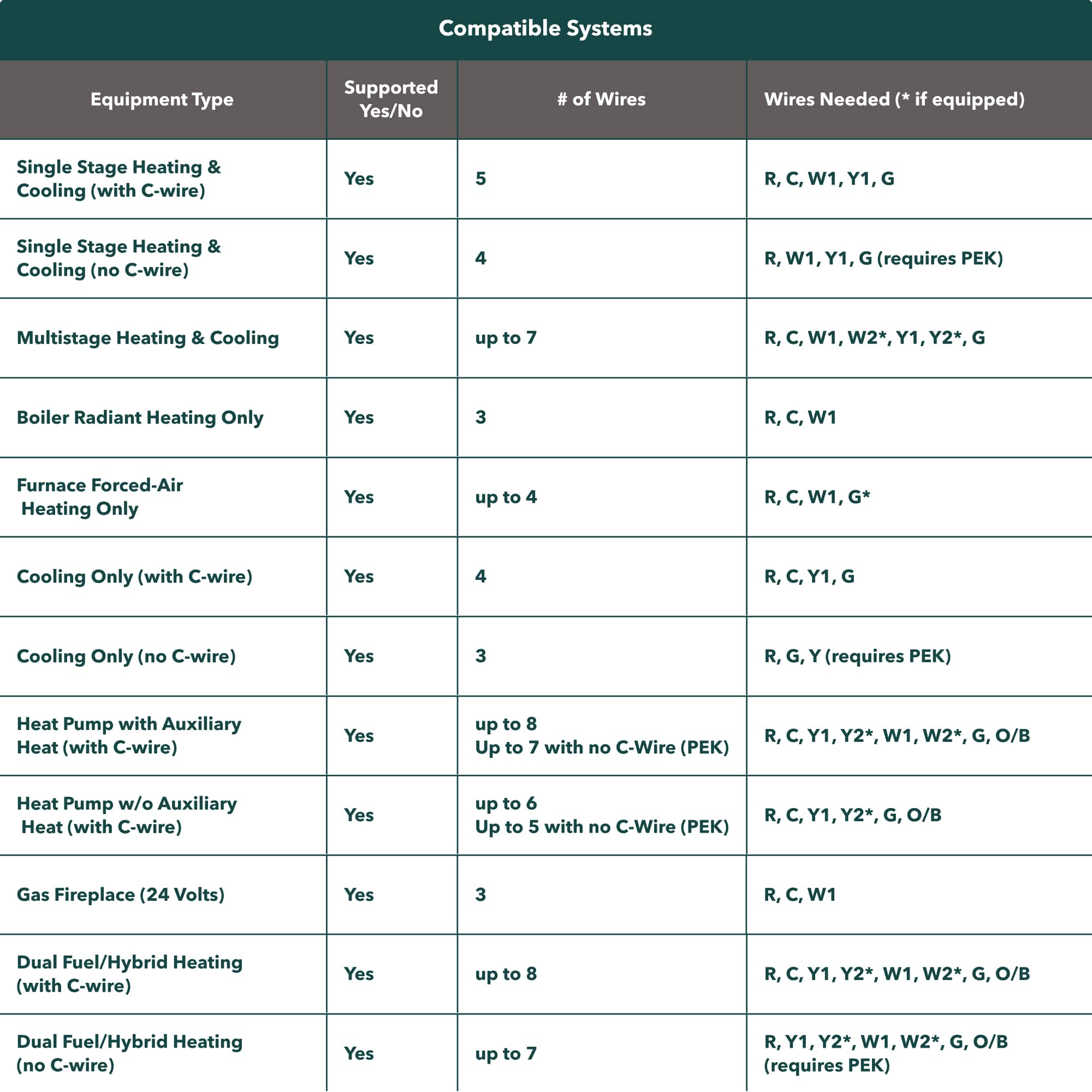
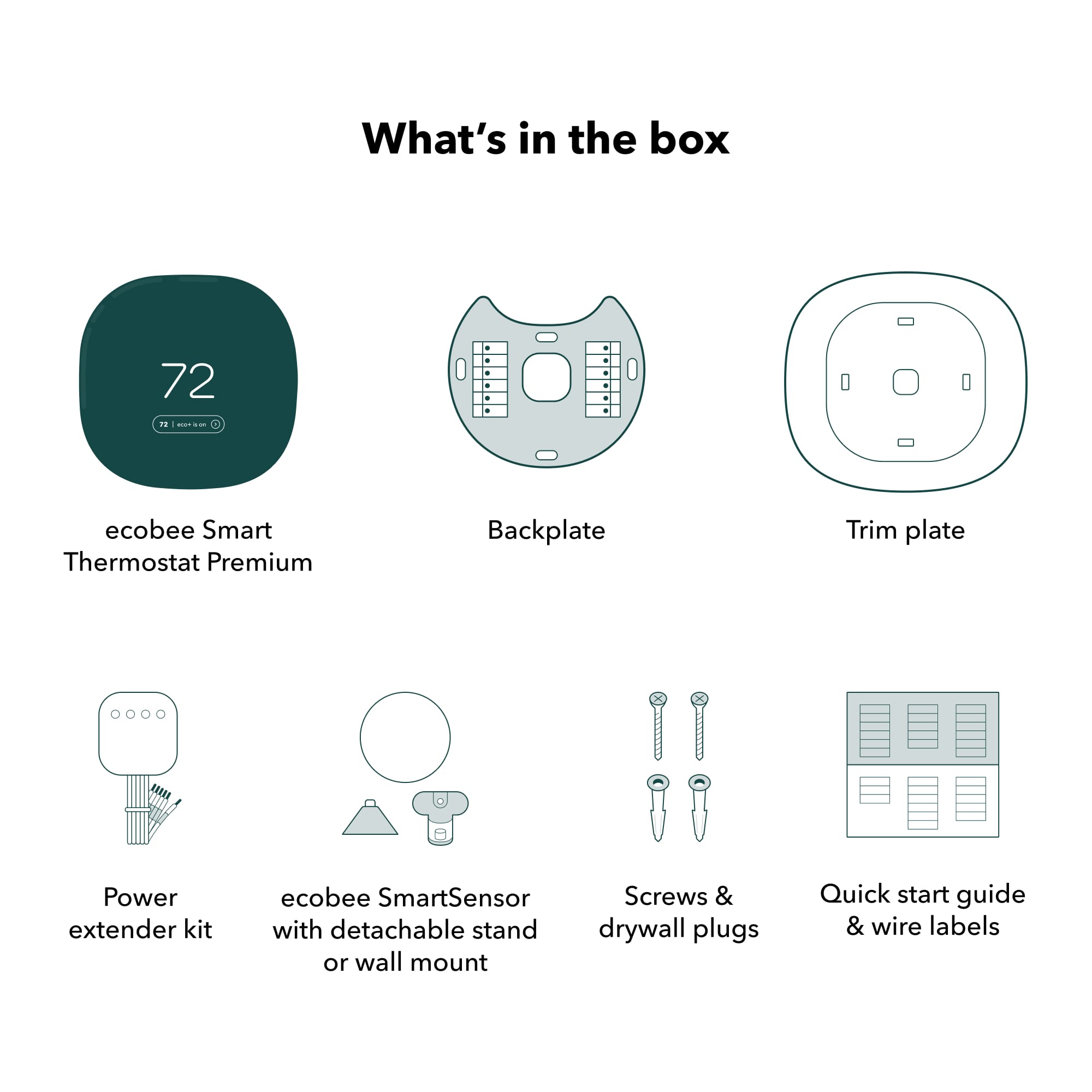
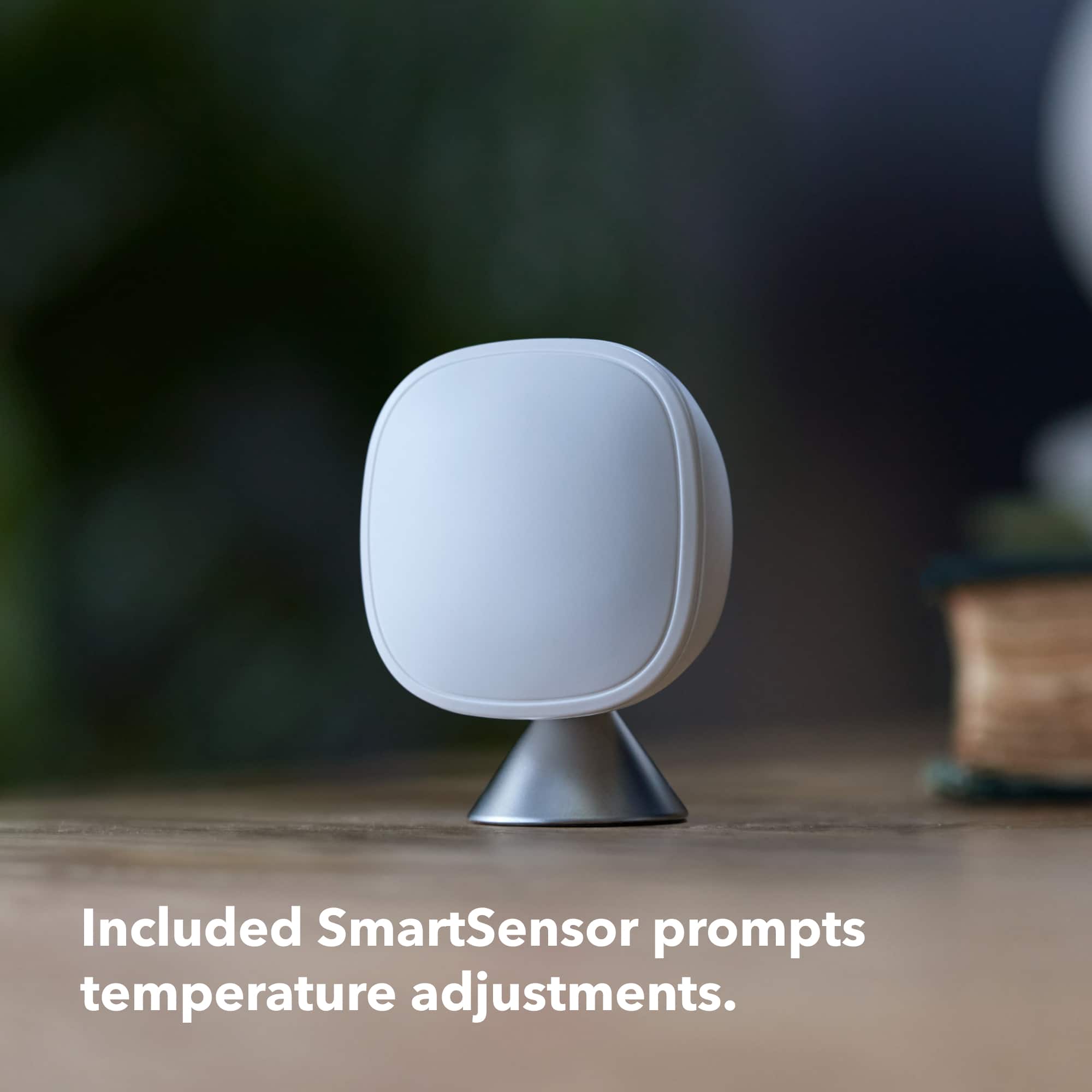
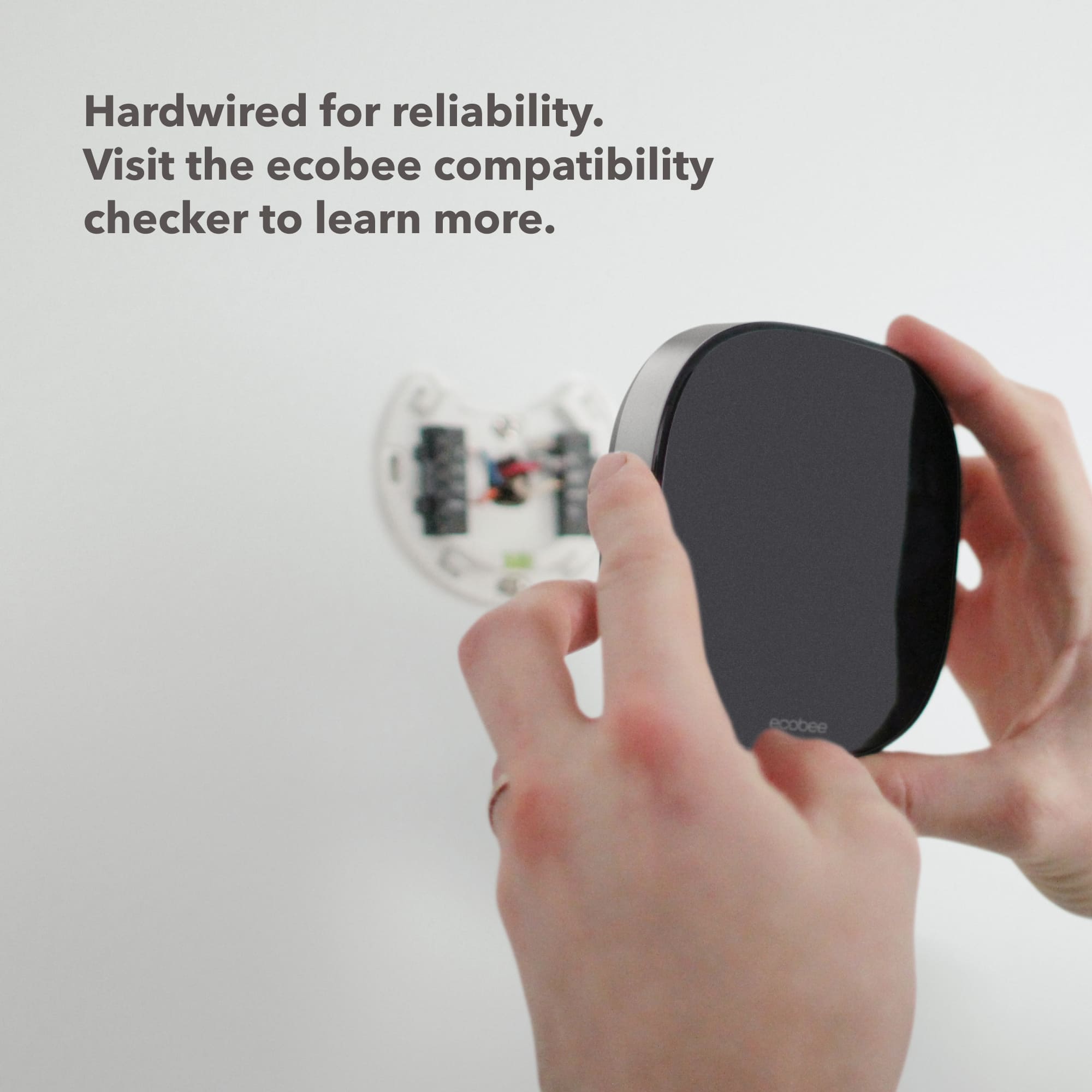
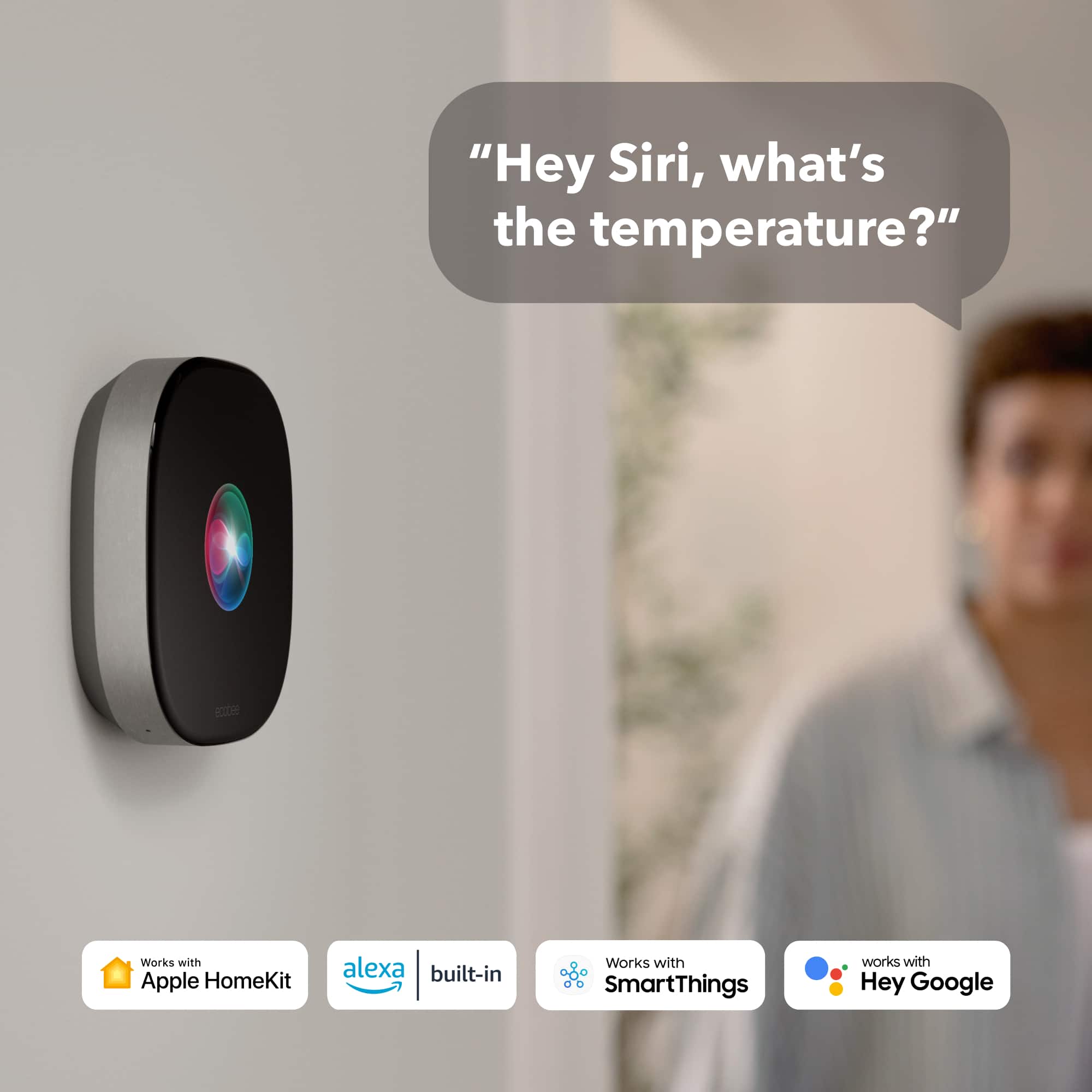
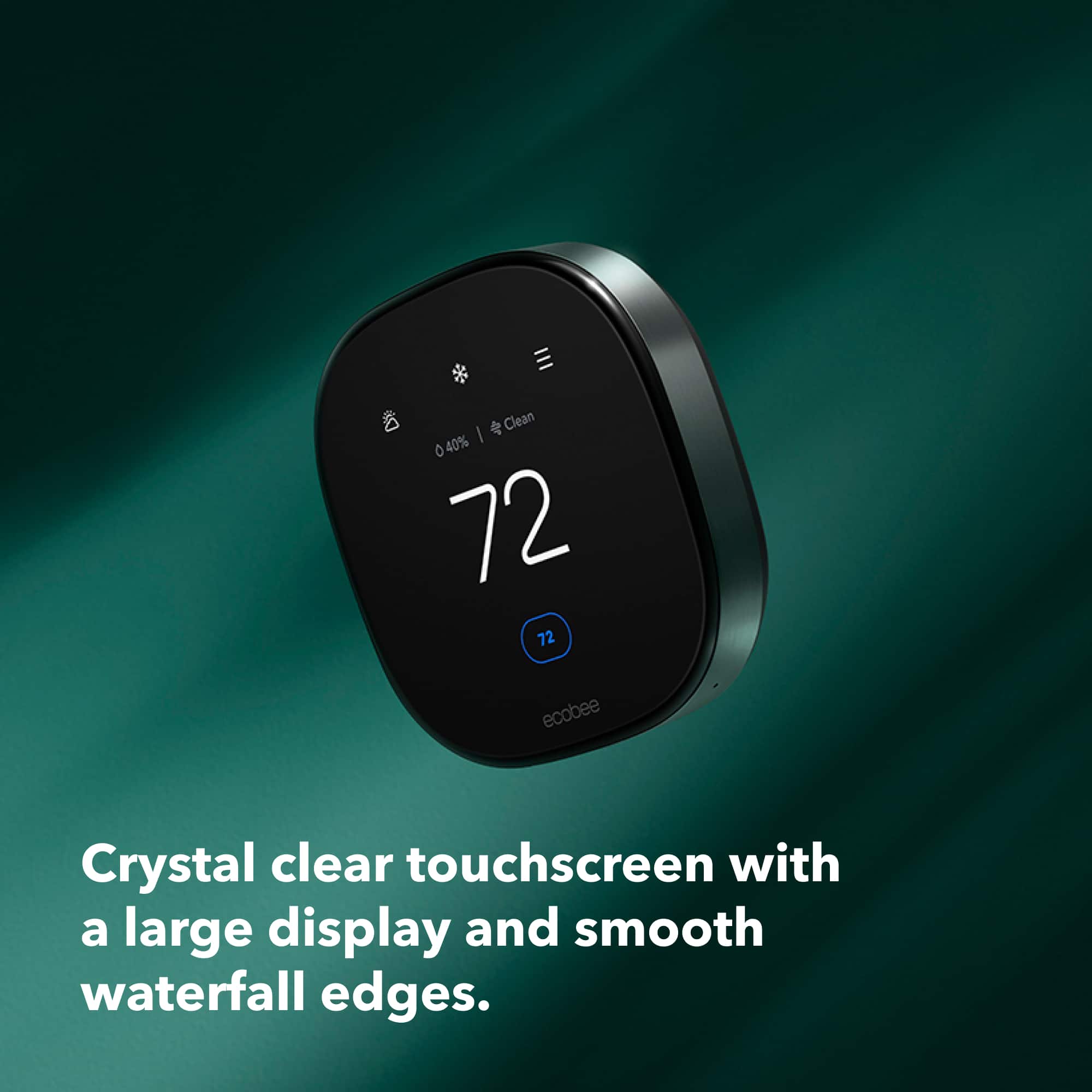
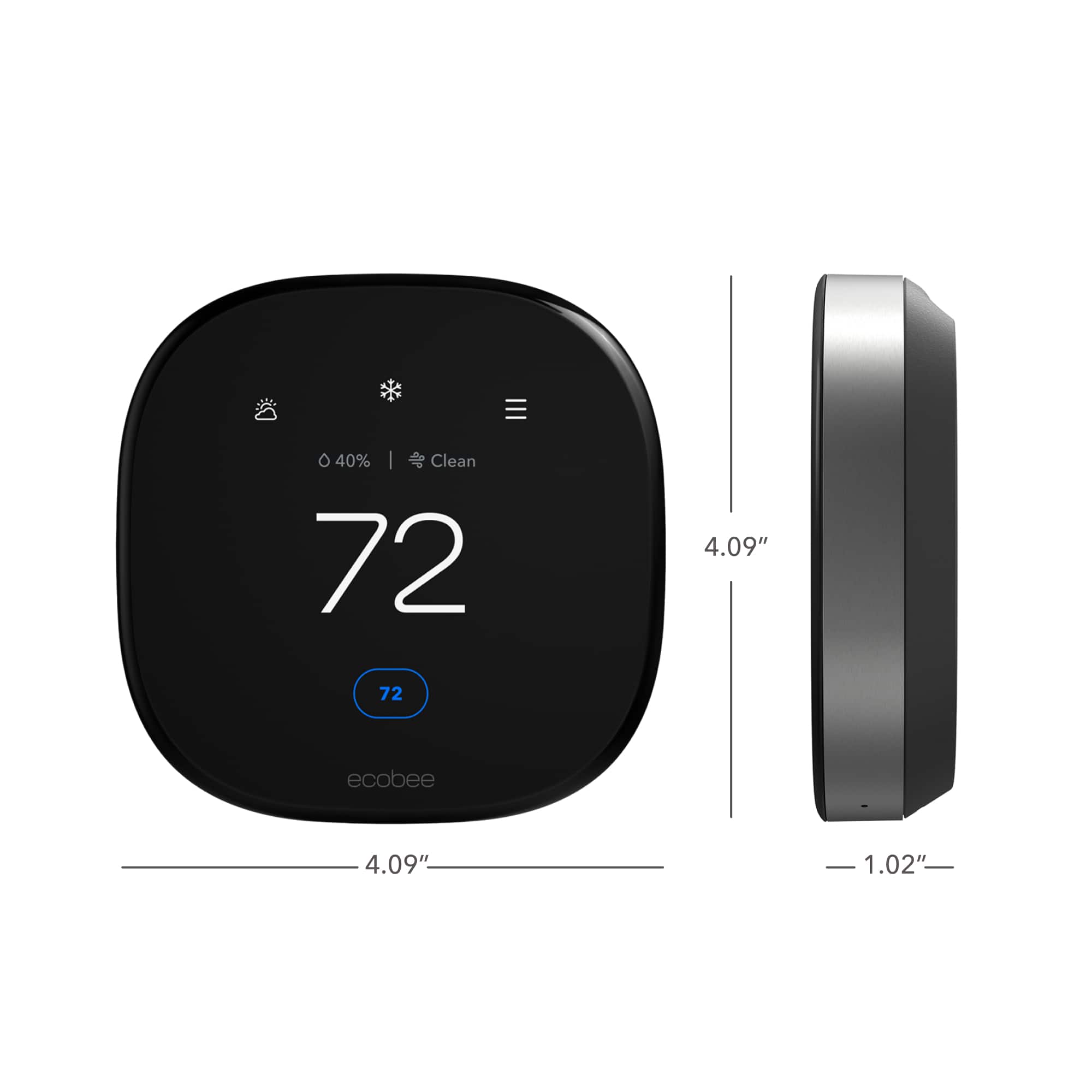
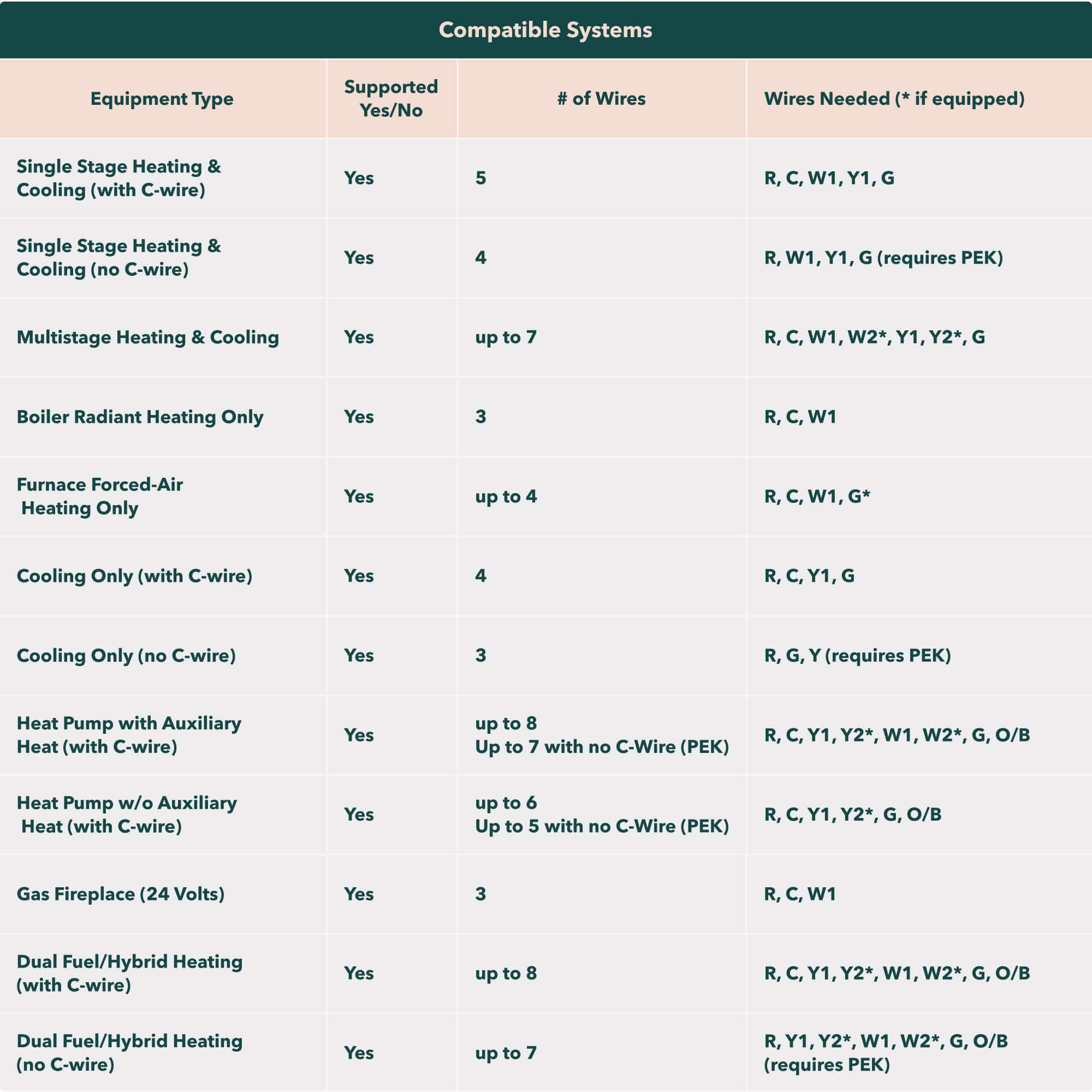
|Posted .This reviewer received promo considerations or sweepstakes entry for writing a review.With energy prices and summer temperatures inching higher by the day, there's never been a better time to explore smart HVAC thermostats. I've been using a Google Nest Thermostat E for the past two years, and while I've been satisfied with it overall, I've had my eye on ecobee thermostats as a possible upgrade, mainly for the superior room sensors and Apple HomeKit compatibility. When ecobee released their latest top-line model -- the Smart Thermostat Premium -- I was anxious to give it a try. Unboxing the Smart Thermostat Premium was truly a joy. Not only was there next to no plastic packaging, ecobee has gone the extra step to make their packaging from renewable and recyclable materials without making things feel cheap. No, this packing felt premium in every way, and most importantly, the thermostat and its components are tightly-packed and safe in transit. The Smart Thermostat Premium itself is absolutely premium in construction. It's a large metal-and-glass device with a surprising amount of heft to it, very different than the weightless Nest Thermostat E I was replacing. All the components in the package looked and felt similarly premium, and I appreciate that this model includes a room sensor and thermostat backplate as well as a power extender kit for those that may need it. The thermostat really is a beast, covering nearly the same surface area as the Nest and its backplate together. Definitely check the dimensions if you're at all concerned with spacing. I opted to use the included backplate to cover multiple holes from previous thermostats and while the backplate itself is simple white plastic it adds a nice dimension to the thermostat and coordinates well with nearby light switches, helping to balance out the stark black-and-gray appearance of the ecobee. Because I replaced an existing smart thermostat and was fortunate enough to have a live "c" wire in the wall already, installation was a breeze. Even if I'd had to use the included power extender kit I'm confident I would have still been in good shape, as ecobee's app walks you through the process with clear, step-by-step instructions. Please be sure to consult the ecobee website and compatibility checker before you purchase, but as long as you have moderate DIY skills and access to your HVAC system's wiring, you should have little trouble. ecobee's setup process includes registering for an account and adding your thermostat to HomeKit (if you're using an iOS device), both of which are pretty straightforward. Again, the app walks you through everything to get you up and running. Once setup is complete you're presented with the standard ecobee app interface and not much else, and as a first-time ecobee user I would have appreciated the inclusion of further tutorials on changing settings and whatnot, although the app and thermostat interface is relatively straightforward. To get things going I referred to ecobee's online support pages, which include a wealth of knowledge and FAQs explaining every aspect of their products and services. Definitely plan on paying their website a visit to get the most out of your ecobee Smart Thermostat Premium experience. Since I'm coming from ecobee's largest competitor (Google Nest), I'll use my review to compare and contrast my experiences with both, as this might help you decide which device fits your needs or whether to switch to ecobee. ecobee's thermostat screen and app interfaces are nearly identical, offering complete control no matter which one you use. This stands in contrast to Nest, where, due to its design, has pretty different interfaces in the Nest/Google Home app and on the thermostat itself. It's hard to beat the turn of a Nest's dial to change the temperature, but doing literally anything else requires pressing and turning motions to access menus. It's fine once you get the hang of it, but it takes longer to find what you want, and guests/first-time users may have no idea where to start. The ecobee Smart Thermostat Premium uses an all-touchscreen interface with no physical buttons. The resting thermostat faces shows you the outdoor temp, indoor temp, time and system status (a blue ring for AC, red for heat etc.), which changes to the user menu as you approach the device. The animations and graphics are pretty gorgeous on this high-resolution screen, and a quick tap of each icon will give you a good idea of what it does -- perfect for guests who may not know where to start. This default user screen displays your HVAC mode, setpoint, current program (Home, Away, Sleep, Vacation), indoor temp and humidity and, in a thermostat first, indoor air quality. My Nest Thermostat E showed only a blank screen from a distance and revealed just setpoint, temp and system mode upon approach. A note on that indoor air quality sensor: while it's a pretty neat inclusion and one of ecobee's marquee features for this model, it's based only on estimated VOC and CO2 levels. These are important components of air quality but perhaps the most important factor -- particle counts like pm2.5 -- are not measured. After a few days of calibration the air quality reading started responding accurately to changes like cooking fumes, but with an air purifier running in the same room I haven't found a strong use case for this feature myself. The other marquee feature of this model, however, I have really enjoyed, and that's voice assistant integration. The ecobee Smart Thermostat Premium includes a built-in speaker capable of hosting Amazon's Alexa or Apple's Siri, and while I'm a Google Assistant user primarily I took the time to set up Alexa, and I've found myself quite pleased. I won't go into a deep comparison of Google vs. Amazon, but suffice it to say each have their strengths and weaknesses, and having both around does give you the chance to use each to their advantage. ecobee's native integration of Alexa is excellent and steadfastly reliable in my testing. It would be neat to see Alexa take advantage of the thermostat screen to show as well as tell, but I did find she was able to display a timer countdown on-screen when asked, which is useful as my thermostat is near the kitchen. As for Alexa/Google/Apple smart home integration, ecobee works with all three, but with limitations. I was able to view the thermostat and included smart sensor in each platform and even see motion/room occupation status in Apple's Home app, which is both interesting and possibly useful for routines. My big complaint is that I cannot seem to change the thermostat's routine from any of these platforms, only the temperature and system mode. I already have a widespread home/away routine in HomeKit and was planning to integrate ecobee into that routine (set thermostat to "away" when I leave and "home" when I return) but as currently integrated this isn't possible. Being a native Google product my Nest Thermostat E at least allowed me to set up a home/away routine based on my location in the Google Home app, which I used every day. After a visit to ecobee's website, however, I found two solutions, the easiest of which involved linking ecobee and IFTT with ecobee-branded applets, which now reliably sets the ecobee to "away" when I leave my apartment and "home" when I return. While I haven't tried the more complex HomeKit routine through the ecobee app itself, know that is possible as well. A note on ecobee's routines and scheduling: ecobee feels to me a more "schedule-first" smart thermostat, whereas the Nest feels more "routine-first." I never bothered to set a schedule on my Nest, as I simply allowed it to remain a constant temperature when home and set itself to away to save energy when I left my apartment. In contrast, ecobee's own "smart home-away" feature takes 30 minutes to 2 hours to change your thermostat to another routine based on your location -- far too long for my tastes, especially when the IFTT applet option is nearly instant. Instead I found it much more useful to set a schedule on the ecobee for Home/Away/Sleep and rely on the smart home-away and the IFTT integration features to override my set schedule when my movements don't match it. tl/dr; you can achieve location-based triggers with each platform, but how you go about it varies quite a bit. Finally, ecobee and Google Nest treat remote sensors very differently, which may well impact your selection. Nest Thermostat E and the Nest Learning Thermostat support remote room sensors, but they only communicate the room's temperature. Furthermore, you can only base your Nest setpoint on one sensor at a time, and you have to manually select that sensor or schedule it from one of four preset time blocks -- there's zero flexibility, and I found my room sensor entirely useless. ecobee, in contrast, makes fabulous use of their Smart Room Sensors, which not only sense temperature but also room occupancy. These readings become part of a formula that allows an ecobee thermostat to balance temperatures throughout your home based on where you are spending your time, and their seamless background integration of these sensors is fantastic. You simply activate the included sensor (you can purchase more as needed) and set it up in another room (for me, my bedroom), select the "follow me" option in your ecobee's settings, and let the thermostat handle the rest. While my apartment use case isn't the same as a large home, I've found myself comfortable throughout the day and night without any intervention with ecobee on my part. In other words, it just works, like smart devices should. Overall, the ecobee Smart Thermostat Premium is a fantastic device, and an absolute upgrade from the Nest Thermostat E I've been using. The install process is straightforward, operation is highly customizable very reliable, and ecobee's integrations are widespread and dependable. This is the top-of-the-line smart thermostat to beat!
I would recommend this to a friendVery nice thermostat
||Posted . Owned for 1 month when reviewed.This reviewer received promo considerations or sweepstakes entry for writing a review.The thermostat works great with my heat pump. Communication to switch from heat to cool and to even aux is easy. Love the navigation of weather temp outside. Also, the app on the phone allows me to change temp anywhere in house.
I would recommend this to a friendPoor temperature sensing
||Posted . Owned for 1 month when reviewed.This reviewer received promo considerations or sweepstakes entry for writing a review.I initially purchased this to replace Nest 3rd Generation based on very high reviews. But the temperature settings are way off and the house would not cool properly. Replaced with New Nest thermostat which I am very happy with.
No, I would not recommend this to a friendBrand response from ecobee
Posted .That's not the experience we want you to have. Please reach out to our Customer Support team directly for troubleshooting assistance at ecobee.com/get-help.
Not good for people that like it cold
||Posted . Owned for 3 weeks when reviewed.This reviewer received promo considerations or sweepstakes entry for writing a review.I didn't liked it, it doesn't go below 65 degrees.
No, I would not recommend this to a friendHome Automation At It's Best
|Posted .This reviewer received promo considerations or sweepstakes entry for writing a review.Having placed a wifi enabled thermostat in our new house several years ago, we thought we were on top of the home automation game with the ability to run schedules and interact with the thermostat over wifi. 6 years later, the home automation game has changed drastically and for the better. We also embraced a different, fruity brand of infrastructure that led to necessary changes and updates. Enter the ecobee Premium Smart Programmable Thermostat. After reading lots of press releases and watching reviews, I really looked forward to an update, and hopefully a savings on our electric bill! The ecobee is shipped in a simple box and upon opening you could tell this was a premium device. The black mirror face with metal banded sides just looks good! Lots of parts and accessories made me concerned with my ability to install myself, but as I have a friend in the AC business that could save me if I screwed up, I went for it. You have to download the ecobee app to your phone or device and set up an account. Afterwards, you point your phone's camera at a little label on the rear of the thermostat and it starts getting you ready for installation. I assume the little sticker identifies your specific model and helps you for that particular one. It directed me on disconnection, wiring and reconnection with clear and understandable directions. My setup is pretty straightforward so not a lot of guesswork or service calls had to be done. Upon putting the power back on, it told me HI! Cool so far! The display is large and easy to interact with. I had some finishing items to do on the thermostat itself, but afterward it just worked. I used the app to setup my schedule, home and away times and other personalizations. I thought, due to it's location, I might have wifi connection issues but it linked up right away. My own biggest issue was where to place the remote sensor. The thermostat itself is in a hallway adjacent to the living room, so I figured to put the remote sensor in the bedroom for the time being. It took a while to the sensor to link up, to the point where I thought I had done something wrong. But it eventually linked up and transmitted it's info to the main thermostat. The sensor just helps average the areas where the remote sensors are to where the main thermostat is to get a good overall average temperature for all rooms where sensors are. My next purchase will be for more sensors. Overall, the ecobee is much more functional and adaptive than my older wifi thermostat. With the home/away and remote sensors I am much more capable of control over the temperatures inside my home. I no longer have to rely solely on a schedule. The display is bright and easily understandable and the app is at it's best allowing for all kinds of customizations. If you are looking for the top of the line home automation products to help your home, look no further! Oh, by the way, it also interacts with Amazon Echo (Alexa) environments as well as Apple HomeKit. Talk about easy, just tell Alexa to make it cooler in the house! Great product!
I would recommend this to a friendNioce
||Posted . Owned for 2 weeks when reviewed.This reviewer received promo considerations or sweepstakes entry for writing a review.Love the ability to change the temp from my phoneand the sensor to put in a another room so i can make sure the temperature is right in the bedrooms
I would recommend this to a friendEcobee Thermostat
||Posted . Owned for 3 weeks when reviewed.This reviewer received promo considerations or sweepstakes entry for writing a review.Quick delivery. Good price but I found cheaper on Duke Energy website. Had to return. The one I have installed is very nice.
I would recommend this to a friendBest Smart Thermostat Ever!
||Posted . Owned for 3 weeks when reviewed.This reviewer received promo considerations or sweepstakes entry for writing a review.Best Smart Thermostat Ever! I just recently bought this and I must admit that all the features are exactly what I needed.
I would recommend this to a friendGreat
||Posted . Owned for 1 week when reviewed.This reviewer received promo considerations or sweepstakes entry for writing a review.Got this to replace the nest thermostat amd so far it does what i wanted amd has more information like air quality
I would recommend this to a friendGreat thermostat
||Posted . Owned for 1 month when reviewed.This reviewer received promo considerations or sweepstakes entry for writing a review. I really like the thermostat in the integrated to HomeKit well quick simple, set up an install
I would recommend this to a friendI LOVE IT’S AMAZING !
||Posted . Owned for 2 weeks when reviewed.This reviewer received promo considerations or sweepstakes entry for writing a review.HAPPY, HAPPY, HAPPY MY FAMILY LOVE IT, IT’S QUIET RUNNING,, I WILL RECOMMEND!
I would recommend this to a friendNot worth ..unnecessarily complicated
||Posted . Owned for 1 month when reviewed.This reviewer received promo considerations or sweepstakes entry for writing a review.Unnecessary complicated. Still struggling. Does not pickup auto change
No, I would not recommend this to a friendEcobee
||Posted . Owned for 3 months when reviewed.This reviewer received promo considerations or sweepstakes entry for writing a review.This smart thermostat is dumb don’t buy, has a mind of its own
No, I would not recommend this to a friendBrand response from ecobee
Posted .We’re sorry to hear the thermostat isn’t meeting your expectations. That’s definitely not the experience we aim to deliver. Our support team would be happy to help troubleshoot and make sure it’s working the way you need it to 1 (877) 932-6233
updated thermostat
||Posted . Owned for 3 weeks when reviewed.This reviewer received promo considerations or sweepstakes entry for writing a review.It was easy to install. I was able to set it up myself.
I would recommend this to a friendIt’s very difficult to set up
||Posted . Owned for 1 week when reviewed.This reviewer received promo considerations or sweepstakes entry for writing a review.I have four of these set up fine two more of the newer version it says the temperature is 65 when it’s really 72 it won’t hook up to the Extra temperature sensor very unhappy with it
No, I would not recommend this to a friendBrand response from ecobee
Posted .That's not the experience we want you to have. Please send us a direct message with your ecobee serial number, email address, and a detailed description of any troubleshooting steps you have tried. We're always happy to help!
Stopped working in less than
||Posted . Owned for 9 months when reviewed.This reviewer received promo considerations or sweepstakes entry for writing a review.It stop working after 7/8 months. No way to return it and get a refund. Not buying this product and related ones again.
No, I would not recommend this to a friendBrand response from ecobee
Posted .That's not the experience we want you to have. Please reach out to ecobee.com/get-help for a warranty replacement.