Customer Ratings & Reviews
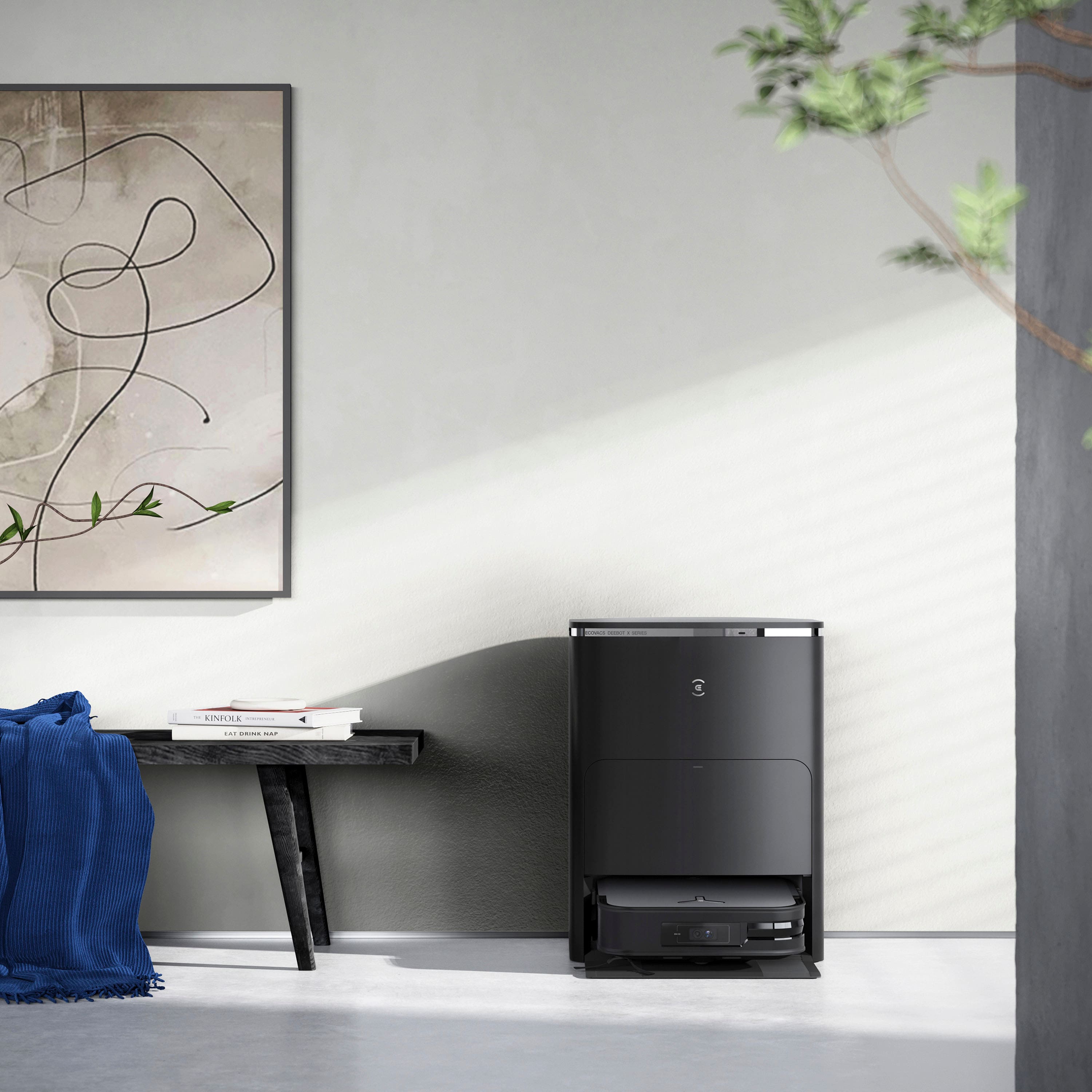
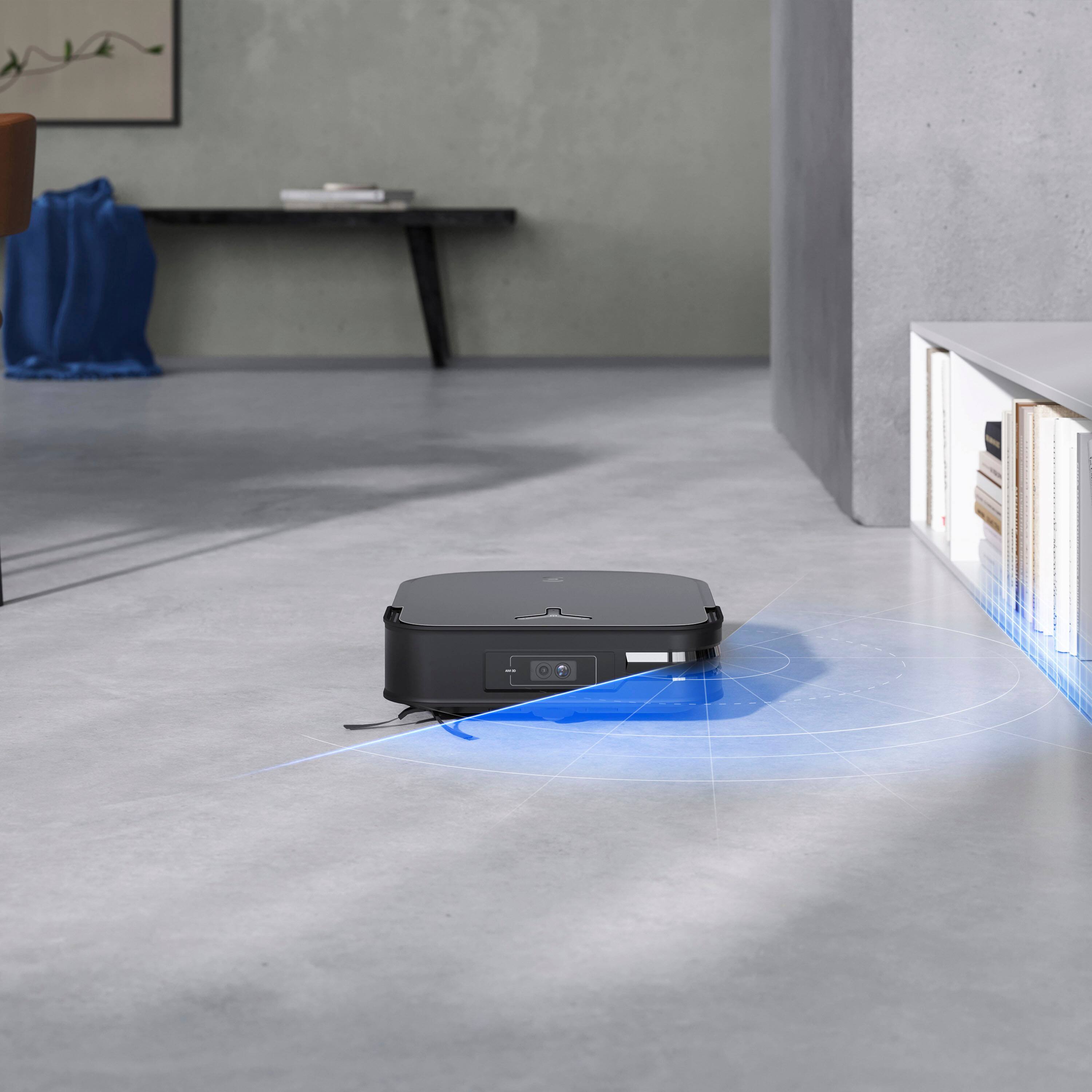
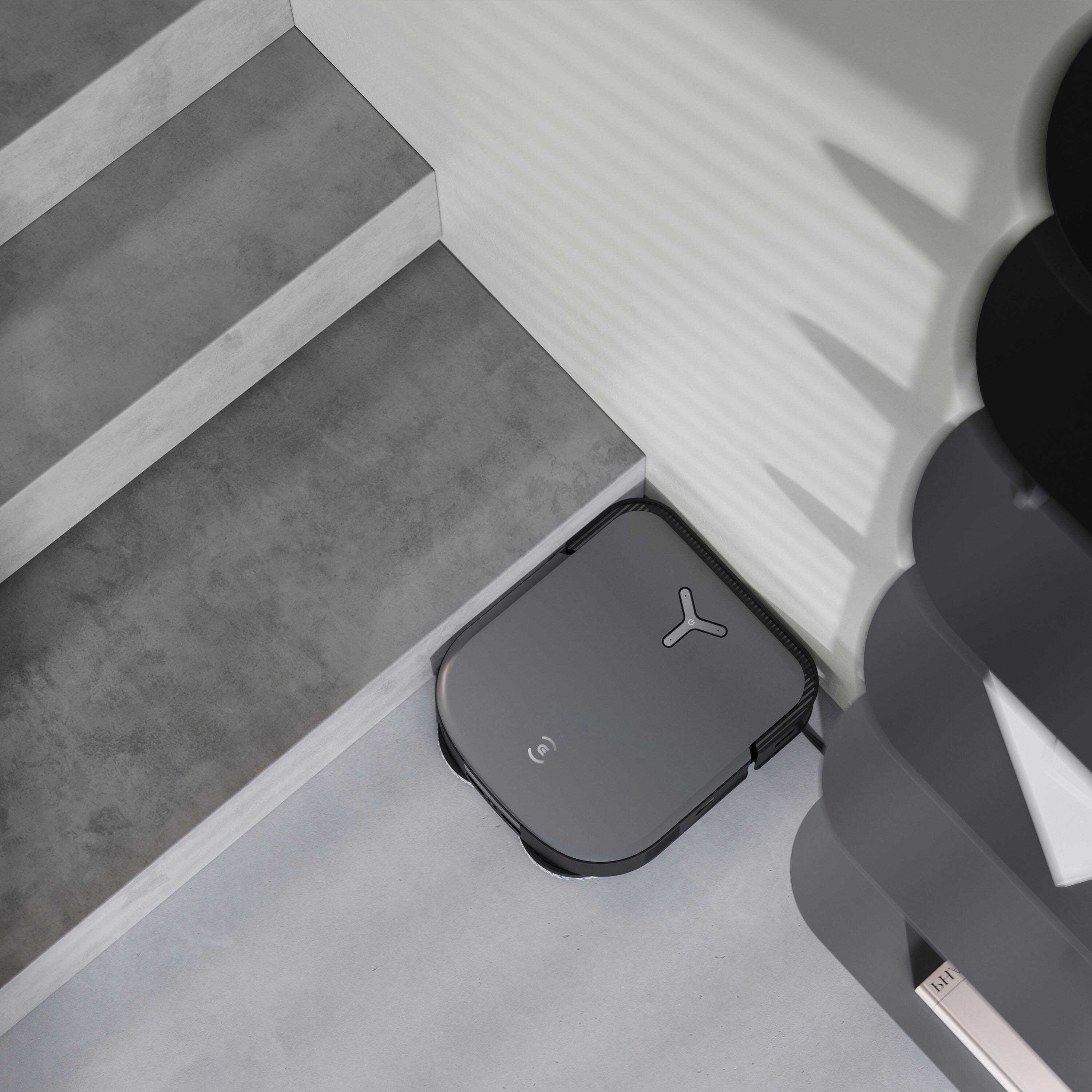
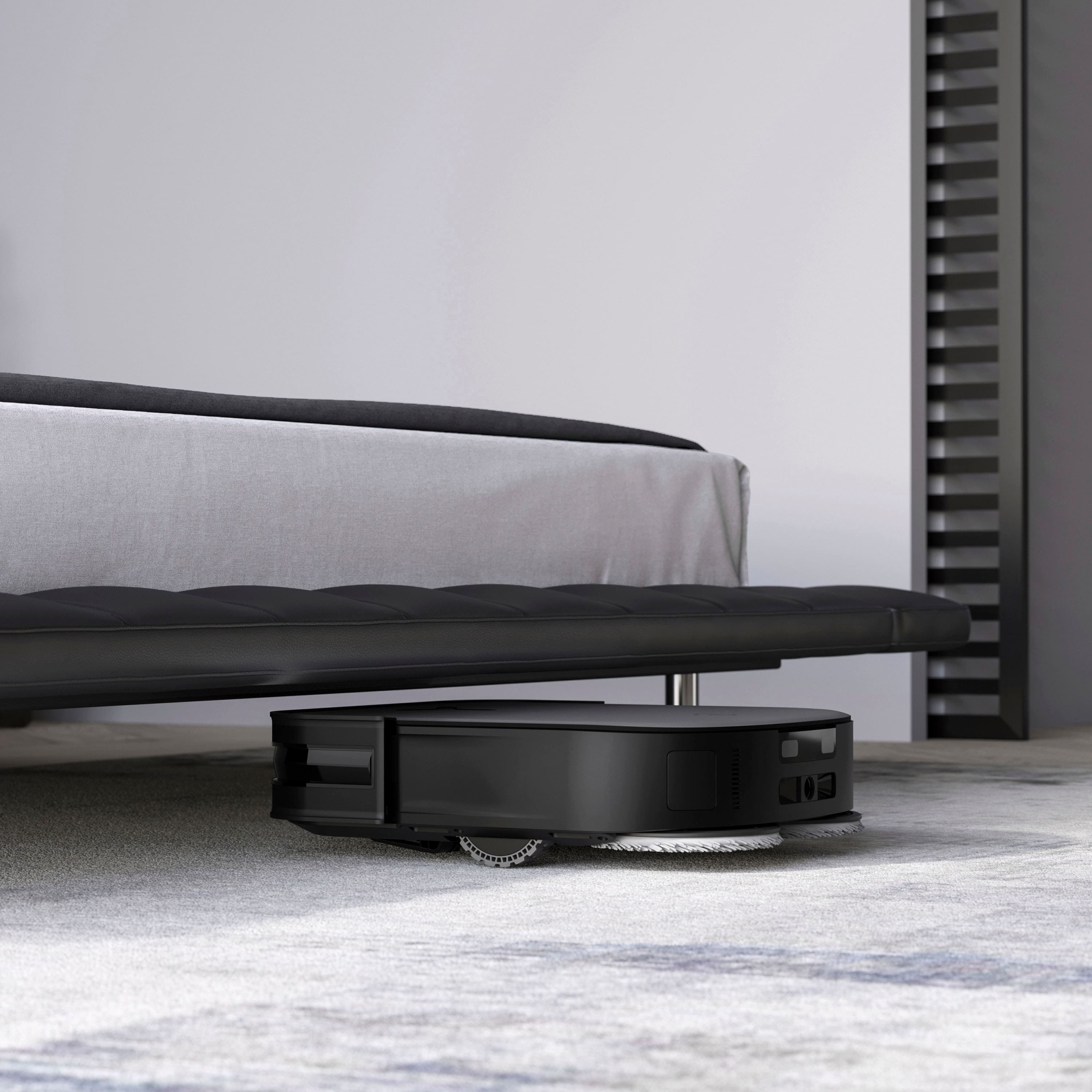
- Model:
- OZMOX2M
- SKU:
- 6557074
Rating by feature
- Value
Rating 3.6 out of 5 stars
- Quality
Rating 4.0 out of 5 stars
- Ease of Use
Rating 3.9 out of 5 stars
Customers are saying
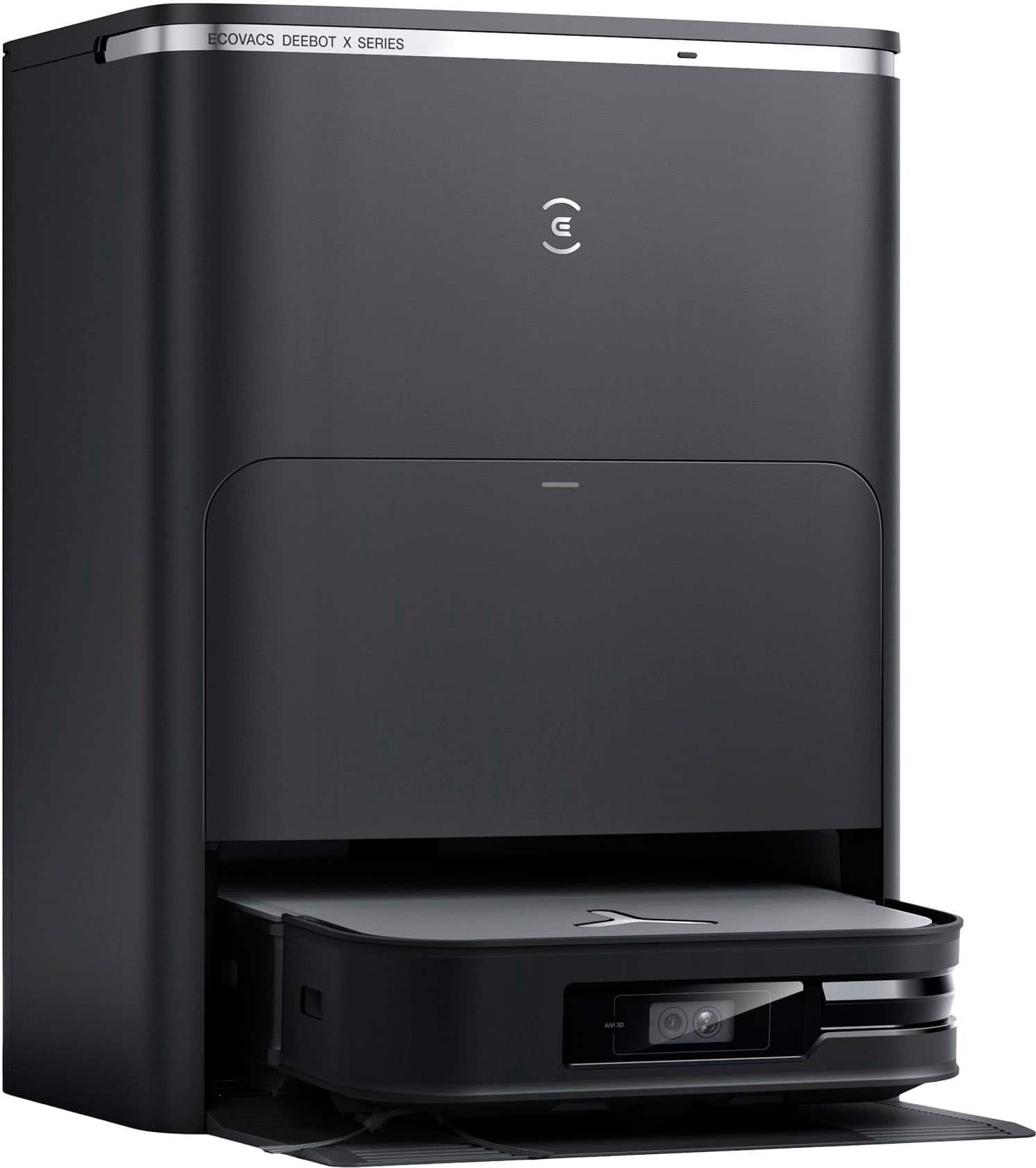
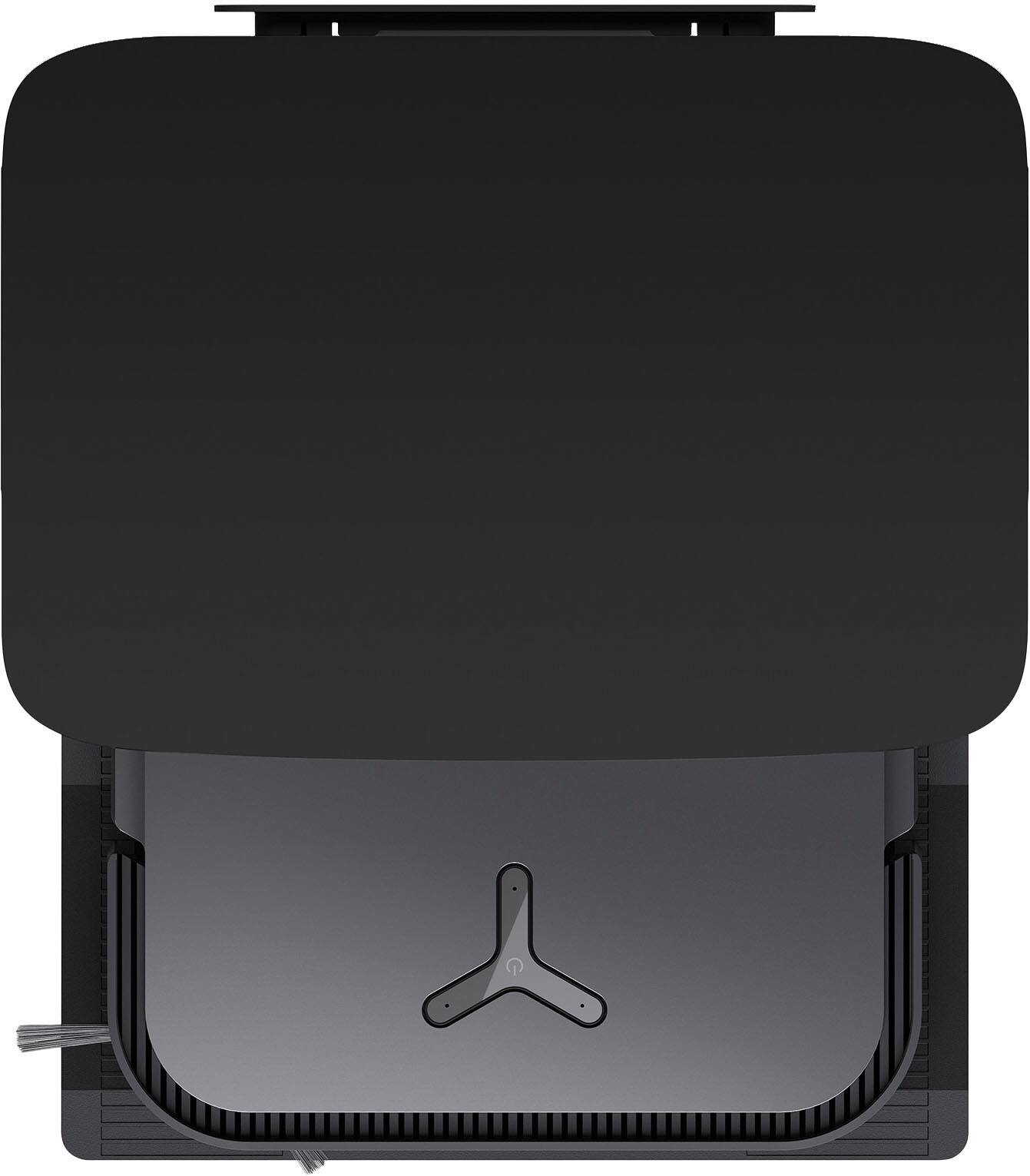
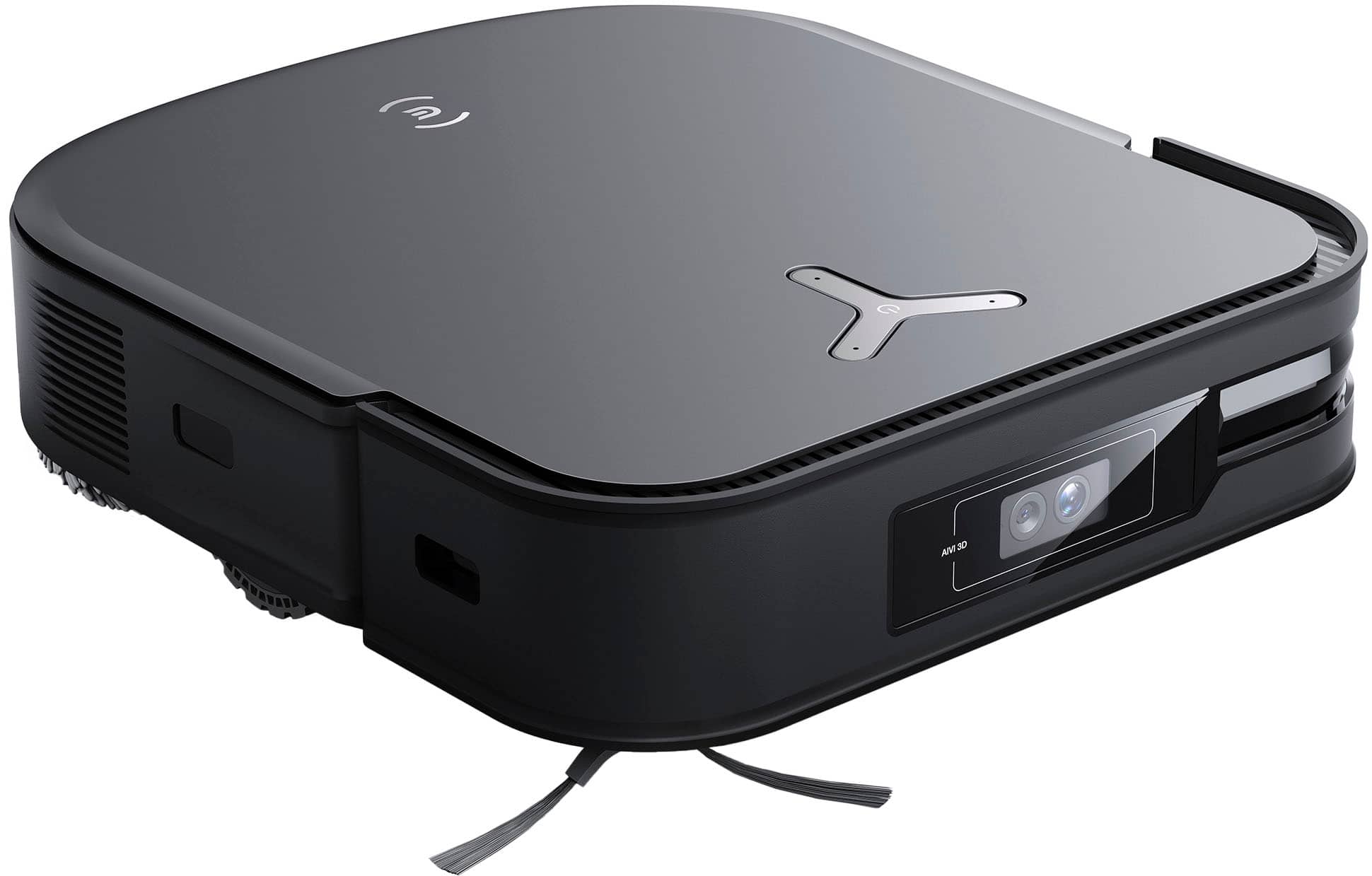
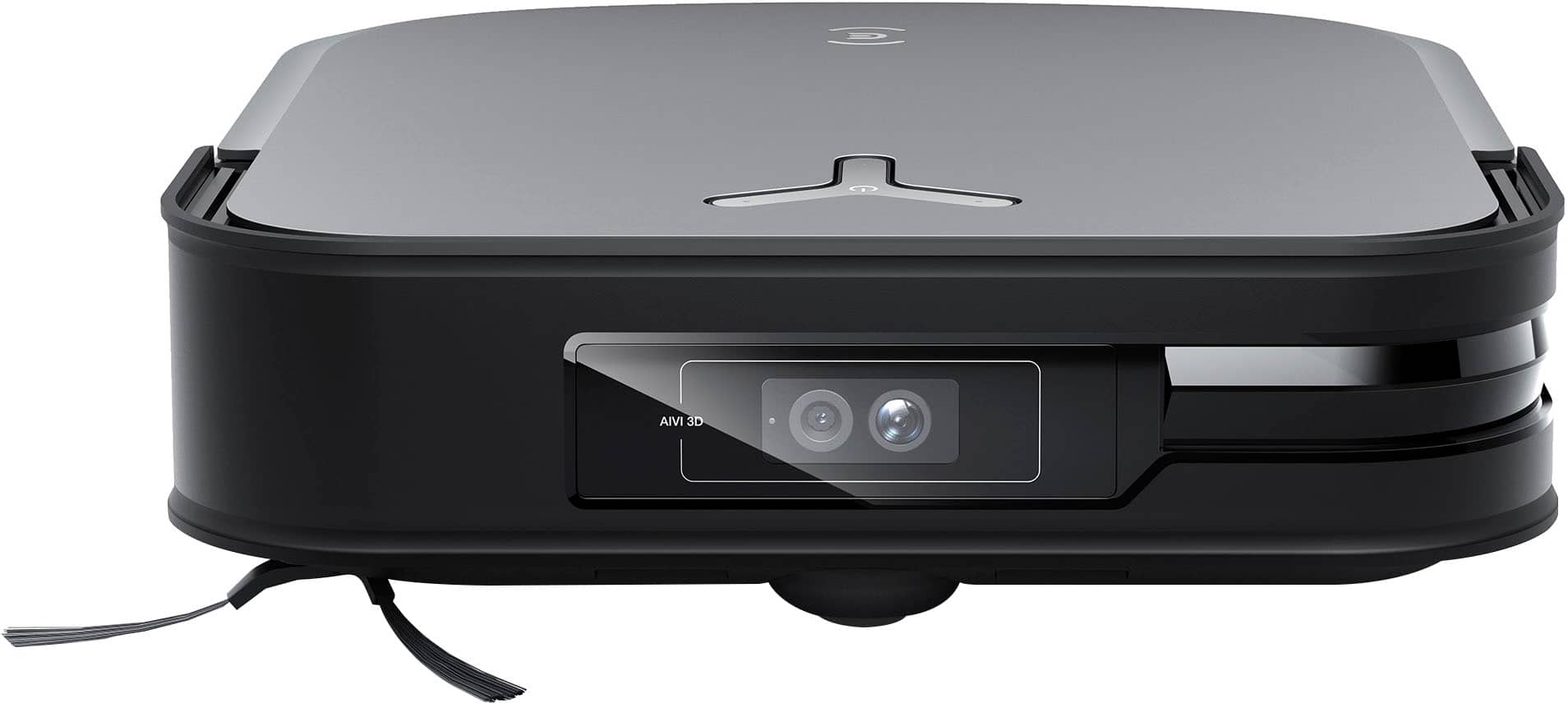
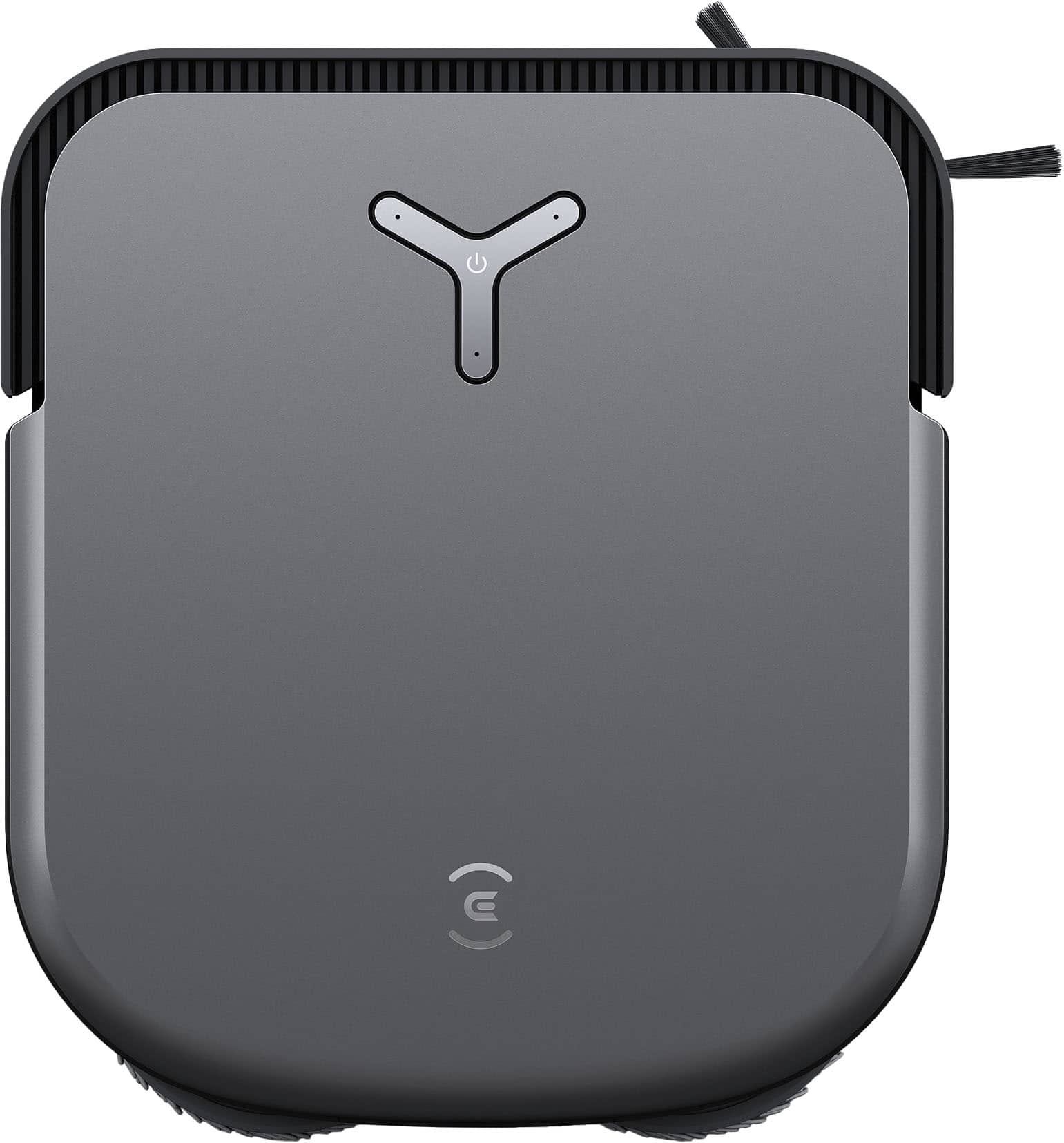
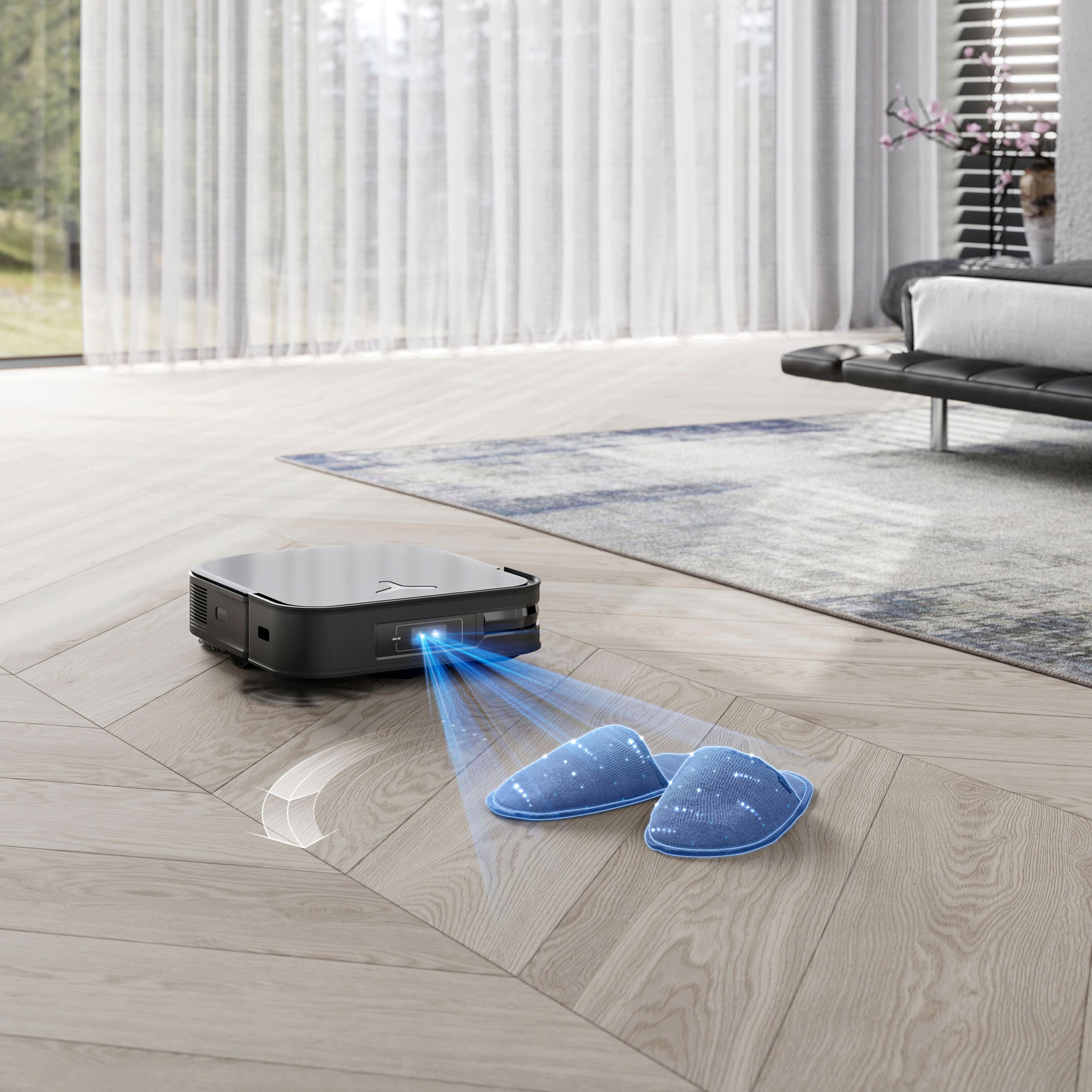
Customers often highlight the DEEBOT X2 OMNI's strong mopping and suction capabilities, ease of use, quiet operation, and self-cleaning functionality. However, some customers have expressed concerns about its navigation and mapping performance. Additionally, a few users have reported experiencing brush errors.
This summary was generated by AI based on customer reviews.
Smart robot
||Posted . Owned for 3 months when reviewed.This reviewer received promo considerations or sweepstakes entry for writing a review.Very smart just be ready for it to be updating all the time tho
I would recommend this to a friendRobot Vacuum
||Posted . Owned for 1 week when reviewed.This reviewer received promo considerations or sweepstakes entry for writing a review.Great Robot Vacuum and it even serves as a moving surveillance system.
I would recommend this to a friendBest one yet
||Posted . Owned for 1 week when reviewed.This reviewer received promo considerations or sweepstakes entry for writing a review.Works amazing. Well worth the money. Not bad to look at.
I would recommend this to a friendRobot vacum
||Posted . Owned for 1 month when reviewed.This reviewer received promo considerations or sweepstakes entry for writing a review.One of the best robot vacuum no regrets just too much
I would recommend this to a friendBrand response from Ecovacs Advisor
Posted .Hi,
Thank you for the good review and we are sure this feedback will greatly help us with the improvements on our products and services. Should you need any assistance please reach out to our Customer Service Support Center and we’ll be happy to help out with any questions you may have. Thanks again for choosing Ecovacs product.
Best,
Ecovacs Customer Care
- Pros mentioned:MoppingCons mentioned:Mapping, Navigation, Obstacle avoidance

Needs better software
|Posted .This reviewer received promo considerations or sweepstakes entry for writing a review.I've had a few robot vacuums, so I know how they should work, and I had very high expectations for this new omni X2, after reading the marketing info from the manufacturer; there are mixed reviews all over for this, so it might depend on if you get a good one or not The unit I have has not been what I had hoped for; the initial mapping was horrible, and it took 3 attempts at a map to get one that even resembled my house. The initial cleaning attempt was weak; the unit does a good job vacuuming and mopping, however its obstacle avoidance is not good; mine got caught in lots of power cords, and had to be released many times. Also, I dont understand how this thing determines the routes that it takes in your house; it starts to clean in a straight line, then it stops, spins around for a few minutes, then heads off somewhere else randomly. It will start to clean a room, then it will stop, make some random spins and circles, move into a different area, clean it for a little bit, then go somewhere else randomly; it never just goes into a room and finishes it and moves onto another one. I tried it just mopping and just vacuuming separately, which got it to stay in a room longer, but eventually, it would not finish that room completely, and just move into another area to clean or to just wander around aimlessly.. I've reset it twice, and, as I said, I have owned 3 other robot vacs and never had behavior like I see with this one. If you check all the reviews, you will see that many people are experiencing the same behaviors, so buyer beware
No, I would not recommend this to a friend - Pros mentioned:MoppingCons mentioned:Navigation
The Cost of Clean
|Posted .This reviewer received promo considerations or sweepstakes entry for writing a review.The DEEBOT X2 OMNI is ECOVACS flagship robot vacuum and mop that also comes with a flagship price. I have been thinking about a robot vacuum for several years now but have always been concerned about the amount of furniture and clutter it would have to maneuver around. Enter the DEEBOT X2 Omni Robot Vacuum & Mop. Setup was super easy once you get everything out of the box. A word of caution, there is a spare brush bar in the bottom of the box so make sure you check all the packing before you pitch it. Once unpacked, plugged in and paired with the app the robot ran around my house mapping it out. I was surprised how accurate the mapping was. With the setup complete, it's time to put this robot to work. Just say “OK YIKO vacuum the Living Room” and it's off! Oh, did I forget to mention the X2 Omni has its own voice control and it works great. The Omni knows the difference between bare floor and carpet and adjusts the suction accordingly. With LIDR and AIVI collision avoidance, the Omni made short work of vacuuming my house. When it finished it returned to the base to empty the onboard bin and charge up for the next task. The square shape of the Omni makes it seem larger than other robot vacuums and I thought it would make it a bit clumsier however, it is very nimble and didn't have any problems moving around and under furniture throughout my house. The suction power was able to handle all the dust and crumbs without issue. But wait, there's more - it mops too! The Omni base holds fresh water and collection tanks to handle mopping chores. The base not only heats the water the Omni uses to mop with but it washes and warm air dries the mop heads when it's finished. If you are mopping a larger surface, the Omni will return to the base to clean and refresh the mop heads too. When the Omni encounters carpet it raises the mop heads so it doesn't get wet. The 4 liter water capacity is enough for multiple mopping sessions. I did find it odd that there was no cleaning solution included with the unit however, the solution along with all the replacement supplies like dust bags, brushes and filters are available on the ECOVACS website. The app gives you full control of the Omni, including scheduling, adding virtual barriers to the map, updating room names on the map and how the base handles emptying the dust bin and cleaning/drying the mop heads. It also has a log of all activity and includes a diagram of the room/s cleaned showing the whole cleaning path and total amount of area cleaned. More info than I need but it's nice to have, especially if you are troubleshooting why it missed a spot. Another cool feature on the Omni is the video camera. Just like a security cam, you can use the Omni to patrol your home. You can set it to move around on it's own or you can control the motion from the app with the arrow direction buttons on the video page. I was surprised about how little lag there is from pressing a direction arrow until the unit responds and moves accordingly. You can also use this to make a voice call between your phone/app and the robot itself. The drive motors are powerful enough to tackle rugs and climb over thresholds and transition strips. I did find that it will move small area rugs depending on how it runs over them. On the down side, the user manual is very minimal, both printed with the unit as well as online. Other than a video, most everything is presented in the format of Frequently Asked Questions. Also, there is a second beater bar included in the box which is nice, however for the price, I would have expected replacement dust bags and even a sample of mopping solution. Overall I am really impressed with the X2 Omni and glad I finally have one. I won't retire my Dyson but this will be seeing a lot of use. Yes, I would recommend this to anyone looking for a quality robot vacuum, especially if you are able to find it on sale.
I would recommend this to a friend Don’t buy
||Posted . Owned for 3 weeks when reviewed.This reviewer received promo considerations or sweepstakes entry for writing a review.Horrible vacuum do not buy this vacuum we’ve gone thru so many trying to find a good one and ultimately going with a Dyson that doesn’t even have a emptying base however it will do what we need it to !which is clean without our assistance.
No, I would not recommend this to a friendBrand response from Ecovacs Support Team
Posted .Dear Customer,
We appreciate you taking the time to share your experience. We're sorry to hear that your experience with ECOVACS has been less than perfect. We strive to provide excellent service to all our customers. If you have any other feedback, please feel free to contact us directly at customerservice@ecovacs.com.
Best Regards,
ECOVACS Customer Care
- Pros mentioned:Mopping, Self cleaningCons mentioned:Navigation
DEEBOT X2 Review: Great Mop, OK Vacuum
|Posted .This reviewer received promo considerations or sweepstakes entry for writing a review.I've been on a quest to find the perfect robotic vacuum and mop for my home, and my latest experiment is with the DEEBOT X2 OMNI. Having tried several others in the past, I was eager to see how this one would fare. Right out of the box, setting up the DEEBOT was a breeze. The instructions were clear, and the Ecovacs Home app made the initial setup quite intuitive. The first task for my new robot buddy was mapping out the house. A word of advice – make sure your floors are clear of clutter before starting this process. It's a bit of a hiccup if you have to redo it, but luckily, like another reviewer said, the voice control feature came to the rescue when I needed a remap. Cleaning-wise, it's a bit of a mixed bag. The mopping function is impressive on my hardwood floors, leaving them spotless. However, the vacuuming part doesn't always catch the bigger bits of dirt and debris. It's a bit amusing, albeit frustrating, to watch it take some pretty erratic paths around the house, especially when it transitions from hardwood to rugs. Now, let's talk about its brains – the navigation system. It boasts a combination of LIDAR, AI, and a camera. However, it seems to get a bit baffled by everyday obstacles like cords and rug edges. I had hoped it would be a bit more intuitive, navigating around these without my help. There's also been a few times when it seemed to lose its way back to the base station, which can be a bit of a bother. One thing I absolutely adore is how it takes care of itself. It empties its own vacuum bag, cleans its mop pads, and refills water tanks, all on its own. Obviously, a human still needs to assist in filling and emptying the tanks on the actual base station, but the robot does a lot all by itself. This self-maintenance feature is a real time-saver and a glimpse into what future home robots might be like. About the noise – it's not too loud, but there's this high-pitched whine from the motor that you might notice if you're paying attention. The app's a bit of a learning curve, especially setting up those no-go zones, but you get the hang of it with a bit of tinkering. So, what's my take on the DEEBOT X2 OMNI? It's got potential, especially as a mopper. As a vacuum, though, it's more of a work in progress. It's great on my hardwood but stumbles a bit with carpets and complex navigation. I'm crossing my fingers for future software updates to boost its smarts. Until then, it's a helpful little gadget that's taking some of the cleaning load off my shoulders, and for that, I'm quite grateful.
I would recommend this to a friend Awful
||Posted . Owned for 1 month when reviewed.This reviewer received promo considerations or sweepstakes entry for writing a review.Went from an older roborock to this. DO NOT DO IT. It was great the first couple days, then it fell apart. Maps got messed up, main brush gets tangled on nothing, cant go around boxes. Awful
No, I would not recommend this to a friendBrand response from Ecovacs Support Team
Posted .Dear Customer,
We appreciate you taking the time to share your experience. We're sorry to hear that your experience with ECOVACS has been less than perfect. We strive to provide excellent service to all our customers. If you have any other feedback, please feel free to contact us directly at customerservice@ecovacs.com.
Best Regards,
ECOVACS Customer Care
Welcome to 2023's Biggest Disappointment
||Posted . Owned for 1 month when reviewed.This reviewer received promo considerations or sweepstakes entry for writing a review.I purchased the product with the expectation that it would do the basics and extravagances well; this product has thoroughly underperformed and has been an exceptional waste of money. Buy a robot vacuum from a different brand.
No, I would not recommend this to a friendBrand response from Ecovacs Support Team
Posted .Hi,
Regret to hear that the robot has been running into some trouble. The DEEBOT comes with a one year limited manufacturer’s warranty and if you could please contact our Customer Service Support Center and we’ll be happy to help get the robot back up and running the way it should be.
Best,
Ecovacs Customer Care
Please dont.
||Posted . Owned for less than 1 week when reviewed.This reviewer received promo considerations or sweepstakes entry for writing a review.Guys dont waste your time, please I learn the hardway. The robot just doesnt function very well.
No, I would not recommend this to a friendBrand response from Ecovacs Support Team
Posted .Hi,
Regret to hear that the robot has been running into some trouble. The DEEBOT comes with a one year limited manufacturer’s warranty and if you could please contact our Customer Service Support Center and we’ll be happy to help get the robot back up and running the way it should be.
Best,
Ecovacs Customer Care
- Pros mentioned:Mopping, Suction powerCons mentioned:Mapping, Navigation
Hardware Good, Software BAD
Posted .This reviewer received promo considerations or sweepstakes entry for writing a review.I've tried at least half a dozen robot vacuums in the past 5 years, trying to find one that actually sucks (but doesn't *suck*), and thought that the X2 was the answer to the problem of underperforming hardware and intelligence enough to actually drive said hardware efficiently. I was wrong. The actual robot and dock work fairly well. The suction power is adequate for a home with a husky and lab, and the mopping is thorough. It's not overly loud and the battery life is good. However, the software that controls the robot, from the mapping to the obstacle avoidance to even the pattern of cleaning is absolute garbage. The map software isn't accurate, and it is finicky at best when trying to cordon off areas and divide rooms. And if you have mirrored closet doors, forget about it. It will try and create an alternate dimension that the robot will be forever trapped in. The software, or possibly the onboard sensors, refuses to let an otherwise efficient robot mop or vacuum in a straight line. It loves to do small circles, meander throughout the room and misses large swaths of carpet and floor while doing so. It also enjoys attempting to climb desk legs and other furniture, but due to what I am sure was a sadistic programmer's cruel joke, the robot is deathly afraid of heights, so the second it leaves the ground it devolves into a blubbering mess, wailing and crying about being stuck and off the floor. Also, the side sweeping brush is oddly designed; it's too tall and the bristles permanently bend in about 7 minutes and then lose all efficiency, but that was my only gripe about the actual hardware. Everything other issue was software related. I don't trust EcoVacs to improve their software to make this robot usable, and neither should you. Go with a Dreame (the X30 Ultra I got instead is working out great), a Roborock or a Roomba (but only get the Roomba if you absolutely love solving error messages because that will be a daily thing for you).
No, I would not recommend this to a friendBrand response from Ecovacs Support Team
Posted .Dear Customer,
We appreciate you taking the time to share your experience. We're sorry to hear that your experience with ECOVACS has been less than perfect. We strive to provide excellent service to all our customers. If you have any other feedback, please feel free to contact us directly at customerservice@ecovacs.com.
Best Regards,
ECOVACS Customer Care
does not work
||Posted . Owned for 1 month when reviewed.This reviewer received promo considerations or sweepstakes entry for writing a review.it stops mopping after a few cycles, it thinks it’s mopping but no water comes out
No, I would not recommend this to a friendBrand response from Ecovacs Support Team
Posted .Dear Customer,
We appreciate you taking the time to share your experience. We're sorry to hear that your experience with ECOVACS has been less than perfect. We strive to provide excellent service to all our customers. If you have any other feedback, please feel free to contact us directly at customerservice@ecovacs.com.
Best Regards,
ECOVACS Customer Care
Todd K
||Posted . Owned for 1 month when reviewed.This reviewer received promo considerations or sweepstakes entry for writing a review.If you have pets don’t get it. Doesn’t do anything good. Will be returning.
No, I would not recommend this to a friendBrand response from Ecovacs Support Team
Posted .Hi,
Regret to hear that the robot has been running into some trouble. Please reach out to our Customer Service Support Center and we’ll be happy to help diagnose and troubleshoot the issue.
Best,
Ecovacs Customer Care
J
||Posted . Owned for 1 month when reviewed.This reviewer received promo considerations or sweepstakes entry for writing a review.No good at all it doesn’t clean as it says on it A
No, I would not recommend this to a friendBrand response from Ecovacs Support Team
Posted .Hi,
Regret to hear that the robot has been running into some trouble. The DEEBOT comes with a one year limited manufacturer’s warranty and if you could please contact our Customer Service Support Center and we’ll be happy to help get the robot back up and running the way it should be.
Best,
Ecovacs Customer Care
- Pros mentioned:MoppingCons mentioned:Mapping
Robot vacuums are still not perfect
|Posted .This reviewer received promo considerations or sweepstakes entry for writing a review.Years ago, I had a “robot vacuum” that was more trouble than it was worth. I had to buy additional pylons to create zones and barriers. Even at that, it was bad to get stuck under furniture and exhaust the batter trying to get itself loose. Its dirt container was small and needed frequent emptying. I used it for a year until I just got tired of dealing with it, so I gave it away. When I saw that this Ecovacs robot vacuum had visual mapping and programable virtual zones and barriers, plus bare floor mopping, I was intrigued enough to give it a try. I like that the base station empties the vacuum’s container and automatically cleans its mop head. I also thought that the on-board camera was a neat feature. Unboxing and setting up the vacuum was simple enough following the instructions. I downloaded the app and it was also easy enough to use. That’s about the best thing I can say about this robot vacuum. The first order of business was to send the robot to its base station, which was less than a foot away. It went all around the room, and finally stopped saying it couldn’t find the base station. I reset everything and tried again, and this time it worked. I left it on the charger overnight and set it to update the firmware. On thing to note is that the base station is quite large. Due to the open floor plan of my house, I don’t have a great place to put it where it’s not sitting out and visible. That’s not a problem with the vacuum, but something to consider. Ideally, I’d have a better place to put it, like in the laundry room. The next day, I used the app to tell the robot to map my house. On the first floor, where I have the vacuum located, there is a large open living room and kitchen combo, a laundry room, a powder room, a hallway leading to another room (office/hobby room) and a master bedroom with ensuite. The robot went around the living room and kitchen and mapped it fairly well. It also mapped the powder room and laundry room. So far so good! It totally missed the master bedroom and ensuite – it didn’t even register the alcove off the hallway at the room’s entrance. On its way down the hallway, it bunched up a rug and doormat. I had to pull those out of the way for it to make it down the hall. It lapped the office, but missed half of it. It has an L-shaped desk in one corner, a cabinet in the opposite corner, some bookshelves on the wall, and a large drafting table in the center. It seemed to be confused by this and did not map anything beyond the area in front of the desk. It returned to the base station with only 2/3 of the floor mapped. I reinitiated mapping, and this time it found the master bedroom and ensuite and the rest of the office. So with the whole floor mapped, I had it start a cleaning cycle. That was a disaster! It continued to bunch of the runner in the hallway and the mat at the front door. Then it got stuck on a bathmat in the ensuite. Finally, it got stuck and confused under the chairs and table in the kitchen. At one point, it stopped and announced that it needed to be put back on the floor – it was securely on a flat floor. I did play with the camera feature, which is fun, but not terribly useful. It did a reasonable job vacuuming the floor, but it seems to have a problem with any deep pile carpet and on hardwood floors, it doesn’t collect all the dust and small particles. Of course any large pieces, like a leaf, won’t get sucked up either. I played with the map to customize it with virtual boundaries, trying to keep it off the bath mats, which did work, but it still can’t make it past the hallways runner, so my option is to either remove that rug when it’s going to vacuum, or not vacuum that area, which means bypassing the office. I am also concerned by its confusion of being under the kitchen table. I could block that off, but it’s an area the definitely needs vacuuming. Overall, I like the idea of this robot vacuum and it’s definitely better than the one I had years ago. Still, it does not handle rugs well. If the rug is too thin, it bunches it up. If it’s too thick, it has a hard time “climbing” onto it and then gets bogged down on it. I may still try to work with the map edit tools to tweak it, but I suspect I may not be keeping this vacuum. I just had higher expectations given the price.
Brand response from Ecovacs Support Team
Posted .Hi,
Regret to hear that the robot has been running into some trouble. Please reach out to our Customer Service Support Center and we’ll be happy to help diagnose and troubleshoot the issue.
Best,
Ecovacs Customer Care
- Pros mentioned:Mopping, Suction powerCons mentioned:Battery life
Excellent product
Posted .This reviewer received promo considerations or sweepstakes entry for writing a review.I was skeptical at first but now I'm a believer! I am coming from a Roomba which did vacuum only. This added bonus of the unit mopping floors is awesome. My wife who is responsible for cleaning the floors did a foot test and she rated it not bad. Let's get real, it doesn't take the job of a deep clean every once in a while but it seriously does it's job of floor maintenance and steady floor cleaning. As stupid as it sounds, I get excited when I have to empty the waste water bucket and see the hordes of dark dirty water. The only thing I wish is the battery could last longer. But since it is all automated, it just goes back to it's home, charges some more and then continues on where it left off. Speaking of the carpet part, my Roomba was a noise maker and barely did any sucking. Did some research and this thing sucks about 4-5 times of the Roomba. Looking forward to see this thing in action when we get a new dog next month. Overall it is quite expensive but worth it to have clean floors and carpeting without even blinking an eye. No vacuum/mop is perfect but this one definitely does the job. Other reviewers are expecting the 2nd coming of Jesus and it is not but it seriously does the job.
I would recommend this to a friend - Pros mentioned:Mopping, Suction power
The best thing since sliced bread
|Posted .This reviewer received promo considerations or sweepstakes entry for writing a review.The Deebot X2 Omni is a whole other level of robotic cleaning that makes our busy lives just a little bit easier. When it came in, I was actually shocked at how large the box was. Since I got this online, I hadn’t seen one in person, so I wasn’t sure what to expect. Once unpacked, this is still a fairly large unit, so plan accordingly for an out of the way location to set up the base station. It’s not unsightly, just bulky and not something you want to look at every day. I had some initial issues getting the robot connected to my network. It kept timing out or act like it was connected, only to immediately disconnect and make me start over. I got on a chat with the manufacturer which wasn’t much help because anything they suggested for me to do required me to use the app which is where the chat was going on. Obviously, navigating away from the chat to do something ended the conversation. So I was basically on my own. I went over the pairing and connection instructions multiple times and followed them precisely. No dice. At my wife’s suggestion, I manually turned off the robot, unplugged the base station and walked away for about 10 minutes. When I came back to try again, it was miraculously connected and I was good to go. Maybe it was a glitch or maybe it was magic. Either way, it worked. The initial mapping run took about 10-15 minutes and was pretty accurate thanks to the laser system and AI object detection. A few clicks to add “no-go” zones and this little thing took off to do its job. (I even went back later and added new zones around Christmas trees and it was a piece of cake to do!) On the level of my home where the Deebot lives, our floors are wood, tile, and area rugs. As it moves to different surfaces, the suction power automatically adjusts for the best possible clean. I was a little skeptical at first, but the mopping pads lift up immediately upon it sensing a carpeted area, and drop right back down once its back on to a hard surface. It’s actually kind of satisfying to watch in a weird sort of way. I have it set up to vacuum and mop in the same pass, but the customizations are there to vacuum first and then go back and mop, or do either one without the other. Changing things up is super simple in the app with just a few taps. I also have a dog and one of the cool features this machine has is the ability to turn on what they call Strategic Pet Poop Avoidance” (it’s hidden deep in the menus under Lab Features). It’s not a common occurrence for him to have an accident, but on the off chance he does, and the vacuum takes off on a scheduled run, it’s just a little peace of mind to know the robot won’t run over a mess and just spread it all over the place. The clean and dirty water tanks in the base station are easy to remove to empty or refill and hold enough for many cleaning runs. The app will even alert you when it’s time for maintenance so you don’t ever have to wonder if there’s enough cleaning solution or whatever. I have had several robotic vacuums in the past and this one outdoes them all, not just in cleaning power, but in overall coverage and making sense in how it traverses the house. Others tend to miss spots or wander aimlessly for hours. This Deebot just gets to it and gets the job done (it still takes a while, but it’s doing a lot while it’s working). The floors end up looking almost as clean as if I had vacuumed and mopped them myself, but I don’t have to lift a finger. I highly recommend the X2 Omni!
I would recommend this to a friend - Pros mentioned:Mopping
Great Robot Vacuum, surprisingly smart
|Posted .This reviewer received promo considerations or sweepstakes entry for writing a review.The last robot vacuum I owned was about 20 years old, they have definitely come a long way since then. Out of the box, initial setup is easy using the app. After the vacuum found the base station, I let it charge fully before doing anything else. Once charged, I initiated mapping which was relatively quick for my ~2000 sq ft main floor (about 15 minutes or so). After mapping, I edited the map in the app dividing some rooms and renaming others. One limitation I encountered was that I was not able to divide my kitchen and dining area into 2 rooms (it is an open concept layout) no matter what I tried. Also, custom room names do not seem to be available either. After this, I selected the kitchen/dining area in the app and directed the robot to mop and vacuum the room. The kitchen was especially dirty as we had been baking for most of the previous day so it was a good performance test. Suction and water flow were a default values (standard and medium). Even though this is a square robot design, the side brush still does the heavy lifting in terms of cleaning the corners and edges of a room sweeping dirt away from the edges allowing the robot to suck it up. However, some of the crumbs/dirt end up being swept into an area that has already been covered so they are not sucked up. Fortunately, this is the case for only a very small amount of the dirt and the side brush is overall very effective at cleaning edges and corners. The few remaining crumbs were picked up by running the vacuum one more time over the room with no mopping. Since the kitchen floor was much dirtier than it normally would be, having to do this extra pass to pick up the last few crumbs was not completely unexpected. Mopping is also very good, there was one spot on the kitchen floor where something very sticky had fallen and this was the only spot that the mop was not able to clean effectively. But, to be fair, cleaning this spot manually did take some elbow grease and finger nail scrubbing, so I wouldn't expect any robot floor cleaner to get this in 1 pass. When running, the robot seems to always do the perimeter or the area being cleaned first. So it seems if you are home while it is running, it seems more practical to clean a room/rooms that you don't plan on being in for the cleaning period and leave full cleaning to when you are away. The robot seems to avoid narrow and thicker cables well and cleans under our couches even though it has minimal clearance. When cleaning around tables and chairs it does a good job of getting everywhere that it can (between chair and table legs) so moving everything to clear the floor isn't always necessary for routine upkeep. Onto the station. The convenience of having the station not only charge the robot but also: -Clean and dry the mop pads -Wet the mop pads with hot water before mopping -Empty the dust bin into a vacuum bag Can not be overstated. According to the app, the robot itself only needs some simple maintenance every 30 hours of run time - which may be months in terms of cleaning time. Overall, very happy with this, it will be our primary floor cleaner going forward!
Brand response from Ecovacs Support Team
Posted .Hi,
Thank you for the good review and we are sure this feedback will greatly help us with the improvements on our products and services. Should you need any assistance please reach out to our Customer Service Support Center and we’ll be happy to help out with any questions you may have. Thanks again for choosing Ecovacs product.
Best,
Ecovacs Customer Care
- Pros mentioned:Mopping, Suction power
Deebot X2 Omni
Posted .This reviewer received promo considerations or sweepstakes entry for writing a review.The Deebot X2 Omni is a remarkable robotic vacuum that offers exceptional cleaning performance and convenience. Its advanced navigation technology ensures efficient coverage of your home, leaving floors free from dirt and debris. With versatile cleaning modes and powerful suction, it tackles various surfaces with ease. The intelligent obstacle detection and avoidance system make it adept at navigating around furniture and other obstacles. The user-friendly app allows for easy scheduling and control, adding to the overall convenience. The Deebot X2 Omni is a smart investment for those seeking a reliable and efficient solution for automated home cleaning.
I would recommend this to a friend