Customer Ratings & Reviews






- Model:
- M110211
- |
- SKU:
- 6433418
Customer reviews
Rating 4.6 out of 5 stars with 4753 reviews
(4,753 customer reviews)Rating by feature
- Setup4.7
Rating 4.7 out of 5 stars
- Range4.7
Rating 4.7 out of 5 stars
- Signal Strength4.6
Rating 4.6 out of 5 stars
Customers are saying
Customers are delighted by the increased Wi-Fi range and ease of use of the 6 AX1800 Dual-Band Mesh Wi-Fi 6 System. Many customers also appreciate the consistent internet speed and good coverage throughout their homes, along with the strong signal strength. However, some customers have reported issues with buffering and compatibility with certain devices.
This summary was generated by AI based on customer reviews.
- Pros mentioned:Ease of use
Rated 5 out of 5 stars
Great for novice users.
||Posted . Owned for 3 weeks when reviewed.This reviewer received promo considerations or sweepstakes entry for writing a review.It was a breeze to install and I have consistent WiFi throughout my 2800 sq ft house. From the basement to the upstairs. App is very user friendly. I recommended this to a coworker and he feels the same after he bought his. Have had no issues at all.
This review is from eero - 6 Dual-band Mesh Wi-Fi 6 System (3-pack) - White
I would recommend this to a friend Rated 5 out of 5 stars
eero6 system works very well.
||Posted . Owned for 3 weeks when reviewed.This reviewer received promo considerations or sweepstakes entry for writing a review.This system solved my problem with weak Wi-Fi signal, seldom dropped signal since installed plus signal in much stronger now... Worked great for me.
This review is from eero - 6 Dual-band Mesh Wi-Fi 6 System (3-pack) - White
I would recommend this to a friendRated 5 out of 5 stars
my router Eero!!!!!
||Posted . Owned for 1 month when reviewed.This reviewer received promo considerations or sweepstakes entry for writing a review.oh my new router, this is the most eficient ,i recommend it , hit app in your phone and many option in the app, very good,
This review is from eero - 6 Dual-band Mesh Wi-Fi 6 System (3-pack) - White
I would recommend this to a friendRated 4 out of 5 stars
It just works
||Posted . Owned for 6 months when reviewed.This reviewer received promo considerations or sweepstakes entry for writing a review.It just works. Would like more customization in the app or via a browser. Needs cell data. Most people have that now but what if you rely on WiFi calling?? Some people do live in fringe areas. Solution to this is my scenario was setting it up at a friends house then moving the unit to mine.
This review is from eero - 6 Dual-band Mesh Wi-Fi 6 System (3-pack) - White
I would recommend this to a friend- Pros mentioned:Ease of use
Rated 4 out of 5 stars
Ease of use system
||Posted . Owned for 1 year when reviewed.This reviewer received promo considerations or sweepstakes entry for writing a review.Its very simple interface makes it easy to set up. Running the app on your phone instead of a computer for diagnostic checks is a nice touch. Wifi can get lost sometimes but all you need to do into your setting and reset the system and your back online 80 % of the time.
This review is from eero - 6 Dual-band Mesh Wi-Fi 6 System (3-pack) - White
I would recommend this to a friend Rated 5 out of 5 stars
Treat yourself! Worth every penny!
||Posted . Owned for 2 months when reviewed.This reviewer received promo considerations or sweepstakes entry for writing a review.Don’t think about it, just get it! Wi-Fi in some parts of my house sucked! I researched this product and figured I might as well try it. BAM! Instant access throughout my house even in my driveway!
This review is from eero - 6 Dual-band Mesh Wi-Fi 6 System (3-pack) - White
I would recommend this to a friend- Pros mentioned:Ease of use
Rated 5 out of 5 stars
Whole house coverage; great price.
||Posted . Owned for 1 month when reviewed.This reviewer received promo considerations or sweepstakes entry for writing a review.Just what I was looking for. Whole house coverage including upstairs, out in the garage and on both front and back porches! Easy set-up. Will accommodate over 100 devices and handles my 36 very well.
This review is from eero - 6 Dual-band Mesh Wi-Fi 6 System (3-pack) - White
I would recommend this to a friend Rated 5 out of 5 stars
Easy set-up
||Posted . Owned for 1 month when reviewed.This reviewer received promo considerations or sweepstakes entry for writing a review.After going through 3 Frontier routers (2 of which were received this year), we opted to purchase a better quality router. We are extremely pleased with this product. Easy set-up and 100% reliable.
This review is from eero - 6 Dual-band Mesh Wi-Fi 6 System (3-pack) - White
I would recommend this to a friend- Pros mentioned:Ease of use
Rated 5 out of 5 stars
Fantastic Wireless Reception Extension
||Posted . Owned for 5 months when reviewed.This reviewer received promo considerations or sweepstakes entry for writing a review.Amazing product. Easy to understand instructions and user friendly for set up. Once you set it up, it does exactly what it is designed to do and has great reception.
This review is from eero - 6 Dual-band Mesh Wi-Fi 6 System (3-pack) - White
I would recommend this to a friend Rated 5 out of 5 stars
As advertised. Great
||Posted . Owned for 5 months when reviewed.This reviewer received promo considerations or sweepstakes entry for writing a review.These really helped my wifi issues in my home. Ive been able to extend my connection outside of for outdoor events, and recommended to a friend who was able to extend his connection to his detached garage.
This review is from eero - 6 Dual-band Mesh Wi-Fi 6 System (3-pack) - White
I would recommend this to a friendRated 5 out of 5 stars
BEST VALUE MESH
||Posted . Owned for 2 weeks when reviewed.This reviewer received promo considerations or sweepstakes entry for writing a review.I WISH I KNEW ABOUT THESE SOONER! Routers are now a blast from the past! This helped extend and utilize our high speed Wi-Fi in a 5,000 square feet household!
This review is from eero - 6 Dual-band Mesh Wi-Fi 6 System (3-pack) - White
I would recommend this to a friend- Pros mentioned:Ease of use
Rated 5 out of 5 stars
Great product
||Posted . Owned for 1 month when reviewed.This reviewer received promo considerations or sweepstakes entry for writing a review.I'm very pleased with the quality of this product. It does everything that it was advertised to do. It's very easy to set and has worked flawlessly. Great value for price.
This review is from eero - 6 Dual-band Mesh Wi-Fi 6 System (3-pack) - White
I would recommend this to a friend Rated 5 out of 5 stars
10 STARS
||Posted . Owned for 3 weeks when reviewed.This reviewer received promo considerations or sweepstakes entry for writing a review.Love this product. Have no problems connecting to wifi any longer and extremely fast while streaming. Able to sit outside on my patio with no connection problems. Would definately recommend.
This review is from eero - 6 Dual-band Mesh Wi-Fi 6 System (3-pack) - White
I would recommend this to a friendRated 5 out of 5 stars
Good speeds
||Posted . Owned for 3 weeks when reviewed.This reviewer received promo considerations or sweepstakes entry for writing a review.Best thing about this that I didnt realize at first it one is the main router & the other is the extender. Have the extender in my room and the main in the middle of the house and I get over 300mbps on wifi. Could be 500-600mbps hard lined but unfortunately for me service dont reach my cable outlet in my room so I have to make do with what I can. Just wish they had a black or grey version because white gets dirty so fast, even the rubber piece on the bottom is a light color.
I would recommend this to a friendRated 5 out of 5 stars
Highly Recommended
||Posted . Owned for 1 month when reviewed.This reviewer received promo considerations or sweepstakes entry for writing a review.Awesome product, easy to setup, it has worked flawlessly right from the beginning. Great relief to what I had before, no buffering or loss of signal! I would purchase it again!
This review is from eero - 6 Dual-band Mesh Wi-Fi 6 System (3-pack) - White
I would recommend this to a friendRated 5 out of 5 stars
Impressed!
||Posted . Owned for 1 month when reviewed.This reviewer received promo considerations or sweepstakes entry for writing a review.Coming from an AirPort Extreme I was impressed with this router. It give much better performance and range compared to the AirPort. I just wish it had more ethernet ports (it only comes with 2 for the base station).
This review is from eero - 6 Dual-band Mesh Wi-Fi 6 System (3-pack) - White
I would recommend this to a friend- Pros mentioned:Ease of use
Rated 5 out of 5 stars
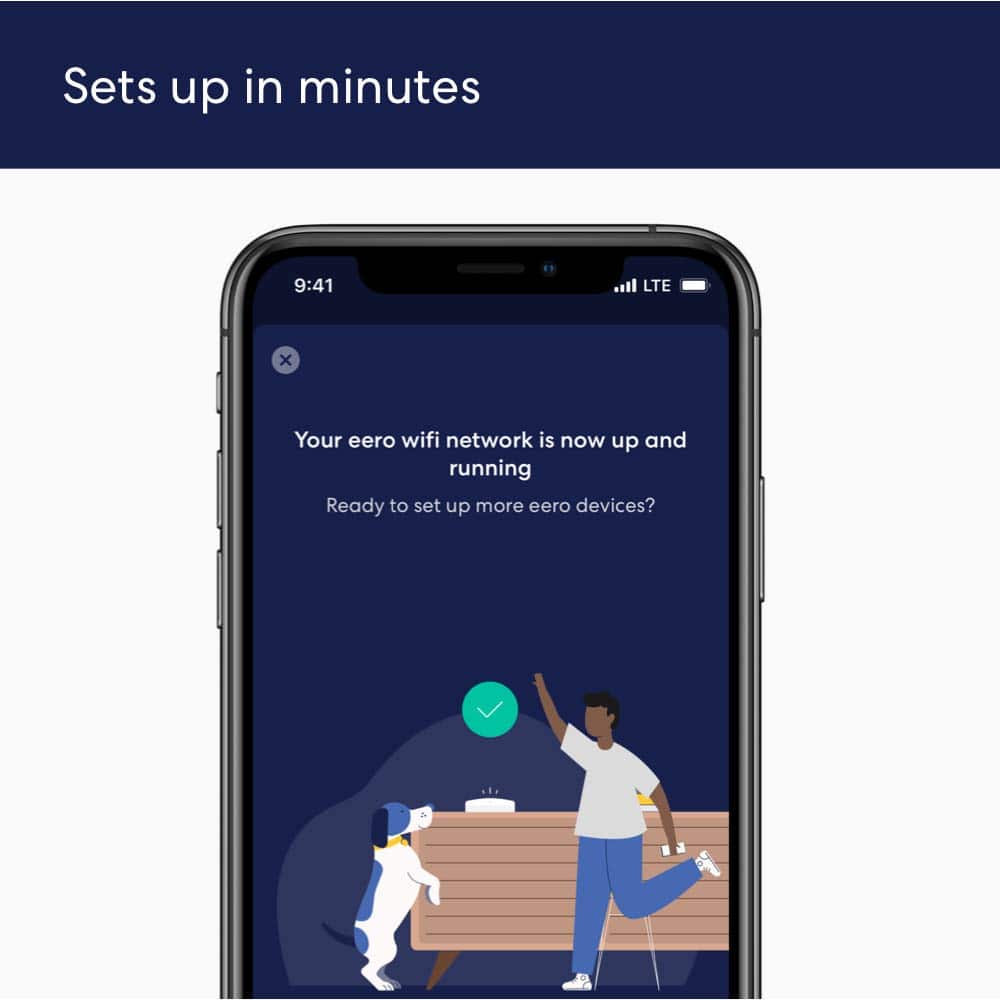
Setup in minutes
||Posted . Owned for 1 month when reviewed.This reviewer received promo considerations or sweepstakes entry for writing a review.A BIG improvement over my previous wifi 5 mesh internet system from LinkSys. This was so much easier to use and integrate with existing Amazon products.
This review is from eero - 6 Dual-band Mesh Wi-Fi 6 System (3-pack) - White
I would recommend this to a friend Rated 5 out of 5 stars
EERO
||Posted . Owned for 1 month when reviewed.This reviewer received promo considerations or sweepstakes entry for writing a review.I could not be happier. These did a amazing job of making my wifi accessible to all devices in my home.
This review is from eero - 6 Dual-band Mesh Wi-Fi 6 System (3-pack) - White
I would recommend this to a friend- Pros mentioned:Ease of use
Rated 5 out of 5 stars
Great
||Posted . Owned for 2 months when reviewed.This reviewer received promo considerations or sweepstakes entry for writing a review.I like the setup on how easy it is and the app is a nice feature
This review is from eero - 6 Dual-band Mesh Wi-Fi 6 System (3-pack) - White
I would recommend this to a friend - Pros mentioned:Ease of use
Rated 5 out of 5 stars
Works great!
||Posted . Owned for 1 month when reviewed.This reviewer received promo considerations or sweepstakes entry for writing a review.Had to buy a new WiFi router and decided on this one because it has WiFi 6 and I wanted to “ future proof” my setup. Haven’t had any issues. Super easy to setup using the app. Lots of security features as well. Definitely a good buy.
This review is from eero - 6 Dual-band Mesh Wi-Fi 6 System (3-pack) - White
I would recommend this to a friend