Customer Ratings & Reviews






- Model:
- M110211
- |
- SKU:
- 6433418
Customer reviews
Rating 4.6 out of 5 stars with 4753 reviews
(4,753 customer reviews)Rating by feature
- Setup4.7
Rating 4.7 out of 5 stars
- Range4.7
Rating 4.7 out of 5 stars
- Signal Strength4.6
Rating 4.6 out of 5 stars
Customers are saying
Customers are delighted by the increased Wi-Fi range and ease of use of the 6 AX1800 Dual-Band Mesh Wi-Fi 6 System. Many customers also appreciate the consistent internet speed and good coverage throughout their homes, along with the strong signal strength. However, some customers have reported issues with buffering and compatibility with certain devices.
This summary was generated by AI based on customer reviews.
Rated 5 out of 5 stars
Good product
||Posted . Owned for 3 weeks when reviewed.This reviewer received promo considerations or sweepstakes entry for writing a review.I have an internet signal in all my home, so I solved this problem with this item
This review is from eero - 6 Dual-band Mesh Wi-Fi 6 System (3-pack) - White
I would recommend this to a friend- Pros mentioned:Ease of use
Rated 5 out of 5 stars
eero - 6 AX1800 Duel-Band Wi-Fi 6
||Posted . Owned for 3 weeks when reviewed.This reviewer received promo considerations or sweepstakes entry for writing a review.easy to use right out of the box, it is quite simple, the instructions are clear.
This review is from eero - 6 Dual-band Mesh Wi-Fi 6 System (3-pack) - White
I would recommend this to a friend Rated 5 out of 5 stars
Great product and great coverage!
||Posted . Owned for 1 month when reviewed.This reviewer received promo considerations or sweepstakes entry for writing a review.This is a great product with continuous cover in all corners of our 2600 SF house. I used to lose wifi connectivity in our basement and it used to be really slow in the upstairs level, but this has solved the problem!
This review is from eero - 6 Dual-band Mesh Wi-Fi 6 System (3-pack) - White
I would recommend this to a friendRated 5 out of 5 stars
Great Purchase
||Posted . Owned for 4 months when reviewed.This reviewer received promo considerations or sweepstakes entry for writing a review.We were having trouble with our TV buffing and freezing. Best Buy staff recommended Eero & it is the best! No more problems watching our favorite shows
This review is from eero - 6 Dual-band Mesh Wi-Fi 6 System (3-pack) - White
I would recommend this to a friend- Pros mentioned:Speed
Rated 5 out of 5 stars
Great Product
||Posted . Owned for 1 month when reviewed.This reviewer received promo considerations or sweepstakes entry for writing a review.Works great have television outside and a detached Casita and the internet speed is fast and consistent. We use YouTube TV and it's all streaming and have zero issues with spinning
This review is from eero - 6 Dual-band Mesh Wi-Fi 6 System (3-pack) - White
I would recommend this to a friend Rated 5 out of 5 stars
Easy setup and good reception
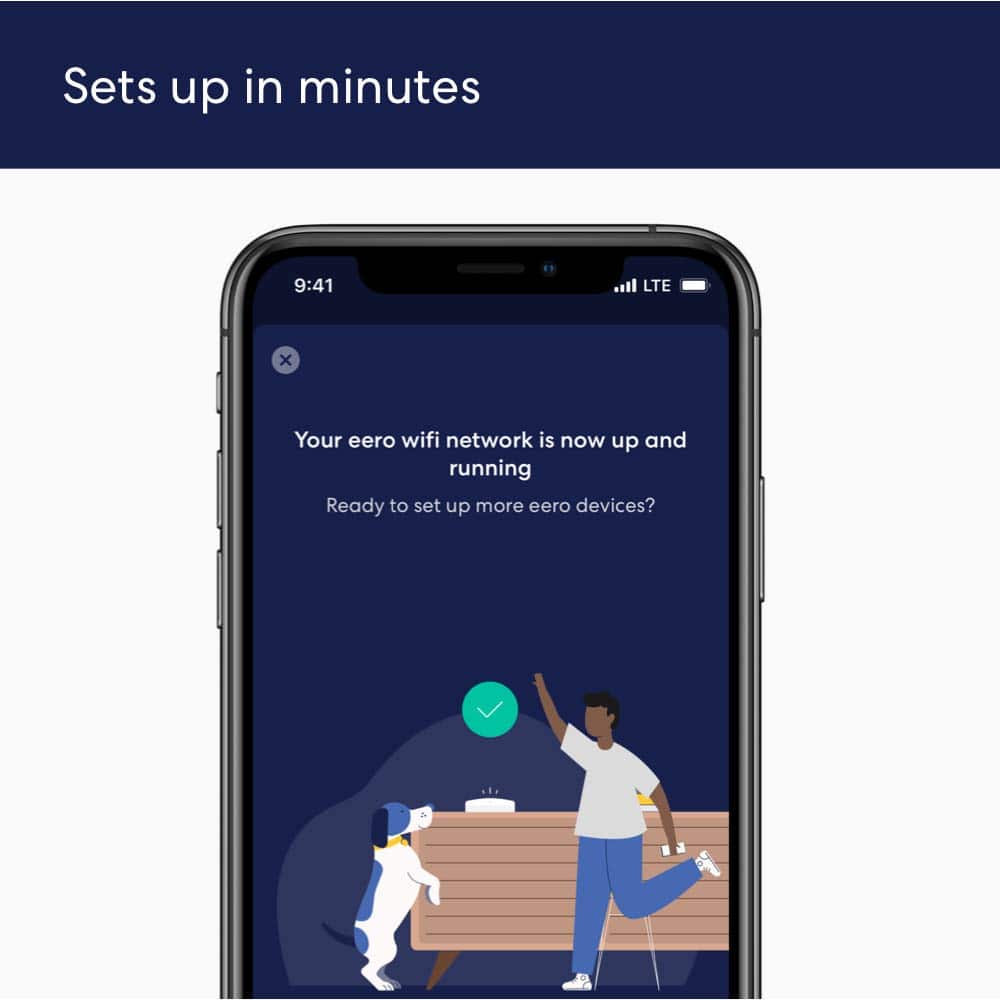
||Posted . Owned for 1 week when reviewed.This reviewer received promo considerations or sweepstakes entry for writing a review.I haven't used this very long but so far the reception has been excellent. Be sure and download the app before starting setup. If you follow directions carefully setup is very simple. I was suprised but it actually did take less than 10 minutes.
This review is from eero - 6 Dual-band Mesh Wi-Fi 6 System (3-pack) - White
I would recommend this to a friend- Pros mentioned:Speed
Rated 5 out of 5 stars
Love my WiFi booster
||Posted . Owned for 1.5 years when reviewed.This reviewer received promo considerations or sweepstakes entry for writing a review.This has boosted our internet. Everyone can be watching TV and in lap tops with no buffing issues.
This review is from eero - 6 Dual-band Mesh Wi-Fi 6 System (3-pack) - White
I would recommend this to a friend - Pros mentioned:Ease of use
Rated 5 out of 5 stars
Eero 6 review
||Posted . Owned for 1 month when reviewed.This reviewer received promo considerations or sweepstakes entry for writing a review.Great Mesh system with good coverage. No more dead spots in the entire property. Perfect for providing Wi-Fi coverage. Very easy to set up.
This review is from eero - 6 Dual-band Mesh Wi-Fi 6 System (3-pack) - White
I would recommend this to a friend Rated 5 out of 5 stars
Wi-Fi Booster !!
||Posted . Owned for 3 weeks when reviewed.This reviewer received promo considerations or sweepstakes entry for writing a review.Great product! Boosted my internet connection throughout my two story home. I needed to replace an old router that provided limited security and modest data capacity. This product was recommended by my internet provider and has proved to be an excellent choice. The downloaded app made installation about as easy as anyone might wish, and the improvement in signal capacity is quite impressive. The cost was very reasonable. I do believe I made a wise choice and would certainly suggest that you consider this product.
This review is from eero - 6 Dual-band Mesh Wi-Fi 6 System (3-pack) - White
I would recommend this to a friendRated 5 out of 5 stars
Problem Solved
||Posted . Owned for 3 weeks when reviewed.This reviewer received promo considerations or sweepstakes entry for writing a review.Problem solved! We needed a way to conduct zoom sessions in a cottage that was separate from the house. This mesh worked like a charm. Very pleased.
This review is from eero - 6 Dual-band Mesh Wi-Fi 6 System (3-pack) - White
I would recommend this to a friendRated 5 out of 5 stars
Best Wi-Fi router I’ve ever owned.
||Posted . Owned for 3 weeks when reviewed.This reviewer received promo considerations or sweepstakes entry for writing a review.This is by far the best Wi-Fi router I’ve ever had. Seamless connection throughout my entire home. When streaming movies, there’s no more of that aggravating buffering which makes it more than worth buying for me.
This review is from eero - 6 Dual-band Mesh Wi-Fi 6 System (3-pack) - White
I would recommend this to a friendRated 4 out of 5 stars
Good for moderate speeds
||Posted . Owned for 3 weeks when reviewed.This reviewer received promo considerations or sweepstakes entry for writing a review.Super simple plug and play setup. Units seem to communicate well with each other, and connection is immediate when you wake up any device. I ended up exchanging them for something more powerful because they only handle up to 500 Mbps and I have 1 Gig service; if they’d increase the power I would stick with them.
This review is from eero - 6 Dual-band Mesh Wi-Fi 6 System (3-pack) - White
I would recommend this to a friendRated 5 out of 5 stars
Honest review
||Posted . Owned for 3 weeks when reviewed.This reviewer received promo considerations or sweepstakes entry for writing a review.Work great did exactly what they're supposed to do got internet in the shop now
This review is from eero - 6 Dual-band Mesh Wi-Fi 6 System (3-pack) - White
I would recommend this to a friendRated 3 out of 5 stars
So far, works ok!
||Posted . Owned for 9 months when reviewed.This reviewer received promo considerations or sweepstakes entry for writing a review.We've had this system for almost a year now and have had no issues with it. It's nice to not have any WiFi problems with the extenders. Have never had a mesh system before, so I can't compare it to others. I'm liking it almost better than having one main router. Once they set it up for me, other than having to restart it a few times, I can see thru the app who's online(most of the time) at times, my tablet is online, the app shows it's offline. So they still need to work out the tweaks of their app.
This review is from eero - 6 Dual-band Mesh Wi-Fi 6 System (3-pack) - White
I would recommend this to a friend- Pros mentioned:Ease of use
Rated 5 out of 5 stars
Very happy
||Posted . Owned for 1 month when reviewed.This reviewer received promo considerations or sweepstakes entry for writing a review.The eero 6 is an excellent solution to home Wi-Fi problems. Easy to setup, the support team is excellent, and cost effective. I highly recommend the eero 6 to anyone who has spotty Wi-Fi in their home.
This review is from eero - 6 Dual-band Mesh Wi-Fi 6 System (3-pack) - White
I would recommend this to a friend - Pros mentioned:Ease of use
Rated 5 out of 5 stars
eero product is great!
||Posted . Owned for 1 month when reviewed.This reviewer received promo considerations or sweepstakes entry for writing a review.we were guided to this eero system by a Best Buy representative for Amazon. He was so helpful and informative. I would recommend this to all. It is easy to set up and we have had no issues with it..
This review is from eero - 6 Dual-band Mesh Wi-Fi 6 System (3-pack) - White
I would recommend this to a friend Rated 5 out of 5 stars
Best system
||Posted . Owned for 3 weeks when reviewed.This reviewer received promo considerations or sweepstakes entry for writing a review.This product helped extend my WiFi signal around the house. 10/10
This review is from eero - 6 Dual-band Mesh Wi-Fi 6 System (3-pack) - White
I would recommend this to a friendRated 5 out of 5 stars
Great system
||Posted . Owned for 1 month when reviewed.This reviewer received promo considerations or sweepstakes entry for writing a review.Love my new eero system. I have absolutely no dead spots now in the house. House 2300 square feet and would lose contact when in kitchen. No problem now, i even have connection in driveway.
This review is from eero - 6 Dual-band Mesh Wi-Fi 6 System (3-pack) - White
I would recommend this to a friend- Pros mentioned:Signal strength
Rated 5 out of 5 stars
Eero mesh system
||Posted . Owned for 2 months when reviewed.This reviewer received promo considerations or sweepstakes entry for writing a review.A must have if you live in a house with multiple floors. I bought mine because of poor service in the basement and laggy internet. Seems to work perfectly and now i don’t have issues with lagging or poor service.
This review is from eero - 6 Dual-band Mesh Wi-Fi 6 System (3-pack) - White
I would recommend this to a friend - Pros mentioned:Ease of use
Rated 5 out of 5 stars
Great system
||Posted . Owned for 2 months when reviewed.This reviewer received promo considerations or sweepstakes entry for writing a review.Great product and easy to setup. I did a ton of research on which mesh system to go with and this one checked all the boxes for me. It was easy to setup and took Max 20 minutes. The app is a great feature to manage the whole system.
This review is from eero - 6 Dual-band Mesh Wi-Fi 6 System (3-pack) - White
I would recommend this to a friend