Customer Ratings & Reviews


- Model:
- M110311
- SKU:
- 11396780
Rating by feature
- Setup
Rating 4.7 out of 5 stars
- Range
Rating 4.7 out of 5 stars
- Signal Strength
Rating 4.6 out of 5 stars
to a friend

Easy to set up and no issues during use
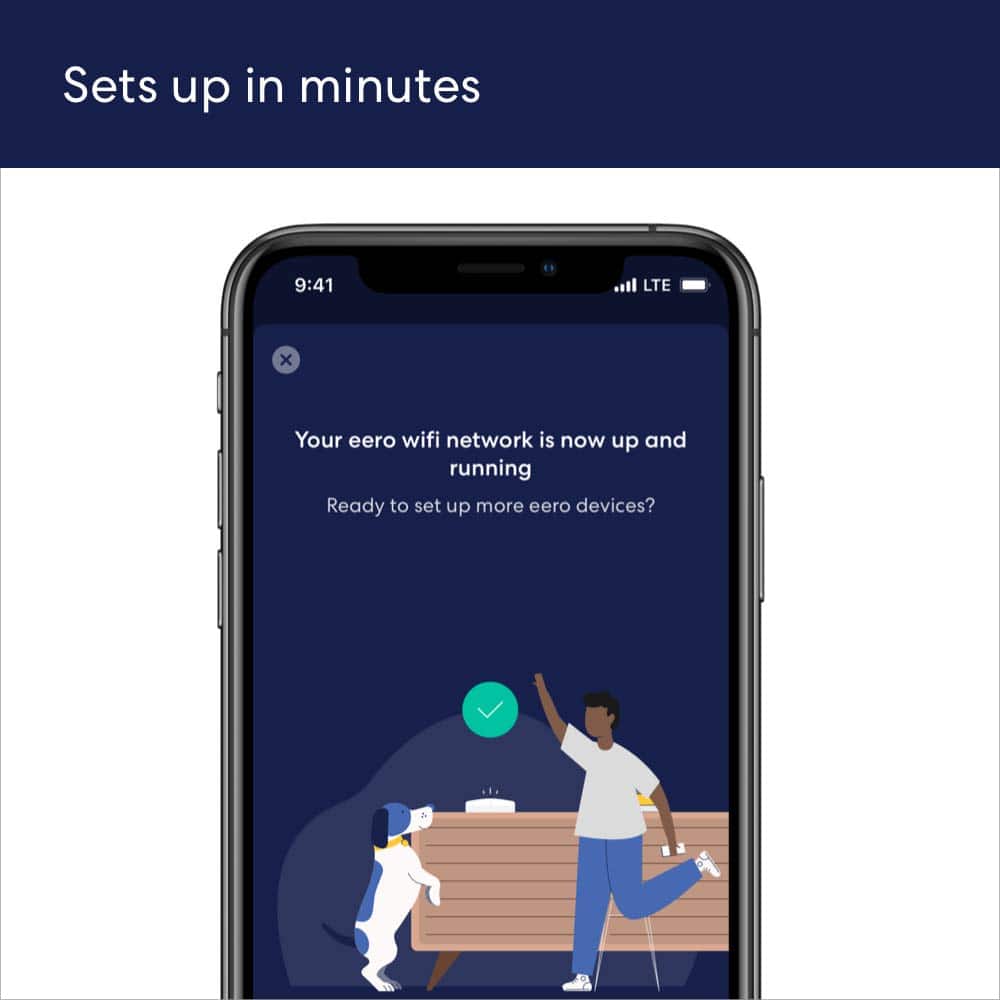
|Posted .This reviewer received promo considerations or sweepstakes entry for writing a review.It's extremely easy to set up. I downloaded the app, followed the directions, and within 15 minutes I had internet throughout my home. I have Cox internet, with an Arris modem, and the eero 6 package had no problems connecting to the internet. I've had other routers that struggled with talking to the Arris modem, but the eero 6 does not. It was awesome to connect to the internet on the first try during setup, without any additional resets/restarts. I also liked how the eero app has you name the eero network the same as your last network, so you don't have to change all of your devices' WIFI logins. I don't know why I didn't think of doing that before as I replaced different routers over the years, and I appreciated the eero app suggesting it. It really made the setup fantastically easy. Unlike my former Nighthawk router, the eero system does not broadcast separate 2.4 and 5 GHz networks. I am assuming that both frequencies are available, and the eero router automatically applies either depending on the device accessing it (a sort of 'Smart WiFi'). I say this because I have a doorbell camera and an indoor camera that both only work on the 2.4 GHz band, and they connected to the eero automatically. I've had other routers with 'Smart Wifi' that would not connect to either camera unless I forced the router to display a 2.4 network to connect the cameras to. Very awesome that the eero required no such manipulation. One heads up, the eero base station does not have a USB port for a hard drive. It does have a second ethernet port that you can either tie to a NAS with ethernet or connect to a powerline adapter for devices that don't have WiFi. I have an older audio/video receiver that isn't wireless capable, so I use a powerline adapter from the router to the receiver. If you need more ethernet connections, you are out of luck, unless perhaps if you were to buy a network switch. The satellites do not have any wired network connections. All they have is a power cord. My opinion about routers is you should never have to think about them. They should just work. For the last week I've been using the eero 6, that is exactly what I've experienced. The mesh system covers every square foot of my 2400 square foot home and even reaches the casita that my daughter lives in. It was extremely easy to set up, has not given me one single issue, and has supplied reliable, fast internet (never any issues with buffering). I really, really like this unit and feel that anyone looking for a simple system that is extremely capable would like the eero 6 AX1800. Overall I do give 5 stars to the eero, with the only shortcoming being the lack of additional ports on the base unit. Other than that, I have no complaints.
I would recommend this to a friendWorks as advertised!
||Posted . Owned for 1 month when reviewed.This reviewer received promo considerations or sweepstakes entry for writing a review.I haven’t had any issues with loss of internet. I do not notice any speed changes, but I get better reception outside my home and garage as well.
I would recommend this to a friendWifi still weak
||Posted .This reviewer received promo considerations or sweepstakes entry for writing a review.Sadly these extenders did nothing to improve my wifi.
No, I would not recommend this to a friendDid work in my home
||Posted . Owned for 3 weeks when reviewed.This reviewer received promo considerations or sweepstakes entry for writing a review.Did not work with my home and sound system returned it
No, I would not recommend this to a friendNot worth it
||Posted .This reviewer received promo considerations or sweepstakes entry for writing a review.Not a fan of this at all. Very surprised with how it works and gave me Less speed than my actual router . Very dissatisfied and disappointed with this . I received a max of 220 MB right next to my router and it went all the way down to 35 right near a cradle point
No, I would not recommend this to a friendHit & frequent miss
||Posted . Owned for 1 week when reviewed.This reviewer received promo considerations or sweepstakes entry for writing a review.The jury is still out. I’ve had to reboot my Echo devices and I lost service completely to my sunroom. I can’t believe that miss my Spectrum router.
No, I would not recommend this to a friendBUYER BEWARE, NOT FOR RING PRODUCTS!
||Posted .This reviewer received promo considerations or sweepstakes entry for writing a review.Don’t waste your $$$$. WiFi 6 is supposed to be the big dog on the block, Not so. It connected easily however my 4 ring cameras would not connect, after several hours on the phone with Ring and multiple resets still nothing! Went back to my cable provided router and poof everything was right again! Not sue how these Amazon companies of Eero and Ring don’t work together. I’ll be returning eero today!!!
No, I would not recommend this to a friendHOME OWNERS
||Posted . Owned for 1 month when reviewed.This reviewer received promo considerations or sweepstakes entry for writing a review.I REALLY LIKE THE PRODUCT BUT ONLY THINGS I DONT LIKE THAY DONT HAVE ANY EXTENSTION ERRO DON'T HAVE ETHERNATE CONNECTION
No, I would not recommend this to a friendBrand response from Amazon Devices Customer Support
Posted .Thank you for the feedback on the eero 6 3 pack system. While the eero 6 3 pack has the Ethernet ports on the router and not the extenders, there are options available for you. Most unmanaged Ethernet switches work with eero, so feel free to use any to your liking. With that said, ensure you select a switch that fits the requirements of your internet service speeds. If unsure, it is always safe to go with a gigabit switch, which can support speeds up to 1000 Mbps—otherwise 1Gb. The other option is to upgrade your eero 6 to the eero 6+, eero Pro 6E or the eero Max 7. All of these options have Ethernet ports on the back of each unit. If you need more assistance, contact eero support at 877-659-2347. Hope this helps and have a great day!

13 months and Running hot
||Posted . Owned for 1 year when reviewed.This reviewer received promo considerations or sweepstakes entry for writing a review.Very disappointed that at 13 months to the day that I bought my Euro, the main station is running really hot. Manufacturers warranty ends at 12 months..ughhh
No, I would not recommend this to a friendEasy but unreliable
||Posted . Owned for 10 months when reviewed.This reviewer received promo considerations or sweepstakes entry for writing a review.Setupnwas great. Just imported my old Eero profile from my last eero system. Sadly this on only lasted 8 months. Last one only lasted 13.
No, I would not recommend this to a friendDevices still disconnect
||Posted . Owned for 1 month when reviewed.This reviewer received promo considerations or sweepstakes entry for writing a review.Didn’t keep more devices connected. Same devices kept disconnecting. Had to keep restarting Eeros
No, I would not recommend this to a friendGeorge Pilgrim
||Posted . Owned for 2 weeks when reviewed.This reviewer received promo considerations or sweepstakes entry for writing a review.Eero 6 Box contained 2 Pods that did not project a signal the full range of coverage as noted on the box. Coverage was listed at 3,000 Sq. Ft. My home on one level is 2890 Sq. Ft. In order to provide coverage from the Modem to the TV it was necessary to buy the next up model that contained 3 Pods. Price difference was well over $100.
No, I would not recommend this to a friendBrand response from Amazon Devices Customer Support
Posted .Hello and thank you for reaching out. I am sorry to hear about the issues you are having with your eero 6 2-pack system. Here are some tips on placement that will help the coverage issues you are facing. DO’s: As you’re experimenting with placement, here are some tips to follow: Place eeros where they can talk to each other. While it might be tempting to place your eero in an existing dead zone or area with poor WiFi connectivity, it’s much more effective to place eeros halfway between your gateway eero and your existing dead zones. You can think of placing them like a WiFi relay – each eero is a link in the chain bringing WiFi to your dead spot. Place eeros on a hard, flat surface. Your eeros should be placed on a surface that is both stable and flat, such as tables, countertops, and nightstands. Aim high. eeros radiate their signal more upwards than downwards, but mostly along the plane they’re placed on. It’s best to place your eeros at a height halfway between the floor and the ceiling, not on the ground. Keep your space open. eeros communicate best when they’re not closed in. Keep them out in the open – try not to place your eero(s) inside a media console or cabinet. The thinner the barrier, the better. The fewer the walls (and the less substantial their inner material) between your eeros, the better your performance will be. Older houses with dense materials like plaster, lath, or chicken wire in the walls are particularly hard for WiFi waves. Placing your eeros near doors may help since wood is less dense and easier for WiFi waves to penetrate. Whenever possible, aim for direct line of sight between eeros. DON’Ts: Here are some things to avoid: Heavy metal. Stream as much Motörhead as you can stand, as long as you don’t put your eero(s) near your refrigerator or other heavy metal objects. These objects can interfere with wireless radios. If you’re placing an eero in the kitchen, we suggest placing it on a counter or shelf that’s as far from your major appliances as possible. Interference. eeros work best when they’re 20-30 feet away from objects that cause interference. Avoid placing your eero on top of, or near, these objects: Microwave oven, cordless phones (for your landline, not your cell phone) that use the 2.4GHz or 5GHz range, WiMAX, other 802.11 networks, power lines, power stations, or railroad tracks, radio leakage from Direct Satellite Service (DSS), older coaxial cable from certain types of satellite dishes. If you have an older satellite dish, contact the device manufacturer to get newer cables, fluorescent lights, bad electrical connections, radar, smothering your eeros. Keep your eeros out in the open and never put anything on top of them. When possible, also avoid having your eeros enclosed in a small space. Soft surfaces. Your eeros work best on a stable surface, so avoid putting them on chairs, cushions, and any other surface that doesn't allow for space beneath them to breathe. I surely hope this helps with your setup but if it doesn't, please reach out to eero customer support. They are available Monday–Sunday 6:00 am – 8:00 pm PT. You can reach them at 877-659-2347. Hope this helps and have a great day!
Garbage!
||Posted . Owned for 1 month when reviewed.This reviewer received promo considerations or sweepstakes entry for writing a review.This product is an absolute garbage. Would lose connectivity every 30 minutes. Please save yourself some time and money. I ended up returning it the next day. And yes, I did perform all the firmware upgrades.
No, I would not recommend this to a friendGood but can be better
||Posted . Owned for 3 weeks when reviewed.This reviewer received promo considerations or sweepstakes entry for writing a review.Its good but my walls are too heavy that doest work
No, I would not recommend this to a friendMy eero
||Posted . Owned for 3 weeks when reviewed.This reviewer received promo considerations or sweepstakes entry for writing a review.I LOVE THE FACT THAT THERES THREE UNITS.WHERE THEY ARE PLACED IN MULTIPLE AREAS AND LEVELS OF THE HOUSE AND WORK AWESOME.
I would recommend this to a friendMeh
||Posted . Owned for 1 month when reviewed.This reviewer received promo considerations or sweepstakes entry for writing a review.Bought this to extend the Wi-Fi throughout the house there has been some drop in Wi-Fi however, and the speeds do not seem to be as good as with the included gateway wifi.
No, I would not recommend this to a friendNo improvement
||Posted . Owned for 3 weeks when reviewed.This reviewer received promo considerations or sweepstakes entry for writing a review.After a lot of hype from the techs at Best Buy and a lengthy 2 to 3 hour installation, we have not noticed any improvement on our devices. So disappointing.
No, I would not recommend this to a friendNo Longevity
||Posted . Owned for 5 months when reviewed.This reviewer received promo considerations or sweepstakes entry for writing a review.The setup was easy. Unfortunately, it died after a couple months use. Restarting it doesn’t help. Too good to be true situation.
No, I would not recommend this to a friendHey Guillermo
||Posted . Owned for 2 weeks when reviewed.This reviewer received promo considerations or sweepstakes entry for writing a review.A shout out to Guillermo. Fantastic support, knowledgeable and very helpful. Keep up the good work. I will be back…
I would recommend this to a friendNever had such bad service ...
||Posted . Owned for 3 weeks when reviewed.This reviewer received promo considerations or sweepstakes entry for writing a review.So far i an very disappointed with what i purchased as i cant get it to work as sold to me it should. Also i have tried to engage the geek squad and are unable to get an appointment.... despite calling multiple times and being on hold fo hours to make an appointment ... overall likely for me the lazt purchrs and engagement with best buy!!! ...... and for the record i had bought a one yr service arrangement with my last computer maintenance!!
No, I would not recommend this to a friend