Customer Ratings & Reviews



- Model:
- M110311
- SKU:
- 11396780
Rating by feature
- Setup
Rating 4.7 out of 5 stars
- Range
Rating 4.7 out of 5 stars
- Signal Strength
Rating 4.6 out of 5 stars
to a friend
Great system with easy set up
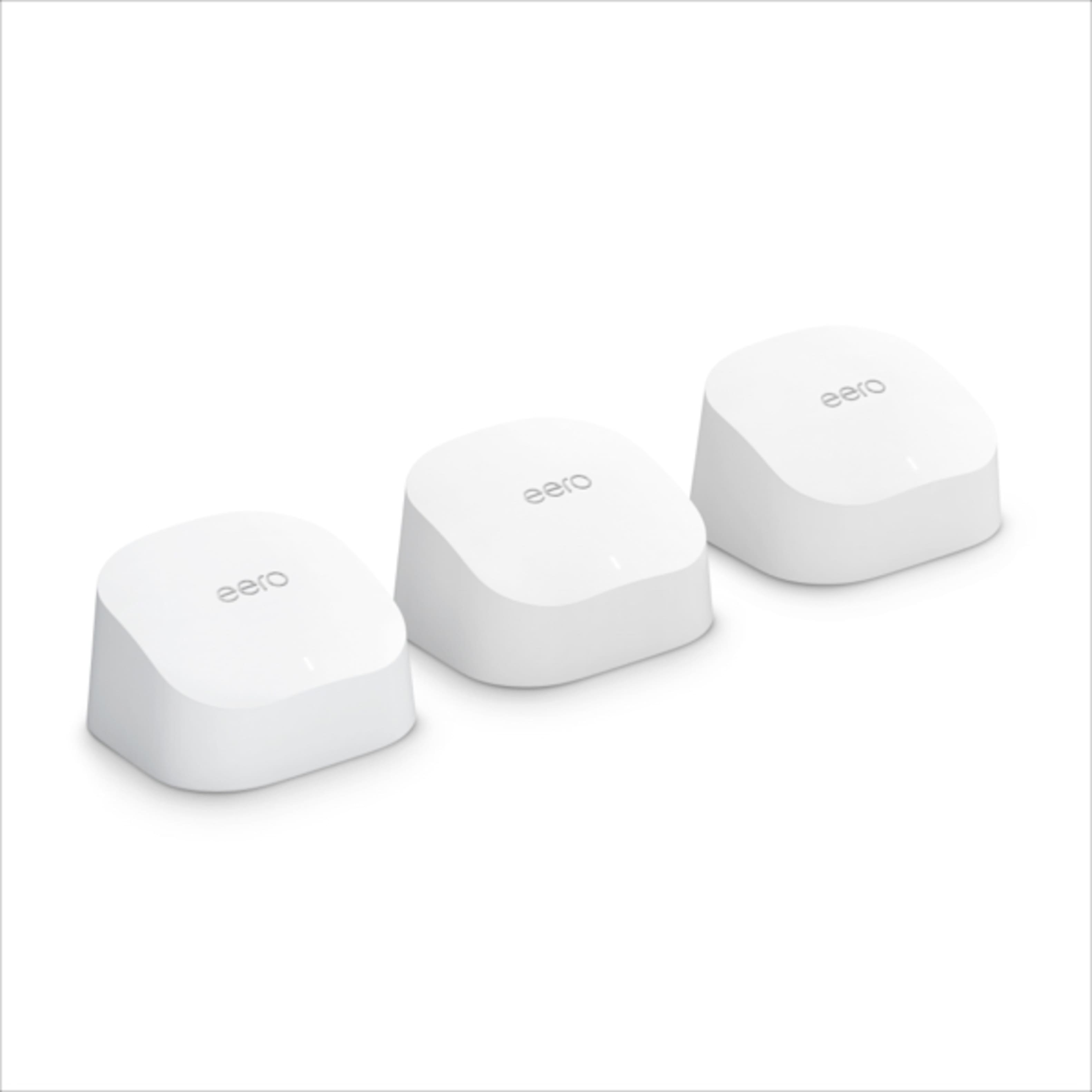
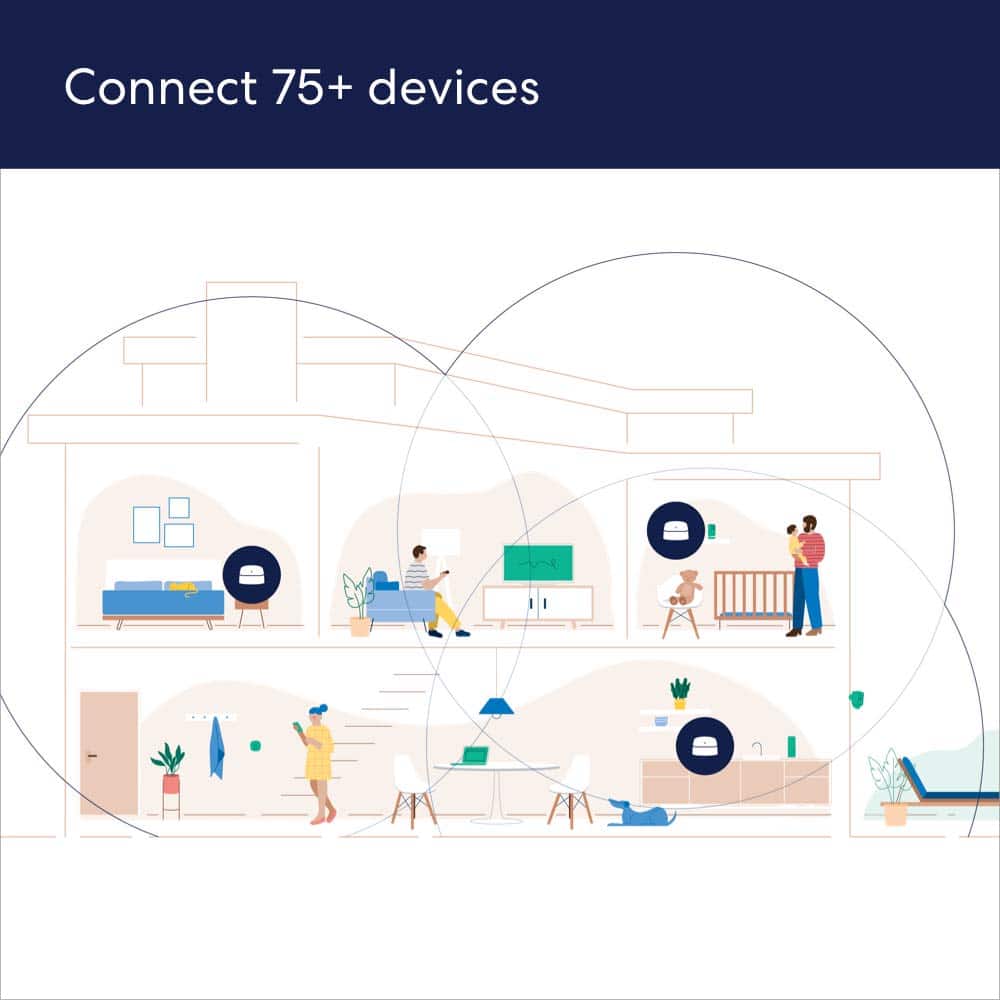
||Posted . Owned for 1 month when reviewed.This reviewer received promo considerations or sweepstakes entry for writing a review.I bought these to replace an older Netgear Nighthawk Wifi router (still using modem component) and Wifi extender as these were having difficulty providing coverage in a 50 yr old I moved into. I also wanted to move around the house without needing to swap wifi networks. This Eero system has worked well. It was easy to set up. I kept the same Network name/password and all my devices connected right to it. I did need to turn the Nighthawk into a modem only mode so that it was not confusing devices. This three part system is covering 3000 sq ft plus garage and outdoor areas around the house. It is able to handle HD streaming on multiple devices at the same time.
I would recommend this to a friendWorks well.
||Posted . Owned for less than 1 week when reviewed.This reviewer received promo considerations or sweepstakes entry for writing a review.We live in a long, narrow apartment with 5 walls in between the front and back rooms. The cable modem/router is at the front end, and we were getting almost no Wi-Fi in the back half the apartment. This two-pack unit solved our issues. We're getting plenty of speed and coverage throughout the place now. Easy to set up, and has worked flawlessly since. Highly recommend.
I would recommend this to a friendGood reliable mesh network
||Posted . Owned for 2 months when reviewed.This reviewer received promo considerations or sweepstakes entry for writing a review.This was my secone eero mesh system i purchase. I gave this to my mother in law when her network quit being reliable. I have had my own personal network for a year and a half, and no issues, so this was an easy purchase for me. It's easy to work with just download the app and it walks you through step by step setup of the system. It always keeps itself updated with the latest firmware, and so far, like mine at home, the onl my time it isnt providing coverage is when the ISP is down in the area. No holes in the coverage of the house, and can cover a lot of the area aound the house that we use (front porch and back patio all the way to the machine shed. Highly reccomended
I would recommend this to a friendPerfection!
||Posted . Owned for 6 months when reviewed.This reviewer received promo considerations or sweepstakes entry for writing a review.These are awesome! Super easy set up! This gave me so much more range and they don't take up hardly any space! Sit outside and work, play etc. Set up those security camera's! No problem, and adding extra's are also super easy. LOVE it.
I would recommend this to a friendWould recommend
||Posted . Owned for 3 weeks when reviewed.This reviewer received promo considerations or sweepstakes entry for writing a review.Easy to set up and working great to extend wi-fi through our house
I would recommend this to a friendeero 6 works as promised
||Posted . Owned for 3 weeks when reviewed.This reviewer received promo considerations or sweepstakes entry for writing a review.Very pleased with the eero 6. Very easy to set up and have had no issues with any signal dropping. Replaced a Nighthawk router so that I would not have buffering when I use the Roku devices throughout the house. This seems to have resolved my buffering issues.
I would recommend this to a friendEasy set up
||Posted . Owned for 2 months when reviewed.This reviewer received promo considerations or sweepstakes entry for writing a review.Was the easiest hook up ever. Was able to use old passwords. Takes no time with a smooth easy to follow application. Very small and easy to position anywhere. I not have coverage like you wouldn't believe.
I would recommend this to a friendGreat coverage, great speeds
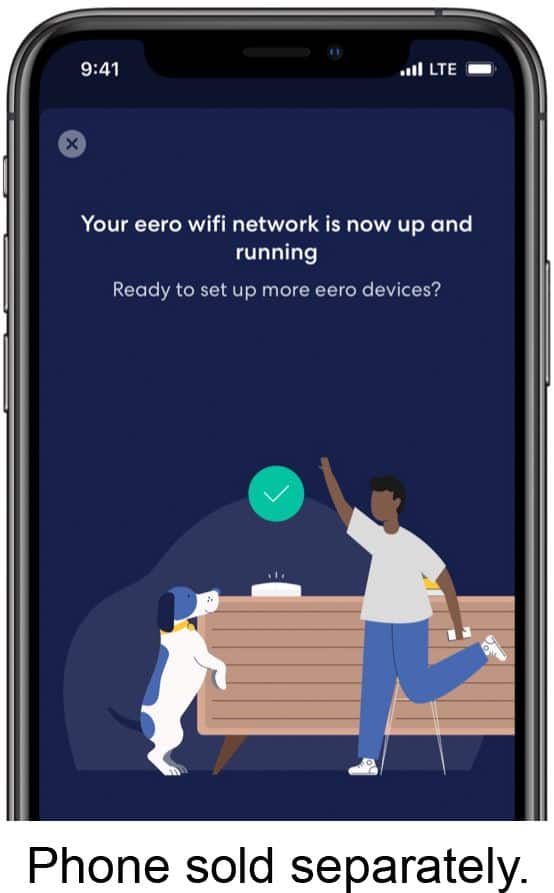
||Posted . Owned for 1 week when reviewed.This reviewer received promo considerations or sweepstakes entry for writing a review.Very pleased with this router so far. I've had it for about a week now. Setup: this is one of the easier routers to get up and running. Download the app to your phone, and follow the instructions. Features: Some of the features are behind subscriptions, which I understand, but meh. I'd like to have the ability to modify those settings by myself and then have a subscription instead that would update those and keep them updated as necessary. Just as an example. This isn't a router for someone that likes to fiddle with things, but it's great for a set it and forget it. Coverage: I have a 2200 sqft 3 story townhome. My first router could barely cover 1 floor. My previous router (AmpliFi LR) got coverage through the house but speeds, unless you were standing next to the router, were quite poor. Now, throughout most the house, I can get at least 100MB down and often get closer to my max of 200MB.
I would recommend this to a friendWorks great!
||Posted . Owned for 1 week when reviewed.This reviewer received promo considerations or sweepstakes entry for writing a review.Great coverage in my older multi-story home with dense walls (lathe and plaster). I now have consistent and reliable high speed internet in my upstairs rooms, which previously had spotty coverage. The whole system was quick and easy to install and get running.
I would recommend this to a friendFANTASTIC RESULTS
||Posted .This reviewer received promo considerations or sweepstakes entry for writing a review.I needed wireless connectivity in my detached garage that’s approximately 50ft from my house. Performance was ALWAYS an issue for all my smart devices (security sensors, cameras, smart tv, plugs, all of the above). Purchased these as an add on to my router and VIOLA! Even with the garage door down and my vehicle parked inside, all device systems were a go!
I would recommend this to a friendWork great
||Posted .This reviewer received promo considerations or sweepstakes entry for writing a review.Work great! Easy to set up, update automatically and regularly. These works with Eero’s I already have through Grande services, they seamlessly integrated.
I would recommend this to a friendGreat for most applications
||Posted . Owned for 1 month when reviewed.This reviewer received promo considerations or sweepstakes entry for writing a review.These Eero routers are super easy to install with a comprehensive app and great customer support. They are not the fastest, nor do they have the most features, but I know of very few people that have fast enough internet to even warrant these, let alone some that are faster. With 900 mb/s internet I could get about 700 over wifi if I was really close, down to about 150 if the signal had to jump satellites and i was further away. The satellites allow you to cover a large area, but each time the signal has to jump from one device to the next you lose speed, so if you need to have the max speed your provider offers everywhere you'll need to use something with a wired back haul or a dedicated 5 or 6ghz channel for that communication. I would comfortably recommend these to any of my friends.
I would recommend this to a friendLove thus WiFi booster!
||Posted . Owned for 3 weeks when reviewed.This reviewer received promo considerations or sweepstakes entry for writing a review.I love this booster. It does what it says. My internet is super fast with no buffering. Having three boxes assures that it covers the entire house, no dead spots. My house is over 4000 sq feet and I have coverage over the entire house.
I would recommend this to a friend
Great wifi!
|Posted . Owned for 1.5 years when reviewed.This reviewer received promo considerations or sweepstakes entry for writing a review.[Employee of bestbuy] I love my new eero! My modem and router were previously in one corner of my house, so wifi wouldn't reach to the other, and with this eero I was able to replace the spectrum router (that i was paying them monthly for) and spread my wifi all throughout my house and I no longer have to worry about wifi not reaching or 5ghz never reaching past that corner because these eeros each put out a 2.4 and 5ghz band wherever you put them and the eero optimizes which electronics in my house are on which band! Couldn't be happier
I would recommend this to a friendAmazing Product
Posted .This reviewer received promo considerations or sweepstakes entry for writing a review.Exactly what I was looking for. This product gave me back my internet in my home. I live in a 1400 sq. foot 3 bd room dwelling and I had very weak internet connection in areas of my place. After installing the Eero in three parts of the home, I no longer have internet connection issues. I was able to hard wire my kids gaming consoles and left other devices such as our tvs to go off the wifi and still no issues at all. Amazing product. I wish I would have purchased it sooner.
I would recommend this to a friendRecommended
||Posted . Owned for 1 month when reviewed.This reviewer received promo considerations or sweepstakes entry for writing a review.Easy to set up. More reliable internet connection than the wireless I previously had. Also increased internet speed and helped prevent buffering when streaming.
I would recommend this to a friendEero 6 is worth it
||Posted . Owned for 1 week when reviewed.This reviewer received promo considerations or sweepstakes entry for writing a review.This system is great. Very easy to install really provides reliable fast internet throughout my house. Even works in the basement. I had a few questions and the help line was easy to reach and provided reliable instructions.
I would recommend this to a friendGreat Buy
||Posted . Owned for 1 month when reviewed.This reviewer received promo considerations or sweepstakes entry for writing a review.I've tried numerous mesh networks. The eero is definitely my favorite. Great range and speed. Very intuitive app setup.
I would recommend this to a friendEero 6
||Posted . Owned for 1 month when reviewed.This reviewer received promo considerations or sweepstakes entry for writing a review.Review of eero6 3pack. I bought this to replace old Netgear AC1900 wifi router. Setup was just as simple as advertised. Plugged base into the Comcast modem, used same the SSID and passcode as old modem. Most all wifi items in my house connected to eero6 with no problems. Only exception was legacy Zodiac wifi pool control. Roku3 no issues, Legrand Wifi smart switches no issues, MyQ garage door controller no issues, Arlo camera system no issues. Cell phones and tablets, no issues. I have only one computer that can take advantage of the WiFi-6 protocol, but that will change in the future, I'm sure. I ordered two additional satellites due to physical layout of my home. I need wifi in my garage for Solar monotoring.
I would recommend this to a friendRicardo Mediavilla
||Posted . Owned for 1 month when reviewed.This reviewer received promo considerations or sweepstakes entry for writing a review.It solved my problem. It works great. In addition, it was simple to install. Worth it!
I would recommend this to a friend