Customer Ratings & Reviews



- Model:
- M110311
- SKU:
- 6433419
Rating by feature
- Setup
Rating 4.7 out of 5 stars
- Range
Rating 4.7 out of 5 stars
- Signal Strength
Rating 4.6 out of 5 stars
to a friend
Customers are saying
Customers are enthusiastic about the 6 AX1800 Dual-Band Mesh Wi-Fi 6 System (2-pack)'s ease of use, Wi-Fi coverage, and speed. Many reviewers highlight the system's performance, range, and simple setup process. Some customers reported experiencing buffering issues.
This summary was generated by AI based on customer reviews.
Works well
||Posted . Owned for 1 month when reviewed.This reviewer received promo considerations or sweepstakes entry for writing a review.Easy to setup and extends Wi-Fi in house well. Would be good if it could extend more.
I would recommend this to a friendCool
||Posted . Owned for less than 1 week when reviewed.This reviewer received promo considerations or sweepstakes entry for writing a review.The signal has improved, I think it is a good option for those who have Wi-Fi signal problems
I would recommend this to a friendAwesome WiFi Coverage!!!
||Posted . Owned for 3 months when reviewed.This reviewer received promo considerations or sweepstakes entry for writing a review.I bought this to replace my internet provider's router because my WiFi connection was just not covering my house well. This installed very easy and I now have WiFi coverage in my home and detached garage. The app is very easy to use.
I would recommend this to a friendSolves dead zones
||Posted . Owned for 2 weeks when reviewed.This reviewer received promo considerations or sweepstakes entry for writing a review.We have a large home. This totally solved our dead zone problems. Highly recommend.
I would recommend this to a friendExtended coverage
||Posted . Owned for 1 month when reviewed.This reviewer received promo considerations or sweepstakes entry for writing a review.Greatly extended our wifi coverage in our 3- story home. Reduced drain of delivered wifi speed.
I would recommend this to a friendeero mesh
||Posted . Owned for 1 month when reviewed.This reviewer received promo considerations or sweepstakes entry for writing a review.Easy set up and incredible coverage. Has worked flawlessly since installation.
I would recommend this to a friendInternet messing
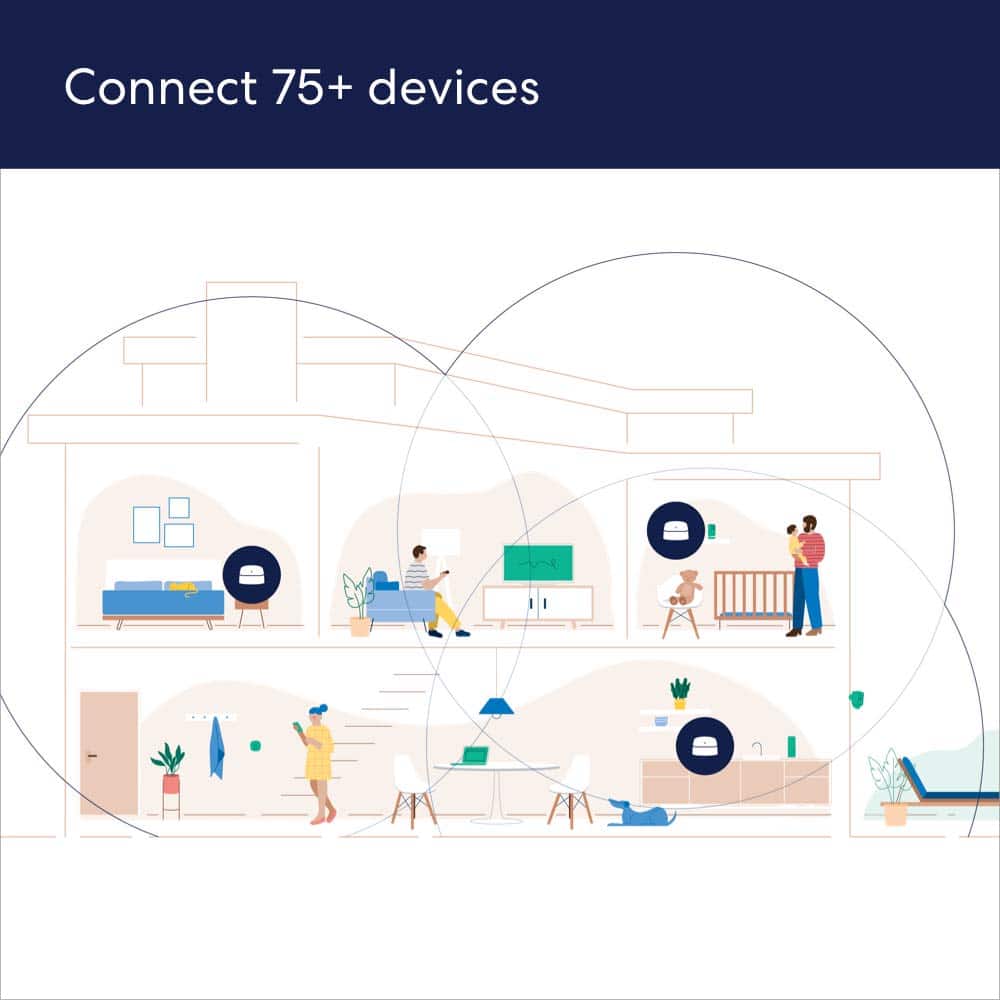
||Posted . Owned for 2 weeks when reviewed.This reviewer received promo considerations or sweepstakes entry for writing a review.Great product. Easy install. Handles all 60 items that connect to my internet
I would recommend this to a friendEasy setup
||Posted . Owned for 3 weeks when reviewed.This reviewer received promo considerations or sweepstakes entry for writing a review.Good value. Easy to setup with the app. Works great
I would recommend this to a friendIncrease coverage
||Posted . Owned for 1 month when reviewed.This reviewer received promo considerations or sweepstakes entry for writing a review.Increased wi-fi coverage to 4200 sq ft house. Don’t lose coverage now!
I would recommend this to a friendExcellent bang for the buck!
||Posted . Owned for 3 weeks when reviewed.This reviewer received promo considerations or sweepstakes entry for writing a review.My home is around 1500sq. Strong signal everywhere
I would recommend this to a friendMesh nodes
||Posted . Owned for 3 weeks when reviewed.This reviewer received promo considerations or sweepstakes entry for writing a review.Great mesh nodes the site and box show different speeds but they extend well
I would recommend this to a friendMore fire.
||Posted . Owned for 1 week when reviewed.This reviewer received promo considerations or sweepstakes entry for writing a review.Very good wifi device. I didn't even need all three, it was overkill.
No, I would not recommend this to a friendWifi issues
||Posted . Owned for 3 weeks when reviewed.This reviewer received promo considerations or sweepstakes entry for writing a review.Purchased for our game room behind our house. Very pleased.
I would recommend this to a friendProblematic System
||Posted . Owned for 1 week when reviewed.This reviewer received promo considerations or sweepstakes entry for writing a review.The reviews applaud the eero 6 mesh system; however, I discovered a number of my devices would not connect. The biggest problem was my Epson printer. I contacted Epson and was told mesh routers don't work with my printer (less than a year old). I had to bridge with my old Apple router to connect with devices. I also found out that using the same wifi address does not guarantee you can connect. I called the eero help line and the man said while they claim it works, it rarely does!!
No, I would not recommend this to a friendWhole house coverage
||Posted . Owned for 1 month when reviewed.This reviewer received promo considerations or sweepstakes entry for writing a review.Was recommended these versus the extender. Would highly recommend
I would recommend this to a friendDedicated
||Posted . Owned for 3 weeks when reviewed.This reviewer received promo considerations or sweepstakes entry for writing a review.Excellent dual band mesh, Easy setup, highly recommend this product.
I would recommend this to a friendIt just works
||Posted . Owned for 1 month when reviewed.This reviewer received promo considerations or sweepstakes entry for writing a review.very simple to set up - great range - don’t know it’s there—-it just works!
I would recommend this to a friendGreat!
||Posted . Owned for 1 month when reviewed.This reviewer received promo considerations or sweepstakes entry for writing a review.Now have great signal everywhere. Installation was great too!
I would recommend this to a friendGreat, just not do it yourself !
||Posted . Owned for 3 weeks when reviewed.This reviewer received promo considerations or sweepstakes entry for writing a review.Works well after an expert set it up. It’s not a do-it- yourself product.
I would recommend this to a friendBrand response from Amazon Devices Customer Support
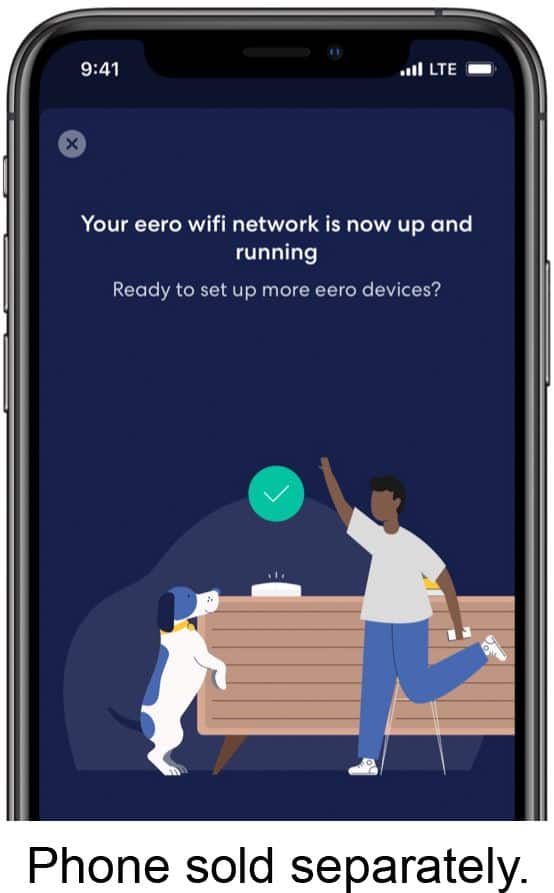
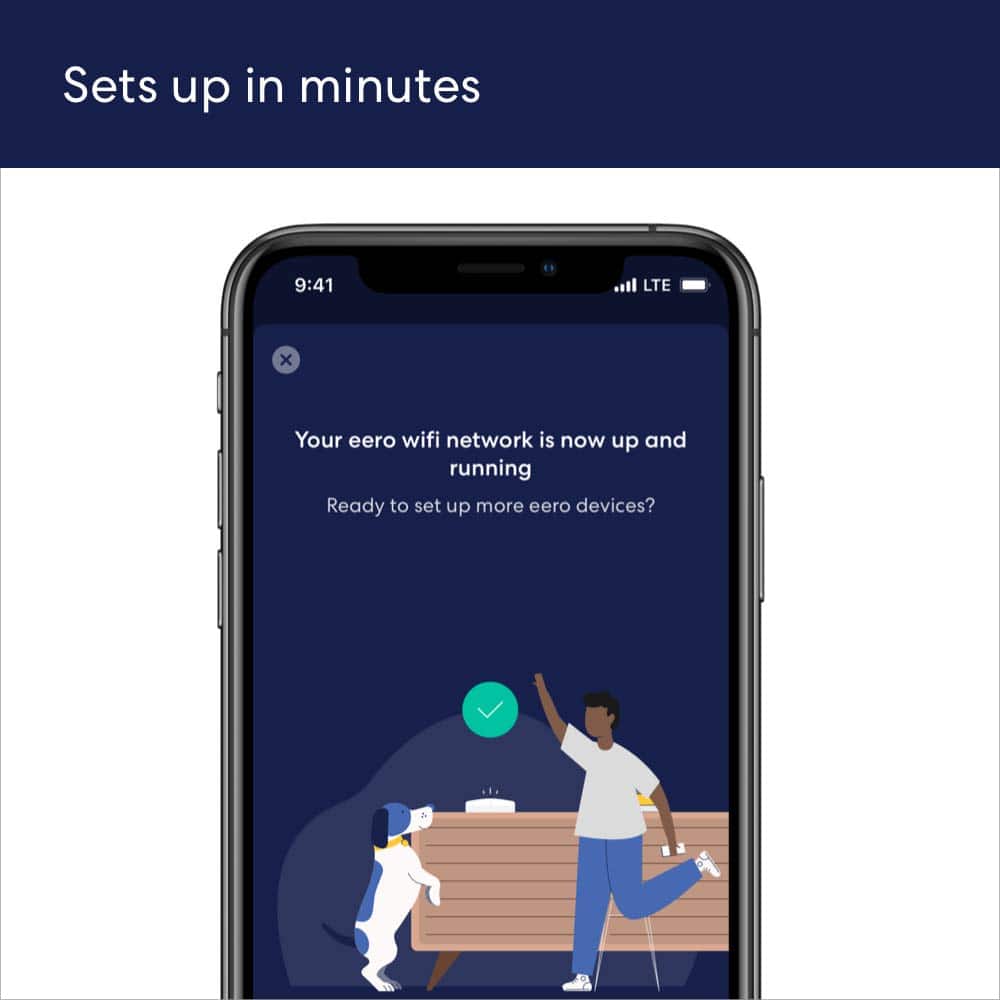
Posted .Hi Janice. Thank you for providing feedback about your experience with the eero 6 system. I’m sorry to hear that you had issues during the setup process. Here’s how to get your eero network online: 1. Download the eero app for iOS or Android on a phone or tablet with an internet connection. 2. Create an eero account or log in with your existing Amazon account information. 3. Unplug your old modem and router from power. 4. Connect your eero router to your modem using the included Ethernet cable. 5. Plug your eero router into an available power outlet, then reconnect your modem to power. If your modem is built into your current router, then you’ll connect the eero router to one of the Ethernet ports on your existing router. 6. Continue following the prompts in the app to set up your network. If you need any assistance, please reach out directly to eero customer support at (877) 659-2347. Have a great day!

No more buffering
||Posted . Owned for 1 week when reviewed.This reviewer received promo considerations or sweepstakes entry for writing a review.This product is amazing. No longer does my tv buffer, the signal is strong and I love it.
I would recommend this to a friend