Customer Ratings & Reviews




- Model:
- M110311
- SKU:
- 6433419
Rating by feature
- Setup
Rating 4.7 out of 5 stars
- Range
Rating 4.7 out of 5 stars
- Signal Strength
Rating 4.6 out of 5 stars
to a friend
Customers are saying
Customers are enthusiastic about the 6 AX1800 Dual-Band Mesh Wi-Fi 6 System (2-pack)'s ease of use, Wi-Fi coverage, and speed. Many reviewers highlight the system's performance, range, and simple setup process. Some customers reported experiencing buffering issues.
This summary was generated by AI based on customer reviews.
Great signal
||Posted . Owned for 1 month when reviewed.This reviewer received promo considerations or sweepstakes entry for writing a review.Served the purpose. I was able to get a strong Wifi signal the neighboring house and it works really well.
I would recommend this to a friendThe perfect system for apartment
||Posted . Owned for 3 weeks when reviewed.This reviewer received promo considerations or sweepstakes entry for writing a review.This system is so nice to use for an apartment. Put one at the front and one at the back of the apartment. No dead zones like I had with the Xfinity rental.
I would recommend this to a friendMr.
||Posted . Owned for 3 weeks when reviewed.This reviewer received promo considerations or sweepstakes entry for writing a review.Works great! A little difficult in setting up. But good product.
I would recommend this to a friendWonderful Wi-Fi Coverage!
||Posted . Owned for 9 months when reviewed.This reviewer received promo considerations or sweepstakes entry for writing a review.The Eero mesh Wi0Fi system sets the standard for homes. We get even coverage across our whole property - in the house, out by the pool and fire pit, etc.
I would recommend this to a friendFast speed now
||Posted . Owned for 1 month when reviewed.This reviewer received promo considerations or sweepstakes entry for writing a review.This did the trick. My connection speed says fast internet now! I did have a problem with my new Solar panel though. I had to switch back to the old one for it.
I would recommend this to a friendEero WiFi Pods
||Posted . Owned for 3 weeks when reviewed.This reviewer received promo considerations or sweepstakes entry for writing a review.The Eero pods I purchased were simple to set up and easy to use. The agent that assisted me was very knowledgeable and understood my needs. Overall a great experience!
I would recommend this to a friendWorth the purchase
||Posted . Owned for 3 weeks when reviewed.This reviewer received promo considerations or sweepstakes entry for writing a review.Since i installed this system at home, haven't had any issues with connection to internet around the house. Speed the around entire home.
I would recommend this to a friendPapaRemote
||Posted . Owned for 3 weeks when reviewed.This reviewer received promo considerations or sweepstakes entry for writing a review.Has given a consistent wifi access throughout the house and basement. Switched away from Spectrum’s wifi which sucked on a good day and was awful most of the time.
I would recommend this to a friendRouter
||Posted . Owned for 1 week when reviewed.This reviewer received promo considerations or sweepstakes entry for writing a review.The geek Squad informed me that if we return our spectrum router and purchased our own we will not be renting it
I would recommend this to a friendGreat job
||Posted . Owned for 3 weeks when reviewed.This reviewer received promo considerations or sweepstakes entry for writing a review.The geek squad came to the home and we’re very fast and efficient and setting up the new equipment. They really know what they’re doing
I would recommend this to a friendWireless Boosters
||Posted . Owned for 3 weeks when reviewed.This reviewer received promo considerations or sweepstakes entry for writing a review.it's good you need more than 2 depending on the layout of the house, not the footage. Walls and appliances interfere with the wireless so you'll need more depending how the layout.
I would recommend this to a friendAll through the house.
||Posted . Owned for 3 months when reviewed.This reviewer received promo considerations or sweepstakes entry for writing a review.It has done a wonderful job getting the internet signal to the back of my house. Im happy with it.
I would recommend this to a friendA little better
||Posted . Owned for 3 weeks when reviewed.This reviewer received promo considerations or sweepstakes entry for writing a review.I bought this set of devices to make my electronics to stop buffering so much. So far I still have issues albeit not as much but I think that might be more on my cable/internet provider.
I would recommend this to a friendOur eero products
||Posted . Owned for 10 months when reviewed.This reviewer received promo considerations or sweepstakes entry for writing a review.This product works great! We have multiple eero's in our home
I would recommend this to a friendGreat product
||Posted . Owned for 1 month when reviewed.This reviewer received promo considerations or sweepstakes entry for writing a review.Love them they have helped our family out with being able to provide all with good internet connections in our 2 story house
I would recommend this to a friendEero wifi
||Posted . Owned for 1 month when reviewed.This reviewer received promo considerations or sweepstakes entry for writing a review.Seems working better but still ‘locks out’ some devices like Roomba products requiring a reconnect effort. This is new since installation as Best Buy Geek Squad had difficulties keeping devices connected at time of installation..
I would recommend this to a friendNo ethernet ports on satellites so save your money
||Posted .This reviewer received promo considerations or sweepstakes entry for writing a review.I currently have the Eero wifi 5 3 pack and it has been great, but I finally overloaded it. I bought this as a replacement and didn't even think to look into whether or not the satellites had ethernet ports since my old ones do...these don't. That is such a nice feature to have and I can't justify the small upgrade now that I know what a huge downside they have. I haven't even tried setting them up and will be returning immediately. Eero does make the best mesh network for SONOS though, so get a Pro 6 two pack or the pro wifi 5 3 pack used instead.
No, I would not recommend this to a friendGreat to big homes
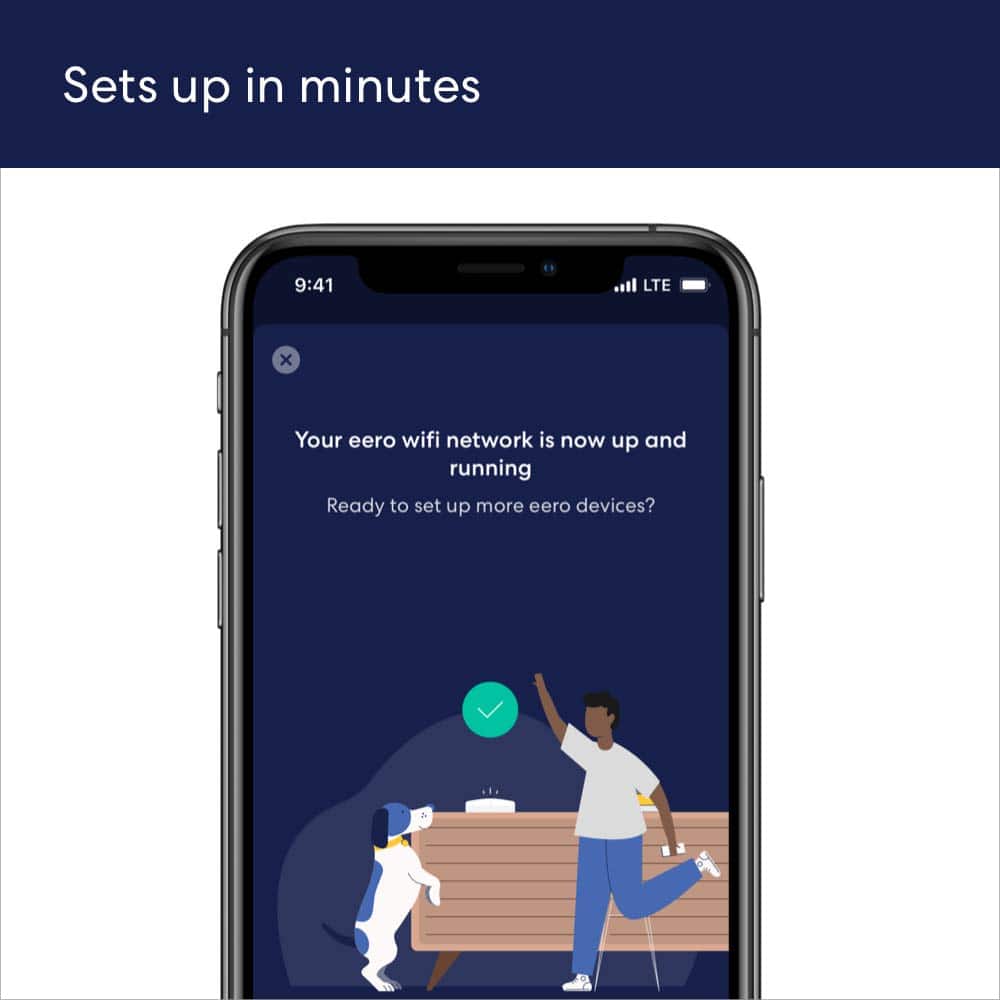
||Posted . Owned for 2 months when reviewed.This reviewer received promo considerations or sweepstakes entry for writing a review.Super easy to install….. let me say this again! SUPER easy to install. Just download ap on your phone and plug in device and bam. It just works.
I would recommend this to a friendEero Mesh
||Posted . Owned for 1 month when reviewed.This reviewer received promo considerations or sweepstakes entry for writing a review.Was just what I expected. The only things was the setup instructions were hard to follow nd had to call Eero support.
I would recommend this to a friendSatellite units require LINE OF SIGHT to work
||Posted . Owned for 2 months when reviewed.This reviewer received promo considerations or sweepstakes entry for writing a review.I paid $199 for this system that was recommended by both Best Buy rep and the Spectrum tech. Well its a piece of crap as far as the satellite units being able to give you a signal more than 60mb/sec. These have to be line of sight for them to work to something that approximates the main unit. I'm in my office 30 feet around the corner of the house and had to move the main unit in because of the EXTREMELY low speed. Apparently their signal cannot travel through 2 walls that only had drywall. Once again I didn't listen to my gut and bought an Amazon mfg product rather than a reliable company that's been doing this for awhile.
No, I would not recommend this to a friendBrand response from Amazon Devices Customer Support
Posted .Hi DanoMano7. Thank you for providing feedback about your experience with the eero 6 system. I'm sorry to hear that the speeds failed to meet your expectations. For the best experience, wireless eeros should be no more than 50 feet apart from another eero. Depending on your home, this can vary. Strategically placing your eeros is the single most important step you can take to ensure your system provides fast, reliable WiFi to every room in your home. Here are some tips to follow: 1. Place eeros where they can talk to each other. 2. Place eeros on a hard, flat surface. 3. Keep your eeros out in the open. 4. Whenever possible, aim for direct line of sight between eeros. The fewer the walls between your eeros, the better. If this information doesn’t resolve your issue, call eero customer service at (877) 659-2347. They’re available Monday-Sunday 6am-8pm PT. I hope this helps. Have a great day!
