Customer Ratings & Reviews




- Model:
- M110311
- SKU:
- 6433419
Rating by feature
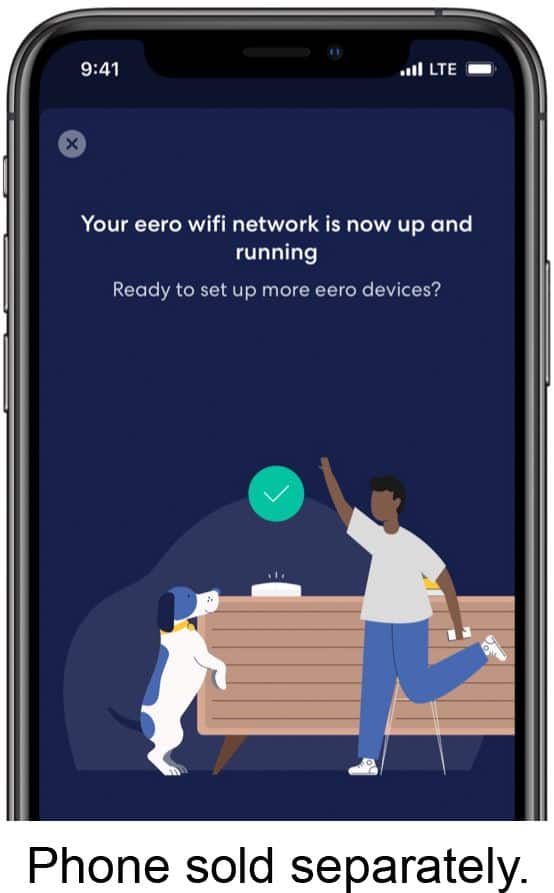
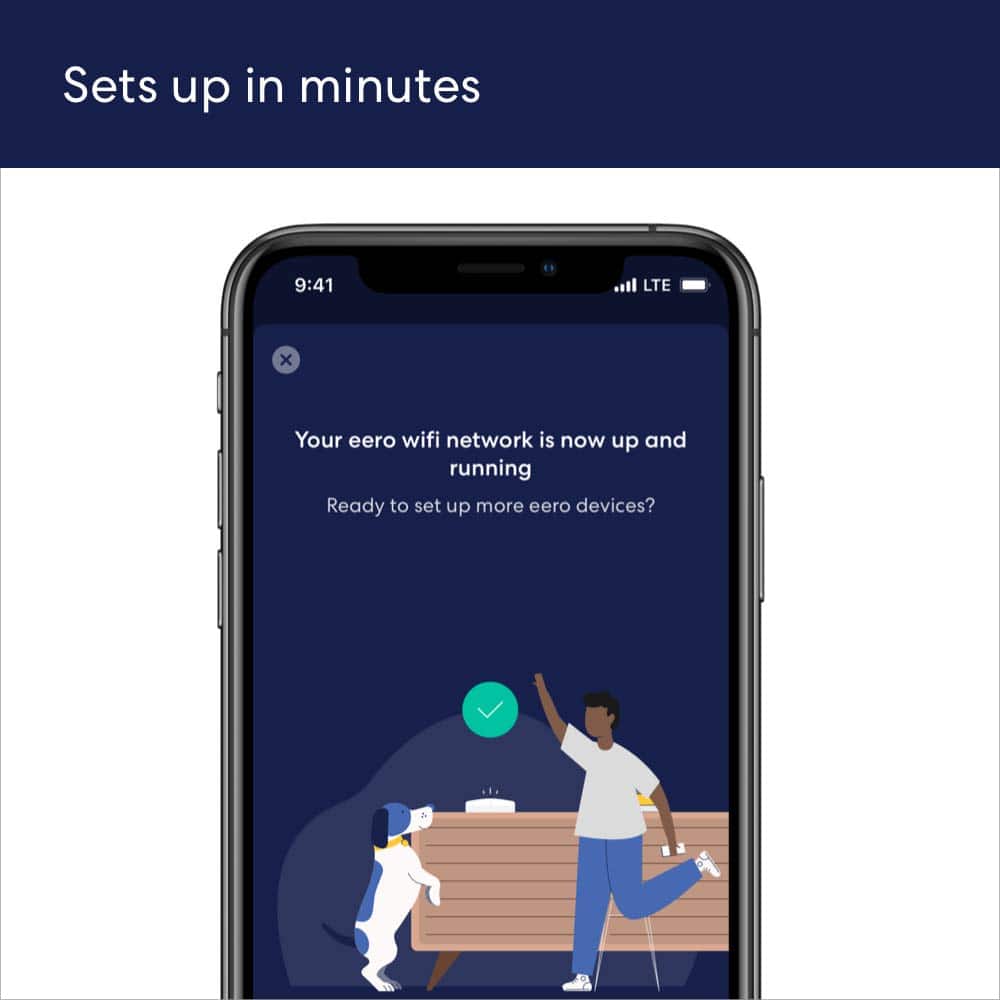
- Setup
Rating 4.7 out of 5 stars
- Range
Rating 4.7 out of 5 stars
- Signal Strength
Rating 4.6 out of 5 stars
to a friend
Customers are saying
Customers are enthusiastic about the 6 AX1800 Dual-Band Mesh Wi-Fi 6 System (2-pack)'s ease of use, Wi-Fi coverage, and speed. Many reviewers highlight the system's performance, range, and simple setup process. Some customers reported experiencing buffering issues.
This summary was generated by AI based on customer reviews.
It Works.
||Posted . Owned for 1 month when reviewed.This reviewer received promo considerations or sweepstakes entry for writing a review.Works as advertised. Has improved connectivity throughout my house.It Works
I would recommend this to a friendHome Wi-Fi router
||Posted . Owned for 3 weeks when reviewed.This reviewer received promo considerations or sweepstakes entry for writing a review.Works very well in all areas of our two story home.
I would recommend this to a friendPro tech
||Posted . Owned for 3 weeks when reviewed.This reviewer received promo considerations or sweepstakes entry for writing a review.Great service The Geek squad is very knowledgeable
I would recommend this to a friendEero
||Posted . Owned for 1 month when reviewed.This reviewer received promo considerations or sweepstakes entry for writing a review.Works excellent. Took care of the dead zones I had in my house. Highly recommended
I would recommend this to a friendAmazing
||Posted . Owned for 3 weeks when reviewed.This reviewer received promo considerations or sweepstakes entry for writing a review.Love it!!!! Well worth the price, very easy set up!!!
I would recommend this to a friendEero
||Posted .This reviewer received promo considerations or sweepstakes entry for writing a review.Best experience I’ve had with my WiFi. Would definitely suggest it
I would recommend this to a friendExcellent product
||Posted . Owned for 1 month when reviewed.This reviewer received promo considerations or sweepstakes entry for writing a review.Works great for a wireless product. Probably one the best in this price range.
I would recommend this to a friendLook no further to fix your wifi issues
||Posted . Owned for 3 weeks when reviewed.This reviewer received promo considerations or sweepstakes entry for writing a review.Fixed all my wifi strength issues, I couldn't be happier with this in the house.
I would recommend this to a friendEero
||Posted . Owned for 1 month when reviewed.This reviewer received promo considerations or sweepstakes entry for writing a review.The Eero has improved our Internet connection throughout the house were happy with it
I would recommend this to a friendUsed in two story house with no gaps
||Posted . Owned for 3 weeks when reviewed.This reviewer received promo considerations or sweepstakes entry for writing a review.Very every setup. The 3 pack is covering my two story house well.
I would recommend this to a friendHighly recommended
||Posted . Owned for 3 weeks when reviewed.This reviewer received promo considerations or sweepstakes entry for writing a review.Much needed for a 2-story home! Price was affordable and we all love it!!
I would recommend this to a friendGreat product
||Posted . Owned for 1 month when reviewed.This reviewer received promo considerations or sweepstakes entry for writing a review.Greta product. Good so far. Covers my townhome 1900 sft
I would recommend this to a friendEero WiFi mesh system
||Posted . Owned for 1 month when reviewed.This reviewer received promo considerations or sweepstakes entry for writing a review.Excellent whole house mesh WiFi system from every room and all networked devices
I would recommend this to a friendGreat
||Posted . Owned for 1 month when reviewed.This reviewer received promo considerations or sweepstakes entry for writing a review.Great wife throughout my entire 5k sq foot home including backyard
I would recommend this to a friendwifi
||Posted . Owned for 9 months when reviewed.This reviewer received promo considerations or sweepstakes entry for writing a review.it works fine. it has solved issue of internet connection which i had.
I would recommend this to a friendErro 6
||Posted . Owned for 6 months when reviewed.This reviewer received promo considerations or sweepstakes entry for writing a review.Gets the job done. No dead zones inside my 4400 sq home.
I would recommend this to a friendDisappointed with Amazon
||Posted . Owned for 1 week when reviewed.This reviewer received promo considerations or sweepstakes entry for writing a review.Easy to set up but would not connect to modem it kept getting errors. I tried to get support but only got a robot.. Not worth the money in my opinion
No, I would not recommend this to a friendBrand response from Amazon Devices Customer Support
Posted .If you’re having trouble with your eero or modem connection when setting up your gateway eero, here are a few things to check:
1. Make sure your gateway eero is connected to your modem via the Ethernet cord provided in the box. It should clip snuggly into your gateway eero and one of the Ethernet ports on your modem. (Note: Be sure to plug the ethernet cord into the correct port on your modem. On a standard modem, it will plug into the "WAN" or "Internet" port. On a modem/router combo device, it will plug into one of the "LAN" or numbered ports)2. Try power cycling your modem. If there’s an on/off switch, switch it off and wait for 30 seconds before switching it back on. If there is no on/off switch, unplug the modem and wait for 30 seconds before plugging it back in. Once the lights stabilize on your modem’s display, you’ve successfully powered it back on. 3. Try power cycling your gateway eero. If there’s an on/off switch, switch it off and wait for 30 seconds before switching it back on. If there is no on/off switch, unplug the modem and wait for 30 seconds before plugging it back in. Once the lights stabilize on your modem’s display, you’ve successfully powered it back on. If you are still experiencing issues with connectivity, please contact eero customer support at 1 (877) 659-2347. Thank you for your feedback!
Great !!
||Posted . Owned for 3 weeks when reviewed.This reviewer received promo considerations or sweepstakes entry for writing a review.This has been a great addition to our home network. Would definitely purchase again
I would recommend this to a friendhomeowner
||Posted . Owned for 1 month when reviewed.This reviewer received promo considerations or sweepstakes entry for writing a review....a great system for the price and works great in my bi-level home
I would recommend this to a friendWorks great!
||Posted . Owned for 1 month when reviewed.This reviewer received promo considerations or sweepstakes entry for writing a review.Works so much better than what we had before. Our internet is much more stable.
I would recommend this to a friend