Customer Ratings & Reviews
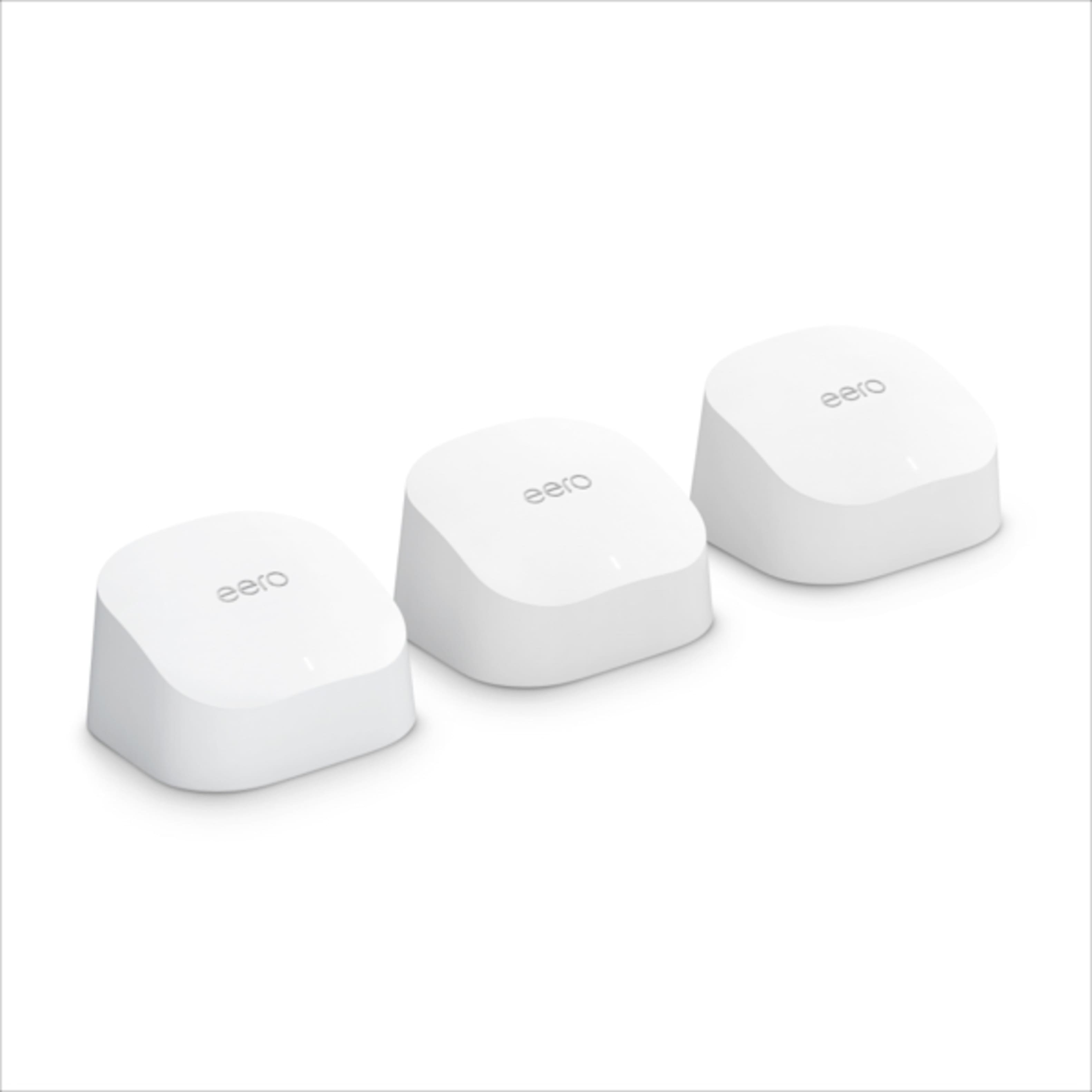




- Model:
- M110311
- |
- SKU:
- 6433419
Customer reviews
Rating 4.6 out of 5 stars with 4796 reviews
(4,796 customer reviews)Rating by feature
- Setup4.7
Rating 4.7 out of 5 stars
- Range4.7
Rating 4.7 out of 5 stars
- Signal Strength4.6
Rating 4.6 out of 5 stars
to a friend
Customers are saying
Customers are enthusiastic about the 6 AX1800 Dual-Band Mesh Wi-Fi 6 System (2-pack)'s ease of use, Wi-Fi coverage, and speed. Many reviewers highlight the system's performance, range, and simple setup process. Some customers reported experiencing buffering issues.
This summary was generated by AI based on customer reviews.
Rated 5 out of 5 stars
Eero
||Posted . Owned for 1 week when reviewed.This reviewer received promo considerations or sweepstakes entry for writing a review.these are little wonders. we’ve got them around our home and they’re easily moved after install. i don’t get bumped off my network anymore or a weak signal thanks to theses. i highly recommend these wifi for extenders
I would recommend this to a friendRated 3 out of 5 stars
It’s okay but better options out there
||Posted . Owned for 1 month when reviewed.This reviewer received promo considerations or sweepstakes entry for writing a review.Not the coverage expected from what this device claims. Seems there are going to be better options available .
No, I would not recommend this to a friendRated 2 out of 5 stars
Not as I expected
||Posted . Owned for 2 weeks when reviewed.This reviewer received promo considerations or sweepstakes entry for writing a review.I wanted to like it, because it looks stylish and decent. Hoped that it would provide a good speed. For the first few days it worked well, and gave decent speeds when I was near the main router. But when any device connected to the extenders, the speed was horrible. Got only 30% of my total speed. Returned it and got a Deco M9 plus from Costco, which works really well compared to this.
No, I would not recommend this to a friendRated 3 out of 5 stars
Mesh
||Posted .This reviewer received promo considerations or sweepstakes entry for writing a review.We ended up returning this item due to the problems with Spectrum, not because of the item.
I would recommend this to a friendRated 3 out of 5 stars
Wifi
||Posted .This reviewer received promo considerations or sweepstakes entry for writing a review.Undecided to keep at this point. In reading reviews; unsure if this particular product will meet my current needs
I would recommend this to a friendRated 3 out of 5 stars
eeros
||Posted . Owned for 1 month when reviewed.This reviewer received promo considerations or sweepstakes entry for writing a review.Product is very good. I have used it for the last month plus and my laptop's performance has improved greatly.
I would recommend this to a friendRated 2 out of 5 stars
It works, but setup is astonishingly challenging.
||Posted .This reviewer received promo considerations or sweepstakes entry for writing a review.While I suspect this product is a good one, I’m quite sure I’m not getting the best performance out of it, and I definitely don’t know. Astonishing, how bad the app is. And the mesh part isn’t working well — devices are not connected to the closest Eeros. I can’t edit the labels of devices on the network. “Help” appears to be nonexistent.
No, I would not recommend this to a friendRated 3 out of 5 stars
Wifi booster or buster
||Posted . Owned for 1 month when reviewed.This reviewer received promo considerations or sweepstakes entry for writing a review.Seems to help still working with it hopefully things get better
I would recommend this to a friendRated 3 out of 5 stars
Same as previous version.
||Posted .This reviewer received promo considerations or sweepstakes entry for writing a review.Although my internet speeds are faster, this showed to not be any faster than the previous version.
No, I would not recommend this to a friendRated 5 out of 5 stars
Best Entry Level Mesh Router
||Posted .This reviewer received promo considerations or sweepstakes entry for writing a review.Best investment for your WiFi home internet network. Connection speeds are blazing fast and router works flawlessly around the clock without any interruptions. 1000% Recommend. Tell a friend.
I would recommend this to a friendRated 3 out of 5 stars
Good product
||Posted .This reviewer received promo considerations or sweepstakes entry for writing a review.Got it for my brother family. Happy with the output but installation setup could be made much easy
No, I would not recommend this to a friendRated 2 out of 5 stars
Not Happy
||Posted . Owned for 3 weeks when reviewed.This reviewer received promo considerations or sweepstakes entry for writing a review.I found out that since I have a 2000 sq ft home, these are too much. Each unit would compete for wifi space and then shut down. Now I have to return them and try the single Eero Pro 6 to see if that will correct the issue. In all the years that I had my Apple AirPort Extreme, I always had WiFi although it was slow. So I am keeping an open mind.
I would recommend this to a friendRated 3 out of 5 stars
Good
||Posted . Owned for 1 month when reviewed.This reviewer received promo considerations or sweepstakes entry for writing a review.Great product, but it’s wifi only, with the other hubs you can’t directly wire it to devices
I would recommend this to a friendRated 3 out of 5 stars
Good Product
||Posted . Owned for 1 month when reviewed.This reviewer received promo considerations or sweepstakes entry for writing a review.I like them but they don't extend outside to my patio
I would recommend this to a friendRated 3 out of 5 stars
Dual-Band Mesh
||Posted . Owned for 1 month when reviewed.This reviewer received promo considerations or sweepstakes entry for writing a review.Ok, has not made a big difference. Thought we would notice a BIG difference.
No, I would not recommend this to a friendRated 3 out of 5 stars
Eero mesh
||Posted . Owned for 1 month when reviewed.This reviewer received promo considerations or sweepstakes entry for writing a review.Setup was easy but not as good of coverage as I expected
No, I would not recommend this to a friendRated 2 out of 5 stars
Issues with apple products
||Posted . Owned for 1 month when reviewed.This reviewer received promo considerations or sweepstakes entry for writing a review.I live in a rural area that doesn’t necessitate the 6 system but was told it’s good. Works fine streaming on tv only for some reason, my apple products have issues with it. Internet usage on apple devices is soo slow we keep getting timed out even when it is the only device using internet. Have to use cell phone hotspot for these.
No, I would not recommend this to a friendRated 3 out of 5 stars
not enough wifi
||Posted . Owned for 2 weeks when reviewed.This reviewer received promo considerations or sweepstakes entry for writing a review.wish there was 3 of them. needed 3 to fill my house
This review is from eero - 6 Dual-band Mesh Wi-Fi 6 System (2-pack) - White
No, I would not recommend this to a friendRated 3 out of 5 stars
Not Necessary
||Posted . Owned for 2 weeks when reviewed.This reviewer received promo considerations or sweepstakes entry for writing a review.I’m not sure if it’s working or worth it since I’m still having issues
No, I would not recommend this to a friendRated 3 out of 5 stars
so-so product
||Posted . Owned for 1 month when reviewed.This reviewer received promo considerations or sweepstakes entry for writing a review.Having issues with the cell phones getting signals.
This review is from eero - 6 Dual-band Mesh Wi-Fi 6 System (2-pack) - White
No, I would not recommend this to a friend