Refund Refresh 4-Day SaleEnds Monday. Limited quantities. No rainchecks.Shop now

Skip to contentGo to Product Search
Main Content

Customer Ratings & Reviews
$199.99

Customer reviews

Rating 4.6 out of 5 stars with 4753 reviews

Rating Filter

Rating by feature

  • Setup

    Rating 4.7 out of 5 stars

  • Range

    Rating 4.7 out of 5 stars

  • Signal Strength

    Rating 4.6 out of 5 stars

Pros mentioned filter

Cons mentioned filter

92%would recommend to a friend

Customers are saying

Customers are enthusiastic about the 6 AX1800 Dual-Band Mesh Wi-Fi 6 System (2-pack)'s ease of use, Wi-Fi coverage, and speed. Many reviewers highlight the system's performance, range, and simple setup process. Some customers reported experiencing buffering issues.

This summary was generated by AI based on customer reviews.

The vast majority of our reviews come from verified purchases. Reviews from customers may include My Best Buy members, employees, and Tech Insider Network members (as tagged). Select reviewers may receive discounted products, promotional considerations or entries into drawings for honest, helpful reviews.
Page 224 Showing 4,461-4,480 of 4,753 reviews
  • Rated 1 out of 5 stars

    john kelsey

    |
    |
    Posted . Owned for 3 weeks when reviewed.
    This reviewer received promo considerations or sweepstakes entry for writing a review.

    no noticeable improvement--no apparent change in signal strength

    No, I would not recommend this to a friend
  • Rated 1 out of 5 stars

    Poor

    |
    |
    Posted . Owned for 1 month when reviewed.
    This reviewer received promo considerations or sweepstakes entry for writing a review.

    Horrible with no connection. I do not recommend this product

    No, I would not recommend this to a friend
  • Rated 1 out of 5 stars

    Waste money drops WiFi all the time!

    |
    |
    Posted . Owned for 1 month when reviewed.
    This reviewer received promo considerations or sweepstakes entry for writing a review.

    Waste of money drops WiFi all the time my old net gear router blew this one out the water. Never dropped WiFi.

    No, I would not recommend this to a friend
  • Rated 1 out of 5 stars

    Slow

    |
    |
    Posted . Owned for 1 month when reviewed.
    This reviewer received promo considerations or sweepstakes entry for writing a review.

    It has slowed down my wifi connection I don't like them having them removed

    No, I would not recommend this to a friend
  • Pros mentioned:
    Ease of use, Wi-fi coverage
    Tech Insider Network Member

    Rated 5 out of 5 stars

    One word.....SIMPLE!

    |
    Tech Insider Network Member
    Posted .
    This reviewer received promo considerations or sweepstakes entry for writing a review.

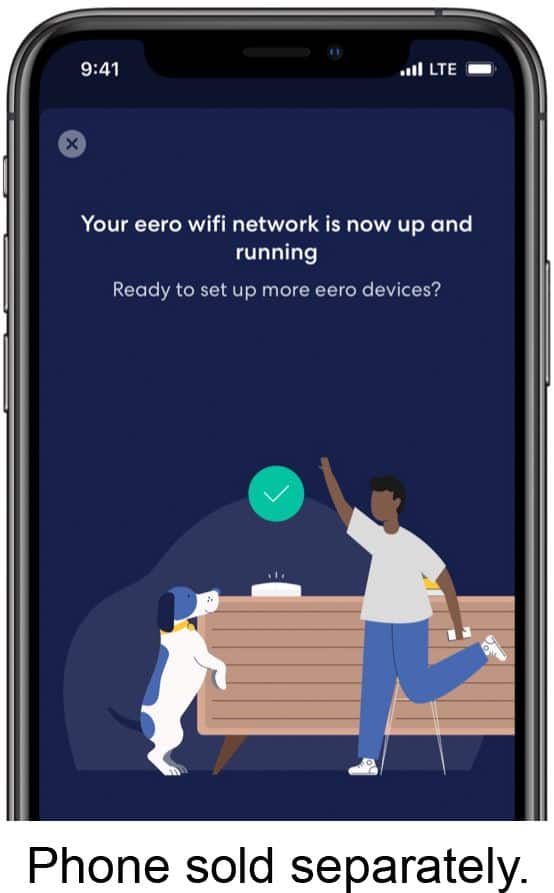
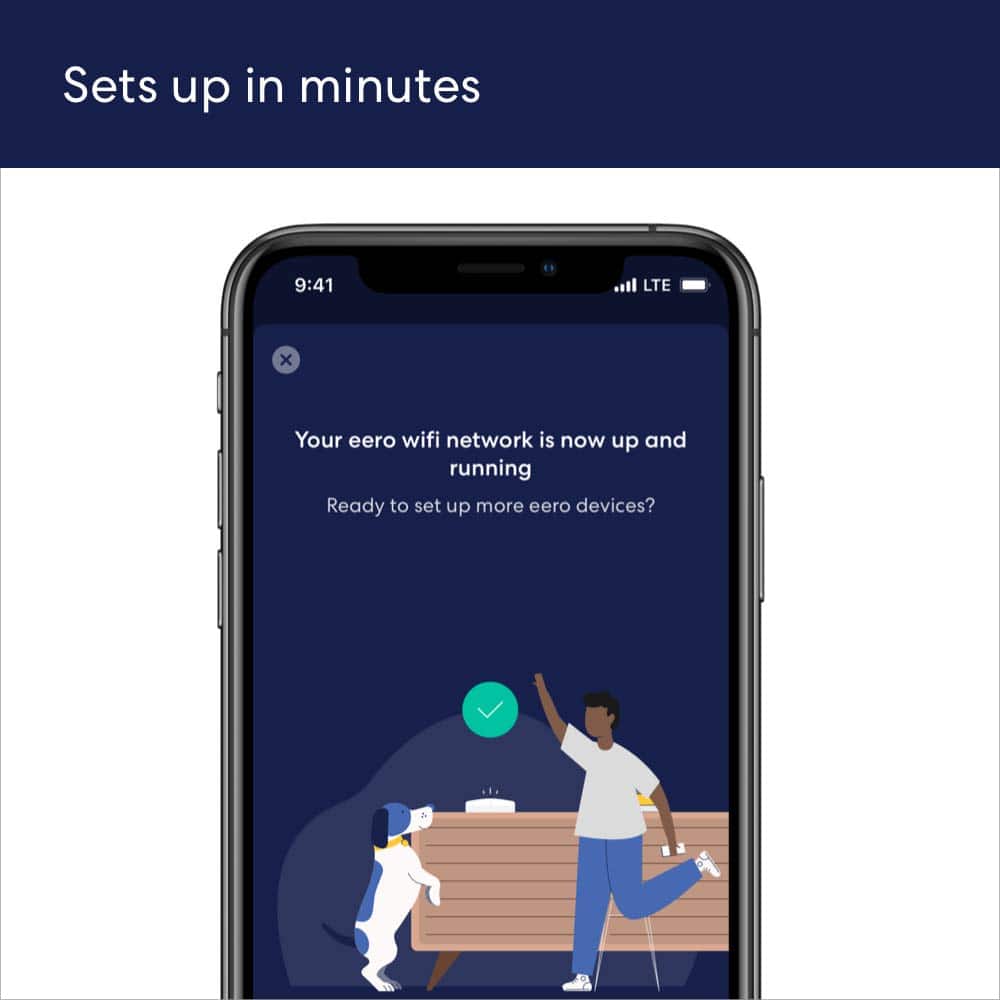
    I have to say this is one of the easiest routers to set up I have ever come across! We have about a 2500 square foot house upper level and basement. I ended up placing 2 of these upstairs and one downstairs. It has literally blanketed out home in very fast wi-fi! We used to have lots of dead zones with our old router where the signal wouldn't get to, or it would be a very weak signal. Now we have a good signal everywhere in the house and even a fairly decent signal out in the yard around our house. As far as setup goes, it really could not be any easier. Just download the app before you get started. Open the app and plug in the main router. Just follow the steps in the app and it will be connected and up and running in a matter of minutes. Then just go through the exact same procedure with the other 2 modules and you will be good to go. Literally from the time I opened the package to when everything was set up was less than 10 minutes. The app gives you lots of control over the router and is very easy to use. It gives you a list of everything that is connected so you can make sure someone isn't connected that shouldn't be. Or in my case lets me know if a child is on their laptop when they claim they are sleeping! Which leads me to the next feature, parental controls. Something every parent needs these days to try to help keep your kids safe on the internet. Overall, I couldn't be happier with this system. If you are someone that is not great with tech things and just want something simple and easy....this is the product for you! Even advanced users like myself will enjoy the simplicity of this system.

    I would recommend this to a friend
  • Rated 1 out of 5 stars

    Returning

    |
    |
    Posted . Owned for 1 month when reviewed.
    This reviewer received promo considerations or sweepstakes entry for writing a review.

    Doesn't work well with fiber op. Check wiyh your internet provider befie you purchase

    No, I would not recommend this to a friend
  • Rated 1 out of 5 stars

    Don’t buy

    |
    |
    Posted . Owned for 3 weeks when reviewed.
    This reviewer received promo considerations or sweepstakes entry for writing a review.

    Slow WiFi, better with standard equipment that Spectrum supplies

    No, I would not recommend this to a friend
  • Rated 1 out of 5 stars

    Eero

    |
    |
    Posted . Owned for 1 month when reviewed.
    This reviewer received promo considerations or sweepstakes entry for writing a review.

    It was not big enough for our needs and I asked ahead of time. Very didappinted

    No, I would not recommend this to a friend
  • Rated 1 out of 5 stars

    Wi Fi Strength

    |
    |
    Posted . Owned for 1 month when reviewed.
    This reviewer received promo considerations or sweepstakes entry for writing a review.

    I am not sure of the necessity of these items. I do not see any difference in my service.

    No, I would not recommend this to a friend
  • Pros mentioned:
    Range
    Cons mentioned:
    Buffering
    Tech Insider Network Member

    Rated 4 out of 5 stars

    Very Good Wi-Fi 6 Mesh System with Alexa Hub

    |
    Tech Insider Network Member
    Posted .
    This reviewer received promo considerations or sweepstakes entry for writing a review.

    My home internet is delivered by fiber with an advertised 1-Gigabit service. Through the use of the eero app, I am achieving a download speed of 904 Mbps and upload speed of 955 Mbps. My home is a ranch style, wood construction, and measuring in at 1575 sq. feet. The main node is centrally located in my home office. The first satellite node is located in my master bedroom (18-feet from main node) and the second satellite node is located in my living room (36-feet from main node). For reference, these measurements are linear passing through walls. Set-up was very straight forward following the 1-page installation guide and use of the erro app. There are a lot of features of the app to include: Static IP option, Custom DNS, DHCP & NAT with Automatic, Manual IP, or Bridge modes, Reservation and Port Forwarding, UPnP. Two features I wish were available in the app was the ability to hide your SSID and the ability to manually select the channel number for either 2.4 GHz or 5 GHz bands. As for the hardware of the system itself, only the main hub has 2-ethernet ports leaving both satellite nodes completely wireless. I suggest future eero Wi-Fi systems to have 2-ethernet ports per each node. Now for testing this eero product, I am using a Samsung Galaxy S20 Ultra. First, I made connection to the main node using a 5 GHz connection with an 8-foot distance from the main node. Through the use of the Speedtest app I achieved download speed of 618 Mbps and upload speed of 516 Mpbs. The 5 GHz connection to each satellite node was similar coming in with download speeds of 280+ Mbps and upload speed of 290+ Mpbs. Currently there are 19 devices actively running on my Wi-Fi network and do not experience any lag or buffering in any video or music streaming. This product has a built-in Amazon Alexa Hub incorporated into its hardware allowing you to log into your Amazon account to manage all your Alexa devices. I recommend this eero Pro 6 AX4200 Tri-Band Wi-Fi 6 Mesh System and give it 4 out of 5-stars. For the reasons of the lack of hidden SSID and lack of ethernet ports deducts 1-star from the overall review. I hope you enjoyed reading my review and it helped you in the potential purchase of this product.

    I would recommend this to a friend
  • Rated 1 out of 5 stars

    Didn’t work

    |
    |
    Posted . Owned for 1 month when reviewed.
    This reviewer received promo considerations or sweepstakes entry for writing a review.

    They don’t work. Our internet is still horrible. .

    No, I would not recommend this to a friend
  • Rated 1 out of 5 stars

    why need this

    |
    |
    Posted . Owned for 1 month when reviewed.
    This reviewer received promo considerations or sweepstakes entry for writing a review.

    hard to figure out so we passed....................

    No, I would not recommend this to a friend
  • Pros mentioned:
    Speed
    Tech Insider Network Member

    Rated 5 out of 5 stars

    A 5th grader could do it

    |
    Tech Insider Network Member
    Posted .
    This reviewer received promo considerations or sweepstakes entry for writing a review.

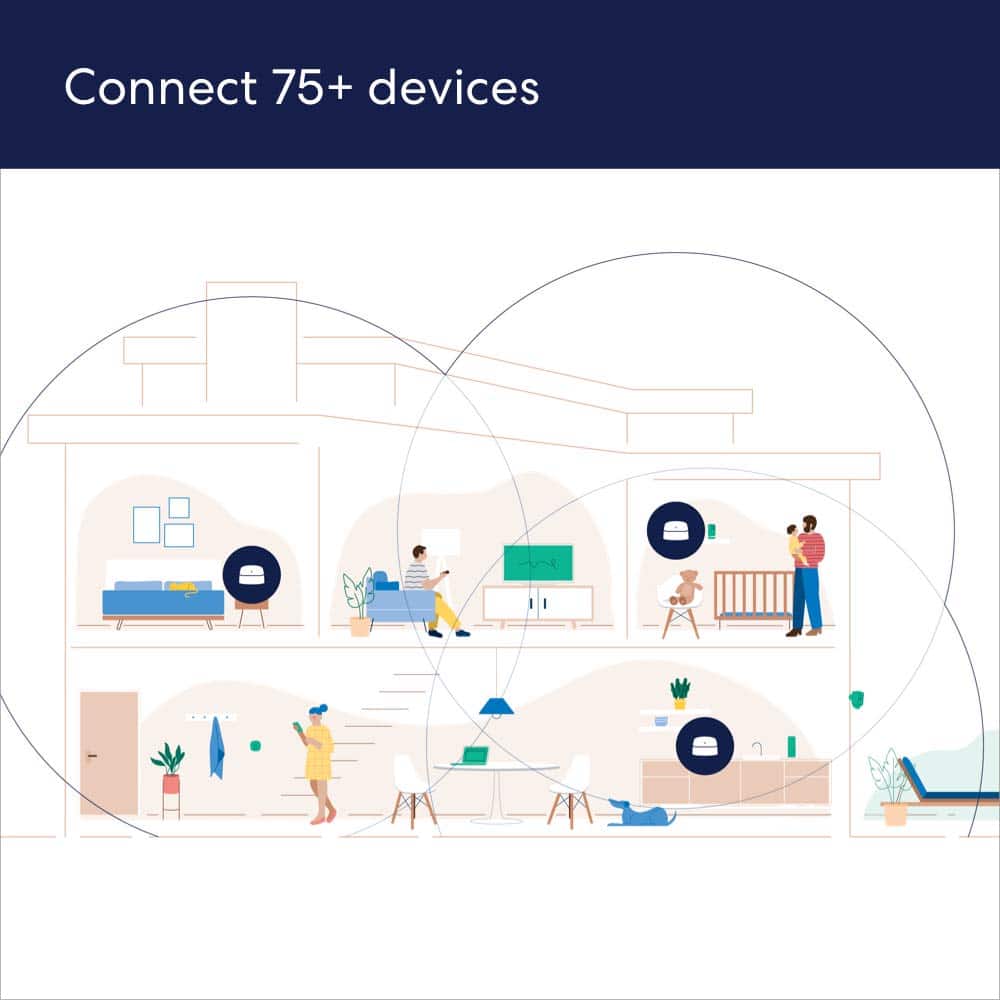
    I have a 1700 sq foot house and have heard many good things about mesh wifi systems. This setup is so simple that anyone who can use a smart phone can set this up no problem. Basically plug the main unit into your router, preferably in the center of the house and power it on. Answer a few questions on your eero app and boom, you got wifi! Add the extra 2 devices through the app, let it update, and you just extended coverage. My house has coverage all throughout the inside and even on my property outdoors. Aside from ease of setup and extensive coverage (probably good for a house triple my size), its designed to be secure while handling over 75 concurrent devices. I kept the 2 wireless eero’s toward the wall of my house to help cover signal in my front and back yard which it as seemed to do (used Wifi Analyzer to measure signal strength). The App is really convenient and full of functionality. A few things I’ve seen it do so far: - Run internet speed tests - Track Data usage - Offer advanced security features (for a fee; trial included) - Tracks the fastest recorded speed - Connects to Amazon Home - Guest Network optional - Super easy to change Network ID (SSID) and password - WPA3 security when available I think this is a great system for anyone who isn’t tech savy and may actually be intimidated by technology. I’ve set up many wifi systems before and this was by far the most easiest of any of them.

    I would recommend this to a friend
  • Rated 1 out of 5 stars

    Disappointed

    |
    |
    Posted . Owned for 10 months when reviewed.
    This reviewer received promo considerations or sweepstakes entry for writing a review.

    Did nothing for us, we are still having issues with our internet/WiFi.

    No, I would not recommend this to a friend
  • Rated 1 out of 5 stars

    Junk

    |
    |
    Posted . Owned for 4 months when reviewed.
    This reviewer received promo considerations or sweepstakes entry for writing a review.

    Terrible junk awful did I mention it don’t work at all worthless item don’t buy

    No, I would not recommend this to a friend
  • Pros mentioned:
    Wi-fi coverage
    Tech Insider Network Member

    Rated 5 out of 5 stars

    eero 6

    |
    Tech Insider Network Member
    Posted .
    This reviewer received promo considerations or sweepstakes entry for writing a review.

    I think the eero 6 mesh wifi set is pretty amazing. Due to where I have to keep my router I have been suffering from weak signals in parts of my house. Our house isn't very large, but the cable hook up is in the southeast corner of the house. The two bedrooms on the north end of the house have always struggled to get a decent wifi signal. Earlier this year I got fed up with it and did some research and came to the conclusion that our nearly 10-year-old router must have been the issue. So, I swapped it out for a Netgear Nighthawk after reading rave reviews. Alas, it didn't help very much. Then, I read about wifi extenders and bought one of those. While this did give me strong signals throughout the house, the extender's network came with a bit of a lag, as it had to relay from the main network. This made streaming tv (we're cord cutters) difficult, especially if there were multiple devices running on the main network. I realized that a mesh network was probably going to be the best solution for our situation. In came eero 6 to the rescue! I had just succumbed to the idea of living with spotty wifi in our house when the chance arose to get this system. I thought I was getting pretty decent speeds with my Nighthawk, but the eero blew that out of the water. I ran speed tests in a few areas around the house to see how much of a difference, if any, the eero system would make. In the living room (where the router is located) my speed more than doubled. In the master bedroom, the furthest away from the router, my speed quadrupled! I know, impressive. What's even more impressive is that those speed numbers are indicative of only having the main router hooked up. I hadn't decided where I wanted to put the two satellite routers yet. After installing those, I was able to get speeds almost 10 times faster than the Nighthawk alone gave out to the master bedroom. I am even able to get decent speeds in the furthest corners of my back yard, whereas before I was lucky if I got any signal at all just outside the back door. One thing to think about before running out to get one of these systems is where you want to place the two satellite units. While they are wireless in the sense that there aren't any wires connecting them to the main router, they do still have to be plugged into a wall socket. This could be an issue if you have an older home with very few spare outlets. Fortunately, the routers are relatively attractive, so they won't be an eyesore sitting on an end table or nightstand. You can even turn off the LED light if that poses an issue. One thing that bothered me about my Nighthawk was how bright it made my living room in the middle of the night with all its very bright blinking lights emanating from behind the TV. There is one thing I have to criticize the eero 6 on and that is its instructions. They are very minimal and they leave out one key piece of information, which is to turn off wifi on your phone. I tried over and over for 20 minutes and could not get the router to connect. Then, I just happened to recall that when setting up a Ring doorbell you have to turn off wifi on your phone. Having that one step in the instructions would have saved me a lot of frustration.

    I would recommend this to a friend
  • Rated 1 out of 5 stars

    Eero

    |
    |
    Posted . Owned for 3 weeks when reviewed.
    This reviewer received promo considerations or sweepstakes entry for writing a review.

    Product didn’t deliver what i was expecting. Very disappointed.

    No, I would not recommend this to a friend
  • Rated 1 out of 5 stars

    poor tech support timeing

    |
    |
    Posted . Owned for 1 month when reviewed.
    This reviewer received promo considerations or sweepstakes entry for writing a review.

    never opened up. waiting for tech support to finally show up

    No, I would not recommend this to a friend
  • Rated 1 out of 5 stars

    Mhm

    |
    |
    Posted .
    This reviewer received promo considerations or sweepstakes entry for writing a review.

    Trash. Wouldn’t recommend. Does absolutely nothing, waste of money

    No, I would not recommend this to a friend
  • Pros mentioned:
    Speed
    Tech Insider Network Member

    Rated 5 out of 5 stars

    Excellent Coverage

    |
    Tech Insider Network Member
    Posted .
    This reviewer received promo considerations or sweepstakes entry for writing a review.

    I don’t have a huge house, but I do have security cameras connected to my WiFI that I want to make sure are always online. One of the cameras in particular is on the outside of my detached garage and frequently has issues staying connected to my network, especially in bad weather. This 3 pack system was perfect for resolving this issue. In the past, I’ve tried WiFi extenders and found those to be less than satisfactory. In order to get the most out of this WiFi system, I did spend some money on a better modem and traded that in for my old “rented” modem/router combo from my cable provider. Then I sent up the mesh system with the wired mesh connected directly to my modem, one wireless eero upstairs in my home office, and one actually out in my garage to ensure my security cameras have a good connection. Since establishing this set up, I’ve seen a dramatic rise in my Internet speeds as well as continuous connection for my security cameras. That includes during a pretty heavy rain and good amount of wind that previously would have taken my garage camera out of commission. Set-up was super simple with everything and I love the app provided. This is a perfect set-up if you have multiple devices, especially if they’re somewhat spread out in your home/property.

    I would recommend this to a friend