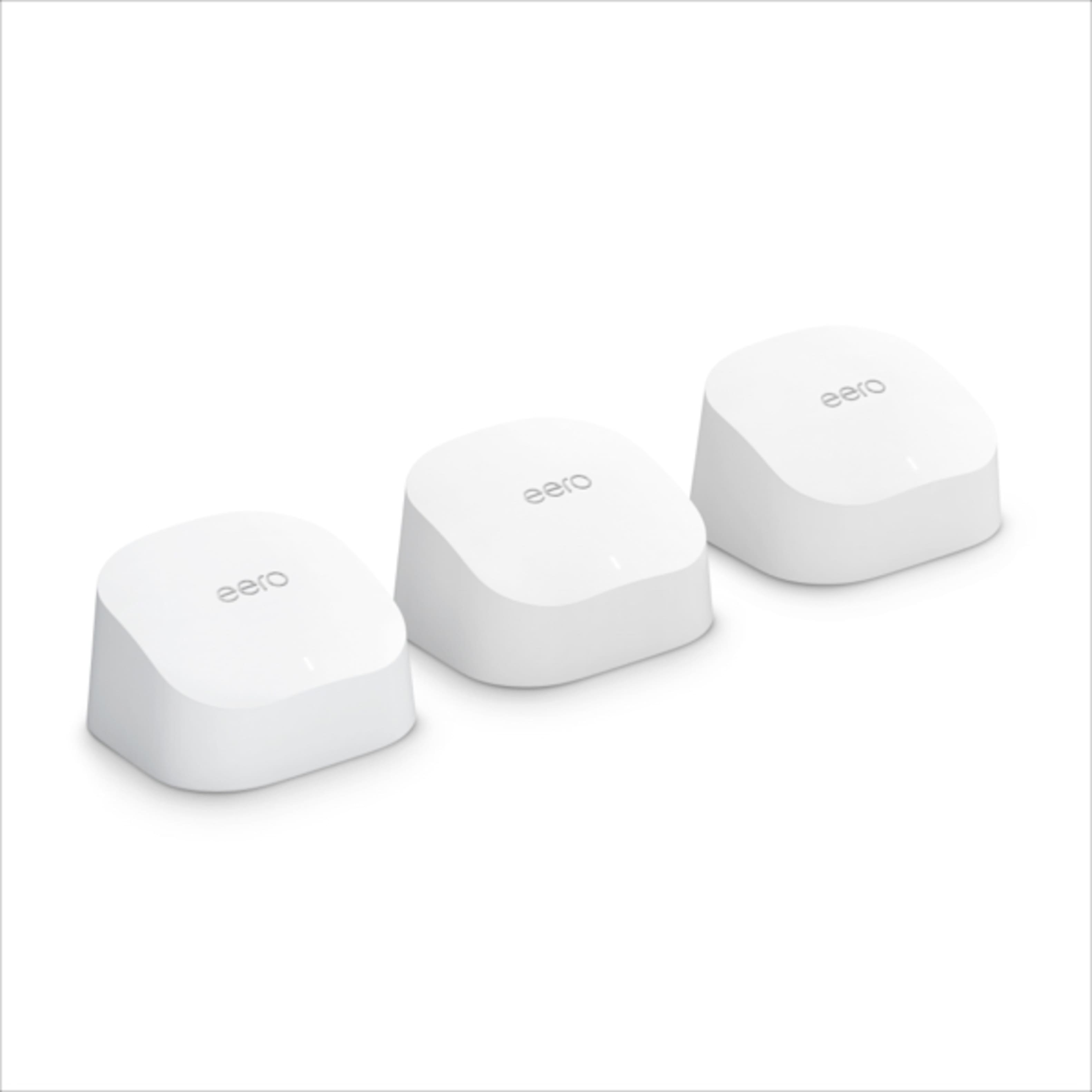
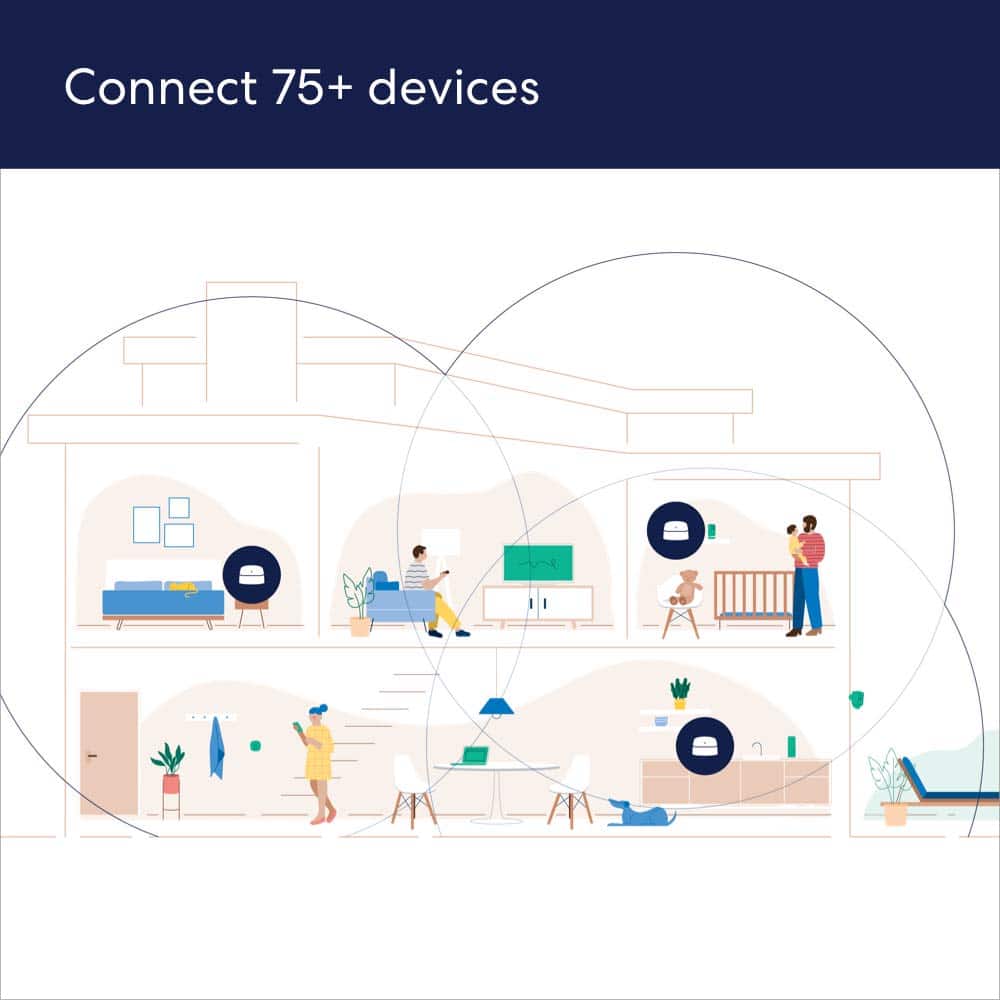
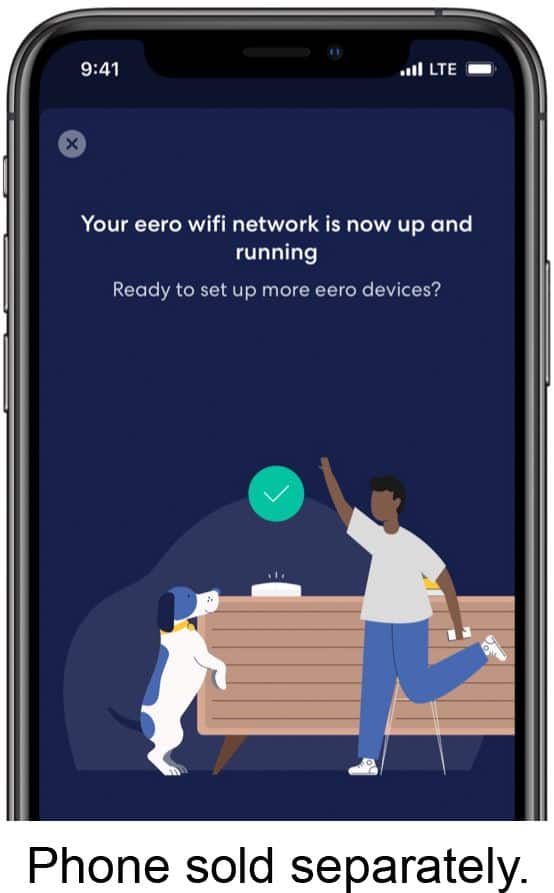
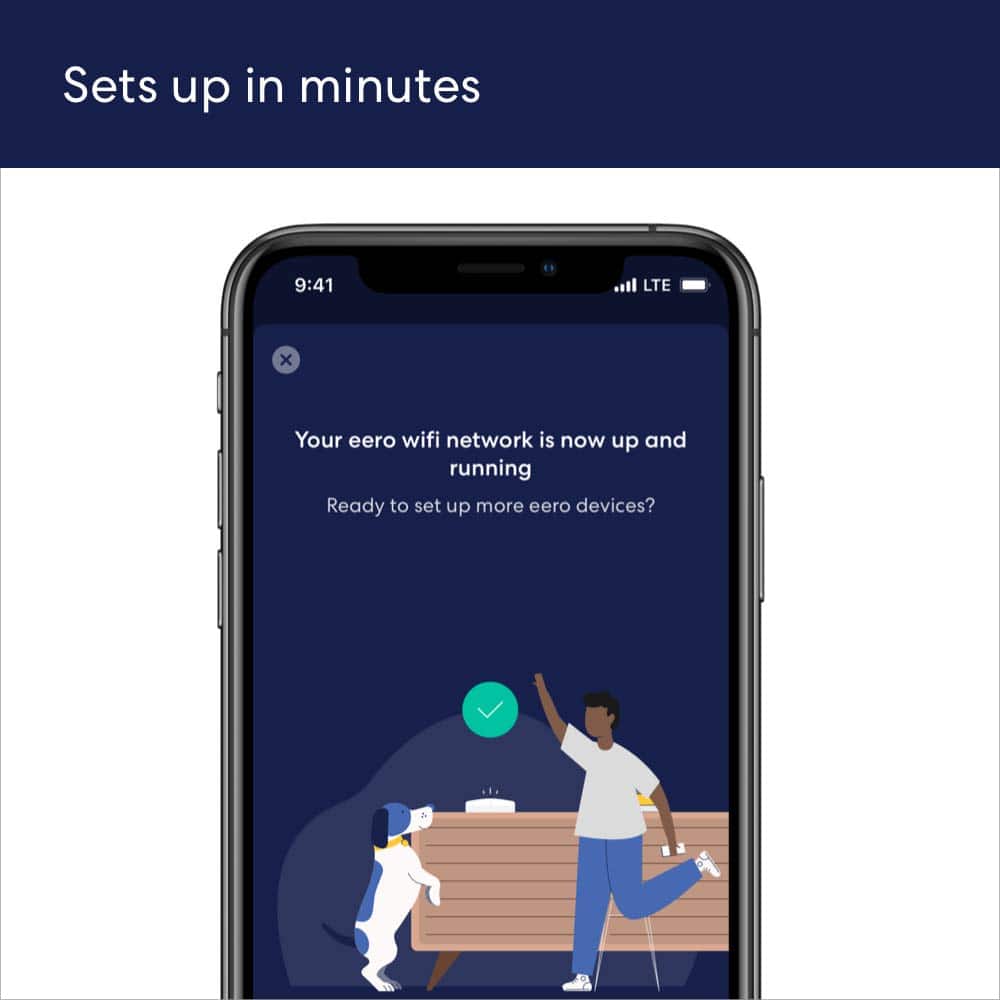
Customers are enthusiastic about the 6 AX1800 Dual-Band Mesh Wi-Fi 6 System (2-pack)'s ease of use, Wi-Fi coverage, and speed. Many reviewers highlight the system's performance, range, and simple setup process. Some customers reported experiencing buffering issues.
This summary was generated by AI based on customer reviews.
The vast majority of our reviews come from verified purchases. Reviews from customers may include My Best Buy members, employees, and Tech Insider Network members (as tagged). Select reviewers may receive discounted products, promotional considerations or entries into drawings for honest, helpful reviews.
Page 4 Showing 61-80 of 3,606 reviews
Rated 5 out of 5 stars
Eero System
|
|
Posted .
This reviewer received promo considerations or sweepstakes entry for writing a review.
My technician was very helpful in explaining the product. He practiced social distancing upon entering and during the installation process. I look forward to using faster and secure internet. Thanks you Best Buy for offering your customers state of the art products and customer service.
I would recommend this to a friend
Rated 5 out of 5 stars
EERO
|
|
Posted . Owned for 1.5 years when reviewed.
This reviewer received promo considerations or sweepstakes entry for writing a review.
Awesome product and love that i can control everything from phone now.
I would recommend this to a friend
Rated 5 out of 5 stars
Great Coverage with the Mesh system.
|
|
Posted . Owned for 2 weeks when reviewed.
This reviewer received promo considerations or sweepstakes entry for writing a review.
Had dead zones in my house before buying this Mesh system. Covers the entire house including the basement now, best thing of all is there are no more complaints from the kids!
I would recommend this to a friend
Rated 5 out of 5 stars
Family perfect fit
|
|
Posted . Owned for 2 months when reviewed.
This reviewer received promo considerations or sweepstakes entry for writing a review.
Perfect for family. Just great for our apartment. I can managed all the devises, set up parental controls, set up profiles for special devices and great management control.
I would recommend this to a friend
Rated 4 out of 5 stars
eero
|
|
Posted . Owned for 1 month when reviewed.
This reviewer received promo considerations or sweepstakes entry for writing a review.
Bought eero to extend the Wi-Fi to the bed rooms. Seems like it works sometimes and other time it seems like it still runs slow.
I would recommend this to a friend
Rated 5 out of 5 stars
Awesome Eero
|
|
Posted . Owned for 1 month when reviewed.
This reviewer received promo considerations or sweepstakes entry for writing a review.
The eero gives a wonderful and needed boost to the WiFi!! It is awesome!!! I cannot believe the durability and strong mbps!!
I would recommend this to a friend
Rated 5 out of 5 stars
Love our erro
|
|
Posted . Owned for 4 months when reviewed.
This reviewer received promo considerations or sweepstakes entry for writing a review.
Very content, I placed them by following the instructions so no issues at all.
I would recommend this to a friend
Rated 4 out of 5 stars
Like it not Love it
|
|
Posted . Owned for 10 months when reviewed.
This reviewer received promo considerations or sweepstakes entry for writing a review.
It cut out sometimes but could be our provider buy love the fact it small and not big and ugly like the old one
I would recommend this to a friend
Rated 5 out of 5 stars
Eero
|
|
Posted . Owned for 1 month when reviewed.
This reviewer received promo considerations or sweepstakes entry for writing a review.
My internet has improved greatly since there were put in.
I would recommend this to a friend
Rated 5 out of 5 stars
Eero 6
|
|
Posted . Owned for 3 weeks when reviewed.
This reviewer received promo considerations or sweepstakes entry for writing a review.
Easy setup, works flawlessly!!! I highly recommend!
I would recommend this to a friend
Rated 3 out of 5 stars
Wi fi extender
|
|
Posted . Owned for 3 weeks when reviewed.
This reviewer received promo considerations or sweepstakes entry for writing a review.
One of those wont connect to wi fi just keep on blinking.
I would recommend this to a friend
Pros mentioned:
Range, Speed
Rated 5 out of 5 stars
Amazing Wi-Fi Upgrade
|
Posted .
This reviewer received promo considerations or sweepstakes entry for writing a review.
I installed the eero AX1800 Mesh Wi-Fi system to replace an older mesh-style Wi-Fi setup. The configuration I chose included one "base" router and two satellite "extenders."
Pros:
- Amazingly simple setup - online in less than ten minutes
- Terrifically strong speeds, nearing close to the internet speed I pay for (200mbps) - see pictures
- Outstanding range even outside my home
- Great app - easy to use, simple to understand
- Latest home Wi-Fi security standards: WPA3 and Private Address capabilities
- Sleek 'easy on the eyes' design
- Easy backwards compatibility with older devices running less secure connections on 2.4ghz networks
- Seamless integration with other Amazon products
- Incredibly simple to expand if needed
Cons - I only have one!
- The only problem I've run in to with this particular configuration of the eero system is highly specific to my home's set up and may not be a problem for the majority of users. This configuration includes one base router and two satellite extenders. Only the base router includes a hardwired ethernet port which I need for VoIP service. Locating the router close enough to the VoIP system AND where the internet comes in to my house was impossible so I had to run a very long ethernet cable under the floor and up through the wall. This could *easily* be solved by changing the configuration or purchasing an expansion device.
The Verdict:
This was an awesome upgrade. I pay for 200mbps internet from my fiber internet company and was able to achieve close to those speeds all through my 2,800 sq. ft. three floor home. The range is truly incredible - I was able to get signal and reasonable fast speeds even outside of my home, approximately 50-60 feet from the eero extender inside. I would strongly recommend eero for anyone looking to really upgrade their home Wi-Fi, especially from a single router system or an older mesh-like system. This was a terrific upgrade.
I would recommend this to a friend
Pros mentioned:
Ease of use, Range, Speed
Rated 5 out of 5 stars
Speed Demon
|
Posted .
This reviewer received promo considerations or sweepstakes entry for writing a review.
I have very unique circumstances that requires a lot of range for a mesh wifi system. I built my inlaws a small house in the backyard of my roughly 5,000 sq ft lot. We have one cable line to the property, meaning we can only have one router. My inlaws are older, so they insist on having a landline in their house, which has to plug into the router. Thus, the router has to be in their house, and I have to get the signal to reach throughout the main house (roughly 3,200 sq ft. with 4 levels). I previously owned a mesh network that claimed up to 20,000 sq ft coverage. While it provided coverage, speeds were relatively slow (considering I was purchasing 300 mbps service) and unreliable.
Enter the eero. Set up was easy. The app guides you through the process and it only took about 10 minutes. Even those without any knowledge of networking could follow the steps. I then hit a snag. While my phone was connected and receiving service, all my other devices connected to the network but could not receive internet. After messing with it for 20 minutes or so, I finally called eero customer service. I was instantly connected to a rep. Yes that's right, no wait time at all! The rep was super friendly, and reset my DNS. After that, everything started working, and I am more than impressed.
But the proof is in the pudding. Here are two screenshots of my before and after speeds. The eero clearly blows my old system away in all corners of my house with consistent speeds over 100 mbps. The modems are also simple and attractive to place anywhere, and can easily be hidden if you don't want to look at it. Highly recommended! Great product and great customer service!
I would recommend this to a friend
Pros mentioned:
Ease of use, Speed
Rated 5 out of 5 stars
Awesome WiFi Equipment!
|
Posted .
This reviewer received promo considerations or sweepstakes entry for writing a review.
Let me start by saying that before installing this system, I had the previous generation of less expensive Eero equipment, sometimes referred to as the Eero cupcakes. I have also set up and used a variety of mesh WiFi systems and home WiFi equipment from several different well-known brands. Several of the systems I have used in the past have had issues with connections dropping and reliability, which was really frustrating.
Out of all the different WiFi systems I have used, I have to say that so far Eero is my favorite. I don’t think Eero is the fastest system out there, but what has impressed me the most with Eero is its reliability. Unlike several other systems I have dealt with, Eero has been very solid and extremely reliable. There were a few cases with my previous Eero system where my signal dropped off very briefly when I was walking between WiFi points on a FaceTime call, but other than that, both my previous Eero system and this one have been rock solid and the most reliable WiFi equipment I have used yet. Speed is nice, but even more important to me is reliability. I feel confident in saying that Eero is very reliable.
When it comes to my experience with this particular system, there are a few things to note that are different than the previous generation Eero cupcakes. With this set, only the main WiFi point has ethernet ports. The previous version had ethernet ports on all of the WiFi points. Additionally, there are a few features missing from this system that were on the previous version. Under Eero labs, it appears that the Optimize for Conferencing and Gaming feature is currently missing. Additionally, it does not appear that HomeKit is supported on these devices right now. I do think that Eero is working on both of these and will add them in future firmware updates, but just be advised that these features are not available at the time of my writing this review.
When it comes to setup, it really couldn’t get any easier. Eero is super easy to set up, even if you aren’t tech savvy, the Eero app makes it so easy and straightforward and steps you through everything you need to do to get your equipment set up. From my experience, the app works well and serves its purpose. It has a nice design and allows for some important capabilities like checking the internet speed coming in from your modem, viewing devices on your network, updating firmware, etc.
When it comes to performance on this WiFi 6 equipment, I expected really fast speeds, and while I did get good speeds, they were not as fast as I expected. I have a 200mbps connection with Spectrum and tested this equipment on an iPhone 12 that supports WiFi 6. When I first set up the Eero equipment, I was getting super fast speeds of 230mbps average download and 11.5mbps average upload on my iPhone 12 which was awesome! But, as time has progressed, I have noticed a degradation in speeds since then.
I installed an initial firmware update when first setting up my equipment, and then a second firmware update was installed automatically a day or two later. I’m not sure if the second update led to lower speeds, but my speeds aren’t as fast as they were initially. Out of 7 tests recently, I was getting an average of 155mbps download and 10mbps upload. I did test the speed from my modem by running a speed test on the Eero app, and was able to confirm that around the time of my testing, the Eero was getting an incoming download speed of 234mbps and upload of 12mbps. Eero has stated that sometimes it can take a week or so for your equipment to familiarize itself with nearby WiFi signals so it can optimize and select the best transmission settings and wifi channels for your location. So, it may take some time of using the equipment to achieve the best possible speeds. Additionally, there could be some initial firmware issues on this equipment that Eero will resolve in future updates.
While the download and upload speeds could be a little better on my equipment, I have been using my network extensively and have been streaming live tv, watching YouTube and Netflix videos, conferencing online, etc and this equipment has done great! Videos load fast and I haven’t had any issues with losing connections or buffering or anything like that. Rather than just running speed tests and rating equipment based on that, I think the best test of how good equipment is is to see how well it actually performs during everyday use. I can definitely say that this has performed very well during my day to day use! I have had issues with several other WiFi systems in the past where I would lose my connection to the internet randomly and unexpectedly, or video conferencing was unreliable, but I have not had those issues with Eero. Also, considering my connection speed, an average of 155mbps download is still close to my advertised speeds and is plenty fast!
I’m not sure how this equipment would perform if you have a gigabit internet connection, but I would expect that it definitely wouldn’t get those full speeds, so that is something to keep in mind depending on what type of internet you have. If you have a really fast gigabit connection and want to get the best speeds possible, it would definitely be a good idea to consider the Eero Pro 6 or another system that can get the highest possible WiFi 6 speeds. It wouldn't surprise me if Eero improves the speeds on this new equipment with future firmware updates.
Overall, this is a great system! If you are looking for equipment that performs well, is very reliable, and is very easy to set up, I would strongly recommend this system! So far, I am very satisfied with this Eero WiFi 6 system and will definitely be recommending it to others!
I would recommend this to a friend
Rated 1 out of 5 stars
Not a reliable source of WiFi
|
|
Posted . Owned for less than 1 week when reviewed.
This reviewer received promo considerations or sweepstakes entry for writing a review.
Buying the eero I went with the product that can put out the faster speeds, I had hight hopes since my home is only 1,500sq ft I thought it would be perfect. The output of this device is extremely low giving my wifi devices only kbts when my main hub is receiving 500gb ps.
The one positive I have about the eero I can say would be they have a incredible app where you can pause and resume each device connected to the WiFi and see which hub is connected to which hub.
No, I would not recommend this to a friend
Brand response from Amazon Devices Customer Support
Posted .
Hi Lujano, thank you for providing feedback regarding your experience with the eero 6 system. I am sorry to hear about the speed issues you’ve having. Here are some tips that may remedy your issue: 1. Place eeros where they can talk to each other. 2. Place eeros on a hard, flat surface. 3. Keep your eeros out in the open. 4. Whenever possible, aim for direct line of sight between eeros. The fewer the walls between your eeros, the better. If this information doesn’t resolve your issue, call eero customer service at (877)659-2347. They’re available Monday-Sunday 6am-8pm PT. I hope this helps. Have a great day!
Rated 1 out of 5 stars
WiFi speeds slow
|
|
Posted .
This reviewer received promo considerations or sweepstakes entry for writing a review.
Not impressed with the speed at all I am getting less the 100mbs and have 1 gig up and down at my house. I wasn’t expecting to get that however 300-400 would be fine. The app show I’m receiving 568 down and 934 up not getting that with WiFi and a WiFi 6 device
No, I would not recommend this to a friend
Rated 5 out of 5 stars
Simple setup; reliable signal, decent range
|
Posted .
This reviewer received promo considerations or sweepstakes entry for writing a review.
The eero 6 is our first pre-packaged multi-node mesh Wi-Fi system. Previously, we had used an AiMesh system in our 3-story home consisting of a host router at the top floor and a child node two floors down because the signal was weak on the lower floors and the child node needed to be fairly close to our smart lock on the back door, but the signal from the child node was relatively weak and wasn't always reliable. The child node was also somewhat troublesome to set up and expensive which is why we never bothered buying a third node to boost the signal on the second floor. With the eero 6, since it came with two extenders in addition to the main router, we were able to place one on each floor, and now the signal inside the house is pretty uniform no matter what room we're in.
The mobile app is required for setup, and after signing up for an account and logging in, getting the main eero hub and extenders up and running took only about 15 minutes. All the nodes use USB-C powered and come with the same power brick with integrated USB-C cable. The app gives you a few tips on where to place them and will even tell you if you've found an optimal location. Since we made the network name the same as what we'd been using previously, all our 30+ devices automatically connected to the new Wi-Fi system, while choosing the node with the best signal. Some devices even switched to using WPA3 encryption, even though our previous router didn't support that. Since the eero 6 is dual-band there is a 5 GHz signal and 2.4 GHz signal, but both use the same network name. Our devices didn't seem to have any trouble determining which band to connect to. There's even an optional 'band steering' setting in the app that attempts to automatically connect devices to the faster 5 GHz network, if they are capable. We also activated the guest network for visitors. The guest network has a 'share' option that will send a text to your guests with the login credentials or you can display a QR code on your phone's screen that someone can simply scan with their phone to join the network.
I do have to say I like the low-profile and minimalist look of the eero router and access points, with the clean, glossy white plastic exterior and gentle curves. There aren't any antennas sticking up from the units and the single status LED on the front can be disabled (great when it's in a bedroom and you need complete darkness to sleep!). In fact, you can't even tell the difference between the router and extenders unless you take a look at the back. The main router has two ethernet ports while the extenders have none. One of those ethernet ports will be connected to your modem that brings your internet signal into the home. The other can be used for wired access to the network. That's probably the biggest drawback, is that you're limited to connecting one wired device to the network at a time, unless you get an ethernet hub or add an additional access point with ethernet ports. As it is, we have our printer connected to the router as a wired device and all our other devices are operating wirelessly without issue.
Our broadband service level is 250 Mbps through our cable provider and since the eero 6 supports up to 500 Mbps, we still have plenty of breathing room if we want to upgrade our internet speed in the future. Interestingly enough, the app measured our fastest download speed at just under 300 Mbps at consistent intervals. Where it didn't perform as well as our old router (with 4 antennas) is in sheer distance from the nodes. While we were able to maintain good signal in and around the house, the signal dropped off significantly in the backyard, since we live on top of a hill and the yard is 10-15 feet lower than our ground floor. At the limit of our property, approximately 100 feet from the house the Wi-Fi signal was non-existent, whereas with our previous router we were able to receive some signal, though speeds were slower.
I found the Amazon/Alexa integration interesting, as eero is an Amazon-owned brand. Linking my account was as simple as logging in and this gave me instant access to the eero via voice commands to do things like turn off Wi-Fi for specific devices or a group of devices organized under a user profile in the app. I could see this being useful for folks with kids: you could simply ask Alexa to turn off Wi-Fi for all of a child's devices at dinnertime, for example. You can even have Alexa ask eero to find phones connected to the network, and it'll call them. The eero 6 also has a built-in Zigbee hub and that'll allow you to sync up your compatible Zigbee devices without having to use a separate hub. I'm all about reducing complexity and the number of devices around the home when possible. While none of our smart home devices currently use Zigbee (all are direct Wi-Fi connections), it's nice to have this option available to use at no additional cost for future additions. If you have more complex network setup needs, the app allows for some advanced options like UPnP and port forwarding. We don't use those features, so I can't go into more detail about how well they work. For most average users, this system will be plug-and-play.
Overall, I've been pretty impressed with the eero 6. The ease and speed of setup was as advertised and the network just works. We haven't had any issues regarding network stability or signal loss inside the home. With the exception of the signal range outside the home and the lack of ethernet expansion options, this mesh network was a great fit for our needs.
I would recommend this to a friend
Pros mentioned:
Speed
Rated 4 out of 5 stars
Very Simple and effective Mesh WIFI!
|
Posted .
This reviewer received promo considerations or sweepstakes entry for writing a review.
I have experience with several mesh WIFI systems and the Eero is very easy to set up and worked flawlessly for me. I commend them on their app software. I also like that it has a built-in smart hub since I plan on adding smart devices to my network. The Eero is made to work with Alexa which makes it very easy to set up by linking your Amazon account during setup on the app which is great for people that are already owners of Alexa devices and in the Amazon system. So far the Eero system seems very reliable to me it stays connected well has smooth handoffs between eero's and lets you know during setup if your Eero placements are adequate which is very helpful for setting up a good network. It says for Networks up to 500Mbps but I was able to get over 500 on a newer laptop with AX wireless in the same room. We live in a 4000SF single-story house and it does not have any problem covering it as well as providing WIFI outside the house. I was able to get 65 down on my phone about 25ft away from the Eero on that end of the house and 16.1 further out in the yard connected to that same Eero. I also got 17.2 in the very back bedroom which probably 50ft away and through 3 walls from the main router in my office also with my phone. I set them up toward the other end of the house since we do not use the back bedroom and I wanted WIFI in the driveway and out in the yard on that end of the house. It would be beneficial to add another Eero to that back bedroom to get a stronger signal and WIFI around that end of the house in the yard at better speeds. If you are in a 4000-5000 SF home I would use 4 especially if it is a one-story home on a big lot. Overall, I am impressed by the eero system and would definitely recommend it especially for those that are not so Tech Savy for it's very straight forward and easy setup. However, with its built-in smart hub and Zigbee compatibility, it is also good for advanced users or those wanting to learn and get into setting up their homes with smart devices. It is nice to see a company offer good hardware and good software in their app which offers features such as a built-in speed test and the ability to see which Eero you are connected to and what other devices are connected to each Eero you have as well. For a 2 channel system, this Eero system is very competitive and it will give you good speeds as long as you space the Eero's well and are not too far away from them. I would like to see a little better range out of them, however. For that, I guess it is either add another eero or get the 3 channel Eero6 system. For the price of this 2-channel if that is what your budget is though I would say you can't go wrong and you could always expand by adding Eero's to improve your system!
I would recommend this to a friend
Rated 1 out of 5 stars
Not wokr as worth.
|
|
Posted . Owned for 2 weeks when reviewed.
This reviewer received promo considerations or sweepstakes entry for writing a review.
it's not as describe.
My internet is 500 mbps it's should be atlist 200 but bot
No, I would not recommend this to a friend
Pros mentioned:
Performance
Rated 5 out of 5 stars
Boosted Internet Strength, Speed, & Radius
|
|
Posted . Owned for more than 2 years when reviewed.
This reviewer received promo considerations or sweepstakes entry for writing a review.
This item has worked great for me. I got a PS5 and couldn't really use the internet on it because the signal was to weak. This definitely fixed the problem. I highly recommend this product for common tasks (streaming services, light gaming, etc). I would recommend the eero 7 or other higher end equipment if you need a stronger signal for competitive gaming or if you have a lot of devices you need to connect to the internet.