Customer Ratings & Reviews
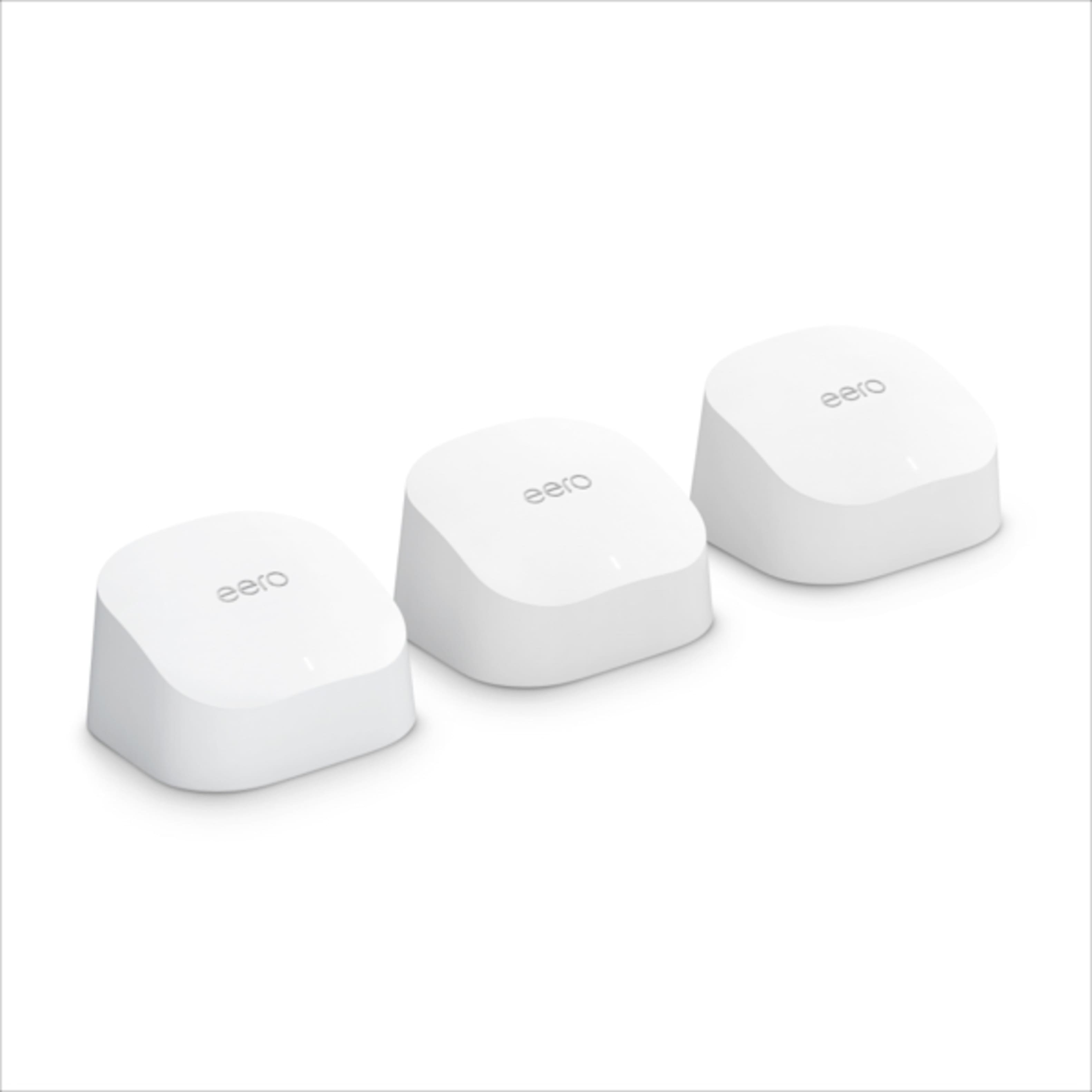
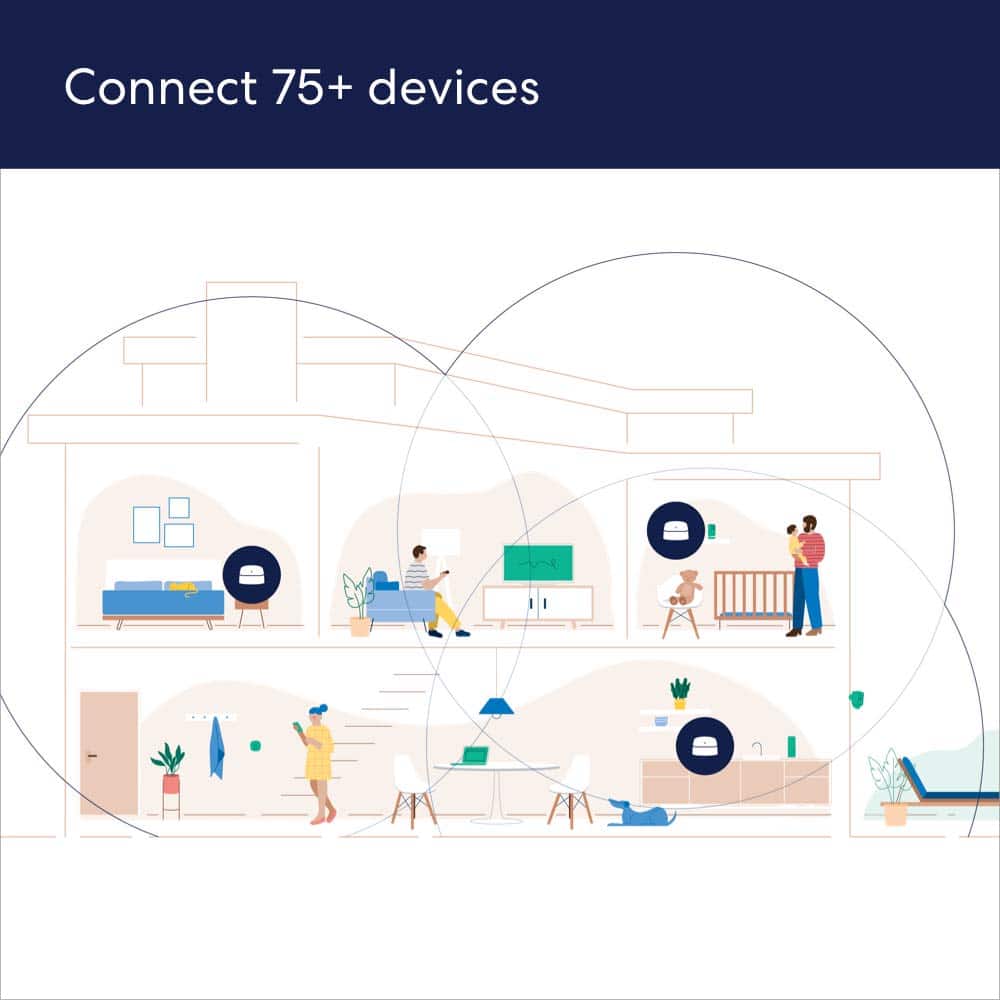
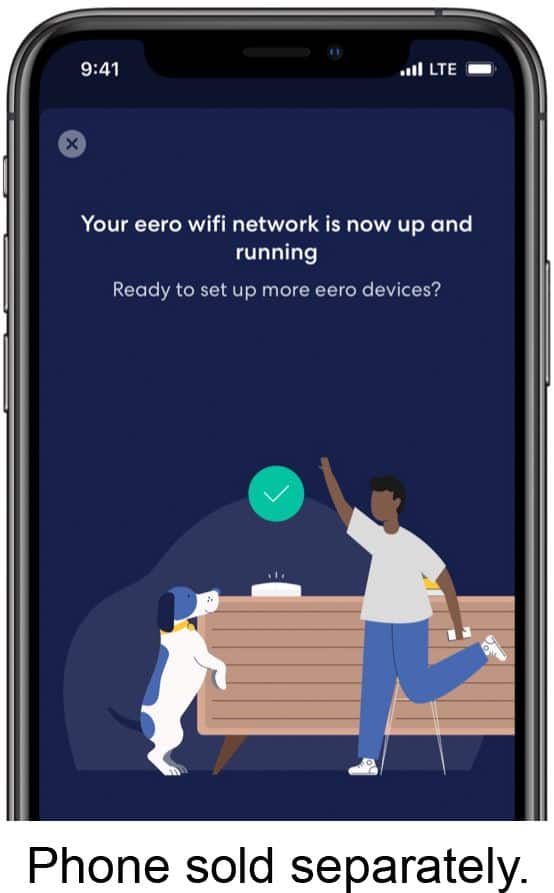



- Model:
- M110311
- |
- SKU:
- 6433419
Customer reviews
Rating 4.6 out of 5 stars with 4786 reviews
(4,786 customer reviews)Rating by feature
- Setup4.7
Rating 4.7 out of 5 stars
- Range4.7
Rating 4.7 out of 5 stars
- Signal Strength4.6
Rating 4.6 out of 5 stars
to a friend
Customers are saying
Customers are enthusiastic about the 6 AX1800 Dual-Band Mesh Wi-Fi 6 System (2-pack)'s ease of use, Wi-Fi coverage, and speed. Many reviewers highlight the system's performance, range, and simple setup process. Some customers reported experiencing buffering issues.
This summary was generated by AI based on customer reviews.
Rated 5 out of 5 stars
Grandma hasn’t complained yet.
||Posted . Owned for less than 1 week when reviewed.This reviewer received promo considerations or sweepstakes entry for writing a review.Pros: wifi 6, mesh, grandmother doesn’t complain anymore when playing on her iPad. Actually getting our WiFi speed that we are paying for over wifi. No more buffering on Netflix. 2 story house with 5 people living and devices using internet every minute of the day. Me being picky but I didn’t see there is another model that has ports Cons: not hard wired for each individual unit like the main router unit is.
I would recommend this to a friendRated 5 out of 5 stars
Best deal on Mesh!! Period!
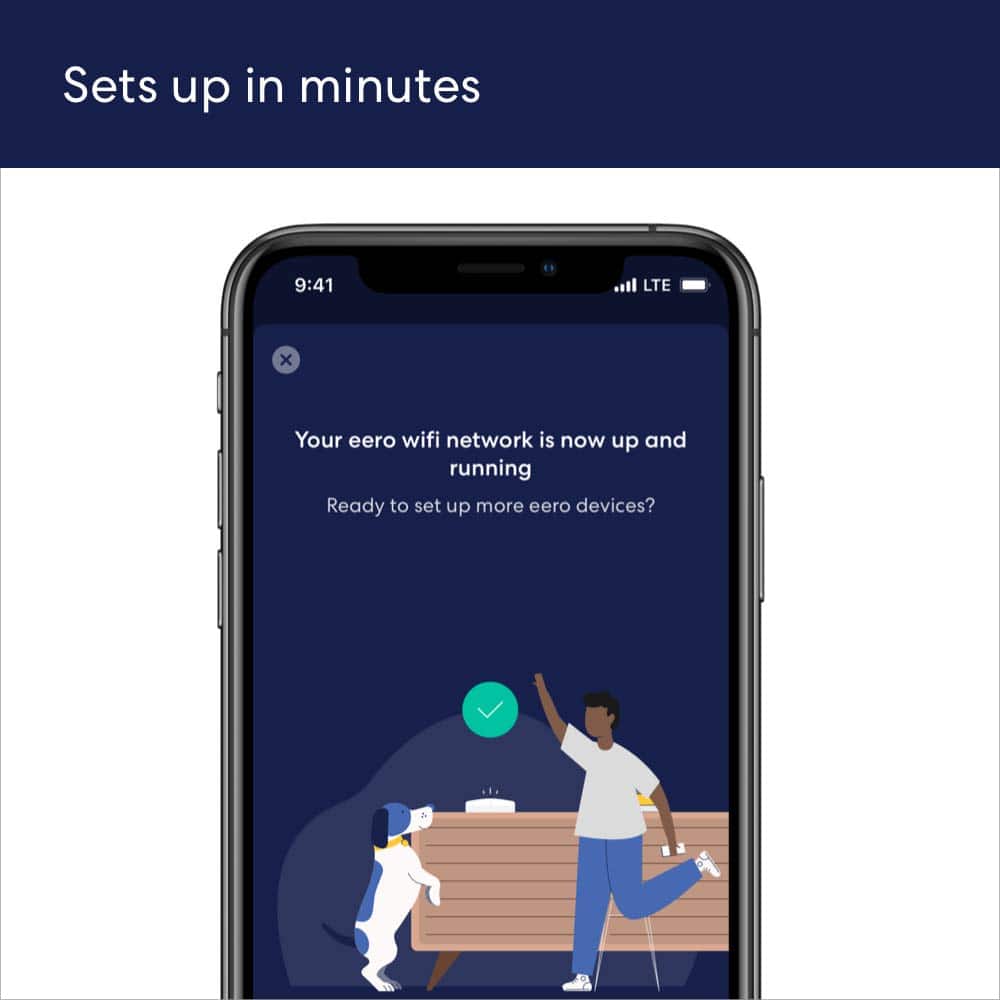
||Posted . Owned for 1 month when reviewed.This reviewer received promo considerations or sweepstakes entry for writing a review.I purchased this product, eero 6 AX1800 Dual-Band WI-FI 6 Mesh System, about 6 weeks ago for my Dad's house. It is his first Wi-Fi setup, much needed because he lives in an area with terrible cell coverage, even his cable tv stinks. Connectivity has always been a problem, so I needed to find something with blanket coverage and SIMPLICITY of use. So far I am extremely happy with this. Setup was a breeze. 1. Just downloaded the app on his phone (which also is his first smart phone, yay dad!). 2. Plug eero main module into cable modem. 3. A temporary network was provided to connect to router. 4. Setup account information, i.e. login and password. 5. Locate permanent network and login. (optional: rename network to something personal). 6. Plug in second (or 3rd...) module and let it pair with main. Best done close together as possible. 7. Move all other modules to a central location at each floor or far end of home where internet is needed. That's it, the whole setup took less than 15 minutes. Now there is is internet in all ends of his home. No dropouts or slow connection, it just works, and everything connects automatically. Quite different from a lot of the competitors. The speed is exactly what he is getting at the main modem. I would recommend this to everyone at it's full asking price, but if you get it in sale loke we did, it is a STEAL!
This review is from eero - 6 Dual-band Mesh Wi-Fi 6 System (2-pack) - White
I would recommend this to a friendRated 5 out of 5 stars
The Most Stable Consumer Mesh Wireless Product
||Posted . Owned for 3 months when reviewed.This reviewer received promo considerations or sweepstakes entry for writing a review.Excellent performance - and most important of all - stability. I have deployed this unit, its predecessor, and its upgraded models in many different environments and have always been impressed with its reliability. Coming from someone who has used Google / Nest WiFi, TP-Link Deco, Netgear Orbi, and many other products, I can say that the biggest issue for many of them has always been a lack of stability. More often than not, these other systems would get knocked offline, with certain nodes sometimes requiring weekly reboots to keep them running. In Google's case specifically, performance would start off good and then permanently degrade until a factory reset would be performed. None of these problems have been true for our Eero units. After looking for a long time, I feel like we finally found the "good one." Also, speed is pretty darn good, to boot. Often >200 Mbps is achievable wirelessly at medium ranges, with even higher performance being possible depending on the configuration.
I would recommend this to a friendRated 5 out of 5 stars
Finally, No more dead spots!
||Posted . Owned for 1 month when reviewed.This reviewer received promo considerations or sweepstakes entry for writing a review.Purchased this mesh router during Black Friday deal. Was skeptical in the beginning as I’ve always used traditional routers until now. This has been a best purchase so far. I was struggling to get wifi range in my bedroom upstairs but now It seems to be all good. I initially thought of buying Google mesh routers but seems they lack backward compatibility. Eero buyers though have not reported this issue. Setup was super easy and fast. Would definitely recommend it!
This review is from eero - 6 Dual-band Mesh Wi-Fi 6 System (2-pack) - White
I would recommend this to a friendRated 5 out of 5 stars
Quick & Efficient
||Posted . Owned for 3 weeks when reviewed.This reviewer received promo considerations or sweepstakes entry for writing a review.Easiest setup of any electronics I have ever done. Used app on my iphone. Removed old router, plugged in erro and internet instantly improved! Instructions in App recommended keeping same name & password. Excellent advice which I wouldn’t have known to do. Also placed 2nd device in another location which helps thruout house.
This review is from eero - 6 Dual-band Mesh Wi-Fi 6 System (2-pack) - White
I would recommend this to a friendRated 5 out of 5 stars
Lefty
||Posted . Owned for 1 month when reviewed.This reviewer received promo considerations or sweepstakes entry for writing a review.We bought this Wi-Fi system to replace a router that was causing us problems. The setup was easy with downloading the Eero app and following the setup procedures. Once the setup was done it was a matter of connecting the phones, IPads, etc to the system. We put each module on different floors of our house. We now have great Wi-Fi throughout our home. I would definitely recommend this system!
I would recommend this to a friendRated 5 out of 5 stars
Great product for whole home
||Posted . Owned for 3 weeks when reviewed.This reviewer received promo considerations or sweepstakes entry for writing a review.I recently purchased this eero system because I had finally had it with my Orbi system. Our area of coverage is a little over 4000 sq ft. We had installed the Orbi system ~2 years ago to end the wifi dead spots and manage our multiple devices (21). The Orbi system performed well for its original purpose, but it had several draw backs. One main issue was the fairly consistent dropping of one of its satellites, even though the range was well within the green area. Additionally, the Orbi system firmware updates would mess with our wifi printers, printing out random sheets of paper in the middle of the night. In the mix of things, the Orbi had difficulty staying connected to our PlayStation. Finally, one satellite lost connection and I could not get it back. Decided enough is enough. Purchased the eero system based upon research from many sources, saying it’s one of the best products out there. We were not disappointed: - Wifi speed before 500 bps, after 1000 bps - wifi range remained the same, but several devices like our Ring doorbell worked much better - super easy install, including ability to use the same network name and password We haven’t had any issues dropping devices, and it has been very good purchase. Good bye Orbi!
I would recommend this to a friendRated 5 out of 5 stars
This is a great Wi-Fi mesh
||Posted . Owned for 3 weeks when reviewed.This reviewer received promo considerations or sweepstakes entry for writing a review.This thing works great.. I have tried all of them now and this is one of the best for the price. The Google one is good too but it has a tendency to have issues when setting it up. This was a breeze to set up and adding extra ones is a breeze too. The thing I like about the Eero is you can see each device on your network and see how much bandwidth each is using in real-time. You can also see how much each device has used over a 24hr period, a week, and a month. This was what made me take the others back I want complete control over my network and wish to see what each device is doing in real-time. Because I live in the countryside and have limited bandwidth speed. I can also see what my child's school laptop is doing. like I can tell if they are in a class by looking at the laptop's bandwidth during the day. I can also spot which device they might be using if I do punish them and they try to sneak and use the internet. I can turn every device off until I want them on. And the range is amazing I am in my front yard 50 feet from my house and I have a great signal. Now let me be clear I think the pro version of this is much better if you have a connection that fast but this is just fine for me with a 500 Mb/sec connection. is it better than all of them? I'm sure it is not but it is the best one I have seen so far for the price.
I would recommend this to a friendRated 5 out of 5 stars
Worth Every Penny
||Posted .This reviewer received promo considerations or sweepstakes entry for writing a review.I have a gig internet plan with Spectrum. The service tech assured me that my router would reach the entire house. Well it didn’t live up to the billing. I work remotely and the router was at the back of the house in the living room and my office was at the front. My connection was constantly dropping and very slow. So, I got this Eero mesh system and it has been great! The signal is amazing and I am to work without issue. Definitely worth every penny!
I would recommend this to a friendRated 5 out of 5 stars
EERO-6 Dual-band Wi-Fi 6 System
||Posted . Owned for less than 1 week when reviewed.This reviewer received promo considerations or sweepstakes entry for writing a review.So far so good. Fairly easy to hook up, download app & get it running. I plugged in the pods across the house but still the same problem with the far side of the house! It was reading it so I had to move it one room closer.
I would recommend this to a friendRated 5 out of 5 stars
Best product for a two story with internet issues
||Posted . Owned for 3 weeks when reviewed.This reviewer received promo considerations or sweepstakes entry for writing a review.This was a suggestion from a Geek Squad employee. They were actually hanging a tv upstairs. I live in a townhome and the internet is so spotty especially upstairs. I hate it. Someone suggested a Net Gear wifi mesh extender and it sucked. I was making small talk with the Geek Squad employee and mentioned about the spotty internet. He said he lived in a townhome like mine and suggested this product. This guy was incredible. He showed me his app on his phone with his devices and said it was a super easy setup. (It is, I'm not tech savy). I went out same day and bought it. Within 10 minutes I had full blown fast internet. We have a Cell Spot as well and the lights all went to a solid green which in the 4 years I lived here has NEVER happened. I have never been so impressed with a product. This thing works and works amazingly. Thank you for making this because there is nothing worse than spotty internet when you are trying to pay bills etc. I have recommended this to quite a few friends who are now very satisfied as well.
I would recommend this to a friendRated 5 out of 5 stars
Outstanding speed, coverage, and easy setup
||Posted .This reviewer received promo considerations or sweepstakes entry for writing a review.I was in the market for a new router, as the coverage with my current service providers provided router has been terrible. I wasn’t able to connect to my wifi while out in the living room, with the router being in the bedroom, in a 1,400 sq. Foot apartment. Even being 10 feet away from the router would have a significant signal drop. After shopping online and in-person, and hearing the positives about upgrading to a mesh wifi system, I decided to give the Eero mesh wifi system a try. Setup of the entire system took less than 5 minutes, it was that easy. It was as simple as plugging in the 3 nodes, and the app does the rest. Coverage has been significantly improved. I can now stream multiple devices at the highest settings from previous area dead spots. This was my first experience ever owning a wifi router that wasn’t provided by my internet company, and boy was it worth every penny. Don’t hesitate whatsoever to upgrade to this eero mesh wifi system.
I would recommend this to a friendRated 5 out of 5 stars
Mesh is a big boost.
Posted .This reviewer received promo considerations or sweepstakes entry for writing a review.I cut the cable cord and went Wi-Fi and antenna for my TV. The installer suggested using a mesh system to boost my signal as the TV wasn't receiving it well. It was a huge difference. I love it. Now I can put a TV in the basement for the gym I'm putting in. Thanks Geek Squad.
I would recommend this to a friendRated 5 out of 5 stars
Good, fast WiFi. Worth the money
||Posted . Owned for 1 month when reviewed.This reviewer received promo considerations or sweepstakes entry for writing a review.Excellent product. 500mbps speeds throughout the house and into the yard. 3 pucks covers everything for us. Easy to set up and no issues after several weeks of use. The app is good too.
I would recommend this to a friendRated 5 out of 5 stars
Easy solution for extending a WiFi signal
||Posted . Owned for 3 weeks when reviewed.This reviewer received promo considerations or sweepstakes entry for writing a review.I live in a two-story home, not including the basement, with my internet gateway on the top floor for best signal reception. I got an eero 6 mesh WiFi system to extend the signal to the first floor and to the basement where the signal is all but nonexistent. The eero router has two ethernet ports and a USB-C port. Setup was very easy, and the instructions that come with the eero are clear and easy to follow. After setting up the mesh network, one of the units sits right next to the internet gateway, and I placed the second unit on a small table on the first floor. This extends the WiFi signal to the basement, so now there are no longer any dead WiFi spots in my house.
This review is from eero - 6 Dual-band Mesh Wi-Fi 6 System (2-pack) - White
I would recommend this to a friendRated 5 out of 5 stars
Worth the investment
||Posted . Owned for 3 weeks when reviewed.This reviewer received promo considerations or sweepstakes entry for writing a review.Great product and easy to use once it’s connected to modem. Can check speeds and other info from dashboard on phone with app. No more buffering during movies or zoom calls. We finally have a good internet signal throughout our whole house, upstairs and down!
I would recommend this to a friendRated 5 out of 5 stars
Works well.
||Posted . Owned for less than 1 week when reviewed.This reviewer received promo considerations or sweepstakes entry for writing a review.We live in a long, narrow apartment with 5 walls in between the front and back rooms. The cable modem/router is at the front end, and we were getting almost no Wi-Fi in the back half the apartment. This two-pack unit solved our issues. We're getting plenty of speed and coverage throughout the place now. Easy to set up, and has worked flawlessly since. Highly recommend.
This review is from eero - 6 Dual-band Mesh Wi-Fi 6 System (2-pack) - White
I would recommend this to a friendRated 5 out of 5 stars
Great system with easy set up
||Posted . Owned for 1 month when reviewed.This reviewer received promo considerations or sweepstakes entry for writing a review.I bought these to replace an older Netgear Nighthawk Wifi router (still using modem component) and Wifi extender as these were having difficulty providing coverage in a 50 yr old I moved into. I also wanted to move around the house without needing to swap wifi networks. This Eero system has worked well. It was easy to set up. I kept the same Network name/password and all my devices connected right to it. I did need to turn the Nighthawk into a modem only mode so that it was not confusing devices. This three part system is covering 3000 sq ft plus garage and outdoor areas around the house. It is able to handle HD streaming on multiple devices at the same time.
I would recommend this to a friendRated 5 out of 5 stars
Would recommend
||Posted . Owned for 3 weeks when reviewed.This reviewer received promo considerations or sweepstakes entry for writing a review.Easy to set up and working great to extend wi-fi through our house
I would recommend this to a friendRated 5 out of 5 stars
Perfection!
||Posted . Owned for 6 months when reviewed.This reviewer received promo considerations or sweepstakes entry for writing a review.These are awesome! Super easy set up! This gave me so much more range and they don't take up hardly any space! Sit outside and work, play etc. Set up those security camera's! No problem, and adding extra's are also super easy. LOVE it.
I would recommend this to a friend