Customer Ratings & Reviews
- Model:
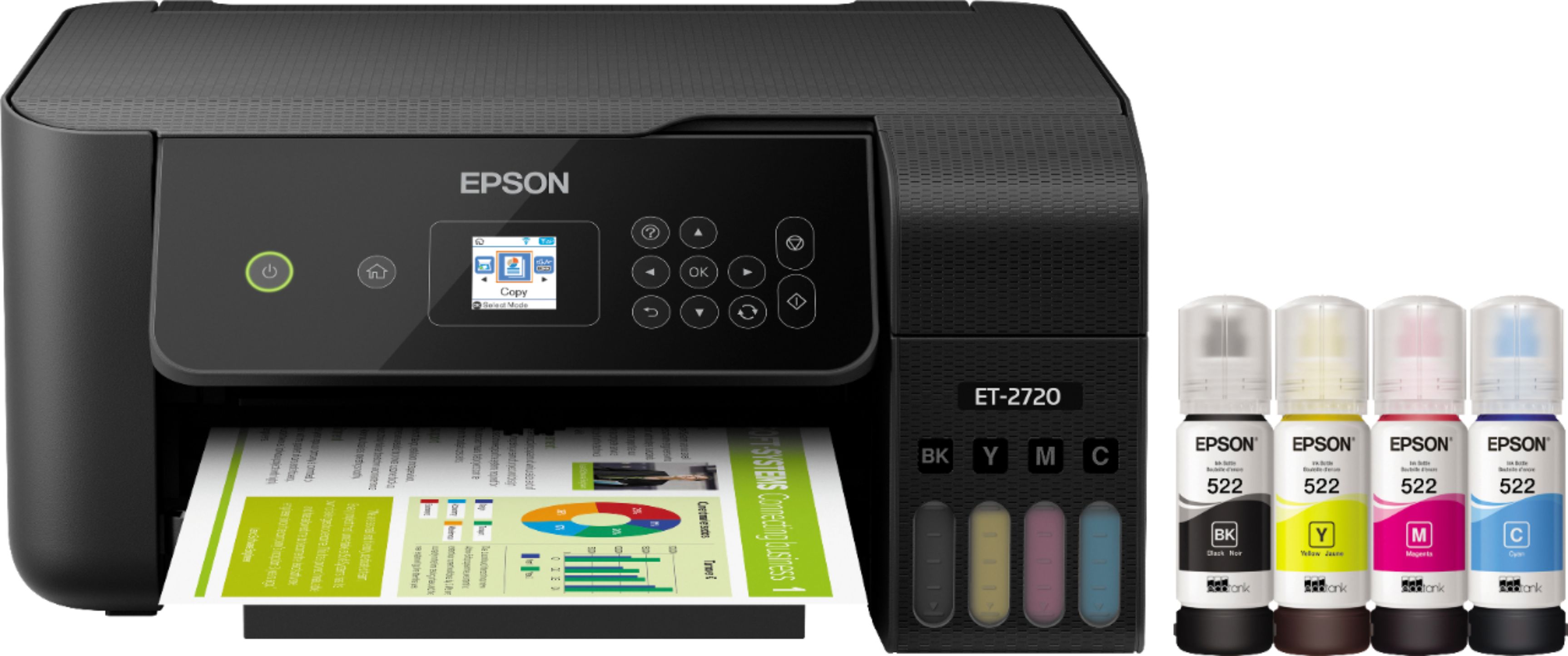
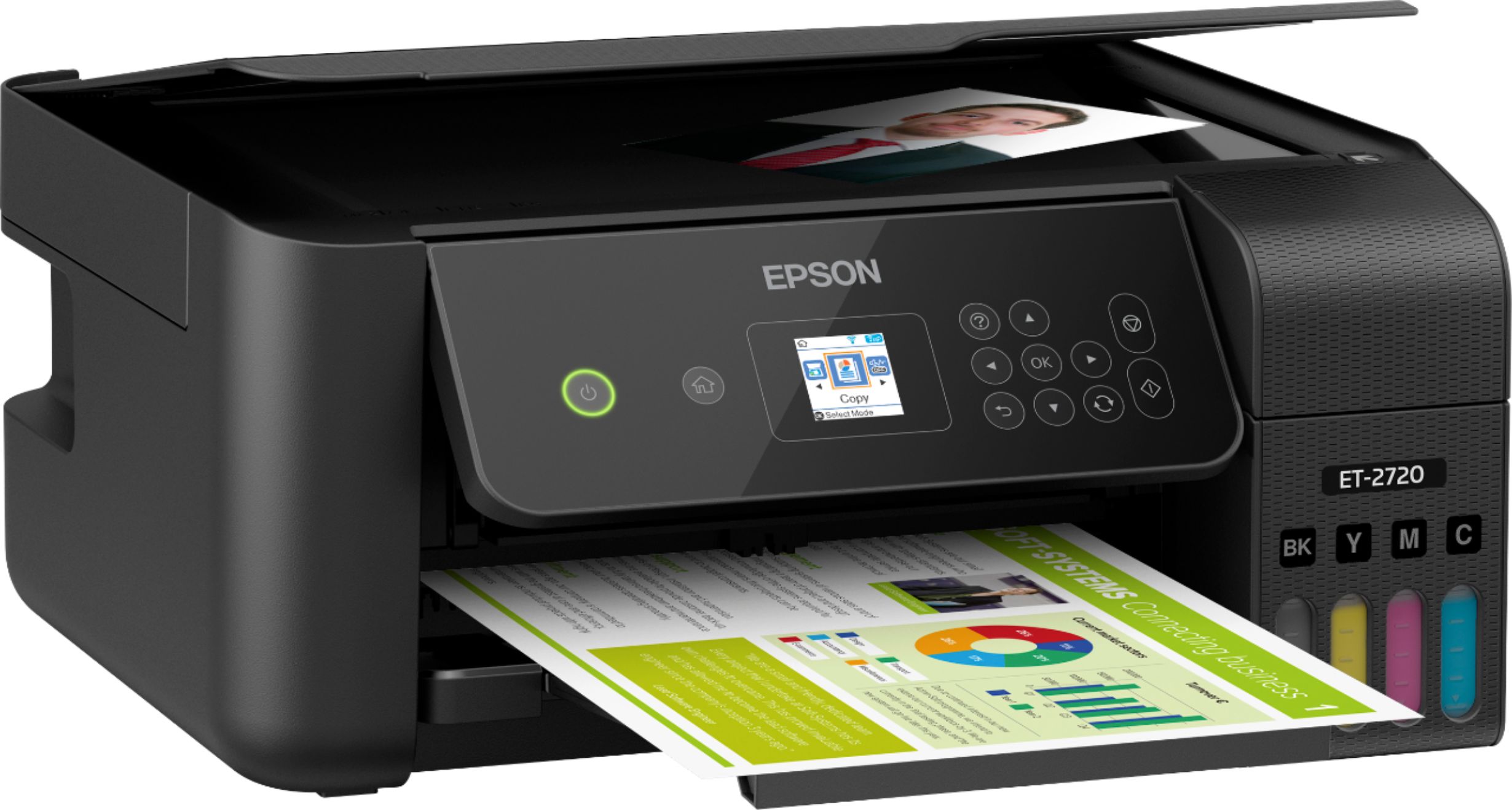
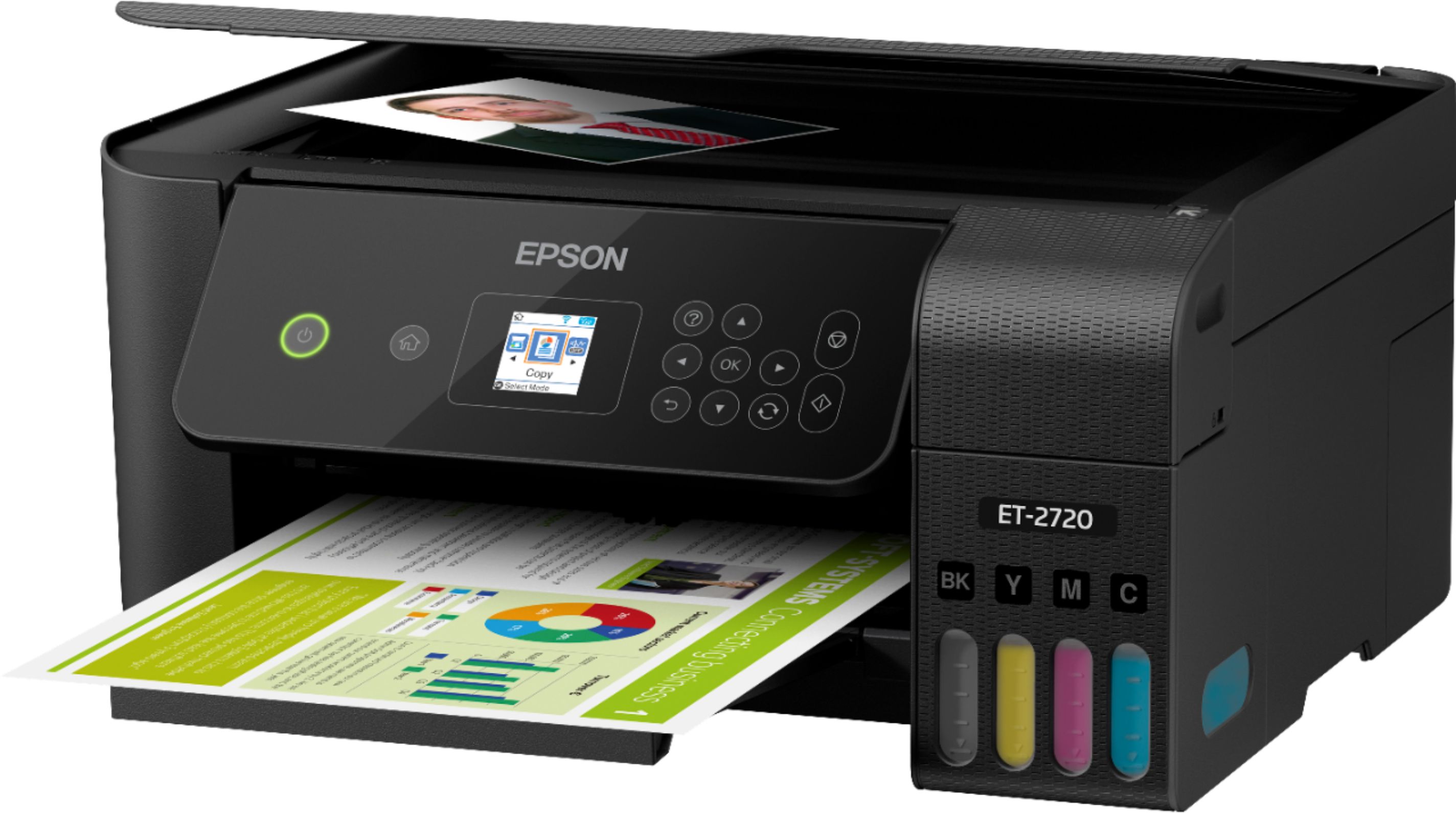
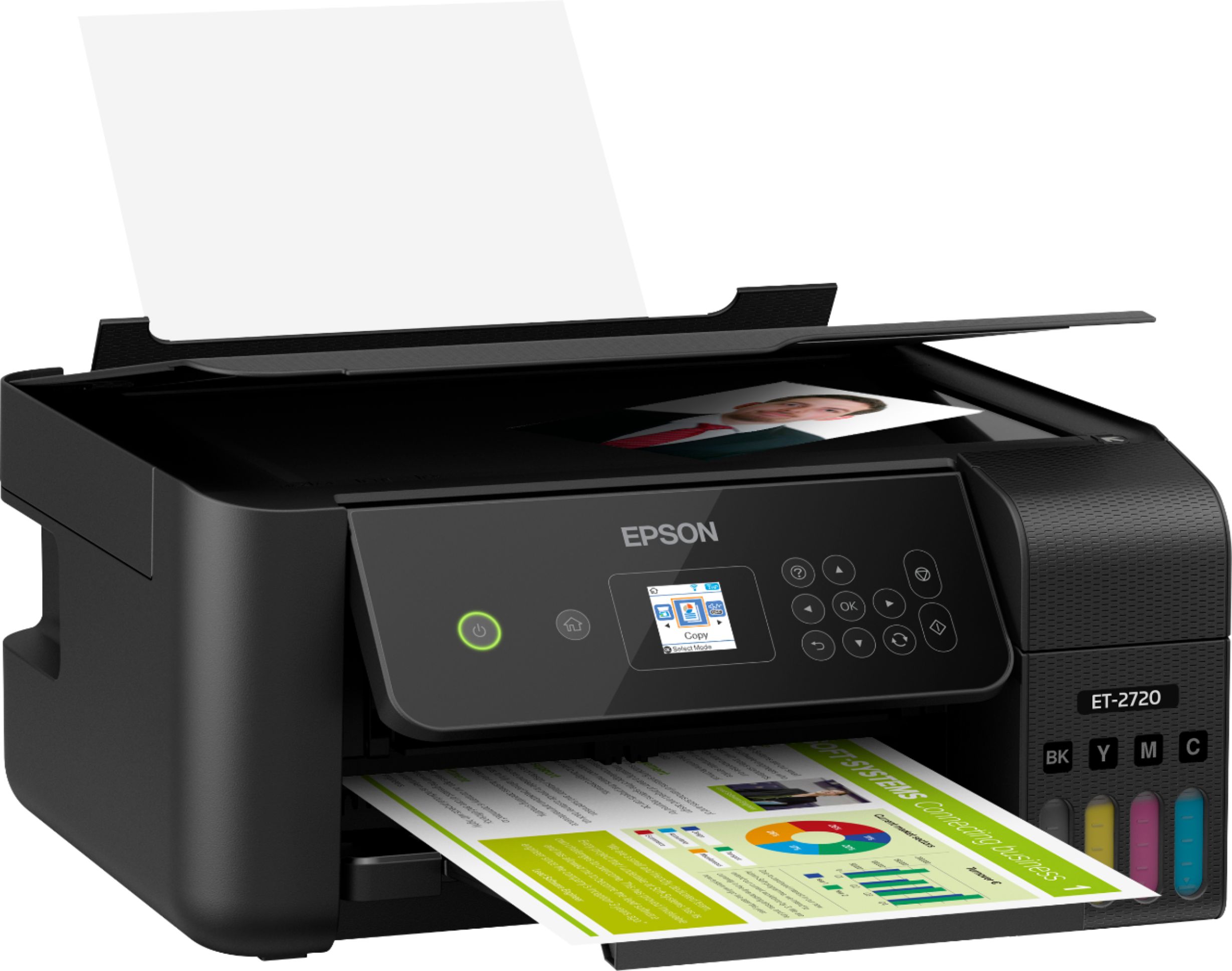
- ECOTANK ET-2720 C11CH42201
- SKU:
- 6347408
Rating by feature
- Value
Rating 4.5 out of 5 stars
- Quality
Rating 4.5 out of 5 stars
- Ease of Use
Rating 4.5 out of 5 stars
Customers are saying
Customers regard the EcoTank ET-2720 Wireless All-In-One Printer highly, praising its excellent print quality and ease of use. Many appreciate its compact size and straightforward setup process, along with its affordable price and wireless functionality. However, some users express dissatisfaction with the rear-loading paper tray and have reported occasional reliability concerns. The printer's quiet operation is also a frequently cited positive attribute.
This summary was generated by AI based on customer reviews.
- Pros mentioned:Print quality, Setup

Solid printer.
|Posted .This reviewer received promo considerations or sweepstakes entry for writing a review.The two big features for me with this printer is the eco tank feature and air print or being able to print from a mobile device. I’m a casual user of printers, I might print a couple times a month. My girlfriend on the other hand prints contracts daily so being able to save on ink will be a big plus. The set up process was quick and easy, the only thing that took a little while (about 10 minutes) was priming the printer after you fill the ink tanks. A feature that I’ve never seen before on a printer is quiet mode, you can definitely tell a difference when it’s turned on and you print something. As soon as you set it up on WiFi you can print from a mobile device, this is how I print 90 percent of the time so that was really nice to see. For my needs I’m extremely happy with this printer and looking at the cost of ink refills compared to cartridges makes me even happier!
I would recommend this to a friend Don't waste your money
||Posted .This reviewer received promo considerations or sweepstakes entry for writing a review.I brought the epson 2720 to use sublimation ink and I opened it and filled it with the sublimation ink and my prints were faded like I ran out of ink so I also brought an epson 4734 and I didn't convert this and still ink no Good
No, I would not recommend this to a friendWorse printing quality ever!!!
||Posted . Owned for 2 months when reviewed.This reviewer received promo considerations or sweepstakes entry for writing a review.Like any other reviewers the initial installation took like a bar of black inks. Also the ink quality is garbage. When I print papers there multiple white lines appearing and sometimes there double/shadow letter. Clear the printer head multiple times and the problem still not resolved. Also the shading of black is not pure black like my old printer. The shading is kinda like dark silver. Lastly, I use this printer to put out flyers and the color fade over night. Paying at this price point I would expect something better.
No, I would not recommend this to a friend- Cons mentioned:Reliability
Not great
||Posted .This reviewer received promo considerations or sweepstakes entry for writing a review.Very slow and stopped working after 1.5 years. It was not used frequently, and the setup was a nightmare. Not a great printer
No, I would not recommend this to a friend Inaccurate information
||Posted . Owned for 1 week when reviewed.This reviewer received promo considerations or sweepstakes entry for writing a review.I’ve waited two weeks so far for my printer, fine I know it’s COVID going on but the inaccuracies of it is beyond me. It been said shipped buy only on BestBuy site but on UPS it’s has even arrived to their facility
I would recommend this to a friendBrand response from Epson
Posted .Hello Trev, we're sorry to hear about the trouble you had encountered with the purchase of the EcoTank ET-2720. Epson takes into consideration all feedback to improve the performance and quality of our products. We'll forward your feedback to the relevant department for review. Kind Regards, Bobby - The Epson Team.

This printer purchase was a mistake
||Posted . Owned for 1 month when reviewed.This reviewer received promo considerations or sweepstakes entry for writing a review.I had difficulty loading this printer. Apparently there is a known issue with Windows 8 and customer service was useless. I called 3 times, waited on hold more than 10 minutes each time with zero resolution. Each time, the agent emailed me the same instructions that came with the printer. I finally found some answers in IT threads and spent more than 4 hours with what should have taken less than 15 minutes. Overall very disappointed with the printer and Epson customer service.
No, I would not recommend this to a friendPrinter error not printing
||Posted . Owned for 1 month when reviewed.This reviewer received promo considerations or sweepstakes entry for writing a review.Printer got stuck soon after I purchased it. Best Buy doesn’t fix printers wasn’t offered to purchase warranty so now I have to go through manufacturer. Expensive printer and shouldn’t be going though this 1 month after purchase.
No, I would not recommend this to a friendPoor experience
||Posted . Owned for 1 week when reviewed.This reviewer received promo considerations or sweepstakes entry for writing a review.I’ve spent hours trying to connect wireless printing to my laptop and other devices to no avail. I continue to receive the error message “driver is unavailable.”Tried contacting EPSON for assistance with no luck. They have limited customer support hours and aren’t available weekends.
No, I would not recommend this to a friendBrand response from Epson
Posted .Hello Buckeye, we sincerely apologize for the disappointing experience you had with our customer support team and the EcoTank ET-2720. Epson takes into consideration all feedback to improve the performance, quality, and support of our products. We'll forward your feedback to the relevant department for review. Please give us another chance to assist by calling our Advanced Support Team directly at 1-800-241-5794 between 7 am - 4 pm (PT), Monday - Friday. Due to recent events, our hours of operation have temporarily changed to Monday - Friday 7 am - 4 pm (PT). Thank you for your patience. Kind Regards, Bobby - The Epson Team.
- Cons mentioned:Reliability
Worst purchase
||Posted . Owned for 1 year when reviewed.This reviewer received promo considerations or sweepstakes entry for writing a review.Do not buy! Printer went out after one year! It's not worth the money if you cant keep it longer than a year.
No, I would not recommend this to a friend Won’t load paper
||Posted . Owned for 6 months when reviewed.This reviewer received promo considerations or sweepstakes entry for writing a review.It worked great but didn’t last. It won’t load paper. Not worth the money spent. I tried all the support tricks to fix it.
No, I would not recommend this to a friend- Pros mentioned:Print quality
Why didn't they think of this sooner
|Posted .This reviewer received promo considerations or sweepstakes entry for writing a review.Have had a number of Epson printers over the years and always been satisfied. This unit is no different. Software keeps getting easier and easier to install. Screen is a little small to input wifi password and see clearly. We also had a recent power outage and it required me to re-establish a connection to my wifi which seemed a little odd since everything else reconnected after the lights came back on. Process to reconnect is easy enough so not a big deal. One gripe I had with my previous printers is the time it takes to print after inactivity. This one is much faster. Love the ink tank idea. Very easy to fill, does leave a small amount of ink in the bottle but once the printer charges itself you can put the rest of the ink in the reservoir. My one concern is that if you do not use the printer a lot are there going to be problems with the ink drying up? (Time will tell) Print quality is exceptional as is the print speed. Easy to copy and scan. I have had no issues with my previous Epson printers and expect no issues with this one. It lets you know if there is a software update (there seem to be many) but the update process is quick and easy. It says on the box that there is ink equivalent to 80 cartridges in the box. That in itself justifies the higher initial cost. Otherwise it has relatively the same specs as a non-tank printer. I will see if the ink really lasts for 2 years as I do not print a ton of stuff. Easy to add other computers to the printer. I currently have my laptop, chromebook and desktop all linked to this printer and they all worked seamlessly. Very satisfied and would recommend this or any Epson printer
I would recommend this to a friend Poor print quality, just not very sharp
||Posted . Owned for 1 month when reviewed.This reviewer received promo considerations or sweepstakes entry for writing a review.The print quality is much much less than my other Epson printer, which cost less. Also, Best Buy is constantly out of stock on the black ink for this printer. Buy a different model. Also the little status display window is tiny and unusable.
No, I would not recommend this to a friendNO. Not a good unit
||Posted . Owned for 8 months when reviewed.This reviewer received promo considerations or sweepstakes entry for writing a review.Difficult to operate and clumsy. Replaced it promptly. Purchased a Canon instead. Epson's customer service is terrible.
No, I would not recommend this to a friendAvoid unless you print often
||Posted .This reviewer received promo considerations or sweepstakes entry for writing a review.One of the worst valued printers I have owned. This printer stopped working properly one month after the warranty period ended. I've never had a printer die out on me this early. The concept of no cartridges is fantastic, however, unless you print colored prints a few times per month, you're pretty much stuck with an overpriced paperweight.
No, I would not recommend this to a friendspotty wireless connection
||Posted . Owned for 3 weeks when reviewed.This reviewer received promo considerations or sweepstakes entry for writing a review.this is second model i am trying with epson. fix the wireless finding issues. i do have other brand in my network and they work fine.
No, I would not recommend this to a friendBrand response from Epson
Posted .Dear Valued Customer, thank you for sharing your experience with the Epson ET-2720. Your EcoTank printer includes free tech support for the life of the product. If you ever need assistance with troubleshooting issues with network connectivity or anything else, our support team can be reached by phone at (562) 276-4382 or by email at https://epson.custhelp.com/app/ask/p_model_name/Epson%20ET-2720; Hours: Monday - Friday, 7 am - 4 pm PT. Once again, thank you. Sincerely, Bobby - The Epson Team.
Don’t buy this one.
||Posted . Owned for 1 year when reviewed.This reviewer received promo considerations or sweepstakes entry for writing a review.I love epson printers. For costing $200 it is not worth it. Hard to link to devices, print Quality is poor and the ink jets stopped working under a year. I really recommend spending a hundred extra and getting the next step up of this printer.
No, I would not recommend this to a friendLabel issues
||Posted . Owned for 1 month when reviewed.This reviewer received promo considerations or sweepstakes entry for writing a review.Not really happy at the moment. Unfortunately it won’t print my business labels correctly and I’m still trying to figure out why
No, I would not recommend this to a friendBrand response from Epson
Posted .Hello Businessowner, we're sorry to hear you're having trouble with the Epson ET-2720. Your EcoTank printer is backed by a 1-year Limited Warranty and includes free lifetime tech support. We would like to hear more about the issues you're experiencing with label printing. Please reach out to our Advanced Support Team for assistance at 1-800-241-5794 between 7 am - 4 pm (PT), Monday - Friday. We look forward to hearing from you. Sincerely, Bobby - The Epson Team.
Defective
||Posted .This reviewer received promo considerations or sweepstakes entry for writing a review.I think I got an defective item. Once I opened the box the item was not printing. My paper wasn’t feeding and it does not feed sticker paper nor card stock. Tried to exchange it but was told I could not because it was opened. Well dang the only way to find if the printer works is obviously by using it
No, I would not recommend this to a friendBrand response from Epson
Posted .Hello, we're sorry to hear you weren't able to get the ET-2720 printer working. Epson takes into consideration all feedback to improve the performance and quality of our products. Epson provides useful information, including FAQs and self-help tools, on the product support web page at https://epson.com/Support/Printers/All-In-Ones/ET-Series/Epson-ET-2720/s/SPT_C11CH42201#questions. Additionally, your Ecotank printer includes a 1-year Limited Warranty, plus free lifetime technical support. If you need any assistance, our Epson Support Team would be happy to help you and can be reached at (562) 276-4382; Hours: Monday - Friday, 7 am - 4 pm PT; Sincerely, Sam - The Epson Team.
Confusing
||Posted . Owned for 1 month when reviewed.This reviewer received promo considerations or sweepstakes entry for writing a review.I don’t have a computer just an iPad how do you connect to Wifi.
No, I would not recommend this to a friendCheap Plastic Junk
||Posted . Owned for 4 months when reviewed.This reviewer received promo considerations or sweepstakes entry for writing a review.I maybe used this printer a dozen times. Paper loader has malfunctioned and I cant fix it. the instructional data window is so small and impossible to read, I literally have to use a magnifying glass. Very awkward to use. I want to return it. I want my money back.
No, I would not recommend this to a friend