Customer Ratings & Reviews
- Model:
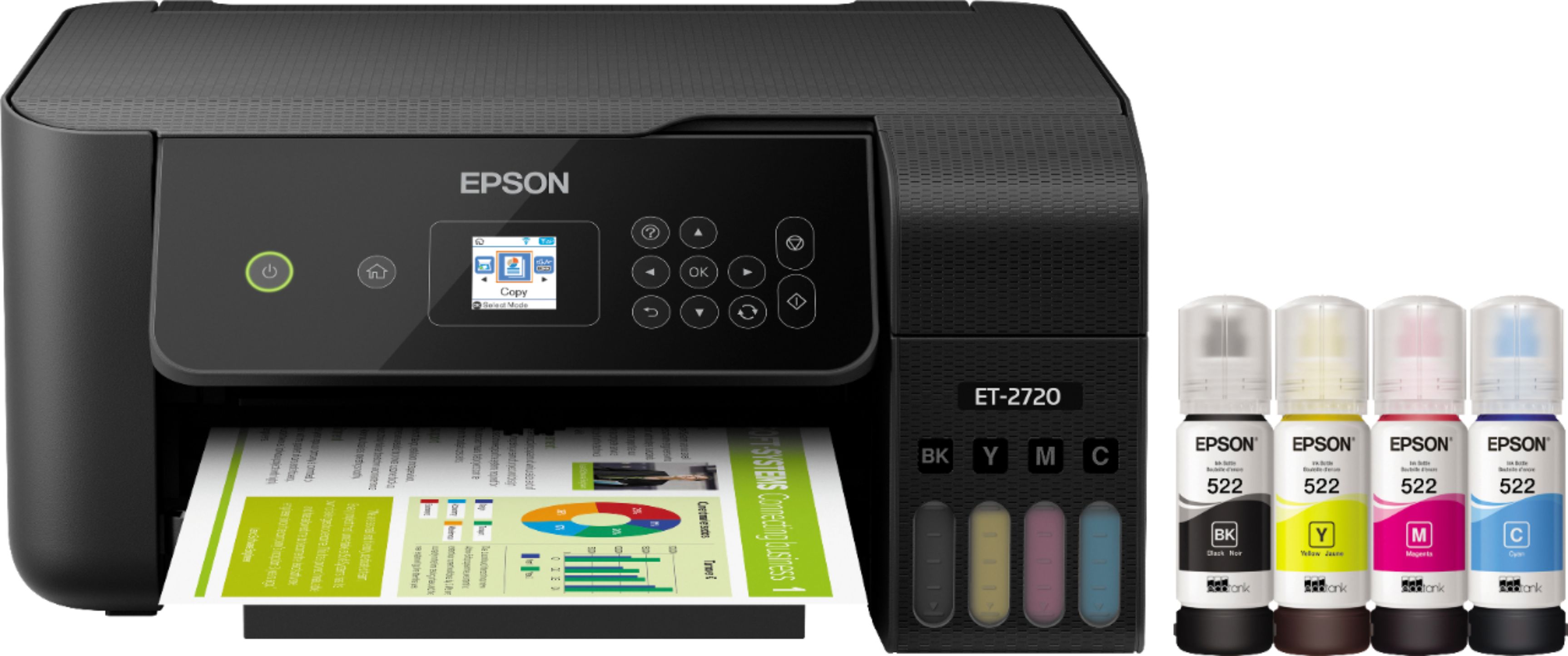
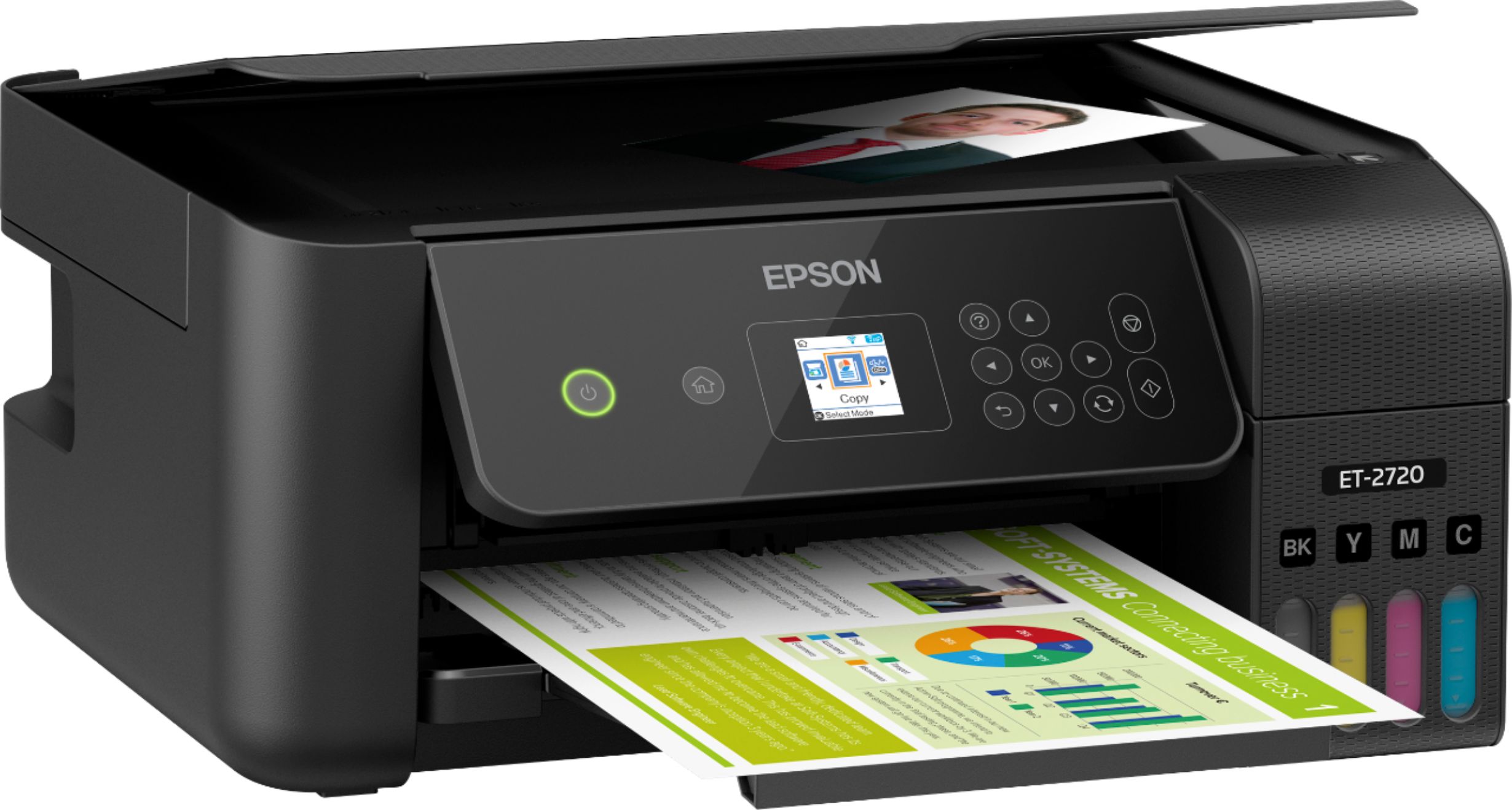
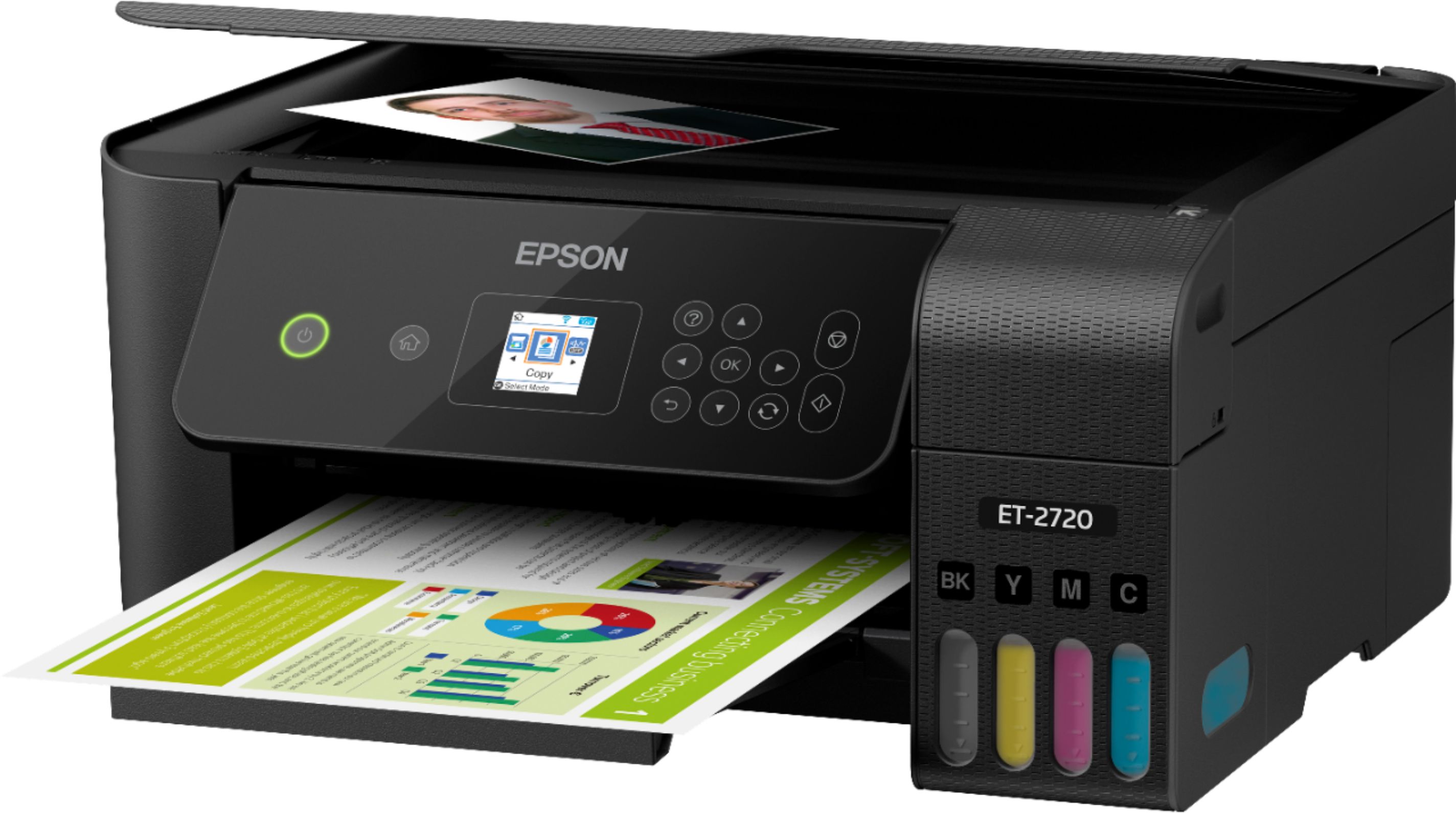
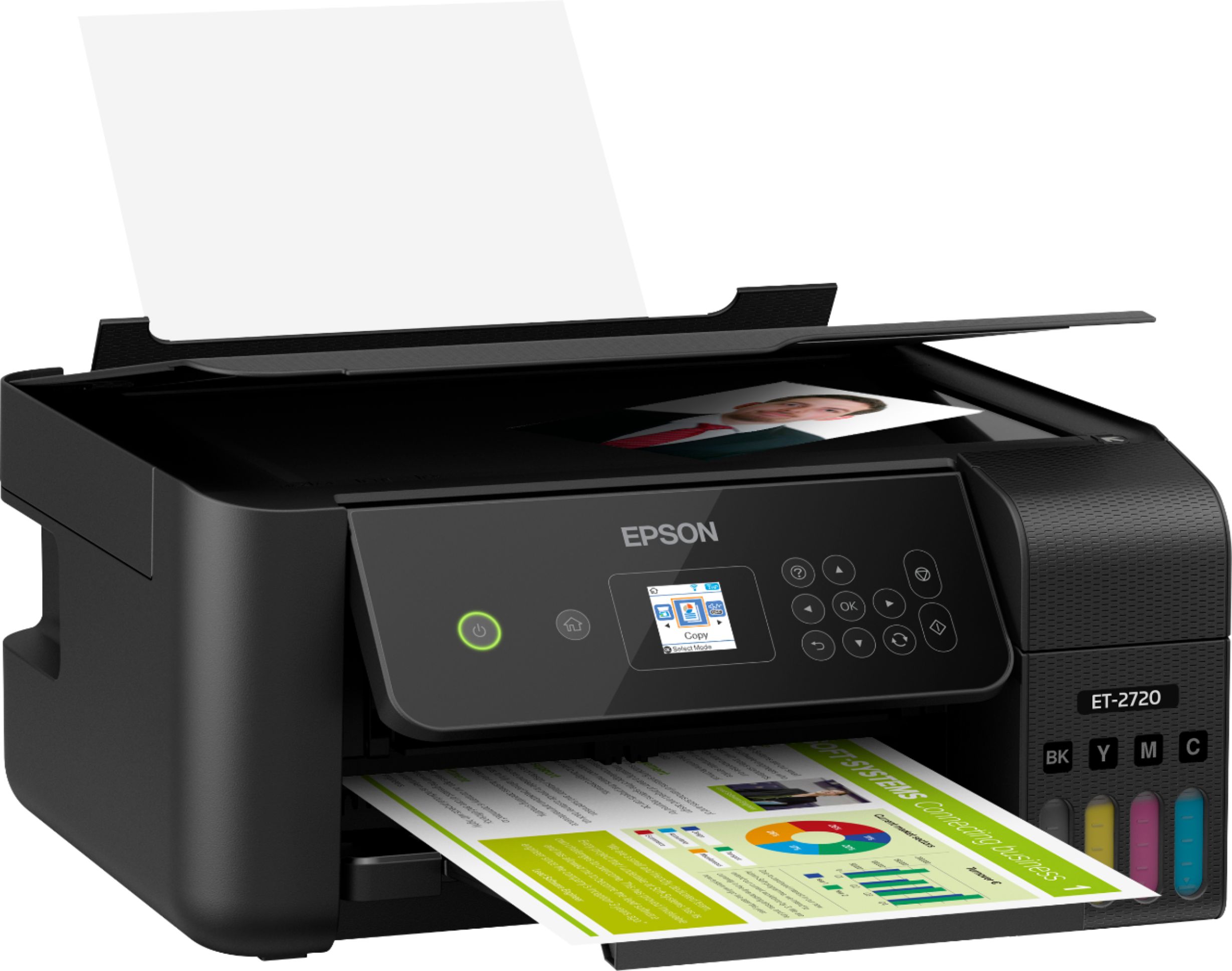
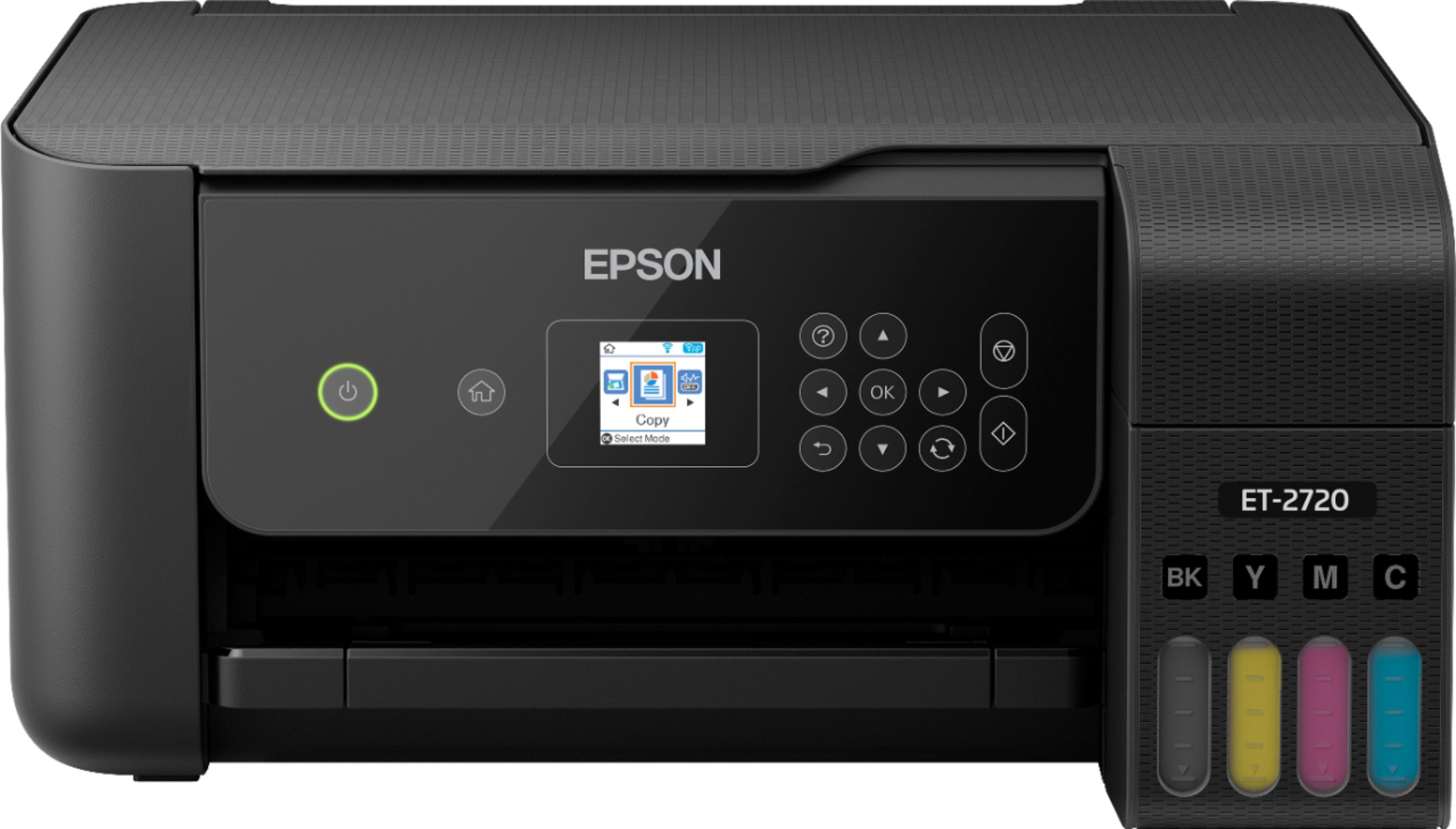
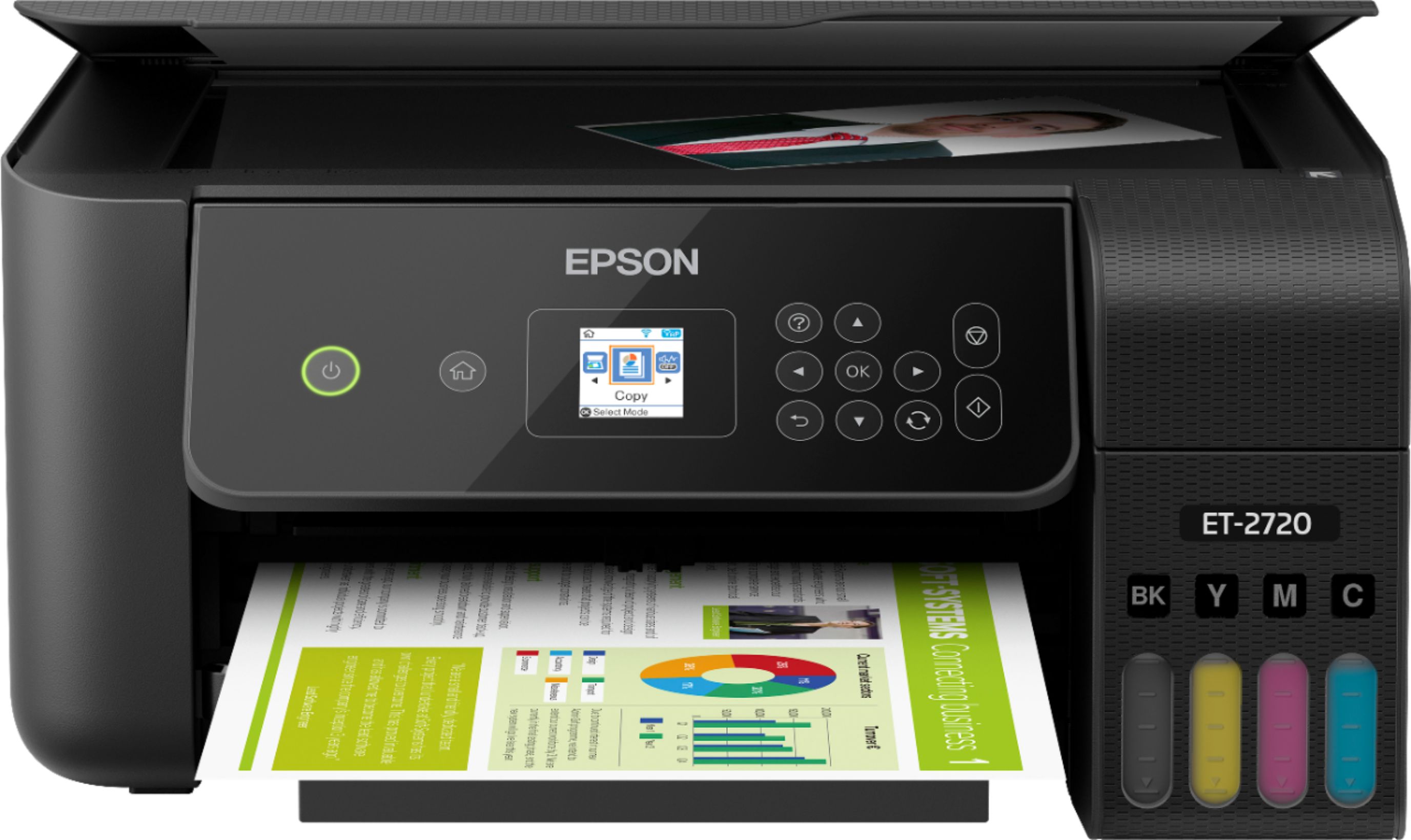
- ECOTANK ET-2720 C11CH42201
- SKU:
- 6347408
Rating by feature
- Value
Rating 4.5 out of 5 stars
- Quality
Rating 4.5 out of 5 stars
- Ease of Use
Rating 4.5 out of 5 stars
Customers are saying
Customers regard the EcoTank ET-2720 Wireless All-In-One Printer highly, praising its excellent print quality and ease of use. Many appreciate its compact size and straightforward setup process, along with its affordable price and wireless functionality. However, some users express dissatisfaction with the rear-loading paper tray and have reported occasional reliability concerns. The printer's quiet operation is also a frequently cited positive attribute.
This summary was generated by AI based on customer reviews.
- Pros mentioned:Print quality

Great start to a cartridge less printer!
|Posted .This reviewer received promo considerations or sweepstakes entry for writing a review.I found the ET-2720 to be a very middle of the pack all in one wireless printer when it came to features, but the main selling point has to be that it doesn't use any cartridges! It has all the features you'll want has in wireless and AirPrint capabilities, individual ink tanks, printer/scanner functionality and vibrant printing (depending on the paper you use of course). My only knock on this is that it didn't have a black option. I'm not a fan of white printers, but that's just me. Get it when it's on sale 'cause it's not a cheap printer, but it is worth it on sale. Thanks.
I would recommend this to a friend Stopped working correctly after a year.
||Posted . Owned for 1 year when reviewed.This reviewer received promo considerations or sweepstakes entry for writing a review.Stopped printing in color after a year. I tried doing the maintenance procedures multiple times every once in a while and it still keeps printing only with black ink. Other issue is the low quality results when scanning a document.
No, I would not recommend this to a friendBrand response from Epson
Posted .Hello Adrian, we're sorry to hear you're having trouble with the Epson ET-2720. Your EcoTank ET-2720 printer includes free technical support for the life of your product. Our support team would like to hear about the issues you're experiencing with color printing and can be reached at (562) 276-4382. Hours: Monday - Friday, 7 am - 4 pm PT. We look forward to your call. Kind Regards, Bobby - The Epson Team.

Ok printer
||Posted . Owned for 5 months when reviewed.This reviewer received promo considerations or sweepstakes entry for writing a review.This printer is just ok, setting always gets messed up and won't stay on legal paper size, very frustrating.
No, I would not recommend this to a friendNot as good as they say it is
||Posted . Owned for 1 month when reviewed.This reviewer received promo considerations or sweepstakes entry for writing a review.I’m very disappointed in this item, the commercials say it’s great for colorful copies but that’s not the case
No, I would not recommend this to a friendGarbage printer
||Posted . Owned for 3 months when reviewed.This reviewer received promo considerations or sweepstakes entry for writing a review.Can't believe I didn't look into this before buying. There isn't a standard USB on this device. It's a special USB port that requires a special cable for it. It doesn't even come with it in the box! Epson no longer supports google drive scanning/upload anymore. This is a garbage device for it being an all-in-one printer. Wouldn't recommend.
No, I would not recommend this to a friendBrand response from Epson
Posted .Hello Meho, we're sorry to hear about the setup issues you experienced. Your Epson ET-2720 Printer was designed with one Hi-Speed USB 2.0 (Type B) located on the rear of the printer. It includes free lifetime tech support, and we're here to help. Please reach out to our support team by phone at (562) 276-4382; Hours: Monday - Friday, 7 am - 4 pm PT. We look forward to hearing from you. Kind Regards, Kevin - The Epson Team.
- Pros mentioned:Print quality, Setup
Everything I need it to be
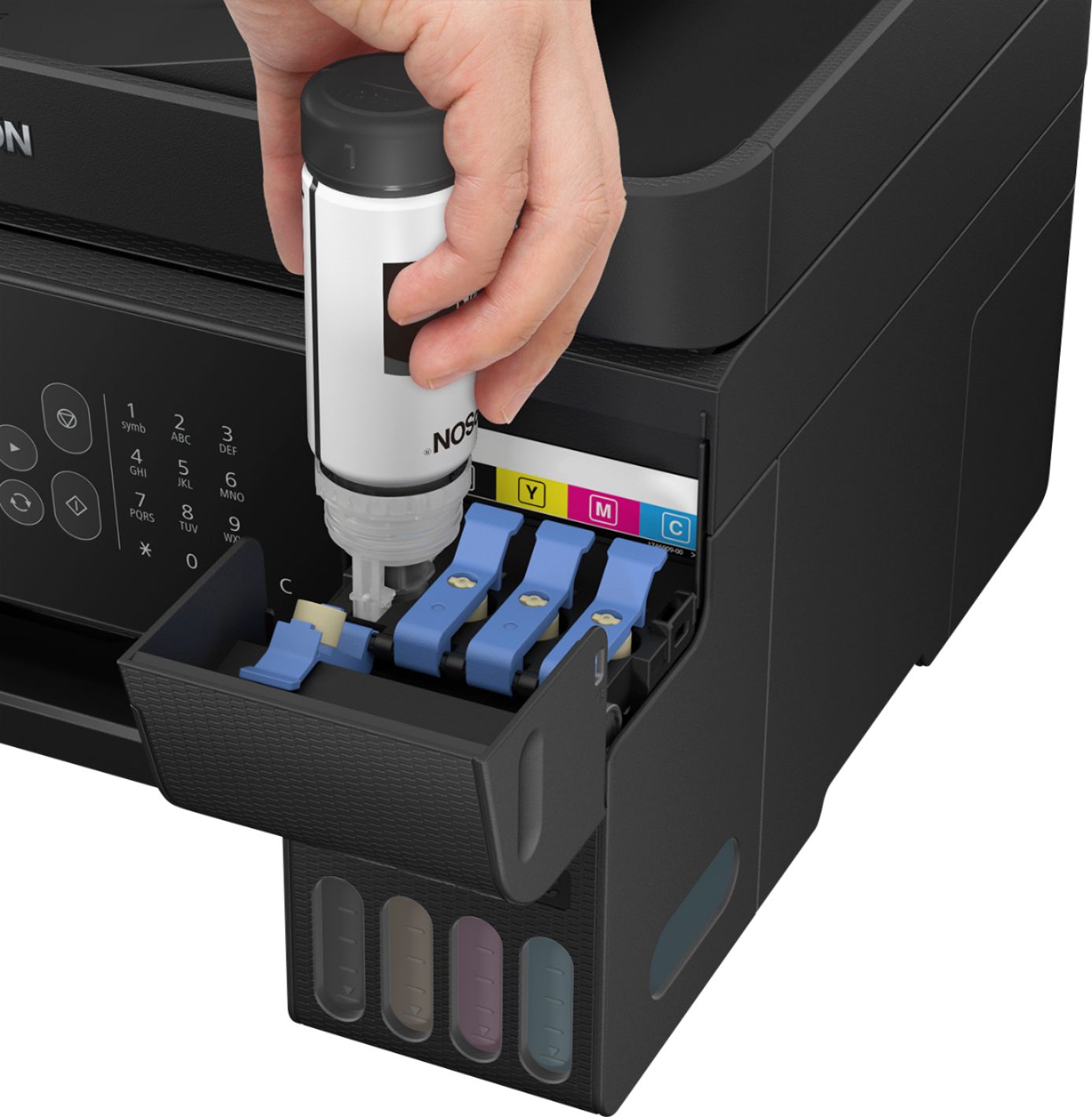
|Posted .This reviewer received promo considerations or sweepstakes entry for writing a review.I wanted an all in one with a smaller footprint and this Epson fits the bill. Setup was a breeze; pouring the ink into the printer was surprisingly painless and not a drop of ink was spilled. Refilling with bottles of ink rather than cartridges should save money in the long run. I got this up and running and was able to print from my Mac and iPhone in minutes , very easy process. This Epson prints fast and clear, I was impressed by the speed and the quality of the printing. Looking forward to printing on this for years to come.
I would recommend this to a friend Nothing to test it with
||Posted . Owned for 1 month when reviewed.This reviewer received promo considerations or sweepstakes entry for writing a review.I couldn't even test the printer because it had no ink in it, when it said it came with it
No, I would not recommend this to a friendBrand response from Epson
Posted .Hello Amichelle, we're very sorry to hear about the trouble that you had encountered. Your EcoTank ET-2720 printer includes a 1-year Limited Warranty, plus free lifetime technical support. We would like to hear more about the ink issue, and our Advanced Support Team can be reached directly at 1-800-241-5794 between 7 am - 4 pm (PT), Monday - Friday. We hope to hear from you soon. Sincerely, Bobby - The Epson Team.
too flaky, forget it
||Posted . Owned for 1 week when reviewed.This reviewer received promo considerations or sweepstakes entry for writing a review.This printer worked initially. But within 3 weeks it forgot our wireless network/password twice, we had multiple occurrences of "communication error" with the printer, and sometimes it would print successfully but would take literally 5+ minutes for the first page to come out.
No, I would not recommend this to a friendKeeps jamming
||Posted . Owned for 1 year when reviewed.This reviewer received promo considerations or sweepstakes entry for writing a review.This printer keeps jamming on me it’s my second one it’s good for 1 year then I have to change it again my paper keeps jamming or gets ripped out the rolling tube eats the paper and stops working it’s very annoying now I have to go back and get a third one
No, I would not recommend this to a friendPass on this one.
||Posted .This reviewer received promo considerations or sweepstakes entry for writing a review.Easy setup. Small footprint. Very mediocre print quality compared to old Canon.
No, I would not recommend this to a friendBrand response from Epson
Posted .Hello Bruz, we apologize for the disappointing experience that you've encountered with the Epson ET-2720. Your business is important to us, and we're here to help. Epson provides information in the FAQs at https://epson.com/Support/Printers/All-In-Ones/ET-Series/Epson-ET-2720/s/SPT_C11CH42201#faq-8796127537228 to help you address most issues with print quality. In addition, your EcoTank printer also includes free lifetime tech support, so if you need further assistance, our support team can be reached at (562) 276-4382 between 7 am - 4 pm (PT), Monday - Friday. Sincerely, Kevin- The Epson Team.
Not happy with color photos
||Posted .This reviewer received promo considerations or sweepstakes entry for writing a review.I can’t seem to be able to adjust color on printing color photos on photo paper☹️
No, I would not recommend this to a friendBrand response from Epson
Posted .Hello Nodisplay, we're here to help. Epson provides detailed instruction in the User’s Guide at https://files.support.epson.com/docid/cpd5/cpd56719.pdf on how to select the best settings for the type of printing you are doing. Refer to the "Selecting Additional Layout and Print Options - Windows" section on page 75 or the "Print Quality Options - Mac" section on page 98. If you need further assistance, your EcoTank ET-2720 includes free lifetime tech support, and our support team can be reached at (562) 276-4382 between 7 am - 4 pm (PT), Monday - Friday. Kind Regards, Bobby - The Epson Team.
3 minutes to print one page…in B/W?
||Posted . Owned for 6 months when reviewed.This reviewer received promo considerations or sweepstakes entry for writing a review.completely unimpressed with this printer that takes minutes per page in B/W text…and color? Longer. I have purchased a whole new home full of appliances; I would hope I would get more from Best Buy than “contact the manufacturer”.
No, I would not recommend this to a friendBrand response from Epson
Posted .Hello, we're sorry to hear about the trouble you've encountered with the printer's spool time. Epson provides an FAQ at www.epson.com/Support/Printers/All-In-Ones/ET-Series/Epson-ET-2720/s/SPT_C11CH42201#questions that may help address this issue with print speed. Additionally, your EcoTank is backed by a 1-year Limited Warranty and includes free lifetime tech support. If this does not resolve the issue or you would like further assistance, our Advanced Support Team can be reached at (562) 276-4382; Hours: Monday - Friday, 7 am - 4 pm (PT). Sincerely, Sam - The Epson Team.
EHH
||Posted . Owned for 1 year when reviewed.This reviewer received promo considerations or sweepstakes entry for writing a review.Good until the printer starts printing with lines and does not match colors
No, I would not recommend this to a friendBrand response from Epson
Posted .Hi Eddy, we're sorry to hear about the print quality issues that you've encountered with the ET-2720. This may be related to clogged nozzles. Epson provides information in the FAQs at www.epson.com/s/SPT_C11CH42201#faq-8796127537228 to help you recover and avoid clogged nozzles. Additionally, performing regular maintenance, such as a daily nozzle check, could greatly reduce the need for print head cleaning. If you need further assistance, our support team can be reached at (562) 276-4382 between 7 am - 4 pm (PT), Monday - Friday. Sincerely, Bobby - The Epson Team.
Tough to set up
||Posted . Owned for 1 month when reviewed.This reviewer received promo considerations or sweepstakes entry for writing a review.Needed to call Epson 4 times to help with setup issues
No, I would not recommend this to a friendPiggy
||Posted .This reviewer received promo considerations or sweepstakes entry for writing a review.I have found this printer hard to use. Does not want to connect wireless.
No, I would not recommend this to a friendBrand response from Epson
Posted .Hello Piggy, your EcoTank ET-2720 includes free lifetime technical support, and we're here to help. Epson provides useful information in the FAQs at www.epson.com/s/SPT_C11CH42201#faq-8796127635532 to address most issues with wired and wireless network connectivity. You can also call Epson Support directly at (562) 276-4382 between 7 am - 4 pm (PT), Monday - Friday. Sincerely, Bobby - The Epson Team.
Epson ET-2720 Printer
||Posted . Owned for 1 year when reviewed.This reviewer received promo considerations or sweepstakes entry for writing a review.Only last 1 year, hardly used. It stopped printing .
No, I would not recommend this to a friend- Pros mentioned:Print quality
Good intro to the EcoTank series
|Posted .This reviewer received promo considerations or sweepstakes entry for writing a review.This is the sort of printer that you would send off with your children to college. It's a light weight printer with the ability to print, copy, and scan and has very reasonably priced replacement in thank's to Espon's EcoTank system. My tests with the system involved printing letters, photos, and graphics, as well as scanning and copying. It did a speedy job of printing off documents and graphics without using so much ink that the pages were left wet after printing. However, it fell short in photo printing. The color accuracy just wasn't up to par for the studio work I do, though it should be enough to print photos found online or at lower resolutions. The scanner performed well as did the ability to copy straight from the printer menu, but there is no option to scan to USB stick/SDcard as found on some printers. One surprising change was that on older models of Epson's, there would be a latch under the display that needed to be pressed to push the screen back down. This has been done away with and should help avoid the screen accidentally breaking if someone presses down on it to fold it back it. Filling the EcoTank was surprisingly easy. Each nozzle is keyed to only go into one fill port and the liquid flowed smoothly into the tank. Even pulling the bottle off mid fill only resulted in one drop of ink spilling, which was easily cleaned up. This is however an entry unit, so you won't get some of the bells and whistles you may expect out of a printer. The paper feed is from the top back portion. It holds enough to print off a term paper, but not much else. Also, the scanner does not have a multi-page auto-feed feature. Not something a college student may need, but a useful feature for a home office environment. For what's it's designed for, I'd give this a thumbs up. I would likely go for a higher end model for my next purchase, but that comes from business needs and not a reflection of quality of this product.
I would recommend this to a friend Bad product
||Posted . Owned for 3 weeks when reviewed.This reviewer received promo considerations or sweepstakes entry for writing a review.Over price for the quality colors not brite as the should be.
No, I would not recommend this to a friendBrand response from Epson
Posted .Hello Masquida, we apologize for the disappointing experience that you've encountered with the Epson ET-2720. Epson provides information in the FAQs at https://epson.com/Support/Printers/All-In-Ones/ET-Series/Epson-ET-2720/s/SPT_C11CH42201#questions to help you address most issues with print quality. Your EcoTank printer also includes free lifetime tech support, so if you need further assistance, our support team can be reached at (562) 276-4382 between 7 am - 4 pm (PT), Monday - Friday. Sincerely, Sam - The Epson Team
got a faulty printer
||Posted . Owned for 1 year when reviewed.This reviewer received promo considerations or sweepstakes entry for writing a review.when I first got it it never really printed correctly, it was always missing lines or sometimes wouldn't print at all, such a waste of money. I held onto it for too long to even return it too.
No, I would not recommend this to a friendFlimsy
||Posted . Owned for 1 month when reviewed.This reviewer received promo considerations or sweepstakes entry for writing a review.Very hard to work. Have to reset say out of paper all the time. It’s a pain
No, I would not recommend this to a friend