Customer Ratings & Reviews
- Model:
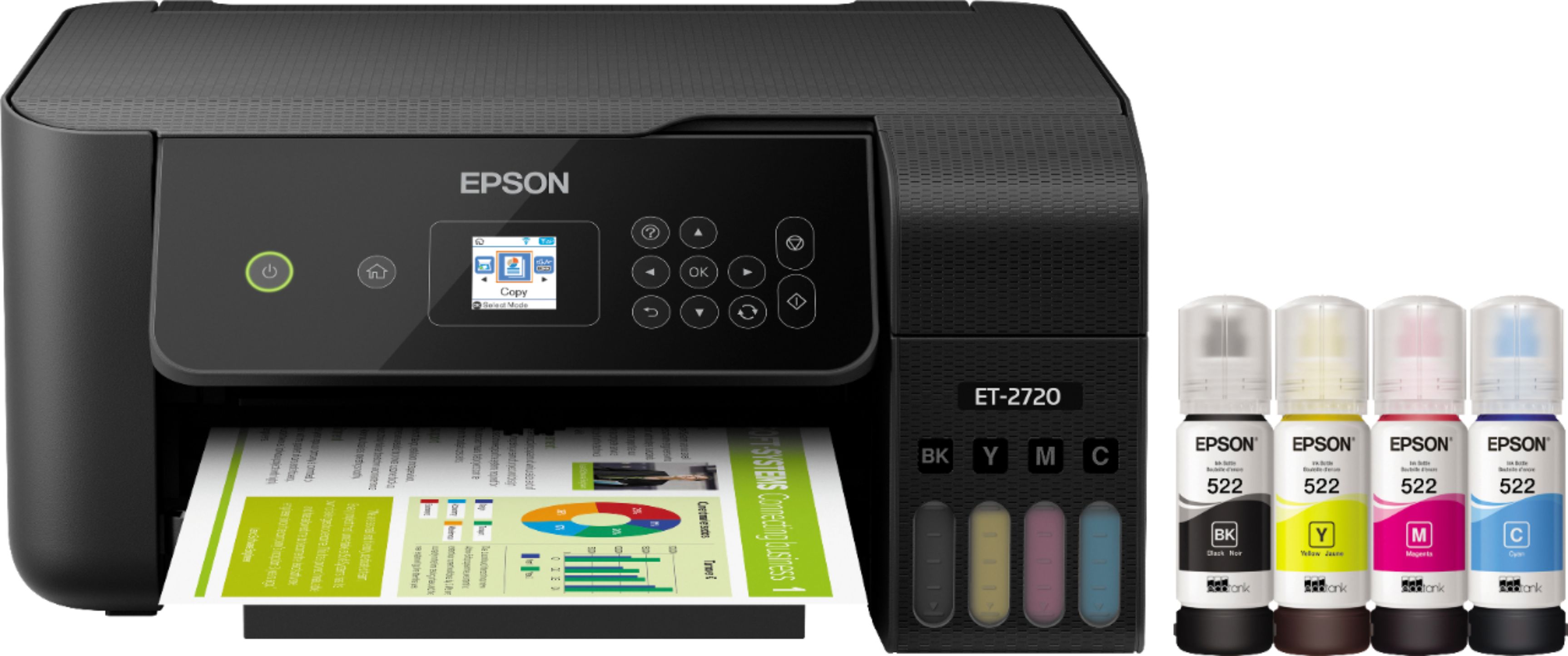
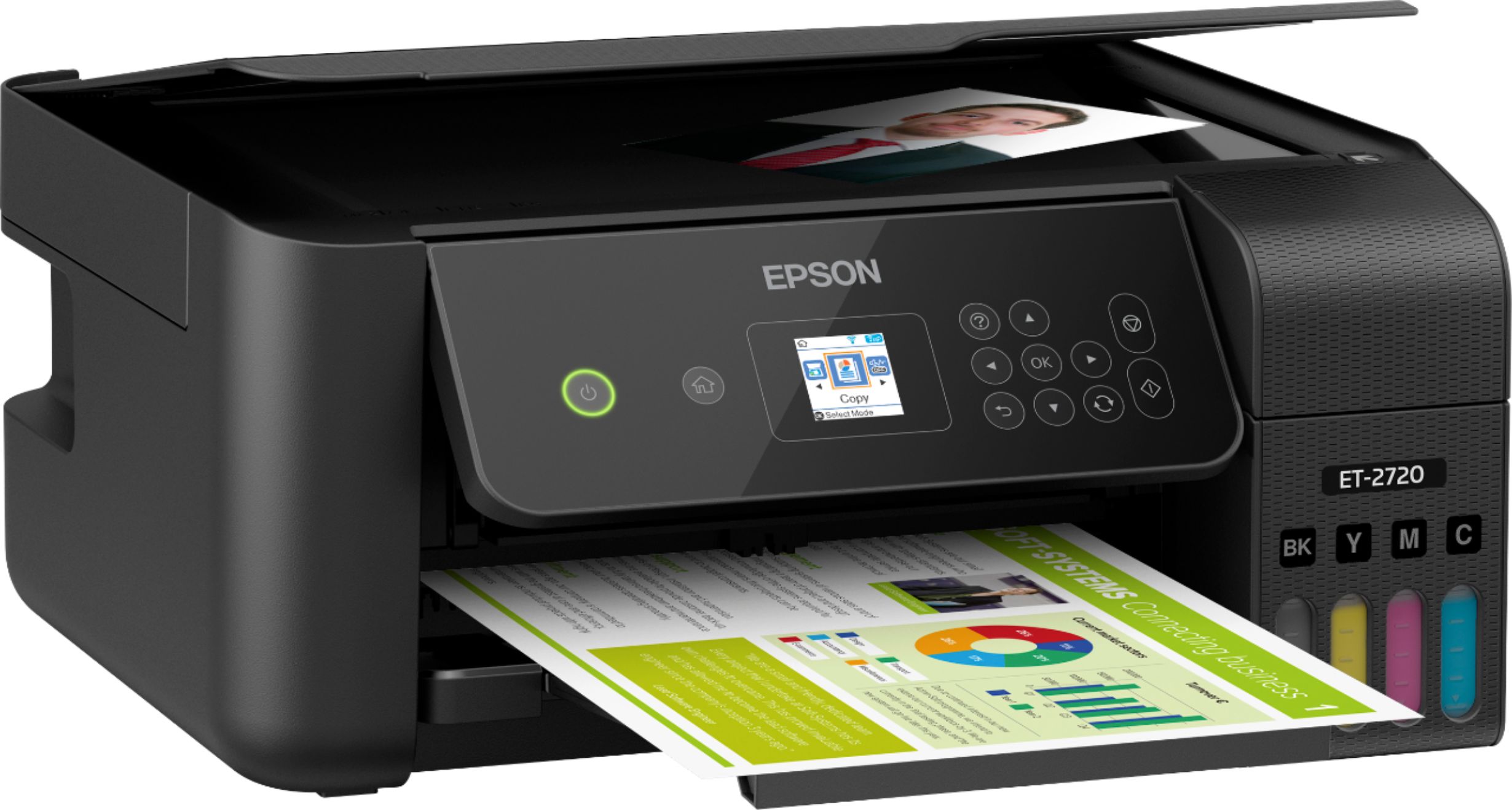
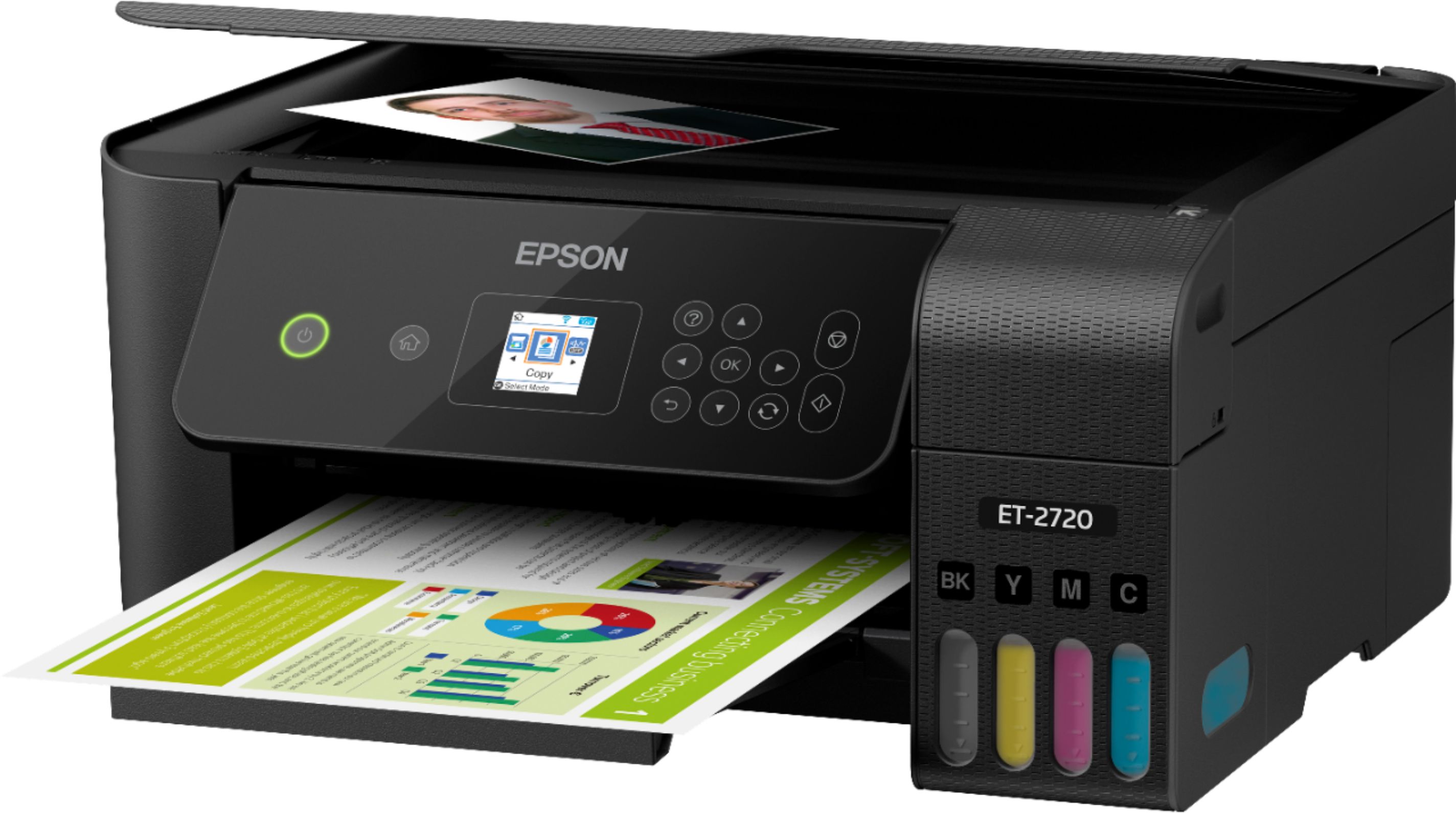
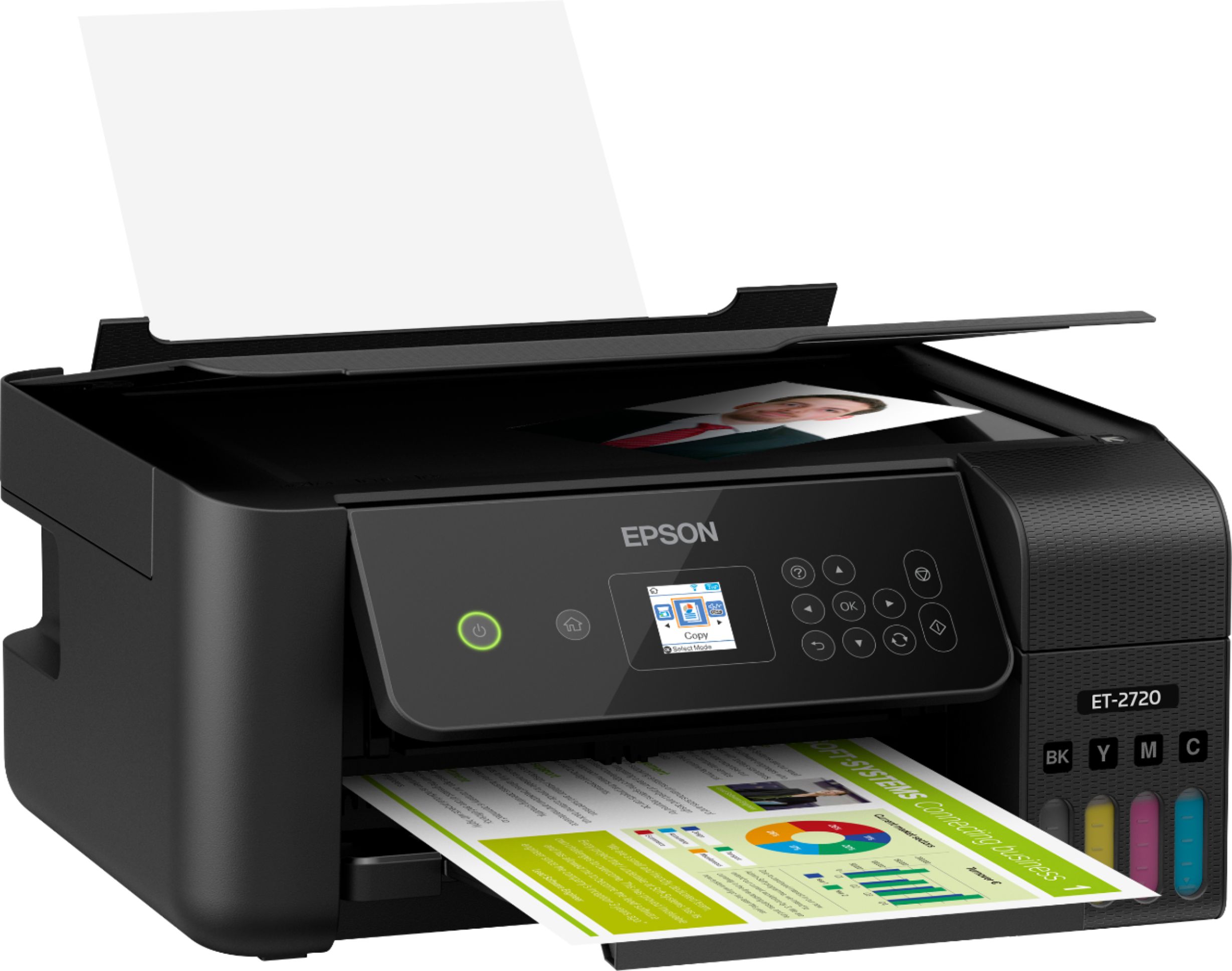
- ECOTANK ET-2720 C11CH42201
- SKU:
- 6347408
Rating by feature
- Value
Rating 4.5 out of 5 stars
- Quality
Rating 4.5 out of 5 stars
- Ease of Use
Rating 4.5 out of 5 stars
Customers are saying
Customers regard the EcoTank ET-2720 Wireless All-In-One Printer highly, praising its excellent print quality and ease of use. Many appreciate its compact size and straightforward setup process, along with its affordable price and wireless functionality. However, some users express dissatisfaction with the rear-loading paper tray and have reported occasional reliability concerns. The printer's quiet operation is also a frequently cited positive attribute.
This summary was generated by AI based on customer reviews.
printing is blurry
||Posted .This reviewer received promo considerations or sweepstakes entry for writing a review.Printing is blurry even after calibrating printer, wireless scanner is also not functioning as it should.
No, I would not recommend this to a friendWon’t hook up
||Posted . Owned for less than 1 week when reviewed.This reviewer received promo considerations or sweepstakes entry for writing a review.Not able to pair with my PC nor use with my iPhone. Thought my extra $25 would allow me to get advice but that was only a replacement policy. So printer sits unusable for now
No, I would not recommend this to a friendHORRIBLE
||Posted . Owned for 4 months when reviewed.This reviewer received promo considerations or sweepstakes entry for writing a review.Bought January 2020 and destroyed march. Won't accept paper. Please dont buy this product.
No, I would not recommend this to a friendNot worth
||Posted . Owned for 4 months when reviewed.This reviewer received promo considerations or sweepstakes entry for writing a review.Nothing great about this printer. It's just a regular inkjet printer . It works for only 3 months
No, I would not recommend this to a friendBrand response from Epson
Posted .Hello Renga, thank you for sharing your experience with the Epson ET-2720 printer. Epson takes into consideration all feedback to improve the performance and quality of our products. Your EcoTank printer includes a 1-year Limited Warranty, plus free lifetime technical support. Additionally, Epson provides useful information, including FAQs and self-help tools, on the product support website at www.epson.com/Support/Printers/All-In-Ones/ET-Series/Epson-ET-2720/s/SPT_C11CH42201#questions. If you ever need assistance, our support team can be reached at (562) 276-4382 between 7 am - 4 pm (PT), Monday - Friday. Once again, thank you. Sincerely, Sam - The Epson Team.

Defective print out, incorrect color
||Posted . Owned for 1.5 years when reviewed.This reviewer received promo considerations or sweepstakes entry for writing a review.Printer not printing correct colors. Had done maintenance and tests but to no avail. Inks were checked and filled
No, I would not recommend this to a friendHaven't had the best luck with this printer
||Posted . Owned for 1.5 years when reviewed.This reviewer received promo considerations or sweepstakes entry for writing a review.This printer has never worked for us. No matter how many times I calibrate the printer, it always has lines and spots.
No, I would not recommend this to a friendThe worst printer
||Posted . Owned for 1 month when reviewed.This reviewer received promo considerations or sweepstakes entry for writing a review.The worst printer I have ever bought before. I have to return to Ups I try to print the return label it came out half print and Glory color.
No, I would not recommend this to a friendBrand response from Epson
Posted .Hi Wontek, we apologize for the disappointing experience that you had encountered with the EcoTank ET-2720 printer. Epson takes into consideration all feedback to improve the performance and quality of our products. If we can help you with anything else, our support team can be reached by phone at (562) 276-4382 or by email at https://epson.custhelp.com/app/ask/p_model_name/Epson%20ET-2720; Hours: Monday - Friday, 7 am - 4 pm PT. Hopefully, we can assist you with a future product. Sincerely, Bobby - The Epson Team.

Great features for the Price
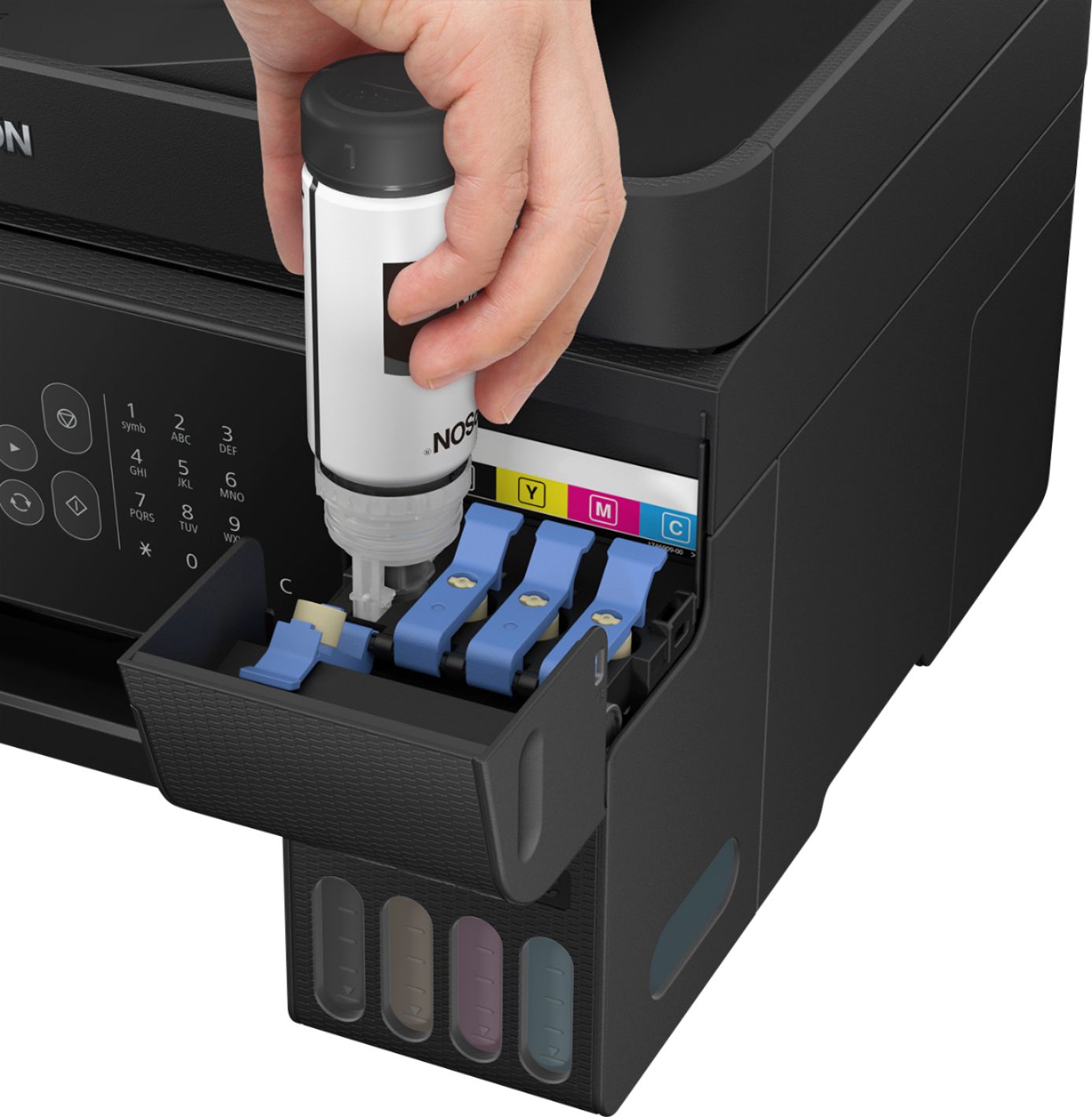
|Posted .This reviewer received promo considerations or sweepstakes entry for writing a review.Great features for the Price I got this printer to replace an old Epson NX510. Aside from the fact that the NX510 inexplicably stopped finding any Wifi networks, it ran out of ink ages ago and I didn't want to buy replacement cartridges when we don't print all too often. When I heard about the EcoTank series, I thought I'd give it a try. I ended up with the entry level model because I couldn't see any added value (for my needs) in the higher models' offerings. I primary need my all-in-one for scanning and printing second (which is why the long lasting ink tanks were very attractive to me). So far, it hasn't disappointed. Initial setup was fairly easy. I was able to connect to my Wifi network without much hassle and filling the ink tanks was fairly simple. Anyone expecting this to be completely clean will be mistaken. While it's not difficult taking the filler bottles off of the printer, I did find several ink drops on the desk and printer. Nothing a wet paper towel couldn't handle while the ink was still wet. The scanning software has been updated over the offering for the NX510. I like the options and user interface, but I don't like what they've done to change the PDF scan handling. You do have the option to scan several pages and manage them in one thumbnail window as each page is scanned in. However, the interface no longer provides the option to preview scans starting from the second page (unless I haven't figured this out yet). Older software provided this feature, which was nice to ensure that each page scanned after the first was centered on the glass correctly, or not dog-eared. The option to de-skew the results probably helps with improperly placed pages on the glass, but it'd still be nice to see if I need to apply (or remove) any of the filters/options depending on the page. Also, if you want to create a PDF that has different scan types (in my case, I wanted a PDF with grey-scale for pages that only contained text, and color for pages that contained pictures), you'll need to create separate PDF files for each type and combine them using third party software. Scanning is much quieter in this model, and I've seen an option for "quiet" scanning, which I haven't used yet; I feel that scanning is quiet enough for me as it is. I get the feeling that the "quiet" mode would make the scan process much longer. I like the options provided during the printing portion of setup. It basically asks what your preference for printing granularity is to ensure that you don't get print-outs with lines in solid color areas. Color printing is fairly quick for the entry-level model as well. Overall, I would definitely recommend this to anyone looking to get rid of their old printer cartridge printer to save ink.
I would recommend this to a friendThe printer
||Posted .This reviewer received promo considerations or sweepstakes entry for writing a review.The printer in a month start with issue always it's a jam paper or don't get the paper straight
No, I would not recommend this to a friendPrint quality sucks
||Posted . Owned for 3 weeks when reviewed.This reviewer received promo considerations or sweepstakes entry for writing a review.Print quality sucks and best buy wont take your product after 14 days of purchase. waste of money
No, I would not recommend this to a friend- Pros mentioned:Print quality
Finally a printer worth buying
|Posted .This reviewer received promo considerations or sweepstakes entry for writing a review.For years I suffered with evil printer ink. I find it almost comical that in most cases Its cheaper to buy a new printer than replace the ink. I applaud Epson for listening to it's customers and releasing the ECO Tank. While not perfect, it's better for the environment, much more cost effective and gives you the ability to print without the worry of dried up print heads. This printer has made me a loyal Epson customer and set an example for the rest of the industry to hopefully follow. In my opinion this is the new standard for printers.
I would recommend this to a friend Horrible
||Posted . Owned for 1 month when reviewed.This reviewer received promo considerations or sweepstakes entry for writing a review.Only had this printer about a month and it broke... not a very good printer
No, I would not recommend this to a friend- Pros mentioned:Print quality, Setup
Love that it does not use cartridges!
|Posted .This reviewer received promo considerations or sweepstakes entry for writing a review.This printer is just perfect for my home/office. Set up was easy, instructions very clear on how to insert ink. What I really love is that it does not use cartridges! Prints nice and crisp! Highly recommend!
I would recommend this to a friend Epson 2027
||Posted . Owned for 1 month when reviewed.This reviewer received promo considerations or sweepstakes entry for writing a review.Horrible. I can’t print the paper gets stuck and the printer ink gets dry so I can’t even print correctly
No, I would not recommend this to a friendBrand response from Epson
Posted .Hello, thank you for your feedback on the Epson ET-2720. We'll forward this information to the relevant departments as we're always looking to improve future Epson products. Your EcoTank printer is backed by a 1-year Limited Warranty and includes free lifetime technical support. If you ever need assistance, Epson provides useful information at www.epson.com/s/SPT_C11CH42201#questions to address most issues with paper feed and print quality. You can also call Epson Support directly at (562) 276-4382 between 7 am - 4 pm (PT), Monday - Friday. Once again, thank you. Sincerely, Bobby - The Epson Team.
kumar
||Posted . Owned for 6 months when reviewed.This reviewer received promo considerations or sweepstakes entry for writing a review.Does not work good as the color printer but good or black and white.
No, I would not recommend this to a friendnot recommended for my computer
||Posted .This reviewer received promo considerations or sweepstakes entry for writing a review.this product appears to have been discontinued and will not be supported.
No, I would not recommend this to a friendHorrible
||Posted . Owned for 9 months when reviewed.This reviewer received promo considerations or sweepstakes entry for writing a review.Horrible don’t waste your money.Doesn’t stay connected to my Mac despite numerous calls to Epson.
No, I would not recommend this to a friendBrand response from Epson
Posted .Hello, we're so sorry that we have not yet been able to resolve the Mac connectivity issue. Your EcoTank ET-2720 is backed by a 1-year Limited Warranty and includes free lifetime technical support. Please give us another chance to help by calling our Advanced Support Team directly at 1-800-241-5794 between 7 am - 4 pm (PT), Monday - Friday. We hope to hear from you soon. Kind Regards, Bobby - The Epson Team.
Trash!!!!
||Posted . Owned for 1.5 years when reviewed.This reviewer received promo considerations or sweepstakes entry for writing a review.Trash!!!! It broke right after its 1 year Warranty was over.
No, I would not recommend this to a friendCopy
||Posted .This reviewer received promo considerations or sweepstakes entry for writing a review.Sales associate said very simple set up not true it's still sitting there not in use
No, I would not recommend this to a friendBrand response from Epson
Posted .Hi Annie, we are sorry to hear that you are having issues with the setup for your Epson ET-2720. In order to perform the setup, we recommend following the steps in the "Star Here - Install Guide" at https://files.support.epson.com/docid/cpd5/cpd56715.pdf. If this does not resolve the problem, please contact Epson Support at (562) 276-4300; Hours: Monday - Friday, 7 am - 4 pm PT. Sincerely, Kevin - The Epson Team.
Terrible printer
||Posted . Owned for 7 months when reviewed.This reviewer received promo considerations or sweepstakes entry for writing a review.This is the worst printer ever!!!!!!!!!!!!!!!!!!!!!!
No, I would not recommend this to a friendBrand response from Epson
Posted .Hi Tammy, we're sorry to hear about the trouble that you've encountered. Your EcoTank ET-2720 printer comes with a 1-year Limited Warranty and free lifetime technical support. Our support team would like to hear about the specific issues you've experienced and can be reached at (562) 276-4382. Hours: Monday - Friday, 7 am - 4 pm PT. We hope to hear from you soon. Kind Regards, Bobby - The Epson Team.