Customer Ratings & Reviews



- Model:
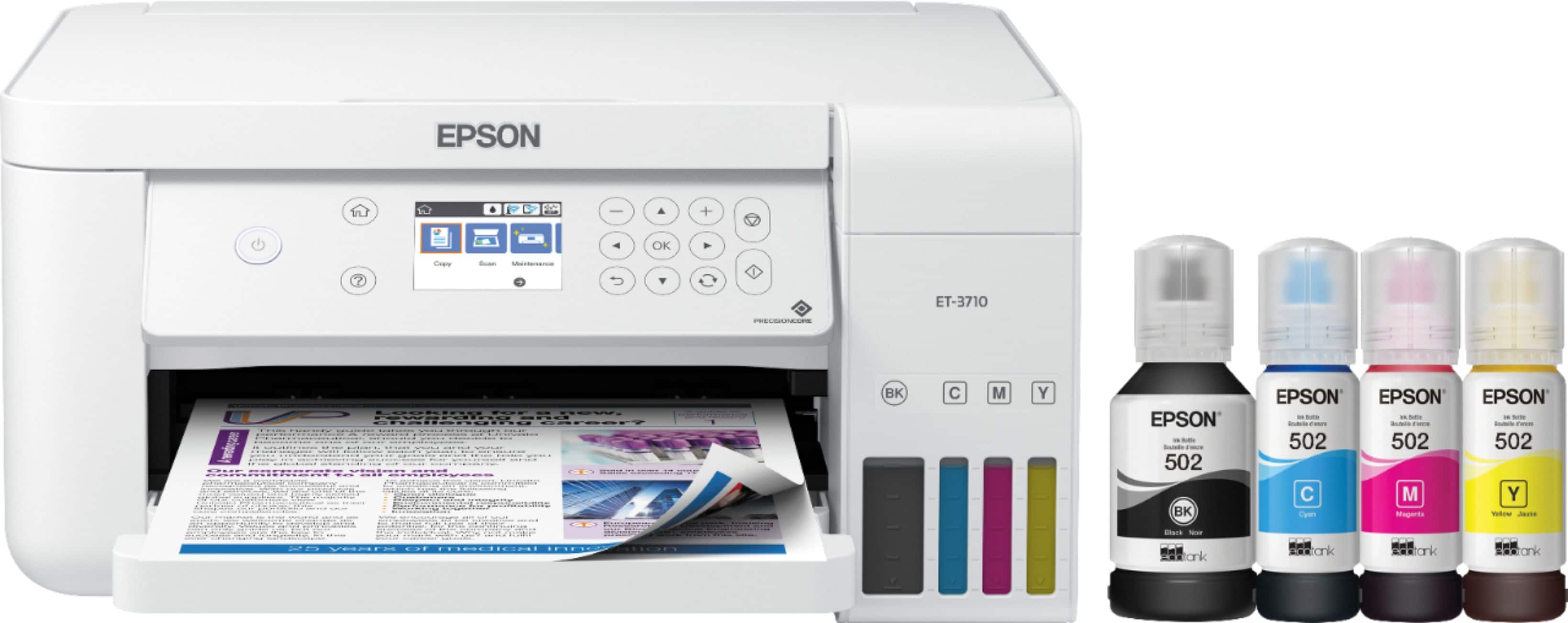
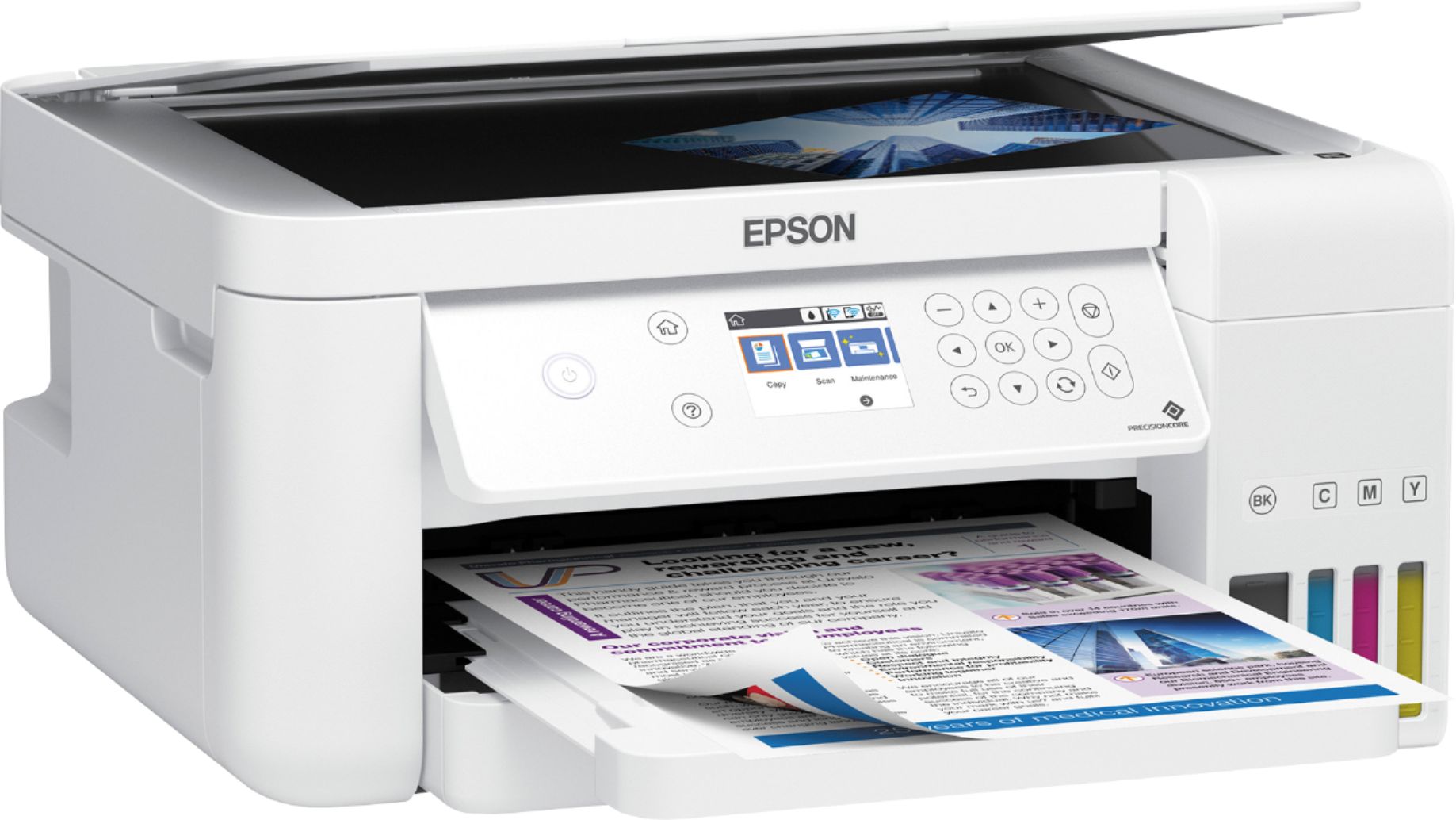
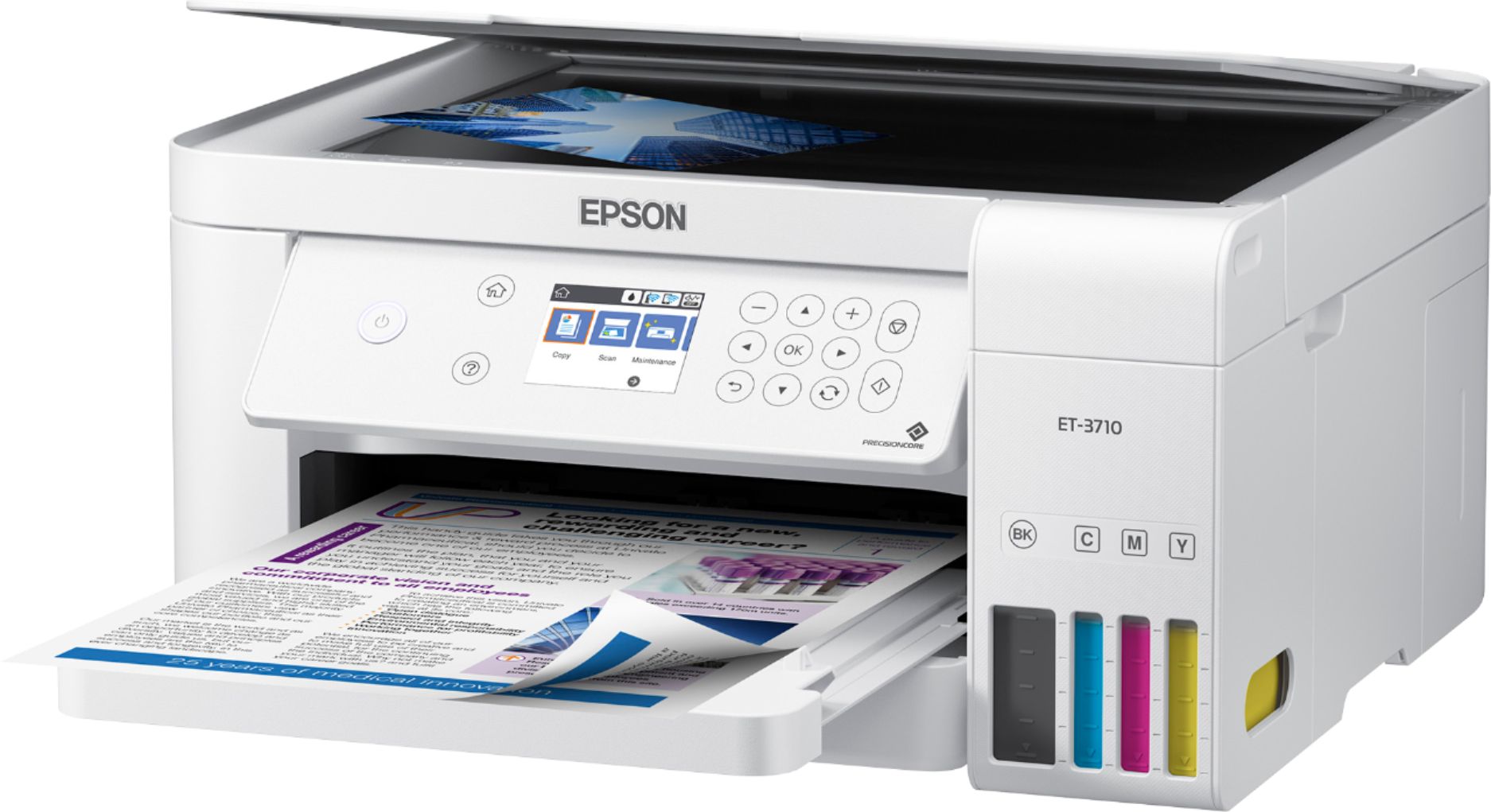
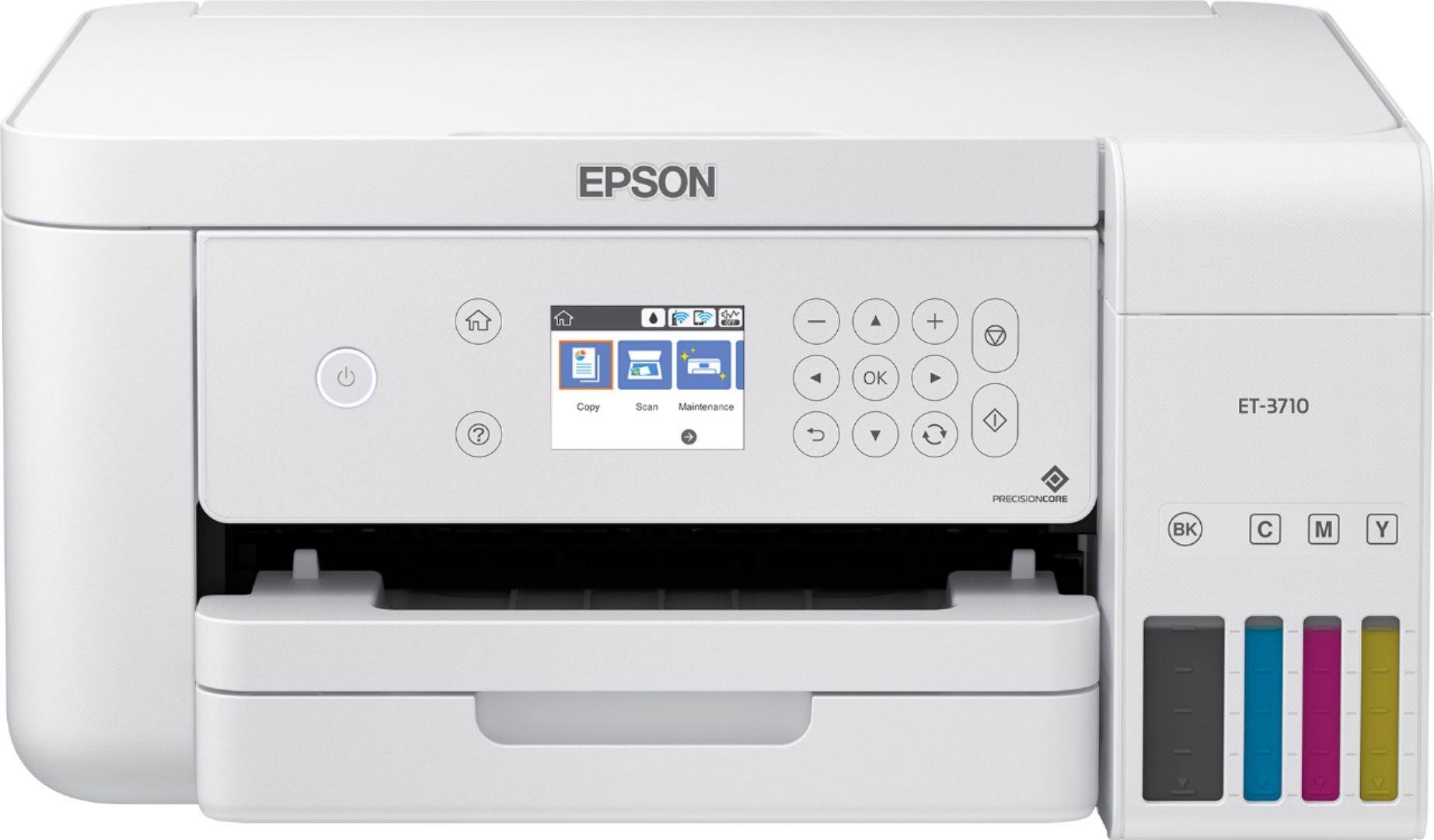
- EPSON ECOTANK ET-3710 C11CG21
- SKU:
- 6347459
Rating by feature
- Value
Rating 4.5 out of 5 stars
- Quality
Rating 4.6 out of 5 stars
- Ease of Use
Rating 4.5 out of 5 stars
Customers are saying
Customers recognize the EcoTank ET-3710's excellent print quality and ease of use, frequently praising its straightforward setup and compact size. The wireless functionality is also a highlight for many users, who appreciate its convenience. While some experienced occasional paper jams, the printer's generally positive reception outweighs this minor drawback.
This summary was generated by AI based on customer reviews.
Too expensive for the quality
||Posted . Owned for more than 2 years when reviewed.This reviewer received promo considerations or sweepstakes entry for writing a review.Printer is sleek and fits on the shelf. Printing black is great, but printing color has been an issue since the beginning. I have cleaned it, aligned it and whatever else, so many times, and color is not even close to what it should be.
No, I would not recommend this to a friendGreat printer
||Posted . Owned for 3 weeks when reviewed.This reviewer received promo considerations or sweepstakes entry for writing a review.Very happy with the work is doing. Great quality, image.
I would recommend this to a friend- Pros mentioned:Print quality
I wouldn't buy this again.
||Posted . Owned for 6 months when reviewed.This reviewer received promo considerations or sweepstakes entry for writing a review.I would not buy this again. The print will print and print and print and not use a lot of ink and ink is cheap - that's great! Print quality is good enough to make me happy. The software is wack. To scan you end up having to use windows scan and fax and the printer doesn't always remember your computer. Printing from the phone and the epson software doesn't format correctly. Scanning a multiple page contract is an absolute nightmare. Customer support? I can't reach them. Big waste of money - but with this much money invested - I guess we are stuck.
No, I would not recommend this to a friendBrand response from Epson
Posted .Hello CWatson, thank you for your feedback on the Epson WF-4740. We're sorry to hear about the trouble that you've encountered. We'll forward this information to the relevant department for review. If we can help you with addressing issues with the Fax setup, connectivity, or anything else, your WorkForce Pro printer includes free lifetime technical support, and our support team can be reached at (562) 276-4382 between 7 am - 4 pm (PT), Monday - Friday. Once again, thank you. Kind Regards, Bobby - The Epson Team.

Organize pictures
||Posted . Owned for 1 month when reviewed.This reviewer received promo considerations or sweepstakes entry for writing a review.Haven't printed yet, anxious to print soon. Easy to refill ink
I would recommend this to a friendHad to go back Three times to complete the order.
||Posted .This reviewer received promo considerations or sweepstakes entry for writing a review.The people working the pick up did a great job. They were quick and friendly.
I would recommend this to a friendAWD
||Posted . Owned for 3 weeks when reviewed.This reviewer received promo considerations or sweepstakes entry for writing a review.Turning it off takes some concentration otherwise I love it.
I would recommend this to a friendPretty good product
||Posted . Owned for 3 weeks when reviewed.This reviewer received promo considerations or sweepstakes entry for writing a review.Lots of error messages. But most are very easy to correct.
I would recommend this to a friendNeeded new printer
||Posted .This reviewer received promo considerations or sweepstakes entry for writing a review.So far so good with ink not running out like my old Epson printer
I would recommend this to a friendCould be better
||Posted . Owned for 3 weeks when reviewed.This reviewer received promo considerations or sweepstakes entry for writing a review.I think the best thing about the printer is how long the ink lasts and price of the ink. It prints slow, I did know that going in. It is loud too when it prints. Sometimes it just sits there and says load during a print but it eventually starts printing again.
No, I would not recommend this to a friendBrand response from Epson
Posted .Hello Larry7280, we appreciate your feedback, and we'll forward this information to the relevant department to help improve future Epson products. Your ET-3710 printer is backed by a 1-year Limited Warranty and includes free lifetime tech support. If you need further assistance with printing slow, you can reach our support team at (562) 276-4382 between 7 am - 4 pm (PT), Monday - Friday. Additionally, Epson provides useful information to address most issues with printing slow on the product support page at https://epson.com/faq/SPT_C11CG21202~faq-00004c6-et3710. Sincerely, Sam - The Epson Team.
- Pros mentioned:Print qualityCons mentioned:Paper jam

I've Been Waiting for Cartridge Free Printing
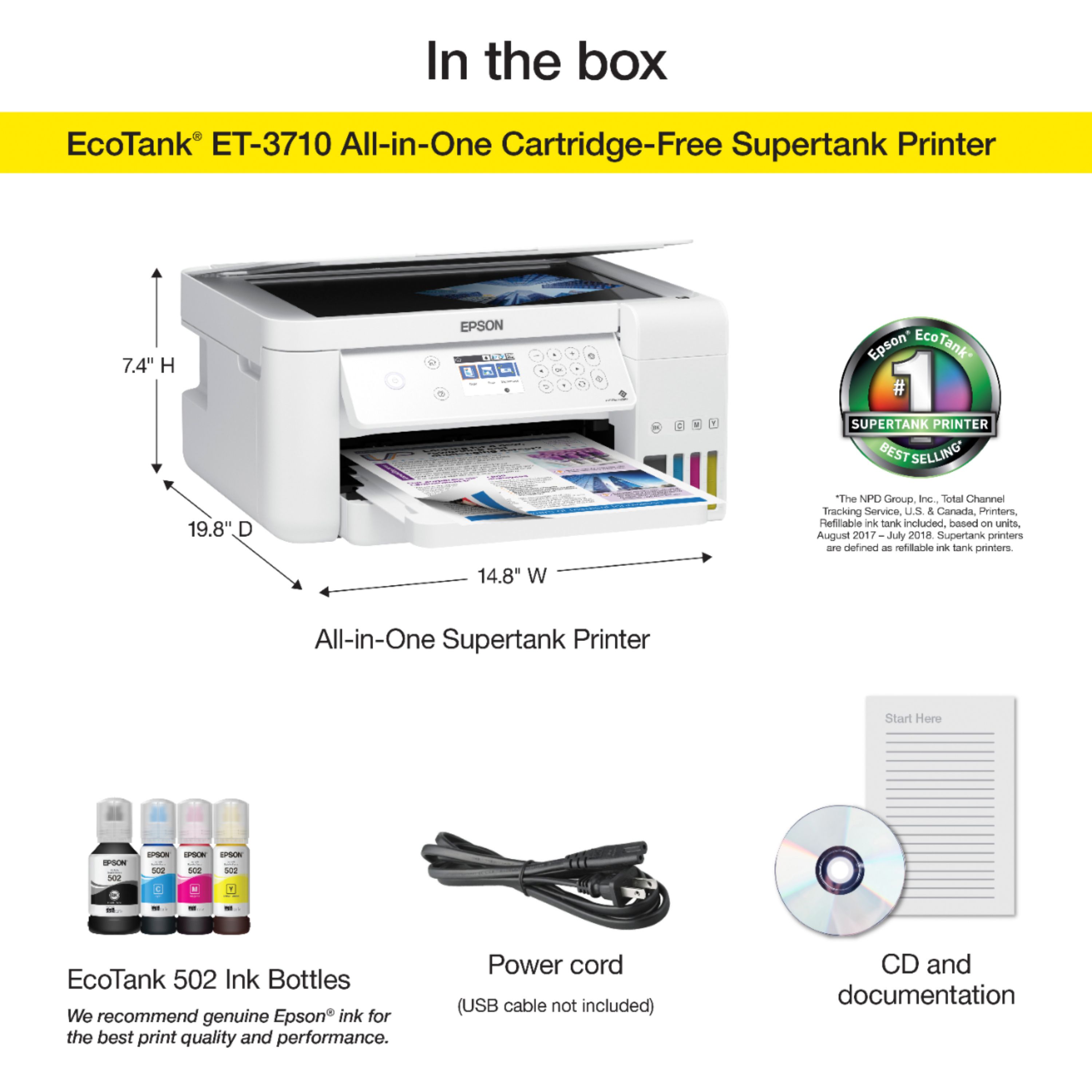
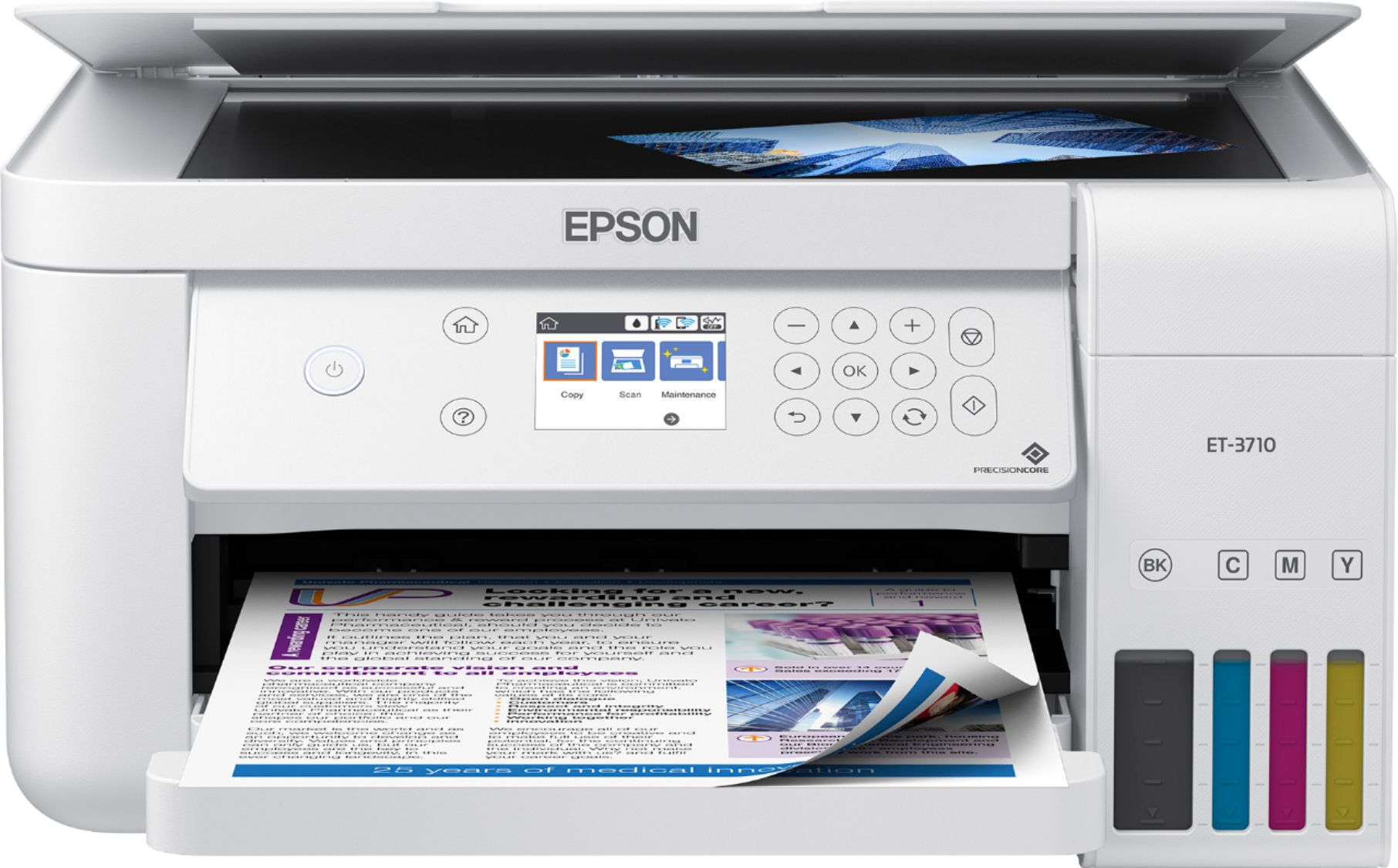
|Posted .This reviewer received promo considerations or sweepstakes entry for writing a review.The Epson Workforce All-In-One series has been my favorite desktop printers for several years because they seem to NEVER have a paper jam and they ALWAYS print very well. My only concern with using them for moderate to heavy printing or copying is the same as I have for all cartridge printers and that simply is that the ink cartridges can get quite pricey. So, when I read about the new Epson EcoTank ET3710 and Epson’s introduction of “cartridge-free printing” I was very eager to try it out. I was very excited to get this new printer. My first impression was that it was very light in weight, but at the same time, it appeared to be of solid construction and made around a very solid design. But “Cartridge Free”, just seemed too good to be true. The first thing I did to set up the new printer was to be sure that I removed all packing tape off the outside and inside of the printer. Next, I thoroughly read the instructions on filling the ink tanks with CMYK colors. I thought it would be messy and anticipated drops of spilled ink, but I was totally surprised by how easy and clean the ink bottles are designed to fill the ink tanks. I took my time filling each color to the proper fill line and never spilled a single drop of ink. It worked flawlessly. Then I did as directed, plugged the unit in, set the language to English and allowed the ink print head to prime the ink or “charge” the ink. This took just under 10 minutes. I then took each of the four colors and finished filling the ink tanks emptying all four bottles and reset the ink levels by using the LCD display screen on the printer. Next I downloaded the software and checked the firmware, loaded the paper and aligned the print head according to a series of prints and the instructions of selecting the best print in a series. The printer was extremely easy to install, and I was up and running in under 20 minutes. I use Epson connect and already had an account, so I just added this printer to my account. Doing so allows me to print from mobile devices and/or through voice-activated assist devices. The printed results of the Epson EcoTank ET3710 visually produces very crisp, clear, bright, vivid colors with intensities, tints and shades of the entire chromatic spectrum. It prints exceptionally well, especially for a recyclable product. The most advantageous features of the printer for me are time and money savings. With each box of replacement ink set I should have enough ink to print up to 7,500 black pages or 6,000 color pages. One set of replacement ink bottles are equivalent to about 80 individual cartridges. Ink Tanks vs Ink Cartridges is also equivalent to about a 90 percent savings in ink. The printer paper tray holds up to 150 sheets of 8.5” x 11’ paper. The printer is capable of 2-sided printing, scanning, copying, and borderless printing. The printer can either be connected to the internet by using either an ethernet connection or through Wi-Fi. The Epson EcoTank ET offers a 2-year limited warranty if the purchaser registers the product. I highly recommend this printer for a home office, small business, student or organization. Its lightweight and does a great job on both printing and scanning documents. I look forward to being very productive and saving money with this printing device. Bravo to Epson for another innovative product!
I would recommend this to a friend Eh
||Posted . Owned for 1 month when reviewed.This reviewer received promo considerations or sweepstakes entry for writing a review.It's ok for a tank printer I guess, but wow is it slow. Also, if you have a very secure network, then setting up the wireless options are the biggest pain in the neck. Doesn't want to speak very well to secured networks at all for multiple users.
No, I would not recommend this to a friendBrand response from Epson
Posted .Hello Great, thank you for writing this review on the ET-3710 printer. Epson takes into consideration all feedback to improve the performance and quality of our products. Epson provides useful information, including FAQs and self-help tools, on the product support web page at https://epson.com/Support/Printers/All-In-Ones/ET-Series/Epson-ET-3710/s/SPT_C11CG21202#questions. Additionally, your Ecotank printer includes a 1-year Limited Warranty, plus free lifetime technical support. If you need any assistance, our Epson Support Team would be happy to help you and can be reached at (562) 276-4382; Hours: Monday - Friday, 7 am - 4 pm PT; Sincerely, Sam - The Epson Team.
Great day to day office printer
||Posted . Owned for 1 month when reviewed.This reviewer received promo considerations or sweepstakes entry for writing a review.Great printer, wish it had a Bluetooth scanning capability to email
I would recommend this to a friendSo far so good
||Posted . Owned for 1 month when reviewed.This reviewer received promo considerations or sweepstakes entry for writing a review.Great printer- however slow to print double sided sheets
I would recommend this to a friend- Pros mentioned:Ease of use, Print quality, Setup
I Should Have Got This A Long Time Ago...
|Posted .This reviewer received promo considerations or sweepstakes entry for writing a review.As the title states...I should have got this a long time ago. The Epson EcoTank is a revolution for printers. No more ink cartridges that cost more than the printer! What's more is that the tanks are so large, and cheap to fill that you can load them up, and forget about it. You're going to be printing for awhile. On top of the awesome capacity, and the cheap price of refill ink is a well built, and easy to use printer from Epson. Setup was a breeze. The features of the printer are all intuitive. The build quality is fantastic. This printer is going to last a long time. I feel weird being so excited about a printer, but this is the way printers should have been from the start. If you are looking to replace an ink guzzling printer from yesteryear do yourself a favor, and check out the EcoTank ET-3710.
I would recommend this to a friend Okay printer but not a good scanner
||Posted . Owned for 3 weeks when reviewed.This reviewer received promo considerations or sweepstakes entry for writing a review.If you want to make a multiple scans in one file, you need to use a hp software on your computer because the printer finishes scan without asking add another paper.
No, I would not recommend this to a friendBrand response from Epson
Posted .Hello Alaska17, we're here to help, and we would like to hear more about the scanning issues that you've encountered. Your Epson ET-3710 is backed by a 1-year Limited Warranty and includes free lifetime technical support. Please contact our support team for assistance by phone at (562) 276-4382, Monday - Friday, 7 am - 4 pm PT; or by email at https://epson.custhelp.com/app/ask/p_model_name/Epson%20ET-3710. We hope to hear from you soon. Sincerely, Bobby D. - The Epson Team.
The Print Quality Okay, but...
||Posted . Owned for 3 weeks when reviewed.This reviewer received promo considerations or sweepstakes entry for writing a review.The print quality is okay, but not as good as the HP that it replaced due to a failed printhead. It is also extremely left-handed to use. Both my wife and I tried to make copies. It didn't work using common commands that made sense to us, and neither of us know how we got it to copy...once each. Scanning is difficult too and won't scan directly into Paintshop Pro. ARGH! I thought filling the tanks might be messy and/or difficult, but it was fine. I really couldn't recommend the EPSON ET 3710, and now we're stuck with it until it dies or I get too frustrated to keep it.
No, I would not recommend this to a friendBrand response from Epson
Posted .Hello LilDonny, thank you for sharing your experience. We're sorry to hear about the trouble that you're having with the Epson ET-3710. If you need assistance, our support team can be reached at (562) 276-4382 between 7 am - 4 pm (PT), Monday - Friday. Additionally, Epson provides useful information to help troubleshoot most problems with scanning on the product support page at www.epson.com/support/et3710. We appreciate your business, and we're here to help. Kind Regards, Bobby D. - The Epson Team.
Epson ET-3710
||Posted .This reviewer received promo considerations or sweepstakes entry for writing a review.Much more difficult to figure out than my last epson. It's manual is over 300 pages! I have not tried printing out a photo or any of my art work yet. That remains to be seen.
I would recommend this to a friendBrand response from Epson
Posted .Hello, we're sorry to hear about your disappointment with the Epson ET-3710 printer. Epson takes into consideration all feedback to improve the performance and quality of our products. Your EcoTank printer includes a 1-year Limited Warranty, plus free lifetime technical support. Additionally, Epson provides useful information, including FAQs and self-help tools, on the product support web page at https://epson.com/Support/Printers/All-In-Ones/ET-Series/Epson-ET-3710/s/SPT_C11CG21202#questions. If you need further assistance, our Epson Support Team would be happy to help you and can be reached at (562) 276-4382; Hours: Monday - Friday, 7 am - 4 pm PT; Sincerely, Sam - The Epson Team.
it works on MacOS but not Linux.
||Posted . Owned for 1 month when reviewed.This reviewer received promo considerations or sweepstakes entry for writing a review.Getting it configured to work on MacOS was hard, getting it to work on Linux was so hard I gave up. I've probably set up six printers before this one.
I would recommend this to a friendUnreliable, frustrating printer.
||Posted . Owned for 1 year when reviewed.This reviewer received promo considerations or sweepstakes entry for writing a review.I've owned this printer for just over 1 year. Technical issues to date include the following: -frequently have to manually re-connect to home wifi. Almost a given, if the printer goes into sleep mode, when it wakes up it will not be connected to wifi. Selecting Auto-Connect to wifi did not resolve the issues. - intermittently goes offline: I submit one job to print and it is successful. The very next print request (2 minutes later) and the computer says the printer is offline. When I go to the printer, the wifi icon indicates that it is in fact on the network. - print quality has issues from time to time that are not related to low ink or any obvious fix. I tried downloading the drvier & utilities combo from Epson's website. Tried to connect the computer to the printer that way....didn't work. I can literally see the printer under system preferences on the computer, but the Epson drivers setup window says it can't find the printer on the network. A world where you plug in, turn on, connect to wifi, and start printing continues to elude me......
No, I would not recommend this to a friendAverage printer
||Posted . Owned for 1.5 years when reviewed.This reviewer received promo considerations or sweepstakes entry for writing a review.Ink is reasonably priced. Easy to remove jammed papers. Print quality is only functional but not clear or good quality.
No, I would not recommend this to a friend