Customer Ratings & Reviews
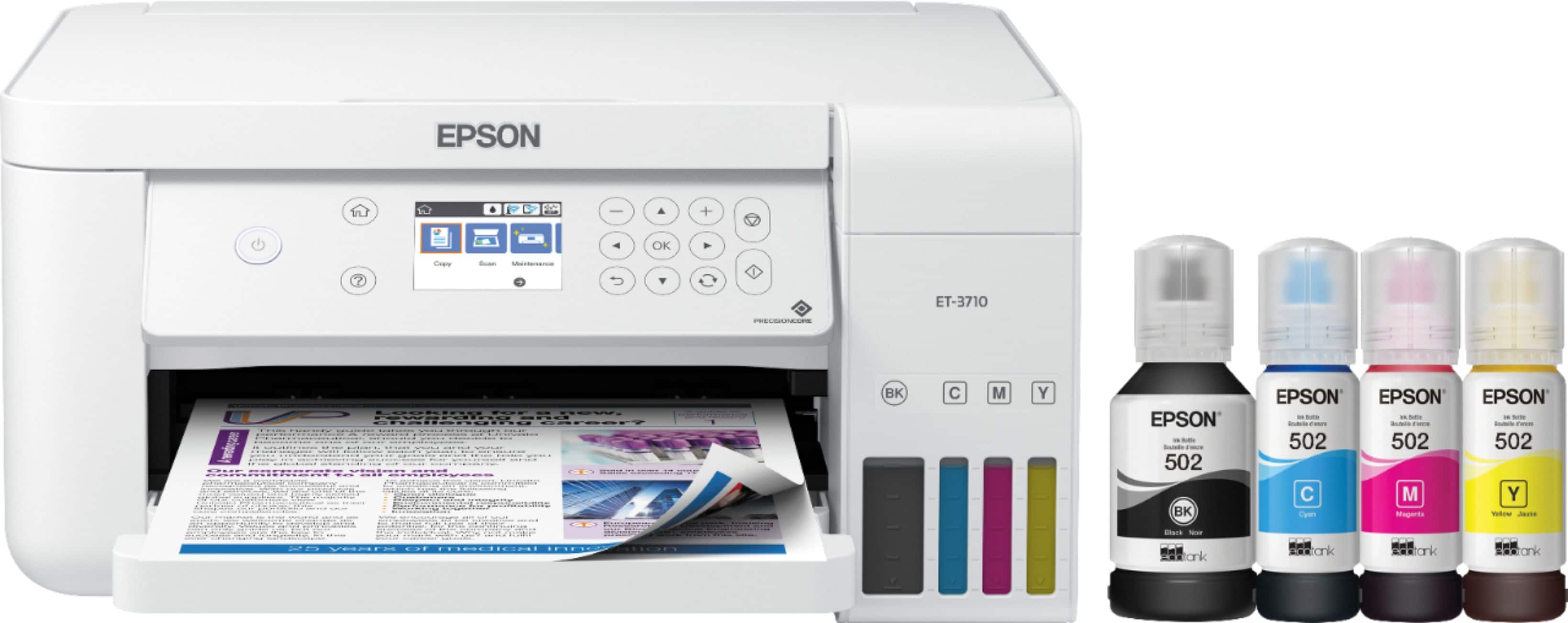
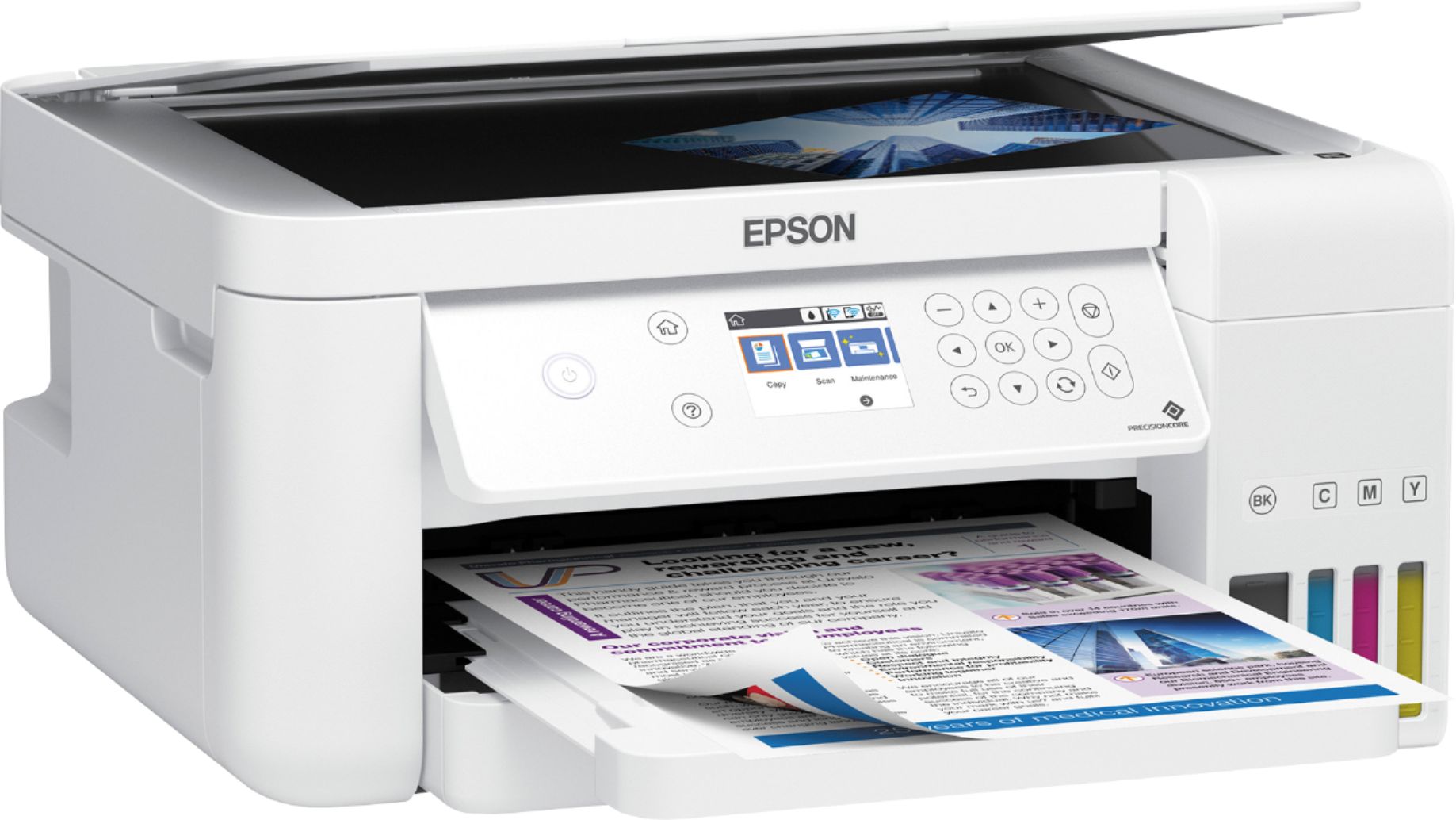
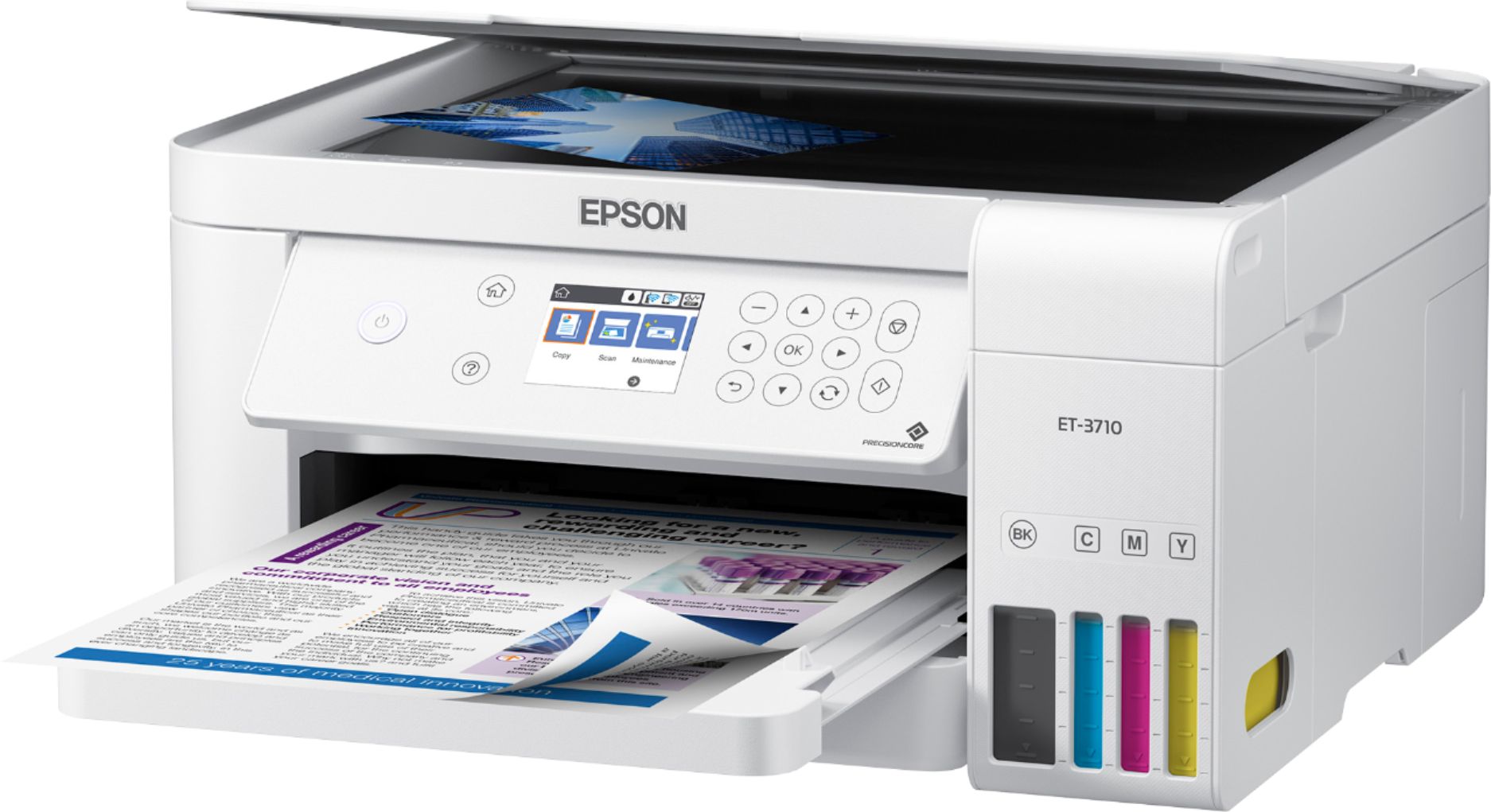
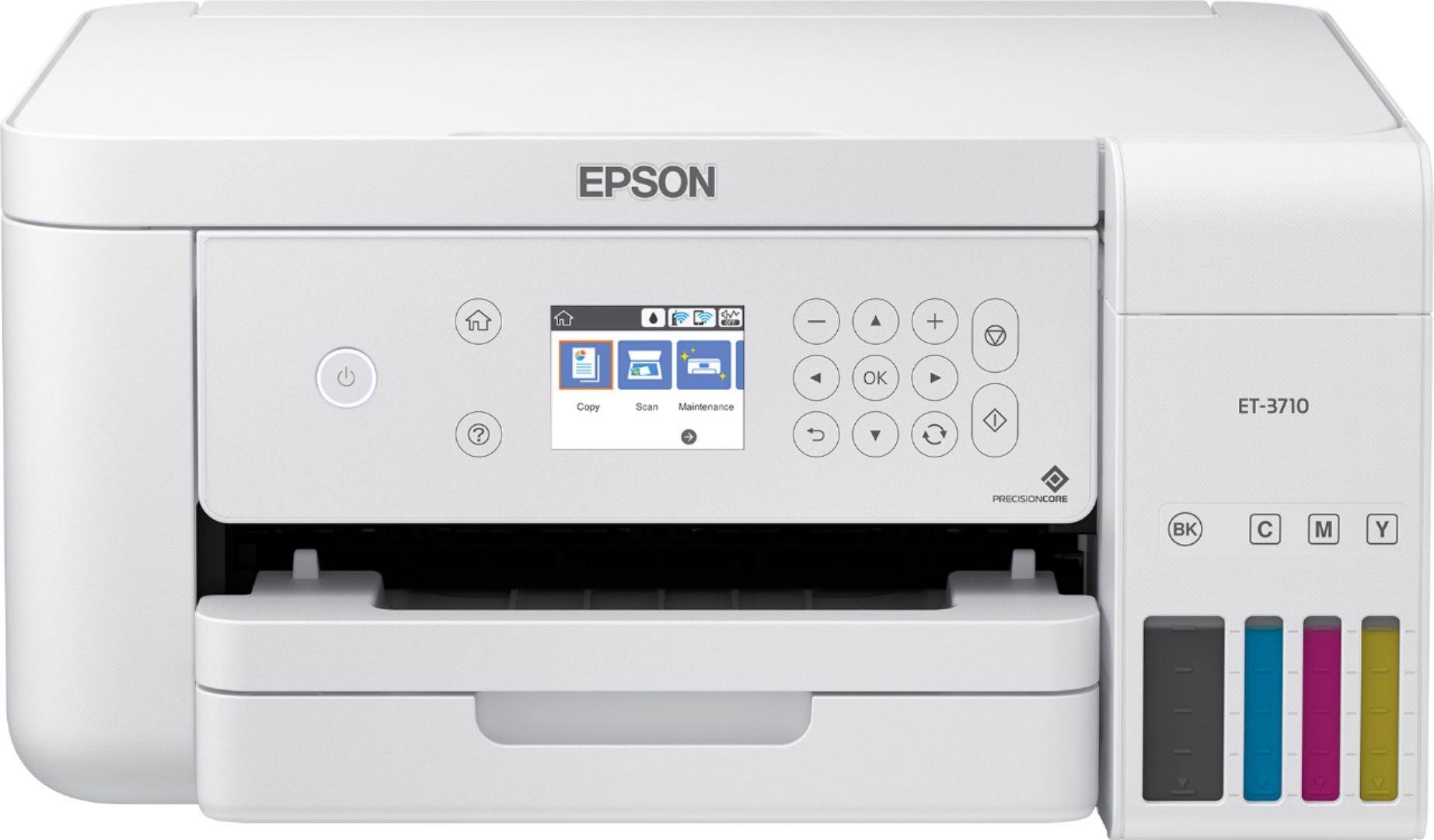



- Model:
- EPSON ECOTANK ET-3710 C11CG21
- SKU:
- 6347459
Rating by feature
- Value
Rating 4.5 out of 5 stars
- Quality
Rating 4.6 out of 5 stars
- Ease of Use
Rating 4.5 out of 5 stars
Customers are saying
Customers recognize the EcoTank ET-3710's excellent print quality and ease of use, frequently praising its straightforward setup and compact size. The wireless functionality is also a highlight for many users, who appreciate its convenience. While some experienced occasional paper jams, the printer's generally positive reception outweighs this minor drawback.
This summary was generated by AI based on customer reviews.
All my printes had lines in them
||Posted . Owned for 3 months when reviewed.This reviewer received promo considerations or sweepstakes entry for writing a review.I ended up returning this printer. I re-calibrated it 3 times and it always left lines in my prints. I might've gotten a lemon.
No, I would not recommend this to a friendBrand response from Epson
Posted .Hello Michael, we're sorry to hear about the print quality issues that you had encountered with the EcoTank ET-3710. Epson takes into consideration all feedback to improve the performance and quality of our products. Hopefully, we can assist you with a future product. Sincerely, Bobby D. - The Epson Team.

- Pros mentioned:Ease of use
Overpriced.
||Posted .This reviewer received promo considerations or sweepstakes entry for writing a review.Easy to set up. Best feature: ink tanks. Quality of photos and colors poor. Paper type needed to be changed on the printer itself, not just on the print screen. I returned the printer. I appreciated Best Buy personnel during the return process. I’ve had many printers, including HP, Canon, and this one. This printer does not come close to HP in value and ease of use. Disappointing.
No, I would not recommend this to a friendBrand response from Epson
Posted .Hi Patty, we apologize for the disappointing experience that you had encountered with the ET-3710 printer. Epson takes into consideration all feedback to improve the performance and quality of our products. If we can help you with anything else, our support team can be reached at (562) 276-4382 between 7 am - 4 pm (PT), Monday - Friday. Hopefully, we can assist you with a future product. Sincerely, Kevin - The Epson Team.
Queen of America
||Posted . Owned for 1 month when reviewed.This reviewer received promo considerations or sweepstakes entry for writing a review.Usually you guys are awesome. The products didn't have user manuals. Your employees are too rushed. Customer service was polite but too brief.
I would recommend this to a friendBrand response from Epson
Posted .Hello Karina, we're sorry to hear about the disappointing experience you had with the ET-3710 printer. Your EcoTank printer is backed by a 1-year limited warranty and includes free lifetime technical support. Additionally, Epson provides useful information, including FAQs and self-help tools, on the product support website at www.epson.com/Support/Printers/All-In-Ones/ET-Series/Epson-ET-3710/s/SPT_C11CG21202#manuals. If you need further assistance, please reach our support team directly at (562) 276-4382 between 7 am - 4 pm (PT), Monday - Friday. Sincerely, Sam - The Epson Team.
ET-3710 Inkjet printer
||Posted . Owned for 3 weeks when reviewed.This reviewer received promo considerations or sweepstakes entry for writing a review.This printer is not user friendly to the novice person. Touch display would have been better. Color printing is very good. Overpriced in my opinion.
No, I would not recommend this to a friendBrand response from Epson
Posted .Hello, we appreciate your feedback, and we'll forward this information to the relevant department to help improve future Epson products. Your EcoTank ET-3710 printer comes with a 1-year Limited Warranty and free lifetime technical support. If you ever need assistance, Epson provides useful information, including FAQs and self-help tools, on the product support page at www.epson.com/s/SPT_C11CG21202. You can also contact our support team at (562) 276-4382 between 7 am - 4 pm (PT), Monday - Friday. Kind Regards, Bobby - The Epson Team.
Be aware of short comings
||Posted . Owned for 1 year when reviewed.This reviewer received promo considerations or sweepstakes entry for writing a review.I am somewhat disappointed in that some of the photos printed in color have distinct lines across the print. Not good.
No, I would not recommend this to a friendReturned
||Posted . Owned for 3 months when reviewed.This reviewer received promo considerations or sweepstakes entry for writing a review.Needed a new printer and was sold on the ink technology of this new Epson line. Setup was terrible. The printer never consistently connected to my wifi to allow for mobile device printing. Very cheap feeling plastic body of the printer as well. This world be expected from a $50 HP but not something that costs like this model. I recommend upgrading to the model above. Better quality for the price.
No, I would not recommend this to a friendBrand response from Epson
Posted .Hello Soko, we're sorry to hear about the trouble you had with the EcoTank ET-3710. Epson takes into consideration all feedback to improve the performance and quality of our products. We'll forward this information to the appropriate department for review. If we can help you with anything else, our support team can be reached by phone at (562) 276-4382 or by email at https://epson.custhelp.com/app/ask/p_model_name/Epson%20ET-3710; Hours: Monday - Friday, 7 am - 4 pm PT. Hopefully, we can assist you with a future product. Sincerely, Bobby - The Epson Team.
Not all I needed
||Posted . Owned for 4 months when reviewed.This reviewer received promo considerations or sweepstakes entry for writing a review.I didn't read closely and didn't realize this machine will not fax. The ink is very sloppy.
No, I would not recommend this to a friendBrand response from Epson
Posted .Dear debbiep, we appreciate your business and are sorry to hear you are not completely satisfied with your purchase. Your Epson ET-3710 includes free technical support for the life of your product. If we can help you with anything else, our support team can be reached by phone at (562) 276-4382, Monday - Friday, 7 am - 4 pm PT; or by email at https://epson.custhelp.com/app/ask/p_model_name/Epson%20ET-3710. Kind Regards, Bobby D. - The Epson Team.
- Pros mentioned:Print quality

The Future of Home Printing
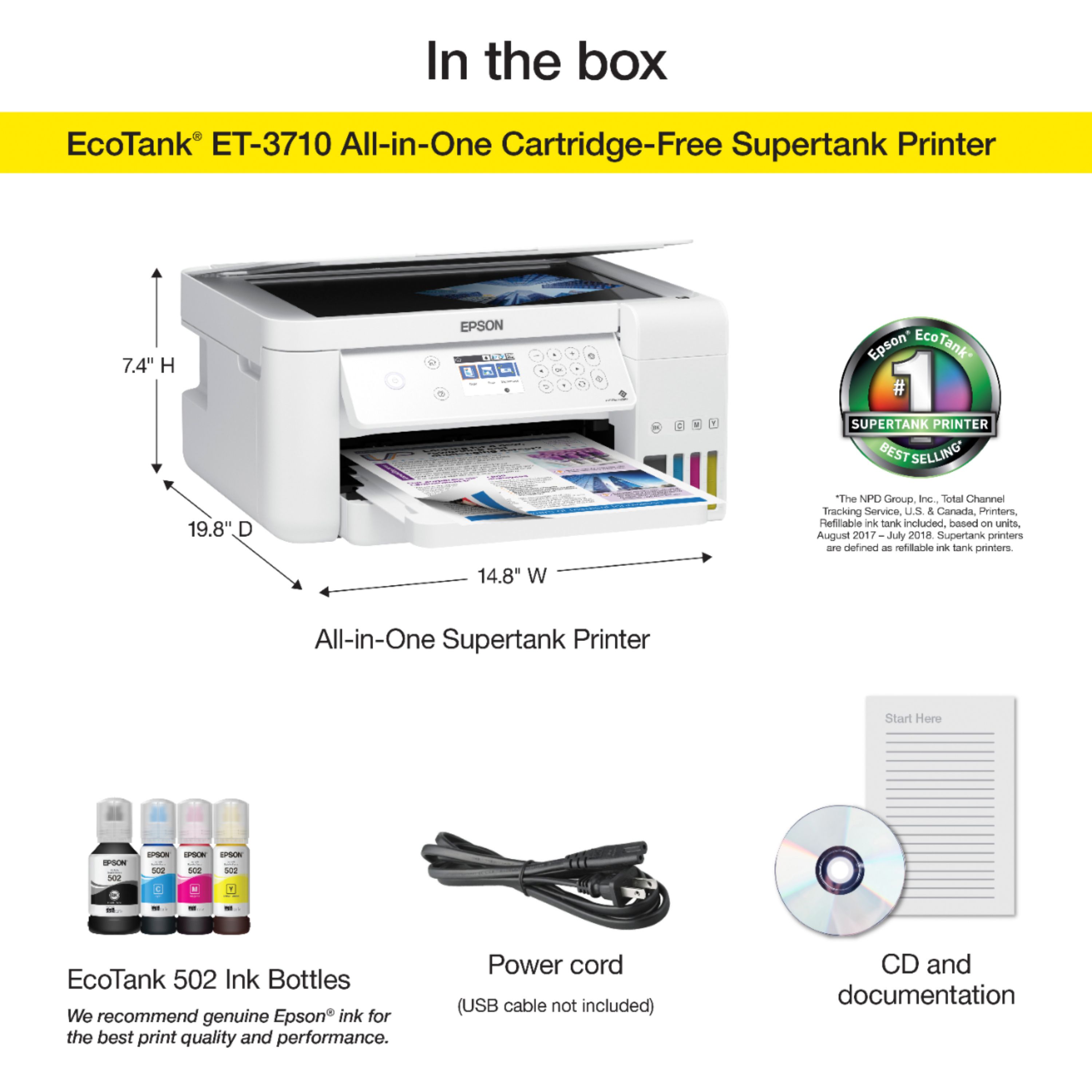
|Posted .This reviewer received promo considerations or sweepstakes entry for writing a review.Consumer-oriented ink tank-based printers surfaced several years ago. At that point, they were overly-expensive - the cheapest units costed at least $400, with some in excess of $600. Thankfully, the technology is maturing, manufacturing processes have been refined, & manufacturing costs have decreased. Now, consumers can benefit from this better/smarter printer technology, AND they can afford it…well, for the most part. Ink tank-based printers are still expensive, but they are considerably more affordable than they originally were. UNBOXING & INITIAL IMPRESSIONS: While other companies are creating “environmentally-friendly packaging, Epson, unfortunately, has yet to follow suit. For internal packaging, most manufacturers have switched from Styrofoam to cardboard. Unfortunately, Epson still uses (a lot of) Styrofoam…try not to let this detract from everything else. The printer, itself, is nice-looking (I’d have appreciated a black casing of the previous models). With the exception of USB and/or Ethernet cables, everything is included. SETUP: To physically set up the printer, simply remove the blue tape, plug in the power cord, fill the ink tanks, turn the printer on, “charge” the print system, & run through the multi-step print head alignment process. Once you turn the printer on, the screen walks you through the “charge & alignment” steps. After that, the printer setup/configuration is quite simple - the driver/software installation walks you through every step of the process, starting with asking whether the printer will be connected via USB, wireless, or wired network. Once everything is completed on one computer, you can go through the driver/software install process on other computers (if connecting via Wi-Fi or Ethernet). Adding the printer to additional computers is even easier, as a couple steps are eliminated from the process. PRINT QUALITY: While not the best print quality, it is far from the worst. To test, I printed one MS Word document, and one photo. For the document, I set the “quality” to ‘draft’, ‘standard’, and ‘high’. For the photo, I repeated the same process, but also added the ‘standard vivid’. For obvious reasons, the document was printed in ‘black/grayscale’, while the photo was printed in ‘color’. For both files, printing in ‘draft’ produced a “washed out” look. Compared to my previous HP OfficeJet, the HP produced FAR better-looking ‘draft’ print job. Although I would consider the document “acceptable”, the photo had a “washed out” appearance, giving it an almost “pastel” appearance. Also, in regards to the document, the print color was less “black”, and closer to “gray”, making it fairly difficult to read. If printing a single page, your eyes should have no problem…but, if attempting to read multiple pages printed in ‘draft’, I would HIGHLY suggest avoiding, as it WILL cause problems for your eyes. On a 1-10 scale, I’d give the ‘draft” quality a 3 for the document, but only a 1 for the photo. Moving up to ‘standard’, there was a considerable improvement for both files. The document had an “almost-black” print, and was very readable. In using a “Magnify” app on my phone, I could see the print wasn’t laser-quality, but it was still quite good. Moving to the photo, color saturation was greatly improved (although the blacks still looked slightly “grayish”), and you could actually recognize the photo as being a photo (as opposed to the “pastel painting” appearance of ‘draft’). In terms of quality, I’d give the document a 6, and the photo a 5. Jumping to ‘high’, both files looked extremely good…almost laser-quality, but not quite. The document print was finally true-black, with an almost laser-like print pattern (ie. no “splatters”, as seen in the ‘standard’ print), and the photo was very vibrant. I’d give both a 9 out of 10. As for the photo printed at ‘standard vivid’, I noticed very little difference (when compared to ‘high). The colors were almost equally vibrant, and the “splatter” was just barely noticeable. There was a very-slight “speckling” throughout the photo (more than when printed ‘standard’, but less than when printed at ‘high’). I’d give the ‘standard vivid’ an 8 out of 10. In terms of color-comparison, the colors (NOT including the ‘draft’ printout) were fairly close to the original file’s colors. For a non-photo-specific ink jet printer, I am fairly impressed. ADDITIONAL THOUGHTS: I quickly tested the printer’s scanning ability. Using the ‘standard’ prints from my testing the print quality, I scanned the document as “black & white” @ 300dpi, followed by scanning the photo three times…first in grayscale @ 300dpi, then in color @ 1200dpi, and finally in “auto” @ 1200dpi (just to see if there were any differences between “color” & “auto”. The document scan looked 100% identical to the printout, to which very pleased. The grayscale scan of the photo looked like a B&W photo with a pleasing grain to it, which, as a photographer, is exactly what I was hoping for. The “color” scan looked almost the same as the printout, with the exception that the colors were slightly more vivid than the printout. At the same time, comparing the scanned image against the original photo’s file, the blues were slightly less-blue, and the oranges were slightly more reddish…all other colors remained fairly true to the original file. Finally, as for the “auto” scan, it was identical to the “color” scan. I also printed a document, from my phone, while connected to the home network, and the process was seamless. However, in regards to using Epson’s iPrint plug-in, and printing remotely, if you change the printer’s default email address, you NEED to remember to IMMEDIATELY shut down, and restart, the printer. Otherwise, the email address change won’t update in the printer. THE GOOD: • You WILL save money in the long run, compared to ink cartridge-based printers • Easy to setup & configure • Print quality, at the ‘high’ setting, is almost as good as a laser printer (albeit without the “sheen”) THE BAD: • Honestly, nothing I can think of THE UGLY: • In ‘draft’, printouts look severely “washed out”, colors have an almost “pastel” look to them, and black appears more “gray” than “black”. FINAL VERDICT: If you’re looking for a compact, high-quality printer, and want to save money in the long run, then you should SERIOUSLY consider an ink tank-based printer. Epson & Canon both make several models (come on HP, what’s your problem) to choose from, but, having had multiple printers over the years from all three primary manufacturers, I have always found Epson to produce better “general purpose” printers. While HP manufacturers the best office-oriented & laser printers, and Canon manufacturers the best photo-oriented printers, Epson continues to manufacture among the best consumer/home-oriented printers. Combine that with the fact that only two of the three are producing a reasonable selection of ink tank-based printers, and you should come to the obvious conclusion – that, if you want a consumer/home-oriented ink tank-based printer, Epson is what you want to go with. If you don’t want/need all the “bells & whistles” that their higher-end EcoTank printers have, but you also don’t want the “bare bones” features of the lower-end models, then, turn to the “middle-of-the-pack” offering, the EcoTank ET-3710. Yes, ink tank-based printers, such as the Epson EcoTank ET3710, are (considerably) more expensive than competing ink cartridge-based printers (including those from Epson), but, in the long-run, an ink tank-based printer WILL save you money. Put another way (based on Epson’s claims, as I haven’t had the printer long enough to accurately determine if their claims are true), it would take 15-20 ink cartridges to equal a single bottle of ink. Additionally, every time your printer declares a cartridge “empty”, it has, in fact, approximately 5-10% of the ink remaining…that’s WASTED ink. Then, there’s the environmental waste – that’s a LOT of plastic. With an ink tank printer, the only things getting thrown away are the empty bottles, which, when ‘empty’, are TRULY empty. Over a period of 5 years, based on the “average” monthly printing, I guarantee you WILL save money. Disclaimer: This product was provided free, or at reduced cost, for the purpose of reviewing the product. Nevertheless, the above review, be it positive, negative, or anywhere in-between, is a 100% honest review, and the price paid played absolutely no part in my review.
I would recommend this to a friend Takes to long to print
||Posted . Owned for 3 weeks when reviewed.This reviewer received promo considerations or sweepstakes entry for writing a review.It's ok, it just takes too long to print. I may have it set up wrong. I really need to get with a tech to see if they can help me.
I would recommend this to a friendBrand response from Epson
Posted .Hello Sarah, your Epson ET-3710 includes free lifetime technical support and we would welcome the opportunity to assist you. Please contact our support team by phone at (562) 276-4382, Monday - Friday, 7 am - 4 pm PT; or by email at https://epson.custhelp.com/app/ask/p_model_name/Epson%20ET-3710. We look forward to hearing from you. Kind Regards, Bobby D. - The Epson Team.
Do not buy
||Posted . Owned for 1.5 years when reviewed.This reviewer received promo considerations or sweepstakes entry for writing a review.This printer is so worthless. The ink is so light on the paper.
No, I would not recommend this to a friend- Pros mentioned:Print quality
Does the job
|Posted .This reviewer received promo considerations or sweepstakes entry for writing a review.I have always been a fan of Epson EcoTank. When you buy a cheap printer, it comes with 1 ink cartridge that doesn't last long. Because its cheaper to buy a new printer than ink cartridge, you buy another cheap printer. Rinse and repeat. With this printer, you pay more for the printer but I really believe you save over the long run with the ink. The printer quality is good. It isn't exceptional but handles home and office needs perfectly. Text quality is good. It will print out school reports, budget reports, any reports. The speed is 15 ppm when you monocolor print. I wouldn't print a textbook anytime soon. It can print photos decently well. Not going to compare to professional photo printers but hey I doubt grandma needs professional printed photos. Scanning works well. Copying is 11 ppm. Clean images and copies. Setting up to wifi was easy enough. It does not have a touchscreen display but it's easy to navigate. All in all, I think EcoTank saves you money over the long run. You can replace all four of the EcoTank bottles for around 60$ which is way cheaper than the alternatives. You get a quality printer that can handle the occasional photo printing, scanning, and copying.
I would recommend this to a friend Confusing
||Posted . Owned for 1 month when reviewed.This reviewer received promo considerations or sweepstakes entry for writing a review.Its very confusing.. i keep having to call Epson. At one point i started to return it
I would recommend this to a friendBrand response from Epson
Posted .Hello Cassandra, we're sorry to hear about the disappointing experience you had with your ET-3710 printer. The EcoTank printer is backed by a 1-year limited warranty and includes free lifetime technical support. Additionally, Epson provides useful information on troubleshooting most problems, including FAQs and self-help tools, on the product support website at www.epson.com/Support/Printers/All-In-Ones/ET-Series/Epson-ET-3710/s/SPT_C11CG21202#questions. If you need further assistance, our Epson Support Team would be happy to help you and can be reached at (562) 276-4382; Hours: Monday - Friday, 7 am - 4 pm PT; Sincerely, Sam - The Epson Team.
Poor Quality
||Posted . Owned for 3 weeks when reviewed.This reviewer received promo considerations or sweepstakes entry for writing a review.The printing quality is poor , color is poor, and instructions are not clear.
No, I would not recommend this to a friendBrand response from Epson
Posted .Hi Majid, thank you for your purchase. Your ET-3730 is backed by a 1-year limited warranty and includes free lifetime technical support. If you ever need assistance, Epson provides useful information in the FAQs at https://epson.com/Support/Printers/All-In-Ones/ET-Series/Epson-ET-3710/s/SPT_C11CG21202#faq-8796127537228 to address most issues with print quality. You can also contact Epson Support directly at (562) 276-4382 between 7 am - 4 pm (PT), Monday - Friday. Once again, thank you, and we look forward to your feedback. Kind Regards, Kevin - The Epson Team.
Avoid this machine
||Posted . Owned for 3 weeks when reviewed.This reviewer received promo considerations or sweepstakes entry for writing a review.I was under the impression this was a nice copy machine but it make only a single copy at a time...I have used for a couple weeks now all the sudden it no longer connects to my internet.....I do not recommend this machine at all..
No, I would not recommend this to a friendBrand response from Epson
Posted .Hello Oren, we're sorry to hear about your disappointment with the ET-3710 printer. Epson takes into consideration all feedback to improve the performance and quality of our products. Your EcoTank printer includes a 1-year Limited Warranty, plus free lifetime technical support. Additionally, Epson provides useful information, including FAQs and self-help tools, on the product support web page at https://epson.com/Support/Printers/All-In-Ones/ET-Series/Epson-ET-3710/s/SPT_C11CG21202#questions. If you need further assistance, our Epson Support Team would be happy to help you and can be reached at (562) 276-4382; Hours: Monday - Friday, 7 am - 4 pm PT; Sincerely, Sam - The Epson Team.
The printer works great, but
||Posted . Owned for 2 weeks when reviewed.This reviewer received promo considerations or sweepstakes entry for writing a review.It’s not truly an all in one. It doesn’t fax. I had to return it and buy the one that faxes.
I would recommend this to a friendBrand response from Epson
Posted .Hi Denise, thank you for your feedback. Epson takes into consideration all feedback to improve the performance and quality of our products. We'll forward your feedback to the appropriate product teams. If we can help you with anything else, please call our support team at (562) 276-4382; Hours: Monday - Friday, 6 am - 8 pm PT; Saturday, 7 am - 4 pm PT. Hopefully, we can assist you with a future product. Sincerely, Bobby - The Epson Team.
Hate It <Colors are off> <Misses Spots>
||Posted . Owned for 3 months when reviewed.This reviewer received promo considerations or sweepstakes entry for writing a review.Replacing a 2018 purchased Epson WF model due to print nozzle failure & was excited to try out these tank style printers that all manufacturers are pushing. Disappointed is the best thing I can say. Print quality is awful, color reproduction is horrid (reds comes out orange for example), and every time I use it we have to re-clean the nozzles or there are blank spots in your prints. My cheap, low rez color laser printer is better for everything compared this inkjet including photos. Wish I had returned it while I still could, but life got in the way of verifying it was not user issues first. Worst part is I have to reprint 2-3 times & then just give up and take the best of the group. What a waste of paper and ink!
No, I would not recommend this to a friendWorks ok when it works
||Posted . Owned for 1 month when reviewed.This reviewer received promo considerations or sweepstakes entry for writing a review.Keeps turning off,then I have go through a lot to turn it back on
No, I would not recommend this to a friendBrand response from Epson
Posted .Hi Jerry, your Epson ET-3710 comes with free lifetime technical support, and we're here to help. Based on your description, this issue may be related to the Power-Off Timer settings. For more information, please refer to the FAQ at www.epson.com/faq/SPT_C11CG21202~faq-0000816-et3710. If this does not resolve the problem, your EcoTank printer includes free lifetime technical support, and you can reach our support team at (562) 276-4382 between 7 am - 4 pm (PT), Monday - Friday. Kind Regards, Bobby D. - The Epson Team.
Epson Printer
||Posted . Owned for 3 weeks when reviewed.This reviewer received promo considerations or sweepstakes entry for writing a review.A little difficult to set up. Does not come with instruction manual. You have to go online for instructions. Over 200 pages. Colors are not top quality even after adjustments. Standard/Vivid/ Top quality......all the same. For black & white it is fine.
No, I would not recommend this to a friendBrand response from Epson
Posted .Hello, thank you for sharing your experience with the Epson ET-3710. Your feedback is important to us, and we'll forward this information to the relevant department to help improve our future products. If we can help you troubleshoot issues with print quality or anything else, our support team can be reached by phone at (562) 276-4382 or by email at https://epson.custhelp.com/app/ask/p_model_name/Epson%20ET-3710; Hours: Monday - Friday, 7 am - 4 pm PT. Once again, thank you. Kind Regards, Bobby - The Epson Team.
- Pros mentioned:Print quality
Brilliant! Best Tank-Style Printer you can buy!
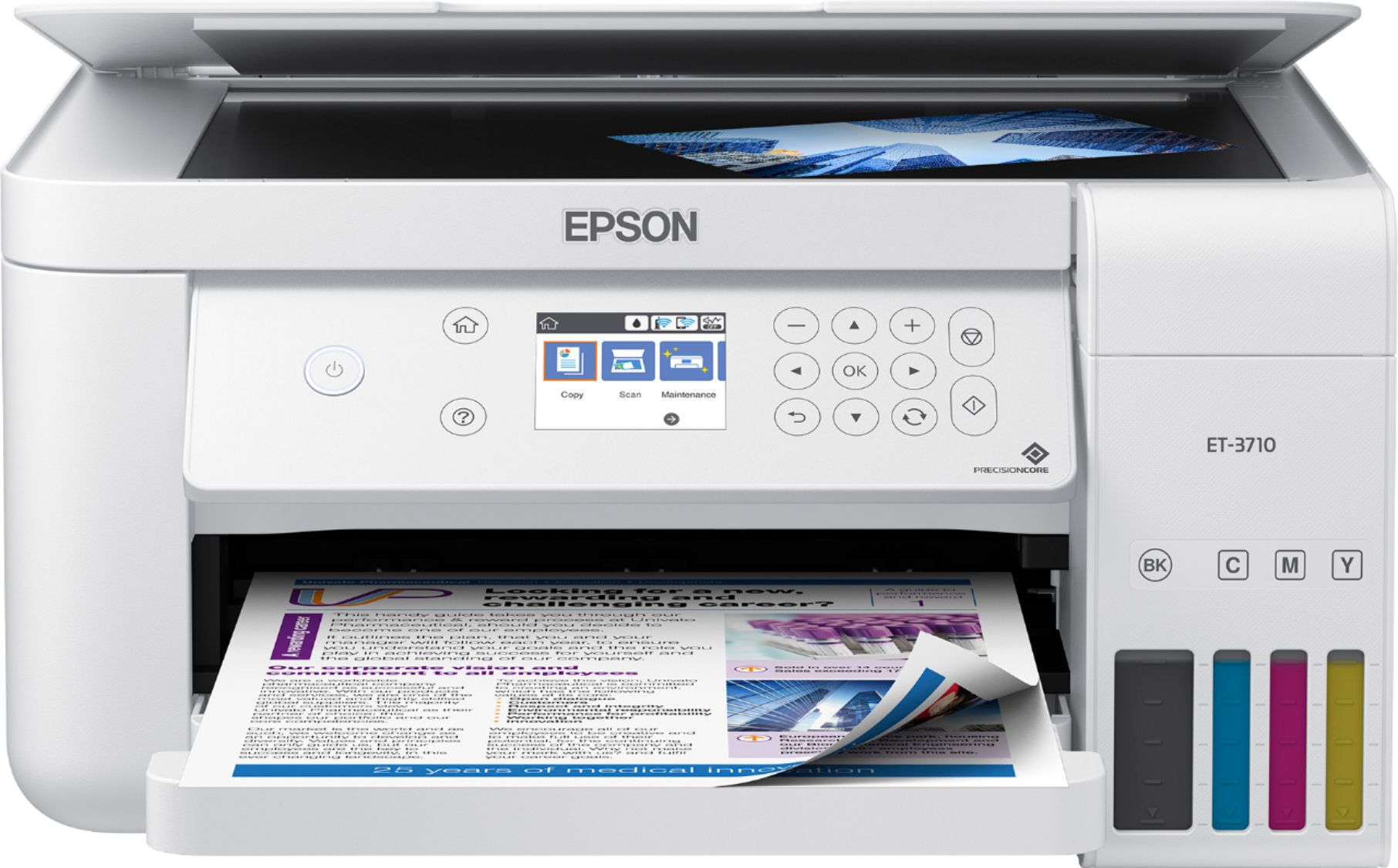
|Posted .This reviewer received promo considerations or sweepstakes entry for writing a review.I am going to say something I never thought I would say "Pretty as a Printer". Out of the box, the Epson EcoTank 3710 is a beautiful looking printer. The sort of printer you would expect Apple to make. Initial setup was straight forward, lots of blue shipping tape to remove, and then you get to load the ink. Having owned a competitor tank-style printer, I was keen to see how the Epson EcoTank 3710 stacks up across all features. 1. Ink Loading. Espon has REALLY thought carefully on how this works. Loading is easy, the ink bottles have a custom nozzle that slots into the ink tanks. Making it easy to load them without worrying about spilling ink. 2. Wireless Network Setup. I am seriously in love with Epson when it comes to this. Use it supports the standard zero-configuration, but you can also do everything you need using the printer's crystal clear color screen. I have this printer connected to my WiFi, setup for Apple Air Print, and also connected into Google Cloud Print. All of which was done during the software setup! Couldn't have been easier. 3. Color Screen. Let's talk about the display screen. THANK YOU, Epson. Quality, informative, color screens are normally reserved for heavy-duty office printers. That the screen lets you see clearly what you're doing, has a well thought-out user interface. I cannot say THANK YOU enough or be happier. Well done! You can select scan options, recalibrate, change settings, do copies, etc. perfect! 4. Print Quality. This is the final and most important test. I printed a few photos direct from my iPhone (Air Print) on letter size paper. My wife took one look at them and decided she wanted to start putting them in frames. Oh, and this isn't even on photo paper. It was also borderless. Wow! 5. Scanning. Sharp images. Intuitive software. Including an app that lets you scan from your phone. Seriously, Epson thinks of everything. I just want to call out that the Epson Ecotank 3710 also had a dedicated enclosed paper tray. The sort of one where you put in some paper, slide it back in and don't have to worry about paper just flopping around on the top of the printer. Seriously, I couldn't be happier with the Epson Ecotank printer. It's well designed, easy to use, and an economical color inkjet printer. Highly recommended.
I would recommend this to a friend Paper jams!
||Posted . Owned for 1 month when reviewed.This reviewer received promo considerations or sweepstakes entry for writing a review.Prints okay if it doesn’t stick or eat the paper. We followed all the steps so the paper didn’t get stuck and it still does. I’m sure this one is going back I spent $300 on it and an extended warranty.
No, I would not recommend this to a friend