Customer Ratings & Reviews



- Model:
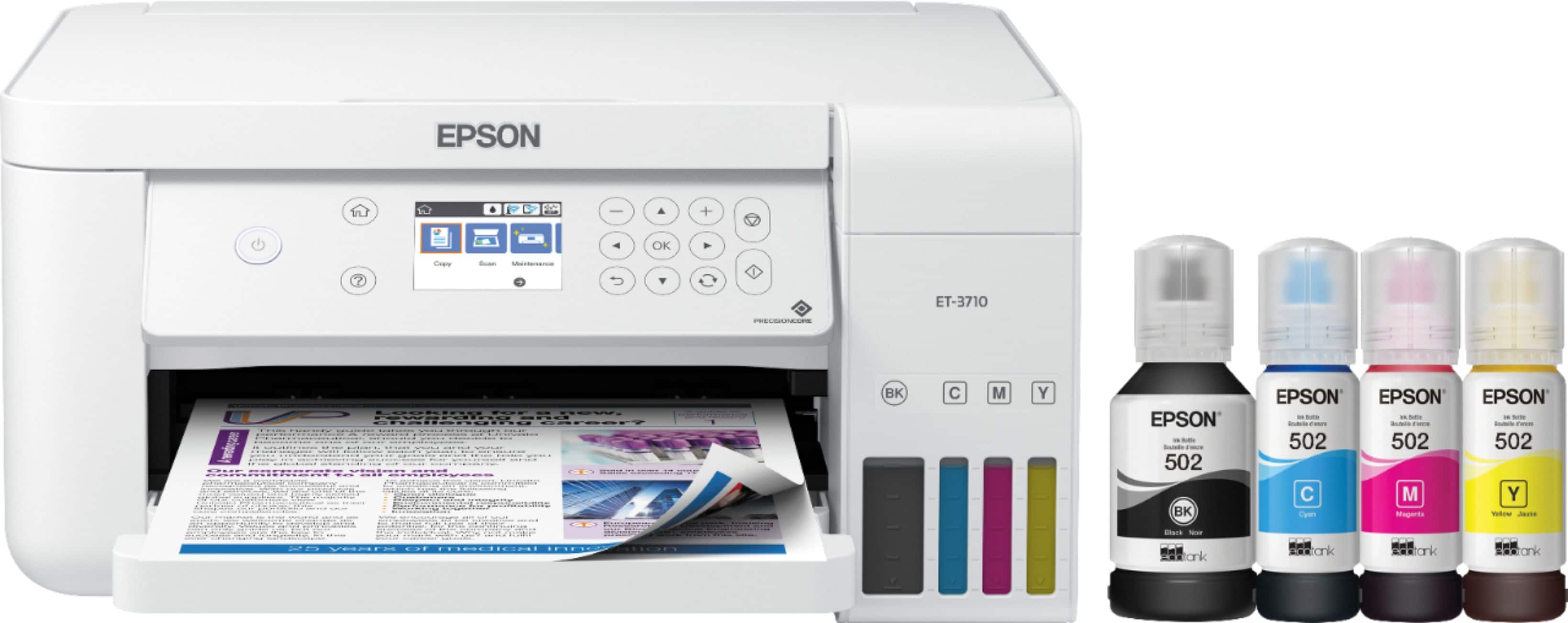
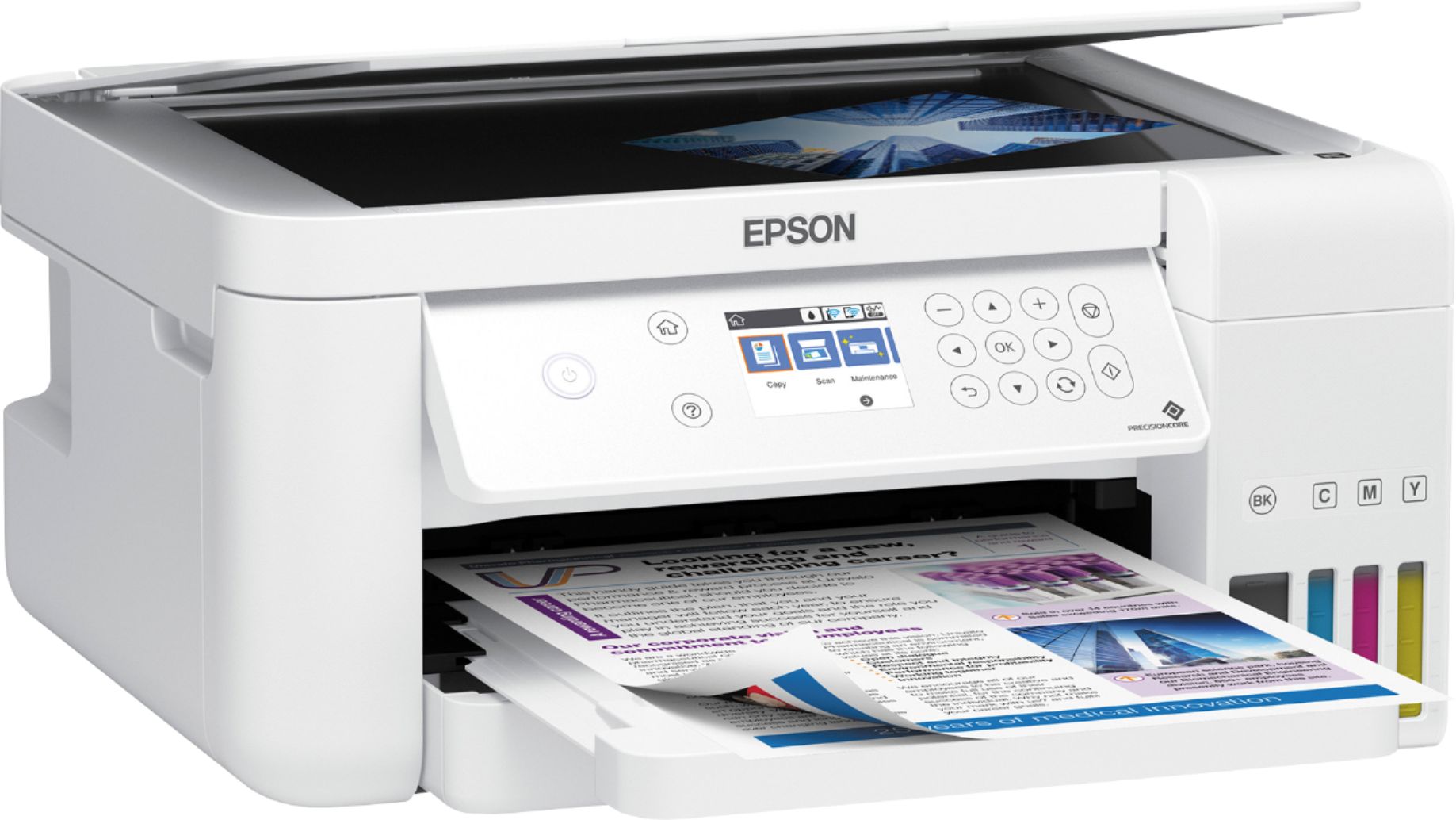
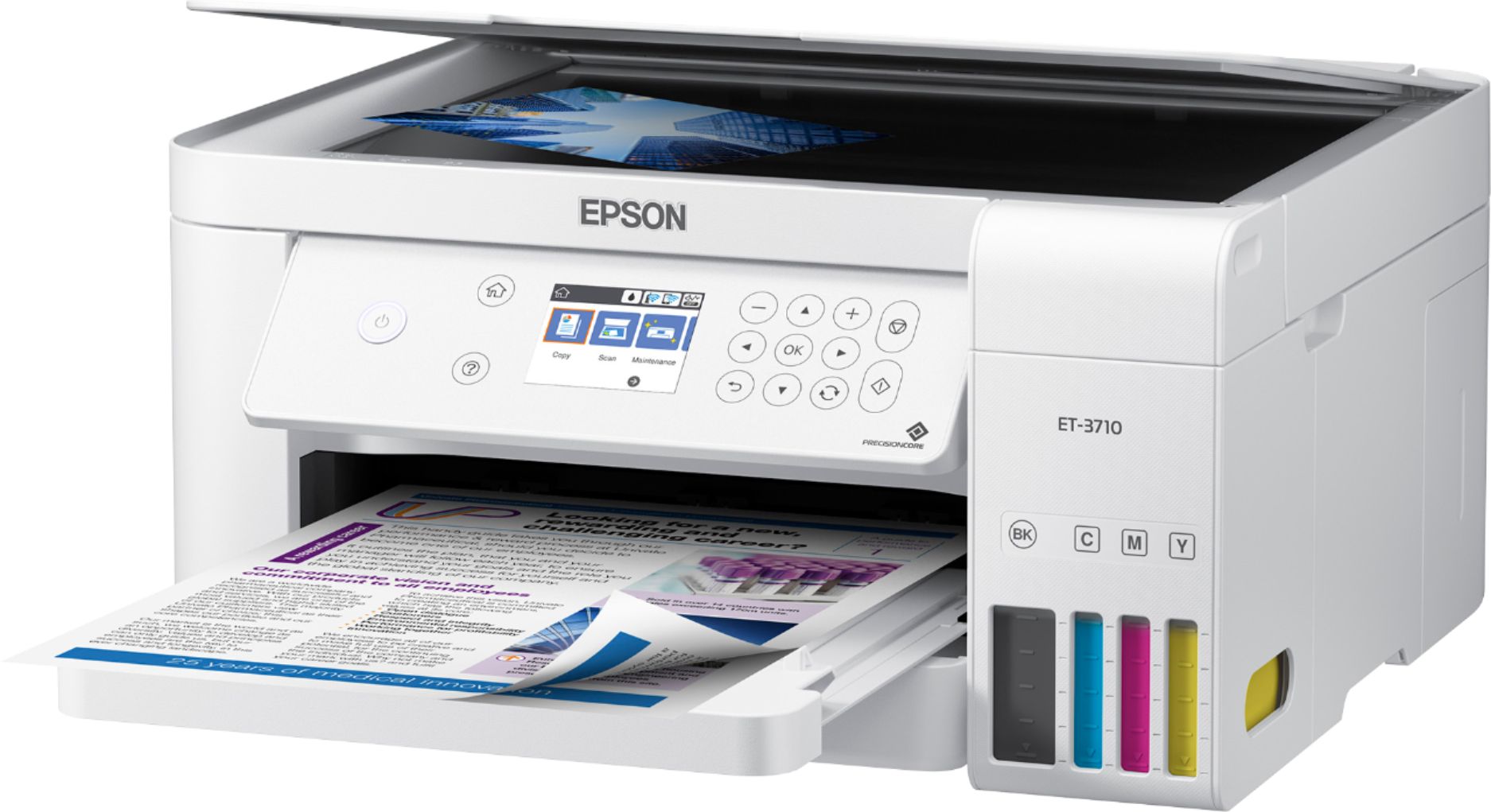
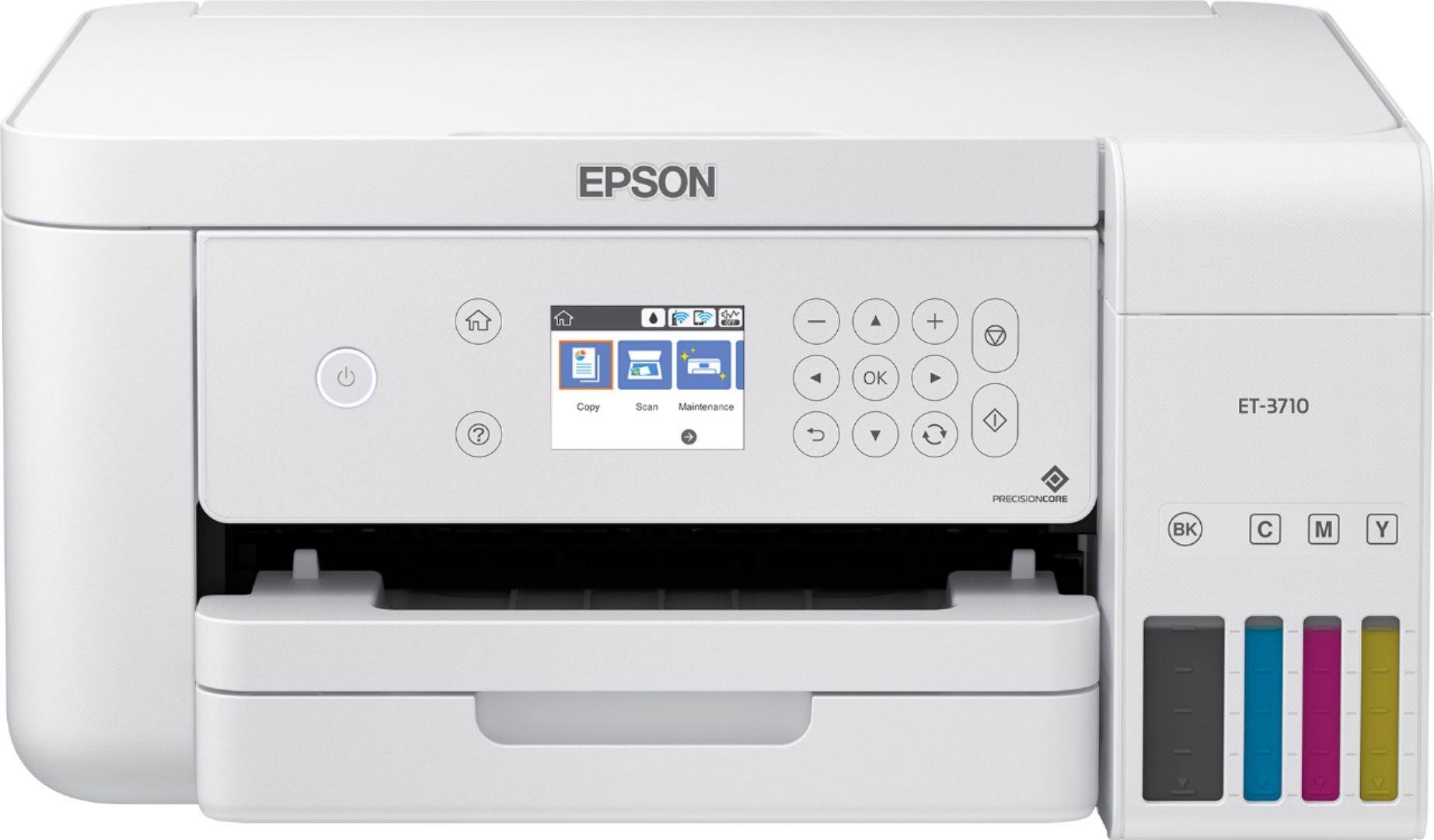
- EPSON ECOTANK ET-3710 C11CG21
- SKU:
- 6347459
Rating by feature
- Value
Rating 4.5 out of 5 stars
- Quality
Rating 4.6 out of 5 stars
- Ease of Use
Rating 4.5 out of 5 stars
Customers are saying
Customers recognize the EcoTank ET-3710's excellent print quality and ease of use, frequently praising its straightforward setup and compact size. The wireless functionality is also a highlight for many users, who appreciate its convenience. While some experienced occasional paper jams, the printer's generally positive reception outweighs this minor drawback.
This summary was generated by AI based on customer reviews.
- Pros mentioned:Ease of use, Print quality, Wireless
Excellent Quality Printer
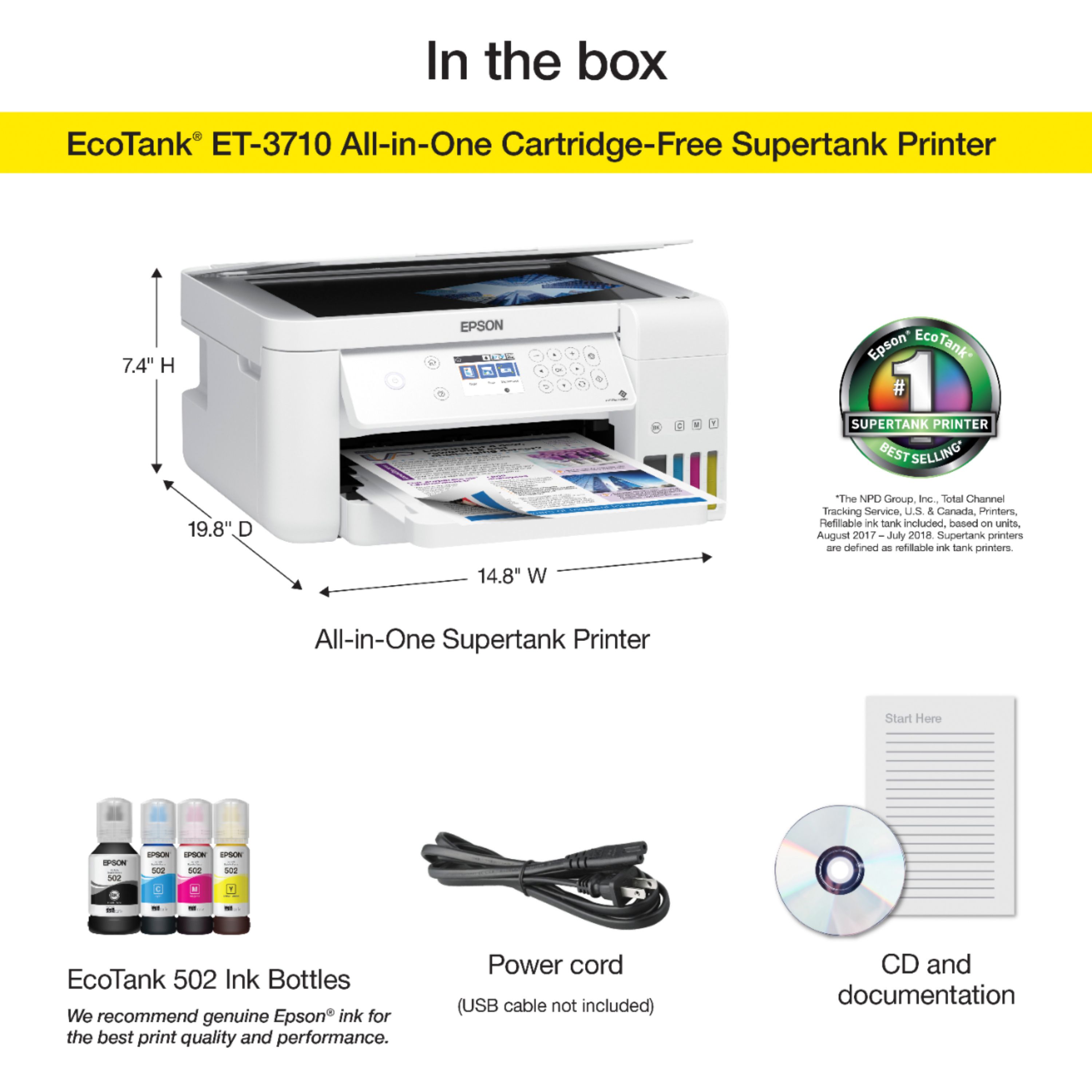
Posted .This reviewer received promo considerations or sweepstakes entry for writing a review.As a small business owner, I need to have quality, dependable equipment to keep my products advertised to the public. Yes, I use social media but find that direct mailing and accessible hand outs to the public at events, increases my image and future sales. The EcoTank ET-3710 All-in-One Cartridge -Free Supertank printer has given me access to the print media I so very much need. This unit was easy to set up with the enclosed instructions. It comes with a power cord, black liquid ink along with the colors cyan, magenta and yellow. Adding "liquid" ink versus the standard cartridges was a new experience but so easy to do. The use of the CD and the printed product manual made starting this unit extremely easy. Epson recommends using their ink so as not to damage the internal working of this all in one printer. Along with that, using ALL Epson products including paper and ethernet cords for quality printing is essential. What stands out to me is the huge money savings on the purchase of liquid ink versus the cartridge. I currently pay about $20 for one ink cartridge for my current all in one printer. It does not last more than 100 -125 pages of print. The Epson gives me opportunity to print roughly 6000 pages of material and the ink lasting nearly 2 years depending on the frequency of use and information used in documents. The prints are outstanding, especially the pictures with no boarder. I used the Epson photo print paper to test how well they would show my work pieces. Outstanding does not describe the quality of this product. I have printed over 700 pages of print material and the ink levels have NOT gone down. Being able to print on both sides of the paper saves me huge dollar amounts and being able to scan the items required onto the documents was very easy. The speed this printer offers has far surpassed any unit I have previously used by other companies.I am able to print from my tablet of laptop with the use of Wifi technology. A 2 year warranty is included for security and peace of mind as my business is my life line and this EcoTank ET-3710 All-in-One Cartridge-Free Supertank Printer has secured my future. “This is a review for the Epson EcoTank ET-3710 All-In-One SuperTank Printer that I received free of charge to do a beta test and review.”
I would recommend this to a friend - Pros mentioned:Print quality, Setup, Wireless
So Worth It!
Posted .This reviewer received promo considerations or sweepstakes entry for writing a review.I had been hearing about these super-printers that have the refillable ink tanks that hold 2 years worth of ink and I said, "Let's look into this!" I received this printer and all I can say is, "Where have you been all my life?!" The setup instructions were clear and made the task painless. And call me a geek but filling the ink tank was rather fun to do! The printer comes with bottles of ink in all of the standard printer ink colors. Each bottle has a special connector tip that allows you to place the inverted bottle directly on each color's ink port and the ink flows in on its own with no mess afterwards! Filling the pull-out paper tray was a breeze. I like this so much better than sticking the paper into the upright slots that are standard on other printers. I then connected the printer to my wireless router. (It has wired connection capabilities as well). It also has software downloads that allow you to connect your smartphone and tablet to the printer for remote printing. Love this! Now to print something. The print quality is outstanding! There were no lines in the pic I printed and the colors matched perfectly to pic. And to know that I only have to buy ink every couple of years instead of multiple times per year like with printers that have ink cartridges! Needless to say this printer is well worth the investment. This is a review for the Epson Eco Tank ET-3710 All-In-One Super Tank Printer that I received free of charge to do a beta test and review.
I would recommend this to a friend - Pros mentioned:Ease of use, Print quality
Best printer I've owned.
Posted .This reviewer received promo considerations or sweepstakes entry for writing a review.I purchased this for my business in 2020, I print full color items, almost daily and here we are almost 2024 and I've yet to refill my ink. This printed has ended up being such a saver on ink it was well worth the investment. Great printing quality, you can choose normal or fine quality for a higher resolution. Scanner works well too. Easy to set up.
I would recommend this to a friend - Cons mentioned:Paper jam
Don’t Purchase!
||Posted .This reviewer received promo considerations or sweepstakes entry for writing a review.Terrible! Purchased December 2020 and WILL NOT PRINT! Constantly says paper jam!
No, I would not recommend this to a friendBrand response from Epson
Posted .Hello, we're sorry to hear you were not satisfied with your ET-3710. Epson takes into consideration all feedback to improve the performance and quality of our products. If we can help you with anything else, our support team can be reached by phone at (562) 276-4382; Hours: Monday - Friday, 7 am - 4 pm PT. Hopefully, we can assist you with a future product. Sincerely, Kevin - The Epson Team.

Had to return and Geek Squad was unable to resolve
||Posted . Owned for 1 week when reviewed.This reviewer received promo considerations or sweepstakes entry for writing a review.After a few weeks, would not print or copy. Just blank pages. Spent time with an online Geek Squad representative and could not resolve. They made an appointment with a local shop but the local Best Buy left a message that they don't repair this printer. Its too bad because the previous model ET-2650 worked for over 3 years.
No, I would not recommend this to a friendBrand response from Epson
Posted .Dear Valued Customer, we apologize for the trouble that you had encountered with the EcoTank ET-3710. Your feedback is important to us, and we'll pass it along to the relevant departments as we're always looking to improve our products. If we can help you with anything else, our support team can be reached by phone at (562) 276-4382, Monday - Friday, 7 am - 4 pm PT; or by email at https://epson.custhelp.com/app/ask/p_model_name/Epson%20ET-3710. Hopefully, we can assist you with a future product. Sincerely, Bobby D. - The Epson Team.
Do not waste your money
||Posted . Owned for 1 month when reviewed.This reviewer received promo considerations or sweepstakes entry for writing a review.It started off printing very light. The colors would be way off from the original source. After only a month, it completely stopped printing. It would show three different errors 00032, 00021, 00025 with zero explanation in how to fix them. I googled plenty of ways and nothing I tried worked. I'm stuck with a $300 printer that doesn't do anything. I should have stuck with HP
No, I would not recommend this to a friendBrand response from Epson
Posted .Hello QArnett, we're very sorry for the disappointing experience that you've encountered. Your EcoTank ET-3710 is backed by a 1-year limited warranty and includes free lifetime technical support. Please give us a chance to help by calling our Advanced Support Team directly at 1-800-241-5794 between 7 am - 4 pm (PT), Monday - Friday. We look forward to your call. Kind Regards, Bobby - The Epson Team.
No ADF
||Posted . Owned for 1 month when reviewed.This reviewer received promo considerations or sweepstakes entry for writing a review.I purchased this model because it was supposed to have an automatic document feeder on top for scanning. It does not.
No, I would not recommend this to a friendBrand response from Epson
Posted .Hello Geeketta, we're sorry to hear that the EcoTank ET-3710 did not fit your needs. Epson takes into consideration all feedback to improve the performance and quality of our products. We'll forward your feedback to the relevant departments for review. If we can help you with anything else, our support team can be reached by phone at (562) 276-4382, Monday - Friday, 7 am - 4 pm PT; or by email at https://epson.custhelp.com/app/ask/p_model_name/Epson%20ET-3710. Sincerely, Bobby D. - The Epson Team
- Pros mentioned:Print quality

Great AIO Printer
|Posted .This reviewer received promo considerations or sweepstakes entry for writing a review.Let me start by saying that i don't print in high volumes. Perhaps 10 pages a week. More some weeks and less others. But when I want to print, I want to do it now. I have had various HP printers and was getting frustrated with ink cartridges that seemed to dry up quickly. Combine that with the fact that we have 5 printers, a copier, a fax machine (who uses those any more?) and a scanner in the house and not a single one uses the same ink cartridge, the costs were outrageous. I looked into a replacement for my old HP printers and found this Epson EcoTank printer. This printer does everything I could possibly want. I easily print from my computers and phone by wifi. The edge to edge color printing of photos from my phone is very nice (I've only used plain bright white paper for photos and the quality is decent). Scanned documents to computer in PDF form to send via email - no problem. Setup was not difficult. Followed directions to the letter and everything worked. It did take about an hour. I'm still getting used to the menu options and after more use I'm sure it will be much easier. The only thing I'm trying to figure out now is how to set it up to scan to different computers, and I think it can scan directly to email. Did I mention that this thing comes with lots of ink? The box contained enough ink to fill each EcoTank, and an extra set of ink, one full size bottle of each color, Cyan, Magenta, Yellow and Black. A total of 8 bottles of ink. Overall I'm very pleased with this purchase. No need to purchase expensive ink cartridges and comes with lots of ink. Can print via wifi from phone/computer. Can print via direct connection from computer (must have or purchase a separate cable to do this) Can make copies (bye bye copier) Can scan to computer and probably to phone to email once I figure out how to set that up. (good bye scanner and fax machine) Output tray is a little flimsy feeling, but I have it in a location where that's not an issue. Not difficult to set up or operate - but a learning curve for more advanced features.
I would recommend this to a friend slow
||Posted . Owned for 1 week when reviewed.This reviewer received promo considerations or sweepstakes entry for writing a review.Took two minutes to print 1 page checked box for two sided and it printed single pages with one page print upsidedown
No, I would not recommend this to a friendBrand response from Epson
Posted .Dear Valued Customer, we're here to help. Epson provides an FAQ to help troubleshoot problem with slow printing at www.epson.com/faq/SPT_C11CG21202~faq-00004c6-et3710. If this does not resolve the problem, please contact our Advanced Support Team at 1-800-241-5794 between 7 am - 4 pm (PT), Monday - Friday. Sincerely, Bobby D. - The Epson Team.
Does not work
||Posted . Owned for 1.5 years when reviewed.This reviewer received promo considerations or sweepstakes entry for writing a review.I bought an Epson ET-3710 in April 2021. In August of 2021 it did not work. Best Buy would not stand behind this product and said I needed to contact Epson directly. Epson sent a refurbished printer and it worked for 9 months. It is now out of warranty and I am out $411.81.
No, I would not recommend this to a friend- Pros mentioned:Print quality
Finally!
|Posted .This reviewer received promo considerations or sweepstakes entry for writing a review.With my long term experience with printers, sure you can get a good deal on a printer.. But in the end, where "they" get you is when it's time to pony-up and replace the ink cartridges. Many people circumvented that in the past by purchasing non-OEM cartridges. But the companies caught on. So, what is a person to do? It seems that EPSON has finally come to the table with a printer that truly offers high yield ink. It's not even in a cartridge. It's in tanks in the printer. Yes, you get actual bottles to fill the tanks. 4-5oz per color (I estimate) and about 8oz for the black (again, an estimate). The filling process was simple enough. Just pop the bottle on top of each respective color tank, and it slurps it right up. What I personally found a great addition - there was ink left in the bottles after the first fill. This is because, when new - the printer has to prime or "charge" itself with ink. Once this process is complete, you then have enough ink to "top off" the printer once again. The print speeds are fantastic for black and color. Google print, and epson print are of course supported. And the addition of a scanner/copier is another plus. Epson says that the initial fill should last for TWO YEARS of printing! We shall see. I know they use general estimates. But if it is based on the average consumer - then such a claim will be fantastic. Thank you Epson for fixing the one thing I hated about printers! No more having to frequently buy new ink cartridges! If you do a moderate amount of printing, and are in the same boat. Go ahead and pick up the EcoTank 3710 (or any others in the Epson EcoTank series). You will be saving a ton of money in the long run. Just do it!
I would recommend this to a friend Would Not Install on Macbook
||Posted . Owned for less than 1 week when reviewed.This reviewer received promo considerations or sweepstakes entry for writing a review.Could not get to install and work on MacBook. Worked hours on this, I am technical and work in IT. Finally called their support, and they recommended everything I had already tried, did not help at all. I had to return it. Picked up a new HP OfficeJet 9200 series, installed in a matter of minutes and worked.
No, I would not recommend this to a friendBrand response from Epson
Posted .Hello Illinois, we apologize for the setup issues that you had experienced with the ET-3710 printer. Epson takes into consideration all feedback to improve the performance and quality of our products. If we can help you with anything else, our support team can be reached at (562) 276-4382 between 7 am - 4 pm (PT), Monday - Friday. Hopefully, we can assist you with a future product. Sincerely, Sam - The Epson Team.
- Pros mentioned:Ease of use, Print quality
Excellent printer
Posted .This reviewer received promo considerations or sweepstakes entry for writing a review.The Epson EcoTank ET3760 is an exceptional printer that delivers crisp, vivid prints at the push of a button. It is very easy to setup. All the required items are in the box, along with 2 years of ink. Filling the ink tanks was very easy. You remove the lid from the ink bottles and set them into the color-coded block. You will have a small amount of ink left over. You can add that into the tanks once the ink has been charged. There are multiple ways to setup a printer. The way I used was using the WiFi setting. It is convenient to be able to print from anywhere in the house. It was very easy to set up. So far, the printer works fine. I tried the printing, scanning, and the copying functions. All of them worked great. I liked that the functions do not need the printer to be wired to any computer. Even the scanner could be used in the laptop and the scanned images can be seen on the laptop. The picture quality is excellent. It was not noisy. The tray to hold papers is nice and large enough, supporting about 30 pages. This is a great addition to any home office or workplace. This is a review for the Epson EcoTank ET-3760 All-In-One SuperTank Printer that I received free of charge to do a beta test and review.
I would recommend this to a friend I don't recommend this printer
||Posted . Owned for 3 weeks when reviewed.This reviewer received promo considerations or sweepstakes entry for writing a review.I've had this for a 3 weeks now. I may have printed 50 pages. It gets paper jams constantly. Error messages. Need to see if I can return it without the box. A real let down sadly.
No, I would not recommend this to a friendBrand response from Epson
Posted .Hello Chris, we apologize for the disappointing experience that you've encountered. The Epson EcoTank ET-3710 is backed by a 1-year Limited Warranty and includes free lifetime technical support. Please give a chance to assist by contacting our support team by phone at (562) 276-4382 or by email at https://epson.custhelp.com/app/ask/p_model_name/Epson%20ET-3710; Hours: Monday - Friday, 7 am - 4 pm PT. Sincerely, Bobby - The Epson Team.
- Pros mentioned:Print quality
Love this all in one printer
|Posted .This reviewer received promo considerations or sweepstakes entry for writing a review.This is an absolutely amazing all in one printer from Epson. The ink is super cheap with an absolute load of ink included in each bottle. As someone who regularly goes through a printer cartdridge or 2 a month currently, I can tell you this works out to be a lot of money saved over the long term with Epson's EcoTank design. The connection options include wired either through ethernet or usb, and also wireless. Hookup was quick for me and my MacBook found the printer immediately with a quick driver download for full scanner functionality. It is airplay compatible so you can print from your phone or tablet with no fuss. One thing that I love in any printer is an enclosed paper tray and this has that, holding up to 150 sheets at a time. For someone who can go long periods of time without printing it is frustrating to have the top page and the top edges of your pages covered in dust when it comes time to print again. The closed tray avoids that issue and holds a load of paper at the same time out of the way. All in all this is an amazing printer that offers so much for anyone looking to get a new printer or to replace their old one. I recommend this in a heartbeat for anyone in the market for an all in one printer that will help them save loads of money in no time just in ink savings alone.
I would recommend this to a friend nothing great...
||Posted . Owned for 2 weeks when reviewed.This reviewer received promo considerations or sweepstakes entry for writing a review.Poor print quality... or had greater expectations....
No, I would not recommend this to a friendBrand response from Epson
Posted .Dear Valued Customer, we appreciate your feedback, and we'll forward this information to the relevant department to help improve future Epson products. Your EcoTank ET-3710 printer comes with a 1-year Limited Warranty and free lifetime technical support. If you ever need assistance, Epson provides useful information, including FAQs and self-help tools, on the product support page at www.epson.com/s/SPT_C11CG21202. You can also contact our support team at (562) 276-4382 between 7 am - 4 pm (PT), Monday - Friday. Sincerely, Bobby - The Epson Team.
- Pros mentioned:Print quality
Very good printer!
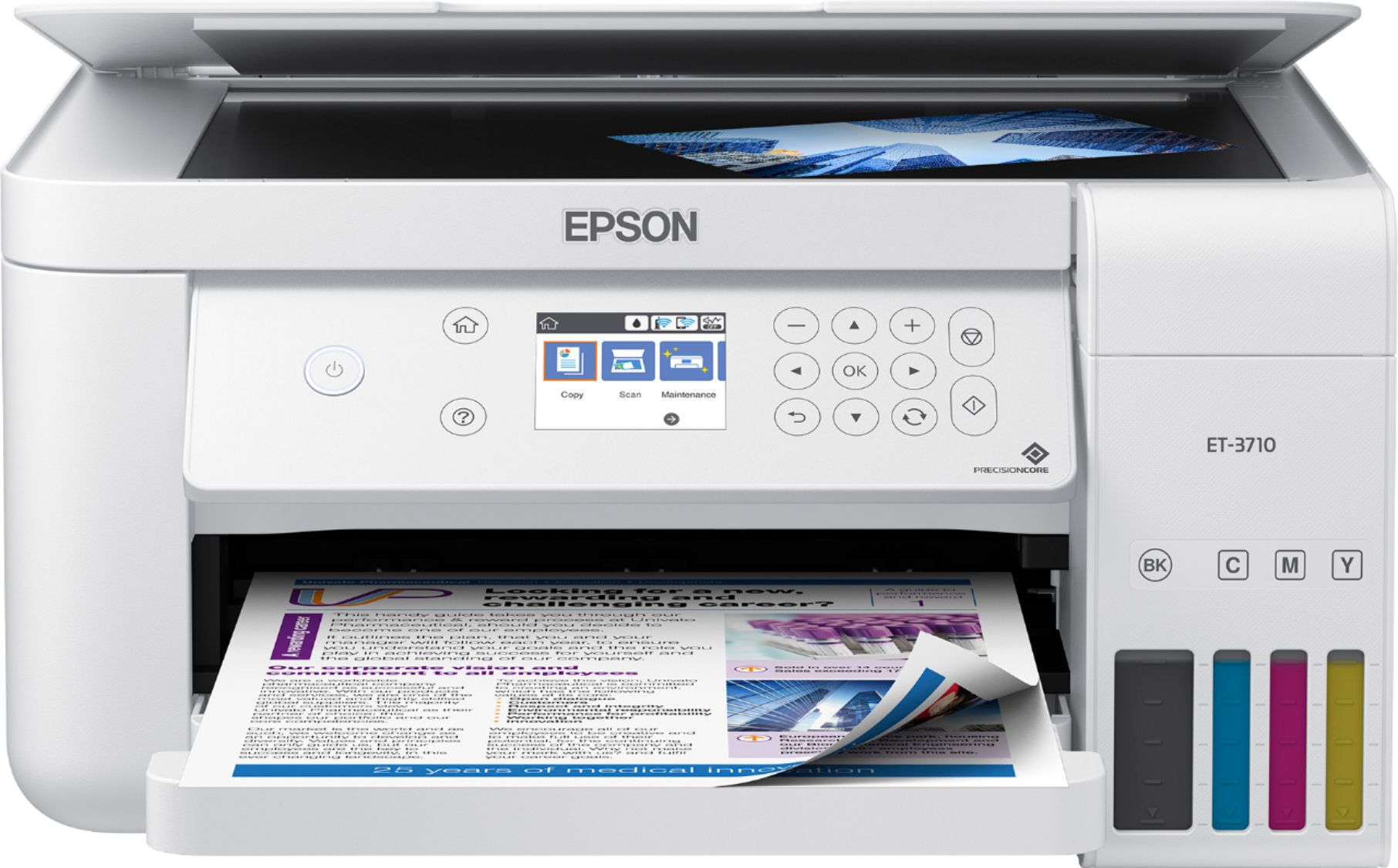
|Posted .This reviewer received promo considerations or sweepstakes entry for writing a review.Very happy with this Epson product. It is the first time I have had a brand other than HP. After taking it out of the box, I started setting it up. Word of warning, make sure you have plenty of time on your hand as this isn't as simple as putting a couple of ink cartridges in and printing a test page. While I particularly like the size of the ink tanks, filling them makes me nervous. You actually have to fill the tanks with ink bottles by turning the bottles upside down and filling them. It makes me nervous turning those bottles upside down because I fear ink gushing out all over the place, lol! There were no leaks, but it takes a little while to fill. Glug, glug, glug, let it fill, then do again. Once that is done, the aligning of the print heads begins, lol. This process takes awhile as well. The good news is that you won't have to do these things very often, lol!. The rest of setup is pretty straight forward. After everything is set-up, this thing is amazing. It is jam-packed with features including voice activated printing. It supports Apple Air-Print among others as well. I like how you can see your ink levels right on the front of the printer. Print speed is adequate and the tray holds a ton of paper. This printer really is meant as a "load it and forget it" device. Print quality is very good. It prints well on photo paper. One of the features I use the most is the "Scan to PC". Scanning is quick and clear. Overall this is a really nice printer for the person who prints alot from home and spends alot of money on ink. You will save using this thing.
I would recommend this to a friend - Pros mentioned:Print quality
A novel idea in a slim form factor
|Posted .This reviewer received promo considerations or sweepstakes entry for writing a review.The Epson EcoTank is a new idea in the world of inkjet printing which seems to have little in the way of innovation. Honestly the experience is similar to that of most inkjet printers, plug it in, install the drivers and you're up and running. This one happens to be an 'all in one' style with copying/scanning functionality in addition to printing, but while those are great features, the truly novel part of this printer is the EcoTank feature, but I'll get to that in a minute. In terms of inkjet printing it really is relatively middle-of-the-road. It's not marketed nor doesn't print as a premium device, but it also doesn't have that price. That's not to say the printing is poor, it is definitely a decent printer for everyday printing, and I think that's where it is really aimed with the EcoTank function. The EcoTank functionality allows for a huge amount of ink to be stored in the printer available over a long period of time. This greatly reduces the cost per page of printing with this printer since you're not constantly replacing ink cartridges. You simply refill the reservoirs and go. This allows for it to be a true ever day printer without the initial out of pocket expense that a laser might bring. Honestly, I think less about the ink in this printer than I did about the toner in my old laser printer. All in all, I think it's an excellent printer for what is was aimed to do. Reduce the cost of inkjet printing by reducing the frequency of ink cartridge replacements. A true everyday printer.
I would recommend this to a friend - Pros mentioned:Print quality
Good quality printer. Nice ink system.
|Posted .This reviewer received promo considerations or sweepstakes entry for writing a review.Printer is pretty good. in terms of quality and performance. Considering today's technology, printer are pretty much the same in terms of quality and performance. This multi-function printer is no different. In terms of performance, the printer, scanner, copier and fax all work as intended. I generally print office documents so I don't print out a whole lot of pictures. The pictures I have printed out turned out pretty well so no issues there. What I do really like about this printer is the ink system. This doesn't use normal printer cartridges; it uses ink tanks which are filled with ink bottles. The printer comes with ink bottles which should last for two refills. Filling up the tanks is pretty simple and doesn't take too long; nor is it messy. I think it's a great departure from the typical ink cartridge setup. A replacement ink bottle for black/color costs around $55 for the Epson OEM cartridges so it's not super expensive which is great. A typical cartridge can cost that much for other printer manufacturers. In the long run, the cost savings should be pretty good. I've seen some online reviews where the savings over time would be pretty good provided the printer lasts for awhile. I think that's the biggest draw for me with this printer. Provided the printer lasts for awhile, the ink shouldn't be such a huge burden like it would be with other printers. I think this is great departure from the typical cartridge setup. Print quality is good and the ink is pretty cheap.
I would recommend this to a friend - Pros mentioned:Print quality
Loving the idea of more ink!
|Posted .This reviewer received promo considerations or sweepstakes entry for writing a review.Epson's Ecotank series hopefully represents a new era in printer technology. I've always been an HP guy based on their print quality, but after purchasing 4 ink cartridges over the last few months I was done with that. This particular model checks all the boxes for modern full-featured printing including a scanner and a multipage feed option, as well as two-sided printing. If you're here you likely already know what the features are and you're just looking to see how it stacks up. I was skeptical of the Epson print quality, but this model is doing well for me and my family so far. I haven't and don't intend to print photos with it, even though I know that's an option, but I am using it as my primary printer at home. The ecotank technology essentially gives you a set of print heads that can be paired up with a much larger volume ink tank. The cost of the additional ink is also in line with replacement cartridges presumably because you're not replacing the heads every time. So far I've replaced the ink in ONE tank and that's after using this unit extensively for school and work. I'm into it and would recommend this unit. I might be swayed if HP comes out with similar tech, but right now it's just Epson and Canon that have it and they're owning it.
I would recommend this to a friend