Customer Ratings & Reviews
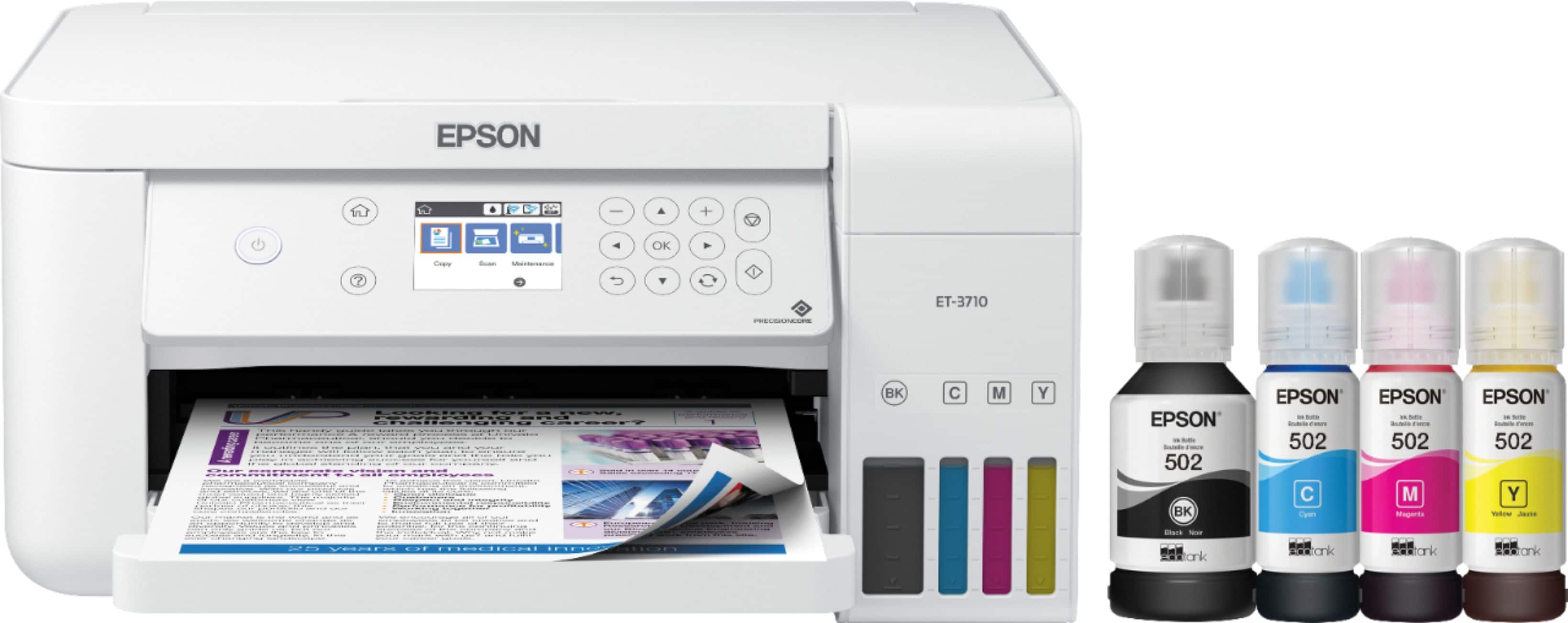
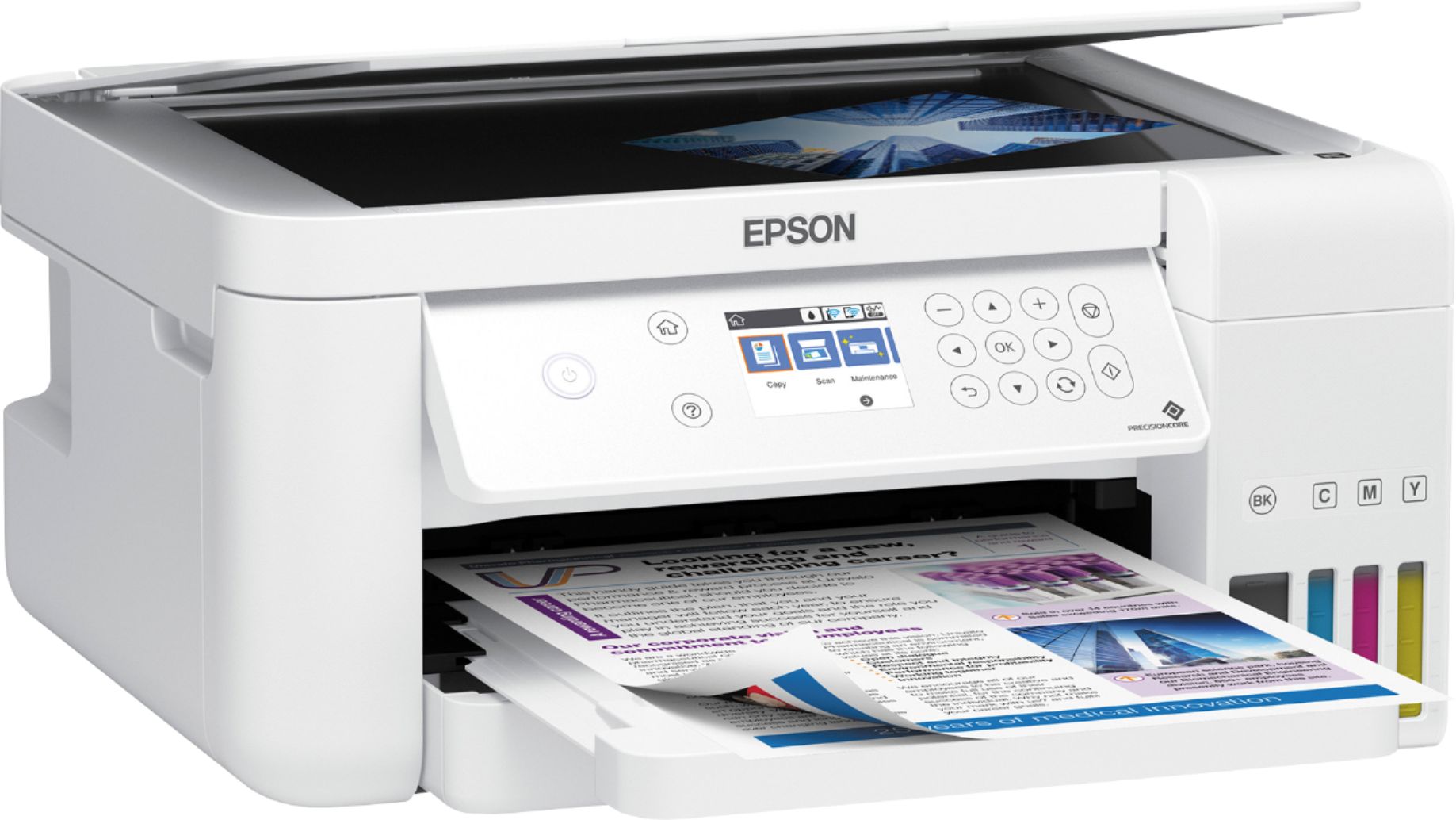
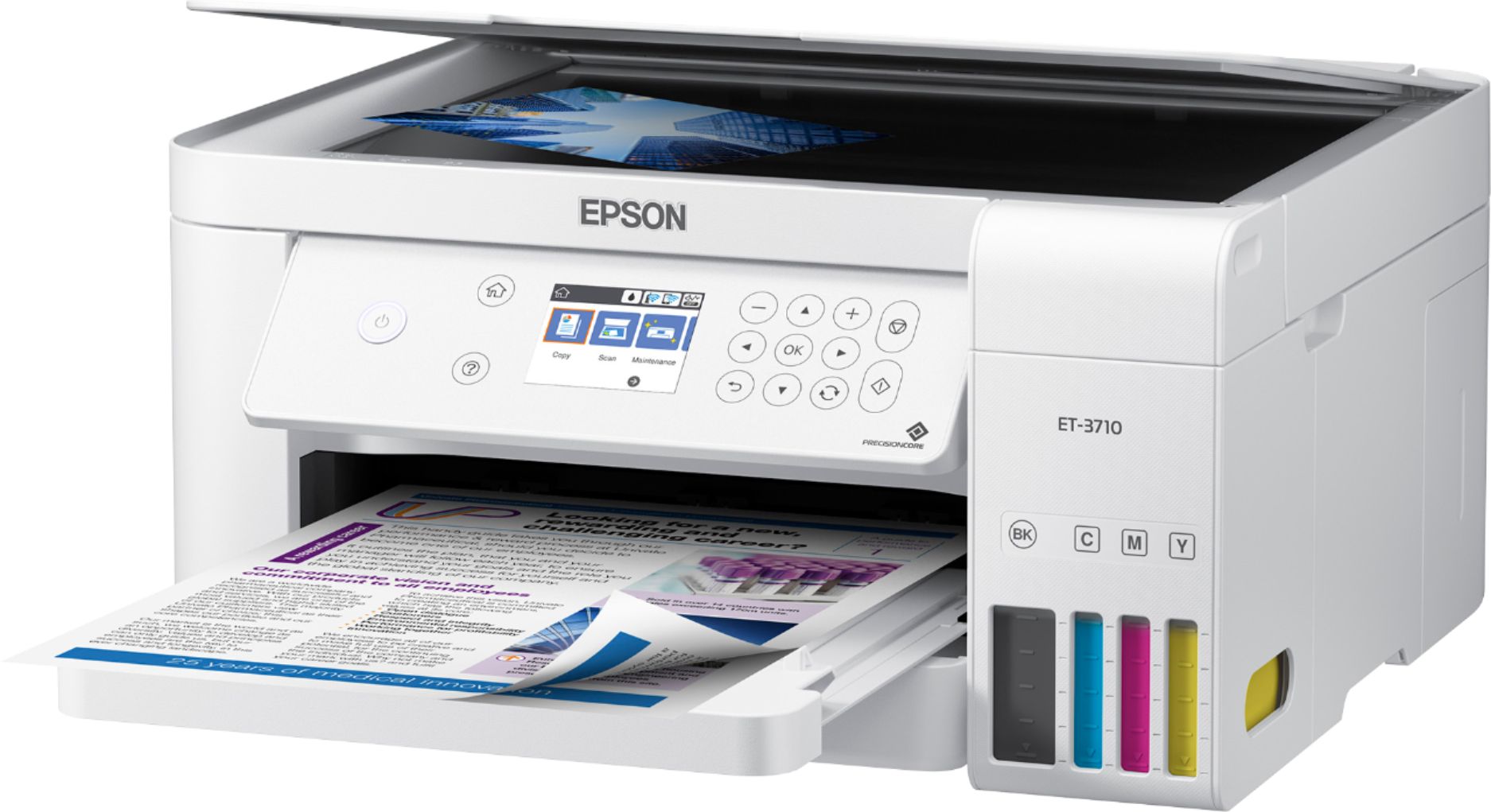
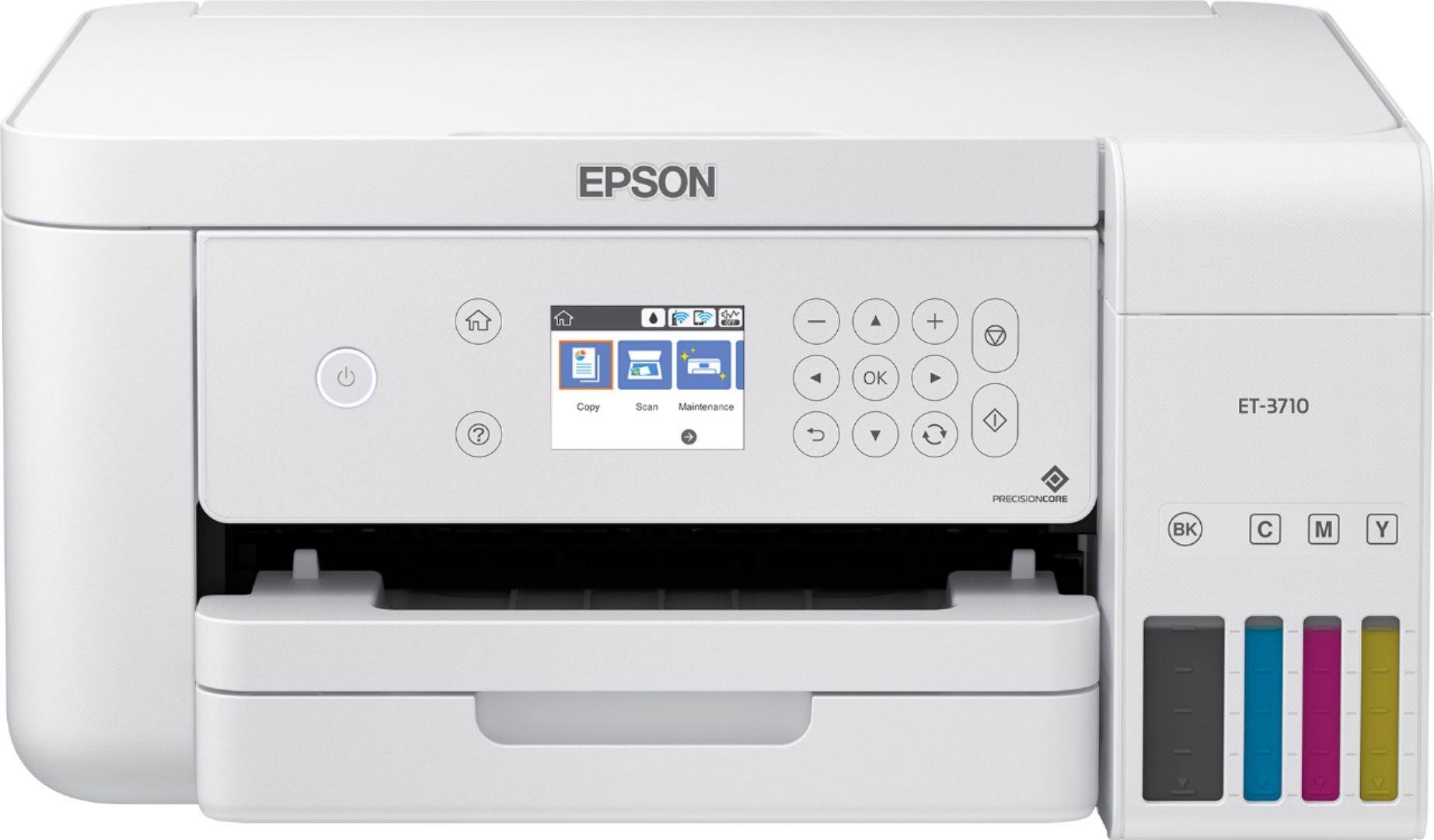



- Model:
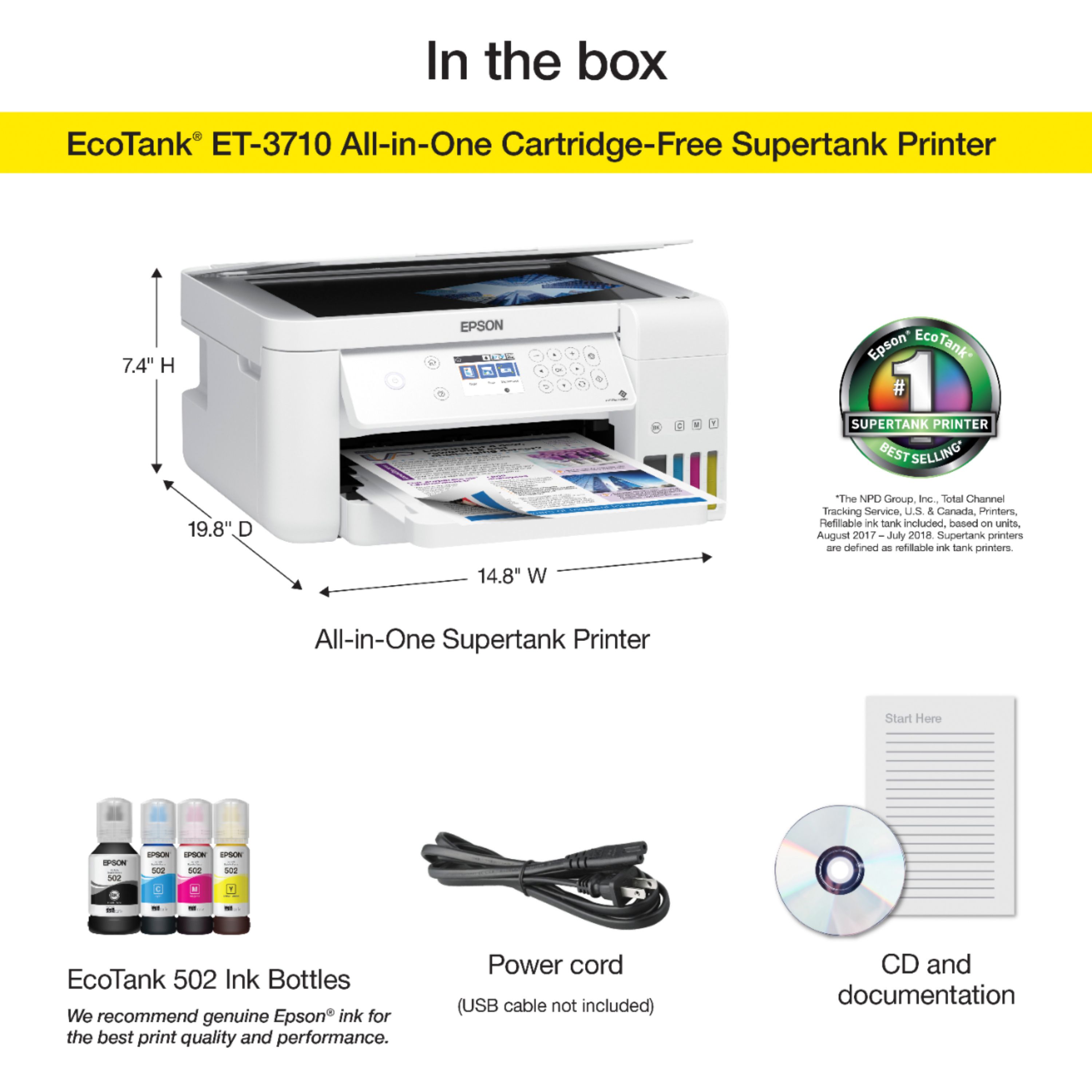
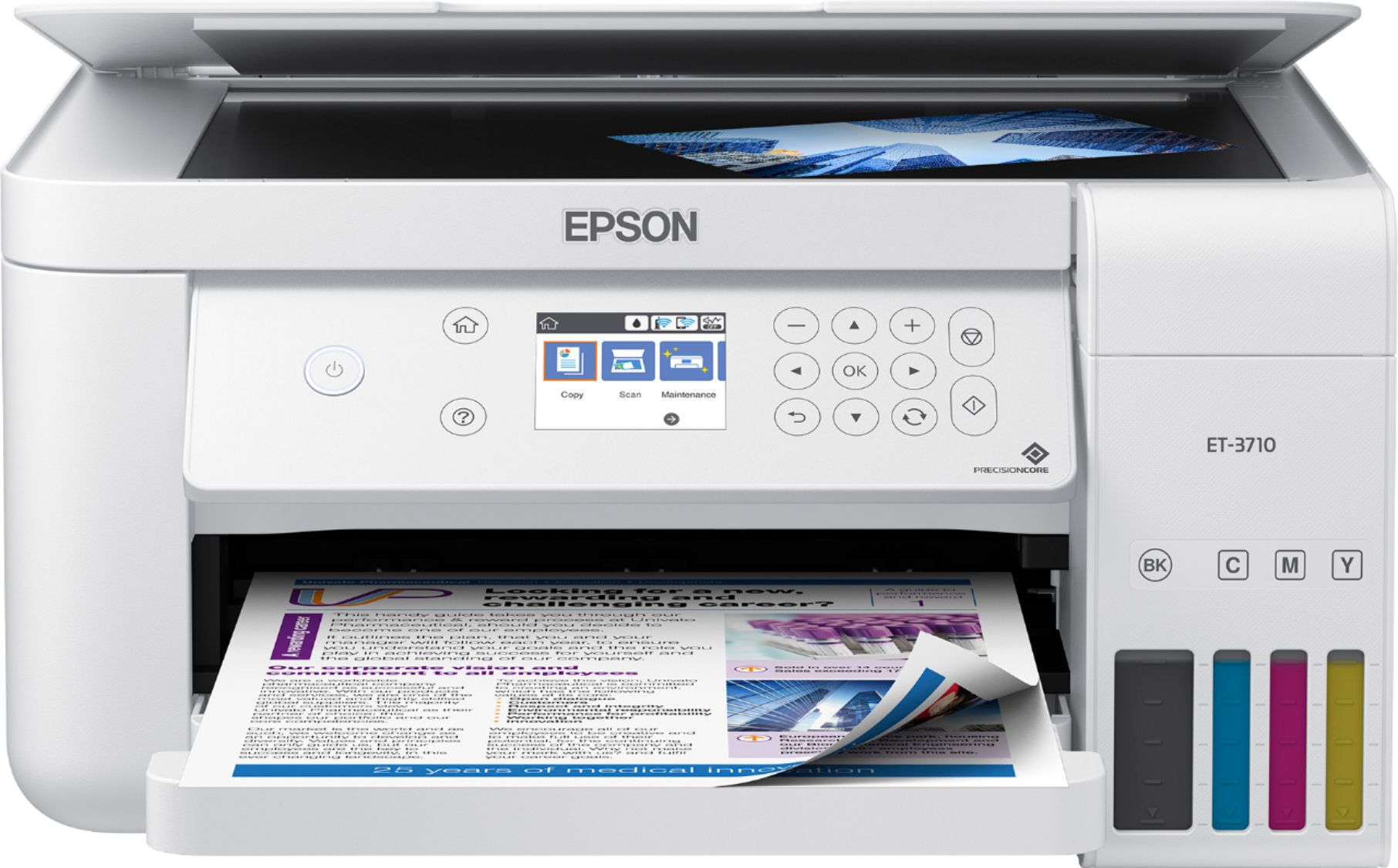
- EPSON ECOTANK ET-3710 C11CG21
- SKU:
- 6347459
Rating by feature
- Value
Rating 4.5 out of 5 stars
- Quality
Rating 4.6 out of 5 stars
- Ease of Use
Rating 4.5 out of 5 stars
Customers are saying
Customers recognize the EcoTank ET-3710's excellent print quality and ease of use, frequently praising its straightforward setup and compact size. The wireless functionality is also a highlight for many users, who appreciate its convenience. While some experienced occasional paper jams, the printer's generally positive reception outweighs this minor drawback.
This summary was generated by AI based on customer reviews.
Easy setup - even for a techno-phobe!
Posted .This reviewer received promo considerations or sweepstakes entry for writing a review.I knew my new printer had been delivered and I intended to install it immediately when I got home from work. I was shocked when I walked in and saw that my husband had unpacked it and had begun the set up process. I was quite stunned, since he is the "anti-tech" person in our house. I had to forgive him, though, because he was so proud of himself. He had read the quick start guide, filled the ink tanks and was on his way to aligning and setting up the printer. He told me it was "so easy to fill the tanks - the bottles of ink only fit in the correct well and they only fit one way - there was no way to mess it up." There was no mess - no drips, no spills, no ink on his fingers - I was impressed... I was left to complete the set up with the computer - download the software (easy, once I re-booted my old pc to reset our slow, rural internet) and hook up to the wireless network (also easy). As I was setting it up, I first assumed that the keyboard on the printer was "touch screen", but it is not. I was a little disappointed in that, but I have to say it's really not that big a deal (just hard for me to remember, since my other Epsons do have touch screen). It may actually better since most printer touch screens tend to be really tiny and hard to navigate if you have fat fingers. The printer has a small footprint - nice for my desk at home. Printing from my iPhone is easy and fast. I compared printing speeds with my older HP Photosmart Plus printer and there was no comparison. The Epson was done printing the job before the HP had even initialized itself and started to print. Not having to buy ink cartridges for (up to) 2 years sounds amazing. We live 30 minutes from town and it always seems that we realize we're out of ink when it's most inconvenient. I'm anxious to see how long this ink really lasts! This is a review for the Epson EcoTank ET-3710 All-In-One SuperTank Printer that I received free of charge to do a beta test and review.
I would recommend this to a friend- Pros mentioned:Print quality, Setup
Love my new Epson ET-3710
Posted .This reviewer received promo considerations or sweepstakes entry for writing a review.Print quality is really good and setup/install was easy
I would recommend this to a friend - Pros mentioned:Setup
Epson Printer
Posted .This reviewer received promo considerations or sweepstakes entry for writing a review.Purchased the Epson printer and loaded it, followed instructions and it has worked flawlessly ever since !!
I would recommend this to a friend BUYER BEWARE!
Posted .This reviewer received promo considerations or sweepstakes entry for writing a review.I purchased this printer mainly because I loved the idea of the EcoTank system. It was nothing but problems. I have Geek Squad support and talked with them about the issue approx 5 times. They finally provided me with printed documentation that the wifi card on the printer was defective but because by this time the printer was more than 30 days old, I could not return it to the store and had to contact Epson directly. First they refused to accept the documentation from the Geek Squad insisting that the problem was with my wifi network. After going through this process with them twice I asked to speak to a supervisor. I was put into "on hold purgatory" until I finally gave up. Now I either have to go through a reset up of the printer each time I want to use it or toss this one and buy another which will NOT be an Epson. Buyer beware. Epson will NOT stand behind its product.
No, I would not recommend this to a friendBrand response from Epson
Posted .Hi Dona, we are sorry to hear about the disappointing experience you've encountered with our Customer Support team. Epson takes into consideration all feedback to improve the performance, quality, and support of our products. We will forward your feedback to the relevant department. Please give us another chance to help by calling our Epson Advanced Support Team directly at 1-800-241-5794; Hours: Monday - Friday, 7 am - 5 pm (PT). We appreciate your time and we look forward to your call. Kind Regards, Bobby - The Epson Team.

- Pros mentioned:Print quality
piece of garbage
Posted .This reviewer received promo considerations or sweepstakes entry for writing a review.If you want a $400 printer that jams every two pages or simply does not print the entire page than this is the printer for you. I only bought it because it was one of the last one on the shelves and I thought the ecotank would be cool. What a mistake I made. Avoid this printer at all costs.
No, I would not recommend this to a friendBrand response from Epson
Posted .Hi Mikem, we sincerely apologize for the frustrating experience that you had encountered with the Epson ET-3710. Your EcoTank printer includes free lifetime tech support, and we're here to help. Epson provides useful information in the FAQs at www.epson.com/s/SPT_C11CG21202#questions to address most issues with paper feed. You can also contact Epson Support directly at (562) 276-4382 between 7 am - 4 pm (PT), Monday - Friday. Kind Regards, Bobby - The Epson Team.
Printer froze up. In usable.
Posted .This reviewer received promo considerations or sweepstakes entry for writing a review.My ET 2650 screen shows “printer mode” and is frozen there. Searched internet and have seen others had same problem. Called Epson and they offered no solution other than to take it in to see if it can be fixed. Factory warranty is expired so my cost might be more than it’s worth, if it can be fixed. What a rip I’ve printed less than 500 pages with this thing and now it’s worthless to zero fault of my own.
No, I would not recommend this to a friendBrand response from Epson
Posted .Hello Shawn, We're sorry to hear about the issues you encountered with your Epson ET-3710 printer. We will forward this information to the relevant department to help improve the quality and performance of our future products. If we can help you with anything else, our Advanced Support Team can be reached directly at 1-800-241-5794 between 7 am - 4 pm (PT), Monday - Friday. Once again, thank you. Sincerely, Sam - The Epson Team.