Customer Ratings & Reviews
.](https://pisces.bbystatic.com/image2/BestBuy_US/images/products/ae1649ec-8302-4f88-8b9b-d104978b3f04.jpg)
. 1 Most features require an Internet connection to the printer, as well as an Internet- and/or email-enabled device. For a list of Epson Connect enabled printers and compatible devices and apps, visit [www.epson.com/connect](http://www.epson.com/connect).](https://pisces.bbystatic.com/image2/BestBuy_US/images/products/9c542c50-85ee-4815-a2ca-cf245f57e253.jpg)

- Model:
- C11CJ62201
- SKU:
- 12373767
Rating by feature
- Value
Rating 4.6 out of 5 stars
- Quality
Rating 4.6 out of 5 stars
- Ease of Use
Rating 4.5 out of 5 stars
to a friend
The great, amazing, perfect all in one printer. al
||Posted . Owned for 1 month when reviewed.This reviewer received promo considerations or sweepstakes entry for writing a review.I love love love love love love love love love my printer. Very nice printing quality. With an outstanding wireless range. It’s an overall great printer to have. I’m glad I finally got it.
I would recommend this to a friend
Nice and simple
|Posted . Owned for less than 1 week when reviewed.This reviewer received promo considerations or sweepstakes entry for writing a review.[Employee of bestbuy] So far so good. One thing it is kind of loud but nothing too crazy. Looks like it wastes the ink fast but not really. Make sure to do the calibrating.
I would recommend this to a friendGreat print
||Posted . Owned for 4 months when reviewed.This reviewer received promo considerations or sweepstakes entry for writing a review.After about 10 years my old printer seemed to just quit on me so I decided to buy another believing that EPSON makes good printers I’m giving it a try So far so Good and love where I don’t have to buy a lot of ink
I would recommend this to a friendEpson Eco Tank
||Posted . Owned for 1 month when reviewed.This reviewer received promo considerations or sweepstakes entry for writing a review.It is excellent that I bought this printer and also not having to buy ink every now and then. It prints well and clear.
I would recommend this to a friendNew printer
||Posted . Owned for 3 weeks when reviewed.This reviewer received promo considerations or sweepstakes entry for writing a review.My son recommended this printer. He has an older model & has been very happy with it. Excellent replacement for my old HP printer. Love the ink refills. Cartridges were so expensive, & it was so easy to fill these ink tanks. I'm very happy with my purchase.
I would recommend this to a friendIt is good
||Posted . Owned for 1 month when reviewed.This reviewer received promo considerations or sweepstakes entry for writing a review.Its goodbhbhbbbvvgfffvvvfggvvfffghiinbgghdfhbbghbvbh
I would recommend this to a friendEasy Refill
||Posted . Owned for 1 month when reviewed.This reviewer received promo considerations or sweepstakes entry for writing a review.Having an ecotank of Epson makes easier to refill the ink in the printer and can I can monitor the ink levels while printing. I love it!
I would recommend this to a friendKeeps Disconnecting If Idle (Wireless Printing)
||Posted .This reviewer received promo considerations or sweepstakes entry for writing a review.Suffers from the SAME issue as HP and all the other printer brands. If it sits for too long, the wireless connection breaks and the printer doesn't know how to recover. It says on the printer, wifi strength is excellent with no issue so what gives? The software that diagnoses the problem is, once again, useless too. You'd think after this many years, manufacturers could figure this universal problem out. Stay connected 24/7 and please be reliable when I use you. This isn't rocket science.
No, I would not recommend this to a friendBrand response from Epson
Posted .Hi Jayteebae, we apologize about the disappointing experience you are having with your Epson printer's Wi-Fi connection. Your ET-3830 includes free technical support for the life of your product. Please call and let our Epson Support Team assist. Our support number is (562) 276-4382. Our support hours of operation are Monday – Friday, 7 a.m. to 4 p.m. (PT). We’re here to help. Sincerely, Joseph – The Epson Team.

David
||Posted . Owned for 1 month when reviewed.This reviewer received promo considerations or sweepstakes entry for writing a review.Our initial experience has been very positive. We had an HP printer, but the ink was so costly we decided to get an Epson printer. We are very happy with it!
I would recommend this to a friendOur Epson ET-3830 printer
||Posted . Owned for 3 weeks when reviewed.This reviewer received promo considerations or sweepstakes entry for writing a review.The Dearborn store didn't have it, but another store did. It was delivered that afternoon. We're very happy with new printer, and the service I received from the Dearborn store.
I would recommend this to a friendGood little printer
||Posted . Owned for 3 weeks when reviewed.This reviewer received promo considerations or sweepstakes entry for writing a review.This is my first eco tank printer. Got tired of switching out cartridges. Also kept having issues with hp printers not printing blue color. (Prints as pink!) This is supposed to last 2 years on one fill up. Everything comes with it. Set up was pretty easy, though lengthy. The key pad takes getting used to as it's not touch screen. You need to use the hard pad to the right of the display. Print quality is not as sharp as expected, but I havent played too much with the options. I like the white color and the large capacity paper tray ans small footprint. It does two sided printing automatically. Over all I like it!
I would recommend this to a friend50/50
||Posted . Owned for 1 year when reviewed.This reviewer received promo considerations or sweepstakes entry for writing a review.Absolutely love this printer but about a month after getting it it stopped connecting to WiFi and tech said I would have to pay for a refurbished one or buy another one out of pocket and I didn’t even have it two months so now I have to hard connect it to the WiFi box
I would recommend this to a friendEpson EcoTank
||Posted . Owned for 1 week when reviewed.This reviewer received promo considerations or sweepstakes entry for writing a review.Not set up yet. But I always liked Epson printers. Hope I'm going to enjoy it. I will compare the cartridges with the refills.
I would recommend this to a friendSatisfied customer
||Posted . Owned for 6 months when reviewed.This reviewer received promo considerations or sweepstakes entry for writing a review.Product advised work very well with ink tank very easy to fill.
I would recommend this to a friendDO NOT BUY THIS PRINTER!
||Posted . Owned for 1.5 years when reviewed.This reviewer received promo considerations or sweepstakes entry for writing a review.One of the worst printers I have owned. When I first purchased the printer it was difficult to set up. Now I am using it the print quality is meh. Today I tried to print a two-sided document that is 30 pages long. I am on my third "have to run a fix" "unprinted data will be deleted so that the printer allows you to print" After the problem is resolved, try printing again" The ink in the color tanks are 3/4 full and the black tank is 1/2 full. I still have 8 pages to print and wonder how many more time I will be stopped from printing. I am over this!
No, I would not recommend this to a friendBrand response from Epson
Posted .Hi Jamie W, Epson provides useful information at www.epson.com/support/et3830 that can help you clear nozzle clogs. If you need further assistance, your Epson ET-3830 includes free technical support for the life of your product. Our Epson Support Team would be happy to help you select the proper settings for optimal performance and can be reached at (562) 276-4382; Hours: Monday – Friday, 7 a.m. to 4 p.m. (PT). Kind Regards, Joseph – The Epson Team.

Great Printer for home or home office
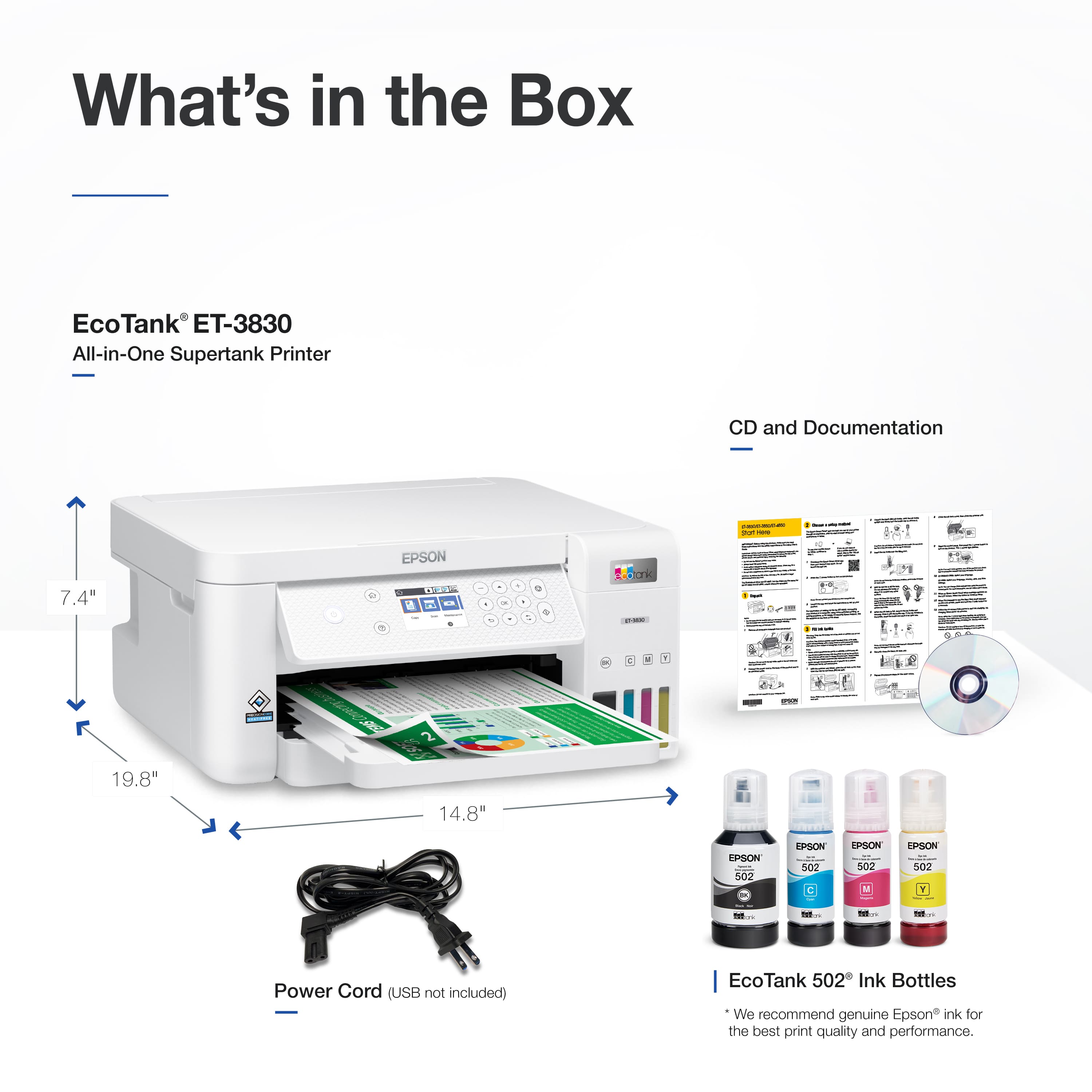
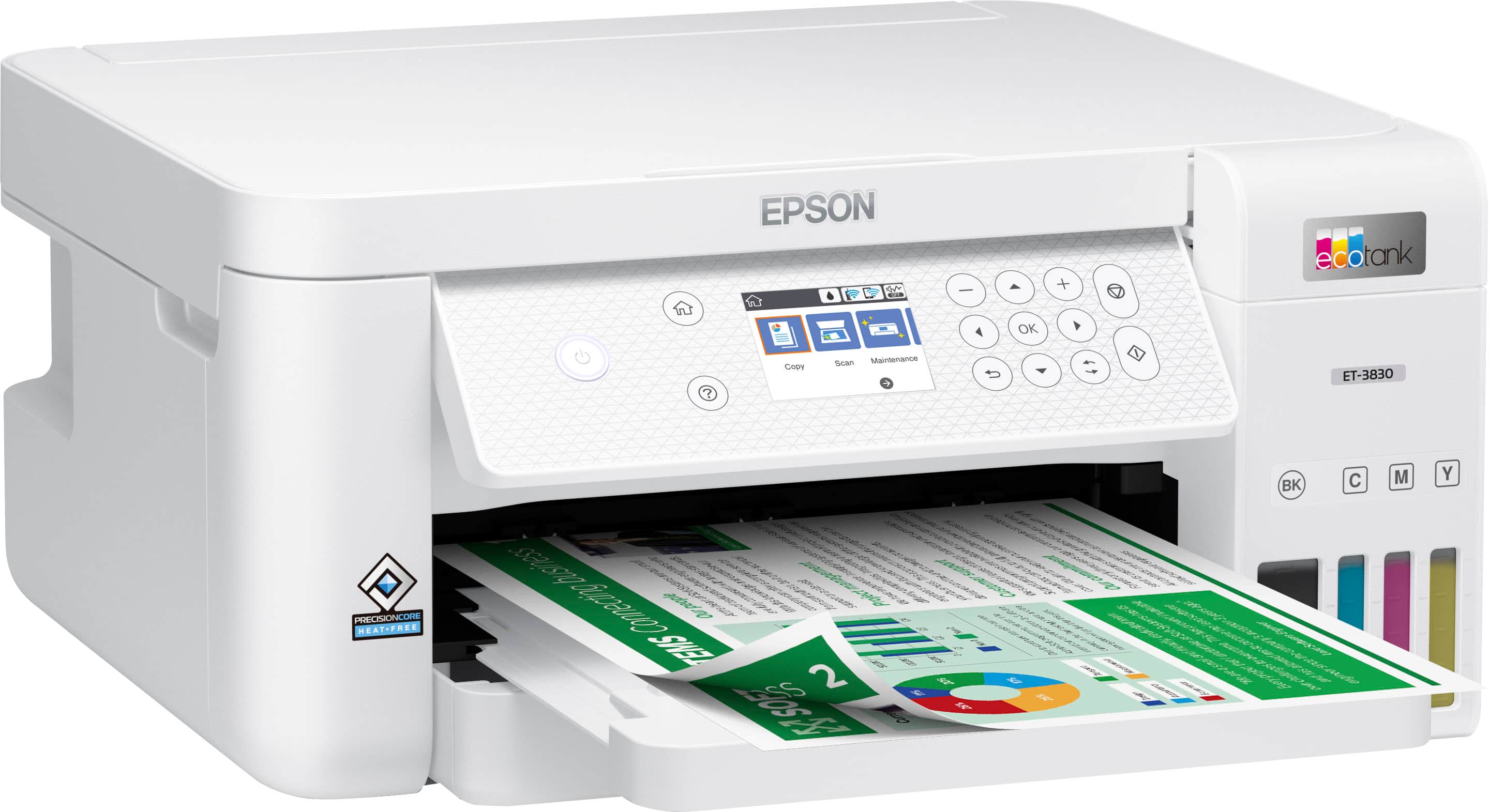
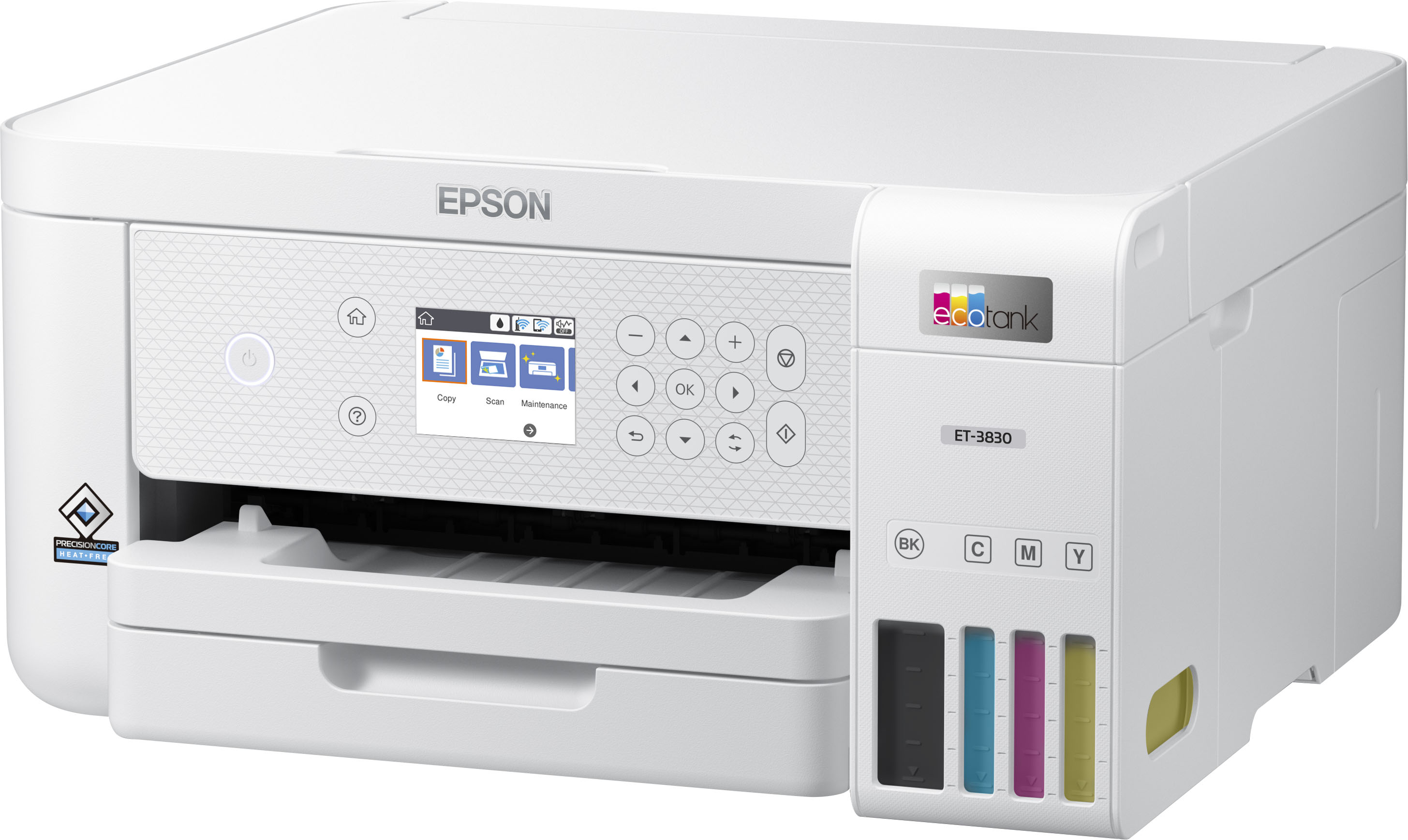
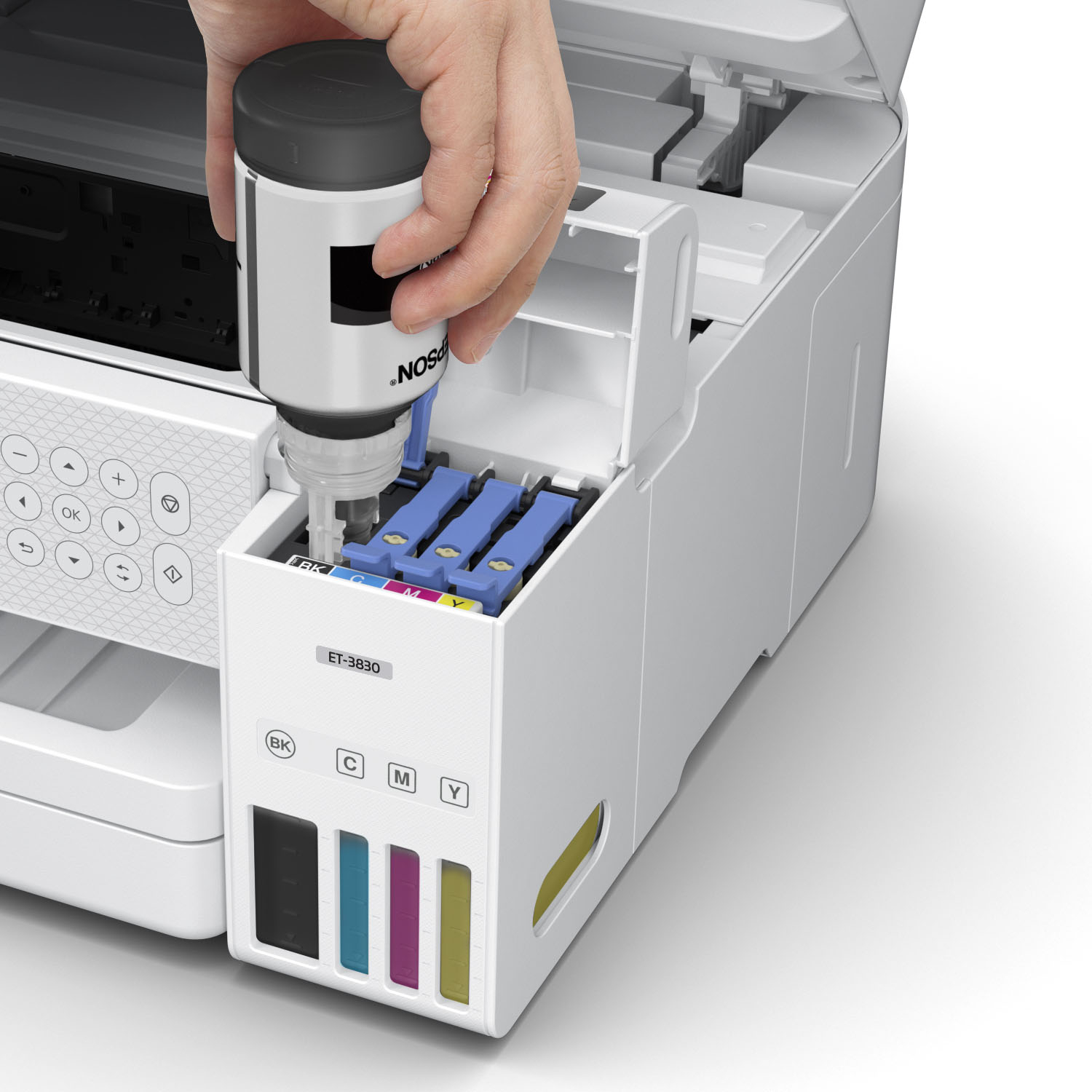
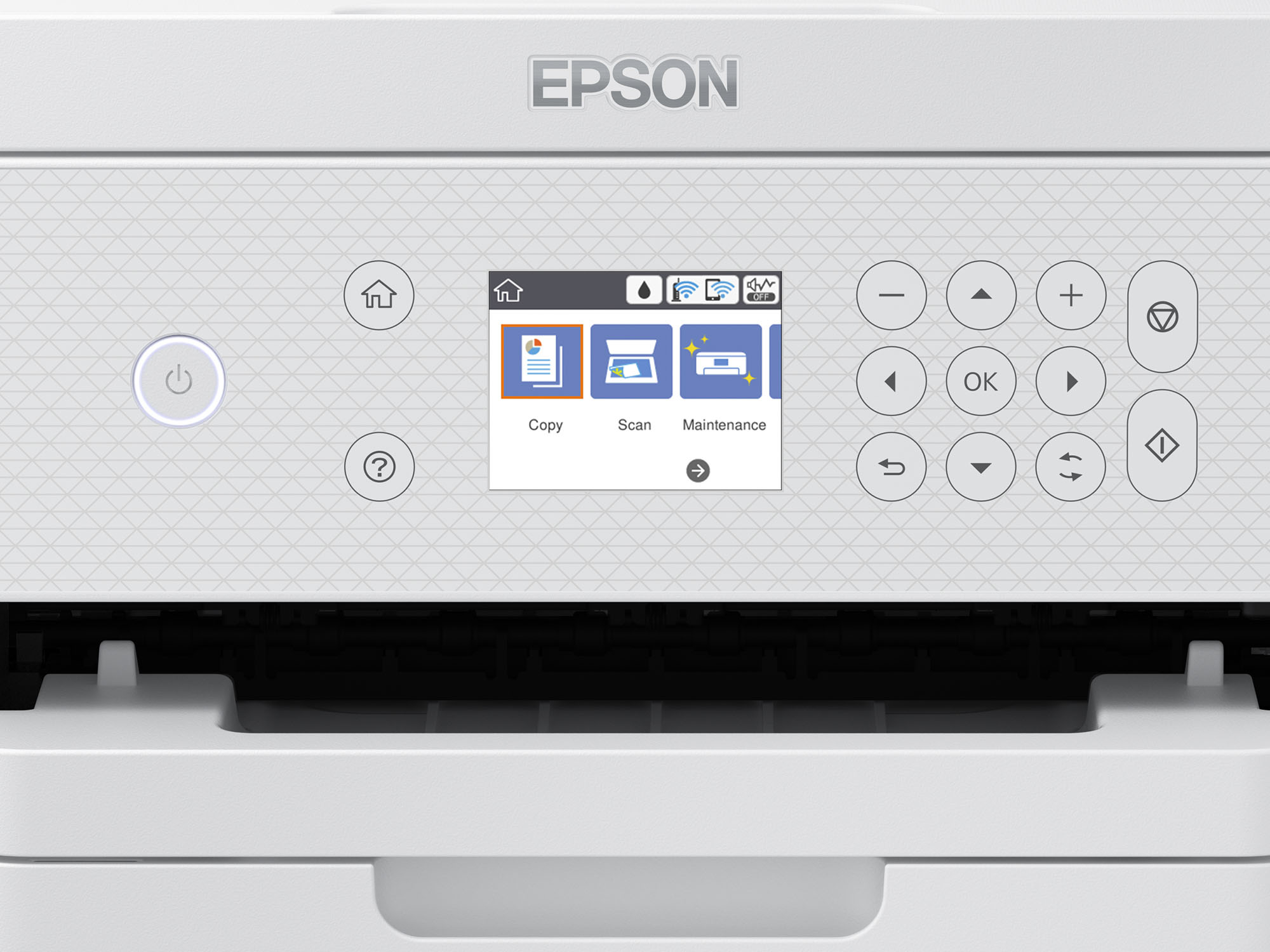
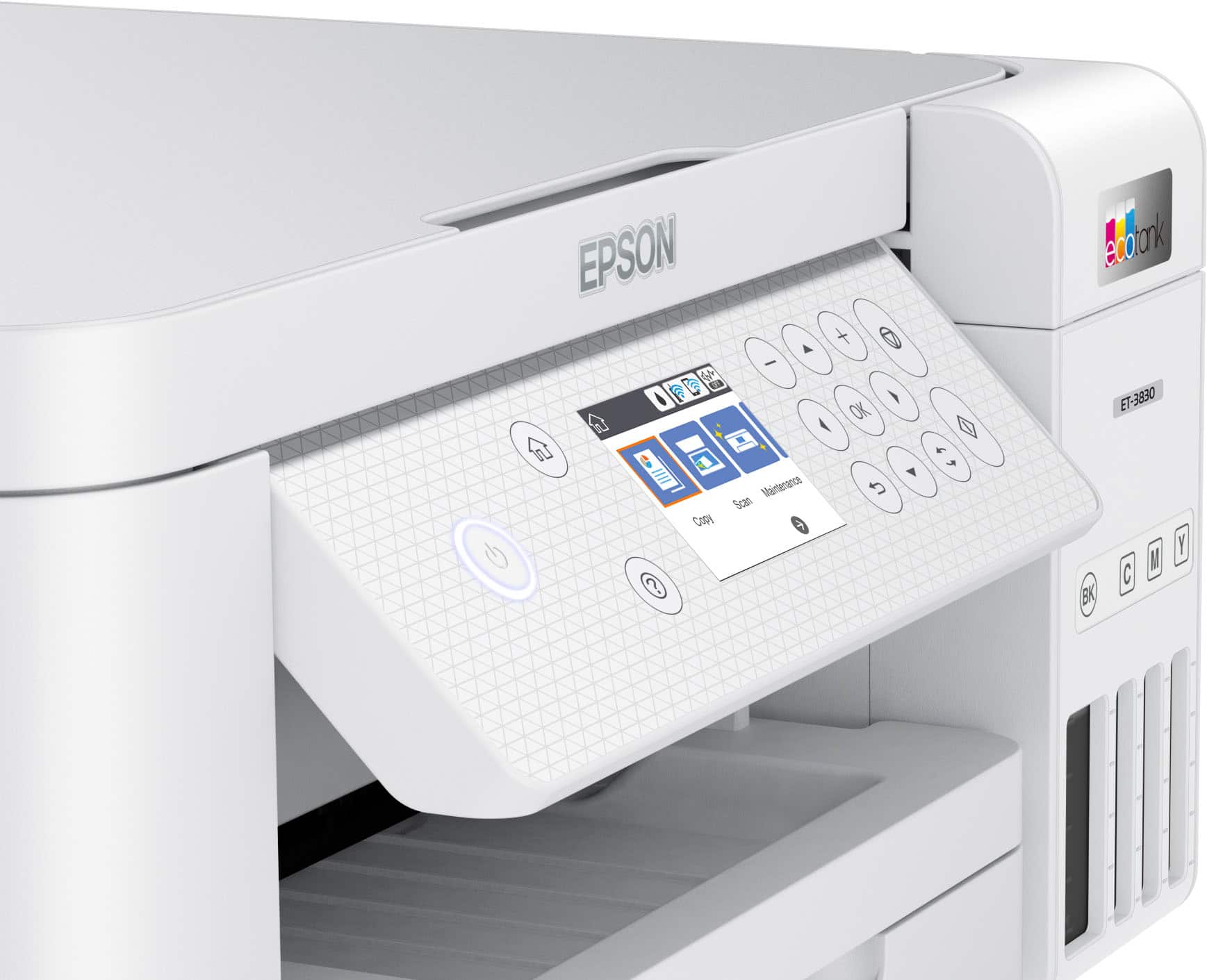
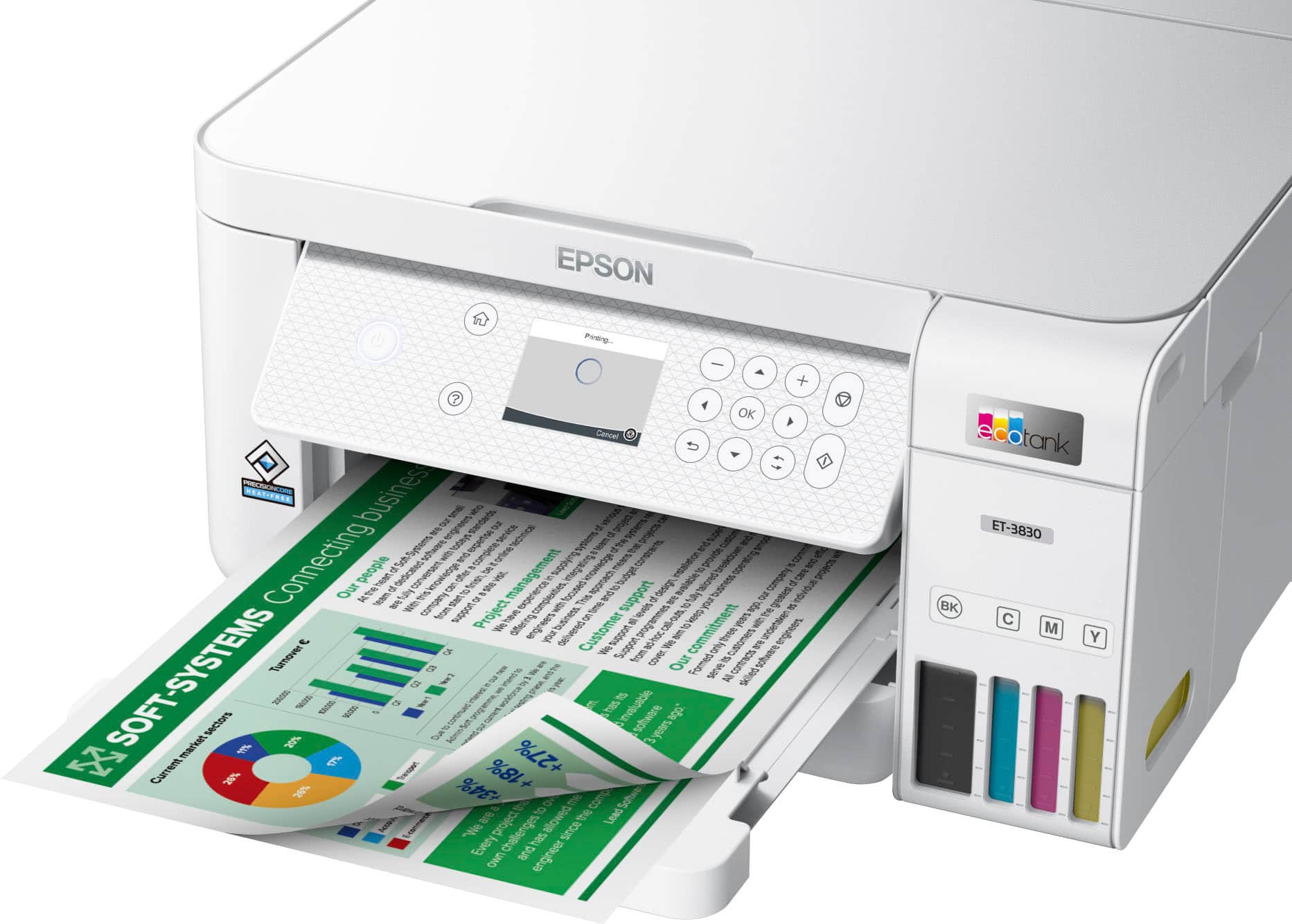
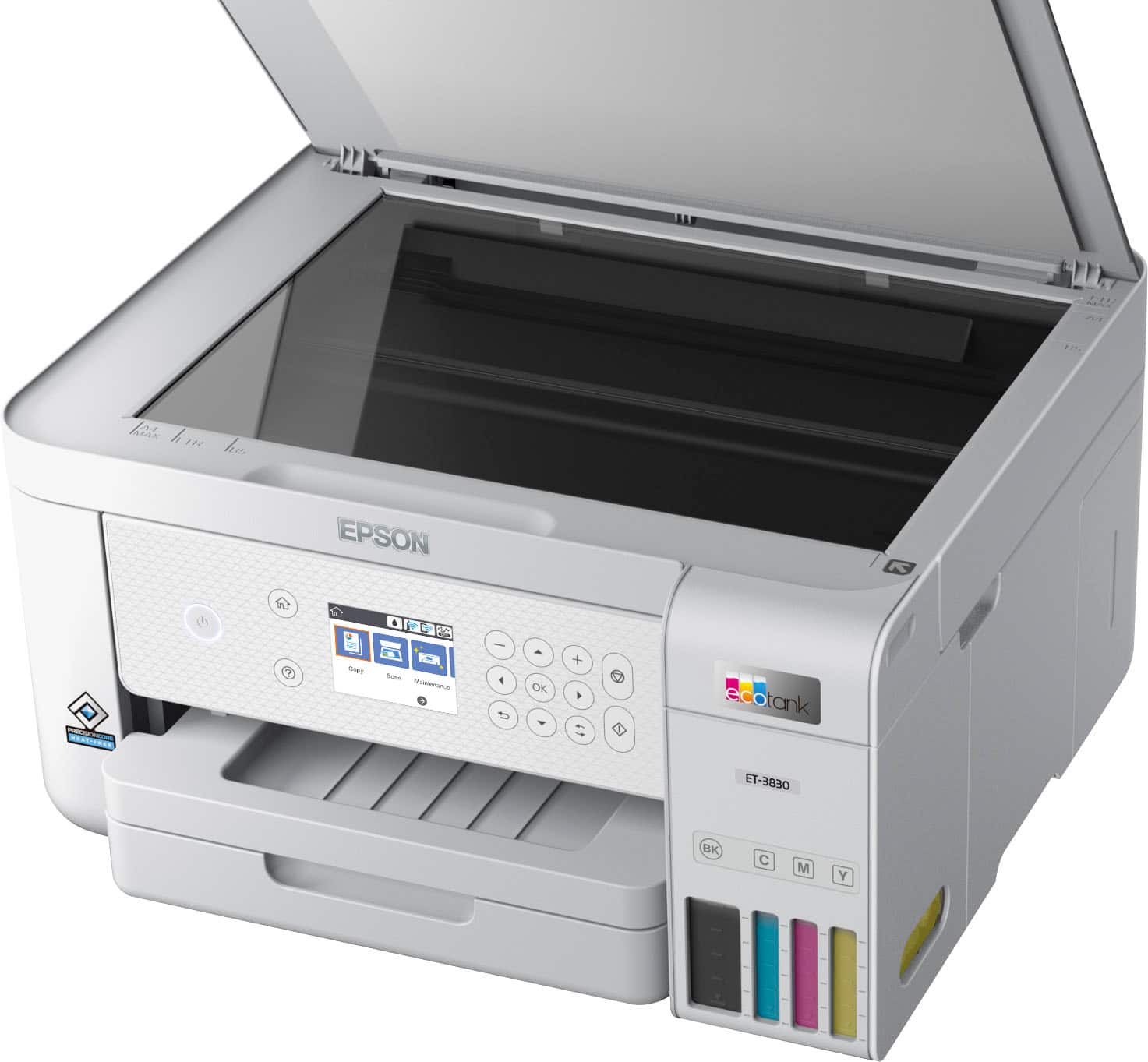
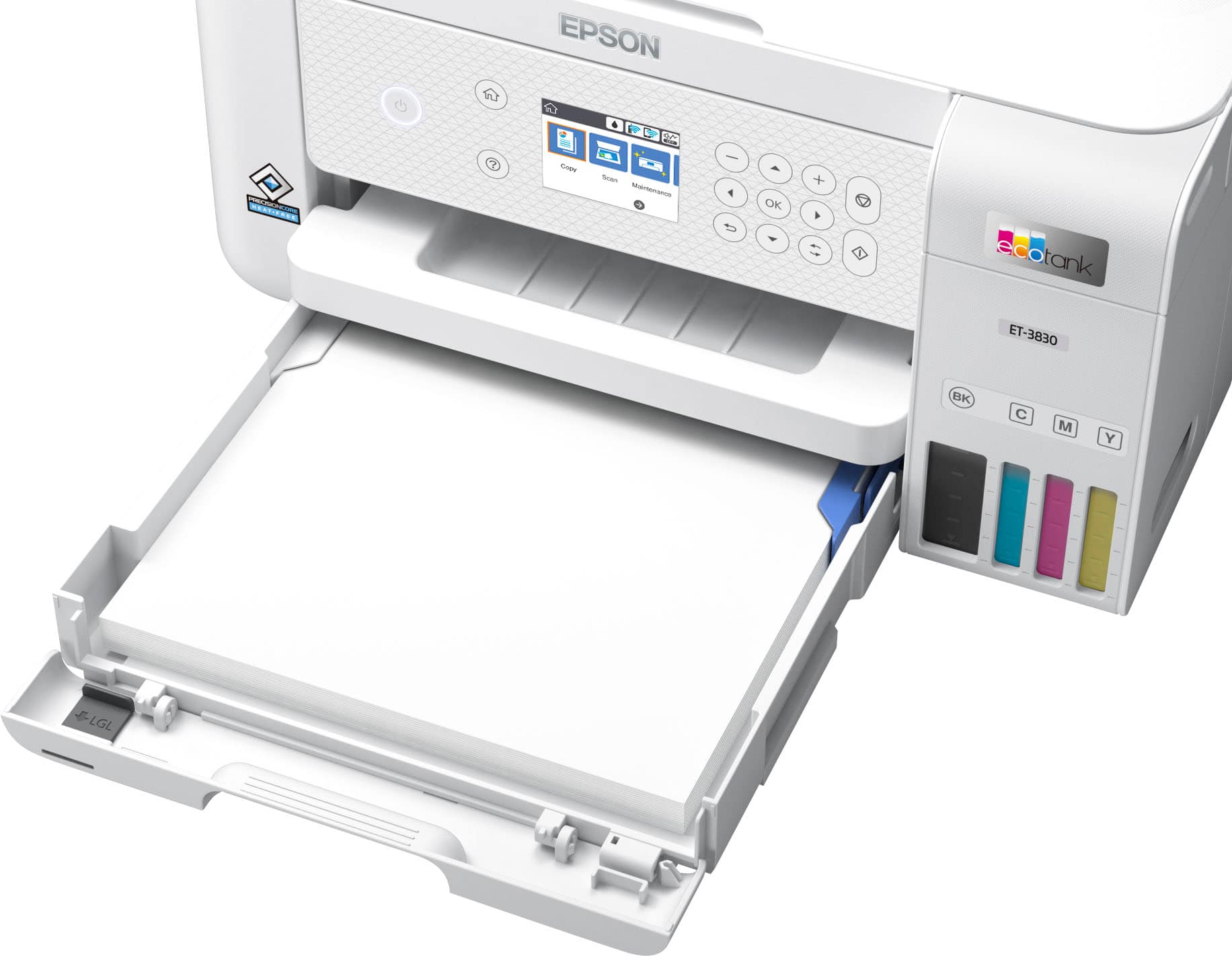
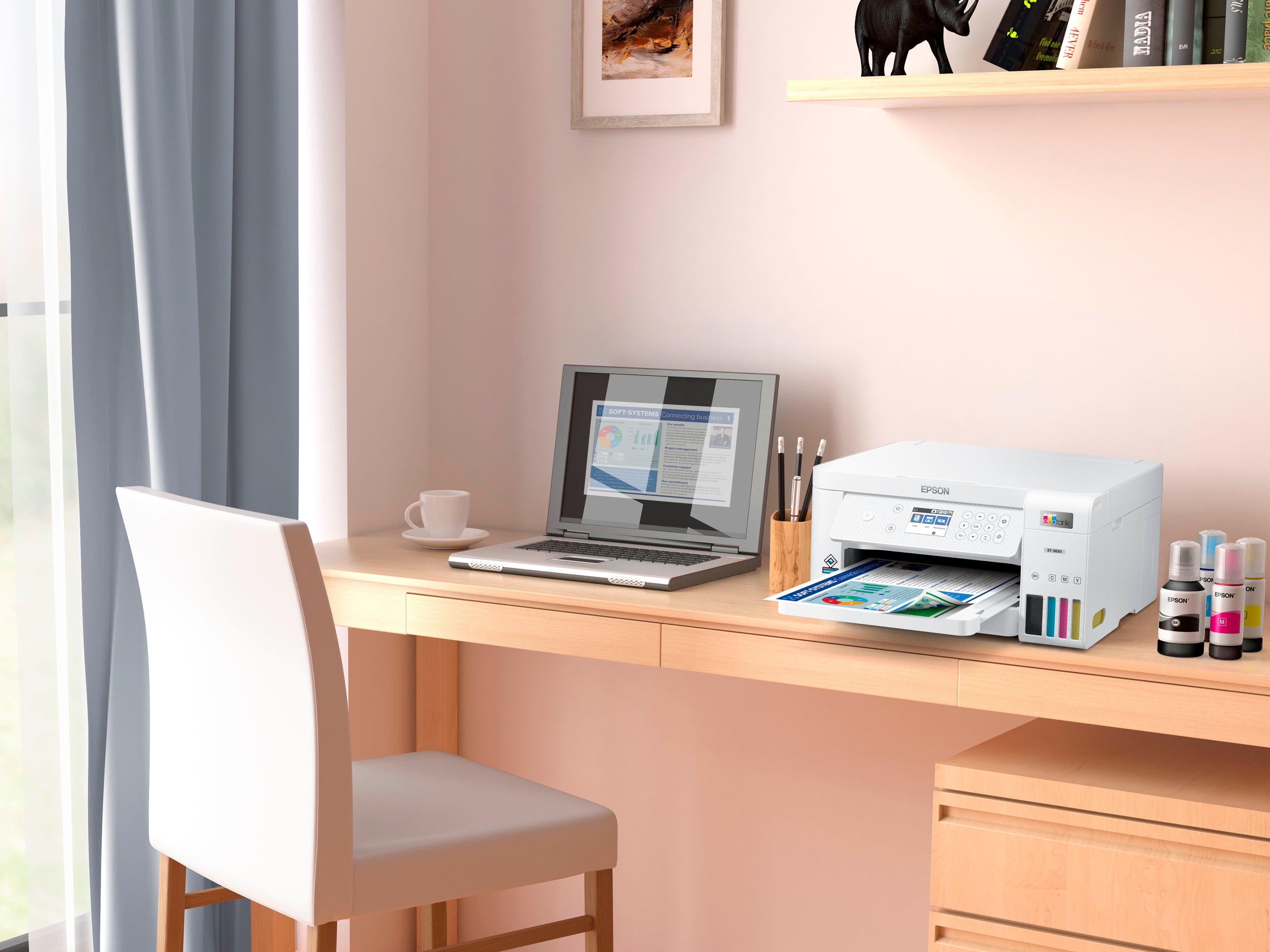
|Posted .This reviewer received promo considerations or sweepstakes entry for writing a review.The Epson EcoTank ET3830 is perfect for home user or home office user. It prints clear and quickly. It’s packed extremely well. My box was a little dented on one corner, but the printer was unscathed. Included in the box – Quick setup guide, 5 bottles of ink (Black, yellow, cyan, magenta, and blue) and installation CD. The ink included should last up to 2 years according to the Epson EcoTank ET-3830 specifications. Setup was easy. The Epson EcoTank CD can be used for installation or you can download the installation file from the internet if you don’t have a CD/DVD reader. I downloaded the .exe file and installation instructions were easy to follow. During Setup you can decide whether you want to connect through WiFi or USB. I chose WiFi as my printer is in a different room from my laptop. Network wireless connection setup was quick and easy as the Epson EcoTank recognized my router’s IP address in less than a minute. Better and a lot quicker than my previous printers. The Epson EcoTank printer has a 2.4” LCD screen for all the various functions. Unfortunately, it’s not a touch screen so you have to use arrows to navigate through the different functions. The print is also very small and can sometimes be difficult to read. There is plenty of room on the front of the printer for a larger LCD screen. Filling the printer with the included ink is even quicker than changing cartridges. The ink automatically stops when the respective color tank is full. Navigation through the display icons allows you to copy, print, scan, and perform any maintenance functions. The Epson EcoTank ET-3830 does not have a fax. Its functions are only copy/print/scan which is perfect for most users. I don’t have a landline so it’s fine for me. The Epson EcoTank ET-3830 can also be operated through a cell phone app. The Epson Smart Panel app can be downloaded from Google Play or Apple App Store. With the Epson Smart Panel app, you can access all the functions of the printer from print to trouble shooting and everything in between. Printer settings are also available on the Smart Panel app. Connecting the app to the printer is as easy as search and connect. It took me less than a minute to connect the Smart Panel app to my Android Smartphone. The Epson Smart Panel app also allows guests to access the printer by simply scanning a bar code from your phone to the guest’s phone. No password is needed which makes the connection secure. PROS summary – - Exclusive EcoFit ink bottles make filling tanks easy and without any mess - Can print up to 7500 b/w and 6,000 color pages without refilling the tanks. This is approximately equal to 90 single ink cartridges. - Ink can last up to 2 years before having to refill the tanks. - Save money from having to buy separate ink cartridges. - Paper tray can hold up to 250 sheets at one time. - Printer can accept several different sizes, including photo paper and envelopes. - Epson Smart Panel app can access the printer in every way; print, copy, scan, maintenance, etc. CONS summary – - Epson Photo + - windows app can only accept up to 260 characters in the address bar for importing photos. This makes it impossible to import photos in subfolders that result in more than 260 characters. - Epson Photo + windows app also can only open a .etdx extension file, which is a template within the app. It does have several templates to arrange photos but is limited to the number of characters in the address bar. Hopefully Epson will change this in the future with an update to the Epson Photo + app. - The LCD on the Epson EcoTank ET-3830 printer is very small, only 2.4”. There is enough space on the front panel that it could be made bigger for easier viewing. The Epson EcoTank ET-3830 is a very good printer/copier/scanner for the home and/or home office for the fact that it uses ink tanks instead of ink cartridges. Thus, saving you a lot of money on separate cartridges. I do recommend this printer for the savings as well as the clarity of printed matter and photos. As for the Epson Photo + photo app, if you’re more than just a “take a picture and print” type of photographer, I suggest using a different photo app for importing and editing photos. The Epson Photo + app could be an excellent photo app, but Epson needs to allow the opening of ALL picture types (.jpg, .jpeg, etc.). Epson should also tweak the app to allow an unlimited amount of characters in the address bar instead of just 260 characters.
I would recommend this to a friendI do like the printer!
||Posted . Owned for 3 weeks when reviewed.This reviewer received promo considerations or sweepstakes entry for writing a review.So far a very nice printer. Setup was easy and pretty fast. Replaced a printer that was bigger, heavier and more costly.
I would recommend this to a friendReliable and Great Quality
||Posted .This reviewer received promo considerations or sweepstakes entry for writing a review.Reliable and Great Quality I’ve been using the Epson EcoTank ET-2850 for a few months now, and I’m honestly impressed. The print quality is sharp and vibrant, especially for documents and occasional photos. What I love most is the ink system—I've printed hundreds of pages and the ink levels are still high. No more running to the store for expensive cartridges! The setup was very straightforward, and the Wi-Fi printing works seamlessly from both my laptop and phone. It's also surprisingly quiet and quick for its size. One small thing is that it doesn’t have a touchscreen, but the buttons work fine once you get used to them. I use it mainly for school work and occasional printing for my small business, and it handles both really well. I would definitely recommend this printer for home offices, students, or anyone tired of replacing ink cartridges all the time.
I would recommend this to a friendPerfect upgrade
||Posted .This reviewer received promo considerations or sweepstakes entry for writing a review.Perfect timing for upgrade. I don’t need to worry about checking my stock of cartridges anymore.
I would recommend this to a friendExcellent Printer
|Posted .This reviewer received promo considerations or sweepstakes entry for writing a review.Excellent printer. I mean, that really does sum it up. Not only does it do a great job printing, but it saves sssooooo much money in ink cartridges. According to Business Insider, printer ink in cartridge format costs considerably more than human blood. How crazy is that? Each ink bottle is the equivalent of 90 ink cartridges. I don't know about you, but I always lamented running low on ink and the thought or dropping $35 to $55 for three or four replacement cartridges. In some cases, it almost made more sense to buy a new printer and just toss the old one. Multiply that by 90 and yeah, that is a LOT of $$$$. On Epson's website, you can buy all 4 replacement cartridges for less than $60 and I'm sure if you shopped wisely, you will find it for less. I'll let you do the math, but yes, that is HUGE savings. While it's hard to tell specific cost savings because everyone uses the printers differently, I do have some experience with the Epson EcoTank platform (picture attached) because I have had the Epson EcoTank 3760. I have had it since July 2020. I ran a diag on it today... since then, I have printed 365 pages of which 99 were in color. As you can see from the picture (ET-3760), the black has barely used 1/4 tank and the 3 color tanks have barely moved. Again, think of the savings. The Epson EcoTank offers a clean app for printing from phone and is simple to set up as a network printer. As mentioned, we have two EcoTank printers on our network and setup and choosing which printer to use is super-easy. Set up was simple, but not particularly quick and I am perfectly OK with that. Each tank took between 2 to 2.5 minutes to fill. Well worth it considering the savings. Connecting to network was a breeze. Tuning the ink jets was also a little time consuming but completely worth it given the savings. We also have a couple printers that offer "subscription" cartridge services and I absolutely attest that this EcoTank environment is much preferred both for convenience and for money savings. End of the day, I RARELY give 5 stars, but for the Epson EcoTank 3830, I am honestly having a hard tome finding faults. Excellent choice. I would (and HAVE) recommend to friends without any hesitation. I end where I started... Excellent printer. **PLEASE NOTE** This product was provided to me at reduced or no charge in exchange for an honest and unbiased review. This review is exactly that, honest and unbiased.
I would recommend this to a friend