Customer Ratings & Reviews
.](https://pisces.bbystatic.com/image2/BestBuy_US/images/products/ae1649ec-8302-4f88-8b9b-d104978b3f04.jpg)
. 1 Most features require an Internet connection to the printer, as well as an Internet- and/or email-enabled device. For a list of Epson Connect enabled printers and compatible devices and apps, visit [www.epson.com/connect](http://www.epson.com/connect).](https://pisces.bbystatic.com/image2/BestBuy_US/images/products/9c542c50-85ee-4815-a2ca-cf245f57e253.jpg)

- Model:
- C11CJ62201
- SKU:
- 12373767
Rating by feature
- Value
Rating 4.6 out of 5 stars
- Quality
Rating 4.6 out of 5 stars
- Ease of Use
Rating 4.5 out of 5 stars
to a friend

Ink for months! Fast and Reliable Wireless Printer
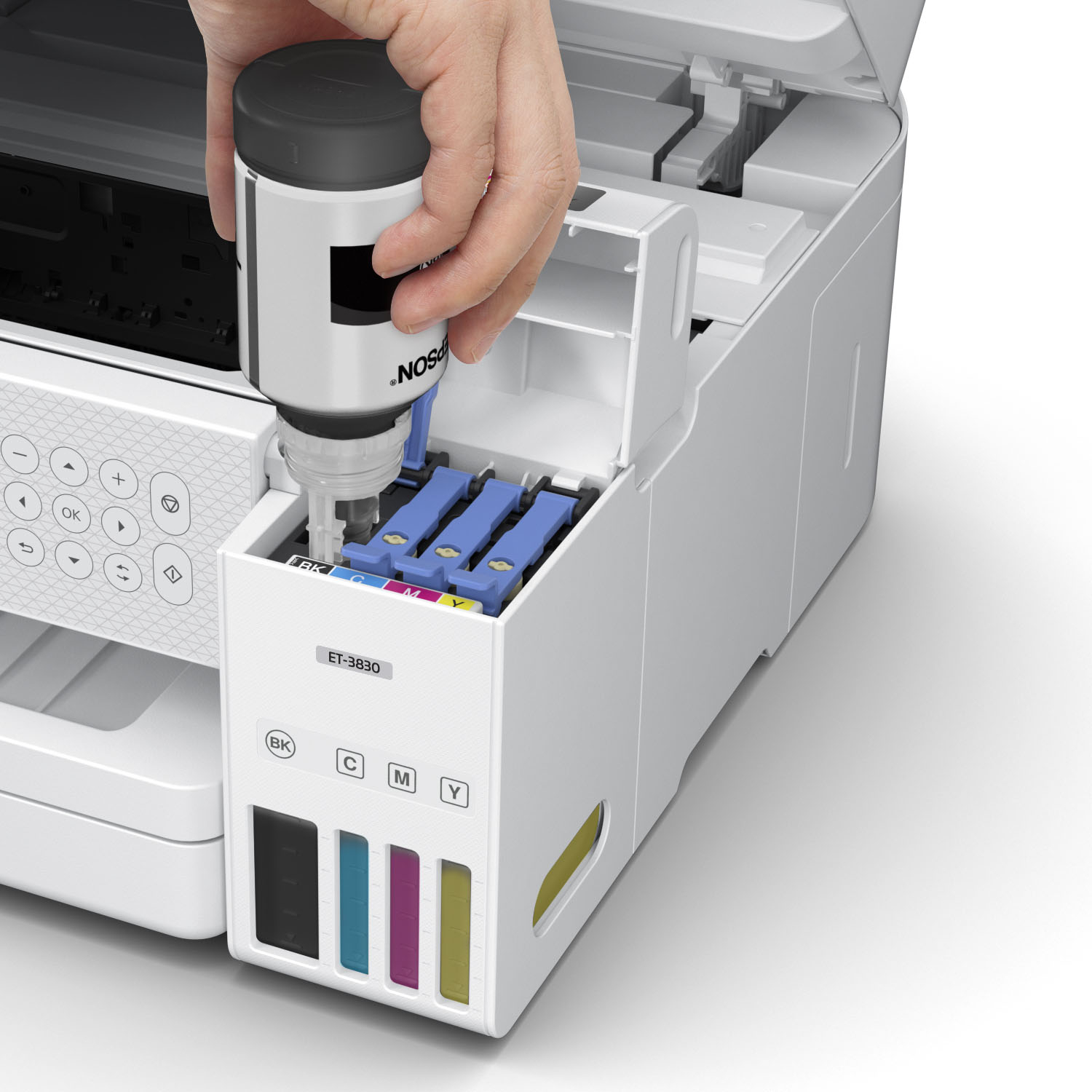
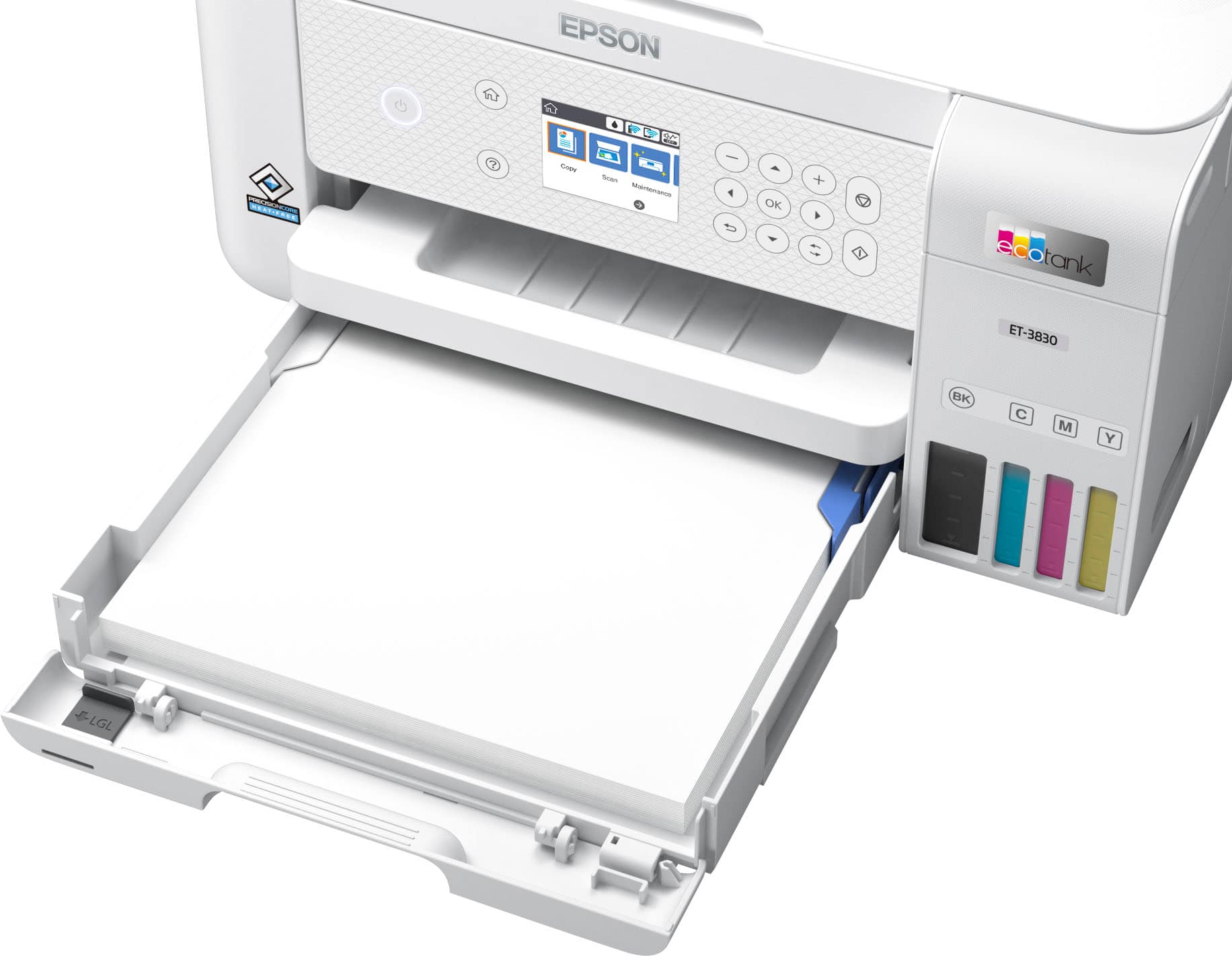
|Posted .This reviewer received promo considerations or sweepstakes entry for writing a review.This Epson EcoTank 3830 was really quick and easy to set up. The printer comes with all the ink bottles you’ll need to fill the tanks. Epson claims you’ll get over 6,000 black/white and color pages out of these tanks. I can’t speak for those claims yet because I’ve only been using it for about a week but I believe it. My friend has a similar printer and hasn’t had to refill it yet and its been almost a year. You can download an app that will guide you through the set up, and you can also use the same app to print photos and documents as well as scan. It will also update the firmware for the printer for you. The printer prints really quick. It printed a full color page for me in less than 5 seconds. It honestly surprised me! The printer has a pull out tray that holds at least 100 pages. I was also able load 4x6 photo paper into that tray and print photos with it. The 4x6 photo print wasn’t the best quality, but it looks good to my eyes. I honestly think the app compresses the photo you are going to print when you transfer it wirelessly. Perhaps EPSON can update the app to allow higher quality photo prints on 4x6 paper. As far as filling the tanks with ink, It was very easy to do and did not cause any mess. I was worried I might spill some ink when filling it. The bottles have rubber stoppers that open and close when you put them on the printer refill slots. I’m very pleased with this printer and I would recommend it to anyone looking for a fast, high quality printer for their home or small business. It prints very fast, and I have not had any connection errors. The wireless printing has been very stable and reliable. Printing from your phone, tablet or computer is super easy with this printer. Pros: Fast, Reliable, Wireless capabilities, Long lasting affordable ink Cons: No complaints from me
I would recommend this to a friendCost-Efficient, Reliable,& Perfect for Home Office
||Posted . Owned for 1.5 years when reviewed.This reviewer received promo considerations or sweepstakes entry for writing a review.The Epson EcoTank ET-3830 delivers exceptional value with its cartridge-free supertank system, saving significantly on ink costs over time. It offers crisp text, vibrant color prints, and reliable performance for everyday printing, scanning, and copying. With wireless connectivity, automatic document feeder, and easy ink refills, it’s ideal for home offices and small businesses. Setup is simple, and the high-capacity ink bottles mean fewer refills and less hassle. A smart investment for long-term savings and productivity.
I would recommend this to a friendEpson has always been great.
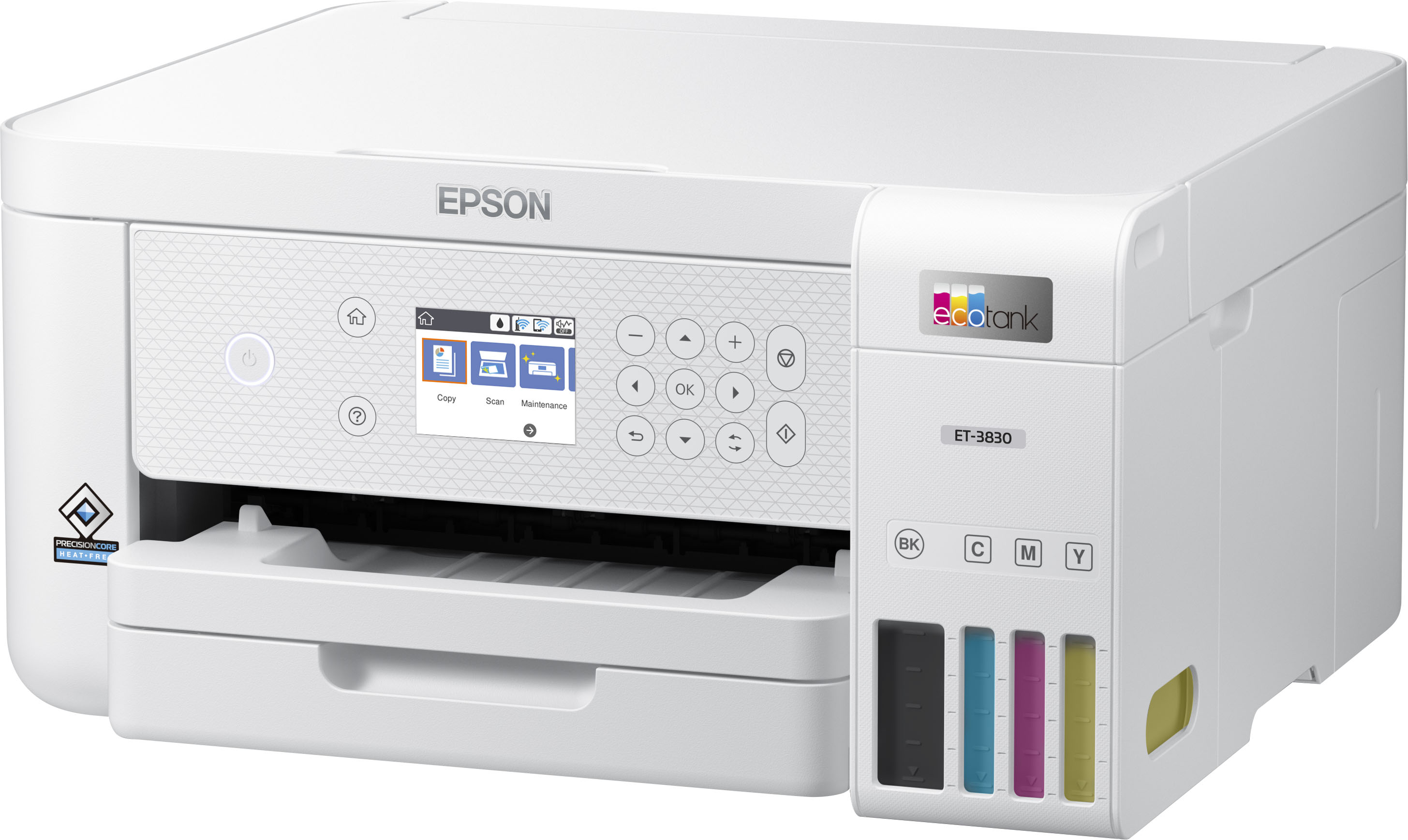
|Posted .This reviewer received promo considerations or sweepstakes entry for writing a review.EcoTank ET-3830 All-in-One Cartridge-Free Supertank Printer is a great all around printer scanner. Physical set up took about 15 mins with ink and alignment and charging the ink into the printer Setup via Android app was pretty easy and quick. WiFi setup was fast Setup for cloud scanning requires registration of the printer and going through their portal initially. After you do it once you are all set. USB setup after you get the right drivers was about 10 mins of time with windows 10 Printing was pretty fast. Color pictures was really good. My kid had a project the other day and it spit out the photos he needed pretty fast and clear. After initially charging the ink and my kids heavy color print job (about 10 pages of full 8x10s) it brought the ink down 1 tick mark. Looks like normal printing won't cause for ink to be bought for a while.... Awesome. Printer buttons and interface was easy to use. Wished this came with touch screen. But even without touch screen the menus were easy to follow. Physical Color of white is nice. It tends to hide dust better than black. Size is good does not take too big of a foot print. I have had many Epson printers before and they have all done well. This is no exception. Great job Epson. I would recommend this for work from home and kids homework etc.
I would recommend this to a friendGreat printer for the price!
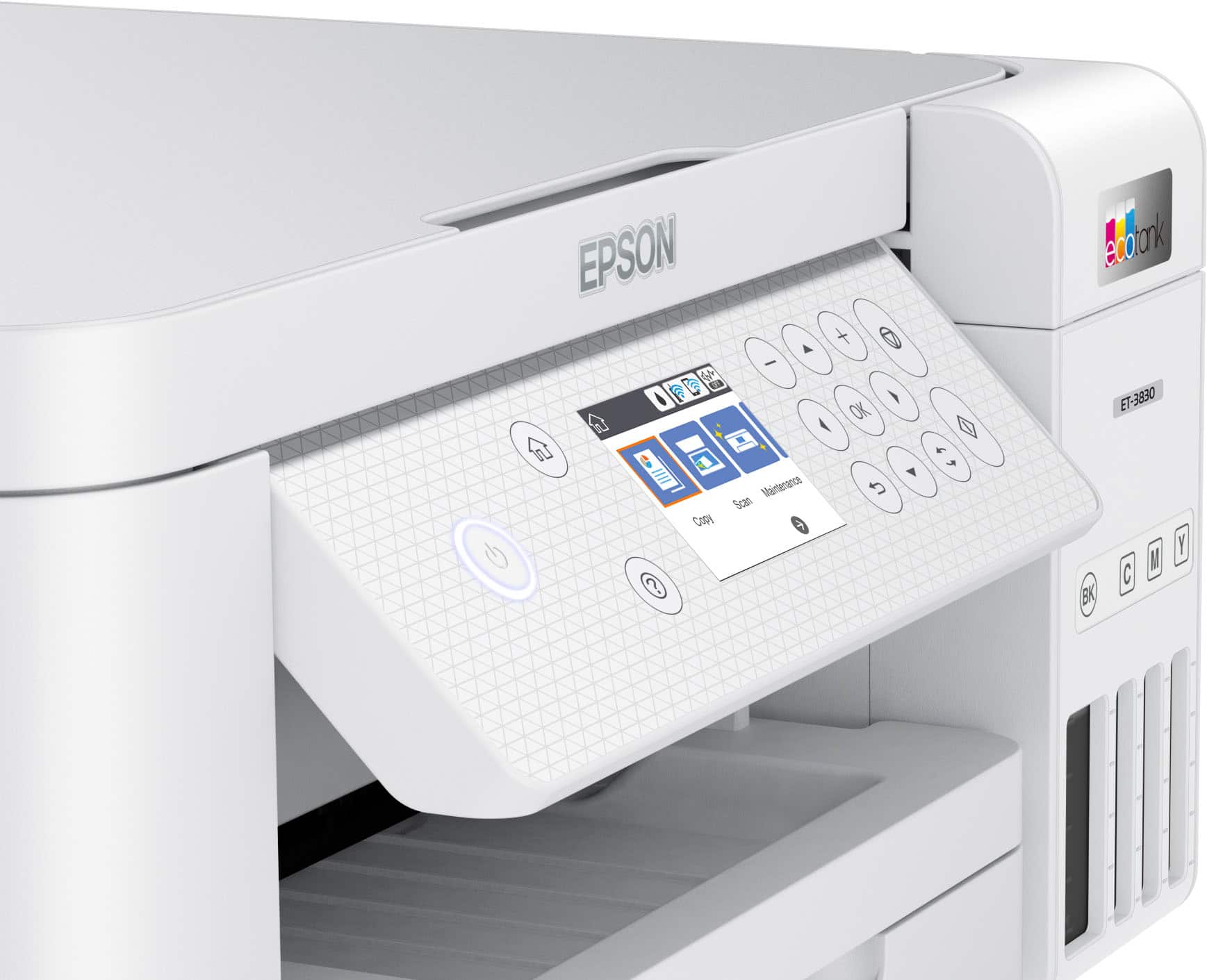
||Posted .This reviewer received promo considerations or sweepstakes entry for writing a review.Great printer. Saves on ink. Easy to set up. Easy to use. Holds a lot of paper in the tray. Great quality print. Prints double sided. Not touch screen but easy to navigate with buttons next to the screen. No document feeder. Highly recommend!
I would recommend this to a friendSmall Form Factor And Ink Efficient
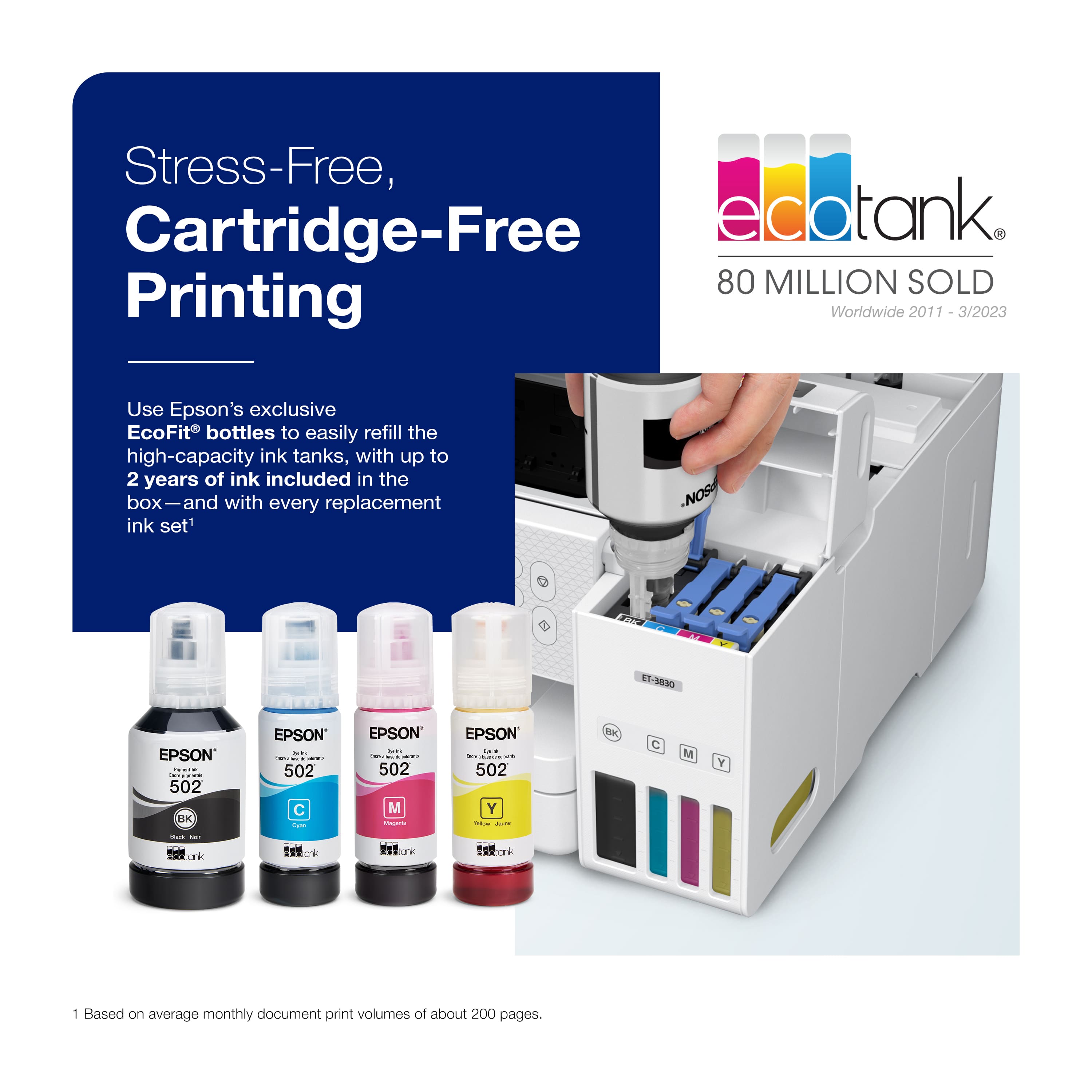
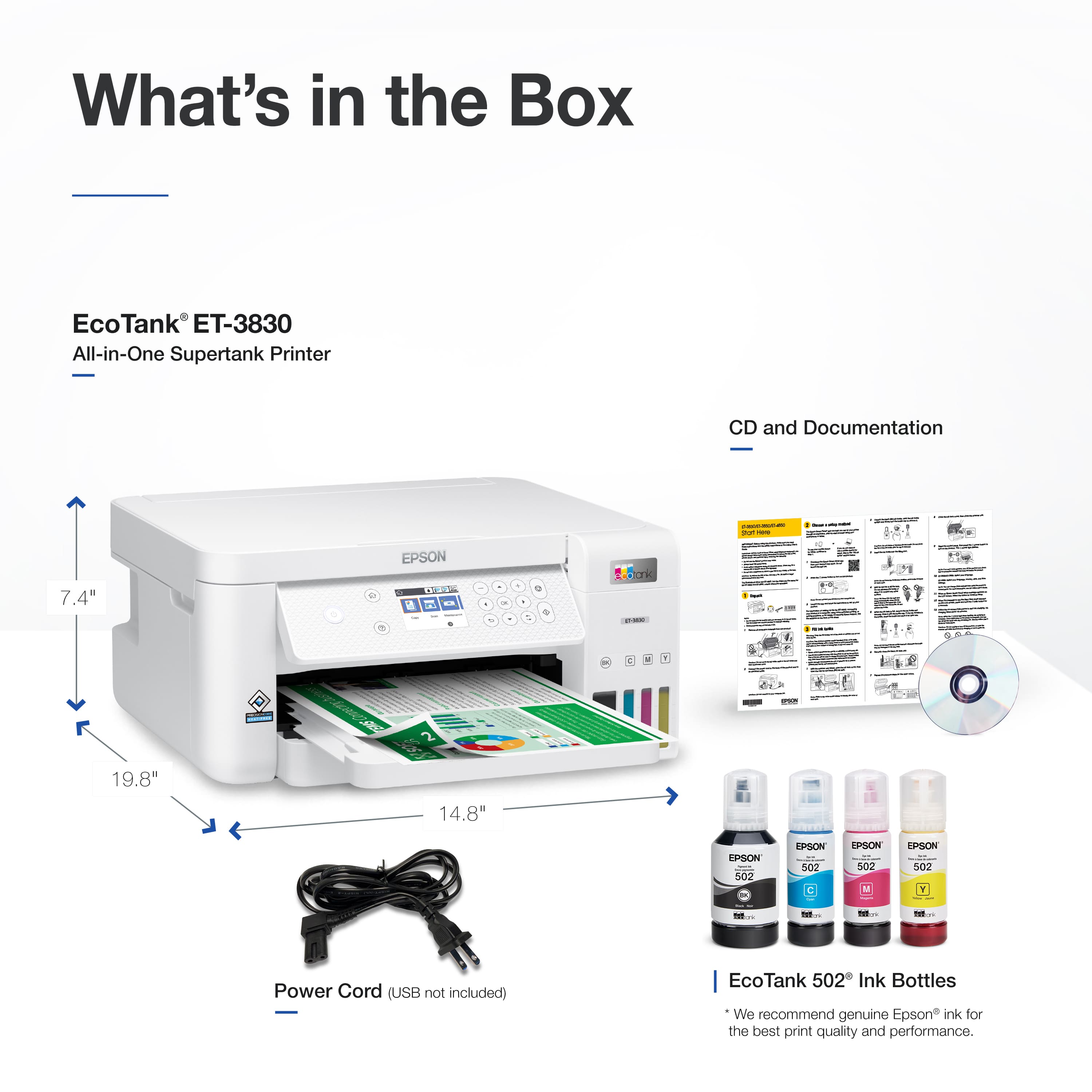
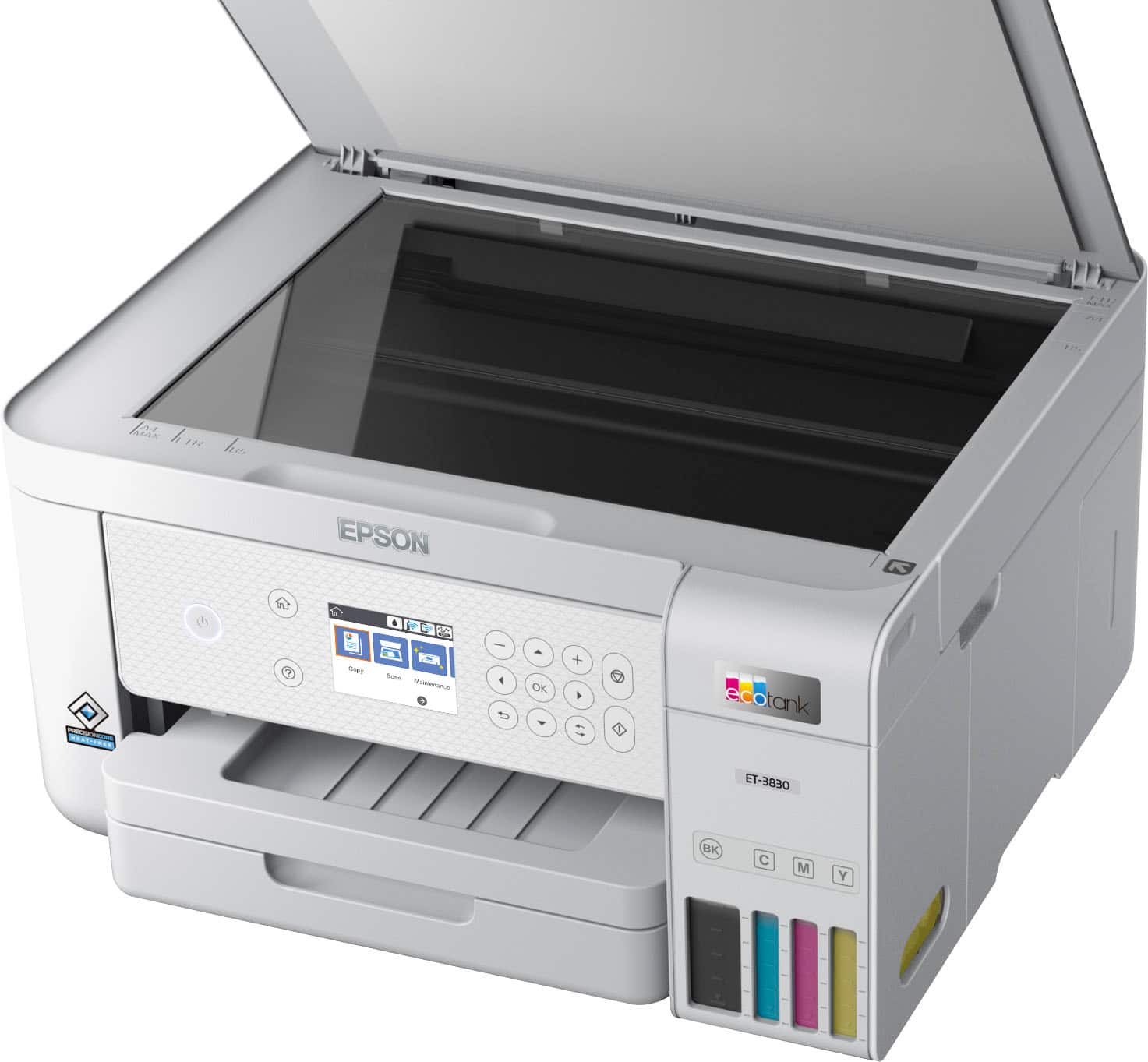
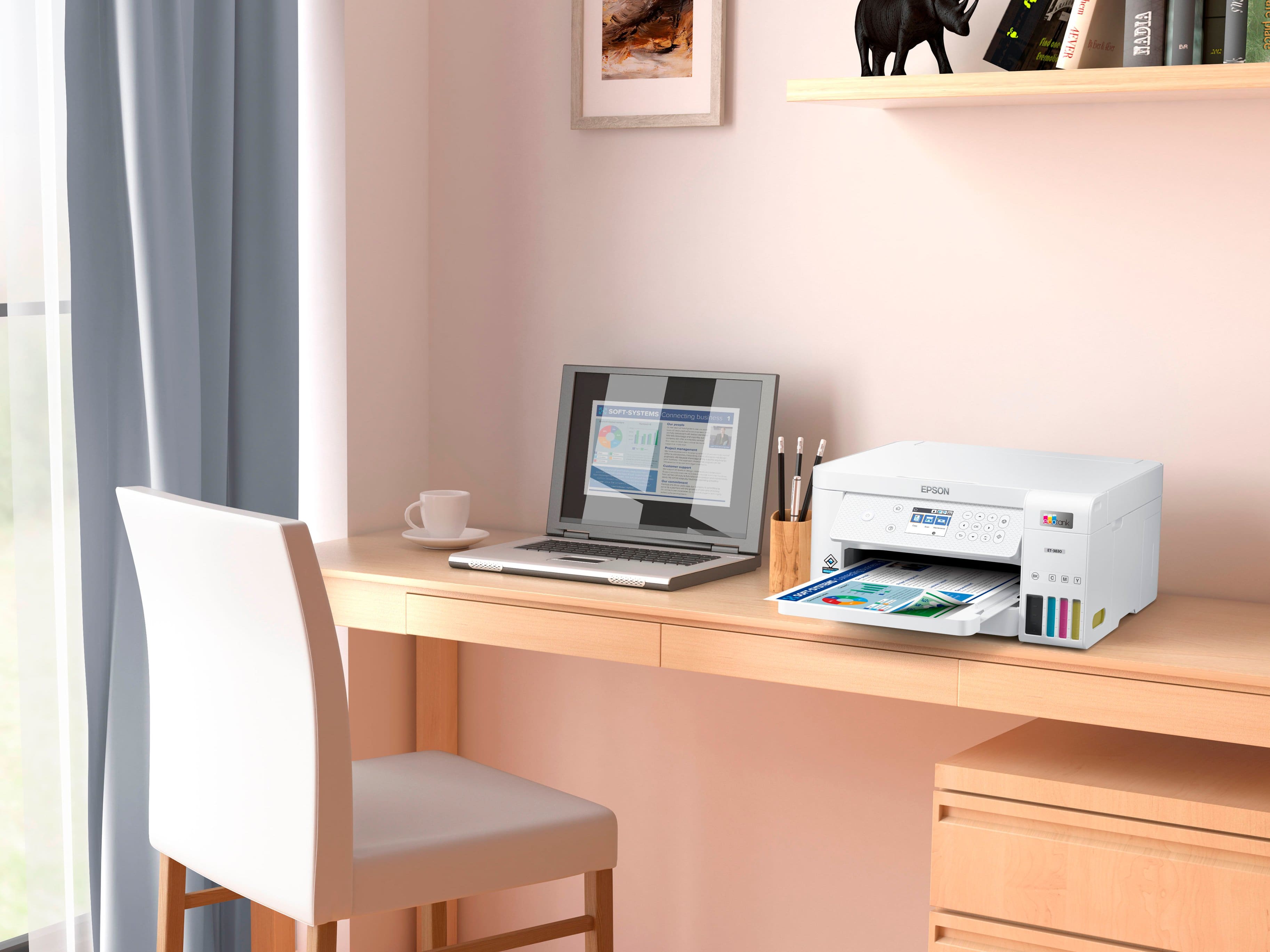
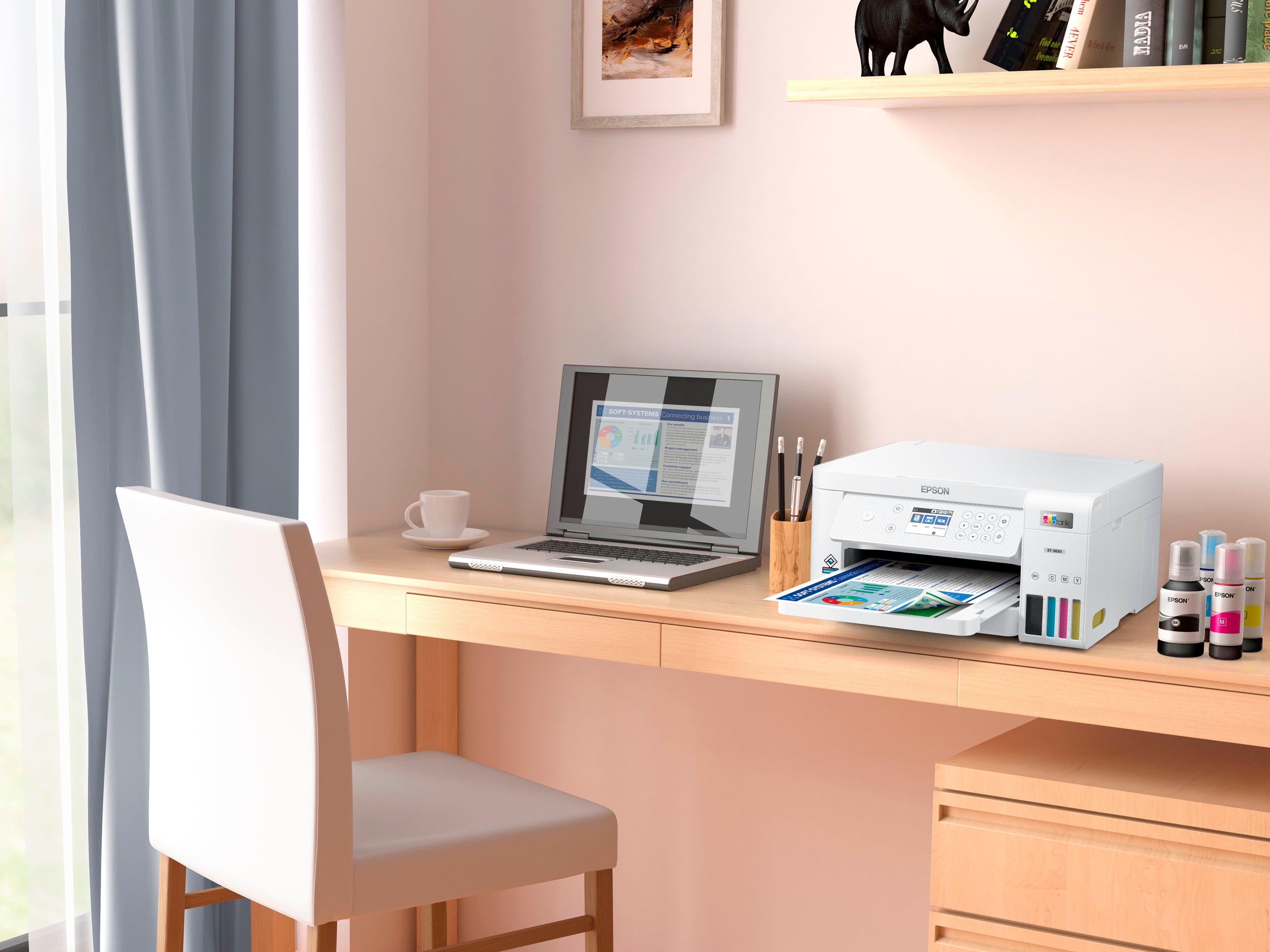
|Posted .This reviewer received promo considerations or sweepstakes entry for writing a review.The Epson ET-3830 is a multi-function inject printer with a small form factor. A change from the norm is that this printer doesn’t use ink cartridges. It has tanks inside the printer that you refill. The refills are bottles of ink. Each bottle contains far more ink than the traditional ink cartridge. Filling the internal tanks using the bottles is simple to do. Also, while filling the tanks I didn’t have any mess or leaks from the bottles. This is a nice design by Epson. I should be saving quite a lot compared to traditional ink cartridges. The set of starter bottles of ink that come with the printer are full bottles. When you initially setup the printer, it will fill tubes with some of the ink. After it filled the tubes, I was left with a little over 75% of ink in the tanks. Using the remaining ink from each bottle, the tanks ended up with 100% cyan, magenta, and yellow. The black tank was back up to about 85%. It’s not wasting the ink, it’s just that a portion of it is in the tubes that connect to the print head. The 3830 has a flatbed scanner, but no document feeder. You have the option for duplex printing and this can carry over to duplex printing for documents that you copy. Perform a copy of one side of a page, the printer prints it, pulls the printed page back into the printer, then you flip the original copied page over, it scans it, then prints it out on the back of the printed page. I didn’t have any problems with this, but for those who need to copy many pages at a time, you may be better off with a different model from Epson. If you mostly copy a few pages, then you may be ok with this model. Duplex printing in a multi-function printer of this size is a great feature that others of similar form factor may not have. General printing of text is fast. The text on plain paper is very clear and the characters are well defined resulting in a clear printed page. It can also print edge to edge. I was able to print a photo on plain paper edge to edge. I won’t be using this printer for photos, but it’s nice to know I can add in photo paper and print a photo if I need to. The printer setup took me about 10 minutes. That’s getting through network configuration, print head alignment, and updating the firmware. Epson has a mobile app that also works with the printer. I used the iOS version without issues to get the printer setup on my network. The color LCD screen on the printer isn’t a touch screen, but next to it Epson added a set of buttons that enable you to navigate the menu system. I didn’t have a problem using the buttons and they were responsive for me. The box and packaging were more than sufficient to protect the printer. Within the box you’ll find the printer, power cable, full black/cyan/yellow/magenta ink bottles, a CD, and a quick start guide. Overall, I’m impressed with the new design that does away with ink cartridges. I’ll be saving money in the long run with this new design. It has all the features I need such as duplex printing, scanning, copying, and wireless networking. I would like to see Epson add a touch screen in the future, but that is the only negative I can mention about the ET-3830. I would recommend this printer to anyone needing an all-in-one printer, but doesn’t need a document feeder.
I would recommend this to a friendGreat Printer, qaulity, cost and function
|Posted .This reviewer received promo considerations or sweepstakes entry for writing a review.Not normally an Epson guy but after setting up and using this for a couple of weeks I'm sold. Set up is accomplished via the app, which is super simple. The app walks you through step by step, almost too helpful.. Once set up print a test page, make a few adjustments if needed, it walks you through that too, and viola. One thing I will caution you on, when filling the ink, don't be in a hurry and don't assume it won't drip. They have designed a great product but you will get a small drip after removing the ink bottler from the printer, just be aware. Printing quality is great for an inkjet type printer. I haven't had time to calculate the cost but the convenience of refilling the unit instead of buying print cartridges certainly appeals to me. I have gone through quite a bit of ink, which included the initial calibration pages. The scanner and soft wear works flawlessly. I would like the option for a feeder but there is only a flatbed scanner. Overall, I like the printer, features but am cautiously optimistic about operational costs. Overall I would recommend this printer, I would upgrade to the model with a feeder if you are planning on scanning many documents.
I would recommend this to a friendGreat little printer!
||Posted . Owned for less than 1 week when reviewed.This reviewer received promo considerations or sweepstakes entry for writing a review.I've had this printer for only a week, but I can already tell I'm going to like it much better than the HP 9015 it replaced. The HP was a flimsy machine, practically designed to fail. Even though the Epson 3830 has a smaller footprint than the HP and is lightweight, it has a smooth, solid feel that is in a different class. It's well designed and manufactured. Pro tip: once you have finished the initial setup of the printer, the level of ink in the reservoirs will drop slightly. There will be a little ink left in each of the bottles from the initial fill. Refill the reservoirs a second time with the remaining ink, and you will fully top off the C/Y/M colors, and almost top off the black ink. Pros: - VERY low cost per page for both B&W and color - The setup process is awesome, by far the easiest printer I have ever set up - The ink bottles and reservoirs are very well designed and practically drip-free - The output tray is well designed - The printer is quiet - Print speed is reasonably fast - Print quality is excellent - It's easy to see how much ink is left in each reservoir - The footprint is very compact Cons: - Pricey upfront for the printer, but the cost of ink is so low, it more than makes up for the upfront cost - There is no document feeder for scanning (there is a more expensive Epson EcoTank printer that has a ADF) - The front panel is old-school with membrane buttons and a small non-touch display - There was one small glitch in the setup, I could not update firmware from the printer and had to use the update utility installed on my computer during setup (no biggie, but it marred what is otherwise a perfect setup process) Time will tell, but my first impressions are great!
I would recommend this to a friendET-3830
||Posted .This reviewer received promo considerations or sweepstakes entry for writing a review.The ET-3830 is an excellent printer! I bought this model as the previous model did not have a direct network connection; it was WiFi only. The print quality is excellent. It prints color well enough to frame. The large tank capacity keeps my printing costs down; the majority of my printing is black & white.
I would recommend this to a friendEpson EcoTank ET-3830
||Posted .This reviewer received promo considerations or sweepstakes entry for writing a review.Very satisfied with this printer. Very easy to set up and the photo printing is much better than I expected. I like the ink tanks rather than the expensive cartridges that always dried up before they could be fully used.
I would recommend this to a friend2 Days In....
||Posted . Owned for less than 1 week when reviewed.This reviewer received promo considerations or sweepstakes entry for writing a review.I've owned/used an ET-3830 for 2 days now. Before purchase, I did a LOT of online recess and reading user reviews. I briefly considered moving up to the ET-3850 but really have no need for an automatic document feeder, which seemed basically to be the main difference between the 2. I also viewed LOTS of YouTube videos on setup of the Et-3830. Feeling fairly well versed for setup, I purchased the printer at Best Buy. Setup went smoothly, without a hitch, including the wifi connecting. The printer can be operated wirelessly using multiple computers and mobile devices. My main computer is a PC, my daughter's an iMac. We also have 2 iPhones and 2 iPads connected. The mobile device use is very easy, convenient and thorough, using the Epson Smart Panel or iPrint apps foe Apple mobile devices. I've thoroughly tested the printer, printing many documents, both black and white and color and at least 20, 8.5" by 11" photos. I've printed the photos on glossy and matte photo papers and have been very satisfied with the results. Most 8.5" X 11" prints were of photos shot on iPhones. The ink level usage so far is barely noticable! So far, a few days in, no glitches whatsoever. The printer display screen, although not a touch screen, is easily used via the adjustable angle front control panel. Happy with purchase thus far!
I would recommend this to a friendGood Little Printer!
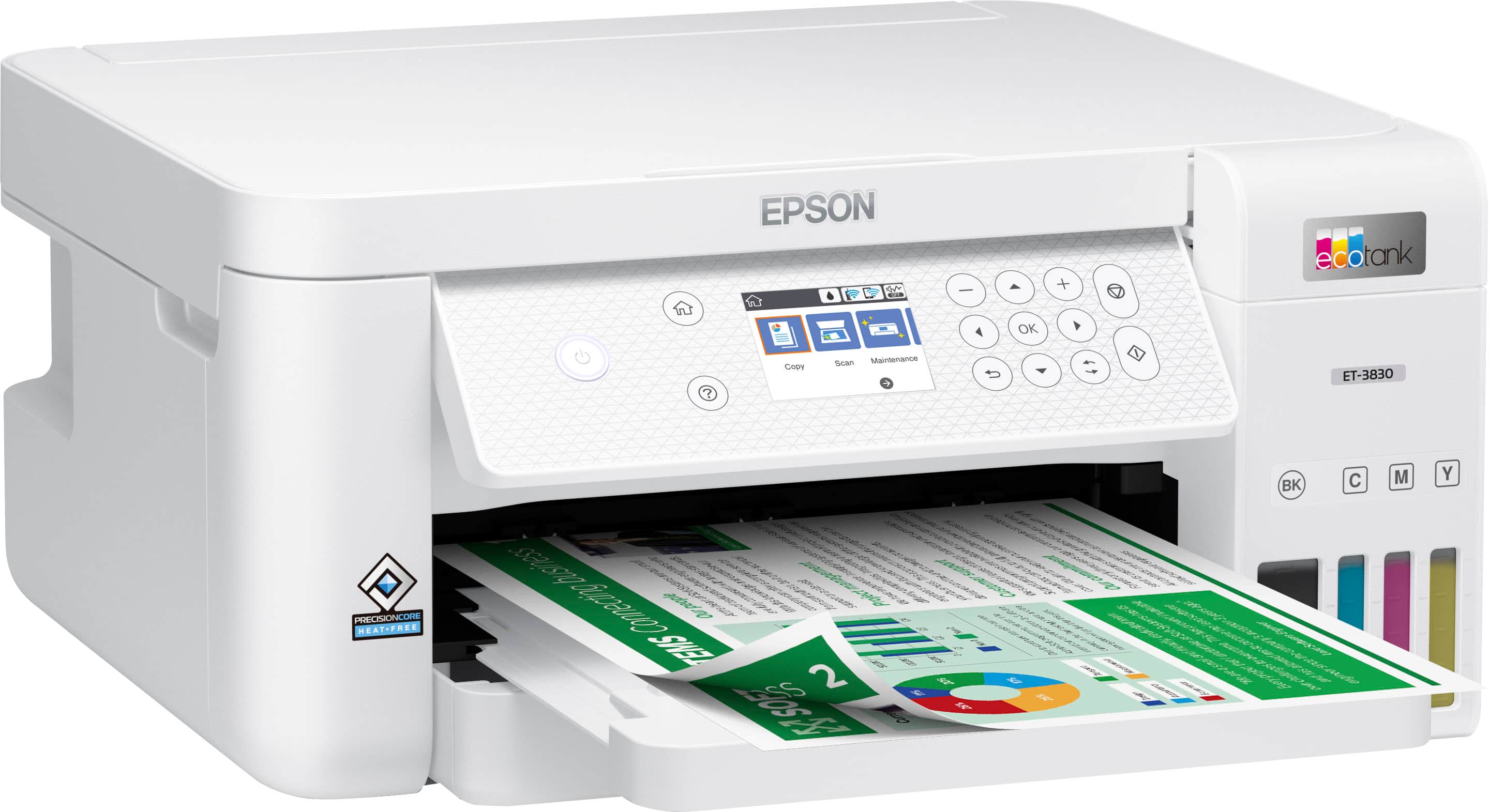
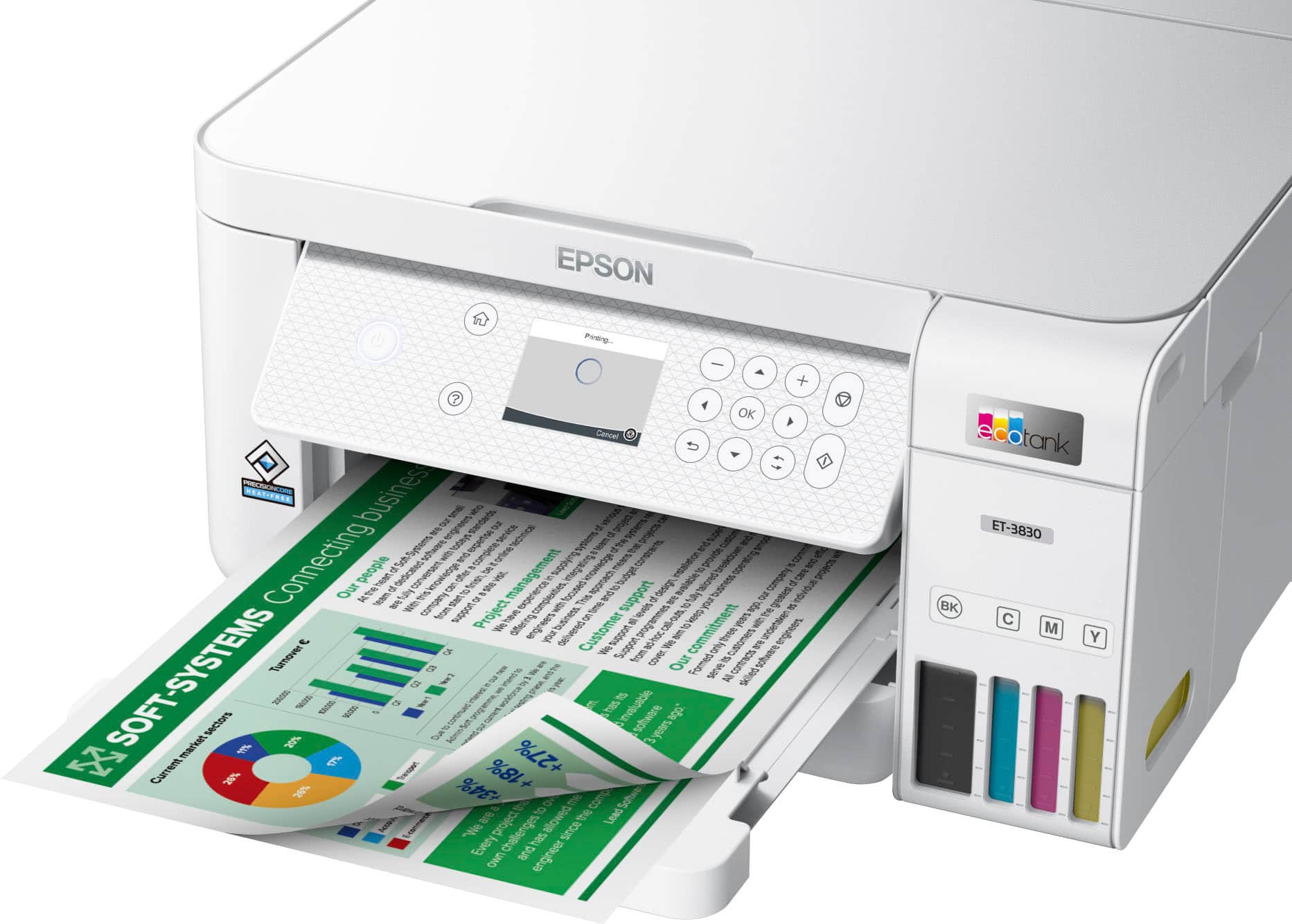
|Posted .This reviewer received promo considerations or sweepstakes entry for writing a review.The Epson - EcoTank ET-3830 All-in-One Cartridge-Free Supertank Printer is a well-designed printer with an easy-to-use color display and a well-executed set of functions that are easy to understand and figure out. Not only that I love the idea of a printer with tanks that you just fill up with ink bottles. What the heck took so long for printer manufacturers to come up with this idea? While I would much rather see printers have standard document feeders that can scan 15 pages at a time. Other than that I am very impressed with this Epson Eco=Tank printer. The small color on-screen settings functions were the easiest to navigate that I have seen and were simple to understand. I really appreciated the effort that was put in there. It did not take much time to get the printer up and running and the smartphone app and wireless capabilities are greatly appreciated. Another thing that I have never seen and really appreciate is a full slide-out paper tray for printed-out material. It is very well designed and thought out which seems to be an ongoing theme with this printer. This is my first Epson printer but I like what I am seeing. I would definitely recommend one to a friend or family member and has also caught my interest when looking for a new printer in the future!
I would recommend this to a friendEpson- EcoTank-3830 Printer
||Posted .This reviewer received promo considerations or sweepstakes entry for writing a review.Easy to set up and initiate. Print quality on colored illustrations is excellent. Anxious to see how long ink lasts. I have already printed more color illustrations than I ever did with new cartridges on my old printer.
I would recommend this to a friendGreat printer, wish the LCD was touch
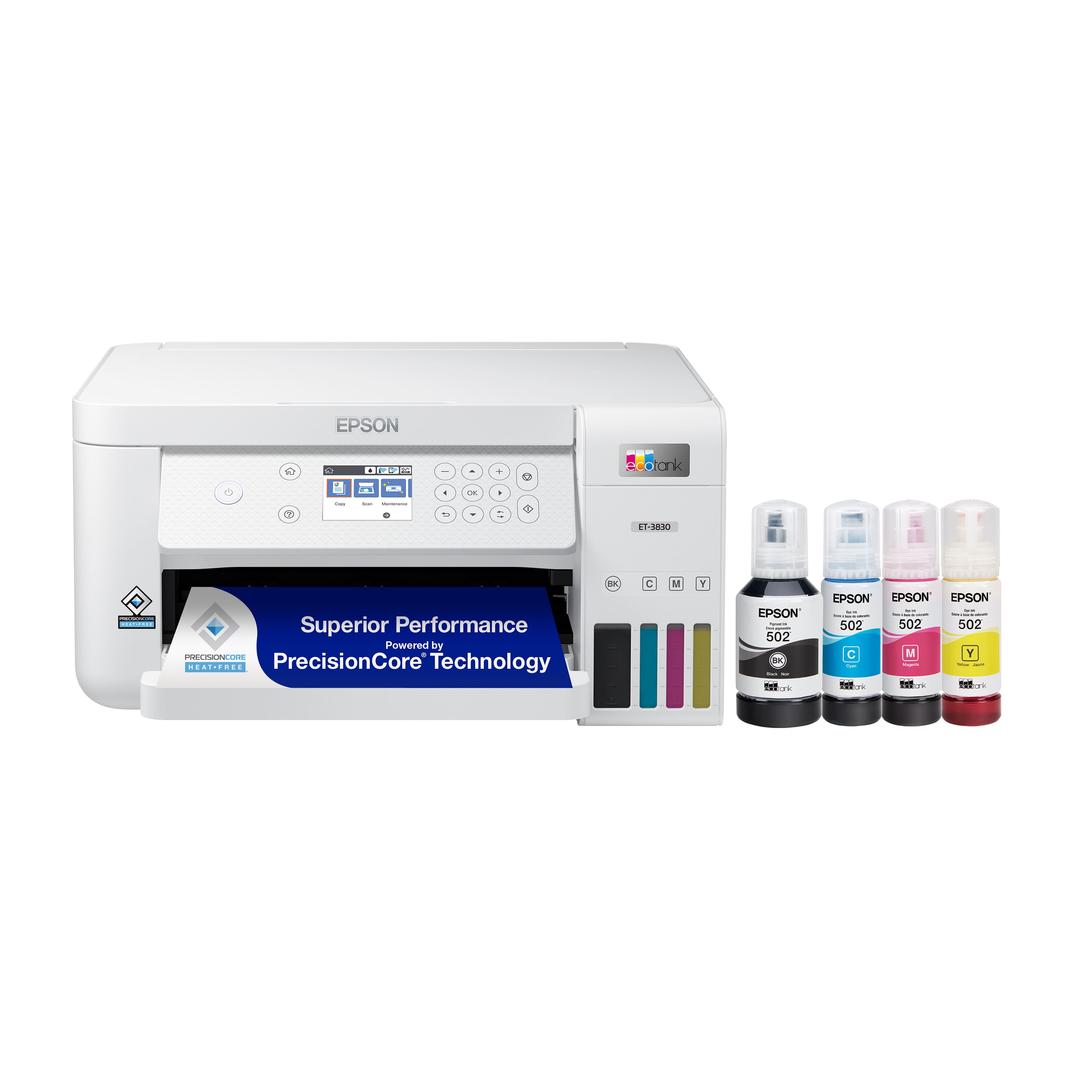
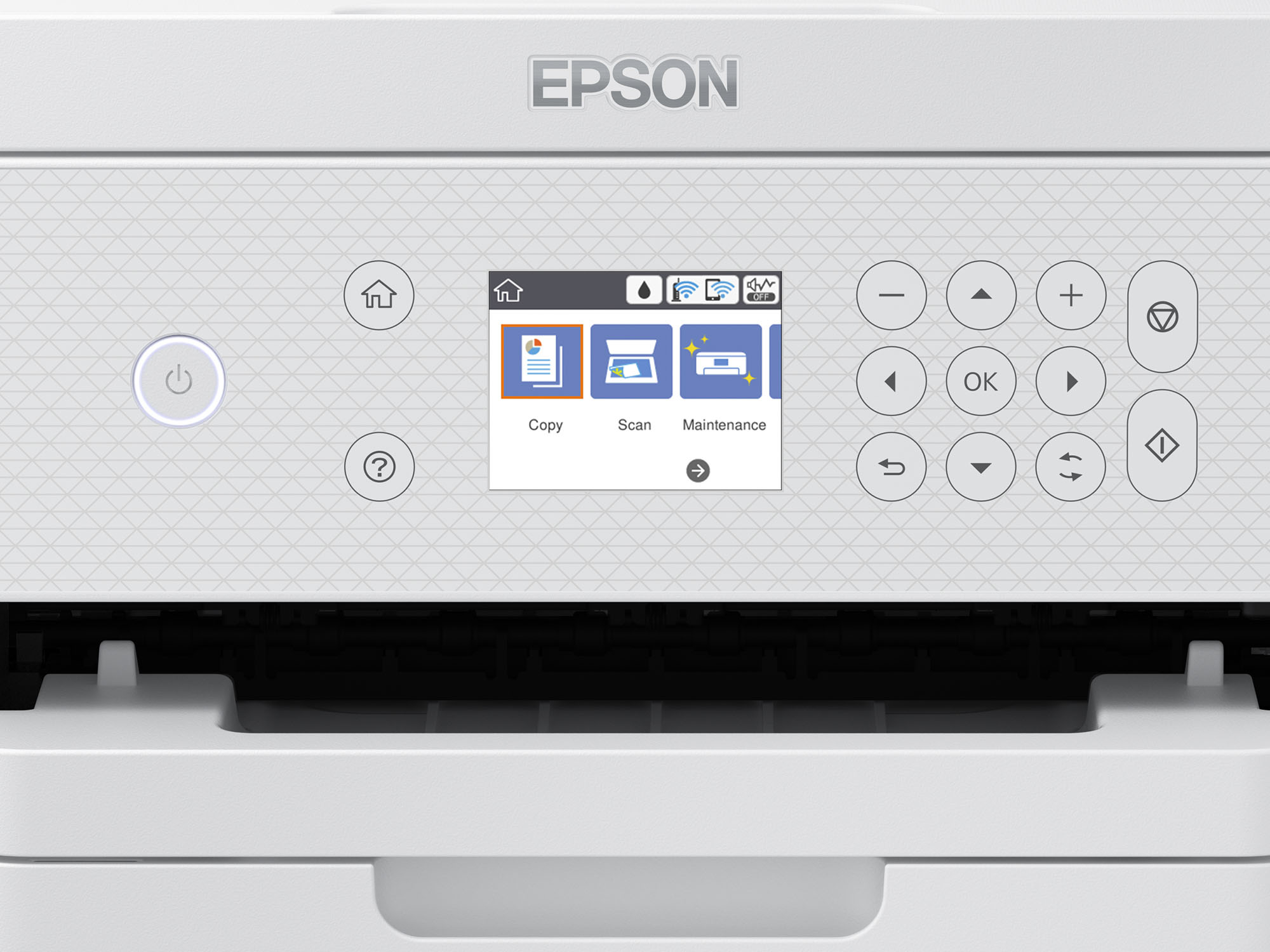
|Posted .This reviewer received promo considerations or sweepstakes entry for writing a review.Just opened the Epson ET-3830. The box contains the printer, a large bottle of black ink and 3 regular sized color inks, yellow, cyan and magenta, and a 110v power cord. I got the printer unboxed and out of the plastic, set it up on the desk and grabbed a handful of paper. Then I opened the setup guide because I always seem to struggle setting up printers. I see that there are two options, either by PC or with a smart phone. I chose to try my Android phone and scan the QR code in the quick set up guide. It takes me to Epson’s Smart Panel app in the play store and installs it. Does it work you ask? Yup, it sure does. I start up the app and just follow the prompts. It is set up like a text message from a friend. You just go step by step and by the end the printer is ready to print and is connected to your Wi-Fi. Adding ink to the EcoTank is a breeze. The bottles have two tabs that fit into slots/ports on the printer so there isn’t any mess. They take a minute or so to fill up and auto stop when the tank is full regardless of whether the bottle still has ink in it. That leads to less waste since the bottles print so many more sheets than a print cartridge. There are 5 tests to make sure it is aligned. I did them all, but really didn’t need to. Every choice I was given stayed with the default, but YMMV. And that’s it. It just works. I can connect wirelessly to my other PC’s, my phone and tablets and my Mac Mini. There is also a USB and Ethernet port in the back should you want to connect it that way. It has auto 2-sided printing and enough ink to print 7500 black ink pages and 6000 color pages. It may seem trivial but having front loading paper is important especially once you’ve used a printer that loads in the top or back. It holds half a ream (250 sheets) allowing for less loading and more productivity. My only disappointment is that the LCD is still not touchscreen. With the icon’s lit up, I forget and try pressing them all the time. Most if not all my other printers have touchscreen controls and I love them. Here, it’s another step or two depending on if I try and press the LCD screen first. If it were the only printer I used, I’m sure it wouldn’t be and issue. Muscle memory would take over after a few uses, but with multiple printers, I never seem comfortable with the directional and ‘ok’ buttons. That said, it’s a tiny inconvenience on an otherwise great printer. Some details off the box: Scan resolution is 1200x2400 dpi/ppp and print resolution is up to 4800x1200 dpi/ppp. ISO print speed is 15/8.0 ISOppm and two-sided ISO print speed is 6.5/4.5 ISOppm. I haven’t tested it, but the box states it works with Apple AirPrint.
I would recommend this to a friendExcellent automatic double-sided printer!
||Posted .This reviewer received promo considerations or sweepstakes entry for writing a review.Easy to setup, LOVE the automatic double sided printing, connected to our Wifi for wireless printing with no issues, and shipping was super quick. We homeschool, and a good printer is worth its weight in gold. We are very pleased with our new printer!
I would recommend this to a friendExcellent printer
||Posted . Owned for 1 month when reviewed.This reviewer received promo considerations or sweepstakes entry for writing a review.Has been an excellent printer. Faster than the one I had before! Very easy to load paper and refill ink.
I would recommend this to a friendGood little printer
||Posted . Owned for 10 months when reviewed.This reviewer received promo considerations or sweepstakes entry for writing a review.This is a good printer, easy to use, has good print quality, the ink lasts a long time, and the ink is much less expensive the replace than my previous HP printer. The first printer I brought home had some quirks and I ended up bringing it back to the store for a replacement of the same model (the power plug kept falling out of the back of the unit), and I found the icons for printing not intuitive to use, but I figured out a way to label the sequence of events so I would remember how to print. Previously to buying it, I had read reviews that this printer was easy to setup, but I found it difficult and time consuming to setup, and I consider myself a tech savvy person, having worked with computer my entire career. But all in all, now that I'm used to it I think this is a good printer for the price for what I need. I'd give it a 3.5 - 4.0 out of 5 stars. I recommend it if you are not a heavy printer user. Looking back, I do wish I had purchased the model that had a fax feature, since this model does not.
I would recommend this to a friendClear printing, wastes paper and ink
|Posted .This reviewer received promo considerations or sweepstakes entry for writing a review.So we were excited using this Epson ET-3830 as it comes with 1 year free ink. We soon realized that we would need a refill sooner than expected. Pros: This printer is a little more compact than other printers we have had. It leaves a smaller area foot print and is lighter than others. The paper feed tray is directly underneath and you don’t need to feed it from a back tray, thus preventing jams. I like also that the feeder tray for a completed print is the size of a normal 8.5x11 paper and can be adjusted forward. Connecting it to my home wifi was such a breeze, probably the easiest of any printer as I can input my information via the app on my smart phone and not have to use the small display on the printer. The print quality is really clear and smooth, especially for a ink-jet printer. Setting it up and connecting it using the Epson app was an enjoyable experience because it sets up like a text message feed. And that’s where things got frustrating… Cons: Set up again was a breeze…but it took over 10 minutes because there was so many steps to do. This was the first time I’ve used an Epson printer that required me to fill the ink cartridges once I open it from the box. Each of the four color cartridges comes with a bottle of ink that you physically have to fill (which takes approx 75 seconds to fill). The ink fill was not the worst or it. Printing out the adjustment pages was what was very annoying. I printed up 5 pages of comparisons that you need to judge in order to adjust and calibrate, almost like going to the Optometrist (1 or 2, 3 or 4, etc). All of this calibration could’ve been concentrated on less pages. Another frustrating point, was I did not use that much ink on this calibration set up, and already the ink levels dropped 20%! I had left over ink in the bottles and ended up using all of them and it still did not fill the cartridges all the way! I’m afraid to see how much is used on a daily/weekly basis with printing. I see now that the 1-year free would come in handy. Overall, I was very disappointed with this Epson ET-3830 for the reasons of wasting paper in initial set up and the ink usage for just a small amount of printing.
I would recommend this to a friendGreat printer
||Posted .This reviewer received promo considerations or sweepstakes entry for writing a review.The printer functions better than any HP printer than I have had. Setup was easier than expected. The only downside is the ink can be messy on occasion.
I would recommend this to a friendGreat printer for home and office
||Posted . Owned for 3 months when reviewed.This reviewer received promo considerations or sweepstakes entry for writing a review.I'm very happy with this purchase! The printer works quietly, prints fast and with high quality. Connecting to Wi-Fi was easy. I The cartridges are easy to replace. It's great for both documents and photos. Highly recommend!
I would recommend this to a friendVery pleased.
||Posted . Owned for 3 weeks when reviewed.This reviewer received promo considerations or sweepstakes entry for writing a review.This is the best printer! It was easy to set up. I have an iPad, a phone, and a desktop. First I installed the mobile devices. I put the desktop on hold for the moment, since I rarely use it. About two weeks later, I needed a document that was only on the desktop, so I figured I would have to set it up. I turned the computer on, got the document and low and behold, the printer was already set up. I was very pleased, since past printers have been, let’s say, less than easy to deal with. The print quality is good. I haven’t had color capability for a while, because I always get laser printers, which is an added bonus. The tank method is the way to go!
I would recommend this to a friend