Customer Ratings & Reviews
.](https://pisces.bbystatic.com/image2/BestBuy_US/images/products/ae1649ec-8302-4f88-8b9b-d104978b3f04.jpg)
. 1 Most features require an Internet connection to the printer, as well as an Internet- and/or email-enabled device. For a list of Epson Connect enabled printers and compatible devices and apps, visit [www.epson.com/connect](http://www.epson.com/connect).](https://pisces.bbystatic.com/image2/BestBuy_US/images/products/9c542c50-85ee-4815-a2ca-cf245f57e253.jpg)

- Model:
- C11CJ62201
- SKU:
- 6470012
Rating by feature
- Value
Rating 4.6 out of 5 stars
- Quality
Rating 4.6 out of 5 stars
- Ease of Use
Rating 4.5 out of 5 stars
Customers are saying
Customers are impressed with the EcoTank ET-3830's print quality and ease of use. Many also appreciate its overall performance and simple setup. Some customers feel the printer is overpriced, and a few wish it had a better display and a document feeder.
This summary was generated by AI based on customer reviews.
A great improvement over the original model
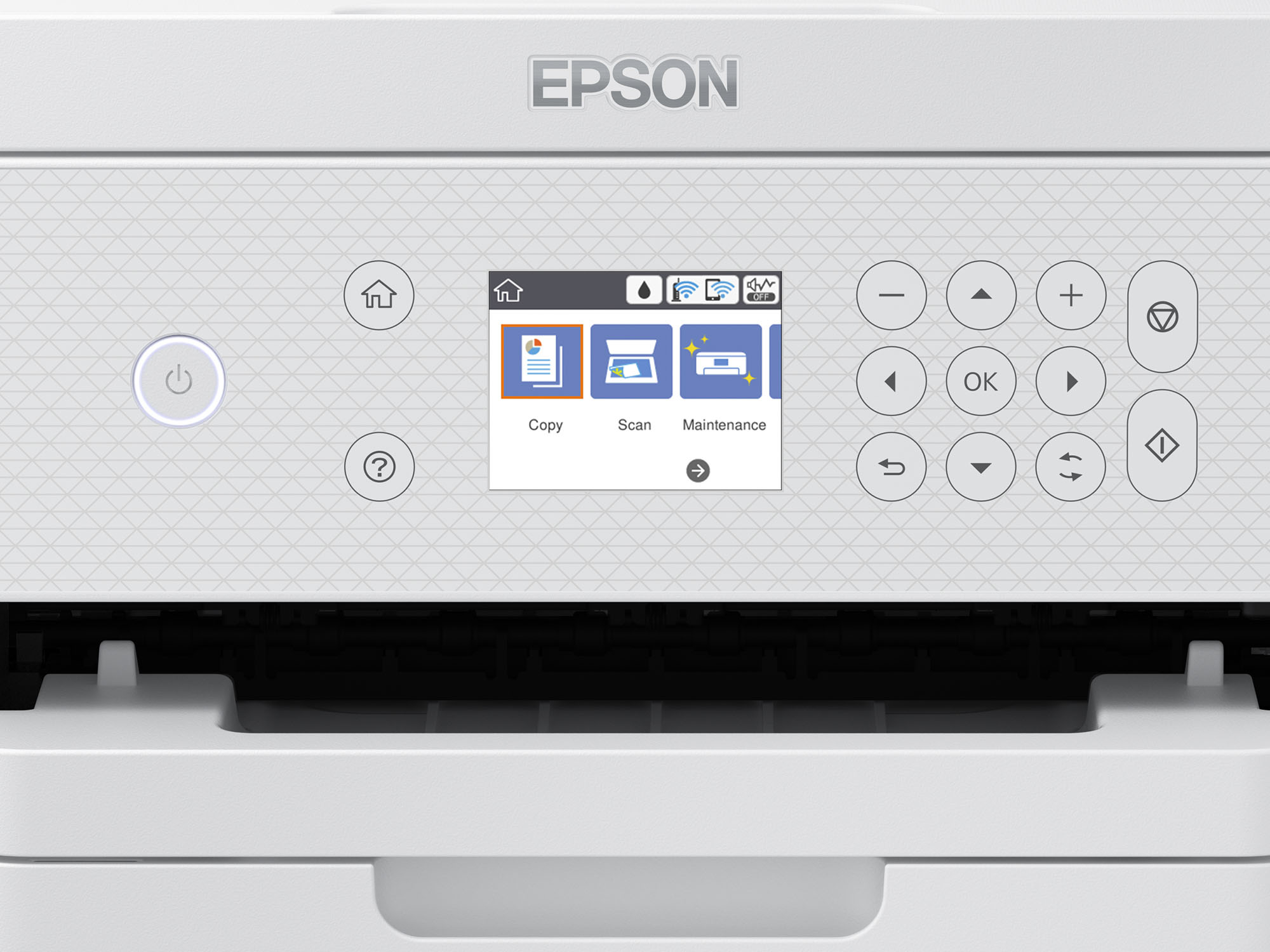
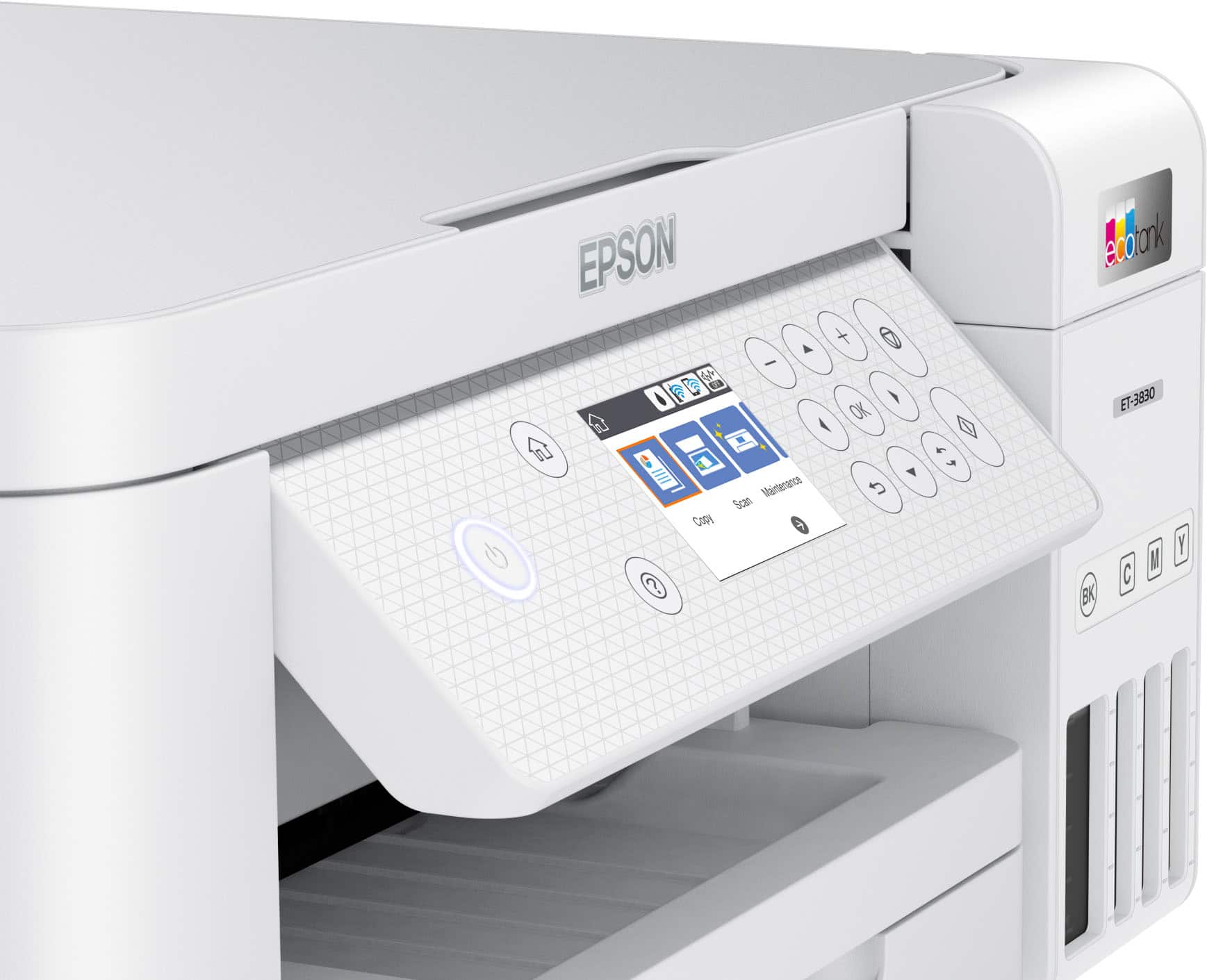
||Posted . Owned for 2 weeks when reviewed.This reviewer received promo considerations or sweepstakes entry for writing a review.Much easier to fill ink tanks. Much better control screen. Double sided printing is a paper saver.
I would recommend this to a friendJess
||Posted . Owned for 3 weeks when reviewed.This reviewer received promo considerations or sweepstakes entry for writing a review.having trouble to set up my printer to print photos. I am also having trouble setting it up to print black and white. I even tried YouTube and there isn't many videos.
No, I would not recommend this to a friendLess ink waste
||Posted . Owned for 1 week when reviewed.This reviewer received promo considerations or sweepstakes entry for writing a review.Purchased with hope of wasting less ink constantly buying new ones. Purchased on Black Friday
I would recommend this to a friendprinter
||Posted . Owned for 1 month when reviewed.This reviewer received promo considerations or sweepstakes entry for writing a review.It's clunky and loud and I found the same printer at Office Max the next week for $200 less!
No, I would not recommend this to a friend- Cons mentioned:Display
Disappointed
||Posted . Owned for 3 weeks when reviewed.This reviewer received promo considerations or sweepstakes entry for writing a review.Can’t print double sided and the color display is very poor
No, I would not recommend this to a friend Workd great!
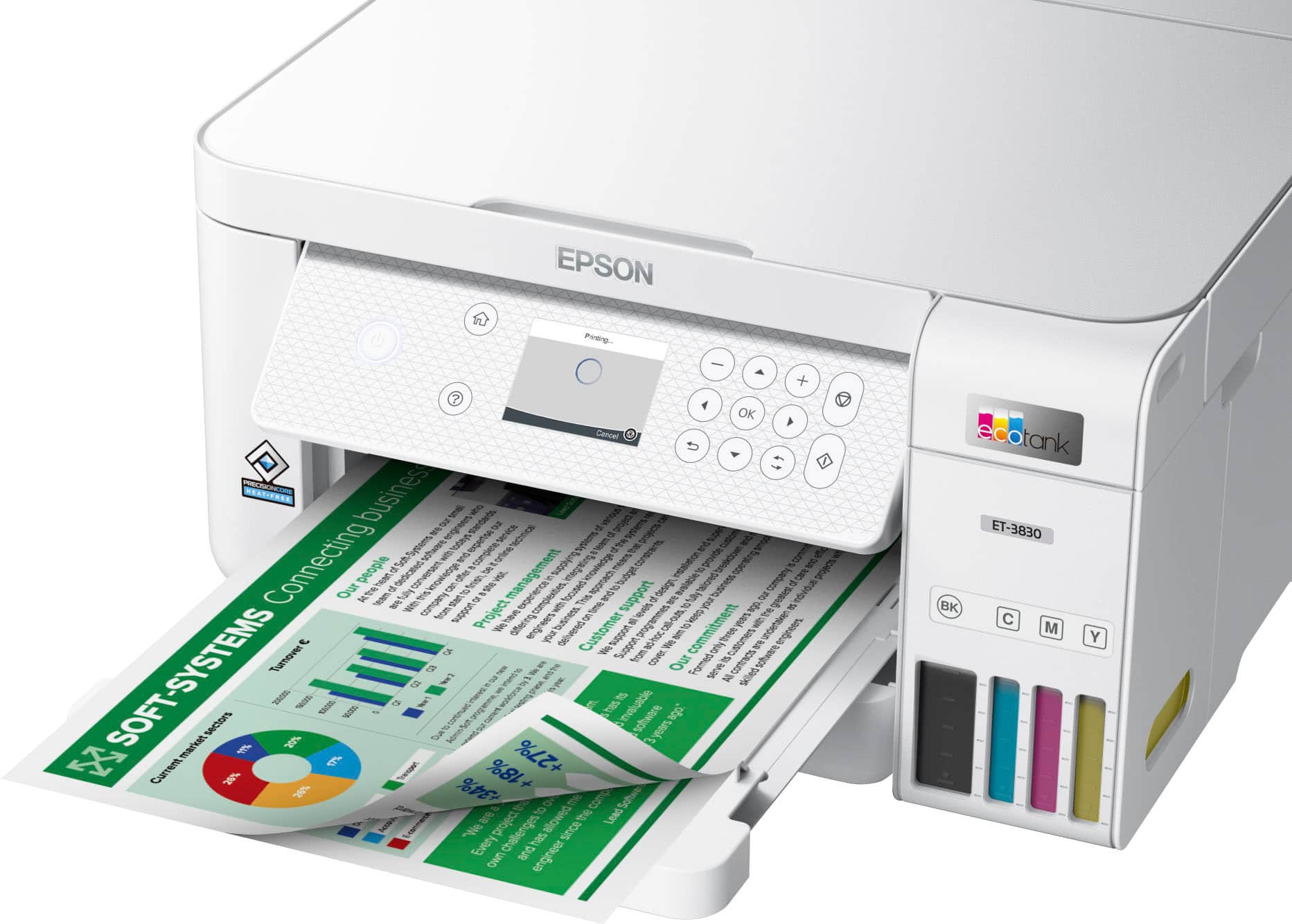
||Posted . Owned for 2 weeks when reviewed.This reviewer received promo considerations or sweepstakes entry for writing a review.Clean prints and double sided printing. See what happens when refill needed.
I would recommend this to a friend- Pros mentioned:Print quality, SizeCons mentioned:Display

This is how printers should refill
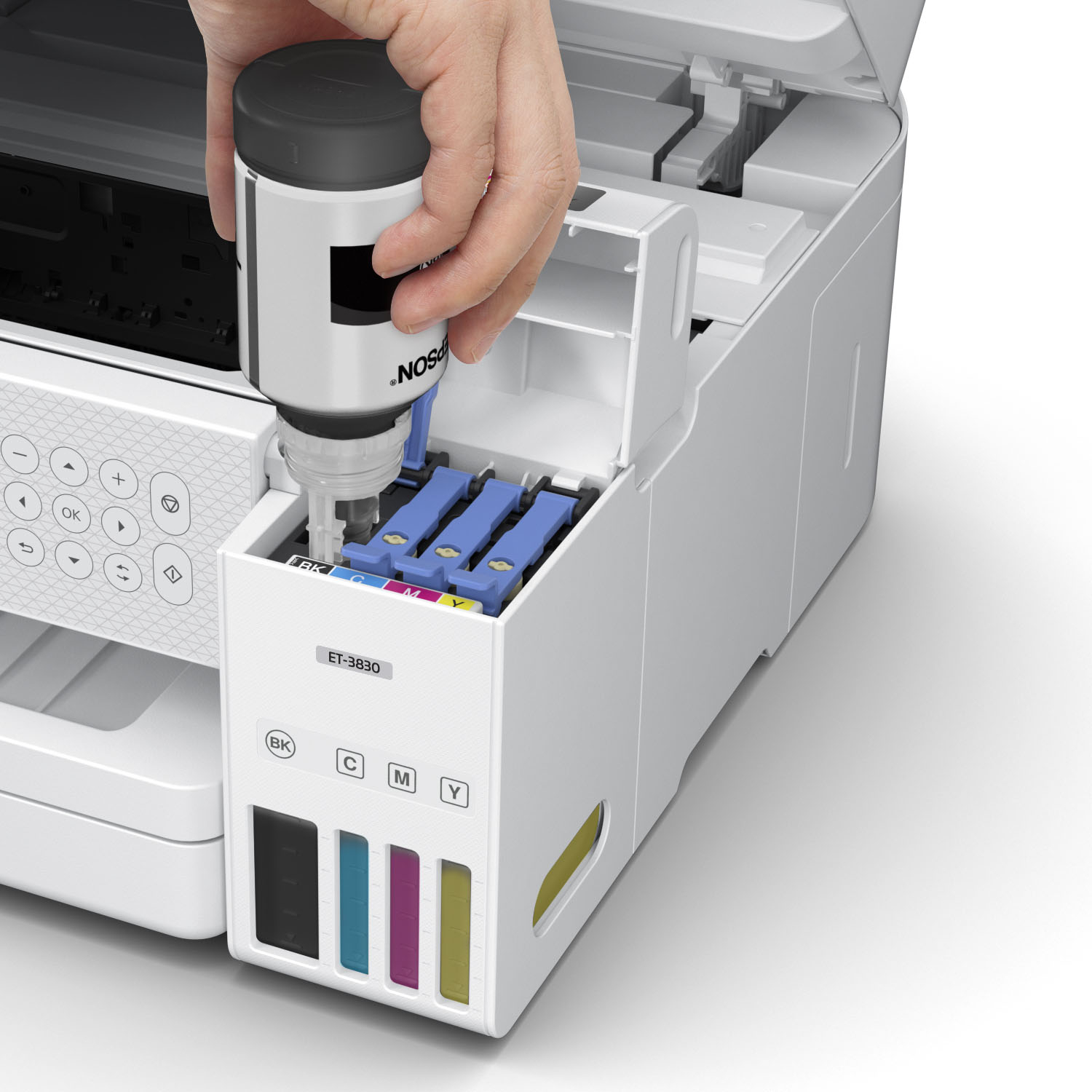
|Posted .This reviewer received promo considerations or sweepstakes entry for writing a review.It took this long to figure out the best way to refill printer ink. I remember not too long ago I would sometimes opt to just buy a new printer instead of buying the overly expensive ink refills when it came time to replace print cartridges. That usually meant the old printer would go to the donation pile or be gifted to family or friend. It all seemed very wasteful to me because well, it was! I was very curious to see Epson's take on ink refills and now I see that this is the future. I was skeptical about handling the ink refills and pouring the refills in the printer. I thought for sure it was going to be messy. It wasn't. Not at all. It was very easy to do and while it takes longer to complete the initial setup (about 10 minutes), the result is very much worth it as you get about 7500 prints in black and white and 6000 prints of color until you need to spend another 10 minutes refilling the printer. The actual prints are so good I could easily mistake them for a laser print. You're going to have the best ink jet prints available. The prints do not smudge and the color prints are equally as impressive with a wide range of realistic colors. The phone app with this works very well while I feel the User Interface could use an update, it gets the job done. Scanning a document to email using WSD in Windows worked great and copying a photo was just as easy and yielded exceptional results. My only con is that the display screen is not a touchscreen. I found myself missing the ease of use that a touchscreen offers. My other printers all have touchscreens so its just something I missed. Not by any means a deal breaker. I love to compact size of this all in one printer and I think I've found my favorite printer. I recommend this for your home or office!
I would recommend this to a friend Color
||Posted . Owned for 3 weeks when reviewed.This reviewer received promo considerations or sweepstakes entry for writing a review.Printer would not print in color.returned it for another printer
No, I would not recommend this to a friendBrand response from Epson
Posted .Hi JamesF, we value your business, and will be sure to pass your feedback along to our product teams. Best, Joseph – The Epson Team.

- Pros mentioned:Setup, Size
Great little printer
Posted .This reviewer received promo considerations or sweepstakes entry for writing a review.So far, I’m about a month in on this printer and it’s been great. Setup was pretty much plug-and-play. We have no problem printing from the pc, iPad, or cell phones. It does all that my previous printer did, but in a smaller footprint. Only time will tell on longevity and ink usage, but so far so good. Very.happy with my purchase.
I would recommend this to a friend Moderate
||Posted . Owned for 1 week when reviewed.This reviewer received promo considerations or sweepstakes entry for writing a review.It needs alot of improvments,but the ink was the only thing that actually holds up.its agood on saving ink.the resolution is to dark tho.i dont recommend for pictures.if u need to prints paper work its good but not designs or pictures.
No, I would not recommend this to a friendBrand response from Epson
Posted .Hello PEQUENO, we appreciate your feedback on the ET-3830 printer. Epson considers all feedback to improve the performance and quality of our products. Epson also provides helpful information on FAQs and self-help tools on the product support web page at https://epson.com/Support/Printers/All-In-Ones/ET-Series/Epson-ET-3830/s/SPT_C11CJ62201#questions. Additionally, your printer includes a 1-year Limited Warranty plus free lifetime technical support. Please contact our support team directly at (562) 276-4382 between 7 am - 4 pm (PT), Monday - Friday, if you need further assistance.
Sincerely, Sam - The Epson Team
Epson EcoTank ET-3830
||Posted . Owned for 1 month when reviewed.This reviewer received promo considerations or sweepstakes entry for writing a review.So far is working very good. I am very happy with the printer
I would recommend this to a friendUnsatisfactory
||Posted . Owned for 1 month when reviewed.This reviewer received promo considerations or sweepstakes entry for writing a review.The output isn’t as clear as my other printer…not really thrilled with the product
No, I would not recommend this to a friendBrand response from Epson
Posted .Hello DanieljR, we apologize for your disappointing experience with the ET-3830 printer. Epson considers all feedback to improve the performance and quality of our products. Epson also provides helpful information on FAQs and self-help tools on the product support web page at https://epson.com/Support/Printers/All-In-Ones/ET-Series/Epson-ET-3830/s/SPT_C11CJ62201#questions. Your printer also includes a 1-year Limited Warranty plus free lifetime technical support. Please contact our support team at (562) 276-4382 between 7 am - 4 pm (PT), Monday - Friday, if you need further assistance.
Sincerely, Sam - The Epson Team
Jazzy
||Posted . Owned for 3 months when reviewed.This reviewer received promo considerations or sweepstakes entry for writing a review.I got this from my daughter on a birthday she seems to be very happy with it so it's all good
I would recommend this to a friendEpson printer
||Posted . Owned for 3 weeks when reviewed.This reviewer received promo considerations or sweepstakes entry for writing a review.Love this printer! Saving on ink is worth the extra cost!
I would recommend this to a friendPerfect Printer
||Posted . Owned for 1 month when reviewed.This reviewer received promo considerations or sweepstakes entry for writing a review.Perfect printer for my business. I highly recommend this
I would recommend this to a friendNO REMOTE PRINTING
||Posted . Owned for 1 month when reviewed.This reviewer received promo considerations or sweepstakes entry for writing a review.WILL NOT CONNECT TO LAPTOP OR WIFI AND SAYS IT CAN NOT CONNECT I TRIED EVERYHING
No, I would not recommend this to a friendPaper Eater
||Posted . Owned for 3 weeks when reviewed.This reviewer received promo considerations or sweepstakes entry for writing a review.Not happy with my purchase paper jams all the time. Making me waste so much paper
No, I would not recommend this to a friendBrand response from Epson
Posted .Hello CraftQueen77, we apologize for your disappointing experience with the ET-3830 printer. Epson considers all feedback to improve the performance and quality of our products. Epson provides helpful information, including FAQs and self-help tools, on the product support web page at https://epson.com/Support/Printers/All-In-Ones/ET-Series/Epson-ET-3830/s/SPT_C11CJ62201#questions. Additionally, your printer includes a 1-year Limited Warranty, plus free lifetime technical support. Please get in touch with our support team directly at (562) 276-4382 between 7 am - 4 pm (PT), Monday - Friday, if you need assistance. Sincerely, Sam - The Epson Team
- Pros mentioned:Print quality, Size
Good printer/scanner/fax that uses bottles of ink
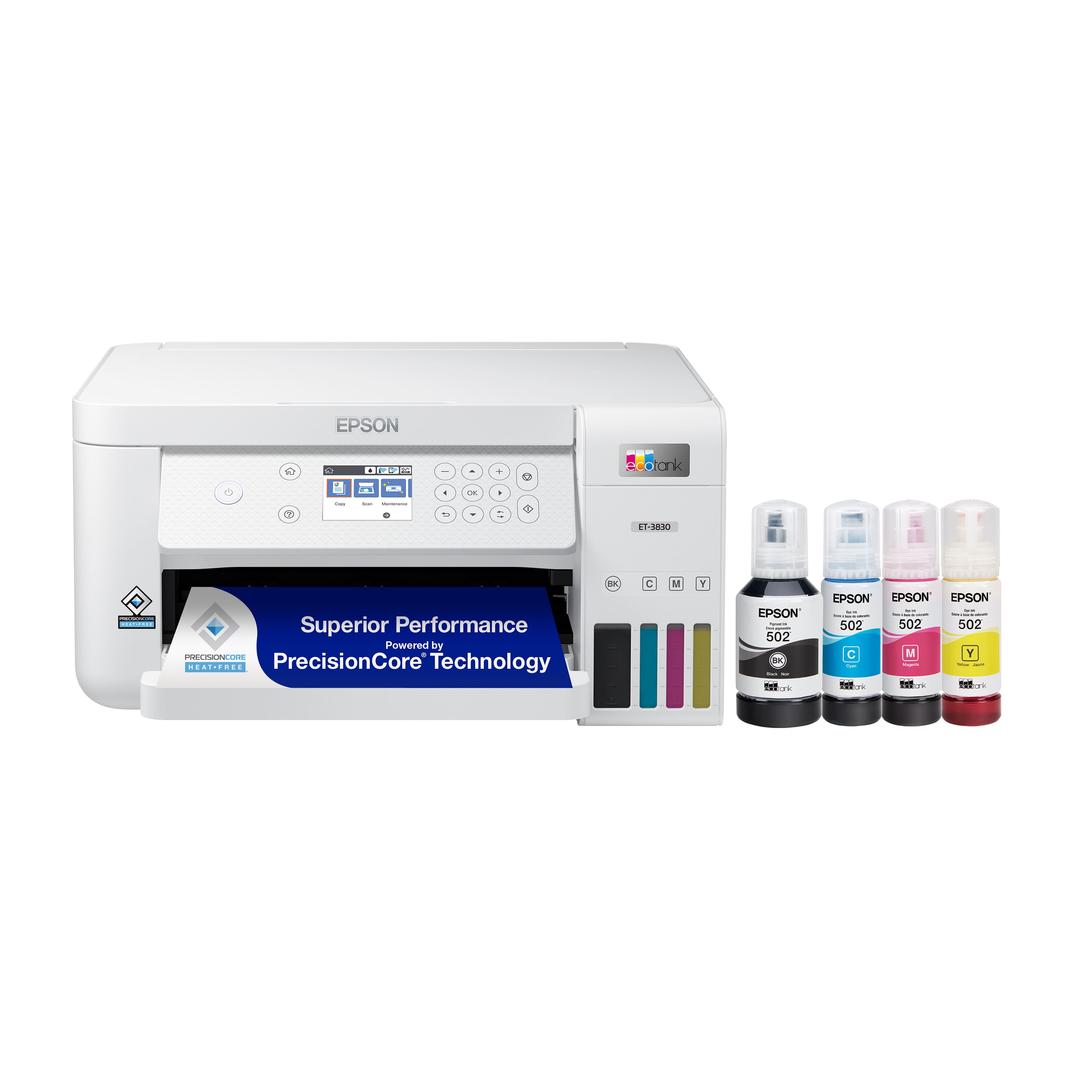
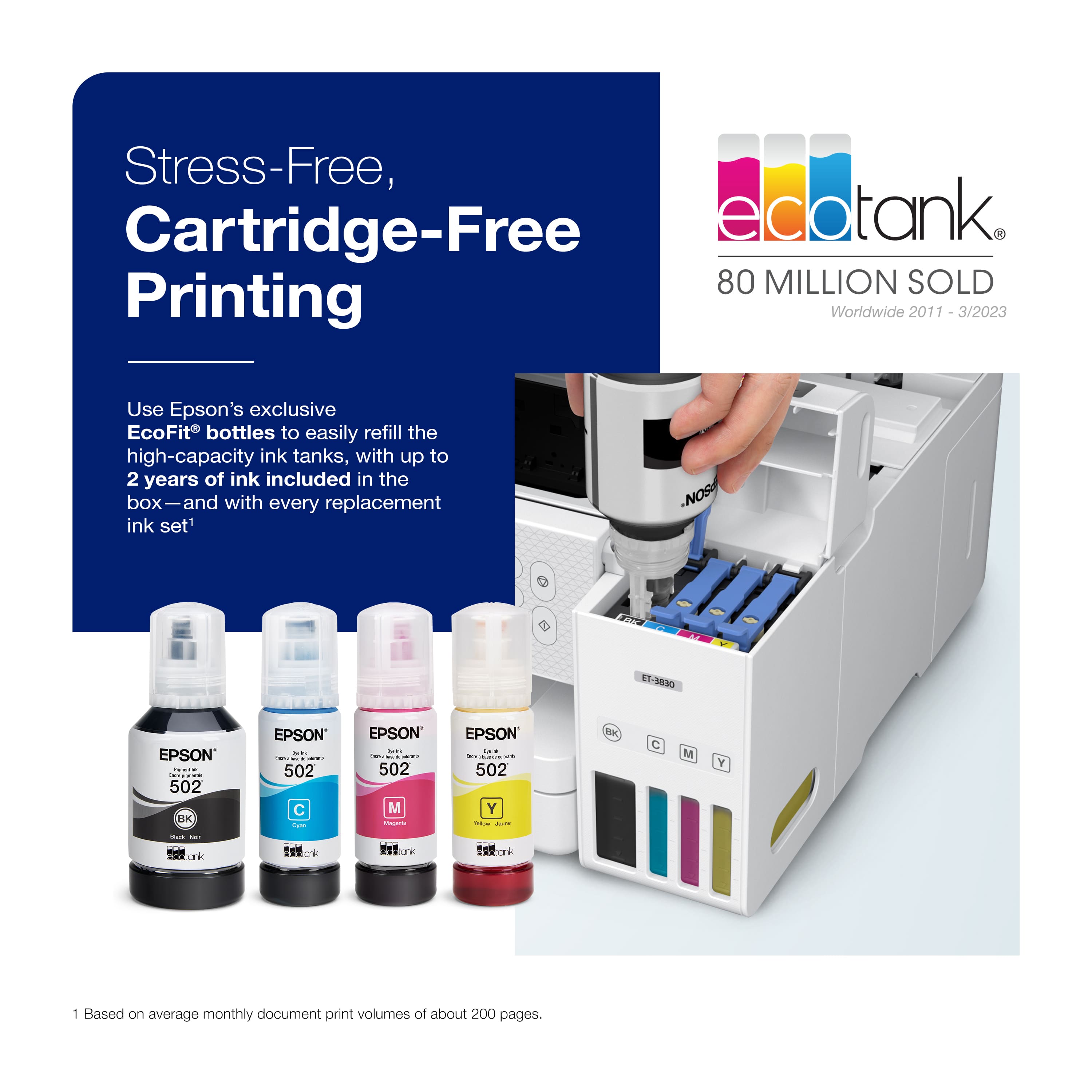
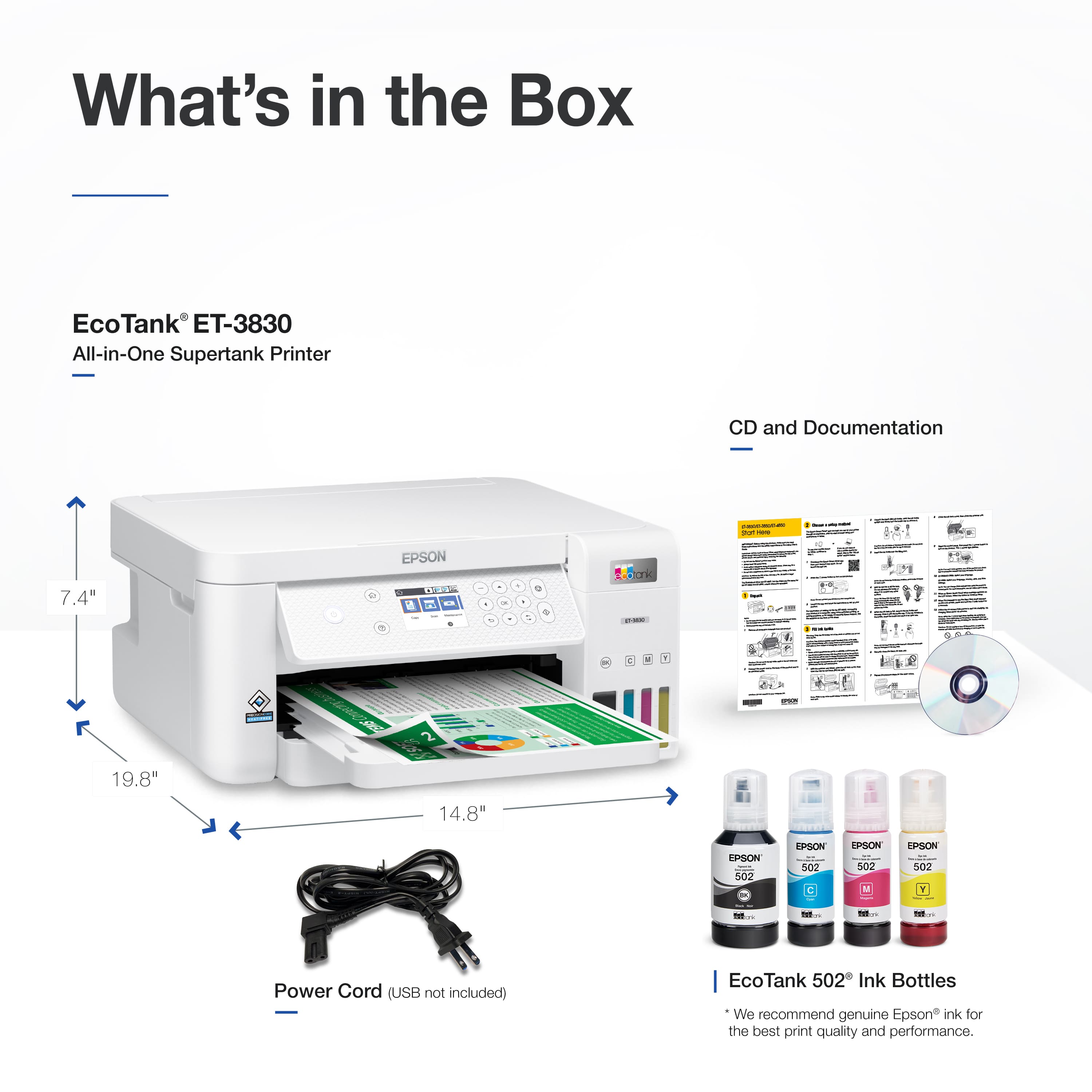
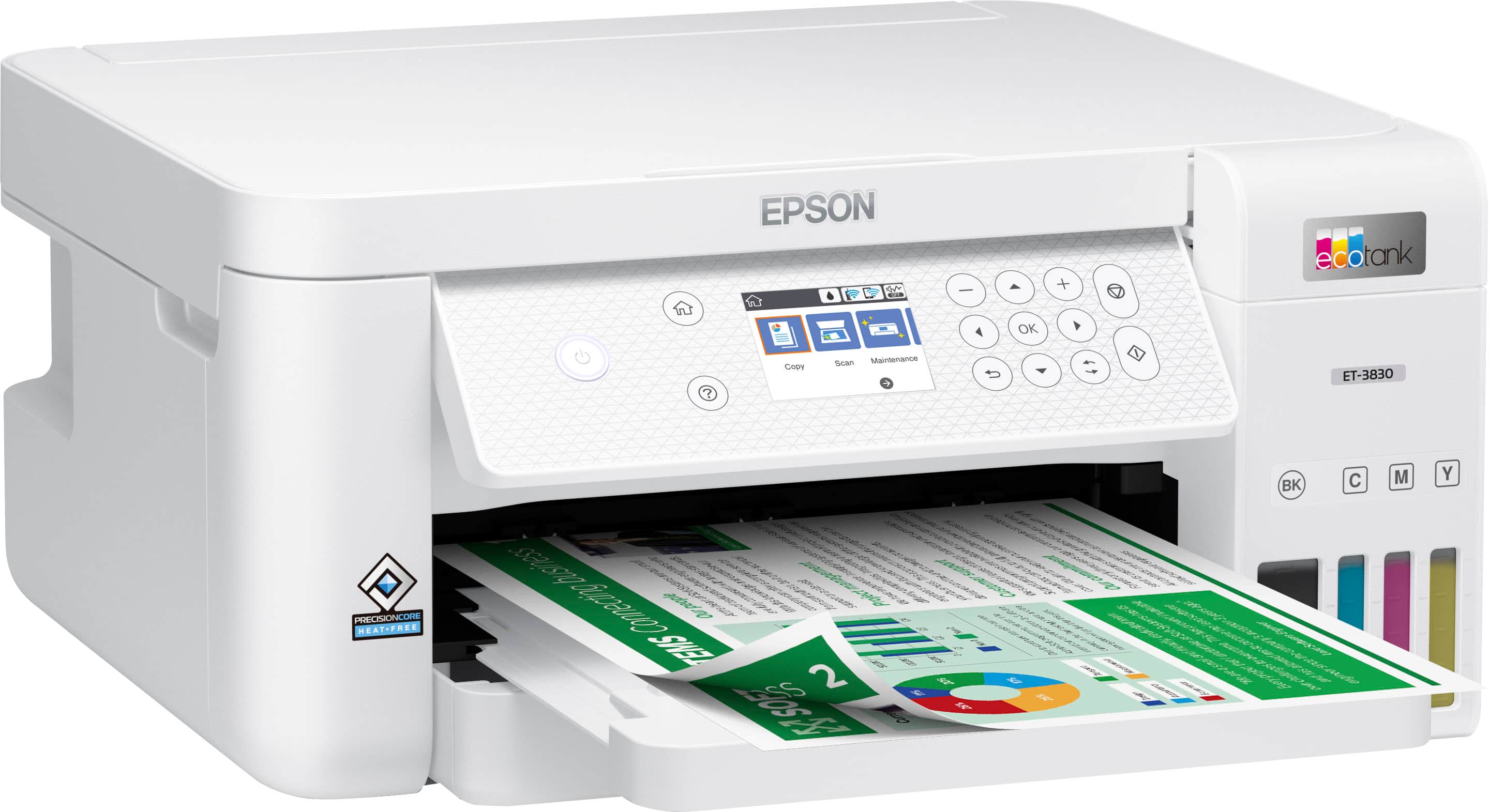
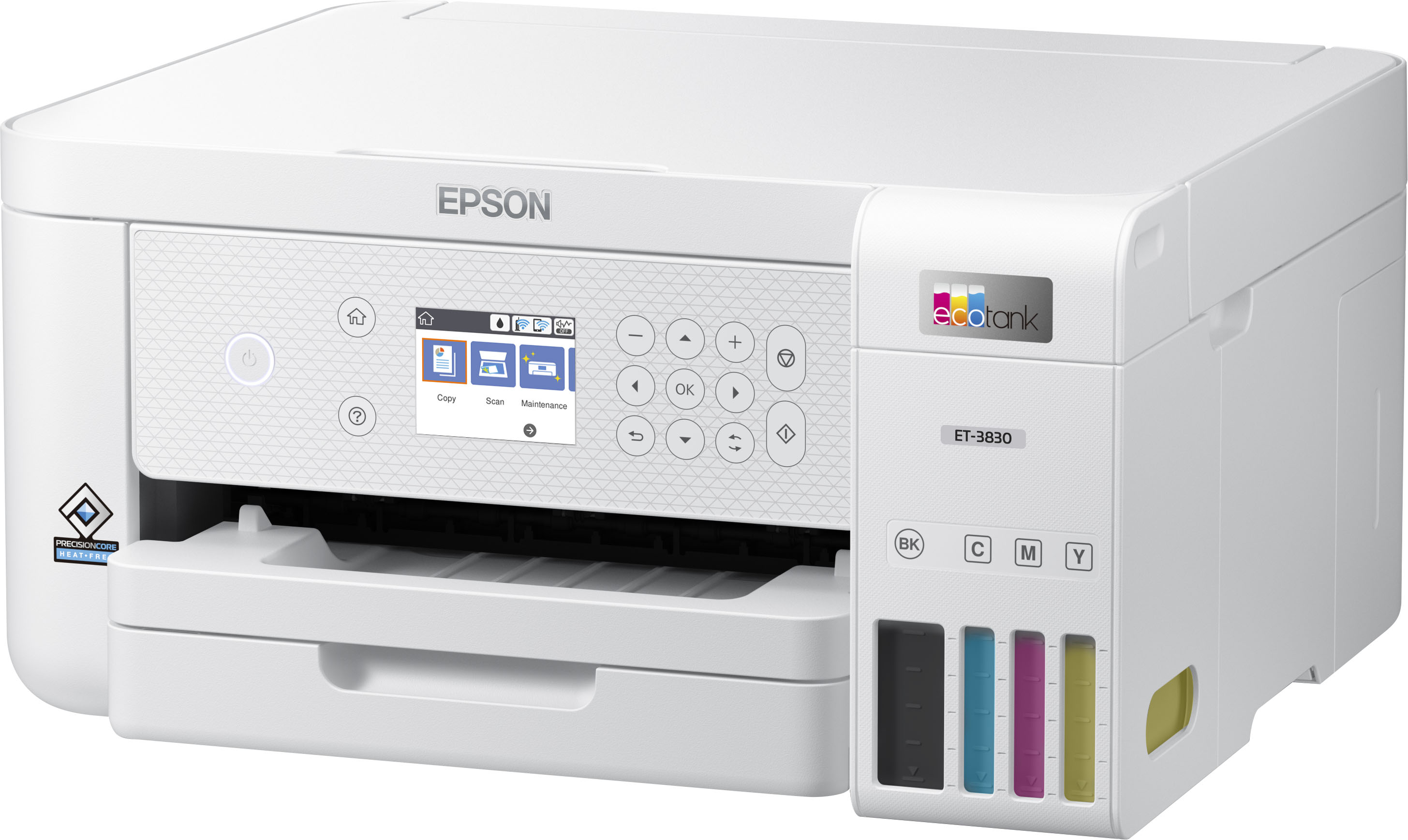
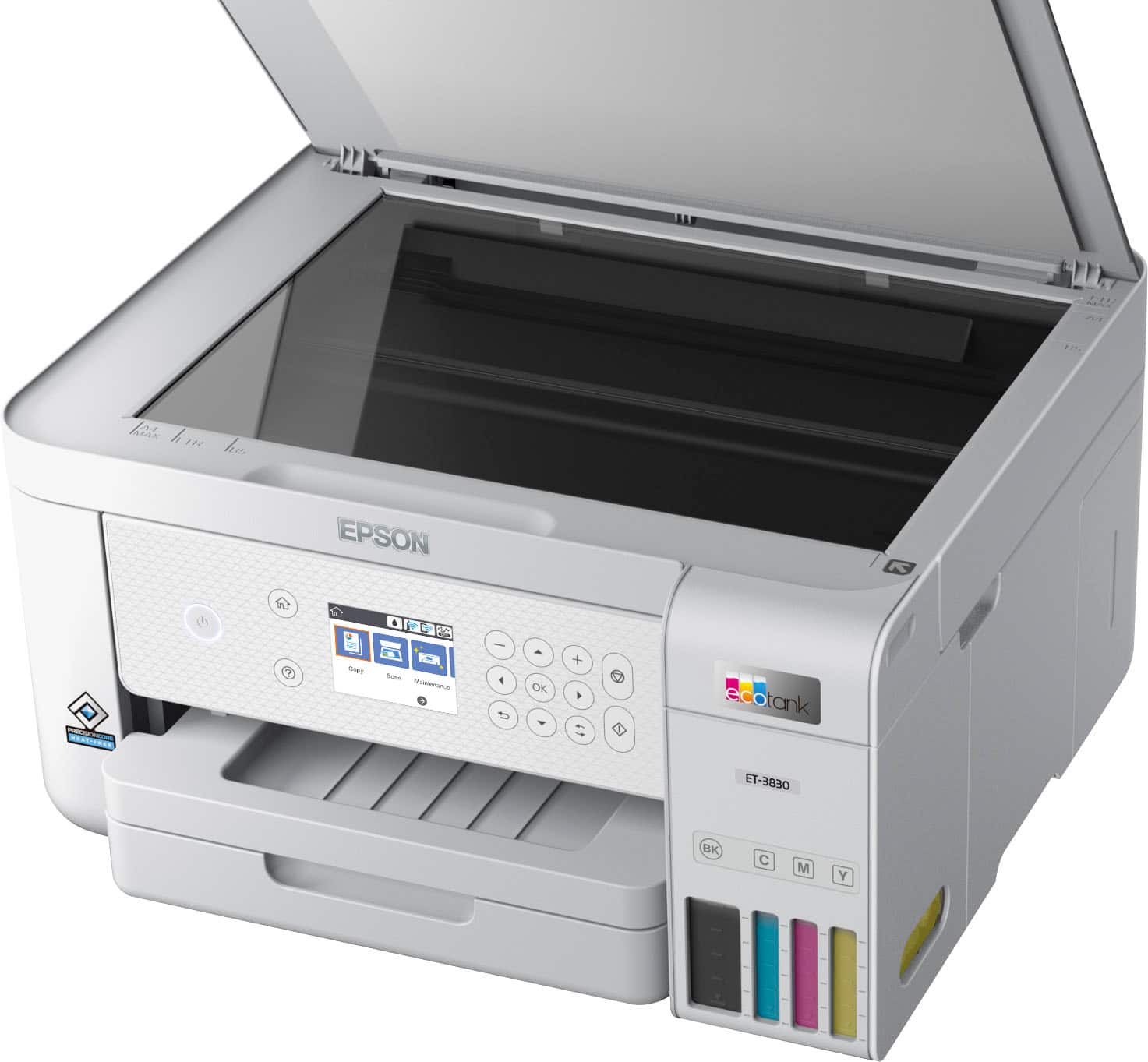
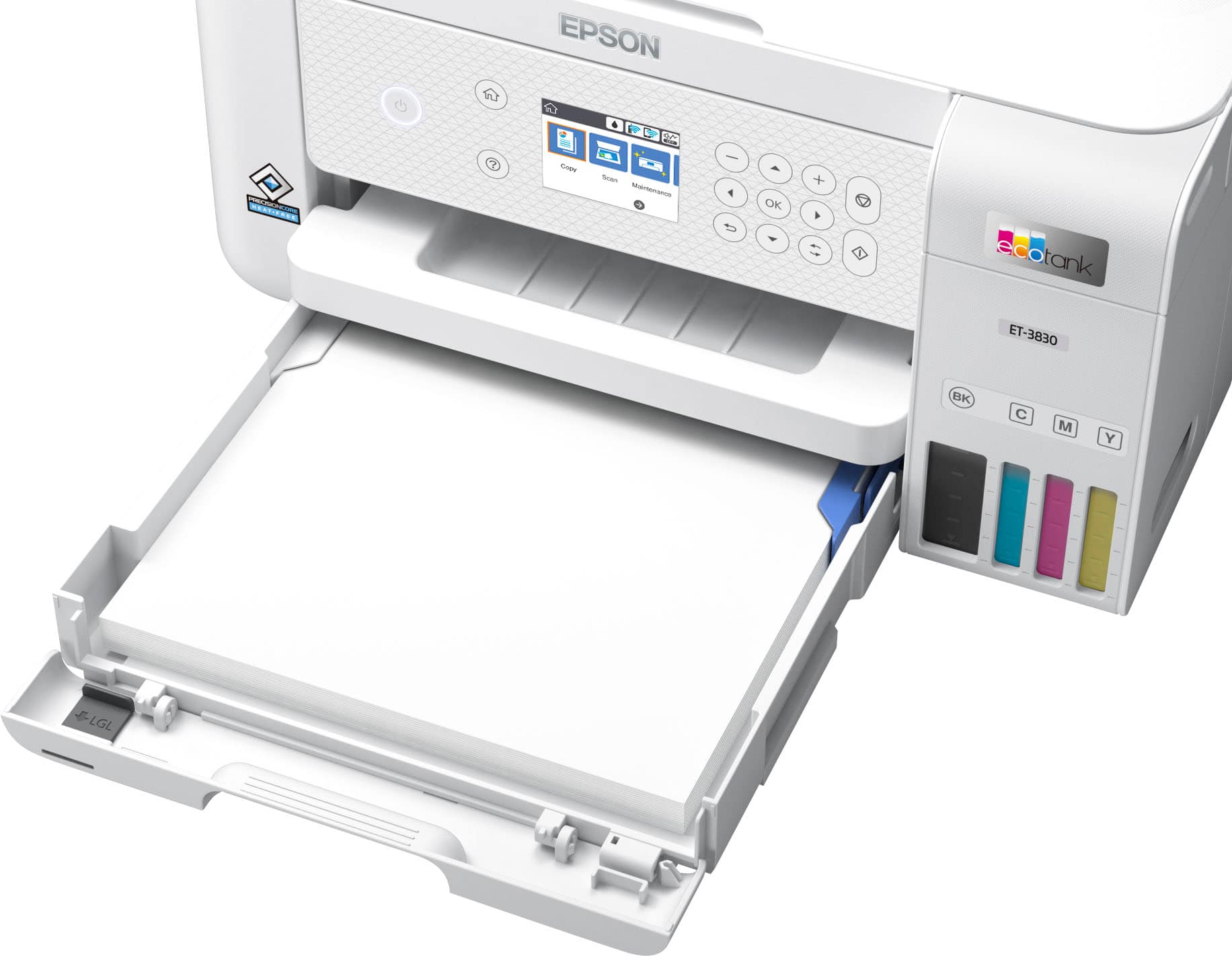
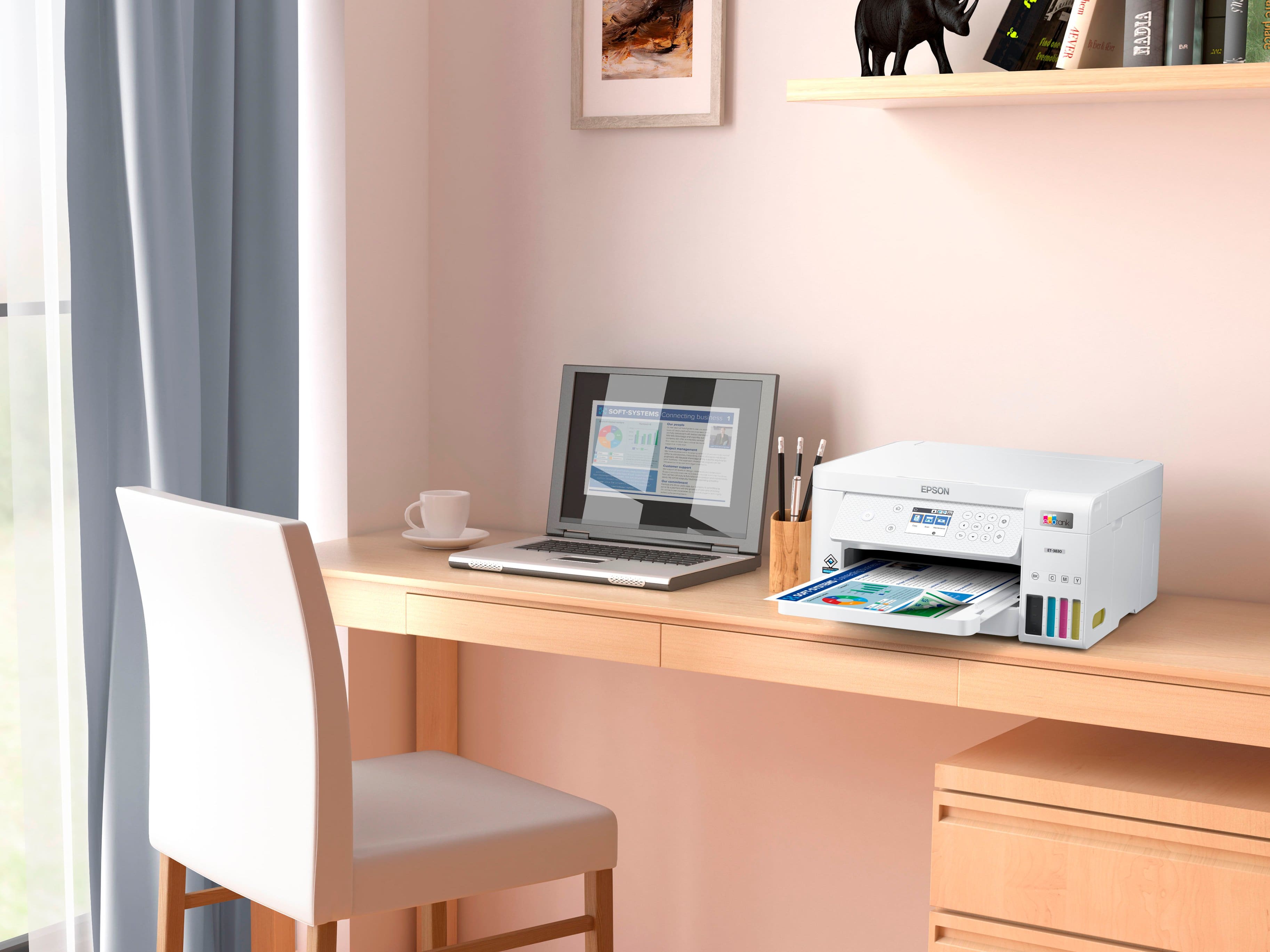
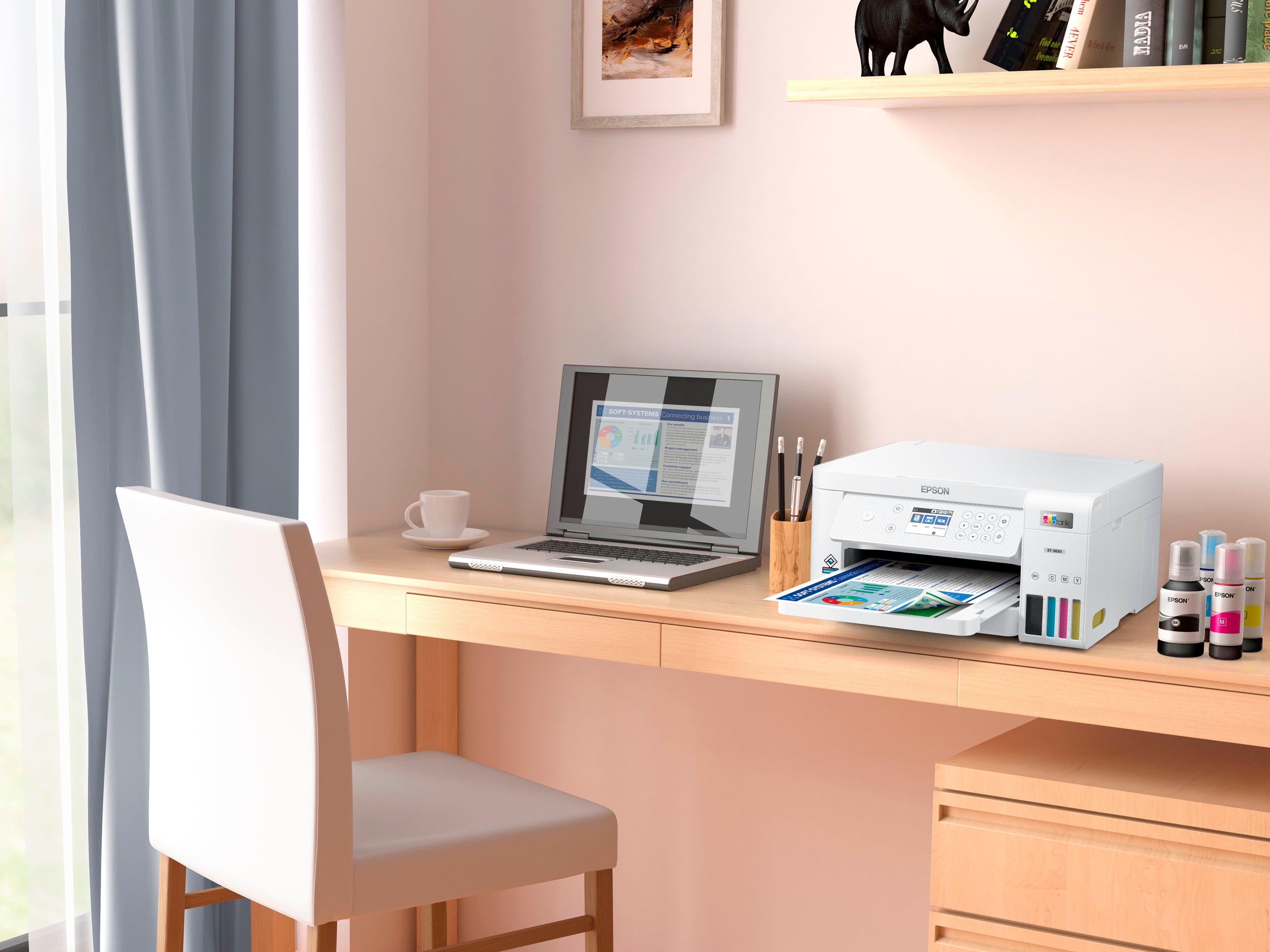
|Posted .This reviewer received promo considerations or sweepstakes entry for writing a review.I don't print things that often and it seems like every time I need to, my printer doesn't work properly. Usually the print cartridges are low (or out) or dried up from lack of use. I figured I'd try an Epson Ecotank printer, which has no cartridges, to see if it's any better. It comes with four bottles of ink (black, cyan, magenta & yellow) and you fill the tanks in the printer with the ink. If you need more ink, you just buy more bottles. You can see the ink levels in the tanks, so it's pretty easy to tell when you're getting low. From what I saw online, new bottles sell between $20 and $30, the black bottles are closer to $30 because they're bigger (since most of us use more black ink than colors). The printer is pretty small, fits easily on my desk. It's 14 1/2 inches wide, 13 1/2 inches deep and 7 inches tall. It prints well and the scan function is very easy to use. Epson includes a CD with the software if you're going to use a PC, but it also has apps for Android and Apple if you want to use your phone or tablet. From your PC or other device, you can connect wirelessly or via USB or Ethernet.
I would recommend this to a friend Not a good buy
||Posted . Owned for 3 weeks when reviewed.This reviewer received promo considerations or sweepstakes entry for writing a review.Brand new and will not do the firmware update. Prints pages without anything being sent to it. Constantly checking itself. Very bad buy for me.
No, I would not recommend this to a friendBrand response from Epson
Posted .Hello Marne, we're sorry to hear about your disappointing experience with the ET-3830 printer. Epson considers all feedback to improve the performance and quality of our products. Epson provides helpful information, including FAQs and self-help tools, on the product support web page at https://epson.com/Support/Printers/All-In-Ones/ET-Series/Epson-ET-3830/s/SPT_C11CJ62201#questions. Additionally, your printer includes a 1-year Limited Warranty, plus free lifetime technical support. Please reach our support team directly at (562) 276-4382 between 7 am - 4 pm (PT), Monday - Friday if you need any assistance.
Sincerely, Sam - The Epson Team.
Epson printer
||Posted .This reviewer received promo considerations or sweepstakes entry for writing a review.Did not like printer. Does not scan like the all in one printers.
No, I would not recommend this to a friend