Customer Ratings & Reviews
.](https://pisces.bbystatic.com/image2/BestBuy_US/images/products/ae1649ec-8302-4f88-8b9b-d104978b3f04.jpg)
. 1 Most features require an Internet connection to the printer, as well as an Internet- and/or email-enabled device. For a list of Epson Connect enabled printers and compatible devices and apps, visit [www.epson.com/connect](http://www.epson.com/connect).](https://pisces.bbystatic.com/image2/BestBuy_US/images/products/9c542c50-85ee-4815-a2ca-cf245f57e253.jpg)
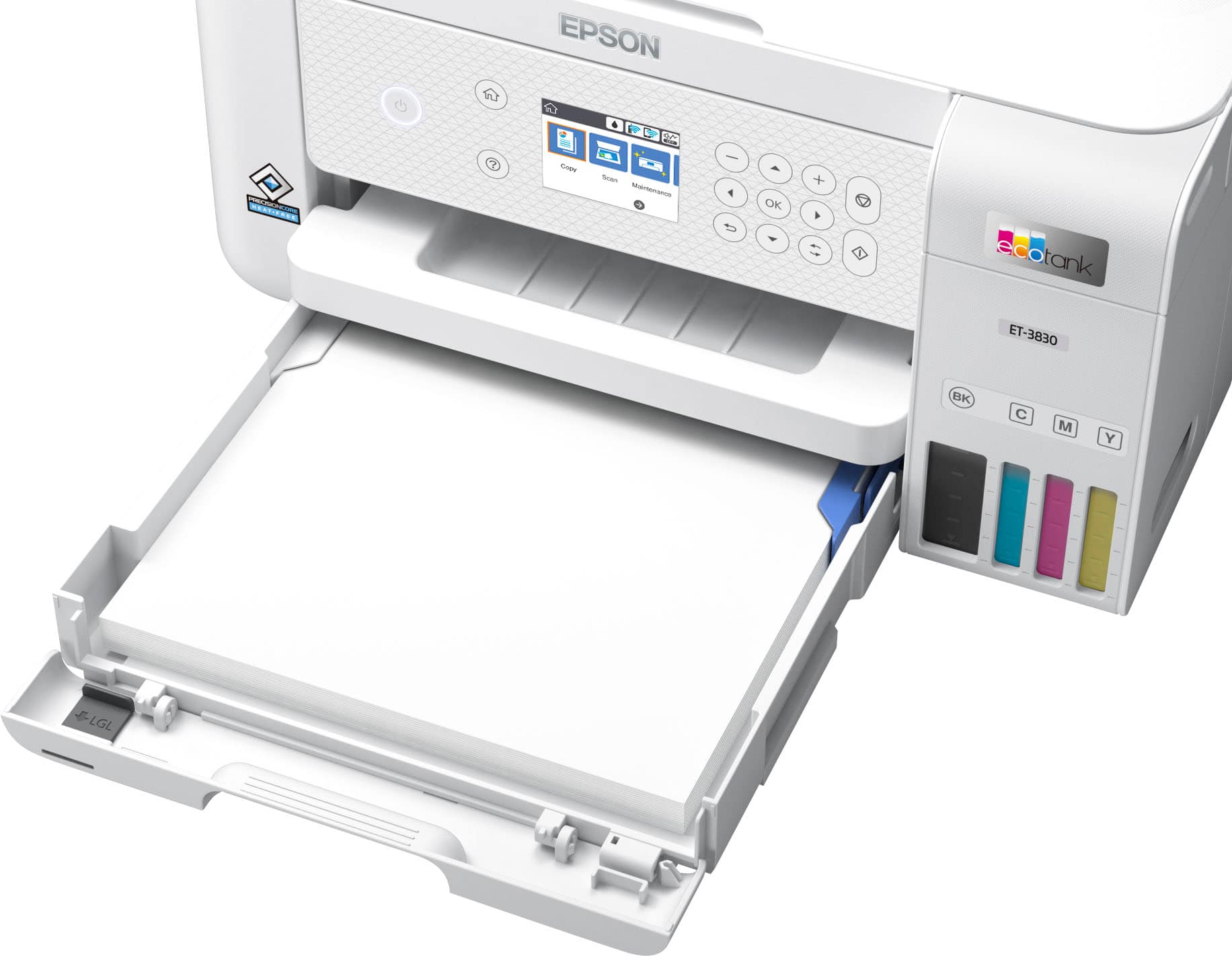
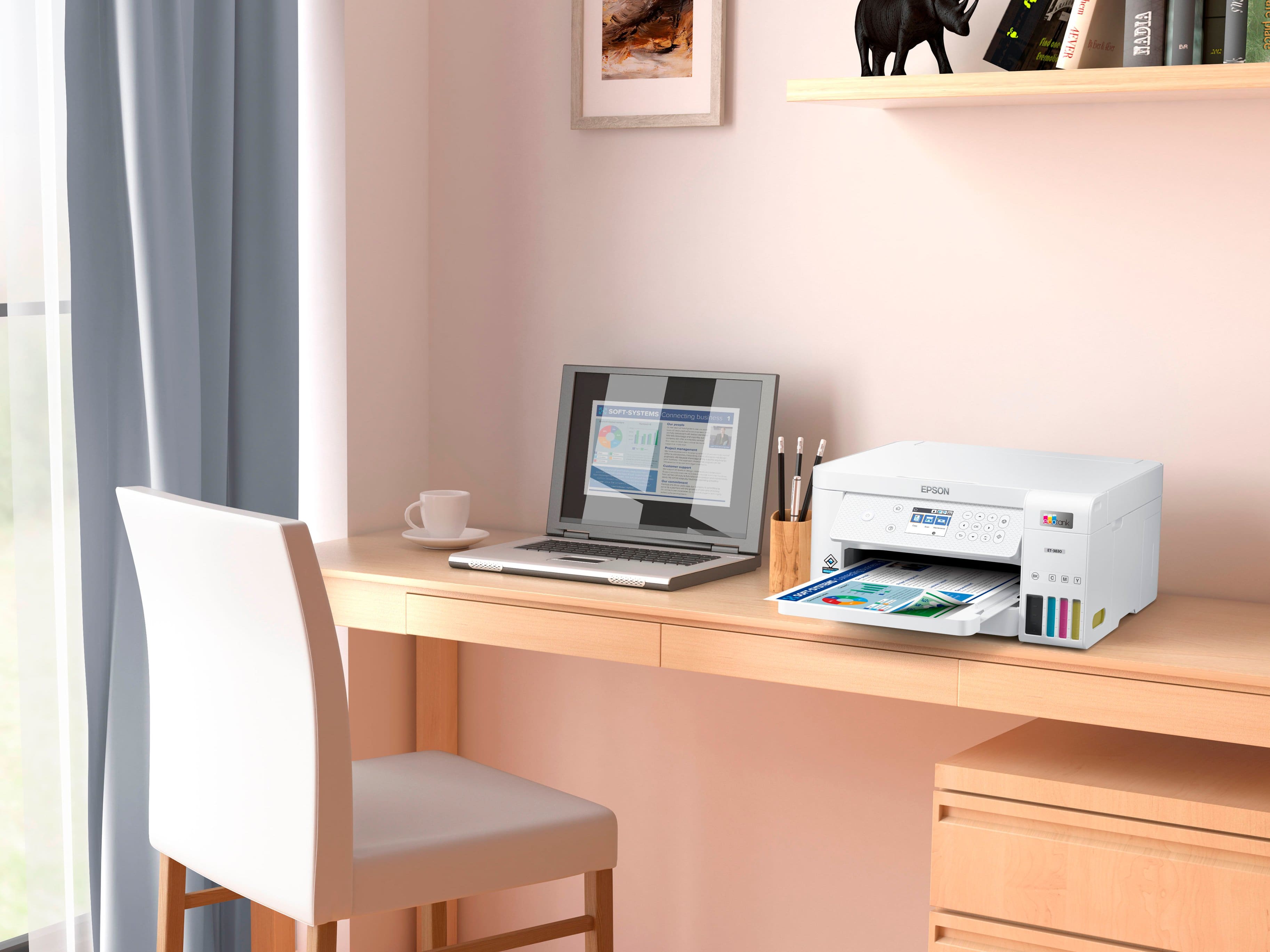
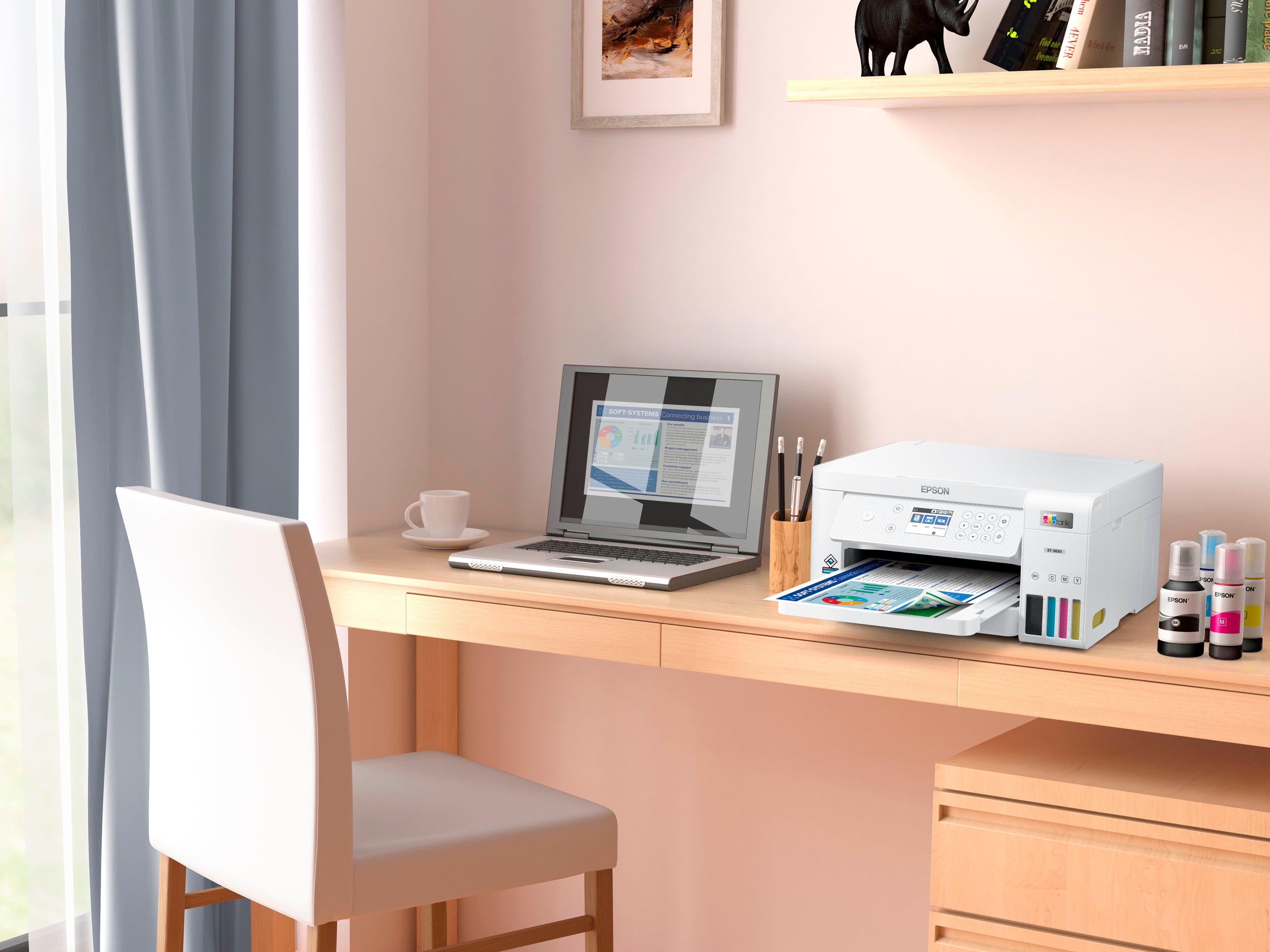

- Model:
- C11CJ62201
- SKU:
- 6470012
Rating by feature
- Value
Rating 4.6 out of 5 stars
- Quality
Rating 4.6 out of 5 stars
- Ease of Use
Rating 4.5 out of 5 stars
Customers are saying
Customers are impressed with the EcoTank ET-3830's print quality and ease of use. Many also appreciate its overall performance and simple setup. Some customers feel the printer is overpriced, and a few wish it had a better display and a document feeder.
This summary was generated by AI based on customer reviews.
- Pros mentioned:Ease of use, Print quality, Size
Great printer; save on ink!
Posted .This reviewer received promo considerations or sweepstakes entry for writing a review.Great printer. I bought this Ecotank because I am thoroughly disgusted with my HP Envy printer ink. I bought genuine HP color ink, printed just 10 pages (mixed B&W and color) and then got a message saying my color ink was out! This Ecotank printer in comparison, has printed 15 pages ( I've owned it less than a month) and the ink level hasn't moved. Printing and scanning in both color and B&W is clear and the speed is quick. The printer is easy to set up, but you'll need to download the Epson printer app in order to do the setup. The printer doesn't take up much space on my desk. The only negative comment I have is that the buttons on the printer are a little confusing to use and from what I can see, there isn't clear info in the app. Over all, a very nice printer and I'm happy with it. Now if Best Buy would give me my reward points for this purchase, I'd be happier.
I would recommend this to a friend - Pros mentioned:Print quality, Setup

Great Home/Office Printer
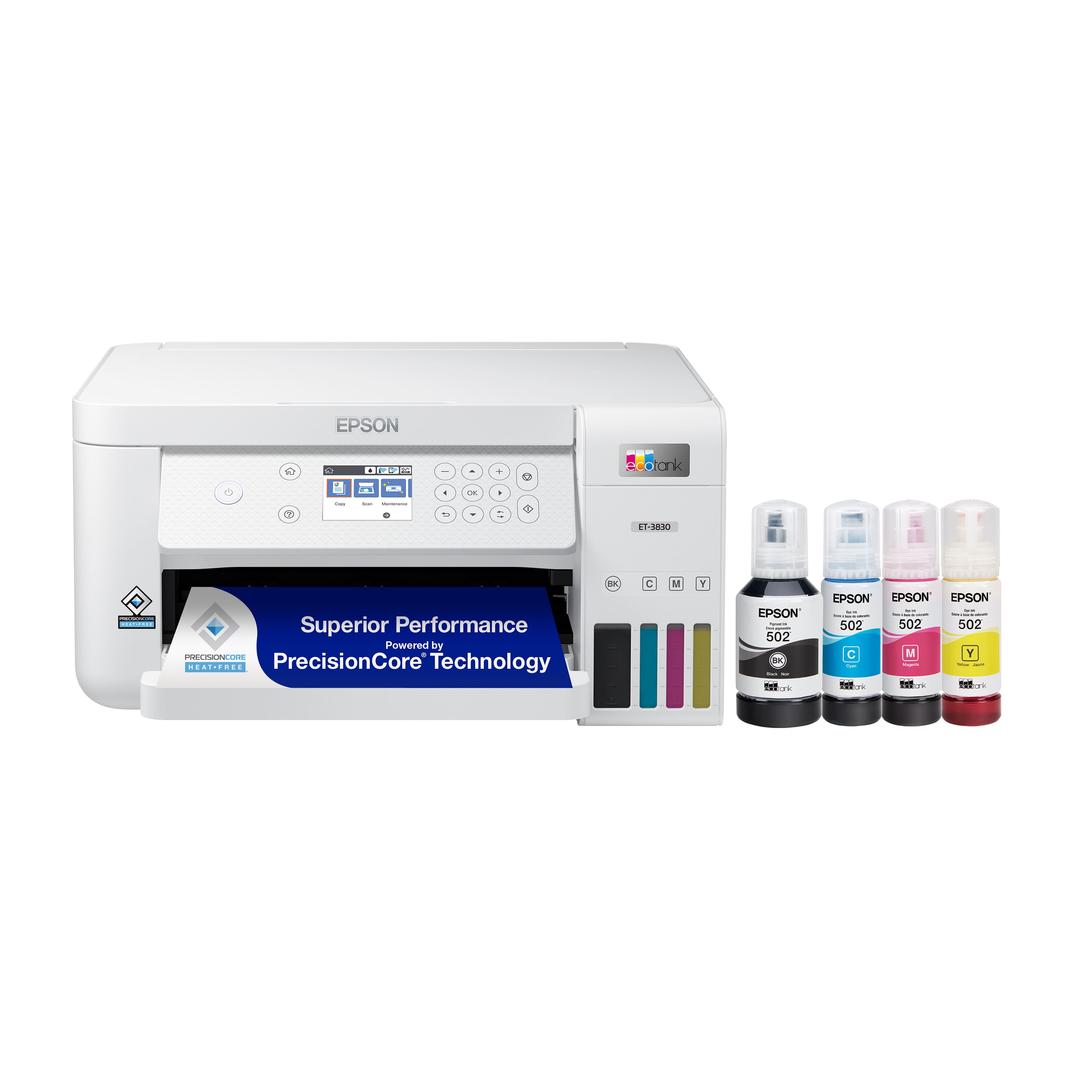
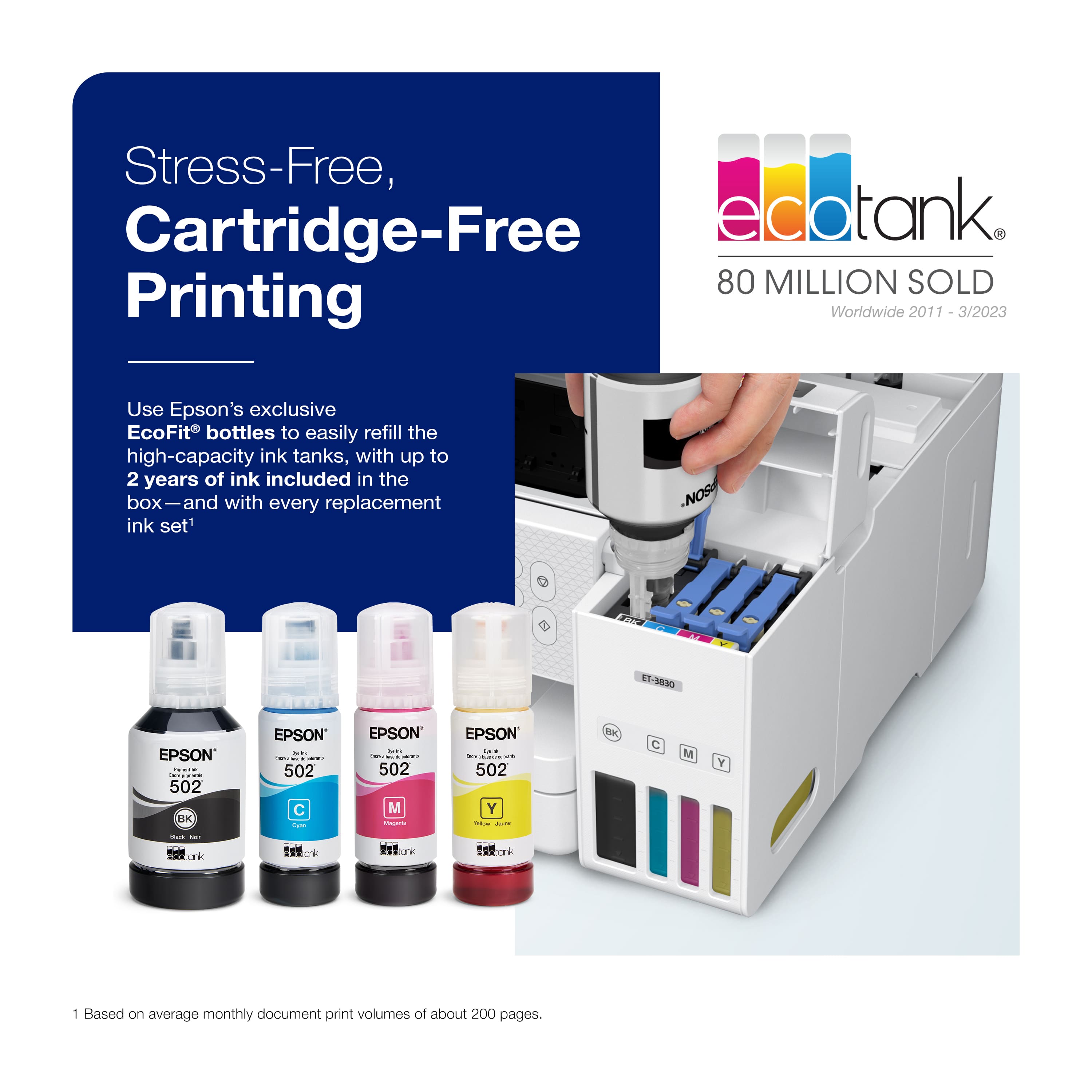
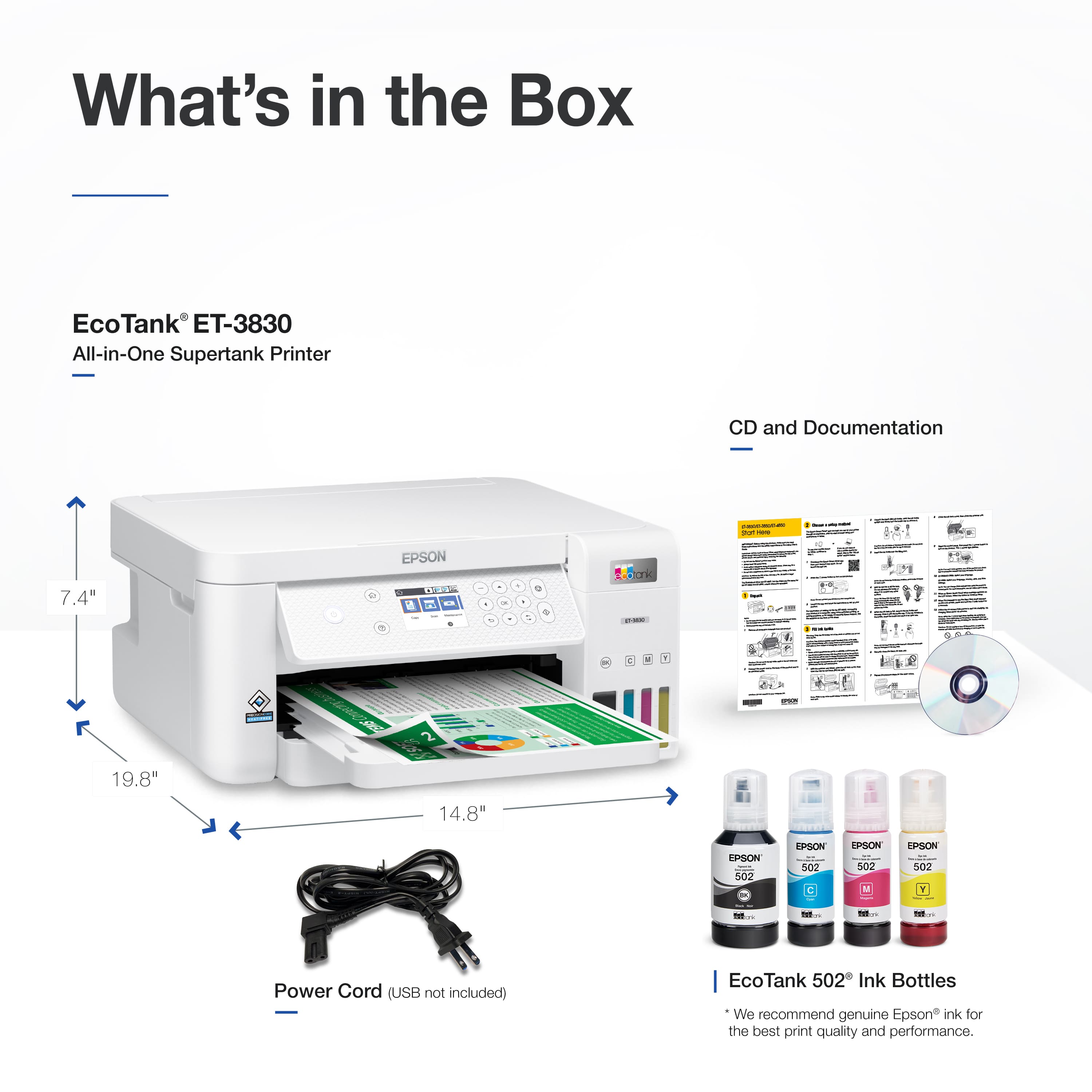
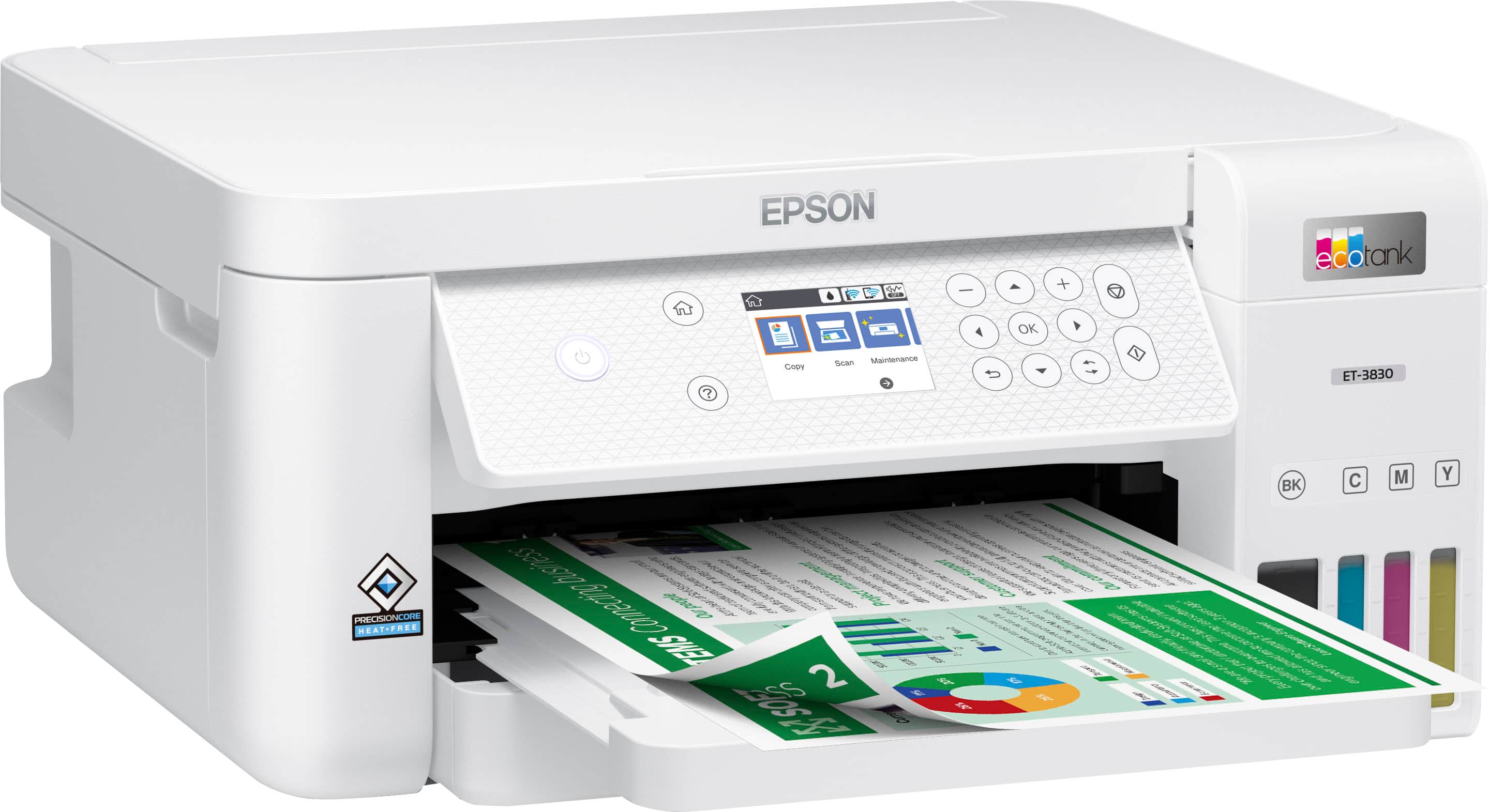
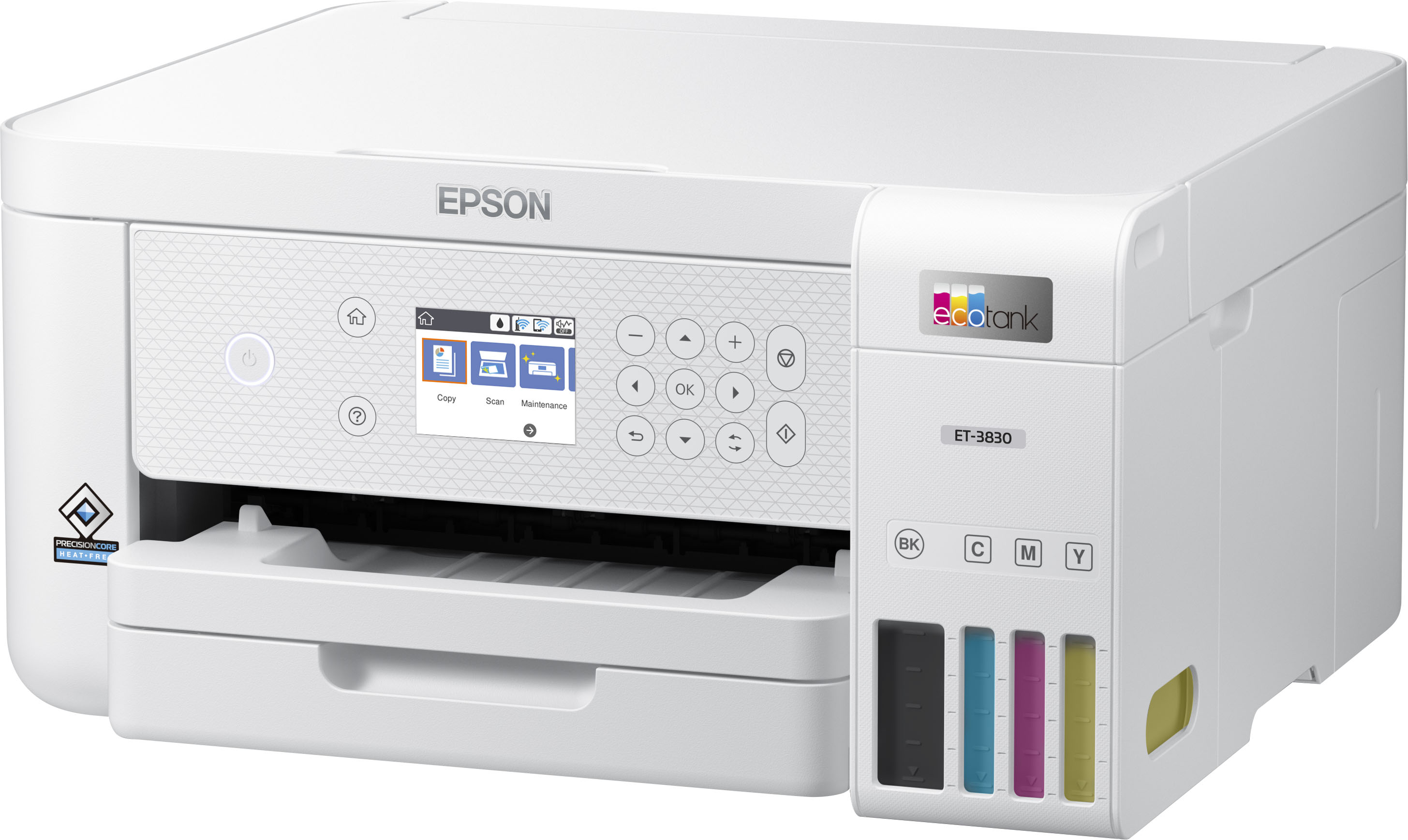
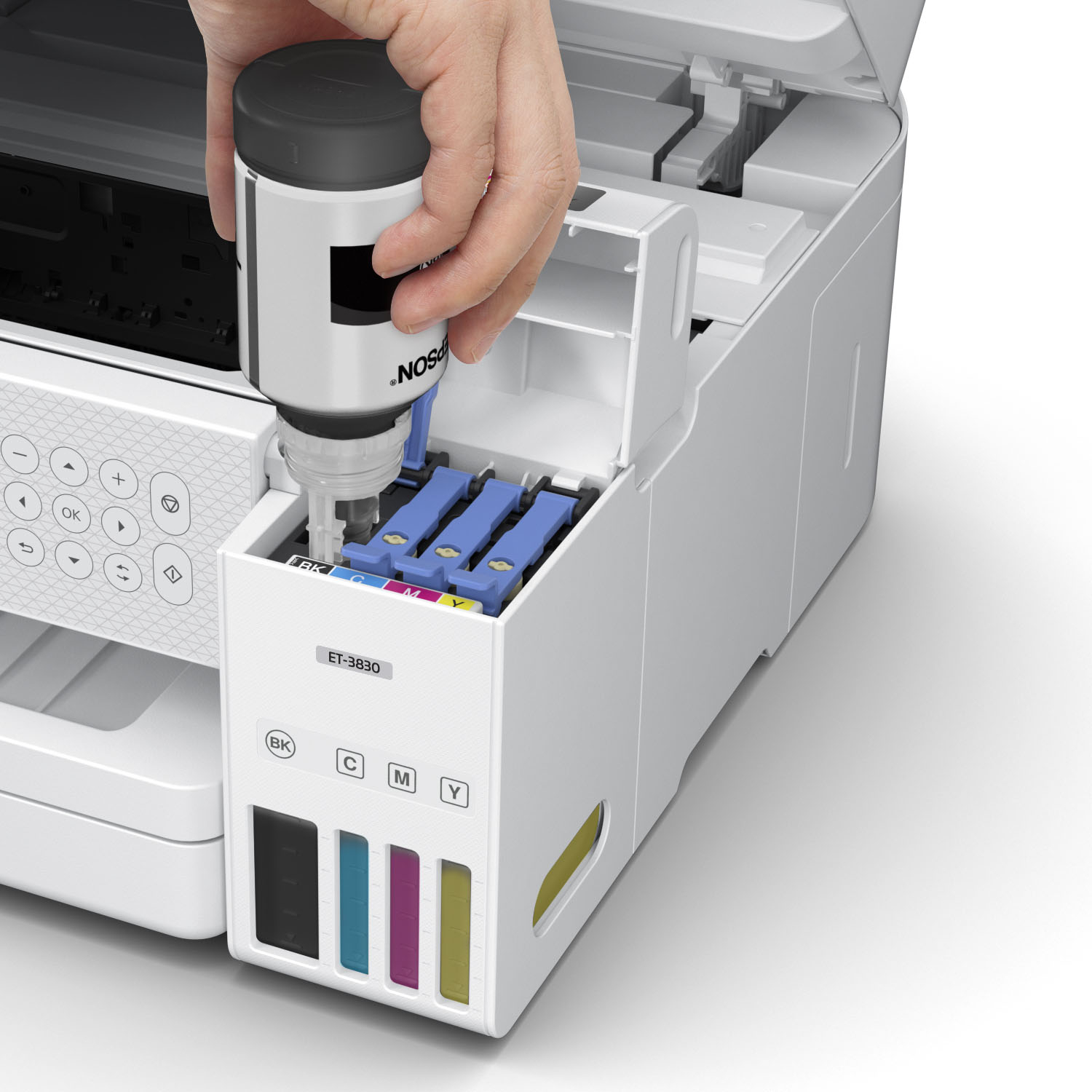
|Posted .This reviewer received promo considerations or sweepstakes entry for writing a review.We've been using the Epson EcoTank ET-3830 All-in-One Cartridge-Free Supertank Printer for a little over a week now and we couldn't be more satisfied with this unit. I've used/owned many different brands of printers over the years with functionality ranging from very basic to enterprise level. The EcoTank ET-3830 is perfect for everyday use in a home computing environment and could possibly perform well as a small office printing solution. Right out the box, I could tell this unit was packed well. Everything was snug and secure in its designated space. The printer comes as one complete unit, nothing to attach or put together. Also in the box, you should find a power cord, a set of instructions w/installation disc and 4 bottles of ink. The unit has a nice weight to it. Feels pretty sturdy. The unit has a nice size, making it easy to fit it into any configuration you have your pre-existing equipment placed. Setup was SUPER EASY. Even though instructions were included, I'm confident I could of set this unit up without them. Simply follow the directions included in the packet and you'll be printing in no time. The longest part of the process was the printer alignment part and that was mainly due to examining the printouts to make sure I got the best results. As the name says "Cartridge-Free". The days of removing and installing print cartridges are at an end with this unit. Simply raise the individual reservoir doors and place the bottle on the port and wait for the tank to fill up. It's that easy. As far as functionality goes, it performs just as well as any All-in-One printer I've had in the past few years. All three functions (printing/scanning/copying) executed exactly how I thought they would. Printouts were quick and those with high amounts of color came out looking pretty decent. Not to much more to say other than, this unit does what it advertises. So, a couple of complaints, and these are very minor, but these were just some things I noticed. The LCD screen on the front is not a touchscreen. This is NOT a deal breaker what-so-ever, but for almost $400, a touchscreen would of been pretty cool. Also, for those of you that wish to set this printer up over ethernet or USB, these cords are NOT included. Yes, you can set it up wirelessly, but for people like me that still like a USB cord connecting your printer to your desktop, you'll either be ordering one or going through your stash of cables to find one. Also, NOT a deal breaker, just a preference. Overall, the Epson EcoTank ET-3830 All-in-One Cartridge-Free Supertank Printer is a pretty solid unit for the price point. Over time, I'm hoping to see that the amount of money I spend on replacement ink is a lot lower in comparison to printers I've had that required ink cartridges.
I would recommend this to a friend Who's got time for this
||Posted . Owned for 3 weeks when reviewed.This reviewer received promo considerations or sweepstakes entry for writing a review.This cotton picking thing will only copy 1 page at a time. You have to raise the cove, remove the page, replace the next page then close the top.???????
No, I would not recommend this to a friendBrand response from Epson
Posted .Hello Mtnlyon, we apologize for your disappointing experience with the ET-3830 printer. Epson considers all feedback to improve the performance and quality of our products. Epson also provides helpful information on FAQs and self-help tools on the product support web page at https://epson.com/Support/Printers/All-In-Ones/ET-Series/Epson-ET-3830/s/SPT_C11CJ62201#questions. Your printer also includes a 1-year Limited Warranty plus free lifetime technical support. Please get in touch with our support team directly at (562) 276-4382 between 7 am - 4 pm (PT), Monday - Friday, if you need further assistance.
Sincerely, Sam - The Epson Team
Not happy
||Posted . Owned for 1 month when reviewed.This reviewer received promo considerations or sweepstakes entry for writing a review.Small screen, found difficult to use and set up. Returned it .
No, I would not recommend this to a friendnever actually printed anything
||Posted . Owned for 1 month when reviewed.This reviewer received promo considerations or sweepstakes entry for writing a review.The printer only produices a blank page even when supposedly printing a test page.
No, I would not recommend this to a friendBrand response from Epson
Posted .Hi Leif, we are sorry to hear you are having issues with your Epson printer. YourET-3830 includes a 1-year limited warranty plus free technical support for the life of your product. Our Epson Support Team would be happy to hear from you and can be reached at (562) 276-4382; Hours: Monday – Friday, 7 a.m. to 4 p.m. (PT). Sincerely, Jacob – The Epson Team.
Printers
||Posted . Owned for 1 month when reviewed.This reviewer received promo considerations or sweepstakes entry for writing a review.Epson technology is WAY behind the times. I returned the Epson for an HP. Best Buy staff was very helpful
No, I would not recommend this to a friend- Pros mentioned:Ease of use, Print quality
Really nice printer and saves you money!
|Posted .This reviewer received promo considerations or sweepstakes entry for writing a review.This printer seems to me one of the things that can mark a before and after, I think that the fact that a user can refill an ink bottle and refill the cartridges of his printer is something that I personally love. This printer does not have complicated menus or subscriptions or things like that, it is simply that in the box you only have the printer, the power cord, the refillable ink bottles, a disk, and the installation guide, once the printer is out It is connected to the light, plastics and adhesive tapes are removed, the ink is placed, the printer is turned on, the app is downloaded to the cell phone and configured from there, it can be from a PC and for that the disk is, if not having a disc reader you can download the software online. One of the things that I think is important in a product like this is the configuration, so I can say that configuring this printer requires a little time and patience, once it is configured correctly and completely, you can start printing and I must say that the quality, in my case with a4 format and regular sheets of paper, is very good, the colors are very precise in addition to the fact that in black and white the printing is very solid since the ink adheres firmly, one of the things that I do not like at all and must be considered is that the impressions take a little time that is if you print from a cell phone it may take a few seconds to print, however in simple documents, it is a regular time, it can copy, scan and use as fax, I think that due to the ease of recharging the ink cartridges, the ease of use and the connectivity it has, it is a good option since in the long term it seems to be a device that can save you money, totally recommended printer.
I would recommend this to a friend - Pros mentioned:Print quality, Setup
What a big bang for the buck
|Posted .This reviewer received promo considerations or sweepstakes entry for writing a review.As everyone knows, traditional inkjet cartridges are ridiculously expensive and never last as long as you think they should. Although I have only used this printer for a week and cannot tell you how long the bottles of ink will last, doing the math on the cost of ink versus yield of pages show this is a much bigger bang for the buck. First, the plusses. It was exceptionally easy to set up and connect to my network - the simplest printer to set up EVER. Downloaded and installed the drivers and software from their website versus digging out my old DVD drive to connect to my computer and use the included CD. I was very surprised to see they actually included a CD with the software and drivers. You get the latest versions when you download from their website anyway. The software walks you through each step and could not be easier. VERY painless and easy experience! The ink bottles filled the tanks completely, but there was a little left in each bottle once the tanks were full. When first set up, it goes through a priming and calibration process that uses some ink. When it was done, I was able to put the remainder of the ink in the tanks so there was none left in the bottle that I would need to store. They also key each color bottle so it is impossible to put it in the wrong tank. Engineers thought this one through! Now, the limitations. I will start with screen size - a little small and not a touchscreen display, but it is functional. I would have preferred a larger one. Second, I do not leave my printer turned on when not using it and it is a two-step process to shut down. First, you press the power key and then you must move the right arrow on the display to confirm you wish to turn it off. I thought this was an unnecessary step. Next, it does not have fax capability which is nearly standard on multifunction printers nowadays. I knew it did not have automatic document feed or two-side printing, but the more expensive models do. Print speed is about average for printers in this price range. The footprint of the unit is good and the paper tray holds an acceptable number of sheets. The quality of prints is as excellent as any other printer from Epson who is known for high-quality prints. For a home-use printer that is economical to buy and operate, you will look long and hard to find anything better. Other than the nitpicks mentioned, I recommend this printer.
I would recommend this to a friend EPSON to customers - Drop dead!
||Posted . Owned for 1 month when reviewed.This reviewer received promo considerations or sweepstakes entry for writing a review.The single worst printer/scanner I have ever owned. You need a telescope to read the 4 inch screen. Took days to connect to device thru WIFI and then still linking issues.
No, I would not recommend this to a friendBrand response from Epson
Posted .Hello TCee, we're sorry to hear about your disappointing experience with the ET-3830 printer. Epson considers all feedback to improve the performance and quality of our products. Epson provides helpful information to address most problems, including FAQs and self-help tools, on the product support web page at https://epson.com/Support/Printers/All-In-Ones/ET-Series/Epson-ET-3830/s/SPT_C11CJ62201#questions. Additionally, your printer includes a 1-year Limited Warranty, plus free lifetime technical support. Please reach our support team directly at (562) 276-4382 between 7 am - 4 pm (PT), Monday - Friday, if you need any assistance.
Sincerely, Sam - The Epson Team.
- Pros mentioned:Print qualityCons mentioned:Document feeder
easy setup, good print quailty, ink lasts forever
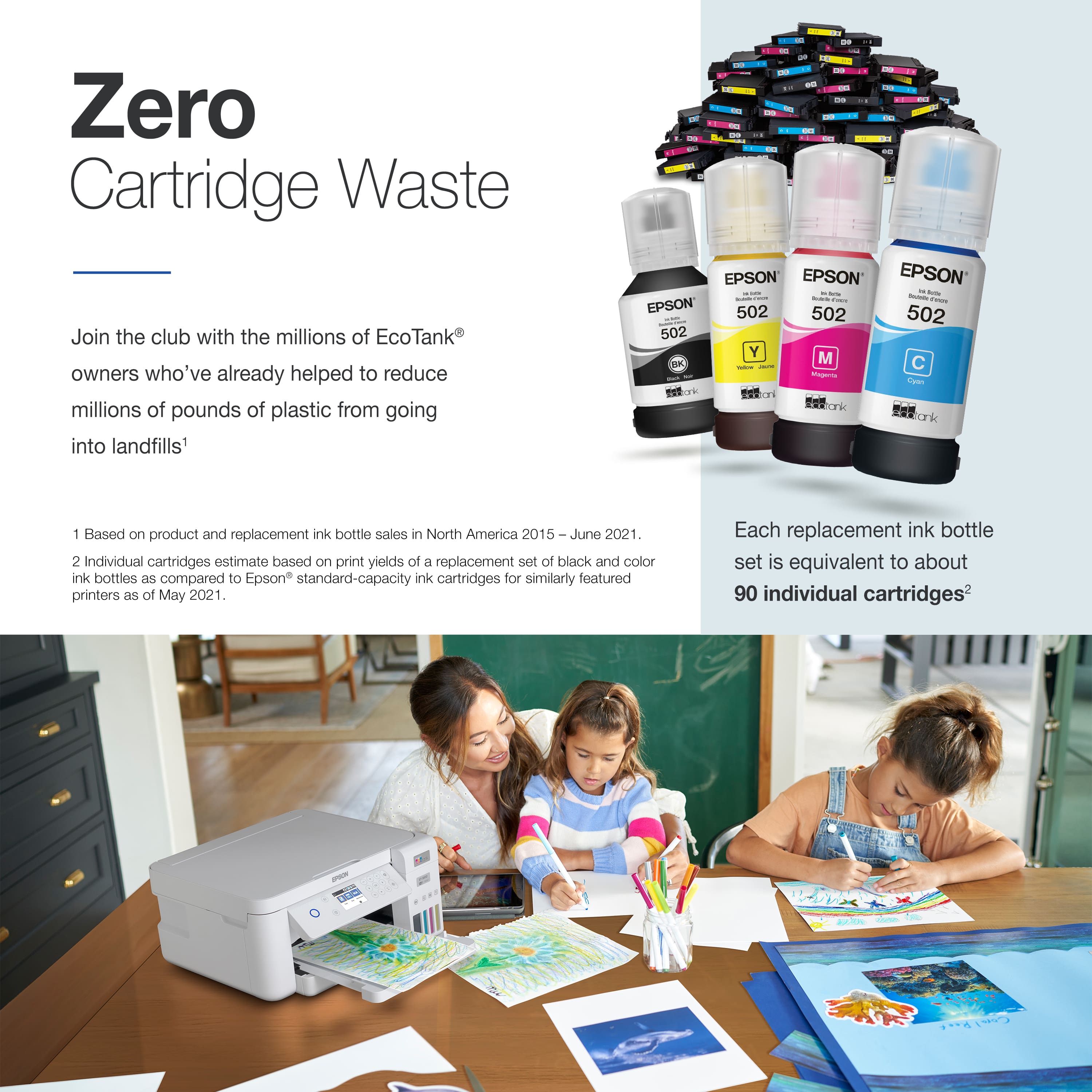
|Posted .This reviewer received promo considerations or sweepstakes entry for writing a review.The Epson ET-3830 is a fine printer. I’ve setup and used Epson Ecotank printers like this one before, and this one is no different except that there is now an app you can download to your phone to guide you through the setup process. Previously one had to actually read a piece of paper as a guide to the setup process, but now everything has to have a smartphone app. In any event, I encountered no issues in the setup process, and I have to say that I really appreciate the permanent ink tank system the Epson printers use. Instead of constantly purchasing, using, and then throwing away ink cartridges where you’re always concerned that you’ve thrown away good ink, with these refillable tanks, you never waste ink. You just refill the tanks as needed, and you can see for yourself that the ink is fully used. Inkjet printer manufacturers should have come up with a system like this long ago, and, in my opinion, everything else being equal, I would choose an Epson Ecotank printer over another brand just because of the refillable-tank feature. Like most printers nowadays, this one can be used wirelessly, and I had no trouble connecting it to my home network. But be aware that it doesn’t see 5 GHz networks, only the older 2.4 GHz networks. That was no problem except that, during the setup process, the app tries to connect the printer to the same network your phone is connected to. If your phone is connected to a 5 GHz network (my home wireless system has both 2.4 and 5 GHz networks), the attempt will fail, and then the app takes you through the process of connecting a 2.4 GHz network. This printer is an all-in-one, so you can copy, print, and scan, but it does not have a document feeder, so if you have multiple pages to scan or copy, you’ll have to load them one at a time. But if you’re regularly scanning multi-page documents, you want a dedicated document scanner, anyway. Scanning is simple with the included ScanSmart software, and I have to point out that the scanner is the quietest I’ve ever experienced. The scan head moves across the platen completely silently. I actually had to look to make sure that the unit was actually scanning. Print quality is excellent with both documents and photos. I routinely print 4 x 6 photos for my wife to send to relatives, and this Epson printer is perfect for this. It also does well with large, 8.5 x 11 photo paper. The printer’s front-panel control is a small screen where you use the adjacent keyboard to select options. It is not a touch-screen, but you quickly get used to how the menus operate and how to move among them. As far as how long full ink tanks last, let me say that, with my previous Epson printer, I never ran out of ink before this printer came along, and I started using it in place of the older one. I would say it was a good nine-months to a year of daily use of my previous printer without running out of ink. I like ink tanks that last. If you would like to be rid of the need to continually purchase ink cartridges, and you want a good printer/scanner to boot, you won’t go wrong with Epson ET-380.
I would recommend this to a friend Junk
||Posted . Owned for 2 months when reviewed.This reviewer received promo considerations or sweepstakes entry for writing a review.This printer is junk the color printing looks awful and it won't print in black because there is a reddish tint to the printing.
No, I would not recommend this to a friendBrand response from Epson
Posted .Hi, we're sorry to hear about your trouble with the ET-3830 printer. Epson considers all feedback to improve the performance and quality of our products. Epson provides helpful information such as FAQs and the User's Guide to help you troubleshoot setup issues https://epson.com/Support/Printers/All-In-Ones/ET-Series/Epson-ET-3830/s/SPT_C11CJ62201#questions. Additionally, your printer is backed by a 1-year Limited Warranty and includes free lifetime technical support. Please reach our Advanced Support Team at (562) 276-4382 between 7 am - 4 pm (PT), Monday - Friday, if you need further assistance. Sincerely, Sam - The Epson Team.
Bad bad bad
||Posted . Owned for 3 weeks when reviewed.This reviewer received promo considerations or sweepstakes entry for writing a review.I don’t even want to give it 1 star, it is a really bad printer I got a new one instead
No, I would not recommend this to a friendBrand response from Epson
Posted .Hello CristhianT, we apologize for your disappointing experience with the ET-3930 printer. Epson considers all feedback to improve the performance and quality of our products. Epson also provides helpful information on FAQs and self-help tools on the product support web page at https://epson.com/Support/Printers/All-In-Ones/ET-Series/Epson-ET-3830/s/SPT_C11CJ62201#questions. Your printer also includes a 1-year Limited Warranty plus free lifetime technical support. Please contact our support team directly at (562) 276-4382 between 7 am - 4 pm (PT), Monday - Friday, if you need further assistance.
Sincerely, Sam - The Epson Team
Terrible Product
||Posted . Owned for 1 month when reviewed.This reviewer received promo considerations or sweepstakes entry for writing a review.Terrible product! No instructions whatsoever! Wish I could return this product. When I called geek squad they did not have a clue.
No, I would not recommend this to a friendPrinter
||Posted . Owned for less than 1 week when reviewed.This reviewer received promo considerations or sweepstakes entry for writing a review.Printer does not take paper for business cards. High priced item.
No, I would not recommend this to a friendBrand response from Epson
Posted .Hello Dryer, we appreciate your time in sharing your experience with your Epson EcoTank ET-3830 printer. If you have questions and/or need assistance with another model that better fits your needs, our Epson Support Team is available to help and can be reached at (562) 276-4382. We greatly appreciate your business, and we hope you have a wonderful day. Sincerely, Tony — The Epson Team.
- Pros mentioned:Ease of use, Print quality
Great Printer / Setup is bad
|Posted .This reviewer received promo considerations or sweepstakes entry for writing a review.To be clear once this printer is up and going it rivals anything out there in print speed, quality, and ease of use. However, getting to that point is borderline ridiculous. My experience might be unique (?) but, setup took over 25 minutes. First, in today’s plug and play world I had to manually add the ink. Cool for what they are accomplishing usage wise, but I felt it was dumb that I have to change my own oil here. Then there was a 10 MINUTE initialization process. Then another five plus minute firmware update when I installed the driver on my computer. Just silly in my opinion. Now however, the printer is wonderful, and I mean that. What is the saying, the best things come to those who wait? Well after my wait, I quickly decided that this printer will be my daily driver. The app is very user friendly (again only after first setup) and printing from my phone is quick and clean. The scan to function, I think works very well with very little pixilation. While printing pictures it was noticeable that the ink reserves where being depleted. Not sure it will make a year, but I have printed a ton of word documents with and without pics and my tanks are at about three-quarters full. Overall, I am impressed despite my original reaction with the Epson ET-3830. I would not recommend for someone who is not technologically or slightly mechanically inclined. But I would highly recommend for anyone else.
I would recommend this to a friend Suler slow
||Posted . Owned for 3 weeks when reviewed.This reviewer received promo considerations or sweepstakes entry for writing a review.I was super excited about this printer, expectation where high. Only to wait 30 min+ for a packet of 10 pages.
No, I would not recommend this to a friend- Pros mentioned:Print quality
Epson EcoTank ET-3830
|Posted .This reviewer received promo considerations or sweepstakes entry for writing a review.Received my Epson EcoTank ET-3830 AIO Cartridge Free SuperTank Printer a few days ago and have been testing it out over the last few days. Inside the box along with the printer is: Power Cord, Ink Bottles (Black, Cyan, Magenta, and Yellow), and User Documentation (including a CD for those that have systems with CD Drives). Setting up and getting started is fairly simple following the included Quick Start Guide. Following the guide, you can setup the printer either by downloading the Epson Smart Panel App from the iOS App Store for iPhones or the Google Play Store for Android devices. The app is also compatible for tablets. The guide also gives you the option to skip the app and head to filling in the tanks. As stated before, all 4 color bottles of ink are included in the package. To get started after removing the packaging tape, lift up the top part of the scanner and flip open the ink tank cover. Then flip open the cap for the black ink tank and insert the black ink bottle into the slot for the black ink. Make sure not to squeeze the bottle, as it will stop when it's full. Continue the same for the rest of the colors. After all of the ink is filled, add some paper to the printer and plug in the power cord. Startup the printer and follow the rest of the setup process. This part will take sometime as it takes 10 minutes for the ink charging process to take place. It seemed like forever. After the ink charging is complete, the printer will guide you through the print head alignment which honestly seemed like another 10 to 15 minutes. Once that's complete you are now finally ready to start using the printer. You can connect the printer to your home (or work) WIFI network or via Ethernet. After connecting it to the internet, you may get a message of a firmware update available. It's best to go ahead and do the quick firmware update. On the screen panel you can adjust the settings to your liking. One thing I would have liked to see was the ability to change how much ink is used. Which you can change this but as of right now it looks like its on a print-by-print basis; just wish it was a setting I could set it for all printing. I do like this printer, however, it seems as though it would be better suited for a home office than a regular work type office. In my testing, what I've found is when I place something on the scanner, it takes longer to print vs. when I print something from my computer. Overall decent computer. Recommended for home usage.
I would recommend this to a friend - Pros mentioned:Print quality, Setup
Impressive performance
|Posted .This reviewer received promo considerations or sweepstakes entry for writing a review.I'm very impressed with the quality of the prints and the scans that the ET-3830 produces. It's a little bit slow, but that's ok for my needs. It might not be fast enough for office use. I really like the tank set up, and it was much easier to fill than I expected. I like that it reduces waste and that it should save me money in the long run as well. Setting up the printer was pretty easy, I just followed the instructions and downloaded the app to my phone and followed the prompts. There was a hang up with the firmware update though, it didn't want to update through the phone app, or through the software I downloaded on my PC. It finally updated by using the screen and keypad on the front of the printer though. Getting it all set up and running took quite a bit of time, this printer is not in a hurry to do anything quickly. It does make some really high quality prints though, and the software seems to work very well both from my phone, and from my PC. I also like that it integrated with my PC so I can just hit print in whatever program I'm using and it just works without a fuss. It also scans photos and documents very well too, with sharp lines, and it captures even the tiny details perfectly, but once again it's pretty slow. Overall I'm pretty happy with my new printer especially with how easy and smoothly it works with both my phone and my PC. The image print quality is amazing and I like that I won't have to keep buying refill cartridges. If you're in the market for a new printer for personal use at home, I highly recommend the ET-3830.
I would recommend this to a friend - Pros mentioned:Ease of use, Size
Rich features in a small package
|Posted .This reviewer received promo considerations or sweepstakes entry for writing a review.Based upon all the features that this printer has, I was amazed at its compact size. It is one of the easiest to set up printers I have ever used. All you have to do is remove the packing material from the printer, download the mobile application, turn the printer, and it will guide you step by step through the setup process. The screen on the printer is informative but not a touchscreen. However, it can do all configurations in the mobile application. Unlike a lot of other printers, it does not come with half-empty 'starter' ink supplies. The liquid ink bottles are pretty massive, especially the black. I expected filling them to be messy compared to regular cartridge ink, but the process was clean and straightforward. All you do is open the matching ink reservoir, screw open the ink bottle, place it in the reservoir slot, and it quickly fills up in about a minute. All of the included bottles had ink leftover, and the reservoir did go down a little during the initializing step. Printing is fast and it holds up to 250 sheets for long periods of uninterrupted printing. If you need a professional-grade printer/scanner for small spaces, this is a great option.
I would recommend this to a friend - Pros mentioned:Print quality
ET-3830 new purchase
Posted .This reviewer received promo considerations or sweepstakes entry for writing a review.I bought this Epson ET-3830 to replace a 10 year old color laser that is on its way out. As we are gradually shifting more to our tablets and phones, the old color laser was difficult to print to. It's networked, but not wireless and just not terribly "friendly" in today's environment. I read a LOT of the reviews here. This is not a difficult printer to set up. The app really steps you through it. It does take some time and there are some things that could be improved upon by Epson. Like the alignment procedure. However, I bought it knowing this was something people pointed out and was prepared to waste 4 sheets of paper doing the alignment. It really isn't a big deal, just a bit tedious and requires good lighting to be able to see the miniscule differences in the alignment choices printed. Wasted ink on setup... it's not wasted. The printer is shipped dry. When you set it up it has to not only initialize and charge the print heads, but also the long tubes carrying the ink to the printheads. So yeah, it visually depletes the ink in the tanks, Visually, it looks like it took about 20% to fill the tubes and heads. But that ink isn't wasted by any means. It's in the tubes and heads waiting to be used! Wireless setup was about as close to effortless as it can be. I haven't bothered connecting the ethernet at this point and may just leave it as wireless. As far as connecting... we use chromebooks, chrome tablets, iPads, and Android phones. The printer just miraculously appeared on the chromeOS devices when you go into settings to add a printer. It's just there... click ADD... done. iPads? Airprint... destination?... there's the ET3830... select... done. Print quality appears to be very good. That being said, we don't print photos at home. If we want prints we send files to the drug store at the corner and go get them next time we're out. Or send them to another online service. Just don't find it necessary to blow through tons of ink printing photos, although if I wanted to print them here, the printer looks like it handles them fine. Blacks could be a little blacker, but it's not what we bought it for. Using EpsonConnect after setting up an account, we can actually send an email to the printer's email address with a file attached and it'll print the attachment. Not sure how often we'll use that, but it's pretty cool in a nerdy kind of way. Connection-wise this ticks a lot of boxes. And the scanner can "scan to cloud" so you can scan right into your Google Drive or other place that you configure. All in all I'm happy with the purchase. And for the cost of one laser toner cartridge I can fill all 4 ink tanks. By all means, read all the reviews and think about what's important to you. But this is working out well for us.
I would recommend this to a friend