Customer Ratings & Reviews
.](https://pisces.bbystatic.com/image2/BestBuy_US/images/products/ae1649ec-8302-4f88-8b9b-d104978b3f04.jpg)
. 1 Most features require an Internet connection to the printer, as well as an Internet- and/or email-enabled device. For a list of Epson Connect enabled printers and compatible devices and apps, visit [www.epson.com/connect](http://www.epson.com/connect).](https://pisces.bbystatic.com/image2/BestBuy_US/images/products/9c542c50-85ee-4815-a2ca-cf245f57e253.jpg)
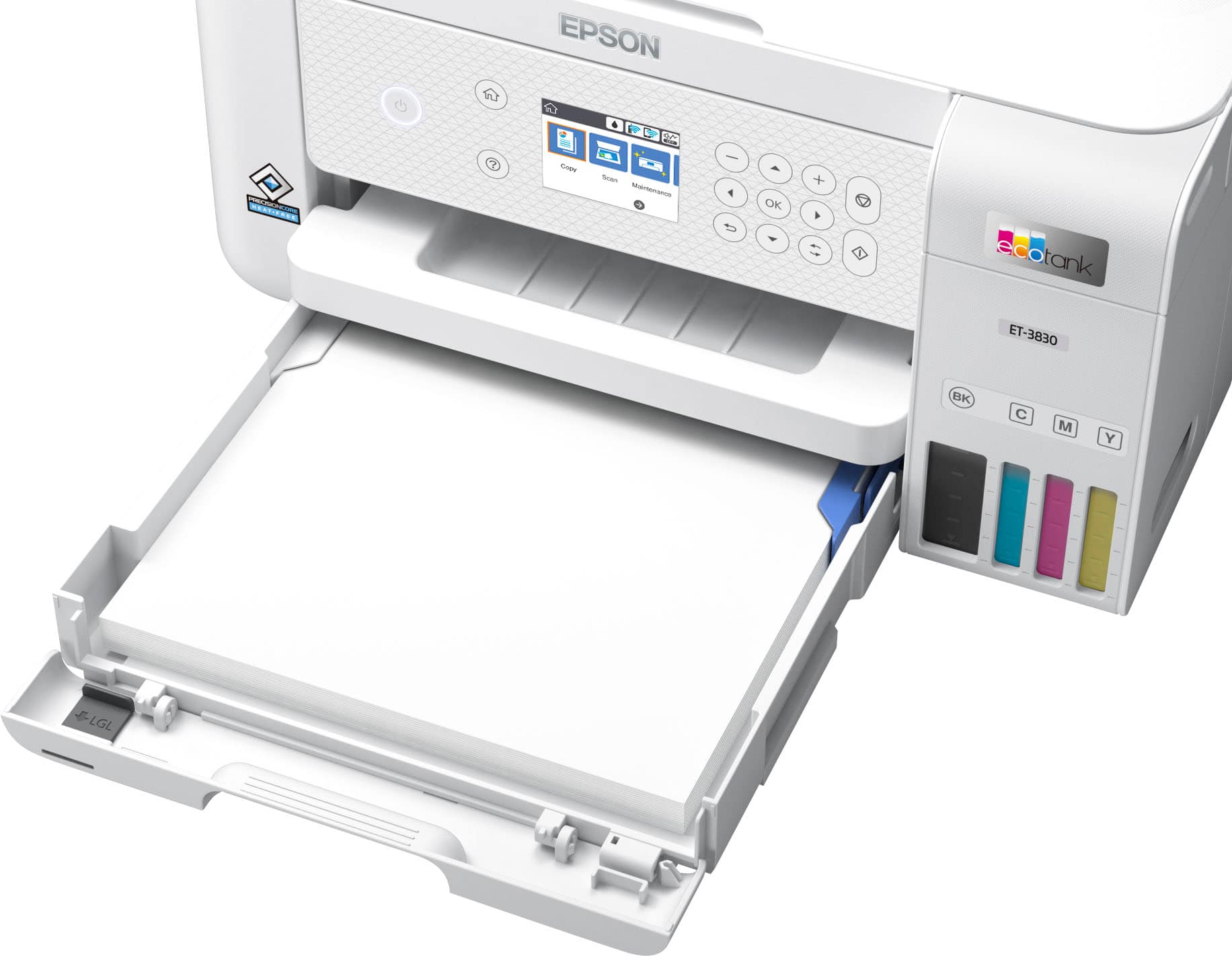
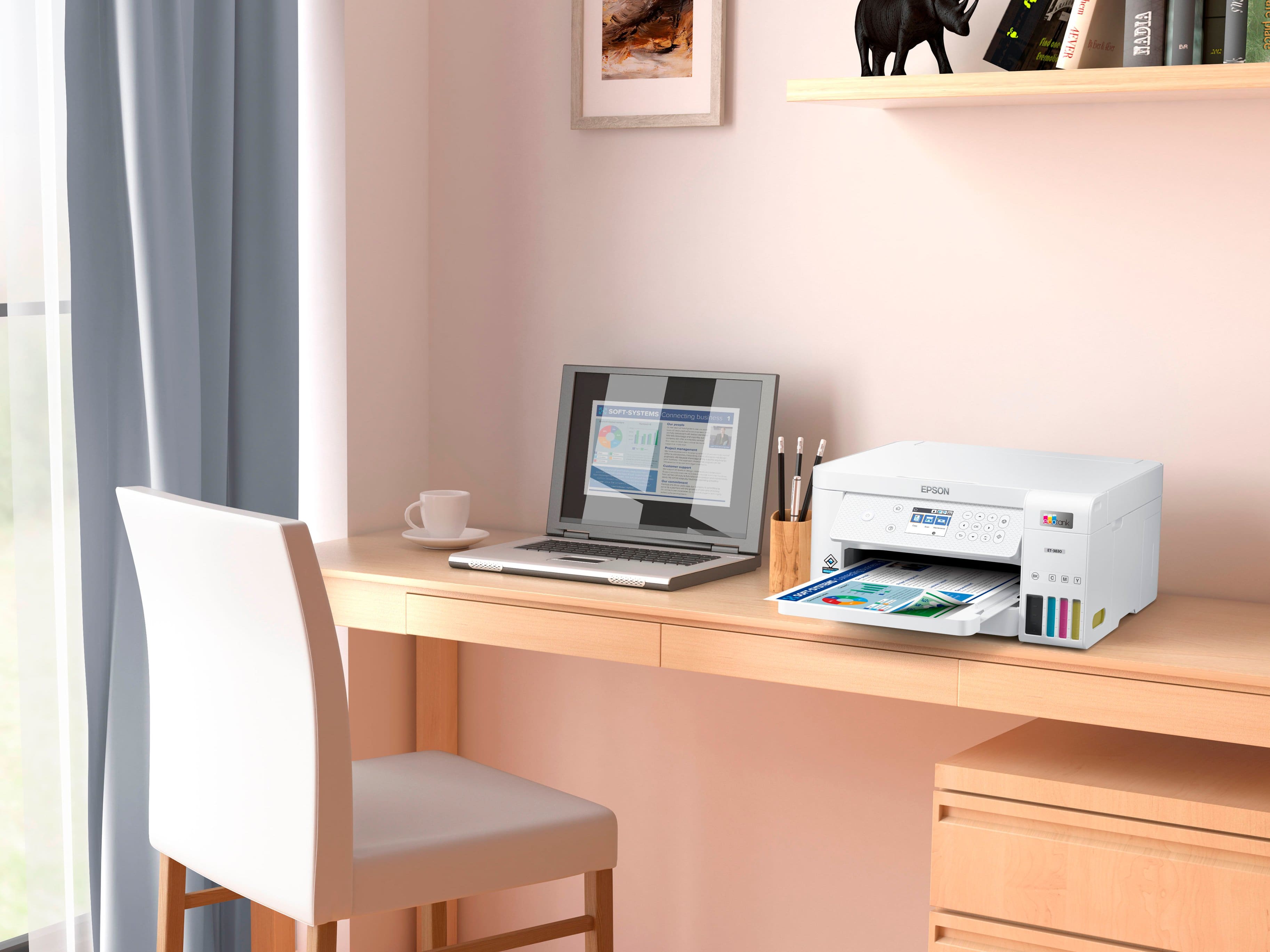
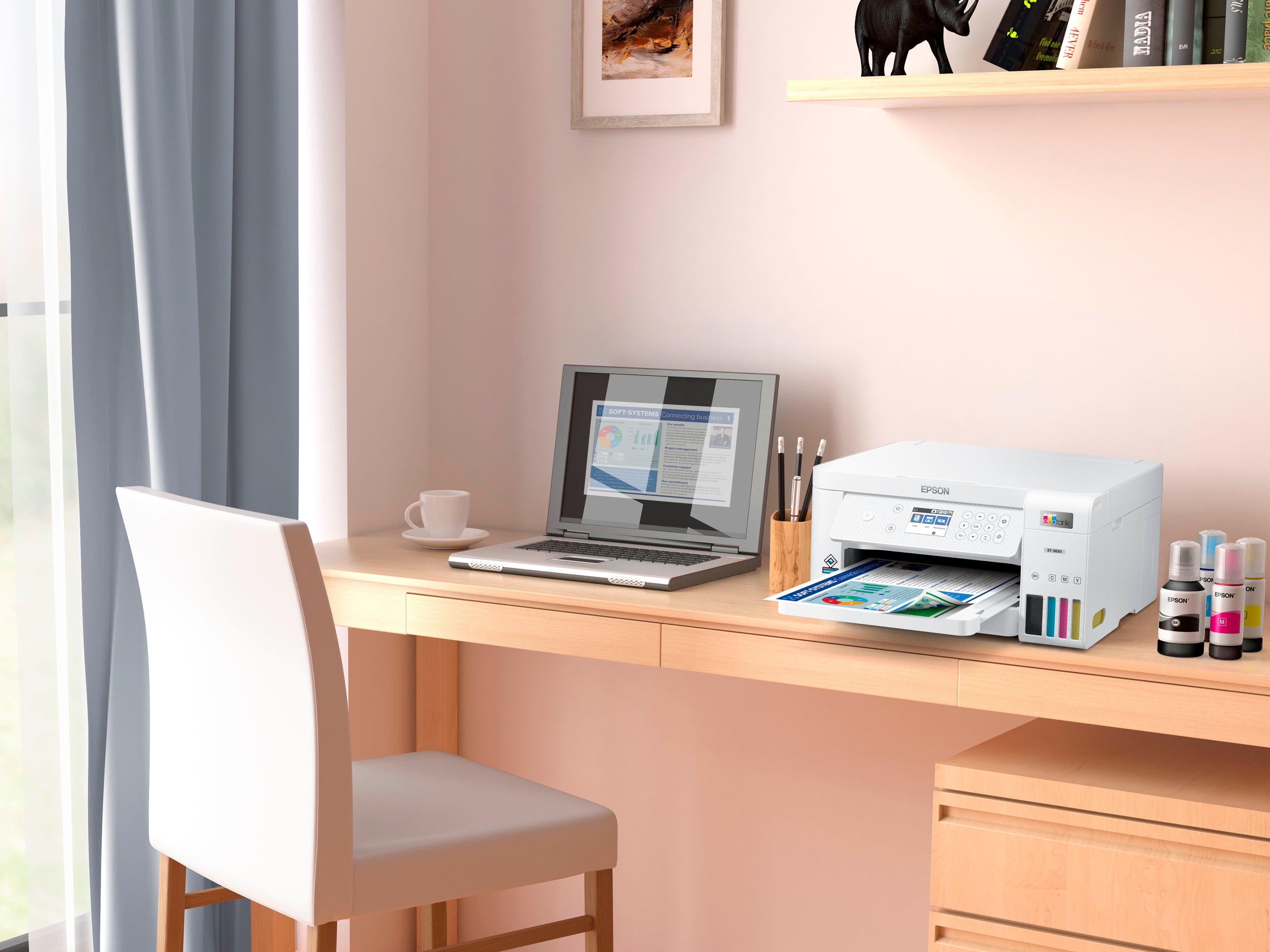

- Model:
- C11CJ62201
- SKU:
- 6470012
Rating by feature
- Value
Rating 4.6 out of 5 stars
- Quality
Rating 4.6 out of 5 stars
- Ease of Use
Rating 4.5 out of 5 stars
Customers are saying
Customers are impressed with the EcoTank ET-3830's print quality and ease of use. Many also appreciate its overall performance and simple setup. Some customers feel the printer is overpriced, and a few wish it had a better display and a document feeder.
This summary was generated by AI based on customer reviews.
- Pros mentioned:Print quality

Excellent Home Office Addition
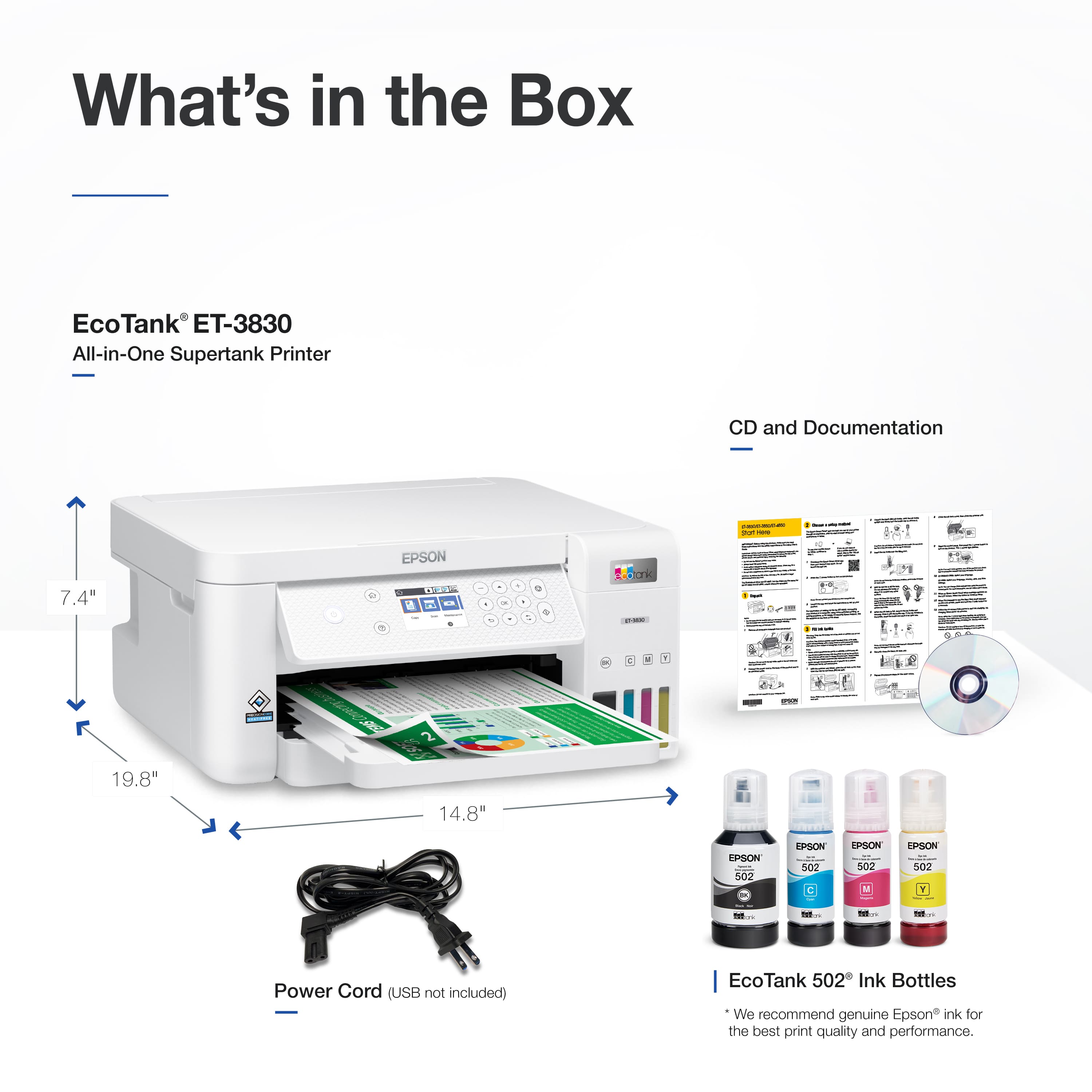
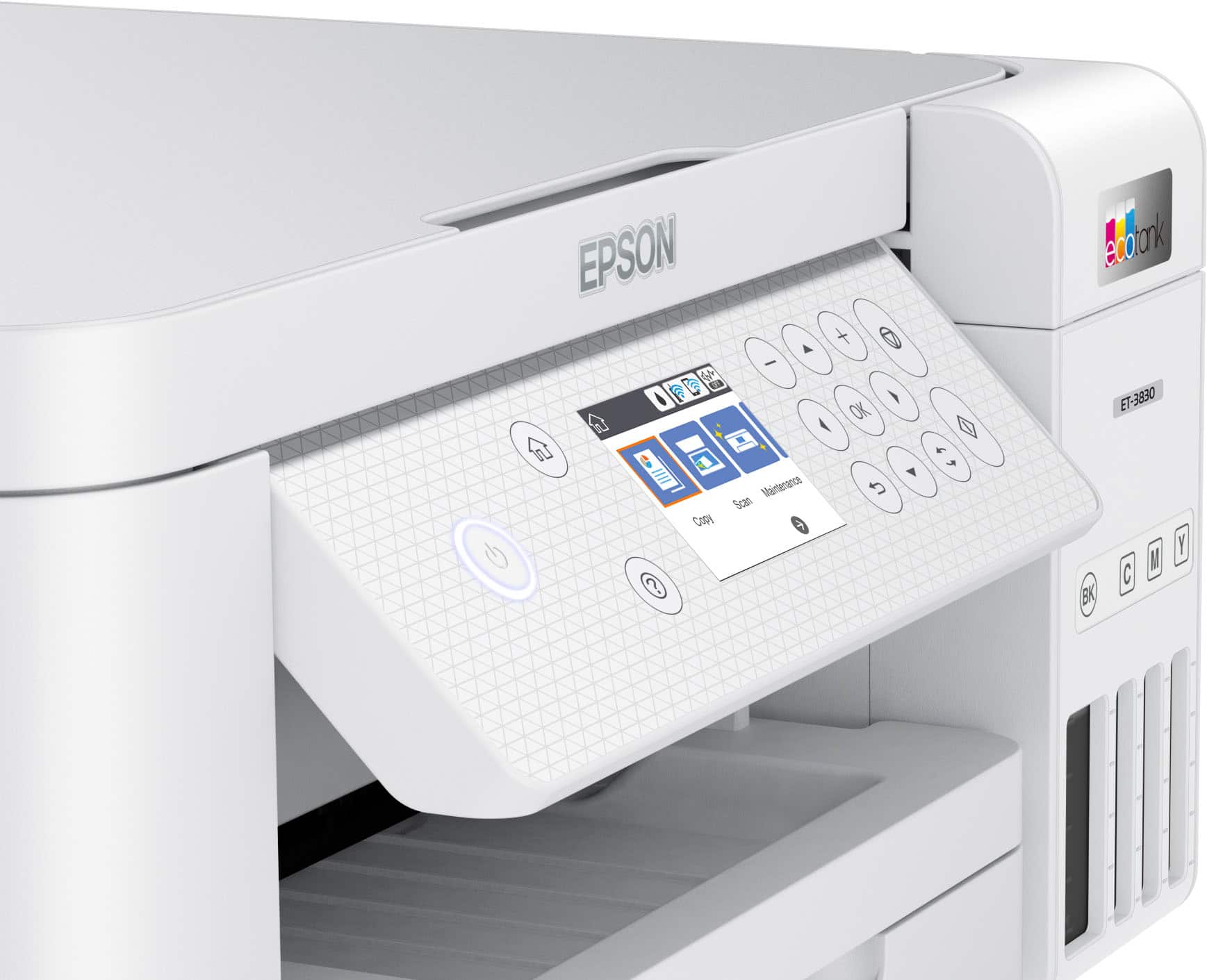
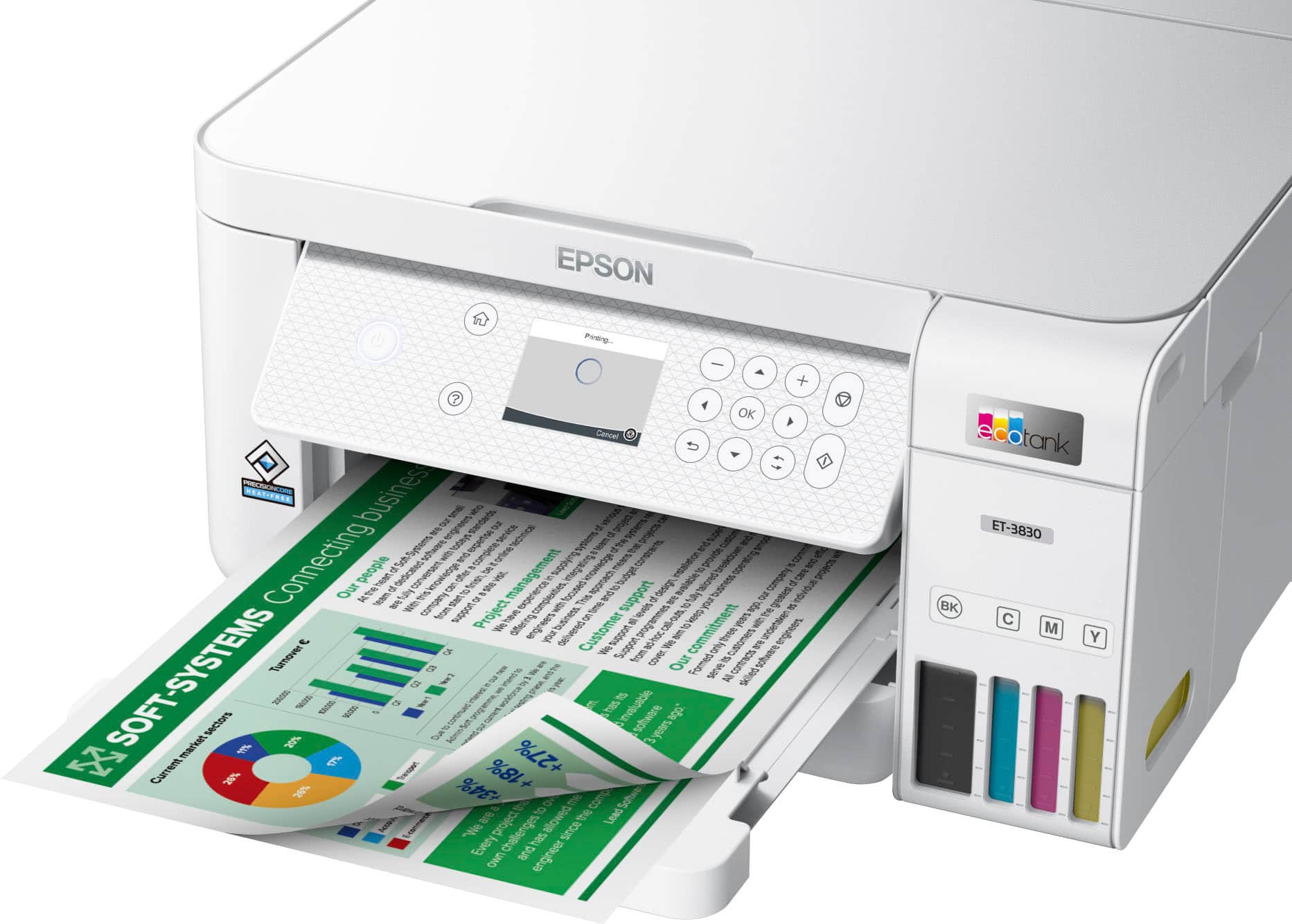
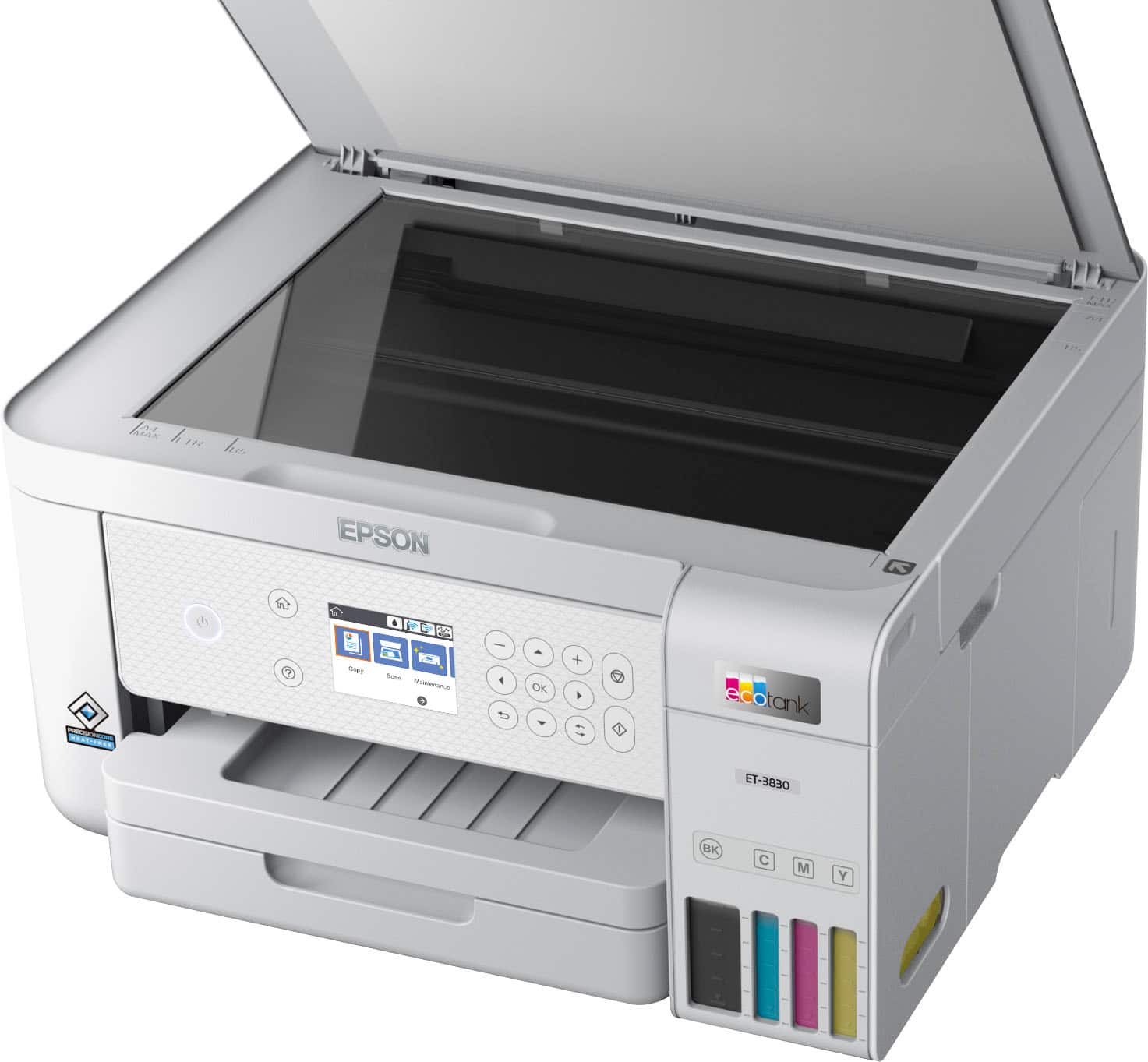
|Posted .This reviewer received promo considerations or sweepstakes entry for writing a review.In the box is the printer, the power plug, an instruction manual and disc and full size ink bottles. First impression, the printer box was a little heavy when bringing the box inside but once you open the box and unpackage the printer, it is actually very light weight. I appreciate the slim and perfect square design, this will allow me to downsize my printer area. I also love that the printer tray holds so much paper but from the outside it doesn’t look like it does. I also like that the scanner flap doesn’t weight a ton and it folds right into the top of the printer. There is also a pull out tray for the printouts to land that also folds into the printer. After opening the box, you will want to download the app, set up the WiFi and add the ink. If you are not prompted to update the firmware on the printer, the app will scan for the latest firmware. Once you add the WiFi, printing is a breeze since the printer is discoverable when you are on the same network. Adding the ink is super easy. Keep in mind that it is recommended to not squeeze the bottles. Just unwrap the plastic, and let the ink drain in each section. There are settings to run through to calibrate the ink but I found that once I started printing, the printing quality got better and better with each printing session. The app is pretty cool. There are so many options to choose from and I like that there are so many but I also like that I can just add the printer and just print as well. I am pretty sure the rest of the settings will come in handy in the future. The best part of the printer for me is the printing quality. Normally when I buy an inkjet printer, I have problems with the ink smudging printing from home, so I have to laminate my documents that I want to print for work or recreational use because as soon as water hits them, it never fails, they smudge/smear. I am happy to report that this printer is not the case! Finally, I don’t have to break out my laminating machine and my plastic document protectors unless I want to. I dropped a significant amount of water on a print copy and it did not smudge/smear at all! I even let it sit for 30 seconds and went back and rubbed my finger in the ink and it still did not smudge! I am super happy with this because there are so many times that I want to print things and I have to give my disclaimer about getting the documents wet but not anymore! Please beware that there is printing noise while printing larger documents but there is a setting on the printer that you can turn on to help with that. Would I recommend this printer to friends and family? Absolutely yes! I am excited to get started on some home projects and I can’t wait to see the savings on printer ink!
I would recommend this to a friend - Pros mentioned:Print quality, Setup
Great printer and Easy setup
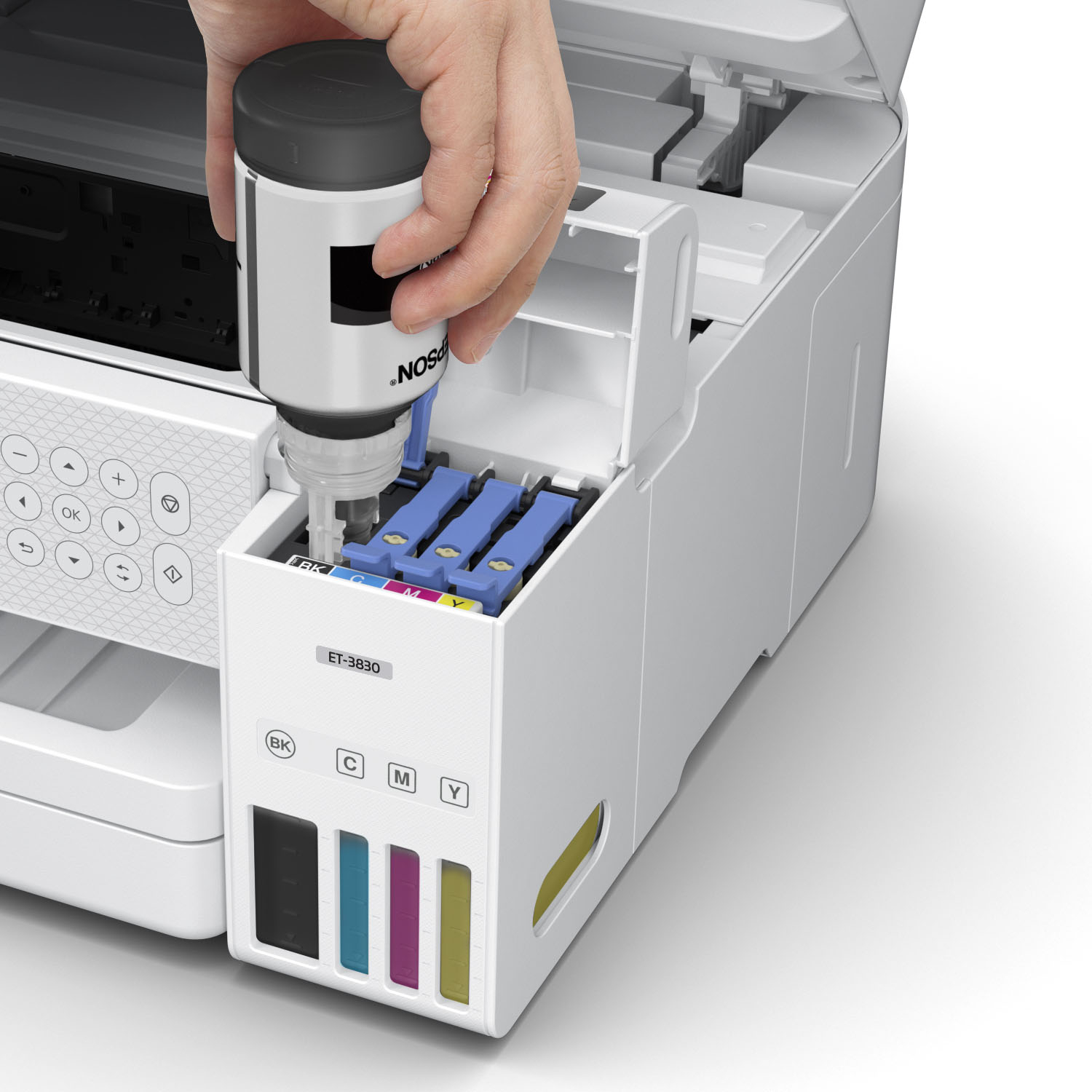
|Posted .This reviewer received promo considerations or sweepstakes entry for writing a review.The Epson - EcoTank ET-3830 is an excellent printer for home or office. Setup is super easy and takes about 10-15 minutes. Filling the ink tanks is simple and not messy like I thought it would be. It's impressive you get the ability to scan, print double-sided, on board display AND save money without having to mess with ink cartridges. We previously used a monthly service for ink cartridges, and while it wasn't terrible, it definitely isn't ideal. especially in today's world where everything is subscription based. The print quality is great and I definitely don't see us going back to a cartridge printer ever again. Epson did a great job with this one!
I would recommend this to a friend - Pros mentioned:Print quality, Setup
Great printer
Posted .This reviewer received promo considerations or sweepstakes entry for writing a review.Prints great. Setup was easy. Ink is more reasonable than the competitors and last longer. Works with my Linux OS which is why I previously bought HP but the last HP was incompatible with my system and this adapted automatically. Highly recommended!
I would recommend this to a friend - Pros mentioned:Ease of use, Print quality
Great machine
Posted .This reviewer received promo considerations or sweepstakes entry for writing a review.lovely machine, quiet, easy to use, good sized paper tray. Love the large ink reservoir
I would recommend this to a friend - Pros mentioned:Ease of use, Print quality
Like Shaq said in the commercial
|Posted .This reviewer received promo considerations or sweepstakes entry for writing a review.I don't bother talking about setup with a printer because they're all pretty easy these days. This one was just that much easier. The refillable ink is so cool. You can clearly see what you got, the pages come out beautiful, and fill it up and don't worry about it just like Shaq says in the commercial. Truly revolutionary in my opinion, I was over the silly cartridges and waiting on this system to tell me when I needed more ink. I like this way more.
I would recommend this to a friend - Pros mentioned:Print quality, Setup
My Epson-EcoTank Printer
Posted .This reviewer received promo considerations or sweepstakes entry for writing a review.Easy to set up. Easy to fill with the ink. Clear print of documents.
I would recommend this to a friend - Pros mentioned:Print quality
Solid Product for this Category
|Posted .This reviewer received promo considerations or sweepstakes entry for writing a review.The Epson - EcoTank ET-3830 All-in-One Cartridge-Free Supertank Printer is a solid product for it's category. Wireless set-up was very smooth using the Epson app. There's also an option for setting it up via a direct cable, though there are no USB cables included. Filling the ink tanks is simple and secure and it was ready for use immediately (though I chose to upgrade the firmware first). Print quality is solid and pictures look great on photo paper, which is a consistent strength of Epson printers. I like having a large-capacity paper tray, an adjustable control panel and easy-to-use copy/scanner area. I'm also a big fan of the ink-tank solution as opposed to cartridges. This is a solid product for this category and you will not be disappointed. That being said, I would recommend taking time to seek out the best current prices.
I would recommend this to a friend - Pros mentioned:Overall performance
Epson ET 3830
Posted .This reviewer received promo considerations or sweepstakes entry for writing a review.Happy with printer. Instalation took less than 30 min. Adding PC another 20 min. Working fine. Reasonable price.
I would recommend this to a friend - Pros mentioned:Ease of use, Size
Epson Printer
Posted .This reviewer received promo considerations or sweepstakes entry for writing a review.I like the printer and it is easy to use. It is compact enough to fit in the designated place.
I would recommend this to a friend - Pros mentioned:Print quality
Very good idea
|Posted .This reviewer received promo considerations or sweepstakes entry for writing a review.This EcoTank is a very well thought printer. A lot of ink that you will actually never re-fill again (home and small office use). You will mostly have to upgrade/change the printer before needing to refill it. I'd recommend performing all recommended maintenance steps (first time use and whenever required). It will keep good printing quality. Scanning is ok. I picked the one without feeder. Resolution is fine. Android app works well with no issues or hiccups. I use it for occasional printing. Good WiFi syncing functions. Printing nice pictures with it (even on eco mode). Printing cost is way cheaper than any other regular printing. Very ecological by helping limiting waste (cartridges).
I would recommend this to a friend - Pros mentioned:Ease of use
Easy to connect to computer via wifi!
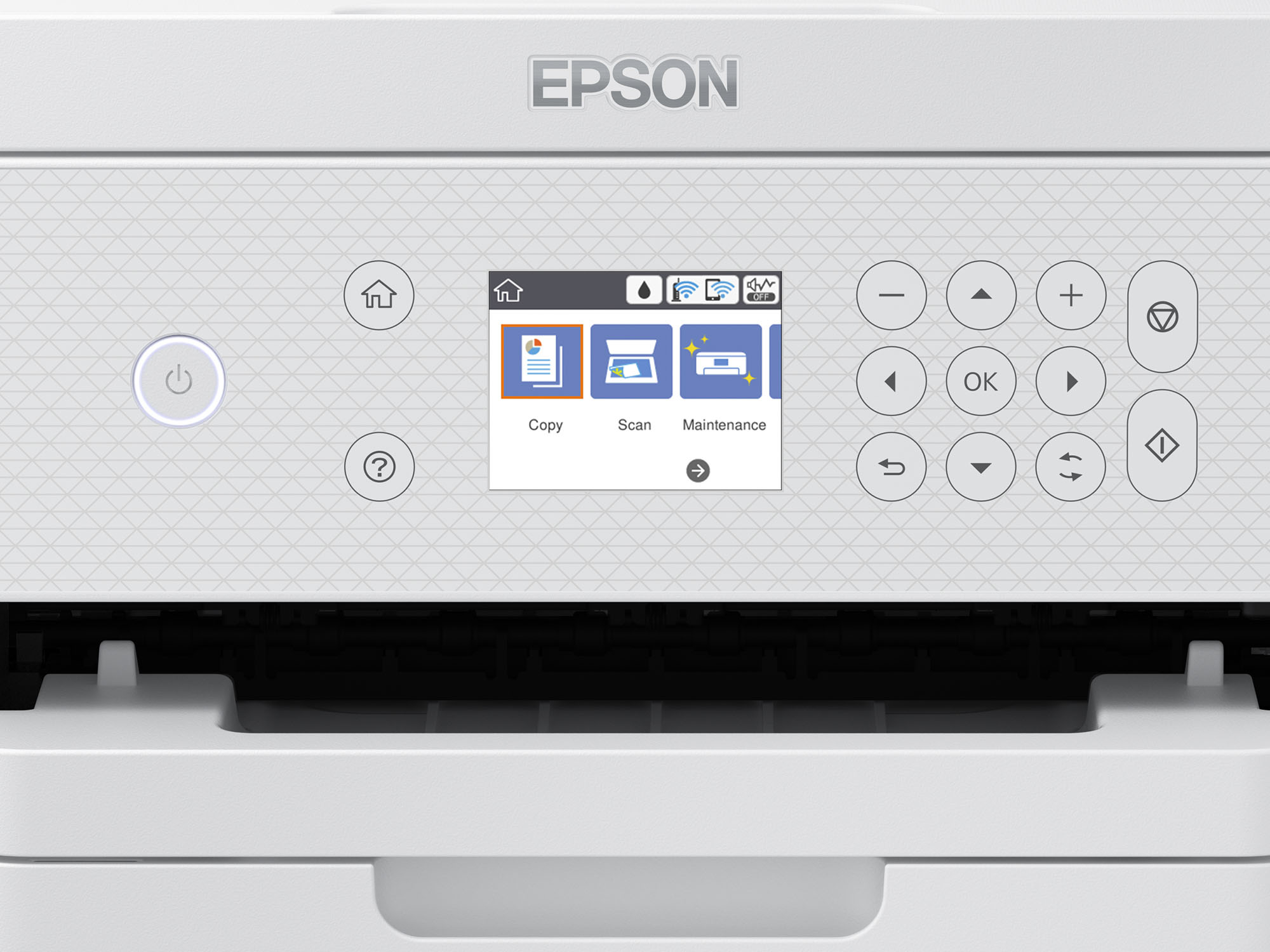
Posted .This reviewer received promo considerations or sweepstakes entry for writing a review.I am low tech but I had little difficulty setting up this printer. My major concern was connecting it to my computer via wifi, but I ended up doing that accidentally while searching for what the icons stand for. My only complaint is that nowhere could I find a list of what the icons stand for and had to ask a friend who also has an Epson printer.
I would recommend this to a friend - Pros mentioned:Print quality
Best printer I’ve ever owned
Posted .This reviewer received promo considerations or sweepstakes entry for writing a review.Best printer I have ever owned. My old HP printer stopped printing so we ended up heading to BB and getting a new HP- it was awful. I returned it to Best Buy and decided to try out this Epson instead. I’m so glad I did! What a huge difference between Epson and HP. No more running out of ink, and the print quality is far superior to my HP. So happy with this purchase.
I would recommend this to a friend - Pros mentioned:Setup
BYE, BYE INK CARTRIDGES
Posted .This reviewer received promo considerations or sweepstakes entry for writing a review.I've only had this printer about 3 weeks but so far I love it. The setup was easy and it was very easy to load the ink into the printer without spilling a drop. I had an older model Epson printer but it used 4 separate ink cartridges and wouldn't print at all if one was out. No problem here with this one. It is also easy to load 14x8.5 paper for spreadsheets, another plus in my opinion.
I would recommend this to a friend - Pros mentioned:Ease of use
Epson printer review
Posted .This reviewer received promo considerations or sweepstakes entry for writing a review.I like the design of this product. I think the control window is easier to use.
I would recommend this to a friend Normal Printer Concerns but Overall Fine
Posted .This reviewer received promo considerations or sweepstakes entry for writing a review.This printer works fine for our office. I will say that the tray is not long enough/does not have anything to really hold the paper there as it prints so papers tend to fly off while printing. Also just like most printers, it does not always want to print when it gets sent things wirelessly. It seems to be hit or miss some days.
I would recommend this to a friend- Pros mentioned:Ease of use
Epson ET3850 -Great Buy!
Posted .This reviewer received promo considerations or sweepstakes entry for writing a review.This was a great purchase. I had no difficulty setting it right up when I took it home. Just followed the instructions and everything worked perfectly. Very happy with this buy.
I would recommend this to a friend - Pros mentioned:Print quality
I love printer
Posted .This reviewer received promo considerations or sweepstakes entry for writing a review.This is a great printer. I converted it to sublimation (I know, probably not recommended). I had a little trouble getting all the colors to print but followed recommended practices and now it is perfect.
I would recommend this to a friend - Pros mentioned:Ease of use
My new ET-3830 Eposon Ecotank Color Printer
Posted .This reviewer received promo considerations or sweepstakes entry for writing a review.I purchased an Epson ET 3830 Ecotank color printer from Best Buy. It arrived relatively on-schedule. It was easy to set up and has worked flawlessly so far. The color printing is very good. The only "glitch" if it is one, is that shutting it down is more complicated than any of my other printers have been. I am very pleased.
I would recommend this to a friend - Pros mentioned:Print quality
Works well but no auto turn off/on
Posted .This reviewer received promo considerations or sweepstakes entry for writing a review.Terrific works well. Wish it had a self turn off option and I could remote print without running to the office to turn on the machine.
I would recommend this to a friend - Pros mentioned:Ease of use
Eco tank is better
Posted .This reviewer received promo considerations or sweepstakes entry for writing a review.I was surprised how much easier to put the ink in the tank, than my last printer. I had to push hard on the little cases. I won't go back to that style. It's easy to use,
I would recommend this to a friend