Customer Ratings & Reviews
- Model:
- C11CJ21201
- SKU:
- 6469372
Rating by feature
- Value
Rating 4.5 out of 5 stars
- Quality
Rating 4.6 out of 5 stars
- Ease of Use
Rating 4.5 out of 5 stars
Customers are saying
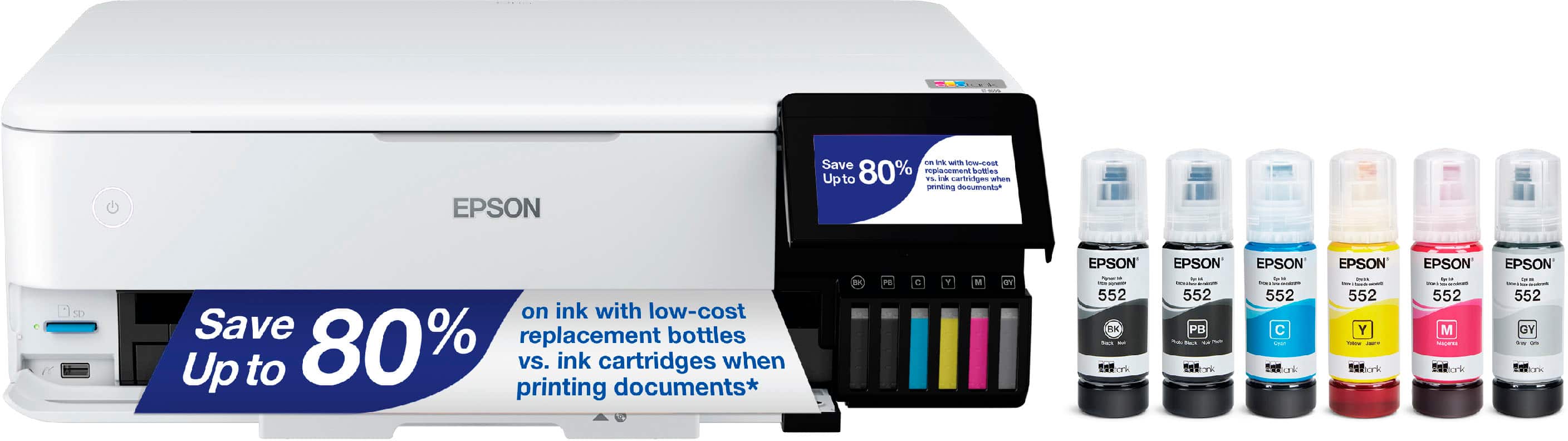
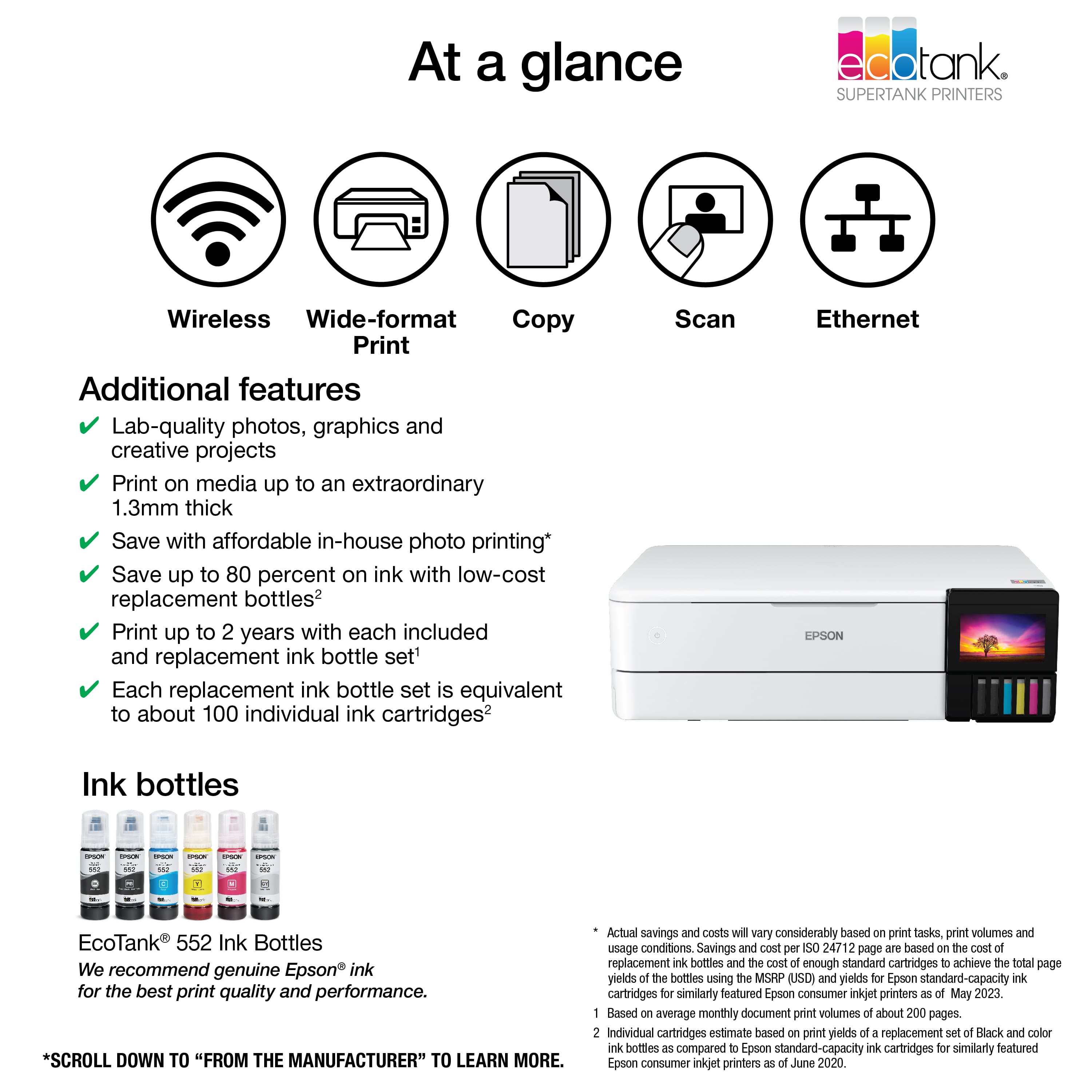
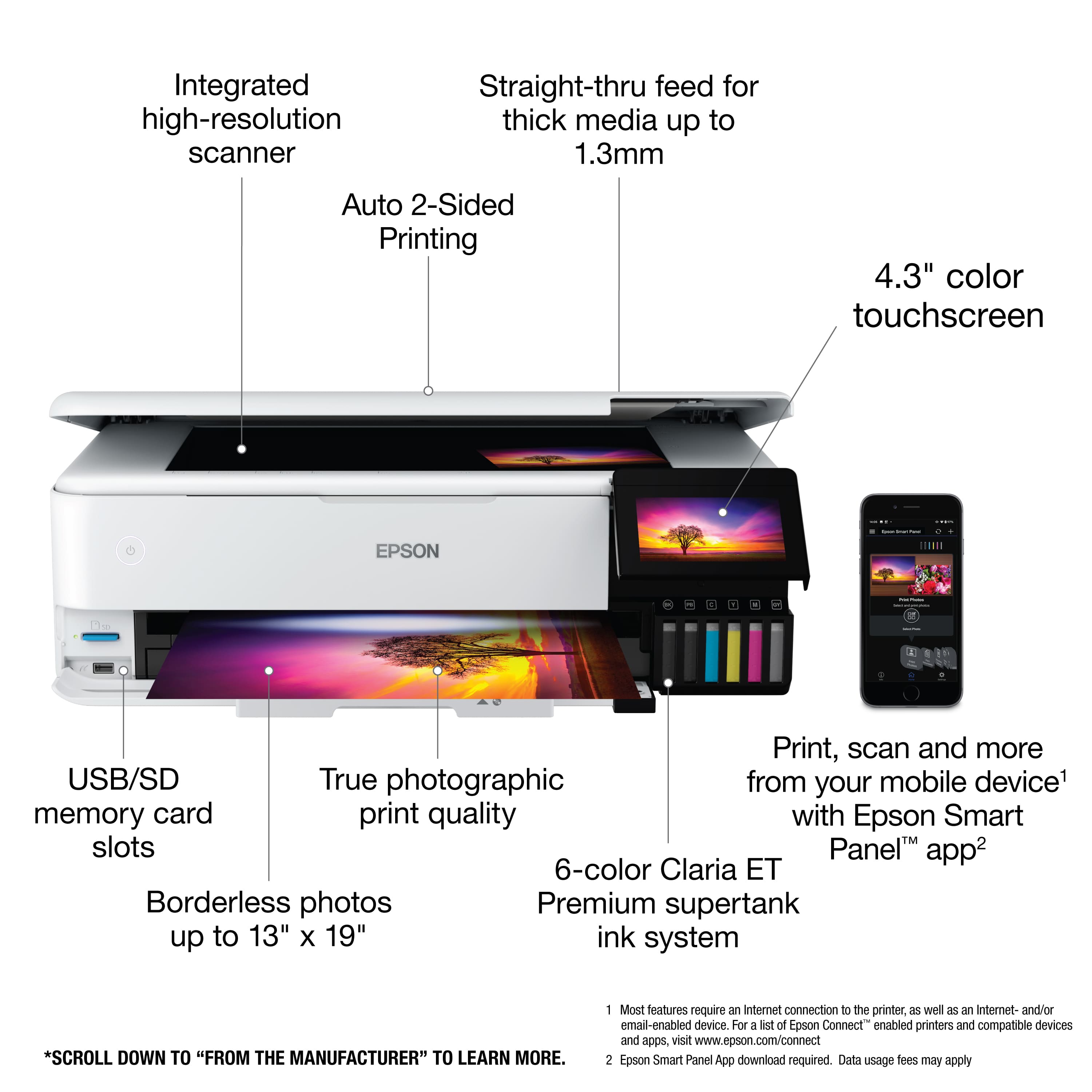
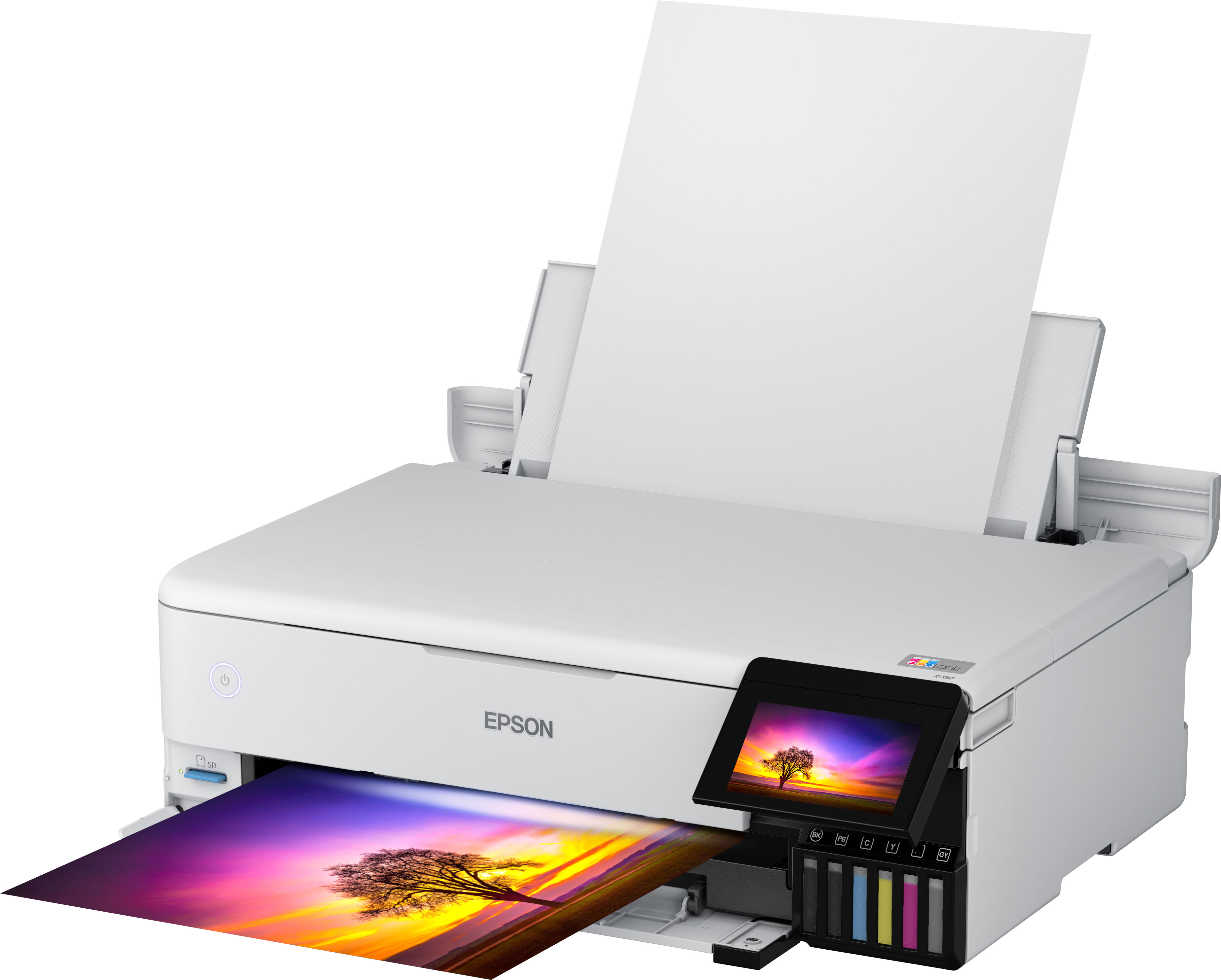
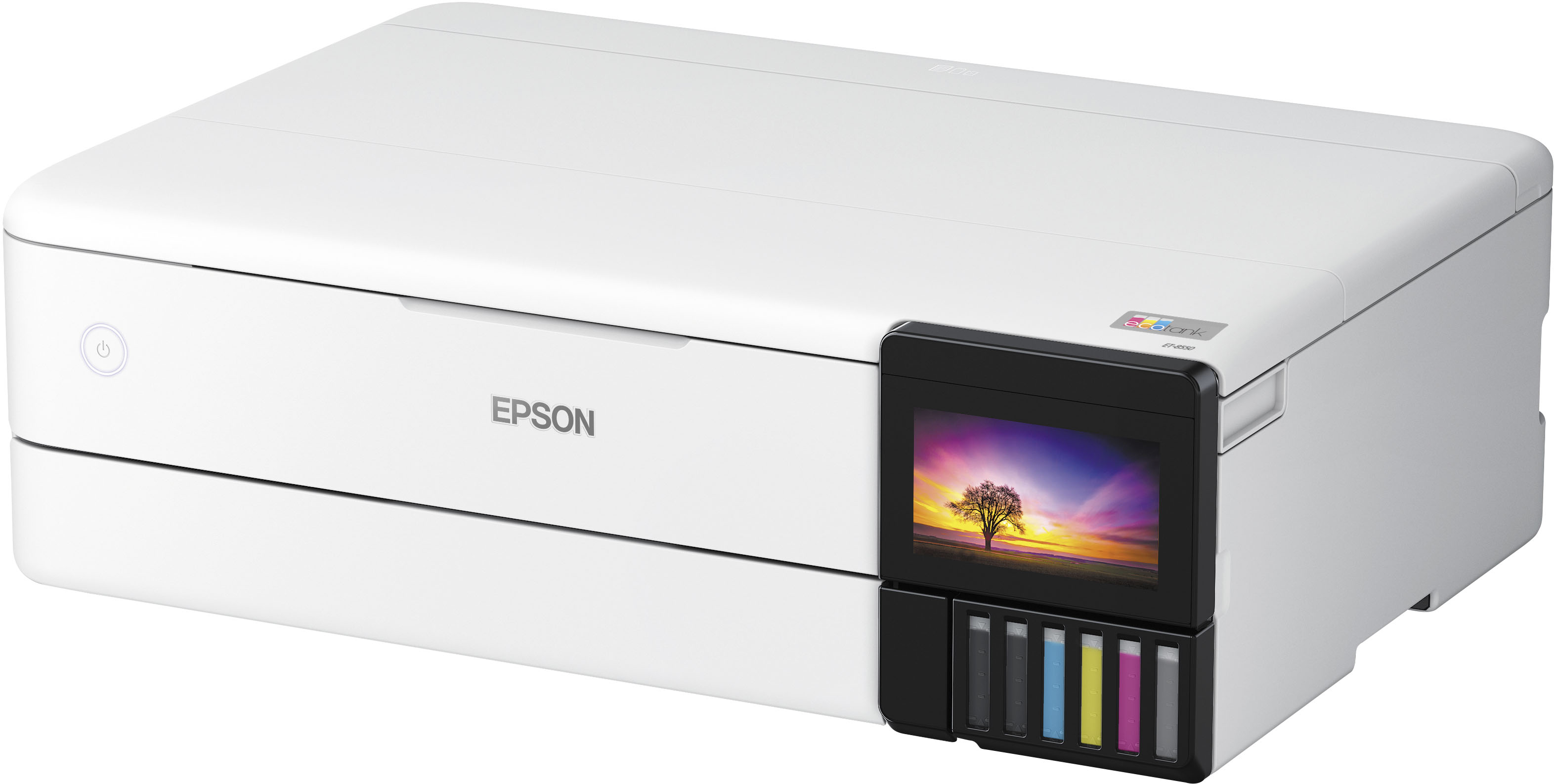
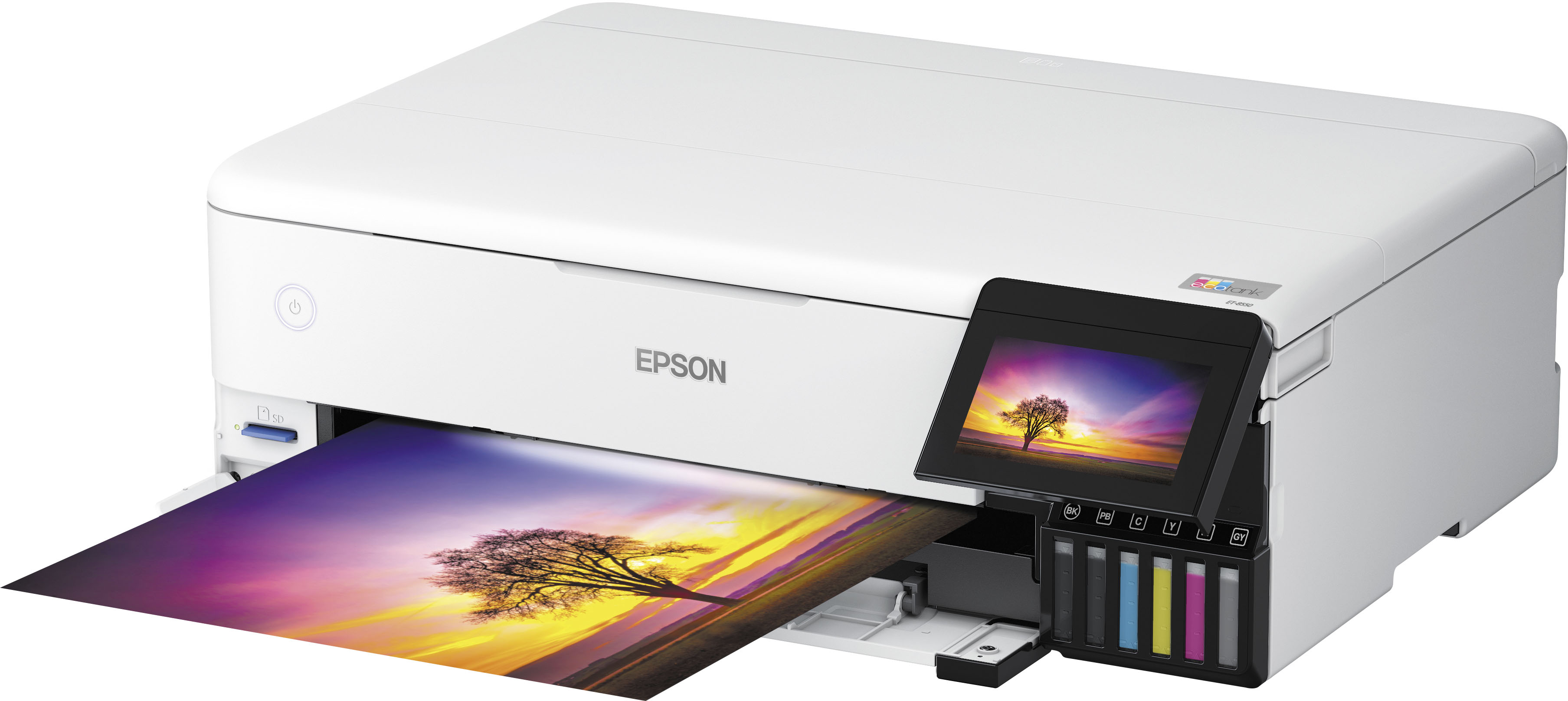
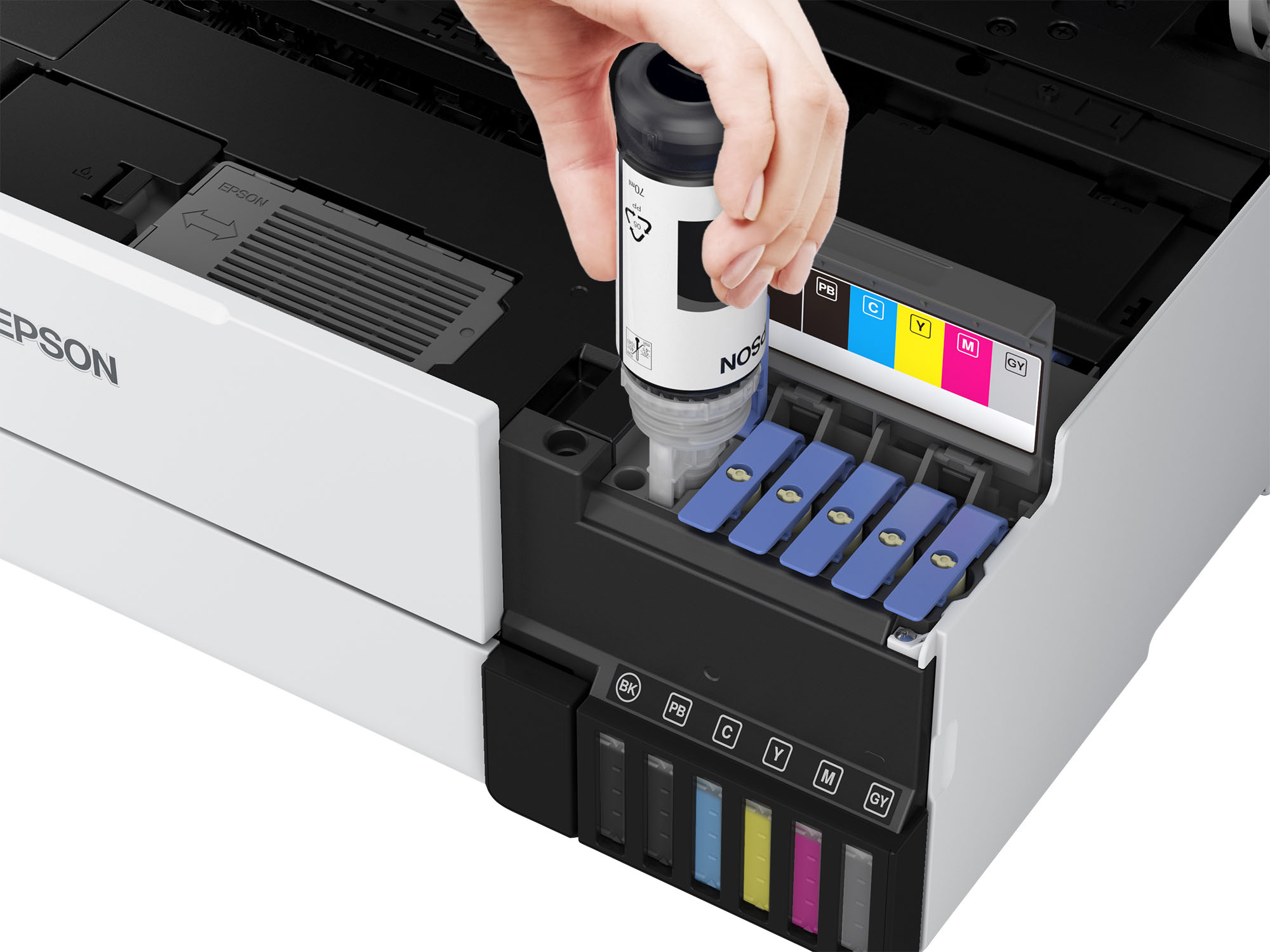
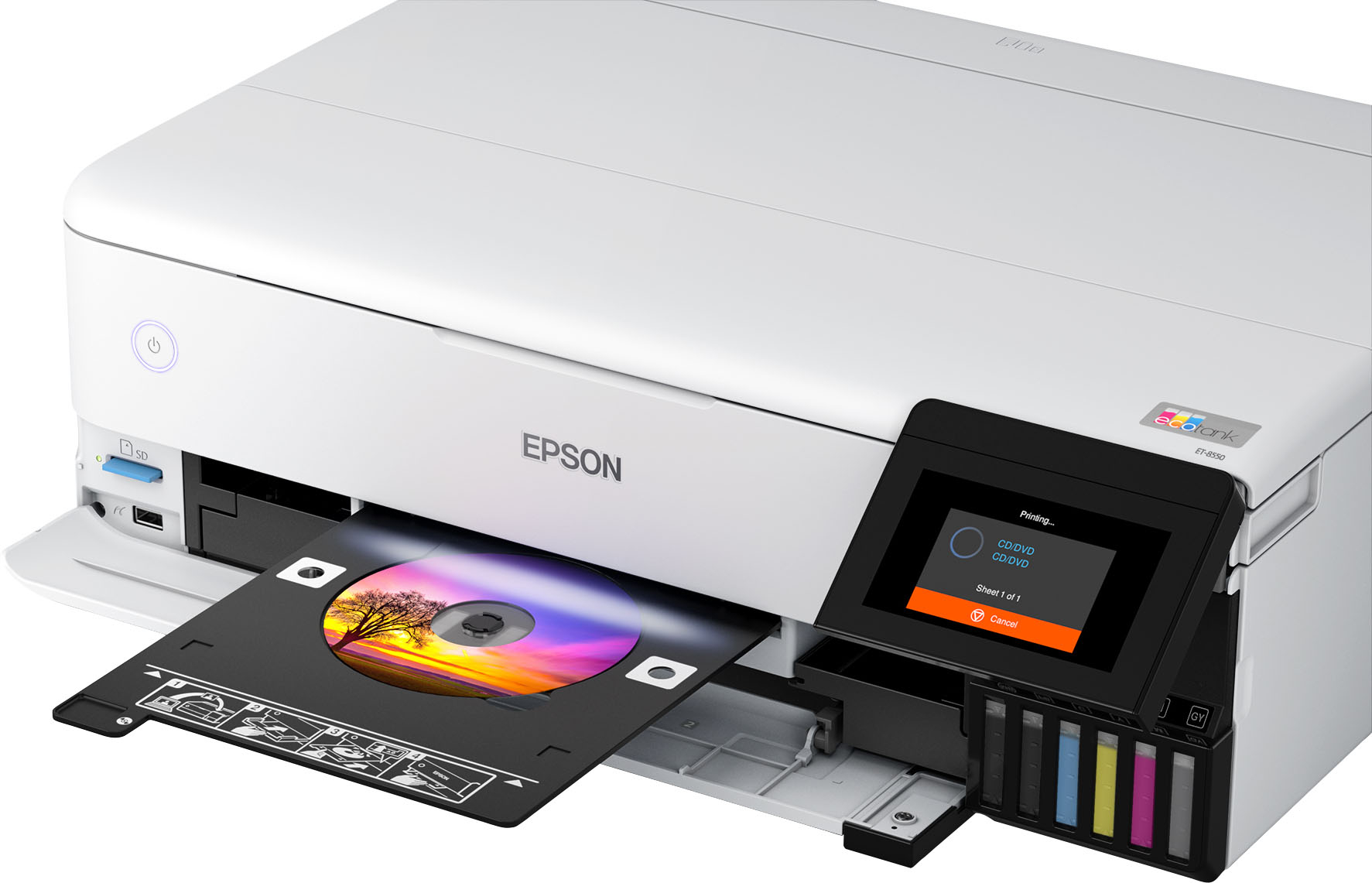
Customers have good things to say about the EcoTank Photo ET-8550 All-in-One Wide-format Supertank Printer, especially regarding its excellent print quality and ease of use. Many also appreciate the overall performance and easy setup. However, some customers have reported issues with paper jams, while others feel the price is a bit high and the output tray feels flimsy.
This summary was generated by AI based on customer reviews.
- Pros mentioned:Print quality
Epson 8550
||Posted . Owned for 1 month when reviewed.This reviewer received promo considerations or sweepstakes entry for writing a review.Absolutely love this printer. Wouldnt waste your time on any other one if your looking for a printer that prints pictures perfectly. Highly recommended
I would recommend this to a friend - Pros mentioned:Print quality
Great printer
||Posted . Owned for 5 months when reviewed.This reviewer received promo considerations or sweepstakes entry for writing a review.If you like printing pictures absolute must have, and ink last long past having to buy cartages. Wi-fi connection doesn't need to be on your computer desk if you have limited space.
I would recommend this to a friend - Pros mentioned:Print quality
High quality at an affordable price
||Posted . Owned for 1 month when reviewed.This reviewer received promo considerations or sweepstakes entry for writing a review.So far I am exceedingly impressed with the print quality of this upper-level inkjet printer. Coupled with high-quality specialized paper, I'm getting superb quality art prints.
I would recommend this to a friend - Pros mentioned:Ease of use
Great printer
||Posted . Owned for 3 weeks when reviewed.This reviewer received promo considerations or sweepstakes entry for writing a review.Great printer and very easy to set up. I have multiple printers by epson. Great products
I would recommend this to a friend - Pros mentioned:Print quality
Great Printer
||Posted . Owned for 1 year when reviewed.This reviewer received promo considerations or sweepstakes entry for writing a review.Great printer for what I use it for. Definitely will buy another when time comes
I would recommend this to a friend - Pros mentioned:Print quality
Epson printer
||Posted . Owned for 3 weeks when reviewed.This reviewer received promo considerations or sweepstakes entry for writing a review.The best gift I bought my wife she loves it very much
I would recommend this to a friend - Pros mentioned:Print quality
Great printer for drf conversion.
||Posted . Owned for 2 months when reviewed.This reviewer received promo considerations or sweepstakes entry for writing a review.Great printer. Perfect for what I was looking for. Converted to a dtf printer.
I would recommend this to a friend - Pros mentioned:Print quality
My epson 8550
||Posted . Owned for 5 months when reviewed.This reviewer received promo considerations or sweepstakes entry for writing a review.I love my epson 8550, i use it like 8 to 10 times a week and love it. It works great and makes the best prints. I truly recommend it, buy it, you will love it too.
I would recommend this to a friend - Pros mentioned:Print quality
Great printer
||Posted . Owned for 1 week when reviewed.This reviewer received promo considerations or sweepstakes entry for writing a review.Great prints and great details good on saving ink The size of print 13x19 perfect
I would recommend this to a friend - Pros mentioned:Print quality
Excellent photo printer
||Posted . Owned for 3 weeks when reviewed.This reviewer received promo considerations or sweepstakes entry for writing a review.Excellent photo printer! I use this printer for printing 81/2 X 11 photos. I would definitely recommend this printer because of its excellent quality of printing photos.
I would recommend this to a friend - Pros mentioned:Print quality
Printer smart value
||Posted . Owned for 9 months when reviewed.This reviewer received promo considerations or sweepstakes entry for writing a review.This thing has the speed and printing capabilities of a Comercial printer with top quality prints
I would recommend this to a friend Scanner NOT Compatible with Windows 7
||Posted . Owned for 1 week when reviewed.This reviewer received promo considerations or sweepstakes entry for writing a review.FALSE Marketing. Epson says compatible with Windows 7 & XP. FALSE. After 7 hours with their Tech teams 1-3 nothing could get the digital screen to scan. Finally I was told that they are aware that Scanner will NOT work with Windows 7. I was able to get the scanner to work by right clicking on the Windows icon found in "Devices and Printers" in the control panel. Click "start scan" and scanning becomes possible - but not ideal as this expensive printer should work. Disappointing
No, I would not recommend this to a friendBrand response from Epson
Posted .Hi DavidM, we apologize for the disappointing experience you had installing your Epson scanner driver. Your ET-8550 includes lifetime support, so if you have any more issues please call us first at (562) 276-4382; Hours: Monday – Friday, 7 a.m. to 4 p.m. (PT). Sincerely, Alissa A. – The Epson Team.

Great buy
||Posted .This reviewer received promo considerations or sweepstakes entry for writing a review.Love using this Espon printer. The size and the color is awesome.
I would recommend this to a friend- Pros mentioned:Print quality
Fabulous printer
||Posted . Owned for 1 year when reviewed.This reviewer received promo considerations or sweepstakes entry for writing a review.So happy that I purchased this Epson printer. It has been printing great photos. I have been printing 13"x19" prints and they have been coming out great.
I would recommend this to a friend - Pros mentioned:Print quality
Amazing Printer
||Posted . Owned for 1 year when reviewed.This reviewer received promo considerations or sweepstakes entry for writing a review.Great value for the price and the size of the prints
I would recommend this to a friend - Pros mentioned:Print quality
I love it
||Posted . Owned for 3 months when reviewed.This reviewer received promo considerations or sweepstakes entry for writing a review.I really love this printer , the quality is insane and the amount of prints I can get without changing ink is insane
I would recommend this to a friend 
Great printer
|Posted .This reviewer received promo considerations or sweepstakes entry for writing a review.Great product would recommend for any type of craft or sublimation.
I would recommend this to a friend- Pros mentioned:Print quality
Great color printer.
||Posted . Owned for 1 month when reviewed.This reviewer received promo considerations or sweepstakes entry for writing a review.My first more expensive printer. Works great easy to set up and get started. Accepts a lot of paper types and thicknesses. Color comes out great just remember to set your print setting to best on the computer
I would recommend this to a friend - Pros mentioned:Print quality
This Thing Stinks
||Posted . Owned for 2 weeks when reviewed.This reviewer received promo considerations or sweepstakes entry for writing a review.Not only does the printer stink, but so does their customer service/support. I purchased this printer to produce a batch of 200 invitations for a wedding. I purchased 272 GSM cardstock for the invitations, and all of them came through with roller indents (through the rear paper feeder). This is after all the troubleshooting I could do with online videos, including enabling the thick paper settings, choosing the right paper, setting every setting as correctly as possible, etc... It would always leave those indents regardless of settings. And it's supposed to handle up to 300 GSM before needing to use the very back rear paper slot, so I'm not sure what's going on here! I also attempted to print onto Red River's glossy photo paper. Absolutely destroyed it with roller indents. And I don't mean it left little dots or pizza wheel marks in the paper, I mean it stamped the paper, like it was debossing it, and it was bad. Because it was gloss the issue was obvious and impossible to cover up or conceal in any way. By the way, I tested the same paper in my cheap Canon Pixma printer we've been using forever at home until purchasing this printer, and it left none of the issues I'm mentioning now. The quality of it was worse, obviously, but it could actually handle the paper. All of that, and it doesn't even begin to describe the huge number of issues I've had with alignment. These invites are double sided. I'm printing them out on letter-sized paper to be more economical and am slicing them afterwards. Even before I've taken a blade to it, the print is not lined up with the backside. But not because it's offset one way or the other, but because it's ROTATED/SKEWED ever so slightly one way or the other. That shouldn't happen! Not on an $800 printer! Since I couldn't guarantee alignment that way, I went ahead and precut the paper, and attempted to print the cards in the regular 5x7 size, using the borderless print option. Most of these are turning out fine, no roller indents on this new paper I've picked out (a much more lightweight paper), but still alignment issues! I've double and triple checked that the paper and cuts I've made are square, and they're square enough that I shouldn't be having as drastic of an issue as this. I had to use the borderless scaling option NOT because of a potential margin on ALL sides (or even an issue with the designed document), but because it wanted to leave a margin on the LEFT side only (a good thick one too)! And that's with the paper feeder being set correctly to the width of the card! So I HAD to use the scale option despite having extra offset and correctly set margins, etc... And still, of the 200-ish invites I've printed out, 10 of them came out with a miniscule white line on the left side. (all the same settings, same alignment in feeder tray, etc...). But here's the kicker, it's not consistently thick! In fact, it disappears and goes off the edge of the paper at about the halfway point! THIS MEANS IT'S BEING FED IN SKEWED AT AN ANGLE!!! ARE YOU KIDDING ME!?! Sure enough, checking it with a clear ruler, calipers, etc... it's not printing straight, it's slightly skewed. Just enough that you almost can't notice, but I do, and it's frustrating me that I spent $800 on a printer for my client to receive something that I would throw a fit over. I know the cuts are as square as it gets, and even if they aren't, they are not nearly as far off as the printer is skewing the print. I genuinely don't know what to do here! I've done the alignments several times to no effect. I know that you can't solve every problem, and skewing, misalignment, etc... are all going to happen, but this is an EXPENSIVE printer. This is something you purchase as an investment into yourself. And THIS is the result? By the way, when I brought up the misalignment to their customer support, the best they could do was respond with a list of supported papers :) No attempt at trouble-shooting or actual support. The only saving grace about this thing is it's an eco-tank, and it really does NOT use ink at all. I've printed the 200 invites, and I'm only barely getting low on Gray, and nothing else. That and when the quality settings are set correctly, the quality of the print is gorgeous. But all the other technical issues make this a STEER CLEAR AND STAY AWAY review. Find something that doesn't have issues like this if you're shopping at this price point. I severely regret the purchase.
No, I would not recommend this to a friendBrand response from Epson
Posted .Hi John, we are sorry to hear about the disappointing experience you've encountered with your printer and our Customer Support team. Epson takes into consideration all feedback to improve the performance, quality, and support of our products. We will forward your feedback to the relevant department. If the issue still persists, you may reach out directly to our Advanced Epson Support Team at 1-800-241-5794. We appreciate your time and we look forward to your call. Kind Regards, Joseph – The Epson Team.
- Pros mentioned:Print quality
great
||Posted . Owned for 2 months when reviewed.This reviewer received promo considerations or sweepstakes entry for writing a review.Great printer! very clear very accurate and precise
I would recommend this to a friend