Customer Ratings & Reviews
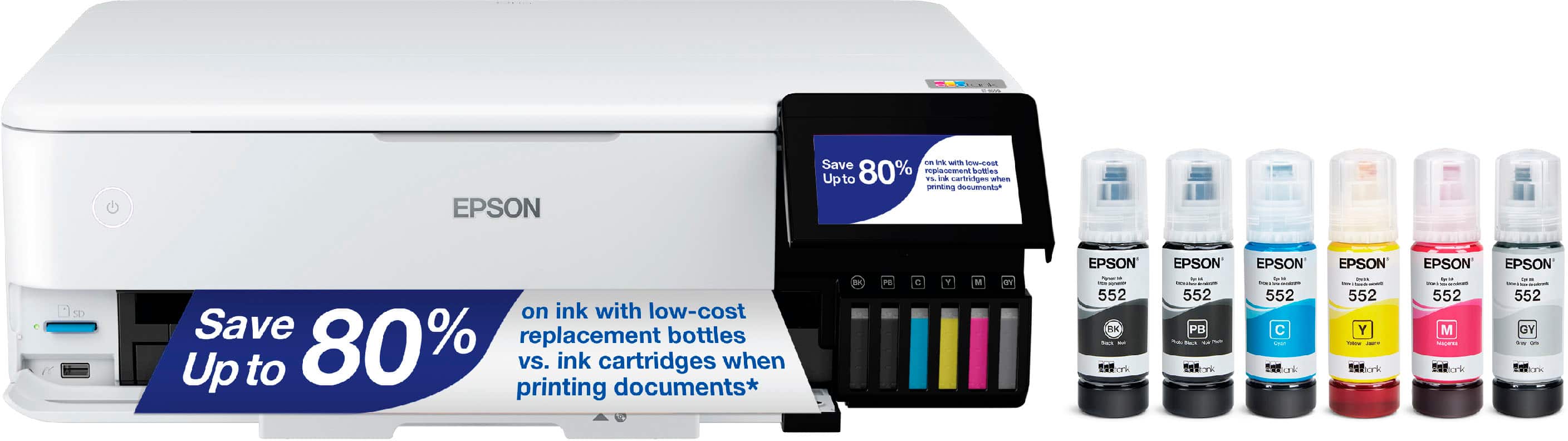
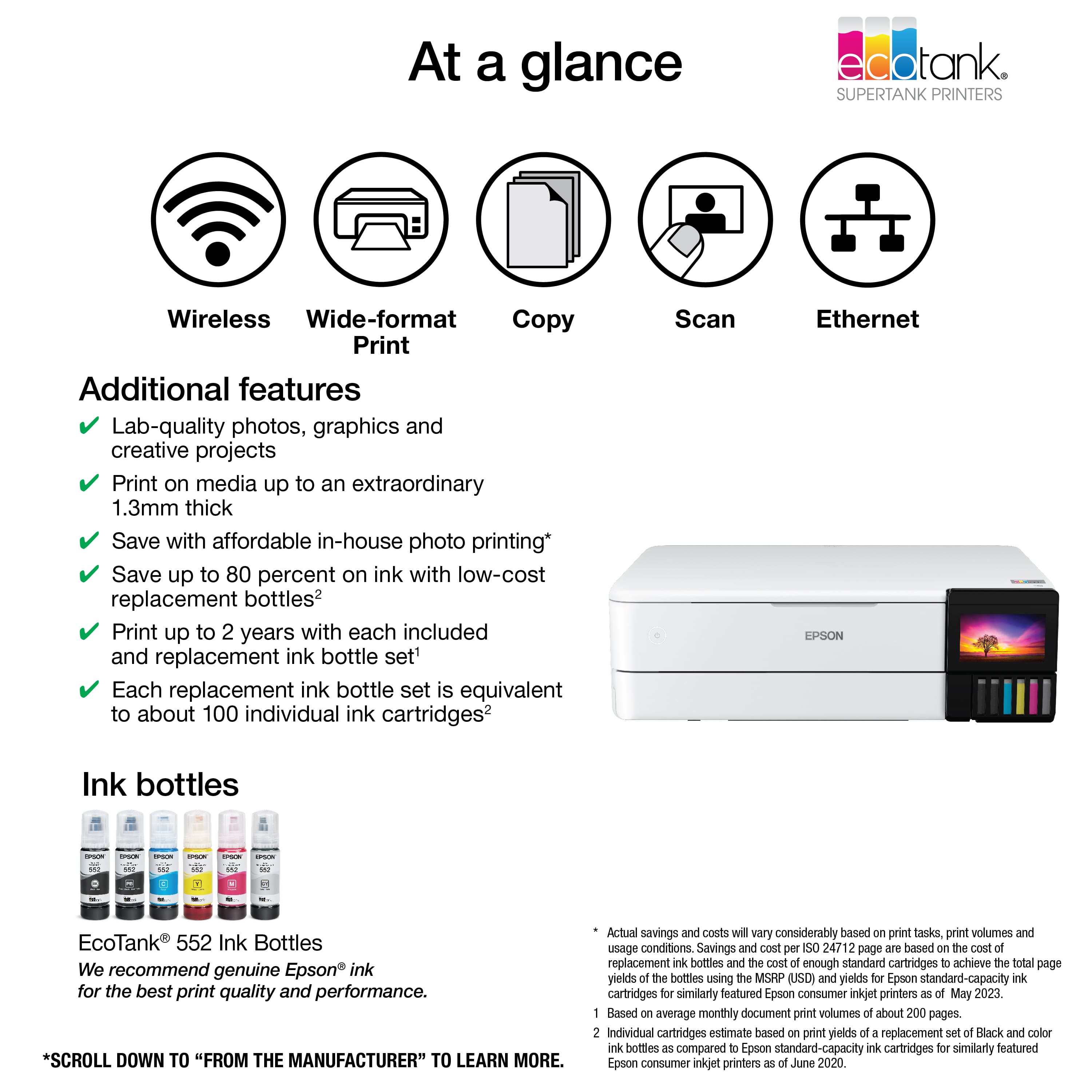
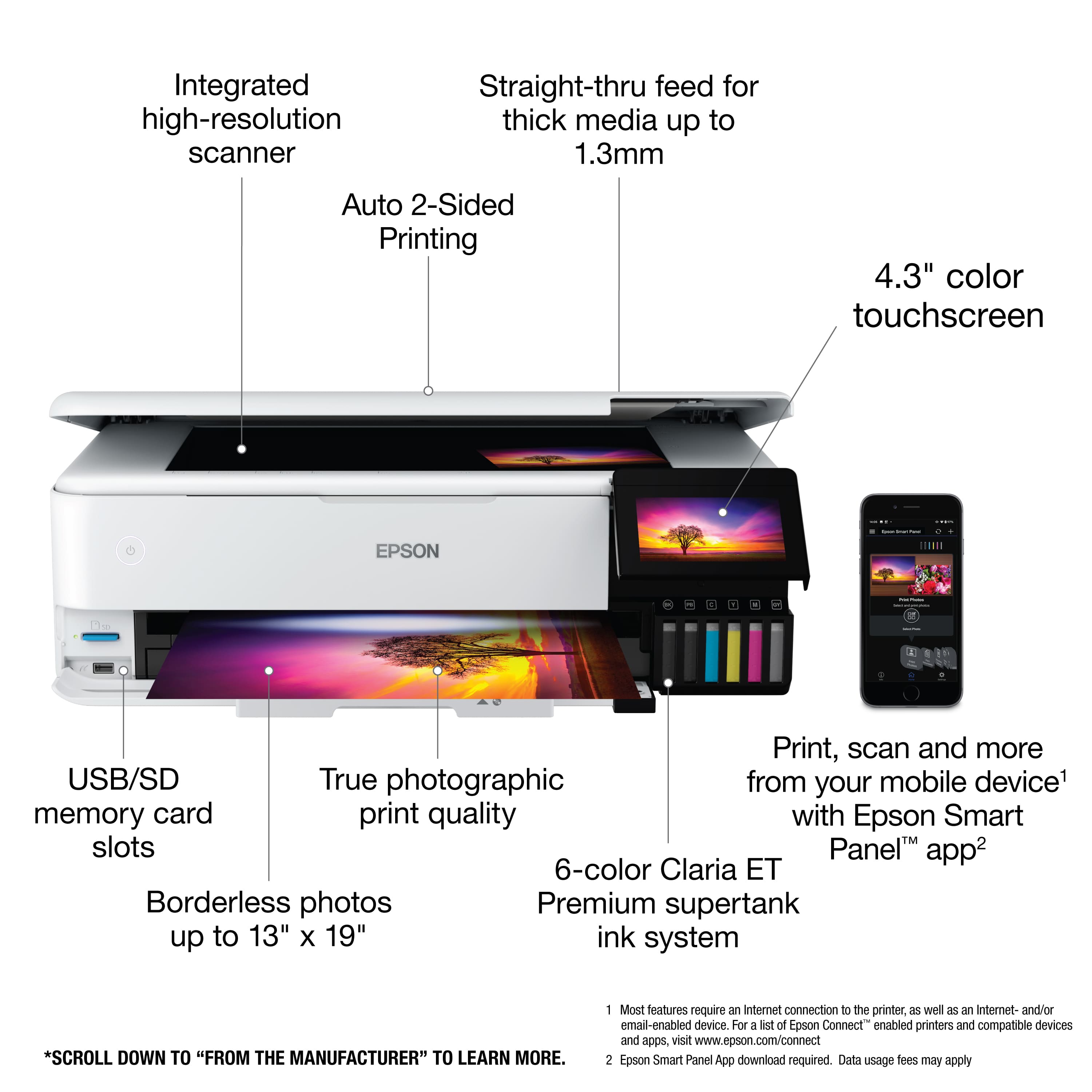
- Model:
- C11CJ21201
- SKU:
- 6469372
Rating by feature
- Value
Rating 4.5 out of 5 stars
- Quality
Rating 4.6 out of 5 stars
- Ease of Use
Rating 4.5 out of 5 stars
Customers are saying
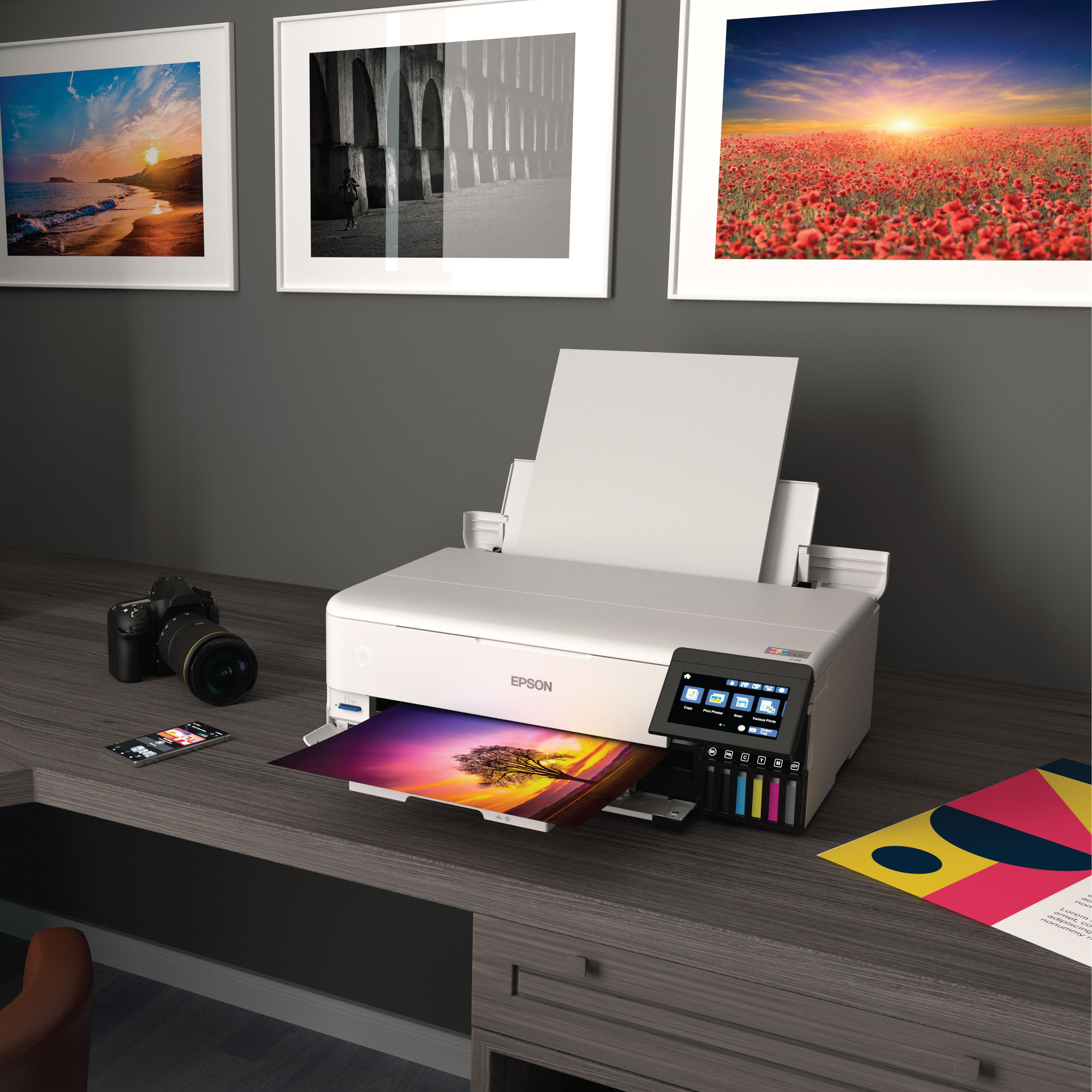
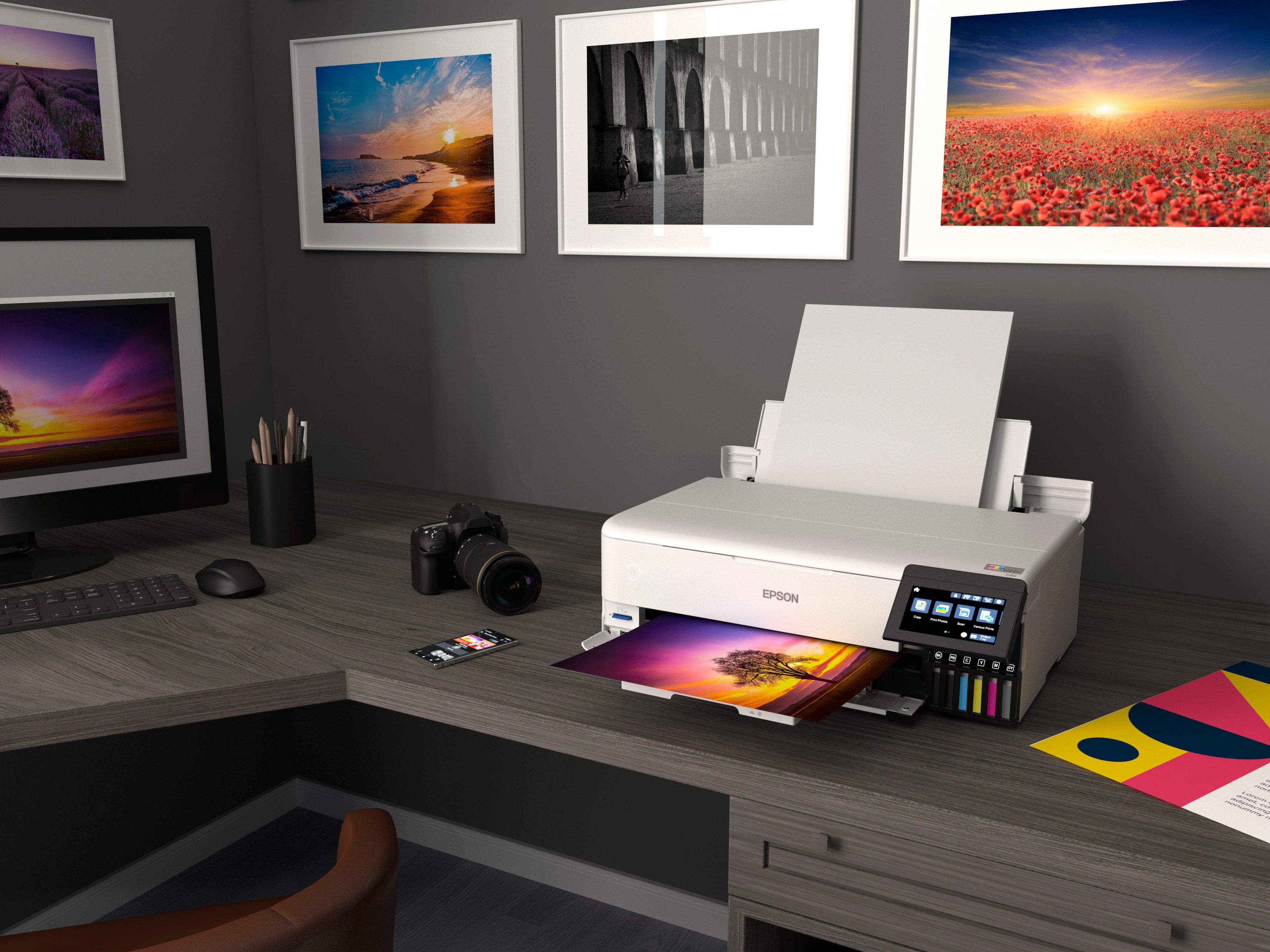
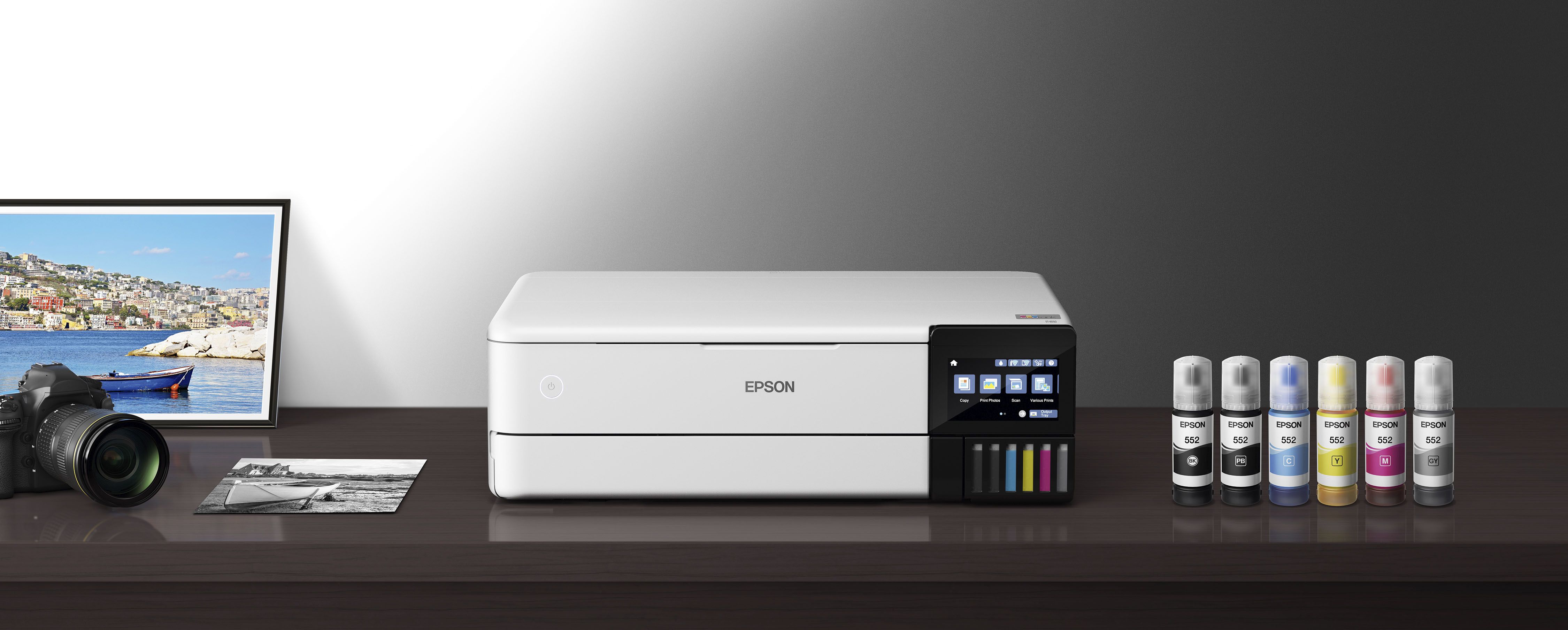
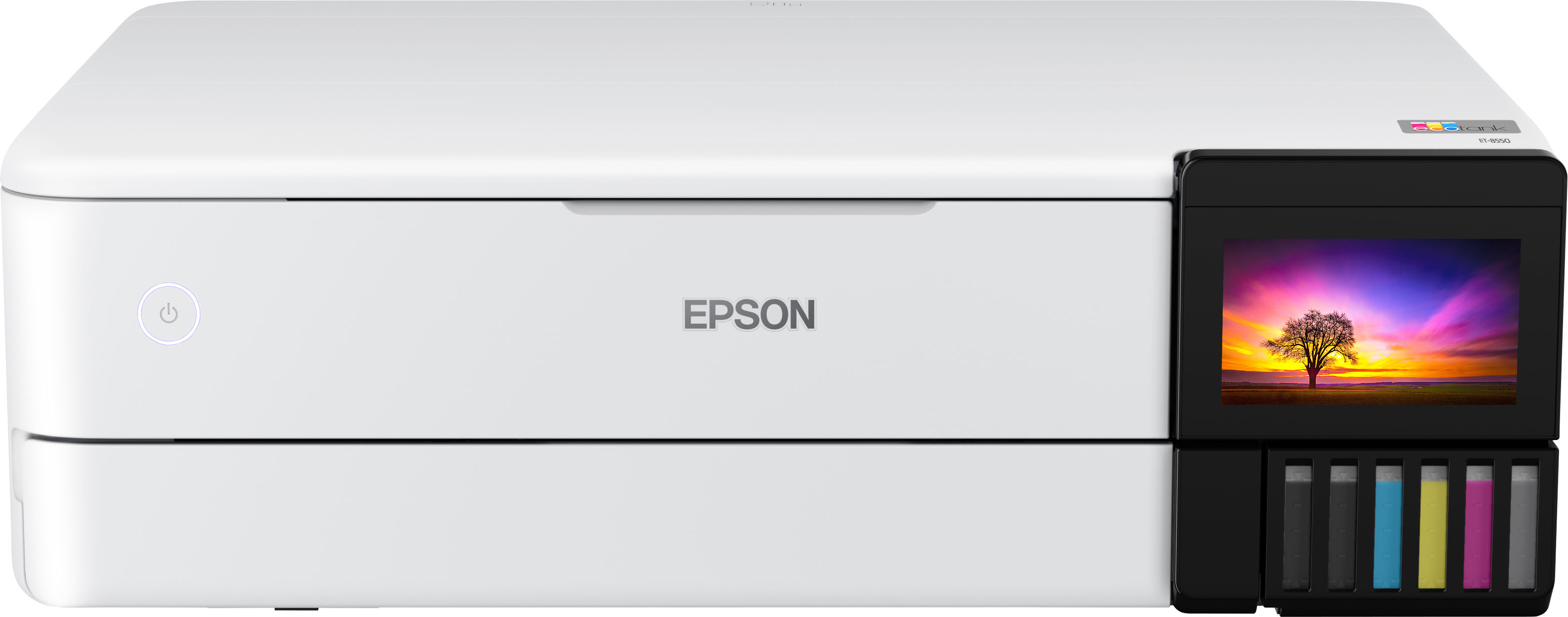
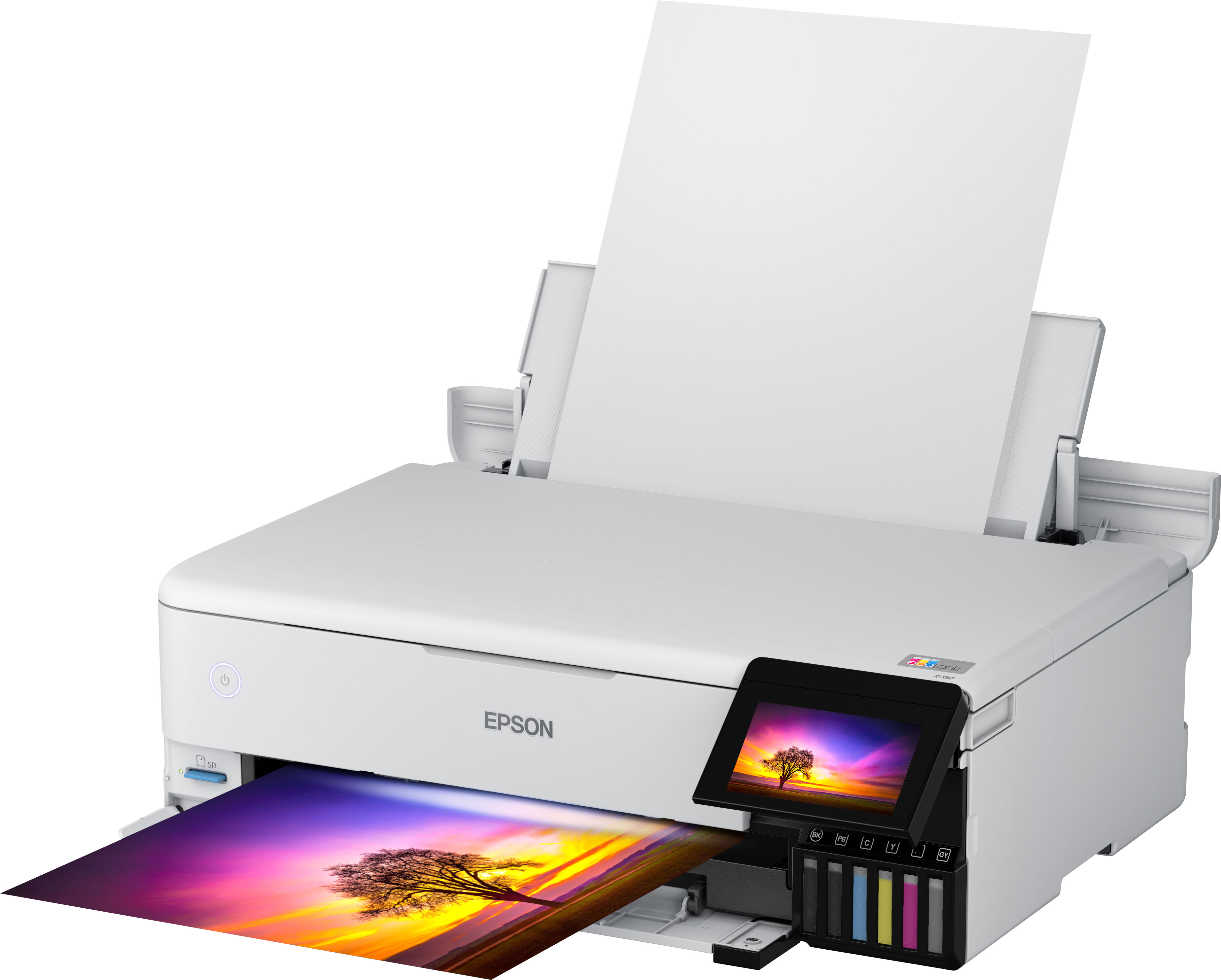
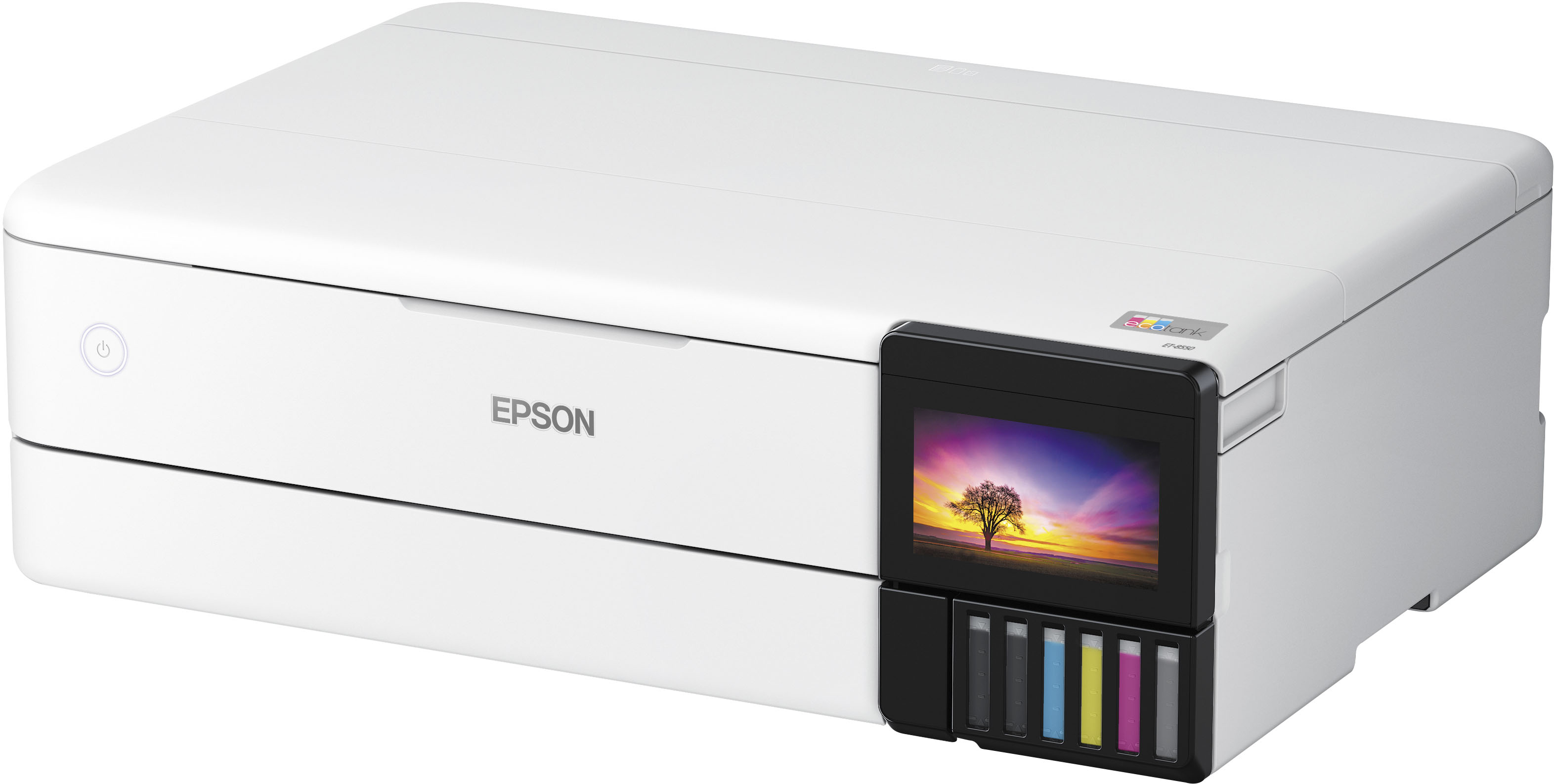
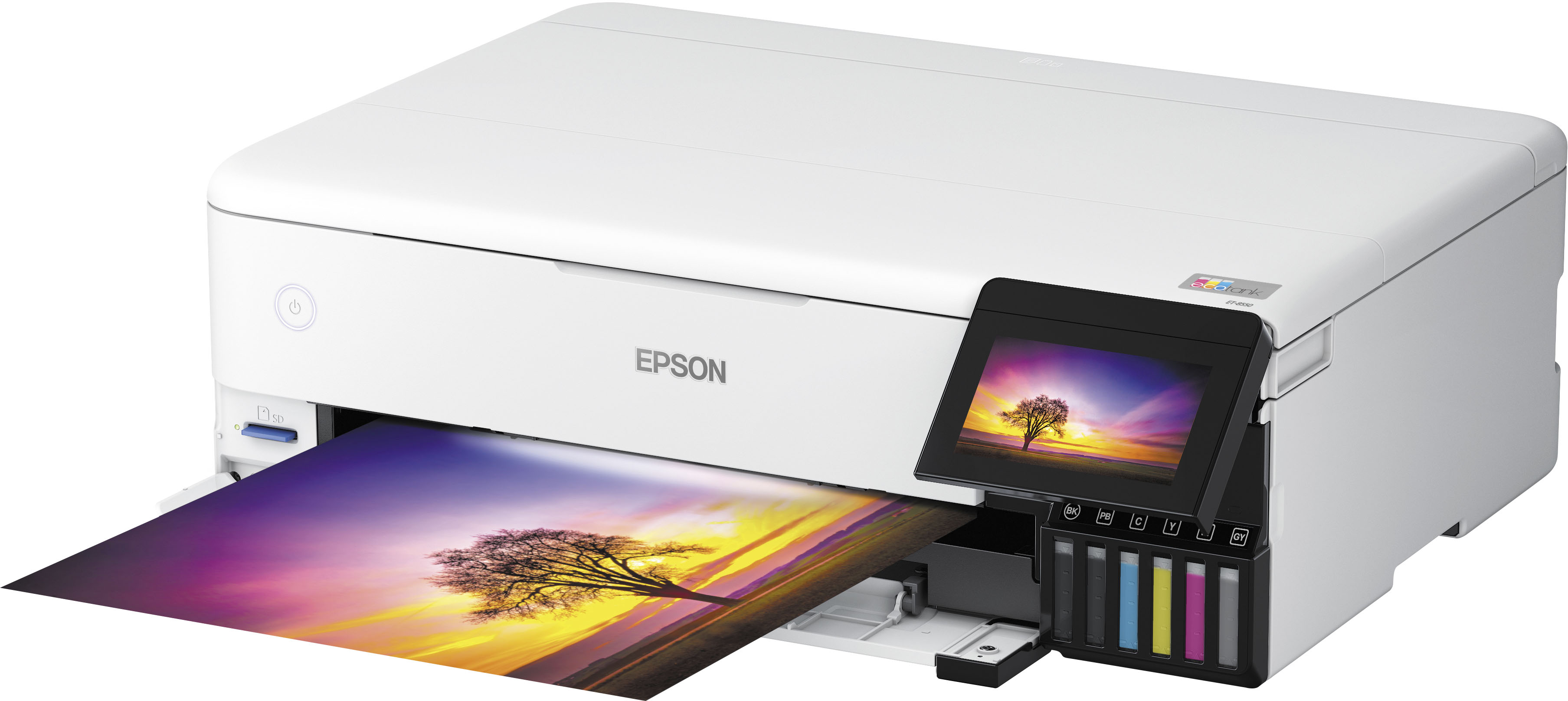
Customers have good things to say about the EcoTank Photo ET-8550 All-in-One Wide-format Supertank Printer, especially regarding its excellent print quality and ease of use. Many also appreciate the overall performance and easy setup. However, some customers have reported issues with paper jams, while others feel the price is a bit high and the output tray feels flimsy.
This summary was generated by AI based on customer reviews.
- Pros mentioned:Print quality
Shaq made me buy it
||Posted . Owned for 2 weeks when reviewed.This reviewer received promo considerations or sweepstakes entry for writing a review.Great printer overall! I watched tons of YouTube videos to get the perfect print! Loving it !
I would recommend this to a friend Defective upon set-up
||Posted . Owned for 1 month when reviewed.This reviewer received promo considerations or sweepstakes entry for writing a review.It saddens me to write this review. Purchased this printer less than 30 days ago and finally set it up on Friday. Didn't realize Best Buy return policy is 15 days and you have to pay $199 for Total Tech to be able to return within 30 or 60. This printer can't even get past alignment issues, always under the two same colors like there is something wrong with the print heads. Nothing changes despite following all Epson's suggestions. Best Buy basically washes their hands of it and Epson will be my next contact. What a shame for an expensive printer.
No, I would not recommend this to a friendBrand response from Epson
Posted .Hi Coolatte, we’re sorry to hear you’re having issues with your Epson EcoTank Photo ET-8550. Your product includes a 1-year limited warranty and free lifetime tech support. The Epson Advanced Support Team would be happy to help get your printer set up and resolve any issues. Please call us at 1-800-241-5794 between 7 am - 4 pm (PT), Monday - Friday. Sincerely, Tony – The Epson Team.

- Cons mentioned:Output tray
Epson 8550 malfunctioning within less than a year
||Posted . Owned for 3 months when reviewed.This reviewer received promo considerations or sweepstakes entry for writing a review.The tray doesn’t want to manually open after pressing the output tray button. It struggles and then closes back. It makes a grinding and squeaky noise…
No, I would not recommend this to a friendBrand response from Epson
Posted .Hi BenjaminB, we are sorry to hear you are having issues with your Epson printer. Your EcoTank Photo ET-8550 includes a 1-year limited warranty plus free technical support for the life of your product. Our Epson Support Team would be happy to hear from you and can be reached at (562) 276-4382; Hours: Monday – Friday, 7 a.m. to 4 p.m. (PT). Sincerely, Dylan – The Epson Team.
Way overpriced and constantly messes up
||Posted . Owned for 5 months when reviewed.This reviewer received promo considerations or sweepstakes entry for writing a review.Way overpriced and constantly messes up, do yourself the favor and save yourself a headache and do not buy.save your money and get a way better printer for less money
No, I would not recommend this to a friend- Pros mentioned:Print quality
Grainy Images, poor machinery
||Posted . Owned for 7 months when reviewed.This reviewer received promo considerations or sweepstakes entry for writing a review.I was do looking forward to this printer. Unfortunately the quality of the images is horrible, grainy and dull. Premium Paper constantly gets stuck. Yes the ink lasts but that is the only positive.
No, I would not recommend this to a friend Beware you may receive a used printer
||Posted . Owned for 3 weeks when reviewed.This reviewer received promo considerations or sweepstakes entry for writing a review.I was suppose to receive a new printer but instead received a used one that already had ink and paper in it. I was out of town and did not get a chance to check it before their 15 day return window. Now I'm getting the run around. 1 person told me to use the 4yr extended warranty I purchased another told me to use the manufacturer's warranty.
No, I would not recommend this to a friendDevastated
||Posted . Owned for 2 weeks when reviewed.This reviewer received promo considerations or sweepstakes entry for writing a review.Purchased Feb 25. Set it Mar 8. Attempted to use it Mar 11, and it’s broken. Error 031006
No, I would not recommend this to a friend- Pros mentioned:Ease of use, Print quality, Setup
Great Home Photo Printer!
||Posted . Owned for 2 months when reviewed.This reviewer received promo considerations or sweepstakes entry for writing a review.Easy to set up and get running - once I had the color profiles for each kind of paper printing was a breeze! Somewhat lengthy setup process but the guides provided were detailed and thorough. Prints on gloss and luster paper (Epson Premium Gloss and Canon SG-201) are crisp, clear, and miles better quality than drug store photo prints for the same cost per print. Multiple cartridges makes it easy to have different kinds of photo paper loaded into the machine ready to go. Use Epson Photo Layout for the final prints for finer-grained control over the print.
I would recommend this to a friend Poot
||Posted .This reviewer received promo considerations or sweepstakes entry for writing a review.Got my order an gone to open it an set up my item an the item looked used
I would recommend this to a friendBrand response from Epson
Posted .Hi Michael M, we are sorry to hear you are having issues with your Epson printer. Your ET-8550 includes a 1-year limited warranty plus free technical support for the life of your product. Our Epson Support Team would be happy to hear from you and can be reached at (562) 276-4382; Hours: Monday – Friday, 7 a.m. to 4 p.m. (PT). Sincerely, Joseph – The Epson Team.
- Pros mentioned:Ease of use, Print quality, Setup
Good service at store
||Posted . Owned for 2 weeks when reviewed.This reviewer received promo considerations or sweepstakes entry for writing a review.I talked quite a while at Best Buy about which printer to buy. I’m so glad I picked this model. I have small office and they do small projects with different size paper and prints so this works out great for me. Hook up to the computer went fantastically easy for me And I have an older computer. The photo paper fits in the slot. Nice pictures print out very nice computer software worked well with this printer. That’s where I usually have a problem ,set up was easy with the ink. I have nothing bad to say about this printer and I’m pretty fussy. It was $150 off big reason why I bought it. They didn’t have this in stock. They mailed it to my house in three days. What a deal at no cost to me.
I would recommend this to a friend - Pros mentioned:Print quality
It's expensive, but worth it in long run
Posted .This reviewer received promo considerations or sweepstakes entry for writing a review.Reviewing Prints: Please note when looking at pictures of monkey and elephant the larger print job is the Epson ET-8550. The smaller is my previous HP printer. Not the lack of details and how off colors are on the HP vs the Epson ET-8550 A very good photo lab quality printer. Go and get yourself some premium 13x19 matte paper and you'll have a printer that is really good at filling out a wall with your photos for a fraction of lab prints. I was worried about its ability to reproduce colors with only having one gray but it works really well. I put the print out against my color calibrated monitor and what was on screen was pretty close. What I noticed immediately over my old HP photo printer was that the grays looked gray and not blueish and my daughters red dress wasn't faded looking once printed but the same red pop in the photo. All in all I would say buy this if you are into printing photos. I'm getting prints that would have cost me $20-32 bucks out for $1.20-1.30ish at 13x19 and most of that was the expensive paper I bought that was $1.10ish a sheet. If you buy this printer make sure you download the drive from Epson. You don't need the extra tools unless you really want them but you want the full driver. The windows installed version is a light version and will be missing a ton of advanced features like the ability to print up to 13x19 and setting high quality print.
I would recommend this to a friend - Pros mentioned:Print quality
Everything I wanted and needed and more
||Posted . Owned for 11 months when reviewed.This reviewer received promo considerations or sweepstakes entry for writing a review.I looked at a lot of printers but my check list was long. I needed a printer that could do larger format photo prints. The photo print quality needed to be of high enough to be displayed in my home. But, I also needed a printer that could, at times when needed, do two sided color printing as in a newsletter. It needed to be able to handle different types of paper too. That is a tall order.I looked long and hard at my options. This printer seemed to be the best choice. My results so far have only convinced me of one thing: I should have gotten it sooner! This machine seems to do it all. The photo quality is outstanding. It easily handles my wife's auto two sided color printing. Some details: I read a lot of reviews both good and bad. Here is what I learned first hand: I unboxed it and then carefully followed the steps to set it all up. The Epson program walked me though it all. I followed directions to the letter. I was rewarded for taking the time. While some have said it took pages and pages to get the ink flowing properly, my very first test print, number one, was perfect. There is procedure in the process for purging and filling the print head. Just follow the directions. Next it will ask you to take the time to do a head alignment. Do it! You will be rewarded with fantastic photo prints for your efforts. This is just a guess but maybe those who complained didn't bother to take the time to do a proper set up. It goes by quickly and rewards you for your effort. Also, don't let Windows set up this printer> Before you ever connect it to your computer get the Epson drivers and software on your computer/tablet. You will be justly rewarded for this. I am just so impressed with this machine. It even has a good scanner built in something else I had a need for. And to be clear on something: I have a lovely Canon office type multi-function laser printer that gets used daily. Its great for scanning a pile of pages into a single PDF quick and easily. This printer only scans one page at a time but you can link multiple pages into one document. I am OK with that as I have that function in the other printer. I have other photo printers. I just retired a Canon Pro-10 printer. It did a lovely job, when it was working. It used ten ink cartes that were $15 a pop and didn't last long. Its print head was stopping up all the time and it would eat up a ton of expensive ink cleaning itself. If you didn't use it at least once a week it stopped up. If you ran it once a week it cost you a lot of money in ink. I would guess it actually cost $25 to $40 or more for each large print due to the high maintenance cost. With the large ink tanks on this printer you are talking just pennies a print. For my use this printer is the perfect combination of high quality and low operating cost. I would buy another without hesitation.
I would recommend this to a friend - Pros mentioned:Ease of use, Print quality, Setup
Photo printer
||Posted . Owned for 3 weeks when reviewed.This reviewer received promo considerations or sweepstakes entry for writing a review.Easy to set up and prints beautiful colors. Prints borderless and can choose a variety of papers and card stocks.
I would recommend this to a friend - Pros mentioned:Print quality
The ultimate printer
Posted .This reviewer received promo considerations or sweepstakes entry for writing a review.This is the ultimate printer. this all in 1 printer copy scan fax and print with ease. with its super tank you'll save on ink. It's great for printing photos with excellent quality up to 13x19. Would highly recommend this printer.
I would recommend this to a friend - Pros mentioned:Ease of use, Print quality, Setup
Hoping for the Best
||Posted .This reviewer received promo considerations or sweepstakes entry for writing a review.Was a relatively easy set up and prints well. Inially it connected smoothly with my laptop, in addition to my husband's but after a couple of weeks it wouldn't connect from mine. Hoping the ink won't dry up like so many more older printers and that it IS more cost efficient but only time will tell.
I would recommend this to a friend - Pros mentioned:Ease of use, Print quality, Setup
Exceptional Printer Epson ET 8550
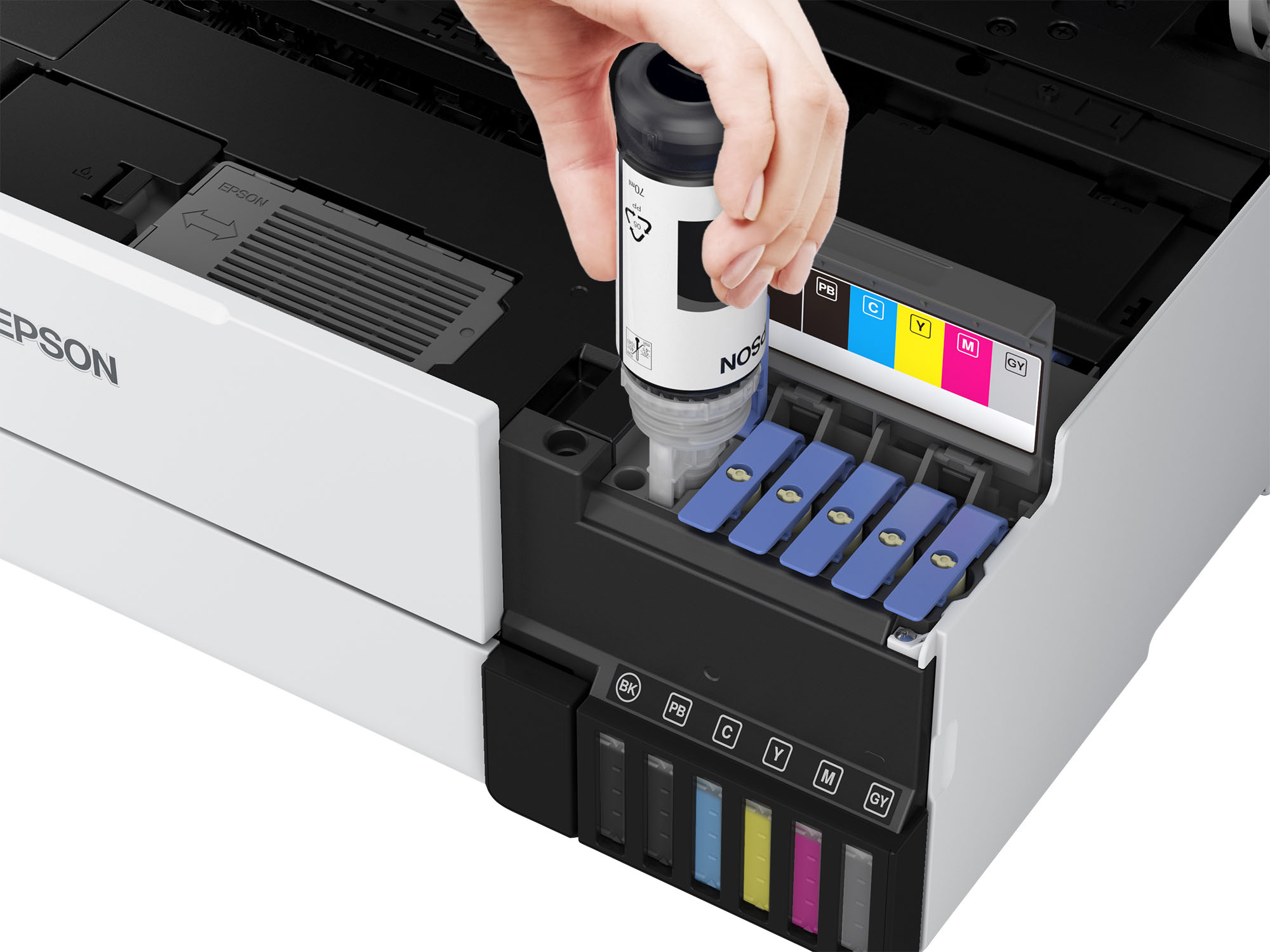
||Posted .This reviewer received promo considerations or sweepstakes entry for writing a review.I have recently discovered Epson Ecotank printers and this is my favorite of the three I have. Set up was easy and the ability to print larger sizes is wonderful. Photo quality printing with its 6 inks is exceptional. And saving on ink is the icing on the cake.
I would recommend this to a friend - Pros mentioned:Overall performance, Print quality
Works quite well.
||Posted .This reviewer received promo considerations or sweepstakes entry for writing a review.I have only owned this for a month, so I am hopeful it will work well for many years. It prints well, scans photos well. I have not yet printed art and photos, but am expecting good results. As with any new machine it takes a little practice to work out how to use all the features. I was able to get it at a discount and was very happy about that. The first unit I received had a defective paper sensor and I had to exchange it. Best Buy was great in this process. The second unit works great and set up without a hitch. So don't be discouraged if this happens to you.
I would recommend this to a friend - Pros mentioned:Print quality
Good for printing? Yes. Scanning & App is a no-go.
||Posted .This reviewer received promo considerations or sweepstakes entry for writing a review.Good printer. The ink lasts super long and the printing quality is great. The app is not very user friendly. Downfall is that you have to scan one by one and flip it if its back and front. We do not use it often and sometimes it freezes and we have to unplug and restart. Aside from that it is a good printer.
I would recommend this to a friend - Pros mentioned:Overall performance, Print quality
Incredible!
||Posted . Owned for 1 month when reviewed.This reviewer received promo considerations or sweepstakes entry for writing a review.I've only had it a few weeks but WOW!!! SIMPLY WOW! It's the most impressive printer I've ever used. I wanted a photo printer that was also ecotank. I actually wanted the 8500 not the 8550 because I don't need the extra size but nobody seems to stock it unless I ordered online. The 8550 went on sale and made it cheaper than the 8500 regular price so I grabbed it. I love that it has so many paper trays. I keep standard 8.5x11 paper in one, 4x6 photo paper in another, and if I need something different I can put it on the top back tray. The quality is super impressive. I just got a mirrorless digital camera and wanted something to print great photos and WOW this doesn't disappoint. I can print from my phone with the Epson app, directly from my Canon camera, and of course from the computer if I need to make adjustments. Most of what I've printed so far is 4x6 photos. It's fast and they're beautiful. And if you're printing documents it's super fast for that also. I haven't used the scanner part yet other than a test to make sure it worked so I can't really comment on that.
I would recommend this to a friend - Pros mentioned:Overall performance, Print quality, Setup
Glad i chose this printer
||Posted . Owned for 1 month when reviewed.This reviewer received promo considerations or sweepstakes entry for writing a review.Was relatively easy to set up and makes beautiful prints! Wish it had larger paper storage tray but works beautifully.
I would recommend this to a friend