Customer Ratings & Reviews
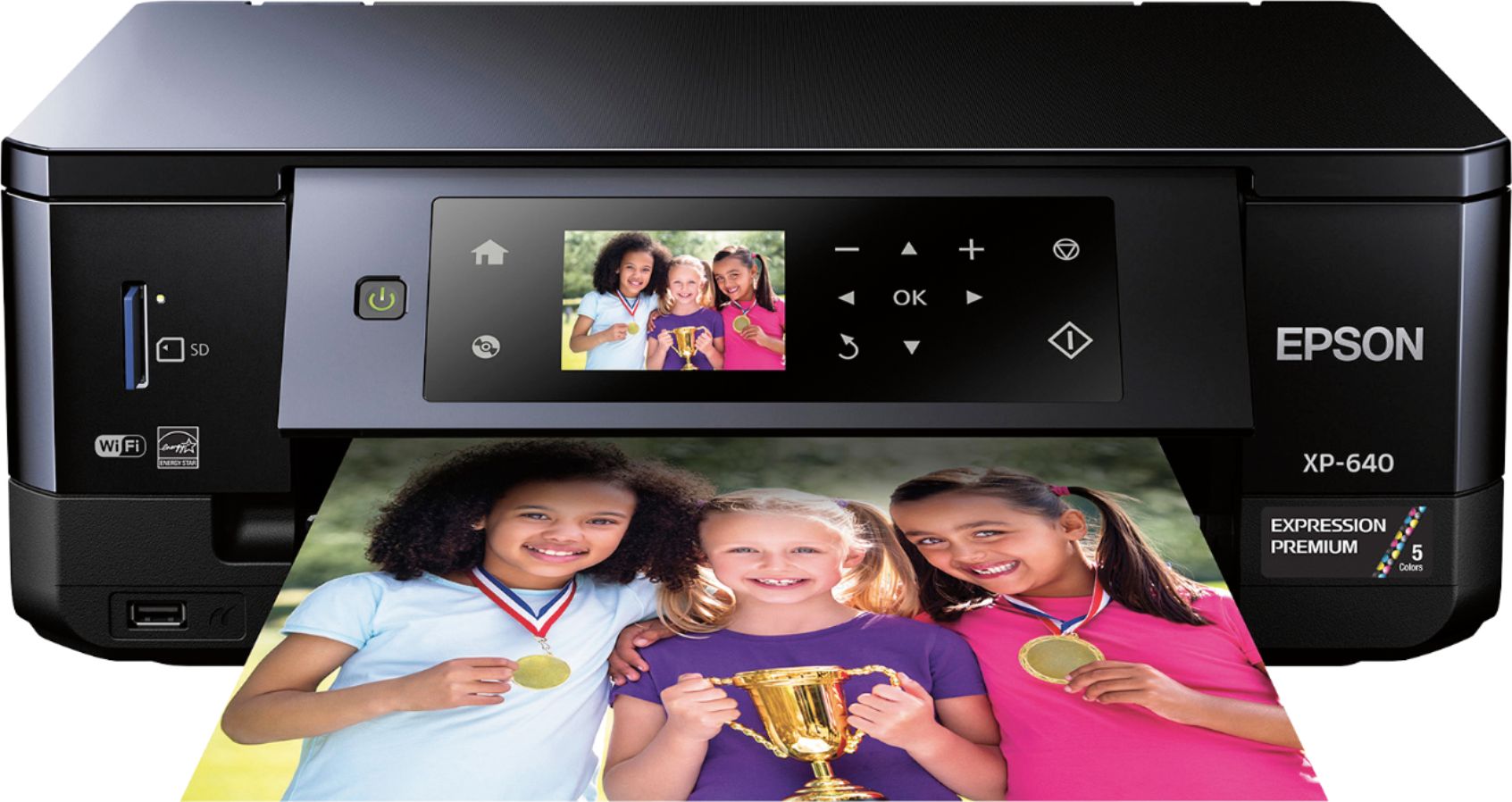
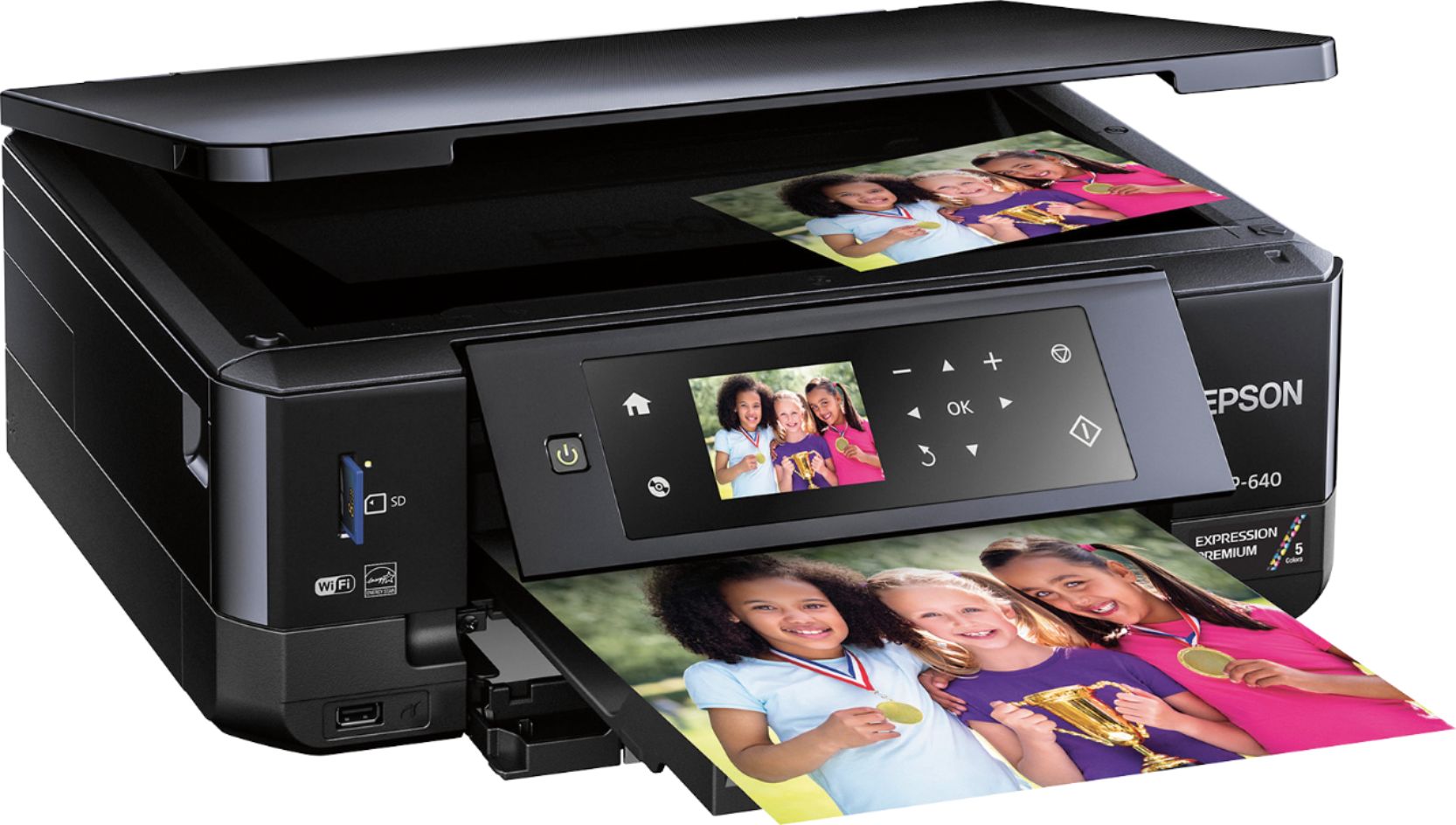
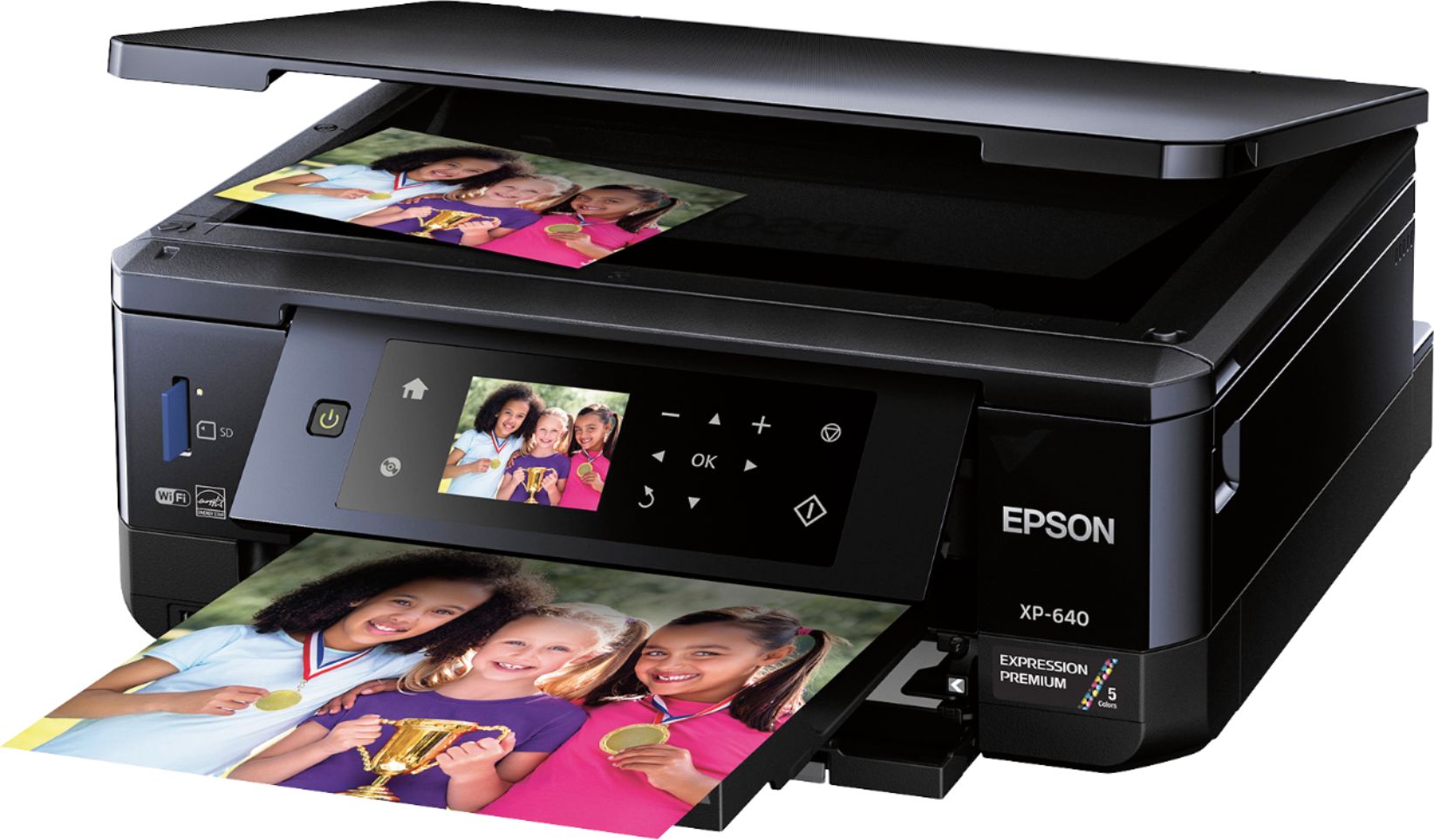
- Model:
- XP-640 ALL-IN-ONE C11CF5020
- |
- SKU:
- 5451700
Customer reviews
Rating 4.3 out of 5 stars with 1836 reviews
(1,836 customer reviews)Rating by feature
- Value4.1
Rating 4.1 out of 5 stars
- Quality4.2
Rating 4.2 out of 5 stars
- Ease of Use4.1
Rating 4.1 out of 5 stars
Customers are saying
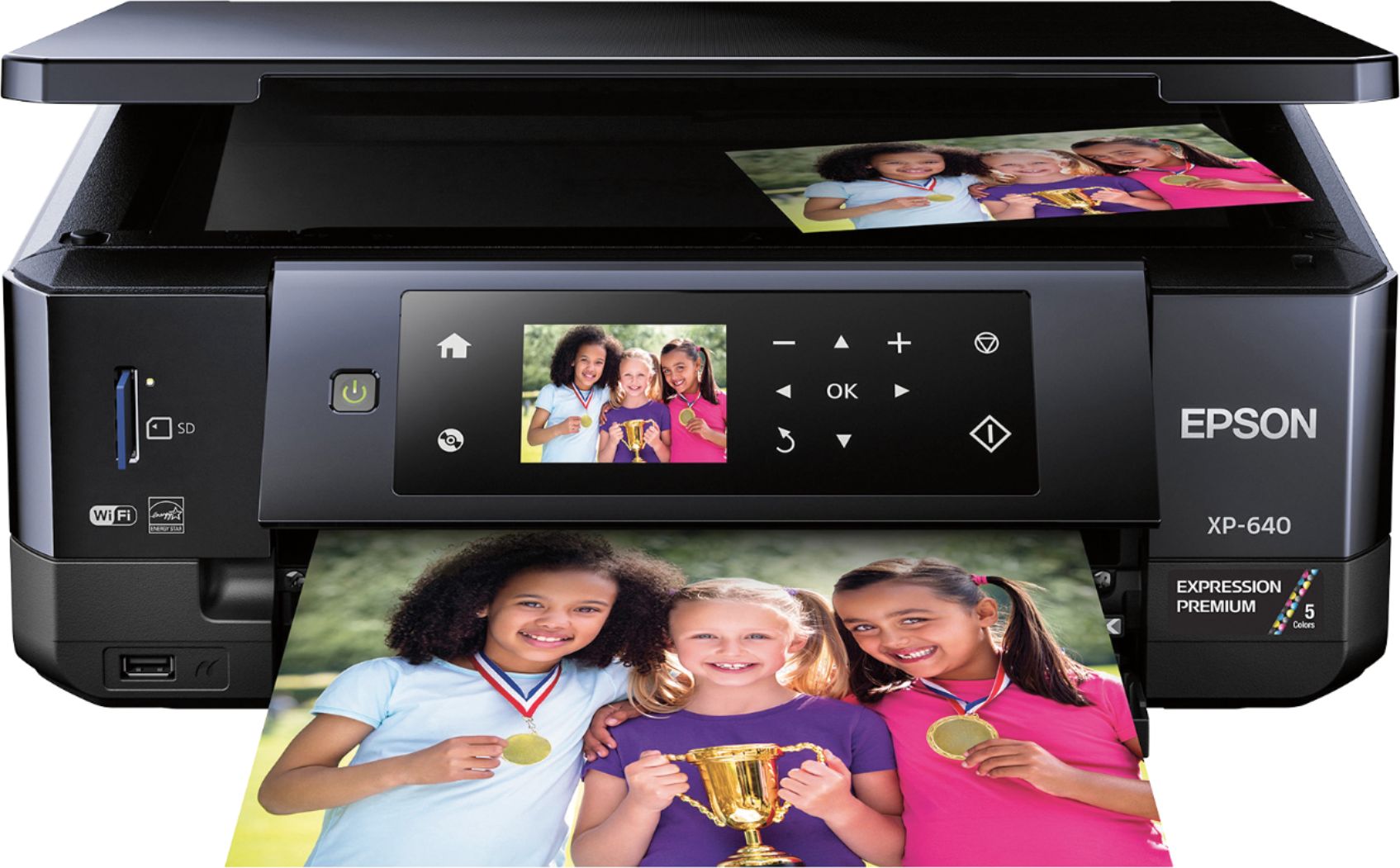
Customers often highlight the excellent print quality and ease of use of the Expression Premium XP-640 Small-in-One Wireless All-In-One Printer. Many appreciate its compact size and wireless capabilities, along with the generally positive setup experience and price point. However, some users mention challenges with the paper tray design and occasional concerns about the printer's reliability. A few also point out that the instructions could be improved for clarity.
This summary was generated by AI based on customer reviews.
- Pros mentioned:Print quality
Rated 4 out of 5 stars
Easy to use
||Posted .This reviewer received promo considerations or sweepstakes entry for writing a review.After set up printed right away and am satisfied with the printer. Happy that the ink is not as expensive as another brand printer.
I would recommend this to a friend - Pros mentioned:Ease of use
Rated 4 out of 5 stars
Easy to use
||Posted .This reviewer received promo considerations or sweepstakes entry for writing a review.Set up was pretty easy. Compact machine and easy to use
I would recommend this to a friend Rated 4 out of 5 stars
Good printer especially for the price
||Posted .This reviewer received promo considerations or sweepstakes entry for writing a review.This printer was simple to set up and provides good quality copies . It is a little flimsy in places . Best Buy delivered it free . Waiting to see how often ink must be replaced .
I would recommend this to a friendRated 5 out of 5 stars
Great printer for wireless
||Posted .This reviewer received promo considerations or sweepstakes entry for writing a review.I have been doing my printing, copying & scanning from UPS which started to get inconvenient especially when you are working. So one day I decided to walk into Best Buy’s & check if they could offer something to ease my burden. This was the first product that hit my attention & I’ve never regretted using it.
I would recommend this to a friendRated 5 out of 5 stars
Beautiful prints, easy set up.
||Posted .This reviewer received promo considerations or sweepstakes entry for writing a review.The thing I like most the Epson - XP 640 its small and compact size and it's sharp pictures. It is a lot easier to set up than the other printers I tried. I sure appreciate Best Buys return policy. They will always be my go to place for electronics.
I would recommend this to a friend- Pros mentioned:Print quality
Rated 5 out of 5 stars
I love being able to print from all my devices.
||Posted .This reviewer received promo considerations or sweepstakes entry for writing a review.I love the wireless printing, I can print from whichever device I'm using. I love the quality of the photo prints. I love to scrapbook , so it is so convenient to have a printer that I can print all the pictures I need. So far, this is the best printer I have ever had. I haven't scanned any thing yet, but I'm sure I will be quite happy with that feature as I am with the rest of them.
I would recommend this to a friend - Pros mentioned:Print quality
Rated 4 out of 5 stars
Great printer for a starter
||Posted .This reviewer received promo considerations or sweepstakes entry for writing a review.This is my first printer I buy and it’s a great starter printer. Good quality for photos.
I would recommend this to a friend - Pros mentioned:Ease of use, Print quality, Wireless
Rated 5 out of 5 stars
Great Little All-in-One Printer
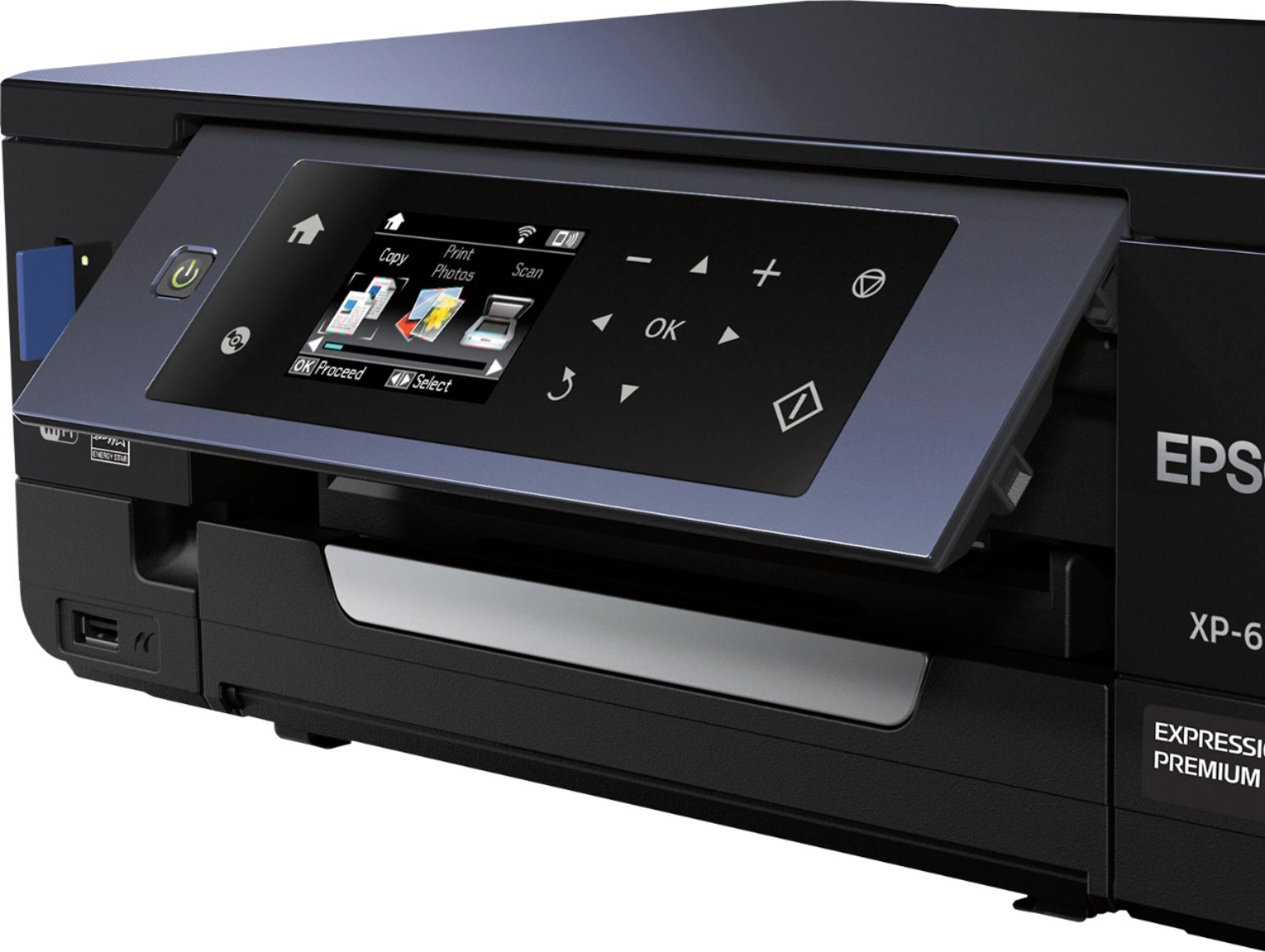
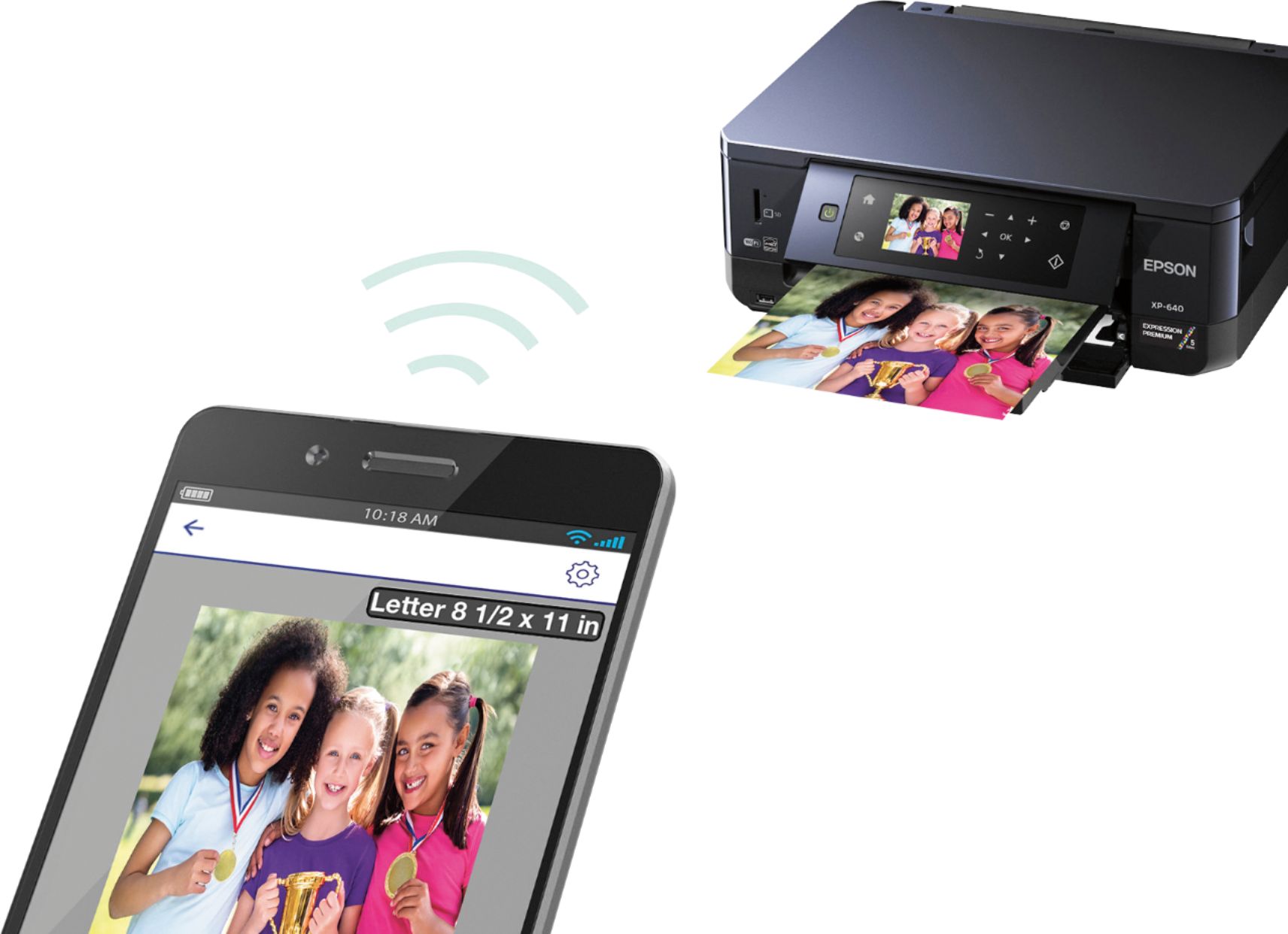
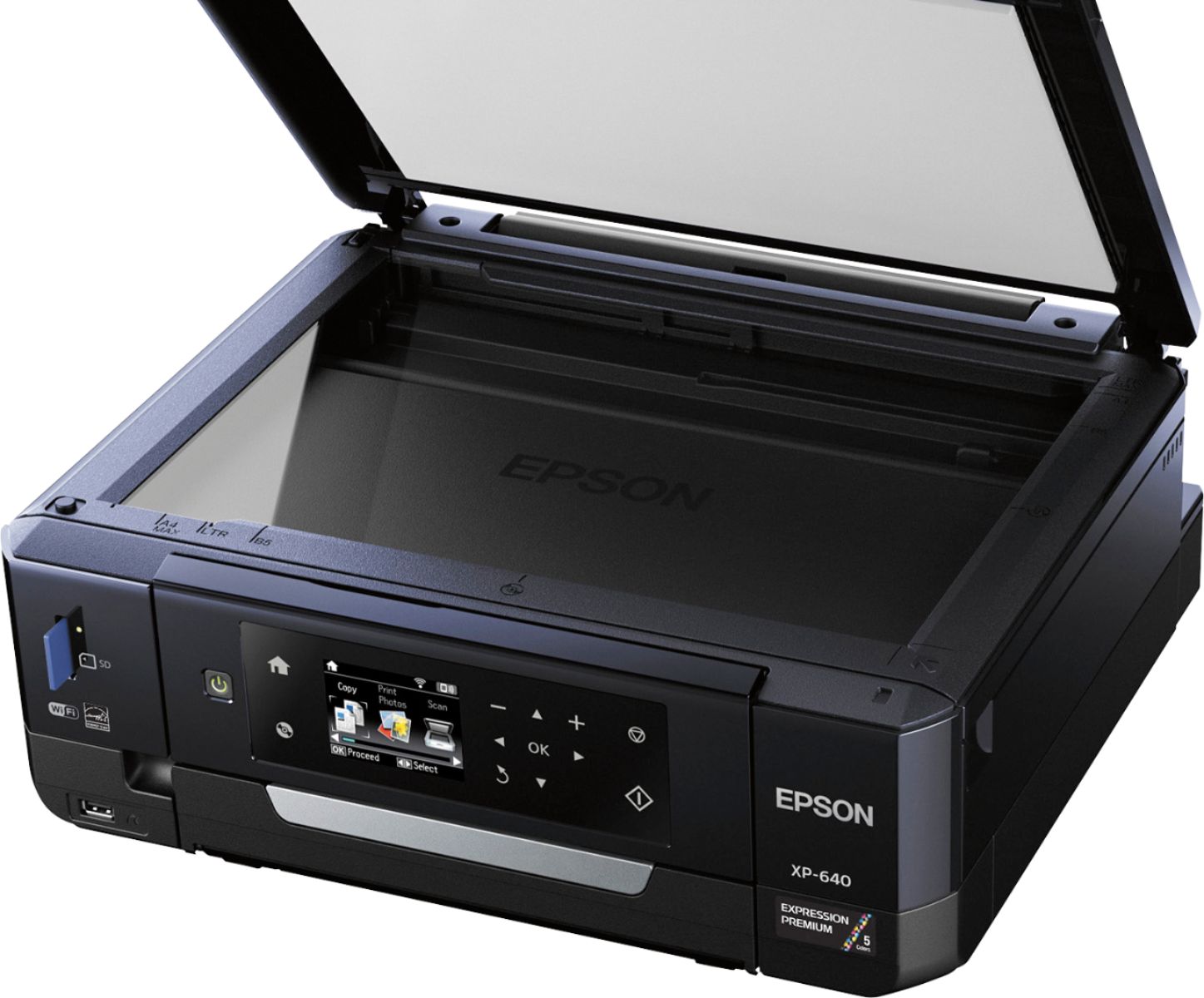
Posted .This reviewer received promo considerations or sweepstakes entry for writing a review.I was so excited to receive this Small-in-One All-in-One Printer from Epson. We have another Epson that is the fast kind that only prints in black so you know we only print out paperwork on it. Having this new printer opens up my world to a bunch of new possibilities! My son couldn't wait for me to get it set up so he could make a copy of his hand....kids! Setting this Small-in-One Printer was a snap! You can set it up on the network by either plugging it into a computer on the network or by using the wi-fi settings built into the printer. There is a disc that comes with the printer to install different software (faxing, copying, scanning, ect) that was easy to install. After I got everything installed it asked to do updates. It was simple to do those updates and I haven't had an issue since. After you get everything going and set up, the printing is easy. I told my son he could be the first one to actually use the printer so I let him scan his hand. He was so excited and it didn't take long at all to print out that page, even with all the black background from not being able to close the top. After he had his fun with his hand, he was excited that he could actually connect his phone and print off pictures. I let him print off 2 pictures because I don't have much picture paper. It was so easy to do from his phone. Another feature that's easy to use on this printer is the SD card slot. I love that you can take pictures on a regular camera and view and print them right from the printer. If I were a scrapbooker this would be the perfect printer. The last thing that's my favorite on this printer is the BIG command screen. It moves up and down so that you can see it easier and it has big icons for those of us that are going blind. This is a review for the Epson Expression XP-640 that I received free of charge to do a beta test and review.
I would recommend this to a friend - Pros mentioned:Ease of use, Print quality
Rated 5 out of 5 stars
Best All In One photo printer!
Posted .This reviewer received promo considerations or sweepstakes entry for writing a review.This is a review for the Epson Expression XP-640 that I received free of charge to do a beta test and review. I never owned a photo printer before, because I could never imagine that it can make better quality pictures that you can get from Shutterfly, Tiny Prints or any other photo printing company. I was so surprised, because this printer really makes best quality pictures! It is so easy too! I just took a picture with my iPhone and print it with an AirPrint! There is no need to download an app. It takes only few seconds and you have your perfect quality pictures printed out! Now I will be able to print out thousand pictures of my baby, which I take everyday and just don't have time to sit down, upload them on a printing company website and order them and wait for them to process my order and then to deliver them in a week or two. I can do this job myself at home in a few seconds and even get a better quality pictures! That is amazing! Other than photo printing, this printer does scanning and copying too. It is great all in one printer for a home use or small business. Setting up and installing printer was very easy. This printer comes with instructions that are very detailed and even has pictures, what makes it even easier to follow and setup up your printer. I really recommend this printer!
I would recommend this to a friend - Pros mentioned:Ease of use, Print quality, SizeCons mentioned:Paper tray
Rated 4 out of 5 stars
nice printer for my family's needs
||Posted .This reviewer received promo considerations or sweepstakes entry for writing a review.It's fast to print and easy to set up for printing from my phone, wish it didn't need to manually take out the tray for the paper to print. everything about the printer is nice, it is a nice purchase and compact not to big or small.
I would recommend this to a friend - Pros mentioned:Print qualityCons mentioned:Paper tray
Rated 5 out of 5 stars
Affordable all-in-one with stunning photo quality
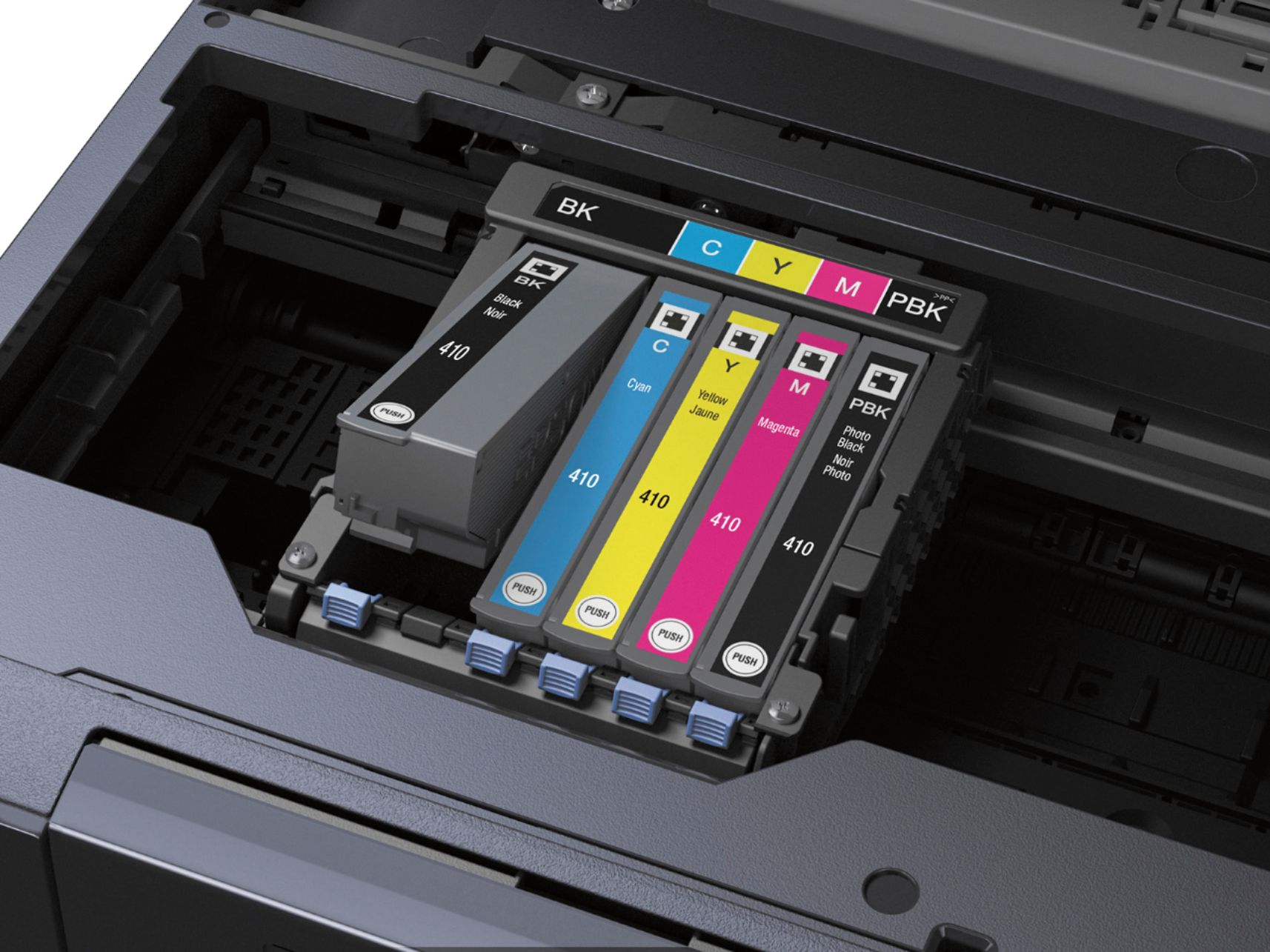
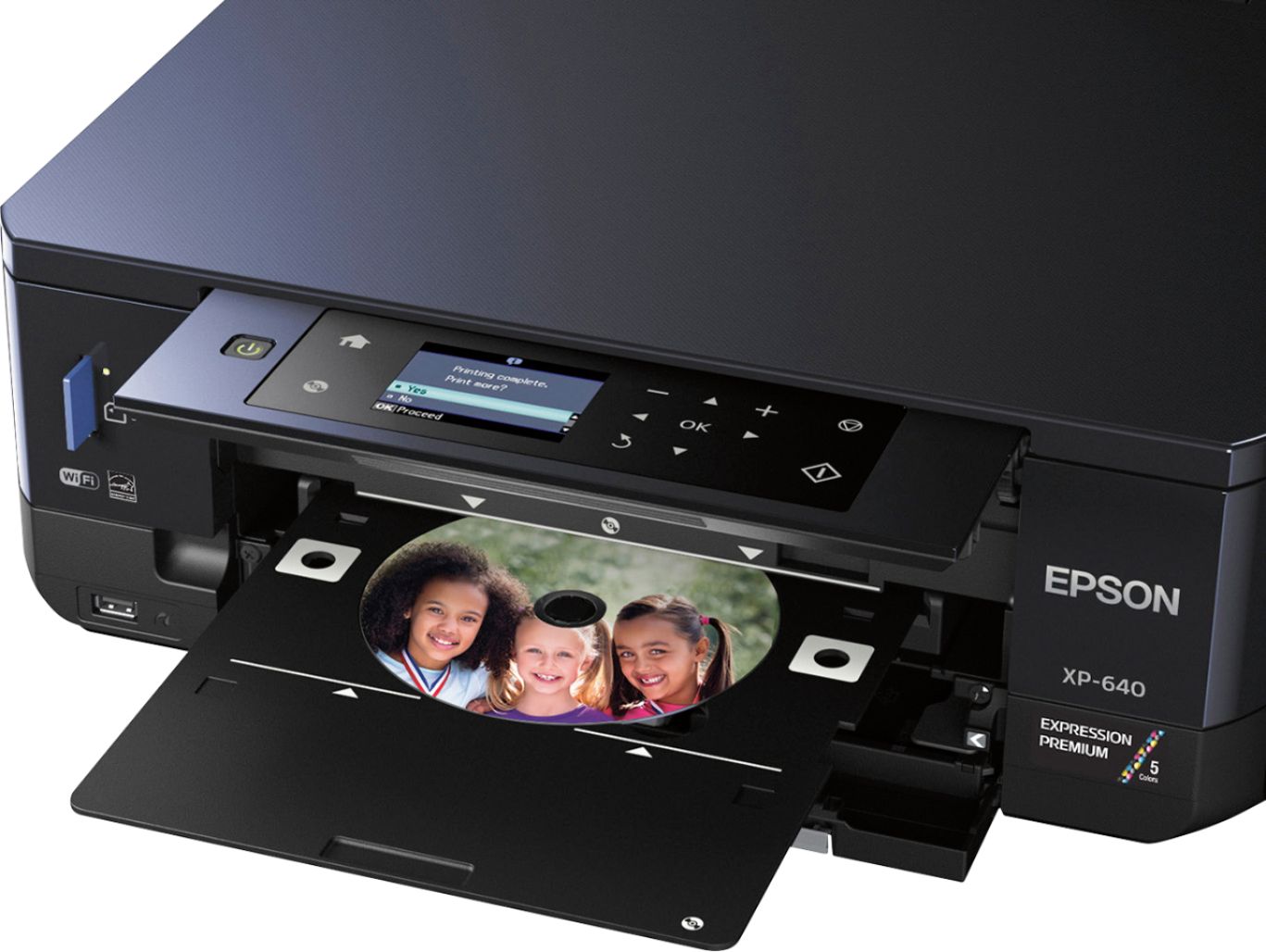
Posted .This reviewer received promo considerations or sweepstakes entry for writing a review.It has been more than 10 years since I left the inkjet printing world. There was many disadvantage in comparison with the laser printing. A decade later, I decided to give one more try with the new Epson all-in-one XP-640 printer. I must say that I’m very pleased with that printer as it’s the perfect home printing device. It can do high-quality photos, scan, copy and print in colour, even on printable CDs with the included tray. First, let’s talk about the installation. I would say it’s not the most friendly setup process I had with a printer, but if you follow the “Start here” guide carefully, it will be pretty easy. I normally don’t read the quick starter guide when I’m buying products, but I’m glad I did with this printer and I can’t highly enough suggest you follow all the steps in the proper order. Setup process will take quite some time (at least 10 minutes) as it must do some alignments and other first-time stuff. However, you do it only once and then you will have a properly set printer that will give you excellent print quality every time. Please note that there is no USB cable included with this printer. This is not much of a problem as you can always configure the printer as a Wi-Fi printer, which is what I did. So no USB cable was needed for me. Not only I will be able to print with all my devices on the network, but also I don’t need to have the printer next to the computer. Great! I like that this printer has two trays. In the first cassette I have all my 4x6 glossy photo paper, and in the second one I have normal paper for printing. I wish it could have a bigger tray, but still, I do prefer two small trays, than a bigger one. It’s important that you specify on the printer which paper you are using after inserting the paper. Else, it might not print the best quality. This is what happened to me when I first tried to print a photo. It came out so dark, and I was wondering why. After I had set the proper paper setting that matched the glossy photo paper I was using, the photo printed out perfectly with the glossy look as it would be in a photo lab. Super! I never expected such stunning high-quality photo printing on an affordable inkjet printer. This printer does use some special ink that protect the photo against smudges, scratches and water. I gave a small test by dropping few water droplets on a photo, I carefully wiped it and the photo still looked good after it dried. Fantastic! However, this is only when using photo paper as water is still not the best friend of the basic plain inkjet paper. Talking about ink, this printer uses five individual cartridges, which is great as you can replace them separately. What I like about this printer is that it can be used as both, a standalone unit and with a computer. While it can work on a computer without installing any drivers, you must install them if you want to fully enjoy the device. Not only it will install useful Epson applications for scanning, printing on CD and more, it will also install the printer presets for printing. These are perfect and very useful for printing quickly documents and photos. As a standalone device, it can do a lot of things. You can copy documents, photos, CDs covers, printing photos from USB/SD cards, as well as scanning and more. It can even scan directly to cloud services, such as Google Drive, One Drive, Dropbox and few others. However, you need to register an account on Epson Connect Service prior activating this feature. Epson Connect Service can also open your printer to the whole Internet world if you want it. It really worth creating an account and have a look at the new possibilities of the printer. After selecting this option from the printer menu, it will print instruction on how to proceed. It’s really not that hard. While you can do a lot without even using a computer with this all-in-one unit, I would still recommend using the Epson computer applications as they are giving more flexibility and options. One cool extra feature of this device is when you connect a SD card or USB flash drive in the printer, you can set it to be fully accessible from any computer in your network. Pretty cool! Regarding the printing side of this all-in-one device, I find the speed is alright for an inkjet printer with some cool features like borderless and full duplex (can print on both sides of the page) printing. Definitely, I recommend this all-in-one colour printer. It’s affordable, does work with every device and does print stunning photo-lab quality pictures. The only thing I don’t know yet is how fast the ink will run out. This is a review for the Epson Expression XP-640 that I received free of charge to do a beta test and review.
I would recommend this to a friend - Pros mentioned:Ease of use, Price, Print quality
Rated 5 out of 5 stars
WHERE DO I EVEN START???
||Posted .This reviewer received promo considerations or sweepstakes entry for writing a review.This printer BLEW my mind. The small size, the ease of use, the separate ink cartridges so that you dont waste money throwing away ink in the big mixed ones, the picture quality, the wifi capability, the PRICE omg. This product is one heck of a good investment any way that you look at it!!
I would recommend this to a friend - Pros mentioned:Print quality, SizeCons mentioned:Paper tray
Rated 5 out of 5 stars
Great Little Printer
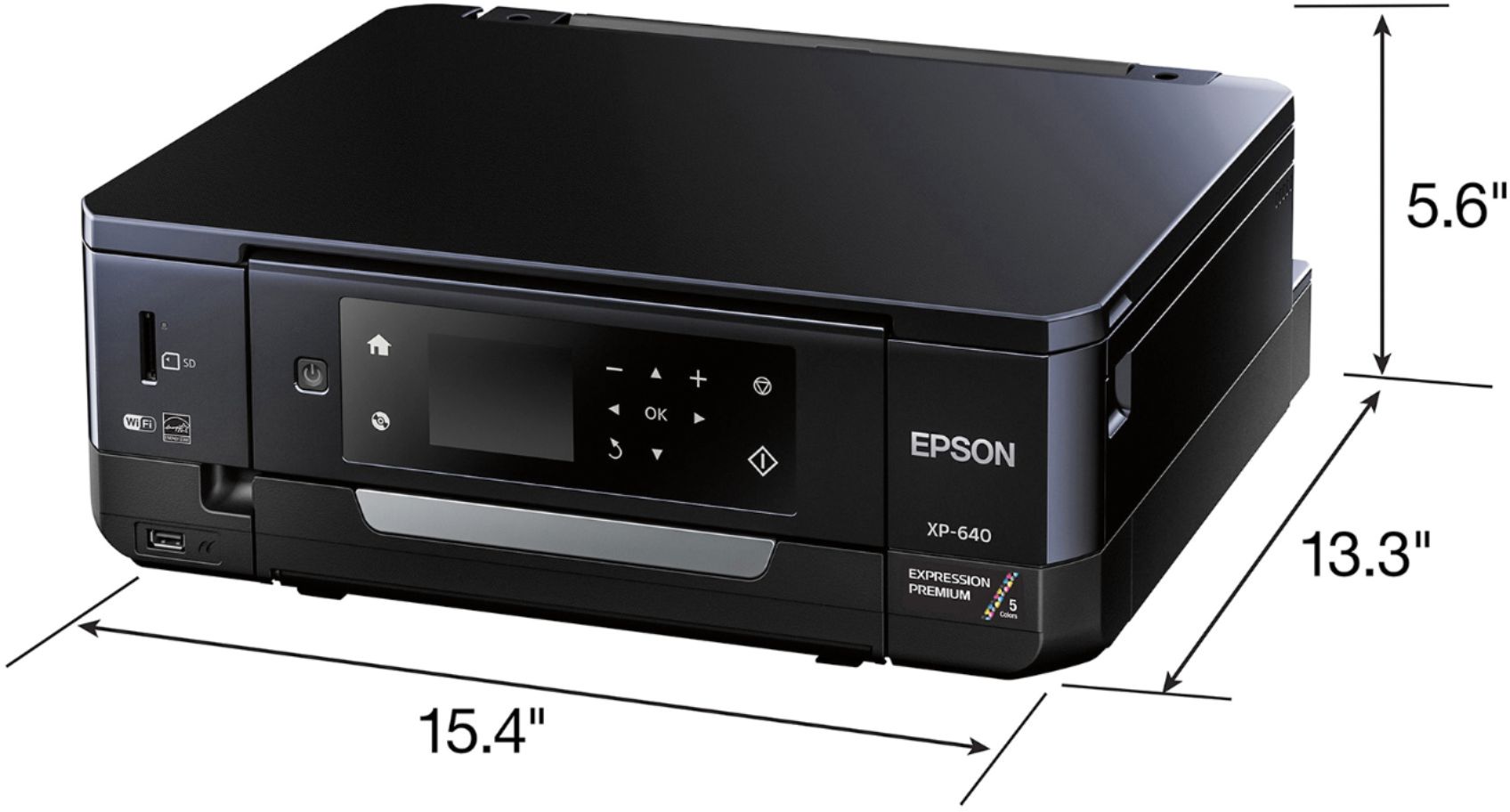
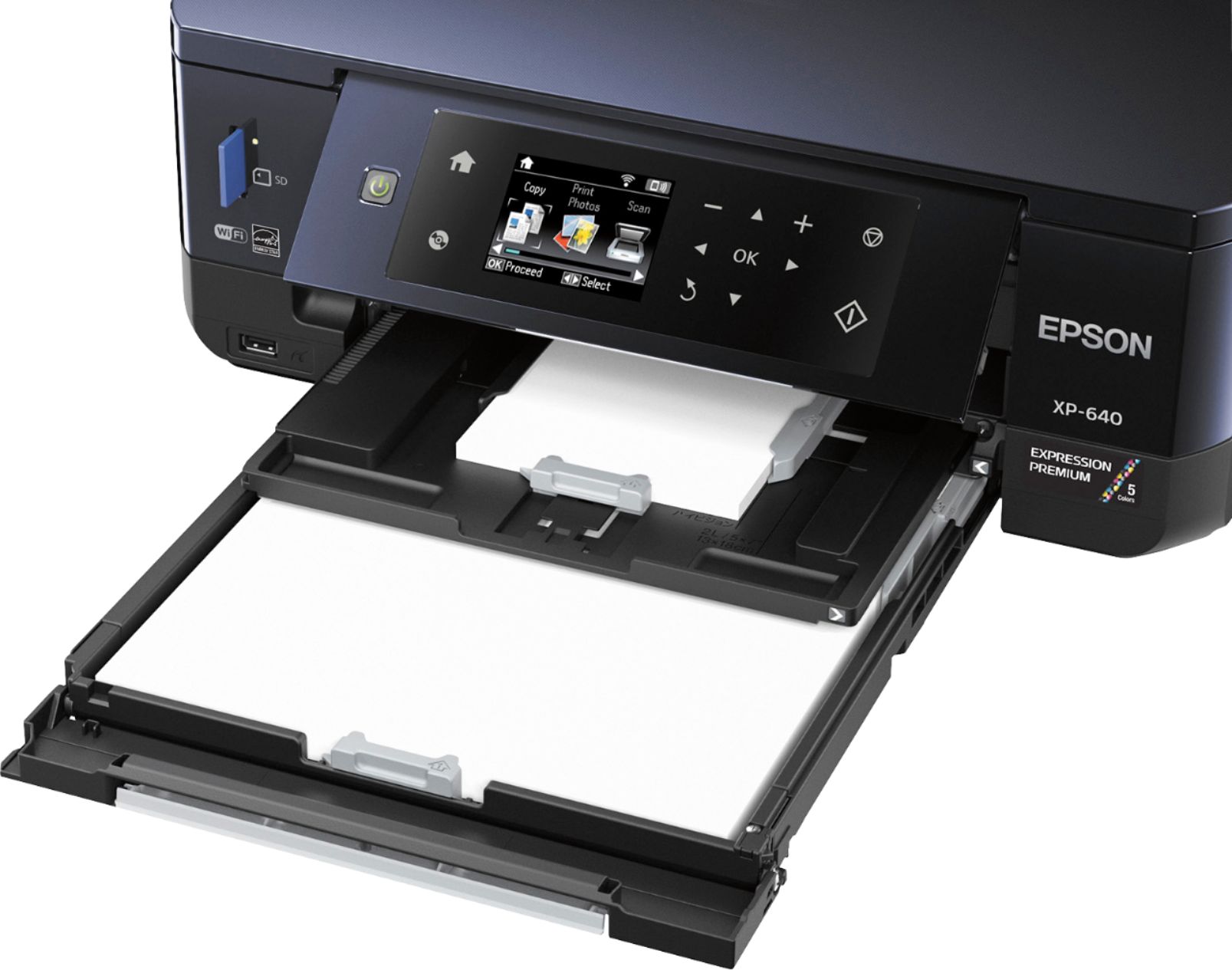
Posted .This reviewer received promo considerations or sweepstakes entry for writing a review.This is a review for the Epson Expression XP-640 that I received free of charge to do a beta test and review. The first thing I noticed when I unboxed the printer is how small it was. This is the smallest all in one I have seen. It was simple and easy to unbox but I did find the paper trays to be confusing. They are called cassettes and because the printer is so small they are all "inside". After I got that figured out, it was a snap to get it up and running. I really like that there are separate ink cartridges for each color so you only need to replace the empty ones which saves money. So far I have used the print, copy and scan features and they all worked really well without any issues. I especially loved that I could print directly from my Iphone and Ipad. Overall, this is a great little printer that produces sharp clear copies and photo prints. The only negatives are that the setup is a bit confusing, does not hold a lot of paper and there is no fax machine included.
I would recommend this to a friend - Pros mentioned:Print quality, Wireless
Rated 5 out of 5 stars
Quality Printer
Posted .This reviewer received promo considerations or sweepstakes entry for writing a review.This Small-in-One Epson XP-640 is a must have for any home office or small business. I use this printer for printing my advertising materials. It produces high quality photo prints and documents, see attached photo print example. The auto 2-sided printing feature along with the copying and scanning abilities makes this small printer comparable to larger, more expensive models. I am very pleased with the speed and quality of this printer. I use a wireless connection for printing from my laptop but it is also equipped with a built-in USB and card slots. Set up for this printer is quick and easy. Packaging includes straight forward step by step instructions for set up, cartridge insertion and wifi connectivity. I received this printer free of charge as a beta test for my honest and unbiased opinion.
I would recommend this to a friend - Pros mentioned:Print quality
Rated 5 out of 5 stars
Fantastic prints at home
Posted .This reviewer received promo considerations or sweepstakes entry for writing a review.This came with a CD, Instructions (not really needed), no USB, Power Cord, Printer, Ink, Sample Media Pack that included Matte paper/Gloss photo paper/Semi Gloss photo paper and premium gloss photo paper. Really pleased that this included this nice little Media Pack because my last Epson (still have) did not include this and it is the XP-405 edition. This printer is fast and also provides the quiet mode as well as the option to make the ink lighter so you are not wasting so much ink on printing. I choose to use greyscale a lot to save money vs printing in color all the time. You do not have any paper sticking out from the top of this printer anymore, simply pull out the tray, insert the paper and you feel like you have an office all in one printer, so this is perfect for not just home users but if you have a home based business this is perfect for you too. I love the individual inks because when a color runs out and you are low on funds, you can still print in black. Cartridges are so simple to take out and snap back into place that this can be done in a matter of 2 minutes for the complete process. I found the ink to be about $20 with most Amazon merchants (non-name brand) and they work really well in my other printer that is identical to this one just different model. You can print lables onto a CD from this printer, quiet mode makes it great when you do not want to be very loud when printing, this is very large in size so make sure you clear off enough space and it weighs about 20lbs and has a tendency to jiggle a little when in use so it must have a sturdy surface to sit on. I had a issue with IOS on this not printing anything (did not need Epson App because that is useless and will not allow me to print anything from iPad Pro) but I got it to finally print with some issues still remaining. My issues with IOS printing is it tells me I am using the wrong size paper and I have to hit ok for it to continue to print each page. I do not have the wrong size paper and this is very frustrating. I did do the update with no resolution to this problem so that needs to be fixed. The setup was easy on the laptop (Windows) and my iPad Pro as well as iPhone 6Plus. I love everything about this printer and Highly recommend Epson brand and have for years because they are made to last, great quality, setup is simple as 1-2-3 and takes about 8-10 minutes. I received this product mentioned above for free. Regardless, I only recommend products or services I use personally and believe will be good for my readers. I am disclosing this in accordance with the Federal Trade Commission’s 16 CFR, Part 255: “Guides Concerning the Use of Endorsements and Testimonials in Advertising
I would recommend this to a friend - Pros mentioned:Ease of use, Print quality, Size
Rated 5 out of 5 stars
Solid printer for everyday use
||Posted .This reviewer received promo considerations or sweepstakes entry for writing a review.I was looking for something that met my printing needs for everyday use and had the ability to print pictures. I also wanted something that connected to my iPhone. The printing is great and the pictures turn out amazing. It connects online and to my mobile device with ease and am happy with the results. The tray setup is a little different and not the most user friendly of ones I have had in the past but it’s design is easy to use and the unit is fairly compact. The price was right for everything I wanted and needed. Very happy with it thus far.
I would recommend this to a friend - Pros mentioned:Ease of use, Print qualityCons mentioned:Paper tray
Rated 5 out of 5 stars
Solid all in one wireless printer/copier/scanner
||Posted .This reviewer received promo considerations or sweepstakes entry for writing a review.Decent printer, copier and scanner with wireless capability. Fairly easy setup to laptop and iPhone. Works well for home use and for $70 sale price, was able to put saved money toward toner inks. The paper tray and feeder tray systems aren’t the most sturdy and need to be in the correct position to dispense copies or prints, but overall the unit works adequately.
I would recommend this to a friend - Pros mentioned:Ease of use, Print quality, Wireless
Rated 5 out of 5 stars
Great Printer for the Price
||Posted .This reviewer received promo considerations or sweepstakes entry for writing a review.This printer replaced an Epson XP610. The 640 was on sale and I upgraded for about the same price as replacing the ink cartridges in my 610. The 640 is a great all in one printer. Easy to set up and connect to WiFi. I can print from all of my devices to this printer (Android, Apple, & Windows) It prints great photos and the additional tray for photo paper makes it easy to use. The individual ink cartridges means you only have to replace the ink color that is out instead of a multi ink cartridge.
I would recommend this to a friend - Pros mentioned:SizeCons mentioned:Paper tray
Rated 4 out of 5 stars
Great printer loading paper was complex
||Posted .This reviewer received promo considerations or sweepstakes entry for writing a review.I got a steal of a deal for under 60.00 during a pre black Friday sale which was 90.00 less than orig price. I was very happy with that. So I get the small in one home and its neat and compact. I am not fond of reading thru instructions as most stuff is general and common sense but there were so many trays it was a little more complex than expected. I had to look over the unit several times to figure out the standard paper input. It was a great price, I don't know if I would purchase this unit again maybe something a little more simpler where the paper goes in the back and shoots out the front old school.
I would recommend this to a friend - Pros mentioned:Ease of use, WirelessCons mentioned:Paper tray
Rated 4 out of 5 stars
Good printer
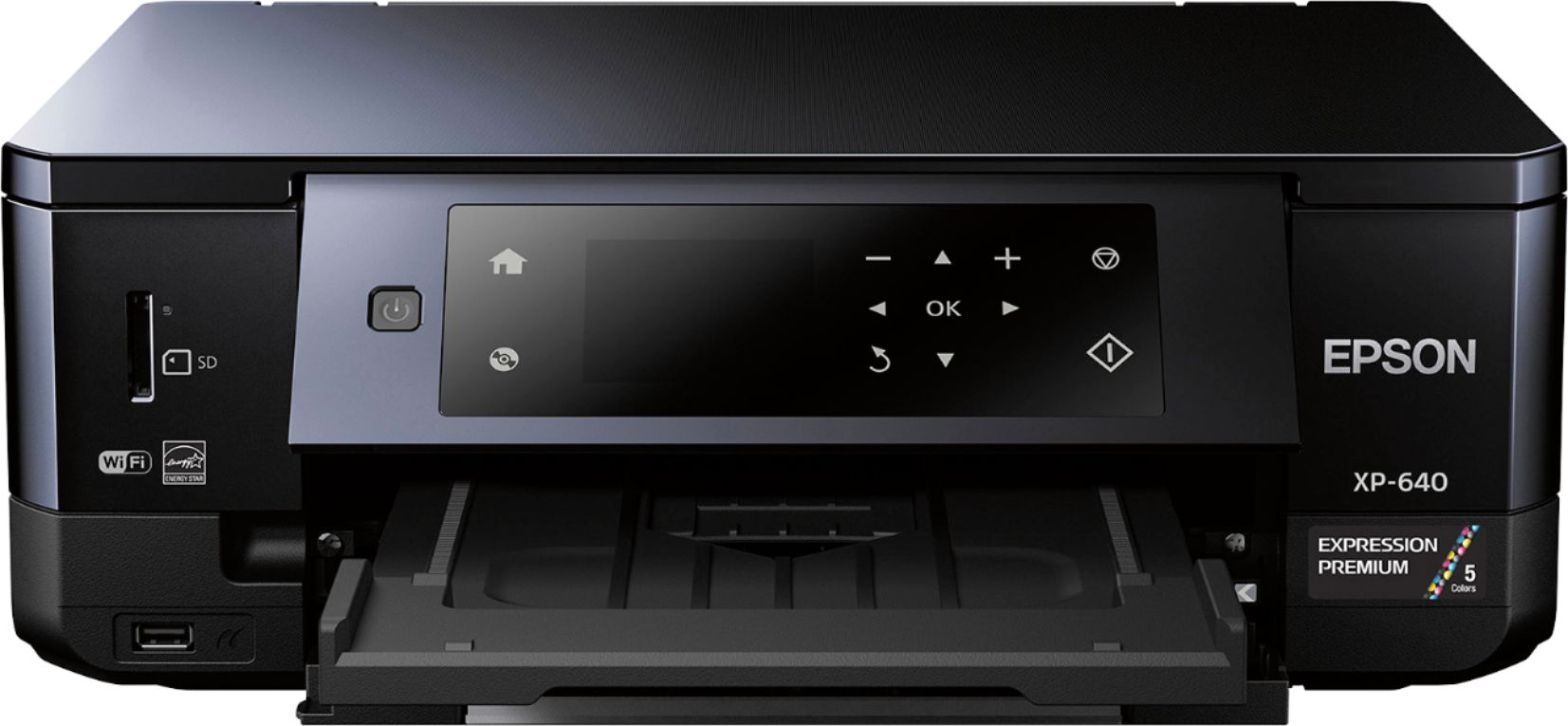
||Posted .This reviewer received promo considerations or sweepstakes entry for writing a review.Pros: sleek compact form factor, easy set up, seamless wireless capability, good all around printing. Cons: menu functionality is just ok and to print the paper tray has to be adjusted manually versus automatically.
I would recommend this to a friend