Customer Ratings & Reviews
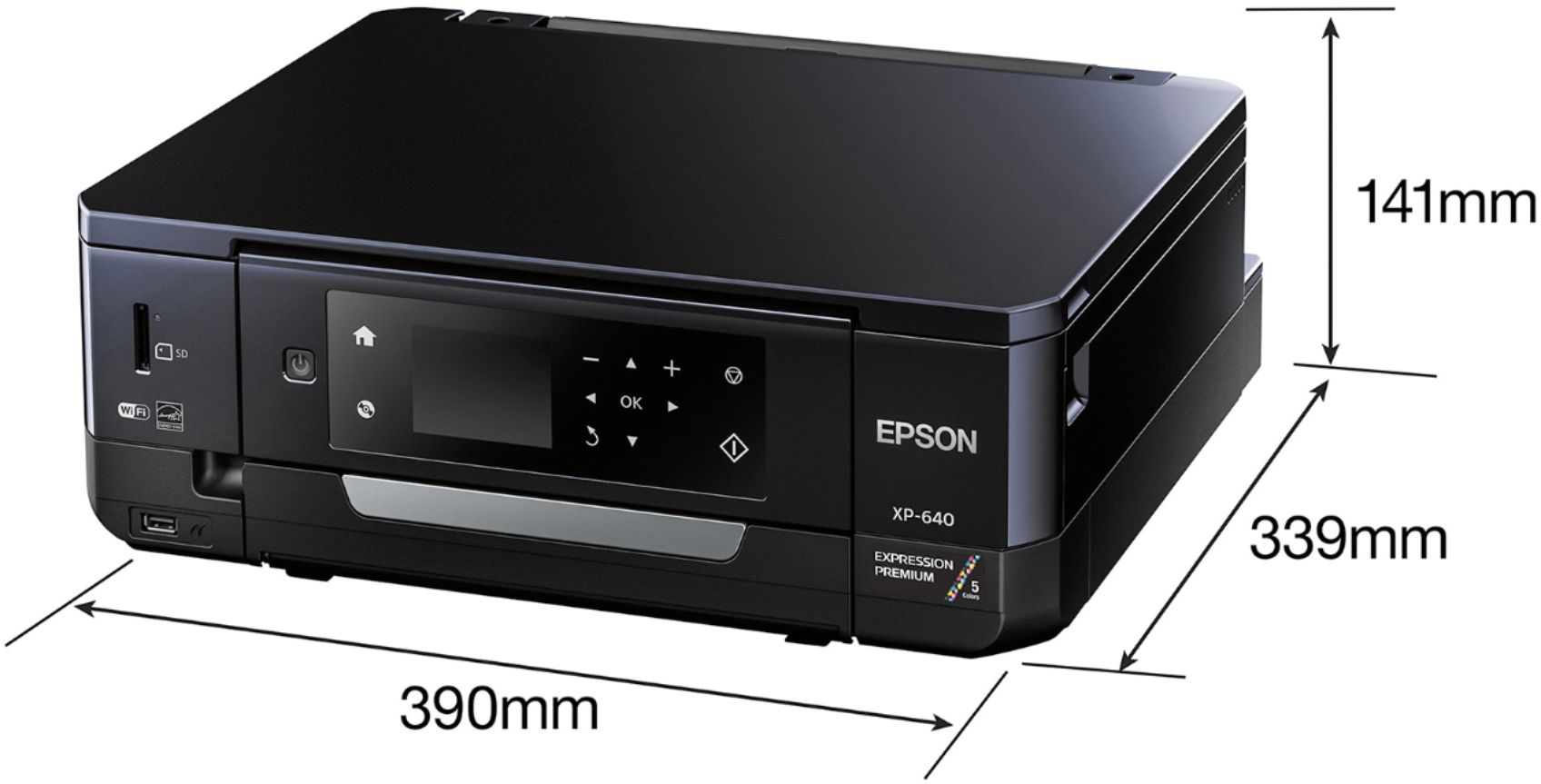
- Model:
- XP-640 ALL-IN-ONE C11CF5020
- |
- SKU:
- 5451700
Customer reviews
Rating 4.3 out of 5 stars with 1836 reviews
(1,836 customer reviews)Rating by feature
- Value4.1
Rating 4.1 out of 5 stars
- Quality4.2
Rating 4.2 out of 5 stars
- Ease of Use4.1
Rating 4.1 out of 5 stars
Customers are saying
Customers often highlight the excellent print quality and ease of use of the Expression Premium XP-640 Small-in-One Wireless All-In-One Printer. Many appreciate its compact size and wireless capabilities, along with the generally positive setup experience and price point. However, some users mention challenges with the paper tray design and occasional concerns about the printer's reliability. A few also point out that the instructions could be improved for clarity.
This summary was generated by AI based on customer reviews.
Rated 3 out of 5 stars
Hard to connect
||Posted .This reviewer received promo considerations or sweepstakes entry for writing a review.It is a good printer, the only problem: hard to connect wiressly to my computer.
I would recommend this to a friendRated 3 out of 5 stars
Trouble with WiFi connection
||Posted .This reviewer received promo considerations or sweepstakes entry for writing a review.Trouble connecting via WiFi. Print quality average. Speed is average.
No, I would not recommend this to a friendRated 3 out of 5 stars
Too noisy
||Posted .This reviewer received promo considerations or sweepstakes entry for writing a review.I bought this printer recently so far everything is fine but it's too noisy.
No, I would not recommend this to a friend- Pros mentioned:Print quality, SizeCons mentioned:Paper tray
Rated 4 out of 5 stars
Small and quick
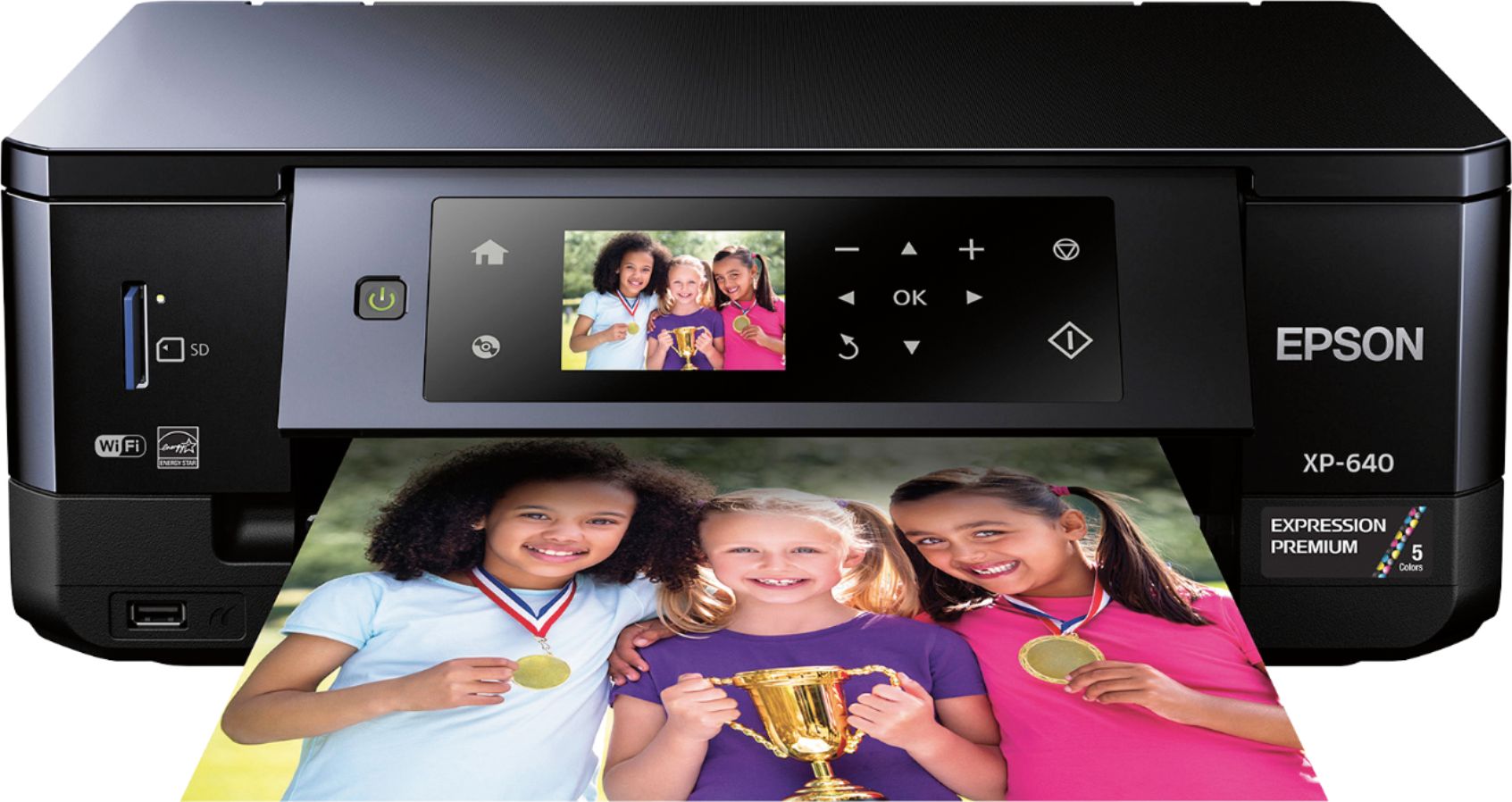
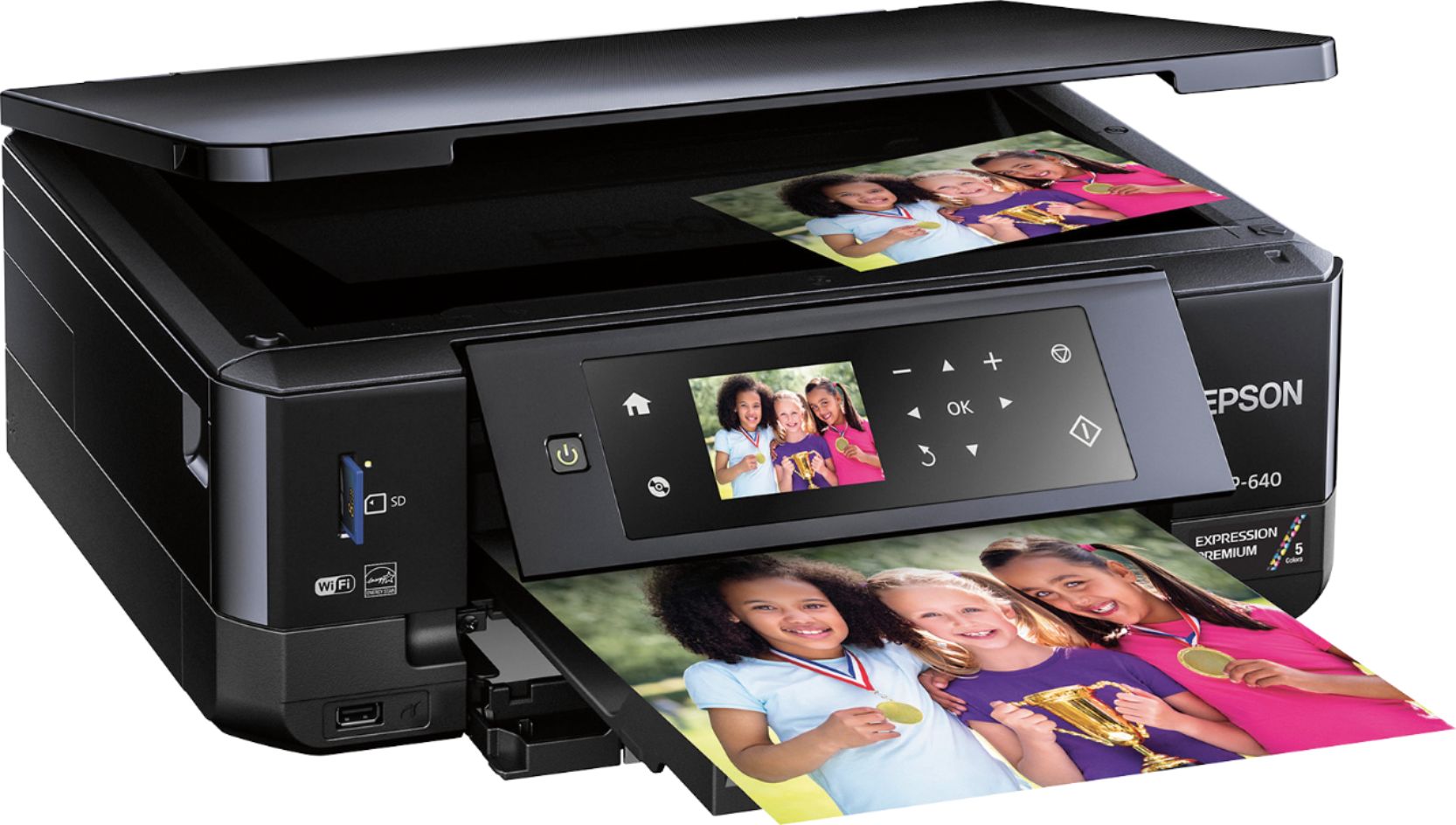
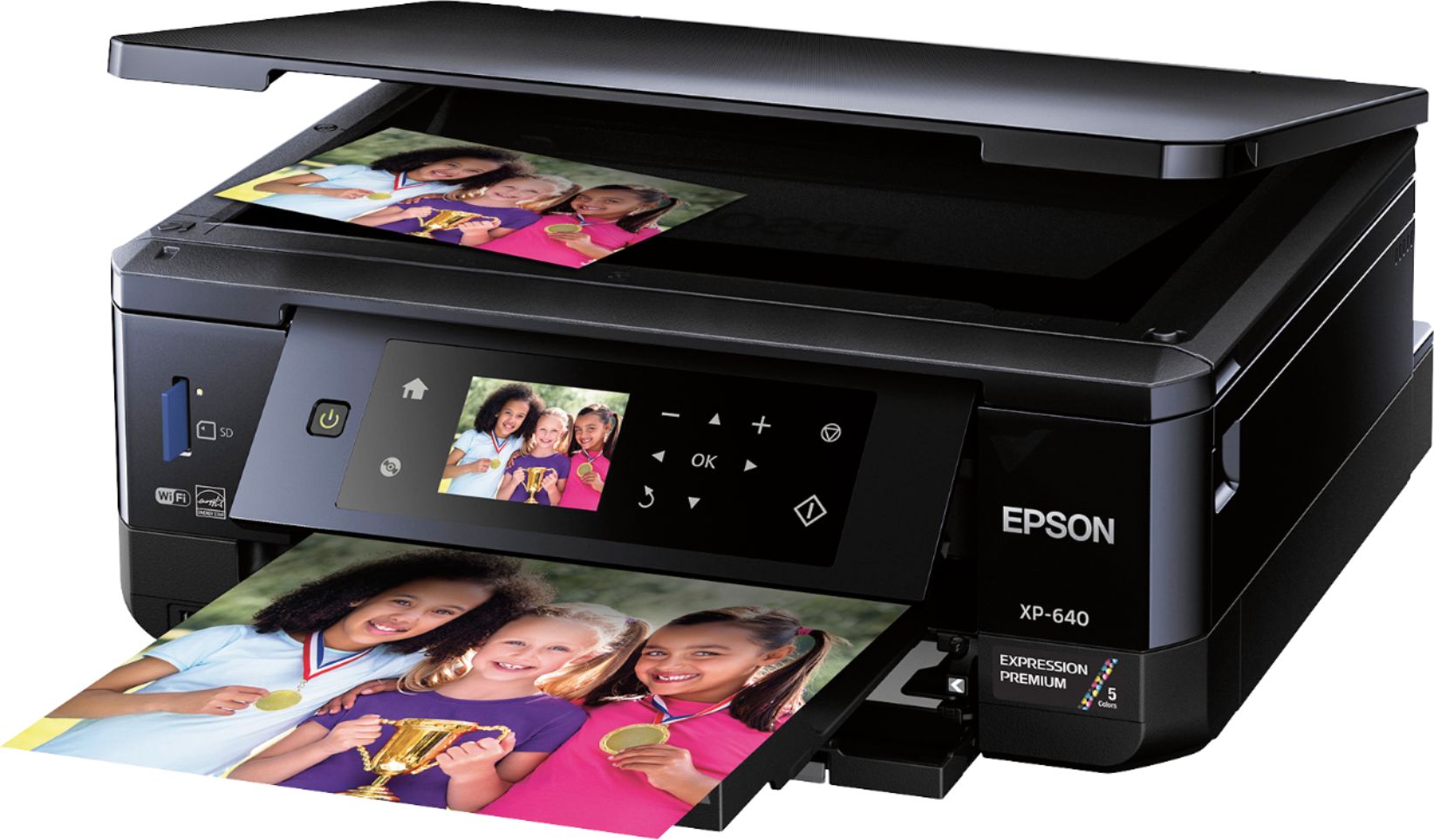
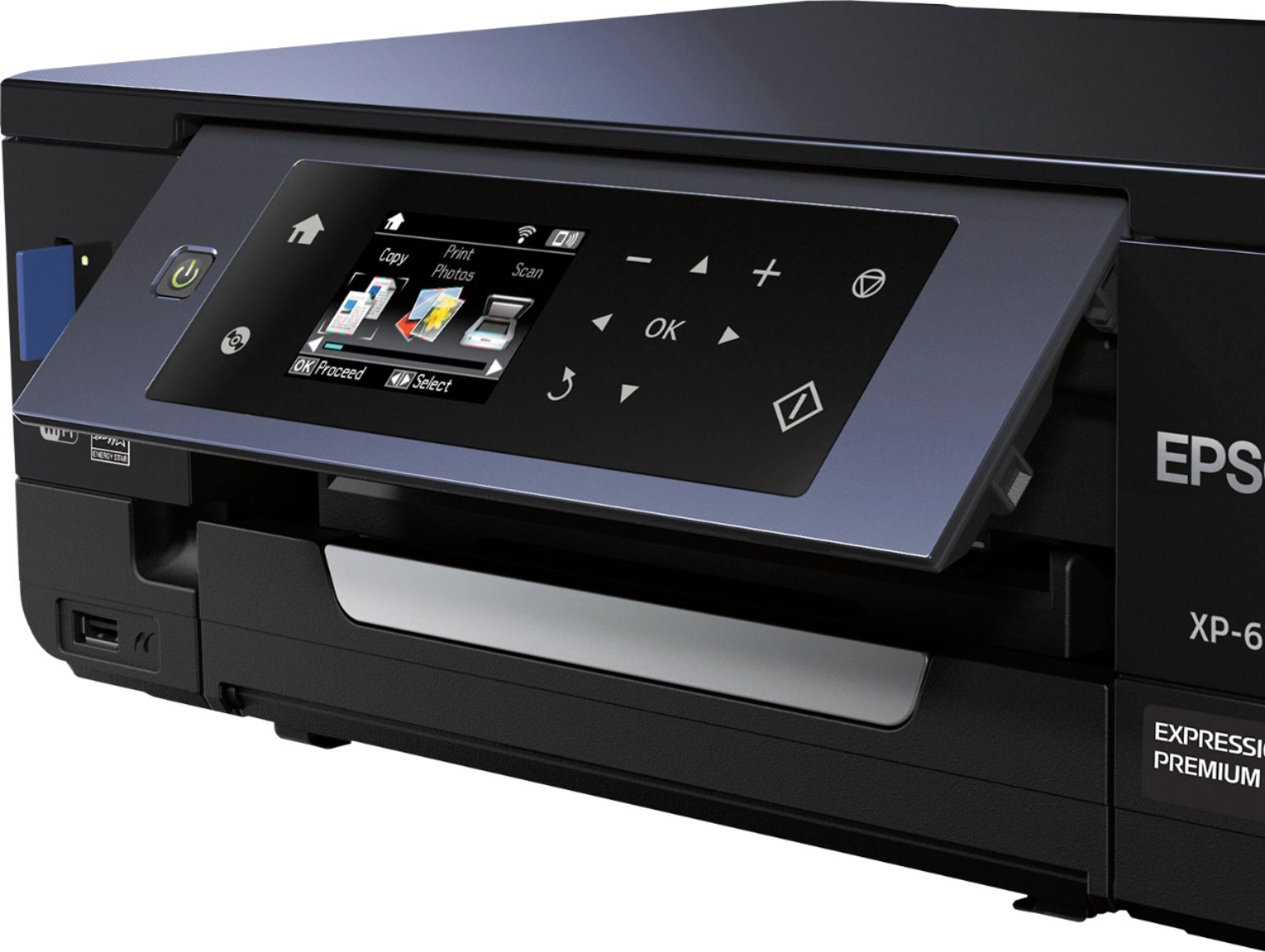
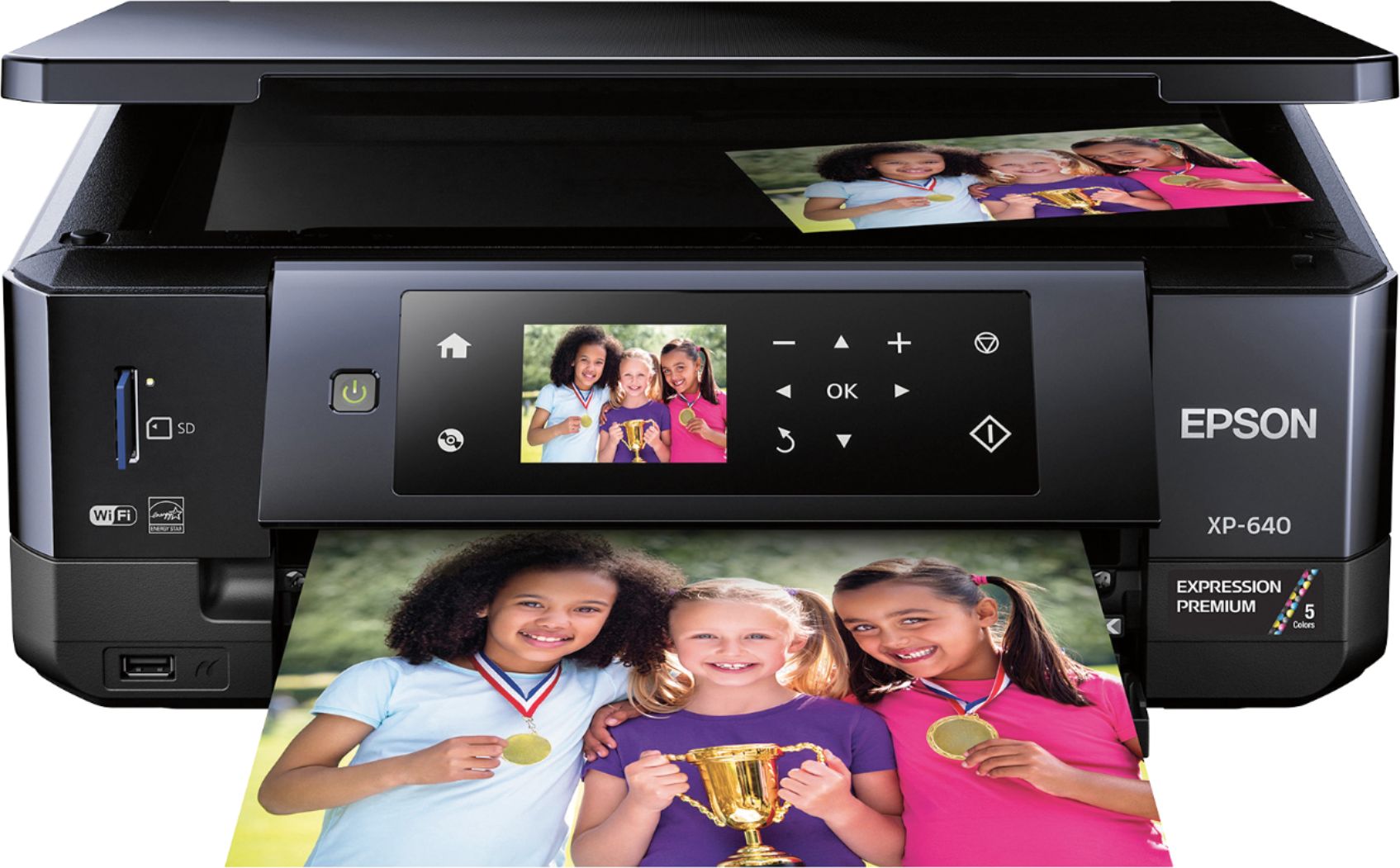
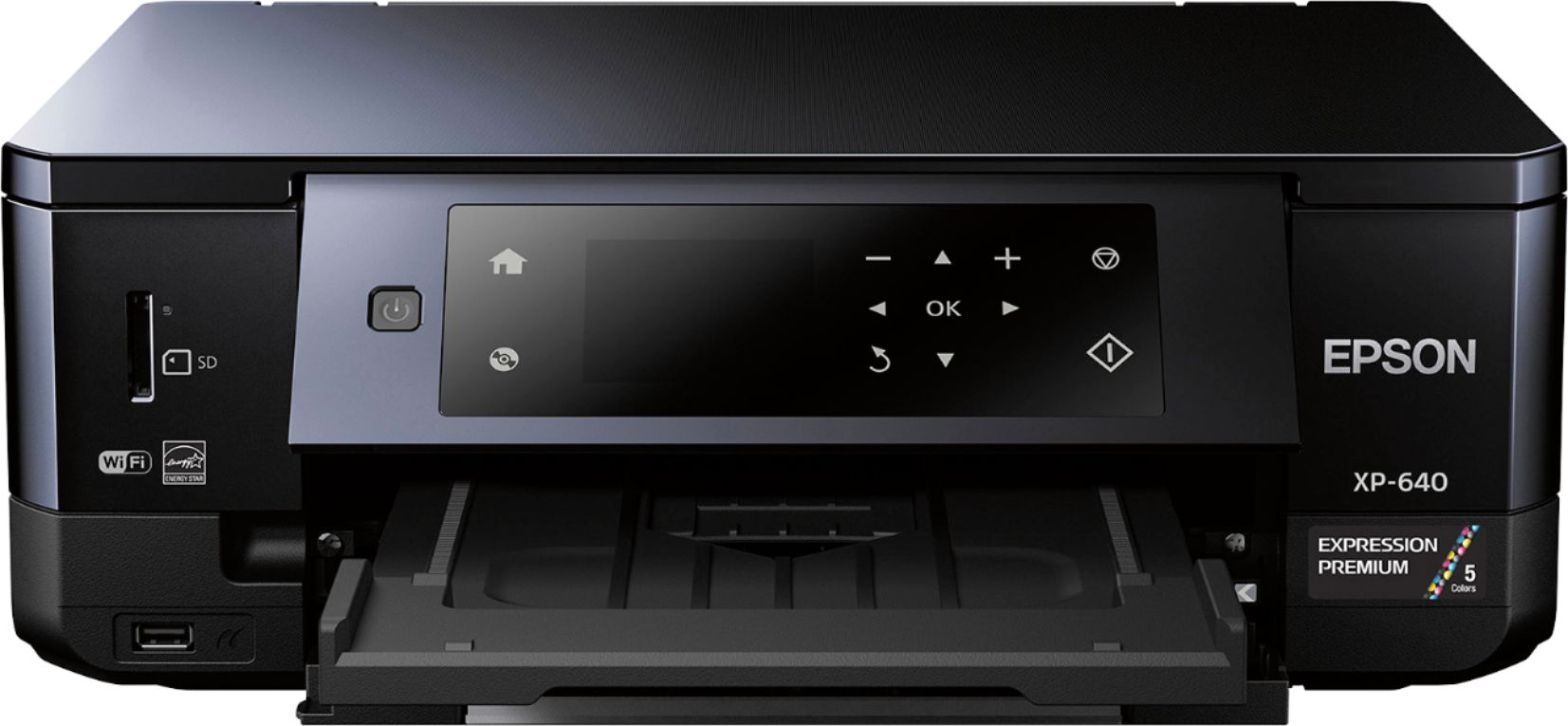
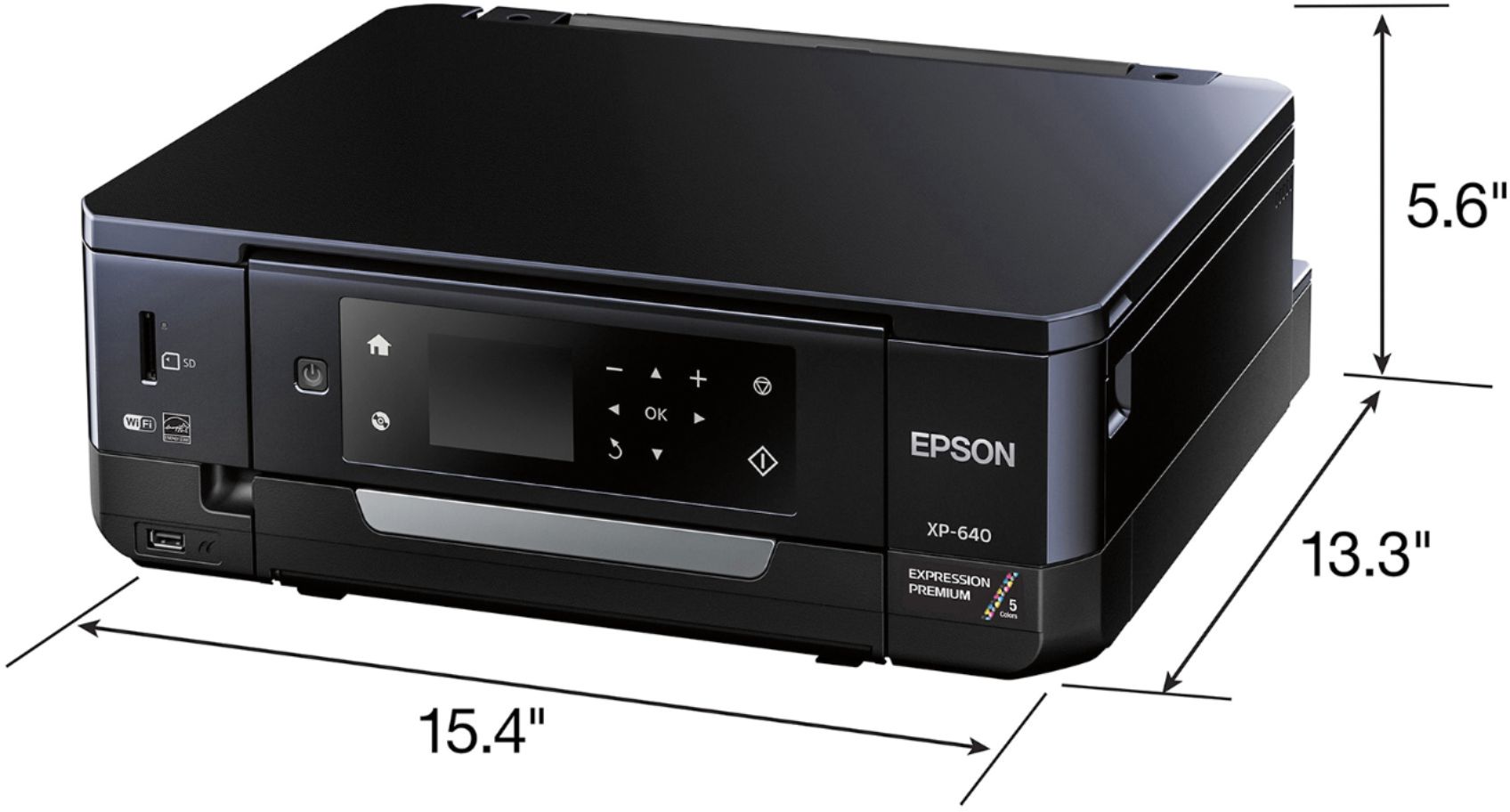
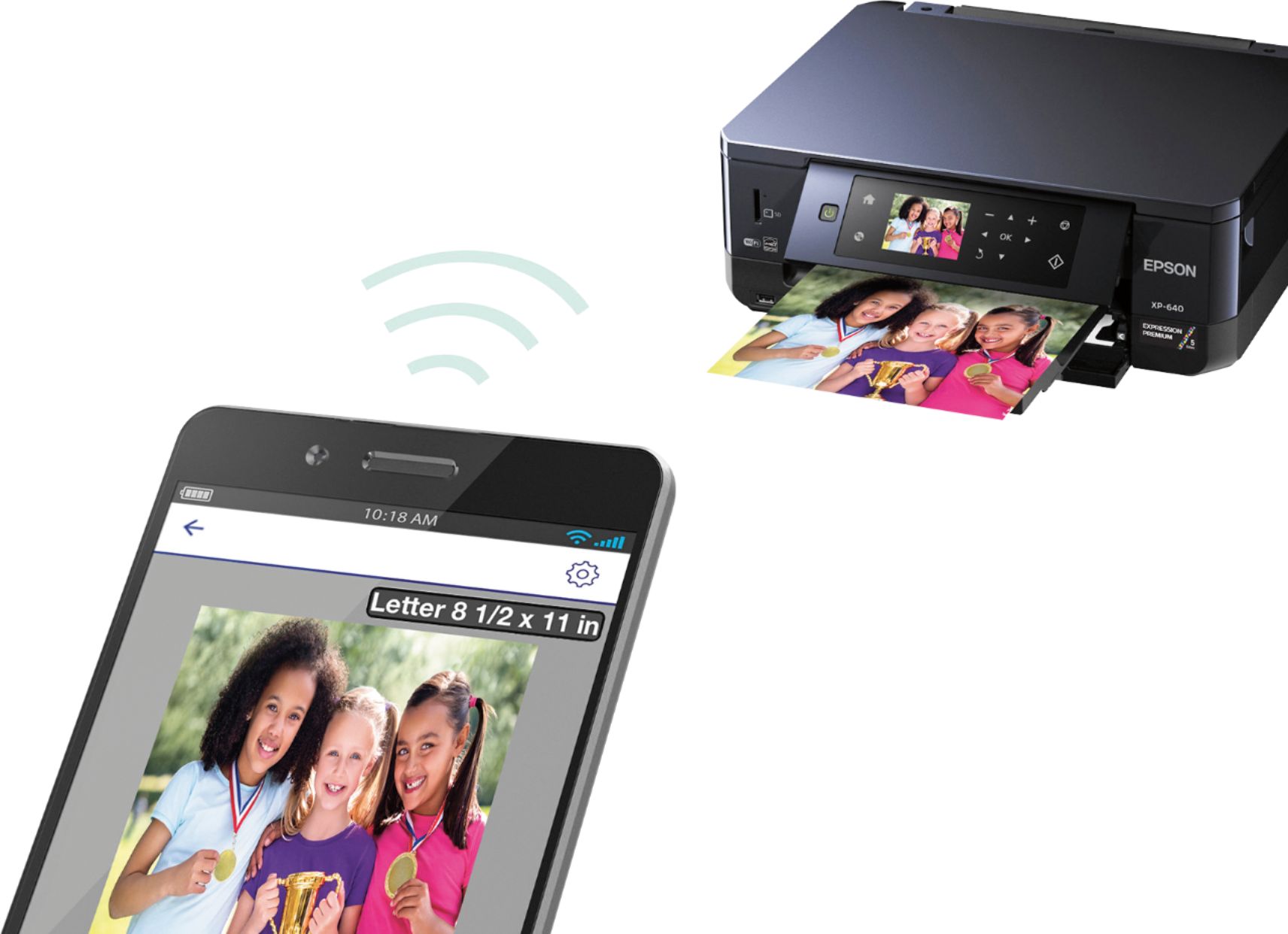
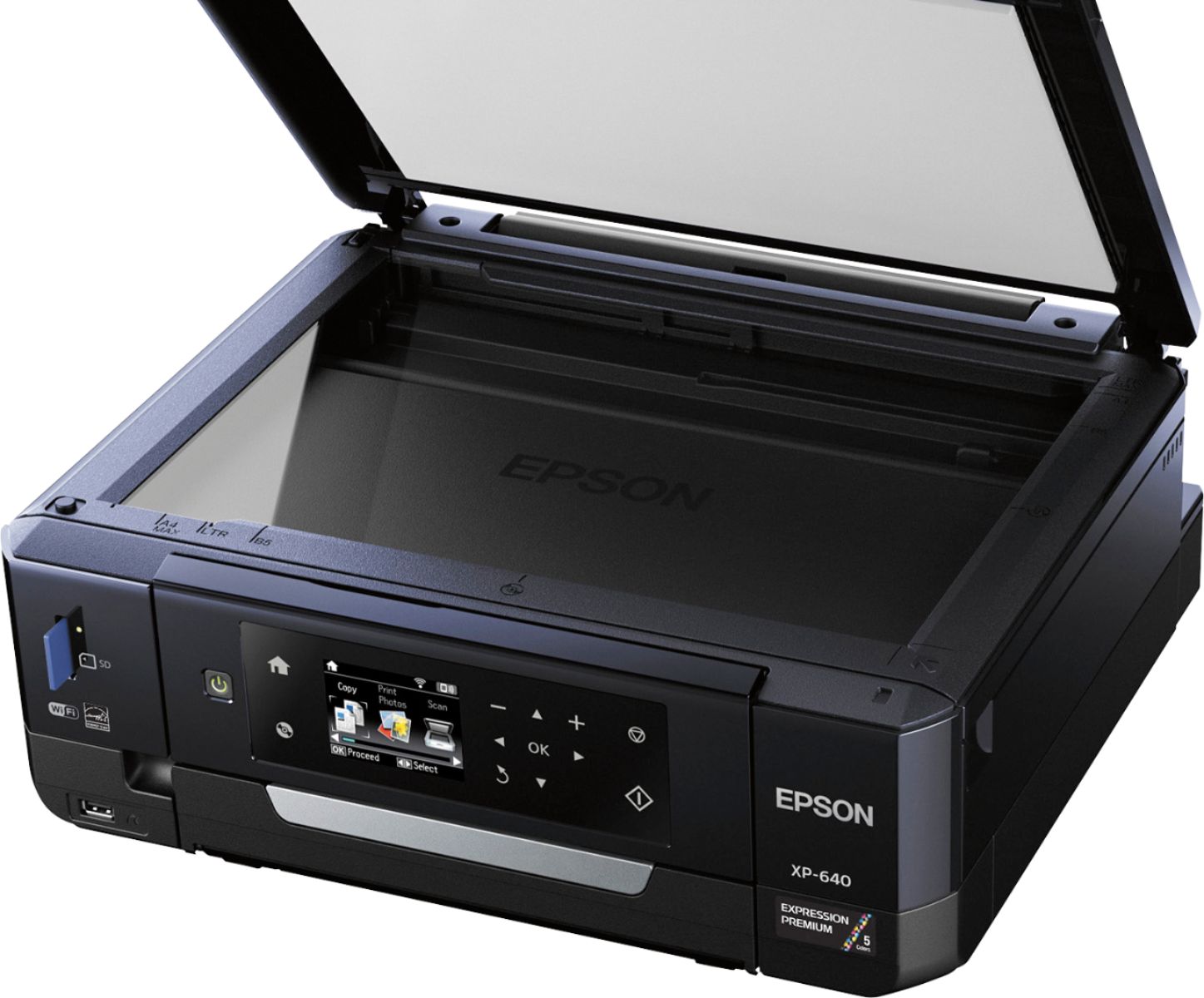
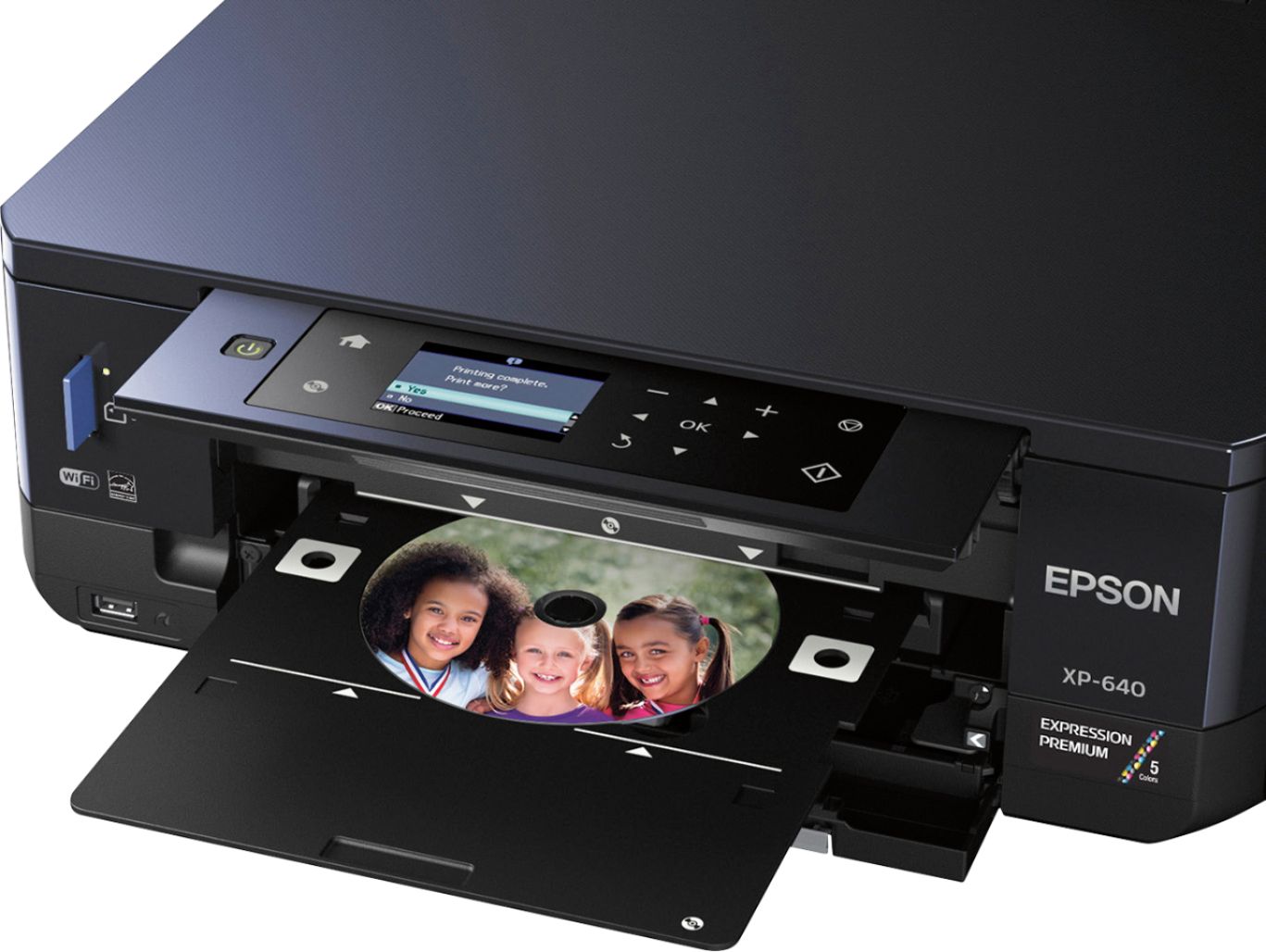
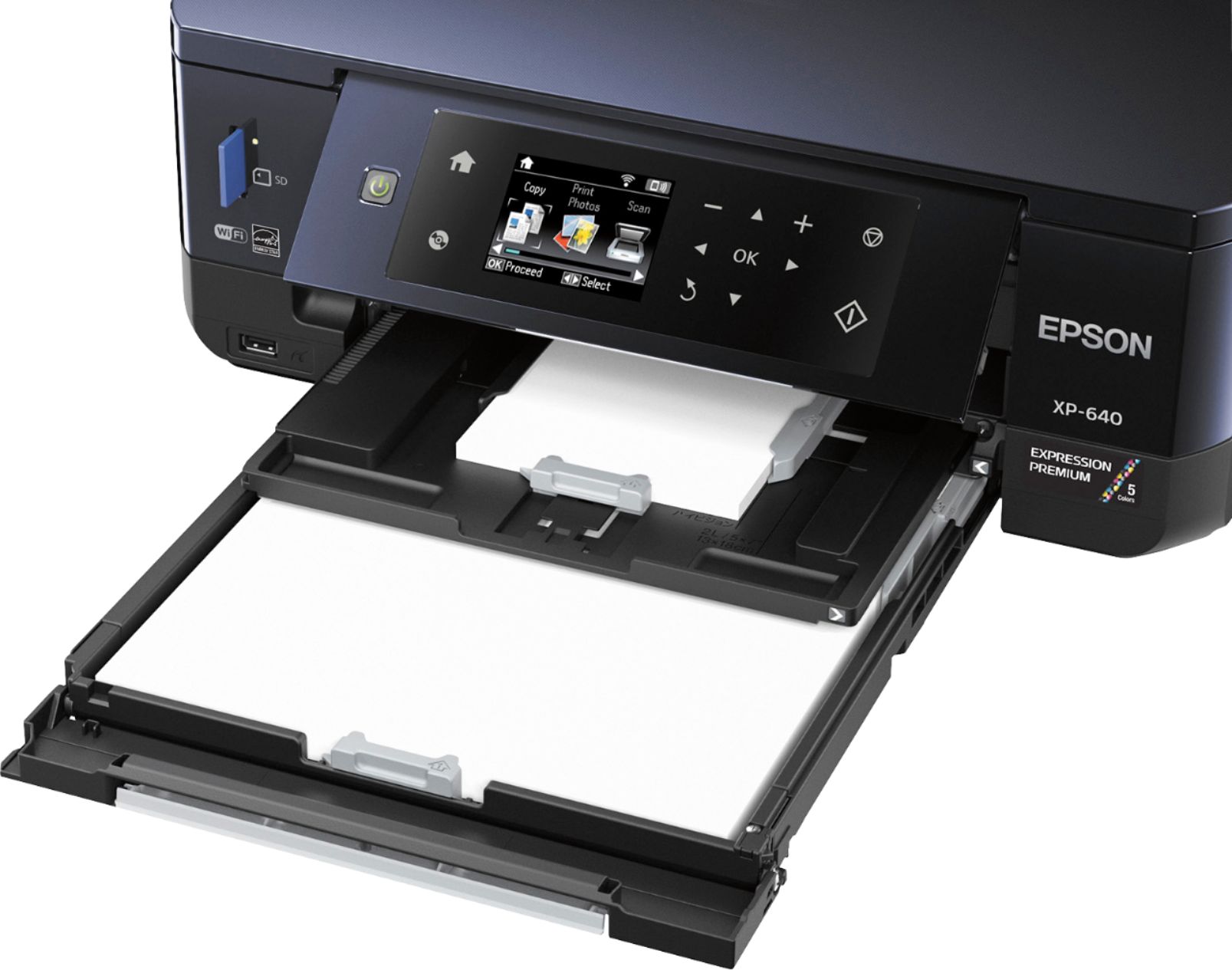
Posted .This reviewer received promo considerations or sweepstakes entry for writing a review.This is a review for the Epson Expression XP-640 that I received free of charge to do a beta test and review. The printer is small, lightweight, and does not take up much desk space. You can set it up as either wireless or USB. The control panel is located on the front and rotates up about 45 degrees making it easier to see when standing over the printer. It has two paper trays, which are a bit difficult to access. There’s also a tray at the bottom for printing to CDs. The output tray is very inconvenient. At first I couldn’t even find it. It does not automatically open when you start to print and the print job will not start until it’s pulled out. The unit also includes a built in USB and memory card reader. Setup allows the option of using Wireless or USB. I like that they have fit so many features in such a compact unit, but it would be nice if there were buttons or some easier way to access the trays, especially the paper output tray. The included setup CD automatically installs the printer divers along with optional scanner utility, CD Print, and photo scan software modules. Everything installed easily on my Windows 10 system. The wireless setup was a bit cumbersome mainly due to my not being able to find a “delete” option on the control panel while typing in a very long modem password. It took quite a bit of guesswork to figure it out. I’d prefer a router pairing option that eliminates password entry in the first place. I will say that the software found my wireless connection easily while following the screen navigation during setup. I did get an error message about the current wireless channel being incompatible, but ignored it and found everything still functioned fine. There appears to be a problem with the update utility because after installation it repeatedly tries to install the same update on subsequent scans. It also installed two Epson software drivers on my system – one for wireless and another for USB. I find that annoying because it adds two printer icons to my lower task tray. I also have two Epson directories in my Software Apps. One contains the setup utility, manual, and scan utility. The other contains the CD and photo print utilities. I’d much prefer a single print interface with options for each of these utilities. Print quality is very good. The colors are vibrant and photos are sharp Print speed is also impressive. I can print standard 30 page reports with accompanying photos in standard quality at least 30% faster than my current Canon business unit. I print a lot of work related photos that are saved to CDs and love the idea of printing labels directly to the CD instead of messing around with CD label software. There is no pass-through on the back, but standard Avery address labels and photo paper fed through the main tray without jamming. The double-sided printing feature is great and gives you the option of flipping it on the long or short edge of the paper, either automatically or manually. The flatbed scanner portion works well, but I’d prefer buttons on the printer in lieu of selecting the scan feature via the control panel, which is cumbersome. Selecting to scan via the computer software option was easier There is no document feeder, which is somewhat disappointing. Current versions of Dropbox, Google Docs, and Microsoft One Drive were discovered during setup when I opted to use the cloud print feature. I use the Epson Connect and Mopria Print Apps on my Android phone and tablet. Printing worked fine with all of them. Overall I think it’s a great little printer. It lacks a few of the bells and whistles of a true business class printer, but handles pretty much any photo printing need with ease. I love the small size, print speed, and ability to print from my cell phone. The trays take a little getting used to and the software could be more integrated, but over-all I’m very happy with it.
I would recommend this to a friend Rated 2 out of 5 stars
compact does not take up a lot of space
||Posted .This reviewer received promo considerations or sweepstakes entry for writing a review.We have more problems getting it to copy or print. Always need to keep playing with it. Not as simple as all the printers we have had in the past, but this is the first time purchasing one with dual print for photos as well as coping maybe that is the trouble I am sure we will get the hang of it
No, I would not recommend this to a friendRated 3 out of 5 stars
Good for small home use.
||Posted .This reviewer received promo considerations or sweepstakes entry for writing a review.For my needs, this printer is ok. It has minimum use. Use copier mostly.
I would recommend this to a friendRated 3 out of 5 stars
Too difficult for a beginner
||Posted .This reviewer received promo considerations or sweepstakes entry for writing a review.Two paper trays, always goes to first - want it to defalut to second
No, I would not recommend this to a friendRated 3 out of 5 stars
Good printer
||Posted .This reviewer received promo considerations or sweepstakes entry for writing a review.Good little printer for the price. Bought it on deal of the day.
I would recommend this to a friendRated 3 out of 5 stars
good
||Posted .This reviewer received promo considerations or sweepstakes entry for writing a review.but wi fi disconnects a lot, and on/off button doesn't always work.
I would recommend this to a friendRated 3 out of 5 stars
This was purchased as a gift for someone else
||Posted .This reviewer received promo considerations or sweepstakes entry for writing a review.This was purchased as a gift for someone else. I have never used it.
I would recommend this to a friendRated 3 out of 5 stars
Does the job
||Posted .This reviewer received promo considerations or sweepstakes entry for writing a review.For the price it does the job. Could be better but I'm satisfy.
I would recommend this to a friendRated 2 out of 5 stars
Printing looks good...
||Posted .This reviewer received promo considerations or sweepstakes entry for writing a review.This printer is awesome... when it works... I've tried multiple times to print grim my phone and laptop, sometimes it works and sometimes it doesn't. But when out dies it looks great. That's why it got a 2nd star. Want to take it back bit not much out there that's so good.
No, I would not recommend this to a friendRated 2 out of 5 stars
Frustrating
||Posted .This reviewer received promo considerations or sweepstakes entry for writing a review.Continually has a problem with Wirelessly connecting to my laptop. I have to turn it off and back on quite a bit. Almost never a problem with my old Canon printer. Disappointed!
No, I would not recommend this to a friendRated 3 out of 5 stars
Does the job
||Posted .This reviewer received promo considerations or sweepstakes entry for writing a review.It works fine but the wireless scanning is slow as dirt.
I would recommend this to a friendRated 3 out of 5 stars
A begin printer
||Posted .This reviewer received promo considerations or sweepstakes entry for writing a review.It is not easy to set up and print. But worth the price.
No, I would not recommend this to a friendRated 3 out of 5 stars
So so
||Posted .This reviewer received promo considerations or sweepstakes entry for writing a review.Not the best printer I've ever had. It's a bit of a pain.
No, I would not recommend this to a friendRated 3 out of 5 stars
Ok
||Posted .This reviewer received promo considerations or sweepstakes entry for writing a review.It's ok not the best nor the worst for routine printing
I would recommend this to a friendRated 1 out of 5 stars
Was junk when I tried to use the printer
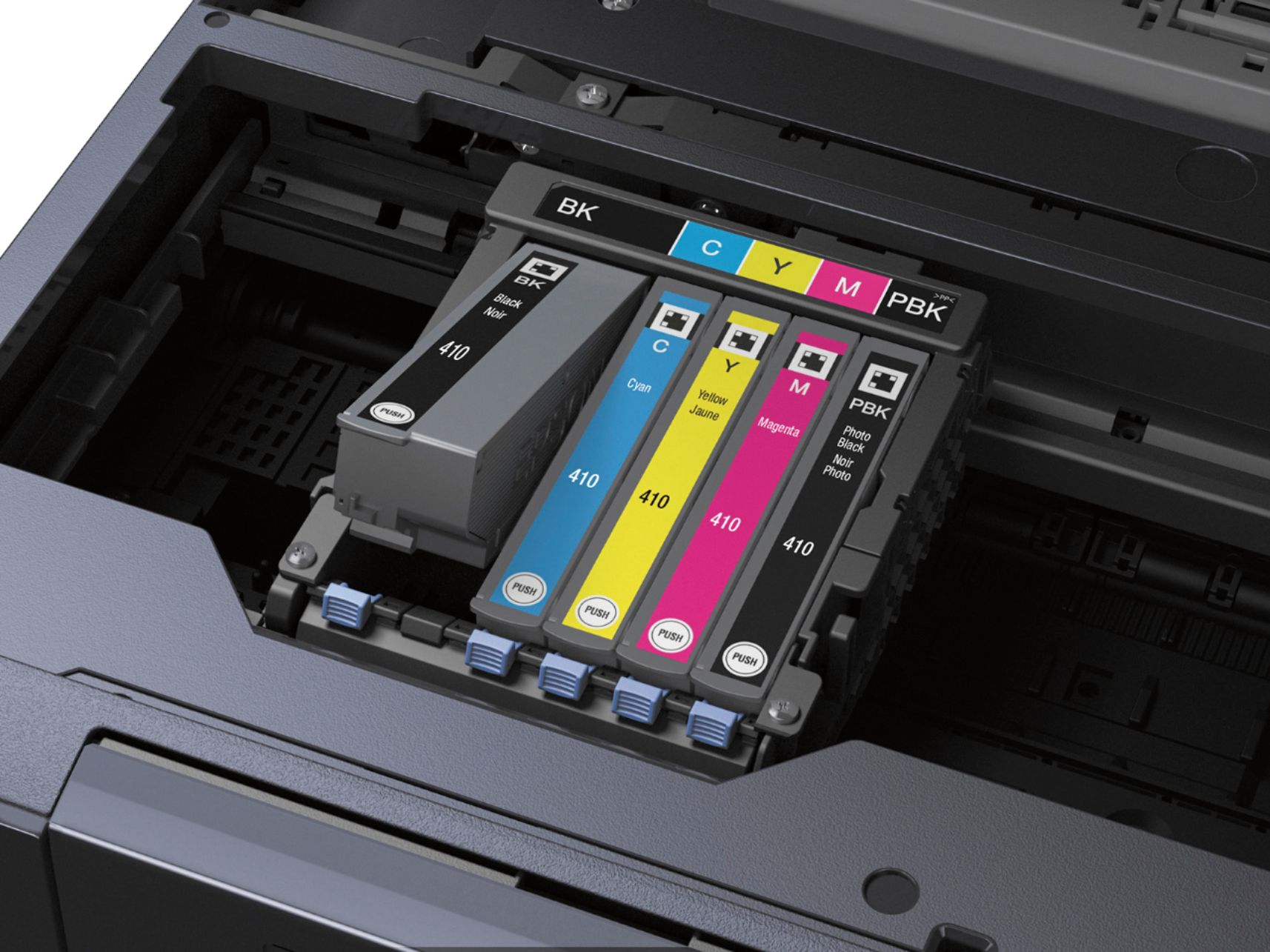
||Posted .This reviewer received promo considerations or sweepstakes entry for writing a review.The printer did had a mind of its own. Did all the downloads from the internet, they worked fine. But when I turned on the printer everything went downhill. The cartridges did not apply ink to the paper, even though the printer head moved across as you would expect.I had brought NEW cartridges and installed them. The screen came up and said "Replace the cartridges with new cartridges.They were brand NEW. That's why I returned the printer. I did Not get the money that I paid for the printer but a coupon for the money to be spent in your store. Then you would not give me money for the ink that I purchased NEW, because it was considered software.In ENGLISH keep your product.You won't see me buying from you again. Thanks for nothing.
No, I would not recommend this to a friendRated 3 out of 5 stars
I am having a problem with my purchase.
||Posted .This reviewer received promo considerations or sweepstakes entry for writing a review.I am having a problem with installing a new cartridge.
No, I would not recommend this to a friendRated 1 out of 5 stars
Won’t take new ink cartidge
||Posted . Owned for more than 2 years when reviewed.This reviewer received promo considerations or sweepstakes entry for writing a review.Printer is fine as long as you never need to replace the ink cartridge or reach Epson technical support on the phone. I tried installing and reinstalling genuine Epson replacement ink cartridge about 10 times and the printer would not recognize it. Attempted to troubleshoot on the phone with tech support and was in queue for 57 minutes, then when the tech couldn’t resolve he escalated to someone that never called back. I’m returning both printer and ink to Bestbuy and buying an HP!
No, I would not recommend this to a friend