Customer Ratings & Reviews
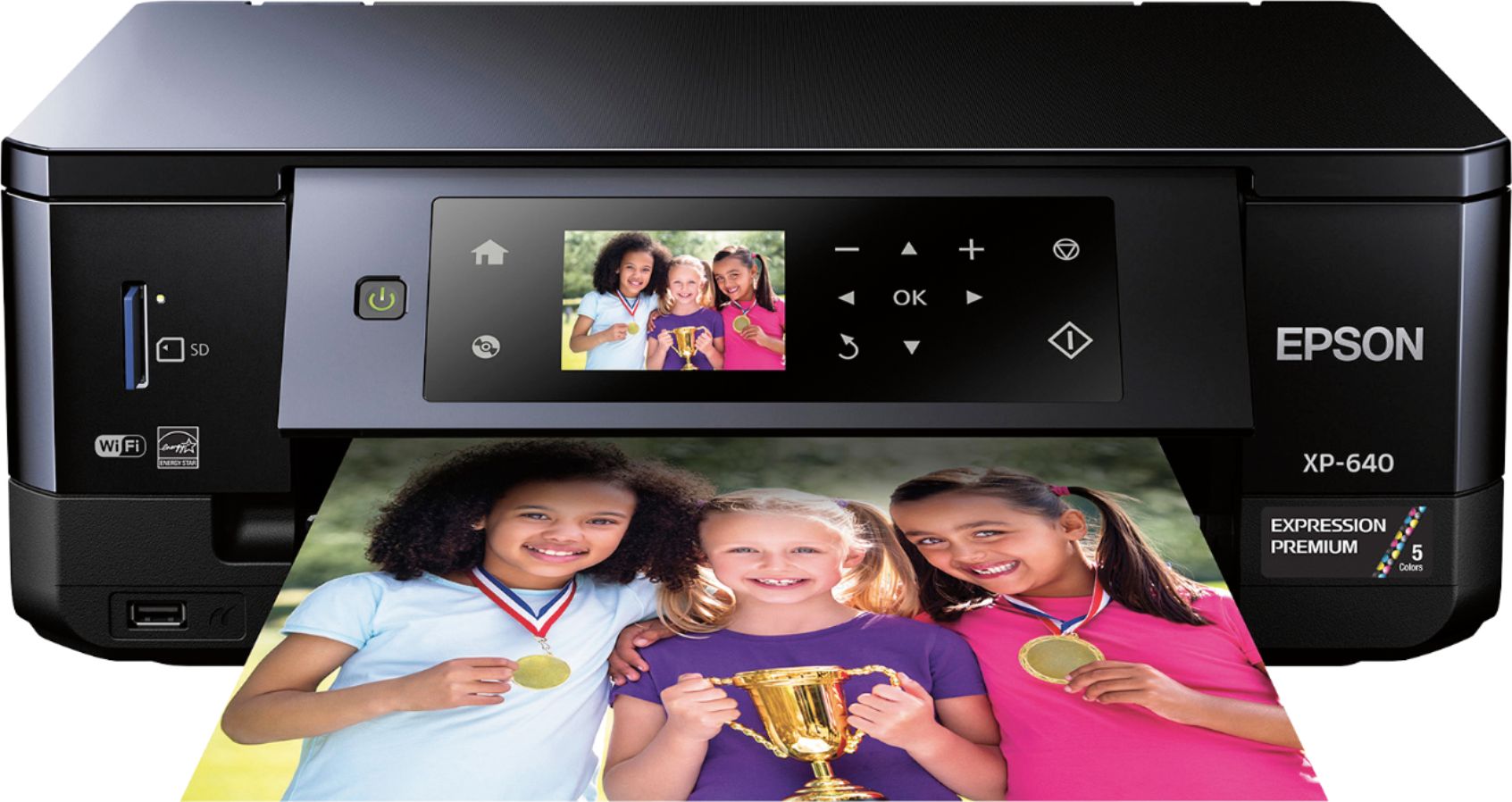
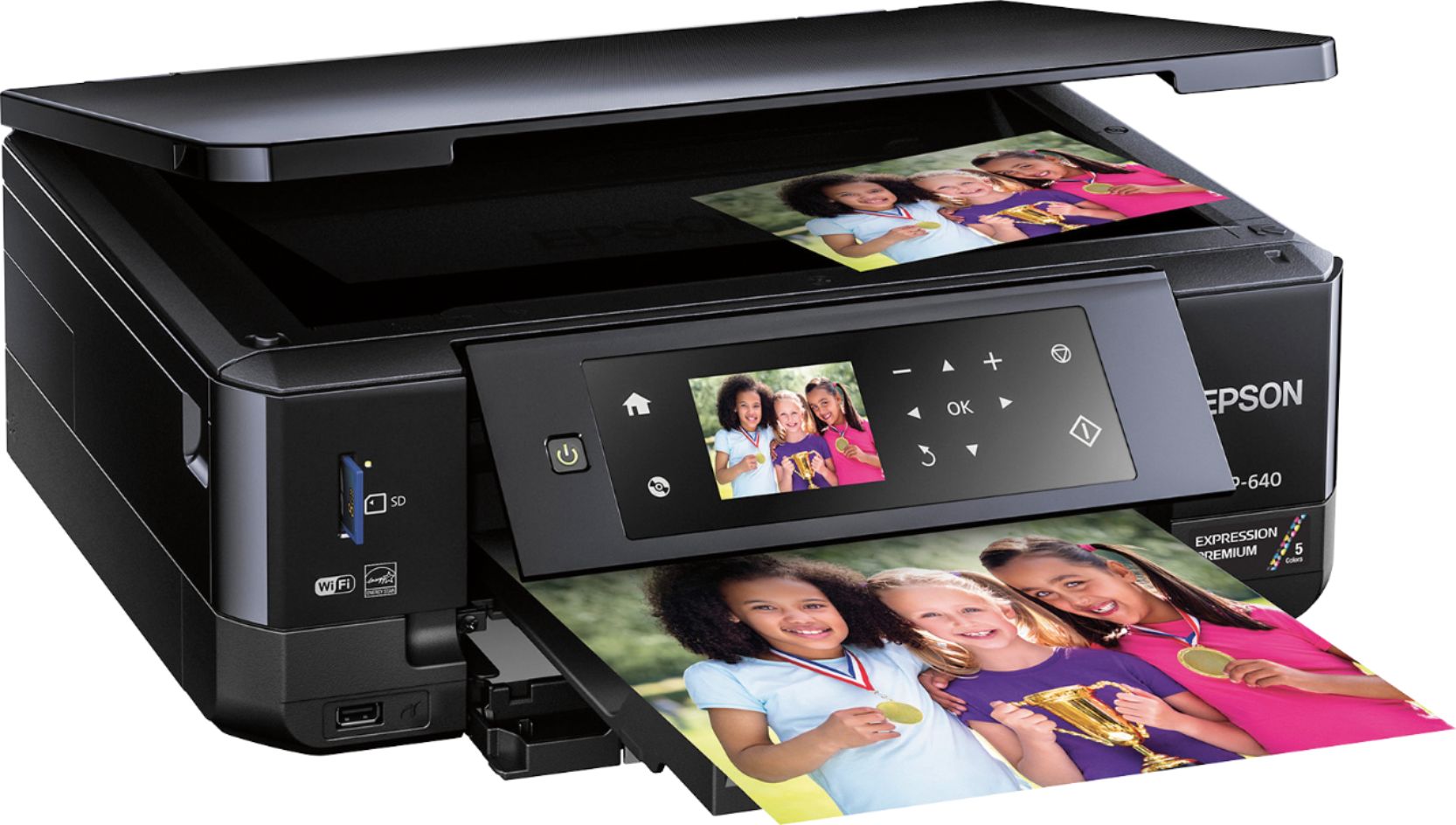
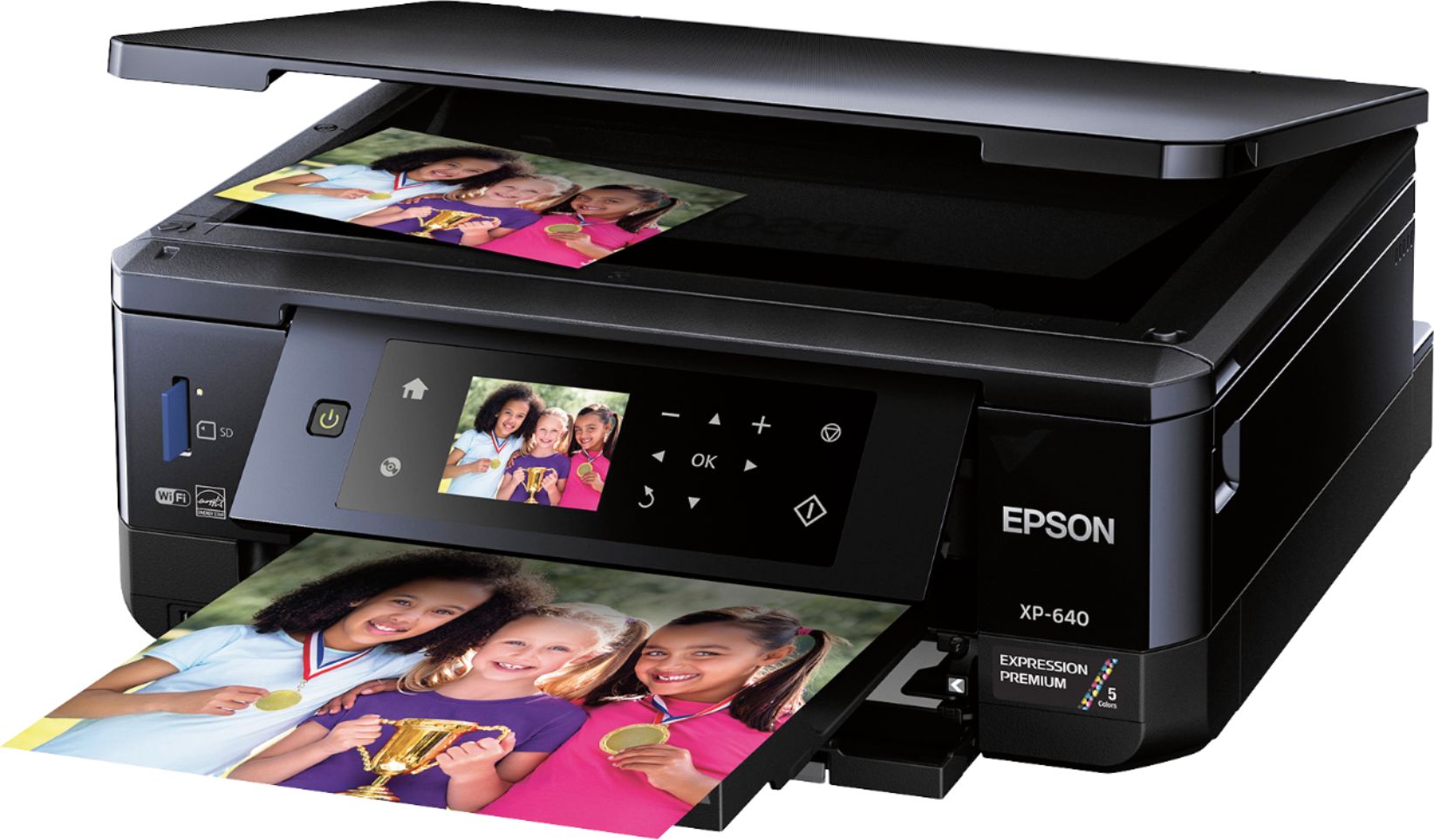
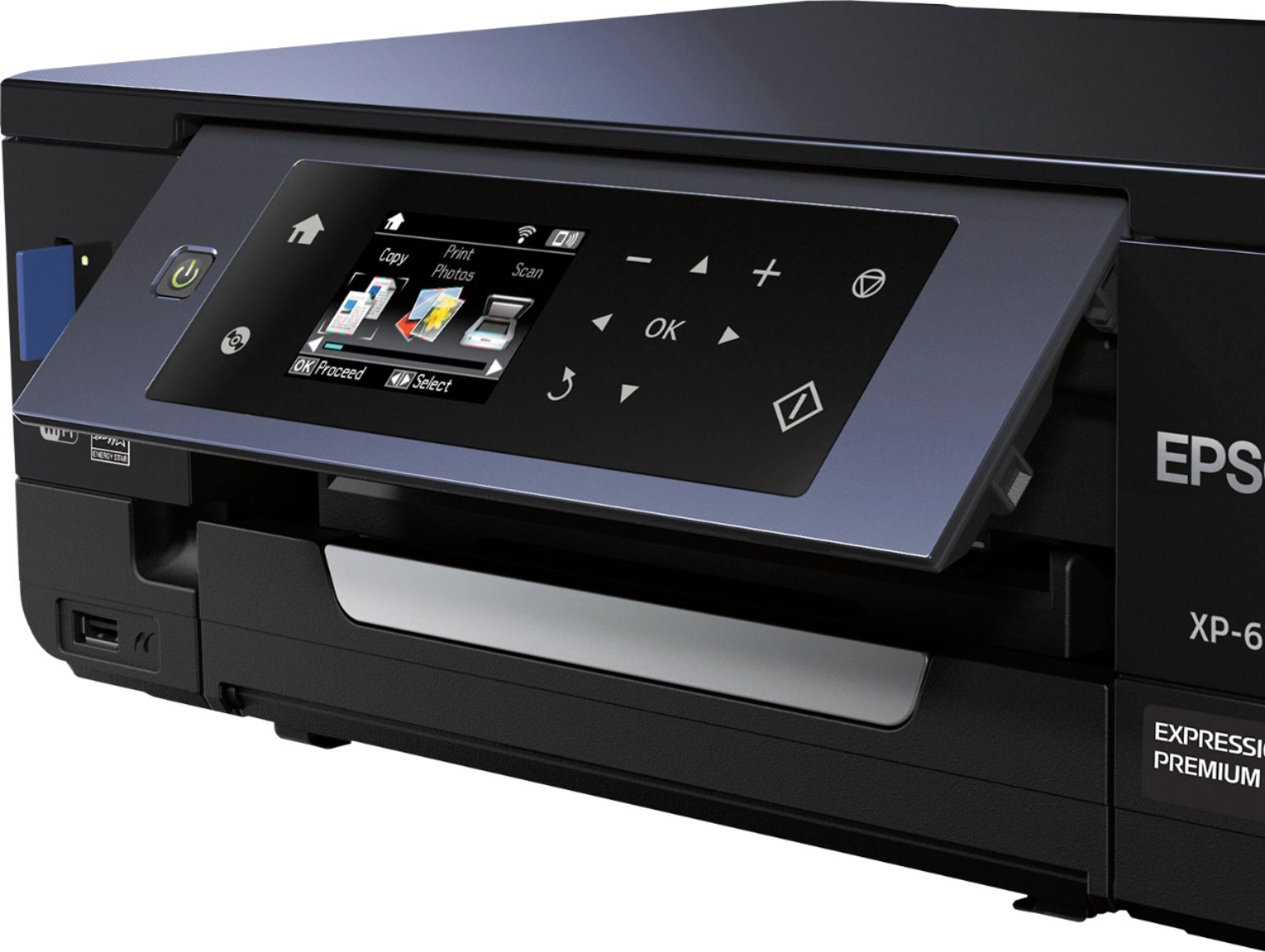
- Model:
- XP-640 ALL-IN-ONE C11CF5020
- SKU:
- 5451700
Rating by feature
- Value
Rating 4.1 out of 5 stars
- Quality
Rating 4.2 out of 5 stars
- Ease of Use
Rating 4.1 out of 5 stars
Customers are saying
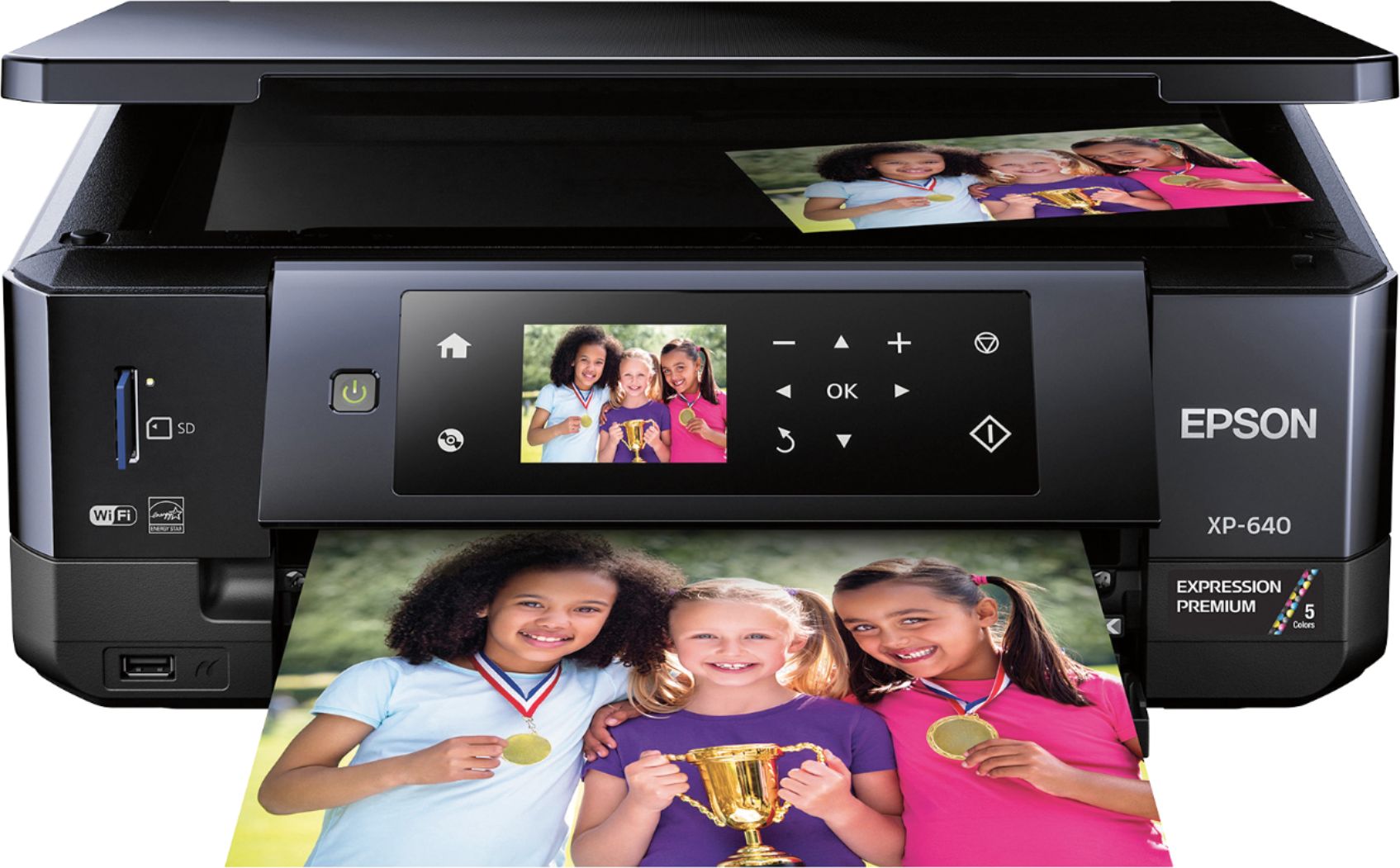
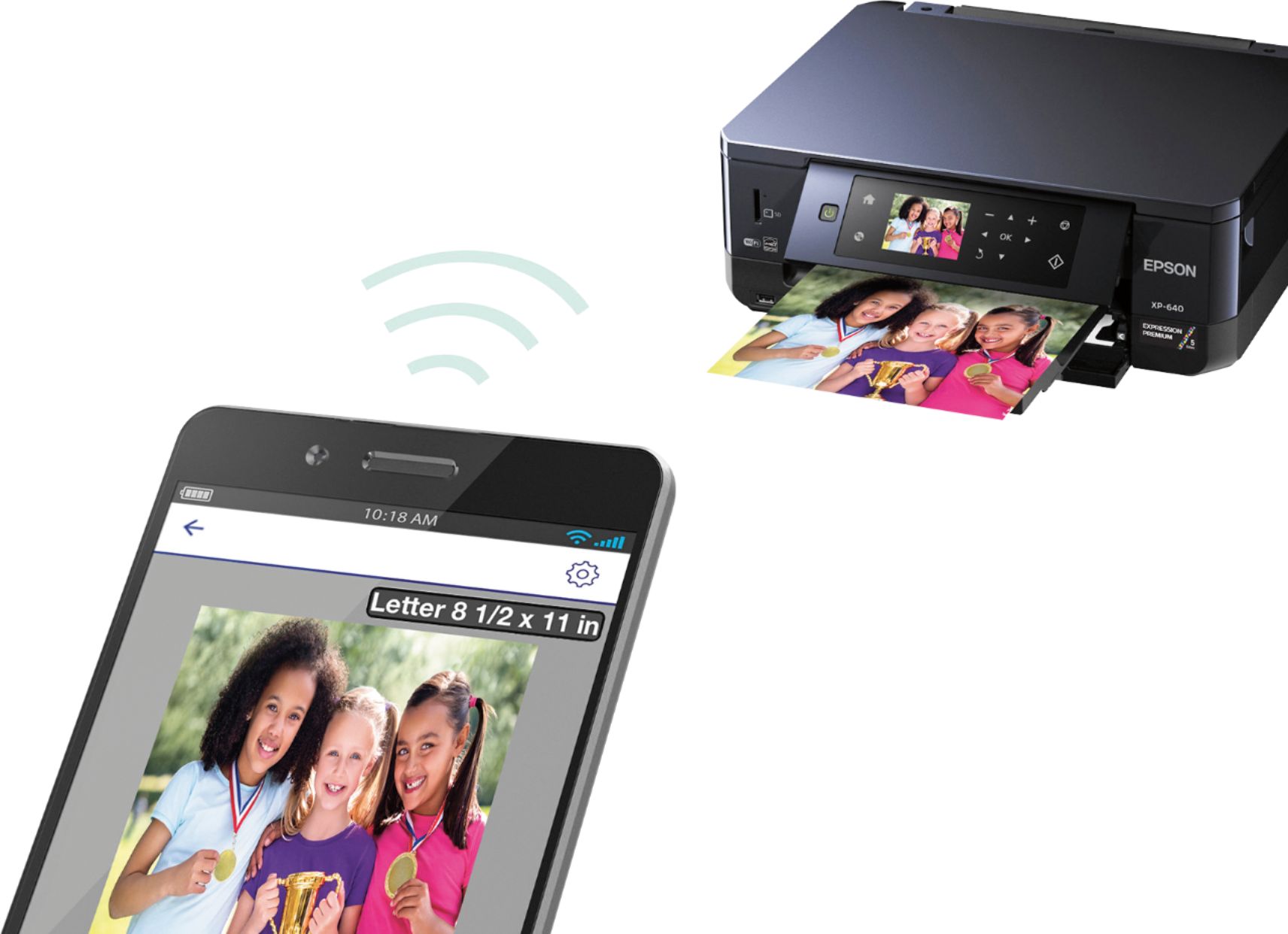
Customers often highlight the excellent print quality and ease of use of the Expression Premium XP-640 Small-in-One Wireless All-In-One Printer. Many appreciate its compact size and wireless capabilities, along with the generally positive setup experience and price point. However, some users mention challenges with the paper tray design and occasional concerns about the printer's reliability. A few also point out that the instructions could be improved for clarity.
This summary was generated by AI based on customer reviews.
I've threatened to throw it off the top of a tower
||Posted .This reviewer received promo considerations or sweepstakes entry for writing a review.My previous Epson was easy and a delight to use therefore I bought this one and it has been nothing but trouble. Lines through pictures, black ink smudges on copies from the copier and printer, hard to find guidance for what I'm looking for.
No, I would not recommend this to a friendBrand response from Epson
Posted .Hi Mona, we are sorry to hear that you are having issues with your Epson printer. Your XP-640 includes free technical support for the life of your product. Our Epson Support Team would be happy to help and can be reached at (562) 276-4382; Hours: Monday – Friday, 6am – 8pm PT; Saturday, 7am – 4pm PT. Sincerely, Marina – The Epson Team.

- Pros mentioned:Print quality, Wireless
Crisp Photo, and Precise Instructions
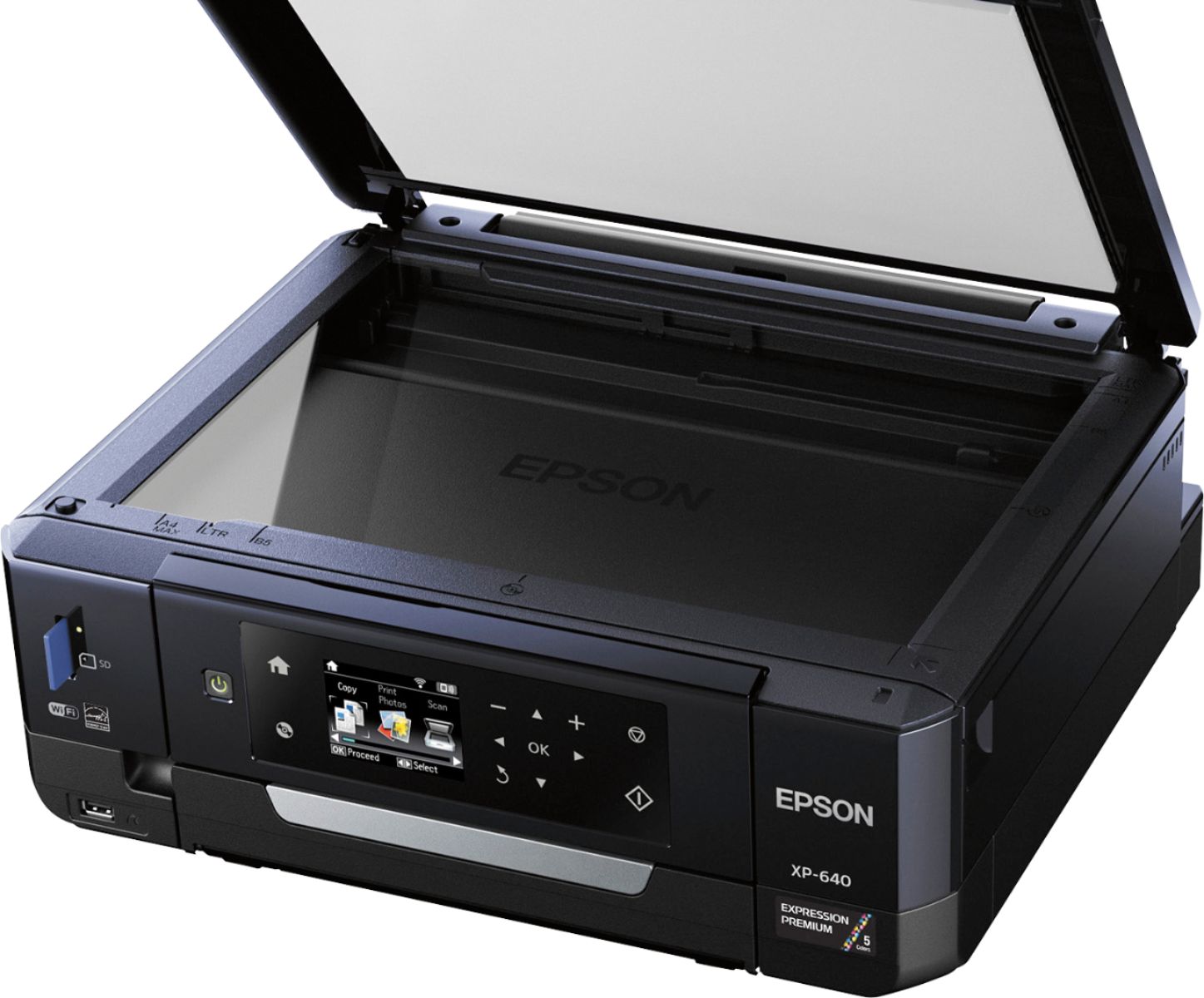
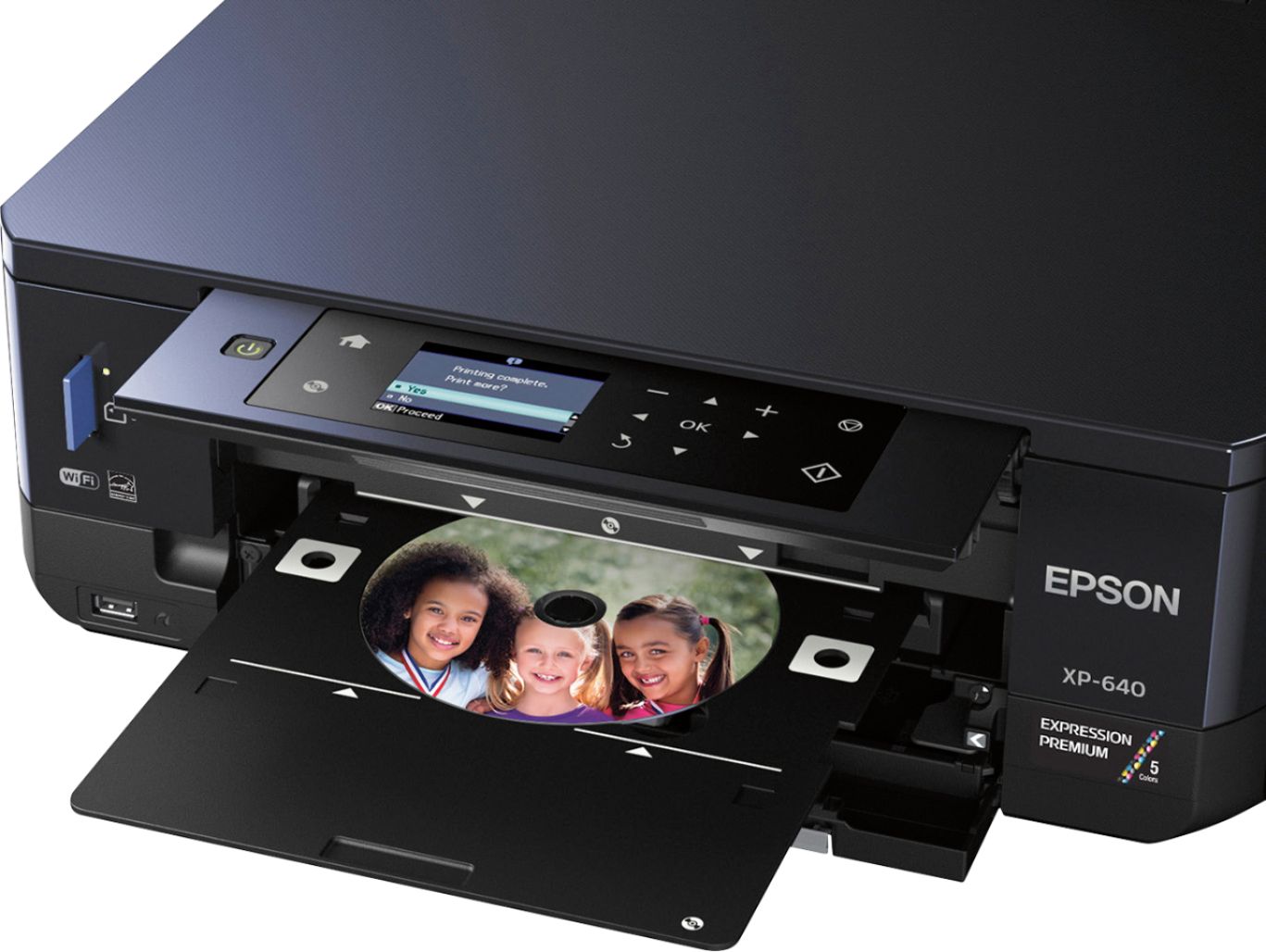
Posted .This reviewer received promo considerations or sweepstakes entry for writing a review.Precise Instructions and a Crisp Photo. *** Disclaimer : This is a review for the Epson Expression XP-640 that I received free of charge to do a beta test and review. *** First and foremost, I want to disclose that I am typically skeptical of "home photo printers", as, in the past, I have been disappointed with their quality and speed of printing... Not to mention the clunkiness of initial setup. I am pleased to report that my fears and wariness were unjustified here. The images turn out crisp and clean... Even better than when I take my sd cards to Target or Walmart (since let's face it, I'm taking the majority of my photos using my cell phone). Now, let's tackle the instructions... As I know that, at least for me, that will likely be a deal breaker, if they are not clear and precise on what needs to be done. It can't have all pictures, or all written instructions, as there are just some things that you camt describe without a picture. They were succinct in their instruction, showcasing where and how to remove all the safety tabs, how to insert each ink cartridge, and how to set up for the first time. I had experienced ZERO frustration with setup, due to the effectiveness of the instruction manual. For that alone I give the rating of 5 out of 5 stars. I'm a nerd, and instructions are important to me. If they are not as important for you, let's move on. I love.... And I repeat, LOVE the fact that you DO NOT need to attach to your computer to use. I have a laptop, and like all laptops they become obsolete relatively quickly... The point to where I don't want to turn it on every time I wish to print a photo or scan some documents. The convenient SD card slot, or wireless with cellphones and tablets, is a huge plus for me and my lifestyle. I also love how it tells you what ink cartridges you need and where you can purchase refills. A big plus! It was relatively easy to sync via wi-fi (had to try several times before I got the pairing right). I blame some of that on user error since I have so many things available through wifi and Bluetooth already on my devices. I'm sure if you didn't have as many as I do, that you would have an easier time. Mildly frustrating, but once set up, it works without problems. Now, one of the features is NOT for me, which is burning CD labels. I tested it out just to see how it would work for someone in the market for this feature, and it worked well. It was not off center (as I had experienced with other products in my youth), and the picture was still as crisp as with the photos themselves. I also like the different feeds for paper... So if you want to switch between gloss and matte, you can. :-) It is also great for printing off spreadsheets for work, or fliers for personal or business needs. Those features seem pretty standard these days, so I won't spend a lot of time in detail there. But the words are crisp and can print out documents relatively quickly. Obviously, color text printing takes longer, but is still relatively quick (about 25 seconds or so a page at most). And, the color does not bleed when printing multiple pages. Important for some. Lastly, the scanner. The scanner captures a true image, which made sending documents a breeze. Not a ton one can say there, but definately feels on the higher end of images. All in all, this is the best combo printer to date for home that I have used. I am definately recommending this to friends and family, and have already showcased it to the neighbor who is in the market for a new printer for her small business. The design is sleek and modern, but not overly clunky, while being easy to store when not in use. Final verdict : LOVE IT!!!
I would recommend this to a friend Pass by
||Posted . Owned for 1.5 years when reviewed.This reviewer received promo considerations or sweepstakes entry for writing a review.Copies are very slow as is total time to print from pressing print. Art ridge change is simple. Too many steps to go from print mode to “other” -scanner,photo,etc. I rarely use, opting to use old HP printer.
No, I would not recommend this to a friend- Pros mentioned:Print quality, SizeCons mentioned:Paper tray
Epson Expression XP 640
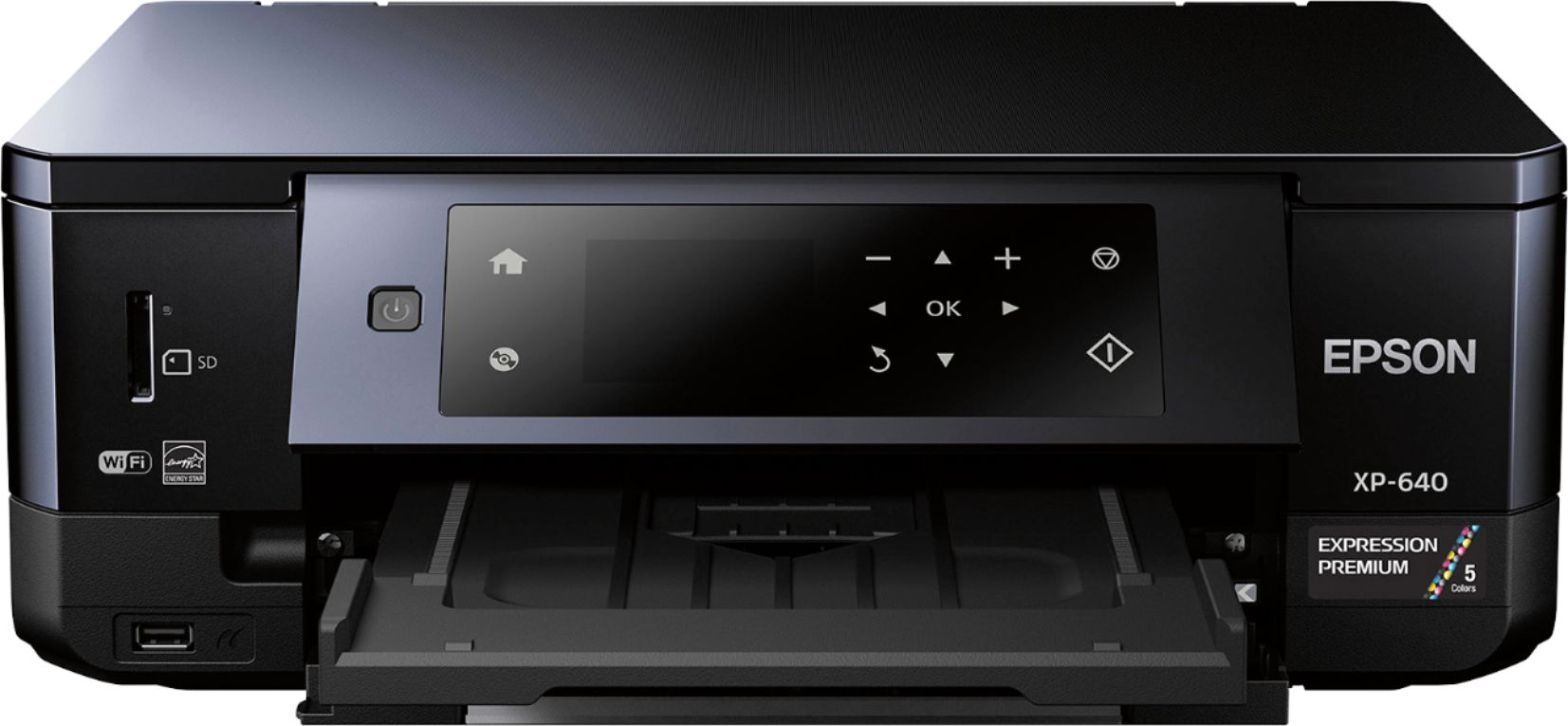
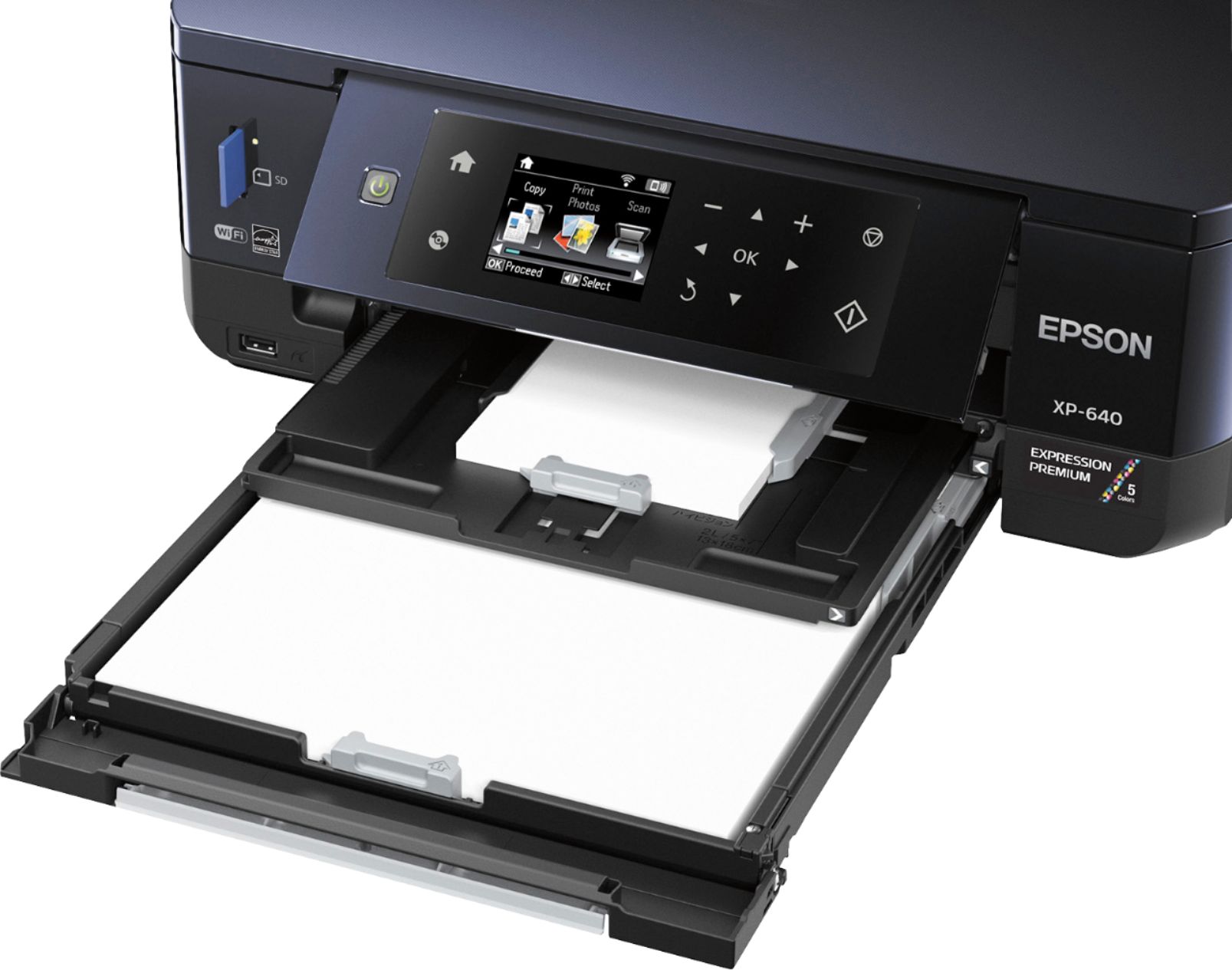
Posted .This reviewer received promo considerations or sweepstakes entry for writing a review.“This is a review for the Epson Expression XP-640 that I received free of charge to do a beta test and review.” This printer is idea for printing pictures. But also offers the option to print, scan, copy. It's of excellent quality and is wireless. The printer was easy to set up and use given that the instructions in the operators guide are clear and concise.The pictures are of very good quality. I like this printer a lot for printing a few photos at home 20-30. The convenience is great. Only two things I would have liked better, is if it was faster. I like that i can take a picture with my phone and send it directly to print and the quality is amazing! It comes out like an actual photo. I love the two sided printing option I also can print photos on my CD & DVD's. With this printer the paper tray is a slide out tray. I was slightly disappointed because it can only hold about 50 sheets of paper. But that allows it to have a smaller footprint by having all three trays (two feeding cassettes and one output tray) in front, which allows it to be placed against the wall without taking up to much space. Overall i like this printer for its quality photo prints and convenience with the wireless option.
I would recommend this to a friend Decent printing, but poor wireless
||Posted .This reviewer received promo considerations or sweepstakes entry for writing a review.This does a good job of printing when I can get it to work. It always shows strong wireless connection on the printer, but devices can't use it. Have to unplug router and restart it every time I want to print something.
No, I would not recommend this to a friendBad paper tray system and trays
||Posted .This reviewer received promo considerations or sweepstakes entry for writing a review.There is one tray i could not fiqure out where it went and print quality does not come close to my previous hp printer wished i would of stayed with hp
No, I would not recommend this to a friendWireless functionality is spotty, at best.
||Posted .This reviewer received promo considerations or sweepstakes entry for writing a review.It seems there is no rhyme or reason as to when the wireless functionality on this printer works. It will work fine one minute, and not at all the next. All with no changes in internet connectivity.
No, I would not recommend this to a friendWaste of Money
||Posted . Owned for more than 2 years when reviewed.This reviewer received promo considerations or sweepstakes entry for writing a review.If you run out of a single color cartridge, your printer is unusable and will not allow you to print in black ink at all. The color cartridges run out incredibly quickly meaning that you are constantly having to purchase extra ink in order to print in Black which is very frustrating as a graduate student who constantly needs to print in Black Ink.
No, I would not recommend this to a friendHorrable for making Crafts
||Posted .This reviewer received promo considerations or sweepstakes entry for writing a review.So i have a small home business and yes it worked good on 110lb cardstock but then i tried printable vinyl and it would leave lines on it and would take long to dry. After that tried glossy Cardstock and again would leave a line. I think the ink takes a while to dry on diffrrnt papers and the extra wheels it has inside the printer make the lines on the paper. Returned it asap!!! sorry
No, I would not recommend this to a friendtoo complicated
||Posted .This reviewer received promo considerations or sweepstakes entry for writing a review.Had a lot of nice features, but a little complicated to use and it would not stay connected to the wireless network
No, I would not recommend this to a friend- Pros mentioned:Print quality, SizeCons mentioned:Paper tray
Great Home Printer for all uses
Posted .This reviewer received promo considerations or sweepstakes entry for writing a review.This is a review for the Epson Expression XP-640 that I received free of charge to do a beta test and review. Epson seems to package their products well, and it seems they are able to handle a good deal of shipping abuse, which is a nice thing to have when many shipping companies seem to try to destroy boxes these days! My printer showed up with no issues whatsoever, and unboxing went straightforward. The supplied instructions are easy to follow. And as an awesome bonus, the printer comes with a little sample pack of glossy 4x6 and 8.5x11 paper, to test out your new printer! I absolutely love the look of this printer. It’s small, discrete, and fits almost anywhere. With wireless printing, this can go any place with power, not stuck right beside your computer. For this reason, I have it located in my office closet, where it sits nicely on the shelf, ready to go at any time! The color screen is nice and big, easily read, and lets the user know what’s needed, or what is happening with the printer. The control panel has capacitive touch buttons, which is a nice little feature. Installing the drivers on my Macbook Air was straightforward. Obviously, I wasn’t able to use the supplied CD, but I was able to easily locate the right drivers on Epson’s website. Installation and setup was a breeze. The printing and scanning operations are nice and quiet. I found that when testing on my kitchen table, I could barely hear the printer when I was 20 feet away on my couch. The quality of prints is amazing for this system! Using the test paper, I printed several 4x6 photos and they look outstanding. I was very impressed with the overall quality. And to my surprise, the five prints barely took any ink! The Google Cloud Print and Apple AirPrint work flawlessly, which is a great feature, in today’s increasingly mobile world. My only gripe with this printer is that you need to manually pull out the output tray before printing will start. With everything neatly tucked in, the printer looks great. I would have loved for the printer to be able to extend the output tray itself. However, this isn’t a deal breaker for me. Overall, this seems to be one of the nicest home printers I’ve seen in a while. It prints amazing photos, good documents, and has a lot of built-in features that make it easy to use with any device. I would definitely recommend this printer!
I would recommend this to a friend - Pros mentioned:Ease of use, Print quality, Size
Pleasantly surprised
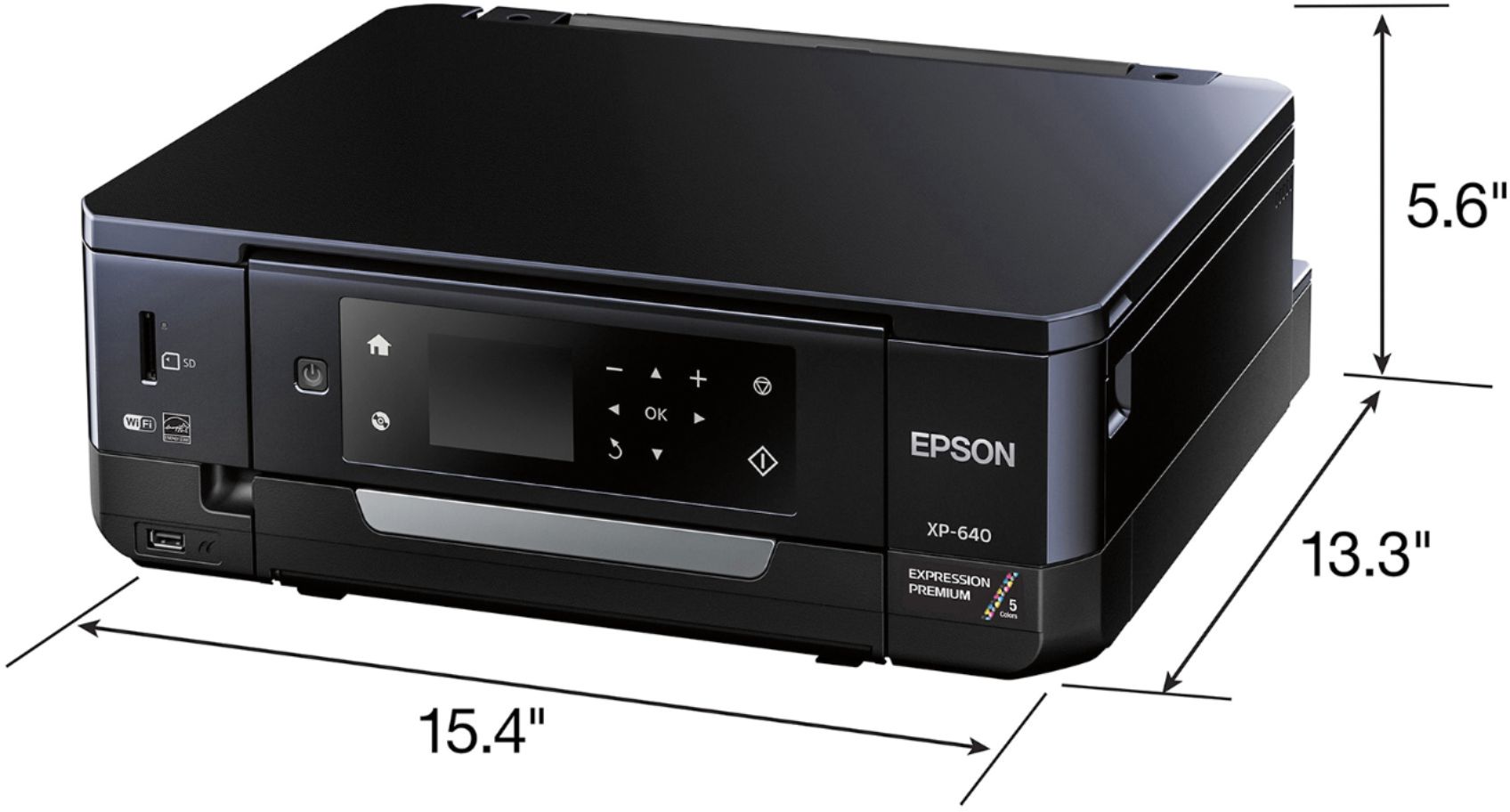
Posted .This reviewer received promo considerations or sweepstakes entry for writing a review.To preface: This is a review for the Epson Expression XP-640 that I received free of charge to do a beta test and review. To sum up my experience with this printer: I love it. A lot. It is compact, easy to set up, easy to use, prints nicely, basically "idiot-proof" for lack of a better term. Straight out of the box I noticed how small this printer is. I'm a homeschooling mom of four in a three bedroom mobile home. There isn't a huge amount of space available, and this printer fits nicely in the schoolroom. The wireless printing is a huge plus so that I can put the printer wherever it fits, without having to plan it around the computers I have placed on both sides of the schoolroom. Set up was surprisingly easy. I'm fairly technologically inept, and usually end up defaulting to having my husband set things up for me, but for the purposes of this review, I set up and ran the printer 100% on my own. The instructions are very straight forward and easy to follow. It seemed overwhelming straight out of the box, but one I got my adhd brain to calm down I realized it was actually very simple. I was a bit concerned about the number of ink cartridges, because ink costs are a big factor in printer quality, but I checked them out online and they are actually extremely reasonably priced, and you only have to purchase the ink that runs out, rather than replacing them all at once. I have a macbook as our main school computer so I installed the software per the directions and there were no complications outside of my internet access acting up. Even with my lack of technical skill, I was able to successfully install and run the program. Now; this printer is by no means a fast set up. It took me 30 minutes to an hour from start to finish. Part of that was my lack of knowledge so I was very thorough with my reading, but part of it was simply the machine. It takes a couple minutes to fire up the first time, 7 minutes to set up the ink cartridges after you install them, several minutes to download the necessary software. And in all fairness it took me a couple minutes to figure out the cassettes. Turns out those are the trays the paper goes in, and there are dedicated trays to the sizes. Hooking it up to my iPhone to print was instant and extremely easy. I just selected the photo on my phone and hit print. That's an exciting prospect for me! I will definitely invest in a large amount of photo paper now. As for printing: I have no complaints about the quality. I don't have much to compare to, as I don't often have pictures professionally printed, but I'll do my best to review here. I printed pictures from my phone, from Facebook, and straight from an SD card. I really like the quality of the details, even when blowing up a small cellphone picture into an 8x11 photo. The colors came out wonderfully, and there wasn't any noticeable pixelation or printer blur. It prints quickly as well. Much faster than the printer I'm used to using. The most involved printing was from the sd card, simply for the ability to do some minor editing on the printer itself. I was able to crop the picture, edit out red-eye, change contrast etc, and even change to sepia or greyscale. It took me a minute or so to figure out all the buttons there, but once I realized the onscreen prompts told me exactly what to do, I had no more issues. This printer is truly fool proof. It has alerts about the paper and the connection and the ink and it says everything in plain english rather than just having to guess what a certain flashing light means. Some random things I really like about this printer: ~The paper loads inside the printer, rather than on an external flap. That saves space, which as I mentioned before, is huge to me. ~There are designated trays and guides for the different paper sizes. ~The instructions, both on paper and on screen, are in plain english and easy to follow. ~The quality of photos is wonderful. ~The ink is affordable. ~It's overall very easy to use. Some of my dislikes (and there aren't many): ~It's surprisingly heavy. I don't foresee moving it from it's place anytime soon. I have certain health issues that prevent me from lifting much and this was a bit of a stretch for me. ~The Cassettes are a bit confusing at first. I couldn't figure out how to pull them out, which was which, where the out tray was, etc. But once I got it straightened out, the issues no longer existed. In summation: I am super excited I was selected to try this printer out. I love the convenience and the ease of use. It will be supremely helpful with schooling, and saving me time and money with being able to print high quality photos at home rather than having to order them. I can tell there are still so many things I have yet to play with (like the cd printer) but for the purposes I'll be using it for the most, it's pretty near perfect. And while I received my unit for free, after looking at the price I would enthusiastically say that the price is well worth it for the quality and upkeep costs (ink).
I would recommend this to a friend - Pros mentioned:Price
Outstanding
||Posted .This reviewer received promo considerations or sweepstakes entry for writing a review.This all in one printer has met my expectations in every way. Considering it's price, it's a steal!
I would recommend this to a friend stopped working within 2 weeks
||Posted .This reviewer received promo considerations or sweepstakes entry for writing a review.This is the first epson printer I've ever owned. It will likely be the last. After printing about 40 pages, the black ink started fading. After a few pages, no black ink printed on the pages. I'm in the process of working with Epson to figure out what the problem is. So far they've asked me to run at least 6 head cleanings. Now my ink is running low and I've barely printed 100 pages. This was not a good purchase.
No, I would not recommend this to a friendhope you're as tech savvy as geek squad
||Posted .This reviewer received promo considerations or sweepstakes entry for writing a review.Printer works fine. Setup was a nightmare. Took 3 hours with Geek Squad. I've never had any problem thru a dozen other printers.
No, I would not recommend this to a friend- Pros mentioned:Print qualityCons mentioned:Paper tray
Nice Small-in-one Printer
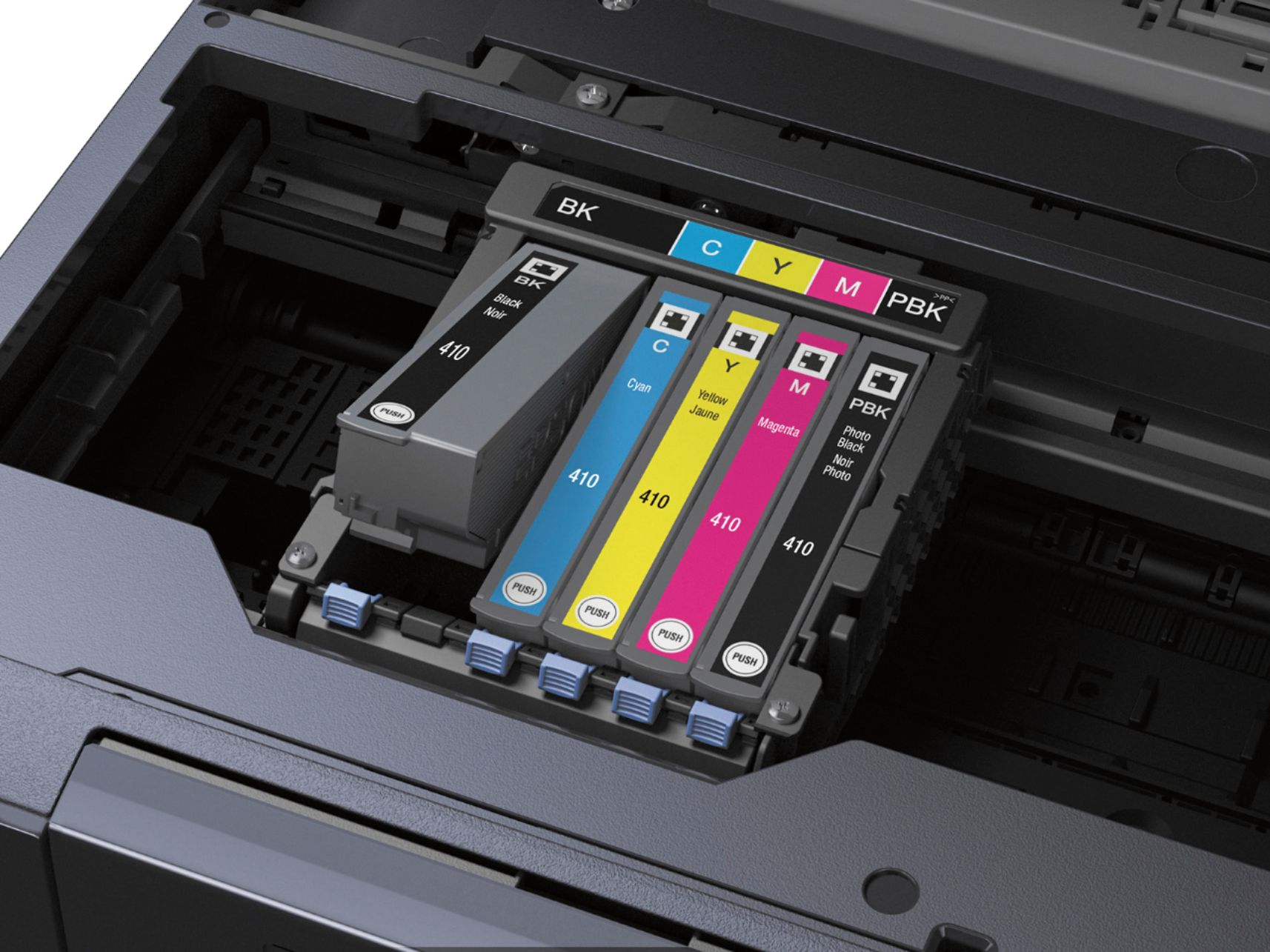
Posted .This reviewer received promo considerations or sweepstakes entry for writing a review.This is a review for the Epson Expression XP-640 that I received free of charge to do a beta test and review. The Epson Expression XP-640 is a compact and lightweight printer. It is quiet and prints jobs quickly. Setup for the printer was very easy. It took about 20 minutes from start to finish. I found the instructions for printing photos to be a bit vague and had trouble figuring out the two “cassettes” or trays. I tried printing a 4x6 photo from my phone using cassette 2 and kept getting an error telling me to load cassette 1, even though cassette 1 doesn’t have the 4x6 imprint. Once I moved the photo paper to cassette 1 it printed right away. The photo quality was very good for an at-home printer. I feel like I will print more pictures now that I have this printer because it’s so quick and easy to do. The biggest complaint that I have with this printer is that you have to manually pull out the output tray when you want to print something. I realize this seems like something small but after having a printer that is self-sufficient after pressing “print” it can be a bit annoying to have to run to the printer every time you print something to make sure the tray is out. I like the fact that you can replace each ink color individually. I feel like that can save you money since you aren’t having to replace an entire cartridge if only one color is out. I am curious to see how long the initial ink supply will last. Overall I would recommend this printer. I feel like it’s a decent printer for the price point and provides good quality photos and print jobs.
I would recommend this to a friend O k for copies
||Posted .This reviewer received promo considerations or sweepstakes entry for writing a review.I was disappointed in the printed photos. They are not clear, and they ink is blurred. My H P photo smart went out, and this was my replacement. Will definitely go back to H P next time
No, I would not recommend this to a friendOk
||Posted .This reviewer received promo considerations or sweepstakes entry for writing a review.Does not print all the time with WiFi and uses a lot of ink.
No, I would not recommend this to a friendScanner
||Posted .This reviewer received promo considerations or sweepstakes entry for writing a review.Scanner stopped working after 2 months of having it.
No, I would not recommend this to a friendToo much work
||Posted . Owned for 1 year when reviewed.This reviewer received promo considerations or sweepstakes entry for writing a review.It was a good price but I prefer less work to make copies. It needs to be simple and faster.
No, I would not recommend this to a friend