Customer Ratings & Reviews
- Model:
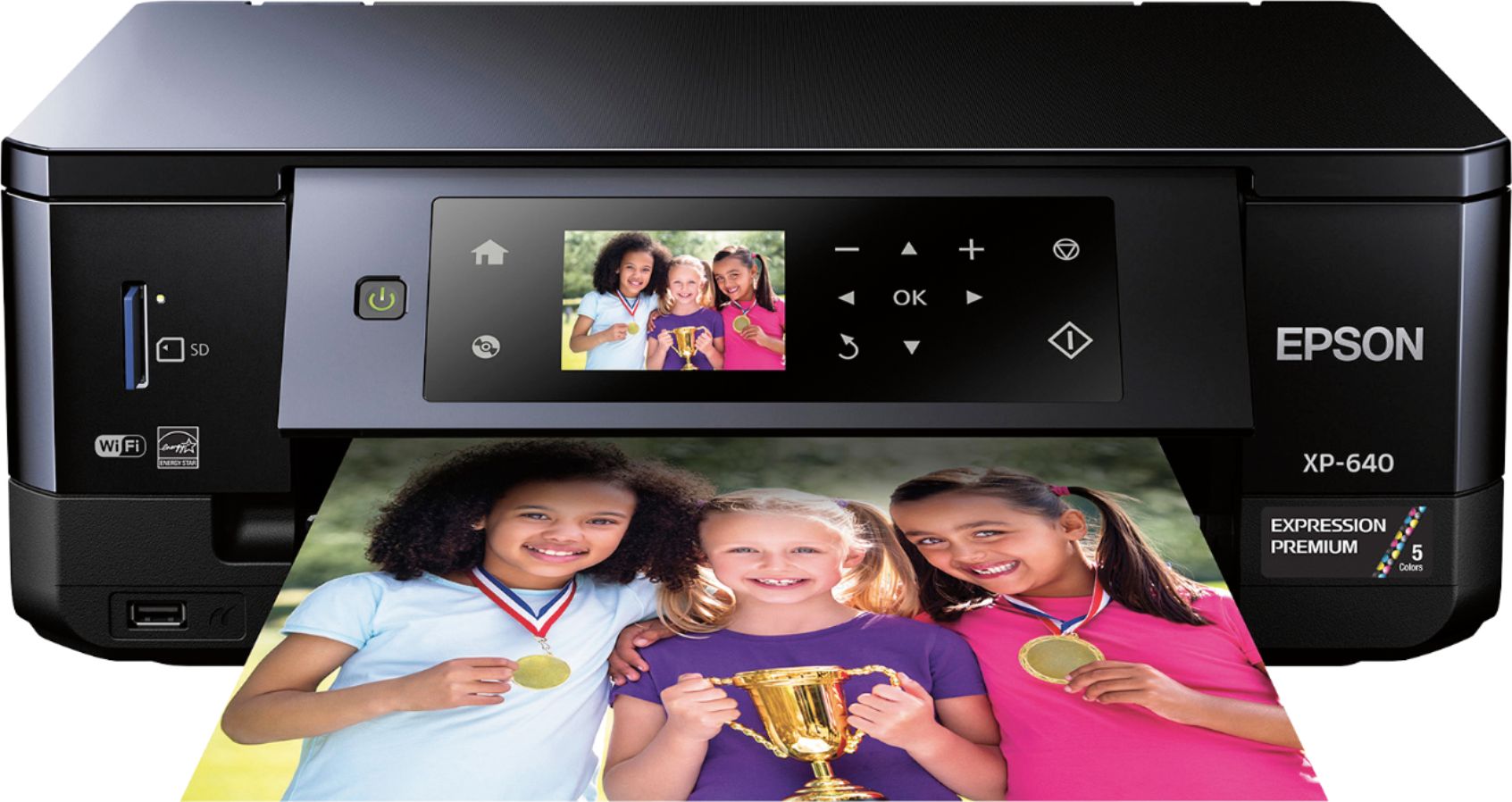
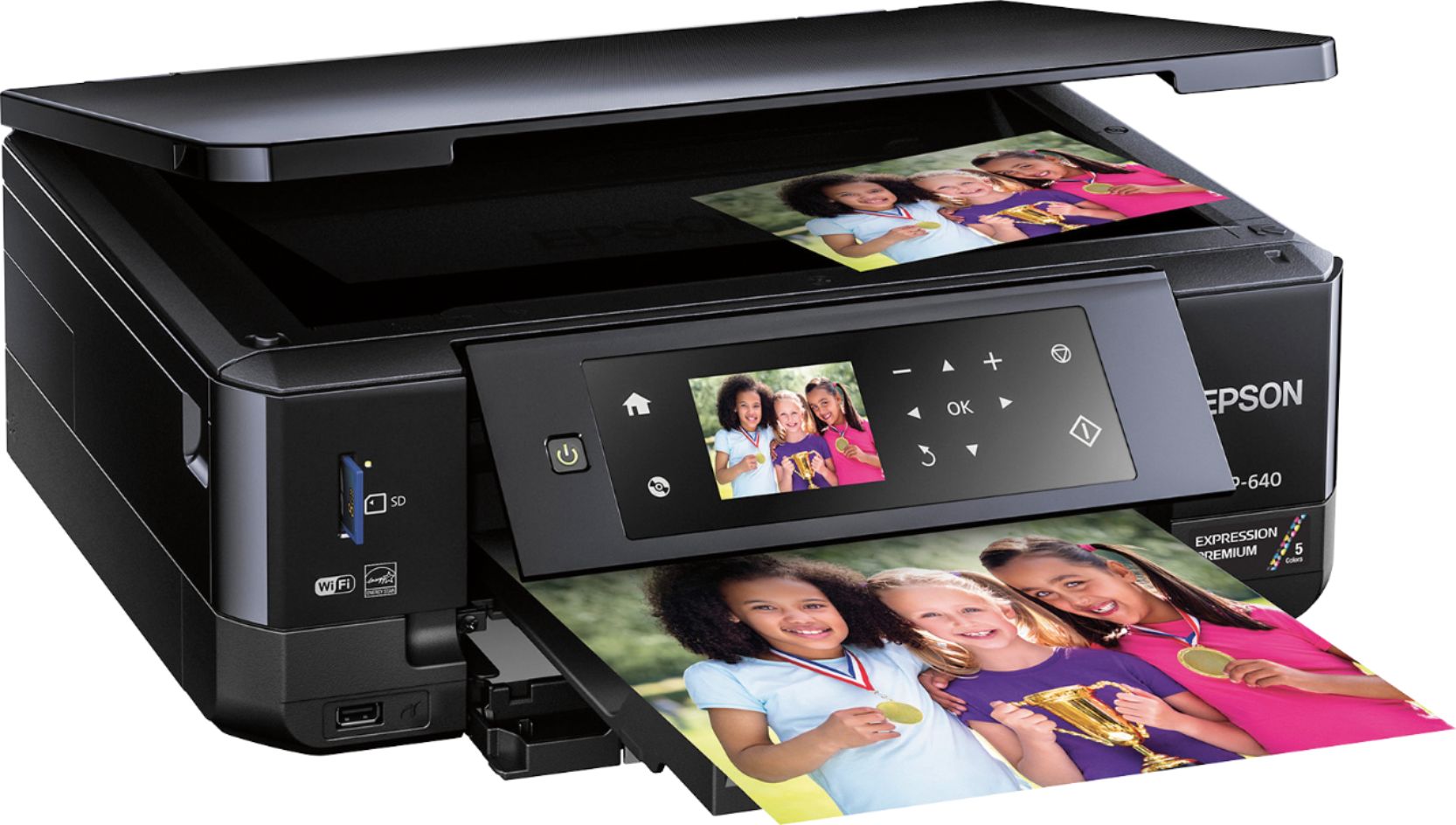
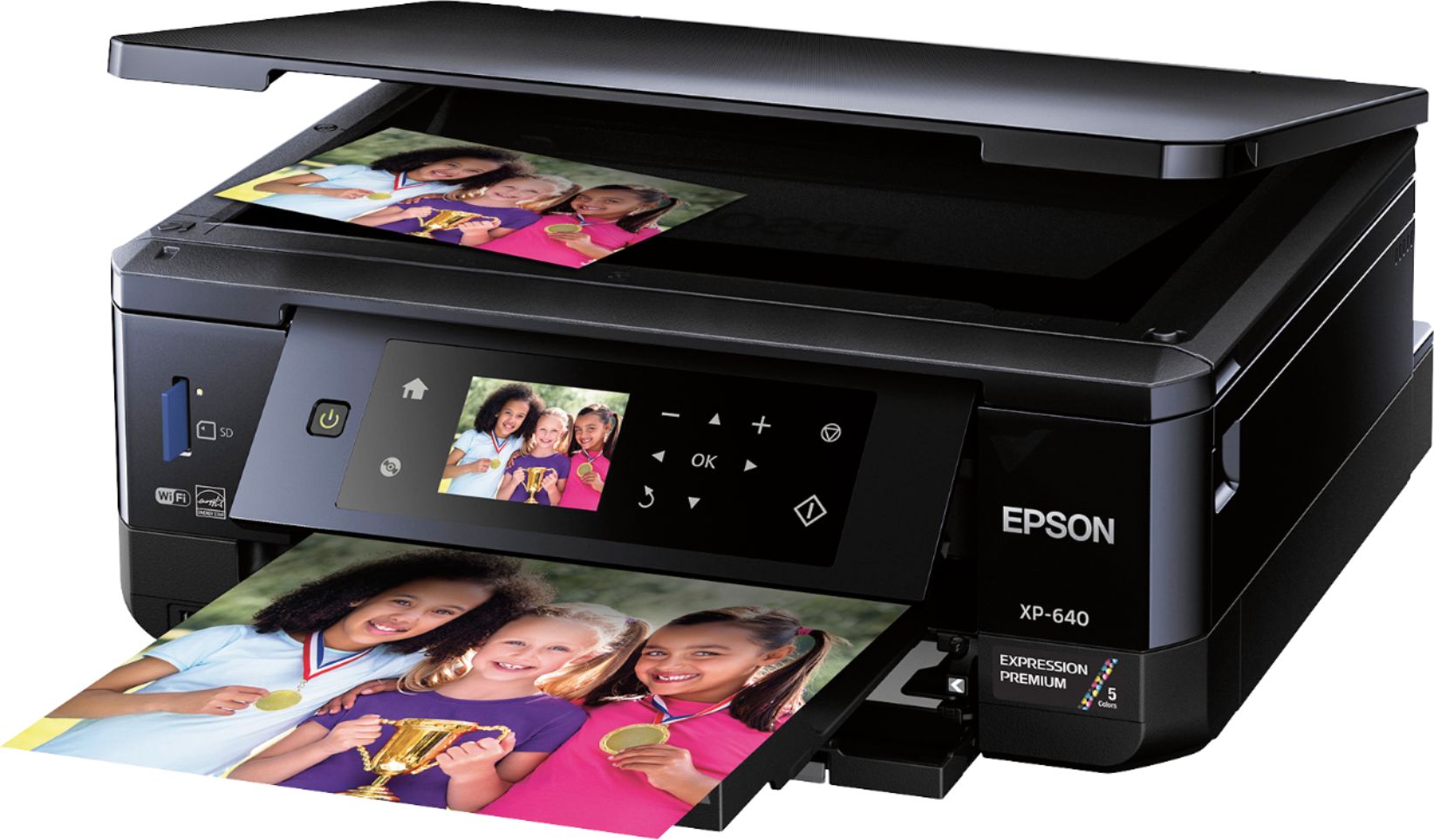
- XP-640 ALL-IN-ONE C11CF5020
- |
- SKU:
- 5451700
Customer reviews
Rating 4.3 out of 5 stars with 1836 reviews
(1,836 customer reviews)Rating by feature
- Value4.1
Rating 4.1 out of 5 stars
- Quality4.2
Rating 4.2 out of 5 stars
- Ease of Use4.1
Rating 4.1 out of 5 stars
Customers are saying
Customers often highlight the excellent print quality and ease of use of the Expression Premium XP-640 Small-in-One Wireless All-In-One Printer. Many appreciate its compact size and wireless capabilities, along with the generally positive setup experience and price point. However, some users mention challenges with the paper tray design and occasional concerns about the printer's reliability. A few also point out that the instructions could be improved for clarity.
This summary was generated by AI based on customer reviews.
Rated 2 out of 5 stars
It'll do for a cheaper printer
||Posted .This reviewer received promo considerations or sweepstakes entry for writing a review.Nothing spectacular, but not a high quality printer I would expect much from. We'll see how it holds up!
I would recommend this to a friend- Pros mentioned:Print qualityCons mentioned:Paper tray
Rated 5 out of 5 stars
Epson does it again, making life easier
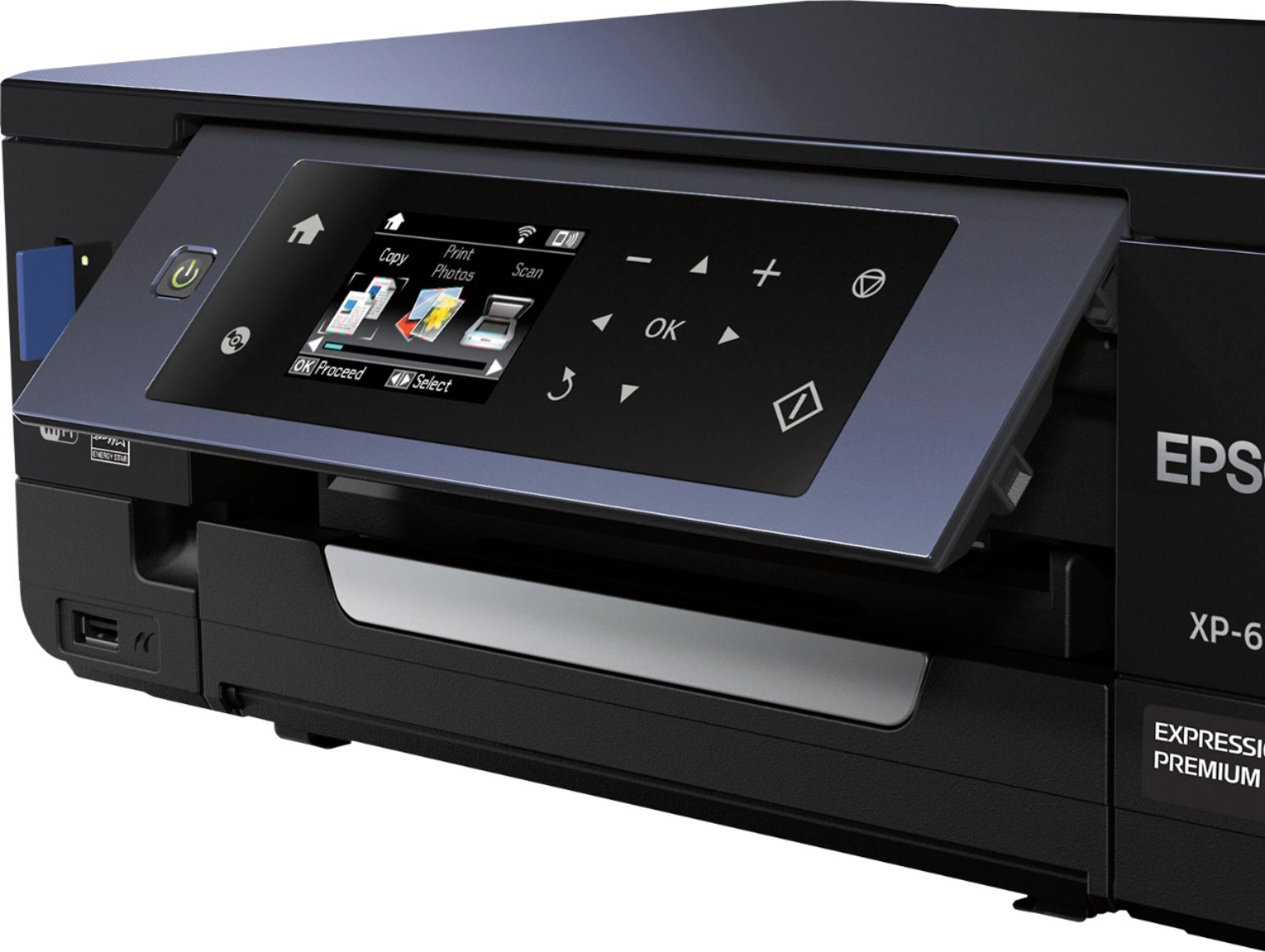
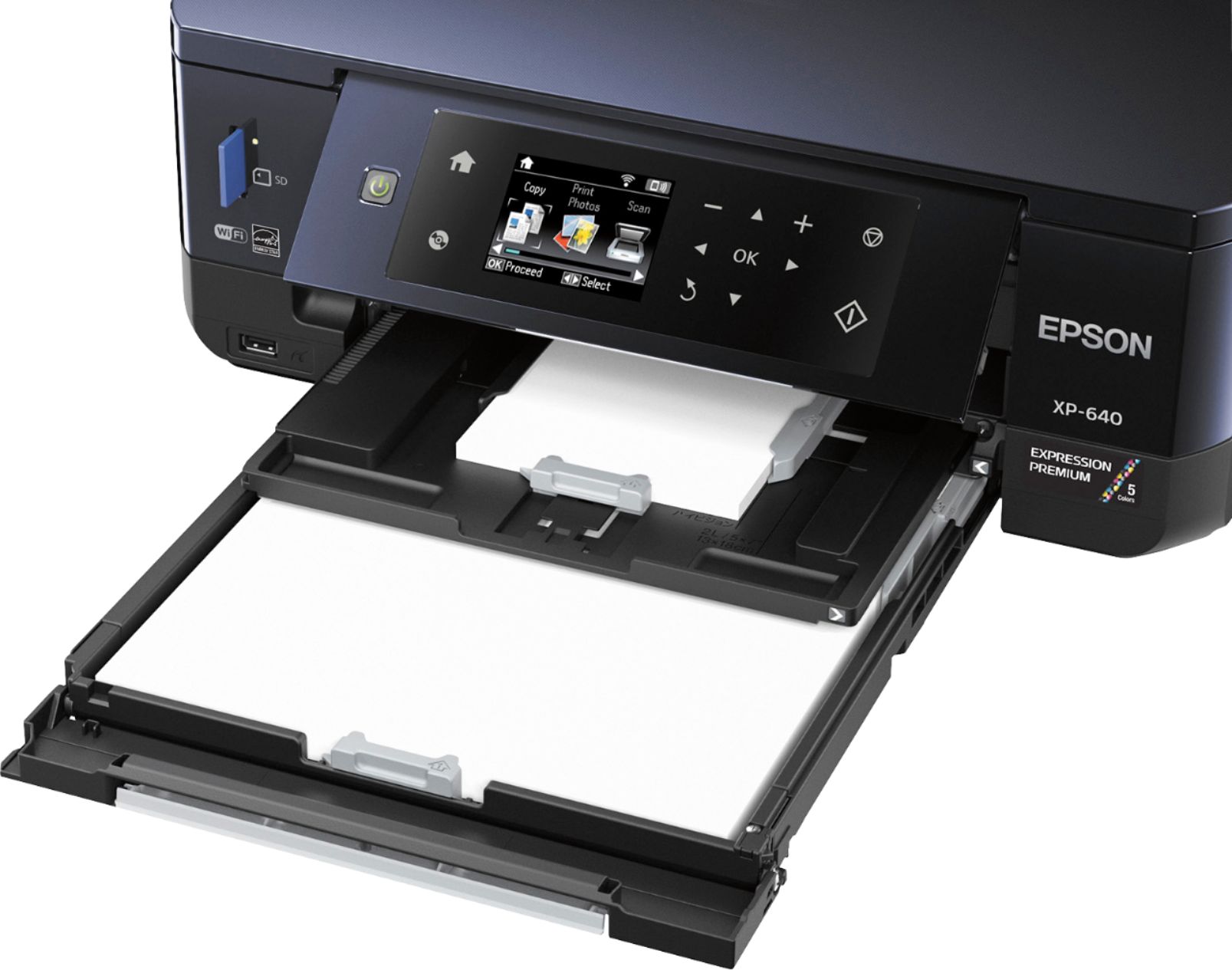
Posted .This reviewer received promo considerations or sweepstakes entry for writing a review.This is the second Epson that printer I have used. When I got the first one I was a bit reluctant because I had the Kodak printer that I so loved. To my surprise the Epson became my new favorite brand printer. This was very easy to set up. The Epson XP-640 doesn't hold much paper - I'd say no more than 50 sheets. Its a trade off given the printer's size, and I am fine with that. In my experience the larger paper trays seem to contribute to miss feeds anyway. The trays seem a bit flimsy and I'm never sure I've pulled them far enough out as I prepare to print, or far enough in again as I close the printer up after a print job. I find myself being overly careful with the tray as a result. The buttons on the front screen are intuitive. The printer turns on and readies itself in 10-15 seconds. There is a brief delay as the print job is sent wirelessly to the printer - generally about 20 seconds, but the actual printing process is very fast. Again, an average one-sided print takes about 15 seconds. The automatic 2-sided printing is an added bonus, and I have yet to encounter a paper jam after approximately 100 pages printed to date. The quality of the regular print jobs (reports, school projects etc) has been outstanding. The text is crisp and sharp, and the image prints on regular A4 paper have been similarly sharp without the 'soggy' look I've experienced with older printers. Prints on photo paper (Kodak soft gloss 4x6) were outstanding and deserving of a frame. The LCD screen gives you a preview of the photos you are about to print from a USB drive or SD card, which certainly helps ensure the correct image is selected. Hands down I have to say I'm in love with this printer!
I would recommend this to a friend Rated 1 out of 5 stars
Worst Printer Ever
||Posted .This reviewer received promo considerations or sweepstakes entry for writing a review.Don’t waste your money on this printer. I bought it because it was on sale. Now I know why. It goes through ink really fast and you have to replace several cartridges at a time. Buy another printer, not this one.
No, I would not recommend this to a friendRated 2 out of 5 stars
Complicated
||Posted .This reviewer received promo considerations or sweepstakes entry for writing a review.I had trouble setting up, getting the paper to feed I exchanged for a different printer
No, I would not recommend this to a friendRated 2 out of 5 stars
Scanning too tedious
||Posted .This reviewer received promo considerations or sweepstakes entry for writing a review.Can only scan one page at a time. Too tedious for bigger jobs. Not worth it.
No, I would not recommend this to a friend- Pros mentioned:Ease of use, Print quality, Wireless
Rated 5 out of 5 stars
Great Printer, Scanner and Copier for the price.
Posted .This reviewer received promo considerations or sweepstakes entry for writing a review.This is a review for the Epson Expression XP-640 that I received free of charge, to do a beta test and review. I was very excited when I received the Epson XP-640 as the packaging was very nice and listed all the feature of the product. Upon opening, I did notice that it had a quick set up guide, as well as more detailed instructions, which is good as I am a quick set up kind of person and then figure out the rest later. The set up and install of the software was very easy and as it said, I was up and ready to print in about 10 minutes. I first tried just printing regular black and white items from my computer and IPhone and this worked very well and was very quick. I tried a couple color prints and both sides of paper and these also went without any hold ups. Over all I was very happy with the printer and would highly recommend it to anyone looking for an affordable printer/copier/scanner. Now, it was time for more detailed printing, copying and scanning. I used the enclosed handbook as my guide and found that copying and scanning, once set up, worked great and I was very happy to have these options. I started trying out the printing of pictures on the picture quality paper, that was enclosed, and found that these came out very nice as well. I started trying different paper sizes and this is when I started having some issues. I found that each time I changed paper size, that this became the default size and really had some problems when trying to print a picture and then print a regular letter size file or memo. I had to go back into the settings each time to try and reset the default to what ever I was trying to print and at this point the manual was less than helpful. I do not think that I ever really got it figured out, to be honest, but would encourage some type of feature that would allow you to set the default to what you would like, but print 4 x 8 or 5 x 7 as needed without changing the default every time. This is really was the only issue I had with the printer. I have the printer installed at my office, and my co-workers love the option of being able to print wirelessly from their IPhones or laptops as well as the color option as our commercial printer is black and white only. As I said previously, over all I could not be happier with the printer and it’s functions, with the exception of the default paper size each time. I would highly recommend it to others and some in my office have talked about getting one for their homes as the price range is so reasonable. I have not run out of ink yet either, which is also a plus as I have had some similar printers in the past that after 2 or 3 pictures you are buying ink cartridges.
I would recommend this to a friend Rated 1 out of 5 stars
ink jams printer if not used weekly
||Posted .This reviewer received promo considerations or sweepstakes entry for writing a review.This is the second one I've purchased, hoping the first one just didn't work. But, it still used black ink up faster that others and repeatedly the ink clogged up and needed replacement, even after only just over a week without use
No, I would not recommend this to a friendRated 2 out of 5 stars
could not install it , kept giving me error messag
||Posted .This reviewer received promo considerations or sweepstakes entry for writing a review.tried to install it three or four times and kept getting error messages.
No, I would not recommend this to a friendRated 1 out of 5 stars
JUNK
||Posted . Owned for 1 year when reviewed.This reviewer received promo considerations or sweepstakes entry for writing a review.i bought this printer but didnt get a chance to install it as my other printer started working. in sept . I finally had besy buy tech. come to my home to install. he work a long time but could not get it to work. would not feed the paper to print . to late to return.
No, I would not recommend this to a friendRated 1 out of 5 stars
Not what I expected
||Posted .This reviewer received promo considerations or sweepstakes entry for writing a review.So far, impossible to print envelopes on this...I've had other Epson printers, and have had no problems, but this one is a challenge to work with. Printed instructions for printing envelopes do not work and online support has been unable to resolve. Next step is to call support and see if they can make it work
No, I would not recommend this to a friendRated 1 out of 5 stars
I feel robbed
||Posted .This reviewer received promo considerations or sweepstakes entry for writing a review.This device/company robs you in front of your face! You cannot print black and white!! You need the color ink as well! I wish I would of known...and the software is not pleasant!
No, I would not recommend this to a friendRated 1 out of 5 stars
The printer is old, no user friendly
||Posted .This reviewer received promo considerations or sweepstakes entry for writing a review.This printer is old, no user friendly, no touch screen. Needs lots of instructions just to print a page in b/w in letter size. I hated it and I changed for my lovely HP 3830. I had the HP in my house and now I have the same one in my office. HP3830 is great, cheap and user friendly. Epson...never again.
No, I would not recommend this to a friendRated 1 out of 5 stars
Too complicated to install
||Posted .This reviewer received promo considerations or sweepstakes entry for writing a review.I bought this and it was so difficult to install, even with Geek Squad's help. Every time we thought the problem was fixed, the install process had to start over. I returned it and got the HP-ENVY 5660 and it was so easy to install.
No, I would not recommend this to a friendRated 2 out of 5 stars
No happy with this
||Posted .This reviewer received promo considerations or sweepstakes entry for writing a review.The printer did not work well for us, very difficult to use!
No, I would not recommend this to a friendRated 2 out of 5 stars
Simple
||Posted .This reviewer received promo considerations or sweepstakes entry for writing a review.Simple and easy to use but not the best quality of print.
No, I would not recommend this to a friend- Pros mentioned:Print quality, Size
Rated 5 out of 5 stars
Great Photo Printer!
Posted .This reviewer received promo considerations or sweepstakes entry for writing a review.The Epson Expression XP-640 is a great printer for printing high resolution pictures. The quality of the pictures came out wonderfully no matter what size I chose, 4x6, 5x7, or 8x10. Two-sided printing option is nice without having to flip paper over manually. The printer itself is nice and compact. All three trays fold into the printer which gives it a nice sleek look when not being used. The set-up took probably 15 minutes which most of the time was the ink and headers being realigned. Lots of different page size options to choose from. Once you put in the paper you want, then it prompts for you to choose the paper style and size. What I disliked about the printer is that having three trays makes it a little confusing at first but once you figure it out you are fine. The LCD screen is not touch screen would have been a nice touch if it is was. The instructions told me to download the Epson Print…but apparently I needed the Epson Iprint for my phone. The display panel needs to be flipped up to pull out the paper dispenser tray which needs to be out before printing will begin. Ink seems small but I haven’t run out of ink yet. I like the separate ink colors so you will not have to replace the whole ink cartridge for $$$ you can just get your one color that you are out of for $. This is a review for the Epson Expression XP-640 that I received free of charge to do a beta test and review.”
I would recommend this to a friend - Pros mentioned:Price, Print quality
Rated 5 out of 5 stars
Great printer fr a great price!!!
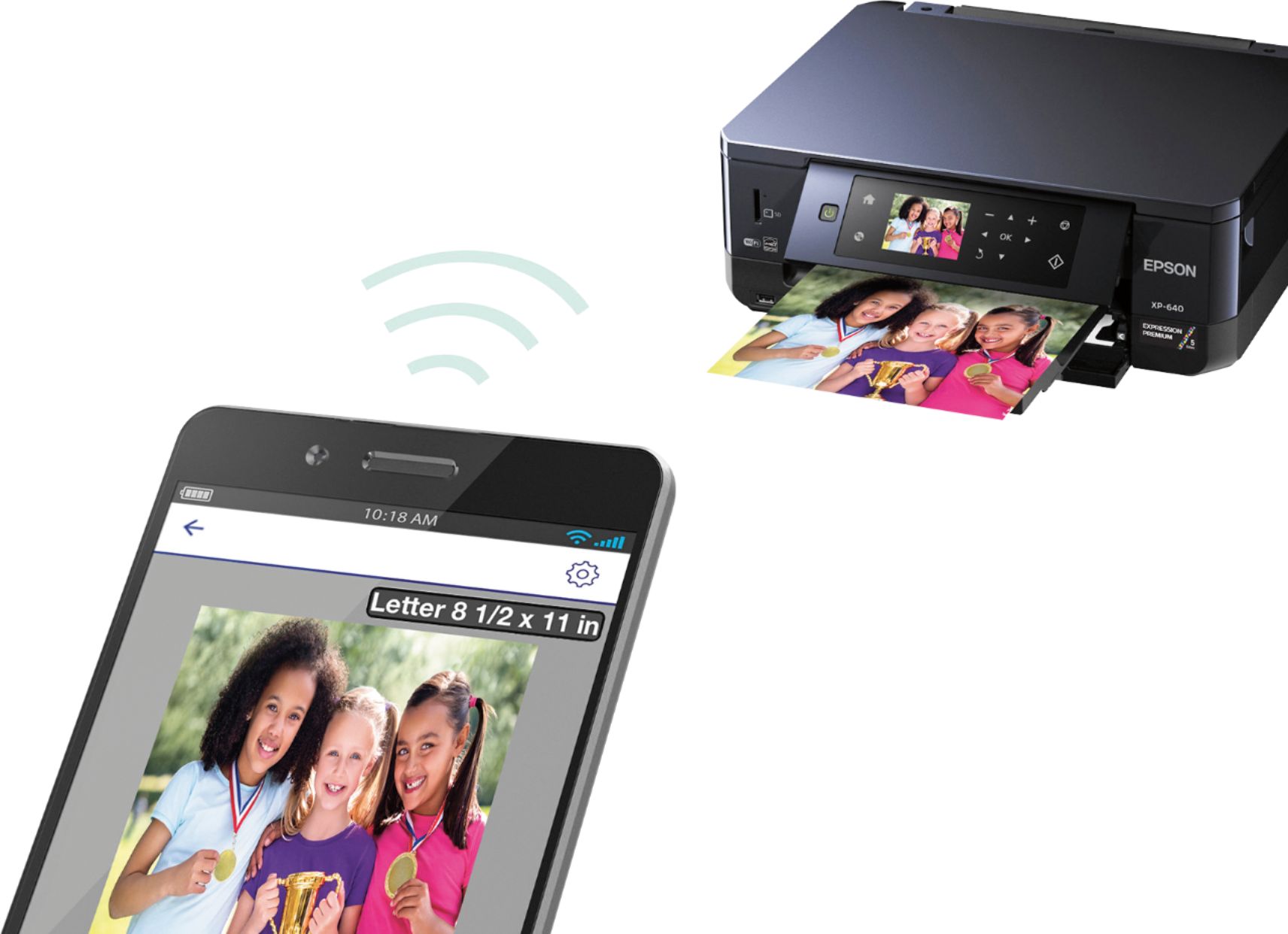
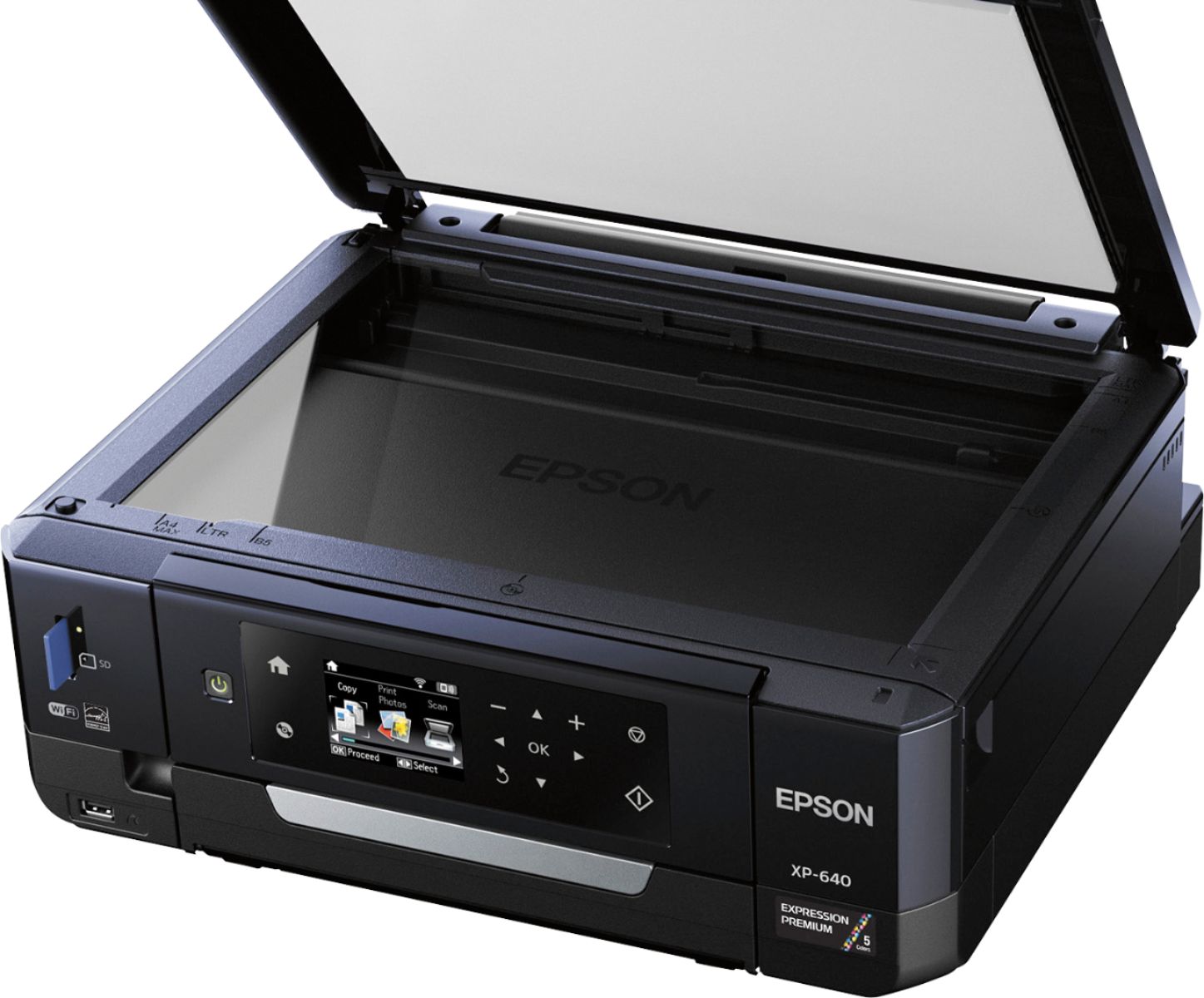
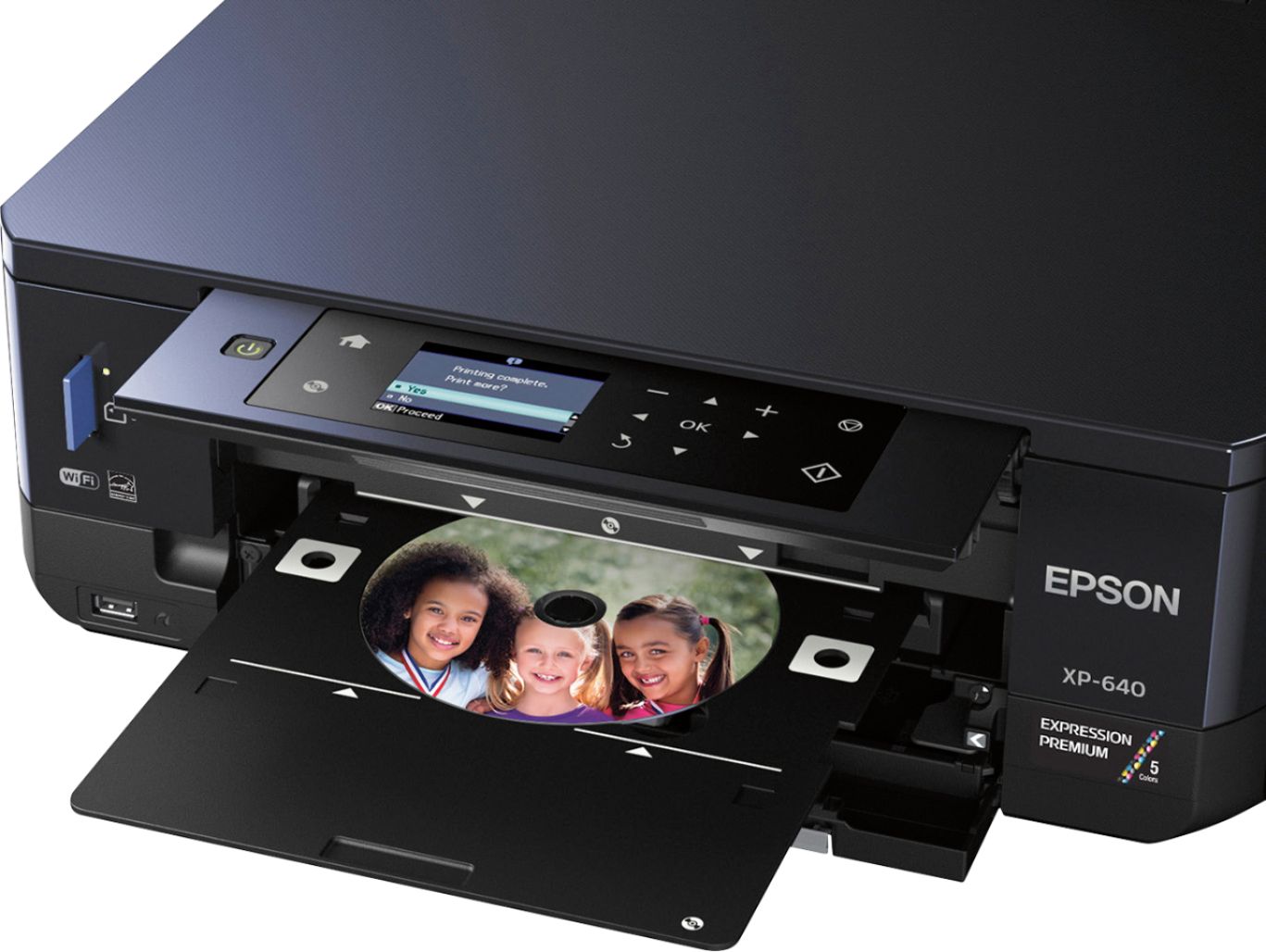
Posted .This reviewer received promo considerations or sweepstakes entry for writing a review.This is a review for the epson expression xp-640 that I received free of charge to do a beta test and review. This printer has a great price point of 99.00. It is not a big printer, but don’t let the size fool you. This has a scanner, copier and great photo capabilities. Unboxing the printer and setting up was pretty simple. The 5 separate ink cartridges each have their own slots. I installed the cartridges, plugged it in, and it started right up. It hooked up to my wireless network effortlessly. It directed me to sign up for a wireless email address for the printer. This enables me to print to the printer when I am not at home. This printer has 2 “paper\photo” holders.. I can keep 4x6 photo paper set up in the printer with regular paper for printing anything else. The touch screen is big and very user friendly. It also has a place to put a memory card/usb stick to print photos from either storage or phone. This also comes with a way to print on a cd/dvd which is a nice feature. As far as using this printer, I found it was very user friendly. The printer hooked right up to my wireless network with ease. I scanned a document, copied a few as well. It copied/scanned perfectly. I also got an email address so I can print remotely. If I like a web page and Im not home, I can print it and have it waiting for me. I printed photos from my iphone/Ipad, and it worked very well. I used the different photo paper that epson included in the box. The photos printed nicely. It also has a option to make a coloring book. It comes with software to hook up to your computer, and you can always get the drivers if need be online. I would definitely recommend this printer. It does everything that my 500.00 printer does and a really low price. I like technology that just works as its supposed to. This does just that. It just works and works well.
I would recommend this to a friend - Pros mentioned:Print quality, WirelessCons mentioned:Paper tray
Rated 5 out of 5 stars
Good photo printer
Posted .This reviewer received promo considerations or sweepstakes entry for writing a review.The Epson XP-640 doesn't hold much paper - I'd say no more than 50 sheets. It's a trade off given the printer's size, and I am happy to accept this. From experience, the larger paper trays seem to contribute to misfeeds to many times anyway. This printer was set up within 30 minutes from unboxing to printing. The longest time was figuring out the "cassettes" or printing trays and printing calibration (7 minutes). Once setup completed. I was easily able to connect to my wireless network via the LCD screen by searching for WiFi access point and typing in the password via the arrow and OK buttons. Printing was seamless from my smartphone by being able to find the wireless printer directly from the phone. The printer is much better in every aspect tested so far than my canon and will definitely be replacing at my computer desk. This is more of a photo printer. Optimized for printing high-quality image files. I shoot raw. And save final images as RGB tiffs without compression. This printer makes them look awesome! I was amazed at the quality. Pros: easy to set up, easy to use, and I love being able to easily print a picture from my smartphone. Cons: paper tray holds a smaller amount of paper, so be prepared to refill often. Paper trays and "out put" tray were mildly confusing at first.
I would recommend this to a friend Rated 1 out of 5 stars
poor printer
||Posted .This reviewer received promo considerations or sweepstakes entry for writing a review.It is a pain I have to keep reconnecting to the internet. If you don't have everything just perfect it won't run ex paper to much not loaded just right drawers not just right. This is the worst printer I have ever owned.
No, I would not recommend this to a friendRated 1 out of 5 stars
Incredibly difficult to use
||Posted . Owned for 1 year when reviewed.This reviewer received promo considerations or sweepstakes entry for writing a review.I'm gonna throw it away when the ink runs out. Luckily, got it on sale. But very difficult to even perform basic printing, scanning, and connecting to wifi functions. Will stay away from Epson in future.
No, I would not recommend this to a friend