Customer Ratings & Reviews
- Model:
- XP-640 ALL-IN-ONE C11CF5020
- |
- SKU:
- 5451700
Customer reviews
Rating 4.3 out of 5 stars with 1836 reviews
(1,836 customer reviews)Rating by feature
- Value4.1
Rating 4.1 out of 5 stars
- Quality4.2
Rating 4.2 out of 5 stars
- Ease of Use4.1
Rating 4.1 out of 5 stars
Customers are saying
Customers often highlight the excellent print quality and ease of use of the Expression Premium XP-640 Small-in-One Wireless All-In-One Printer. Many appreciate its compact size and wireless capabilities, along with the generally positive setup experience and price point. However, some users mention challenges with the paper tray design and occasional concerns about the printer's reliability. A few also point out that the instructions could be improved for clarity.
This summary was generated by AI based on customer reviews.
- Pros mentioned:Size
Rated 4 out of 5 stars
Small but mighty
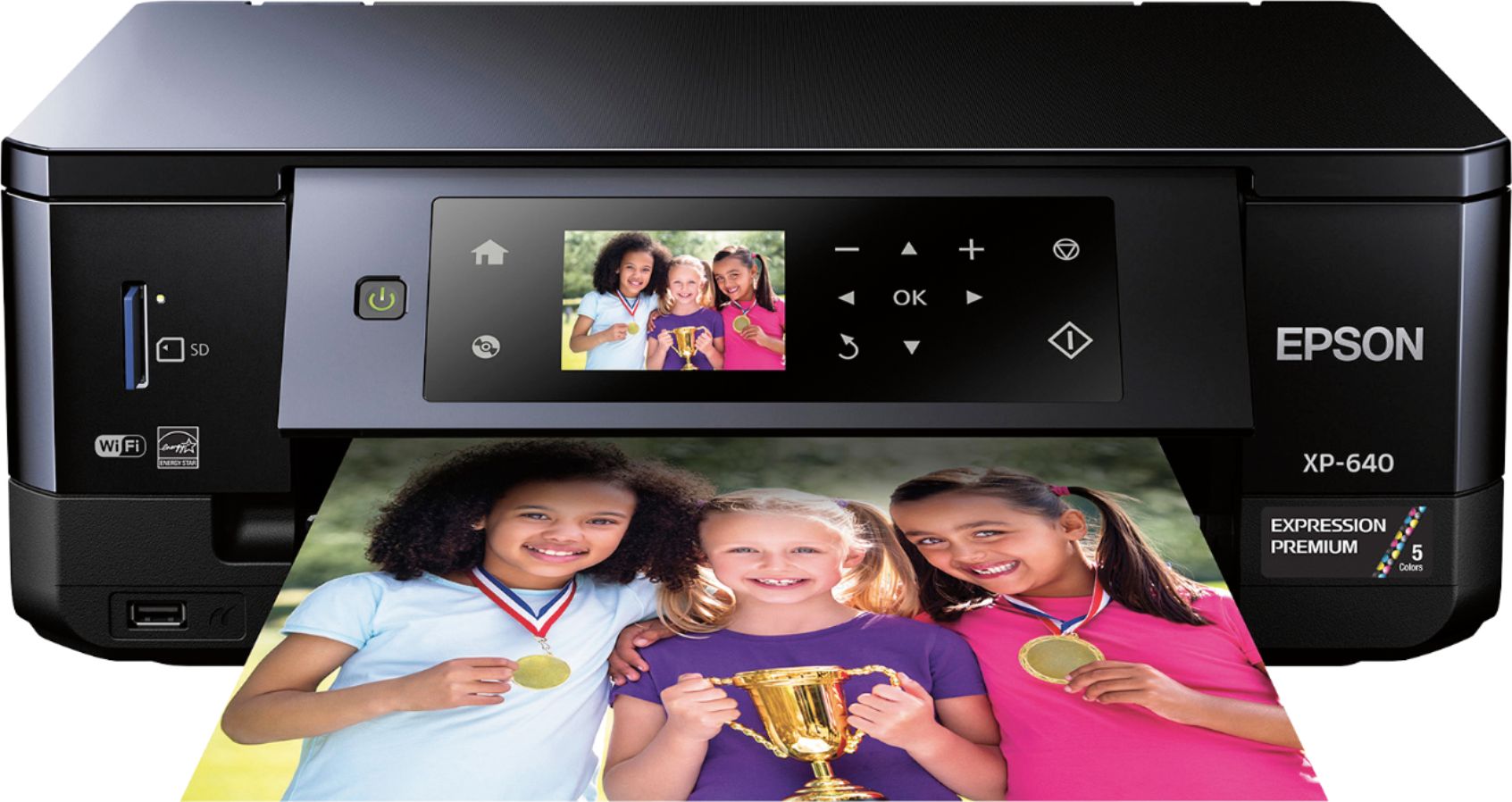
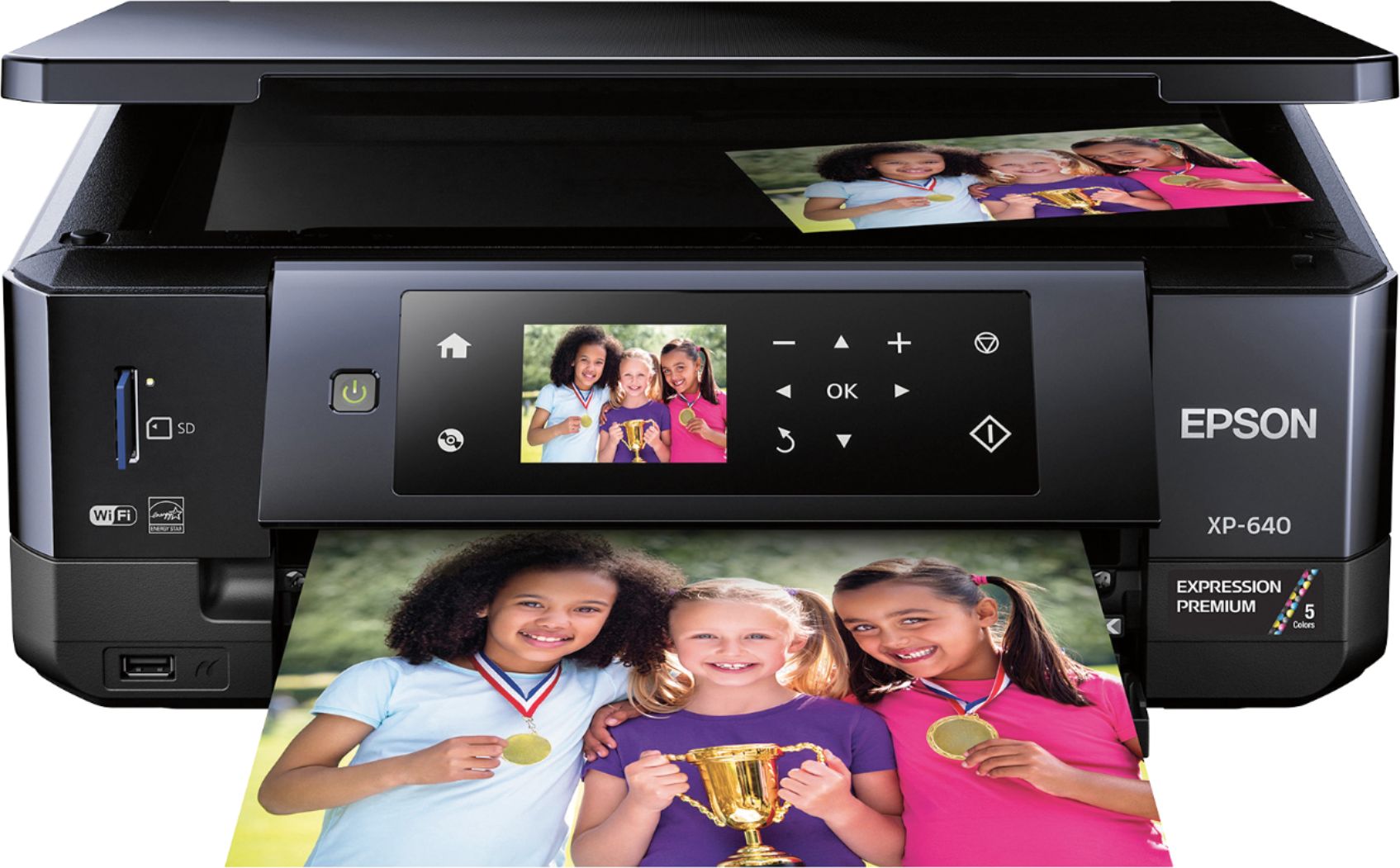
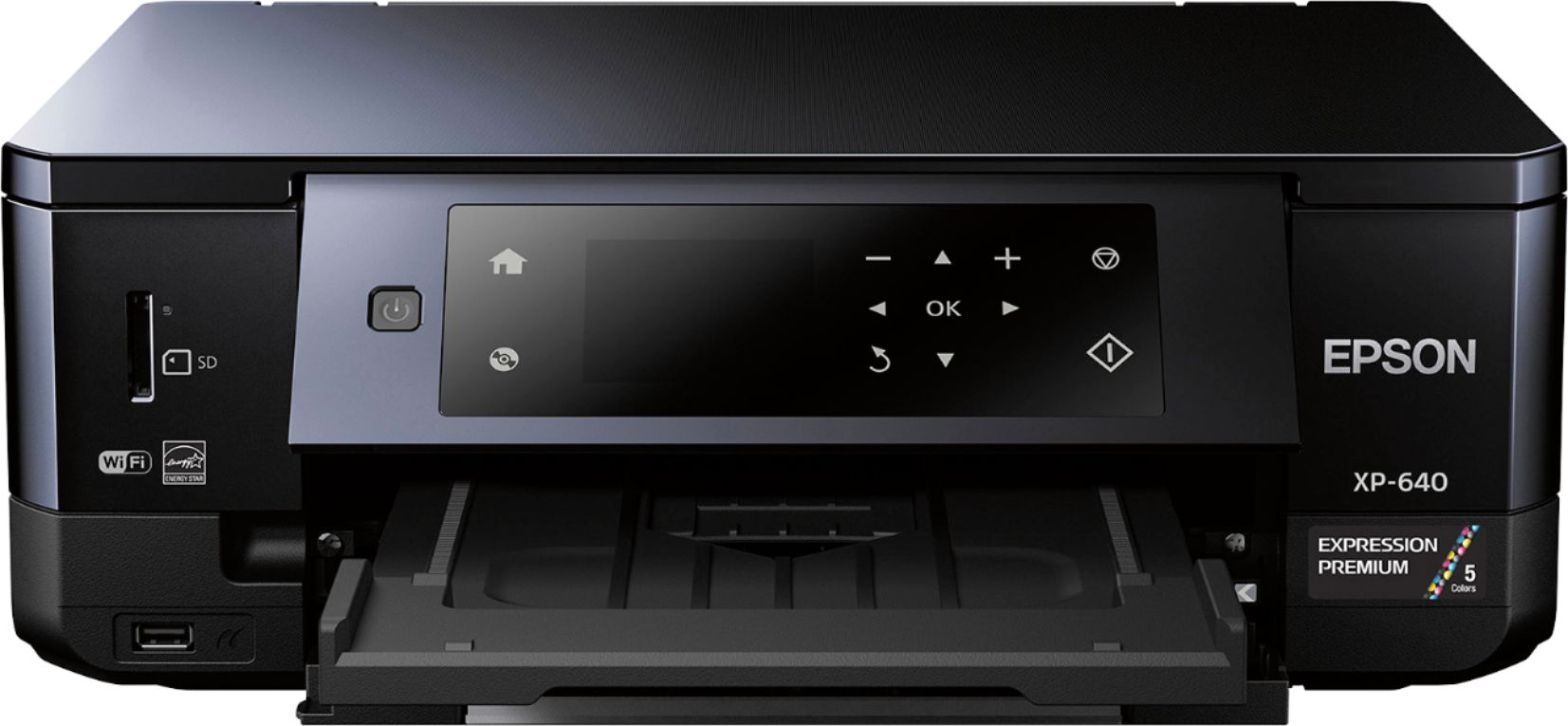
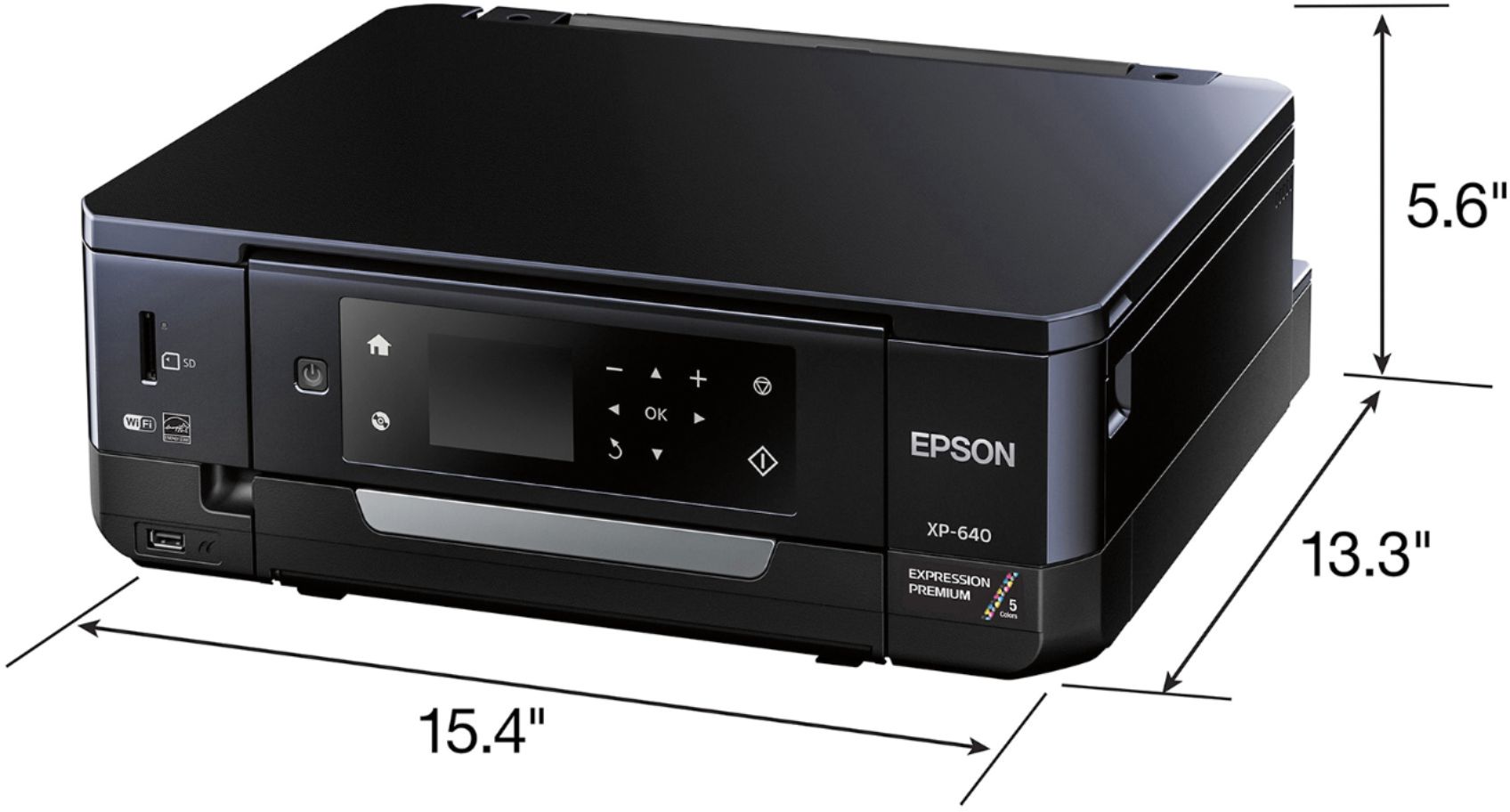
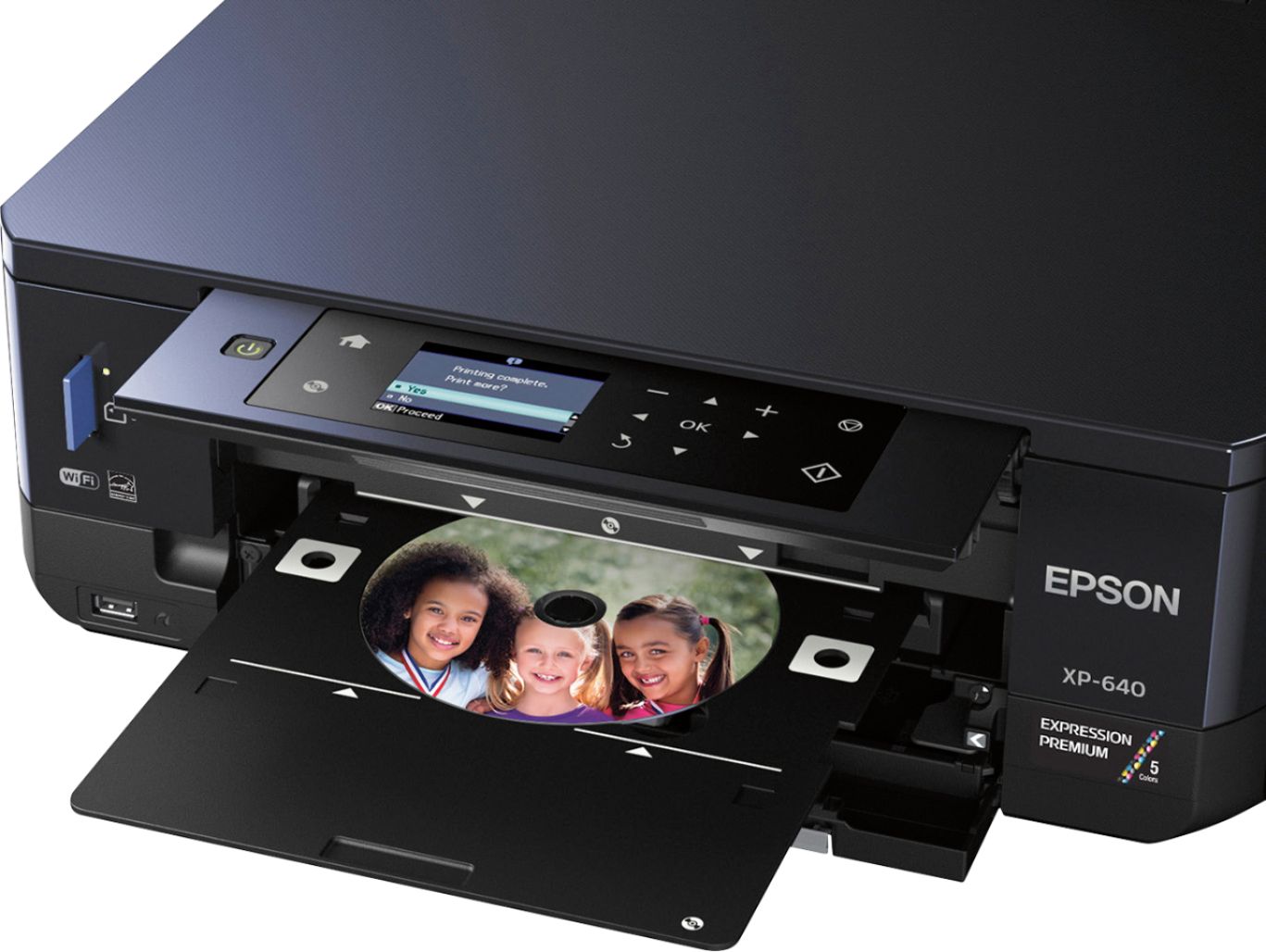
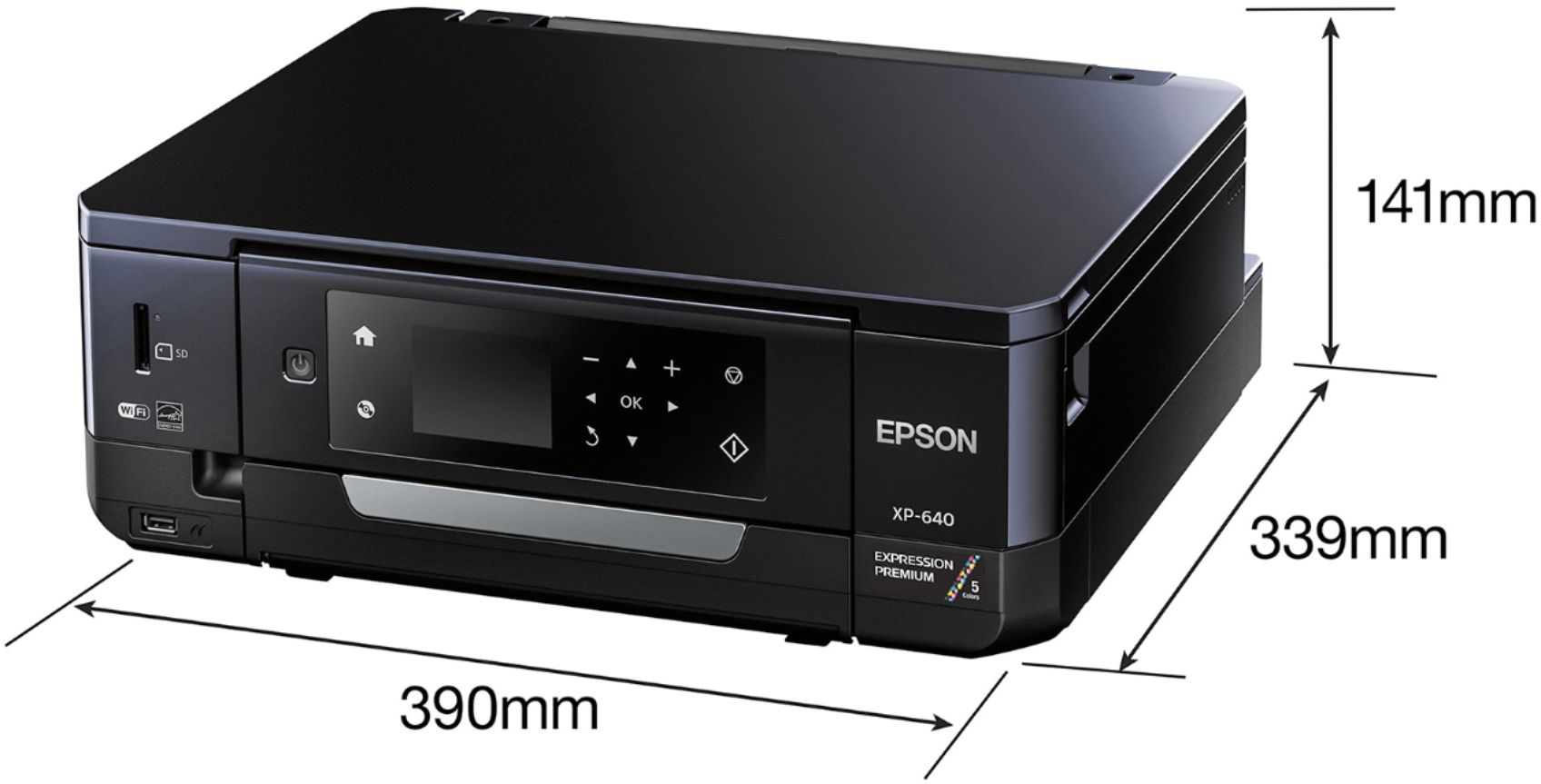
Posted .This reviewer received promo considerations or sweepstakes entry for writing a review.I have recently had the opportunity to try out the Epson Premium Xp-640 Small-All-in-one Printer. This printer is the smallest that I have every worked with, being only 13 x 15.5 inches and less than 6 inches high, but it is packed with desirable features. It would be a great printer for a high school or college student, RVers, business travelers, or anyone else with limited space requirements. The fact that many of the features are accessible by using only the LCD panel, with no need for a computer is a plus. In addition, the printer is small enough to be easily transportable, and with the use of WiFi Direct, which eliminates the need to connect through a router, the only cable/cord you need to carry is the AC power cord. The only requirement is that the printer must be carried flat, not on end, or upside down, and the ink cartridge should be secured with tape. An added advantage is the ability to copy and print and improve photos without using a PC. Using the LCD touch panel only, I was able to copy several very old and faded color photographs, restore the color, and make them look reasonable. I would say that this is not a substitute for the type of improvement that can be done with a photo editing computer program, but the results were acceptable. Printing photos from the computer program provided excellent 4x6 prints, which is the largest size I tried. However, my favorite feature of the XP-640 and what distinguishes it from other All-in-ones, is the CD/DVD drive printer. I use the images included in the Epson installation software to print a disk and the results were excellent. While I have not yet tried it with the XP-640 I know from using Epson print software previous Photo RX-700, that it is easy to make dramatic and personalized printed disk using my own photos from the background and adding information titles. IN addition to providing an additional way to store photos, these disk can make great gifts for family and friends. The only drawback I encounter in using the CD/DVD printer and also the other cassettes, was the fact that the trays are so tight together and often require that the one tray be pushed out of the way to use the other. The CD/DVD tray in particular slides into a very narrow space. I was somewhat concerned but it worked properly. Overall, I was very pleased with the performance with this printer and would recommend this printer to anyone looking for a smaller printer. This is a review for the Epson Expression XP-640 that I received free of charge to do a beta test and review.
I would recommend this to a friend - Pros mentioned:Ease of use
Rated 4 out of 5 stars
Overall a good printer
Posted .This reviewer received promo considerations or sweepstakes entry for writing a review.Epson Expression XP-640 Review This is a review for the Epson Expression XP-640 that I received free of charge to do a beta test and review Unboxing: Removing the printer from the package was simple enough until it came to removing all the blue tape that was seemingly *everywhere*. It was used to hold any potentially moving part still during shipping/transit but there is so much of it that it was impossible to find it all on the first pass. I even missed a piece that was inside holding the print head in place, but more on that later. Setup: Setup is easy and intuitive and even helps you configure the printer on your network with multiple ways to get connected. The only part that was problematic was that there was a piece of that pesky blue tape on the print head and when I first powered it on I got a generic error that stated: “Error during startup. Please power off and back on. Then an error code” When I followed the guidance it didn’t have any impact and came back with the same error. I was moving the printer around in an attempt to find out what was wrong and the top popped open a little.. and I caught a glimpse of that blue tape holding the print head! Once removed the error went away.. but why on earth isn’t the first message on the screen something to the effect of “please ensure that you have removed all the blue packing tape from the printer including inside attached to the print head” so that users can have a smoother setup experience? Best feature: The Epson Connect experience is *amazing* and allows you to email things to your printer and have them be printed from wherever you are! You can even configure the email address provided what you select isn’t already in use.
I would recommend this to a friend - Pros mentioned:Print quality
Rated 5 out of 5 stars
you can always count on epson!
Posted .This reviewer received promo considerations or sweepstakes entry for writing a review.I've used EPSON printers for over 10 years, and it's consistently the best. The new XP-640 is perfect for my home office needs, as well as my scrapbooking hobby. The wifi set up is as easy as ever, it's lightweight, and doesn't take up a lot of desk space. I easily added it on my epson print apps from my laptop, iPhone and iPad. Color pages are excellent, no smearing. The pictures are awesome - as good as getting them printed at the local drugstore. I love that the 2 sided print option is available on this model! Having a copier and scanner now makes working much more efficient. You can't go wrong with this printer!
I would recommend this to a friend - Pros mentioned:Print quality
Rated 4 out of 5 stars
Great multifonction printer for home use
Posted .This reviewer received promo considerations or sweepstakes entry for writing a review.This is a review for the Epson Expression XP-640 that I received free of charge to do a beta test and review When I received the box of the printer I had to test, I was very excited. First, the packaging of the device is very good, it is not over packed like several other products. The "Start Here" is complete and concise. The information contained herein is accurate and error-free. After less than 30 minutes I had passed through the 5 steps and was ready to use it. Second, the printer setup was done without too much trouble. The paper size, management of the bins, etc ... On the other hand, I had a problem with the configuration of the printer on the WIFI network. I had to restart the wifi wizard 6 or 7 times before it worked! And even at my last attempt, it did not work, I received the same error message that the device could not connect to the WIFI network. I decided to turn off the printer and open it again. Surprise, the printer is now connected to the WIFI network!?! The device also asked me to perform a firmware update that she had just found on the internet. Third, using the multifunction printer is easy and fast. The menus are reactive, there is no "lag". Without reading the instruction manual, I was able to use my new device because the icons are simple and the menus are intuitive. Fourth, the print quality is very good. I have printed some PDF and word documents and the reactivity time is good. I did not have to wait too long to get my documents. As for the photo quality, that's fine. The colors are quite close to reality. The printer even allows printing on CD / DVD but I have not tested this option. Finally, I think this multifunction printer is a good device for the home. But beware, after seeing the price of consumables, I will not print my photos at home. As for everyday documents, that's fine. The scanning function in the cloud is perfect! It's simple, efficient and fast!
I would recommend this to a friend - Pros mentioned:Ease of use, Print quality
Rated 3 out of 5 stars
Great quality photo printer
Posted .This reviewer received promo considerations or sweepstakes entry for writing a review.This is a review for the Epson Expression XP-640 that I received free of charge to do a beta test and review. The initial set up of this printer was simple with easy to follow prompts and instructions. It became complicated when the software repeatedly failed to install on my laptop. It took numerous attempts and updates before I was able to connect it to my laptop. Even after working at it for several hours, I was unable to establish a connection between my laptop and the printer. Although it indicated that it was not connected, I opted to make this my default printer and tested it. It worked and from this point on, it printed with ease. Once a connection was established, I spent some time experimenting with the printer, printing and scanning various pictures and documents. All of this was done with ease and I was pleased to see that the printer came with photo paper for immediate use. In addition to printing very quickly, photo prints are of high quality. Once I was able to print from my laptop, I connected the printer to my Samsung smart phone and tablet. This proved to be much simpler than connecting to the laptop and I continued to be very impressed with the quality and speed. Overall, I am pleased with the printer since I was able to troubleshoot the issues I encountered. It will be a real asset to my home office so that I am able to print good quality pictures from home.
I would recommend this to a friend - Pros mentioned:Print quality
Rated 5 out of 5 stars
Great photo printer for the price!
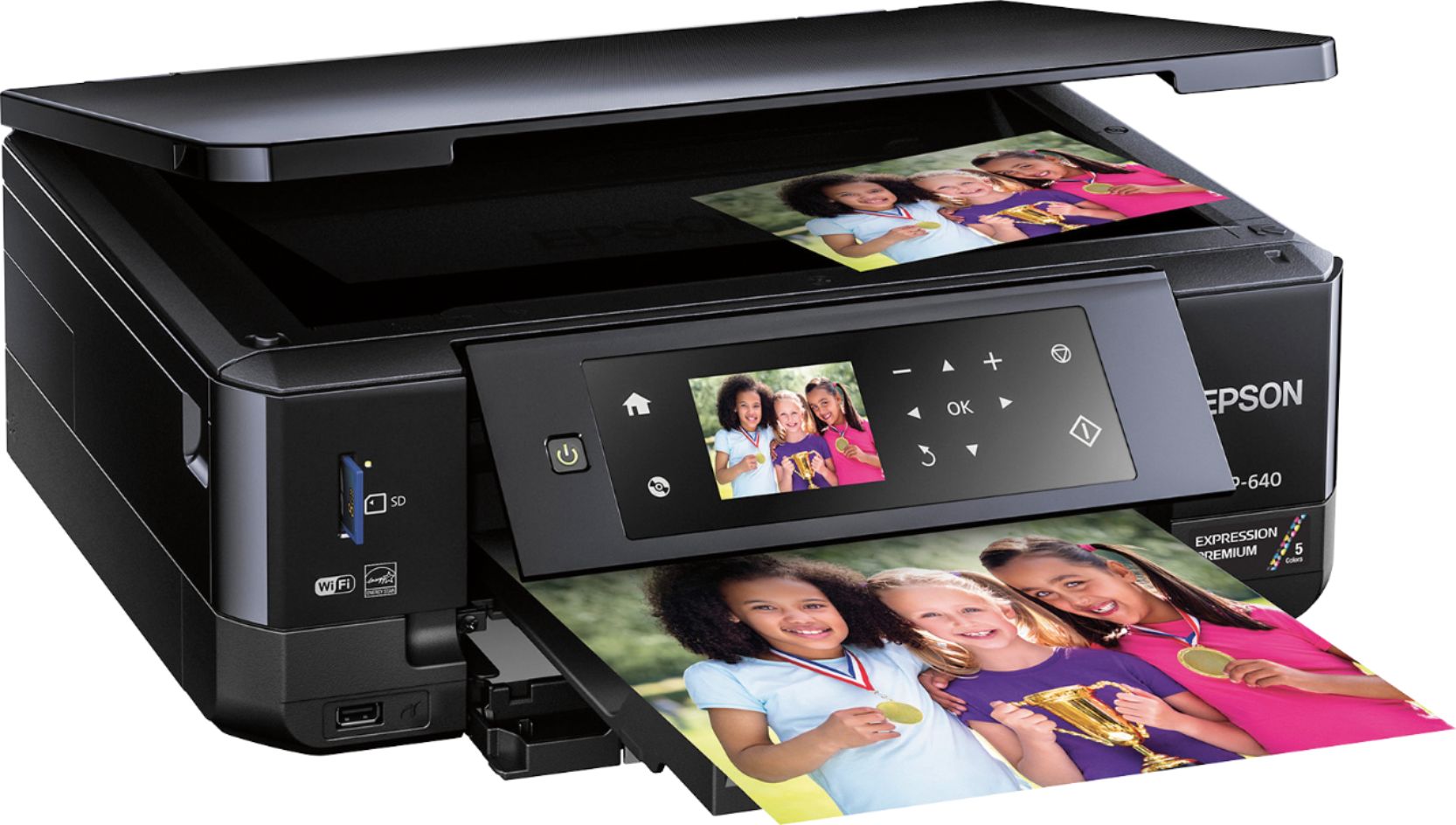
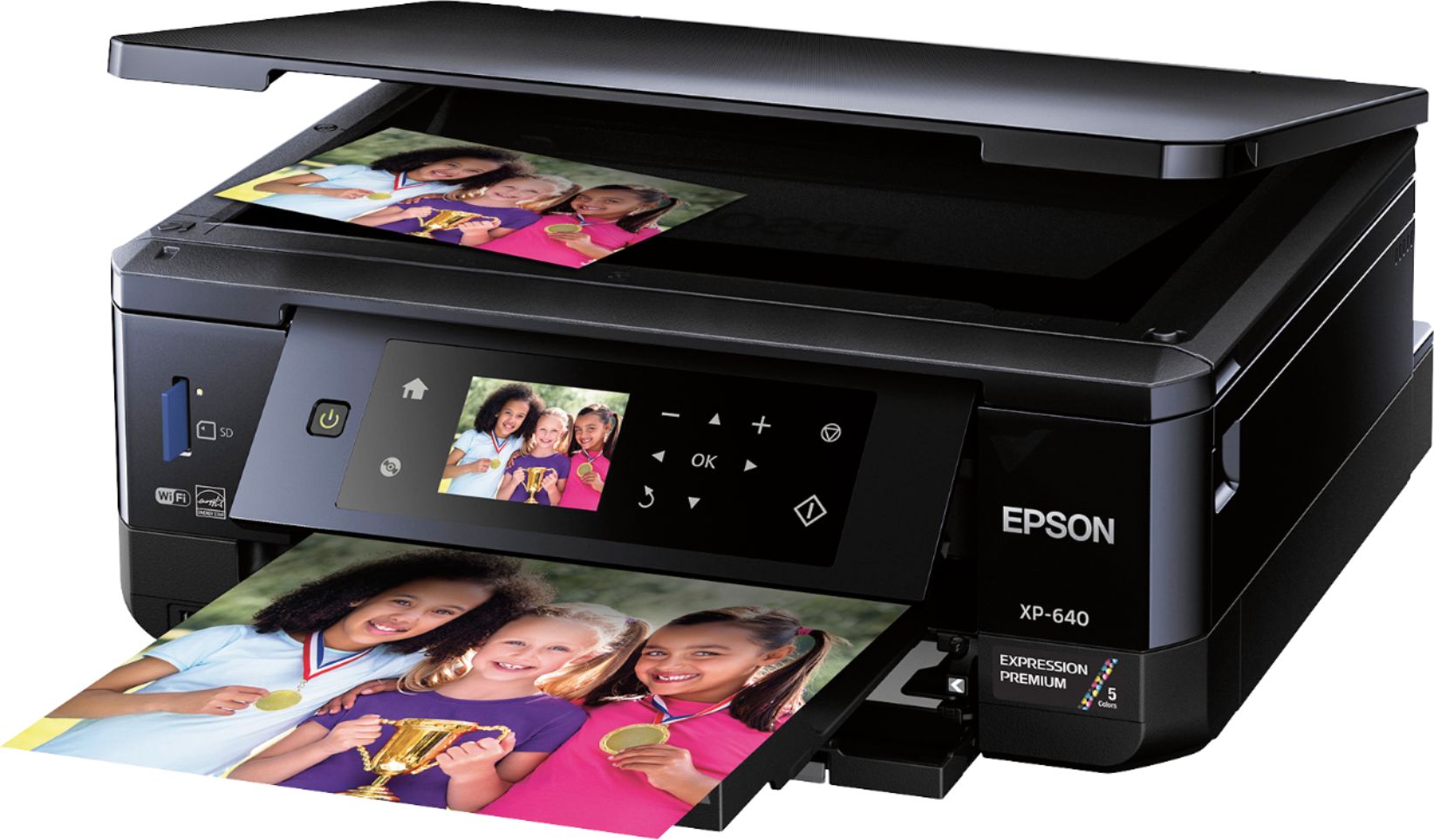
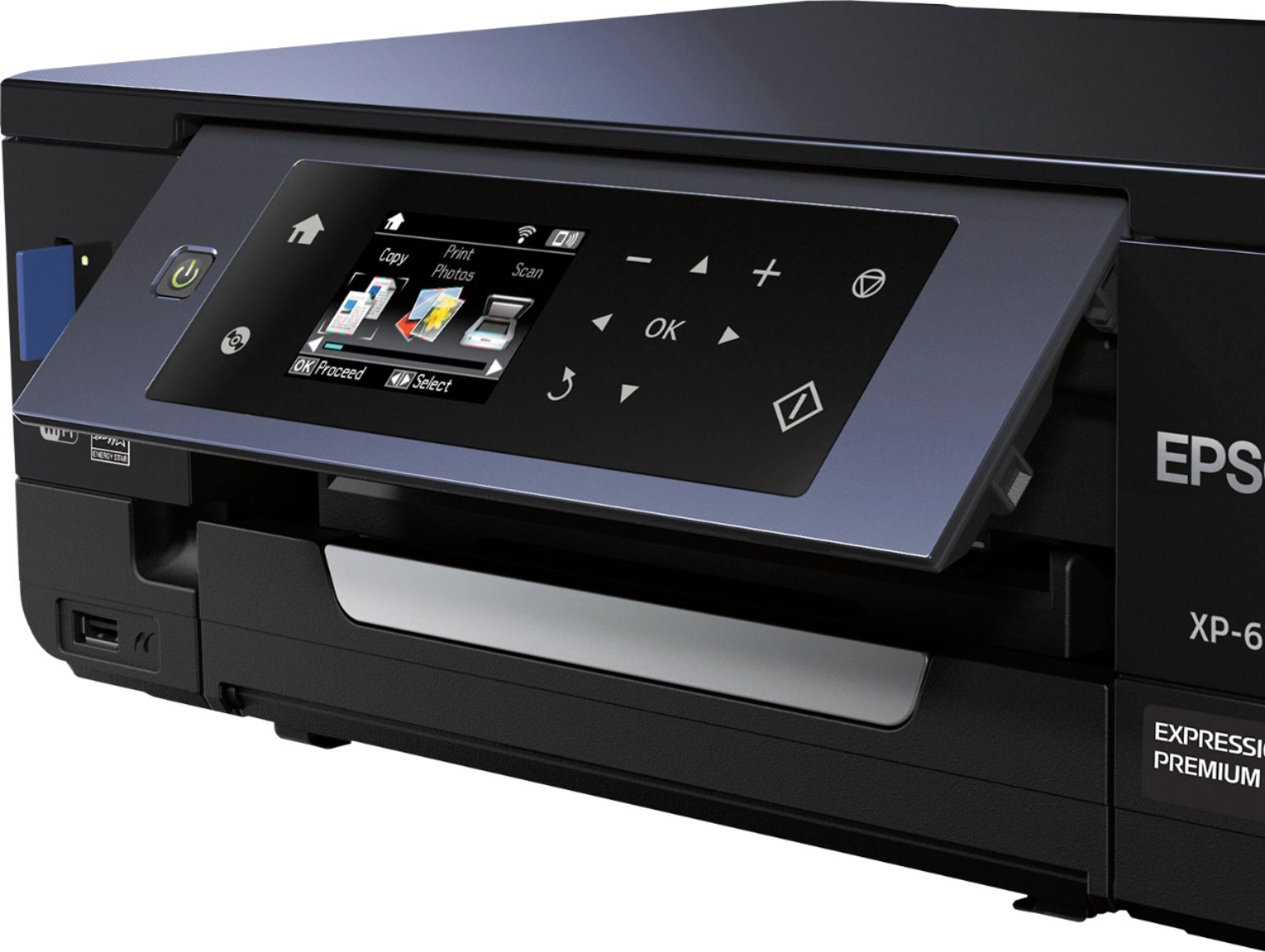
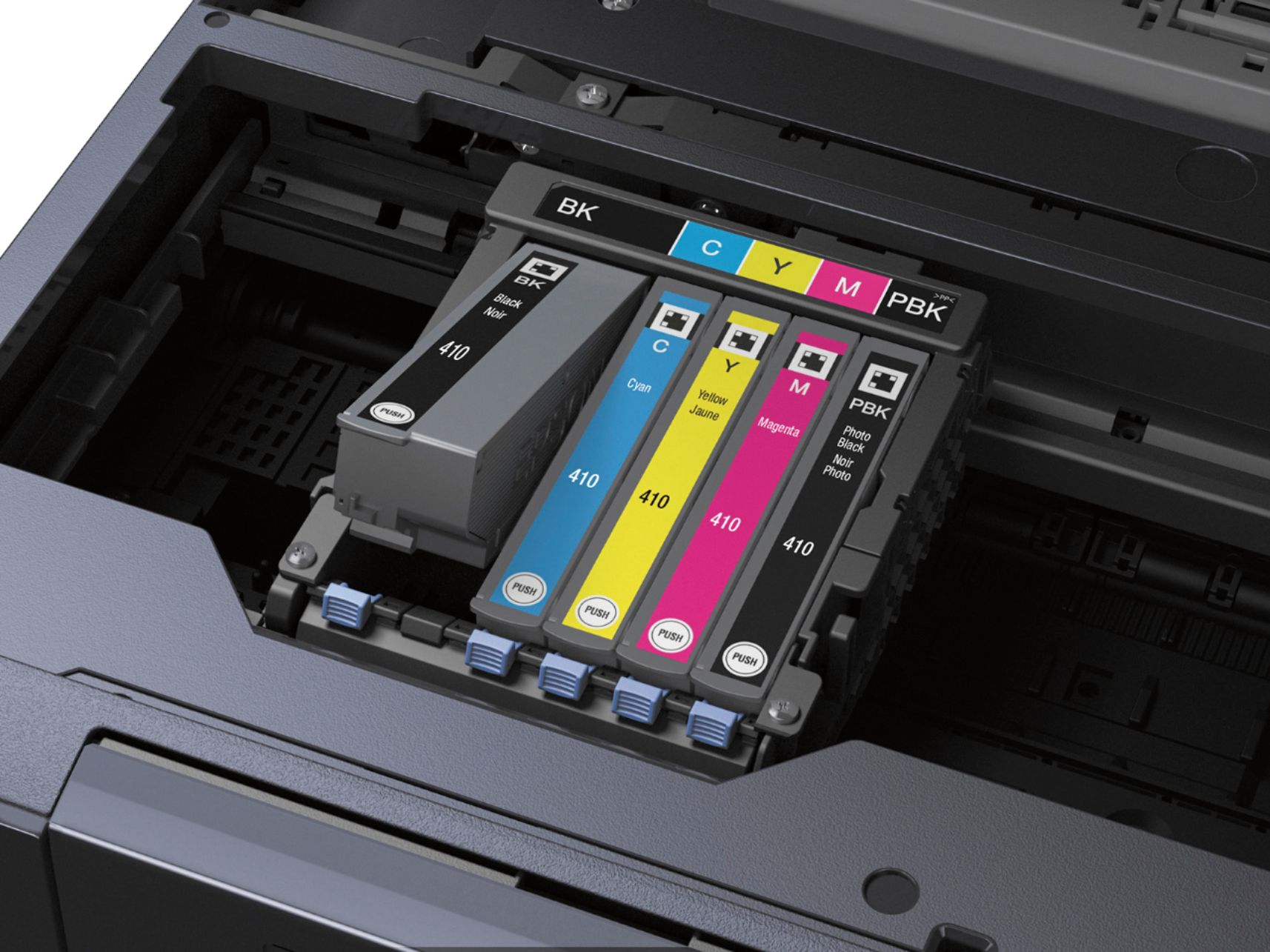
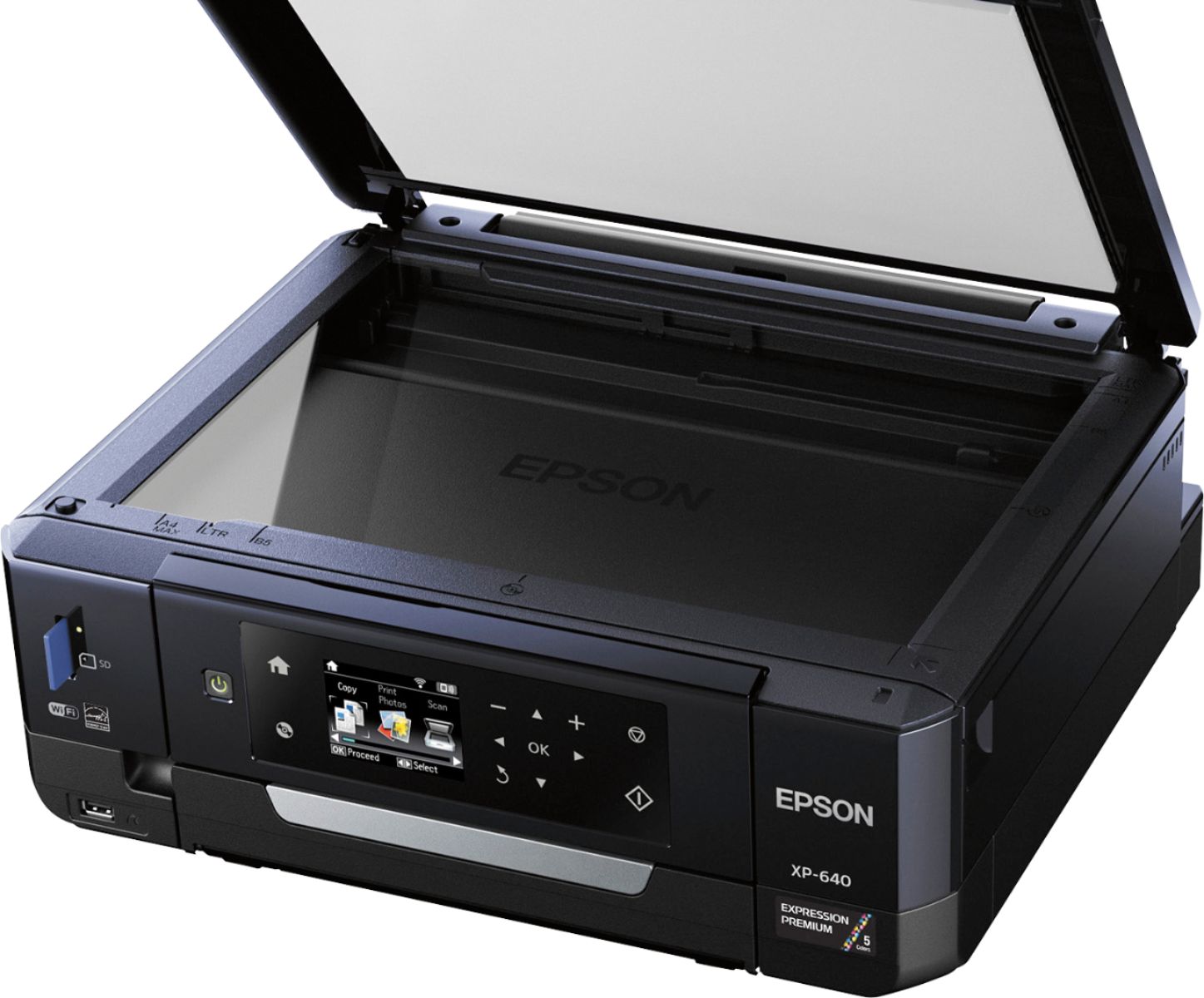
Posted .This reviewer received promo considerations or sweepstakes entry for writing a review.Despite its compact size, this printer can do it all. It can print, copy and scan and let me tell you it prints really well including pictures! The printer is very modern looking, a simple minimalistic cube with rounded corners. By gently pressing on the face of the printer, the main control panel lifts up. The control panel has a very vibrant LCD display which lets you preview the documents you are printing from a memory card or a flash drive and also allows you to navigate the various features of the printer. The printer has a very shiny smooth plastic material while the bottom base is a stronger matte design. The best part about the printer is that you can connect to it using wifi along with the typical USB connector and with the wifi you can easily print from your phone or tablet. If you are using their app, it will even give you further options on your phone, and you can even quickly print pictures from your social media websites like Facebook or Instagram. Now, lets talk about the printing, this printer can print at lab grade photos and details up to 5760 x 1400 dpi which makes the photos very sharp and clear. The printer uses five different color cartridges. This is great because if you run out of one color, you will only have to replace that one color. The ink is also quite affordable compared to most high end photo printers. However, it may seem expensive if you compare it to some of the entry level printers. There are two important things to keep in mind with this ink. First, it’s a little thinner than most printer ink. This means that you will get more prints per cartridge than many of the competitors. Second, this printer is able to provide a much higher level of detail and vibrancy than competing printers, thanks to Epson’s high grade ink. Is this the cheapest ink on the market? No, absolutely not. However, it’s this high quality ink that enables consumers to create high quality photo prints at home. If you are buying this printer for normal office usage, then you are better off buying a simple black and white printer but if you want to print pictures or colour documents, than this printer is for you! This is a review for the Epson Expression XP-640 that I received free of charge to do a beta test and review.
I would recommend this to a friend - Pros mentioned:Ease of use, Print quality
Rated 5 out of 5 stars
Epson Expression XP-640 Photo Printer
Posted .This reviewer received promo considerations or sweepstakes entry for writing a review.This printer is wonderful and so easy to use. I really like the touch screen and find it simple to operate. The dual black cartridge is a plus since photo printers tend to burn through ink quickly. I have yet to see how soon I need to buy new ink cartridges, but so far so good. The photo quality is great and looks very professional. I would definitely recommend this product to my family and friends. This is a review for the Epson Expression XP-640 that I received free of charge to do a beta test and review.
I would recommend this to a friend - Pros mentioned:Print quality
Rated 4 out of 5 stars
Great compact All in one!
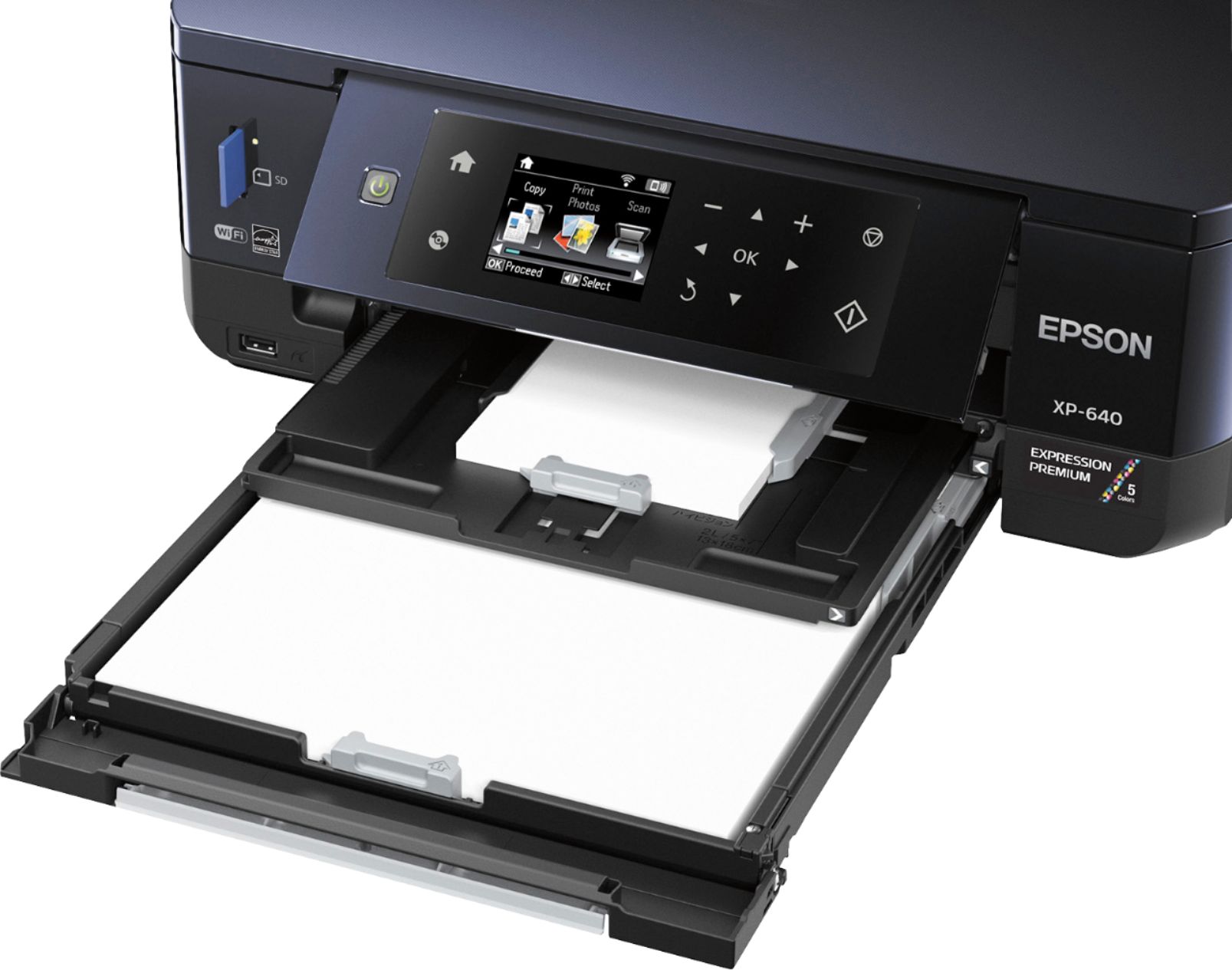
Posted .This reviewer received promo considerations or sweepstakes entry for writing a review.This is a review for the Epson Expression XP-640 that I received free of charge to do a beta test and review. The Epson XP-640 is a great all-in-one printer with a lot of great features packed into a small package. To start out, the printers paper/output trays and control panel all fold into the printer which is great for when you aren’t using it as this will free up some space on your desk. This is a great feature if you’re like me and have a small desk. It was pretty easy to set up using the “quick start” guide. The only thing i found a little confusing was the trays (referred to as “cassettes”) but once I figured that out it was pretty straight forward. Print quality was great. Document text was rich and crisp looking on both script fonts and sans serif. The photo quality was also really impressive when I printed a borderless 4x6. The scanner is fantastic. I scanned some Polaroids that I took recently and it was a great transfer. Some of the other features I really like about this printer are the ability to print 2 sided documents, the ability to print directly onto cd’s/dvd’s, and the fact that it’s a CMYK printer and you can replace each cartridge individually. Overall this is a really great printer with a ton of great features!
I would recommend this to a friend - Pros mentioned:Print quality
Rated 5 out of 5 stars
Great Printer For The Price!
Posted .This reviewer received promo considerations or sweepstakes entry for writing a review.After looking around for a small form factor printer for my fiancée’s small desk for school work, I acquired the opportunity to own the XP-640. When everything is folded into itself with this printer, it will floor you as to just how small it actually is. Let’s start with the touch controls. I was very impressed at how responsive they were, along with the responsiveness and resolution of the screen. I had owned touch panel printers in the past; however, preferred to stay away from them due to the menu and button delays. This printer does not seem to have much of a delay, if any at all. I was also impressed to see a proper paper tray, as most small form factor units just let the paper hang out of the machine which can cause a mess, as well as bends in the paper over time depending on the load stacks for your job in question. I tested a few photo prints as well and the speed was very fast for a small home printer, and not near as noisy as those photo printers of the past. This is more than likely due to the multi ink system allowing even coloring with less passes. I did not test the CD printing portion because… well… Who does that anymore anyway? Lol The wireless networking setup was a breeze thanks to the on screen display and I had it up and running in a few minutes and was able to print from my Android devices, as well as my wired desktop and wireless laptop. For the price you really can’t go wrong with this small form factor printer. I would recommend it for every day users who want to also print periodic photos from home, saving a trip into town to have them printed off.
I would recommend this to a friend - Pros mentioned:Print quality
Rated 5 out of 5 stars
Exceeded my expectation
Posted .This reviewer received promo considerations or sweepstakes entry for writing a review.I had my eye on this printer but decided to buy the canon and that was very disappointing so returned it and bought this printer & i am VERY happy with it . The setup was very easy and the software it has is very powerful & user friendly it did the firmware update automatically and the settings are very easy to make it your own .. ((Let it do the firmware update FIRST rite out of the box)) I bought it for the ratings and the cd/dvd printing & i was blown away how much better it printed on cd media or anything for that matter compared to my 2 yr old printer that was wore out .. The build of this is very solid and well made as my last printer was very flimsy and frail ,, This printer got a real great design for the print trays as they are separated for different tasks and i think helps with paper or media jamming and all the trays are very sturdy !! The controls are very responsive on the touch pad and the printing is VERY fast overall so you dont have to wait long if your in a hurry and as for the 7 MIN initial setup is more like 4 min and you setup your wifi on initial setup as well & is a breeze !! Overall very impressed with the quality and speed of this printer A++ Ink is very cheap as well and maybe it will have a compatible CISS ink tank system in the future . The only think i can think of i dont like is the tray you have to slide out before you print so i always seem to forget to pull it out and it wont automatically come out when you print..
I would recommend this to a friend - Pros mentioned:Ease of use, Print quality
Rated 4 out of 5 stars
Easy setup, ease of use
Posted .This reviewer received promo considerations or sweepstakes entry for writing a review.This is a review for the Epson Expression XP-640 that I received free of charge to do a beta test and review. The printer was easy to set up and quite easy to use. The quality of the printouts was good, and I had no problems with the cartridges or paper loading.
I would recommend this to a friend - Pros mentioned:Print quality
Rated 5 out of 5 stars
Small foot and great results!
Posted .This reviewer received promo considerations or sweepstakes entry for writing a review.This is a review for the Epson Expression XP-640 that I received free of charge to do a beta test and review. I was asked to test the printer and post an unbiased review. I think the only con for this printer is the setup took me a little while to figure out but had I actually read the instructions, it would have made it a lot easier. Once I did read the instructions, I found them very clear and the pictures certainly helped me figure out where the output tray was. The printer does take a little while to print but it does an amazing job. I printed photo's on regular copy paper and I couldn't believe the results. I've used other printers and they don't do near the job on regular paper as this one did. I also printed on photo paper and the results were top notch. The colors were realistic and matched the colors on my sRGB (99%+) monitor. The messages on the LCD that come up are detailed and extremely easy to figure out. Even the alignment function was very intuitive. The fact that you can print directly from a mobile device is great. You can also register this for Google cloud print and print from anywhere there is internet. The resolution is great as well and it's got 4 dye based inks and a pigment black ink for sharp text. I printed out a text document and there were no jagged edges on the text, it look great!
I would recommend this to a friend - Pros mentioned:Ease of use, Print quality
Rated 5 out of 5 stars
Great printer!!
Posted .This reviewer received promo considerations or sweepstakes entry for writing a review.This printer is super easy to set-up. I purchased it 3 months ago and it's been making excellent copies ever since. I'm still using the 5 original ink cartridges that came with it and getting high quality prints. I am 100% pleased with this printer and I'm buying a second one today for my son! So happy with this printer - and the price too!!
I would recommend this to a friend - Pros mentioned:Print quality
Rated 3 out of 5 stars
Works good, a few set backs
Posted .This reviewer received promo considerations or sweepstakes entry for writing a review.This is a review for the Epson Expression XP-640 that I received free of charge to do a beta test and review. I do love the print quality Photos and cards come out clear and high quality printing and the duplex printing is used a lot. This is my experience with the device, setup and usage. Out of the box it looks nice, very lightweight and wired install is pretty straight forward and easy. You set up the printer by removing all the tape, turning it on and inserting the inks. Insert the disk into you computer and follow the instructions, very easy. Setting up wifi is reasonably straight forward, just remember to change the font on the LED screen on the printer to match your password font for your router. The printing is high quality and it takes expensive inks to attain the quality. The problem I had with printing is that automatic selection did not always work and it would try to print from the wrong tray so I would have to go back into the program and manually select the proper tray to print from. The number 1 tray is for smaller printables and number 2 is for regular sized paper and in my Microsoft digital image program the printing would select the number 1 cartridge many times when on automatic, not always though. There is a drawer you have to pull out to allow the printed paper to come out and at first I forgot about this and had errors, that was my bad though. One problem I have found with the inks is that even if you choose greyscale it still uses some color ink so there is no printing with just black ink, very sad indeed and it makes it more expensive having to replace all the inks and not just a black one. The printer can handle card stock well even doing duplex printing for Christmas cards, it worked flawlessly. Standard printing made the cards very bright, I tried draft and the color and text was so washed out that it isn’t even usable. I have used draft settings on other printers and while a little lighter they were fine to use, the draft on this one looks more like a watermark background, it is so light. While I wanted to love this printer I am on the fence because of the expensive inks.
I would recommend this to a friend - Pros mentioned:Wireless
Rated 5 out of 5 stars
Wireless All-In-One
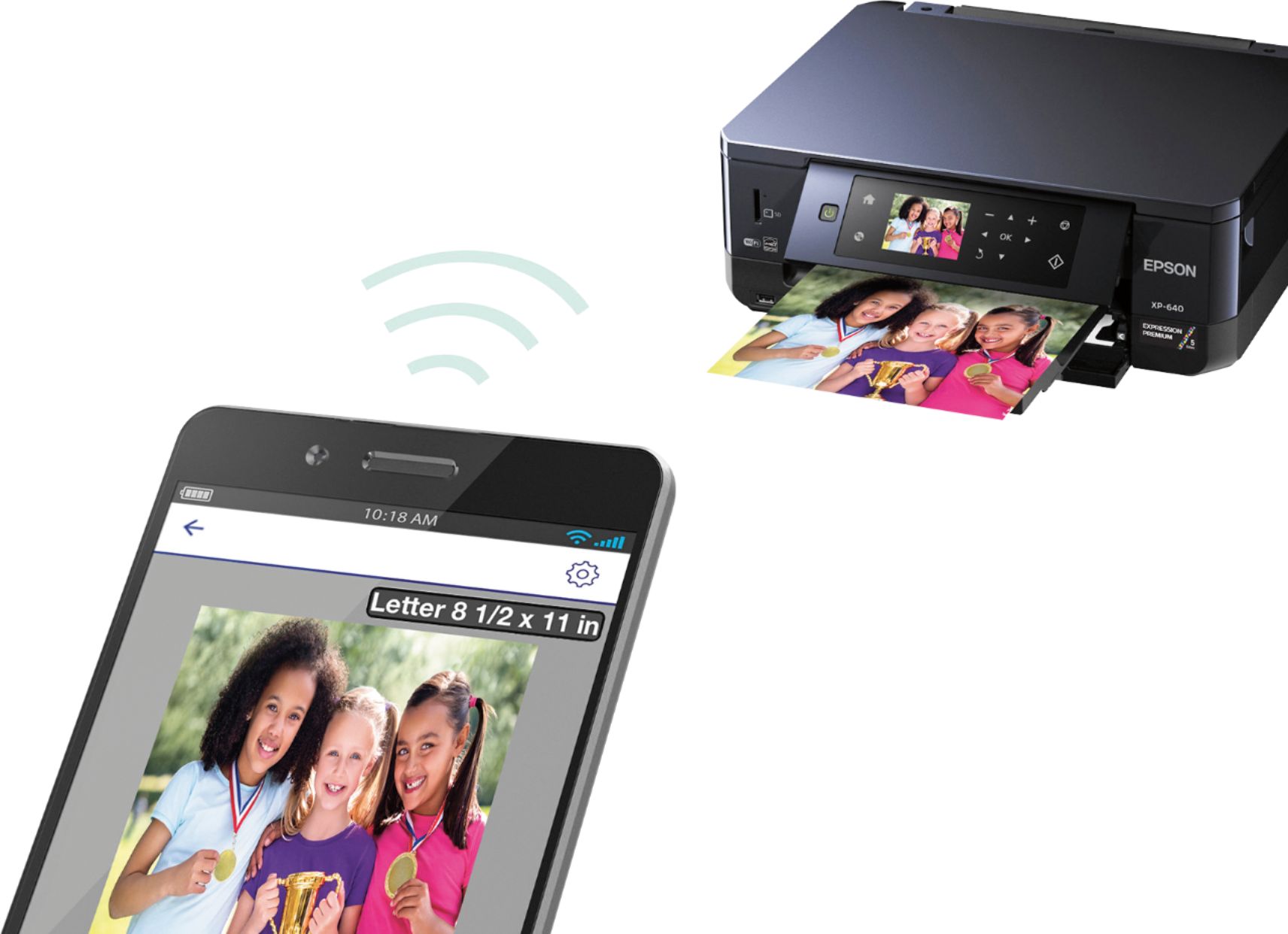
Posted .This reviewer received promo considerations or sweepstakes entry for writing a review.When I got this printer at first I thought it would be difficult to initialize with software running and driver installing so I can print and scan any kind of documents into my computer but with the printer its self being wireless all i had to do with key in my WiFi password into the printer and it was done. I prints from my iPad, my Android phone, and my computer. With my android phone I had to download an application to my phone so users can print from their device. With the E-Mail option to print documents on the go is easy also with the email, you can email the printer to print out what you need. Scanner is good for scanning your pictures that you want to send, upload or use for your needs, It works as a home office photocopier you you can duplicate documents. Also for even duplicating photos that you would like to share with others. The USB and SD card allows you to print pictures as well.
I would recommend this to a friend - Pros mentioned:Ease of useCons mentioned:Paper tray
Rated 4 out of 5 stars
A nice basic printer
Posted .This reviewer received promo considerations or sweepstakes entry for writing a review.The instructions were pretty good. Set up was easy. The paper trays are a little awkward. Copies and documents are very clear. No photos yet. I think the ink is a little expensive for this economy printer!
I would recommend this to a friend - Pros mentioned:Ease of use, Size
Rated 3 out of 5 stars
Not the worst, Not the best!
Posted .This reviewer received promo considerations or sweepstakes entry for writing a review.This is a review for the Epson Expression XP-640 that I received free of charge to do a beta test and review. Took an hour to set up. Make sure you take all necessary attachments that are stored in styrofoam out. I do not have a dvd drive on my laptop, so I logged on to generate the connection between the printer and my computer. Not hard. I think the multiple "cassette" trays could be broken easily. They really need just one tray for all printing. I do like how compact the unit is. Directions were fairly easy. I do not think I would purchase this product, as the ink costs almost as much as the unit.
I would recommend this to a friend - Pros mentioned:Print quality
Rated 5 out of 5 stars
Great Buy
Posted .This reviewer received promo considerations or sweepstakes entry for writing a review.Easy to setup and get going and prints beautiful pictures and also comes with a tray to print on CD/DVD's
I would recommend this to a friend - Pros mentioned:Print quality
Rated 5 out of 5 stars
Overall Great Photo Printer the Epson Xp-640
Posted .This reviewer received promo considerations or sweepstakes entry for writing a review.This is a review for the Epson Expression XP-640 that I received free of charge to do a beta test and review. The only issues I had were: that it took several try's to enable it to print over wifi, and the setup took a little longer than expected. I think there may be some bugs in the wifi connect set up. It will say it is set up and registered, but then will not work. After several attempts of setting up the wifi connect, it finally worked and I was able to use the wifi printing capability without needing to hook up a usb. Overall, this is a wonderful printer. It printed crisp and clear beautiful pictures and I am on a printing spree updating photos in my frames around the house. I am very thankful that I was able to beta test this printer and I enjoy having a printer specifically for printing photos, but with the capability of using for normal everyday printing if need be. Everything I have printed thus far has printed flawlessly!
I would recommend this to a friend - Pros mentioned:Ease of use, Print quality
Rated 5 out of 5 stars
Excellent
Posted .This reviewer received promo considerations or sweepstakes entry for writing a review.This is a review for the Epson Expression XP-640 that I received free of charge to do a beta test and review. It was easy set up and worked right a way. I was able to print my photos from my laptop in seconds. I love that it is a printer, scanner, and photo printer in one.
I would recommend this to a friend