Customer Ratings & Reviews
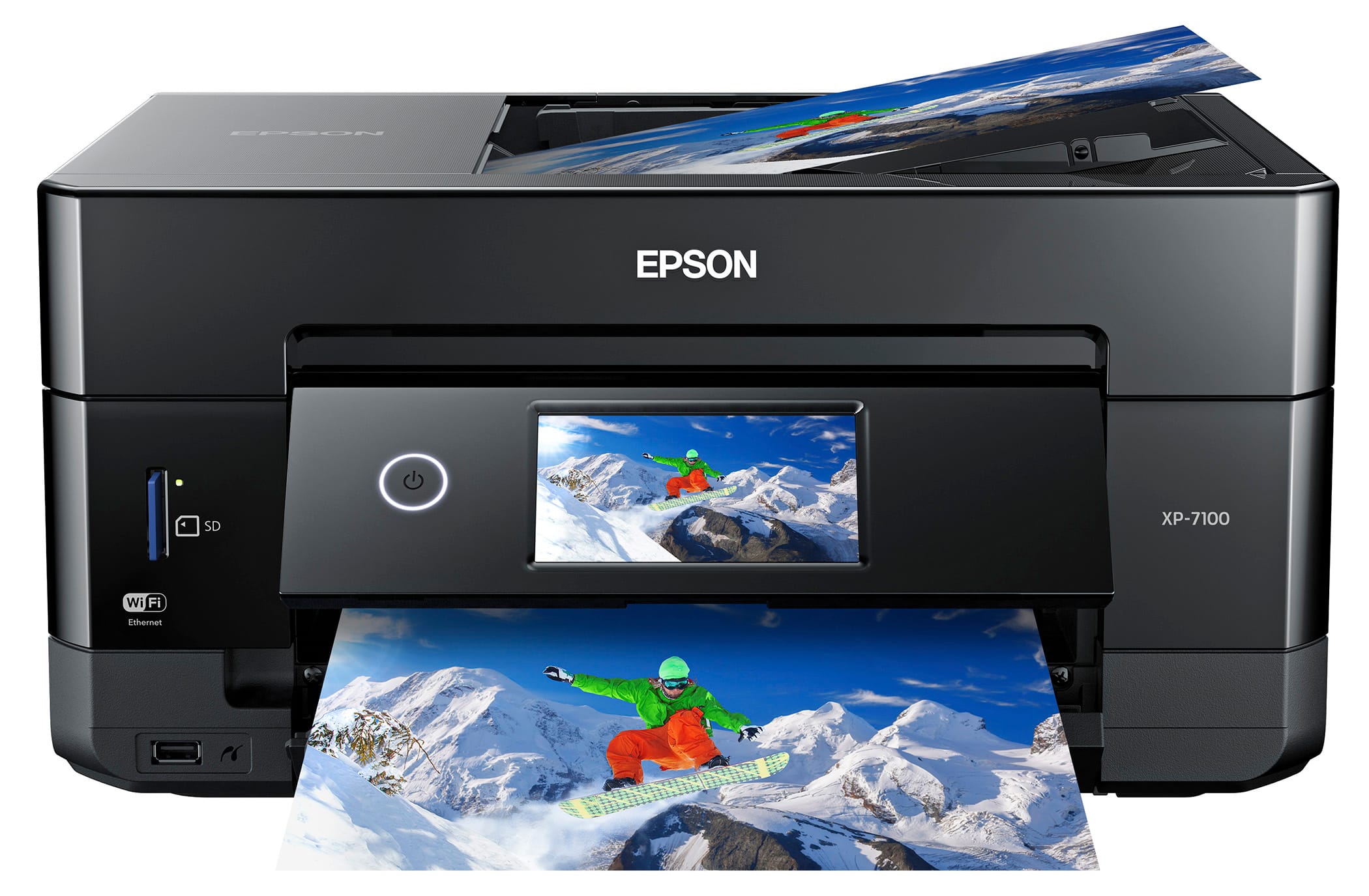
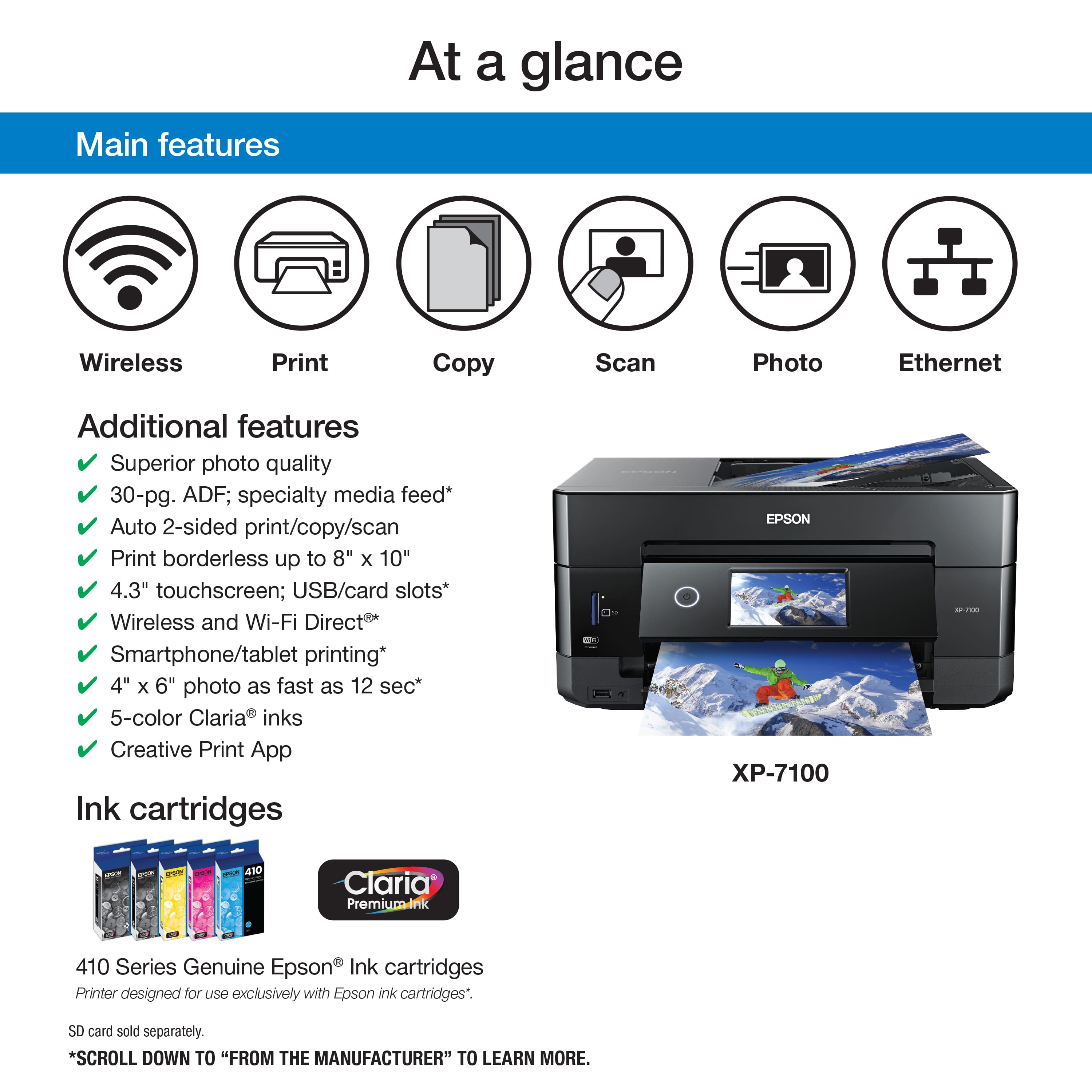
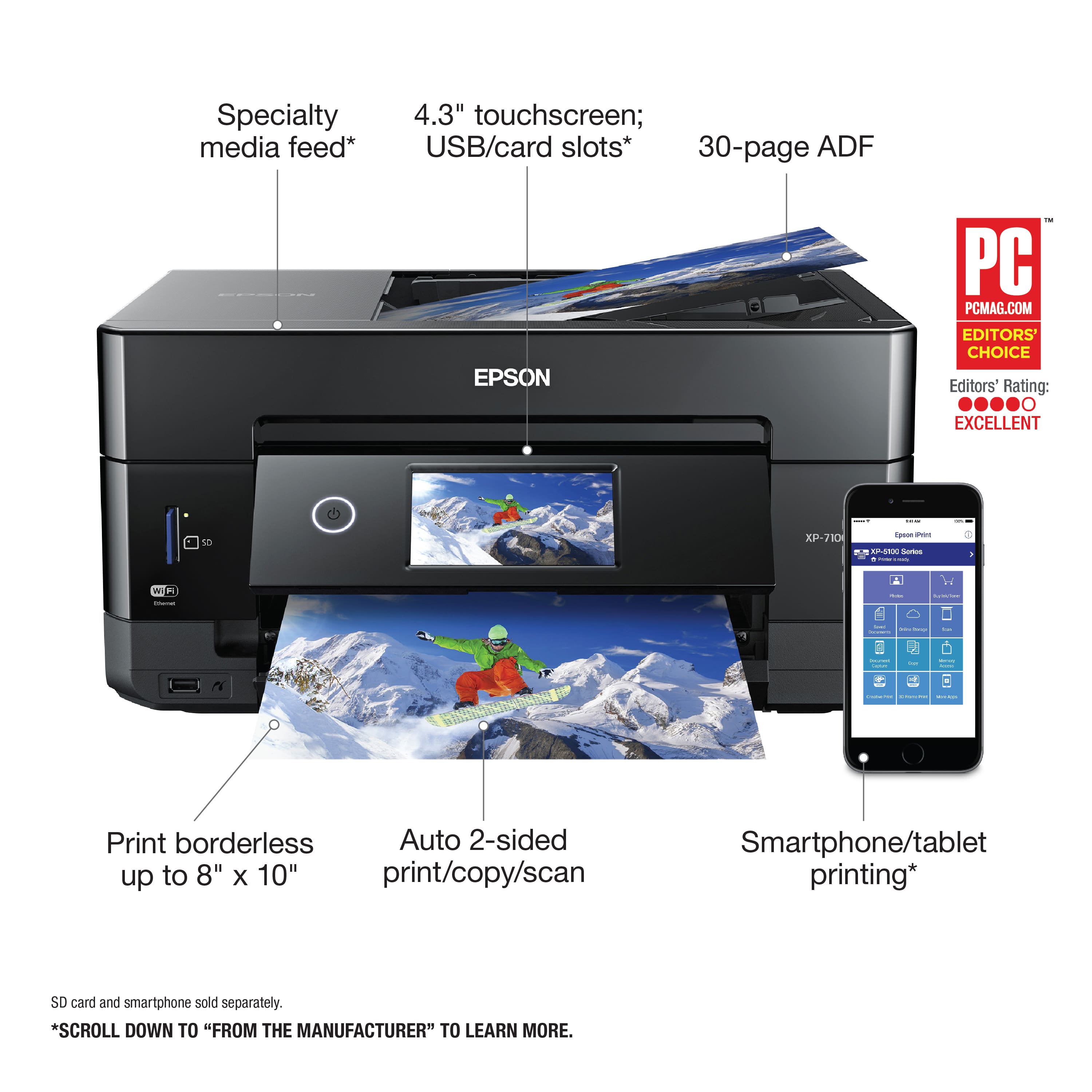
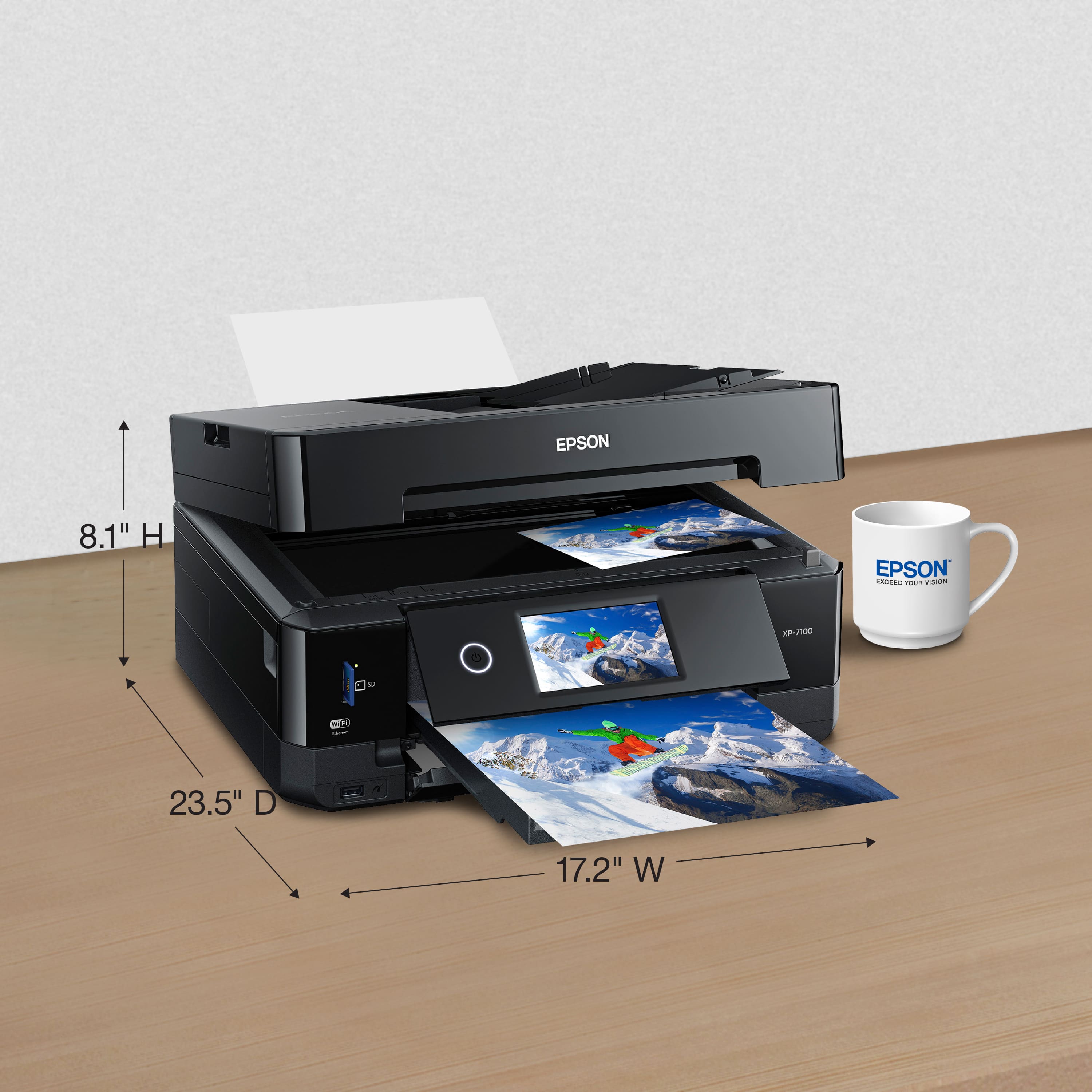


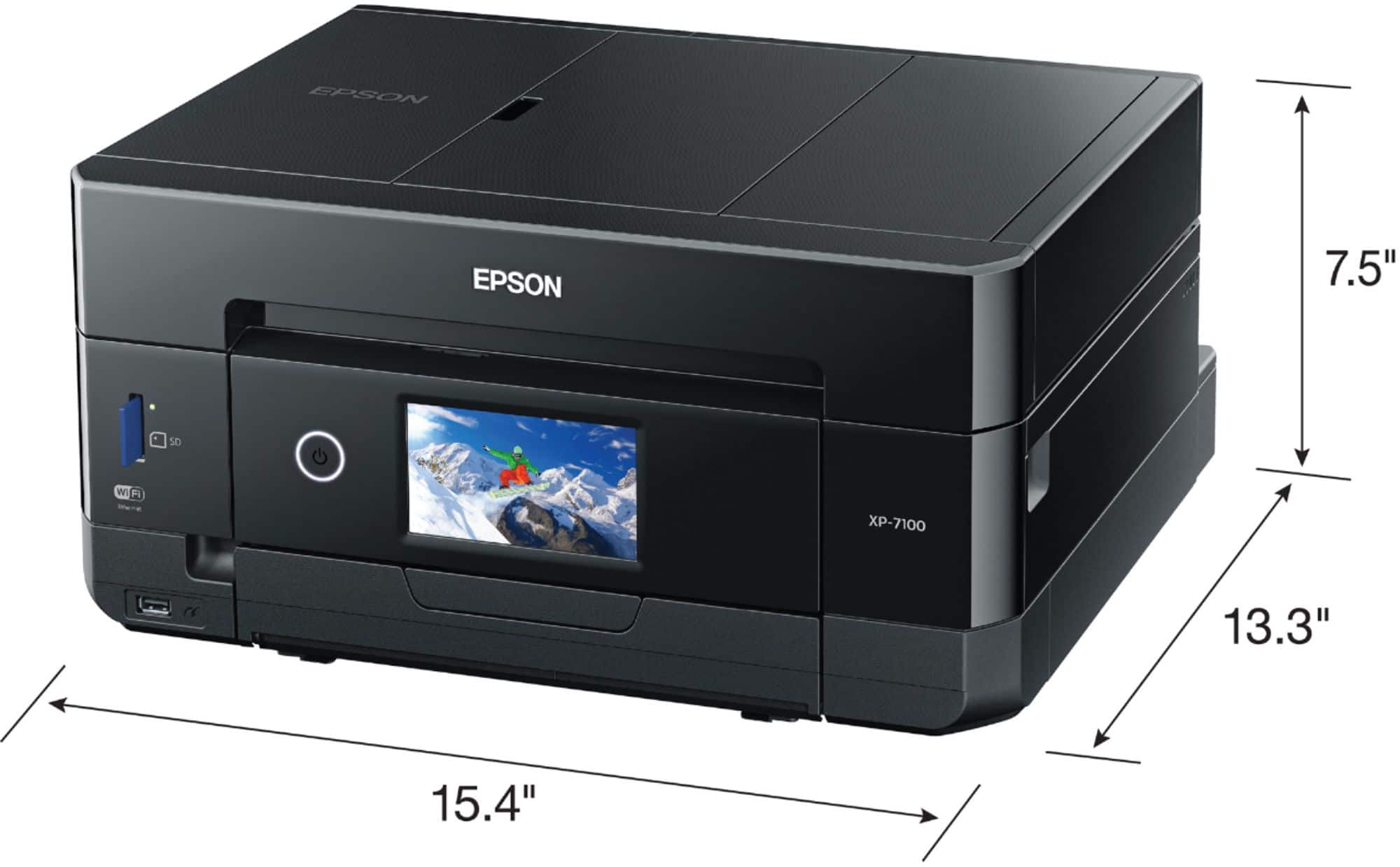
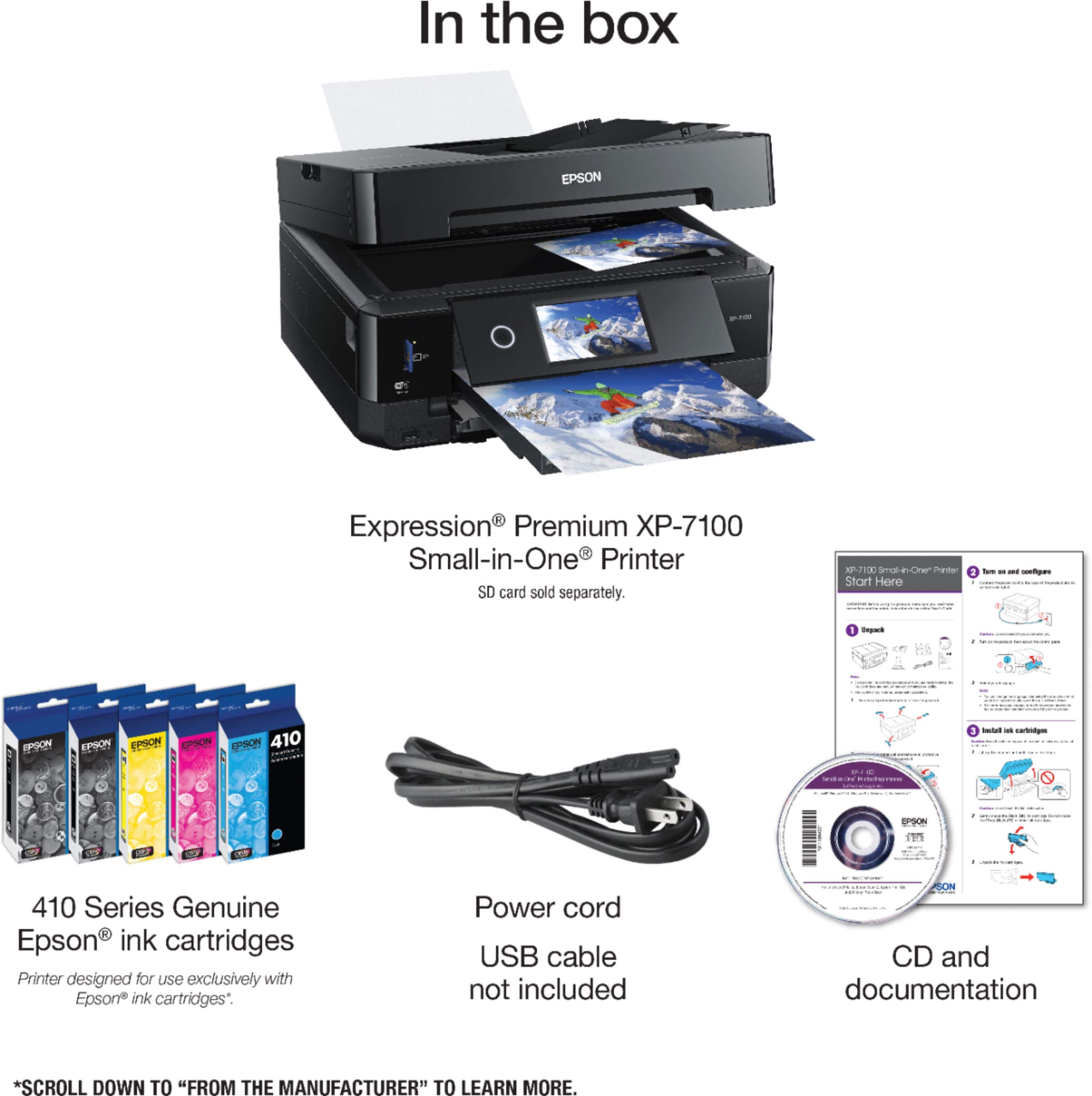
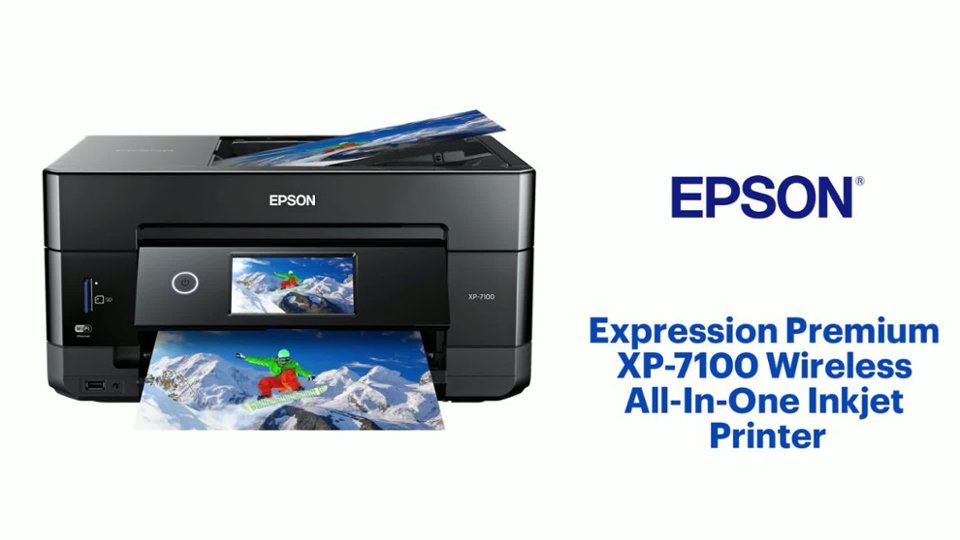
- Model:
- C11CH03201
- |
- SKU:
- 10840506
Customer reviews
Rating 4.4 out of 5 stars with 2950 reviews
(2,950 customer reviews)Rating by feature
- Value4.4
Rating 4.4 out of 5 stars
- Quality4.4
Rating 4.4 out of 5 stars
- Ease of Use4.3
Rating 4.3 out of 5 stars
- Pros mentioned:Overall performance
Rated 4 out of 5 stars
No duplex
||Posted . Owned for 3 weeks when reviewed.This reviewer received promo considerations or sweepstakes entry for writing a review.Works as advertised. The only problem so far is that it won’t scan duplex. It by far prints and scans much faster than my HP all in one 6400e. I have since learned that the ink is very expensive but maybe it will last longer.
This review is from Epson - Expression Premium XP-7100 Wireless All-In-One Inkjet Printer - Black
I would recommend this to a friend - Pros mentioned:Print quality, SizeCons mentioned:Paper tray
Rated 4 out of 5 stars
Works well, awkward to open paper tray
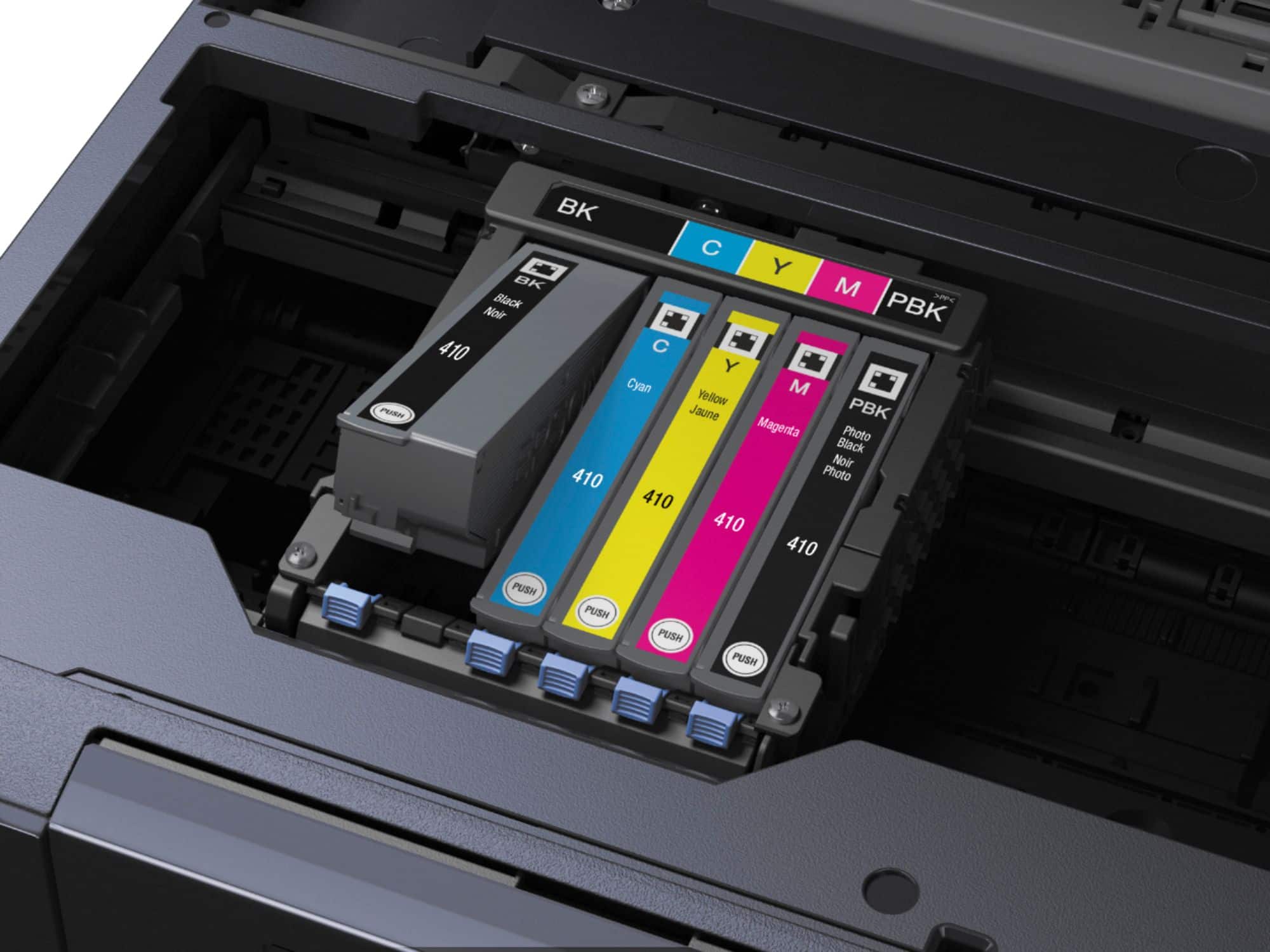
||Posted . Owned for 1 month when reviewed.This reviewer received promo considerations or sweepstakes entry for writing a review.Print quality is good but the paper tray is difficult to open while the completion tray extended. Not easy to load paper either. There is a guide inside the tray that hangs up inserting more paper. Not sure if the initial ink cartridges are full size but if so, they did not last very long. It is compact. I have not tried the photo printing yet.
This review is from Epson - Expression Premium XP-7100 Wireless All-In-One Inkjet Printer - Black
I would recommend this to a friend - Pros mentioned:Print qualityCons mentioned:Paper tray
Rated 4 out of 5 stars
Perfect printer for medium use.
||Posted . Owned for 1 month when reviewed.This reviewer received promo considerations or sweepstakes entry for writing a review.Don't know why I was surprised to find a flimsy paper tray (the last three HPs had them too), but so far, that is my biggest complaint about the Epson. I LOVE how the receiving tray comes out automatically when I decide to print -- no more chasing print jobs across the room! Print quality is good (haven't tried the photo setting yet) and ink consumption feels better than the old HP, with the start-up cartridges lasting longer than I'd expected and the replacements just cruising along. The Epson will print on shorter paper without jumping through hoops, saving trees and landfills when I just have to print a couple of inches at the top of the page. Yes, it's a bit slower than my last machine, but I use that time to breath deeply and chill a bit. The USB and memory card ports are so useful; don't know why competitors have decided to eliminate them.
This review is from Epson - Expression Premium XP-7100 Wireless All-In-One Inkjet Printer - Black
I would recommend this to a friend - Pros mentioned:Ease of use, Print quality
Rated 5 out of 5 stars
Amazing printer!
||Posted .This reviewer received promo considerations or sweepstakes entry for writing a review.Setup was super easy, prints are sharp and vibrant, and the ink lasts forever. It’s quiet, fast, and connects perfectly with my phone. Perfect for home and work — absolutely worth every penny!
This review is from Epson - Expression Premium XP-7100 Wireless All-In-One Inkjet Printer - Black
I would recommend this to a friend - Pros mentioned:Ease of use, Overall performance
Rated 4 out of 5 stars
Epson Printer
||Posted . Owned for 3 weeks when reviewed.This reviewer received promo considerations or sweepstakes entry for writing a review.Good printer, pretty easy to set up. Works on wifi.
This review is from Epson - Expression Premium XP-7100 Wireless All-In-One Inkjet Printer - Black
I would recommend this to a friend Rated 5 out of 5 stars
Satisfied
||Posted . Owned for 3 weeks when reviewed.This reviewer received promo considerations or sweepstakes entry for writing a review.easy to attach to my pc, load ink cartridges. Paper drawers for all sizes. Quiet. Fits nicely next to my desk.
This review is from Epson - Expression Premium XP-7100 Wireless All-In-One Inkjet Printer - Black
I would recommend this to a friend- Pros mentioned:Ease of useCons mentioned:Paper tray
Rated 5 out of 5 stars
Good Printer
||Posted . Owned for 3 weeks when reviewed.This reviewer received promo considerations or sweepstakes entry for writing a review.Good printer. Comes with starter ink cartridges. Easy to install. The paper tray seems harder to pull out than my old printer. It does all i needed, and was reasonably priced.
This review is from Epson - Expression Premium XP-7100 Wireless All-In-One Inkjet Printer - Black
I would recommend this to a friend - Pros mentioned:Ease of use, Print qualityCons mentioned:Paper tray
Rated 5 out of 5 stars
Easy to use, Good Quality, fast
||Posted .This reviewer received promo considerations or sweepstakes entry for writing a review.Overall Excellent. The only issue is the paper tray. Because it basically rests on the surface it can be hard to pull/push in/out. In our case it is on a wood Shelf, which causes this. Other than that was easy to setup. Had it it up an running on all computers and phones in about an hour. Prints are nice and fast and scanning works well. The cover adjust some so can accommodate a book when scanning. Have not tried ADF yet
This review is from Epson - Expression Premium XP-7100 Wireless All-In-One Inkjet Printer - Black
I would recommend this to a friend - Pros mentioned:Ease of use, Print quality
Rated 5 out of 5 stars
Great purchase. Prints well.
||Posted .This reviewer received promo considerations or sweepstakes entry for writing a review.Excellent purchase. Great sale. $100 off and $10 rewards. Easy set up. Prints vividly, smoothly, and quietly. Didn’t need extra black photo cartridge but couldn't hurt.
This review is from Epson - Expression Premium XP-7100 Wireless All-In-One Inkjet Printer - Black
I would recommend this to a friend - Pros mentioned:Ease of use, Print quality
Rated 5 out of 5 stars
New to Epson
||Posted . Owned for 1 month when reviewed.This reviewer received promo considerations or sweepstakes entry for writing a review.This printer is wonderful! Set up was easy. Ink cartridges were easy to install. Directions were easy to follow. I have not printed any photos on it. The pages I have printed are sharp and clear. No smudging. I love the double sided print option. It is not noisy. If I needed another printer for a family member, I would buy the same one again. I have a love/hate relationship with printers. I LOVE this one! I highly recommend it!
This review is from Epson - Expression Premium XP-7100 Wireless All-In-One Inkjet Printer - Black
I would recommend this to a friend - Pros mentioned:Ease of use, Print quality
Rated 5 out of 5 stars
Epson XP-7100
||Posted . Owned for 1 month when reviewed.This reviewer received promo considerations or sweepstakes entry for writing a review.The printer was very easy to set up. It prints very clear and we are very happy with the product.
This review is from Epson - Expression Premium XP-7100 Wireless All-In-One Inkjet Printer - Black
I would recommend this to a friend - Pros mentioned:Print quality
Rated 4 out of 5 stars
Solid Printer
||Posted . Owned for 3 weeks when reviewed.This reviewer received promo considerations or sweepstakes entry for writing a review.Good quality prints for documents and photos. Software works well. Setup is a bit tedious with all the downloads and updates. Overall it is an excellent printer for home office.
This review is from Epson - Expression Premium XP-7100 Wireless All-In-One Inkjet Printer - Black
I would recommend this to a friend - Pros mentioned:Ease of use, Size
Rated 5 out of 5 stars
Great All-in-One Printer
||Posted . Owned for 1 month when reviewed.This reviewer received promo considerations or sweepstakes entry for writing a review.Nice size, excellent copies, easy to use. We needed to replace a Canon printer we had had for quite a few years and this was a very similar model. Already having a less expensive Epson ( which doesn’t have duplex interest ability), we purchased this model and are very pleased with its capabilities. The setup process was rather frustratingly difficult, but once it was done, it works very well and is even more quiet than the Canon!!
This review is from Epson - Expression Premium XP-7100 Wireless All-In-One Inkjet Printer - Black
I would recommend this to a friend - Pros mentioned:Overall performance, Print quality
Rated 5 out of 5 stars
10/10 printer
||Posted . Owned for 1 month when reviewed.This reviewer received promo considerations or sweepstakes entry for writing a review.Very nice printer! Great for all the things I need it for. Printing photos have been been coming out great for me! Great all around printer for the everday consumer!
This review is from Epson - Expression Premium XP-7100 Wireless All-In-One Inkjet Printer - Black
I would recommend this to a friend - Pros mentioned:Ease of use
Rated 5 out of 5 stars
A great home/office printer
||Posted .This reviewer received promo considerations or sweepstakes entry for writing a review.Fabulous printer. Epson is the most reliable printer on the market. User friendly, good value for the price. I bought this new one to replace an older Epson model that I had for 20 years.
This review is from Epson - Expression Premium XP-7100 Wireless All-In-One Inkjet Printer - Black
I would recommend this to a friend - Pros mentioned:Overall performance
Rated 5 out of 5 stars
Best printer we've ever had
||Posted .This reviewer received promo considerations or sweepstakes entry for writing a review.This is the 4th one of these printers I have purchased, so you can see that we like it. It does everything we need or want it to do and more with very little fuss and bother. We need to replace ink cartridges and occasionally clean the print heads. That's it. Every time I need to replace one I look to se if this one is still available and I breathe a huge sigh of relief when it is still on the market. I hope it stays that way as long as I need a printer.
This review is from Epson - Expression Premium XP-7100 Wireless All-In-One Inkjet Printer - Black
I would recommend this to a friend - Pros mentioned:Print quality
Rated 5 out of 5 stars
5 Star Printer
Posted .This reviewer received promo considerations or sweepstakes entry for writing a review.Best printer I ever had! Prints clear, sharp and fast with accurate colors. It also has an SD card slot for easy printing of photos. Prints from my phone or tablet are fast and easy. Photos printed beautifully. Attached is a pic of a photo using this printer. Calibration was easy. I highly recommend this printer.
This review is from Epson - Expression Premium XP-7100 Wireless All-In-One Inkjet Printer - Black
I would recommend this to a friend - Pros mentioned:Overall performance, Print quality, Setup
Rated 5 out of 5 stars
Printer
||Posted . Owned for 3 weeks when reviewed.This reviewer received promo considerations or sweepstakes entry for writing a review.Easy to set up works great with any device. Pictures came out clear. Love this
This review is from Epson - Expression Premium XP-7100 Wireless All-In-One Inkjet Printer - Black
I would recommend this to a friend - Pros mentioned:Print quality
Rated 5 out of 5 stars
Sharon
||Posted . Owned for 3 weeks when reviewed.This reviewer received promo considerations or sweepstakes entry for writing a review.This printer is exactly what we needed to make our work more efficient. We needed it for maps that needed to be in color and it exceeded our expectations. I recommend this printer highly. I give it 5 starts!
This review is from Epson - Expression Premium XP-7100 Wireless All-In-One Inkjet Printer - Black
I would recommend this to a friend - Pros mentioned:Print qualityCons mentioned:Paper tray
Rated 5 out of 5 stars
Just one thing bothers me!
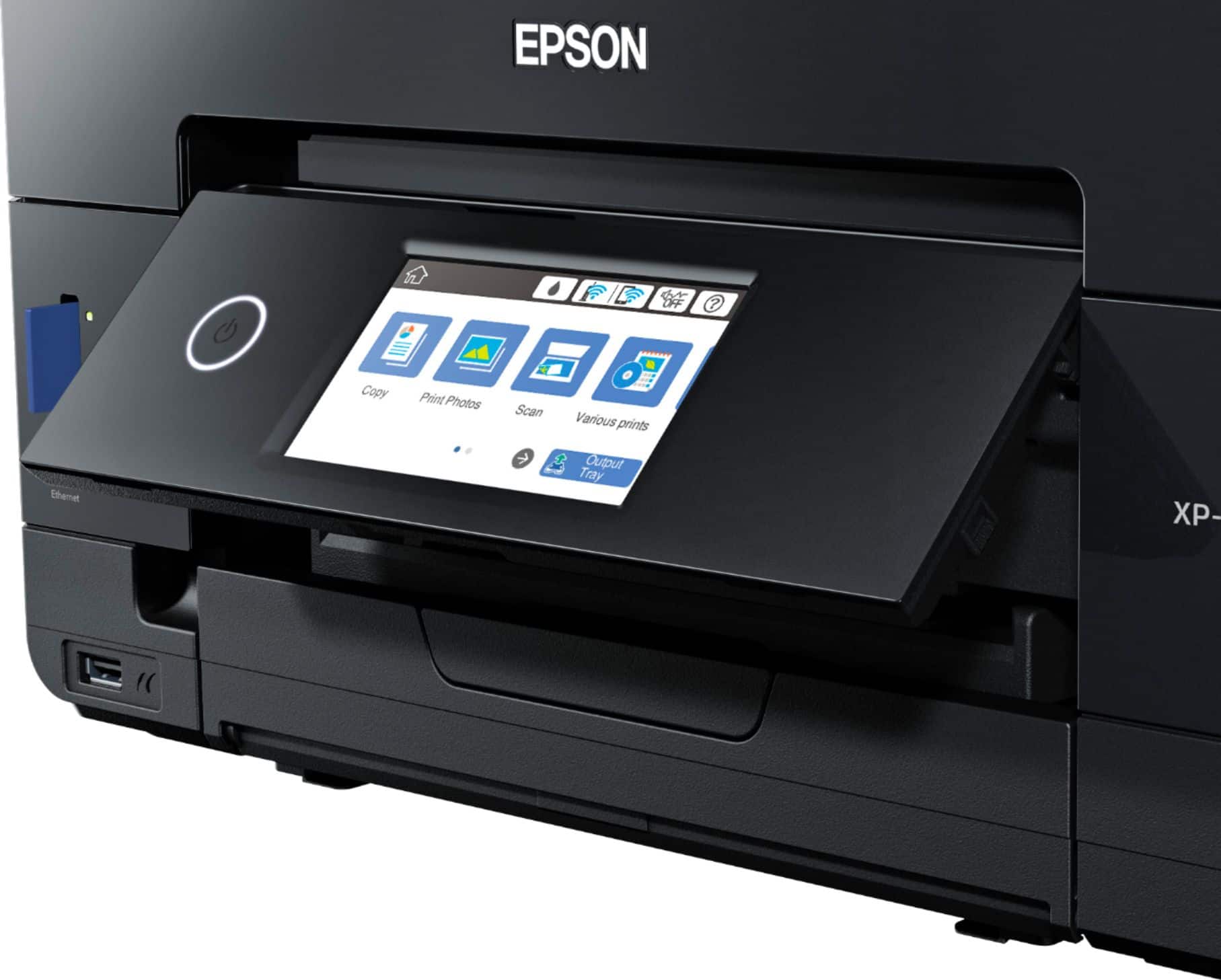
||Posted . Owned for 11 months when reviewed.This reviewer received promo considerations or sweepstakes entry for writing a review.Prints pictures beautifully ON PHOTO PAPER. I tried to print a pic of our dog on regular paper and it looked like poo. There might be a setting to fix that. I’ll be honest I didn’t try or go looking. Prints regular documents black/white and color pretty quickly. The one thing that bothers me is the touch screen. It flips out when you print. Then there’s a button to push on the screen to retract the paper tray. BUT the screen doesn’t flip back down! It just stays sticking out. I have to force it down. It feels like I’m gonna break it but idk how else to get it to lay flat again. That’s such a small detail but it bothers me just slightly. Printer is still worth the money tho. No regrets here!
This review is from Epson - Expression Premium XP-7100 Wireless All-In-One Inkjet Printer - Black
I would recommend this to a friend