Customer Ratings & Reviews

- Model:
- C11CH03201
- SKU:
- 12333219
Rating by feature
- Value
Rating 4.4 out of 5 stars
- Quality
Rating 4.4 out of 5 stars
- Ease of Use
Rating 4.3 out of 5 stars
Customers are saying
Customers consistently note the amazing print quality and ease of use. They frequently praise its overall performance, compact size, and simple setup. Additionally, customers highlight its smooth wireless connectivity, reasonable price, and quiet operation. However, some concerns have been raised regarding the paper tray.
This summary was generated by AI based on customer reviews.
Works well
||Posted .This reviewer received promo considerations or sweepstakes entry for writing a review.This product works as advertised. Would recommend.
I would recommend this to a friendBrand response from Epson
Posted .Hi Willie, thank you for reviewing your new Epson XP-7100 wireless printer. We appreciate your business, and hope you have a wonderful day! Cheers, Eddie – The Epson Team.

Printer
||Posted .This reviewer received promo considerations or sweepstakes entry for writing a review.Not easy to use. Does not do as much as my old cheap Epson printer. Quality of pictures not as good. Will still have to go to Meijer or Walgreens to print my pictures. Will not by another printer at Best buy.
No, I would not recommend this to a friendBrand response from Epson
Posted .Hi Photos, thank you for your purchase. Your XP-7100 is backed by a 1-year limited warranty and includes free lifetime technical support. If you ever need assistance, Epson provides useful information in the FAQs at https://epson.com/Support/Printers/All-In-Ones/XP-Series/Epson-XP-7100/s/SPT_C11CH03201#faq-8796127537228 to address most issues with print quality. You can also contact Epson Support directly at (562) 276-4382 between 7 am - 4 pm (PT), Monday - Friday. Once again, thank you, and we look forward to your feedback. Kind Regards, Kevin - The Epson Team.
Terrible printer
||Posted . Owned for 2 months when reviewed.This reviewer received promo considerations or sweepstakes entry for writing a review.Quite literally the worst printer I've ever had. I think I got MAYBE 20 pages out of the printer before I had to order new ink. The wifi printing is awful. I have to turn the printer off and back on again because it does not maintain connection to my computer. I have to clean the printer heads continuously or else I'll get a blank piece of paper when I try to print. I am EXTREMELY disappointed with this printer.
No, I would not recommend this to a friendBrand response from Epson
Posted .Hi Justin, we're sorry to hear about the trouble that you've encountered. Your Expression Premium XP-7100 includes free lifetime technical support, and we're here to help. Epson provides an FAQ at www.epson.com/s/SPT_C11CH03201#questions to help you troubleshoot issues with wired and wireless connectivity. Our support team can also optimize your print settings for more efficient ink consumption. If you need further assistance, please call us at (562) 276-4382 between 7 am - 4 pm (PT), Monday - Friday. Sincerely, Bobby - The Epson Team.
Scans are all blank
||Posted . Owned for 6 months when reviewed.This reviewer received promo considerations or sweepstakes entry for writing a review.I have had this unit for a few months and have tried multiple times to scan to PDF, scan to paper and scan to computer. Every single time the scans come out blank. I have updated the firmware, followed all documented troubleshooting techniques, worked with customer service and used online videos to try and troubleshoot this matter. The unit still fails operate as an "all-in-one" solution.
No, I would not recommend this to a friendPrint delivery tray gets stuck.
||Posted . Owned for 1 week when reviewed.This reviewer received promo considerations or sweepstakes entry for writing a review.The print delivery tray gets stuck right out the box. It’s run automatically when you print and when you shut off the printer. At that point it should come out or go back in, respectively. However, it doesn’t do that consistently. There is a button that you can press to make the tray go back in, but that won’t work either. It was a brand new printer when it did this, and I was already weary about buying a printer that had those features, so we immediately sent it back.
No, I would not recommend this to a friendBrand response from Epson
Posted .Hi Nicole, we apologize for the disappointing experience you encountered with the XP-7100 printer. Epson takes into consideration all feedback to improve the performance and quality of our products. If we can help you with anything else, our support team can be reached at (562) 276-4382 between 7 am - 4 pm (PT), Monday - Friday. Hopefully, we can assist you with a future product. Sincerely, Kevin - The Epson Team.
Not impressed
||Posted .This reviewer received promo considerations or sweepstakes entry for writing a review.I was disappointed in the print quality of this printer. I don’t feel that the quality is good enough for printing out workbooks, labels or presentations needed. I feel I was sold a lemon.
No, I would not recommend this to a friendBrand response from Epson
Posted .Hi Ingy, we are sorry to hear that you are having issues with your Epson Expression Premium XP-7100 printer. Epson provides useful information on optimizing print settings in the product User’s Guide at www.epson.com/support/xp7100. If you continue to have problems with your printer, our Epson Support Team would be happy to help you and can be reached at (562) 276-4382; Hours: Monday – Friday, 6am – 8pm PT; Saturday, 7am – 4pm PT.
Sincerely,
Bobby D. – The Epson Team.
- Pros mentioned:Print quality
Great Photo Printer
||Posted .This reviewer received promo considerations or sweepstakes entry for writing a review.Great printer for photos. Salesman knew his stuff.
I would recommend this to a friend Slow, terrible software, forced double-sided print
||Posted . Owned for 1.5 years when reviewed.This reviewer received promo considerations or sweepstakes entry for writing a review.Worst printer I have ever used. It literally takes around 7 minutes to begin printing. No clue why. The delay happens wether it is connected via Wifi or connected via USB to the computer. Also, for whatever reason Epson decided to force ALL printing to be double-sided. It is not possible to change this on a Mac, only on Windows can you force it NOT to print double-sided. I am deeply annoyed by this machine.
No, I would not recommend this to a friendBrand response from Epson
Posted .Hello Thinkbiz, we're sorry to hear about your disappointing experience with the Expression Premium XP-7100. Epson considers all feedback to improve the performance and quality of our products. Your Expression printer includes a 1-year Limited Warranty and free lifetime technical support. Epson also offers helpful information, including FAQs and self-help tools, on the product support web page at https://epson.com/Support/Printers/All-In-Ones/XP-Series/Epson-XP-7100/s/SPT_C11CH03201#questions. If you need any assistance, our Epson Support Team would be happy to help you and can be reached at (562) 276-4382; Hours: Monday - Friday, 7 am - 4 pm PT; Sincerely, Tony - The Epson Team.
Terrible and Complicated
||Posted . Owned for 1 year when reviewed.This reviewer received promo considerations or sweepstakes entry for writing a review.Pretty finnicky. Frequent errors requiring 20 minutes of troubleshooting (usually reinstalling the driver) every time I needed to print. Avoid this brand.
No, I would not recommend this to a friendBuyer Beware!
||Posted . Owned for 1.5 years when reviewed.This reviewer received promo considerations or sweepstakes entry for writing a review.All is good with this printer until your color runs out.. Then you're up sh Creek if you want to continue printing in black and white. You MUST replace ALL cartridges in order to simply print in gray scale. Will never buy greedy Epson again.
No, I would not recommend this to a friendWireless issues
||Posted .This reviewer received promo considerations or sweepstakes entry for writing a review.For some reason, the wireless connection would not stay with my laptop. Very frustrating. Returned the printer. Maybe it was just a bad one.
No, I would not recommend this to a friendBrand response from Epson
Posted .Hi MBBM, we're sorry to hear you were not satisfied with your Epson XP-7100 printer. Epson takes into consideration all feedback to improve the performance and quality of our products. We appreciate your time in sharing your experience and hope you have a nice day. Kind Regards, Patrick – The Epson Team.
80% of a printer
||Posted . Owned for 1 month when reviewed.This reviewer received promo considerations or sweepstakes entry for writing a review.Can't print envelopes. Seems to be a recurring problem. NOT GOOD.
No, I would not recommend this to a friend- Pros mentioned:Print quality, SetupCons mentioned:Paper tray
NIce Picture Quality
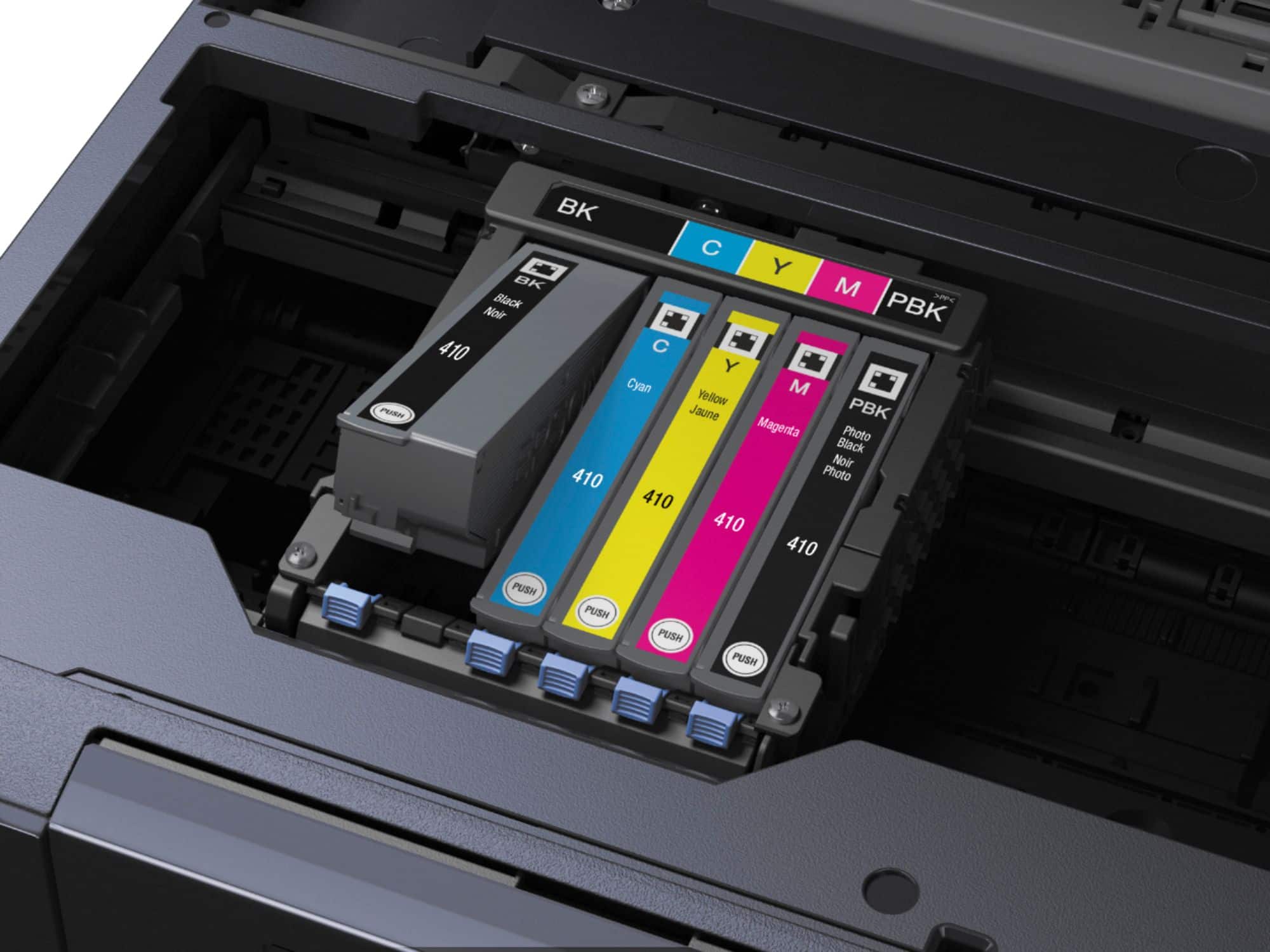
Posted .This reviewer received promo considerations or sweepstakes entry for writing a review.This is a review for the Epson Expression Premium XP-7100 Wireless Printer that I received free of charge to do a beta test and review. I was sent the printer to try out and I was pretty excited to be chosen for the opportunity. I currently already have another Epson printer that I use for home office projects but it isn't really intended for printing pictures necessarily so I was happy about getting this one! The setup process wasn't hard at all--just a little time-consuming because of all of the packaging and tape that needed to be removed--but the actual process of installing the cartridges, setting up the print preferences, and connecting to my home wireless network was easy. From start to finish it probably took me about 20-25 minutes and I found the quickstart guide to be streamlined and perfectly explanatory. My wireless network had absolutely no trouble detecting the printer so I could practically start printing immediately and I was impressed by the picture quality; the printer will accomodate several different paper sizes so it will be fun to play with all of the options that are available. One thing that I really appreciate is that there are five separate cartridges so that if one color runs out I can just replace that specific one and another nice thing about these cartridges is that they come with replaceable caps so that they can be removed and "capped" to reduce the risk of drying out if the printer isn't going to be used for an extended period of time. If I had one complaint it would be that a few of the parts seem slightly flimsy like the paper trays and digital panel but the printer is so reasonably priced that I can overlook it. This is going to be a great addition to my home and I'm looking forward to continuing to use it.
I would recommend this to a friend Build quality is terrible
||Posted . Owned for 1 year when reviewed.This reviewer received promo considerations or sweepstakes entry for writing a review.It worked ok for just under 2yrs, then it quit. The warranty had already expired.
No, I would not recommend this to a friendNot what I expected from Epson.
||Posted . Owned for 1 month when reviewed.This reviewer received promo considerations or sweepstakes entry for writing a review.Not real happy with this printer. It is noisy and the operating keys are hard to see and poorly located, almost out of sight. The print quality doesn't appear to be as good as my old Workforce 645.
No, I would not recommend this to a friend- Pros mentioned:Ease of use, Print quality
Another winner from Epson
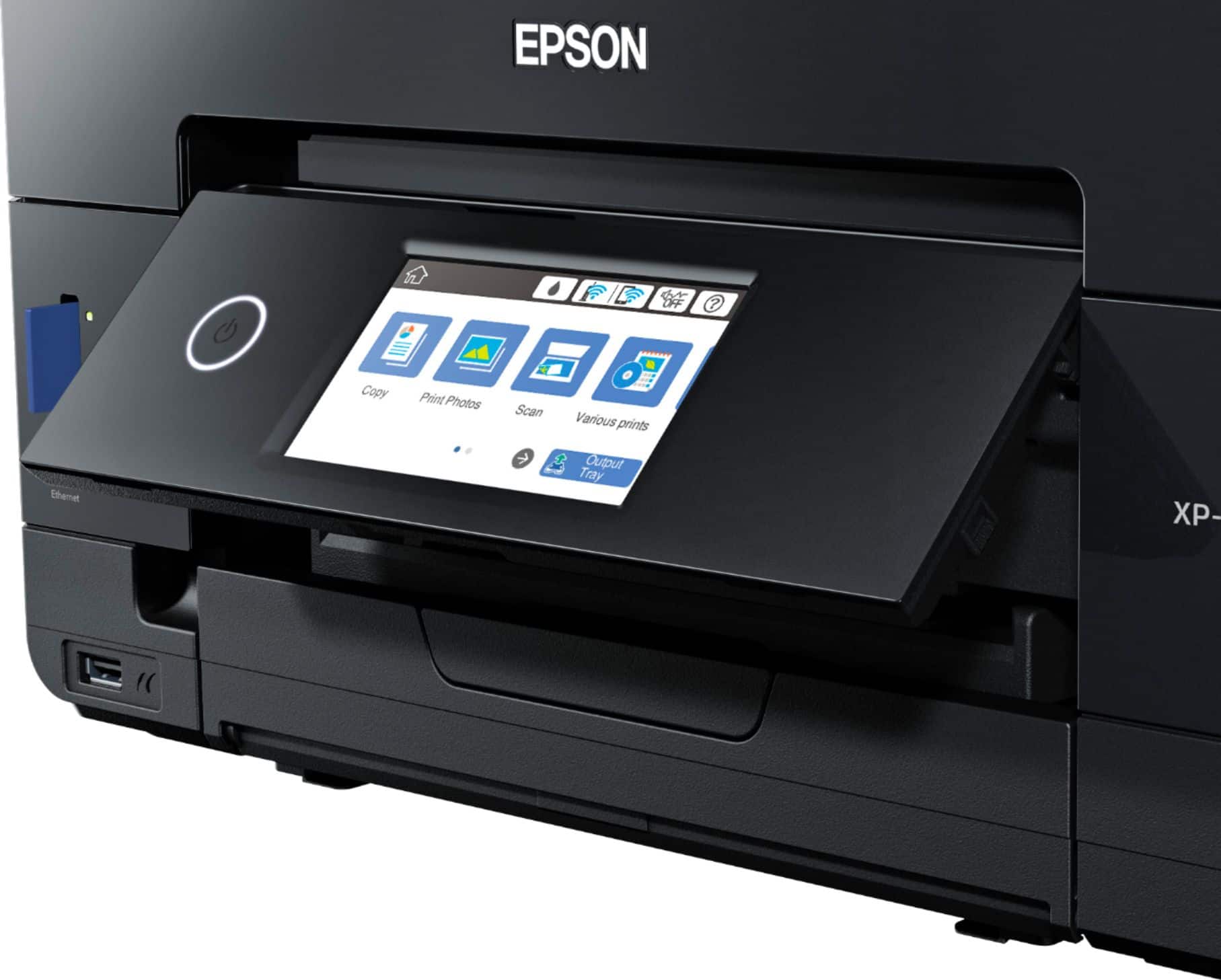
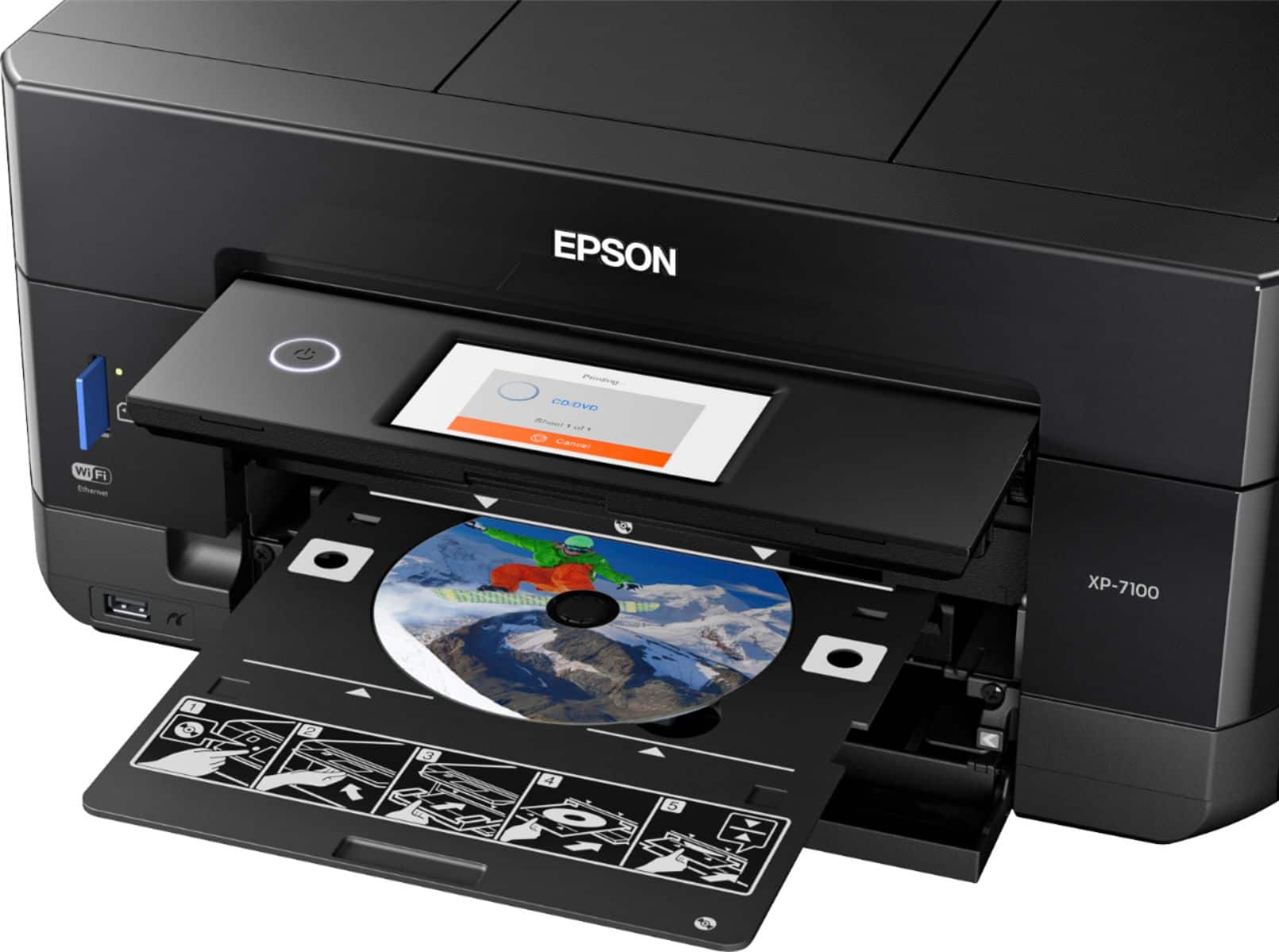
Posted .This reviewer received promo considerations or sweepstakes entry for writing a review.This is a review for the Epson Expression Premium XP-7100 Wireless Printer that I received free of charge to do a beta test and review. This is my third review of Epson printers over the last couple of years so I'm fairly familiar with these printers. Setting up has always been super easy with Epson printers. Part of the fun was tearing off of the tape on the shipping box. Total setup time was about 20 minutes. That includes unboxing, pulling all the little blue tap has been removed from the printer itself, loading in the ink cartridges (only shake the black ink), letting the printer initialize, and having it connect to our wi-fi network. Additionally if you installed the software/drive from the CD and hooked up the printer via USB cable setup the network that way too, if you didn't want to do it from the front control panel. However the front panel is very easy to use, touch screen, large icons, setup wizards...etc. First time going through setup, it takes you through adjusting the print heads and such, so be prepared to have the paper tray loaded. After about 8 pages, my printer was setup properly and ready to accept print jobs from the household. I have 2 teenage kids in middle and high school so there is always things to print. First up was a 9 page report, completed very quick. Tried a couple of PowerPoint slides and while the color took a little longer, it was bright and clean. Text quality is good, certainly on just as good if not better than some of the other Epsons I've used in the past. I've not yet tried printing photos on photo paper but that is on my list to try, I'm expecting it to be just as good if not better as my other Epsons. I'm also very excited to try printing on DVD/CD. Scanning documents with the auto feeder is quick and painless, very helpful when you're having to scan multiple documents. I tested scanning various documents as well as photos. you can let the software use it's defaults or you can user your own settings and setup different profiles for each type of scan. I used Adobe PDF as well as a couple applications with scanner capability and all of them had no problems with using the scanner. To be totally transparent, I did run into 1 problem after running through the initial tests over the span of 3 days. During the initial setup, once you've got the printer connected to the network, it recognizes that there is a firmware update available and it asks if you want it updated. I skipped it at first so that I could start my testing and review. Going back to to update the firmware via the control panel was easy. However, the first time around the printer got stuck (or maybe it became unresponsive). The control panel just said "do not power off, firmware upgrade in progress" (or something like that) and power buttone just flashing. I left it alone and just figured it would complete on it's own. Well after 18 hours, the printer was showing the same message. There was not an option to press a cancel button so the only option was to power cycle the printer and hope it didn't turn it into a brick. Luckily after the power cycle the printer came back and works normally. I used the Epson Software Updater the second time around and it updated the firmware as well as the other Epson software (drivers and utilities) automatically and without any issues. The footprint of this printer is small which is nice since desk space is limited. For so many features, and with an auto-feeder, the small size is greatly appreciated. The output tray automatically retracts and comes out, which makes it easier to keep in small spaces. In my opinion this is a nice small home or small office usage printer that is easy to set up, fast, and highly convenient thanks to its many ways of connecting to various devices, its features such as auto-feed and double-sided printing, and its ability to do some work even without a computer connected to it (web printing, print from your phone or tablet, print from a USB memory stick or a SD memory card) makes it very convenient!
I would recommend this to a friend The moving parts are not so great
||Posted . Owned for 1 year when reviewed.This reviewer received promo considerations or sweepstakes entry for writing a review.The printer works fine but I should have known better than to get a printer with a door that opens and closes. It has always opens, but doesn't always close when you push the button to do so. :-(
No, I would not recommend this to a friendNever worked right
||Posted . Owned for 1.5 years when reviewed.This reviewer received promo considerations or sweepstakes entry for writing a review.This printer finally completely died on me today. It was difficult to setup - will not work with a mesh wifi network. Changing ink was a nightmare and I had many times where the printer would not recognize the ink cartridge that was an Epson ink cartridge. The paper feeder would also jam every time you use it. Complete piece of garbage.
No, I would not recommend this to a friendBrand response from Epson
Posted .Hello IDontfixprinters, we apologize for your disappointing experience with the XP-7100 printer. Epson considers all feedback to improve the performance and quality of our products. Epson also provides helpful information on FAQs and self-help tools on the product support web page at https://epson.com/Support/Printers/All-In-Ones/XP-Series/Epson-XP-7100/s/SPT_C11CH03201#questions. Additionally, your printer includes a 1-year Limited Warranty, plus free lifetime technical support. Please get in touch with our support team directly at (562) 276-4382 between 7 am - 4 pm (PT), Monday - Friday if you need further assistance. Sincerely, Sam - The Epson Team
Epson - not my favorite
||Posted . Owned for 1.5 years when reviewed.This reviewer received promo considerations or sweepstakes entry for writing a review.I bought the epson printer in hopes that it would be better than the HP one I had before. However, it did not connect with all of my computers and devices well and it not intuitive.
No, I would not recommend this to a friendHard to set up!
||Posted . Owned for 3 weeks when reviewed.This reviewer received promo considerations or sweepstakes entry for writing a review.Works good when connected to computer. Is not working wireless and have been having issues trying to get it to work. It shows it is in my network yet laptops and phones cannot find it.
No, I would not recommend this to a friend