Customer Ratings & Reviews
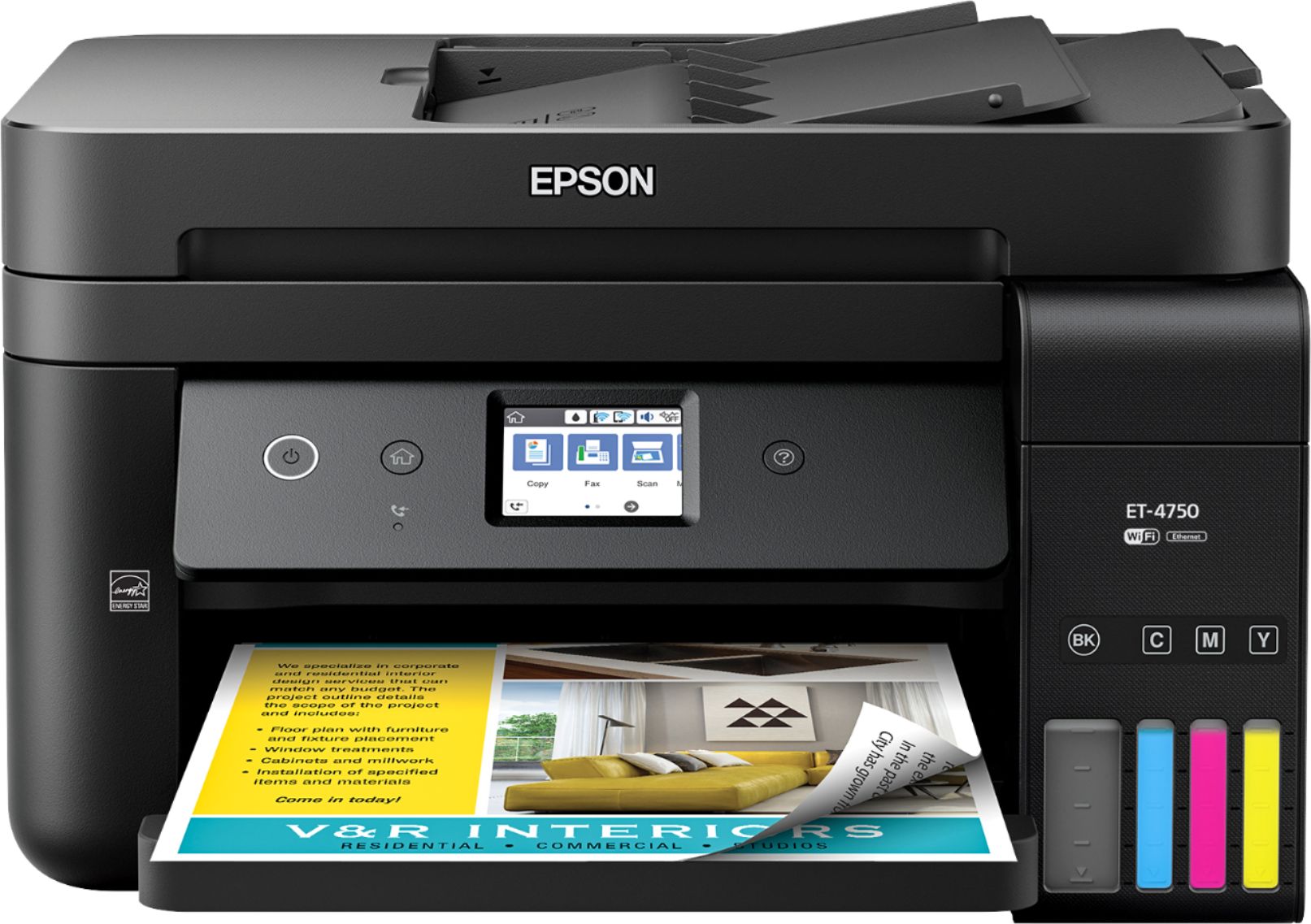
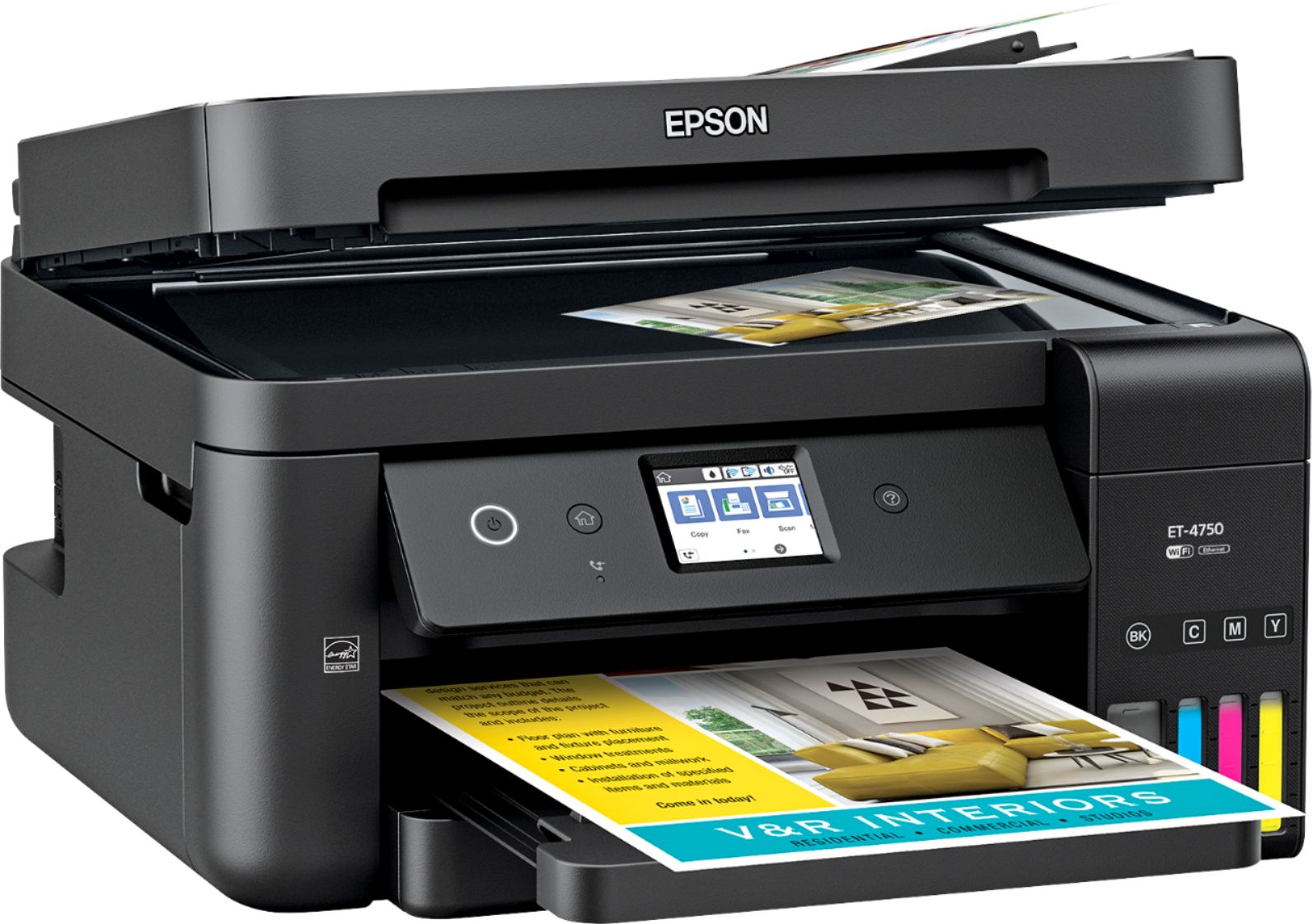
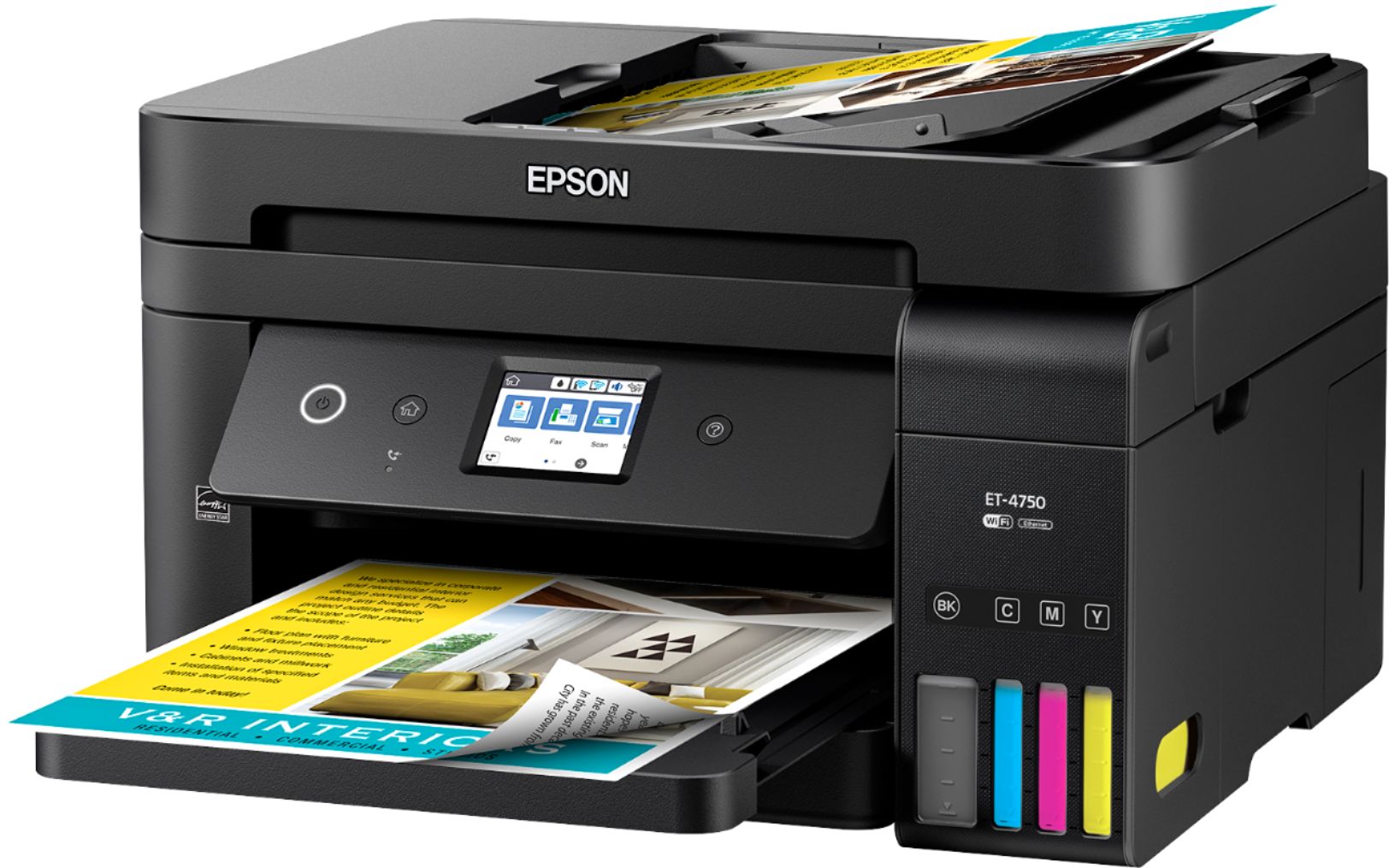

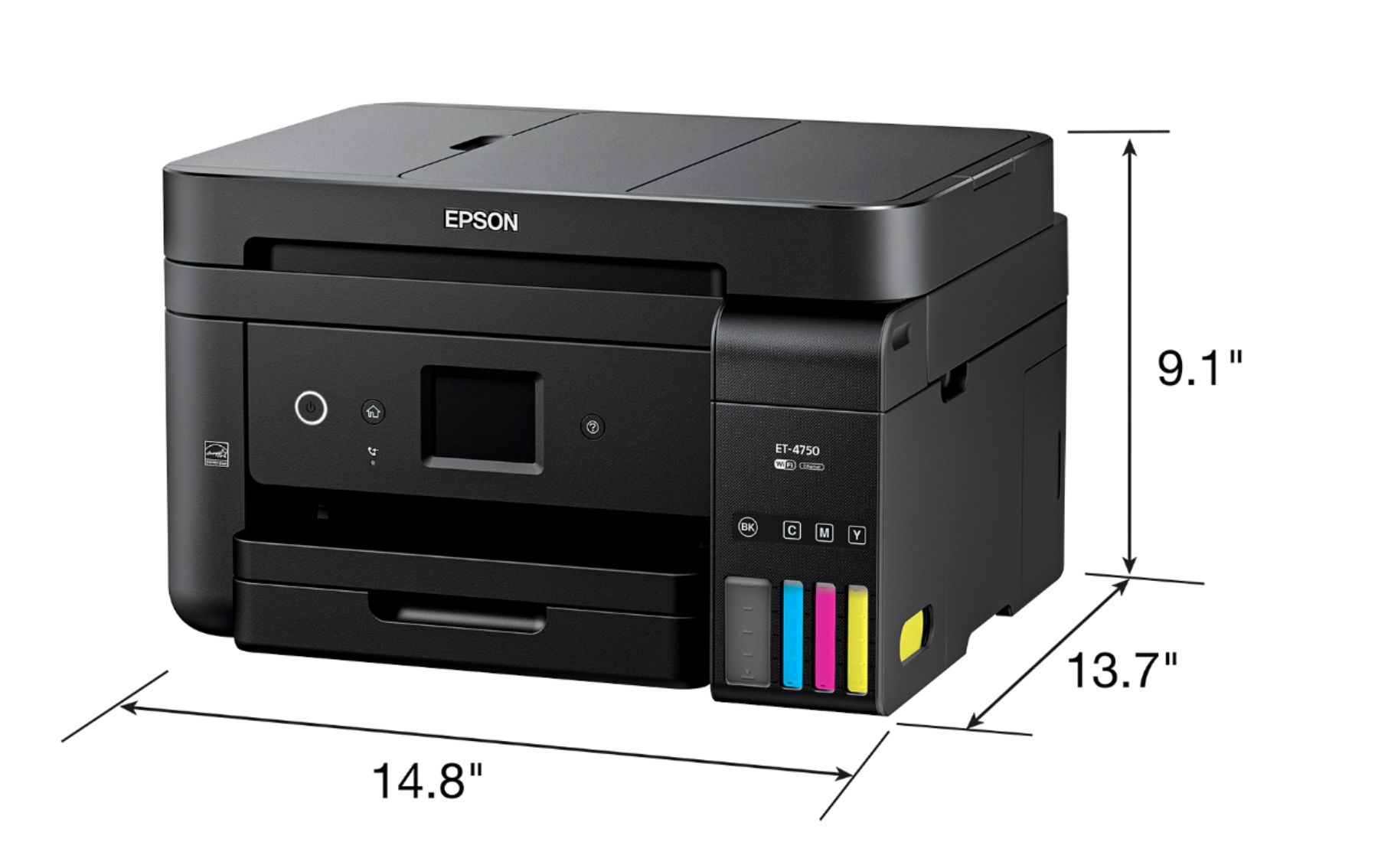
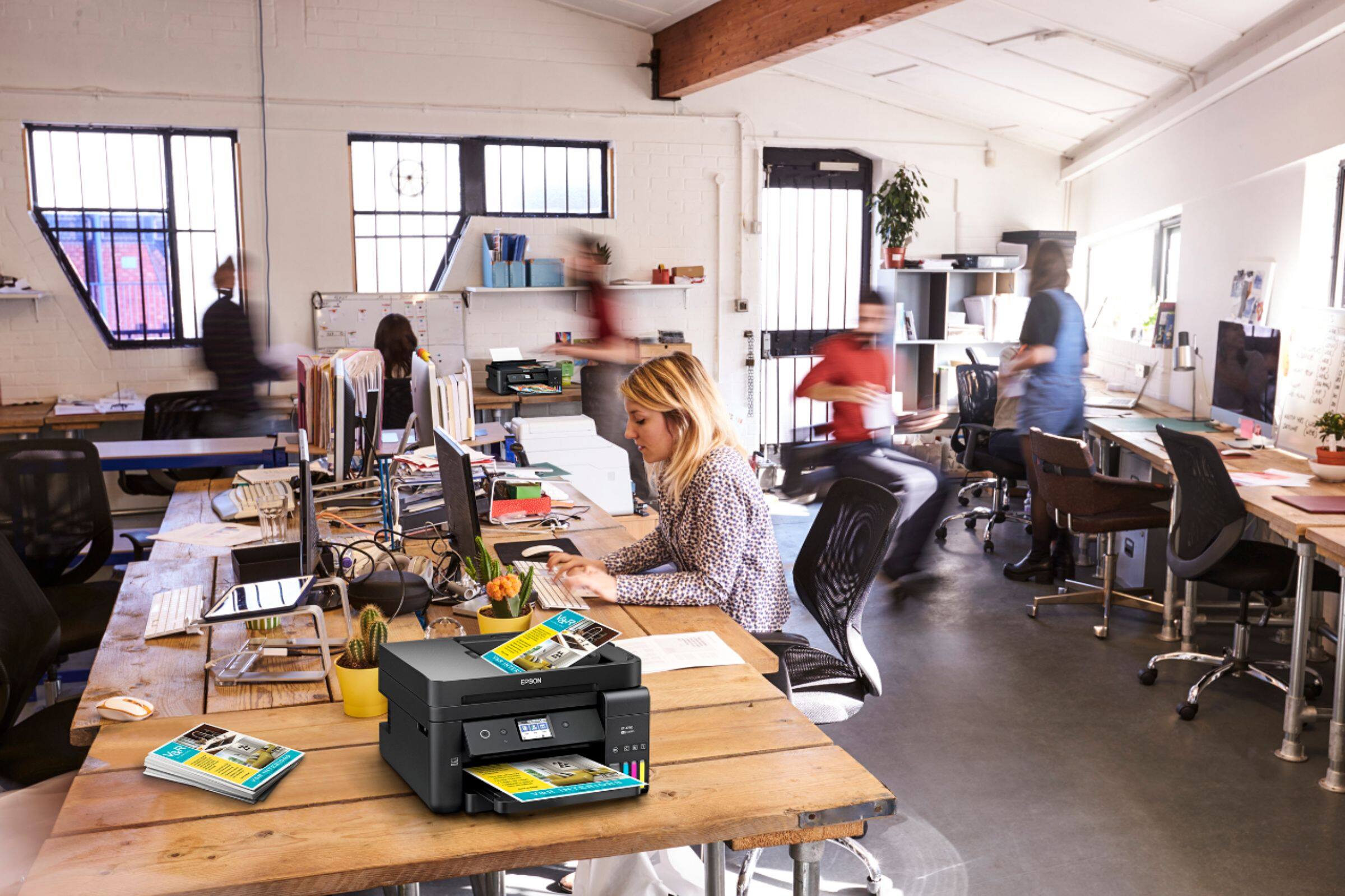

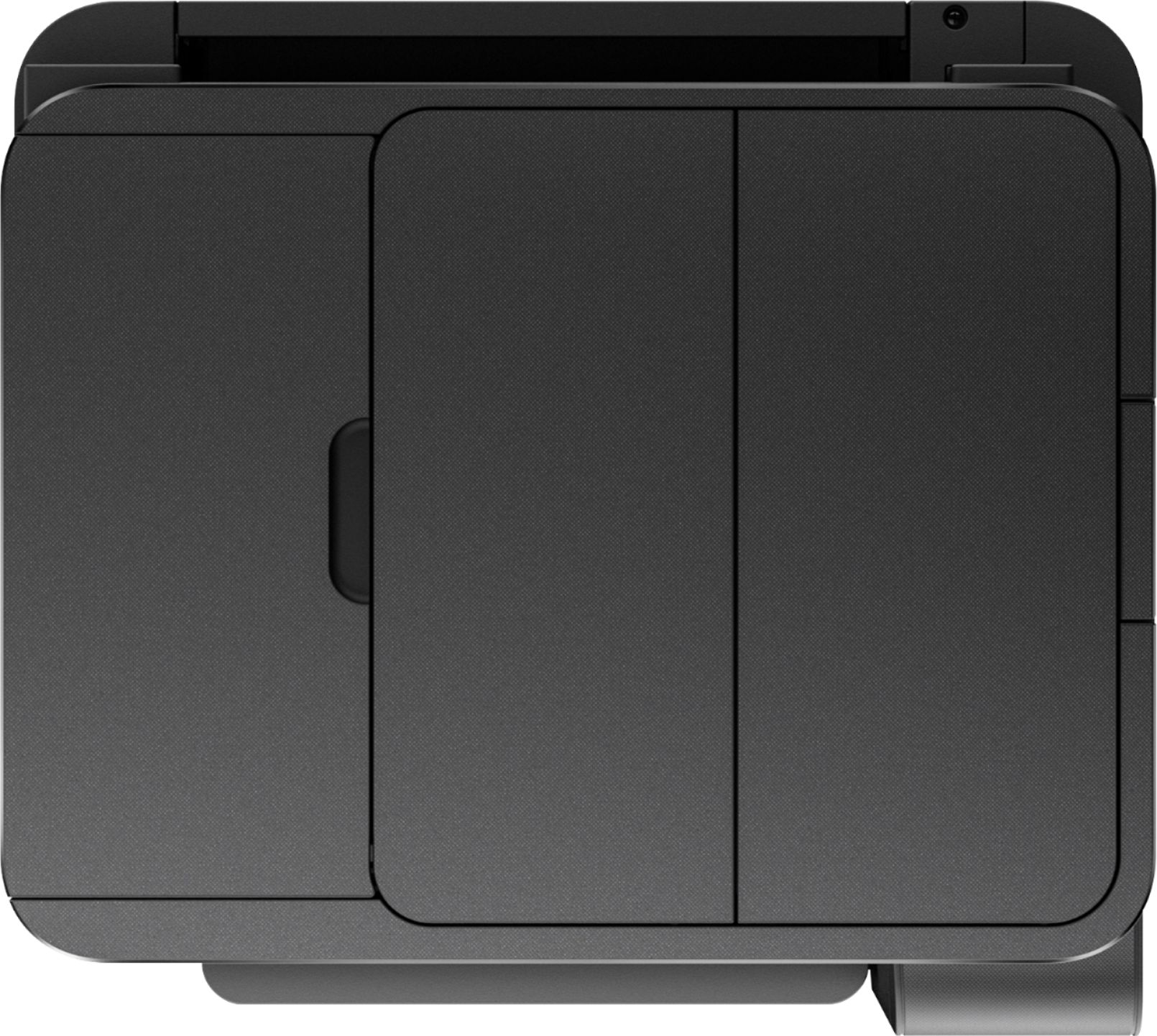




- Model:
- ET 4750
- SKU:
- 6042207
Rating by feature
- Value
Rating 4.3 out of 5 stars
- Quality
Rating 4.4 out of 5 stars
- Ease of Use
Rating 4.5 out of 5 stars
Customers are saying
Customers value the excellent print quality and ease of use of the WorkForce EcoTank ET-4750 Wireless All-in-One Printer. Many appreciate its compact size and straightforward setup process. However, some users find the printer noisy and the price point to be a drawback. A few also reported issues with the document feeder and touch screen responsiveness.
This summary was generated by AI based on customer reviews.
- Cons mentioned:Paper jam
Numerous connection issues, too many paper jams
||Posted . Owned for 8 months when reviewed.This reviewer received promo considerations or sweepstakes entry for writing a review.This expensive printer is a pain to operate. This has way too many paper jams in the automatic paper scanner no matter what paper you might use. It is plagued with connection and software issues. DO NOT WASTE YOUR MONEY
No, I would not recommend this to a friend - Pros mentioned:Ease of use, Print quality
Outstanding
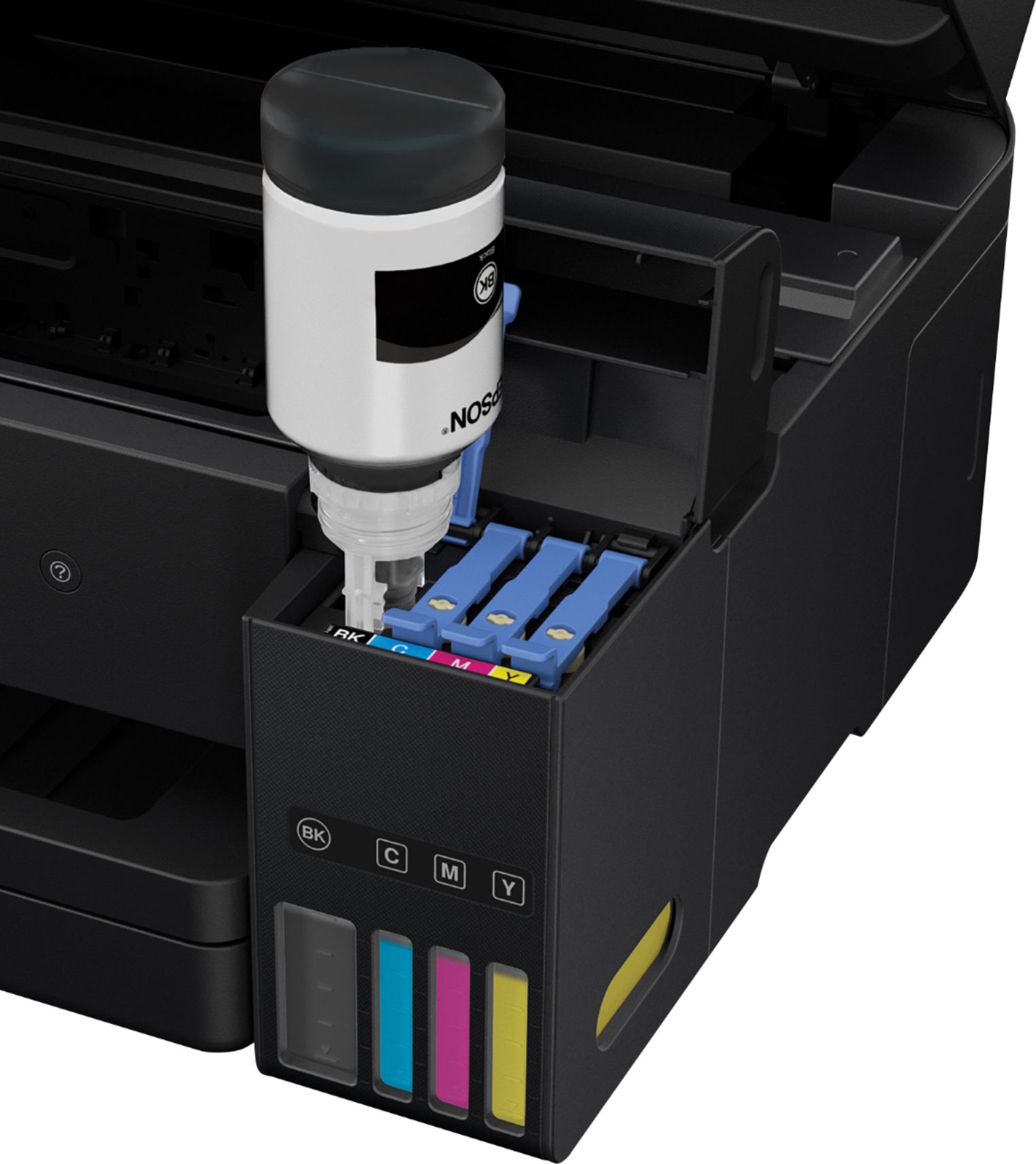
Posted .This reviewer received promo considerations or sweepstakes entry for writing a review.This review is for the Epson WorkForce ET-4750 EcoTank Printer. Since we have a family that does quite a bit of printing, I was intrigued with the idea of a printer that includes 2 years of ink in the original purchase price. Given that we generally replace our printers every 2-4 years or so, this was a definite draw, and having owned an Epson before, I was already familiar with it as a quality brand of printer. The printer itself has space-economical footprint, which is a bonus with all-in-ones, which can sometimes be quite large. It was very easy to set up, and prints flawlessly from all of our devices. Wireless printing is huge, as we one have the one, central printer, and the fact that we can print from anywhere in the house from our computers, tablets and phones is important. The WorkForce handles this without a problem. The tanks were very easy to fill. Since I have never had a cartridge-free printer before, this was my only apprehension, but it was not difficult, and frankly, with the cost of the ink being so low, it is worth the extra minute it may take to replace ink--especially if it is every 2 years. The quality of the printing is great, but that is to be expected, as Epson, in general, provides excellent quality prints. My daughter printed out a project for school on it it, and it looked like it had been professionally printed. All in all, I have been very happy thus far. This is a review for the Epson WorkForce ET-4750 EcoTank All-in-One Printer that I received free of charge to do a beta test and review.
I would recommend this to a friend trouble updating
||Posted .This reviewer received promo considerations or sweepstakes entry for writing a review.I wasn't able to get the system to ever update. I ended up returning.
No, I would not recommend this to a friendGreat Printer
||Posted .This reviewer received promo considerations or sweepstakes entry for writing a review.The Scan does not connect to the computer automatically.
I would recommend this to a friendBrand response from Epson
Posted .Hi Vince,
We're sorry for the disappointing experience you've encountered with your Epson ET-4750 printer. Epson provides useful information product in the User’s Guide at https://epson.com/Support/Printers/All-In-Ones/ET-Series/Epson-ET-4750/s/SPT_C11CG19201 on scanning. Our Epson Support Team would be happy to assist with any scanning issues and may be reached at (562) 276-4382; Hours: Monday – Friday, 6am – 8pm PT; Saturday, 7am – 4pm PT.
Sincerely,
Elizabeth – The Epson Team.
Printing quality isn’t as great as I anticipated
||Posted .This reviewer received promo considerations or sweepstakes entry for writing a review.I was super excited for this product but upon printing I find that the resolution and final image printing isn’t as great as I thought t would be.
No, I would not recommend this to a friend- Pros mentioned:Ease of use, Print quality
Great Printing and Scanning Device!!
Posted .This reviewer received promo considerations or sweepstakes entry for writing a review.The Epson WorkForce ET-4750 was easy to install and configure. I follow the steps on the CD provided and in less than 30 minutes I was enjoying all of the benefits. The ink provided was very easy to install. At first, I wasn’t sure how the ink was going to work, but then I read that I needed to simply flip the container into the correct color slot. It stops automatically when it gets full; this feature made it user friendly for me. The installation of the ink is under 10 minutes. I decided to configure the printer wireless for now since I have 4 computers at home that now can print flawlessly. I have tested the printer with my iPhone and all I had to do was select the printer device from my phone (which was easy to find). I have also tested the flat bed to scan as well as the scan tray; both were responsive compared to other printers I have tried in the past. I don’t have a phone line, so I did not configure the Fax feature. I recently printed a 40 page document for my son’s school project and it was simple and fast with this printer; the final product looked great because the colors are vibrant. I strongly recommend this printer for anyone who is looking for a reliable and efficient way to scan, print and fax. “This is a review for the Epson WorkForce ET-4750 EcoTank All-in-One Printer that I received free of charge to do a beta test and review.”
I would recommend this to a friend - Pros mentioned:Ease of use, Print quality
Good, but could use some work
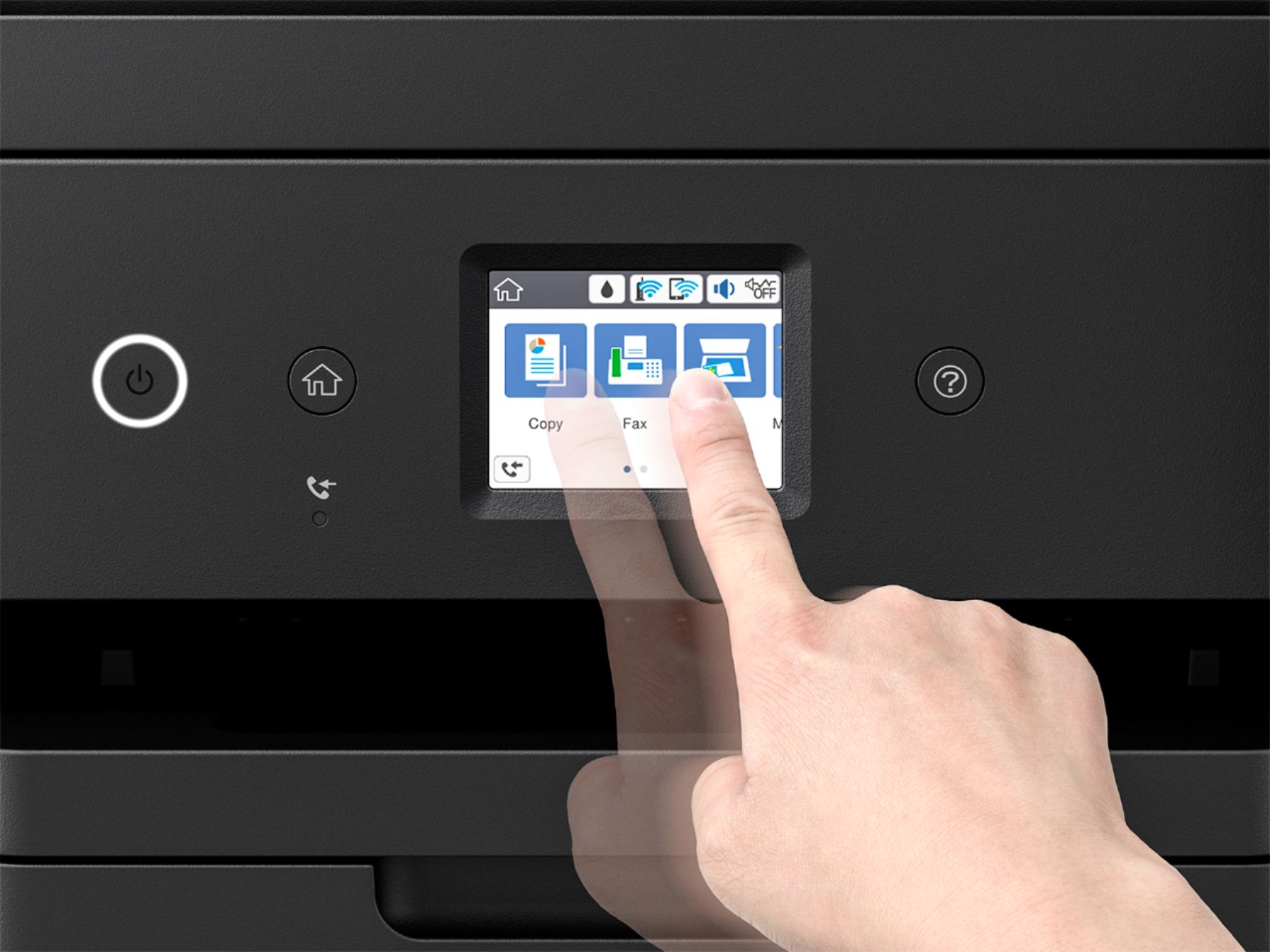
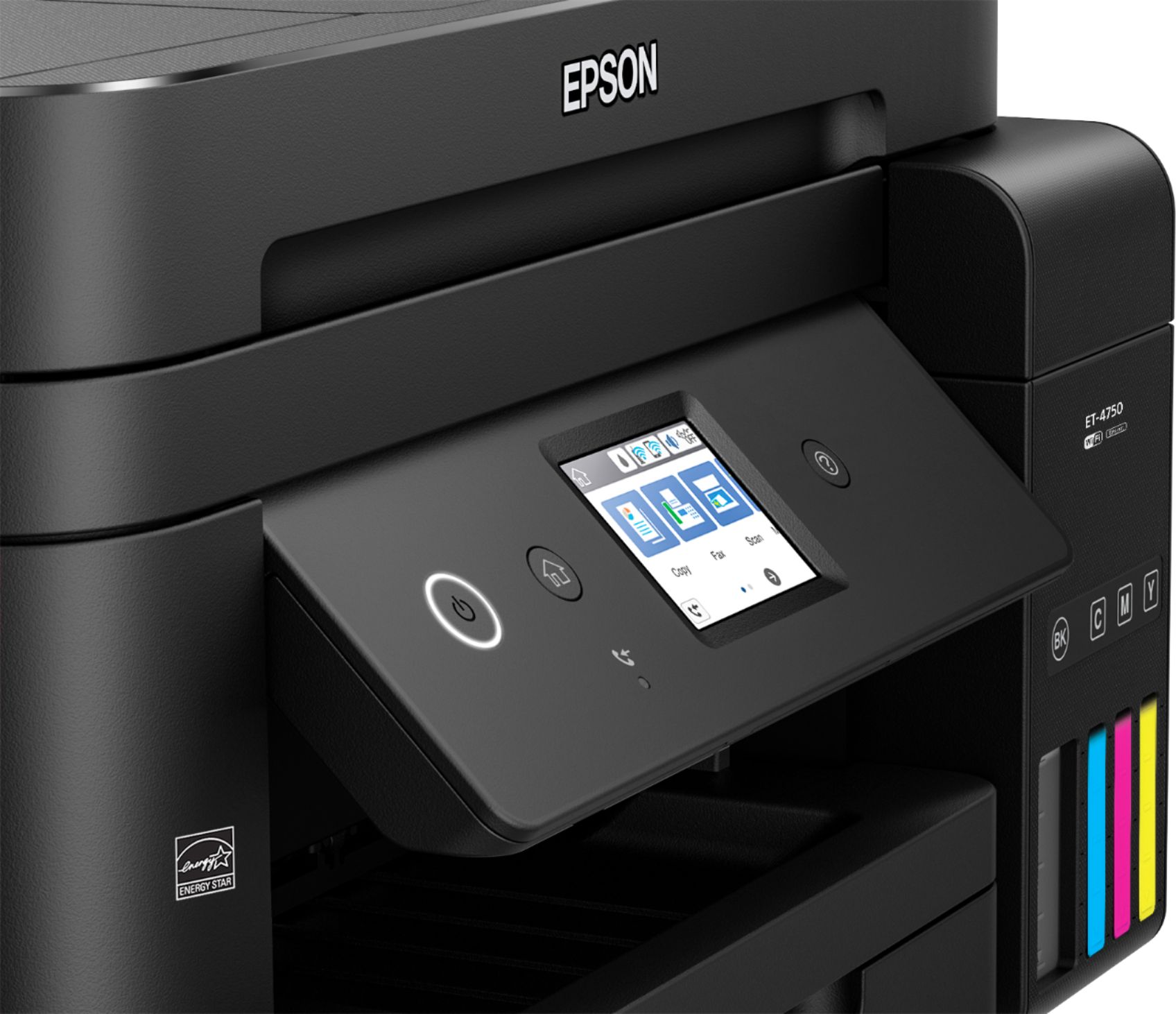
Posted .This reviewer received promo considerations or sweepstakes entry for writing a review.Upon opening the box, the setup to this was easier then on the ET-2700. I think having the screen made it easier. Speaking of screen, it is a plus and it makes setting up copy and scan jobs easier. I just really wish they could've made the screen a bit bigger. My husband and I both had issues touching the buttons in the corner of the touchscreen without touching a different button. There is so much extra space on the front, it could've at least been a little wider. I like the quiet mode option, I can still continue to print after my infant daughter is sleep and it doesn't scare her awake. The paper tray is a plus and it's great that there is a full tray for completed jobs. Copier is crystal clear, didn't have to re-scan anything. There were sometimes where I was trying to print something and I kept getting a error for no reason, I don't know if it was me or the printer, because my husband never had an issue. I'd just cancel the job, restart the machine and try again and there wasn't a problem. I didn't attempt to print from my phone this time, only because my phone can only be wirelessly linked to the printer or the WiFi but not both, I don't think that's a design flaw on Epson's part, it's probably my phone. But overall, I've enjoyed and will continue to enjoy the work this printer does for me, not bad for a small office printer. This is a review for the Epson WorkForce ET-4750 EcoTank All-in-One Printer that I received free of charge to do a beta test and review.
I would recommend this to a friend - Pros mentioned:Print quality, Size
everything that I've come to expect from Epson
Posted .This reviewer received promo considerations or sweepstakes entry for writing a review.this is the second Epson eco-tank printer that I've used. And while I was happy with the earlier printer, this one is even better. Epson always does a good job with packaging, so I expected the same and was not disappointed. the first 'better' over my other Epson was that the setup was less time taking. I was all done in 10 minutes. And what I liked most was the ink-bottles and the refilling mechanism. No chances of possible spillovers, all you have to do is hold the bottle, and it will be the biggest chunk of your 10 minute setup :-). You would get 2 sets of ink bottles which should last long enough for the moderate user. the general setup and hooking up the network were a piece of cake. I use the printer over wi-fi. And I print from all of my devices, notebook, tablet, smartphones. And I've come to like the Epson connect service a lot. You can fire prints remotely and the application would alert you with the status. the touch-screen interface is intuitive enough. The touchscreen LCD is bright enough and the touch is very responsive. I had issues with the paper getting jammed a few times. The screen would alert the user and detail the next steps. The printer itself is compact so it won't take up a lot of space anywhere you decide to put it. It is stylish. This is a review for the Epson WorkForce ET-4750 EcoTank All-in-One Printer that I received free of charge to do a beta test and review.
I would recommend this to a friend So disappointed!!
||Posted . Owned for 1 year when reviewed.This reviewer received promo considerations or sweepstakes entry for writing a review.I loved this printer. I didn’t have any problems. The ink was great! And then today I got a scanner error code. They said it was a hardware fail. Since my warranty just expired, Epson is sending me a refurbished model. I am pleased they are at least doing that, but this is a $500 printer!! It lasted just over a year of mild use. I can’t believe it quit. Very disappointed. Plus I will lose all that ink that is in the printer. I feel that these companies are pushing us into having to buy extended warranties when they should just make a better product
No, I would not recommend this to a friend- Pros mentioned:Print quality, Size
Great Eco Printer
Posted .This reviewer received promo considerations or sweepstakes entry for writing a review.First, I’m in love with the Epson WorkForce ET-4750 EcoTank All-in-One Printer. It is lightweight and very easy to operate. This is my first printer without regular cartridges. The instructions given and the design of the ink bottles made the ink loading process very easy. The entire setup took me about 10 minutes. It is a perfect size to fit on my tiny desk. I love it how it works. It is very quiet comparing to the older models that shake the whole desk. I use it to print from my desktop, smartphone and tablet. It is very easy to setup the wireless printing and so far did not have any troubleshooting issues. The ink included makes the printed image very clear. It has a great scanner and even fax. I love it that it has a copy, scan and fax features. Those features make if very handy for the small office and for the students as well as for the occasional use. I would recommend this printer to family and friends. This is a review for the Epson WorkForce ET-4750 EcoTank All-in-One Printer that I have received free of charge to do a beta test and review.
I would recommend this to a friend - Pros mentioned:Ease of use, Print quality
Great Printer for Students & At Home Workers!!!
Posted .This reviewer received promo considerations or sweepstakes entry for writing a review.I am very pleased with the Epson WorkForce ET-4750 EcoTank All-in-One Printer. It is lightweight and very easy to operate. This is my first printer without regular cartridges. The instructions given and the design of the ink bottles made the ink loading process very easy. The entire setup took me about 10 minutes. It is a perfect size to fit on my bookshelf designed for the printer. I love it how it works. It is very quiet comparing to the older models. I use it to print from the laptop and the smartphone. It is very easy to setup the wireless printing and so far did not have any troubleshooting issues. The ink included makes the printed image very clear. It is a great product. I love it that it has a copy, scan and fax features. Those features make if very handy for the small office and for the students as well as for the occasional use. This is a review for the Epson WorkForce ET-4750 EcoTank All-in-One Printer that I have received free of charge to do a beta test and review.
I would recommend this to a friend Beware
||Posted .This reviewer received promo considerations or sweepstakes entry for writing a review.In-store Epson representative recommended this printer as a photo printer. It is definitely NOT. The box had external damage so the Best Buy representative opened the box and said there does not appear to be any damage. Upon set up the printer would not feed with more than a couple of sheets of paper nor would the print head align. The photo prints had lines on them and the quality was poor.
No, I would not recommend this to a friendBrand response from Epson
Posted .Hi James, we appreciate your business and welcome the opportunity to assist you. Epson provides useful information at http://www.epson.com/support/et4750 that can help you troubleshoot the wireless issue you’re experiencing. Your Epson ET-4750 includes a 1-Year Limited Warranty, plus free technical support for the life of your product. Our Epson Support Team would be happy to help with your ink and wireless issues. They may be reached at (562) 276-4382; Hours: Monday – Friday, 6am – 8pm PT; Saturday, 7am – 4pm PT. Sincerely, Patrick – The Epson Team.
Lots of problems
||Posted . Owned for 1 year when reviewed.This reviewer received promo considerations or sweepstakes entry for writing a review.Continuously disengages from the computer and requires reinstalling printer software. Will not print partial checks without tearing them to pieces.
No, I would not recommend this to a friend- Pros mentioned:Ease of use, Print quality
great printer
Posted .This reviewer received promo considerations or sweepstakes entry for writing a review.i upgraded my current printer to this one wow it came with so much and was all i needed for my printing needs. this was just awesome easy setup love wifi print with app on phone easy to use plenty ink. just what i needed compared to other printers this blows it away yes its a lot money but i think its work for all ur gonna get no worries for while plenty ink and i tried all the features. i found this my new favorite printer i had so much issue with new printers they run out ink and when you go buy ink its cheaper to buy new printer then the ink but this is better and last way long and does all in one for my home and personal and use for hobby also awesome great for all family
I would recommend this to a friend - Pros mentioned:Print quality, Setup
Best of the Best
Posted .This reviewer received promo considerations or sweepstakes entry for writing a review.This printer was extremely easy to set-up and to start using. The instructions are detailed and easy to follow. I was able to connect to my computer without any issues, and to start faxing, scanning, copying, and printing. I love how detailed and sharp the printer is as well. There's no bleeding of the ink! And the ink, it comes with so much! I literally will not have to buy ink for years! That in itself is such a huge plus! I highly recommend this printer - it's perfect for everyday and home business use. This is a review for the Epson WorkForce ET-4750 EcoTank All-in-One Printer that I received free of charge to do a beta test and review.
I would recommend this to a friend - Pros mentioned:Print quality
Beta test user review
Posted .This reviewer received promo considerations or sweepstakes entry for writing a review.Setup for the printer was easy. The setup guide included was self-explanatory and CD Rom was provided for the software. The software is also available on web if the machine has no CD port. The printer is good quality, and the inks for two years based on normal use are included. This is a nice professional printer. I have been using wireless print from any device at home. Some of the improvements that would have been better for a printer/scanner at this price range are as follows. (i) Remote turn on and turn off feature. This is already connected to wireless – rather than keeping all the time on, a wireless mechanism to turn on and off. (2) Wireless security: Once you connect using home WiFi, anyone on the network can access the printer, and print. There could be an authentication built in, especially in small office environments where one may want the printer to work for only one group rather than all in the building. (3) Scan to email: The printer does not have an option of scanning to email. It uses HP cloud where the images can go, or to the attached computer. However, having an option of being able to send emails from the printer to your email id would be convenient. Also, in a small office setting, an option of saving a few email addresses would be convenient. Even though it is a high-quality printer with an EcoTank which is really cost-saving for the ink, one would expect more software functionalities at this price range. This is a review for the Epson WorkForce ET-4750 EcoTank All-in-One Printer that I received free of charge to do a beta test and review.
I would recommend this to a friend Ink is good but very slow printing speed
||Posted .This reviewer received promo considerations or sweepstakes entry for writing a review.It’s not worth the money I mean u save the money of ink but it’s so slow that it’s not really worth it someone who have print atleast 100 pages a day or so
No, I would not recommend this to a friend- Pros mentioned:Print quality
Another great printer from the experts
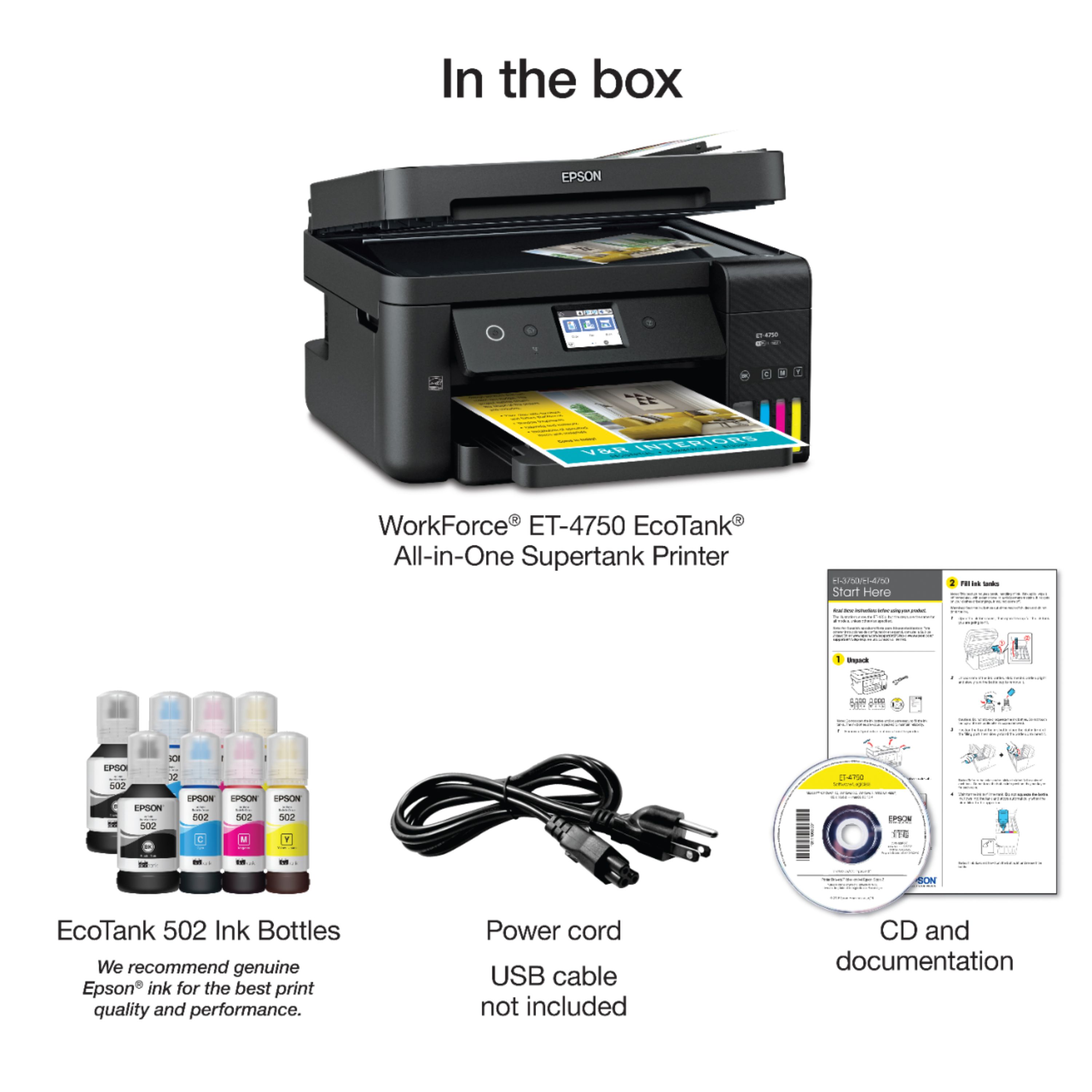
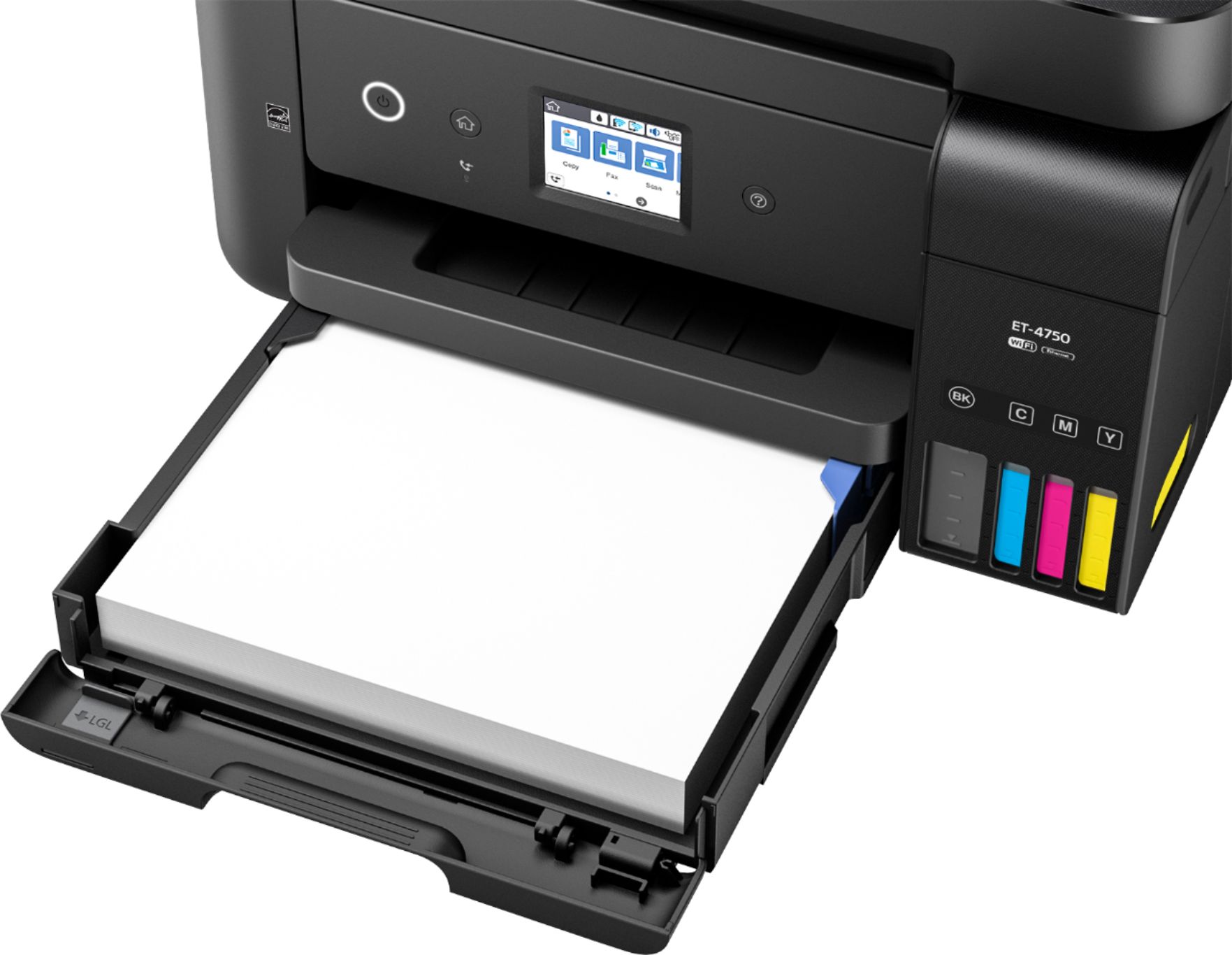
Posted .This reviewer received promo considerations or sweepstakes entry for writing a review.As someone who really likes electronics, opening up a new thing is always a treat. The box is laid out very simply, but with very nice explanations of the product's functions and capabilities right on the outside, so that you don't have to necessarily scour through the manual. The new way to put in the ink is very easy as long as you're paying attention. Simply load the ink from a bottle into a tank instead of having to plug in the cartridges. The tips of the bottle, along with the the way is plugs into the tank prevent over-filling and spillage. This printer holds quite a lot of paper for the size, at least 200 sheets. Setup took about 20 minutes, but that was mainly ink "charging" and software/driver setup, so it wasn't tedious at all. As convenient as wireless printing is, an included USB cable would have been nice for those who still print from a single device. For functionality, all aspects work just as expected. It's good to note that along with the computer, cellular device printing is possible with either Google cloud or the Epsom iPrint app. For standard printing, documents were received quickly and came out clear and dry (there's a setting for allowed ink dry time). Scanned documents uploaded clearly, even when tested with a couple of somewhat wrinkled papers. Photo printing on standard paper actually came out surprisingly well everything considered. I look forward to printing a photo on actual photo paper. Even on the standard printer paper, a full sized image wasn't washed out for color necessarily. It simply didn't have the shine as it would on glossy paper, which is to be expected. Double sided printing worked like a charm, without paper bleed-through. Not too fond of faxing at this point, but the fax function worked without an issue as well. It's nice to not have the whole phone setup on the printer. Last, but not least is the copier function. Three separate copies were made at varying levels of ink density. Each one came out with only minor brightness variations, but not so much that it was a bother. The copies were of a printed photo, so it's safe to say that text copies wouldn't be a problem at all. In all, this addition to Epson's line is just right for the home office, takin care of a decent workload for an individual or small group. It's a great beginner printer, but with enough power and functionality to please an advanced user as well. Definitely a must get! This is a review for the Epson WorkForce ET-4750 EcoTank All-in-One Printer that I received free of charge to do a beta test and review.
I would recommend this to a friend - Pros mentioned:Ease of use, Print quality
Great printer!
Posted .This reviewer received promo considerations or sweepstakes entry for writing a review.I love this printer. To set up, it took me about 15 minutes. The manual helps a lot and also have online help. It includes ink for the printer, which was a breeze to fill. The images come out looking with depth and detail. Scanning is easy to use and straightforward. In general images look fantastic. If you want easy to setup and headache free. Easy for connecting to my computer and my phone. I recommend this printer! This is a review for the Epson Work Force ET-4750 EcoTank All-In-One printer that I received free of charge to do a beta test and review.
I would recommend this to a friend - Pros mentioned:Print quality
Don't run out of ink in the middle of a project!
Posted .This reviewer received promo considerations or sweepstakes entry for writing a review.The Epson WorkForce ER-4750 EcoTank All-in-One Printer comes with 2 sets of ink, 1 set for now and one for later. You fill the reservoirs yourself. It is shipped with enough ink for 2 years of printing (11,000 b/w or 8500 color pages (the equivalent of 50 ink cartridges). When I realized I had to fill the tanks myself, I was a little concerned that I would end up with ink everywhere – on my hands or, worse yet, on the carpet. I was pleasantly surprised…the process was extremely clean (not a drop of ink anywhere) and quite simple. Do follow the instructions closely, because there is a process – you fill the reservoirs, then prime the printer, and then fill them again and reset the levels. Epson has videos on their website to walk you through the process. I love that I can air print from my iPhone and android tablet. It has good wireless range – the printer is in the back of my house and I usually print from the other end of the house. Most of all, I love that it has the capability to print, copy, scan and fax double sided documents. It has a flatbed scanner and a document feed on the top. It is easy to scan to your computer or attach to an email – even double-sided documents. The calibration process is a tedious; following the instructions is key. It is a nice sized all-in-one and doesn’t have a large footprint. The touchscreen is intuitive - easy to navigate and set up functions. The initial cost ($499) was a shock, but remember, the printer comes with the equivalent of 50 ink cartridges. I’m excited that I won’t run out of ink in the middle of a project and have to run to town to buy new cartridges. The print quality is good – not great photo quality, but for my everyday regular use, is just fine. We also own a business and just prior to this, I purchased and installed another Epson printer (WF-4730). I have found that Epson offers excellent price, quality, and functionality. I was not terribly impressed with tech support (an out of the country call center), but thankfully I did not require any tech support in setting up the ER-4750. I will purchase the ER-4750 for our business when I need another printer – simply because of the tank style ink. This is a review for the Epson WorkForce ER-4750 EcoTank All-in-One Printer that I received free of charge to do a beta test and review.
I would recommend this to a friend