Customer Ratings & Reviews
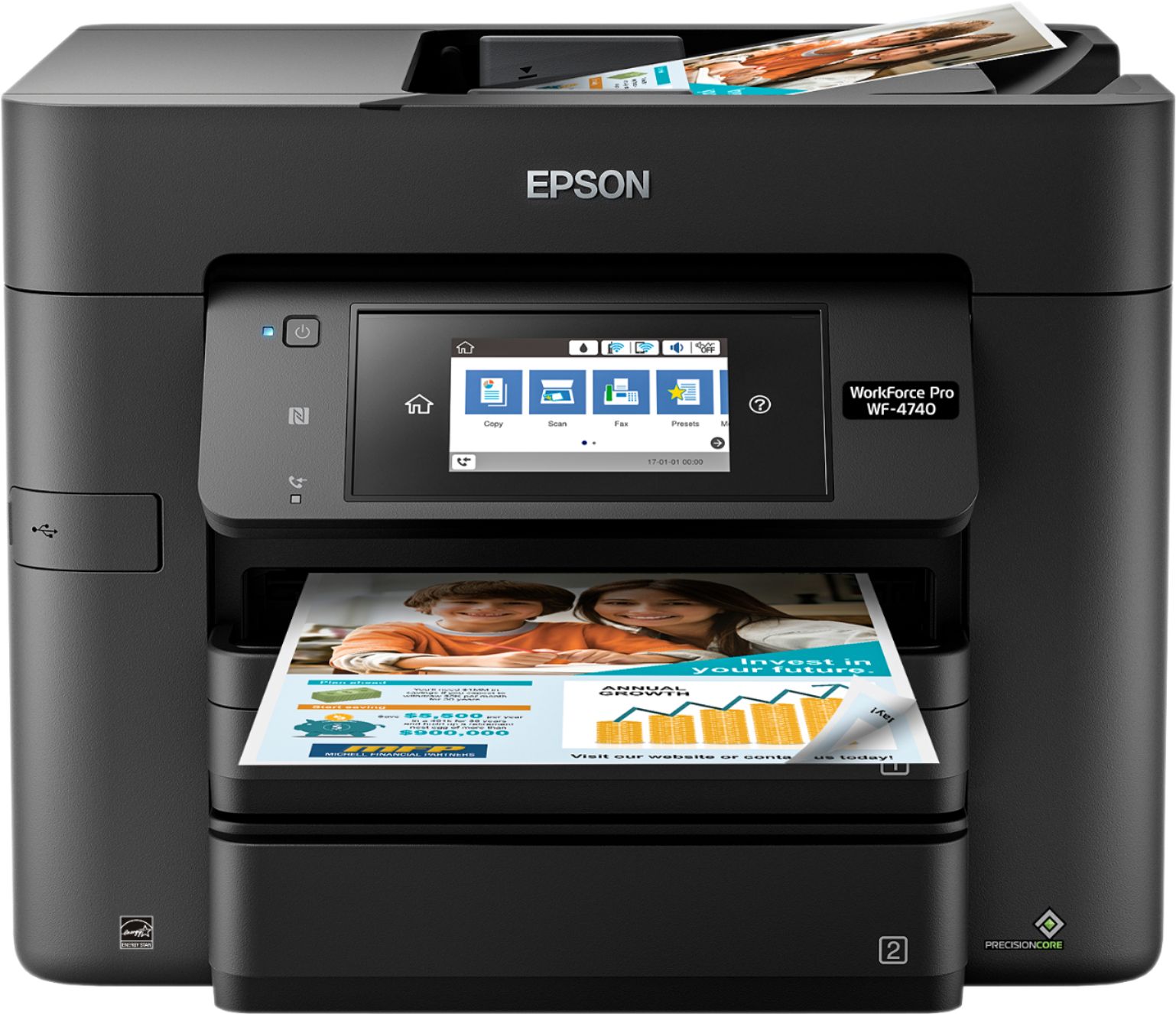
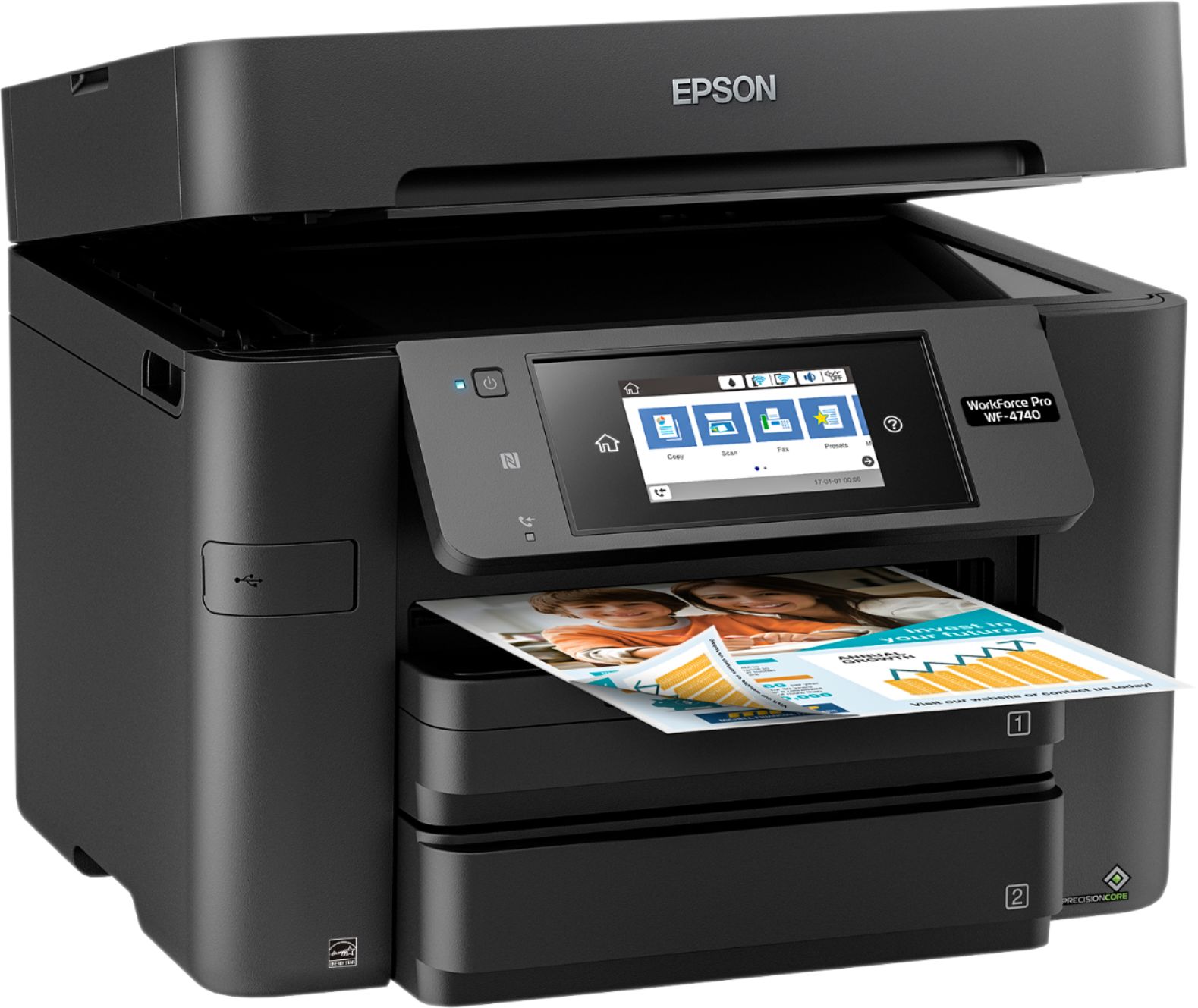
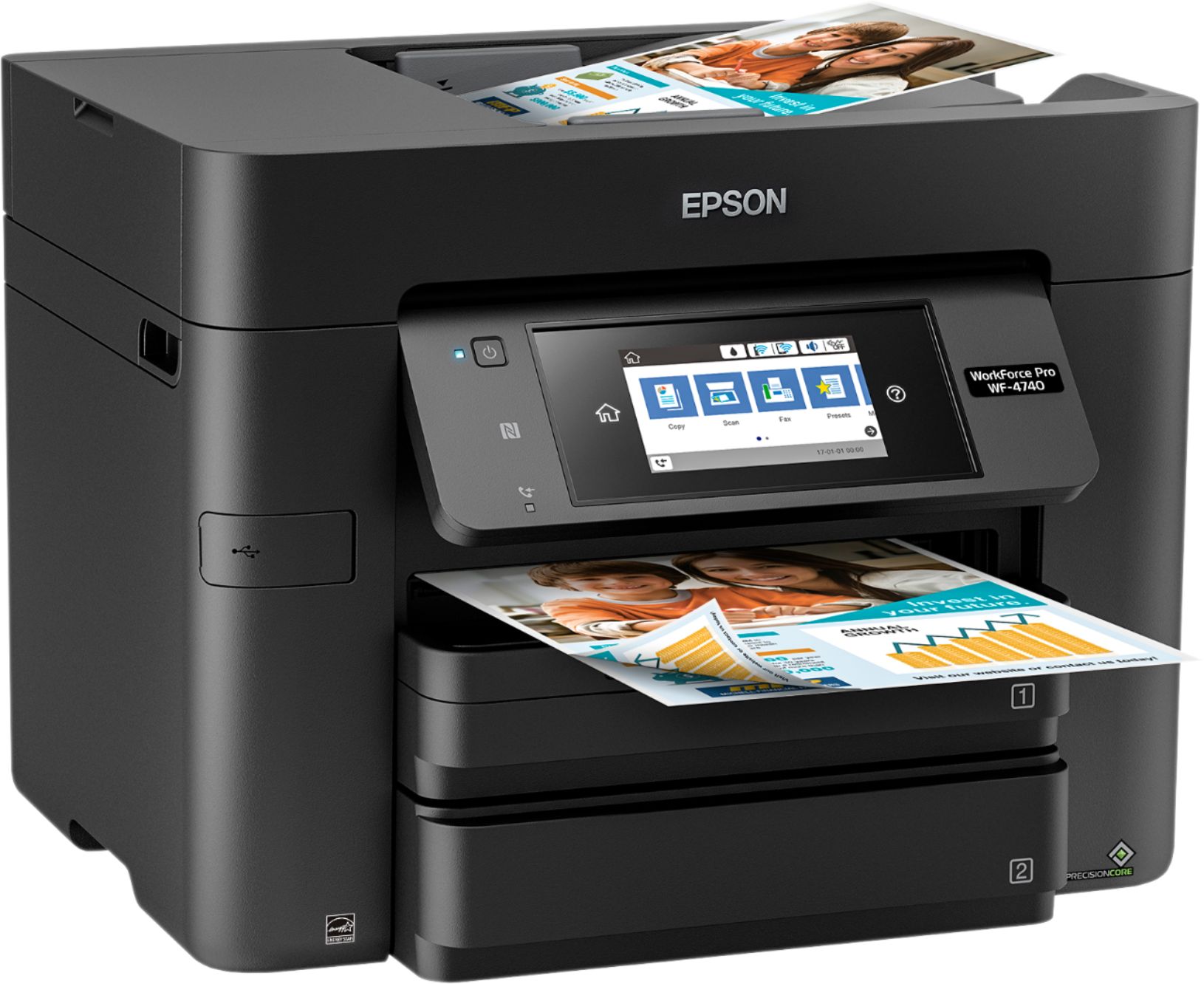



- Model:
- C11CF75201
- SKU:
- 5732906
Rating by feature
- Value
Rating 3.6 out of 5 stars
- Quality
Rating 3.8 out of 5 stars
- Ease of Use
Rating 3.9 out of 5 stars
Customers are saying
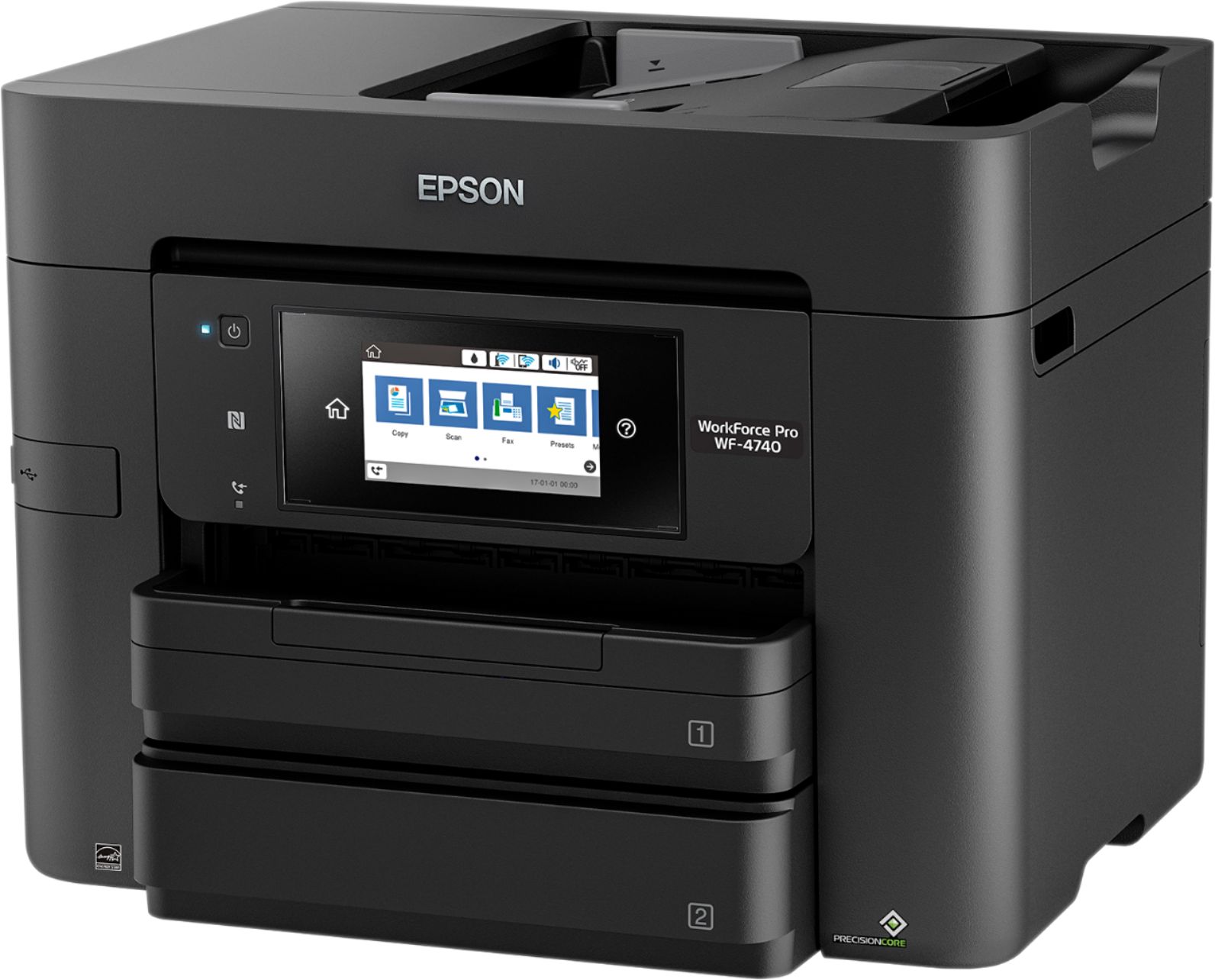
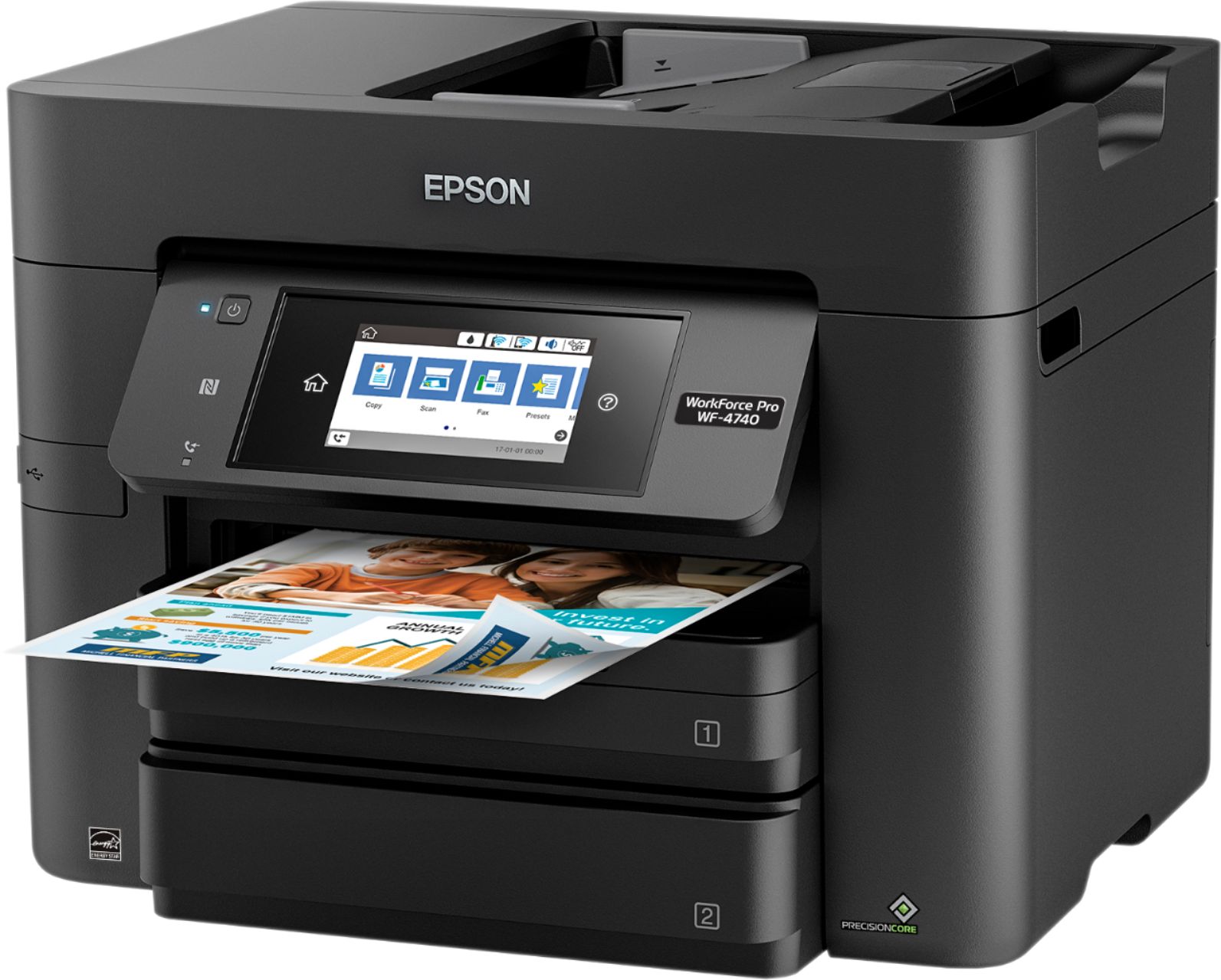
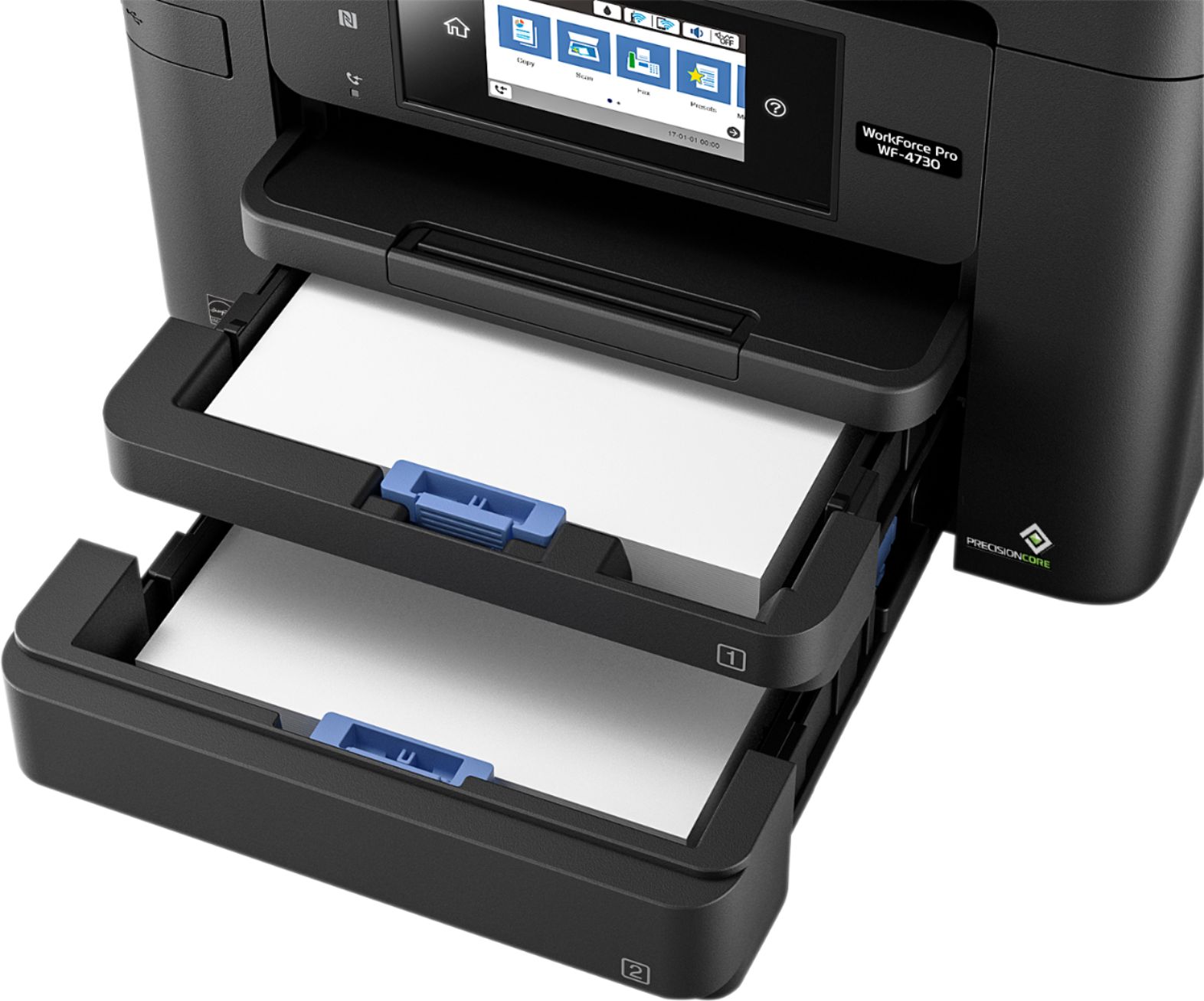
Customers love the WorkForce Pro WF-4740's print quality and ease of use, frequently praising its straightforward setup and convenient paper trays. Many appreciate its compact size and wireless functionality, finding it a good value for the price. However, some users have reported issues with the scanner's reliability and occasional malfunctions after extended use.
This summary was generated by AI based on customer reviews.
- Pros mentioned:Paper trays, Print quality, Setup
Ton of features in a small footprint
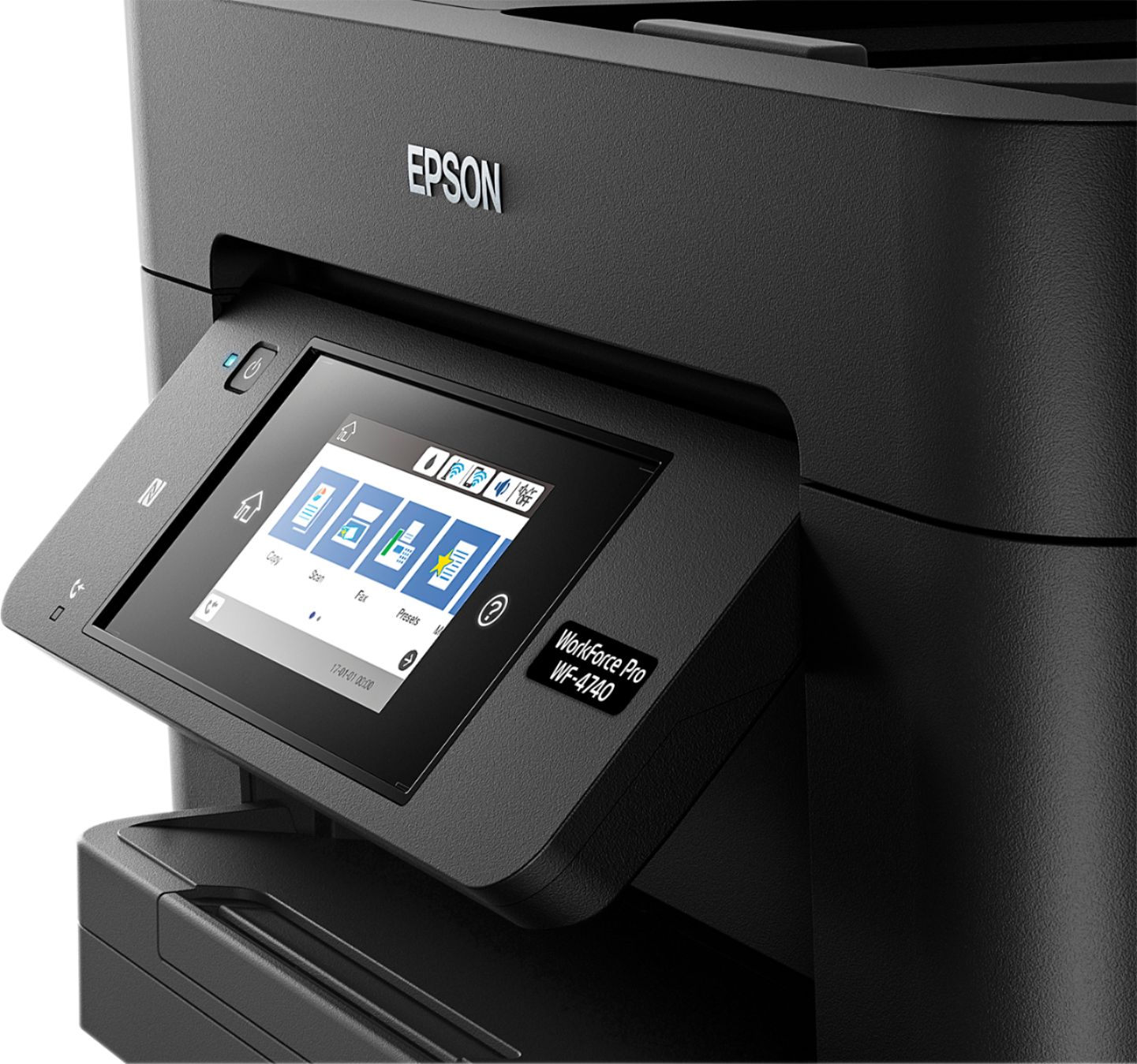
||Posted .This reviewer received promo considerations or sweepstakes entry for writing a review.Setup of this printer was very easy. I love having double-sided scanning and double-sided printing. I thought it would be a nice to have feature, until the first time I copied a 2-sided form with a single press of the button and no flipping and reloading pages. Scanning and printing speed and quality are very impressive. The color touch screen display is very easy to read and find what I need. Having 2 enclosed paper trays is also handy, to be able to keep 2 different papers at the ready. I look forward to putting the scanner through its paces to scan a lot of the backlog of old paperwork.
I would recommend this to a friend - Pros mentioned:Paper trays
Good printer for the price
||Posted .This reviewer received promo considerations or sweepstakes entry for writing a review.Setting up the printer via WPS option on the router is the fastest and the least stressful way of connecting the printer wirelessly. One rim of copy paper can be loaded into the printer's two paper cassettes. However, the printer is having a hard time printing properly when the remaining stack of copy paper in the cassette is around 10 pcs or less - paper jam or a "wrong page size" error would be the expected error to happen.
I would recommend this to a friendBrand response from Epson
Posted .Hi Jacques, we are sorry to hear that you are having issues with your Epson printer. Your WF-4740 includes a 1-Year Limited Warranty, plus free technical support for the life of your product. Our Epson Advanced Support Team would be happy to help and can be reached at 1-800-241-5794; Hours: Monday – Friday, 6am – 8pm PT; Saturday, 7am – 4pm PT. Regards, Marina – The Epson Team.

- Pros mentioned:Ease of use, Print quality
Easy to Use Printer
||Posted . Owned for 2 months when reviewed.This reviewer received promo considerations or sweepstakes entry for writing a review.Decided to upgrade. Easy to set up and user friendly. It prints good-looking text. I like the print both sides feature. A little heavy but no complaints so far.
I would recommend this to a friend - Pros mentioned:Print quality
Great printer
||Posted .This reviewer received promo considerations or sweepstakes entry for writing a review.I love this printer because it is fast you don’t waste ink it is a very nice size I recommend
I would recommend this to a friend - Pros mentioned:Paper trays
Epson - WorkForce Pro WF-4740 Wireless All-In-One
||Posted . Owned for 10 months when reviewed.This reviewer received promo considerations or sweepstakes entry for writing a review.Great All-in-One printer by Epson, which has been a workhorse for me these last 2 years of travelling. It has 2 trays for 8 1/2 x 11 paper and can scan both sides. Only good for standard size paper and ink cartridges average $125 for the set. All in all still a good buy.
I would recommend this to a friend Useless without a all ink cartridges full
||Posted .This reviewer received promo considerations or sweepstakes entry for writing a review.It’s absurd to me when the product makes it nearly impossible to print something in black and white when it’s out of magenta. I have tried all the outdated suggestions from Epson support and it still won’t work. I will never buy another epson product. Ridiculous.
No, I would not recommend this to a friend- Pros mentioned:Print quality
Great printer
||Posted .This reviewer received promo considerations or sweepstakes entry for writing a review.Does a great job whether printing from computer or using wi-fi. Very fast & clear printing
I would recommend this to a friend Printer
||Posted . Owned for 10 months when reviewed.This reviewer received promo considerations or sweepstakes entry for writing a review.The best choice for home. Quality and performance made the best choice for home.
I would recommend this to a friendAwesome Product
||Posted .This reviewer received promo considerations or sweepstakes entry for writing a review.Espon has not fail me yet. Great product, quality and easy to work with.
I would recommend this to a friendWaste Paper
||Posted . Owned for 8 months when reviewed.This reviewer received promo considerations or sweepstakes entry for writing a review.I have been a satisfied Epson customer for years until I purchased this printer. The printer has a paper feed problem. I pulls too many sheets, especially when the paper trays get low. It prints in the middle of sheets and pulls sheets at random. The more I use the printer the worst it gets. I purchased the extended warranty from Best Buy. I'll be contacting them soon about a replacement. I'm sure I want a Epson again after this experience.
No, I would not recommend this to a friendBrand response from Epson
Posted .Hello GeeGee, we apologize for the disappointing experience you’ve encountered with your Epson printer. Your WorkForce Pro WF-4740 includes free technical support for the life of your product. Please give us another chance to help by calling our Advanced Epson Support Team directly at (562) 276-4382; Hours: Monday – Friday, 6am – 8pm PT; Saturday, 7am – 4pm PT. We appreciate your time and we look forward to your call.
Sincerely,
Bobby D. – The Epson Team
- Pros mentioned:Ease of use, Paper trays, Print quality
It a good printer
||Posted .This reviewer received promo considerations or sweepstakes entry for writing a review.The printer was relatively easy to install and setup. It is not small so be ready for it to sit high on the table. You do get two trays to feed paper. Great feature. The only negative thing I can say is the ink is expensive, but that is the case of all inkjet printers. However having said that, I was unaware that you have to buy a maintenance service box also. It serves as a ink drip catch when the heads go through their cleaning cycle. When it gets full you have to buy another one for about $20. The sensor in it will not allow you to print just like when the ink goes low. So you are talking about $100 for ink and maintenance box depending on how much you use it. The whole printer was on sale for $150. This is an Epson thing. I would have look at something else if I knew about this maintenance box aa an added expense that the Epson representative at Best Buy forgot to tell me about or did not want to mention it. It does print nice and is quite. All in all I would recommender but beware of added expensive of the maintenance box which at this point is only available through Epson.
I would recommend this to a friend - Pros mentioned:Ease of use, Paper trays, Print quality
Excellent Printer!
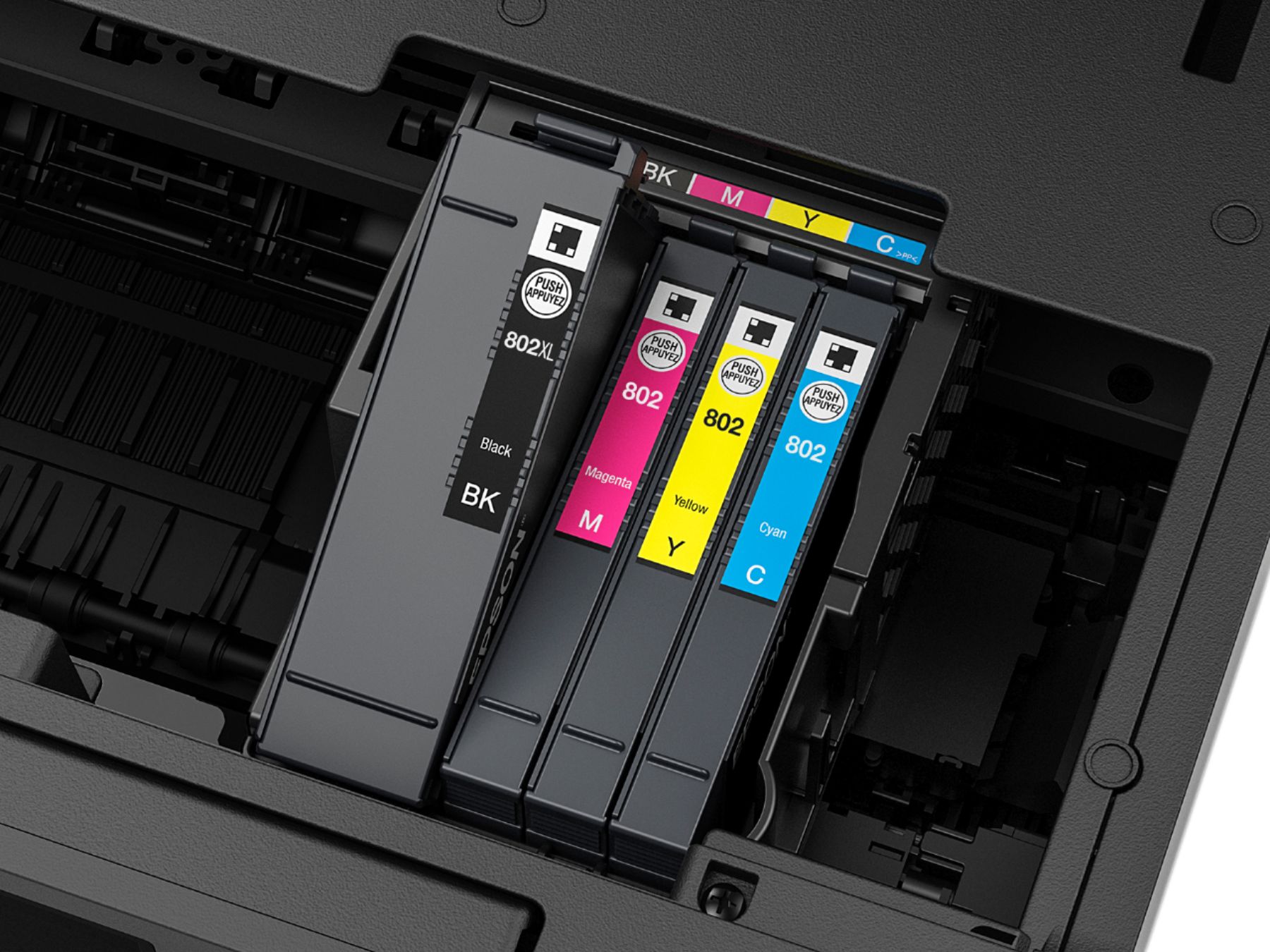
Posted .This reviewer received promo considerations or sweepstakes entry for writing a review.I absolutely love this printer! From the easy unpacking from the box to all of its wonderful capabilities. First off, this printer was so easy to remove from the box. The printer was in a clear plastic bag that had handles, so that when you lifted the bag, the whole printer and its components came out in one try. The setup was very easy. There was a paper included that told you step by step instructions on how to set up the printer. The printer is not small at all, but it is the same size as most all in one's. It has a nice sized touchscreen that shows all the settings to copy, fax, print, and scan. It has 2 trays that hold 500 sheets of paper. I love this so that I don't have to keep reloading paper all the time. It has wifi so that you can hook up your computers, even if they are not in the same room. It prints super fast. It has 4 ink cartridges that were very easy to install. It has a auto document feeder so that you can copy or scan very fast. I have yet to use the fax other than the test fax it does, but I am sure this feature works nicely. The only thing it lacks is that it doesn't show who is calling on the screen which is a feature I had on my previous printer. Other than that, this printer is everything it promises to be. Amazing product and I can't wait to use it to it's full capacity. This is a review for the Epson WorkForce Pro WF-4740 All-in-One Printer that I received free of charge to do a beta test and review.
I would recommend this to a friend - Pros mentioned:Ease of useCons mentioned:Scanner
Easy but not exact
Posted .This reviewer received promo considerations or sweepstakes entry for writing a review.I read the review before I purchased this and I was surprised how at easy this was to set up, EXCEPT the scanning. The scan option on the printer menu does not find my computer, even though I have printed from my computer. I tried all of the options to fix this, except calling some one. The option presented itself when I pressed the WSD option. (I didn't know what the letters stood for), then a Windows Fax and Scan came up and I was able to scan and save it. I was also able to import from my photo program. The saddest part is I print a lot of photos and it made a complete mess of trying to print on glossy pater. I tried it more than once. It just blobbed the ink on so I couldn't tell what I printed. I will now have to purchase a photo printer. It did print a great photo on plain paper so it could still be used for flyers, etc.
I would recommend this to a friend - Pros mentioned:Paper trays, Print quality
An amazing all in one business printer
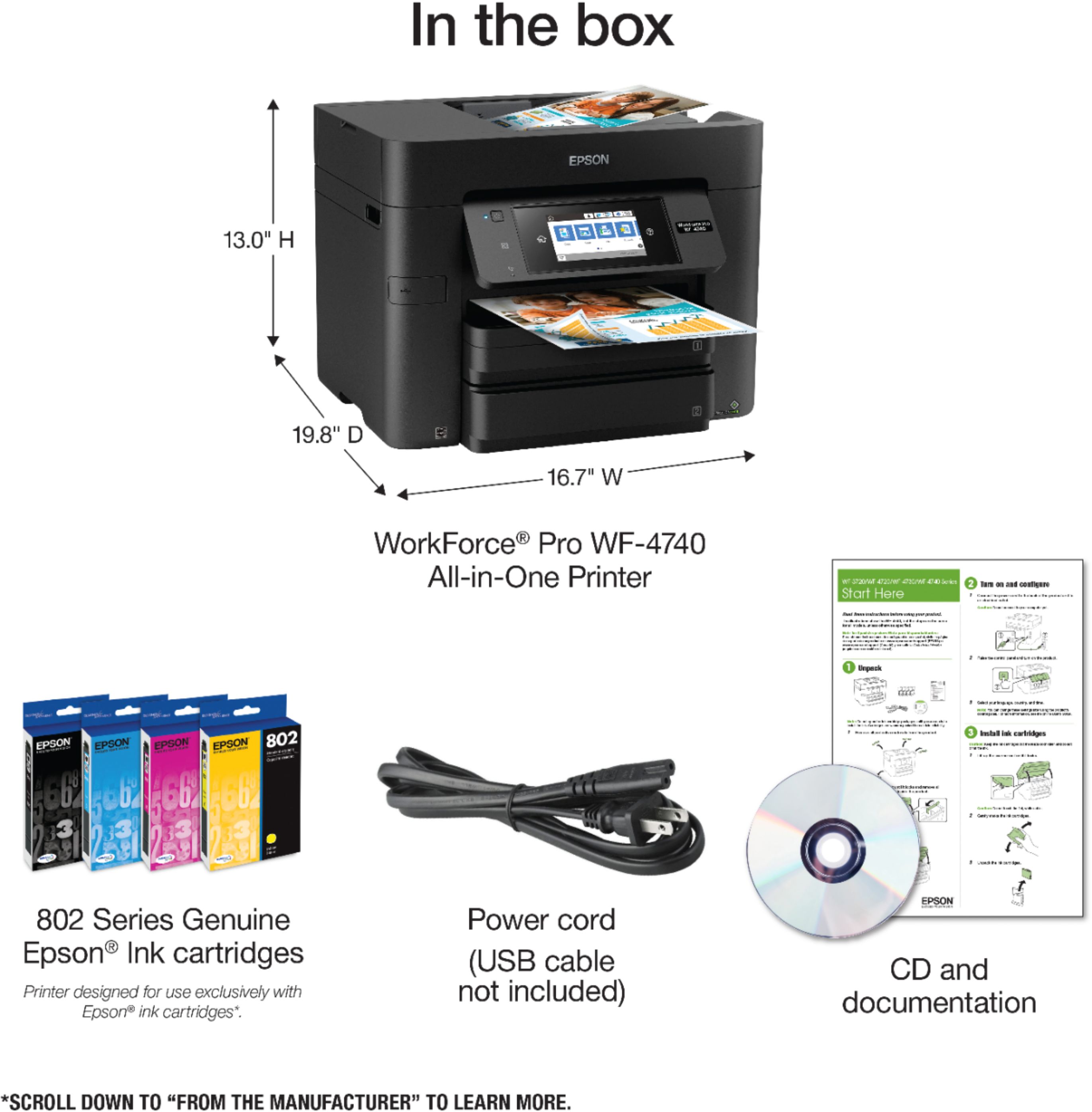
Posted .This reviewer received promo considerations or sweepstakes entry for writing a review.This is not my first printer from Epson, but definitely the best one yet. First things first, I really liked the extremely informative box that it comes in explaining all the different cool features that this multifunction printer can do. Unpacking the box, I really liked how everything was secured enough to ensure no damage through the shipping process, but at the same time very easy to unpack and set up. Most importantly, I really liked the fact that I didn’t have to start putting together pieces and trays on multi-part cords. All that was required (the starter toner and power cord) was securely placed under the top tray. Setting up the printer with my computer and network was also very smooth, very easy process and had it done in minutes. The extremely clear and precise setup guide was very helpful with anything I wasn’t sure about. I really love the very clear and responsive touch screen.I did have one issue with the paper tray not taking the paper properly, and that the tray has a little wiggle room at the end, but after the first confusion everything else was very smooth. I happened to be setting it up wirelessly, but it would’ve been nice to have had the Ethernet cable and or USB cable included. Setting up the scanner to my computer through my network, through the cloud services, and through email was all extremely smooth and very clear options to help configure The printer quality is very good, speed is pretty decent (is toner after all) but even for color printing, it was pretty good! To round up: Pros: Double paper tray with a 500-page capacity total Great scanning capabilities Love the touch screen Wi-Fi/NFC Cons: Toner printer I really like this printer, and I have it setup in the middle of my office, and It really – truly is a WORKFORCE PRO PRINTER! “This is a review for the Epson Workforce Pro WF-4740 All-in-One Printer that I received free of charge to do a beta test and review.
I would recommend this to a friend - Pros mentioned:Paper trays, Print quality
Epson Work Force Pro WF-4740
Posted .This reviewer received promo considerations or sweepstakes entry for writing a review.I love this printer it is awesome. The first printer I have ever owned that is wireless. I have a son about to start college in the Fall and this is very good he can print from his computer or phone. I had no problem setting it up and getting started. Print quality is better than any printer I have ever owned. I really like the paper trays and the touch screen. I am recommending this printer to all my family and friends. I have not found anything that I do not like about this printer. I have owned many printers and so far this is my favorite. I do not have a land line to use the fax but I am sure it is easy to set up and use as well. I love the fact that you do not have to have wires connected and can place this printer across the room or where ever you need to put it. It is a very nice printer and a nice size. I know we are going to get great printouts with high quality color no fading or smears. This is a review for the Epson Work Force Pro WF-4740 All-in-One Printer that I received free of charge to do a beta test and review.
I would recommend this to a friend - Pros mentioned:Ease of use, Print quality
Excellent Printer!
||Posted .This reviewer received promo considerations or sweepstakes entry for writing a review.We have been dragging our feet on getting a replacement printer because they just seem so outdated. Truth be told, sometimes you gotta print something out! The Epson is efficient, as fast as a laser, wireless, and very easy to use. I am very very pleased with it. Thanks Best Buy!
I would recommend this to a friend - Pros mentioned:Ease of use, Paper trays, Print quality
Excellent Printer
||Posted .This reviewer received promo considerations or sweepstakes entry for writing a review.Purchased this Epson printer to replace another Epson printer from 2006. Since the original Epson printer lasted 12 years, I wanted to stay with an Epson product. Specifically purchased this Epson printer because of all its excellent features -- double sided printing, double sided scanning (including scanning legal sized paper), two paper trays (one for letter paper and one for legal paper). This printer was a little smaller than other Epson printers I researched, so it takes up less space on the cabinet. The printer was easy to set up and is working perfectly. I would highly recommend this Epson printer.
I would recommend this to a friend - Pros mentioned:Ease of use, Print quality
Fast printer and scanner
||Posted .This reviewer received promo considerations or sweepstakes entry for writing a review.Print quality and speed are very good. The scanner is very fast. Ease of use is great. I like the menu screen where you can very quickly select options you want. It is fairly quiet. A negative so far is that the paper feeder sometimes feeds many sheets at a time when printing a page (at least with the inexpensive paper I am using). This appears to happen most often when the paper tray is close to empty. I have also had some issues printing QuickBooks checks when more than one check is printed in a run (printer has jammed). I now see that the menu has a setting for thick paper so perhaps that option needs to be selected when printing checks. This printer is a replacement for another same model printer that failed (hardware failure per phone consultation with Epson's Techs) during initial setup. It had set up easily and worked great until Epsom notified me electronically that a software update was available. After I downloaded the update the printer crashed and never printed again. Best Buy was great about it and exchanged it for another the next day. Since I set up this current printer I have refused to download the updates and it works fine as per above.
I would recommend this to a friend - Pros mentioned:Price, Print quality, Setup
Great printer
||Posted .This reviewer received promo considerations or sweepstakes entry for writing a review.I wanted a printer that was good looking, not bulky and oddly shaped, and somewhat affordable. I couldn't find a laser printer that fit the bill but this Epson kept coming up. I like its nice, symmetrical clean cube shape and all-black presentation. It was very easy to set up, and the screen keyboard to enter the WIFI password was especially smooth and simple. I've had printers that make that a serious pain...worse than Netflix or AppleTV even. Print quality is as or better than expected. I recommend this printer!
I would recommend this to a friendBrand response from Epson
Posted .Hi Mosauce, thank you for this five-star review of your new Epson WF-4740 printer. We are glad to hear you are happy with your purchase, and hope you continue to enjoy the all-in-one capabilities! Cheers, Quinn – The Epson Team.
- Pros mentioned:Print quality
Good, but polishing needed
||Posted .This reviewer received promo considerations or sweepstakes entry for writing a review.Overall this printer performs quite well. The text is fairly sharp. The graphics are good. On quiet mode, it is fairly quiet. But there are some issues. Compared to others, you have to print on best quality to get clear text, which increases ink usage (the ink of which is very expensive). When using a USB cable for connection, it cannot scan directly to the computer. And there was no printed users manual at all, and the electronic manual is not very clear.
I would recommend this to a friend