Customer Ratings & Reviews
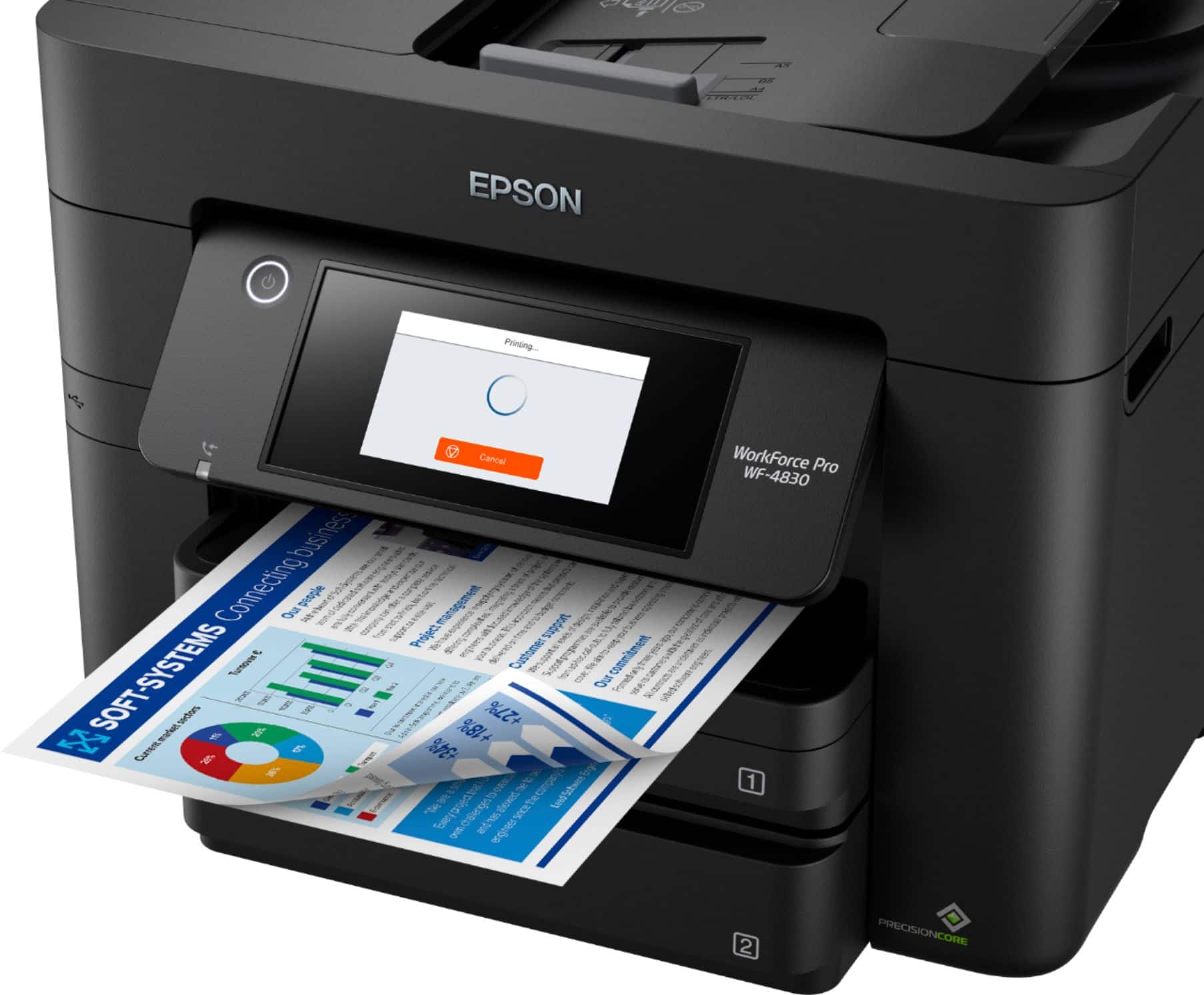
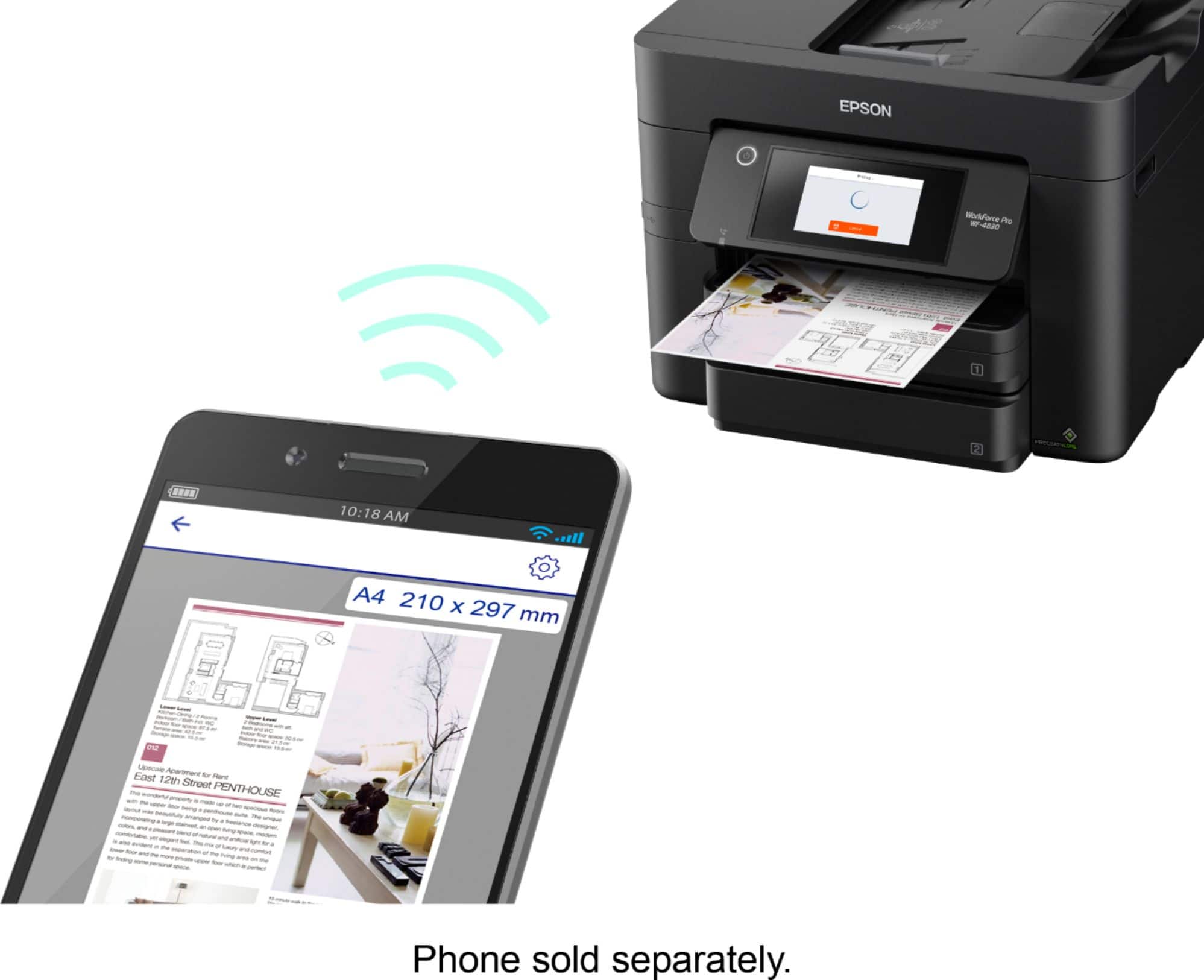
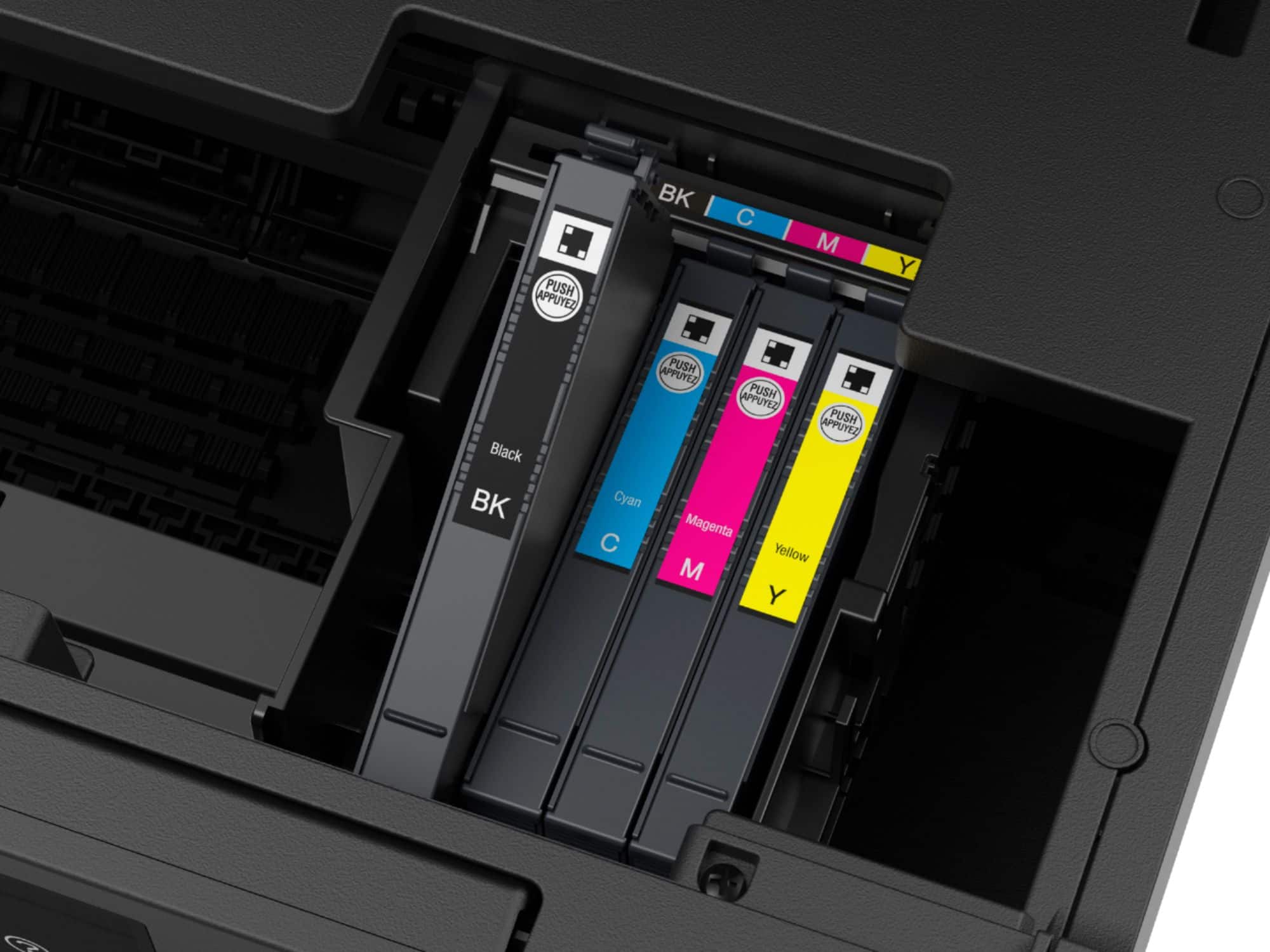
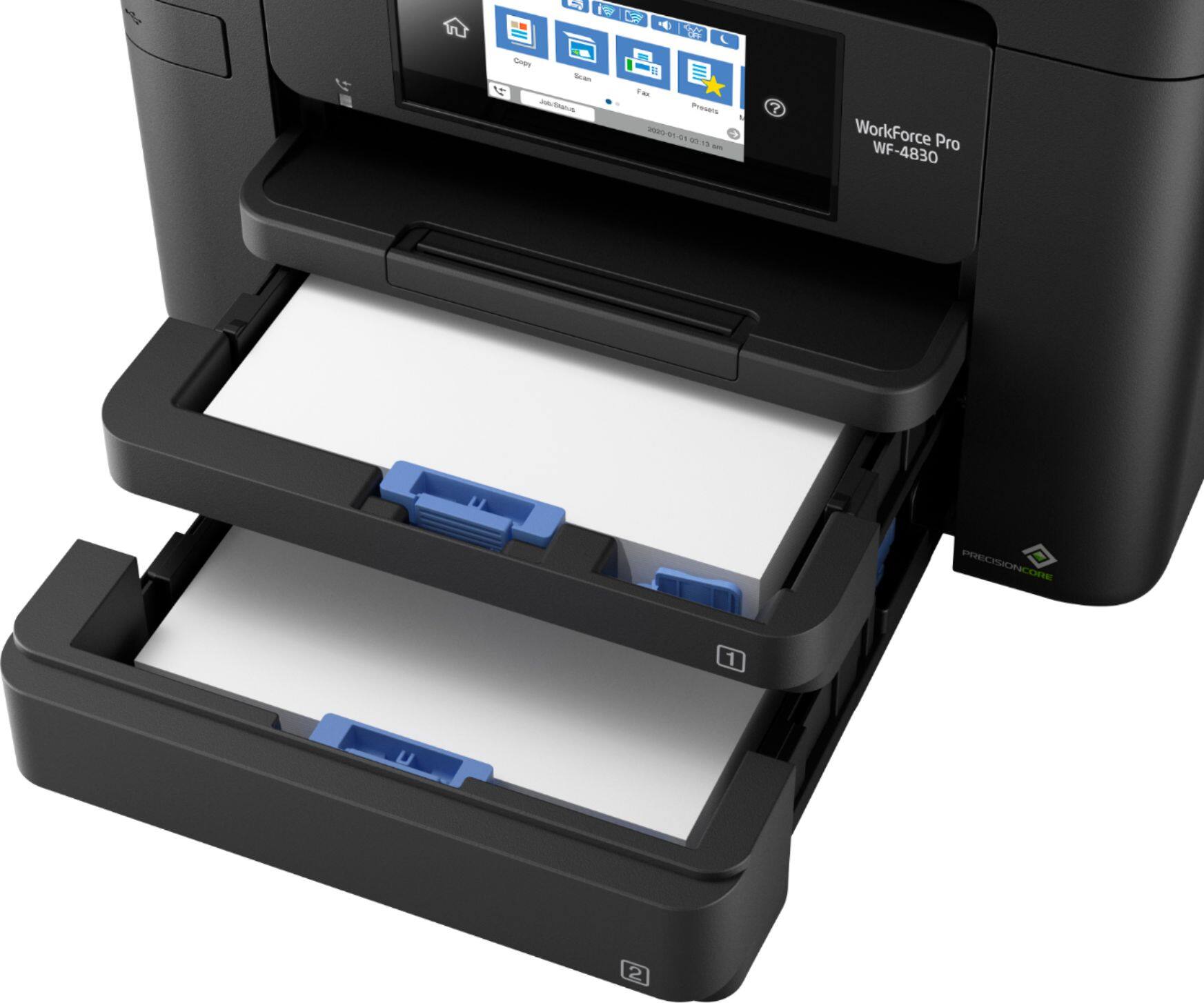

- Model:
- C11CJ05201
- SKU:
- 10840474
Rating by feature
- Value
Rating 4.3 out of 5 stars
- Quality
Rating 4.2 out of 5 stars
- Ease of Use
Rating 4.2 out of 5 stars
to a friend
Customers are saying
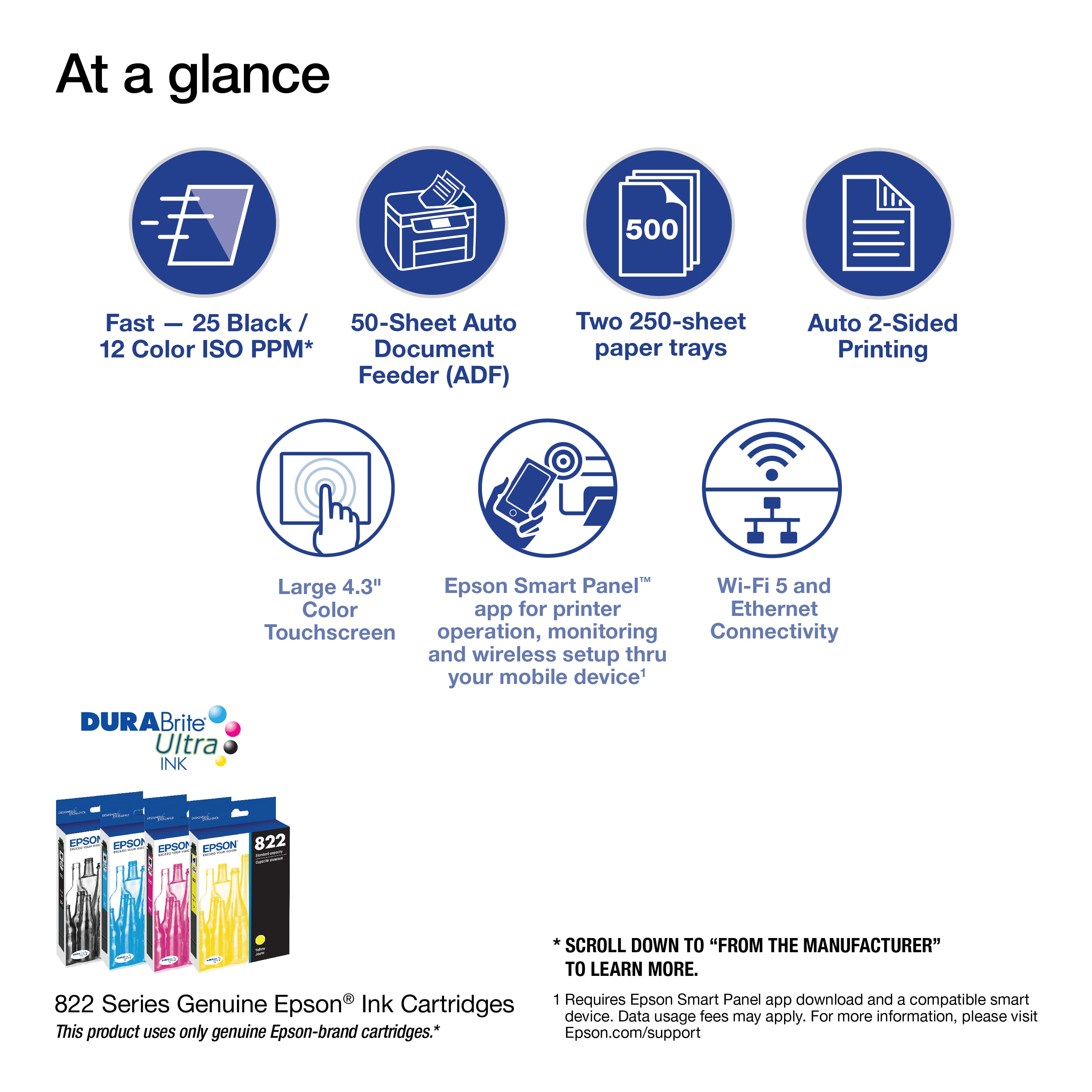
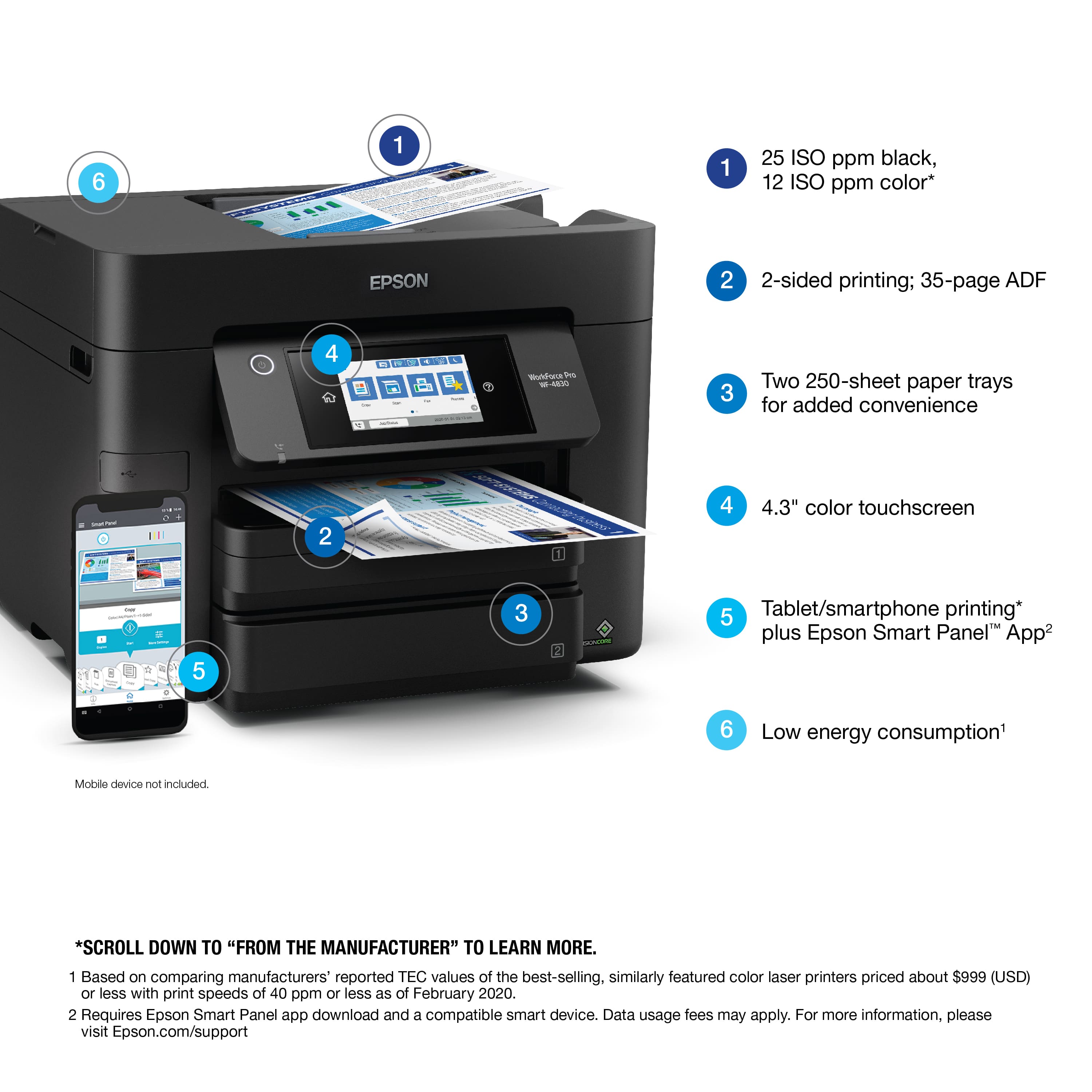
Customers enjoy the product's very good print quality and speed, along with its ease of use, solid overall performance, and convenient features like two paper trays and easy setup. However, some users have experienced unreliable Wi-Fi connectivity and noted that the device can be a bit noisy.
This summary was generated by AI based on customer reviews.
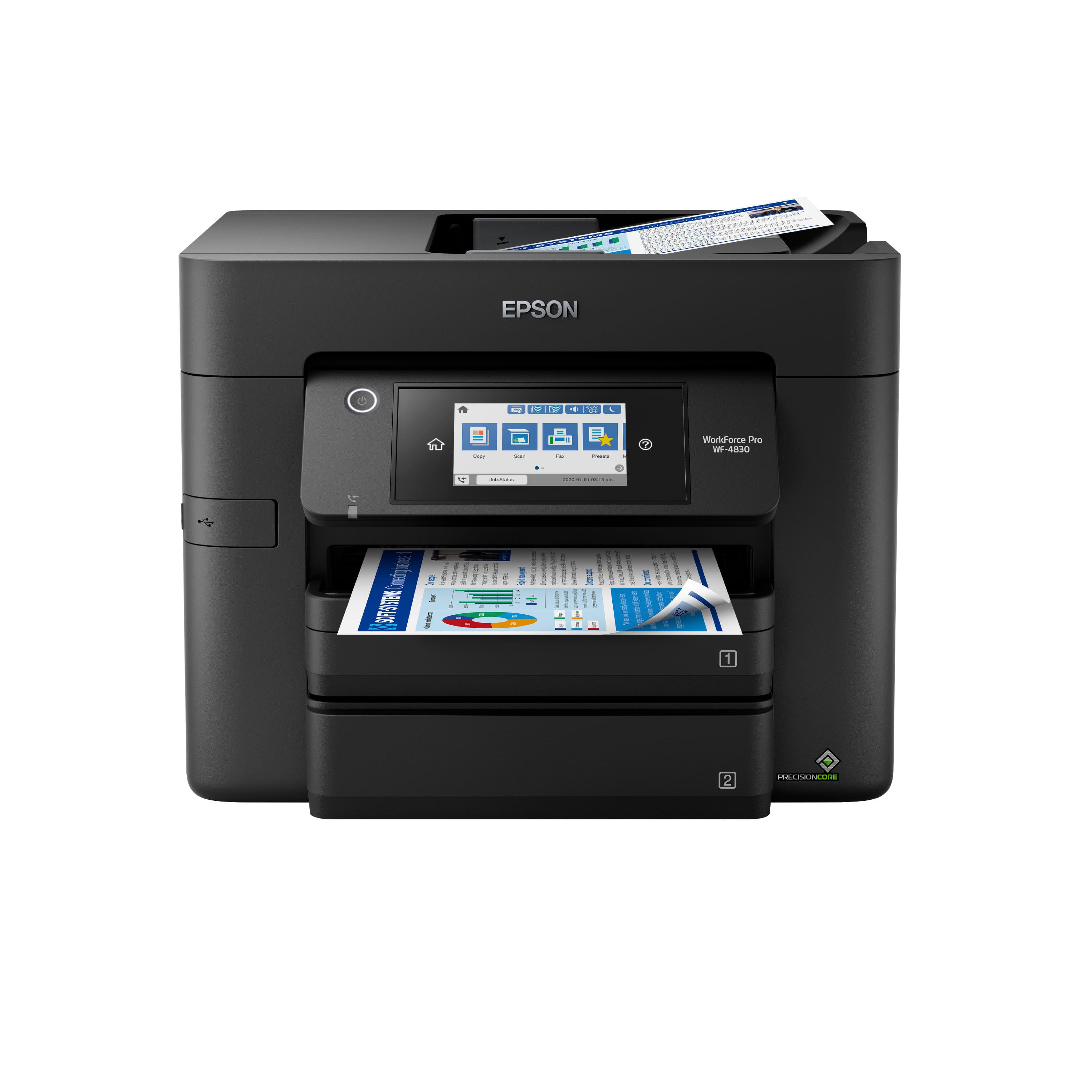
EPSON WF-4830
||Posted . Owned for 1 month when reviewed.This reviewer received promo considerations or sweepstakes entry for writing a review.The Epson WF-4830 has met all of my requirements. It is fast and reliable.
I would recommend this to a friendEpson printer
||Posted . Owned for 1 month when reviewed.This reviewer received promo considerations or sweepstakes entry for writing a review.Works amazing and I’ve had nothing but good results with it and epson is the only one for me.
I would recommend this to a friendWF4830 Printer
||Posted . Owned for 1 month when reviewed.This reviewer received promo considerations or sweepstakes entry for writing a review.So Far it works great for what I want to do, I like it
I would recommend this to a friendGreat printer!
||Posted . Owned for 3 weeks when reviewed.This reviewer received promo considerations or sweepstakes entry for writing a review.Love this. Fast printing and good clarity. Glad we decided to purchase.
I would recommend this to a friendGood little printer
||Posted . Owned for 1 month when reviewed.This reviewer received promo considerations or sweepstakes entry for writing a review.Does everything I need to it do. I like how much paper it holds.
I would recommend this to a friendprinter/scanner combo
||Posted . Owned for 1 month when reviewed.This reviewer received promo considerations or sweepstakes entry for writing a review.Easy to install. Prints awesome photos. Would recommend to others.
I would recommend this to a friendOwner
||Posted . Owned for 1 year when reviewed.This reviewer received promo considerations or sweepstakes entry for writing a review.Best printer, scanner, copier ever and easy to use.
I would recommend this to a friendGreat Epson printer
||Posted . Owned for 3 weeks when reviewed.This reviewer received promo considerations or sweepstakes entry for writing a review.Great printer. Love the 2-sided printing, so fast and easy, copied in no time.
I would recommend this to a friendGreat printer
||Posted . Owned for 7 months when reviewed.This reviewer received promo considerations or sweepstakes entry for writing a review.Great printer and bang for your buck. Excellent printing quality and functionality.
I would recommend this to a friendPrinter combo
||Posted . Owned for 2 months when reviewed.This reviewer received promo considerations or sweepstakes entry for writing a review.Nice all in one printer, great quality, nice color
I would recommend this to a friendGood printer, horrid support from Epson
||Posted . Owned for 1 week when reviewed.This reviewer received promo considerations or sweepstakes entry for writing a review.I like the device, but Epson support is horrible There is a problem (that fortunately doesn't prevent me from using the device), and they cannot figure it out. My first call went unreturned; my third call went to someone who could not understand what I was asking. When I finally got to a superf\visor after 30 minutes, she told me I had to turn off my firewall and virus software to use the scan feature from the control panel. The error message is that I need to install certain software, but it is installed and running.
I would recommend this to a friendBrand response from Epson
Posted .Hello JonathanG, we apologize for your disappointing experience with the WF-4830 printer. Epson considers all feedback to improve the performance and quality of our products. Epson also provides helpful information on FAQs and self-help tools on the product support web page at https://epson.com/Support/Printers/All-In-Ones/WorkForce-Series/Epson-WorkForce-Pro-WF-4830/s/SPT_C11CJ05201. Your printer also includes a 1-year Limited Warranty plus free lifetime technical support. Please contact our support team directly at (562) 276-4382 between 7 am - 4 pm (PT), Monday - Friday, if you need further assistance.
Sincerely, Sam - The Epson Team
Epson-Workforce Pro WF4830 Wireless All-In-One Pri
||Posted . Owned for 1 month when reviewed.This reviewer received promo considerations or sweepstakes entry for writing a review.So far so good. Only had it a few months and hardly used it.
I would recommend this to a friendGenealogy
||Posted . Owned for 3 weeks when reviewed.This reviewer received promo considerations or sweepstakes entry for writing a review.Works like a charm easy to print, change ink. Wireless makes it simple to use.
I would recommend this to a friendSOLID Printer
||Posted . Owned for 1 month when reviewed.This reviewer received promo considerations or sweepstakes entry for writing a review.An excellent, solid Epson printer Workforce Pro WF4830. Hope it last as long as my last Epson printer. My last Epson lasted eight years and is still working except for one color. I was able to fix 1 of 2 colors and may be getting temperamental. The ink cartridges can be part of the problem; hence, one has an option to get another Epson printer that has refillable ink.
I would recommend this to a friendBEST IN THE MARKET
||Posted . Owned for 1 month when reviewed.This reviewer received promo considerations or sweepstakes entry for writing a review.This is the #1 printer/scanner works great i have it for work get one now.
I would recommend this to a friendPrint away with Epson
||Posted .This reviewer received promo considerations or sweepstakes entry for writing a review.Good price to value. Not very happy the ink pricing though.
I would recommend this to a friendGreat printer for a small business
||Posted . Owned for 2 months when reviewed.This reviewer received promo considerations or sweepstakes entry for writing a review.I like this printer. It does it all for small business.
I would recommend this to a friendGreat work printer.
||Posted . Owned for 3 weeks when reviewed.This reviewer received promo considerations or sweepstakes entry for writing a review.Good work horse printer. Starts up fine - and bonus: minimal set up.
I would recommend this to a friendwoth the money
||Posted . Owned for 1 month when reviewed.This reviewer received promo considerations or sweepstakes entry for writing a review.the description matched perfectly. Printer was easy to set up and very user friendly. I would recommend it
I would recommend this to a friendAwesome
||Posted . Owned for 1 month when reviewed.This reviewer received promo considerations or sweepstakes entry for writing a review.Works great. Prints awesome pictures. Highly recommend
I would recommend this to a friend